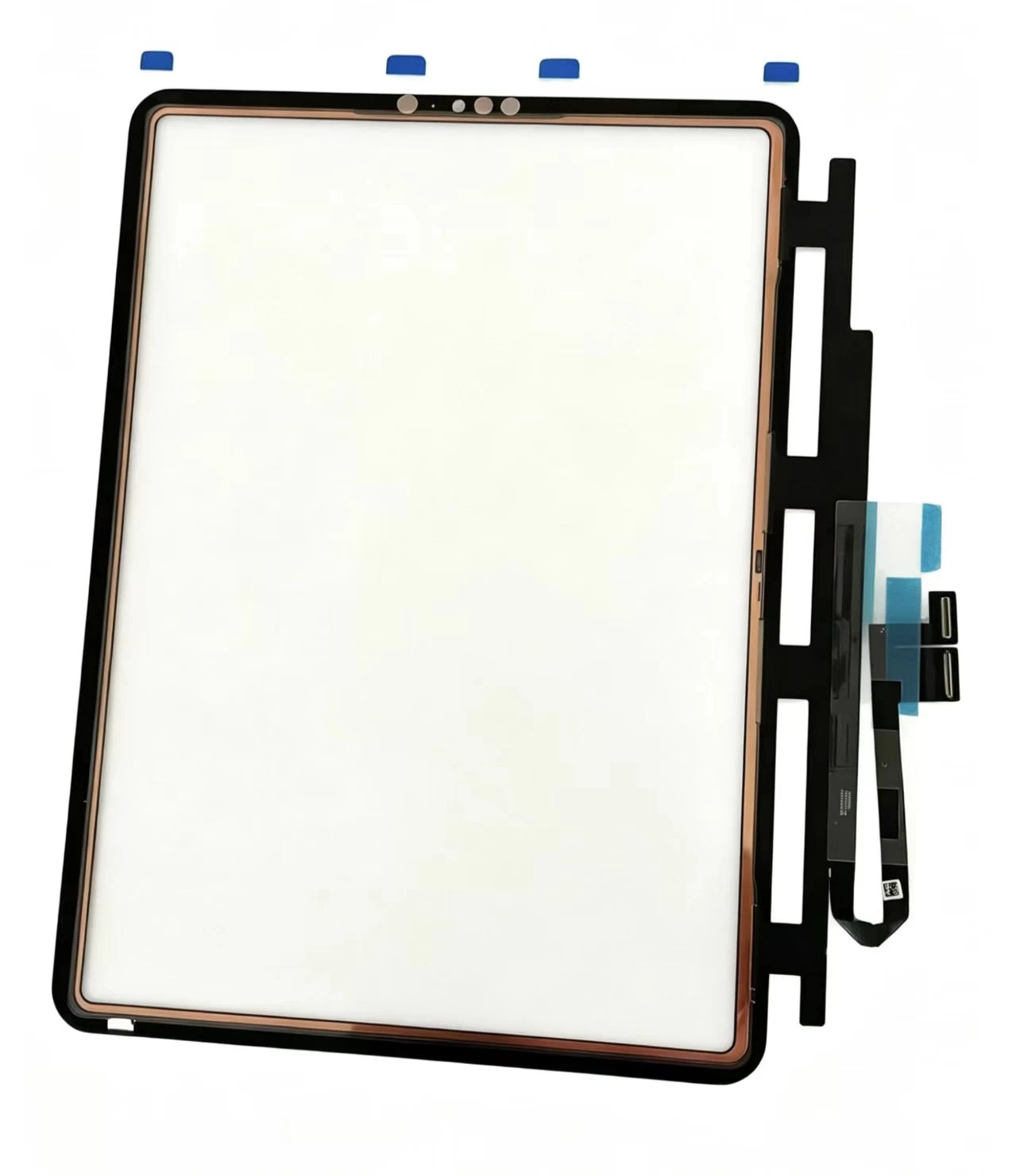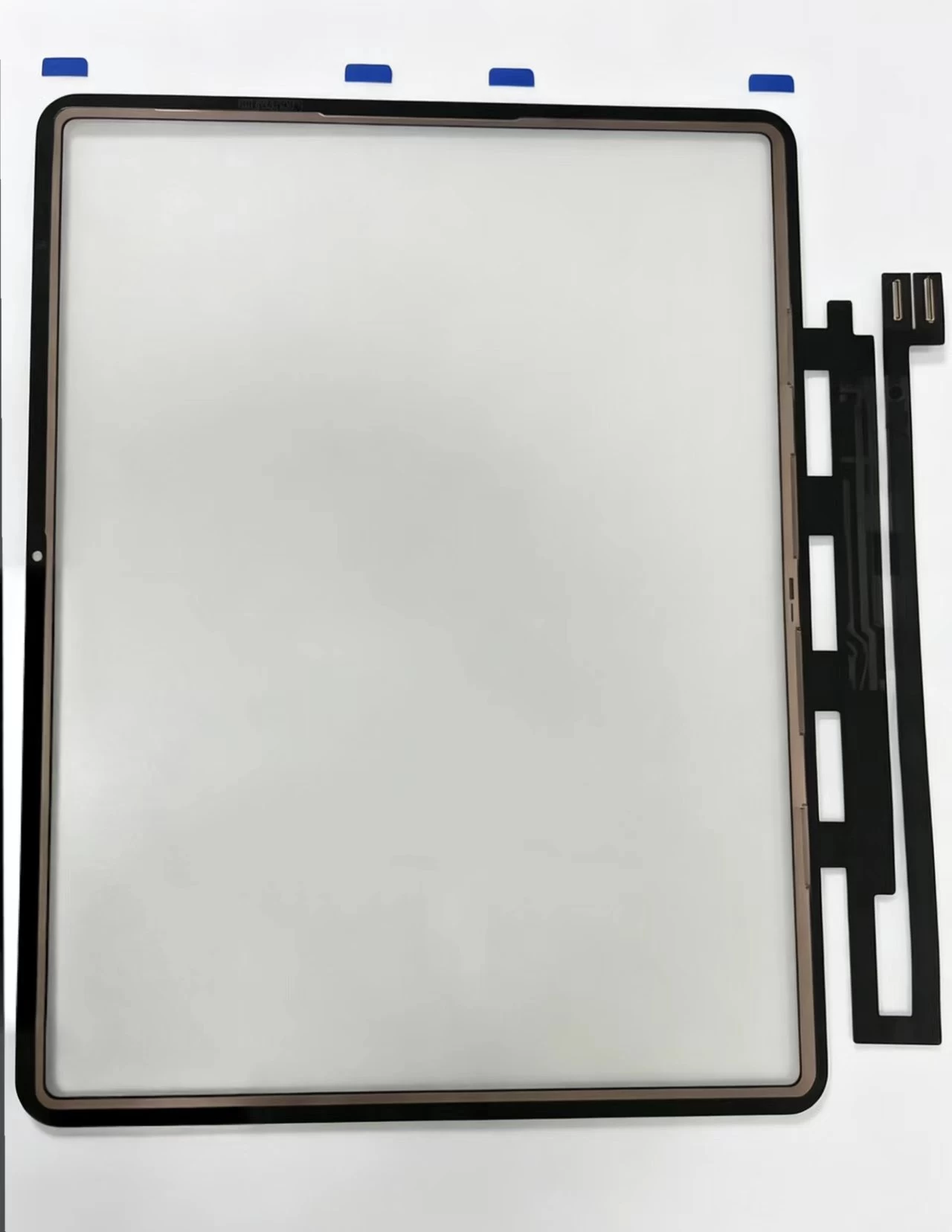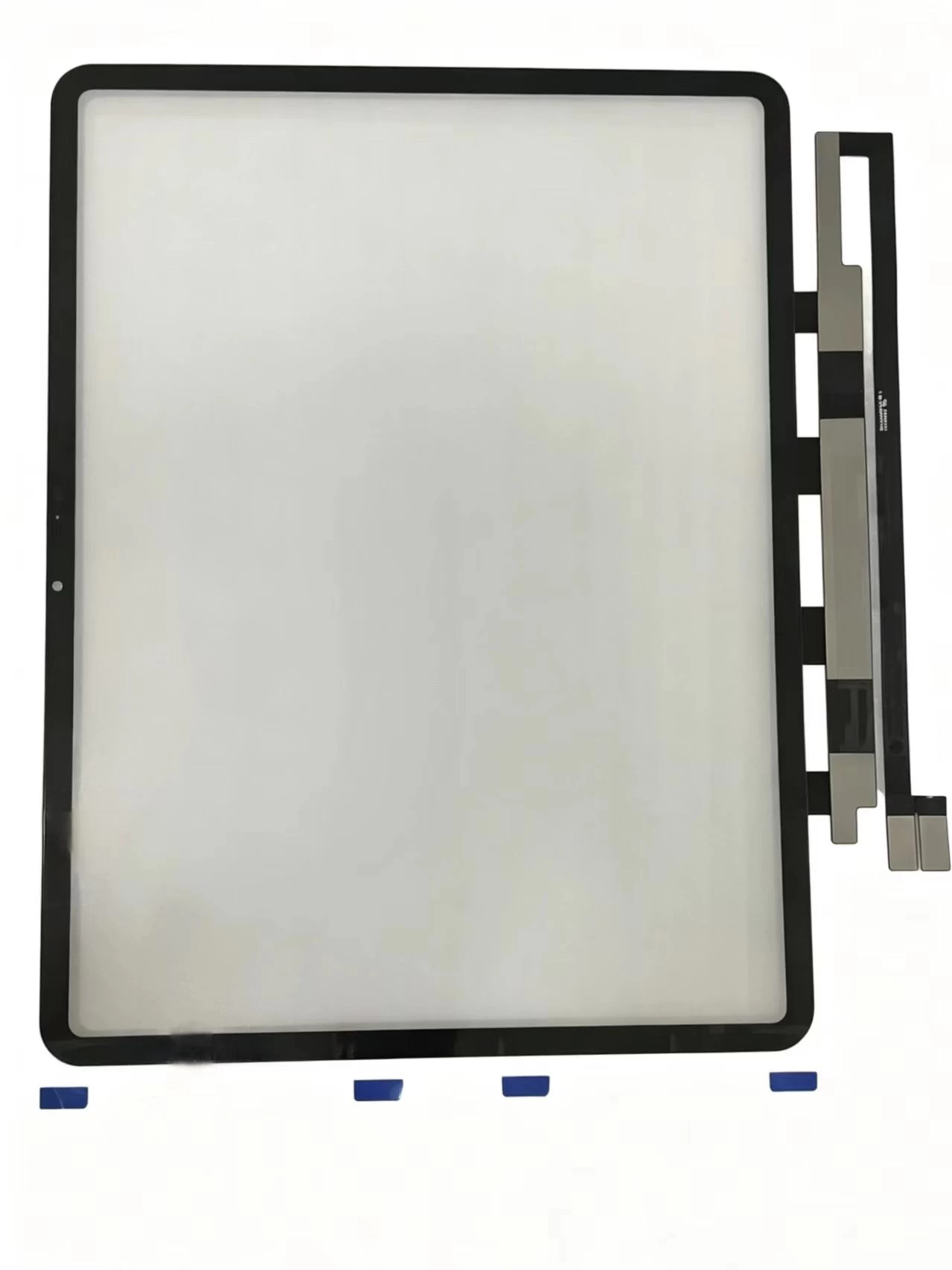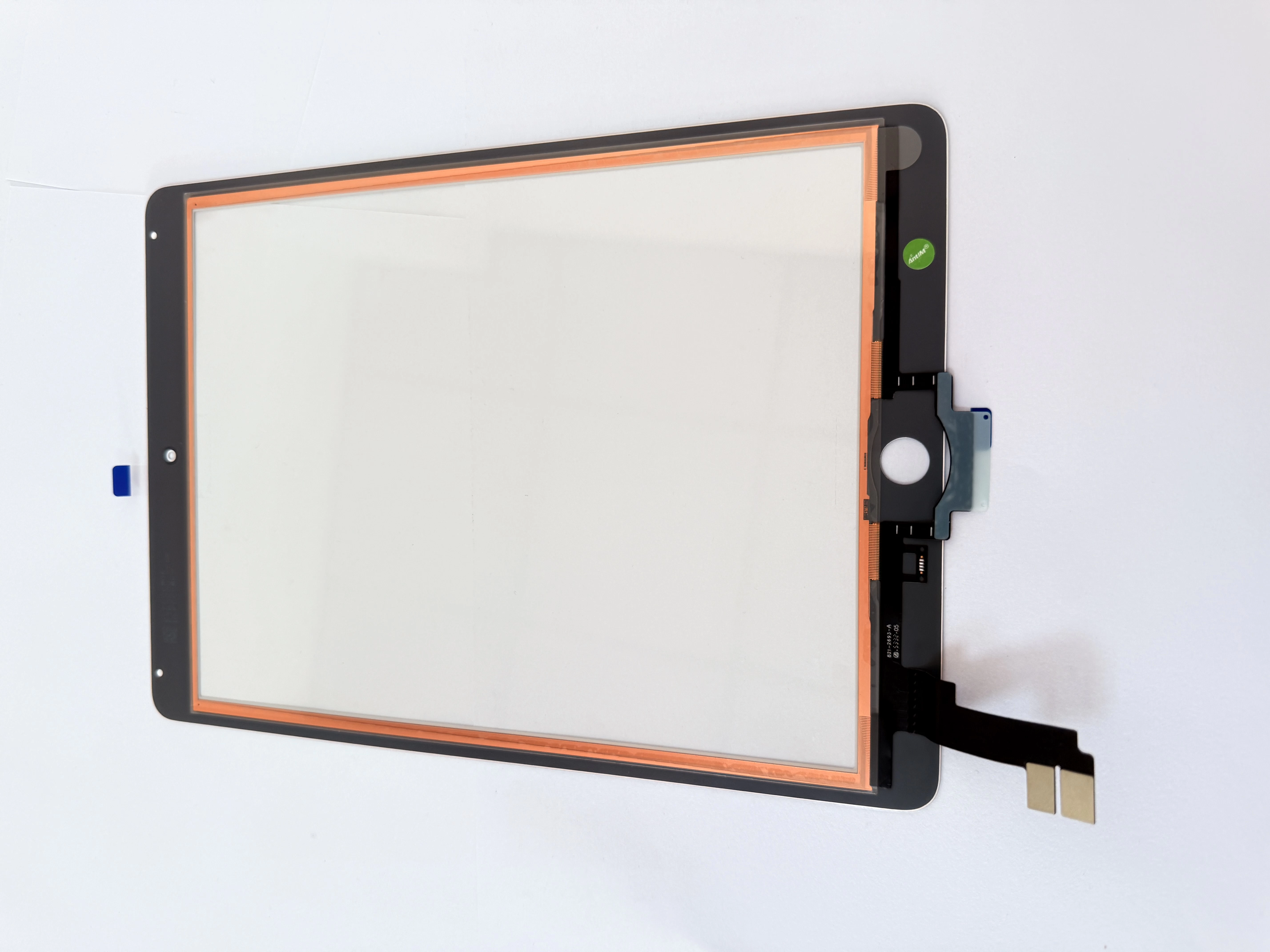
Every iPad repair shop knows the same frustration: a replacement screen that works perfectly for a week, then develops ghost touch, white spots, or dead zones. In most cases the problem is not the technician's skill — it is the digitizer. Understanding what goes into a quality touch screen digitizer is the single fastest way to reduce callbacks, protect your reputation, and grow a repair business that customers actually trust.
Know the three parts of an iPad screen
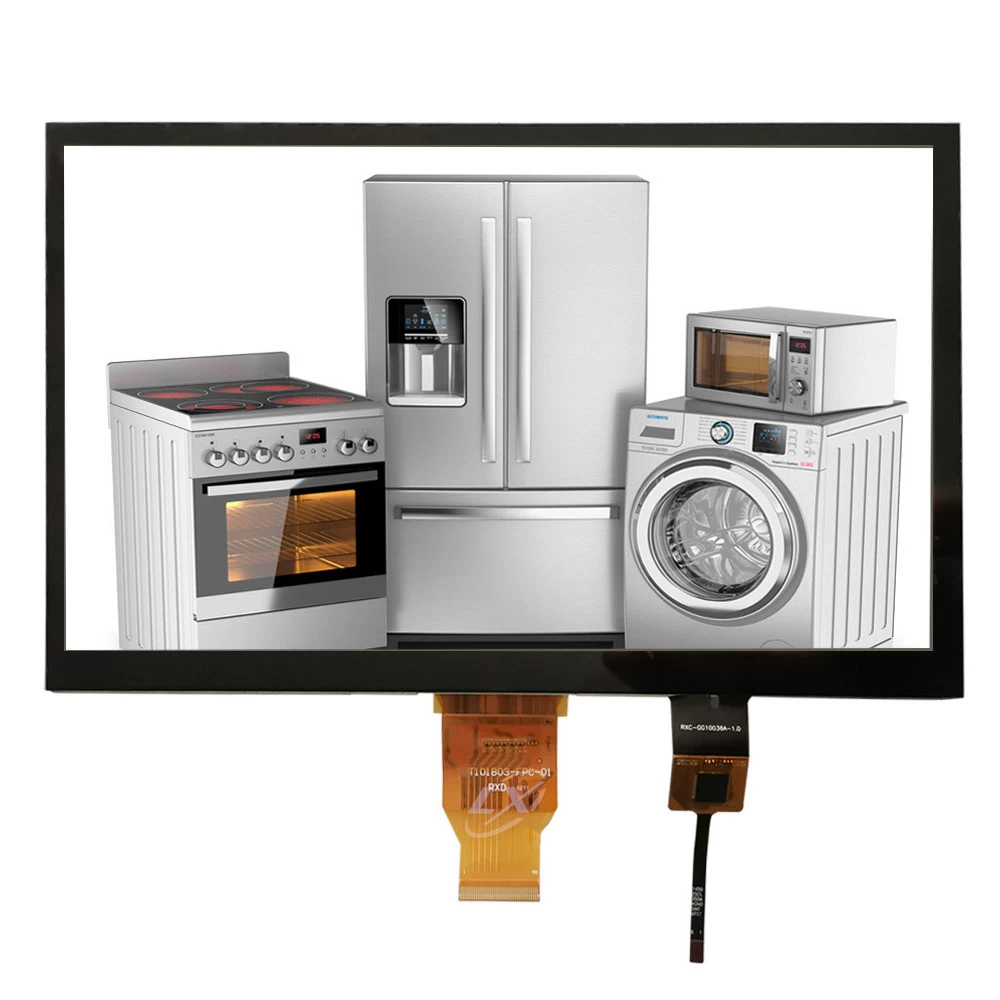
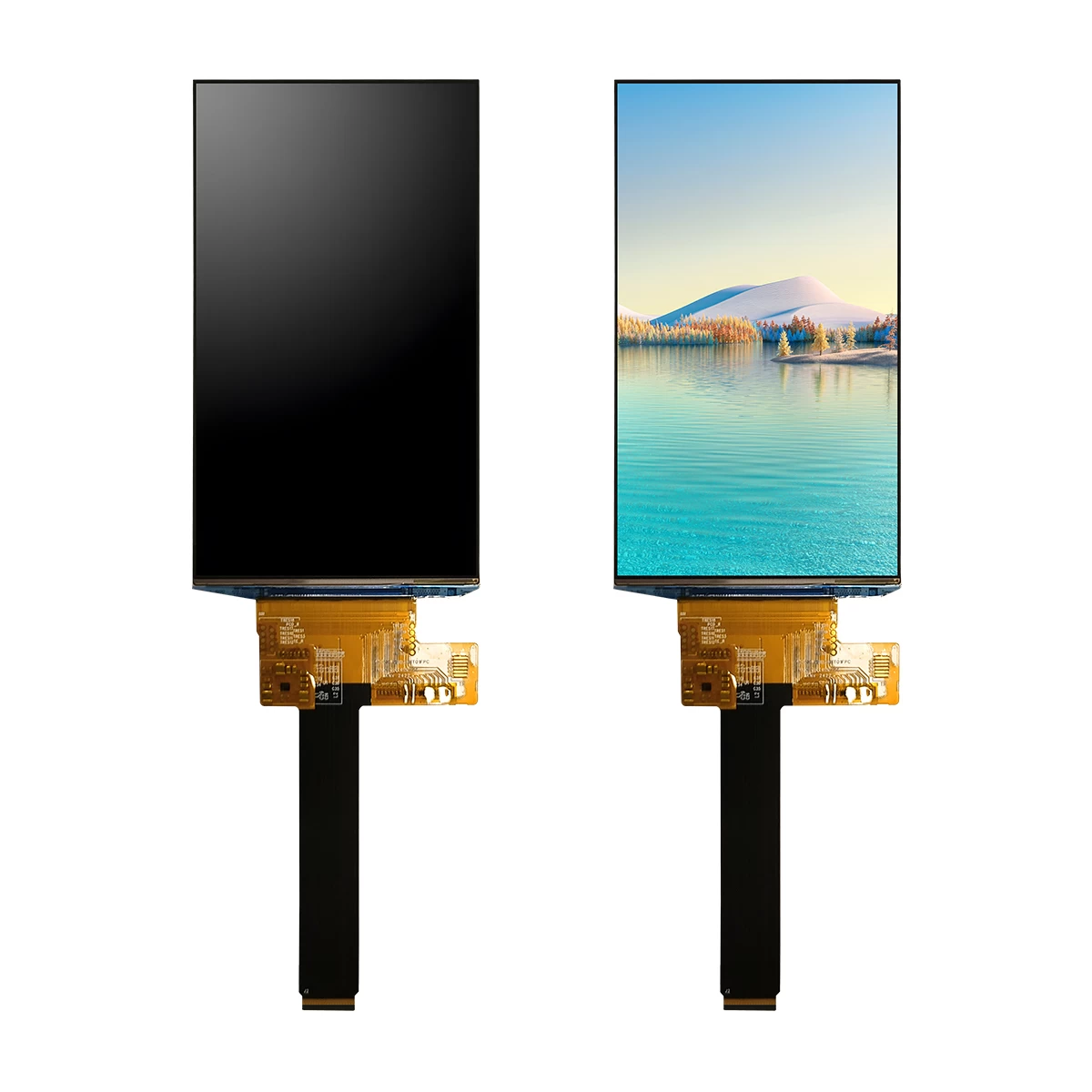
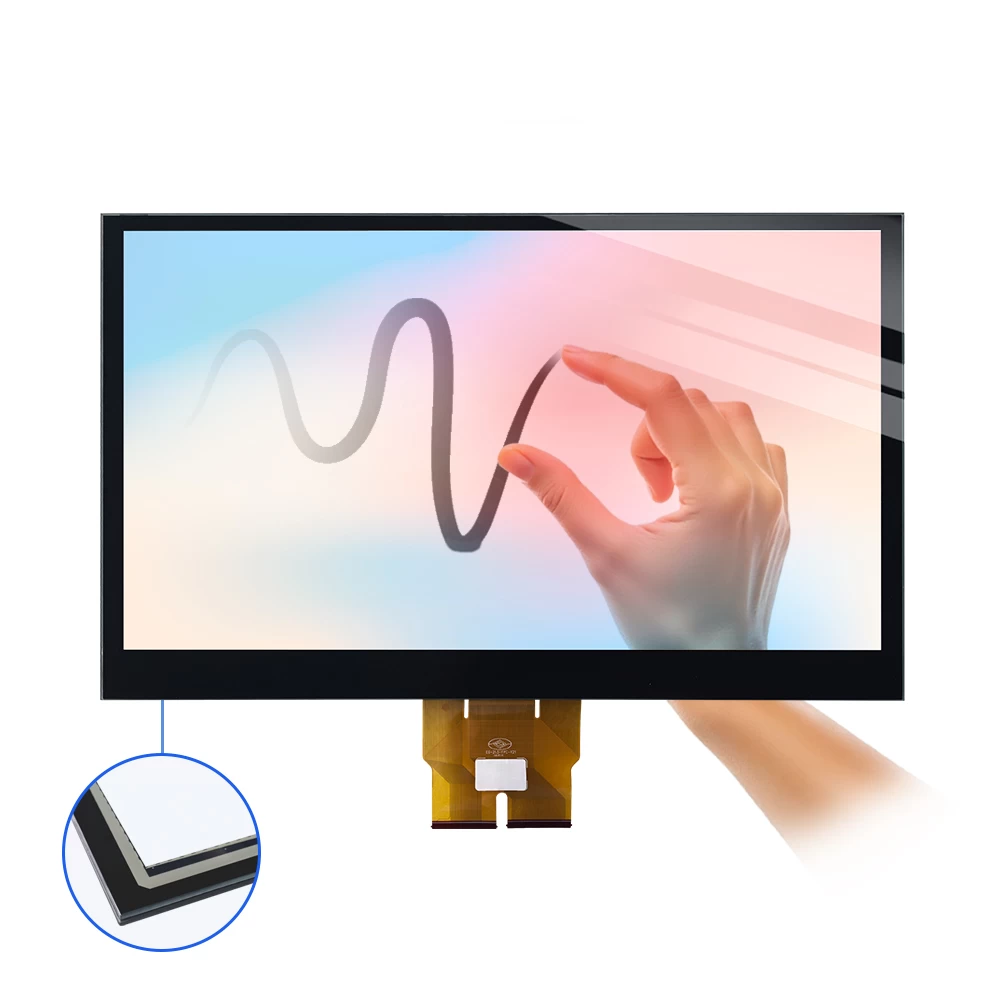
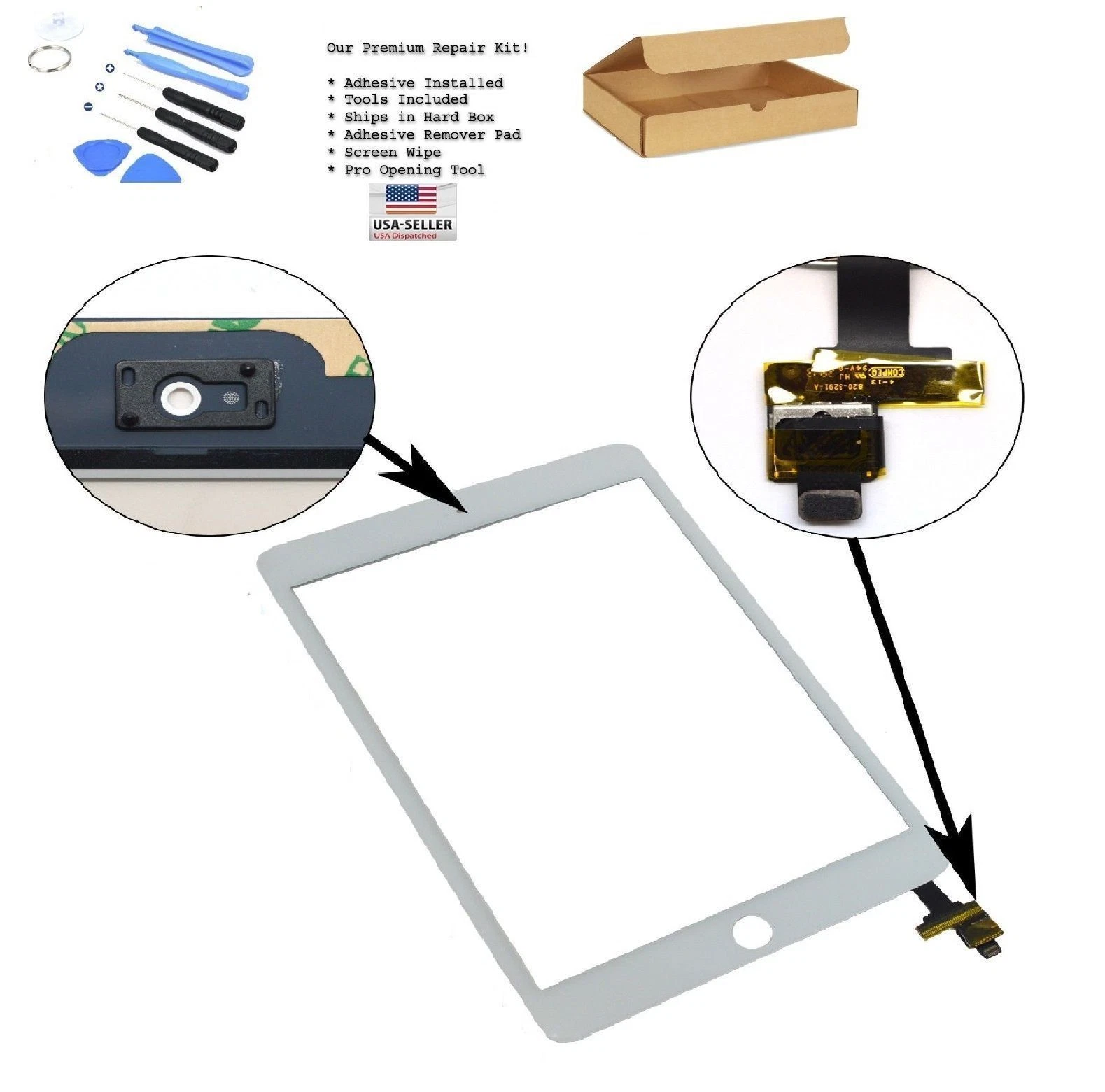
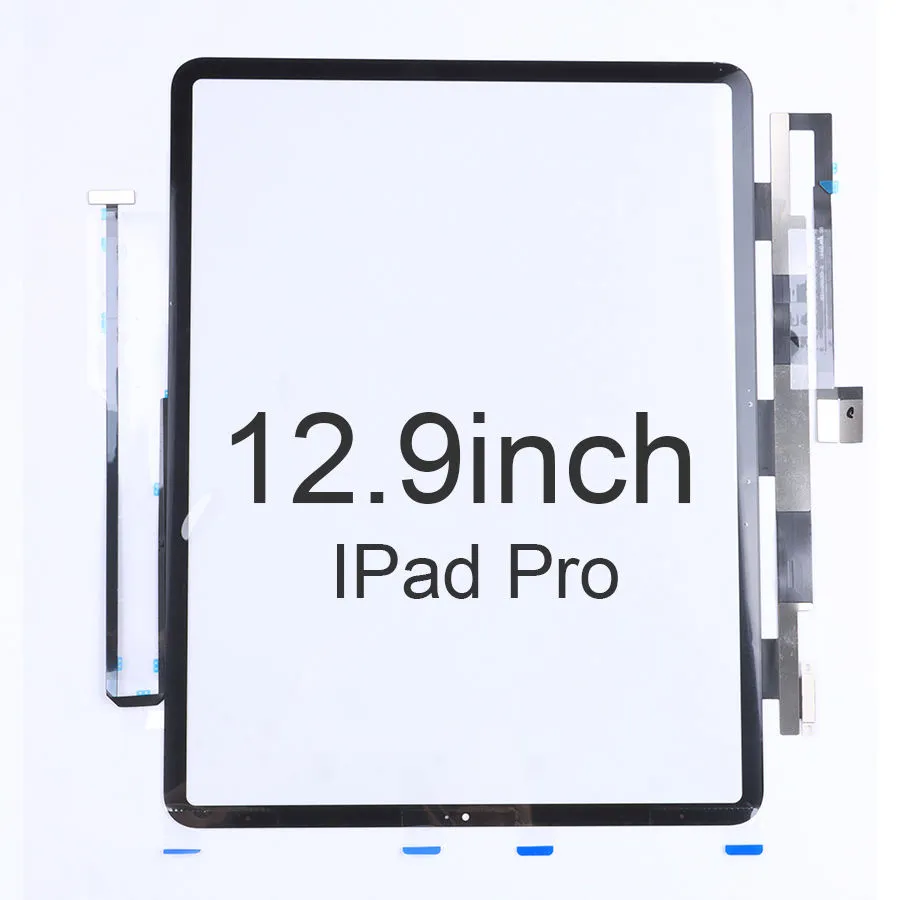
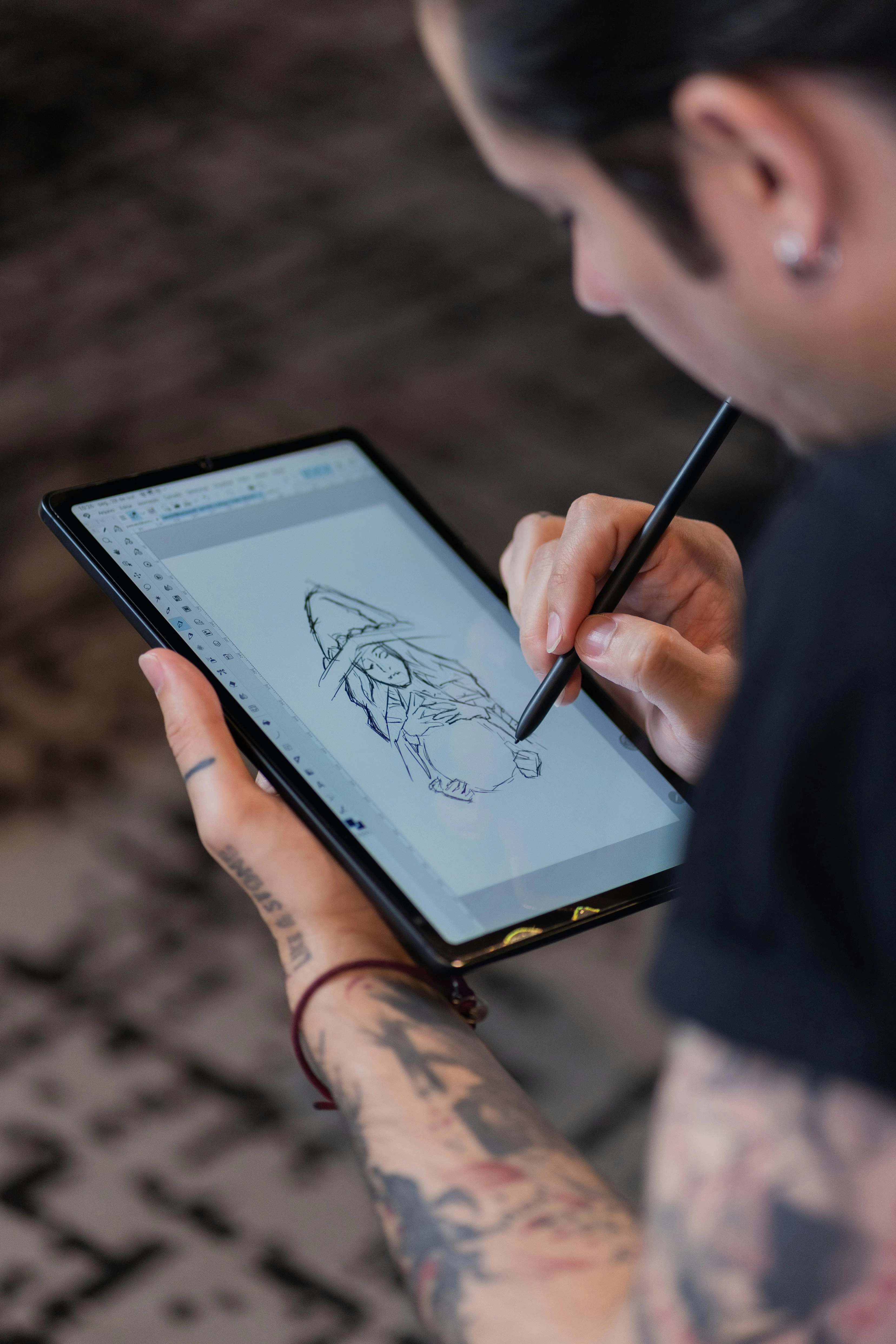
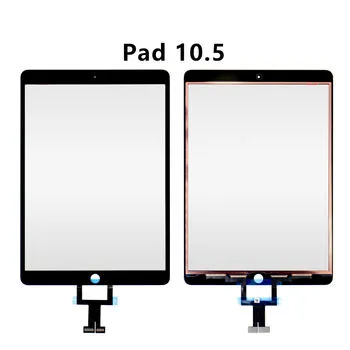
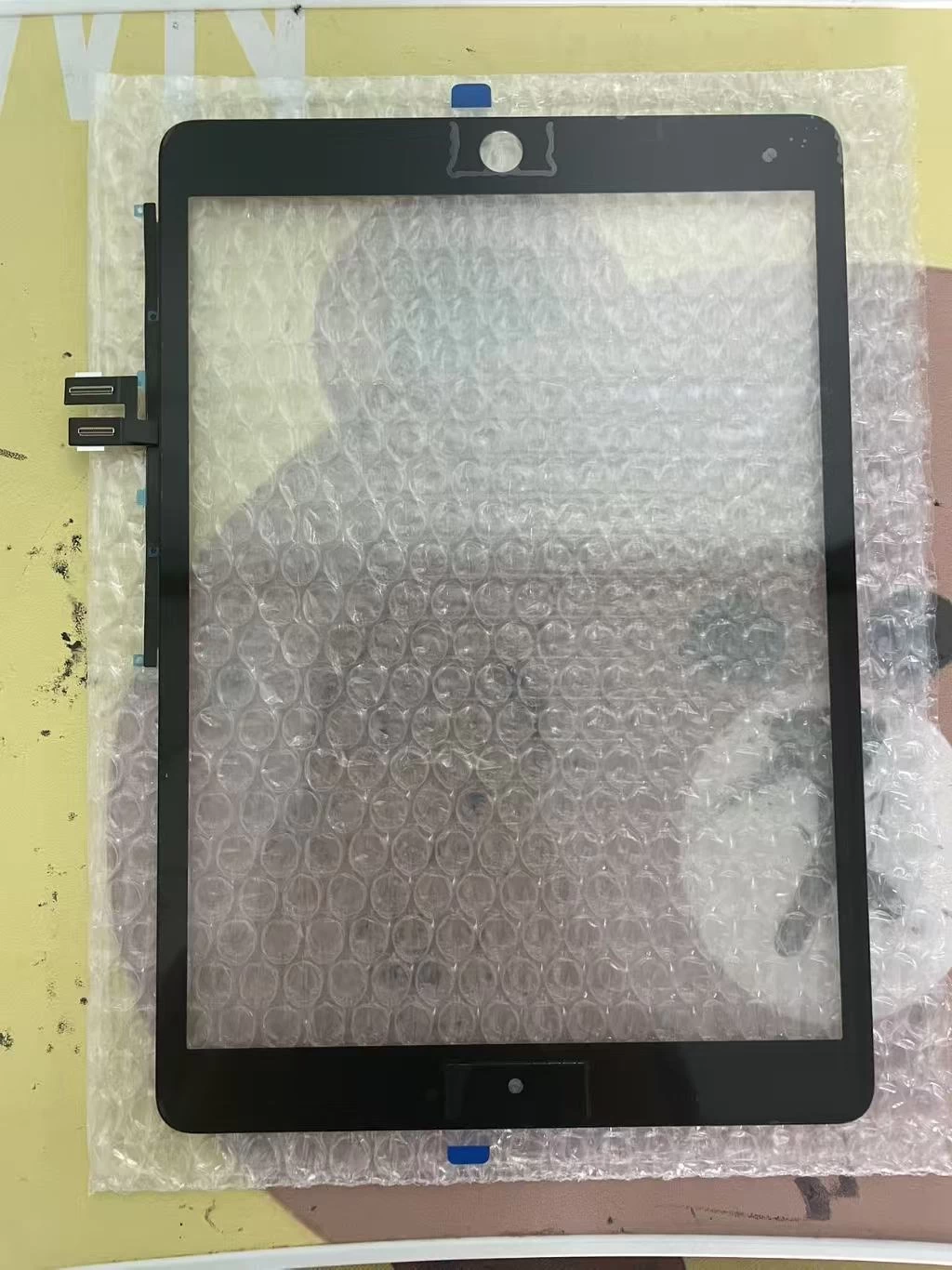
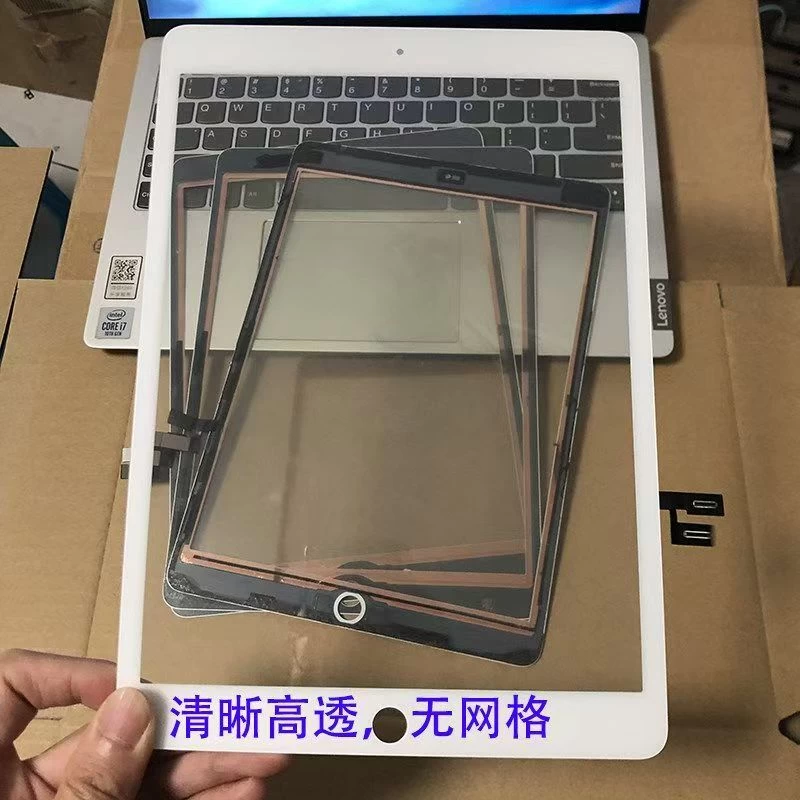
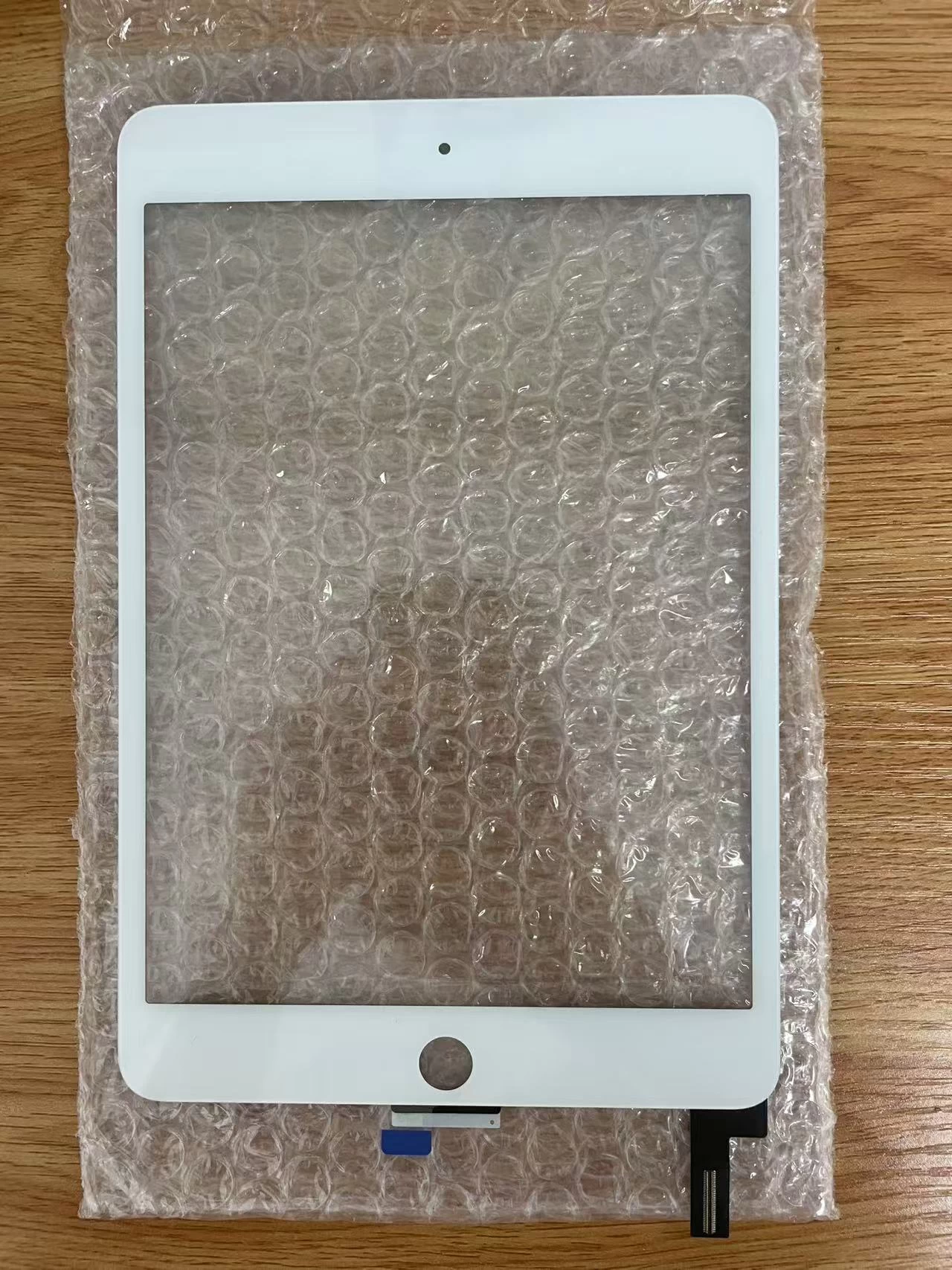
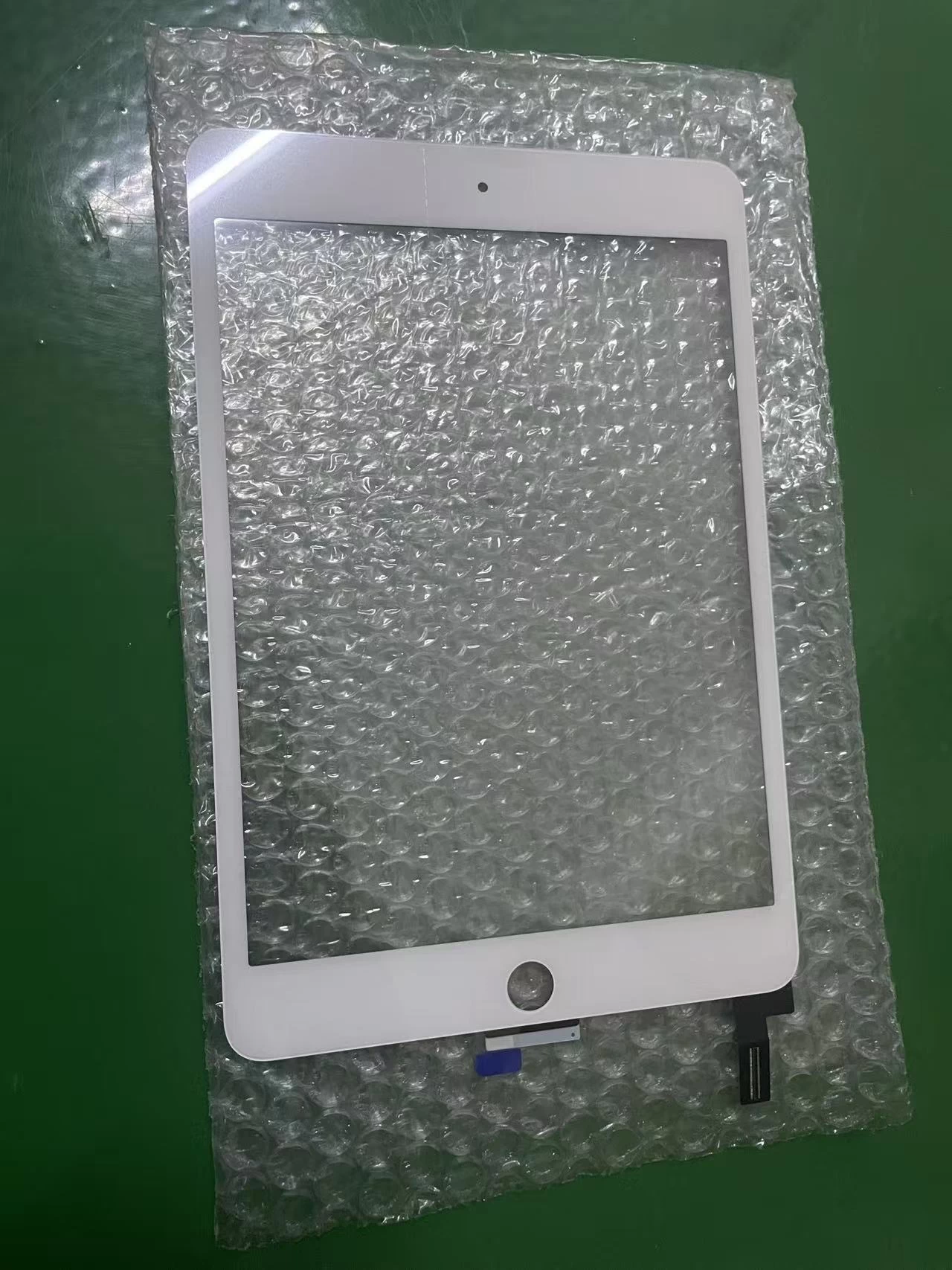
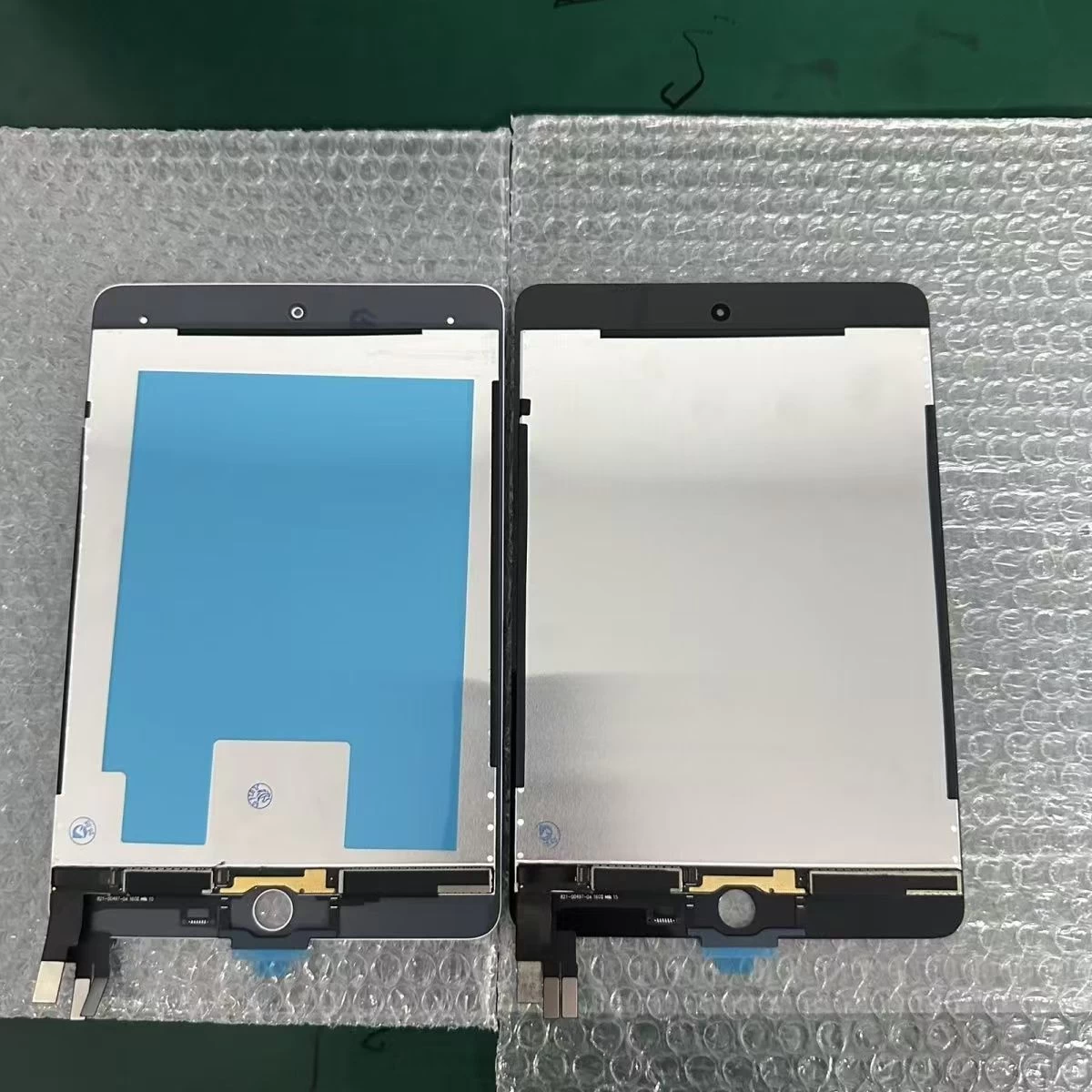
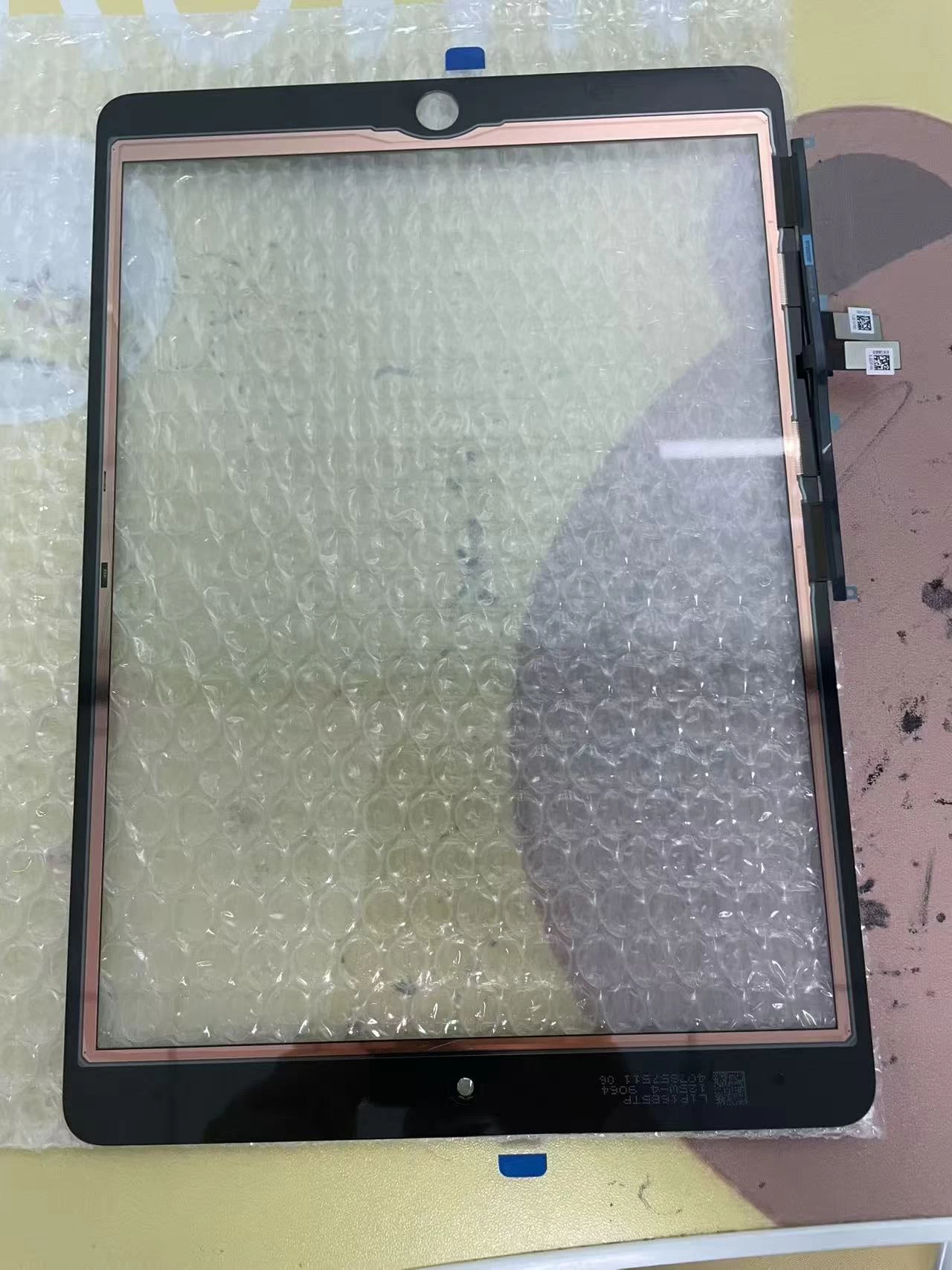
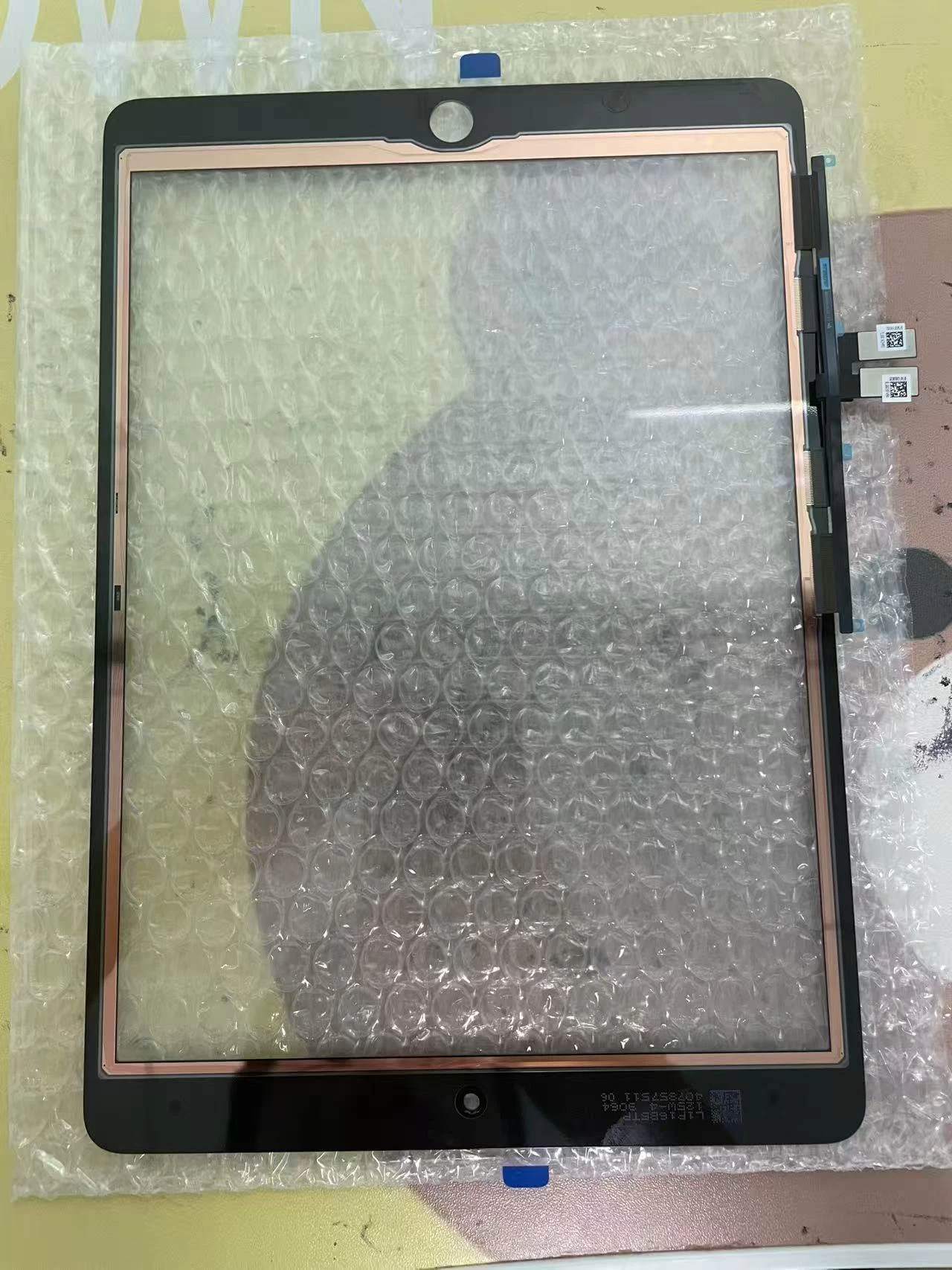
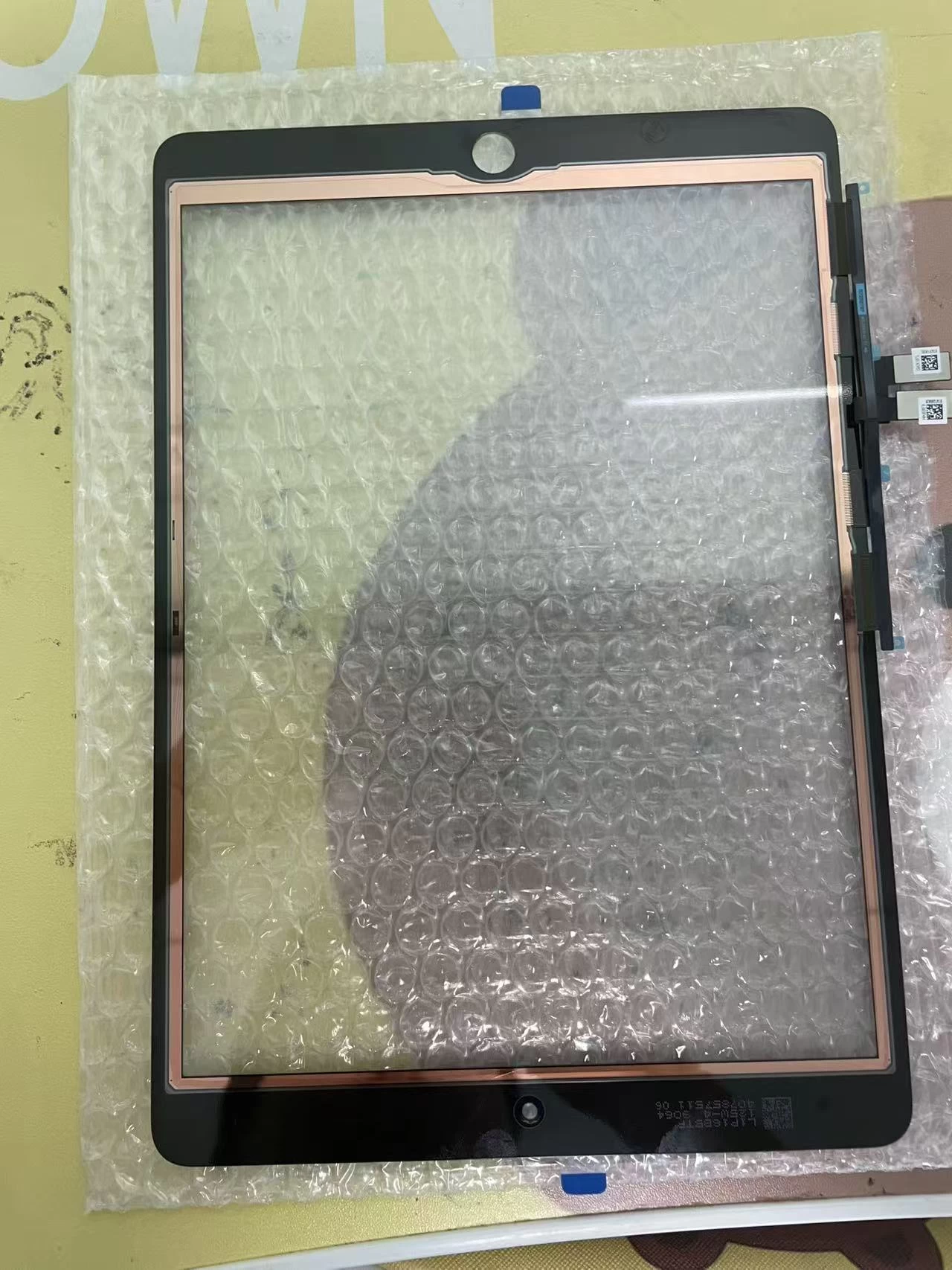
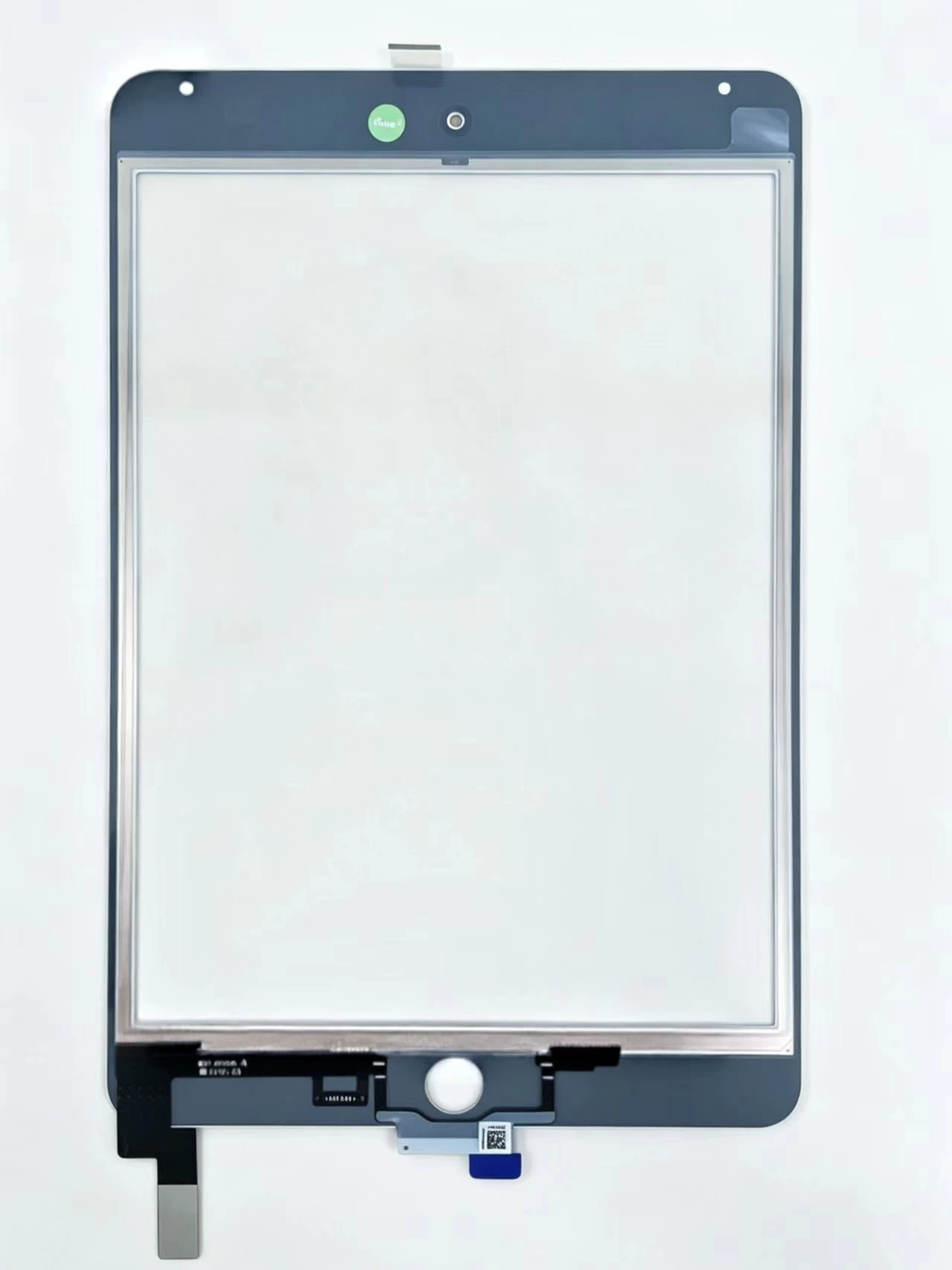
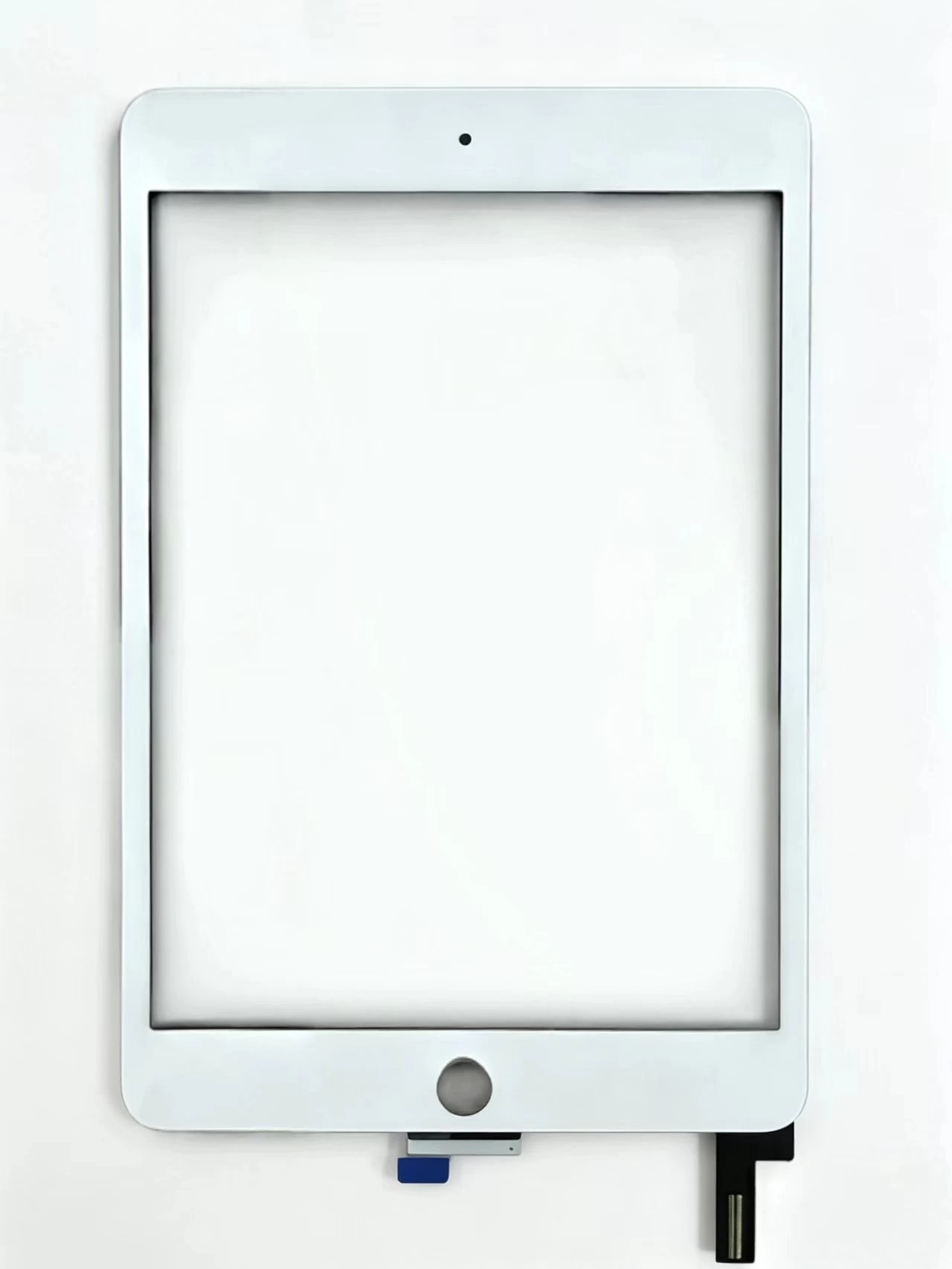
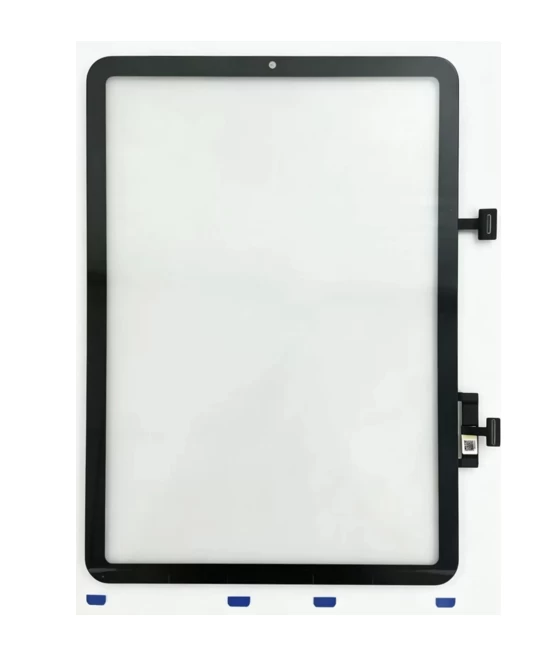
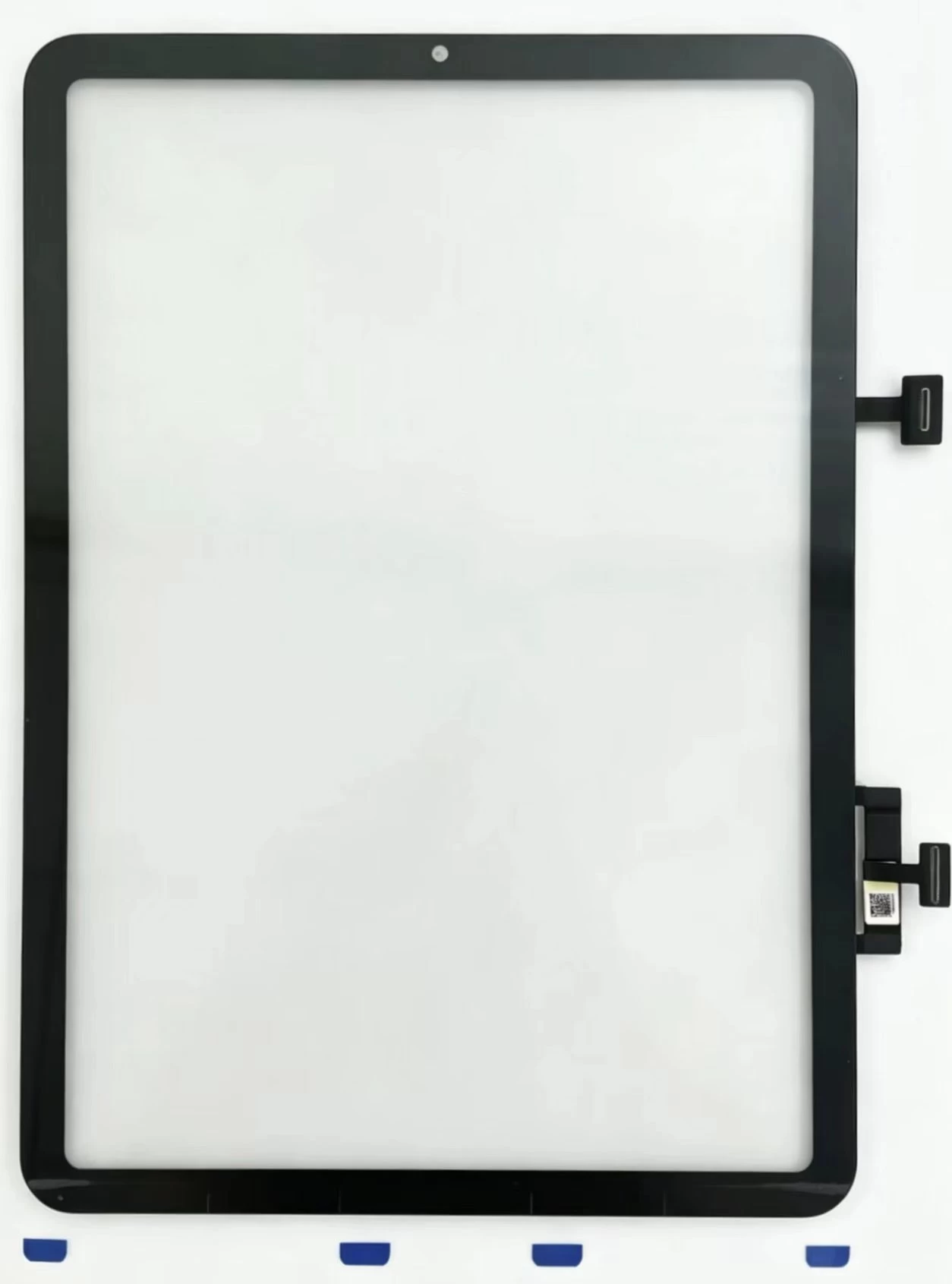
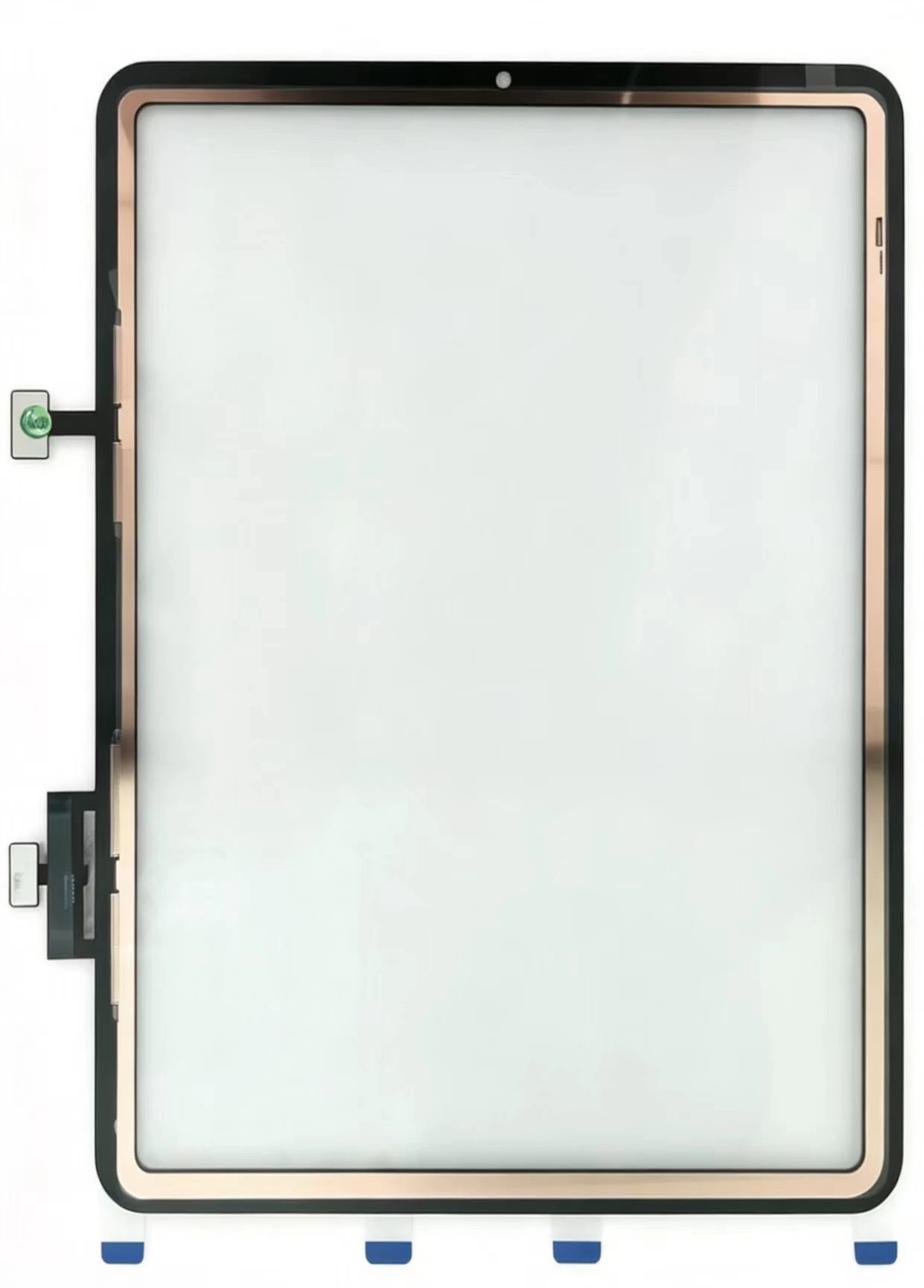
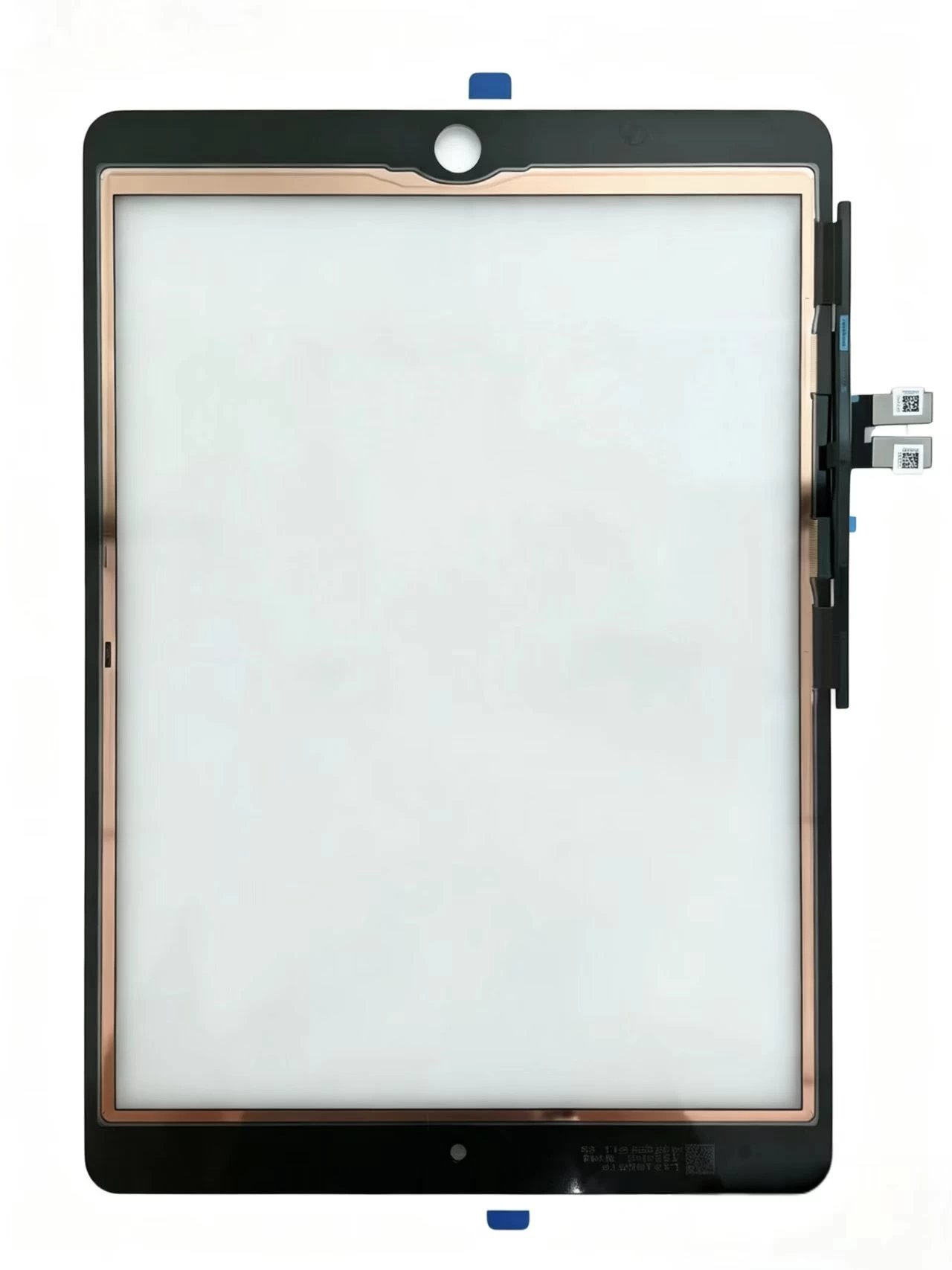
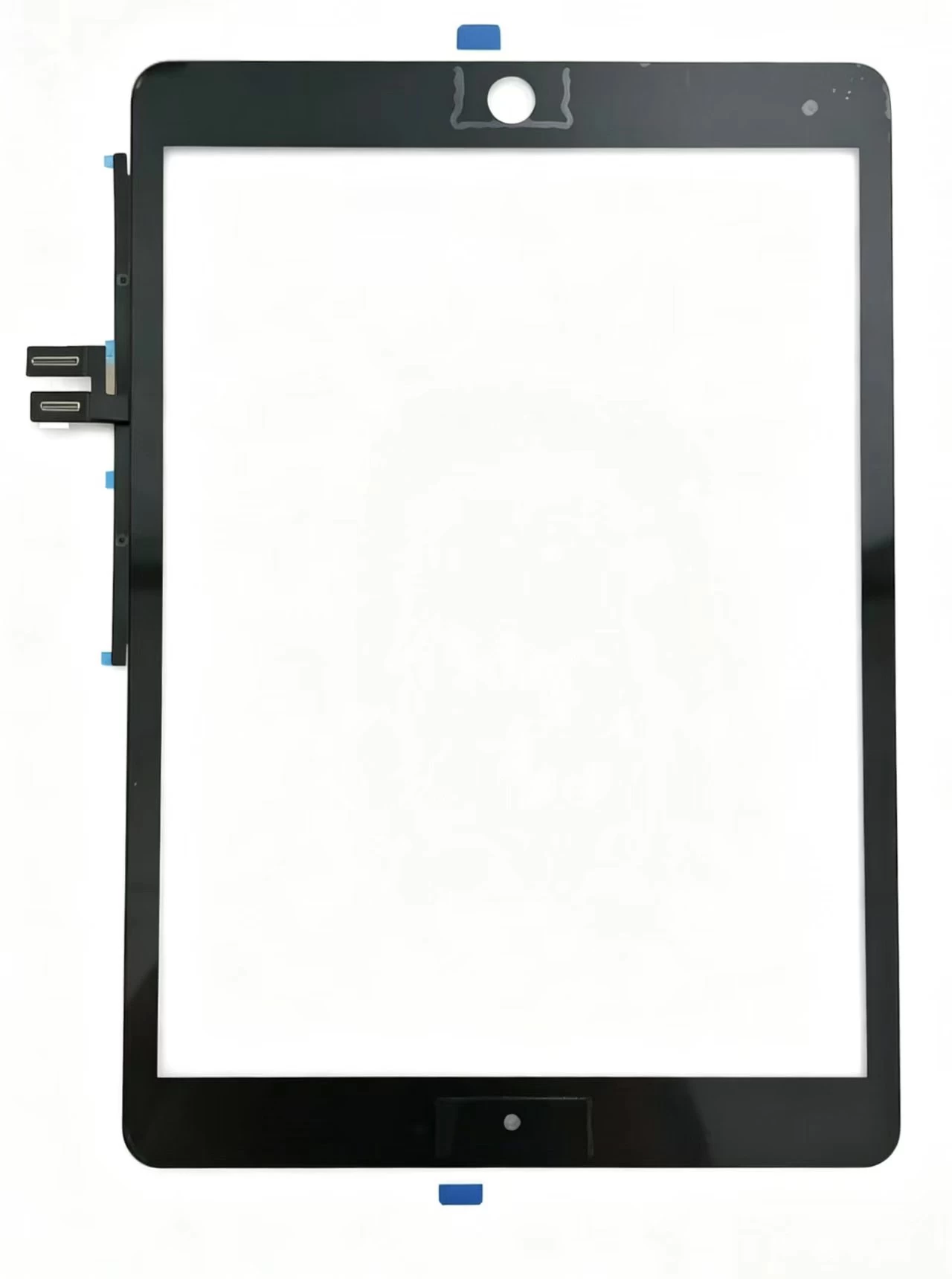
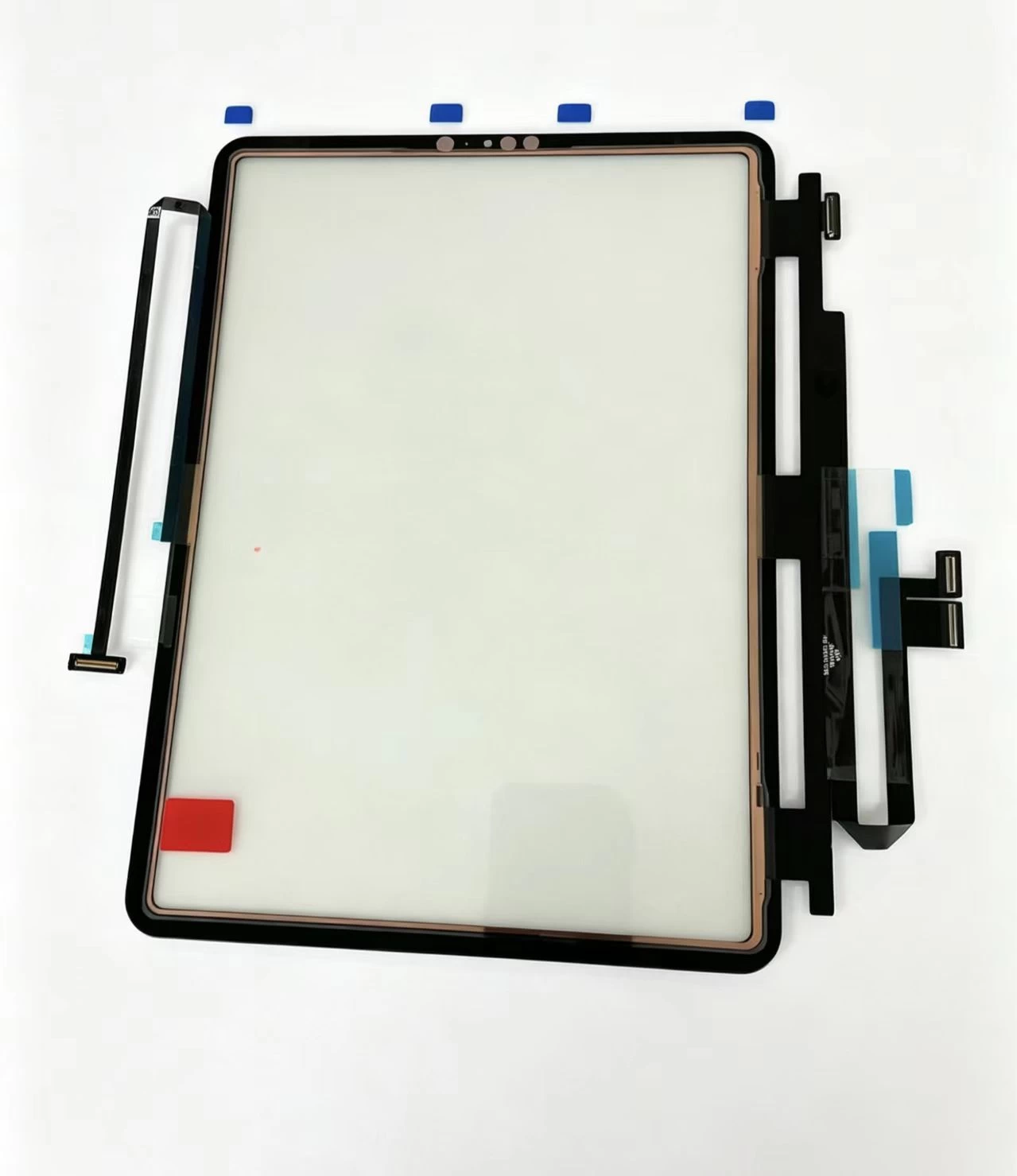
An iPad screen is not one component. It is a stack: the front glass (digitizer), the LCD panel behind it, and the backlight. The digitizer is the layer your finger actually touches. When customers come to you with a cracked or unresponsive screen, you are usually replacing the digitizer — and sometimes the LCD as well if the display is damaged or producing lines.
This is why sourcing matters. A digitizer that fits physically but was not manufactured to the original spec will show up as touch issues, visual haze, or bonding failures weeks after the repair.
Match the exact iPad model and frame
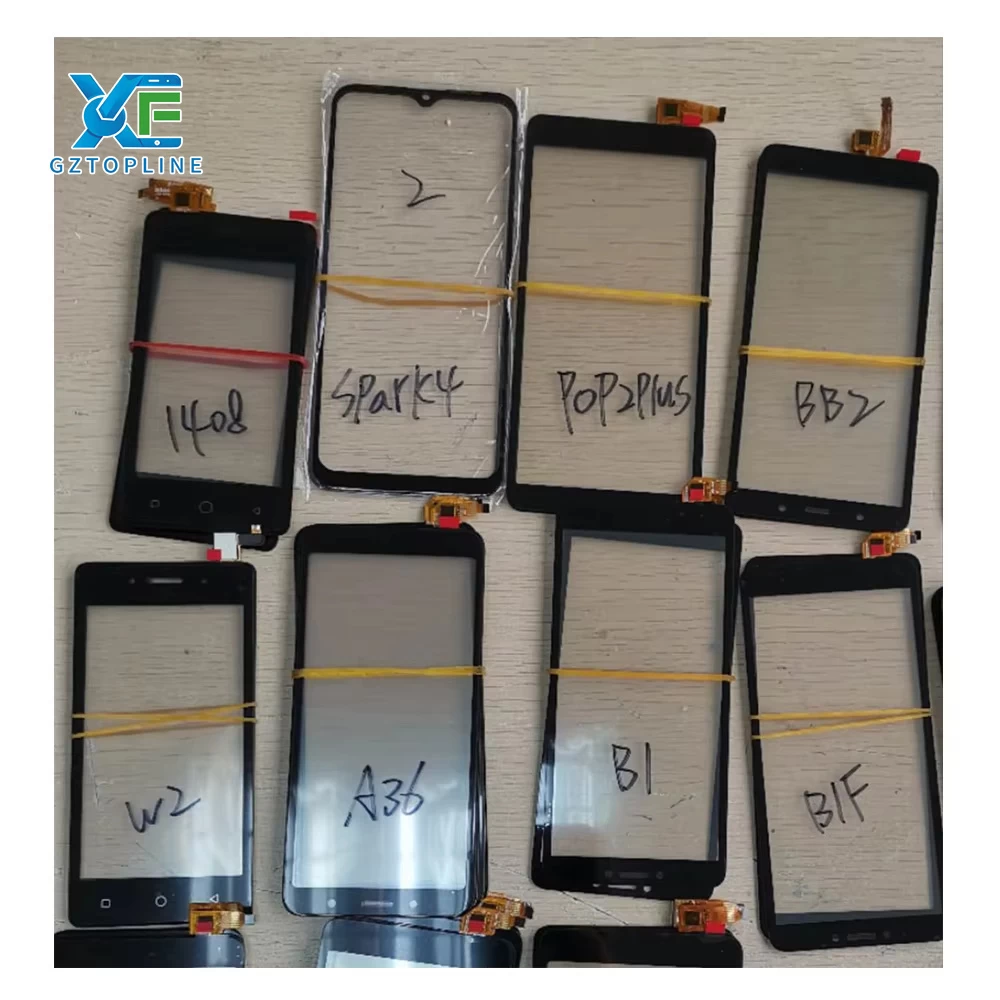
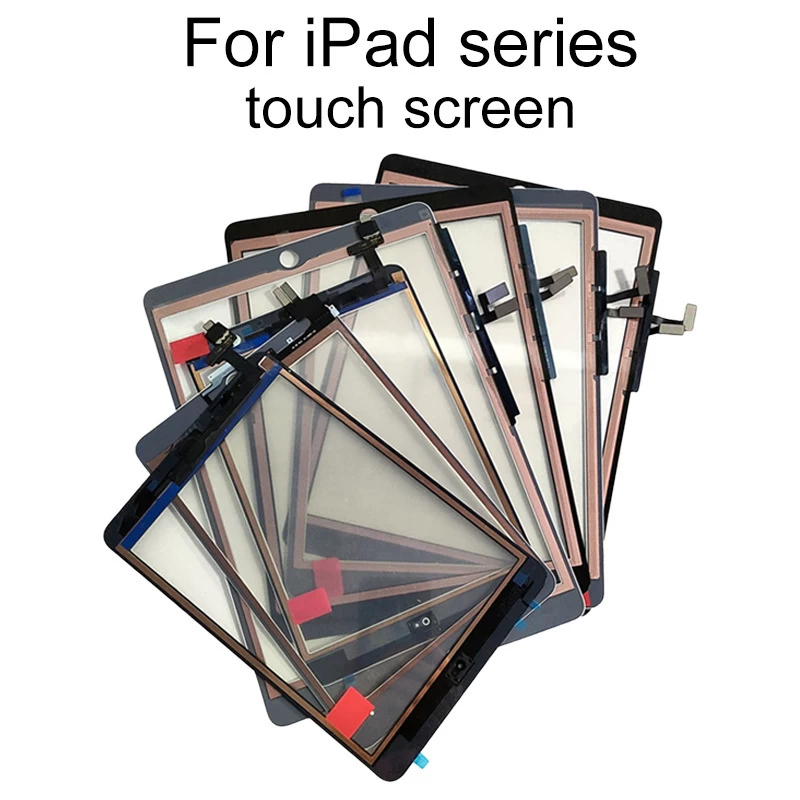
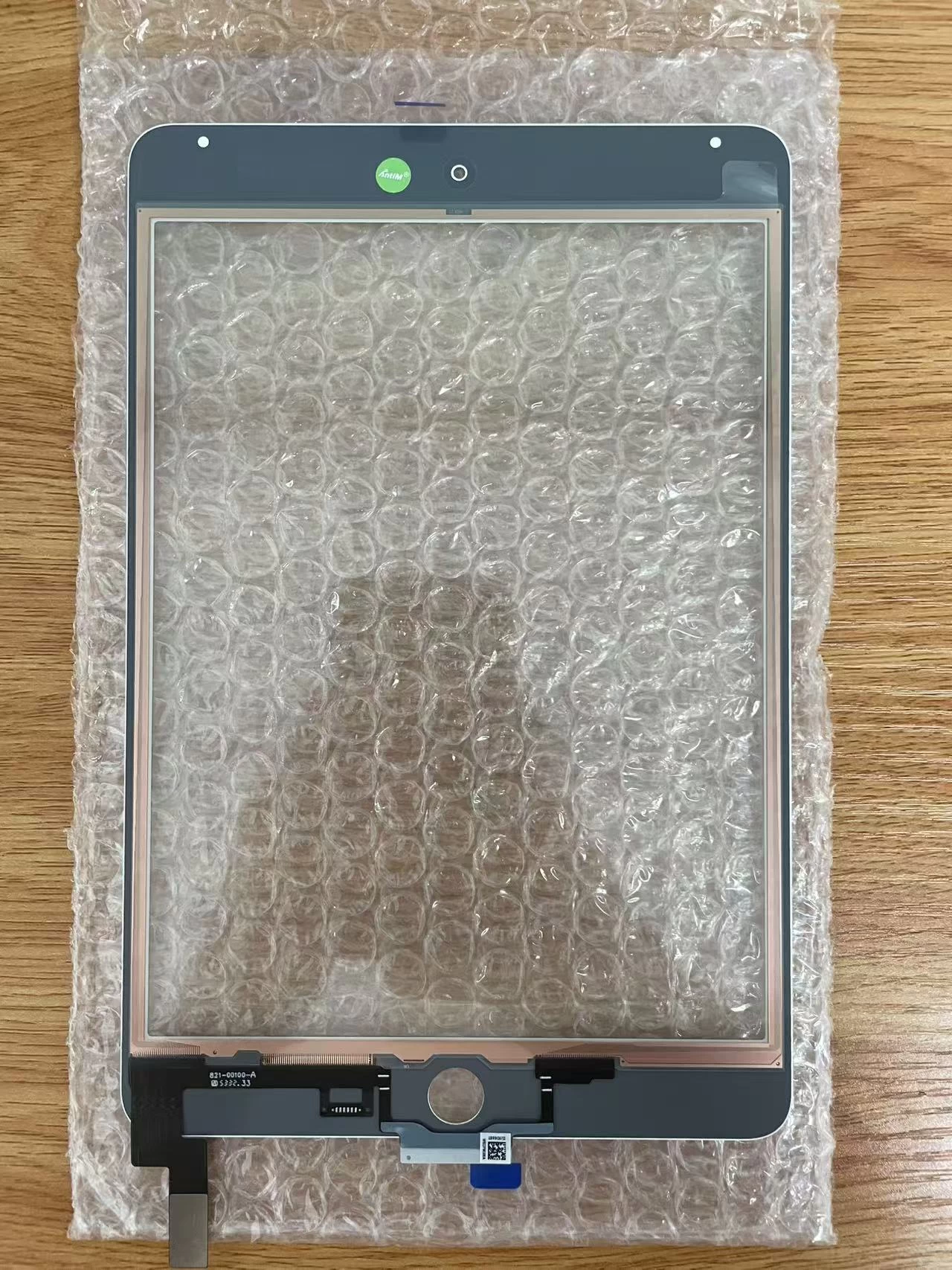
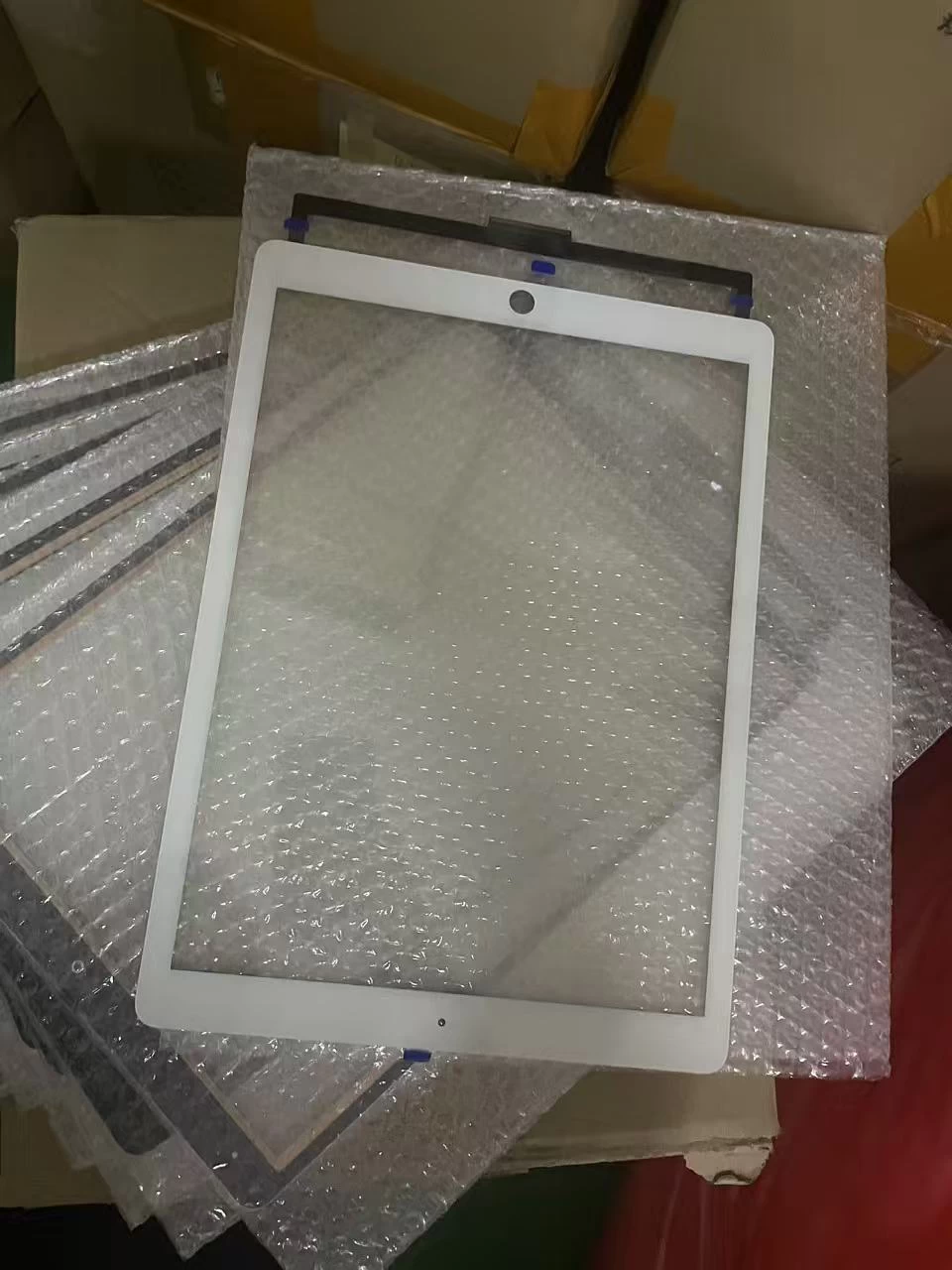
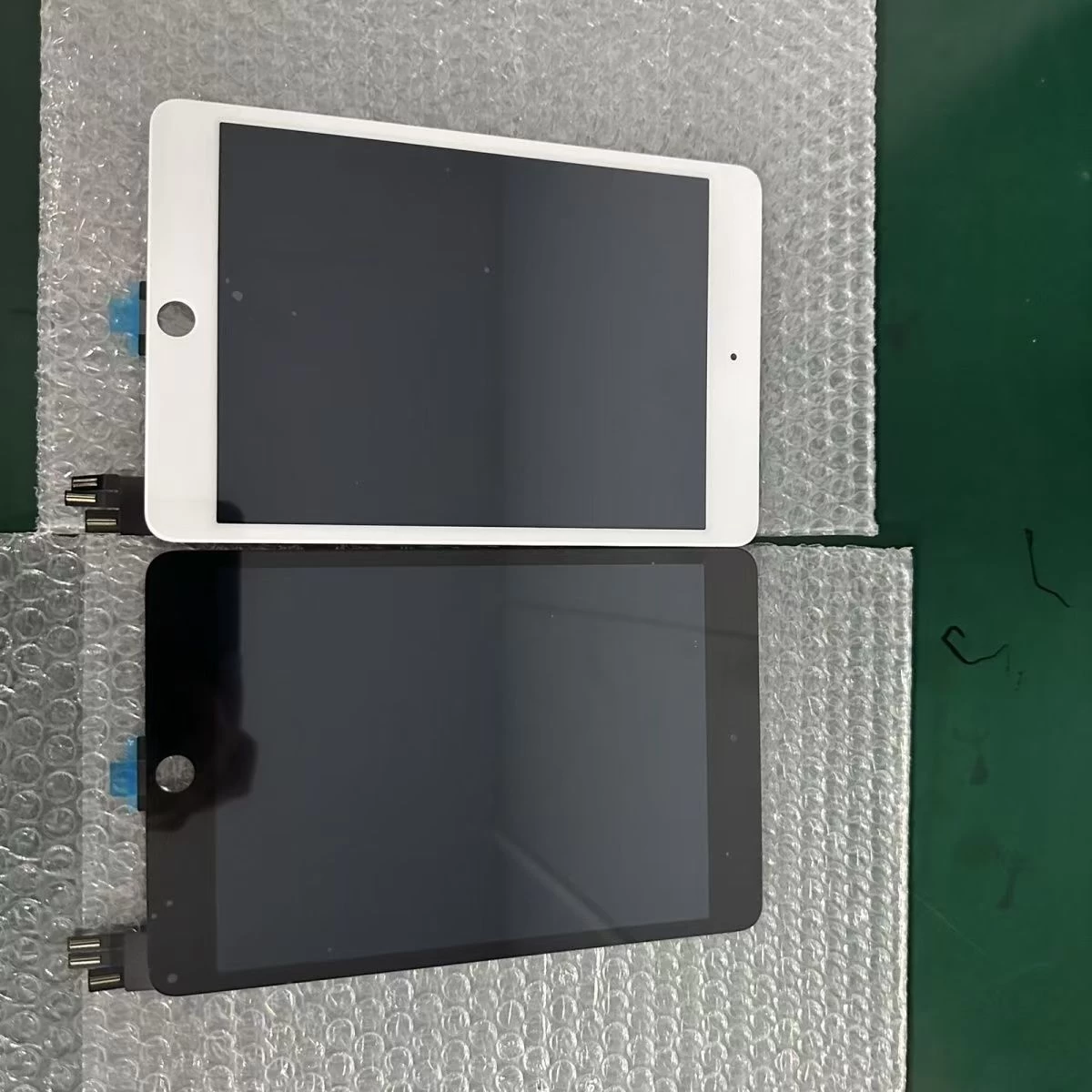
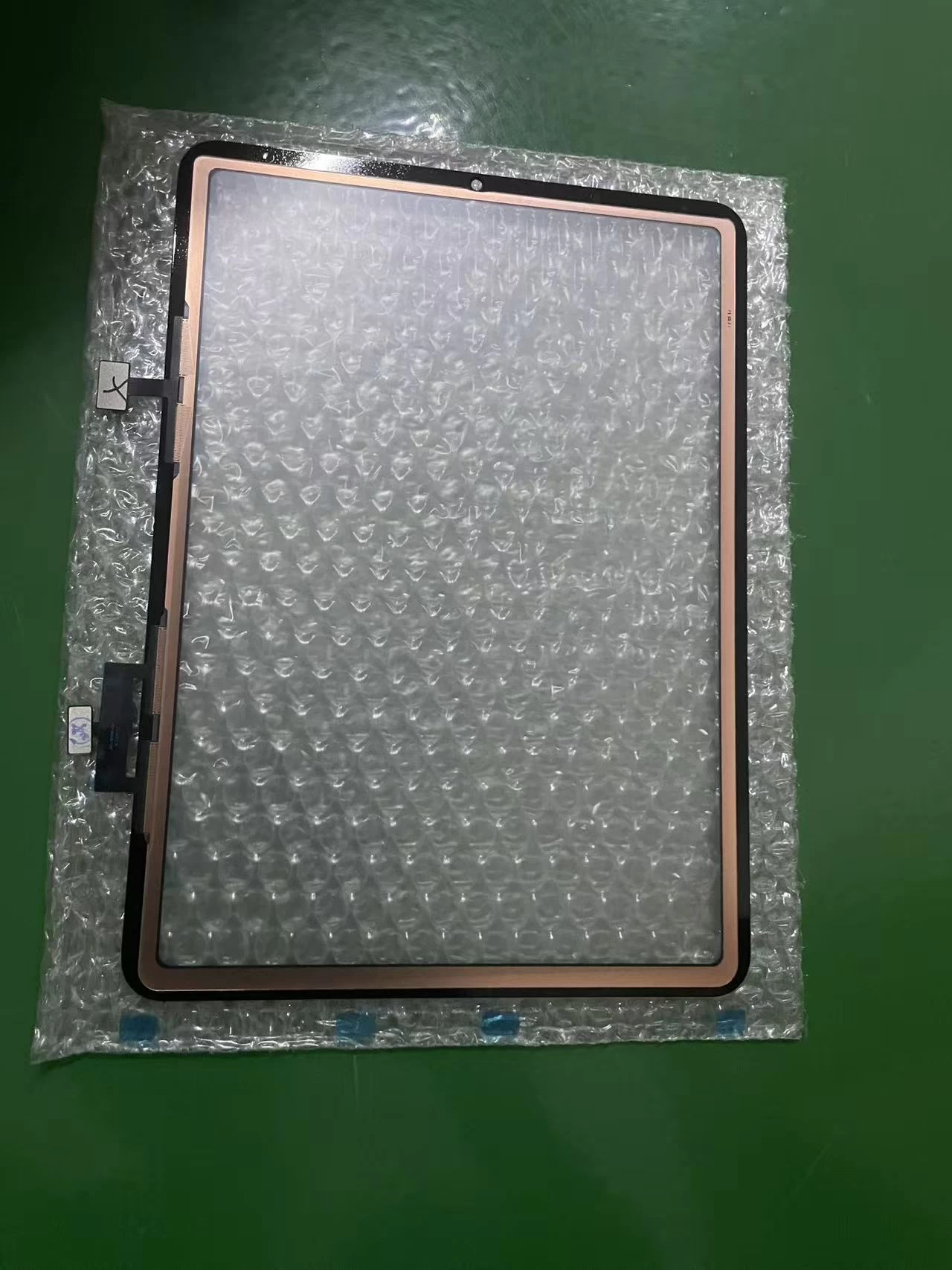
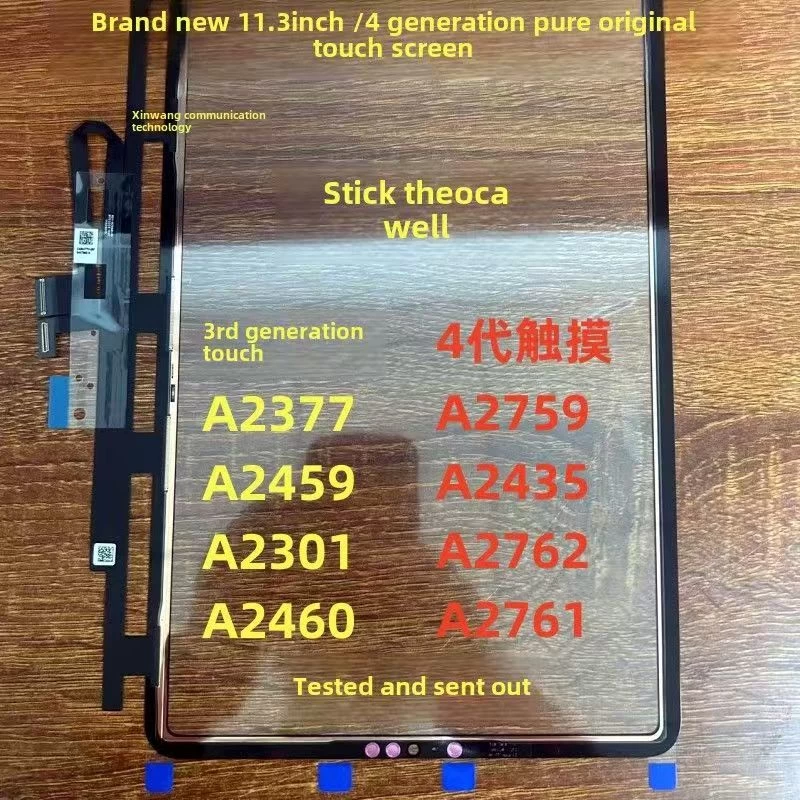
The most common sourcing mistake is treating "iPad digitizer" as one product. From iPad Mini to iPad Pro 12.9-inch, every model has a different size, connector layout, and frame colour. A quality supplier will give you a full-range SKU map — Mini through Pro 12.9 — with clear black, white, and red frame options so you can order exactly what each repair requires.
The frame colour matters more than many shops realise. An iPad Pro 12.9-inch digitizer with the wrong frame colour will be visibly mismatched against the aluminium housing, and customers will notice even through a case. Confirm the frame version before you order in bulk.
Pre-bonded OCA vs. glass-only digitizers
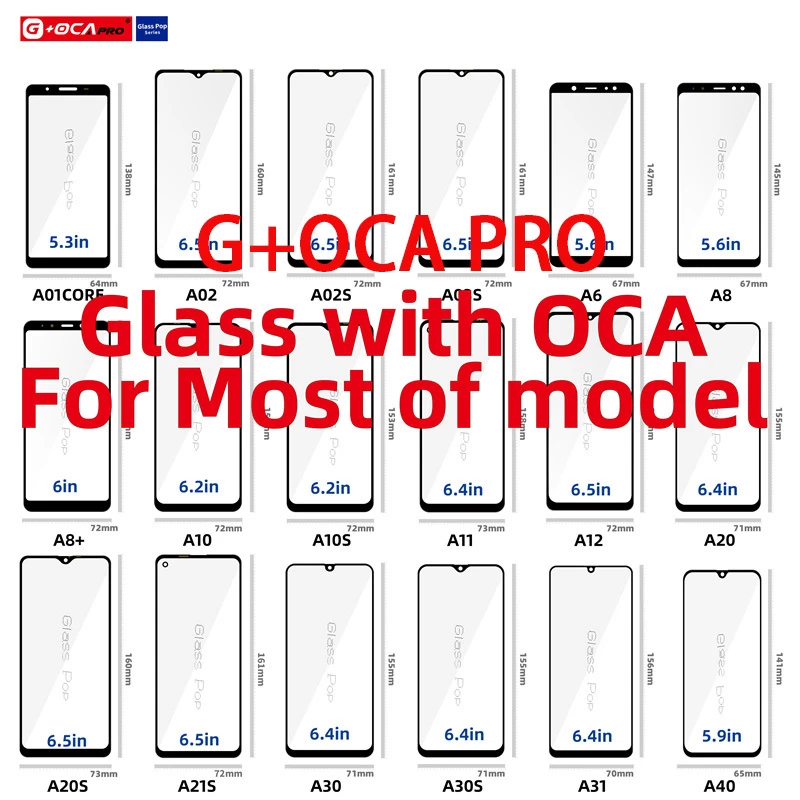
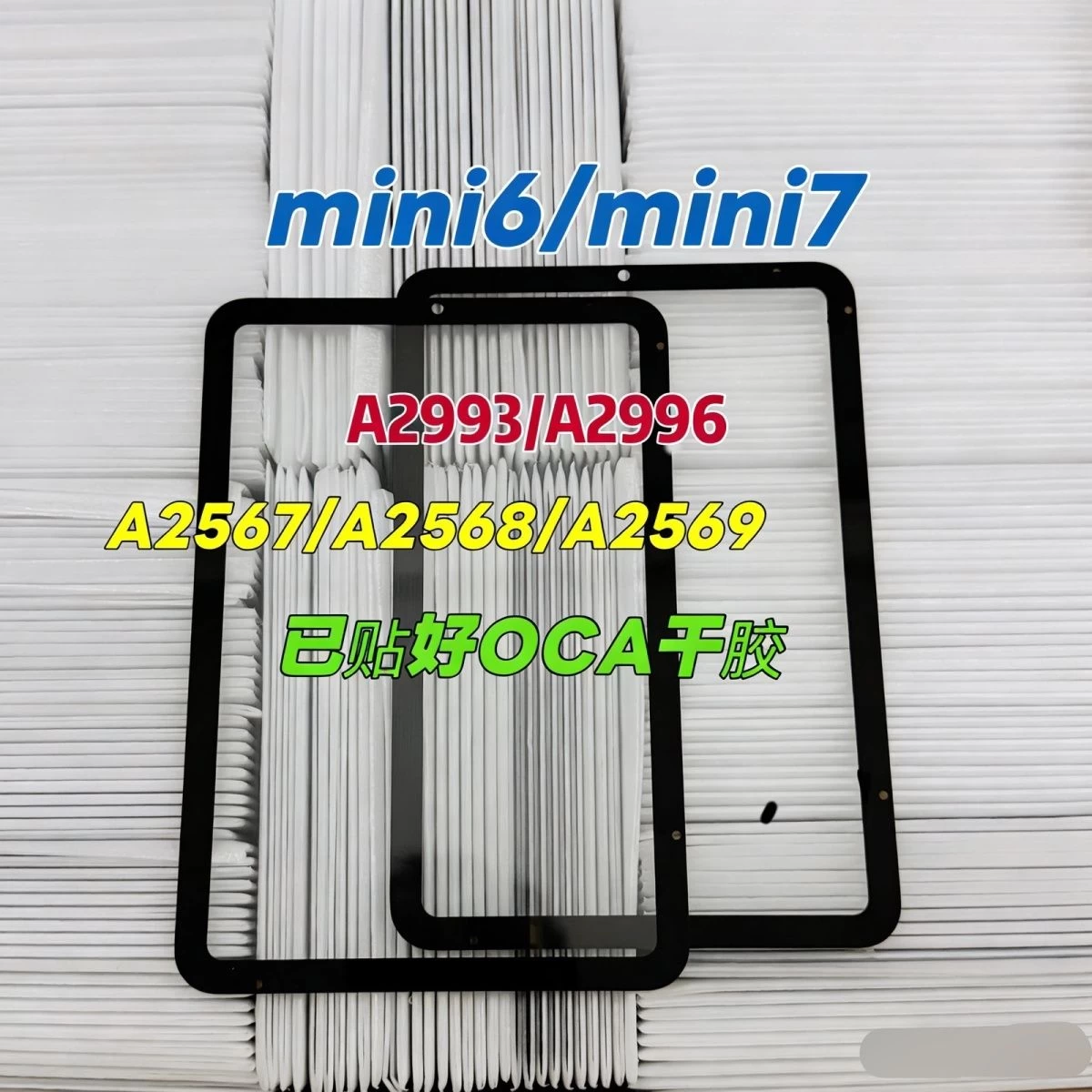
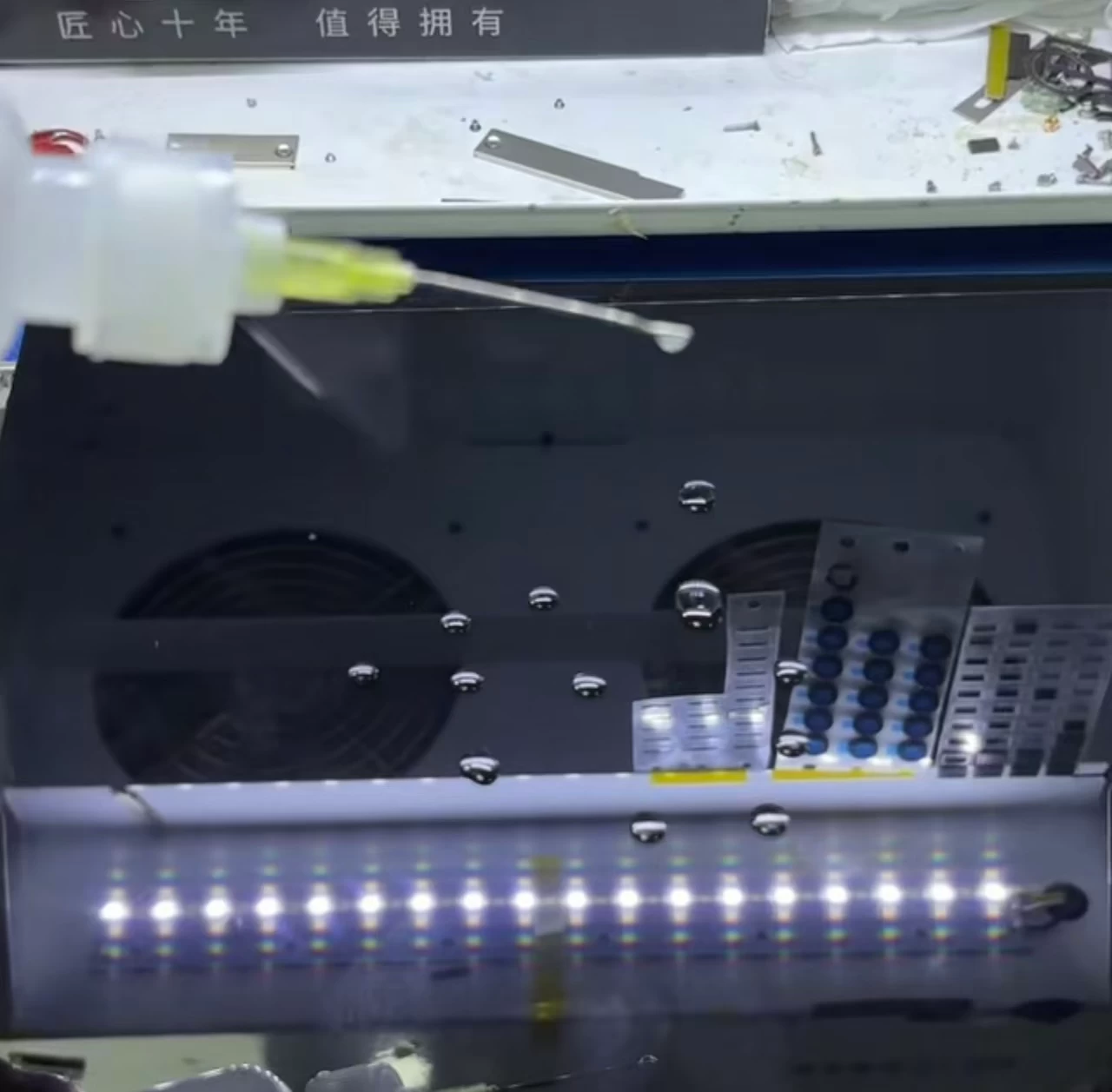
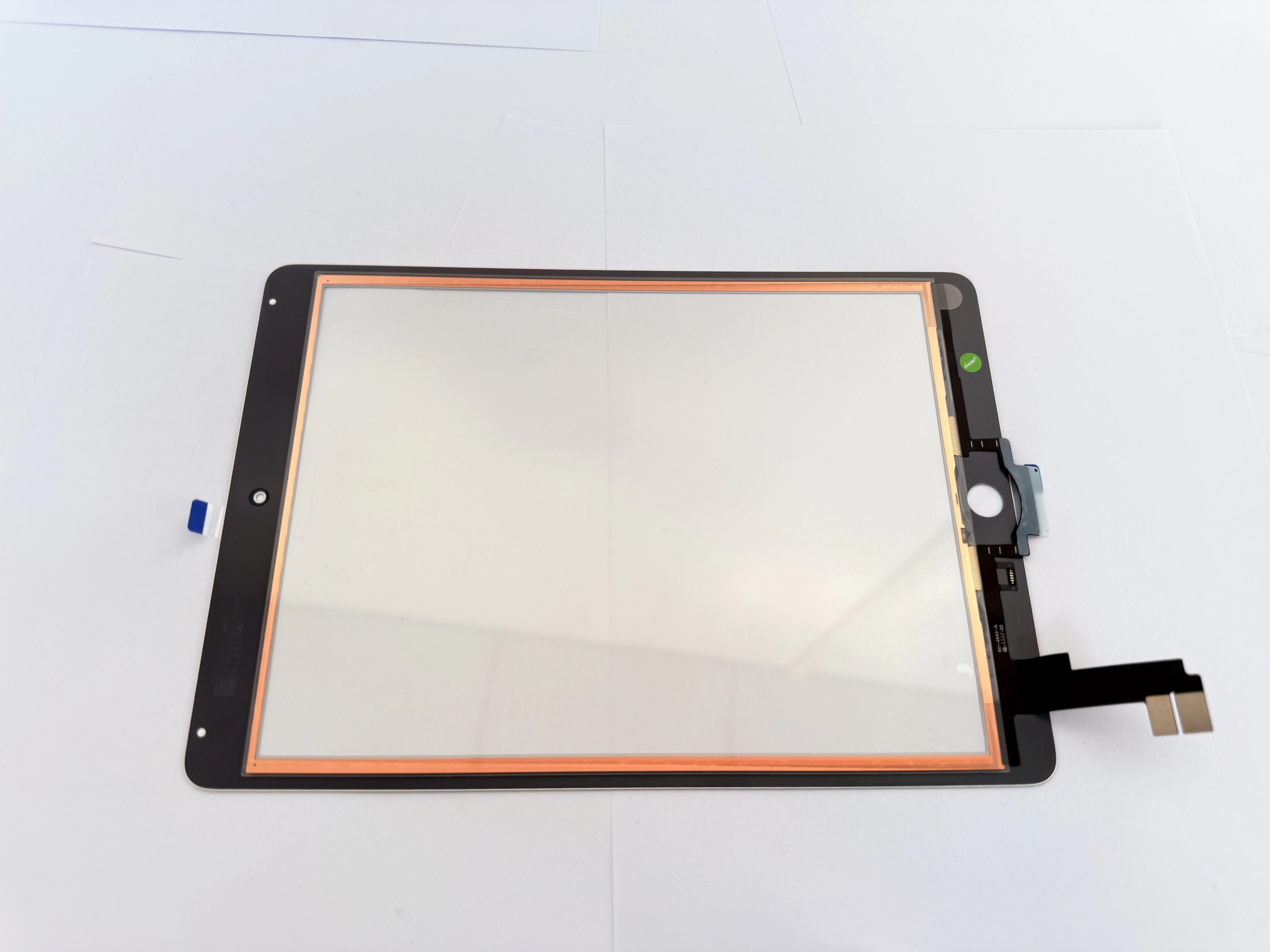
This is one of the most important decisions you will make. A pre-bonded G+OCA digitizer has the optical clear adhesive already applied by the factory. It saves your technicians time on every repair, reduces the risk of bubbles and dust trapped during lamination, and delivers a cleaner final result for the customer.
For high-volume repair centres, pre-applied OCA is almost always worth the slightly higher unit cost, because labour is your real cost. The minutes saved per repair quickly outweigh the difference in part price.
Why copper foil and EMI shielding matter
If you have seen "ghost touch" — a screen registering taps you did not make — the cause is often electromagnetic interference. A quality digitizer includes copper foil and EMI shielding that blocks interference between the display and the touch layer. Screens without proper shielding are far more likely to develop erratic touch behaviour, especially on models known for interference issues.
When a supplier advertises "anti-ghost-touch" construction, verify that the shielding is part of the build, not a marketing phrase. This single detail separates an OEM-grade part from a cheap knock-off.
Buy factory-direct for consistent quality
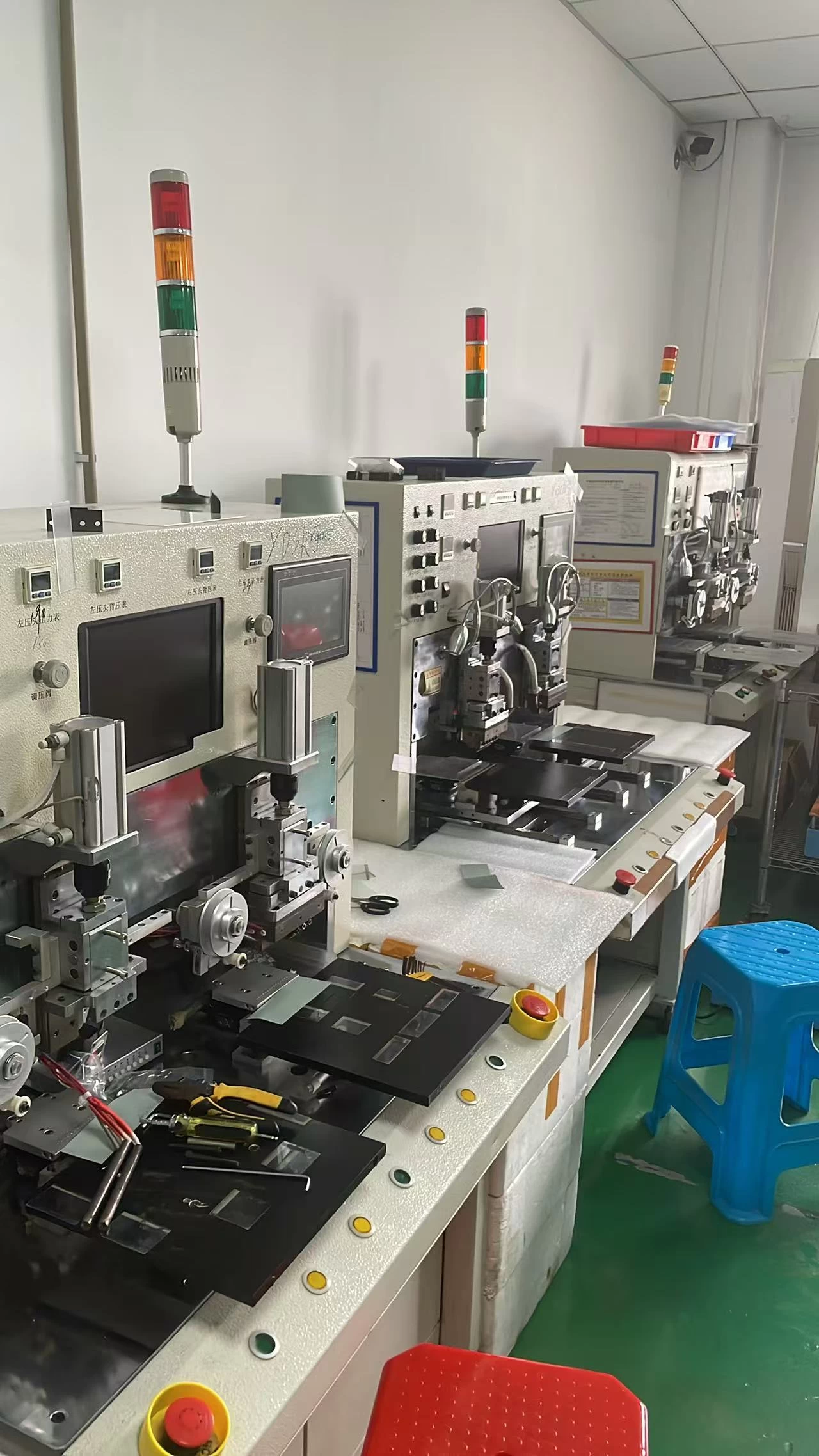
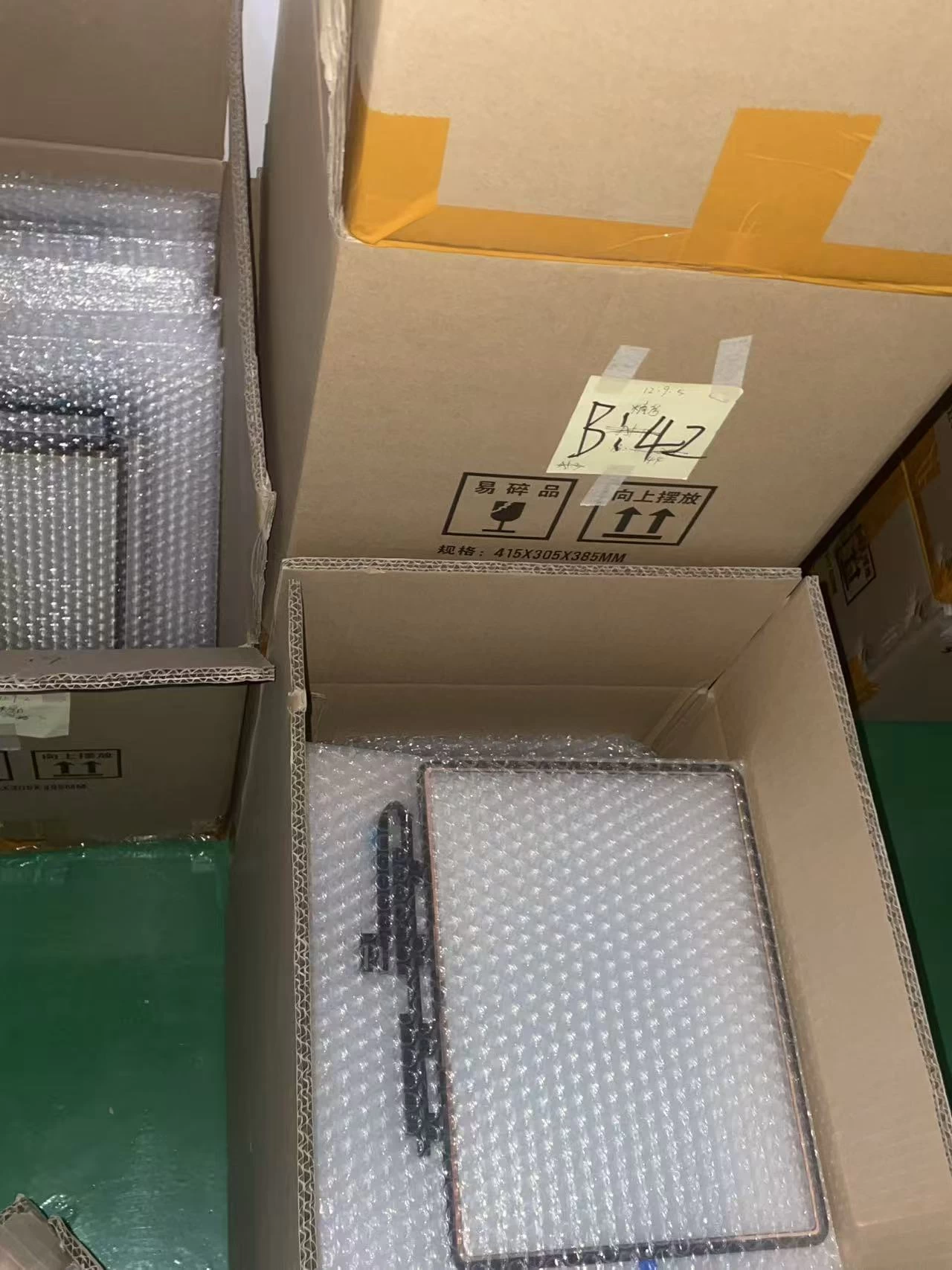
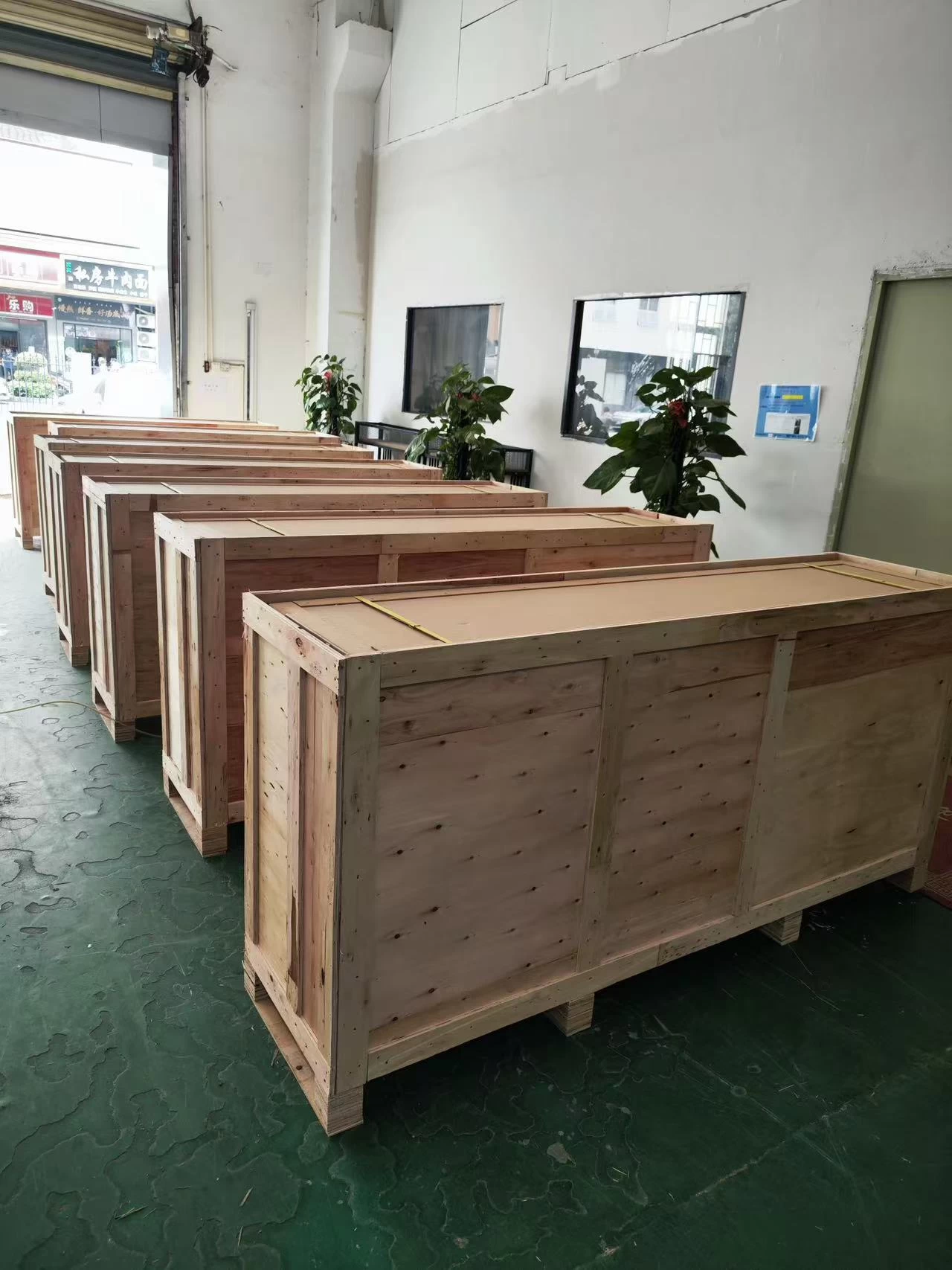
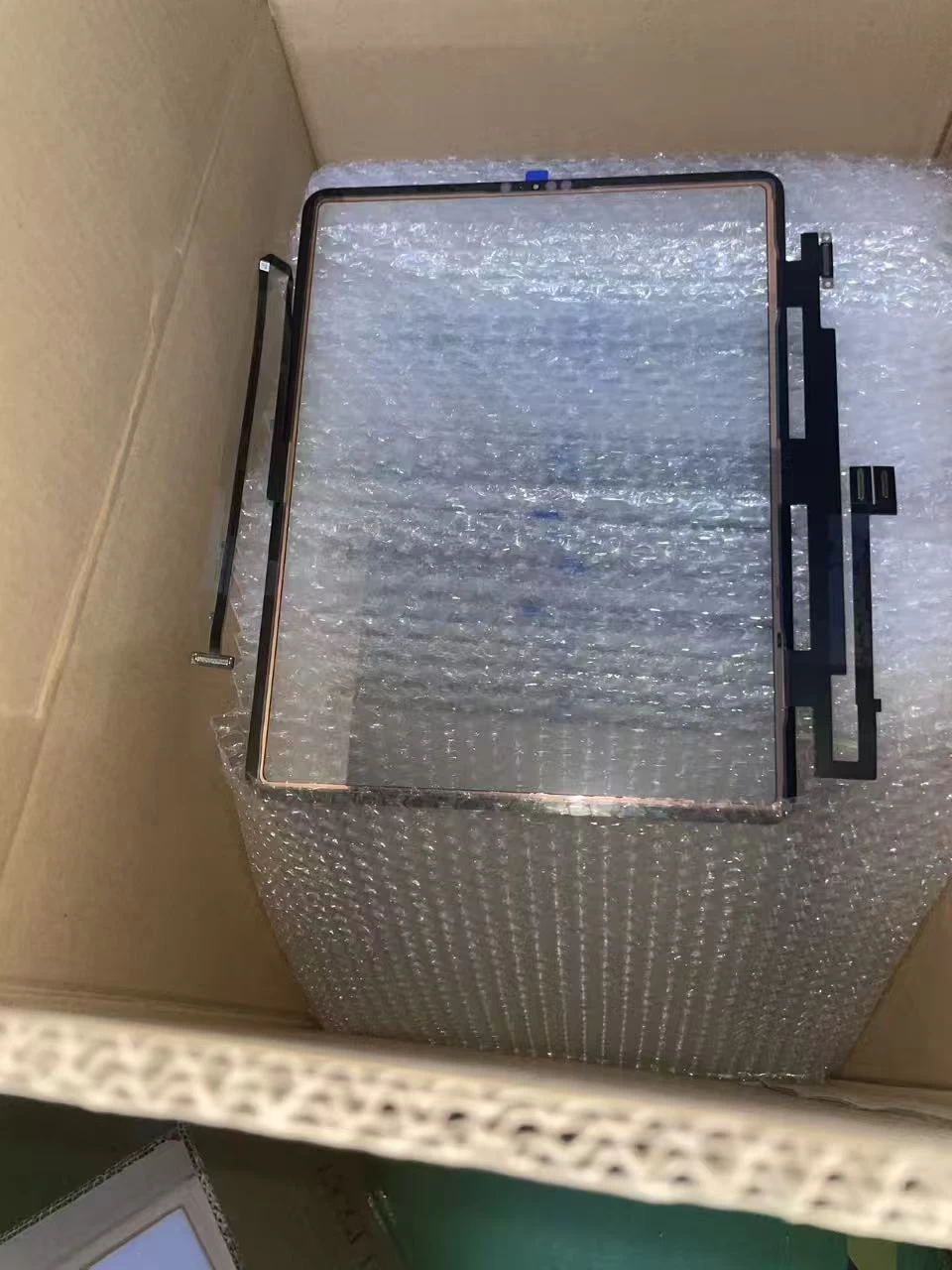
The difference between a great repair shop and a struggling one is consistency. When you buy from a manufacturer that builds its own digitizers, you get identical quality across every batch — no "lucky box" of parts. Factory-direct supply also means stable inventory for recurring orders, export-grade packaging that protects parts in transit, and a partner who understands the repair industry, not just the electronics ind
ustry.
ustry.
A simple checklist before you place your next bulk order
- Does the supplier cover the full iPad range, Mini to Pro 12.9-inch?
- Are black, white, and red frame versions clearly listed?
- Is the OCA pre-bonded, or do you need to laminate in-house?
- Does the build include copper foil EMI shielding to prevent ghost touch?
- Can they guarantee consistent batches for recurring orders?
Choose a digitizer supplier the way you would choose a business partner — on quality, consistency, and reliability over price alone. Your customers' experience, and your shop's reputation, depend on it.