Every touch screen fails eventually — and when it does, the symptoms usually fall into three categories: ghost touch, white spots, and dead zones. For repair technicians, diagnosing the exact cause is the difference between a quick, profitable fix and a repair that comes back a week later. Here is how to understand each failure, and what actually fixes it.
Ghost touch: the screen types on its own
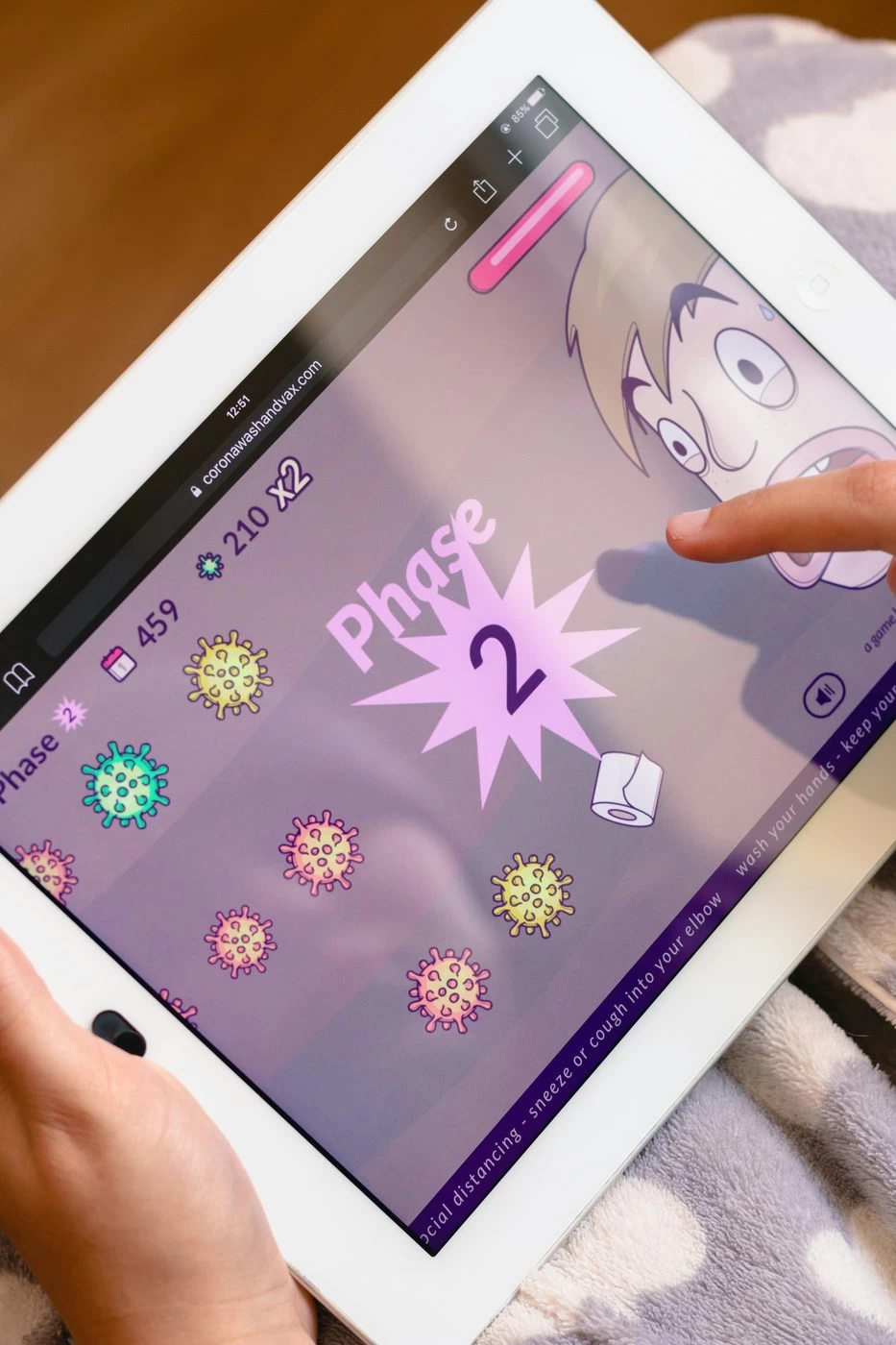
Ghost touch is when a device registers taps or swipes you never made. The screen behaves as if an invisible finger is touching it — opening apps, typing random characters, or fighting your input.
The most common causes are electromagnetic interference between the display and the touch layer, moisture inside the device, or a low-quality digitizer without proper shielding. When the interference is hardware-level, no amount of software calibration will fix it.
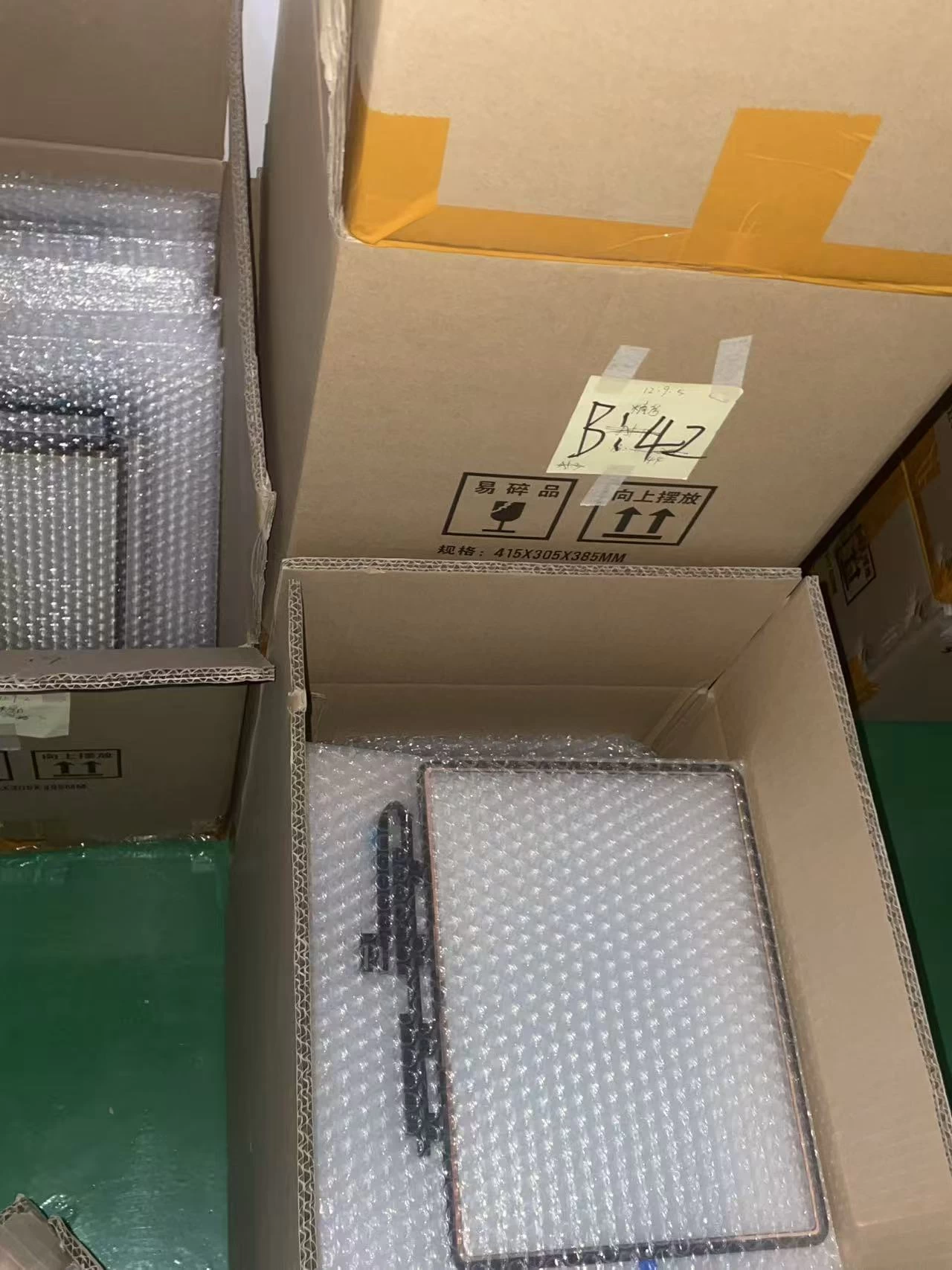
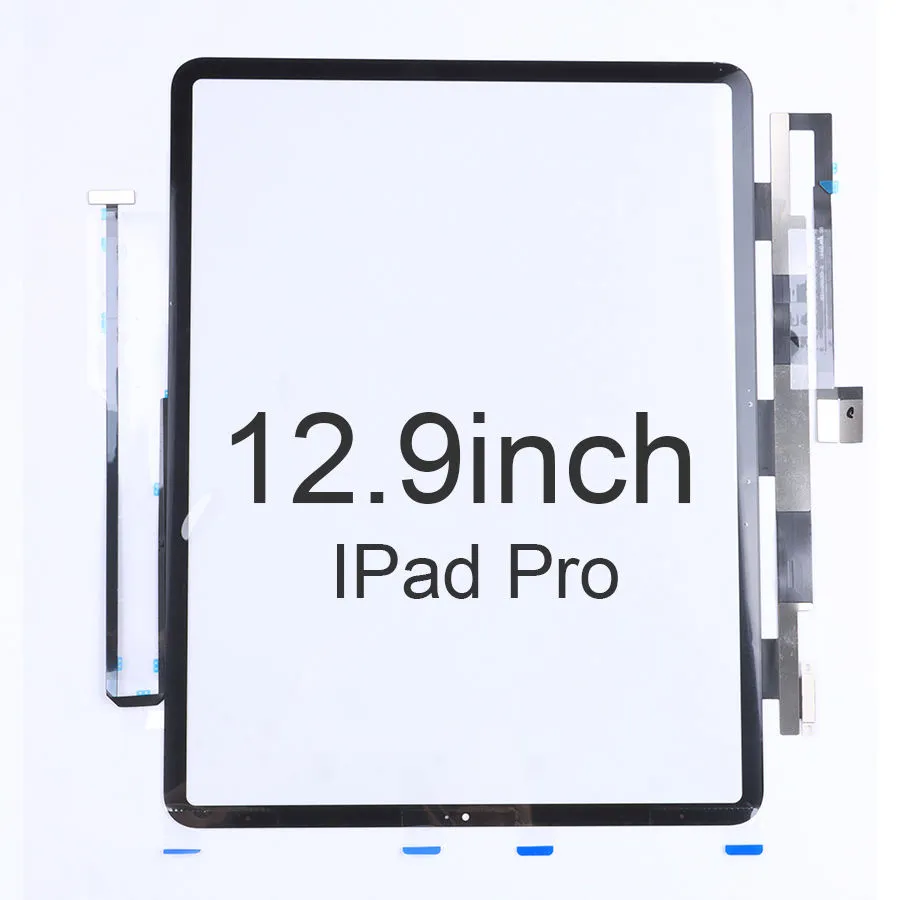
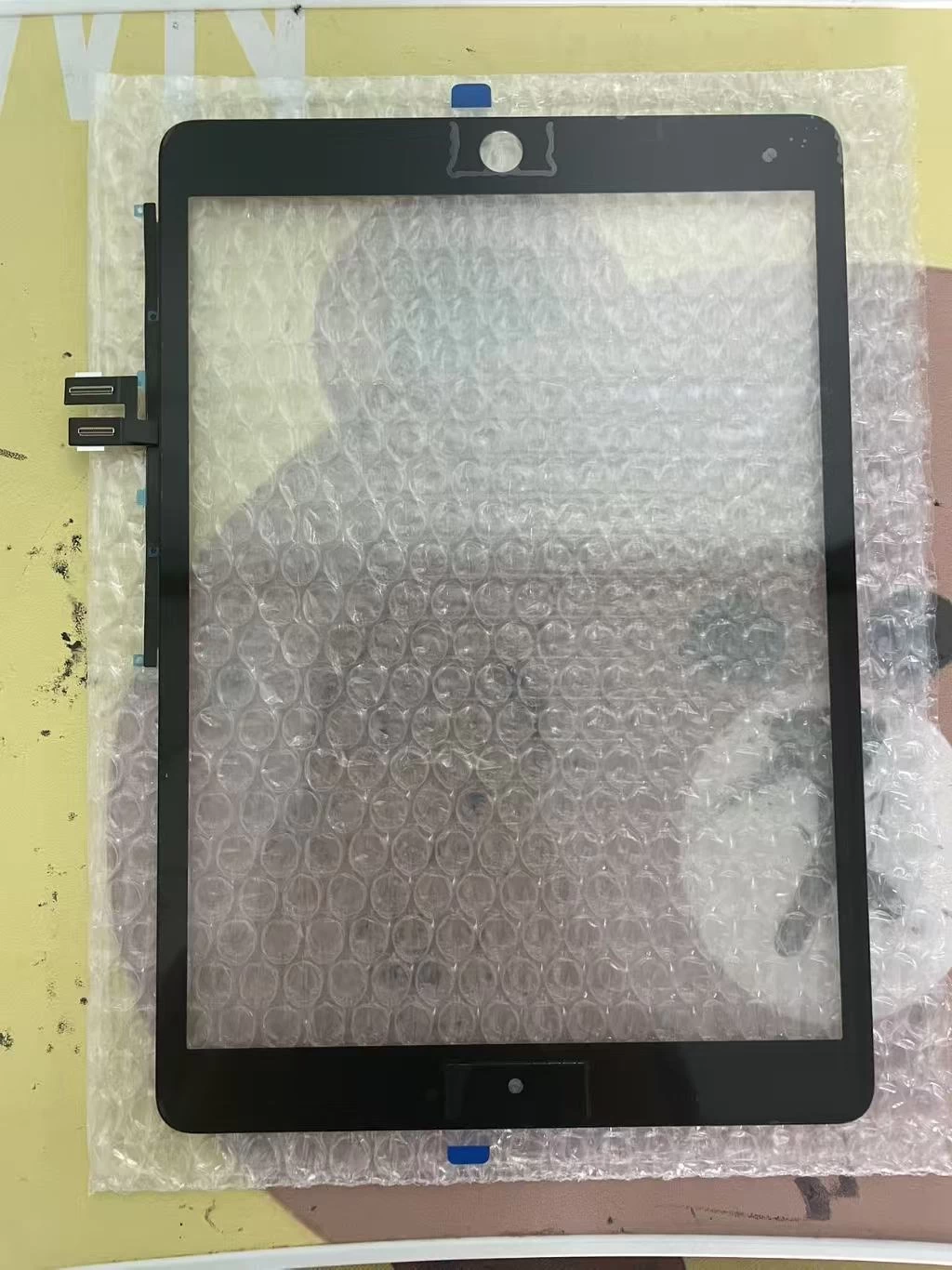
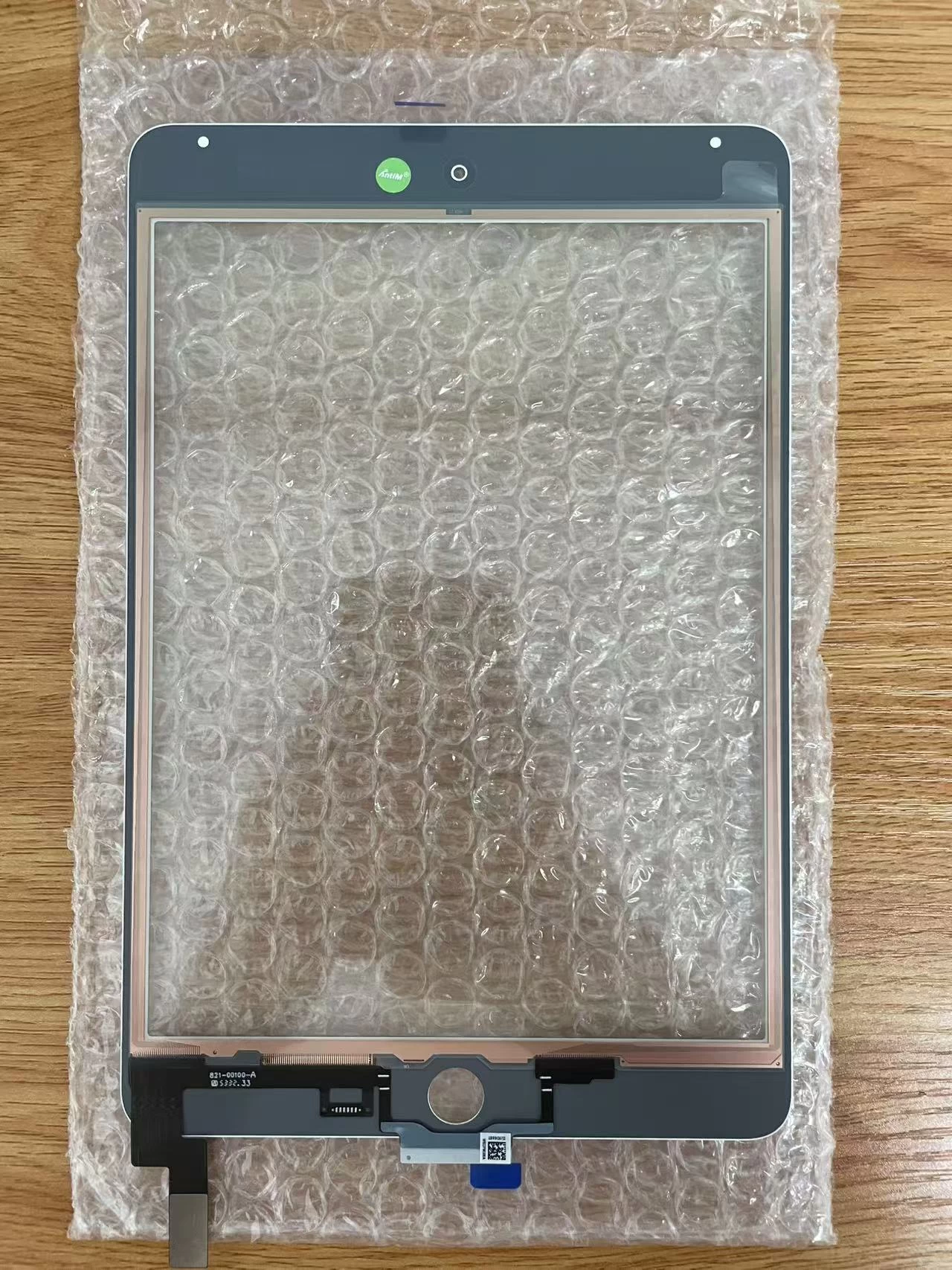
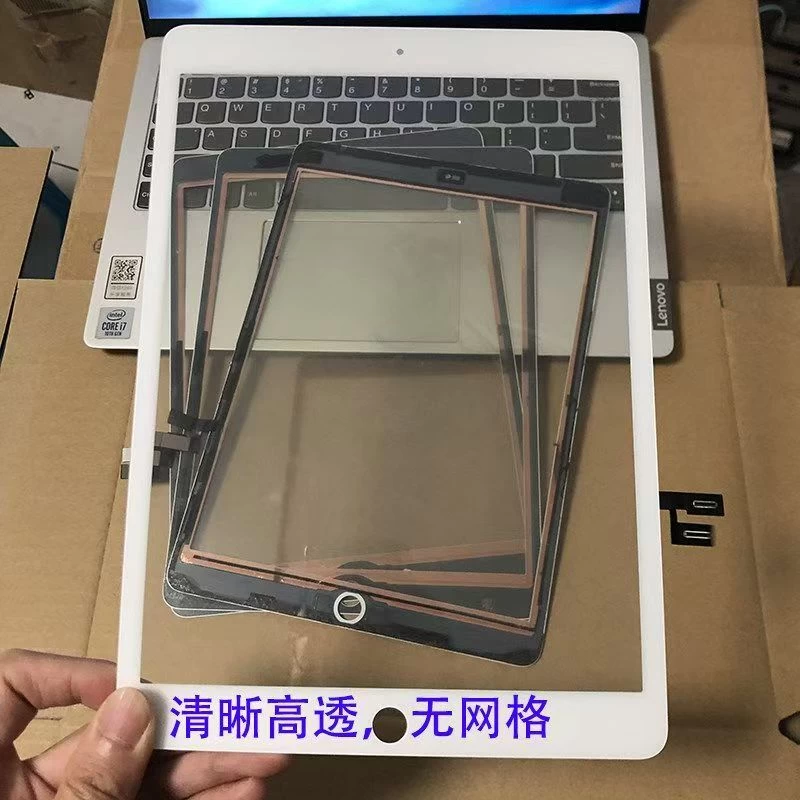
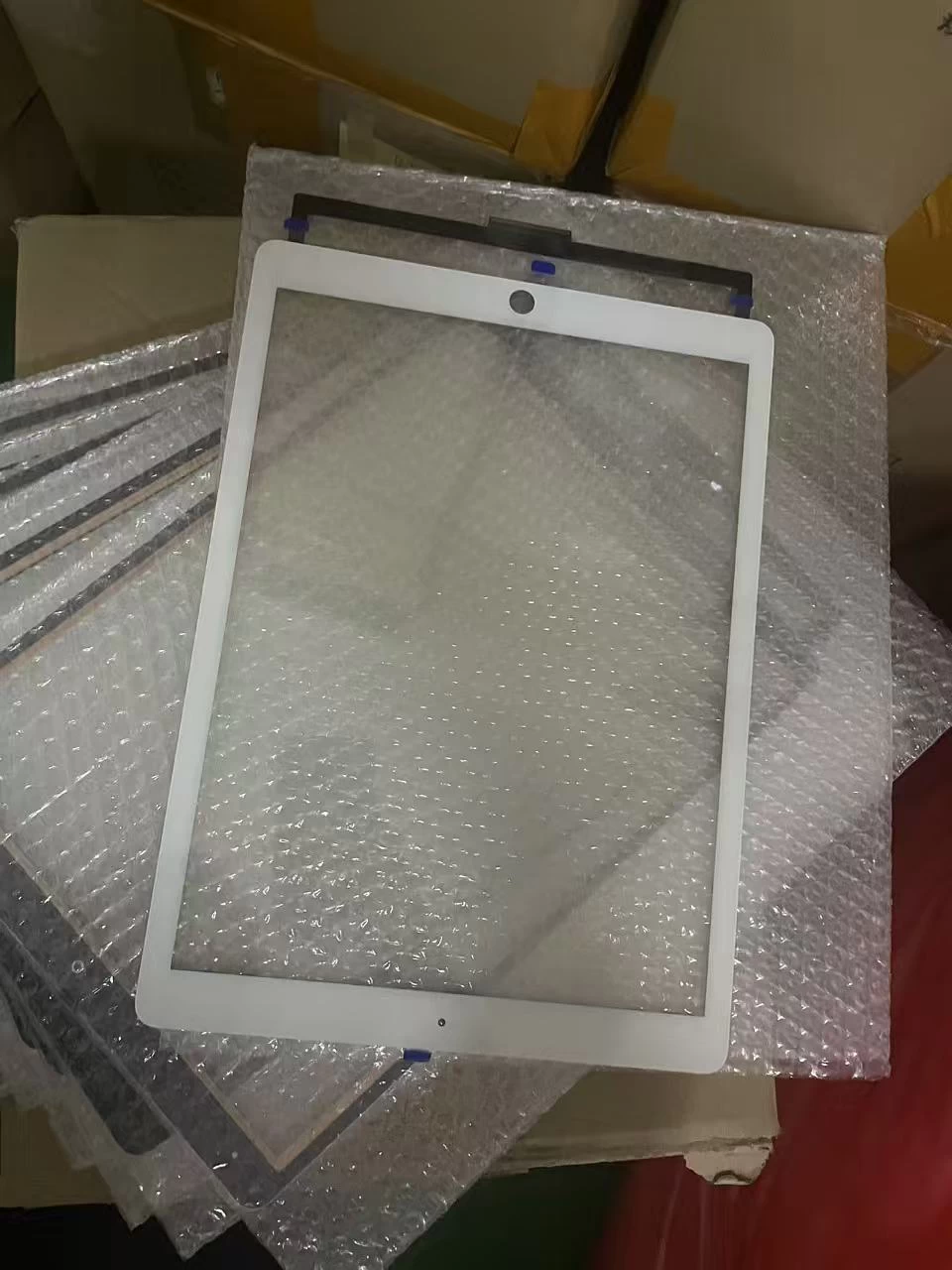
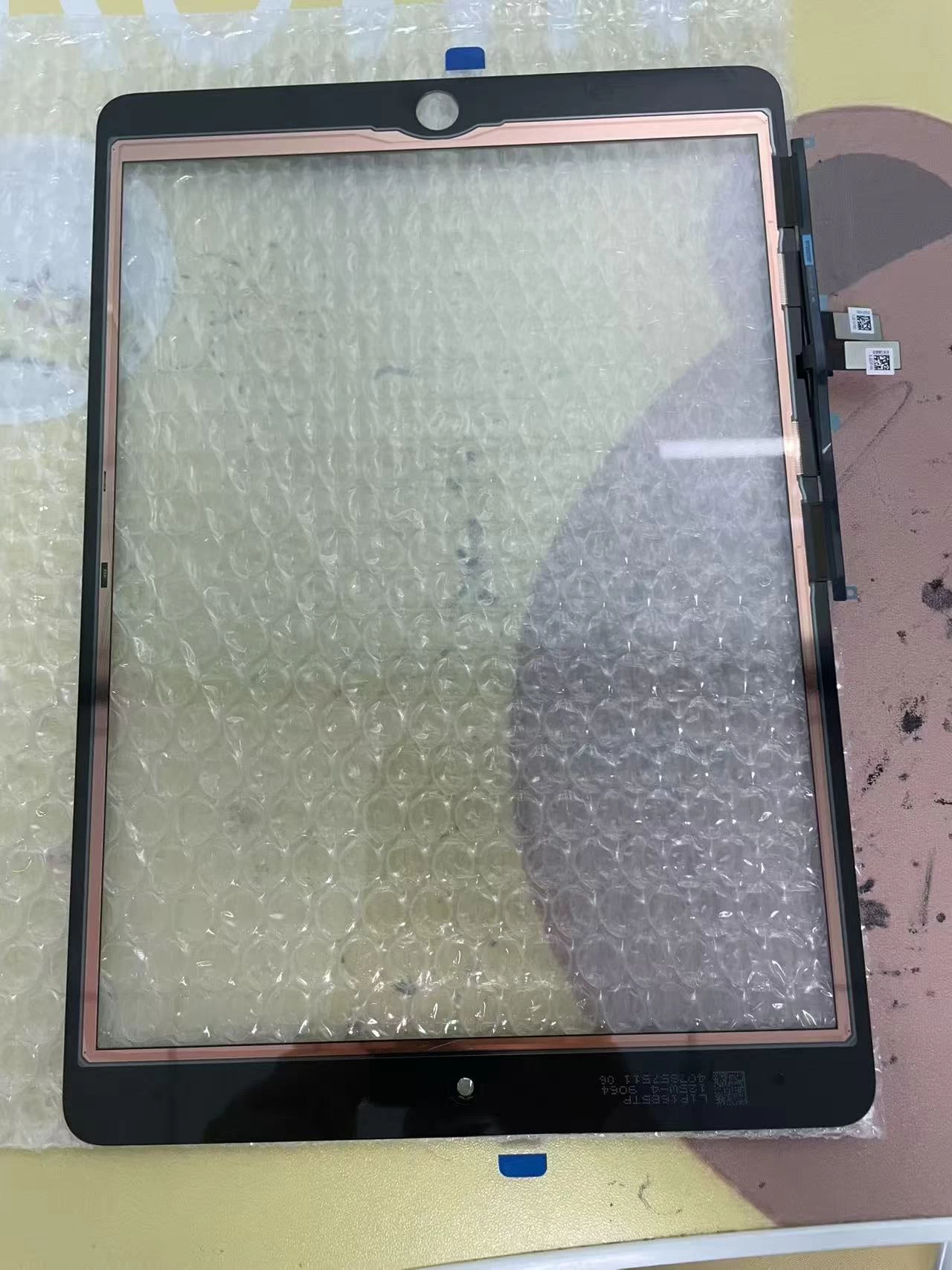
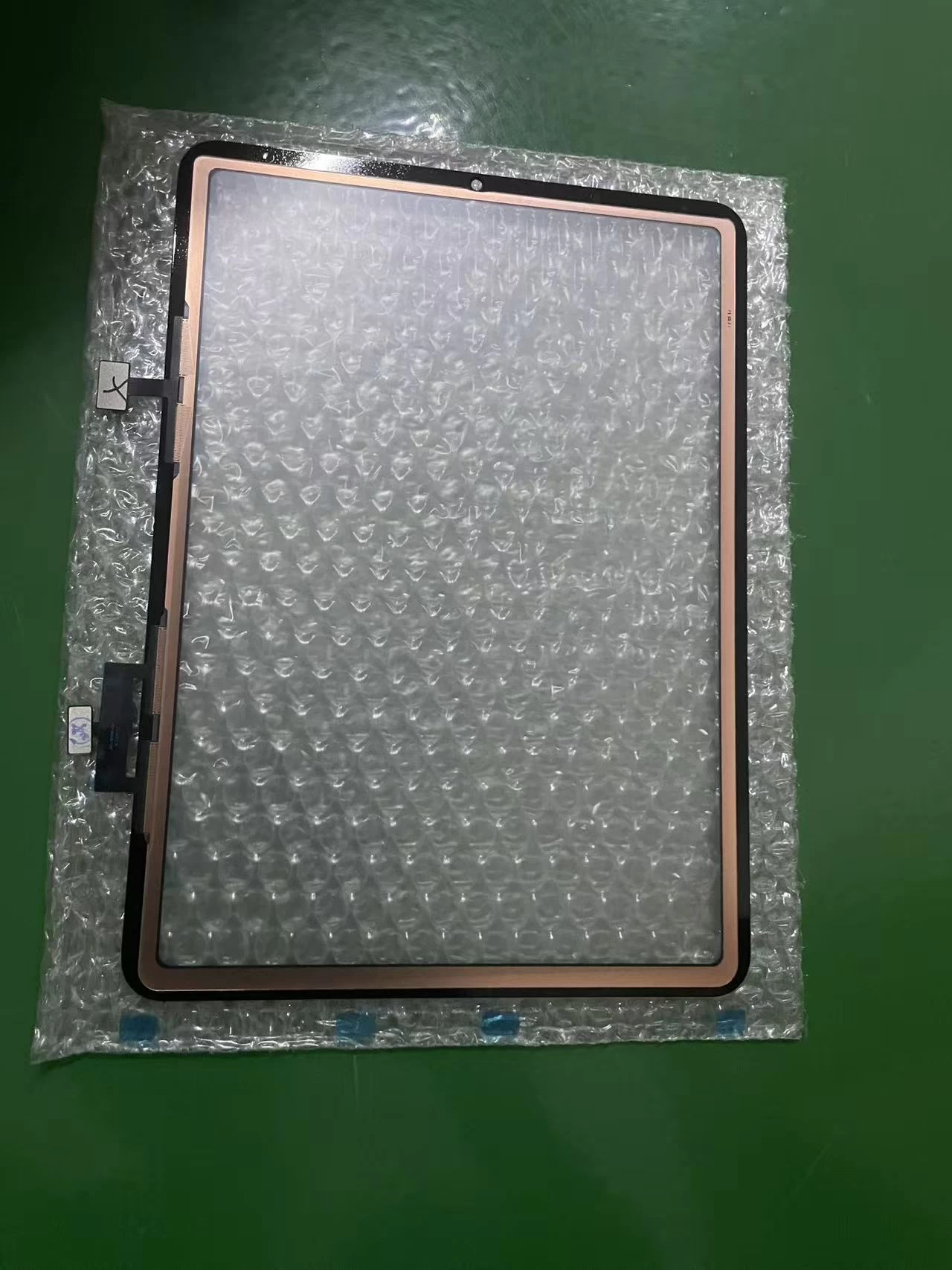
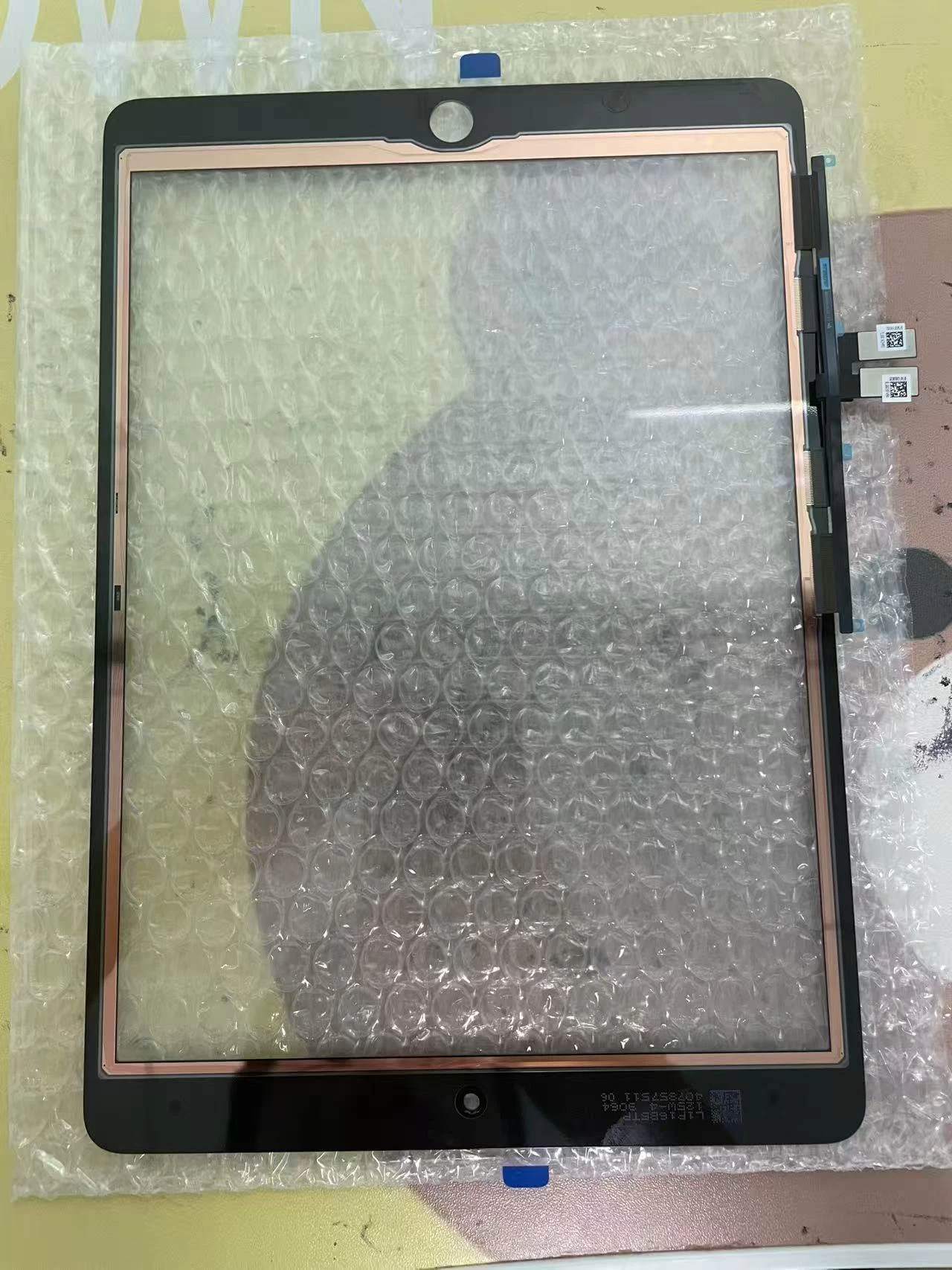
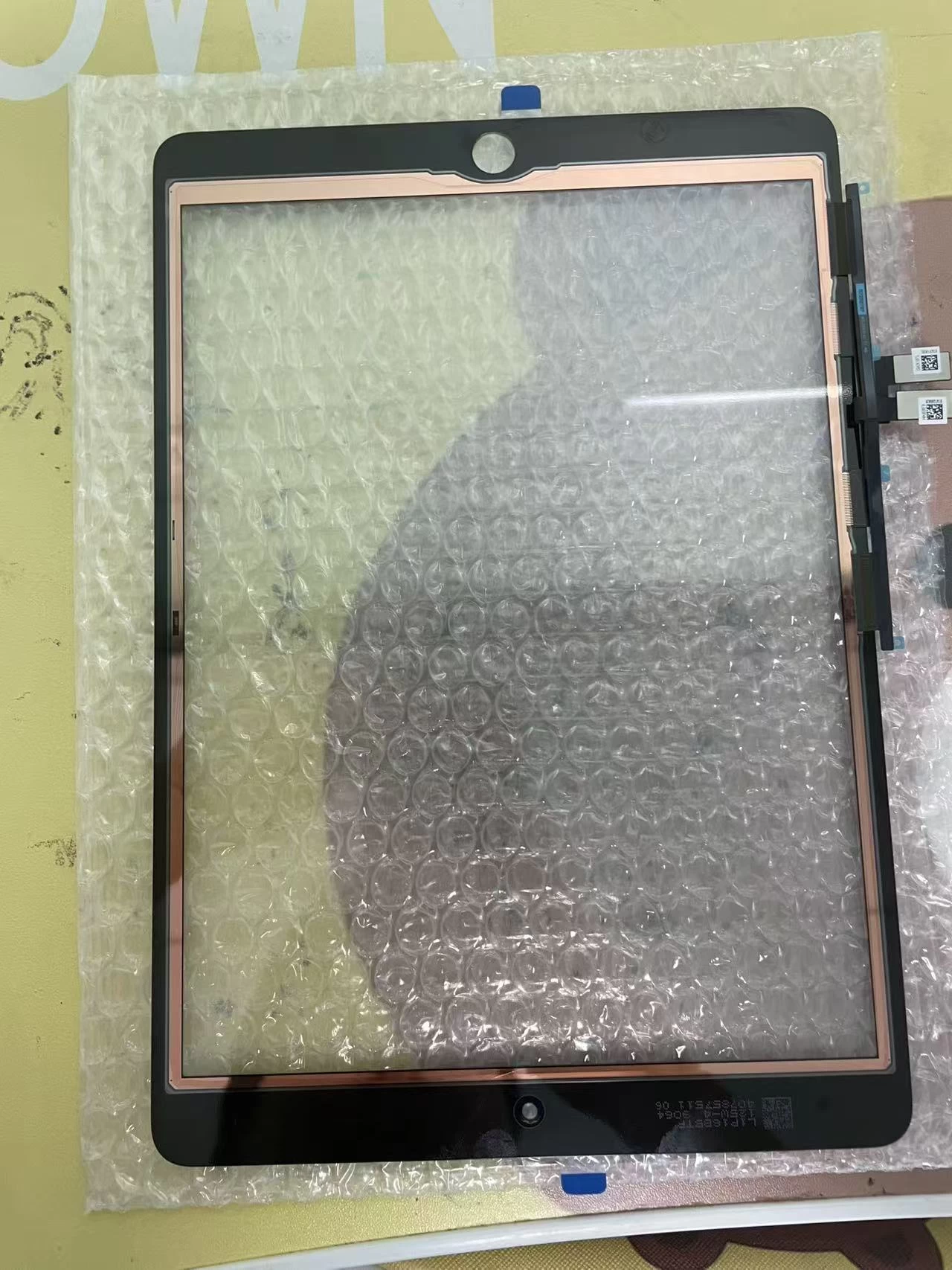
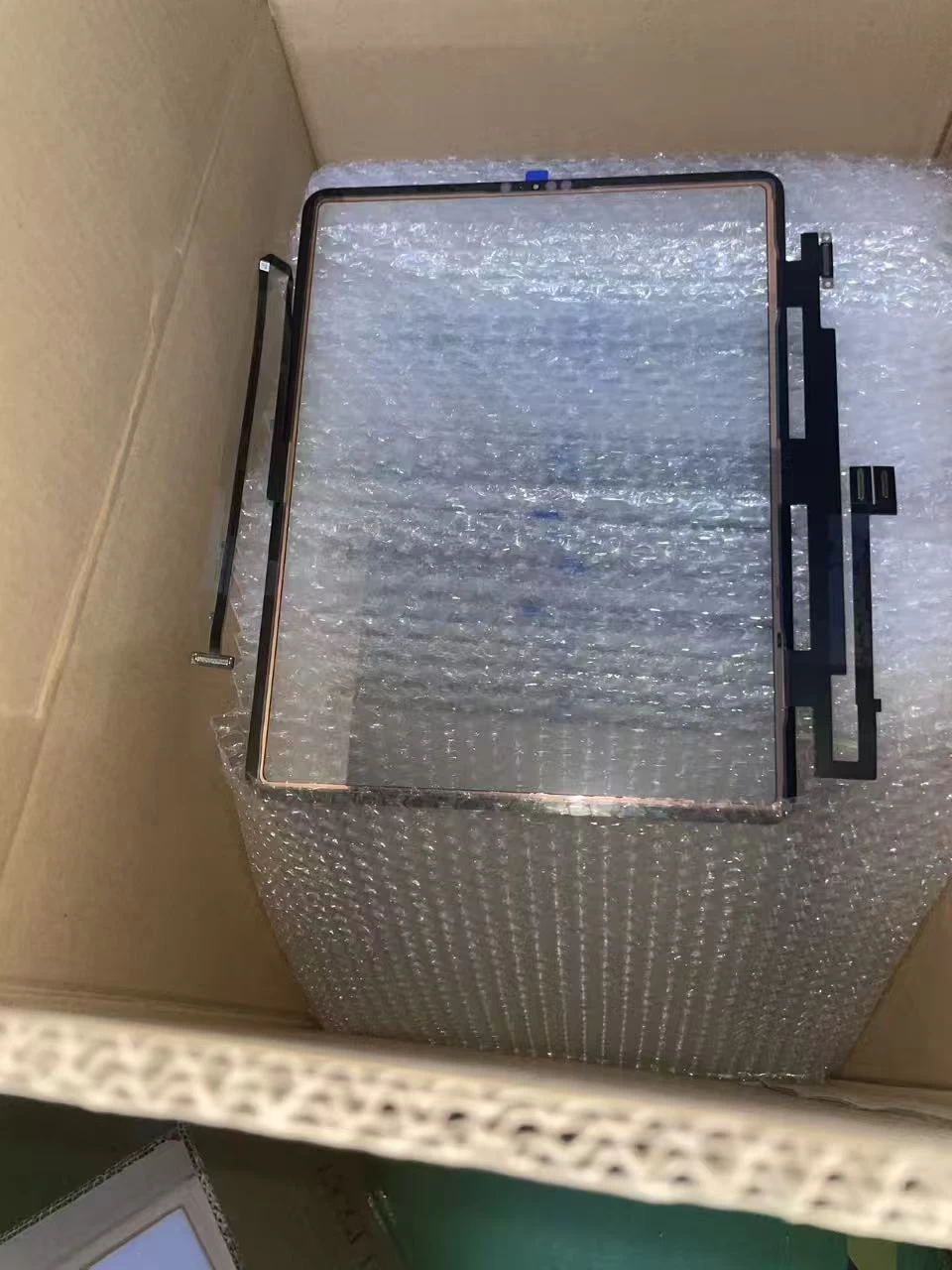
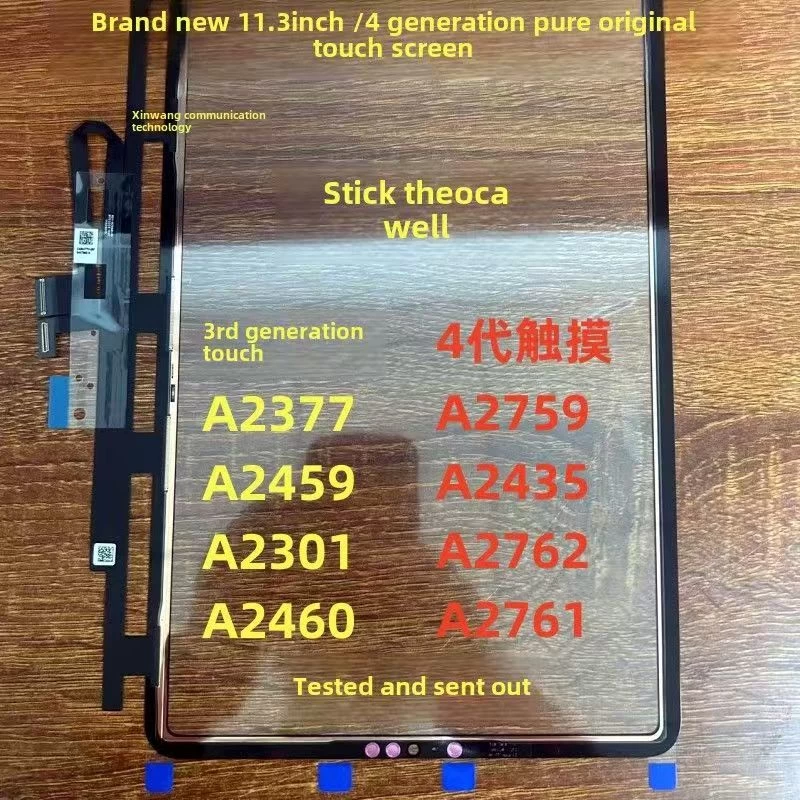
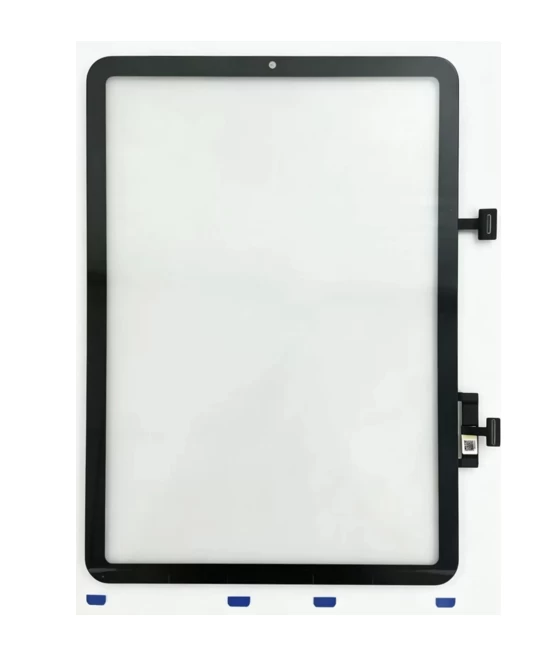
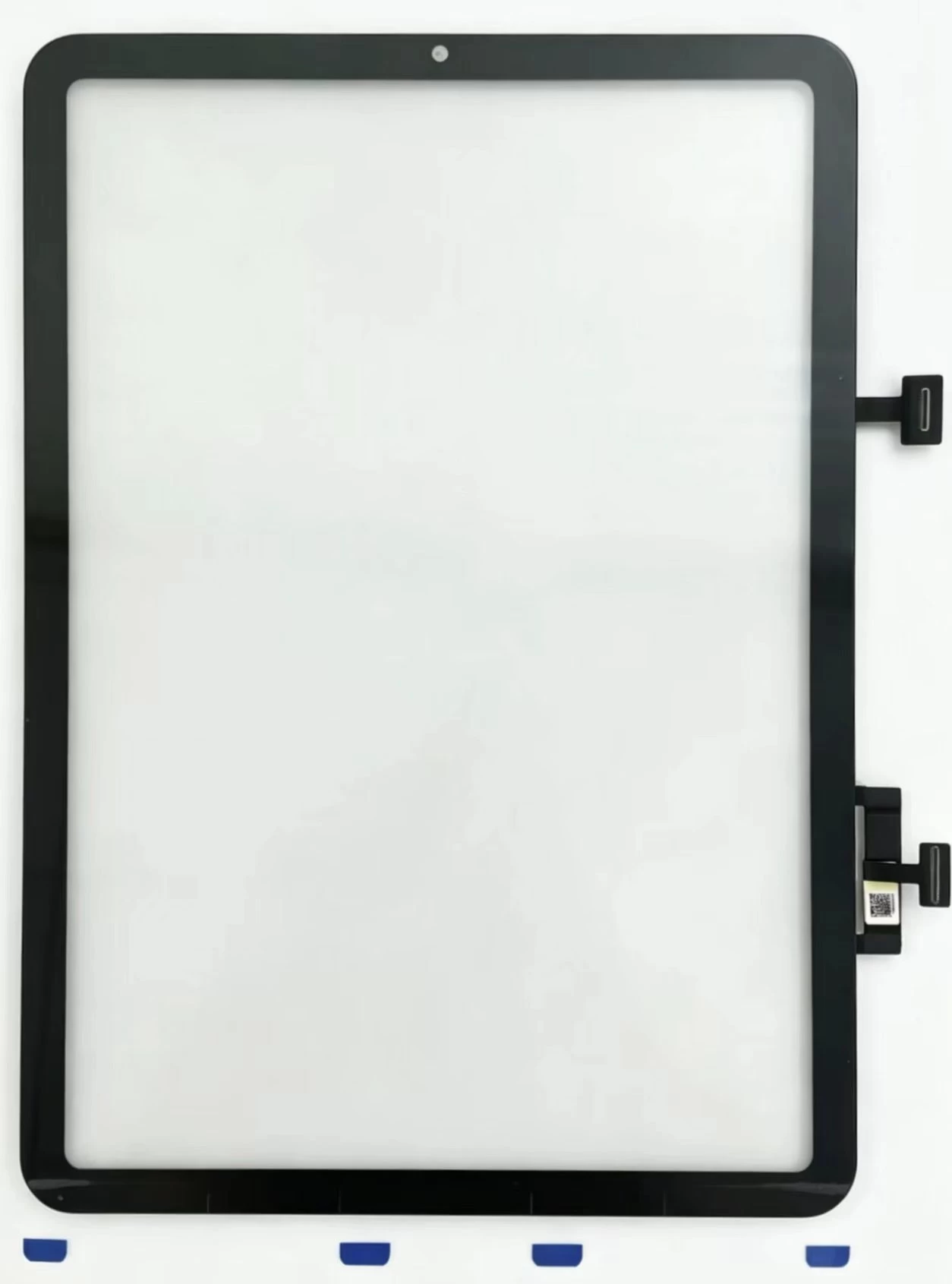
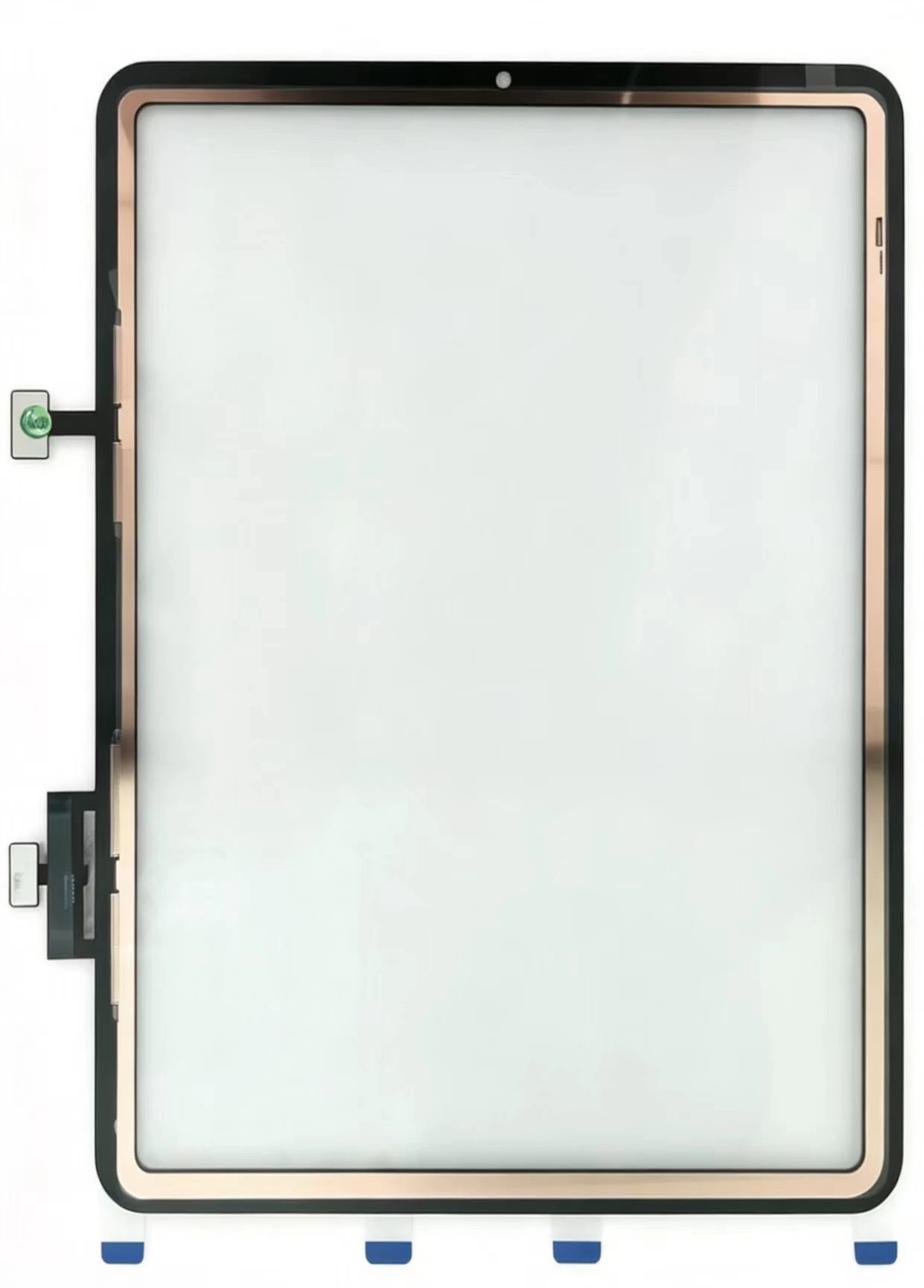
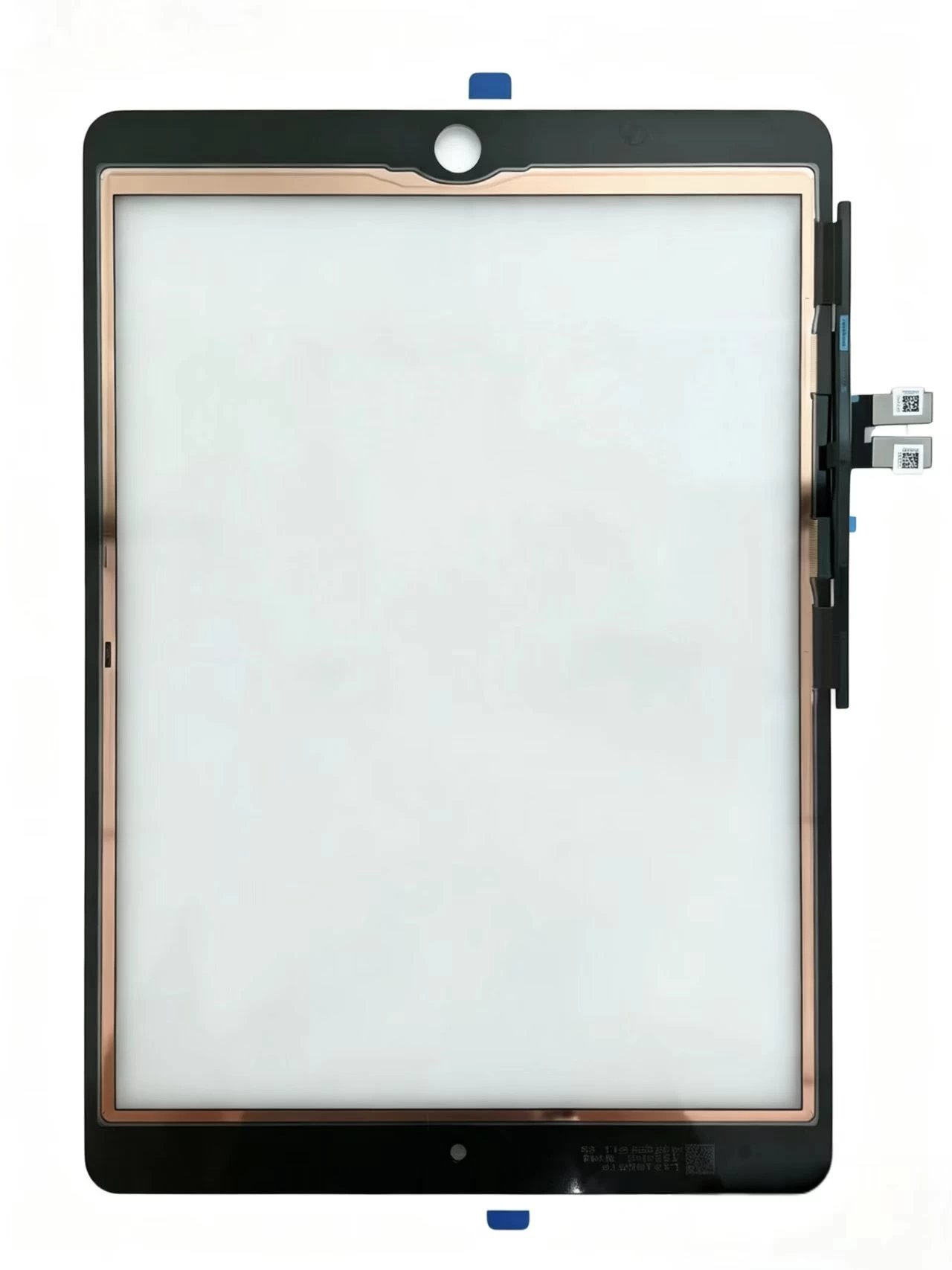
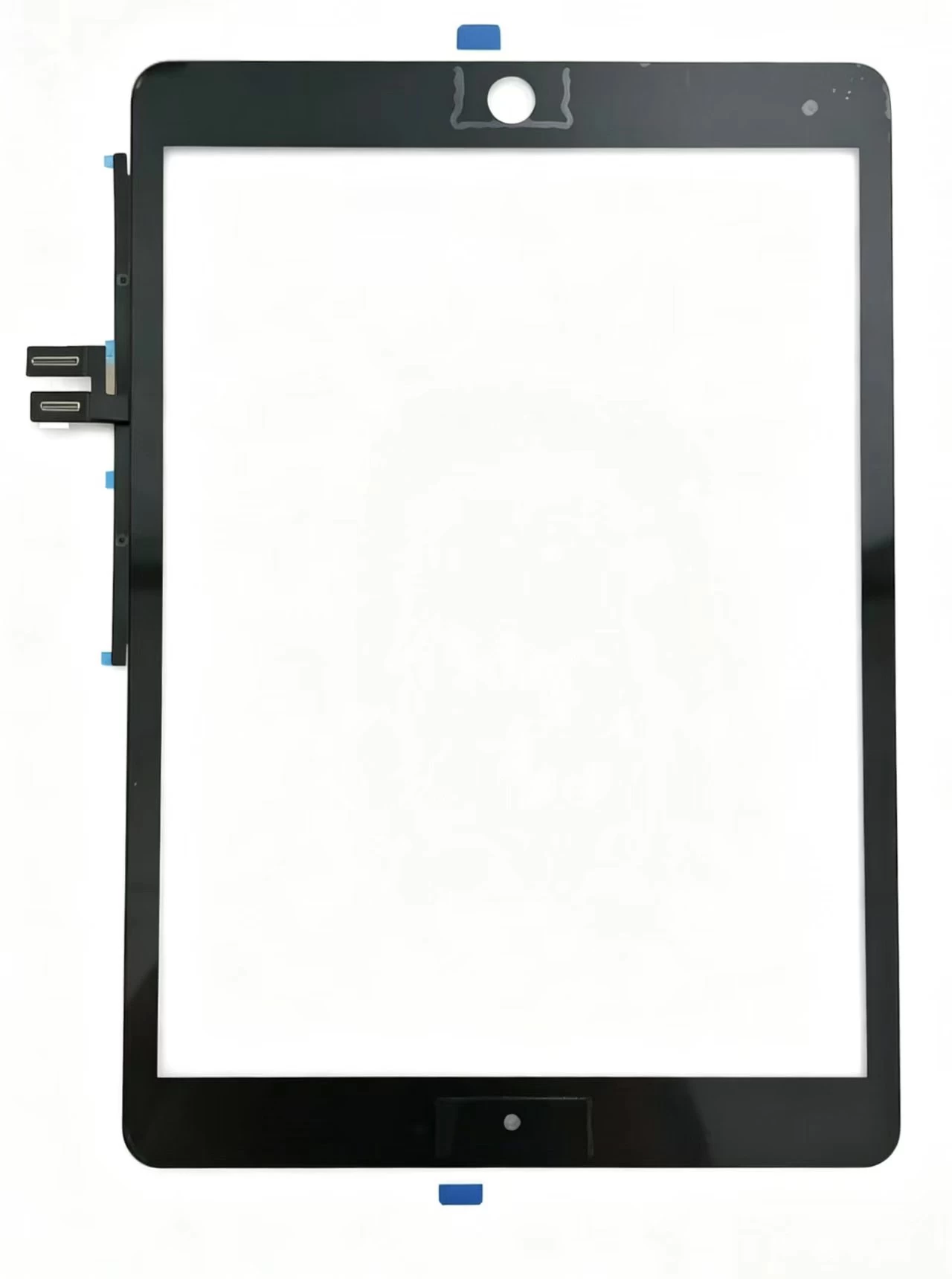
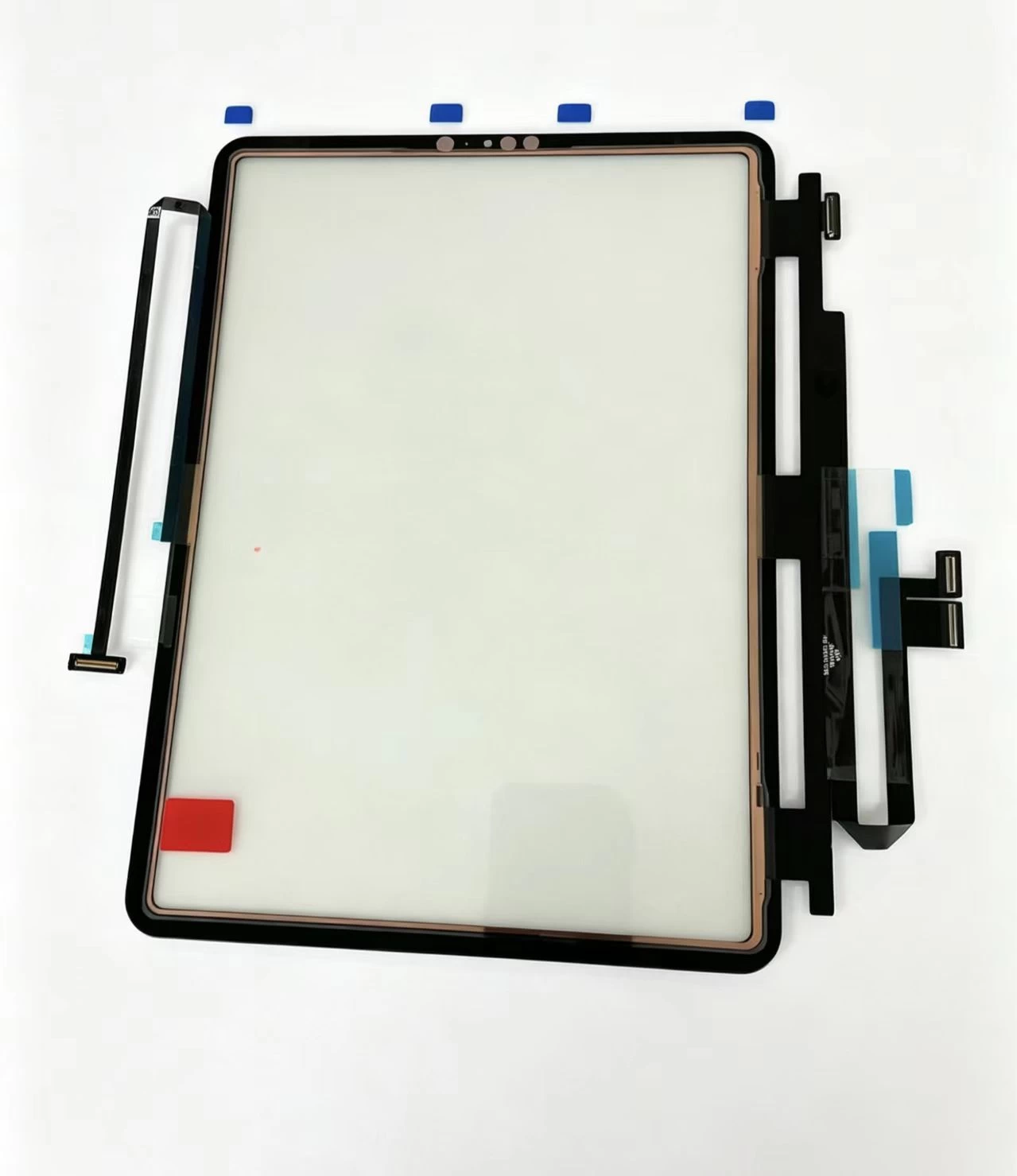
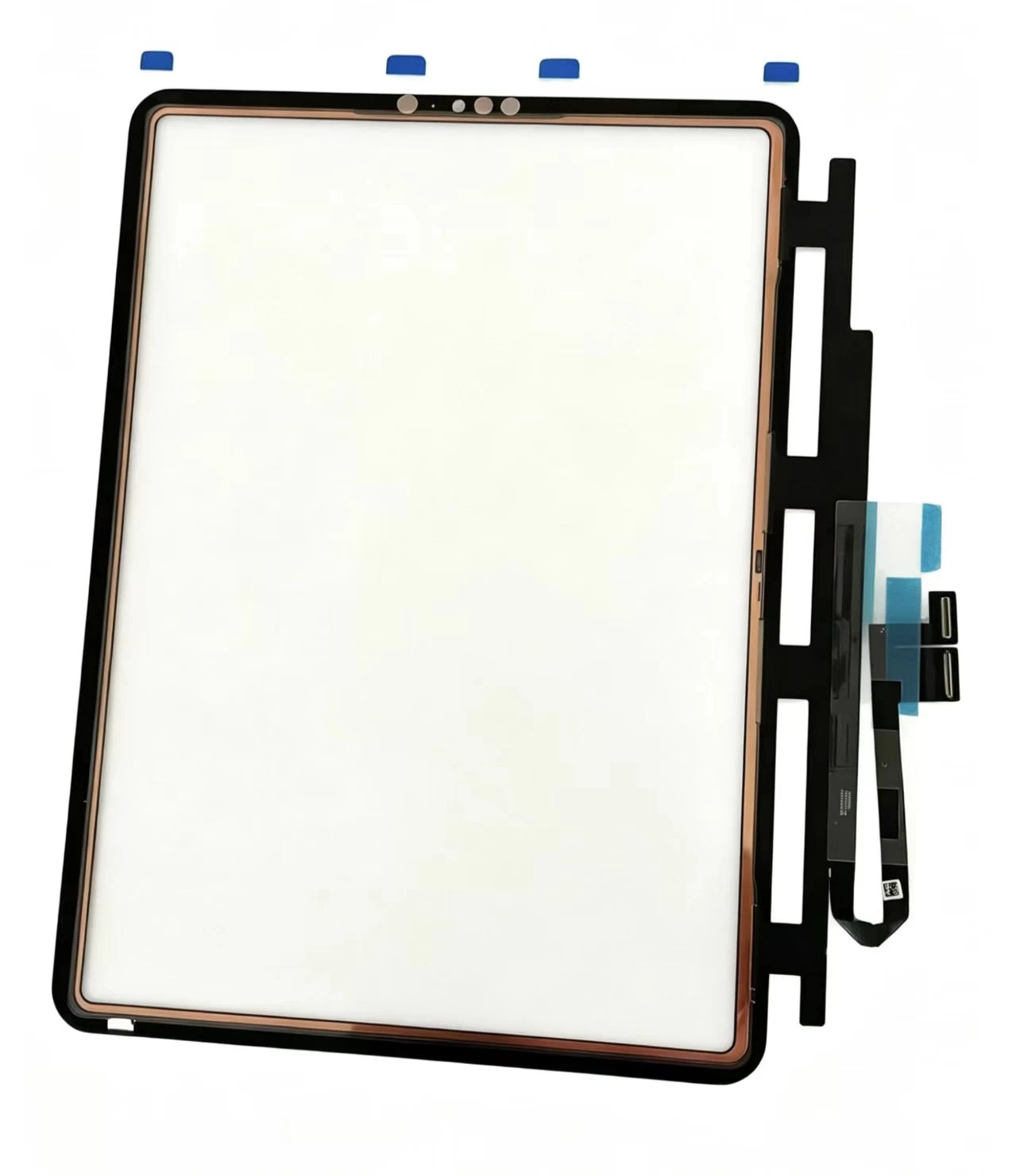
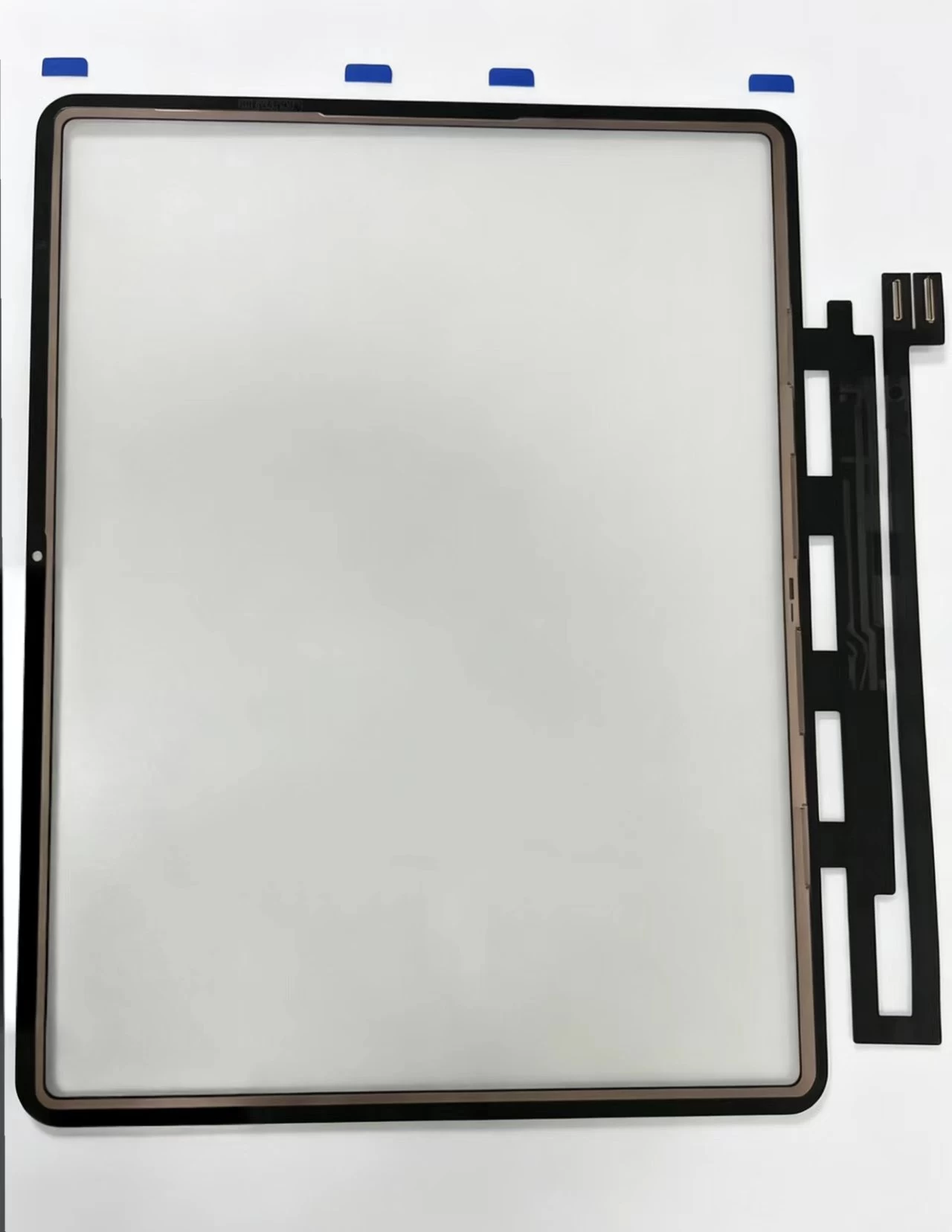
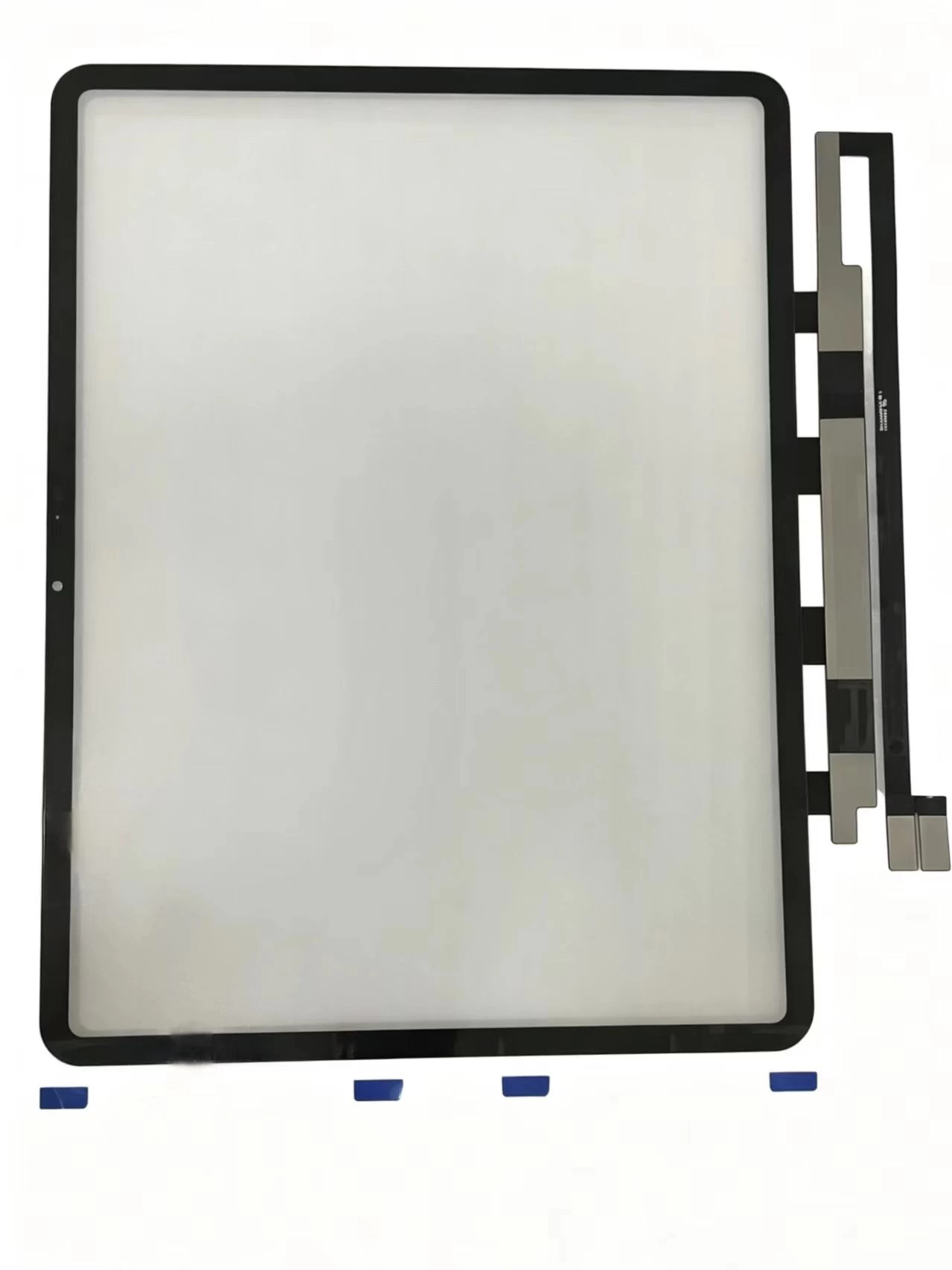
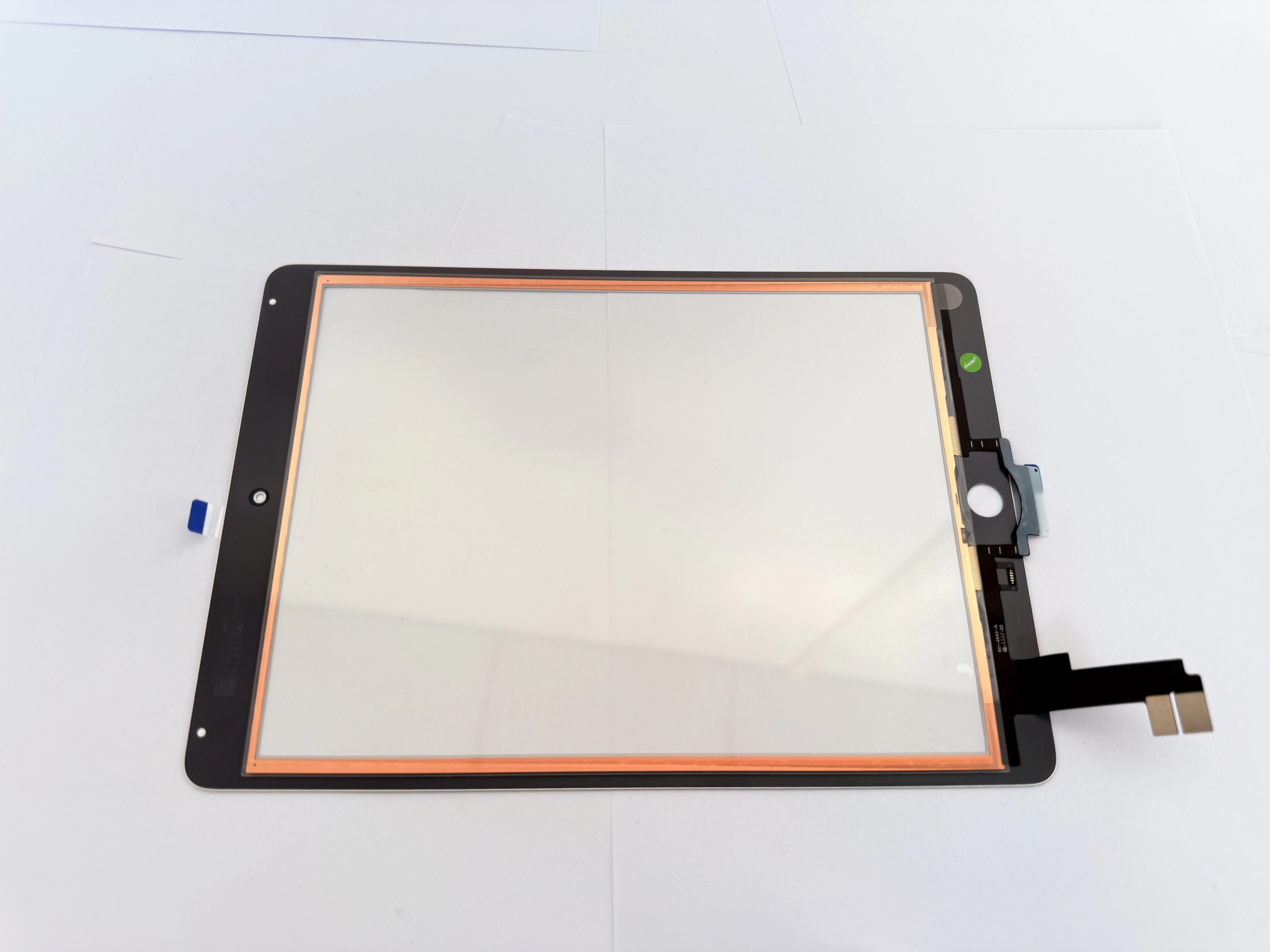
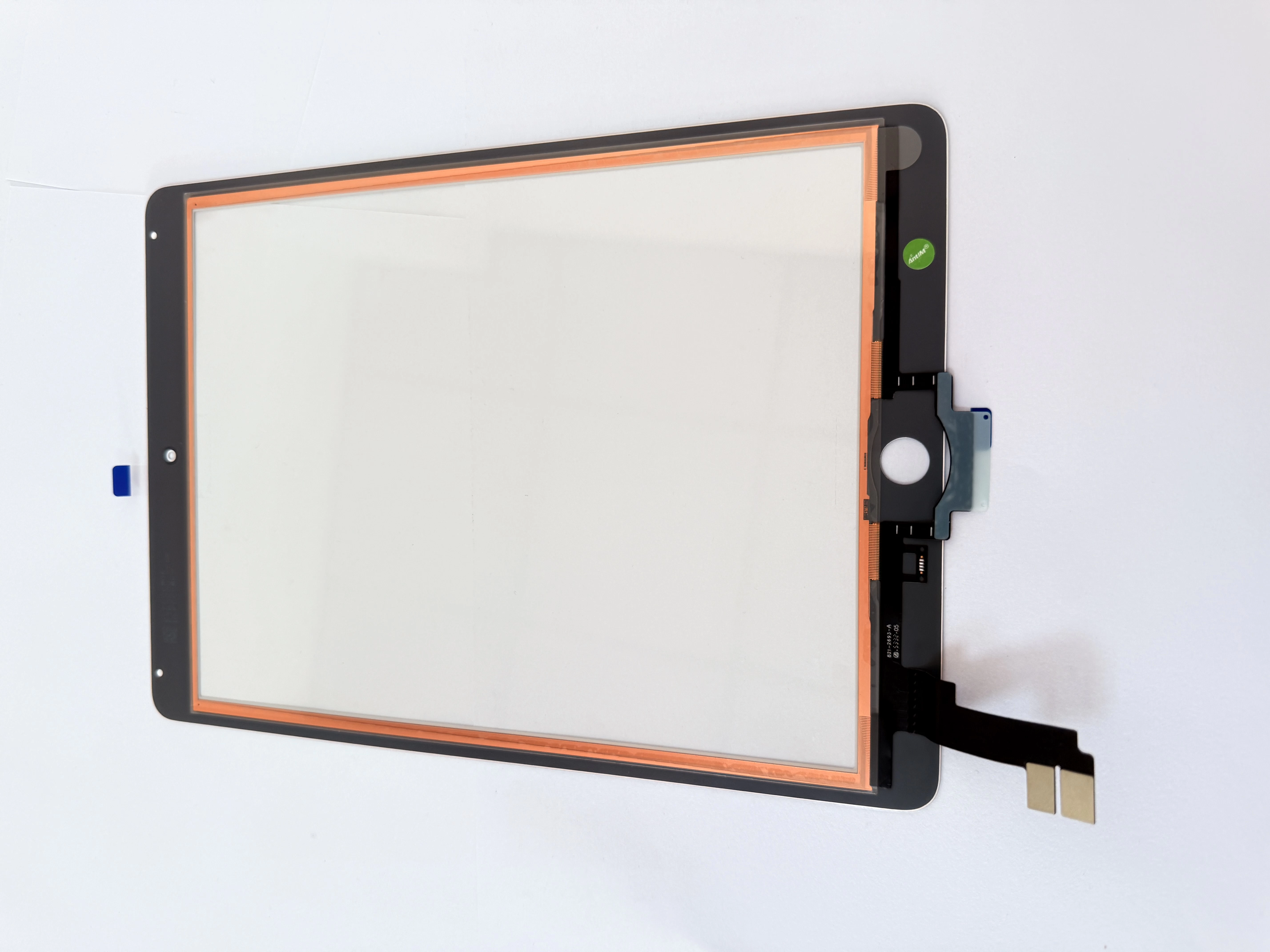
The reliable fix is replacing the digitizer with one built with copper foil and EMI shielding. This is why premium replacement parts explicitly advertise "anti-ghost-touch" construction — the shielding blocks the interference at the source. If you repair many tablets and laptops, stocking shielded digitizers eliminates an entire class of callbacks.
White spots: the blotches under the glass
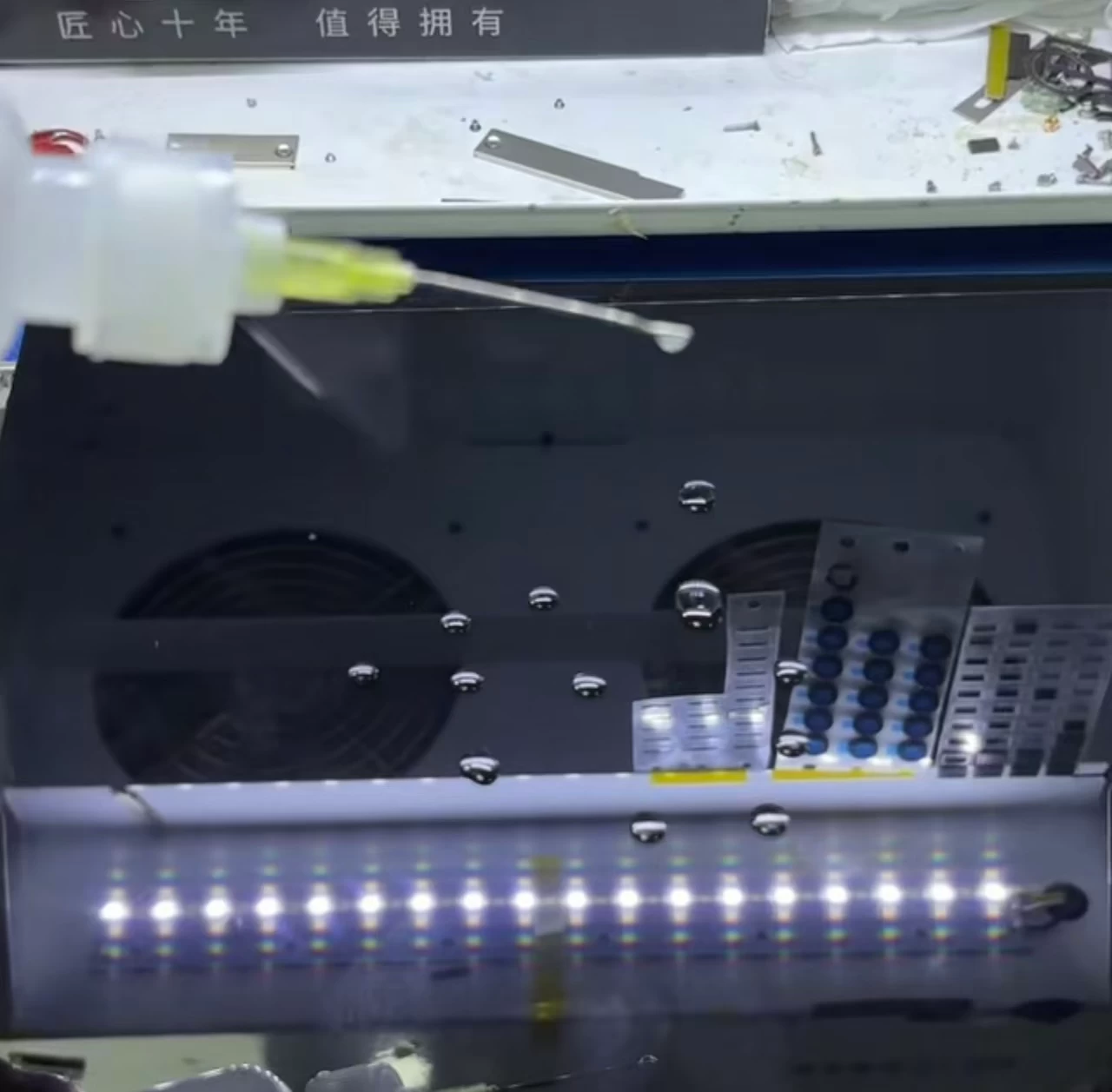
White spots appear as cloudy, lighter areas on the display, usually visible on a white background. They are typically caused by pressure damage to the LCD panel, improper lamination where air or adhesive sits unevenly behind the glass, or liquid contamination between layers.
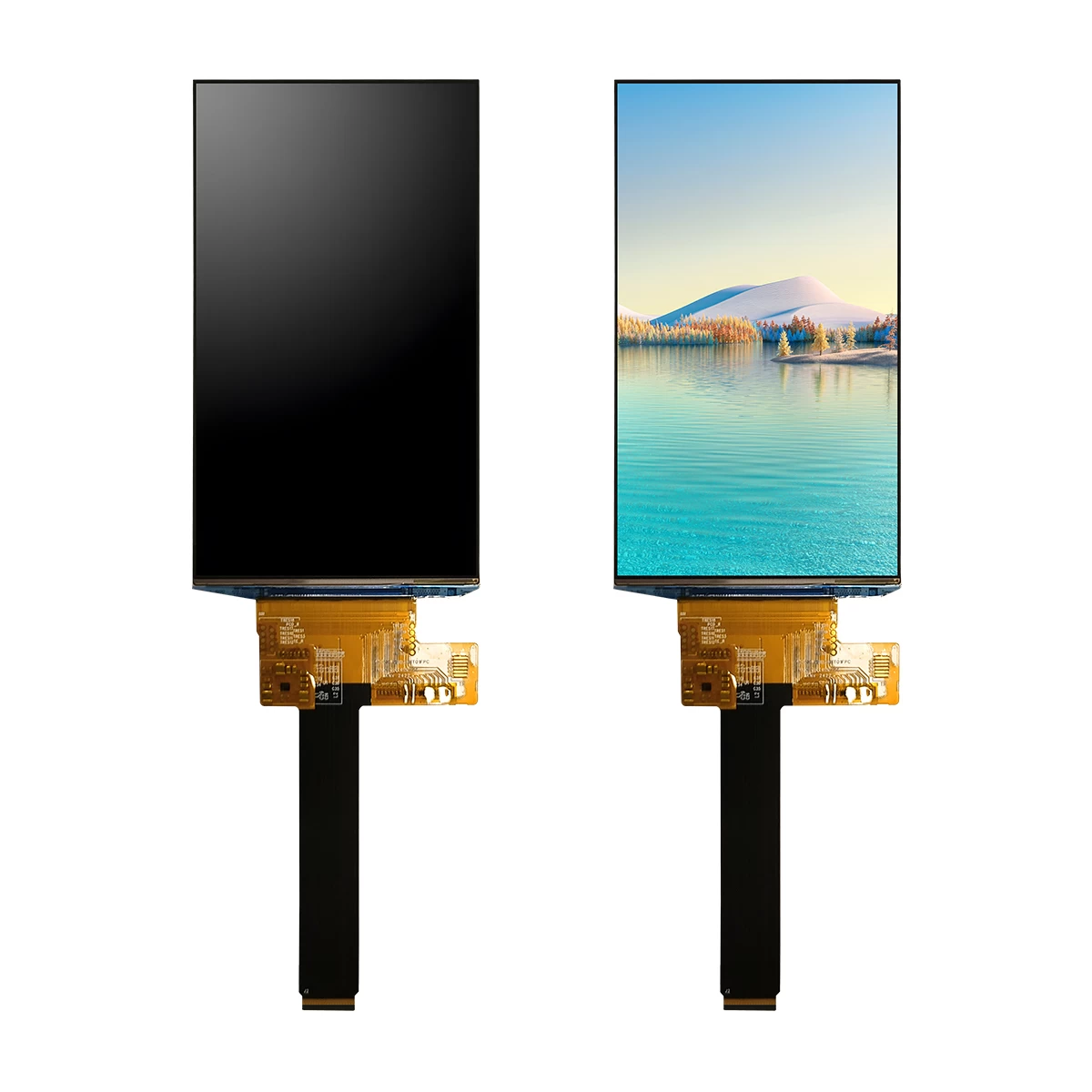
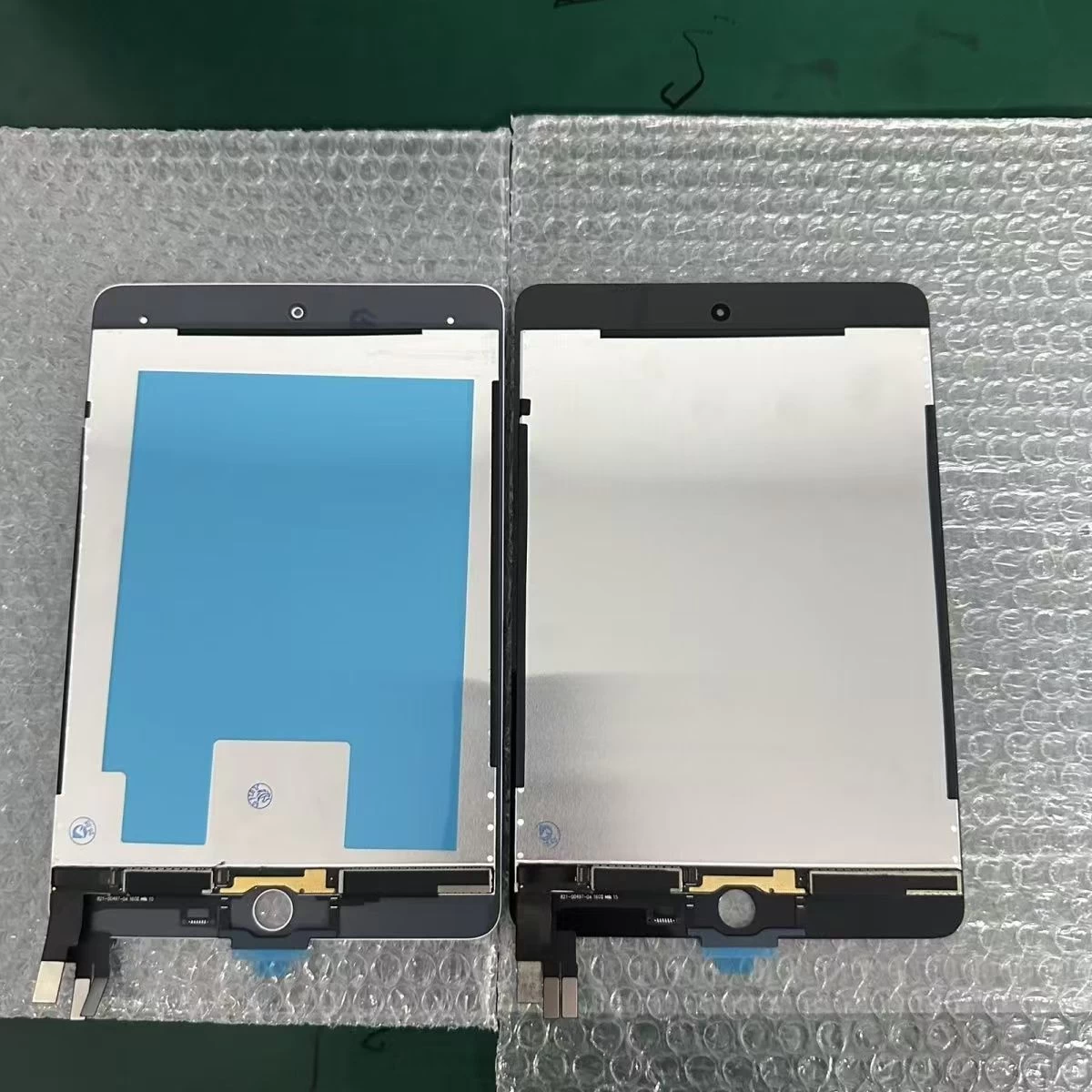
A white spot is almost always a display-layer problem, which means the fix usually requires replacing the LCD panel itself, not just the outer glass. Diagnose carefully: if the touch still works perfectly but the image has blotches, the digitizer is fine and the LCD is the culprit. Replacing only the glass will leave the customer still seeing the mark.
Dead zones: areas where touch stops working
A dead zone is a region of the screen that no longer responds to touch. It can be a small strip, a corner, or a large section. Unlike ghost touch, this is not interference — it is a failure of the touch layer itself, often from a crack that did not spread across the full glass, a failed touch sensor trace, or a damaged flexible cable.
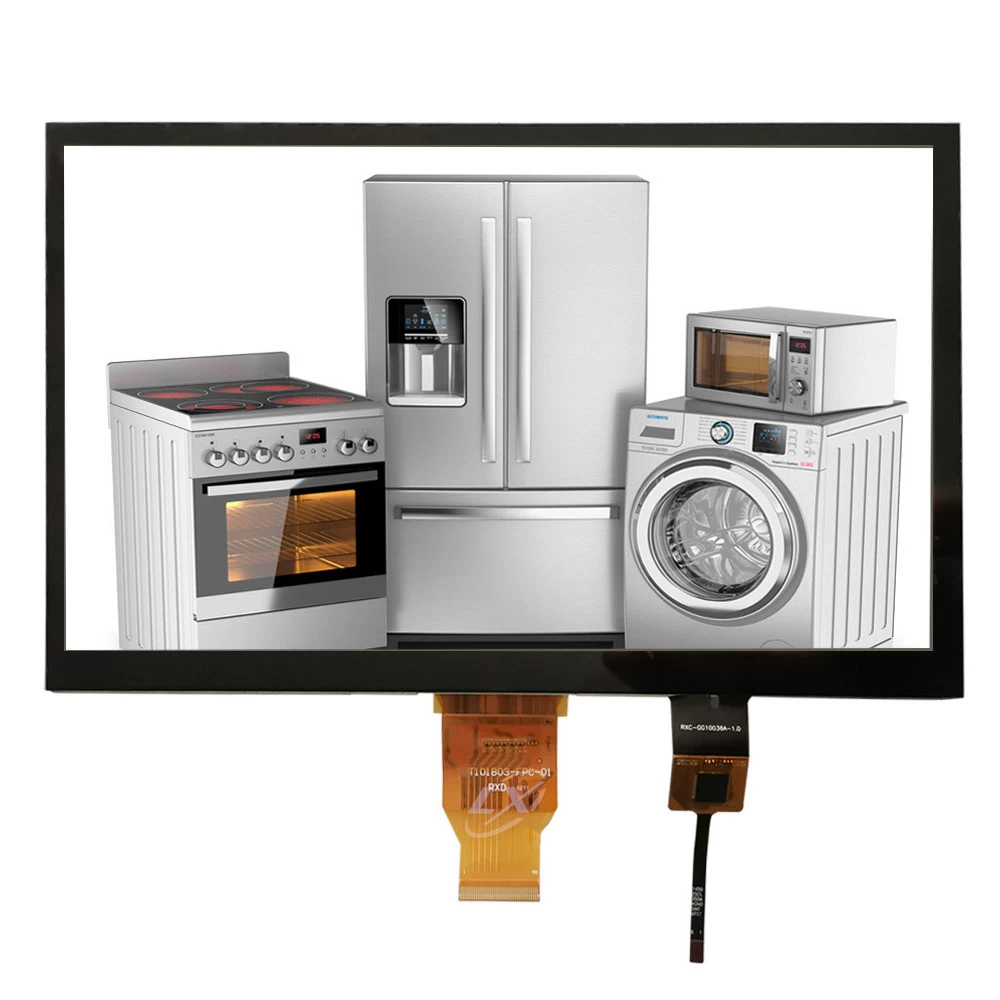
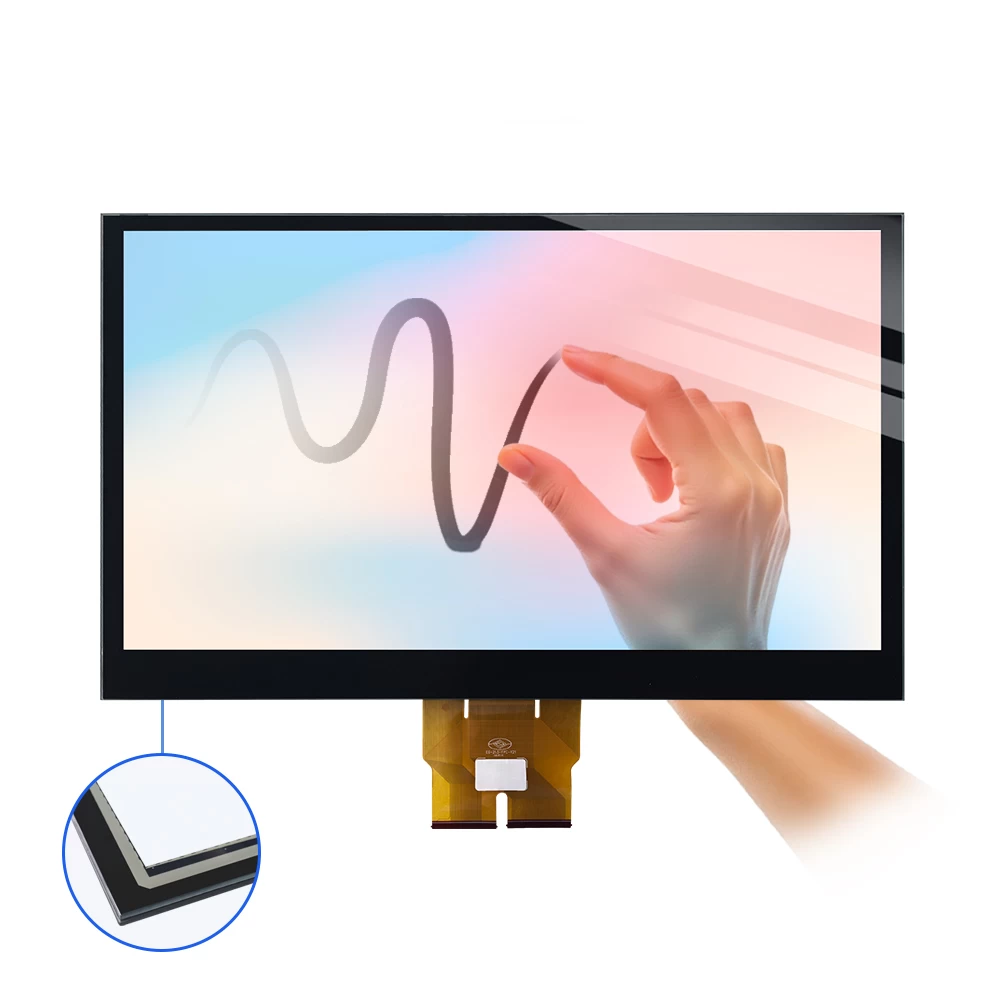
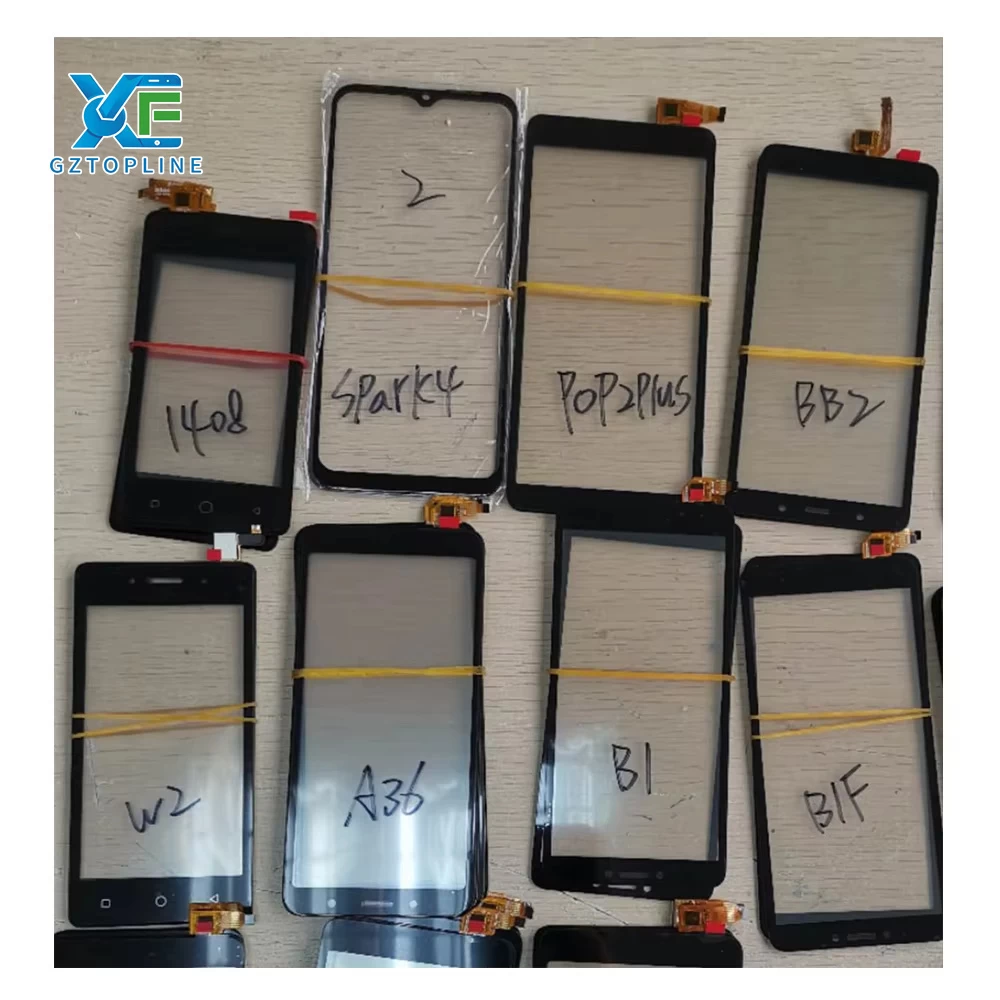
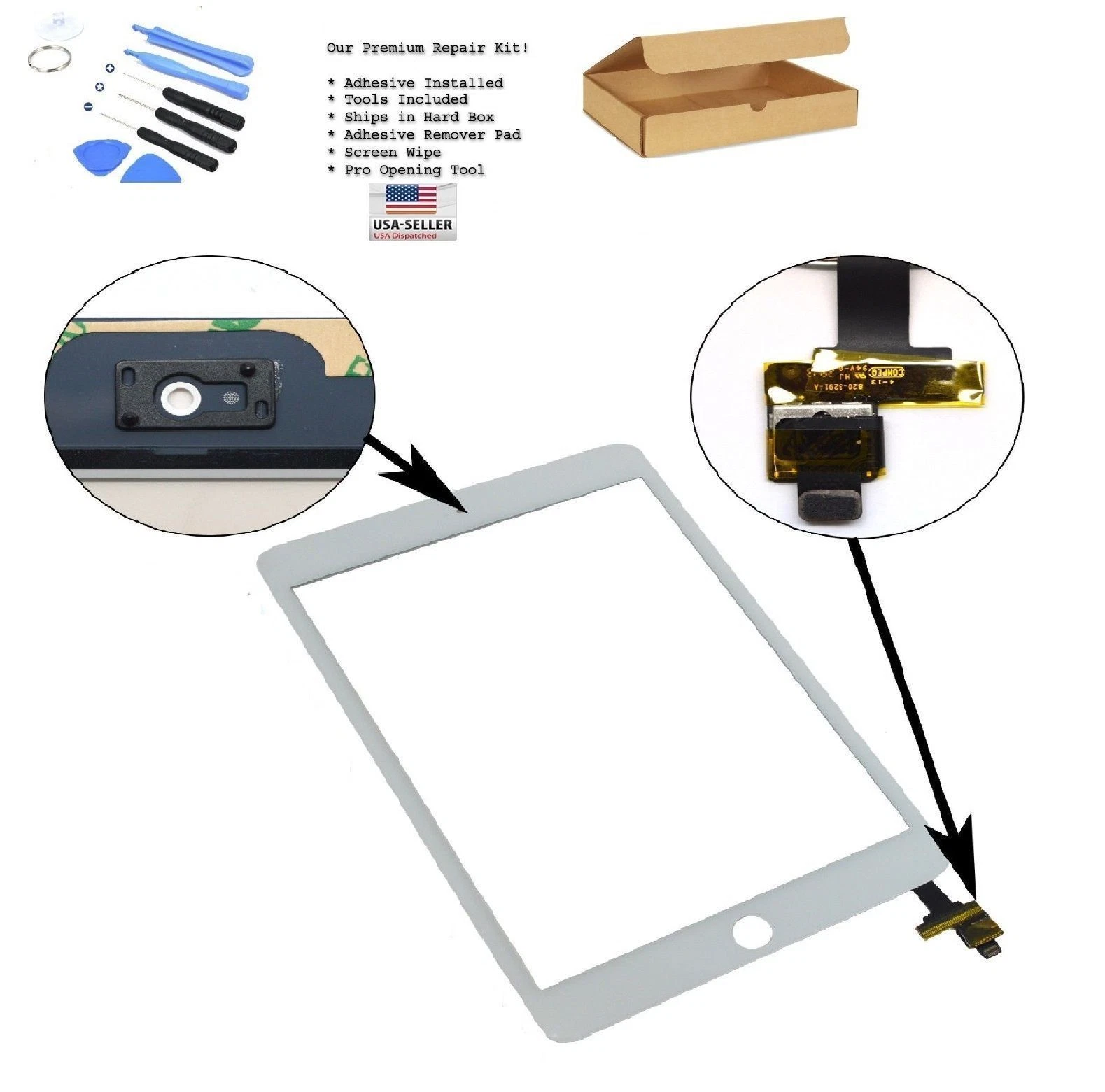
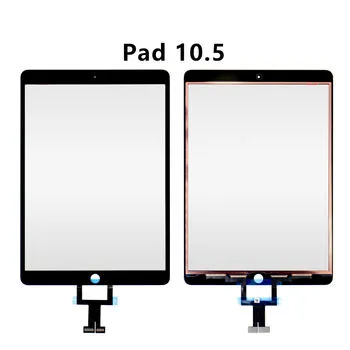
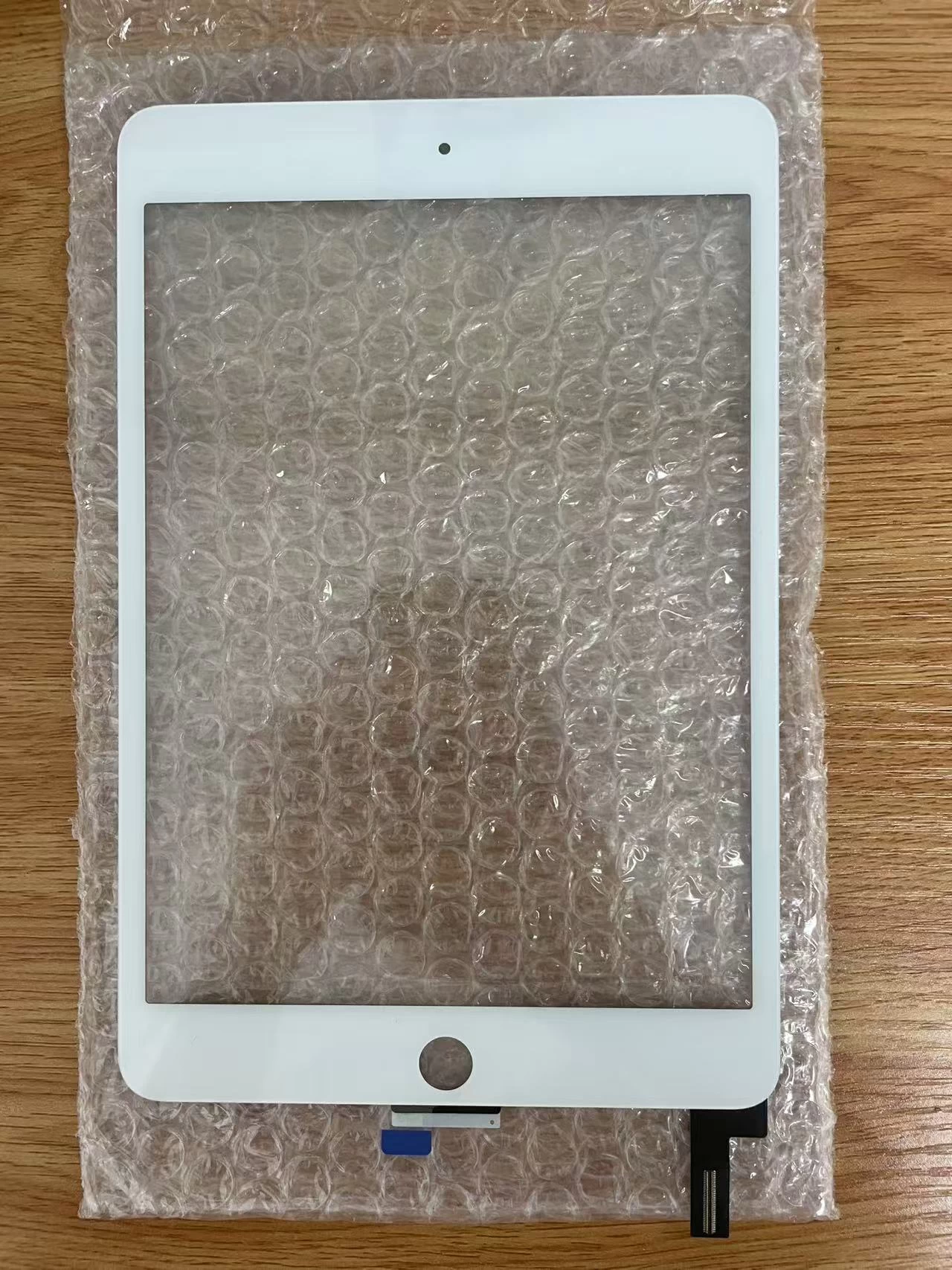
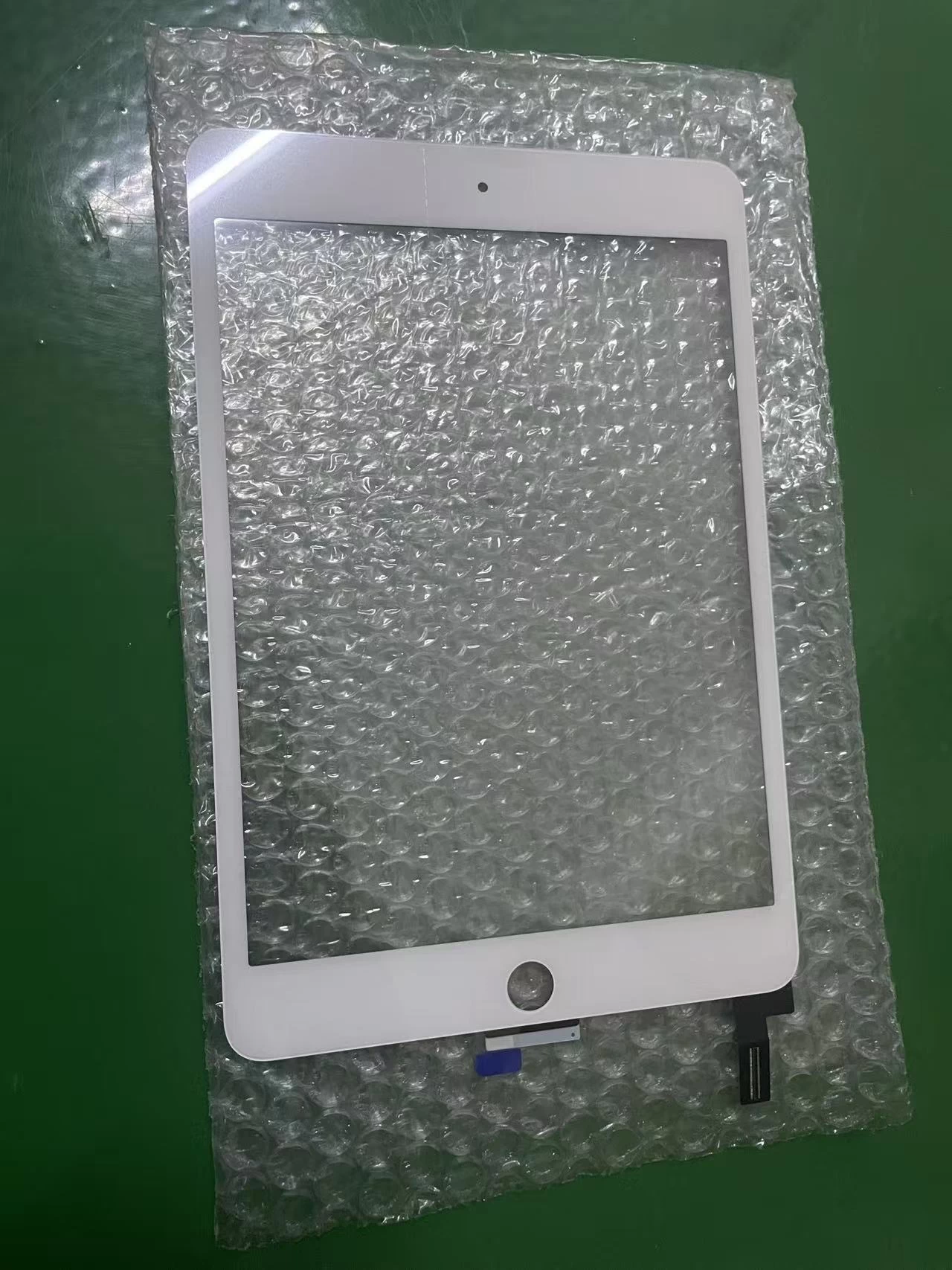
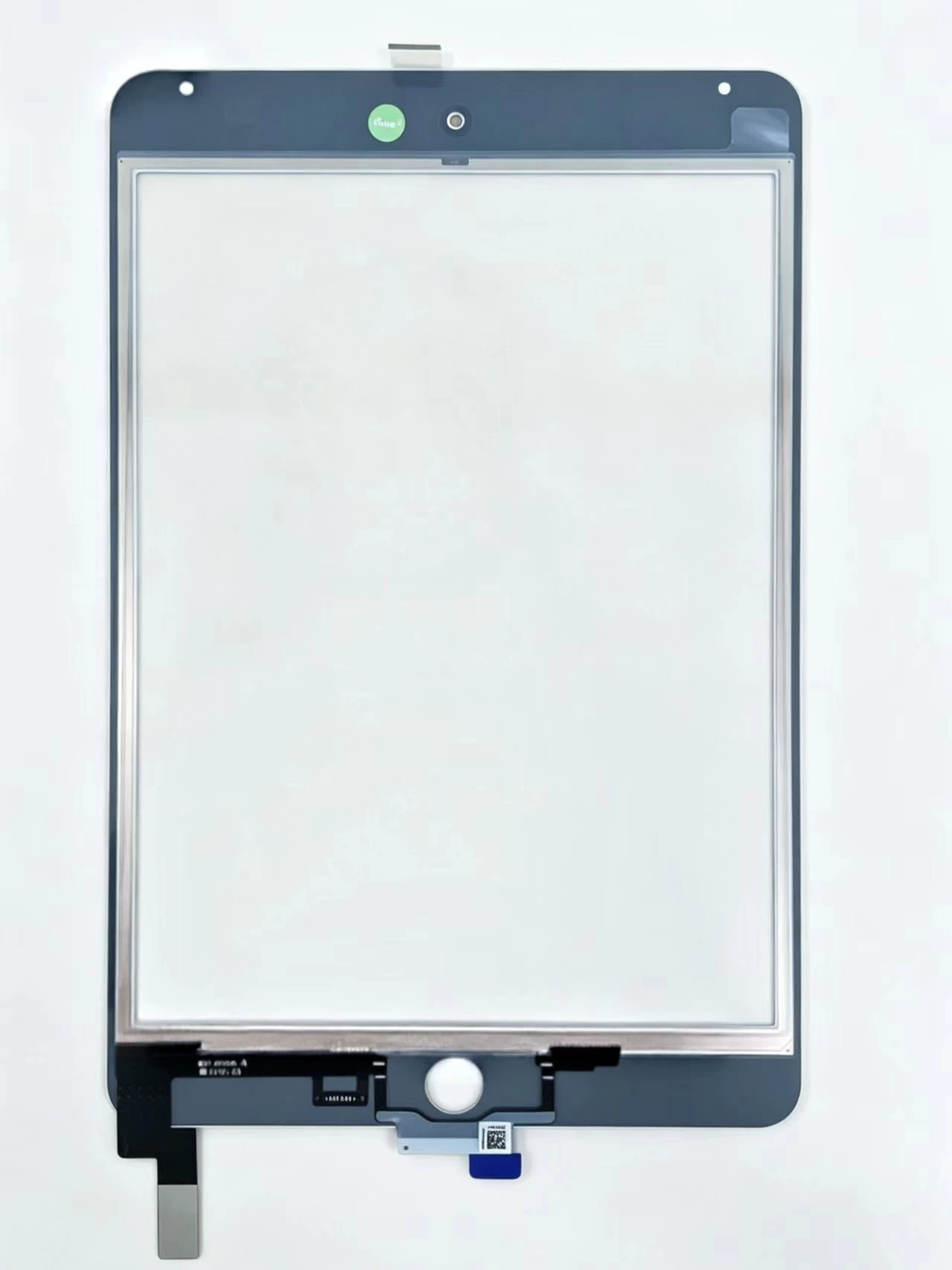
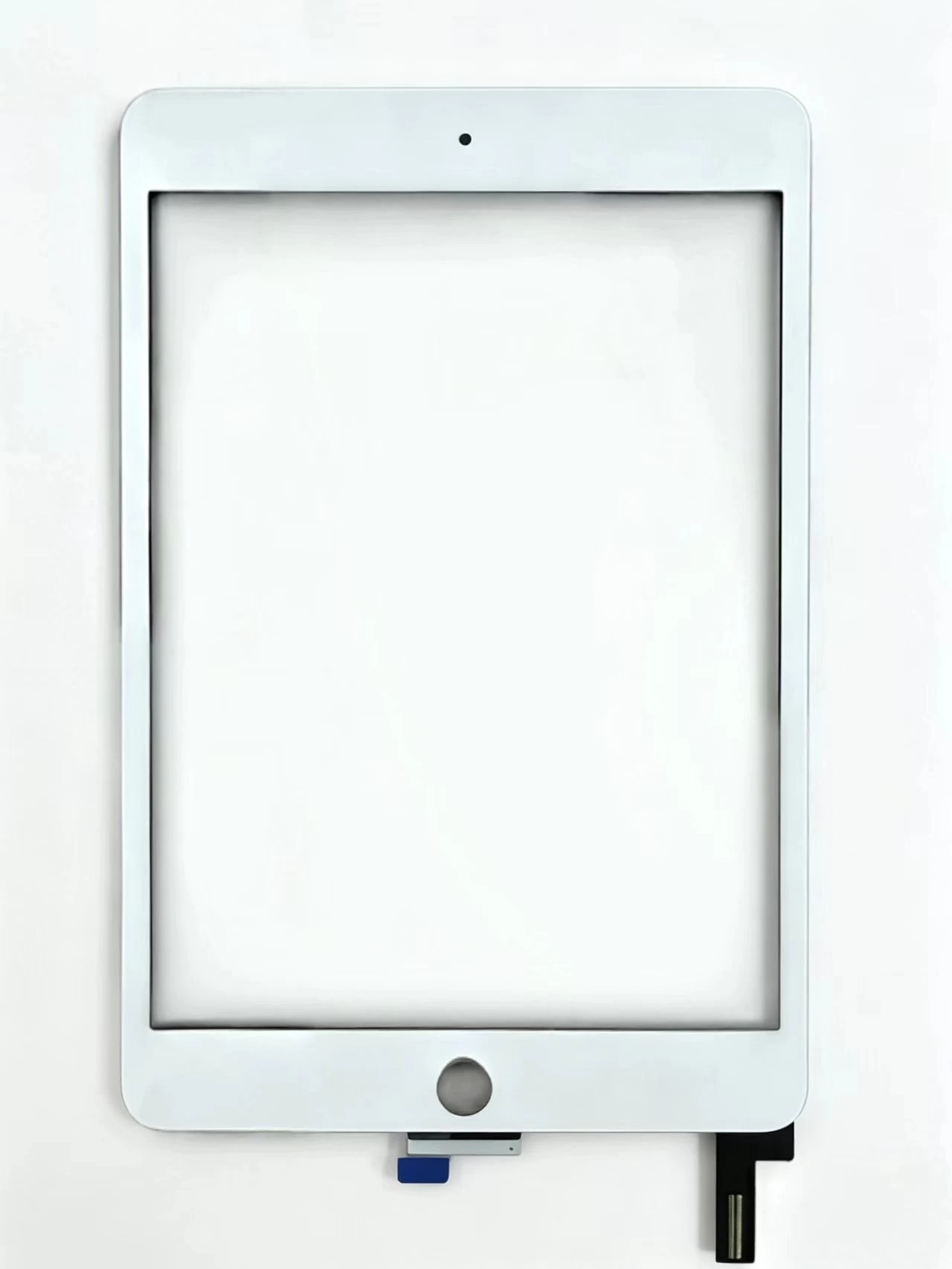
Because the touch layer lives in the digitizer, the fix is to replace the digitizer assembly. If the dead zone came from physical damage, inspect the flex cable and connector too, because a loose or damaged connector can mimic a dead zone without any sensor failure.
A practical diagnosis flow for technicians
- Does touch work but the image looks wrong (spots, lines)? → Replace the LCD.
- Does the image look fine but touch is erratic or phantom? → Replace the digitizer (look for shielded, anti-ghost-touch builds).
- Is touch dead in one region only? → Replace the digitizer and inspect the connector and flex cable.
- Did liquid get in? → Clean and dry thoroughly before replacing any part, and replace both layers if the LCD is damaged.
Why part quality decides the outcome
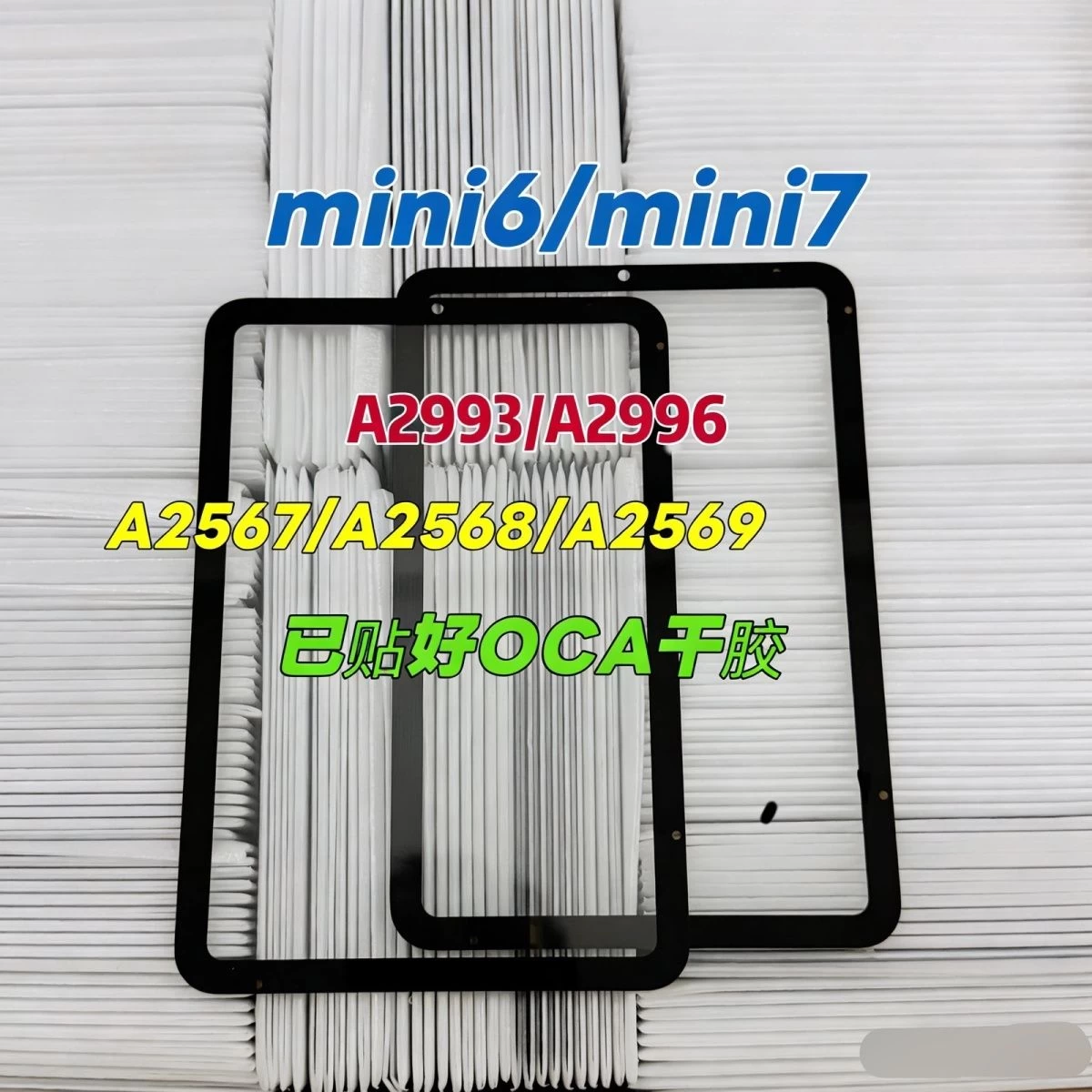
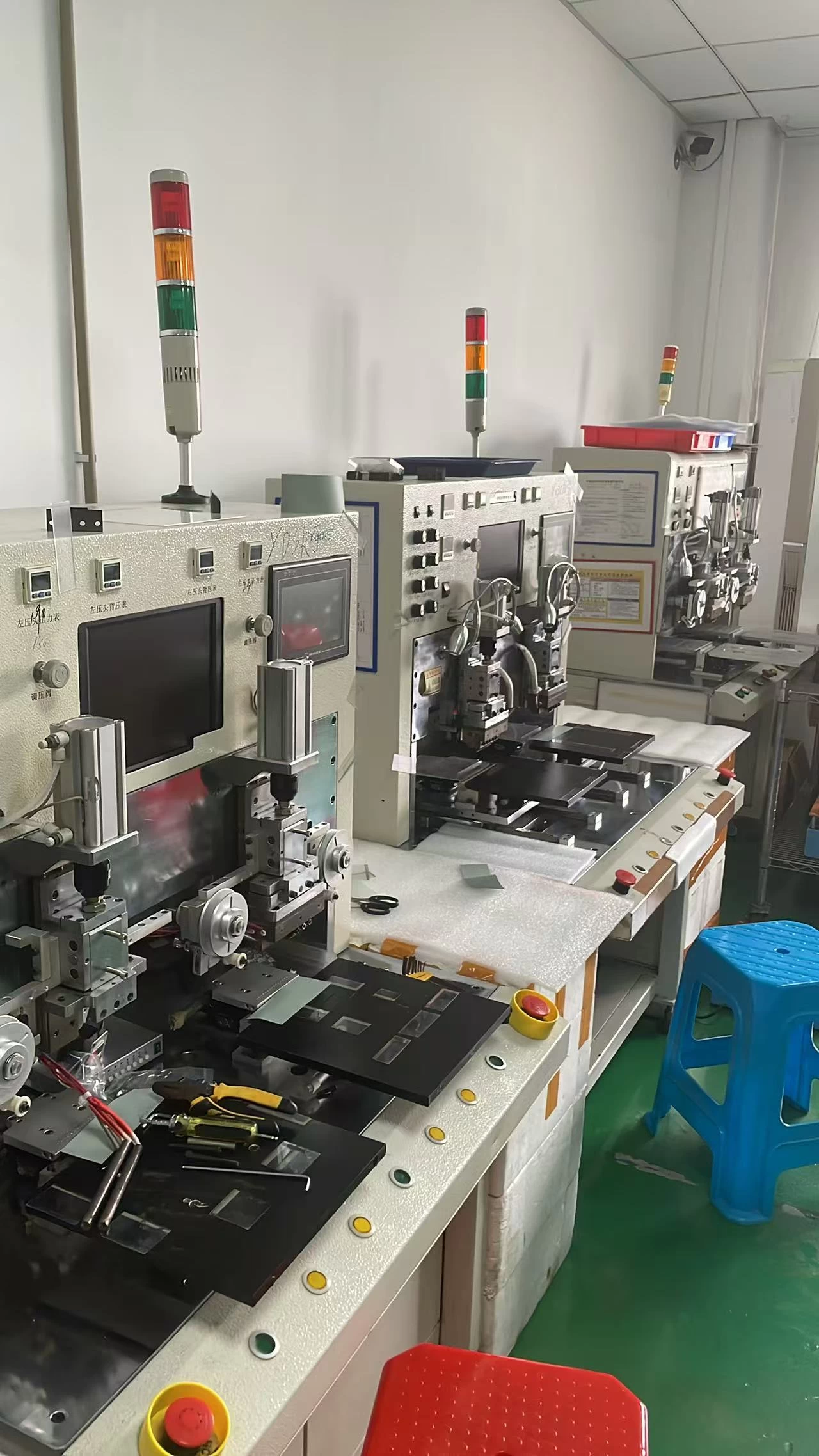
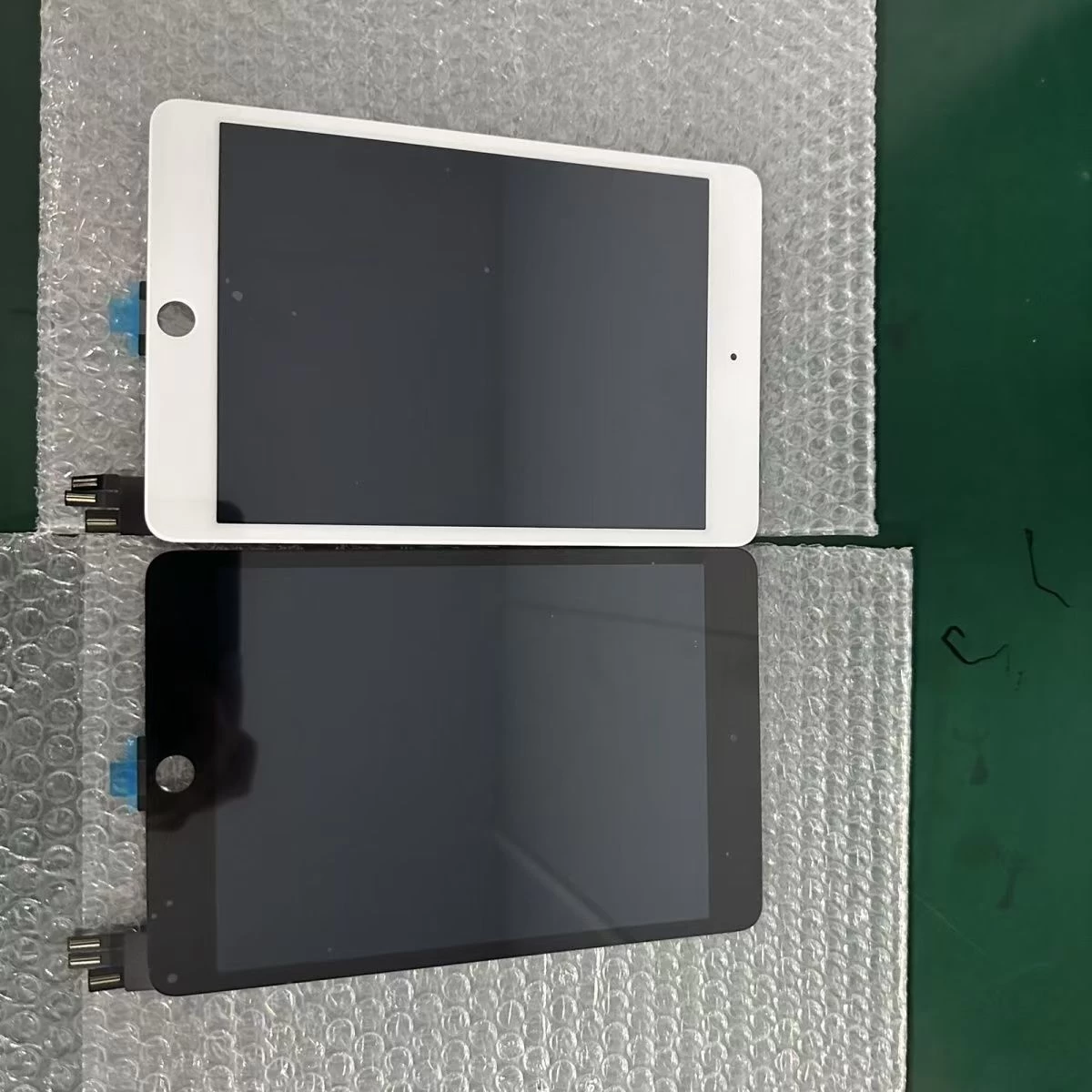
You can perform a flawless installation and still deliver a failing repair if the part itself is weak. The best repair shops buy from manufacturers who build the digitizer and LCD to OEM grade — with pre-bonded OCA, copper foil shielding, and full-process quality control — because these details are exactly what prevent ghost touch and premature failure.
A shielded, pre-bonded digitizer also saves your technician time on every install and gives the customer a screen that feels like the original.
A note on recurring failures
If the same device model keeps coming back with ghost touch or dead zones, the pattern is a strong signal about the parts you are stocking, not your technique. Upgrade to an OEM-grade shielded part line and track the change in return rate — you will usually see it drop immediately.
Touch screen repair is a skill, but consistent success is a sourcing decision. Diagnose accurately, choose the right layer, and buy parts built to the spec the original engineers intended.