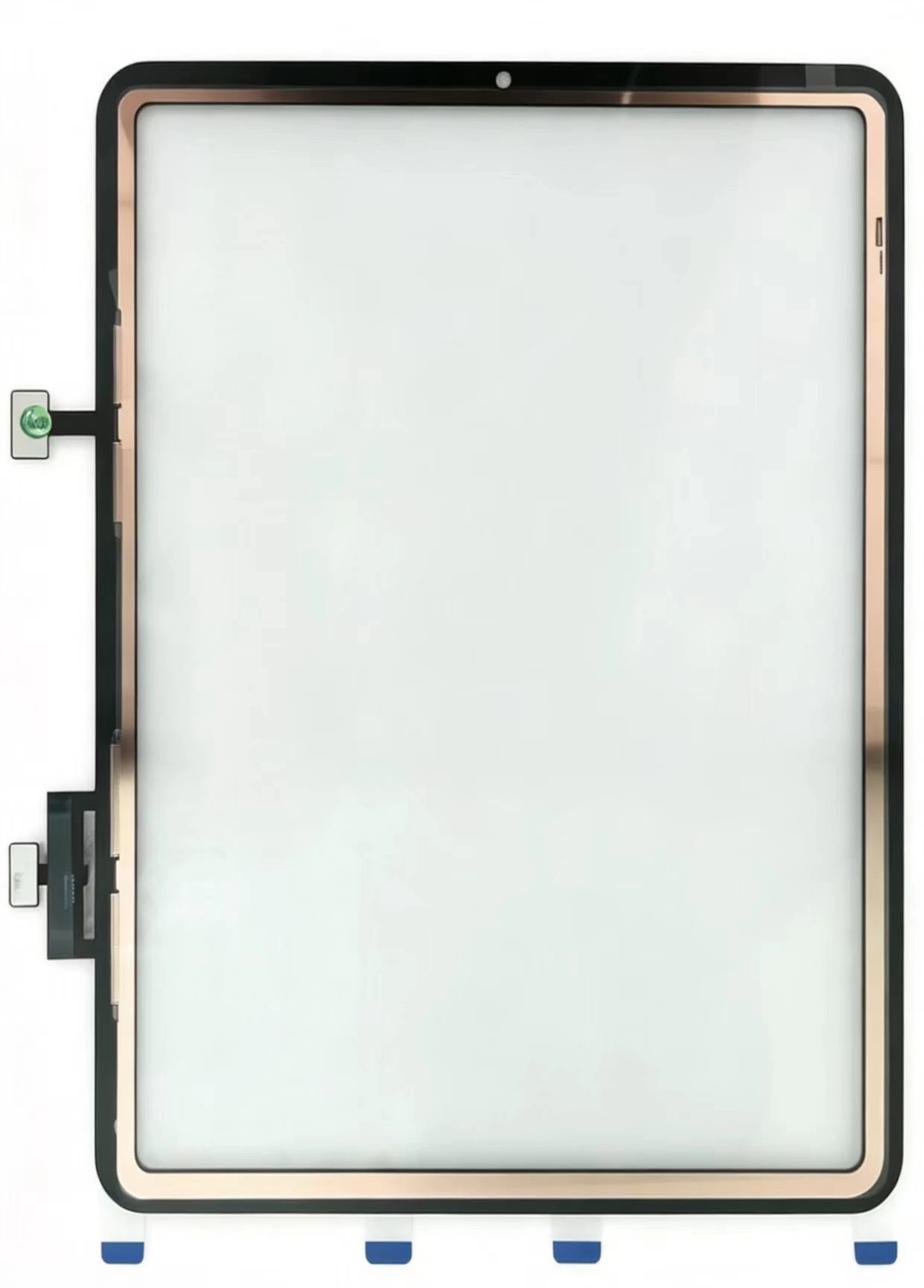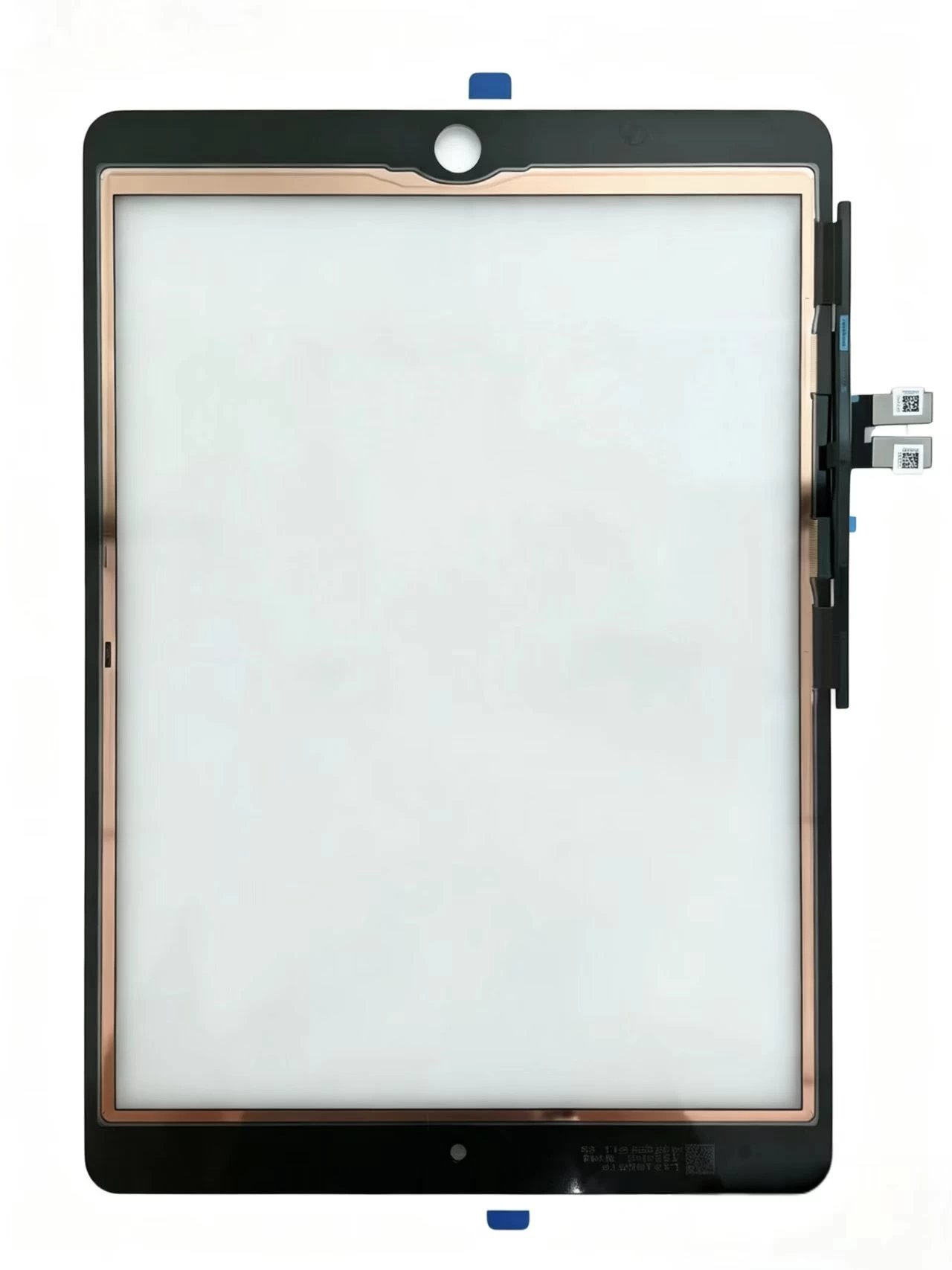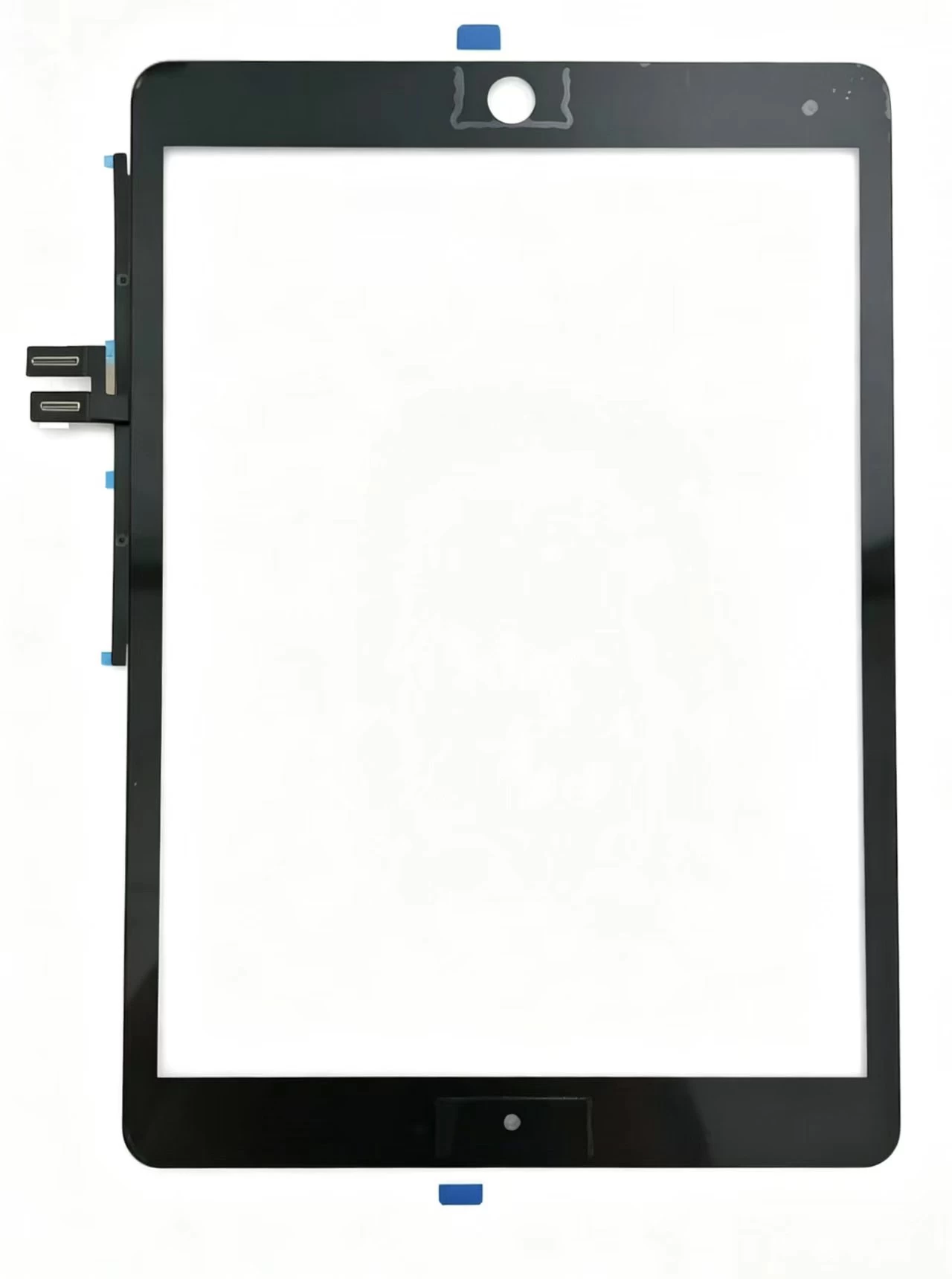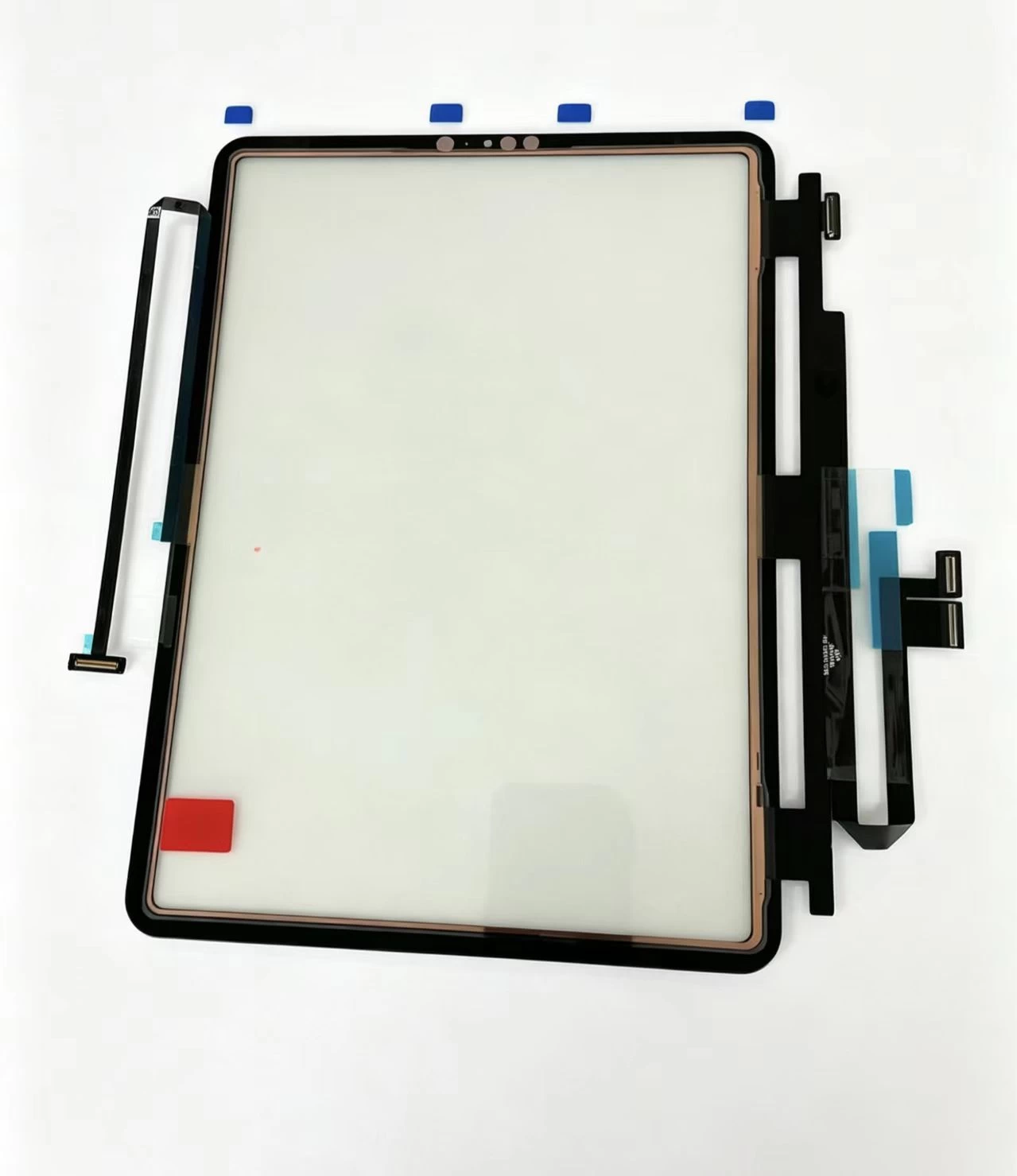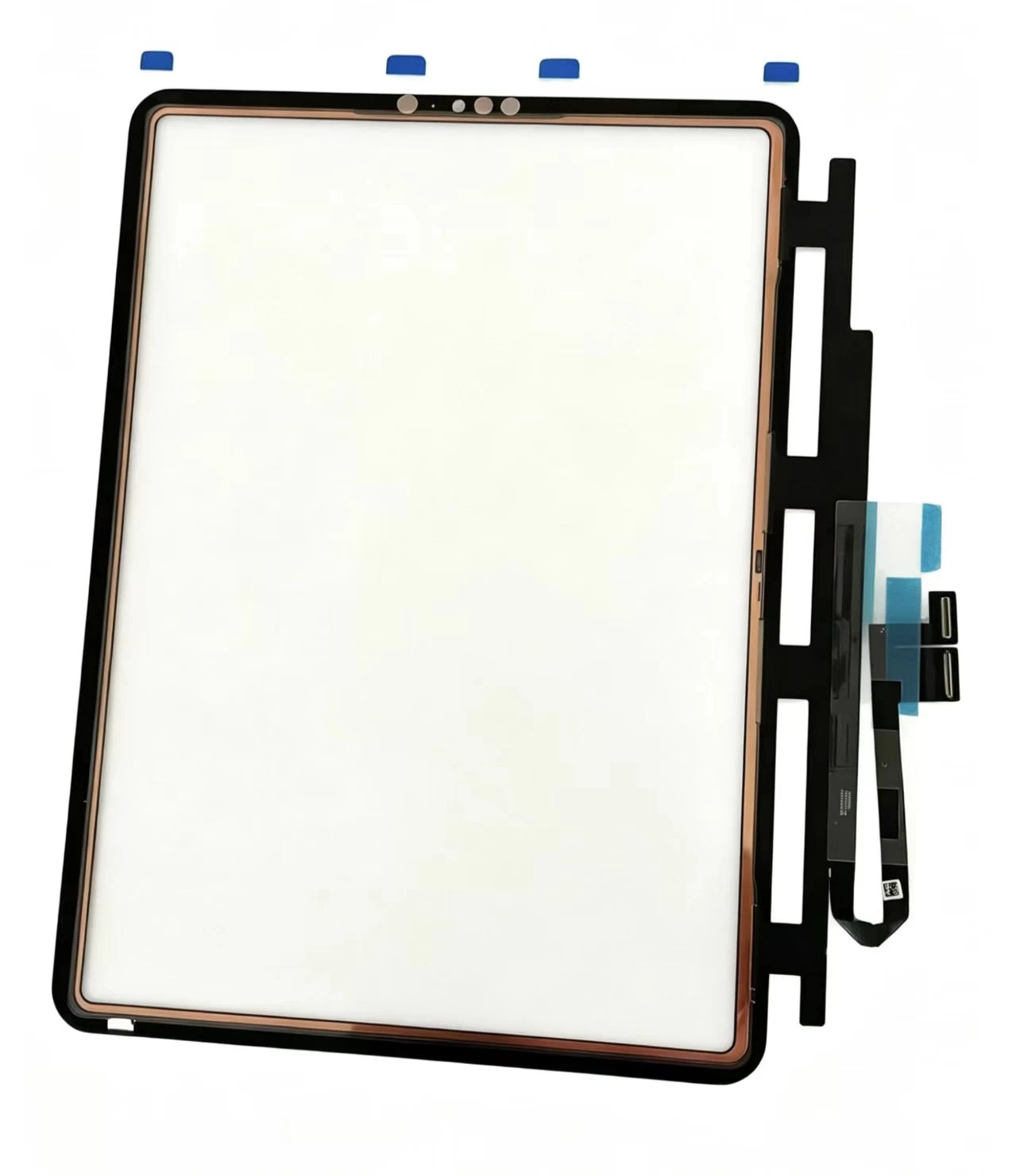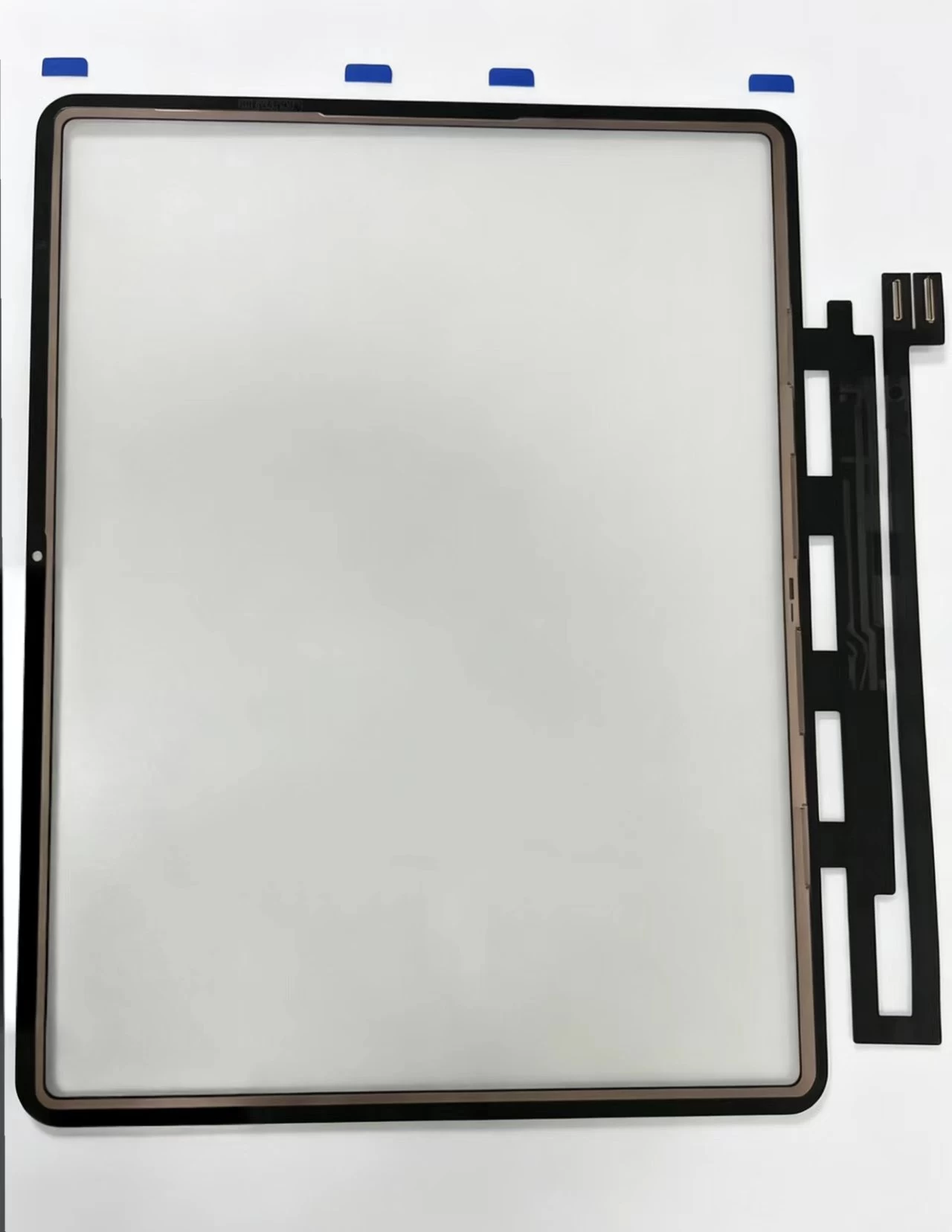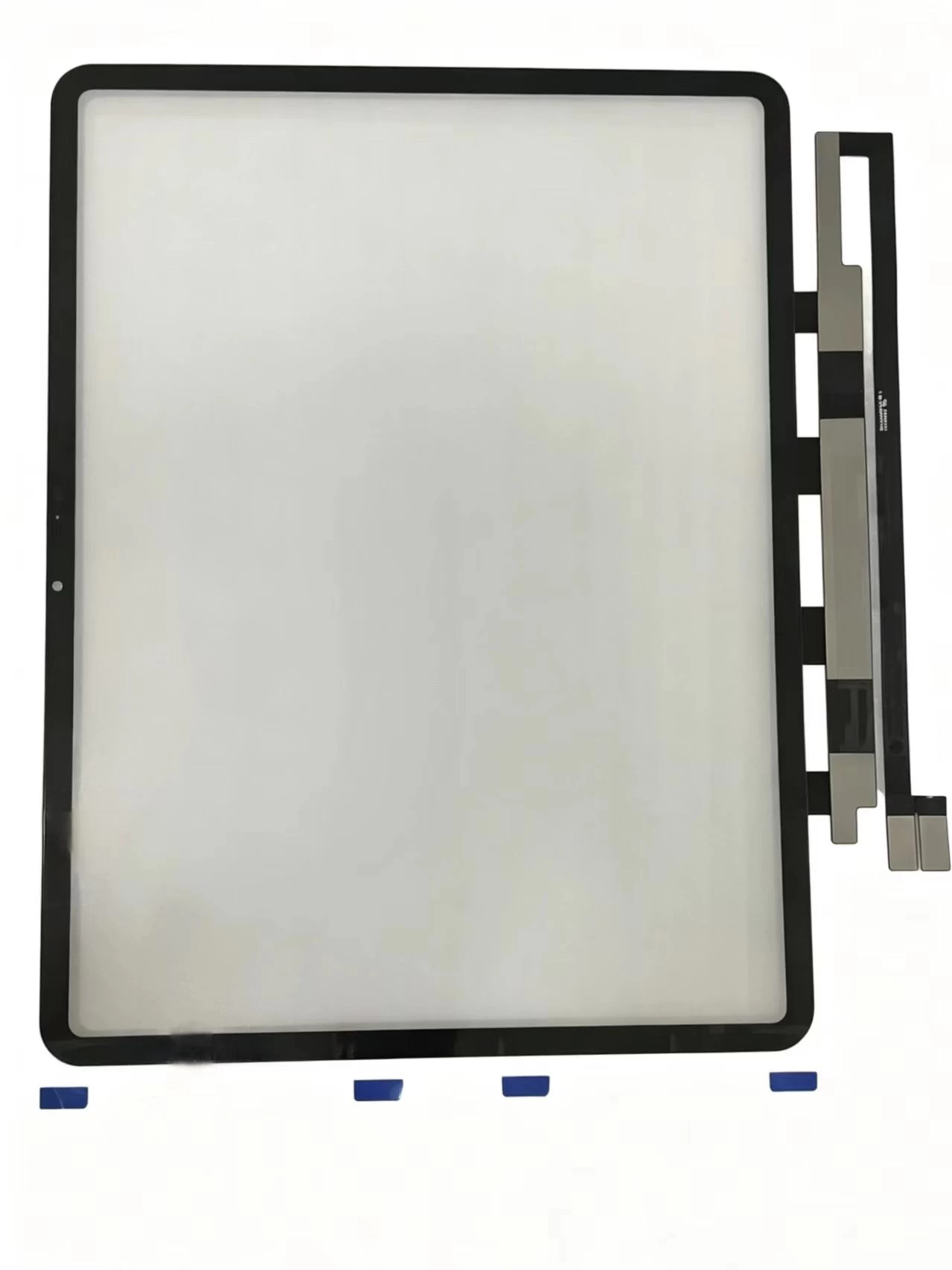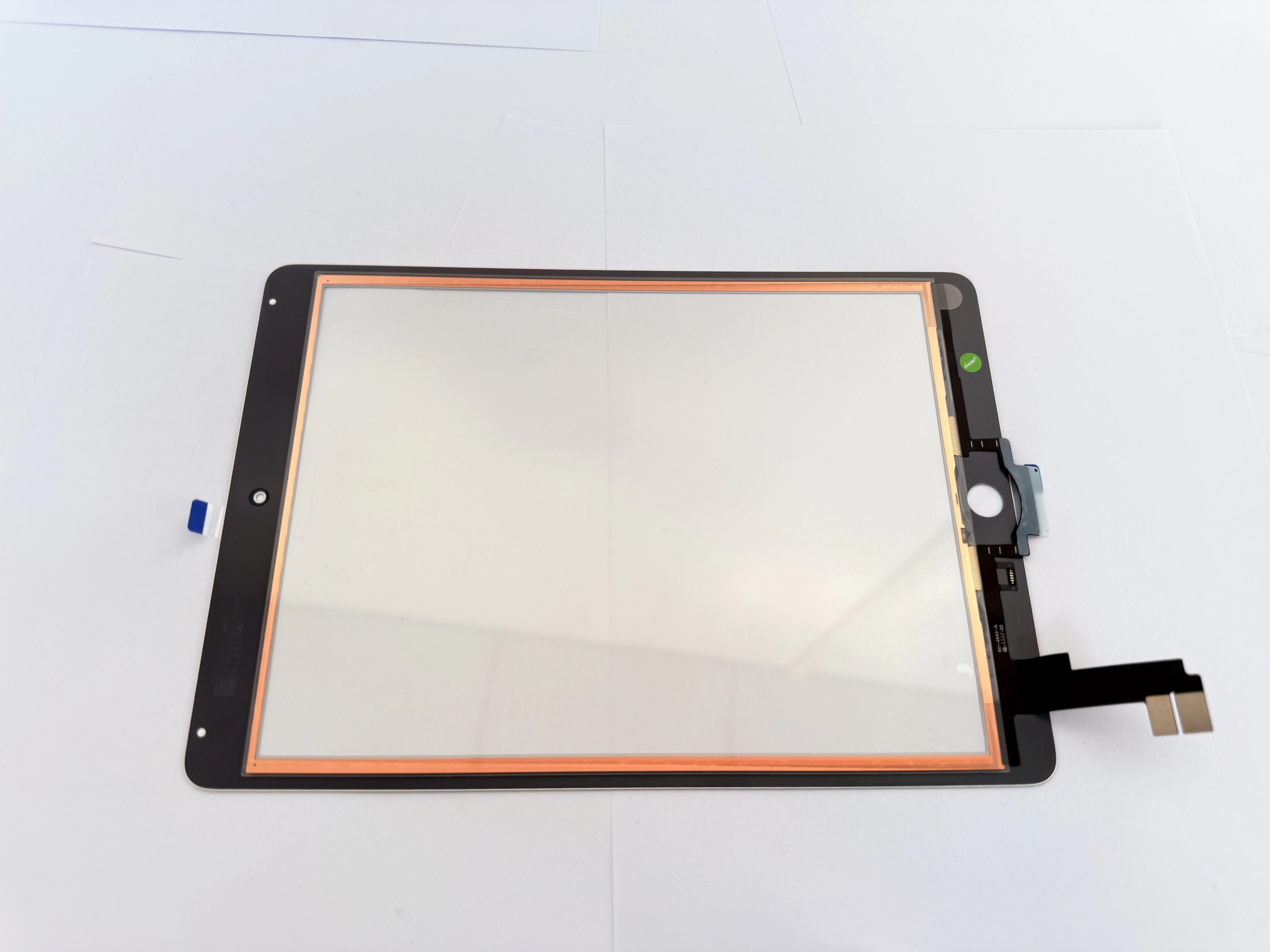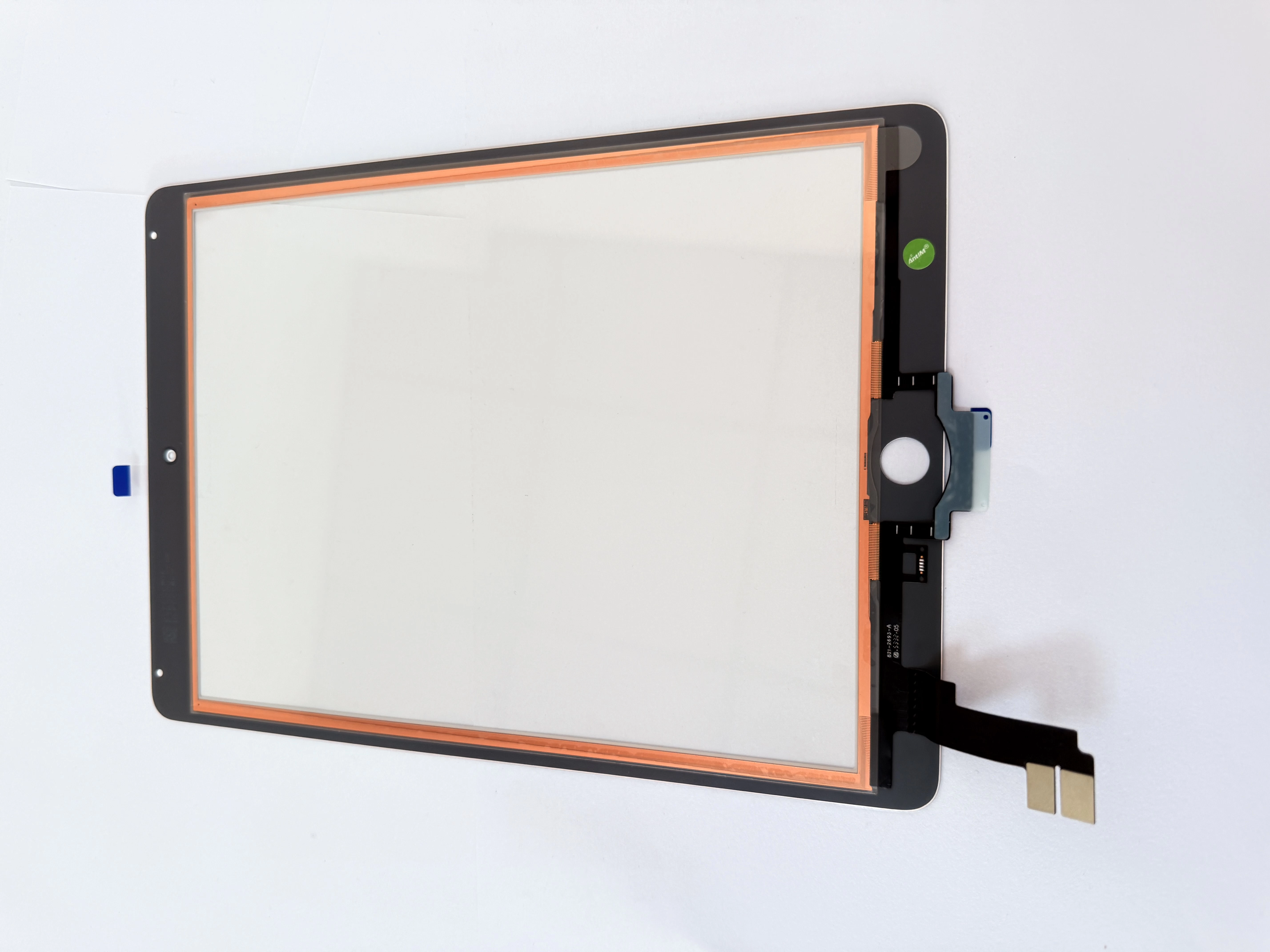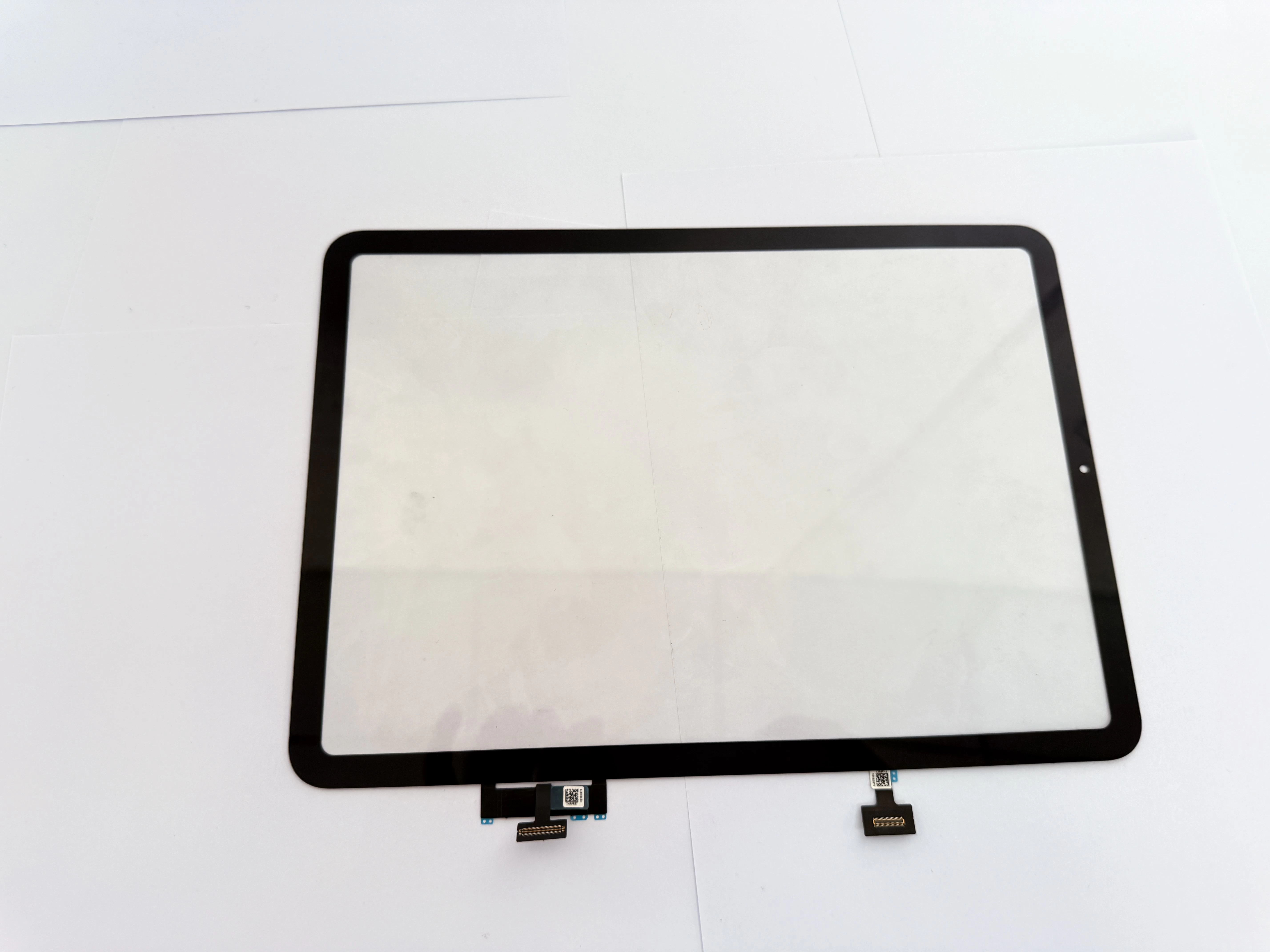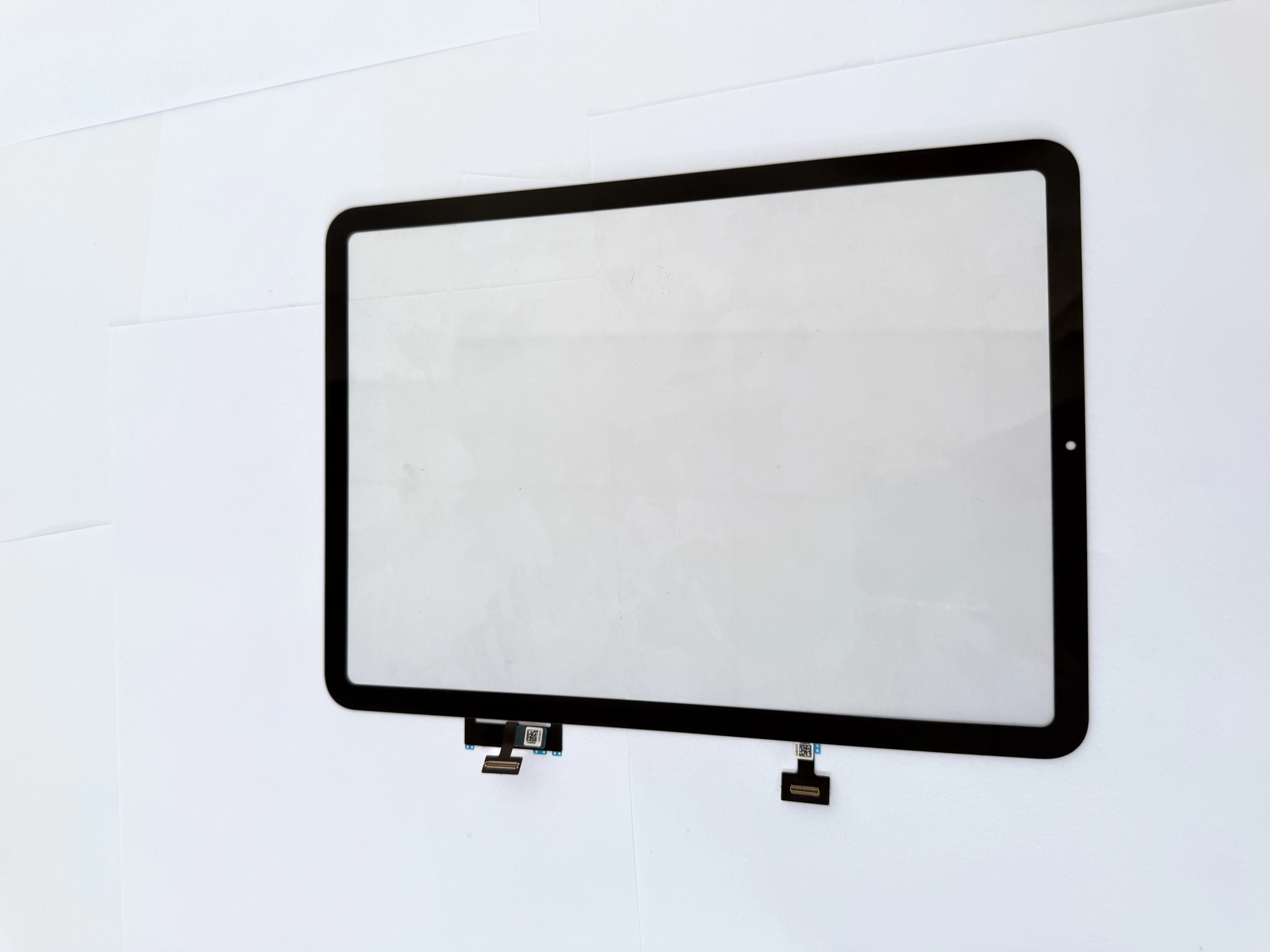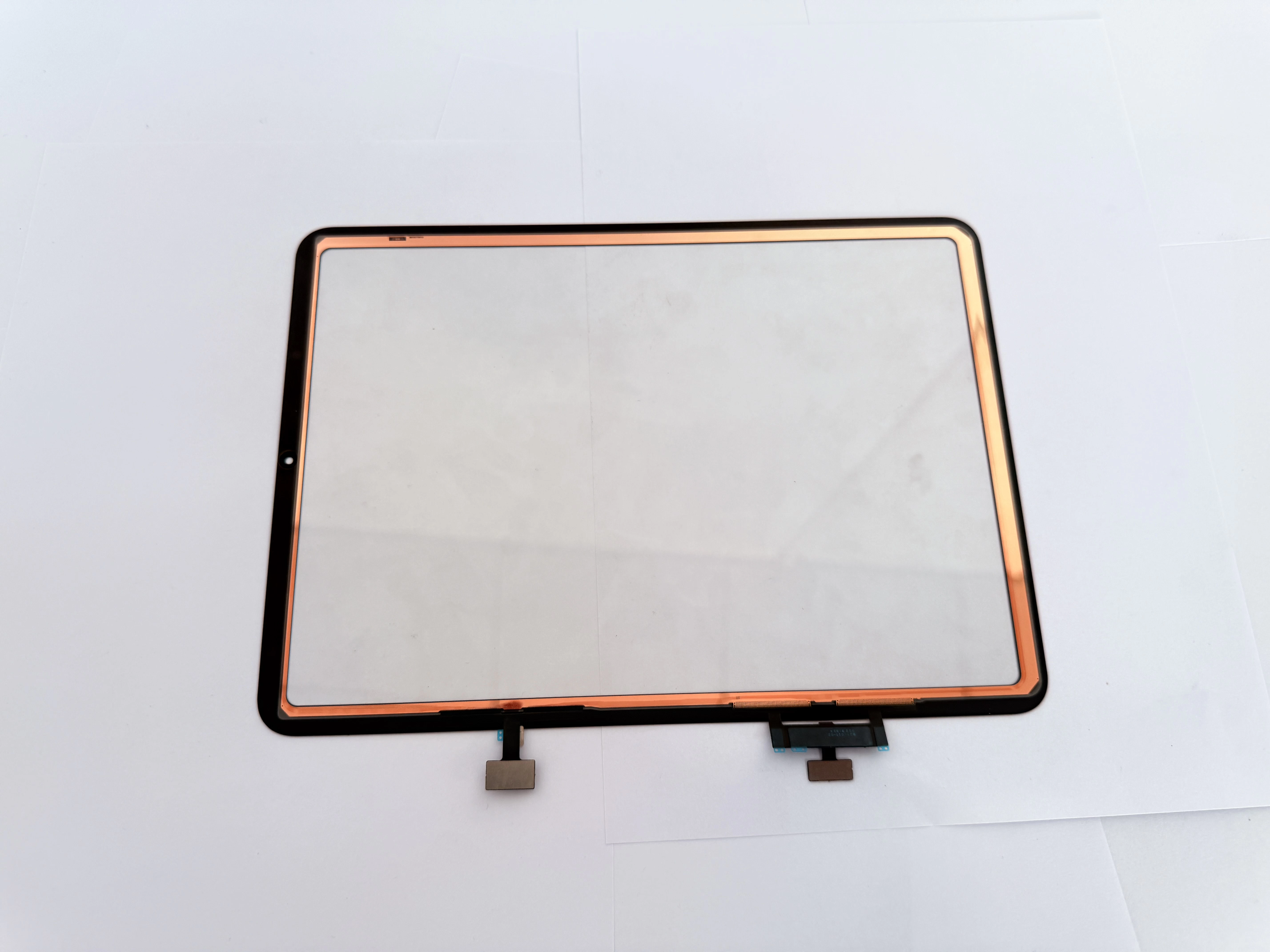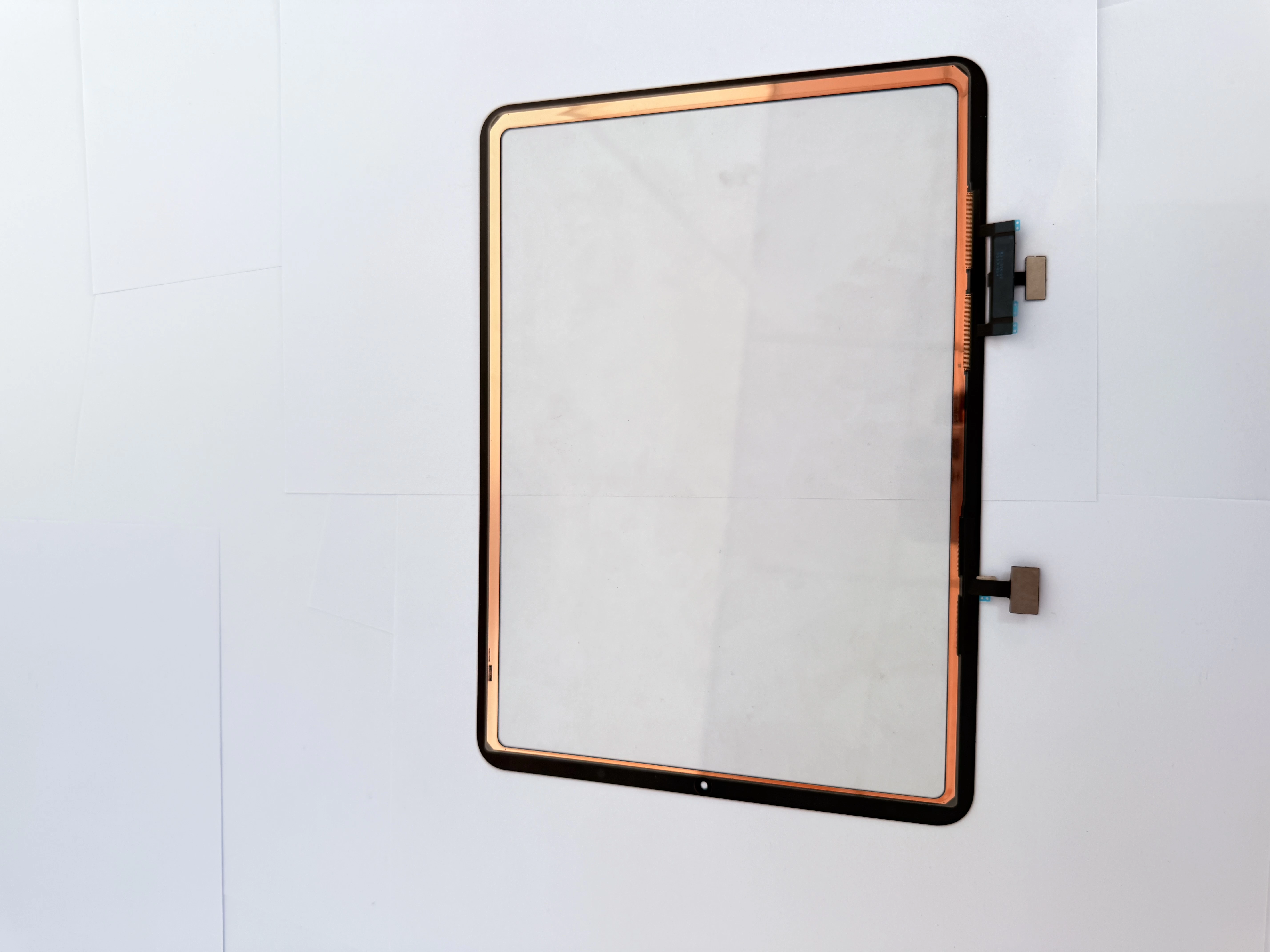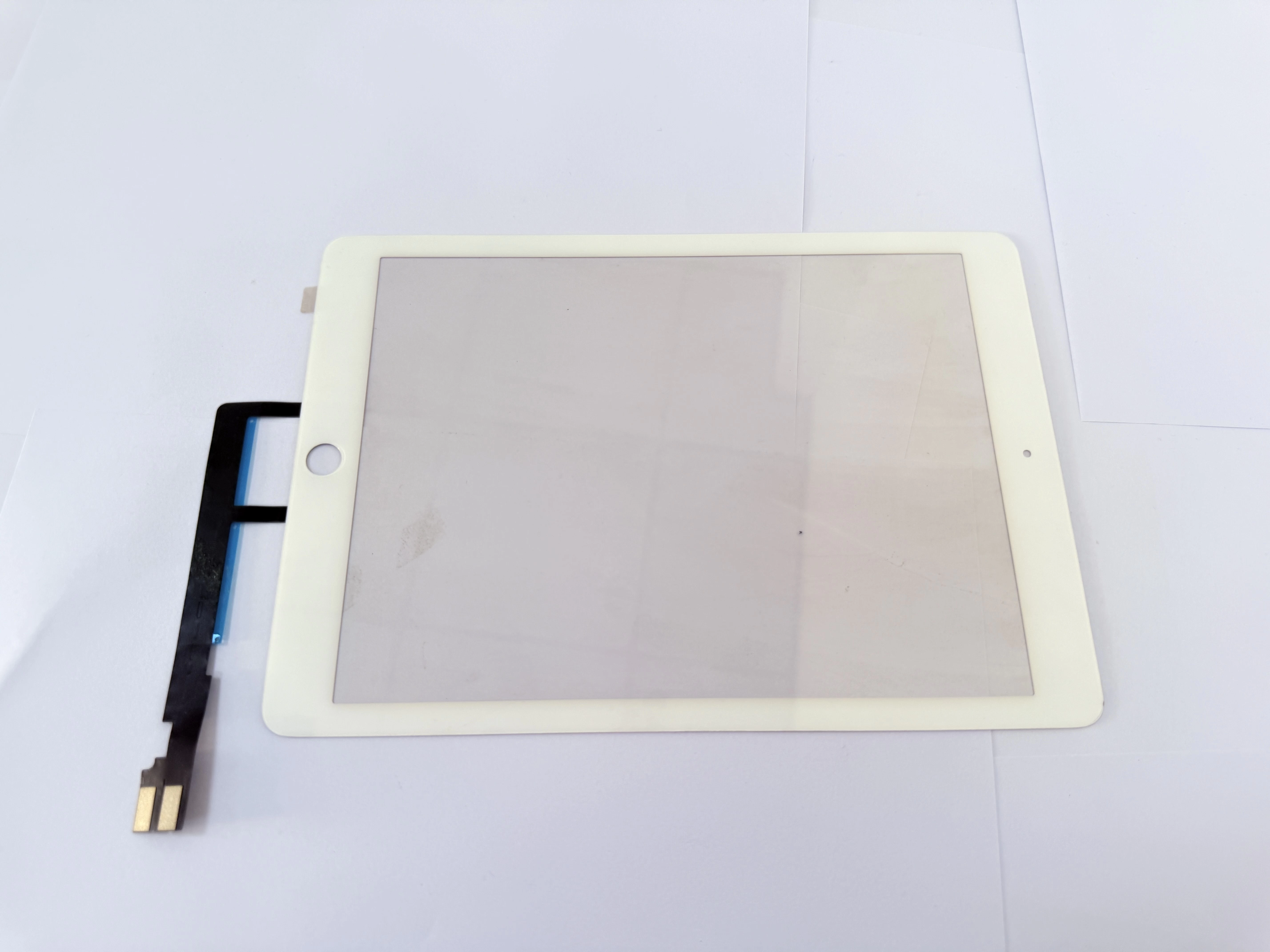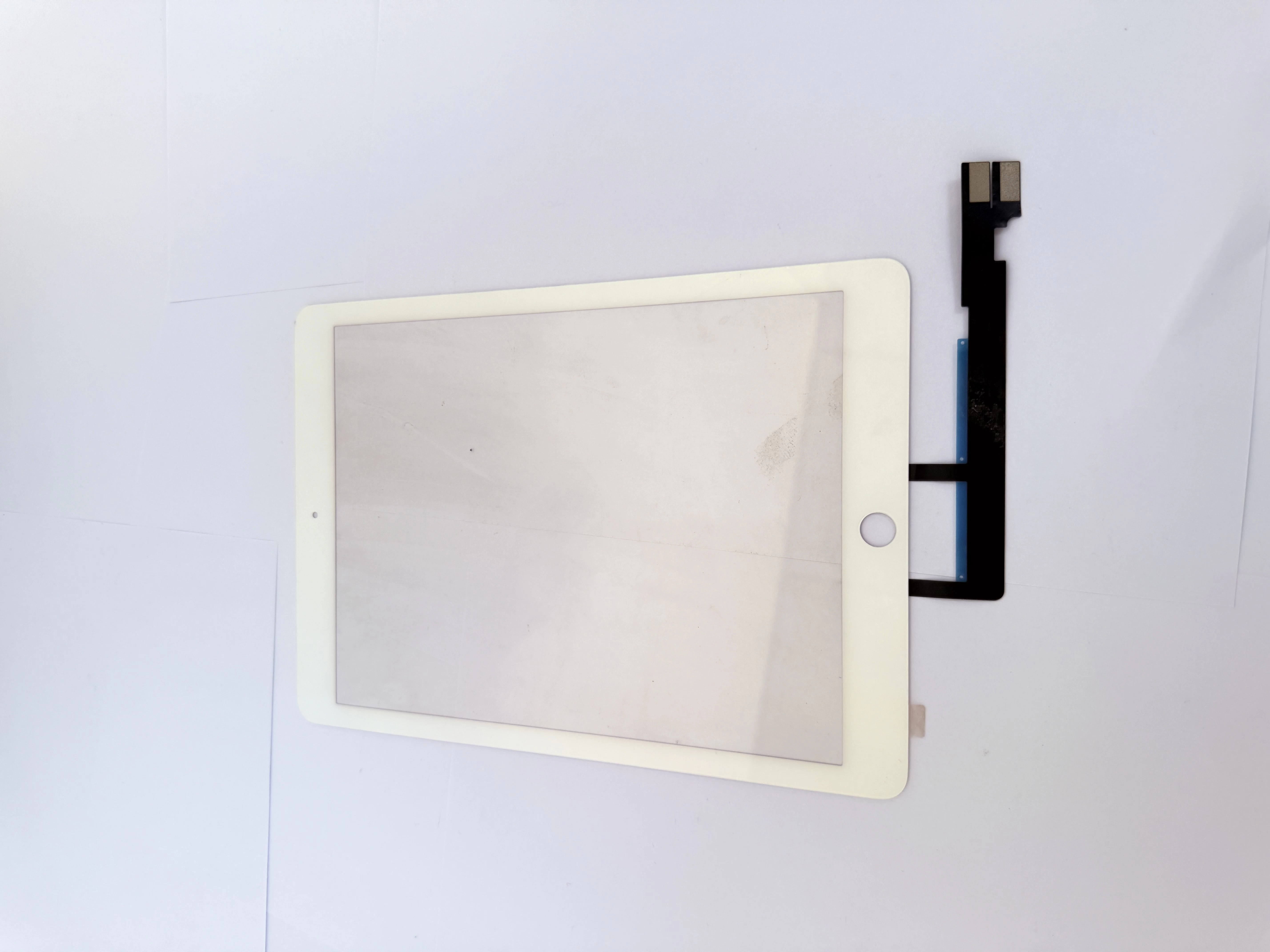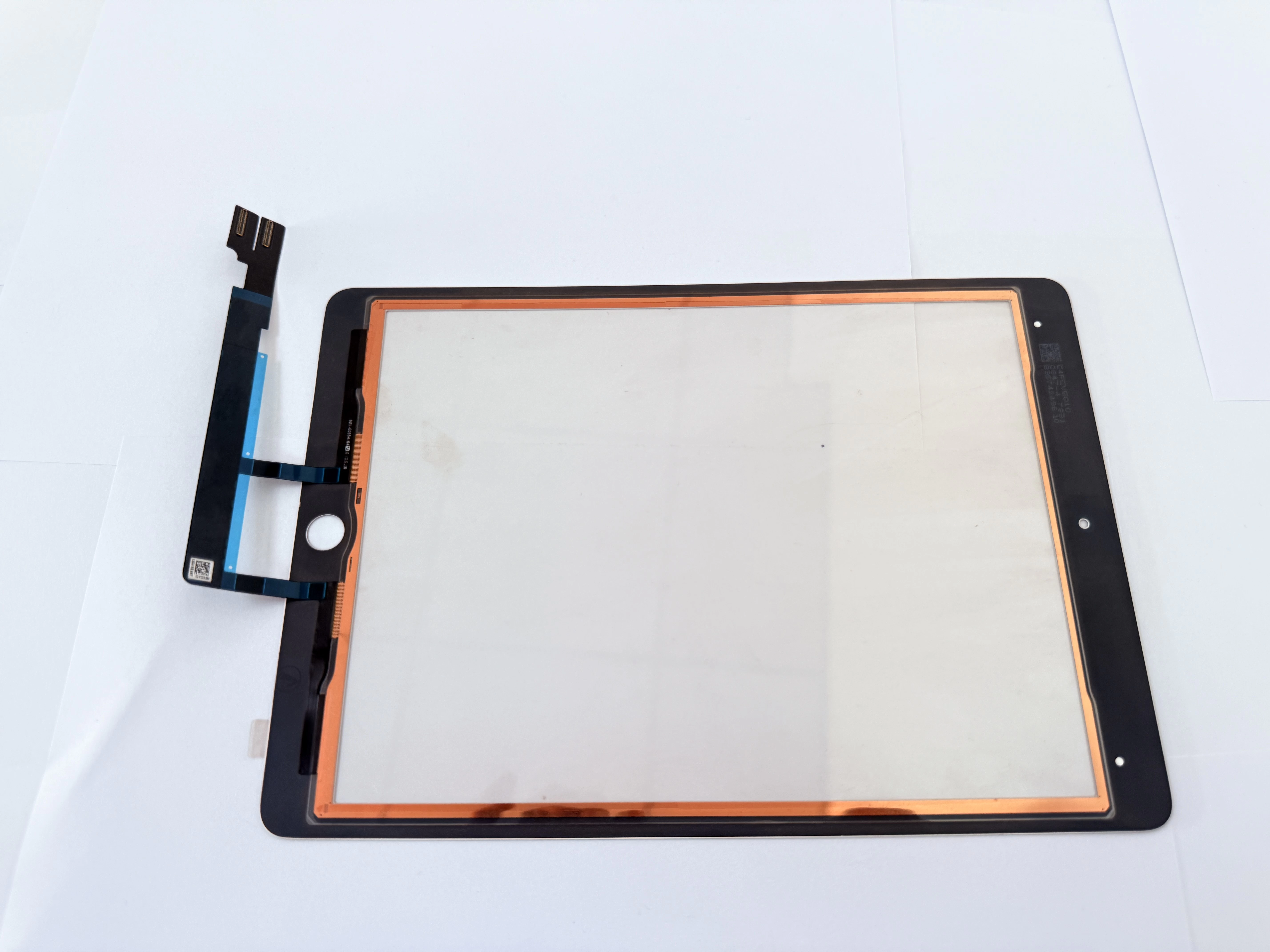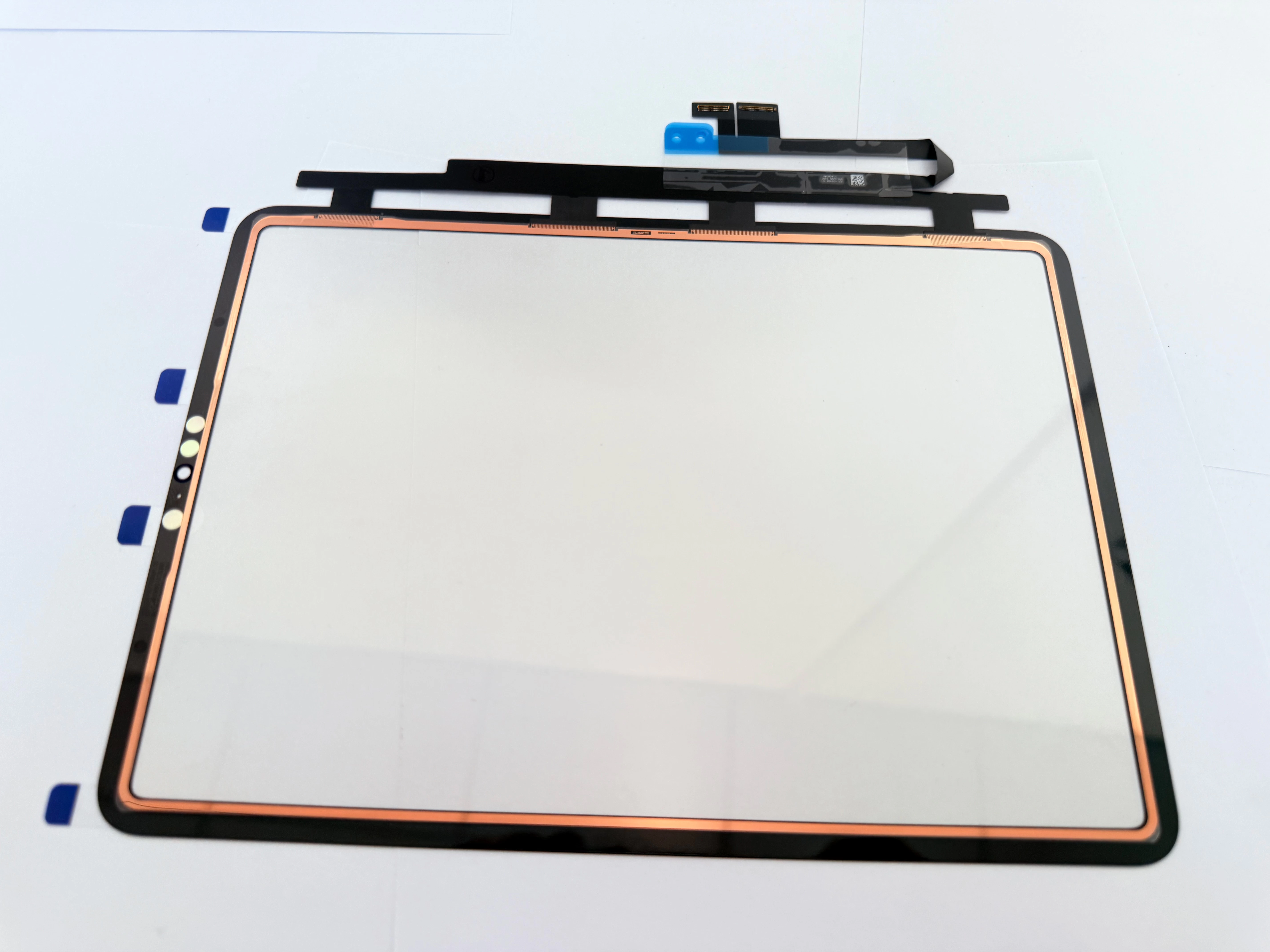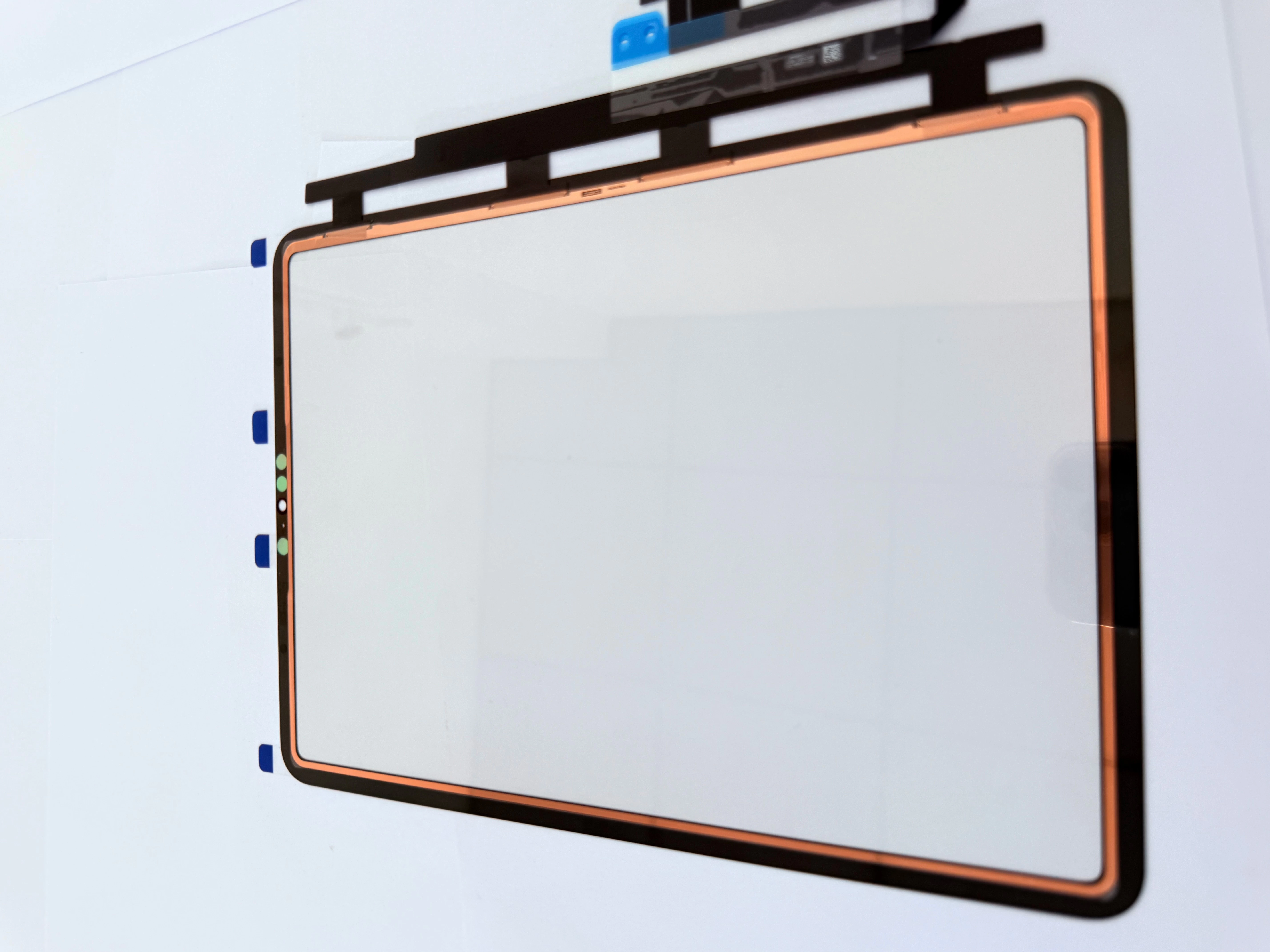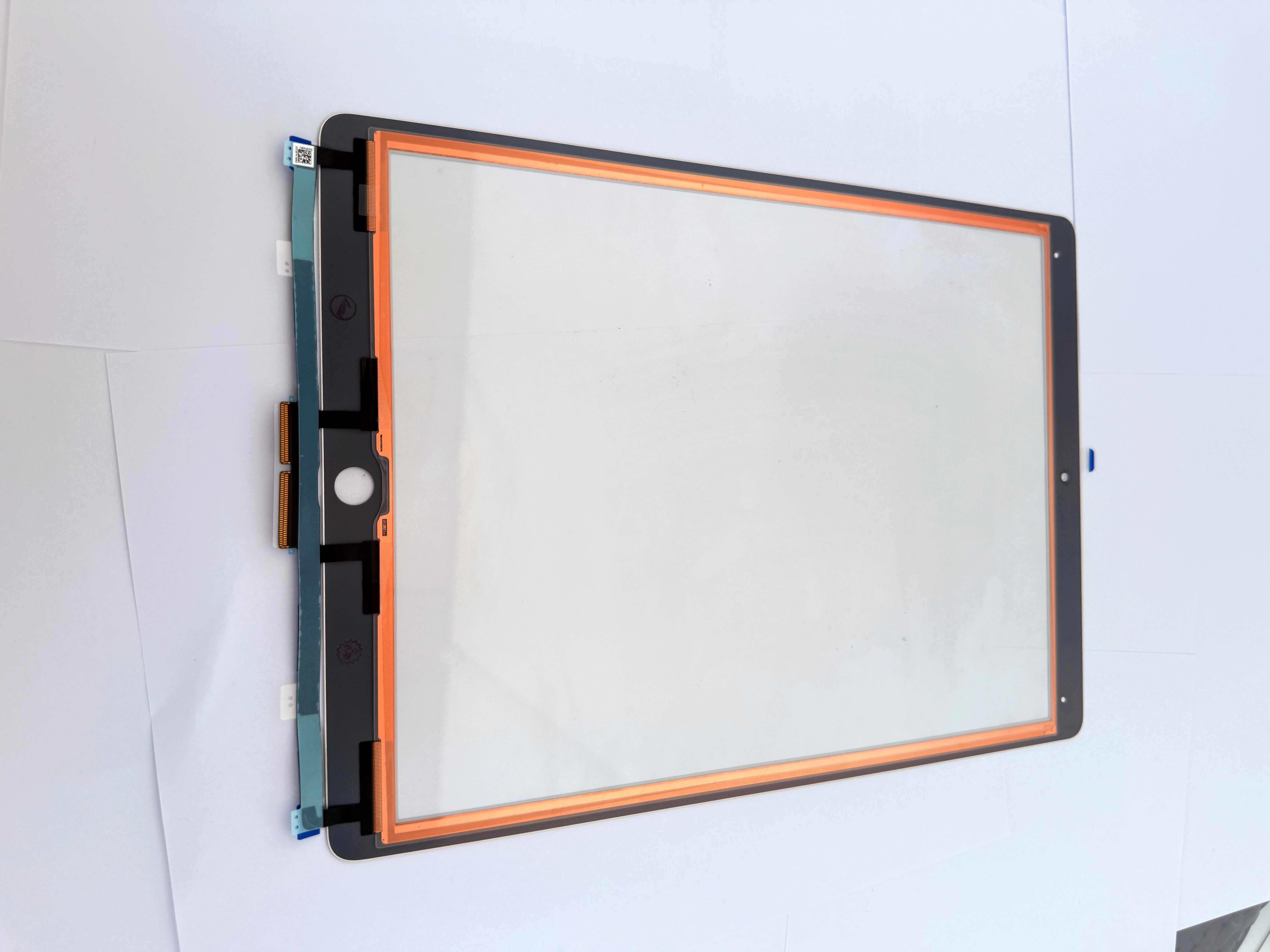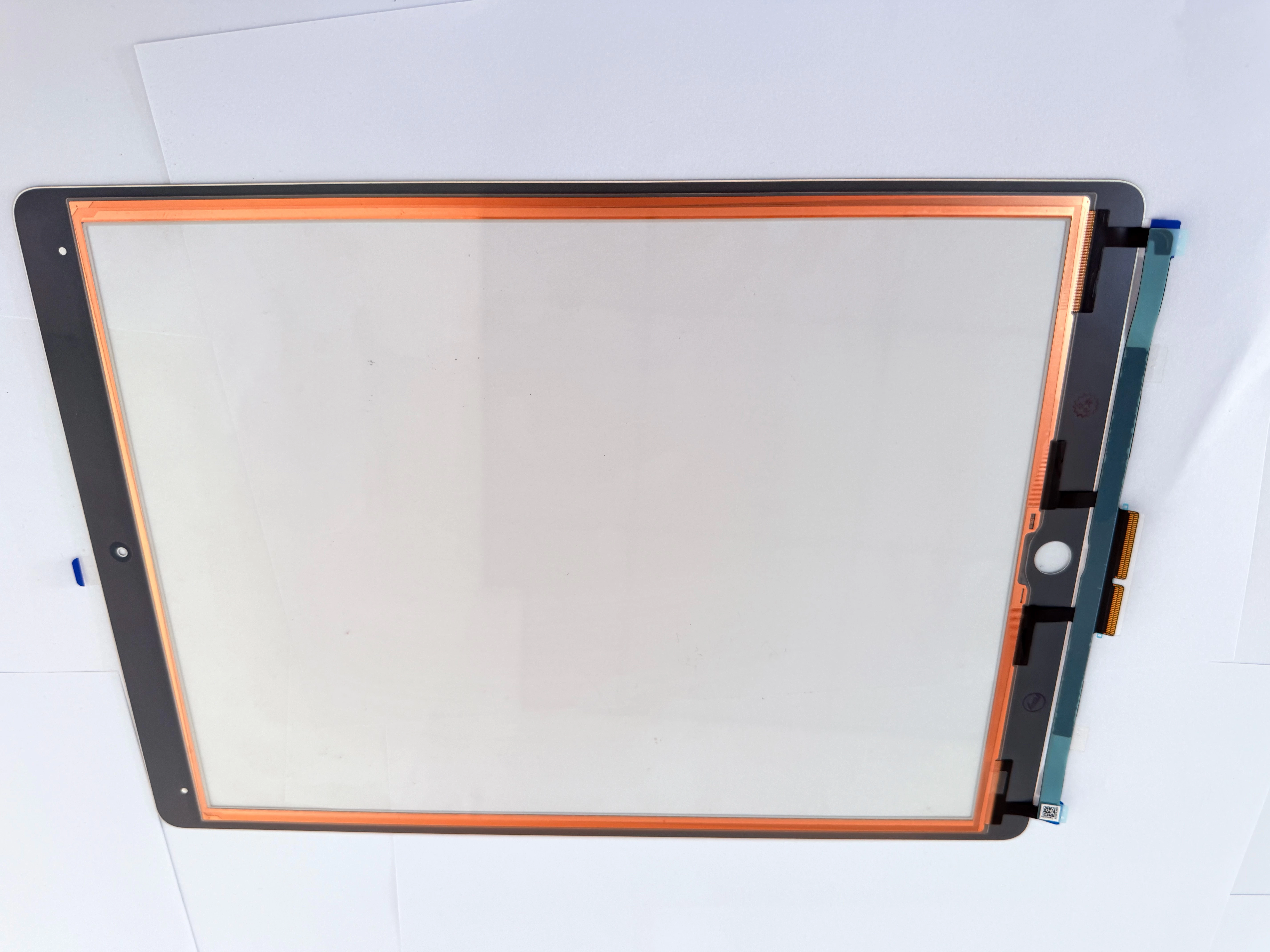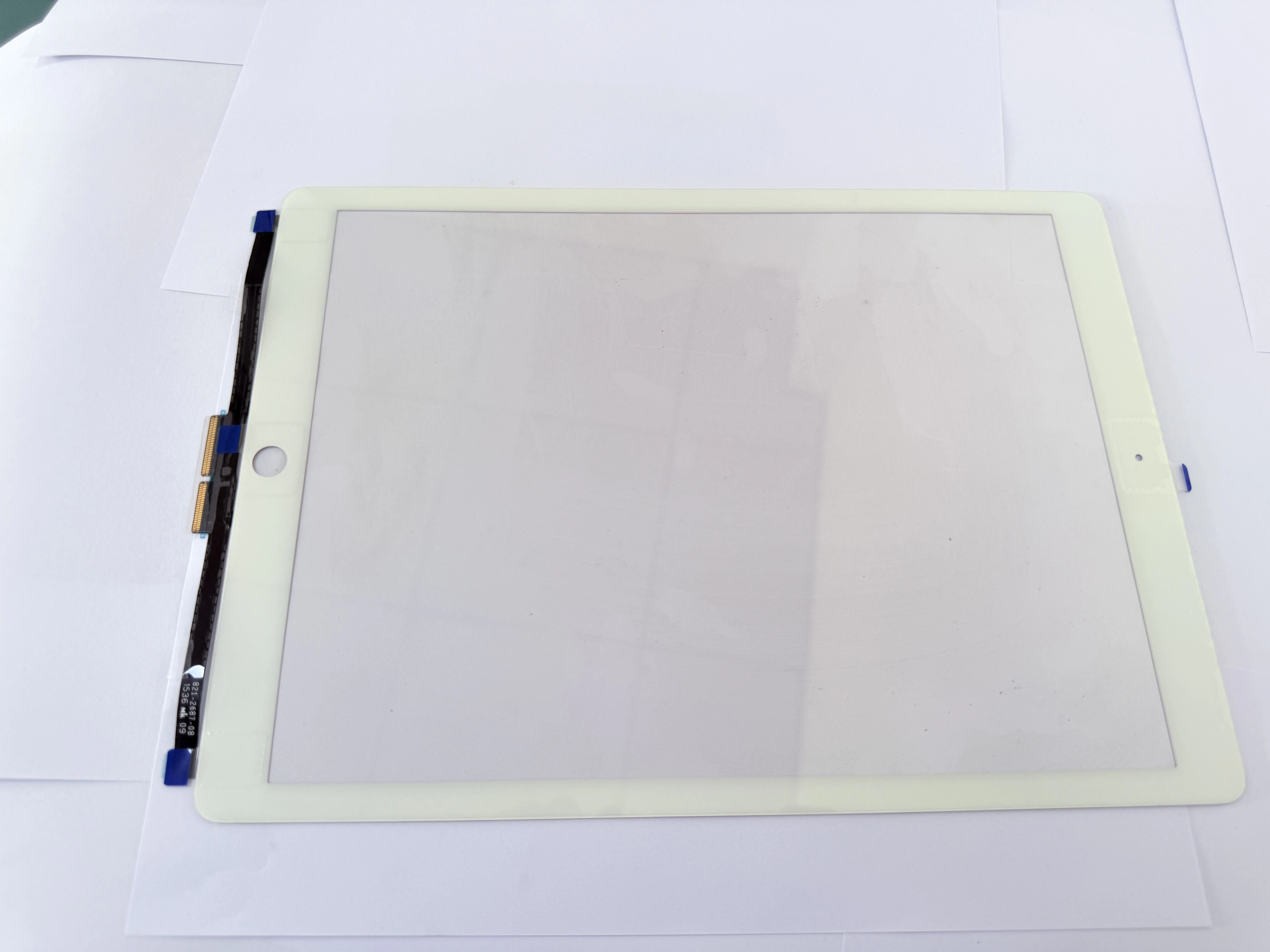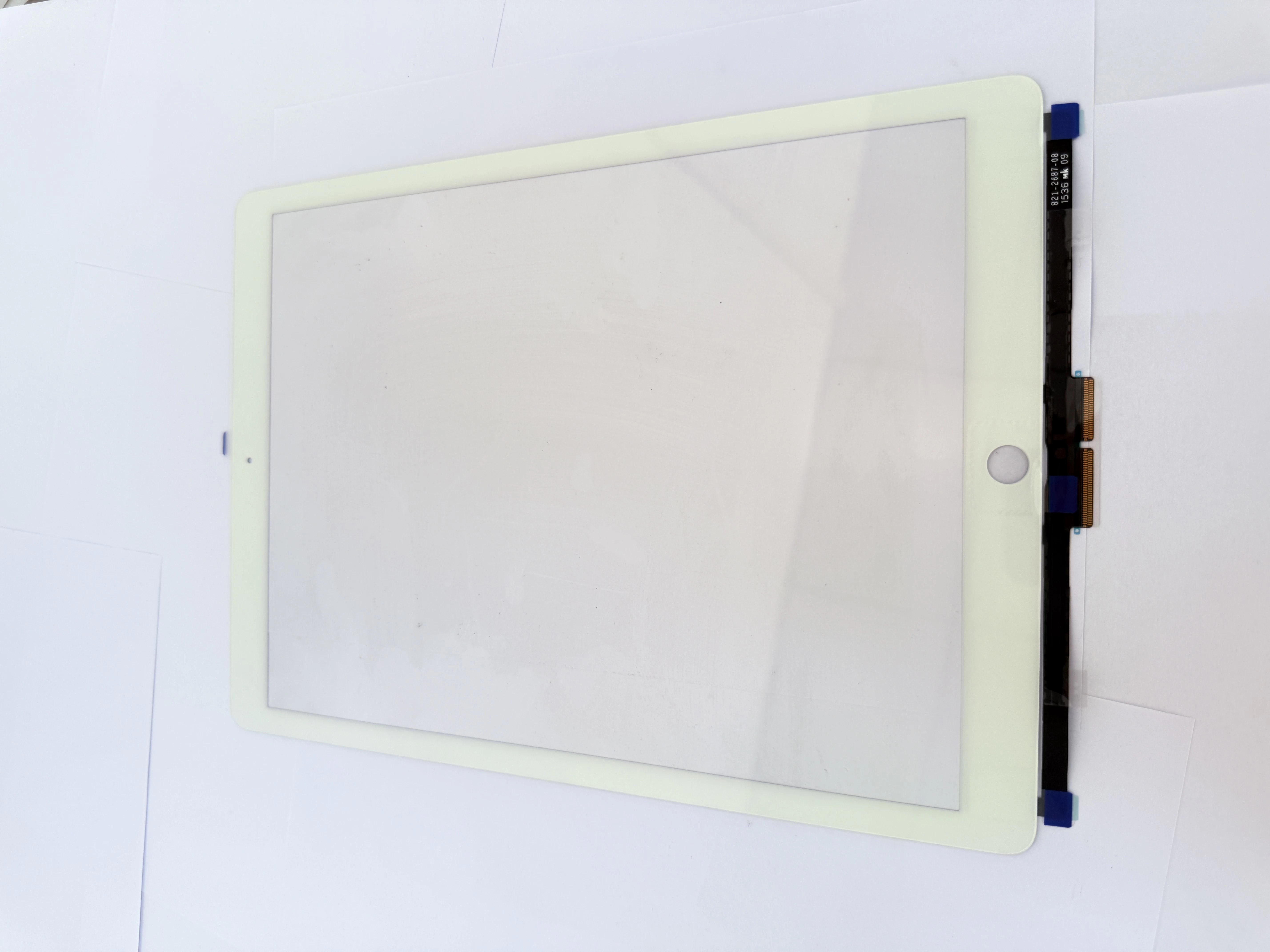
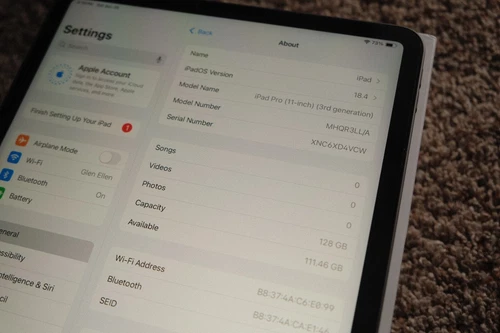
H2 1. Two Core Root Causes of Full No-Touch on iPad Pro11
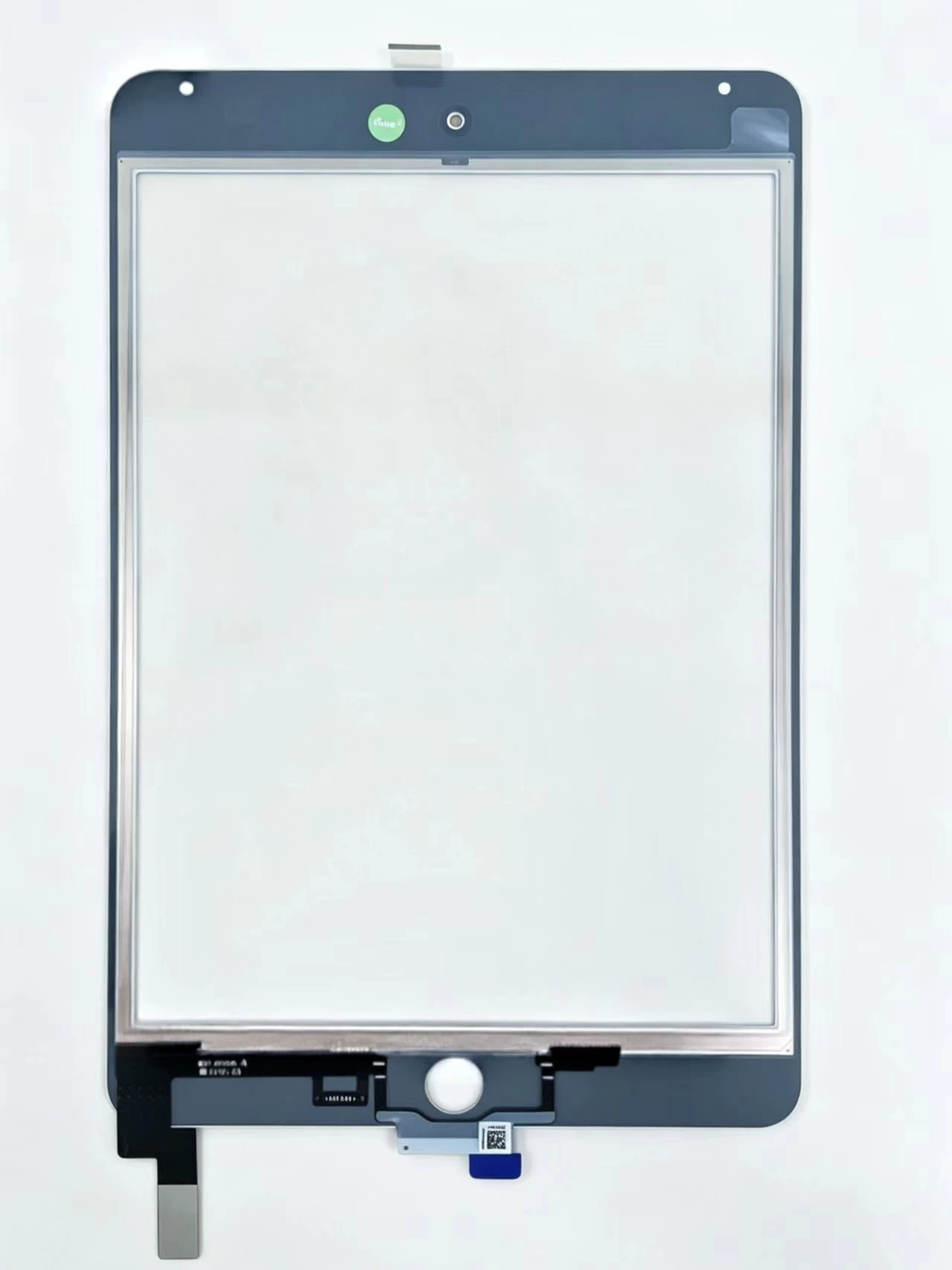
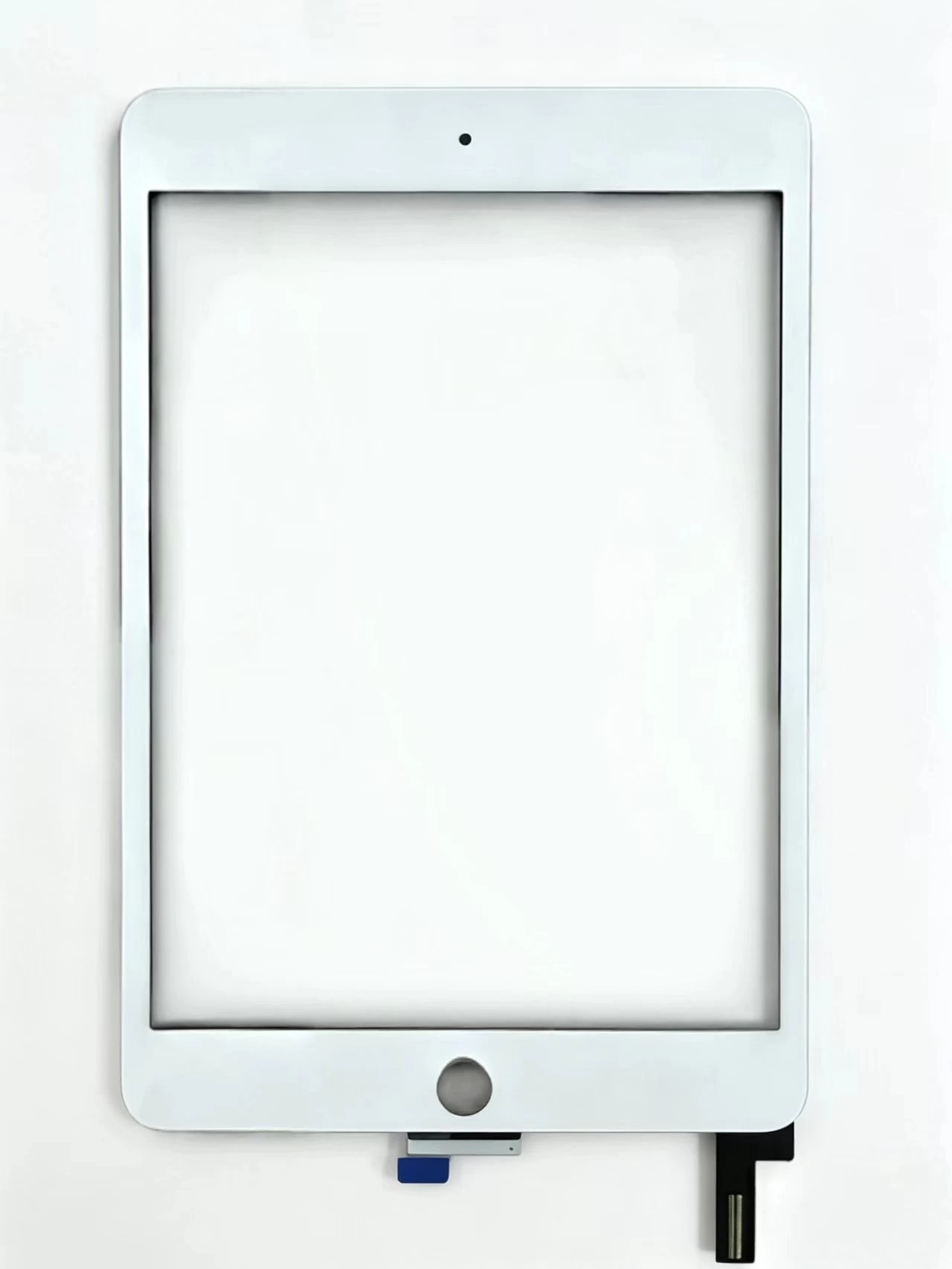
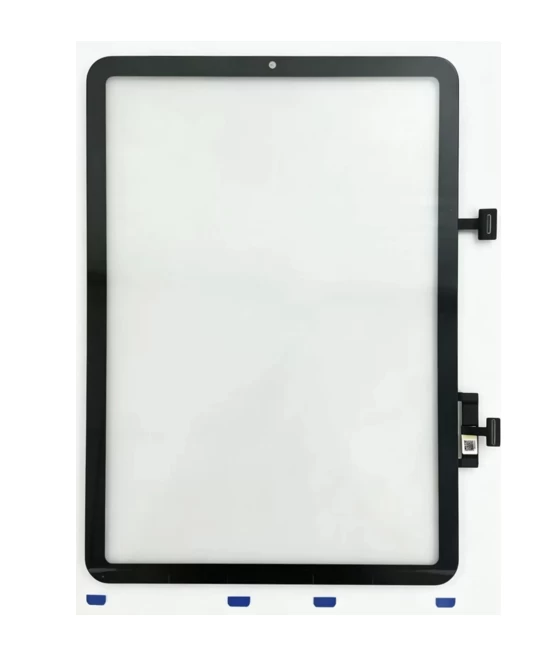
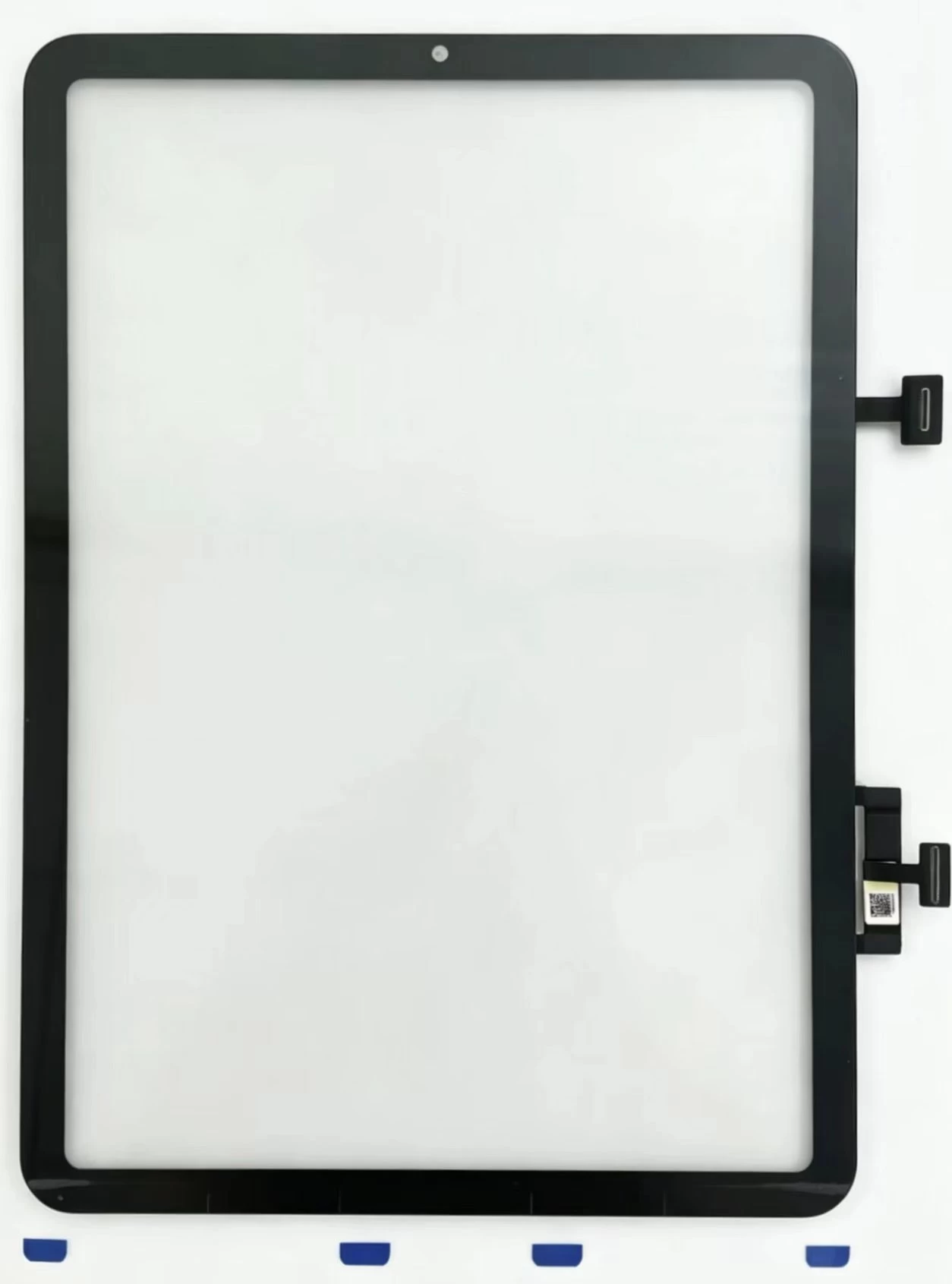
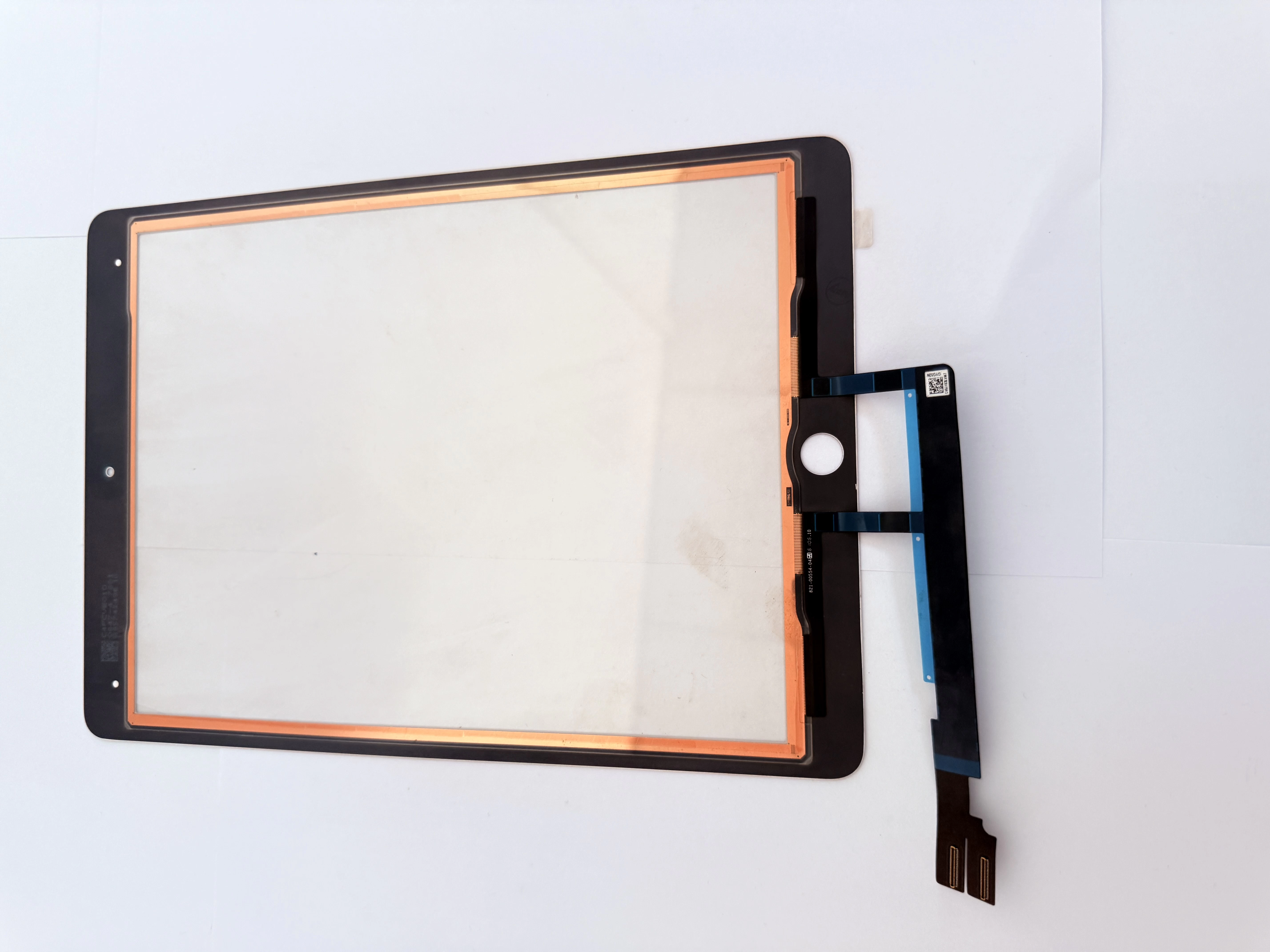
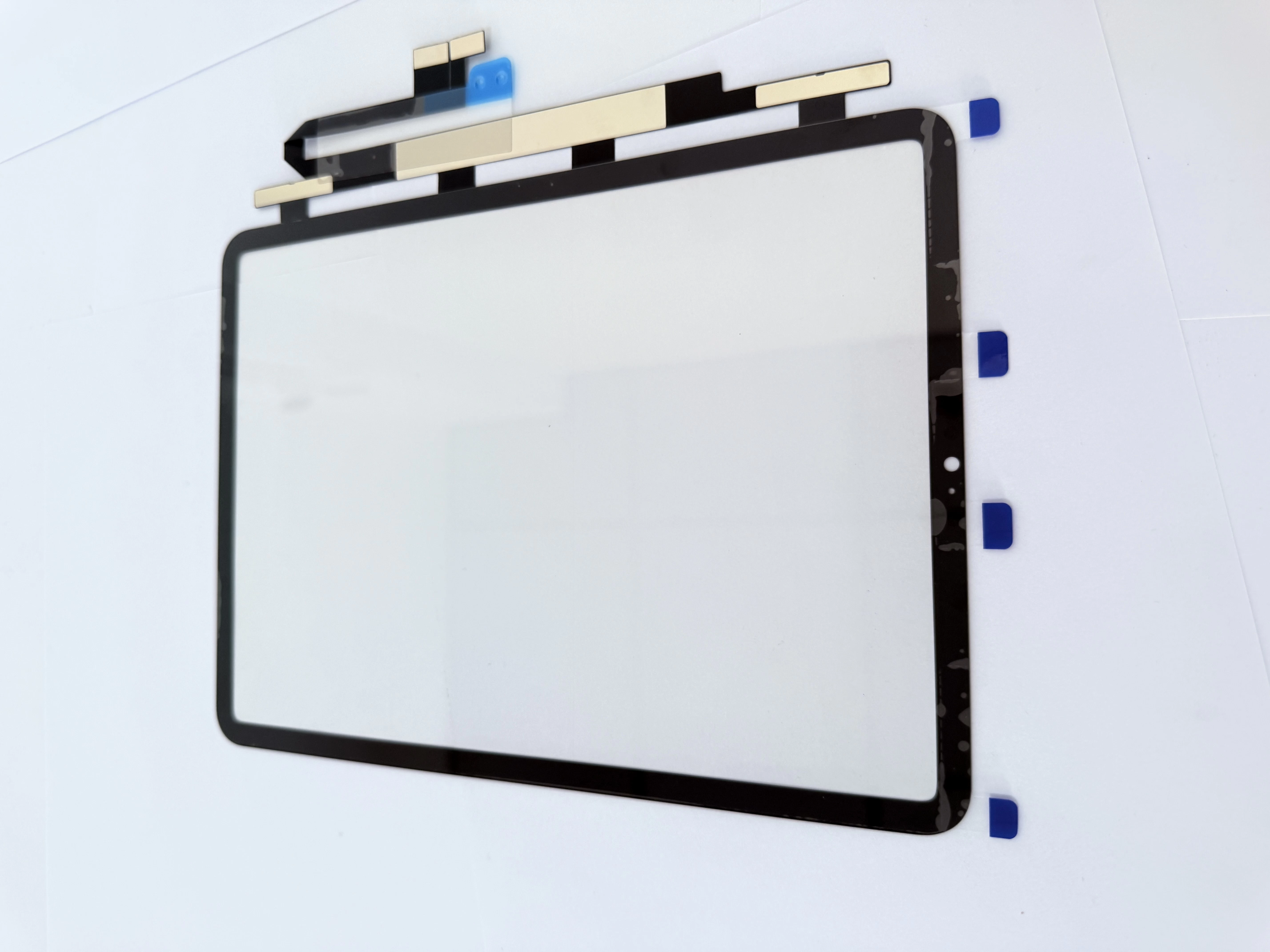
H31. Digitizer Physical DamageCracked front glass leading to internal touch circuit break, measurable abnormal open circuit via connector pin detection.H32. Mainboard Peripheral Component DefectBlown touch LDO power capacitor on logic board causes PP1V5V0_TOUCH_LDO voltage drop below standard 1.5V, new screen still fails after digitizer swap.
H2 2. Stepwise Advanced Diagnostic Flow
- Swap confirmed good spare digitizer for test; touch recovers → original touch panel damaged;
- New screen still no response → power on device and measure touch power supply voltage with multimeter;
- Abnormal low voltage → isolate faulty capacitor with freeze spray and replace invalid component on motherboard.
H23. Disassembly Anti-damage Tip for Pro Series
Avoid overheating Face ID flex area during screen heating; excessive high temperature destroys dot projector and results in permanent Face ID invalidation.