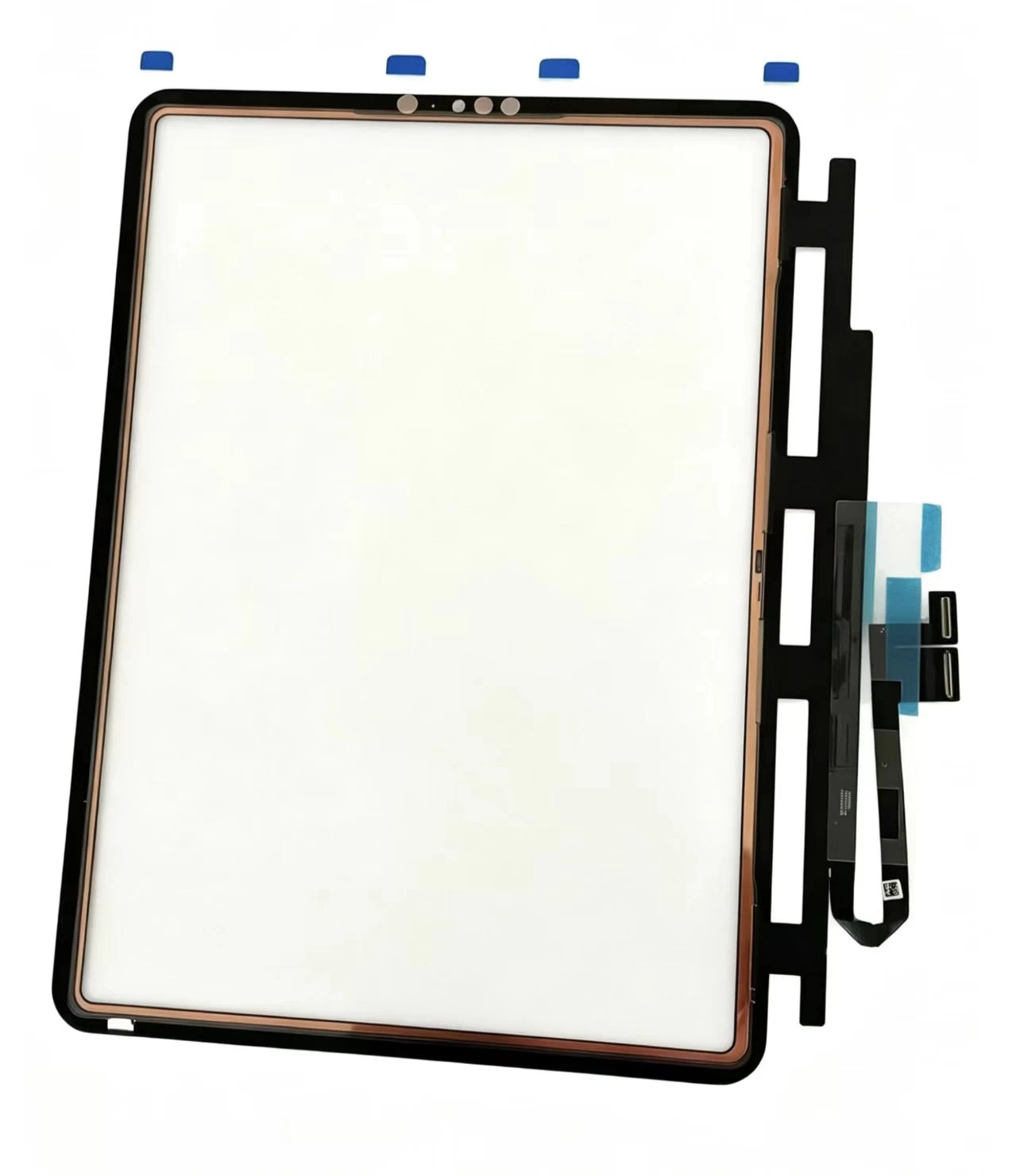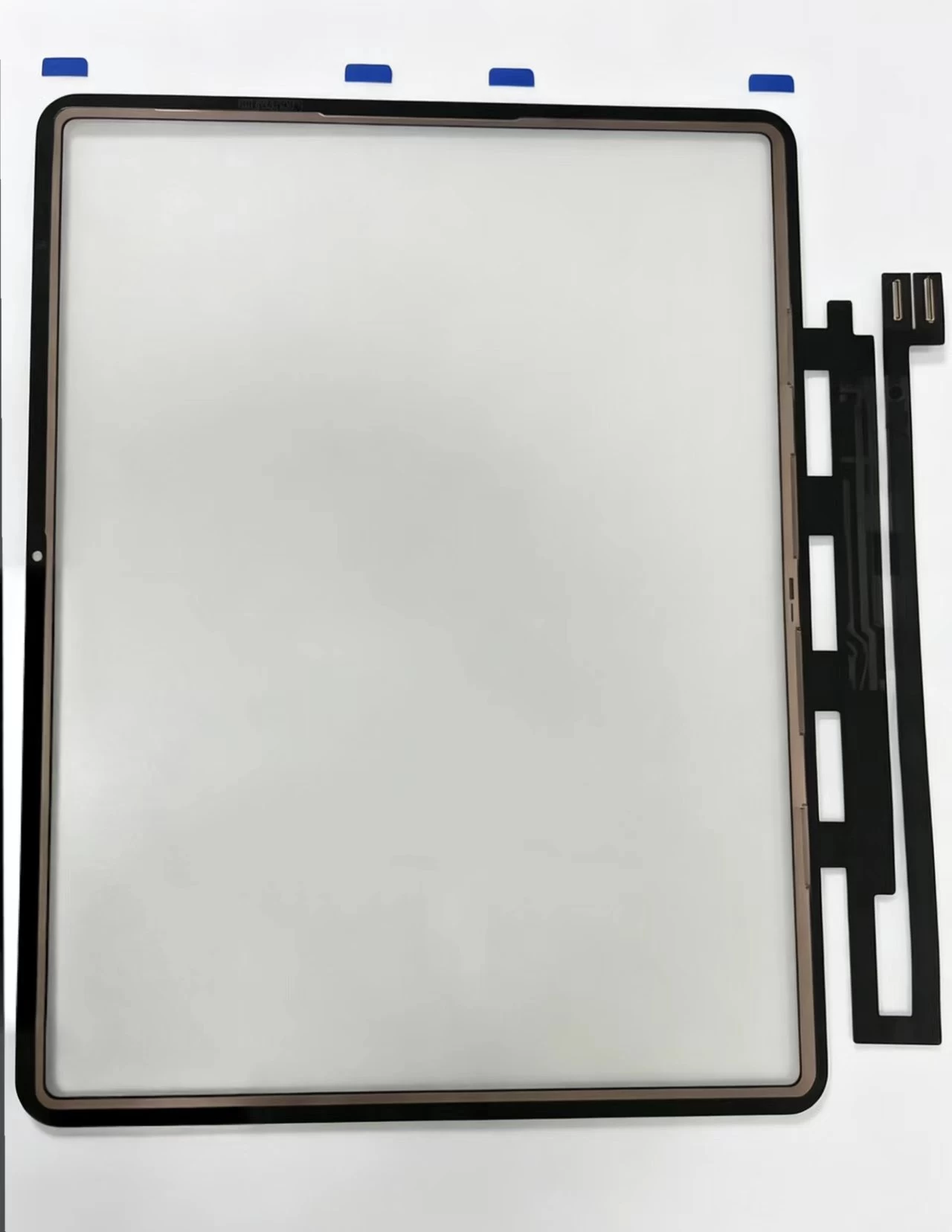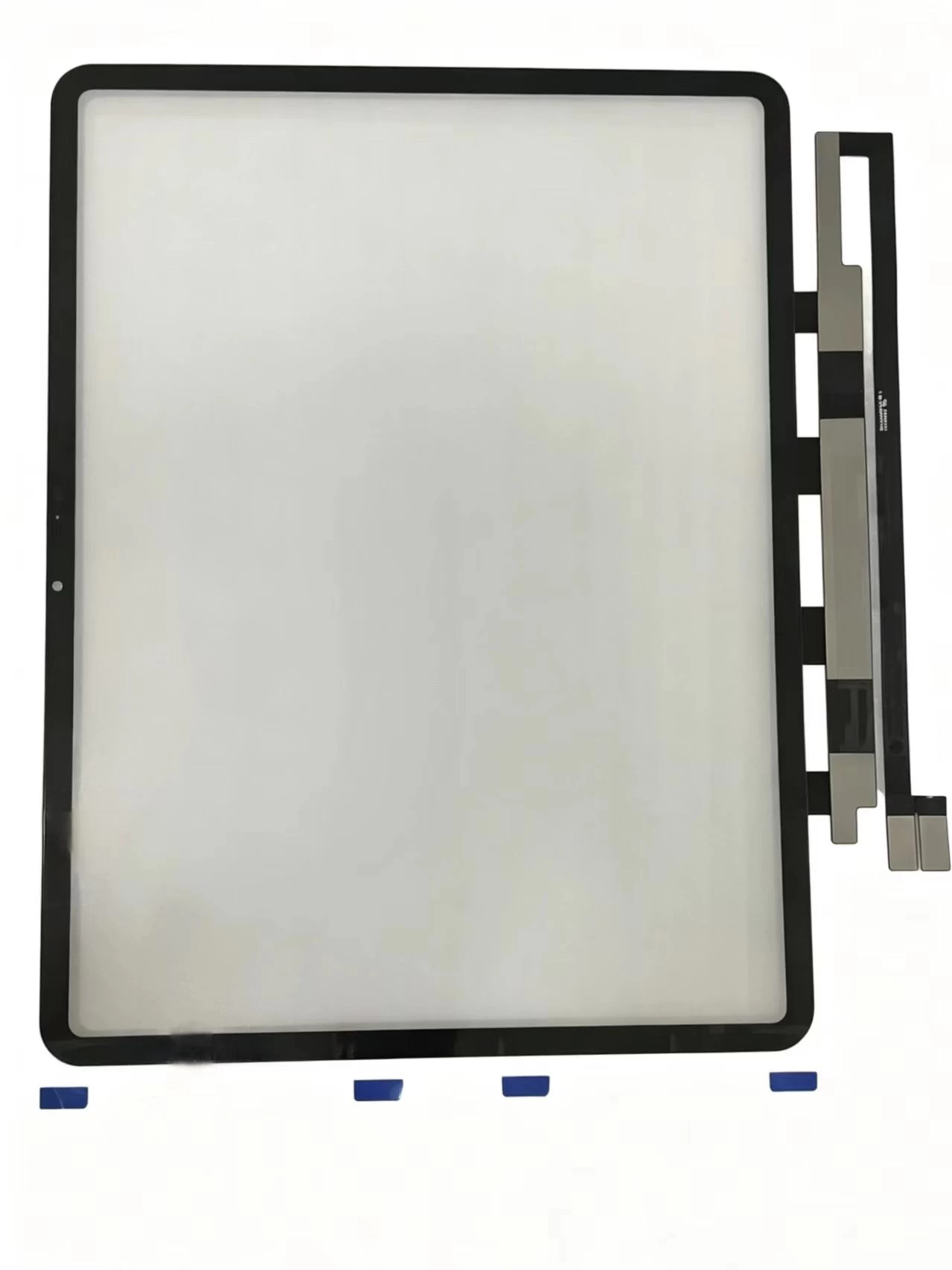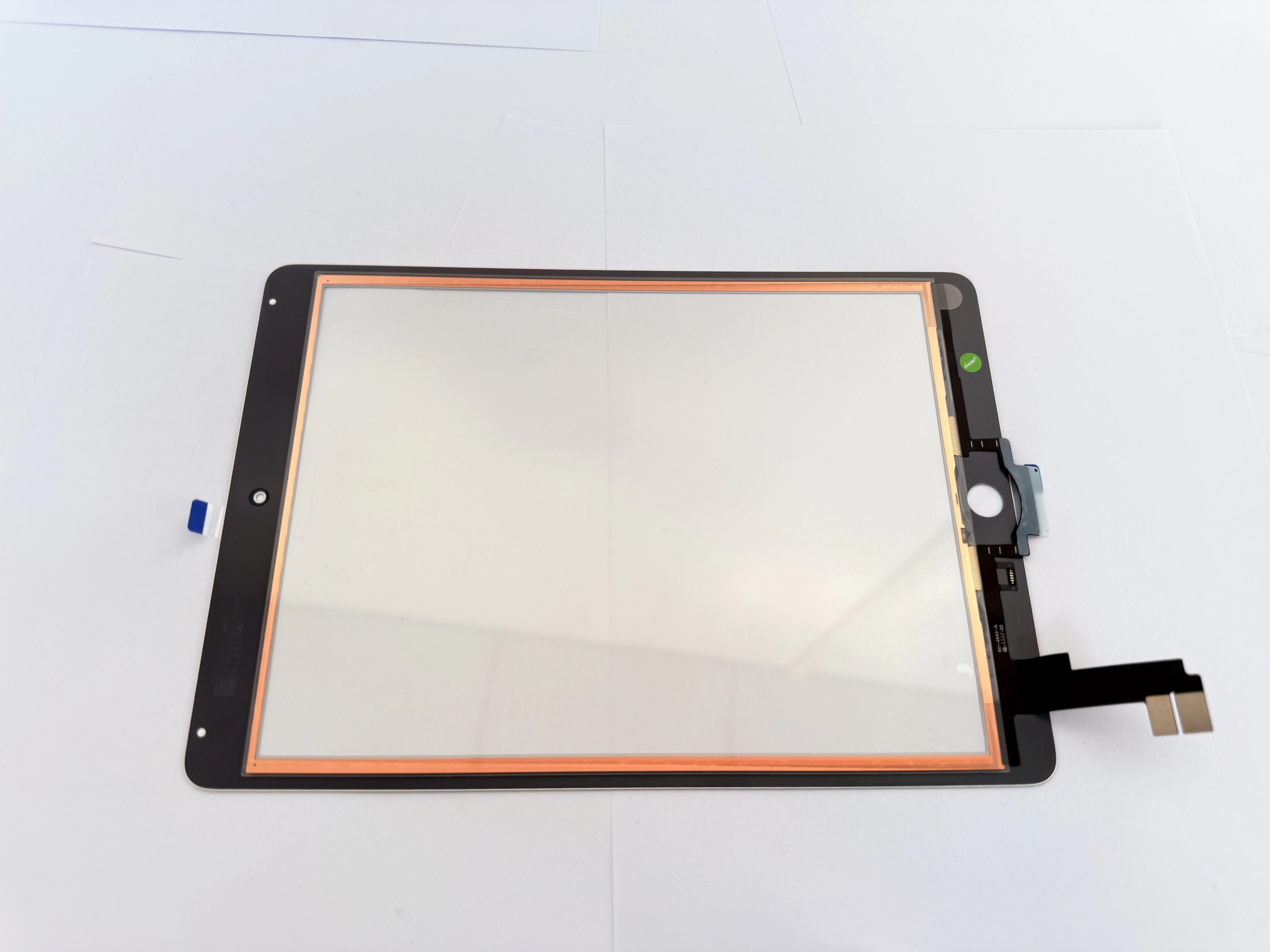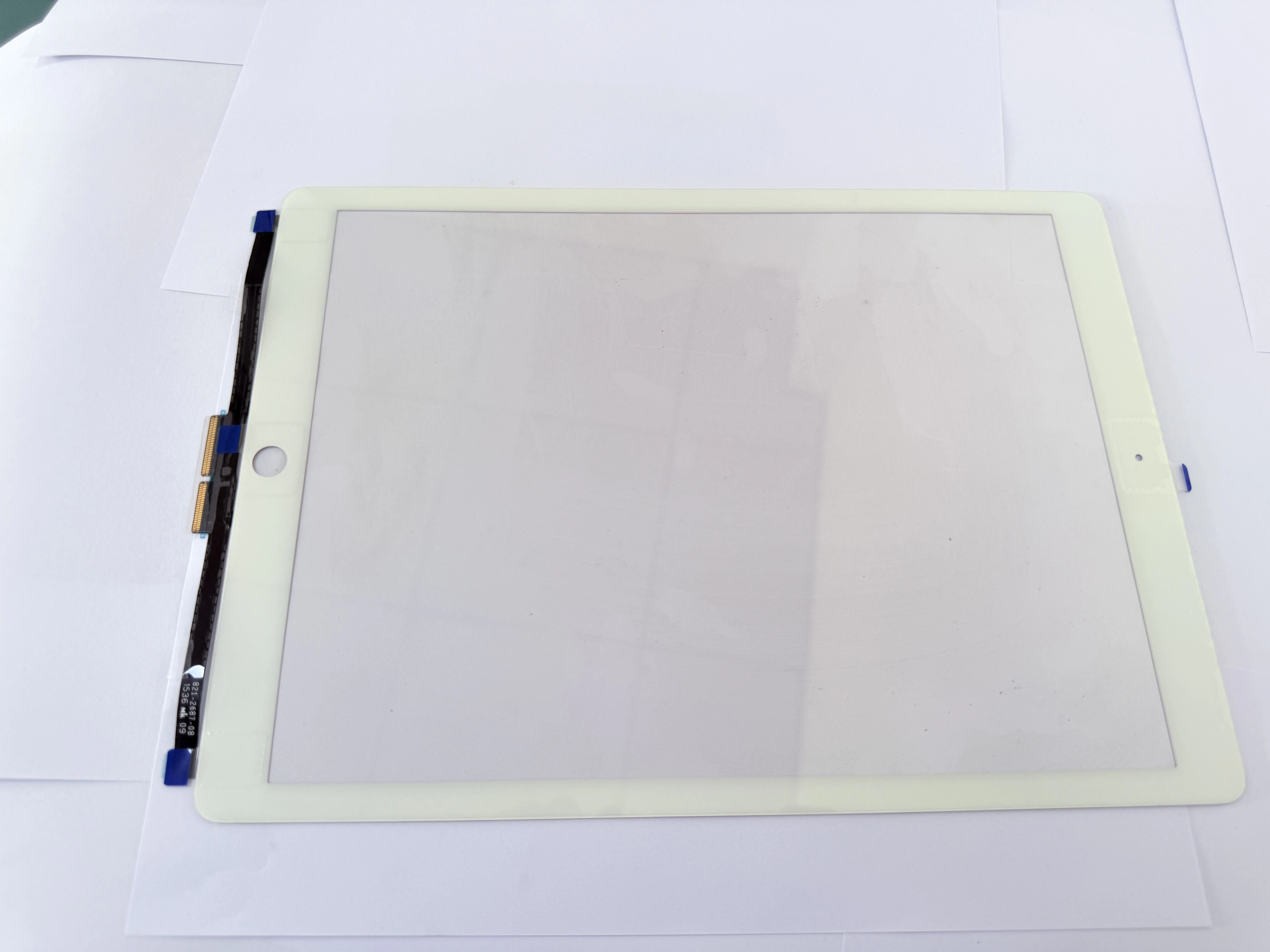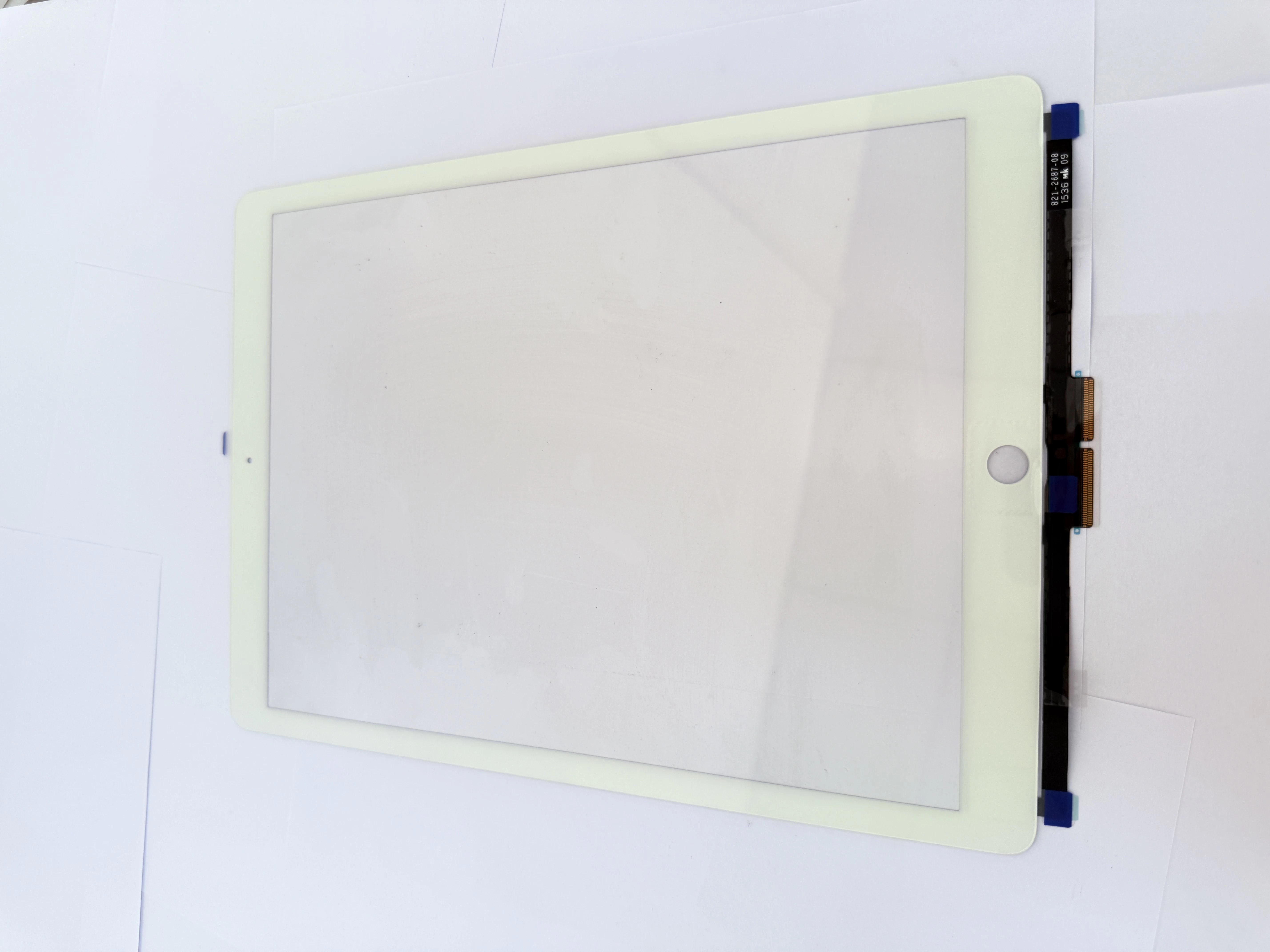
1. Quick Screening: Software or Hardware Touch Fault
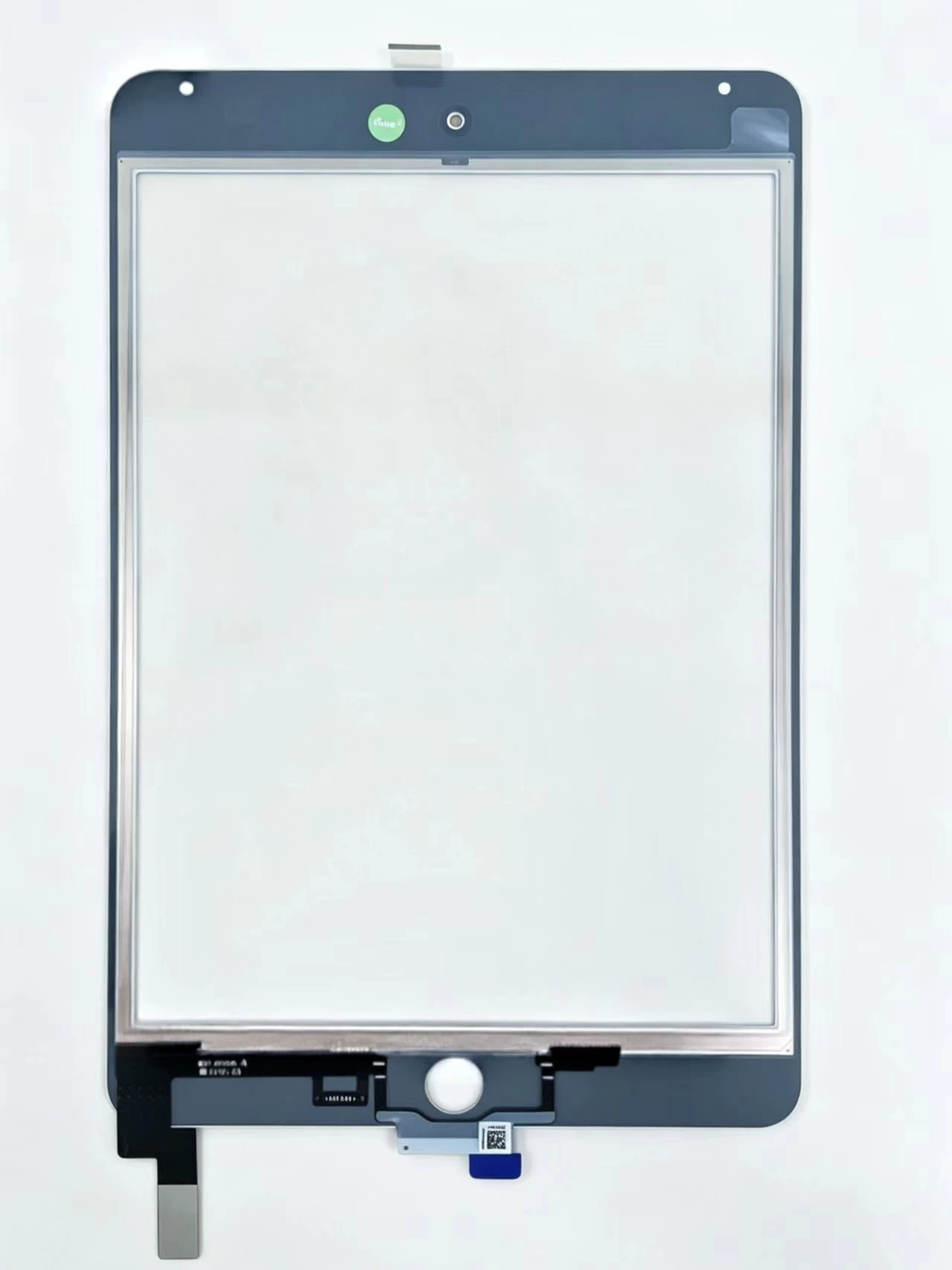
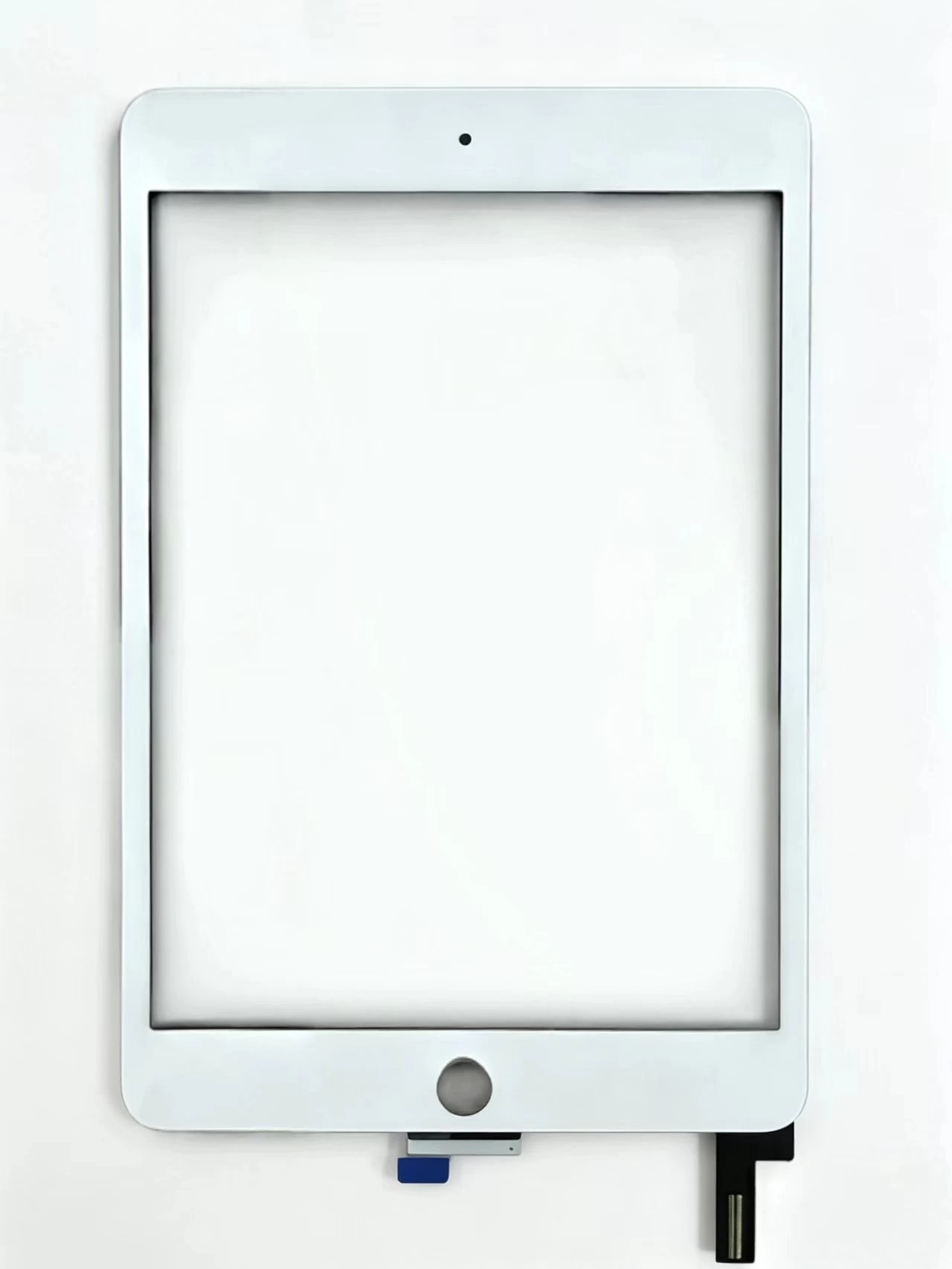
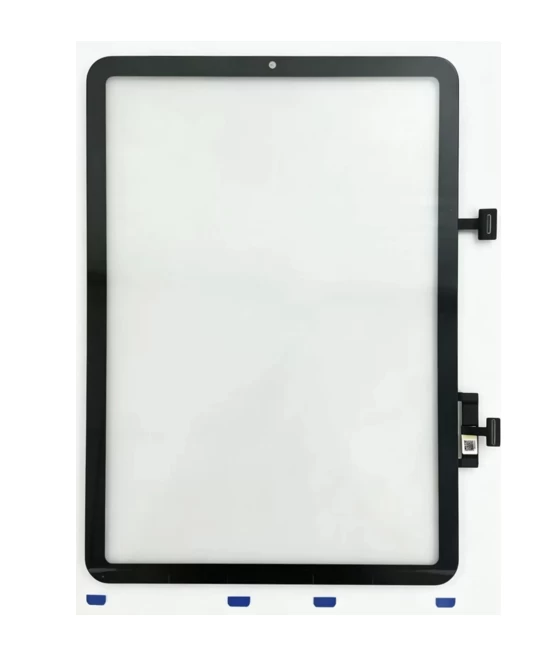
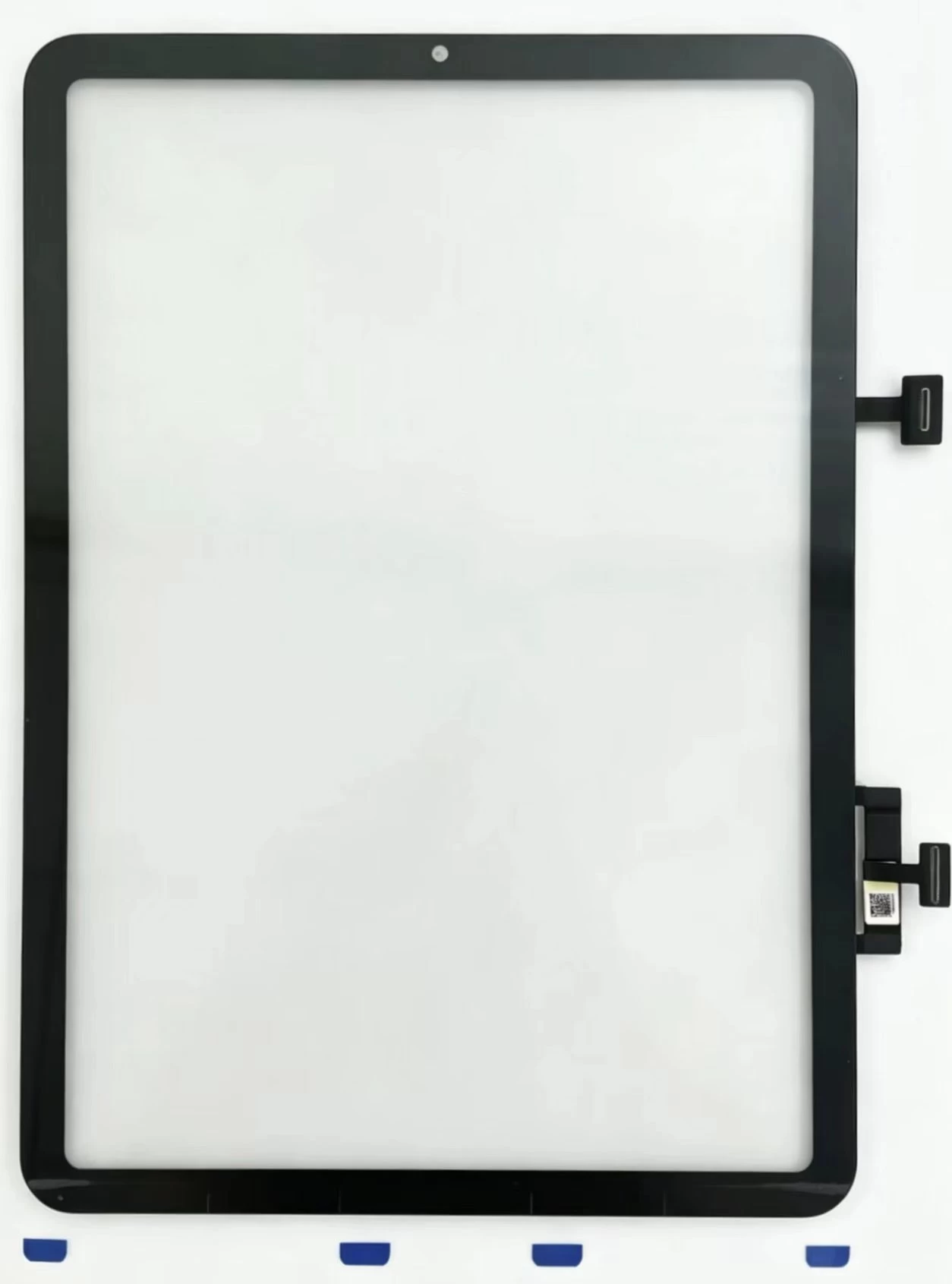
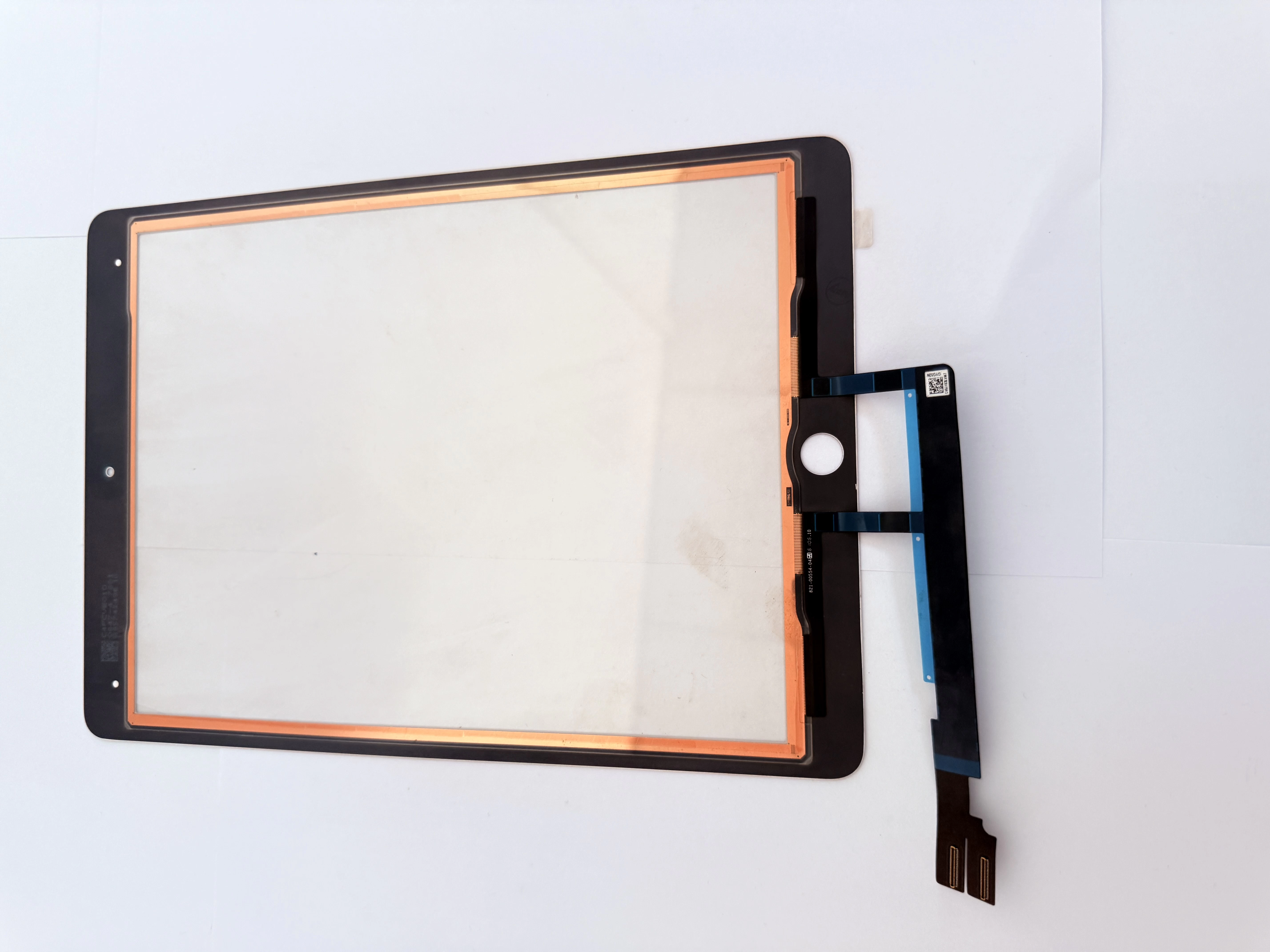
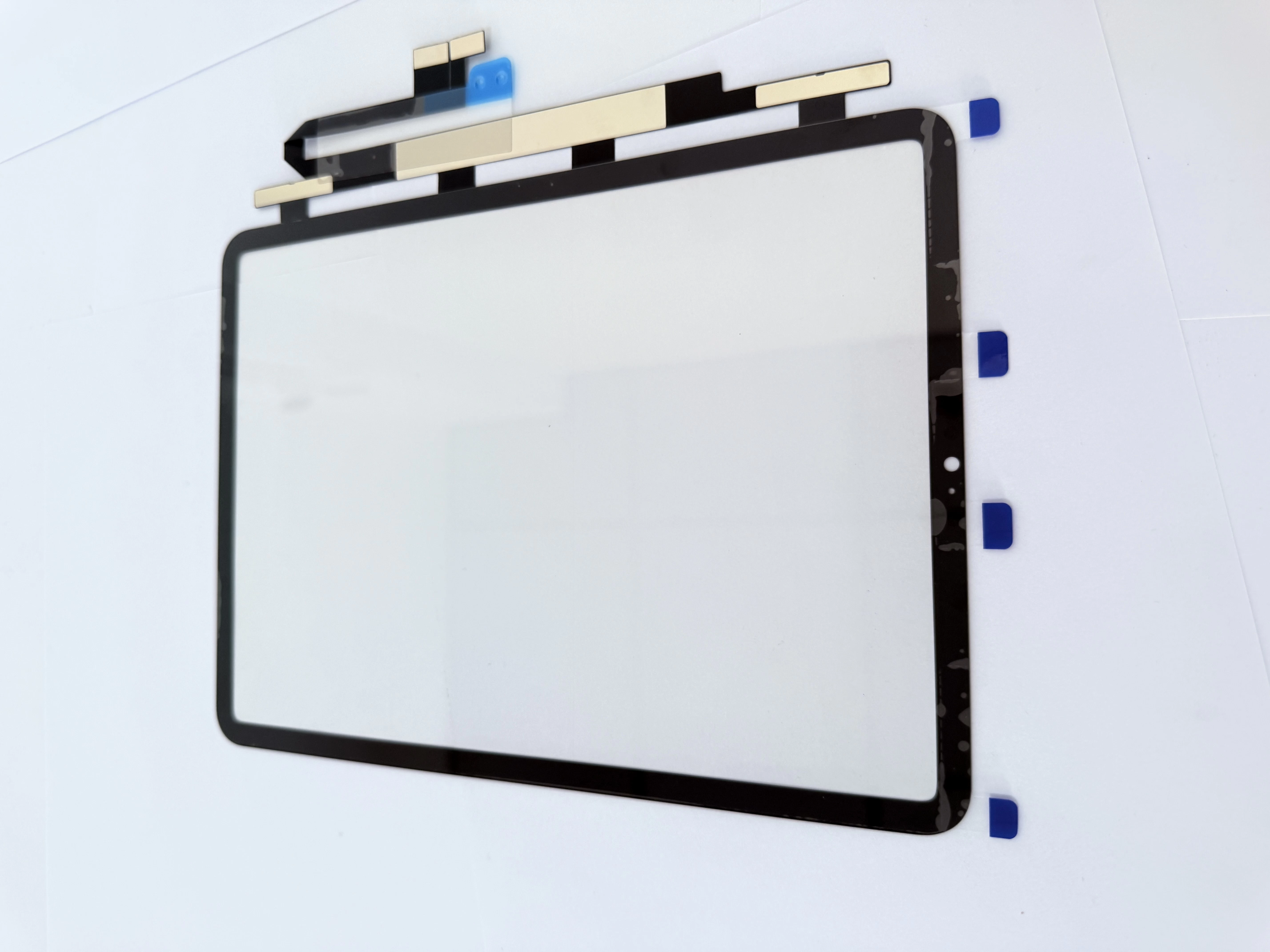
Software issues like occasional ghost touch can be solved by factory reset or system upgrade, and no new parts are needed. Fixed dead touch areas, continuous random clicks or broken glass after drops belong to hardware damage, which requires a new touch digitizer. Remove incompatible screen protectors first to rule out simple external problems.
2. Three Models’ Internal Structure Differences
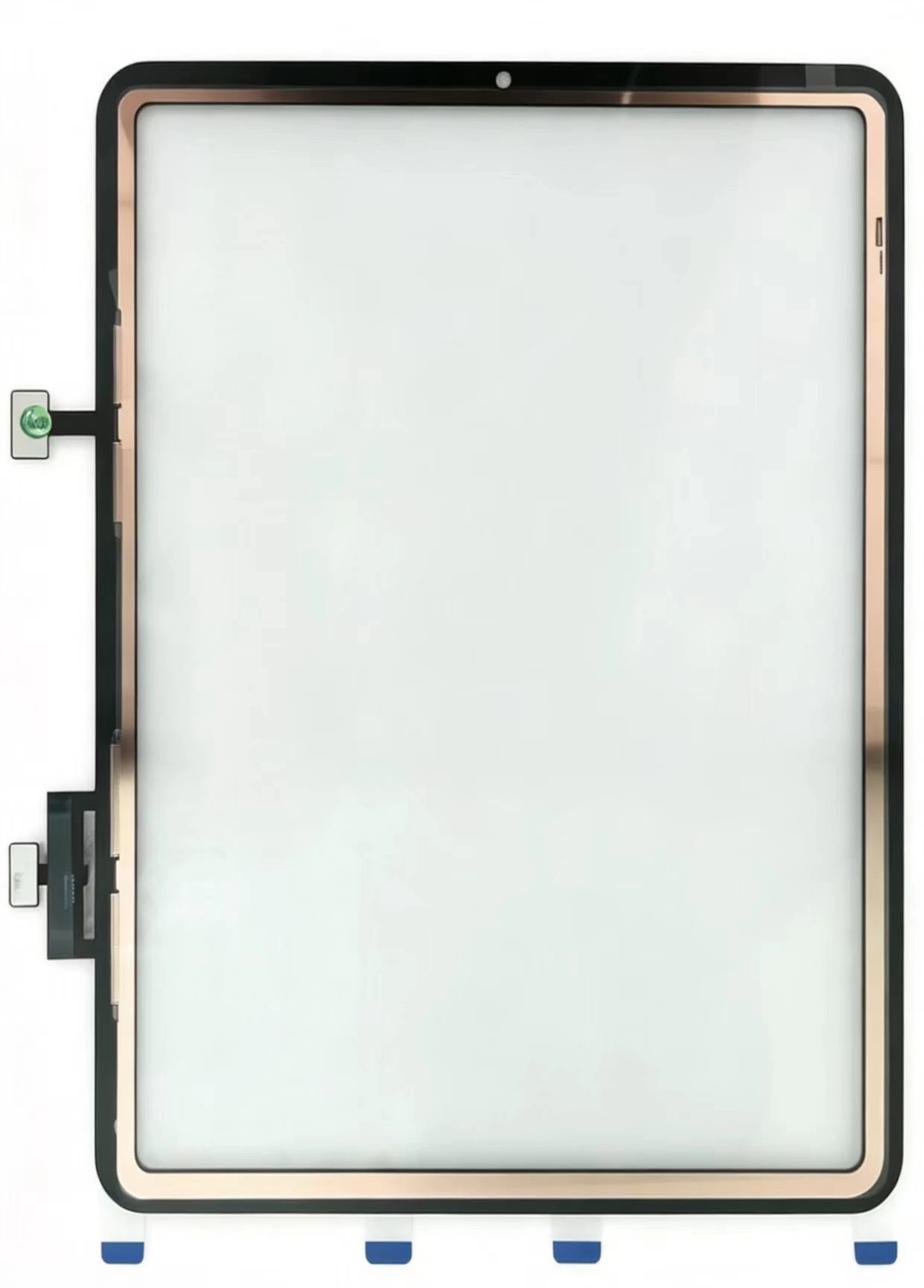
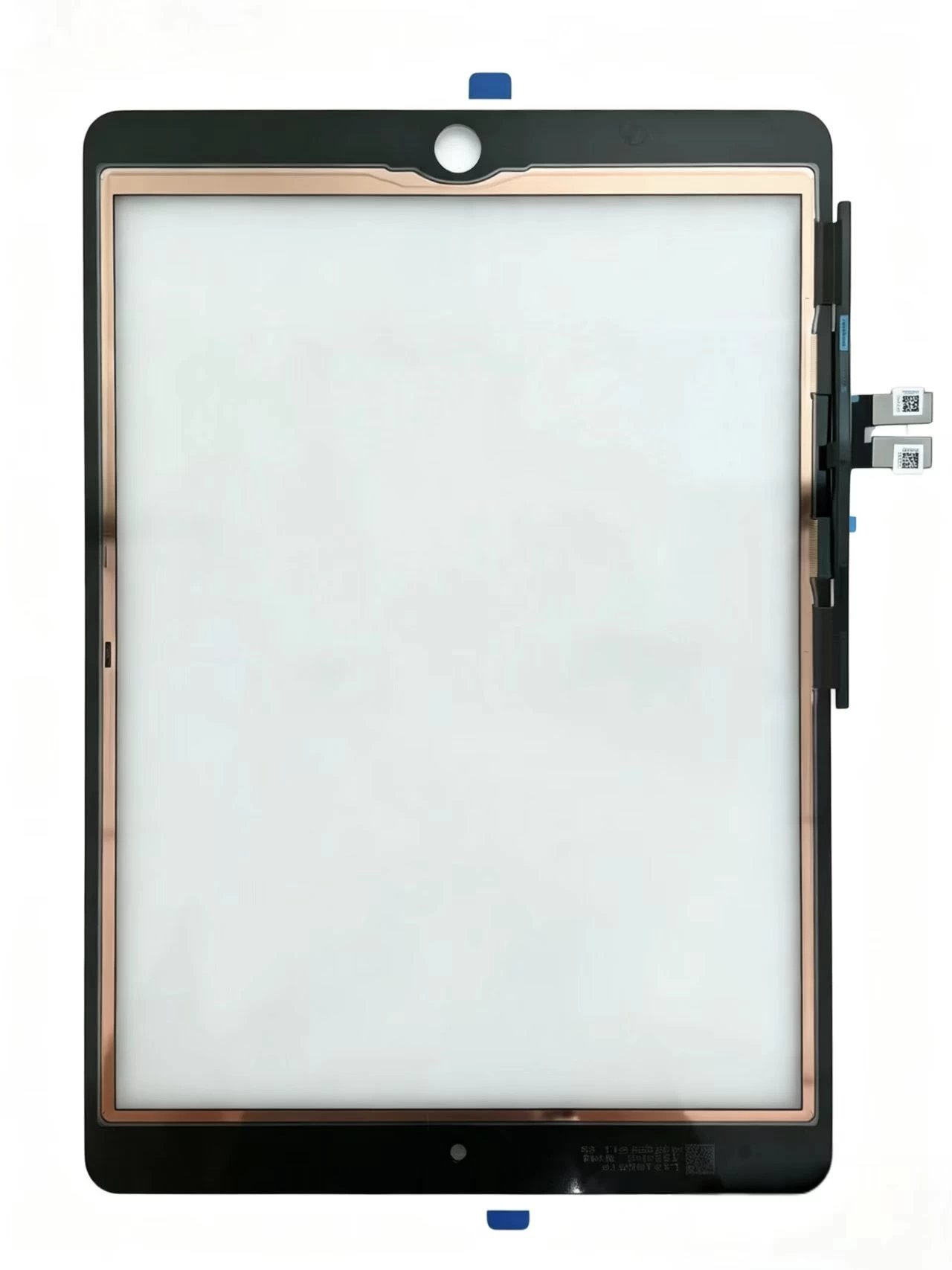
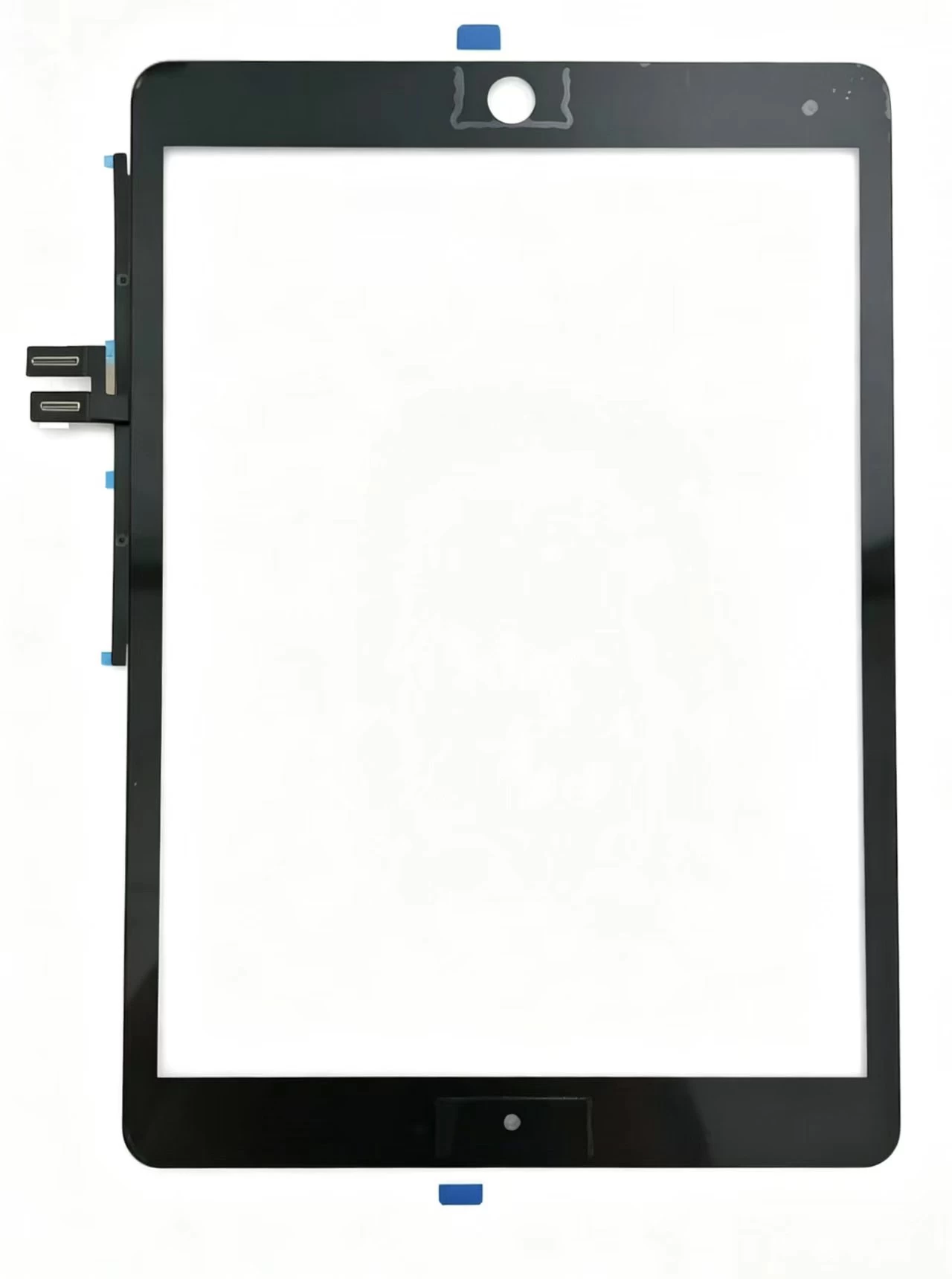
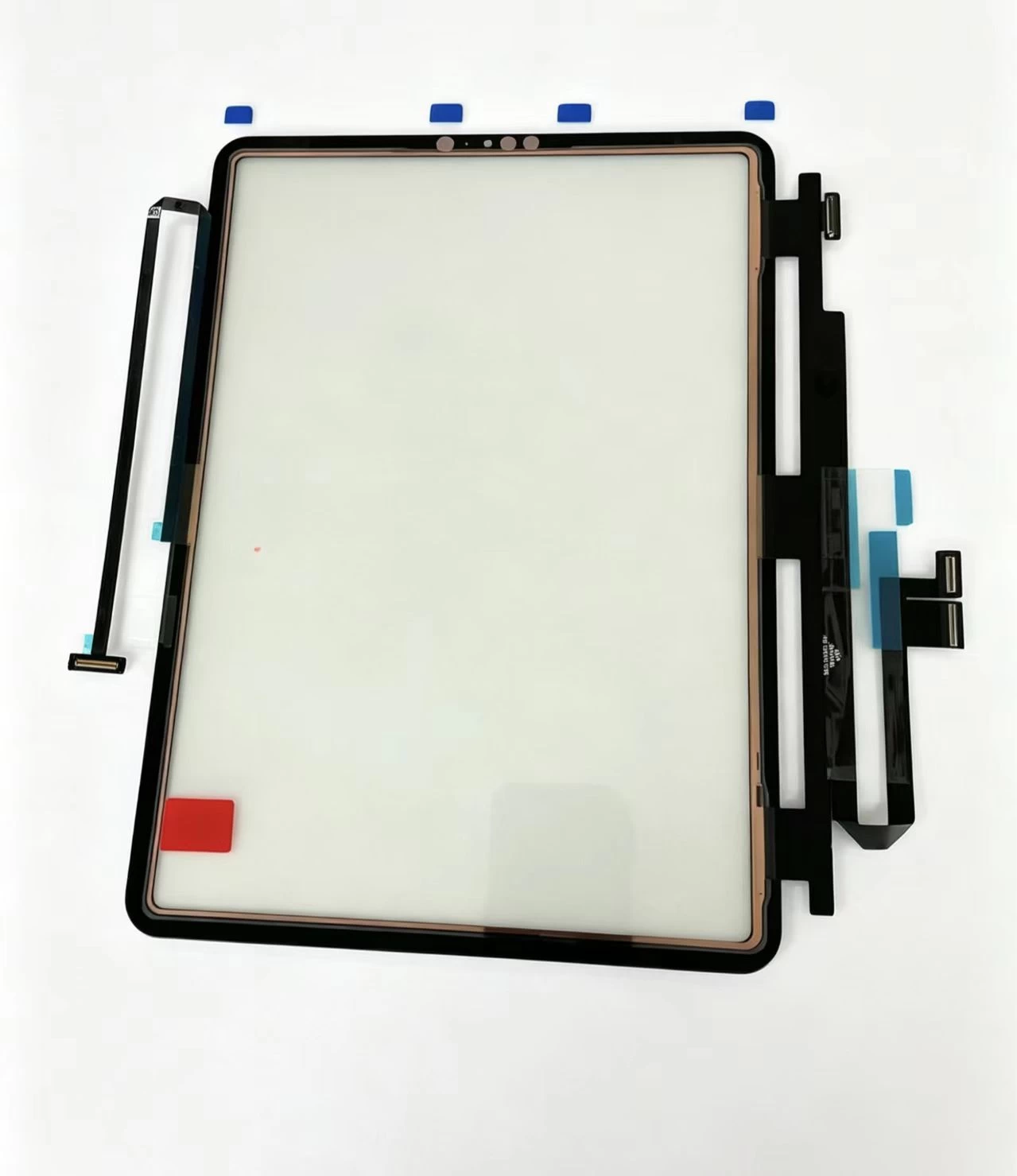
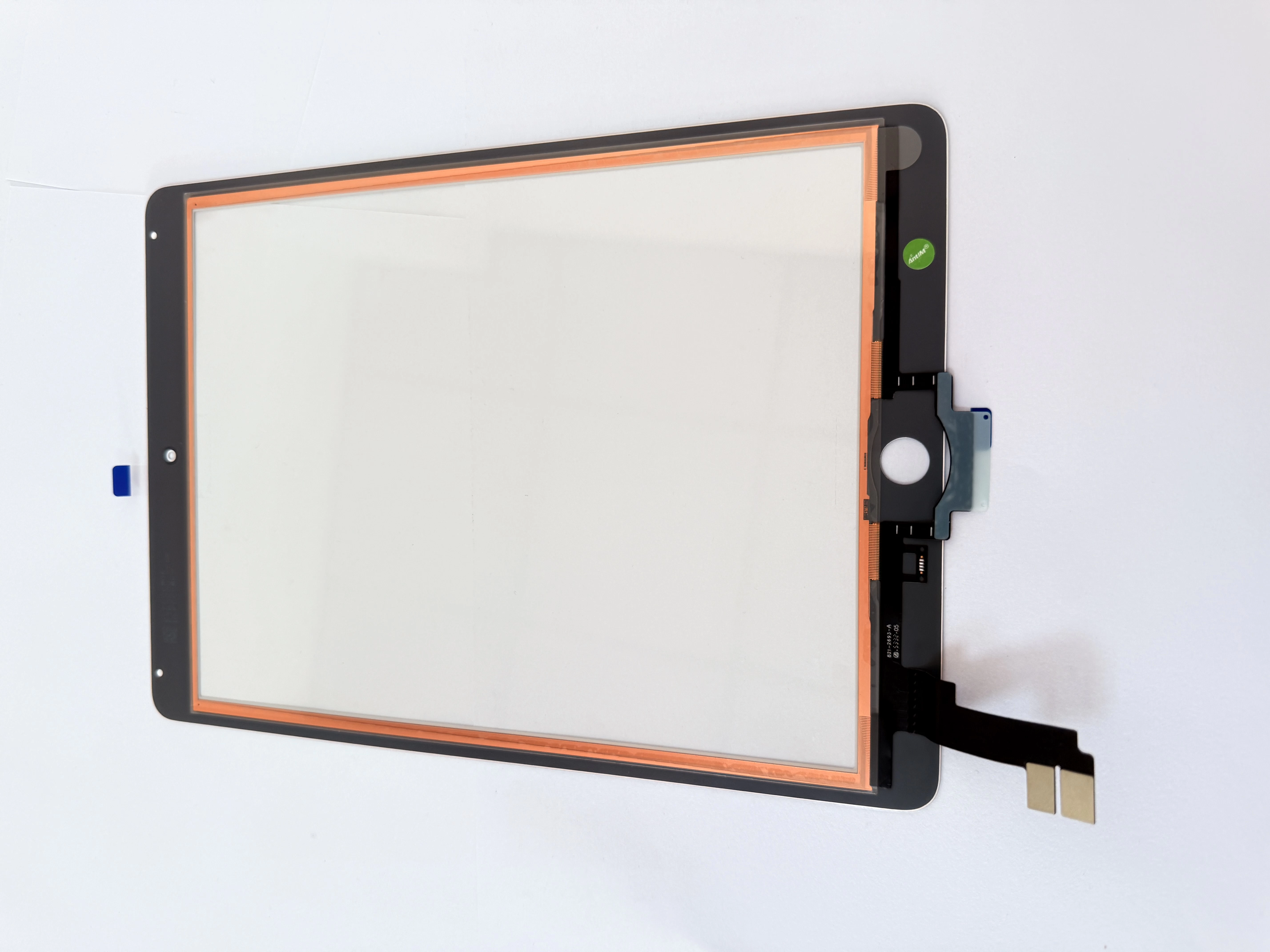
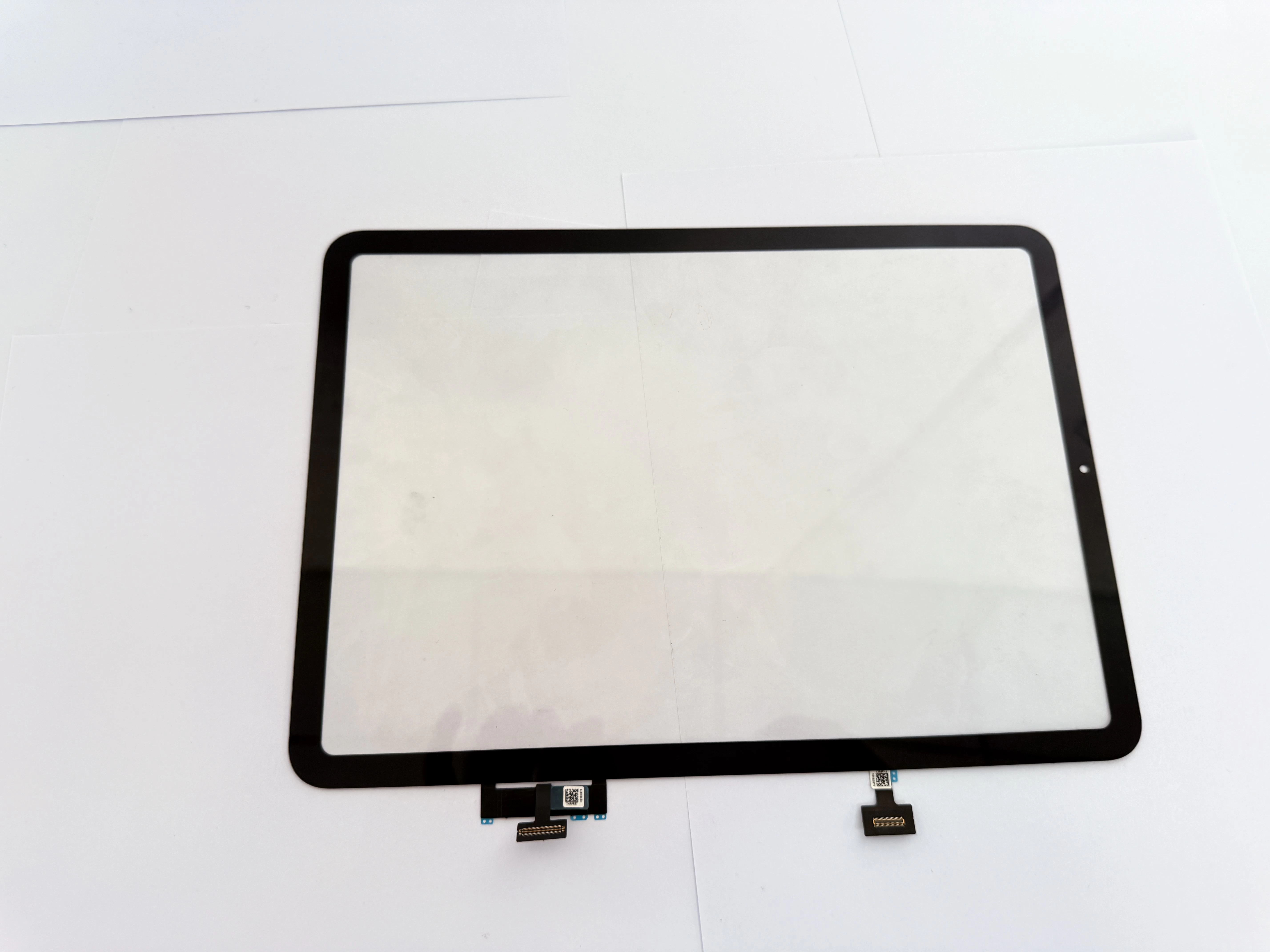
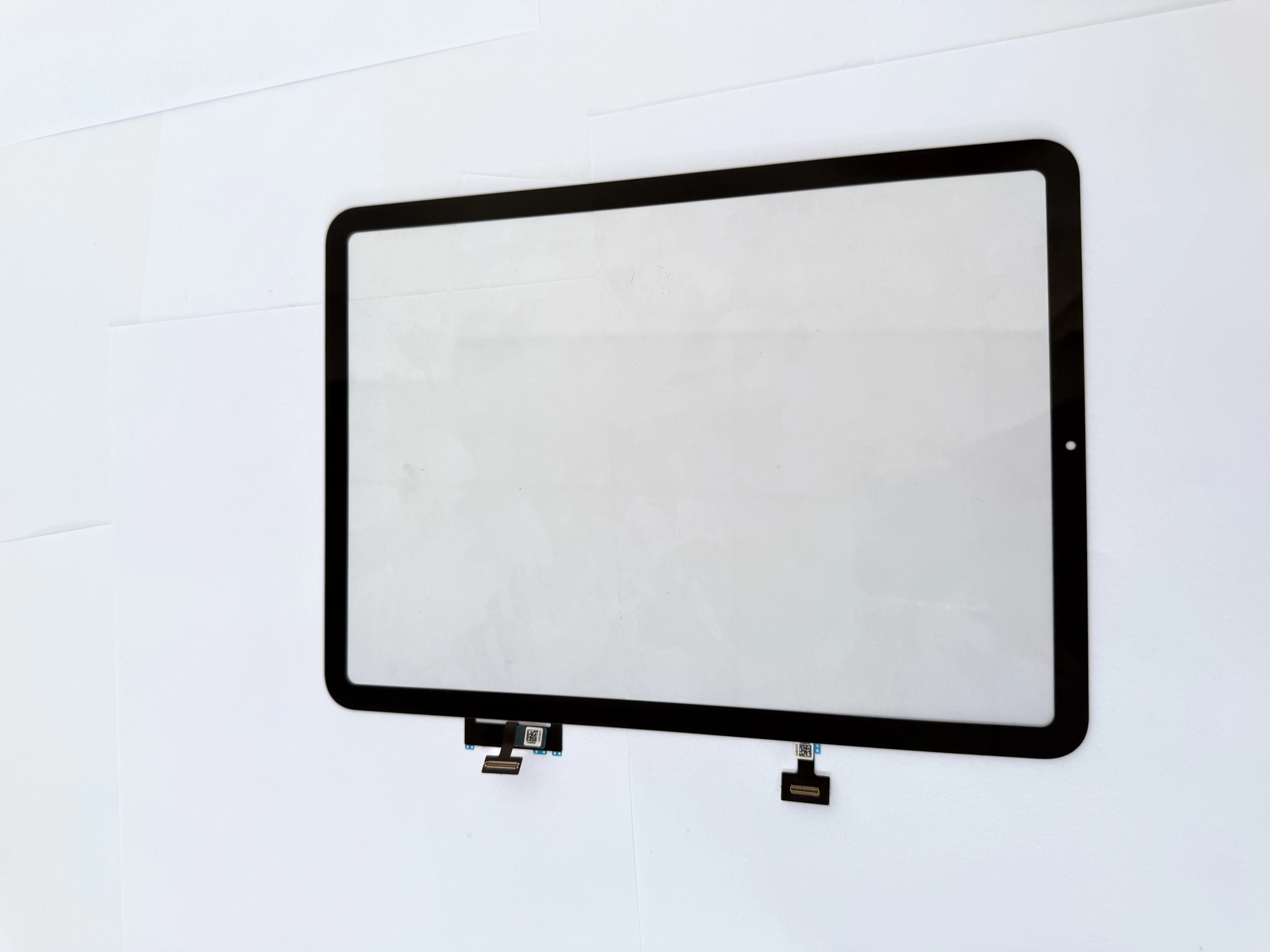
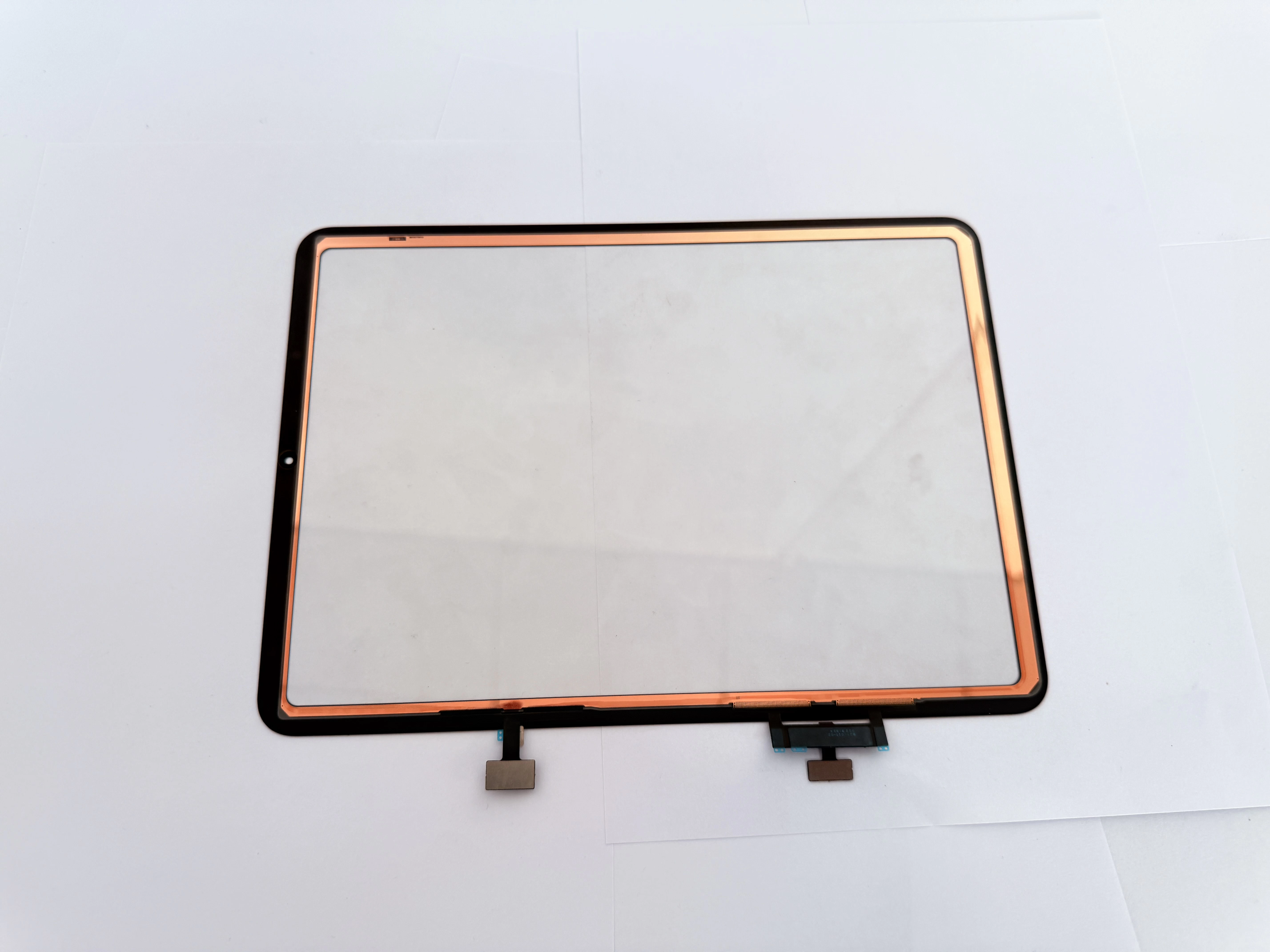
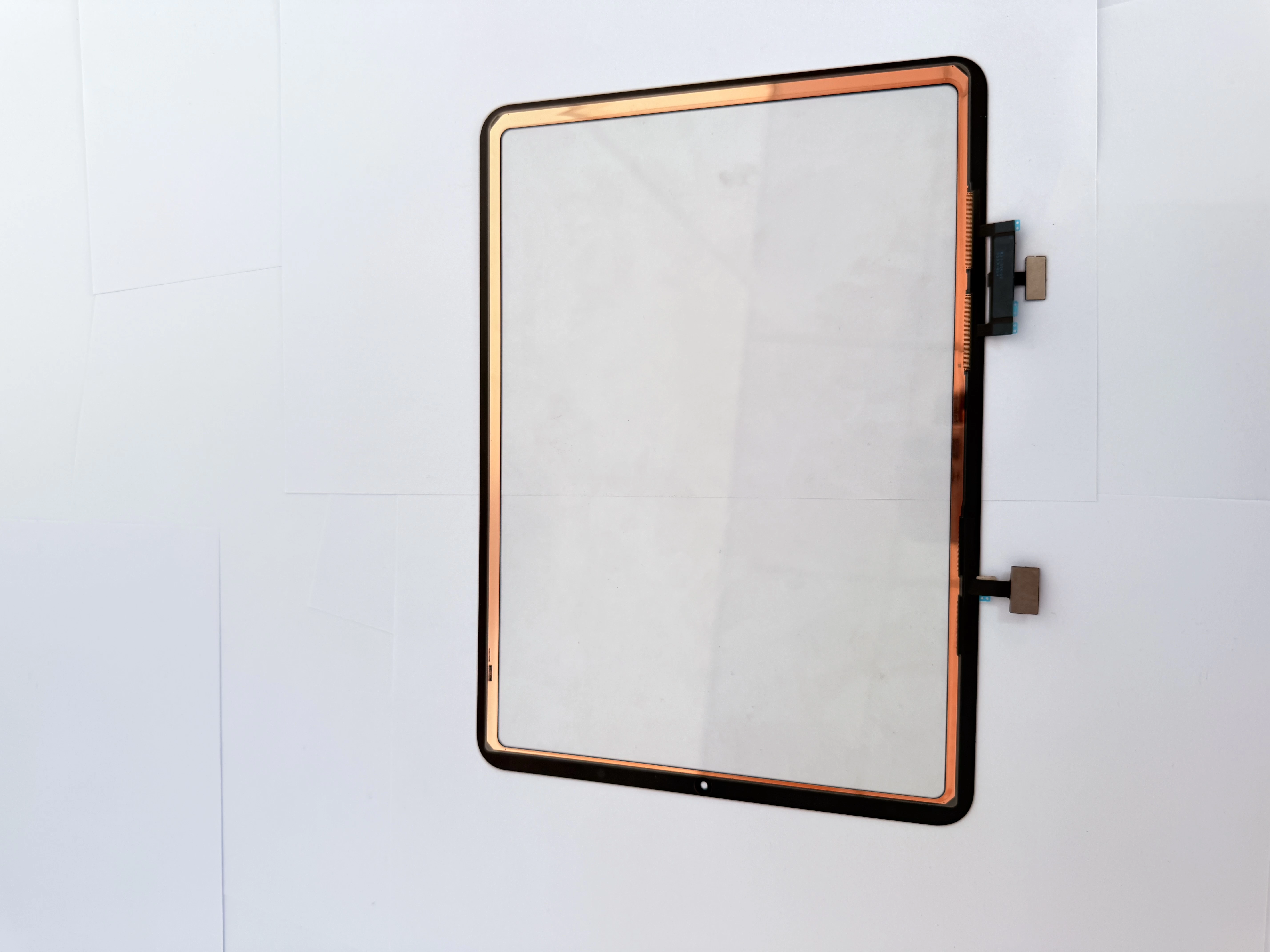
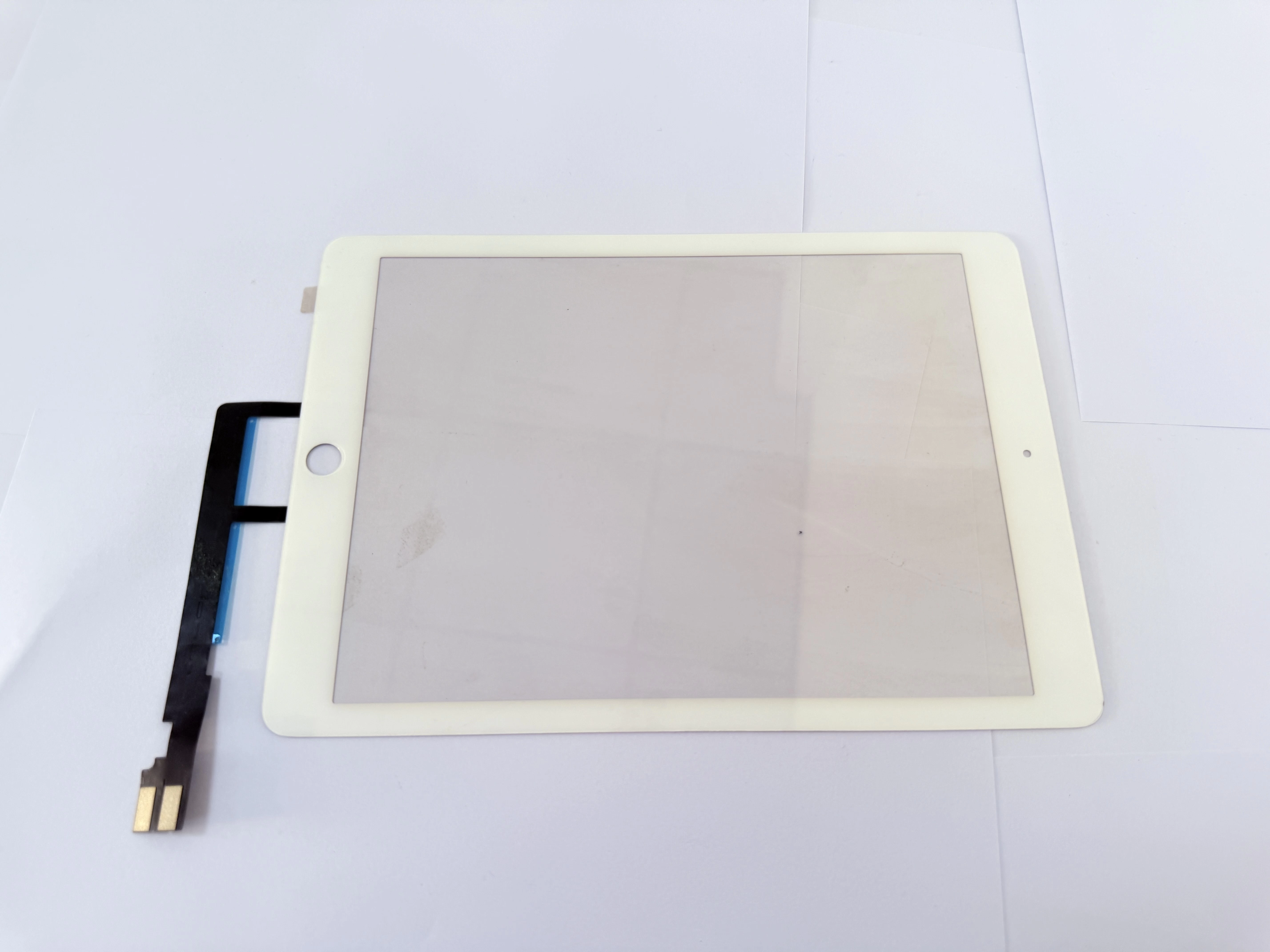
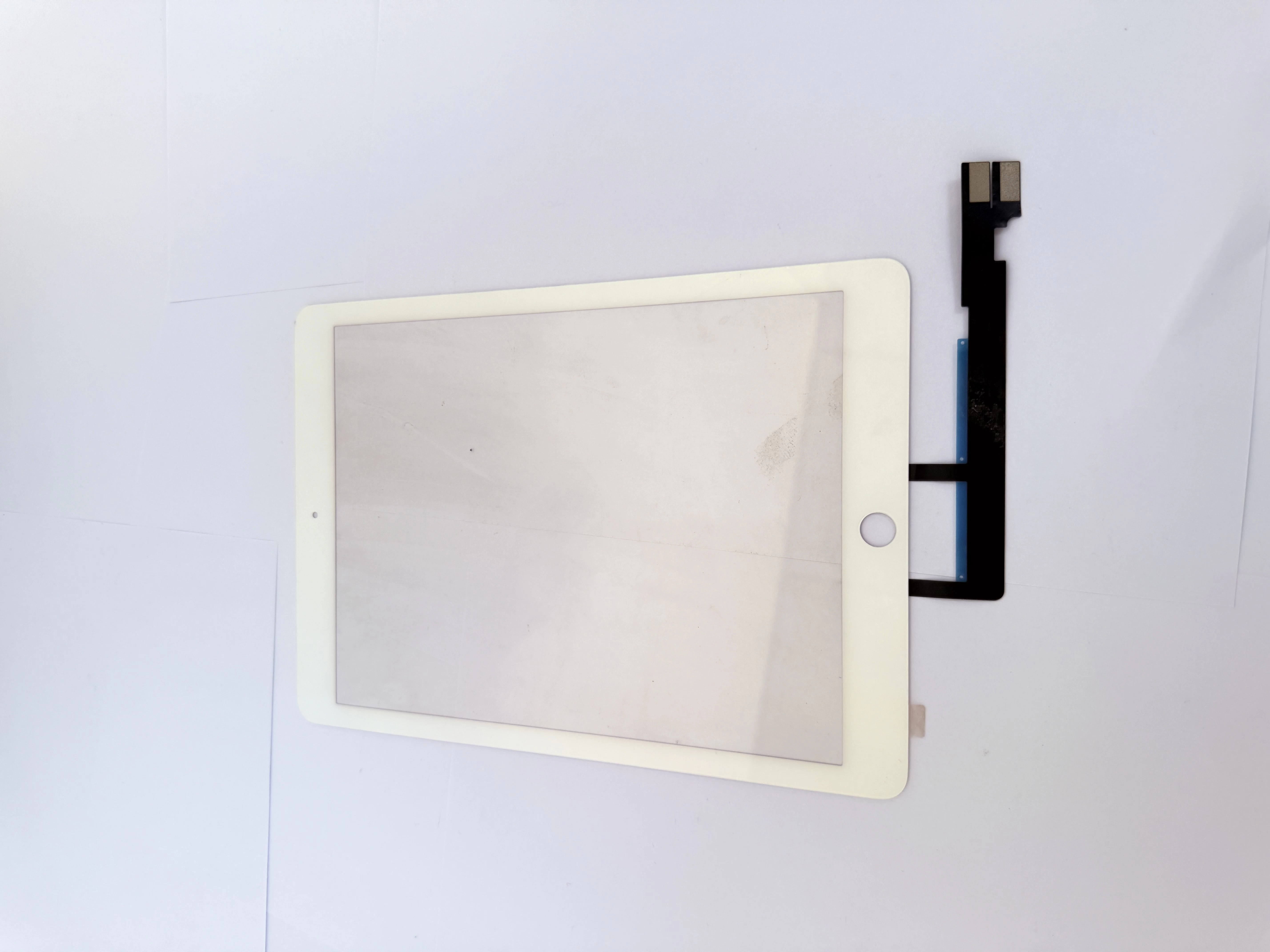
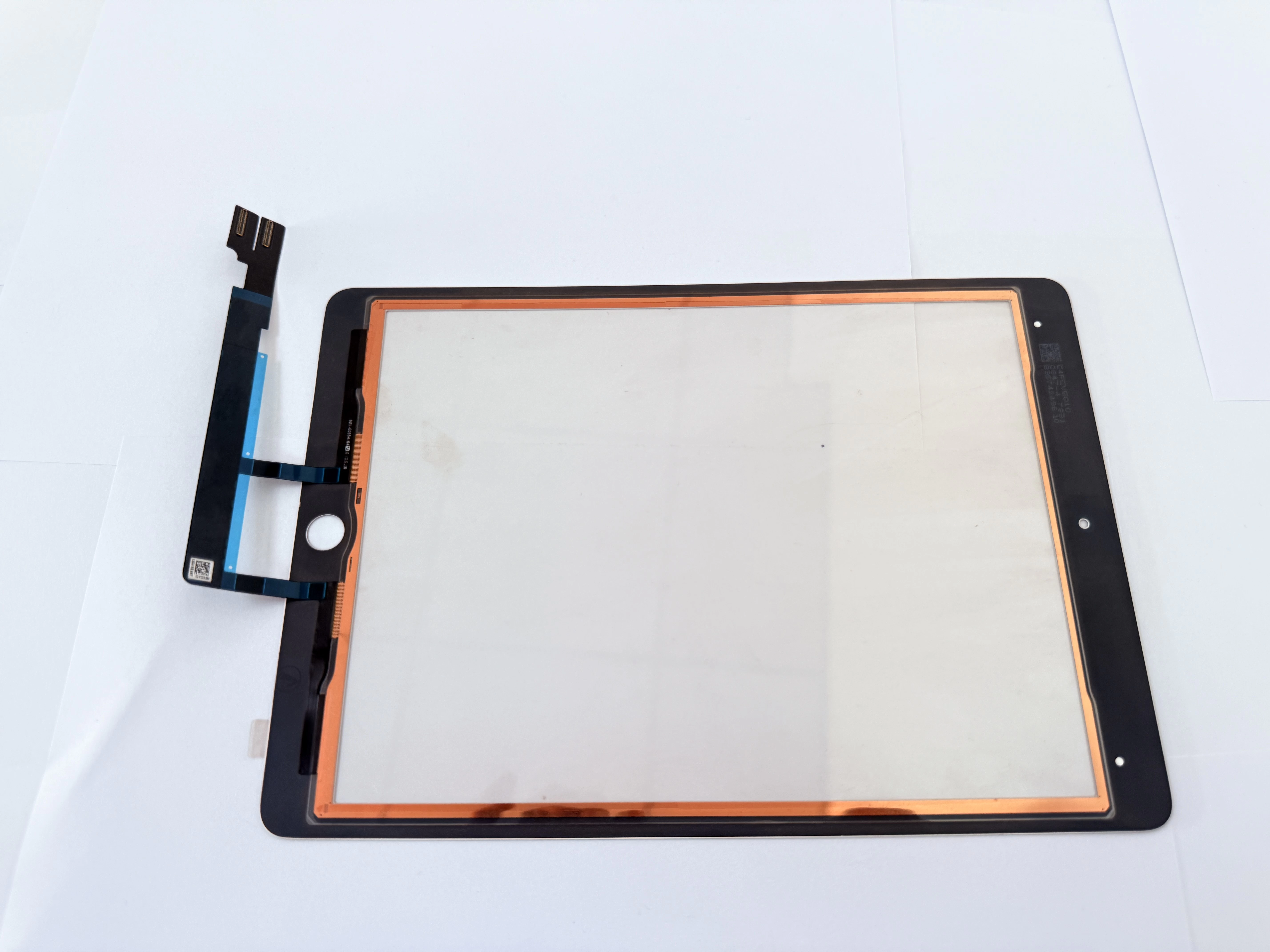
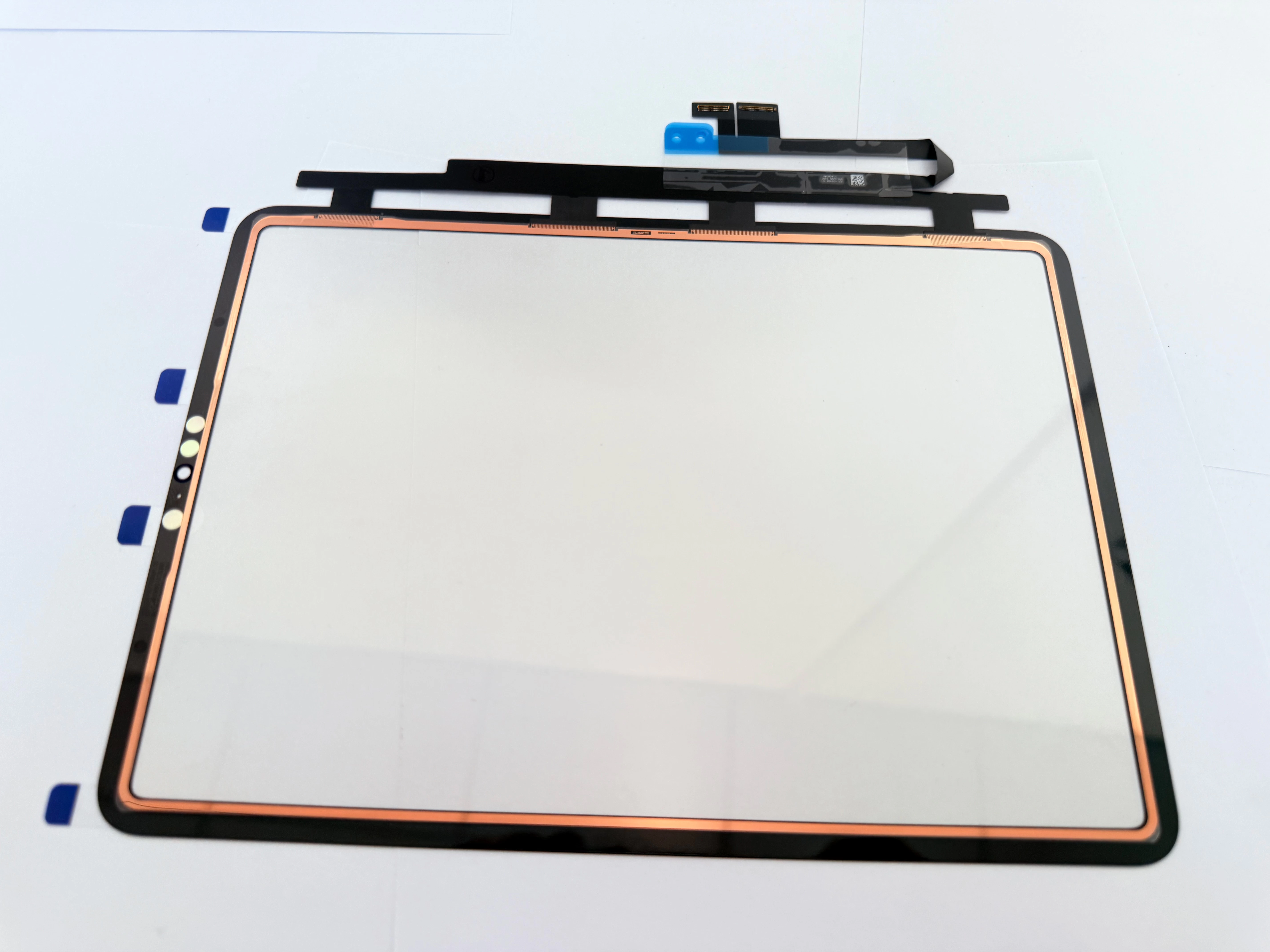
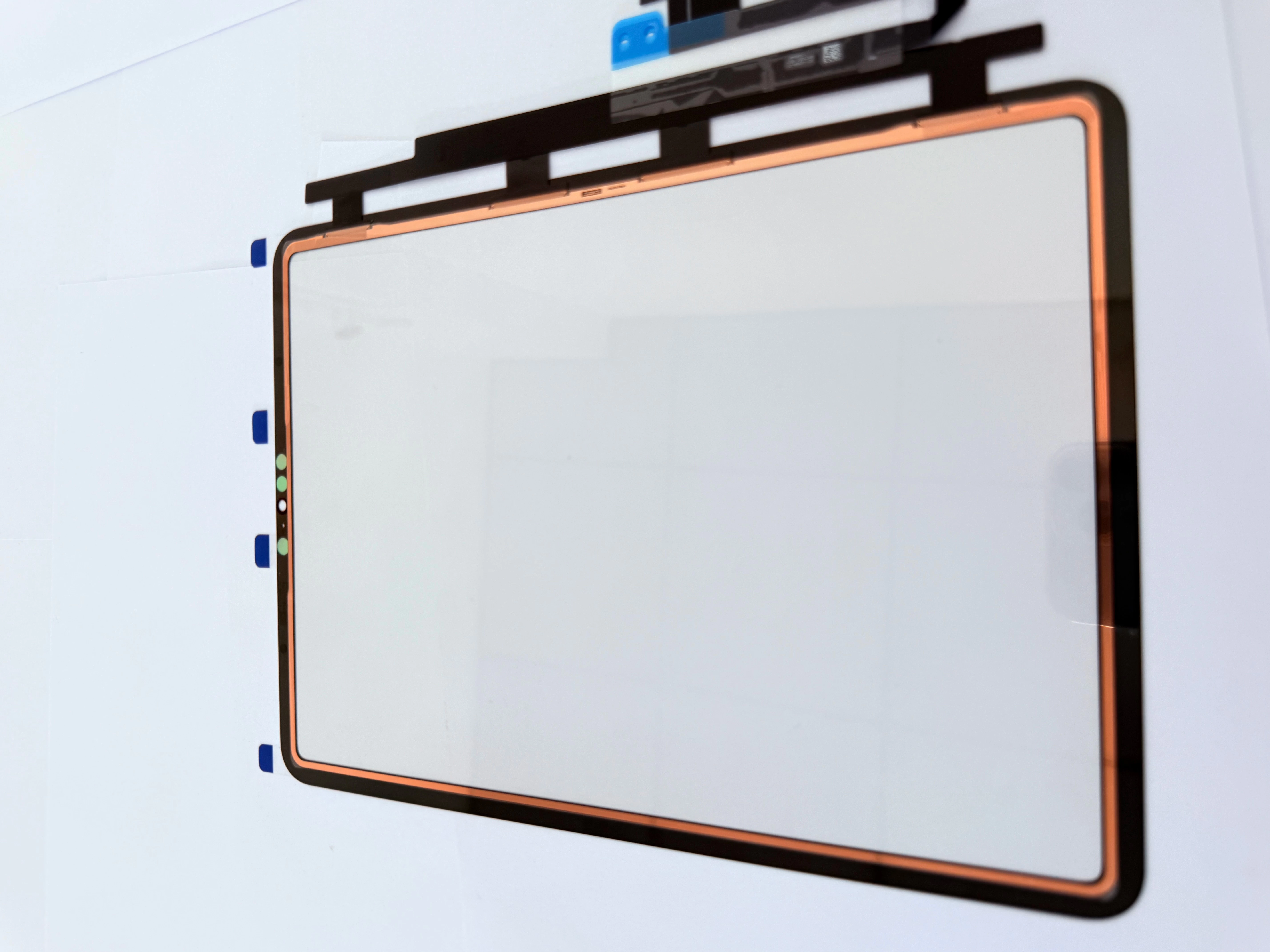
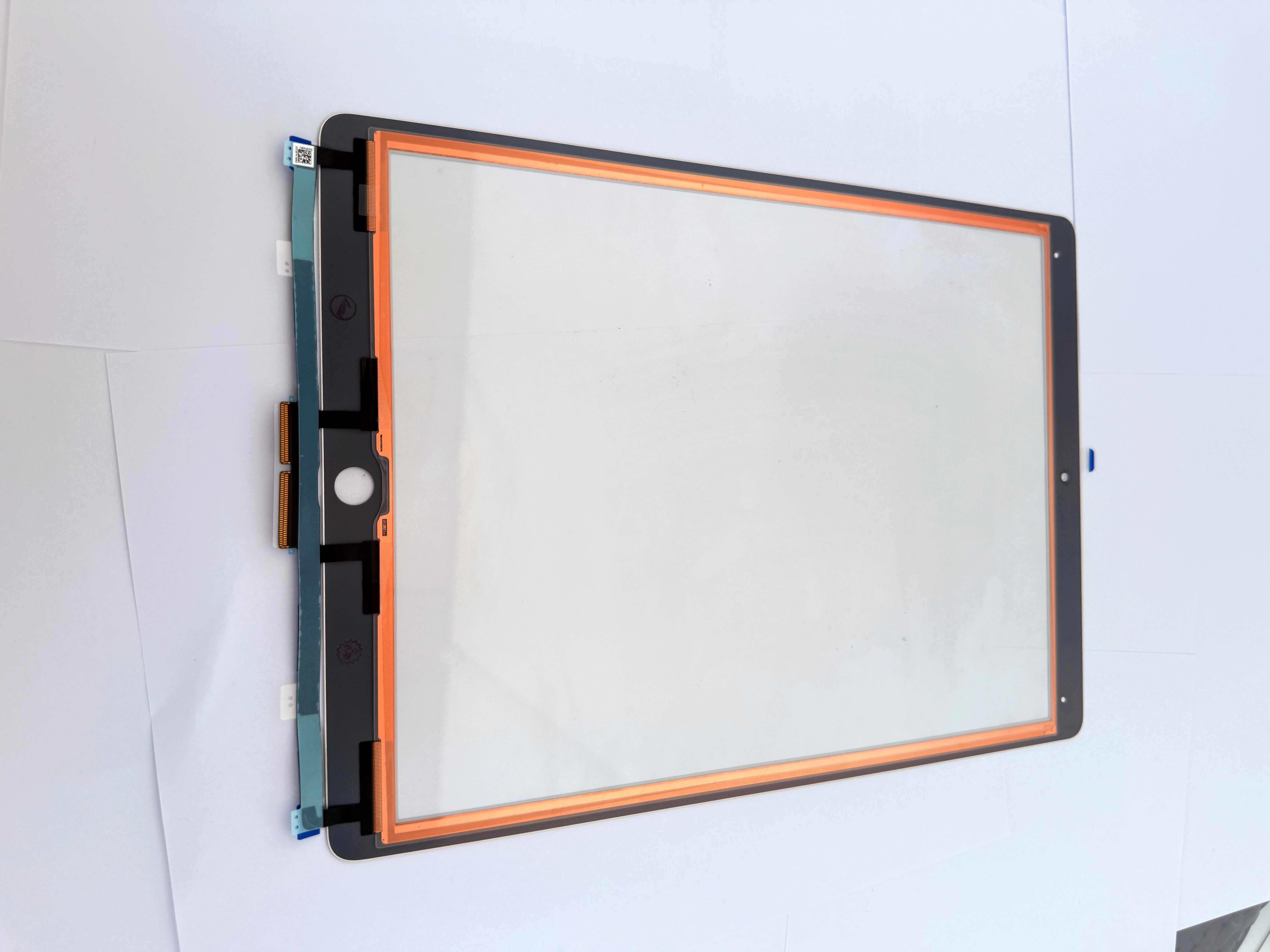
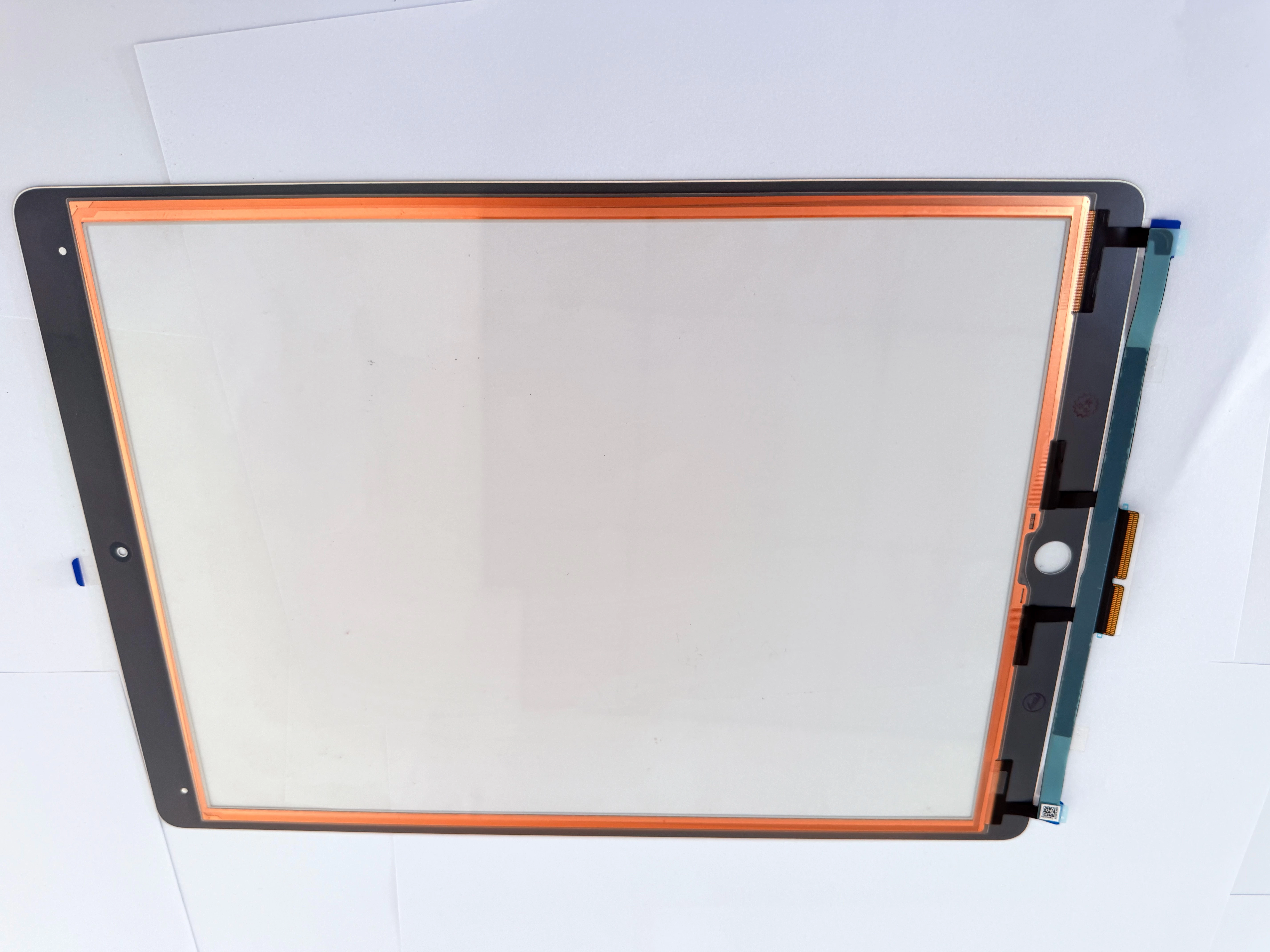
iPad 7 (A2197) has a shorter touch flex located at the bottom-middle frame. The flex connector of iPad 8 (A2270) moves slightly to the right, and partial generic digitizers can work with it. iPad 9 (A2602) adopts optimized internal wiring, so unmodified digitizers for iPad 7 and 8 cannot be used directly.
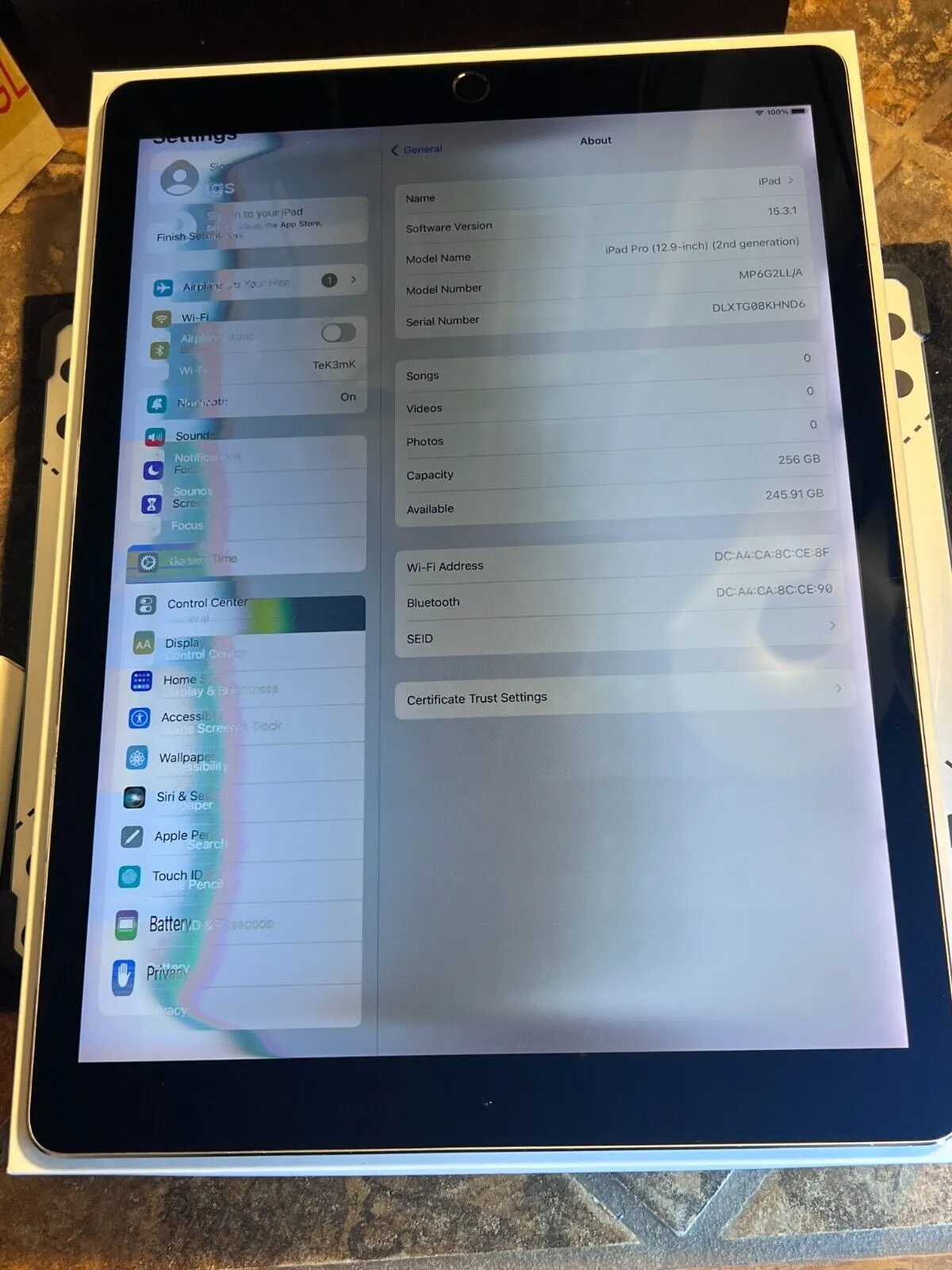
3. Pre-installation QC Checklist & Bulk Sourcing Tips
Test touch sensitivity on four screen edges after part assembly. Check the alignment of the front camera and sensor openings. Conduct a 20-minute cold compression test to prevent screen lifting. For wholesale orders, classify parts by exact model to avoid mixed delivery, which is the key to reducing return rates.
4. SEO Keywords (198 characters)
iPad 7 8 9 10.2 inch touch digitizer wholesale, A2197 A2270 A2602 screen parts, iPad cross-model digitizer compatibility, iPad hardware touch fault repair, bulk tablet screen accessories, repair shop pre-test checklist, iPad dead spot troubleshooting, wholesale tablet touch panel supplier