các trường hợp

Dead Laptop & iPad Zero‑Power & Non‑Charging Troubleshooting Manual for EU, US & Latin‑American Repair Stores: Charging‑Port Flex Diagnosis, Recover Deep‑Drained Batteries, Heavy‑Duty Power Spare Part

  • Four Typical Hardware Failures Causing Bricked Laptops and iPads
    Damaged charging‑port flex accounts for 70 % of power‑related breakdowns. Dust accumulation and port oxidation trigger short‑circuit auto‑shutdown. Prolonged deep battery drain activates low‑voltage protection lock, covering roughly 20 % of failure cases. Aged batteries and burnt motherboard charging ICs belong to advanced chip‑repair scope.
  • Practical Diagnostic Workflow for Overseas Repair Shops
    Test MFi‑certified or original‑spec chargers at first. Leave the dead device under static charging for 30 minutes to unlock battery protection mode. Sweep away port dust with soft plastic brushes. Fit new ZSDScreen charging‑port flex if no charging icon appears; replace degraded batteries before carrying out motherboard chip repairs.
  • Cross‑Border Wholesale Service for Global Clients
    ZSDScreen charging flex and replacement batteries follow unified welding standards to lower after‑sales complaints about intermittent charging. Custom neutral OEM packaging, mixed‑model combined shipments and reliable cross‑border logistics are offered for long‑term partners across EU, US and Latin‑American regions.
  • Fast Flashlight Diagnosis Trick for Western, Latin‑American & African Repair Techs: Differentiate Cracked Touch Glass vs Damaged LCD on Laptops & iPads, Cost‑Efficient Single Touch‑Glass Swap, Full Mo
    iPad Mini 6 A2567 A2568 & Narrow‑Bezel Laptop Touch Screen Disassembly Guide for Independent EU US Latin‑American Repair Technicians: Avoid Five Common Post‑Replacement Touch Defects, ZSDScreen Pre‑G+

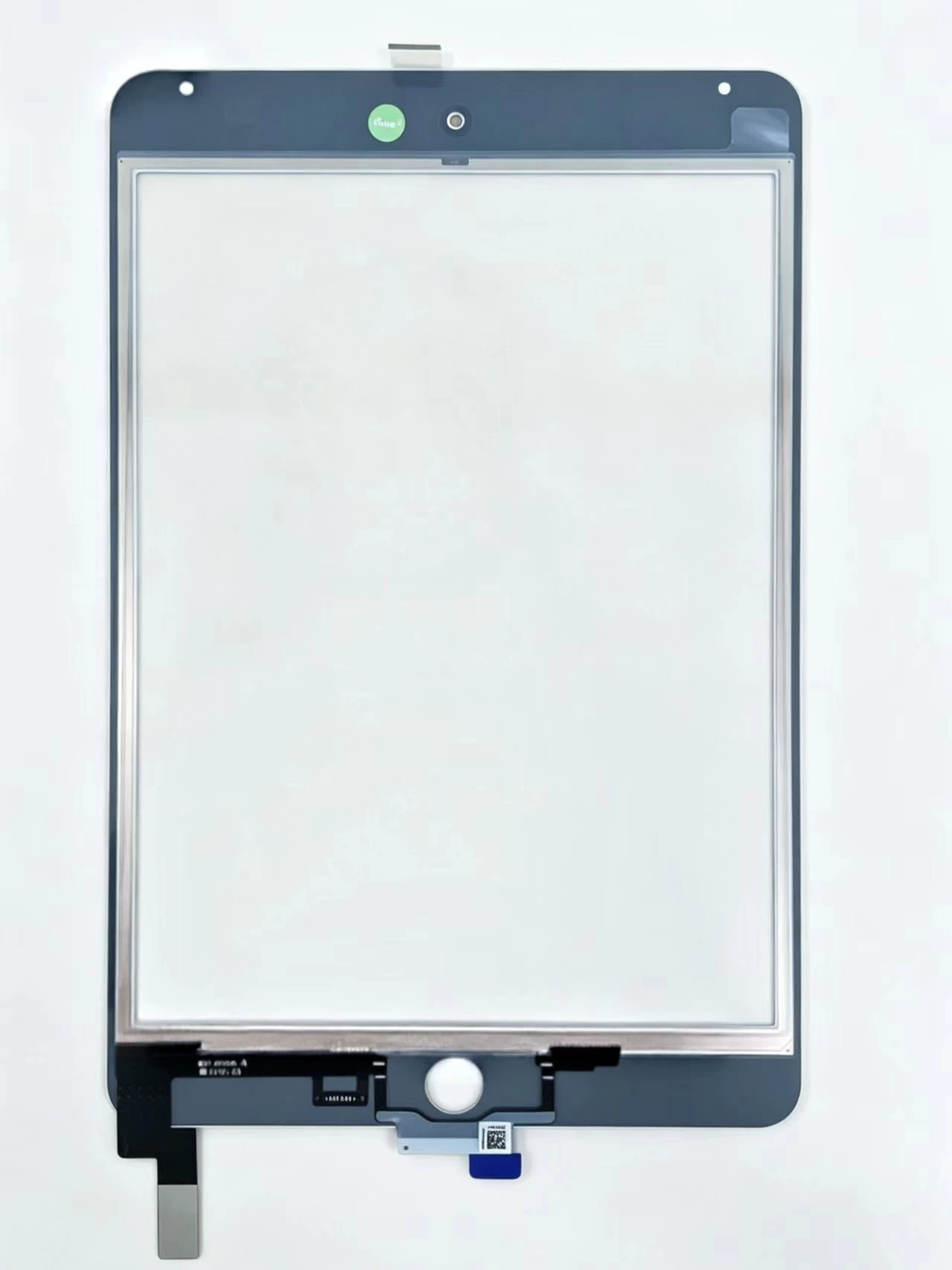
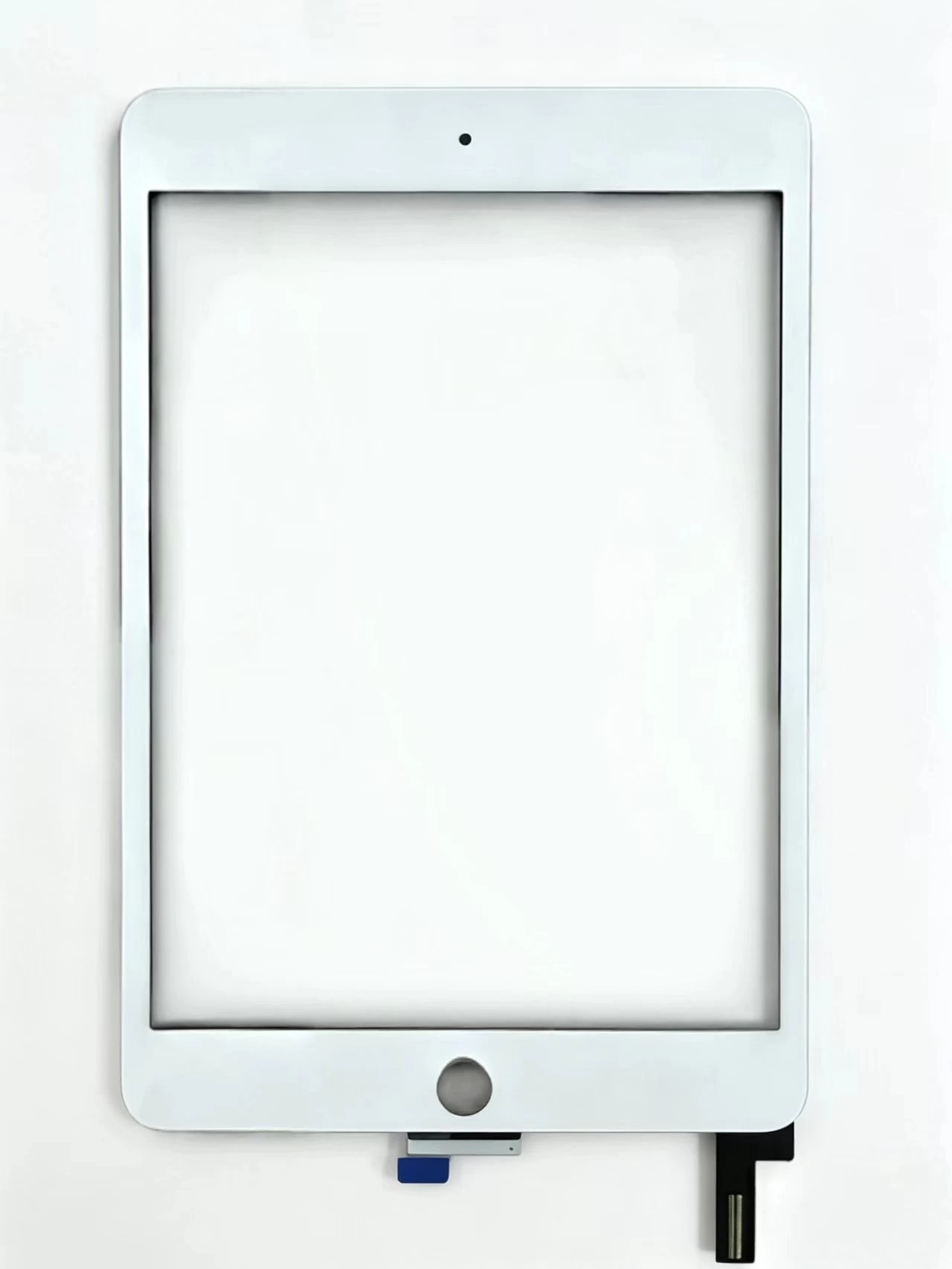
    Touch Screen Digitizer Assembly Replacement Part For iPad Mini 4 A1538 A1550

    Xem chi tiết

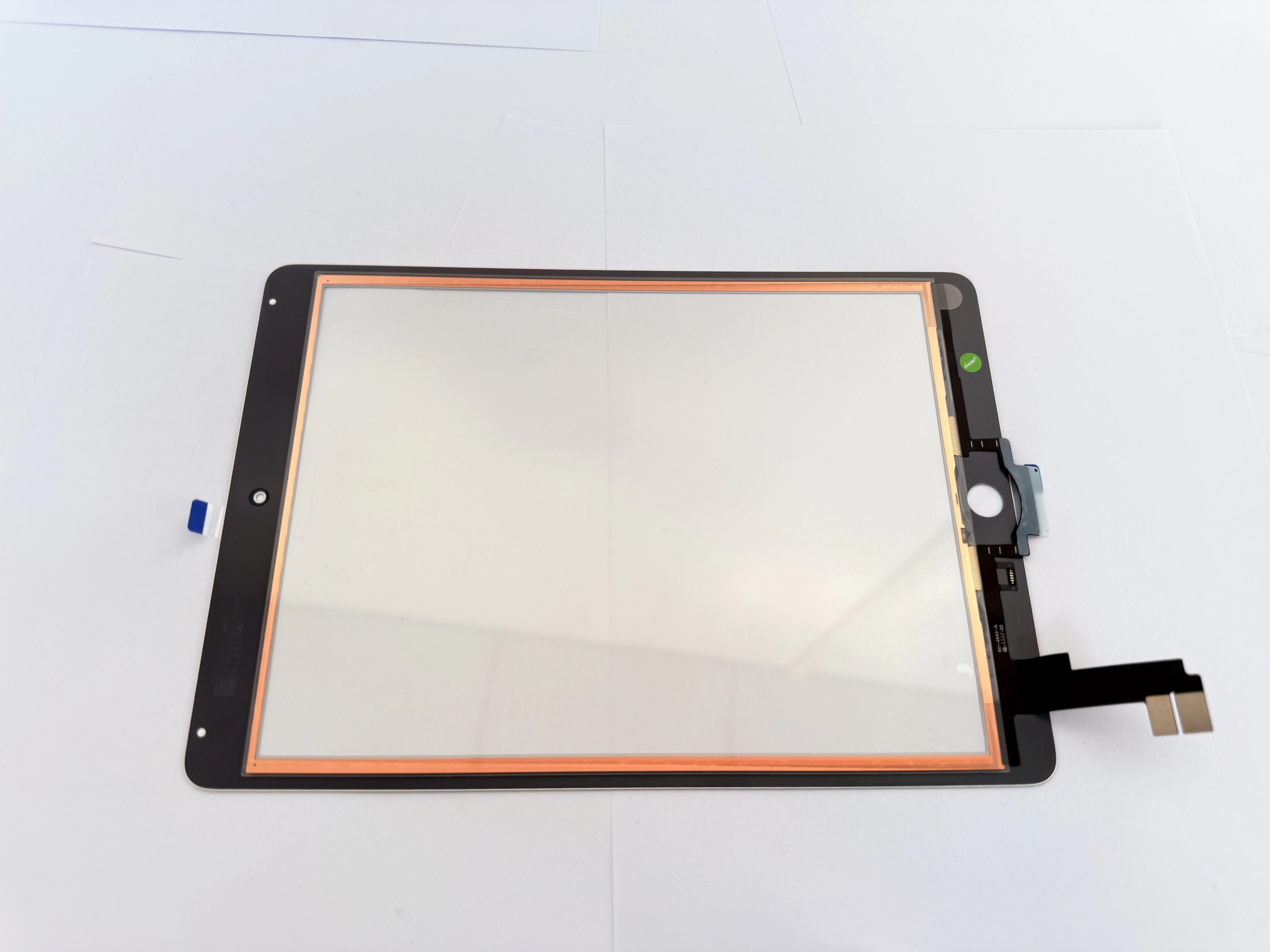
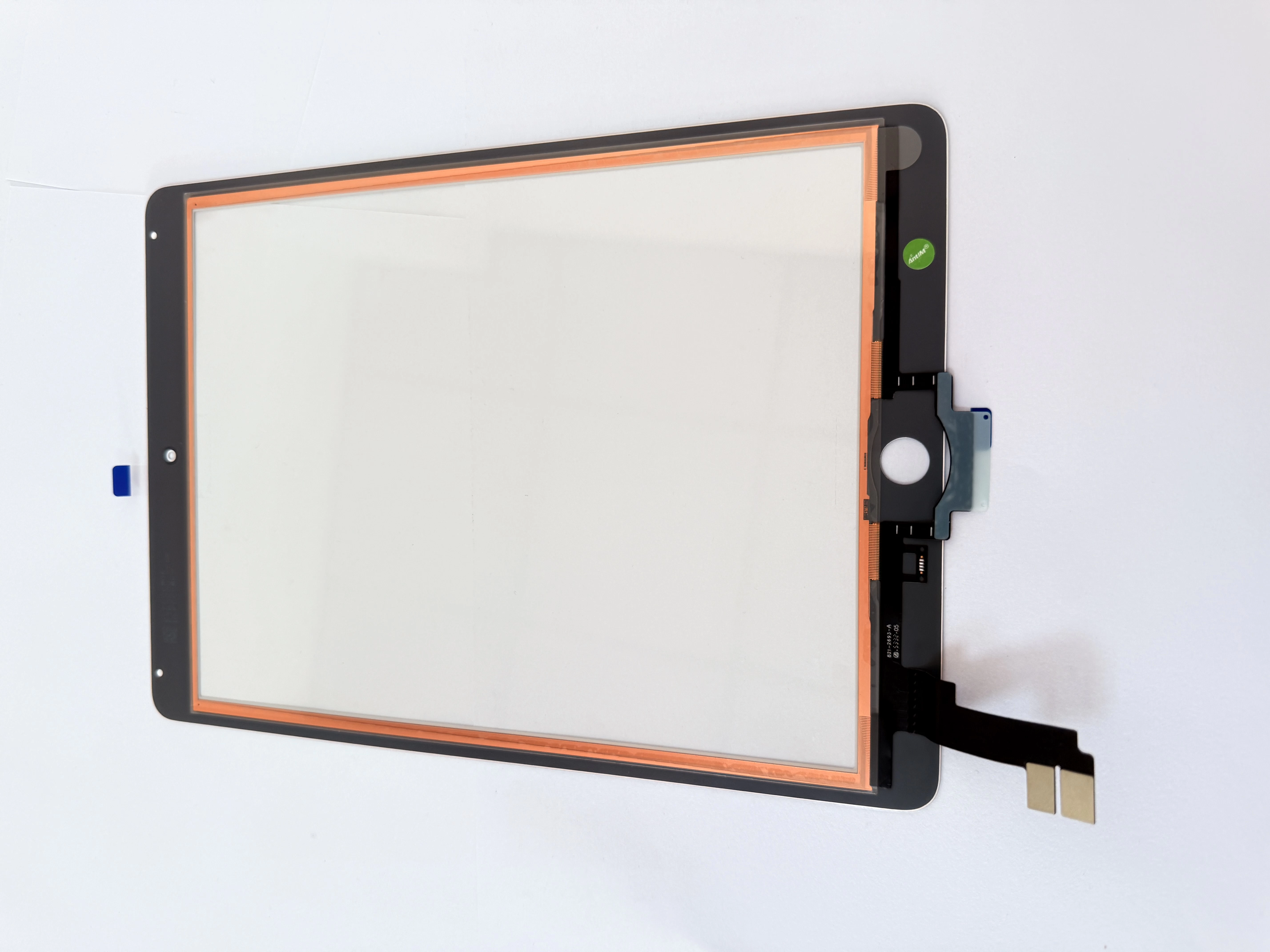
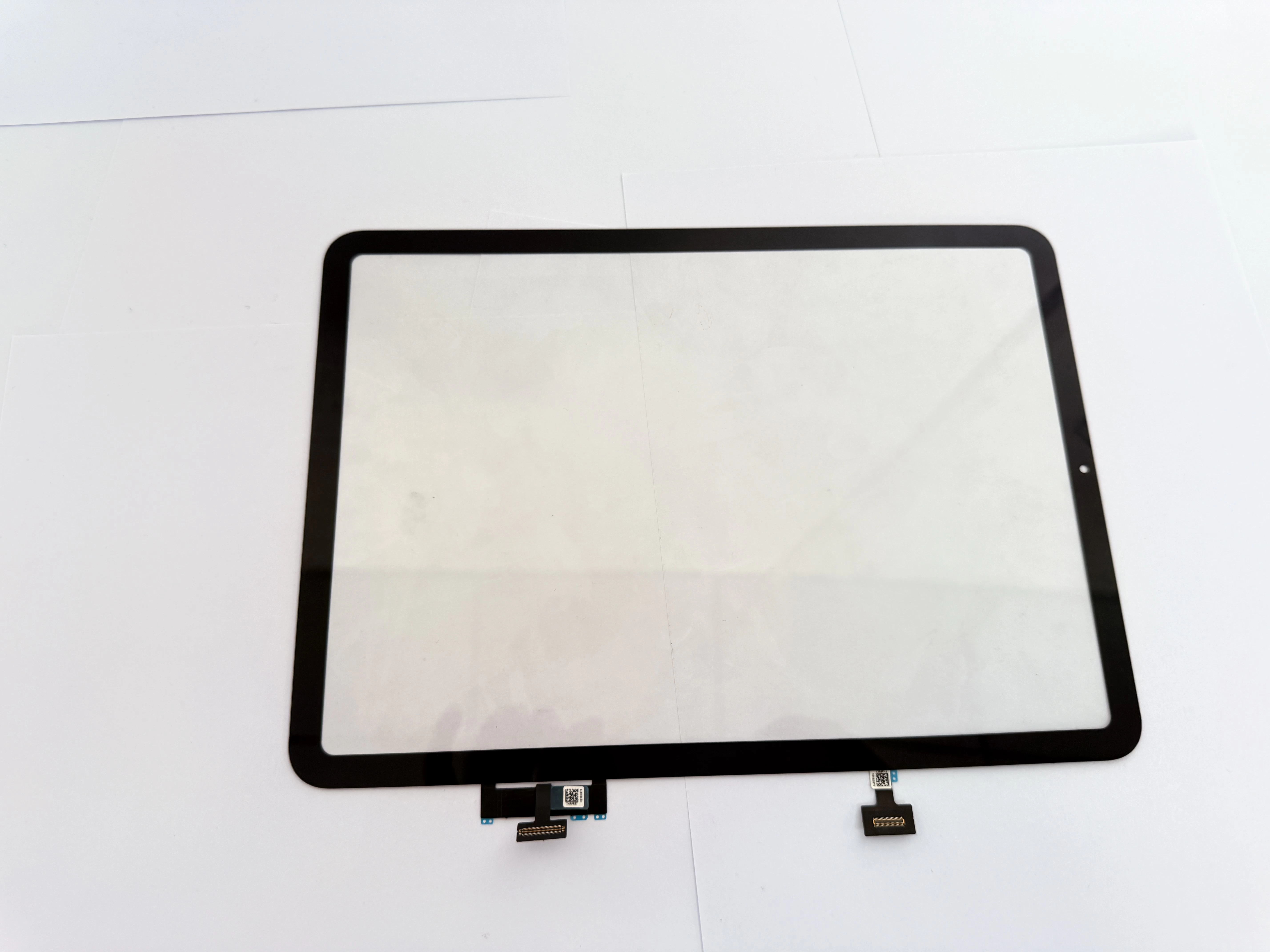
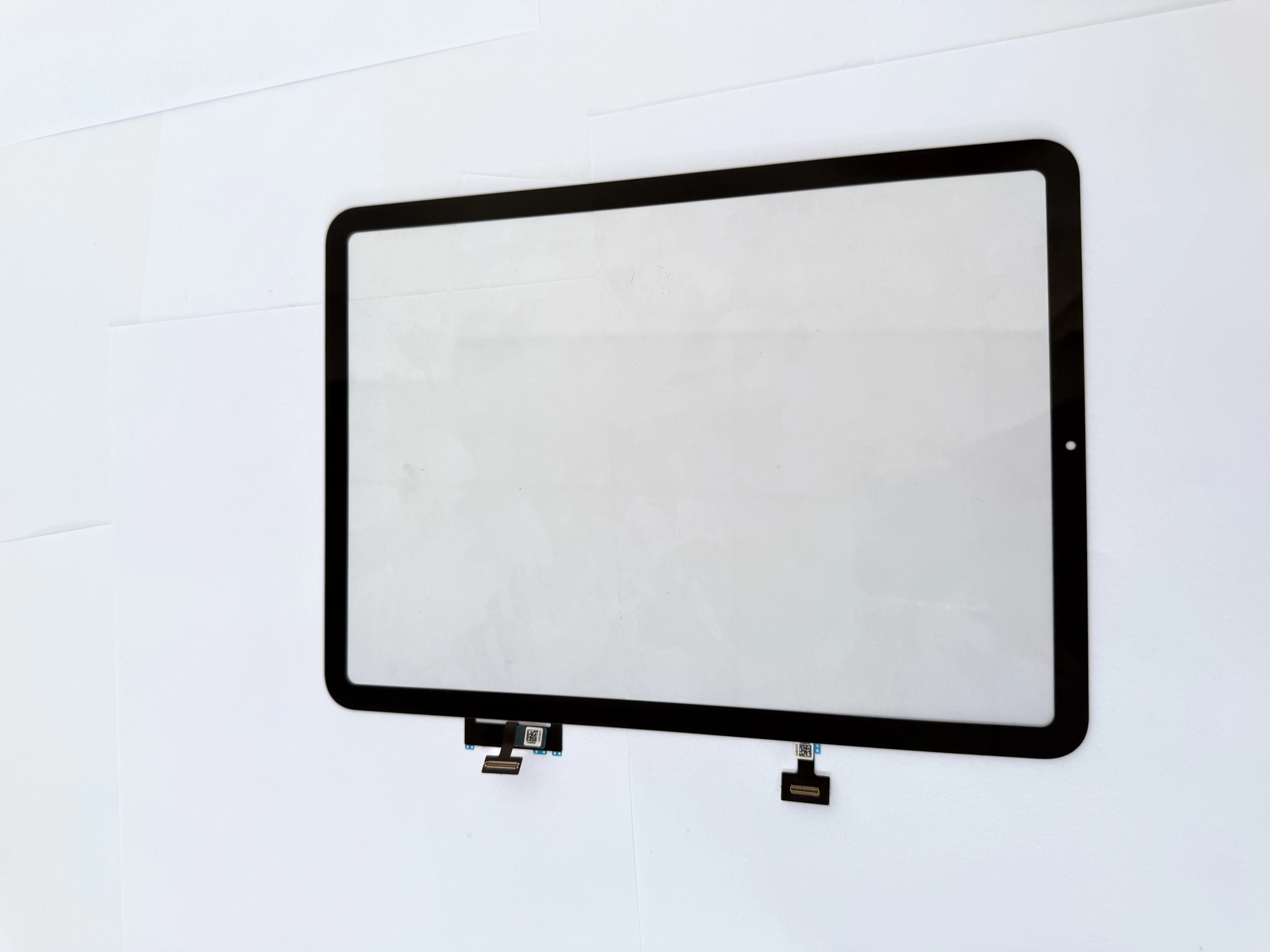
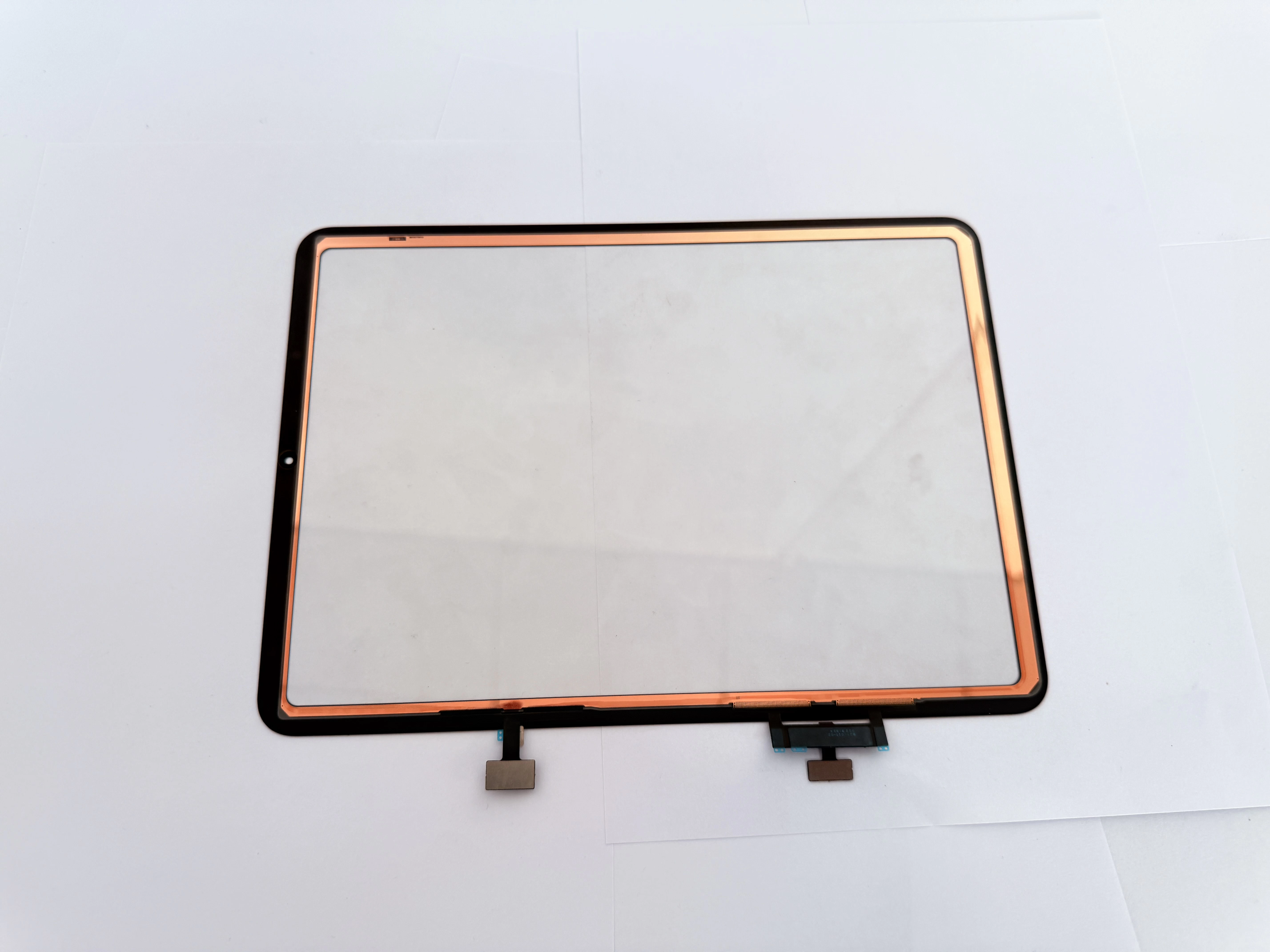
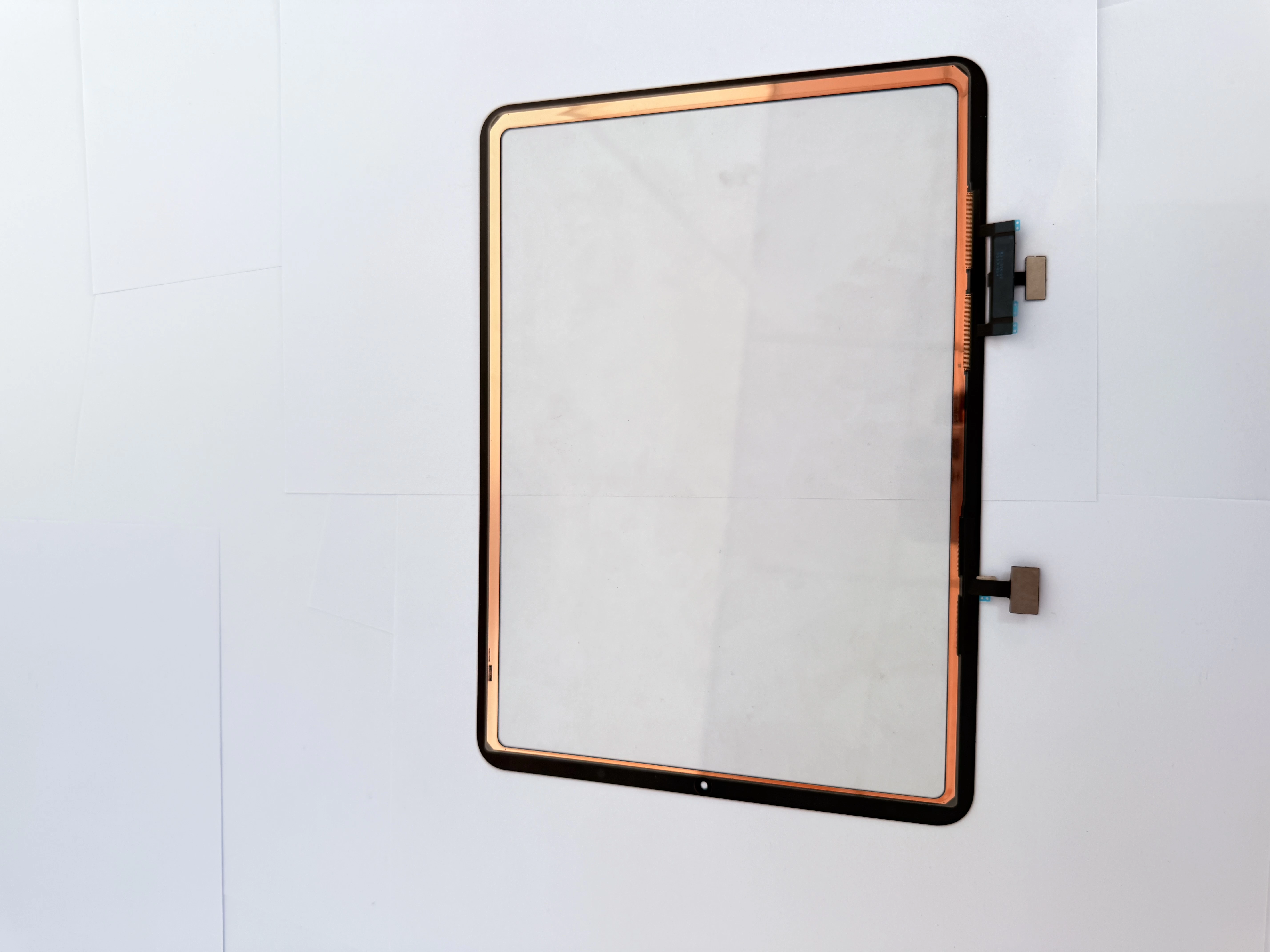
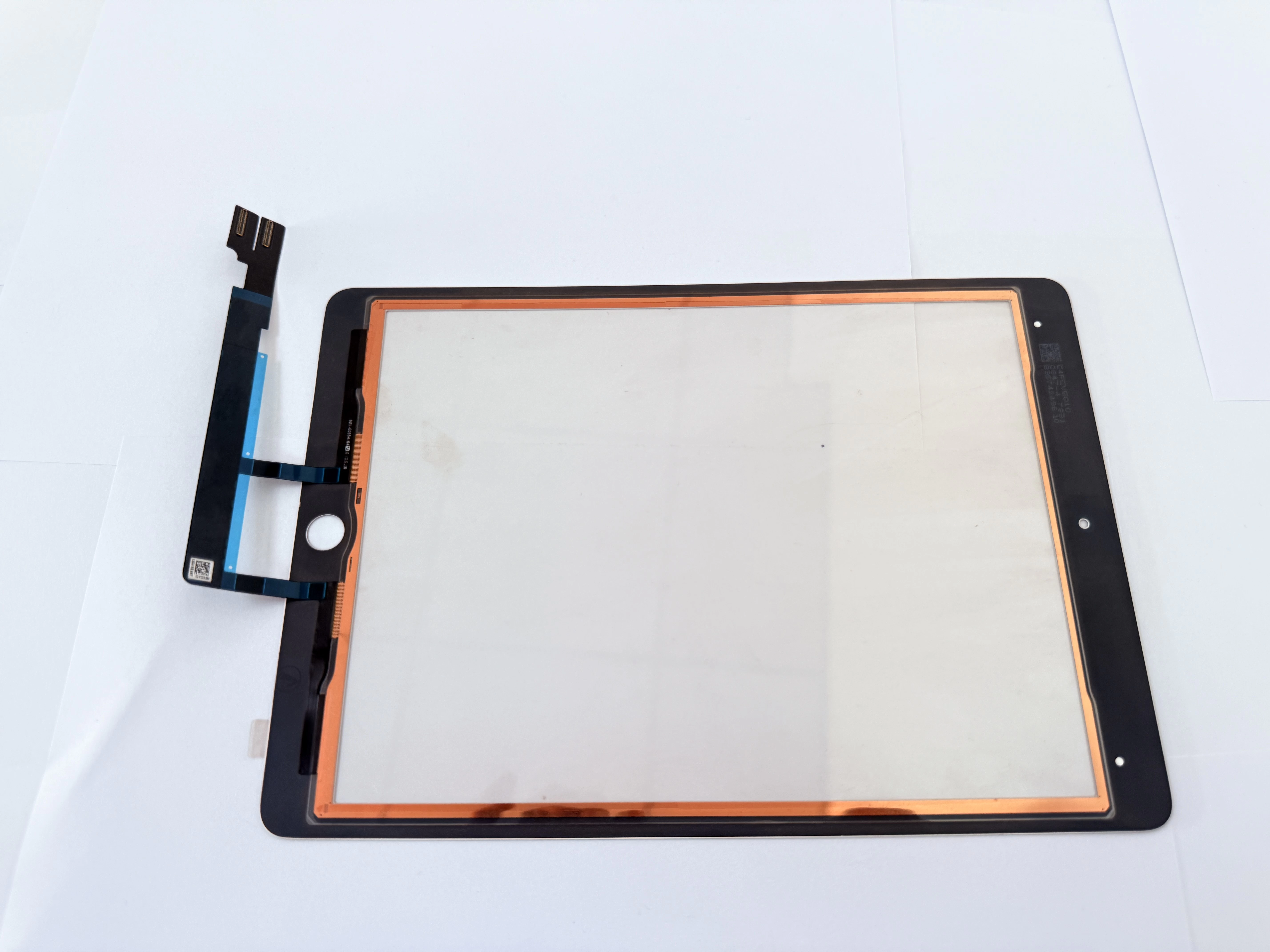
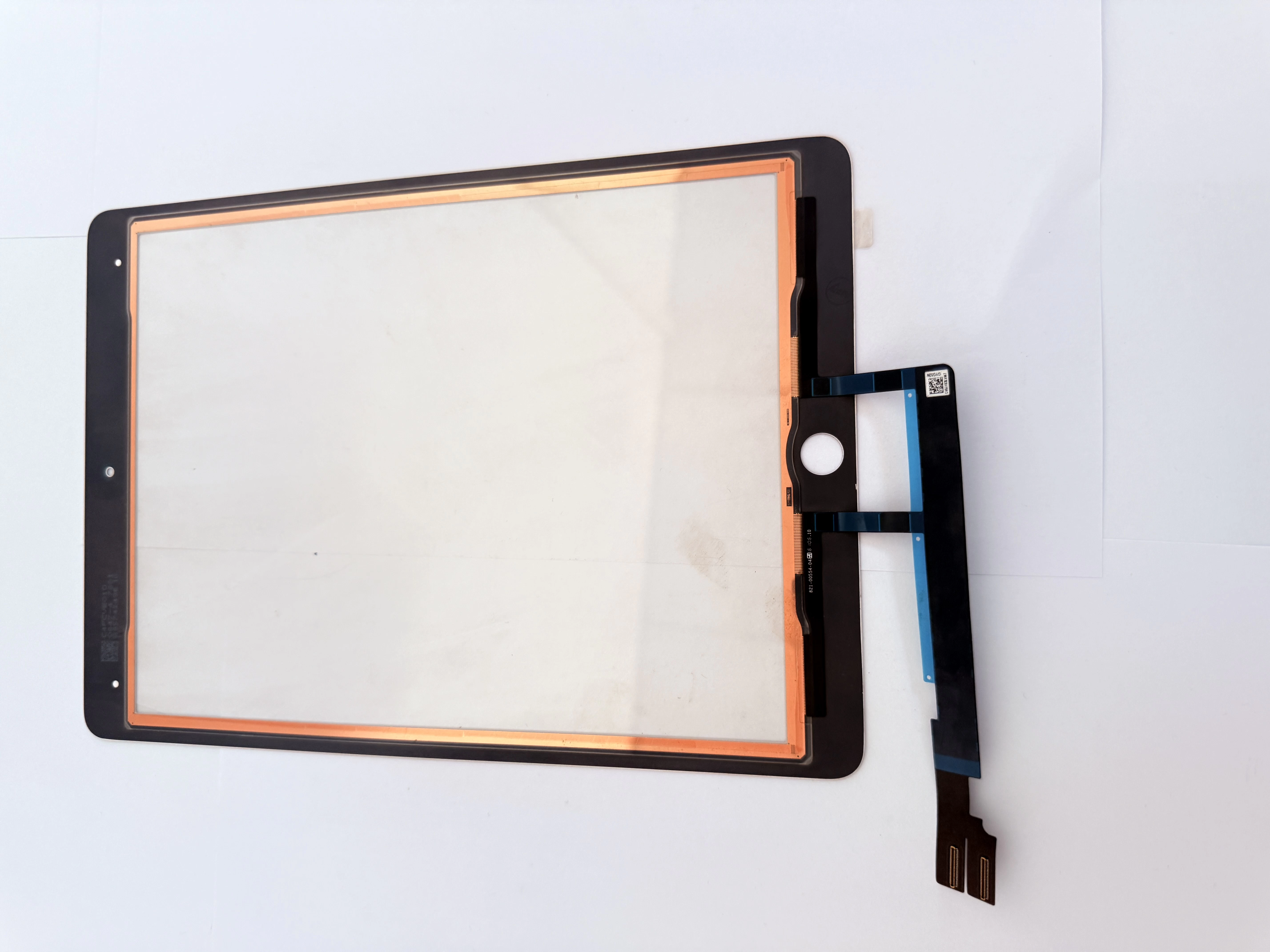
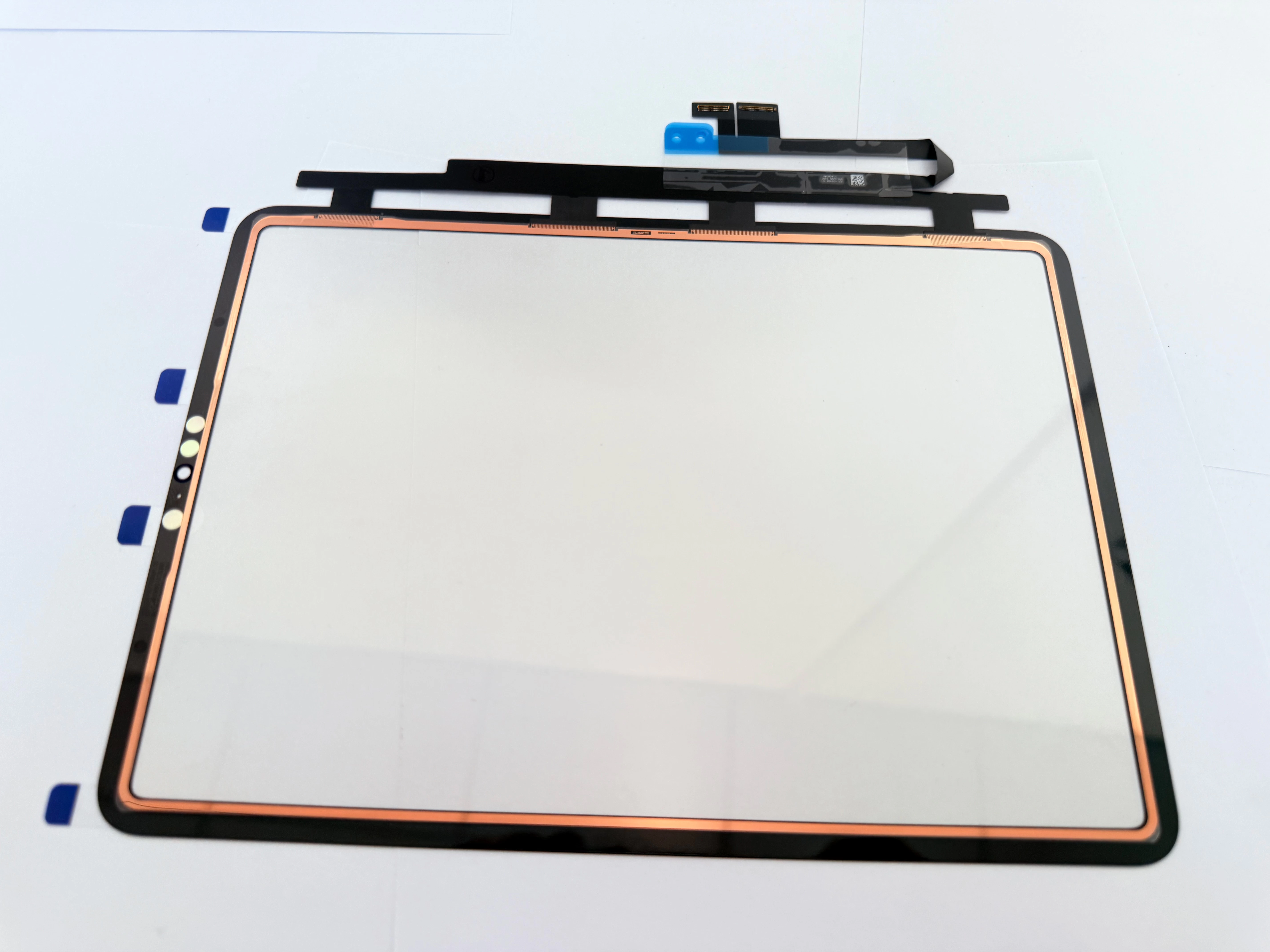
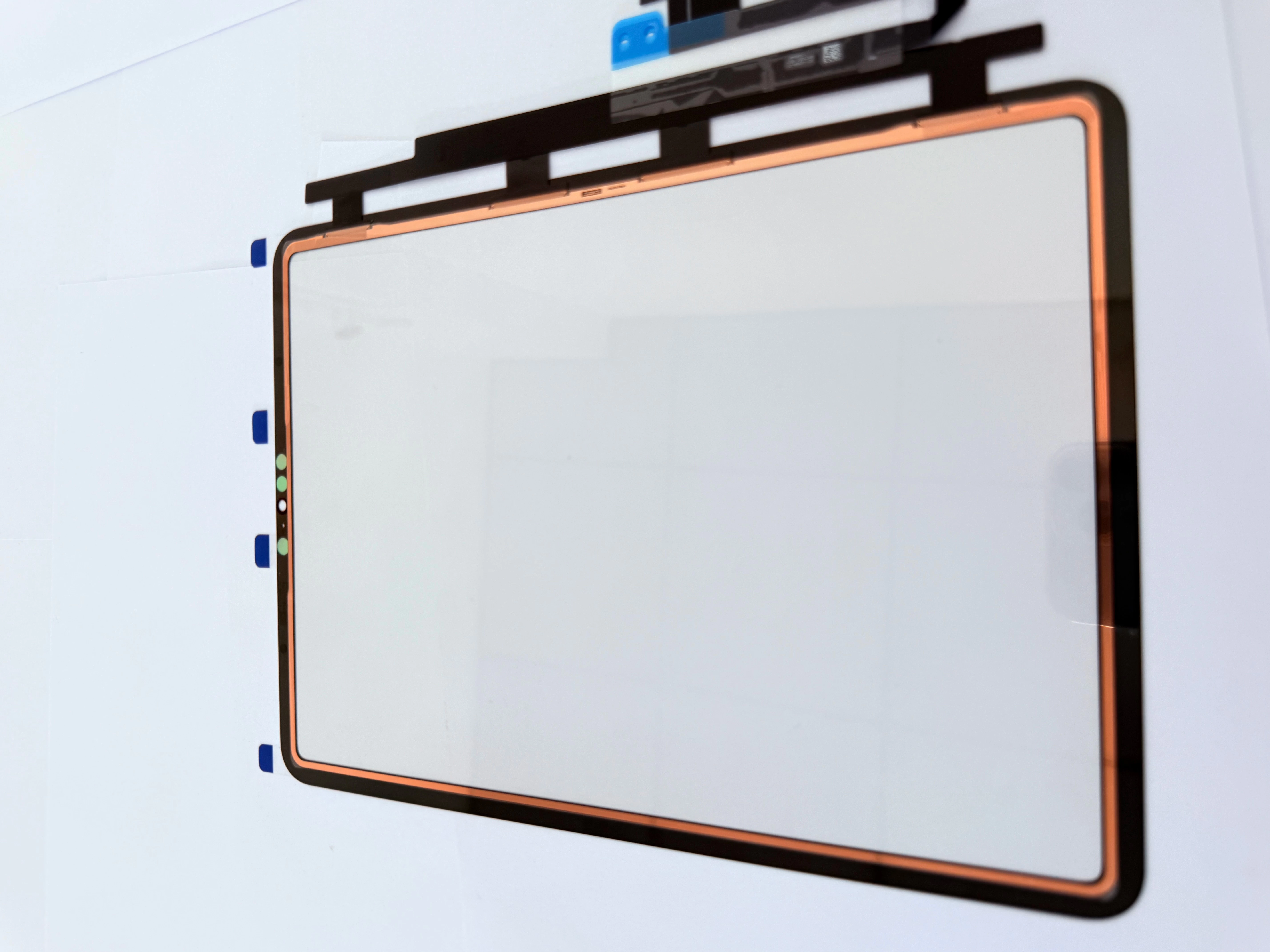
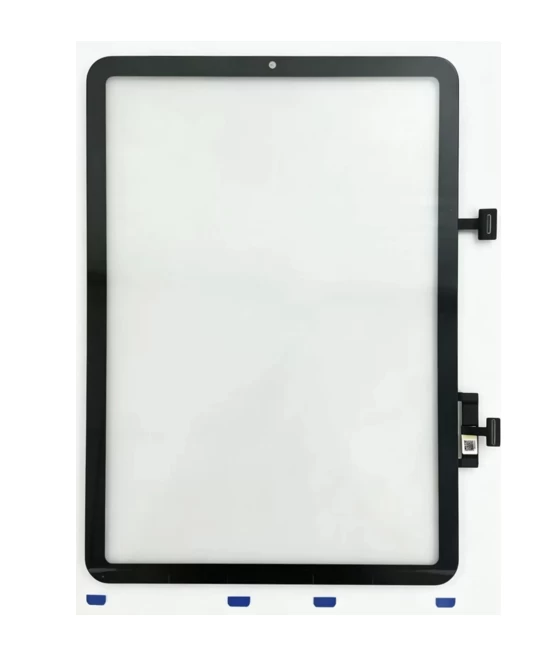
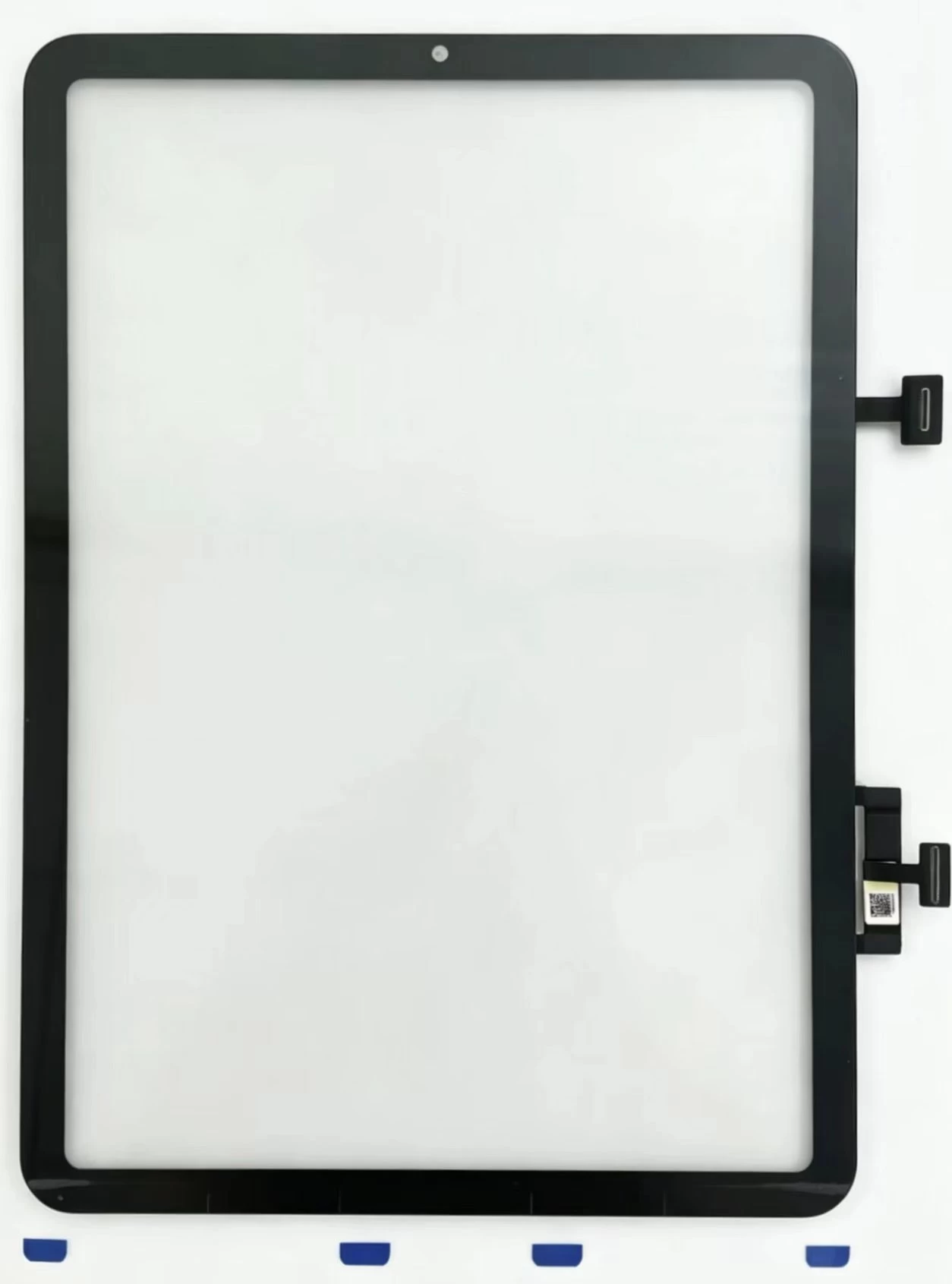
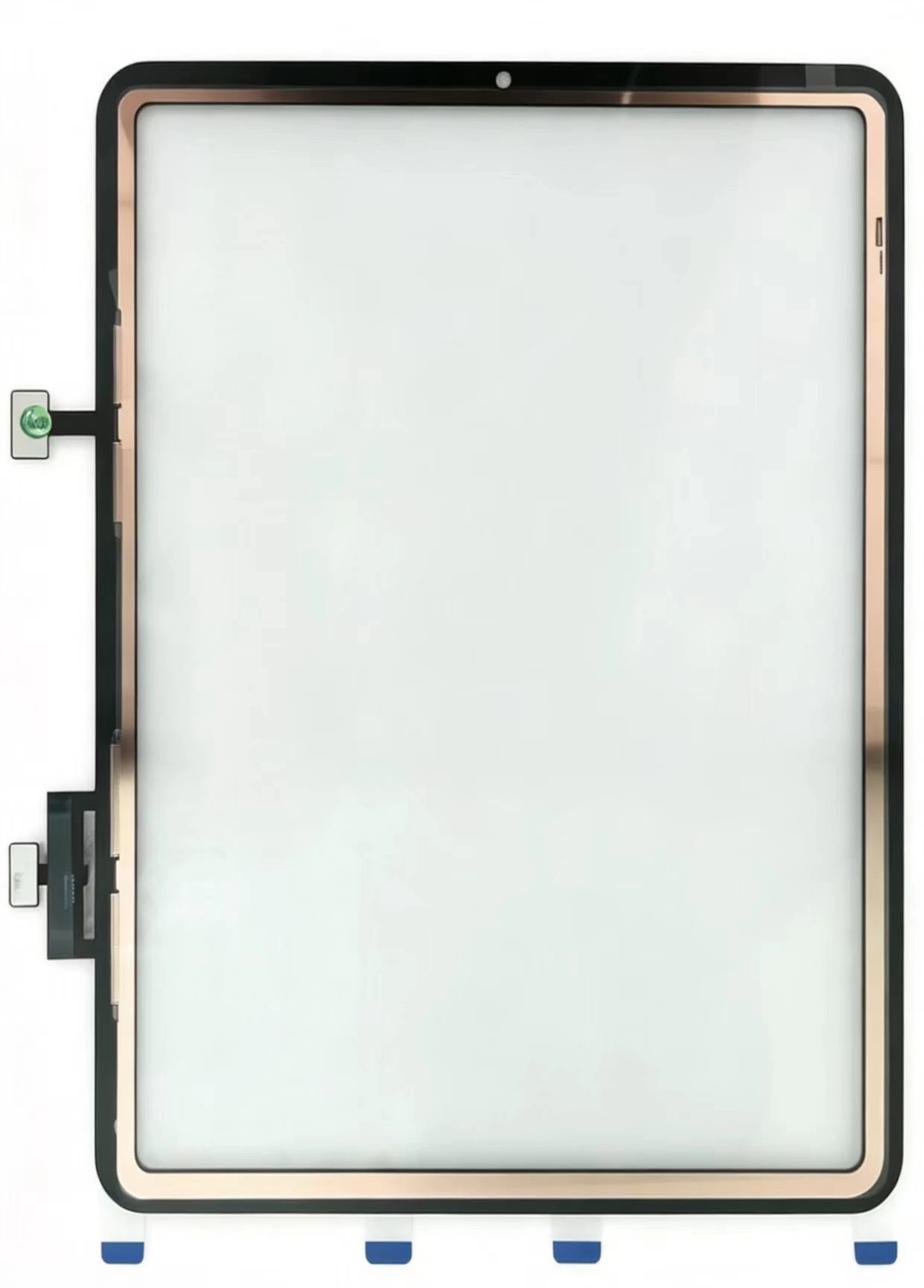
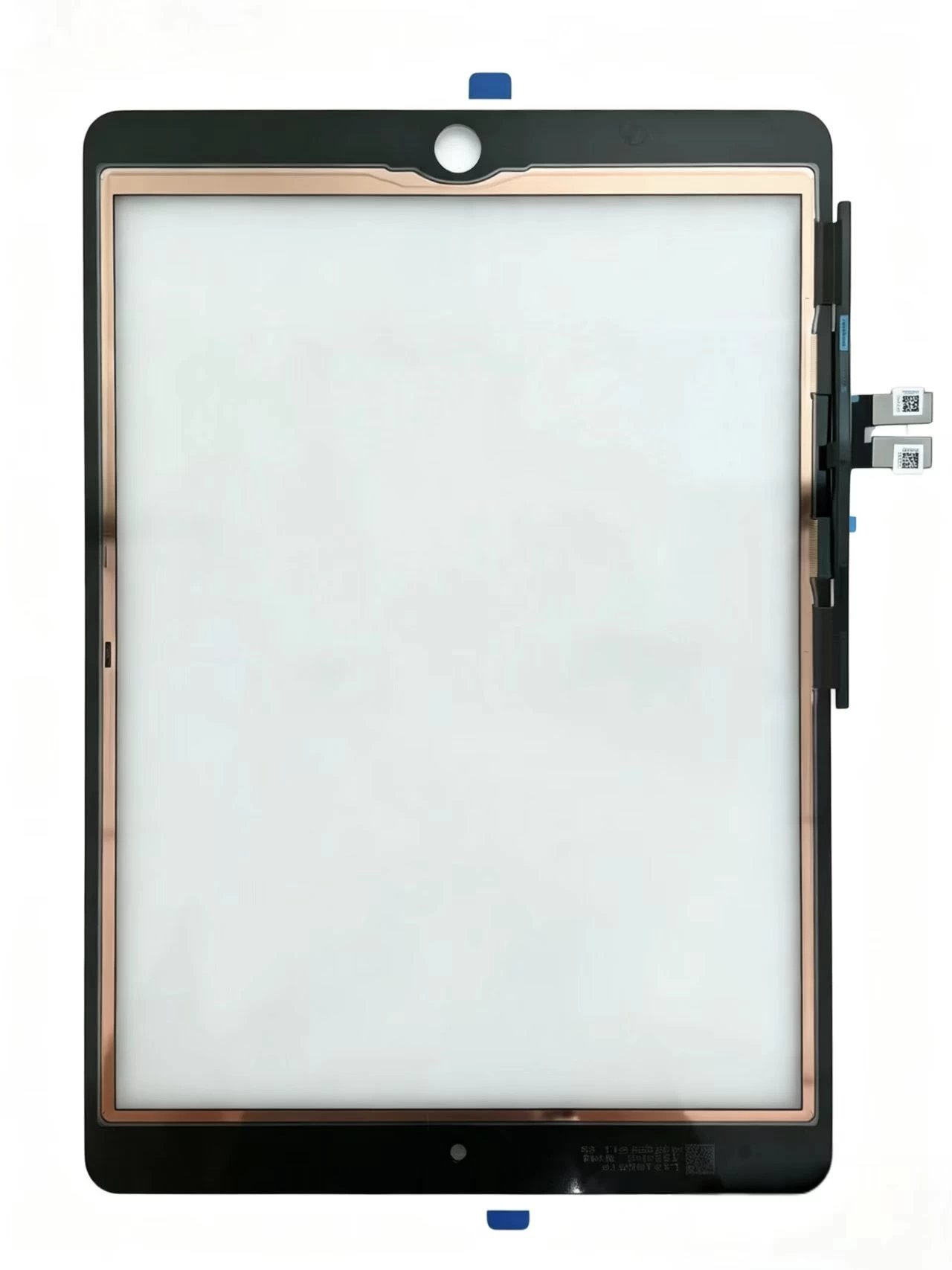
    Touch Screen Digitizer Replacement for iPad 10th Gen/Air 4/Air 5 10.9 Inch, Front Outer Touch Glass Panel with Copper Foil Option
    Xem chi tiết

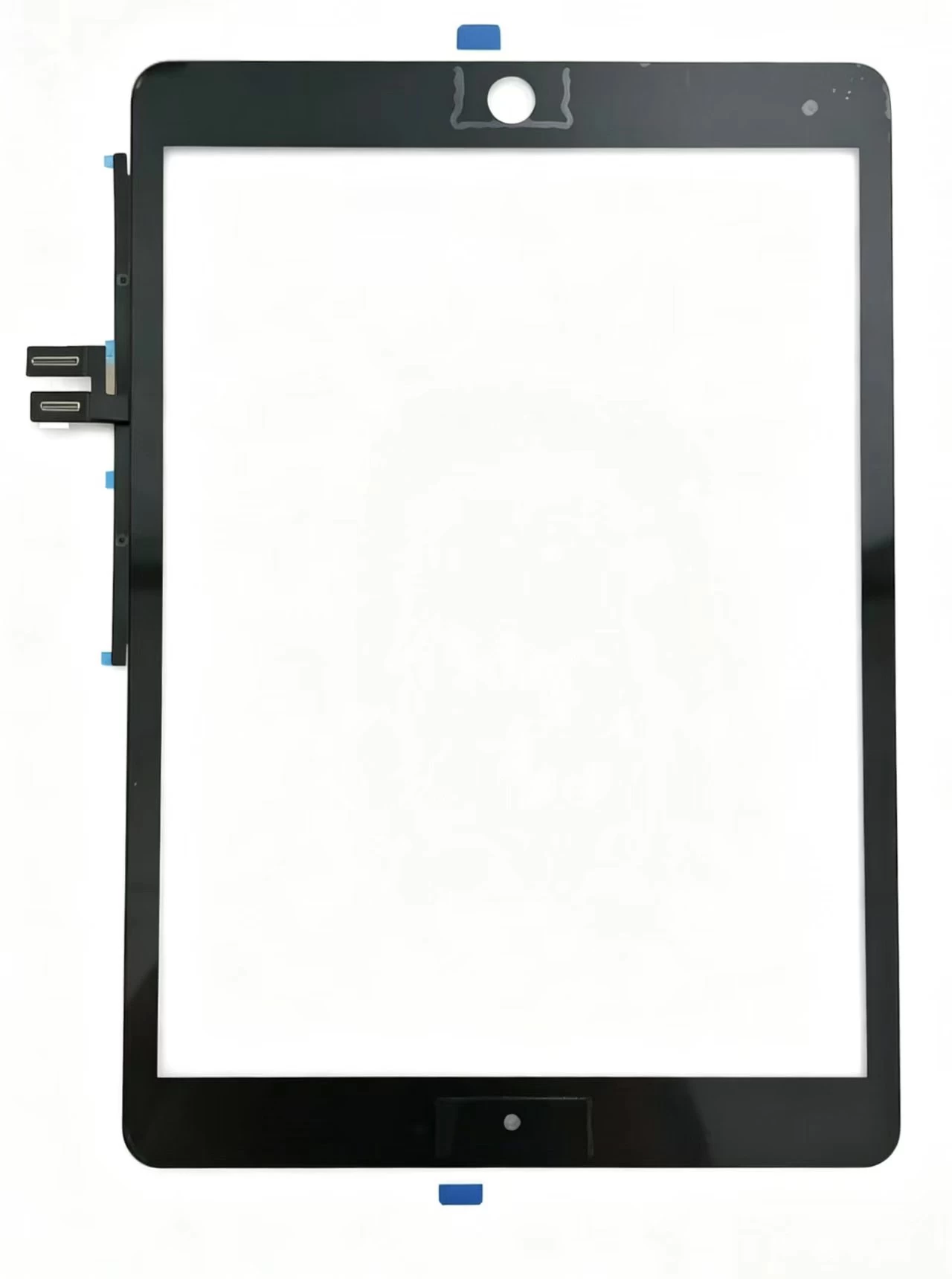
    Touch Screen Digitizer Replacement for iPad 7th/8th/9th Gen 10.2" (2019-2021) Black Front Glass Panel
    Xem chi tiết

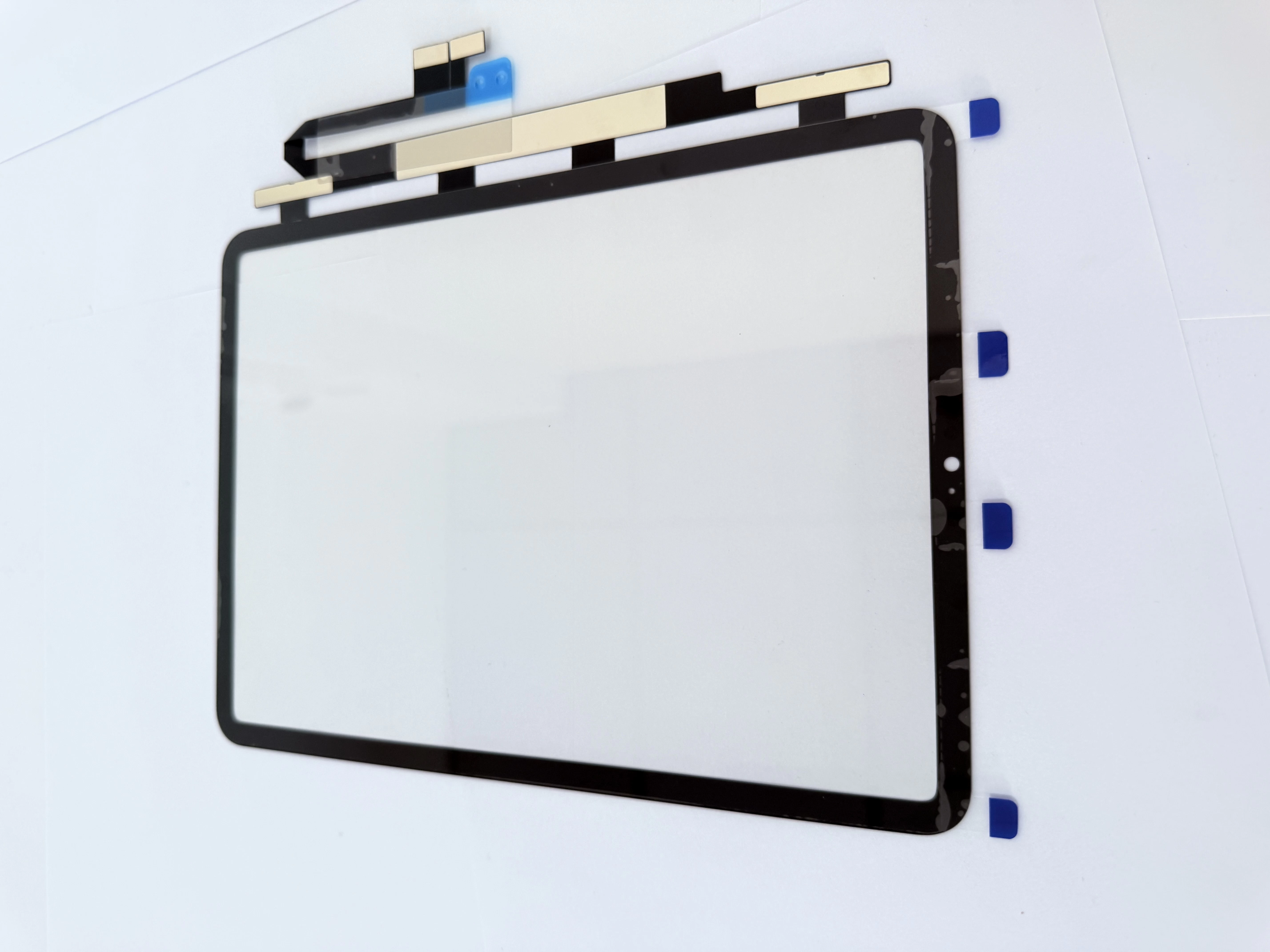
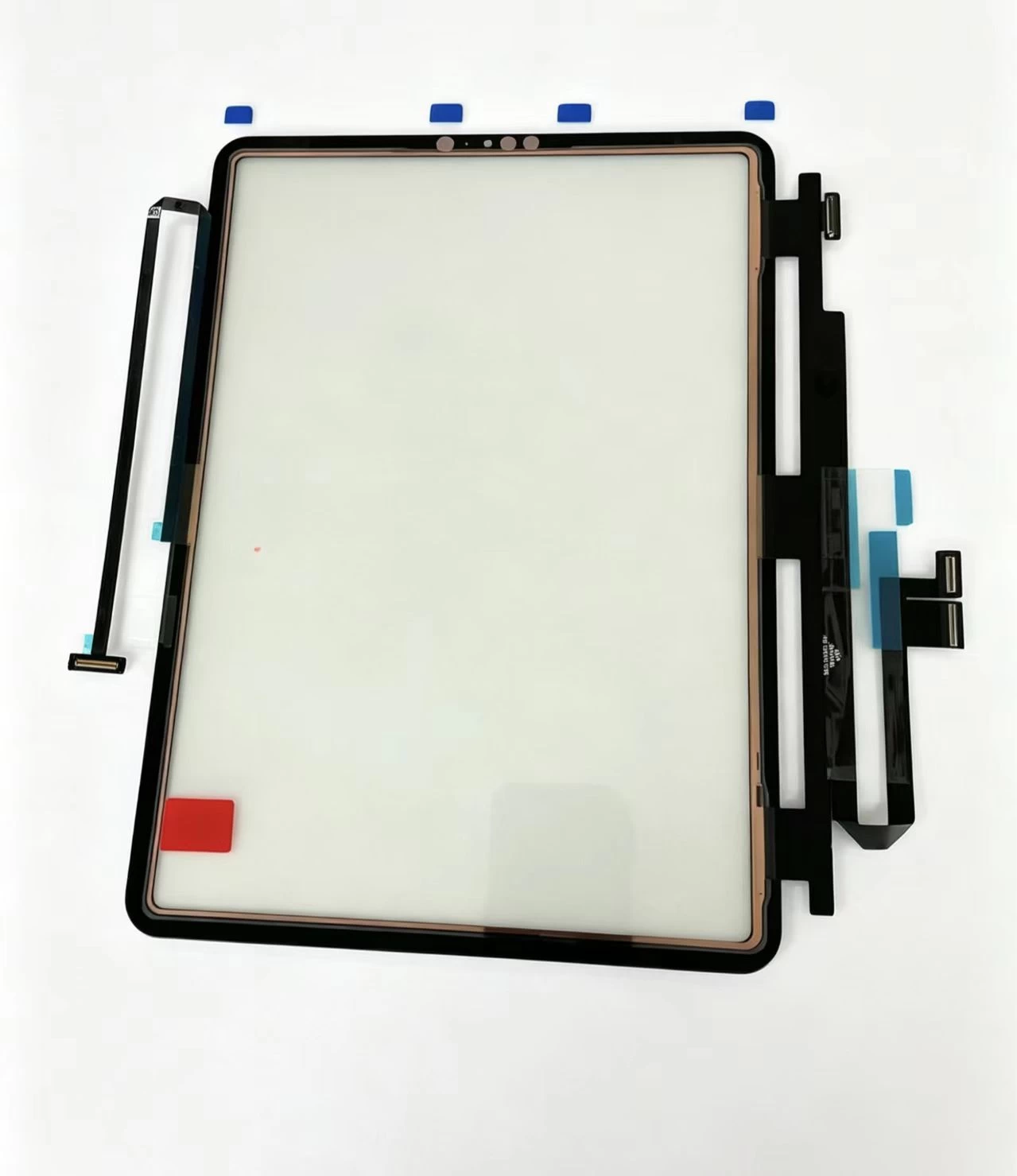
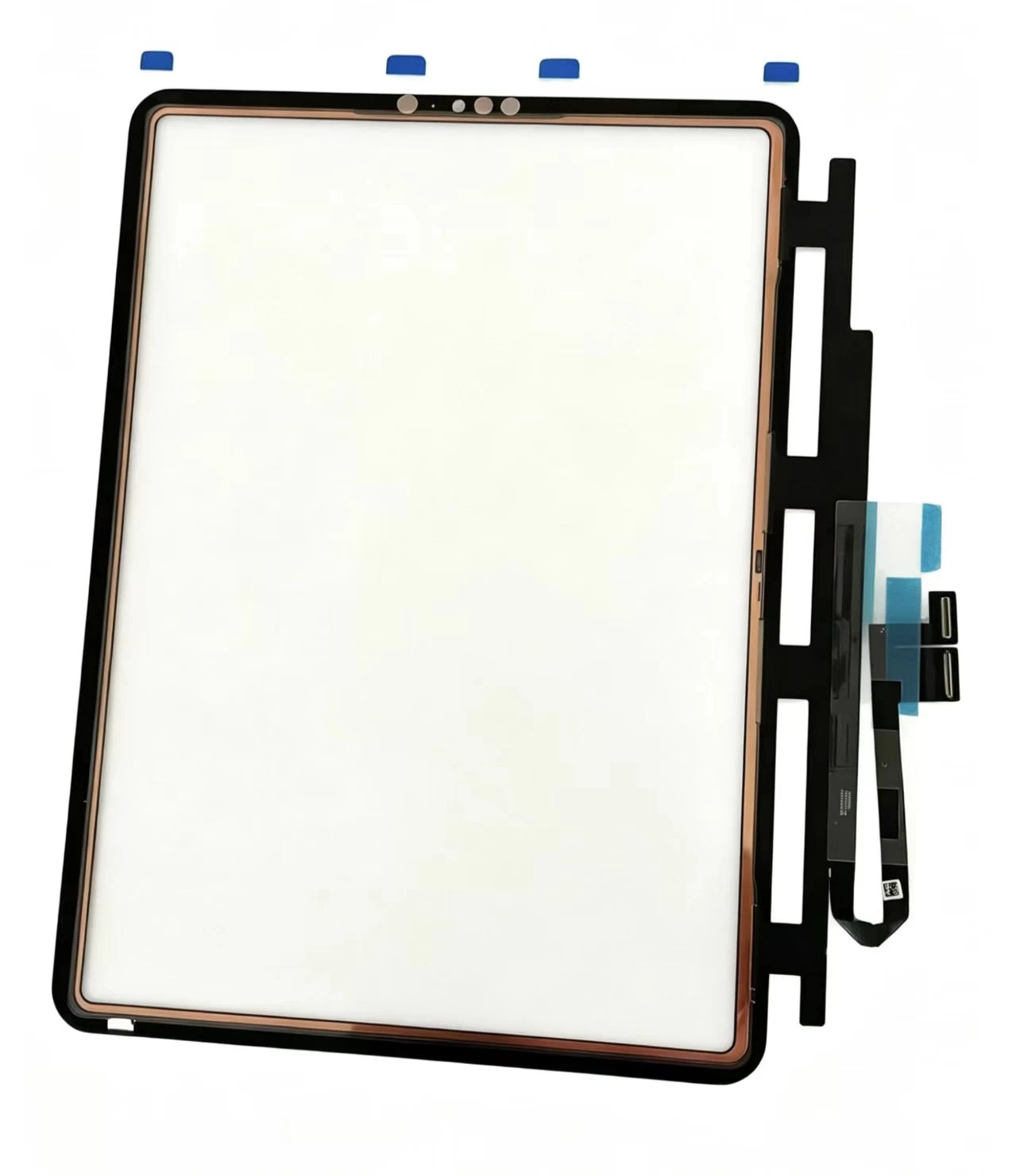
    iPad Pro 11 2020 Touch Glass iPad Pro 11-inch (1st generation, 2018) Touch Screen Digitizer
    Xem chi tiết

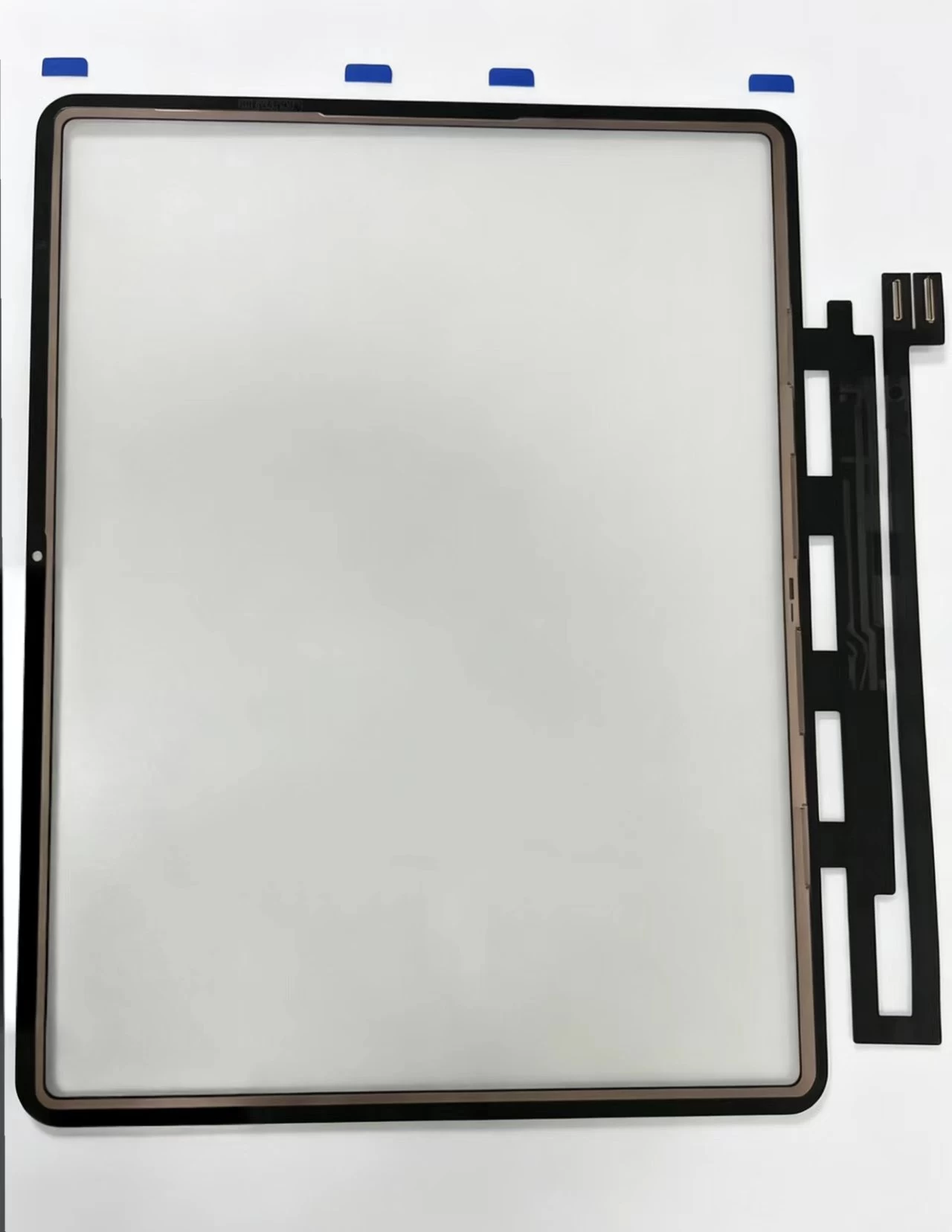
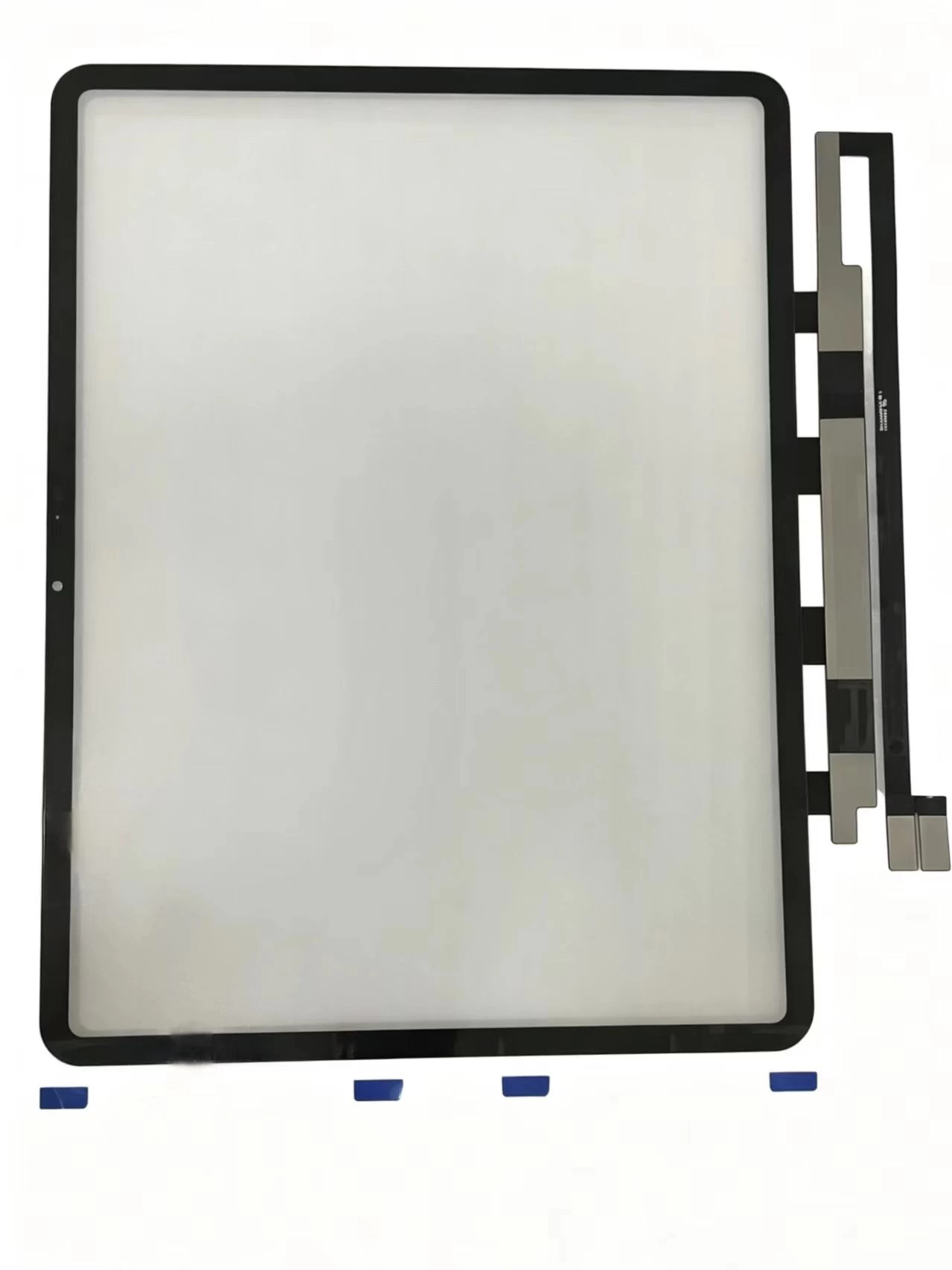
    iPad Pro 11-inch (1st generation, 2018) Touch Screen Digitizer iPad Pro 11 2018 iPad8,1 / iPad8,2 / iPad8,3 / iPad8,4
    Xem chi tiết

    G+Oca Pro Touch Screen Digitizerfor iPad Air 13" (2024)/Air 13"

    Xem chi tiết

    Màn hình cảm ứng hồng ngoại XY98AC-HBZ9

    Xem chi tiết

    Màn hình cảm ứng hồng ngoại XY98AC-HBZ9

    Xem chi tiết

    Màn hình cảm ứng hồng ngoại XY86AC-HBZ9

    Xem chi tiết

    Màn hình cảm ứng hồng ngoại XY85AC-HBZ9

    Xem chi tiết

    Màn hình cảm ứng hồng ngoại XY75AC-HBZ9

    Xem chi tiết

    Màn hình cảm ứng hồng ngoại XY65AC-HBZ9

    Xem chi tiết

    Áp dụng cho iPad Air2 A1566

    Xem chi tiết

    Áp dụng cho iPad Airs. 10.9 2022 A2325. A2072

    Xem chi tiết

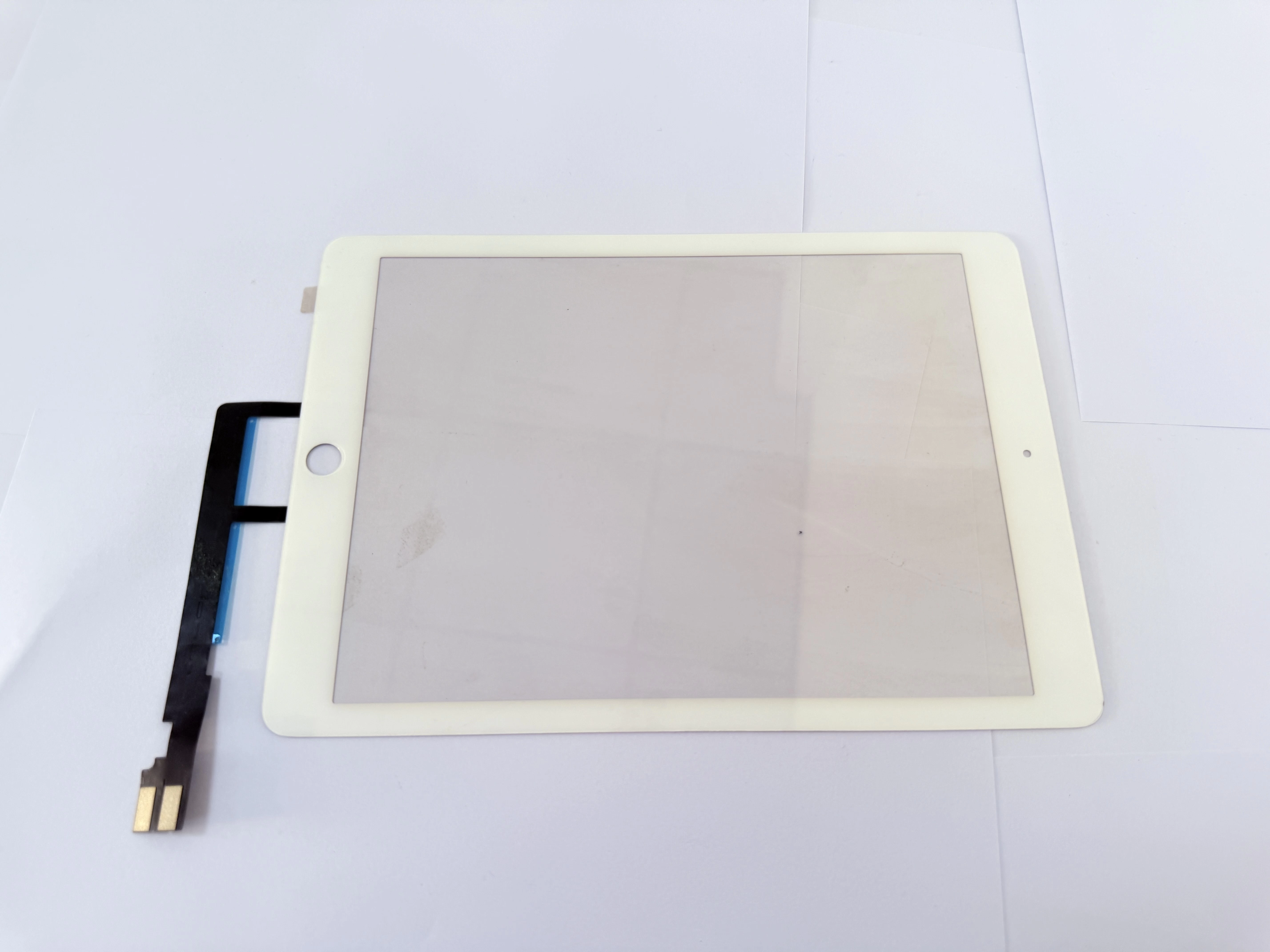
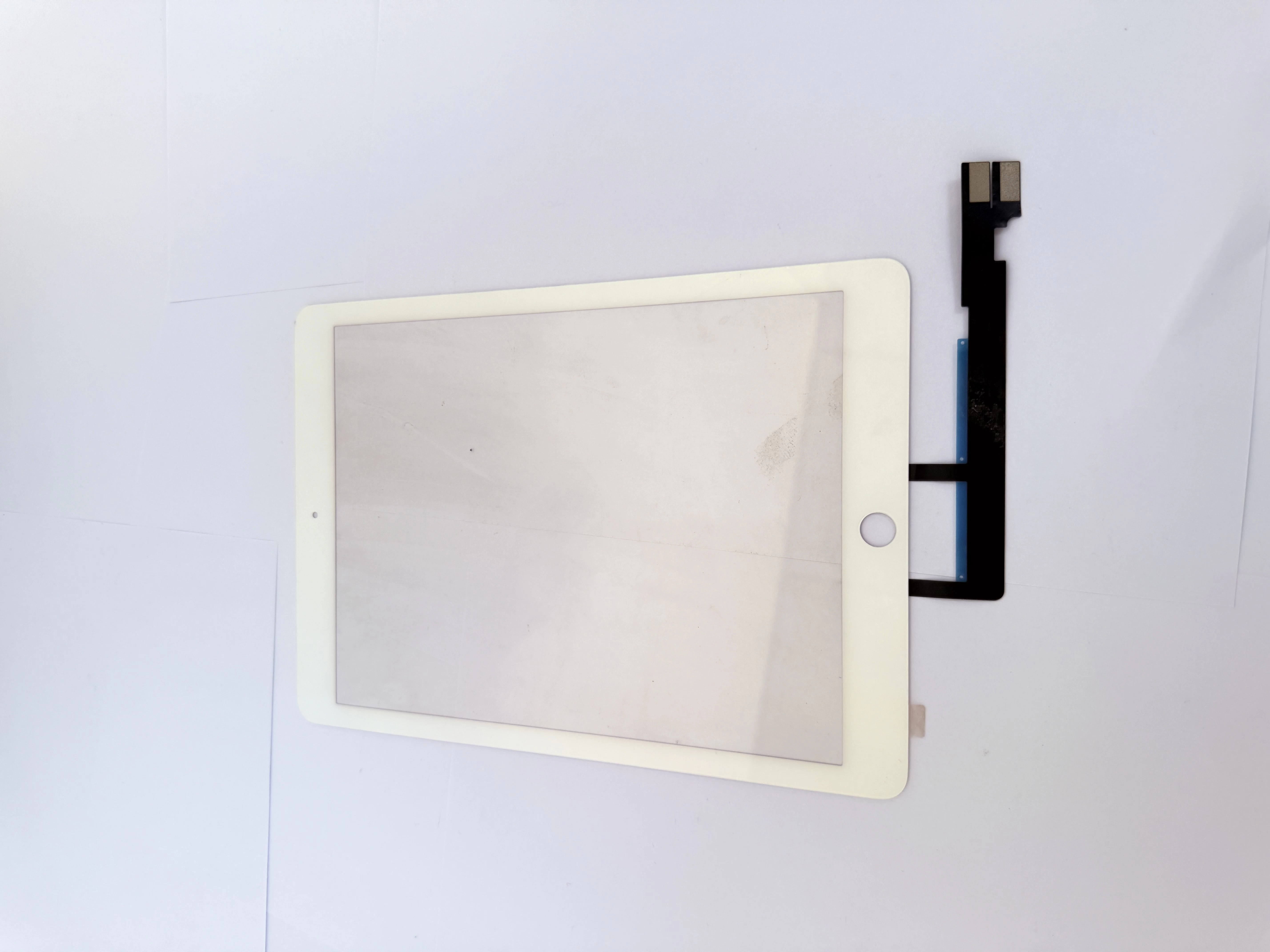
    Áp dụng cho iPad Air.4 10.9.2020 A2324. A2316

    Xem chi tiết

    Áp dụng cho iPad 9.7 A1674.A1675

    Xem chi tiết

    Áp dụng cho iPad 9.7 A1673

    Xem chi tiết

    Áp dụng cho iPad 11 thế hệ 4 A2460

    Xem chi tiết

    Áp dụng cho iPad 11 thế hệ 3 A2301

    Xem chi tiết

    Áp dụng cho iPad 11 thế hệ 3 A2377

    Xem chi tiết

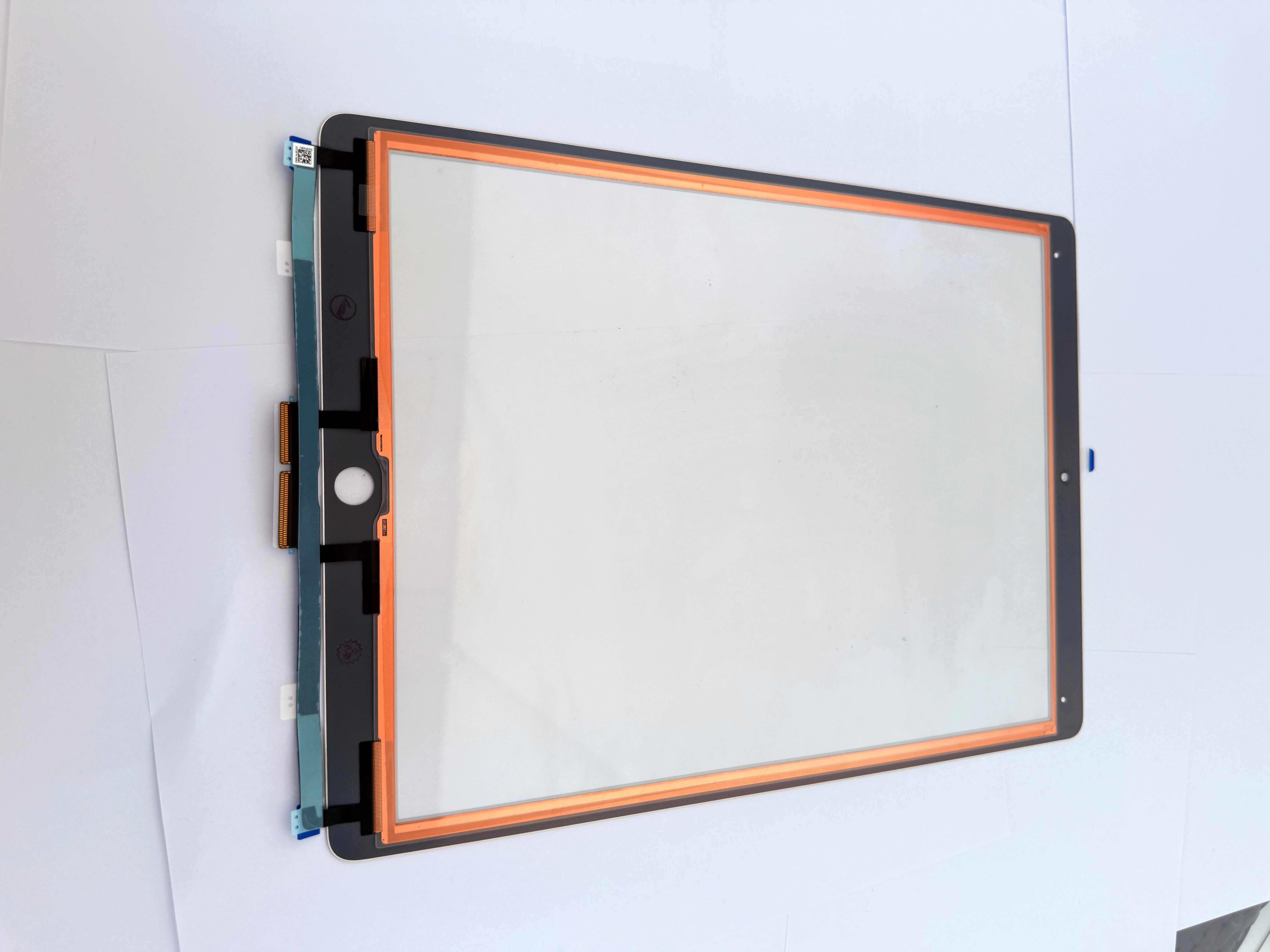
    Áp dụng cho iPad 12.9.-2 Thế hệ A1652

    Xem chi tiết

    Áp dụng cho iPad 12.9.-2 Thế hệ A1584

    Xem chi tiết