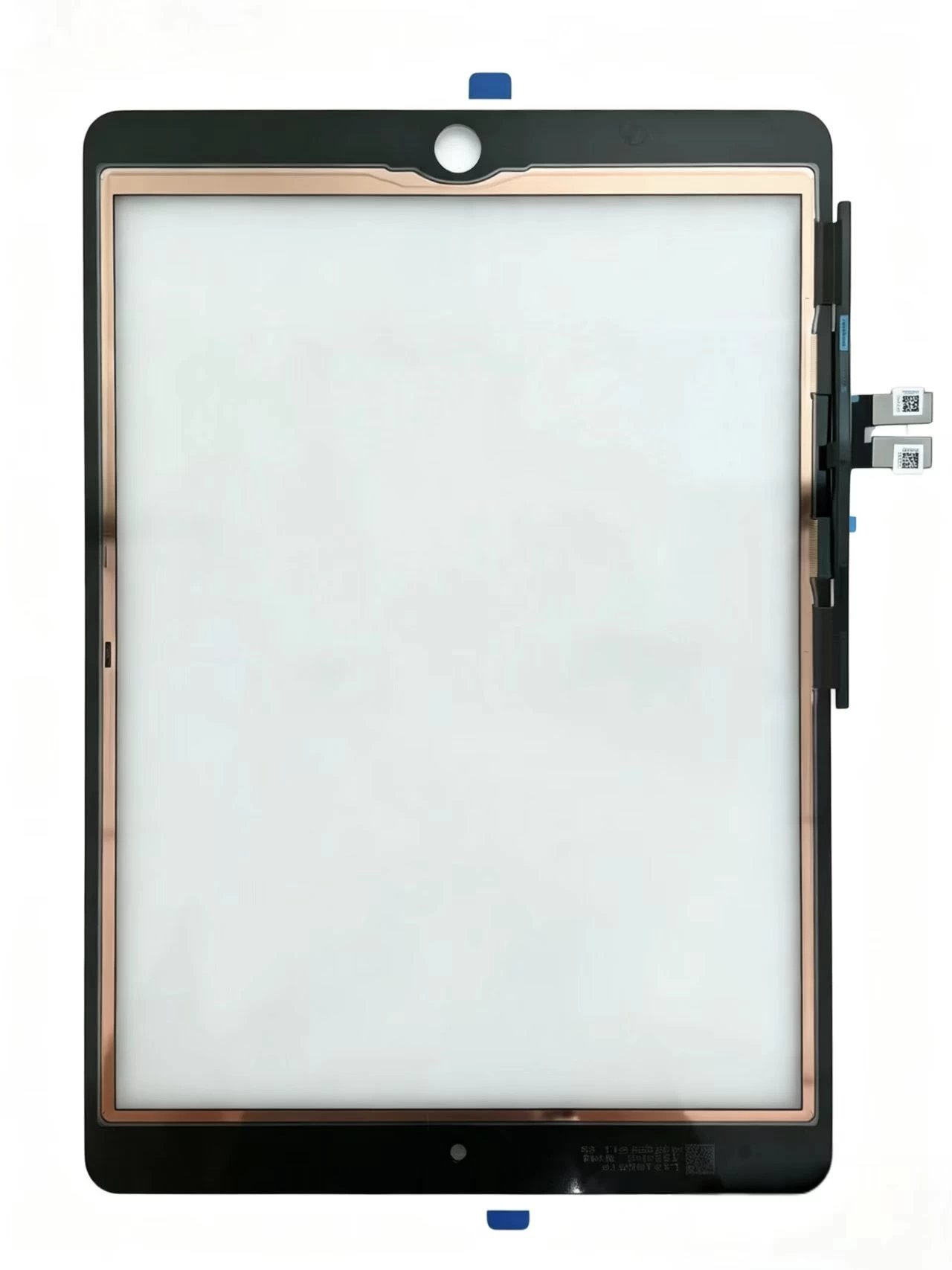
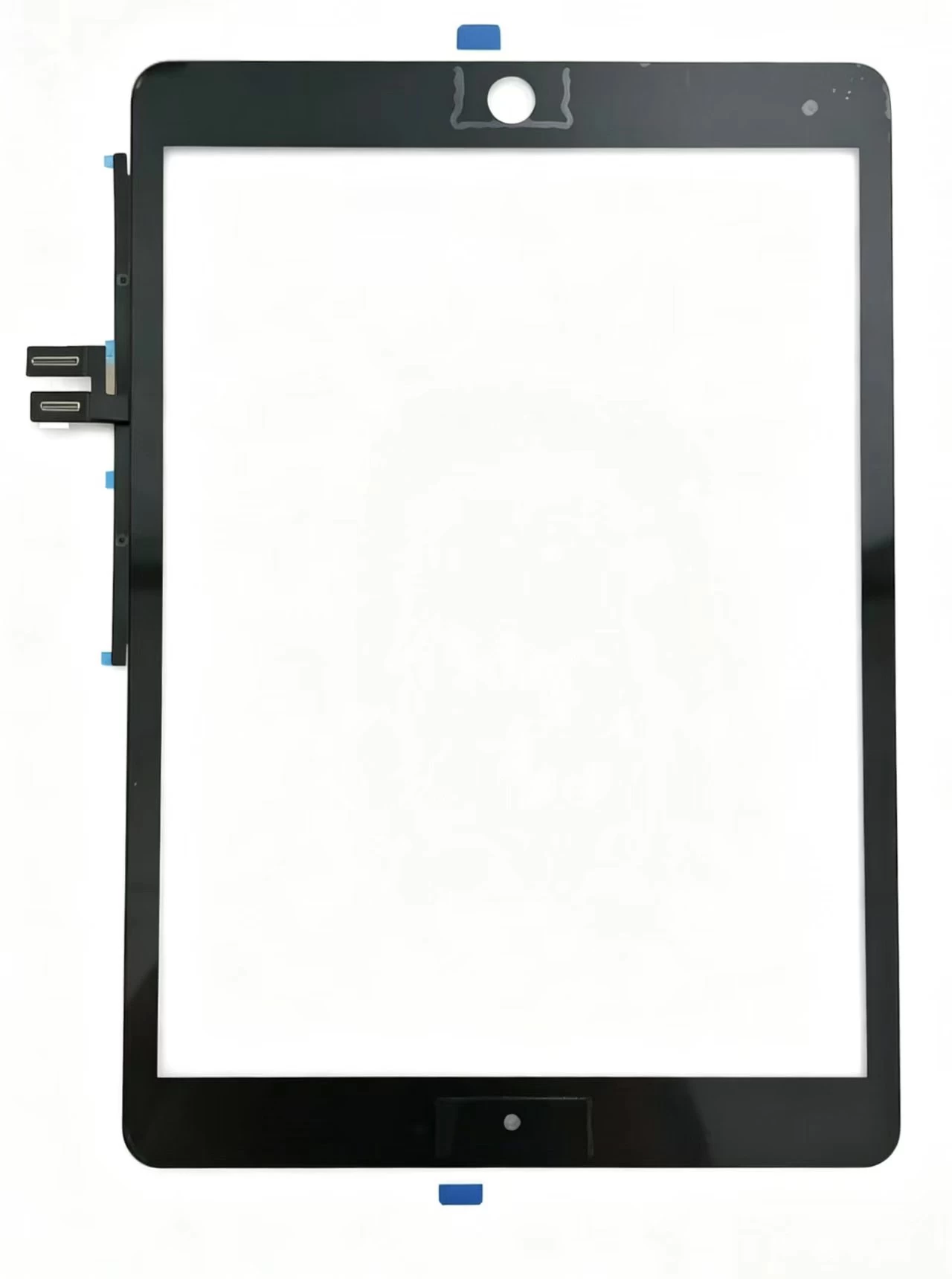
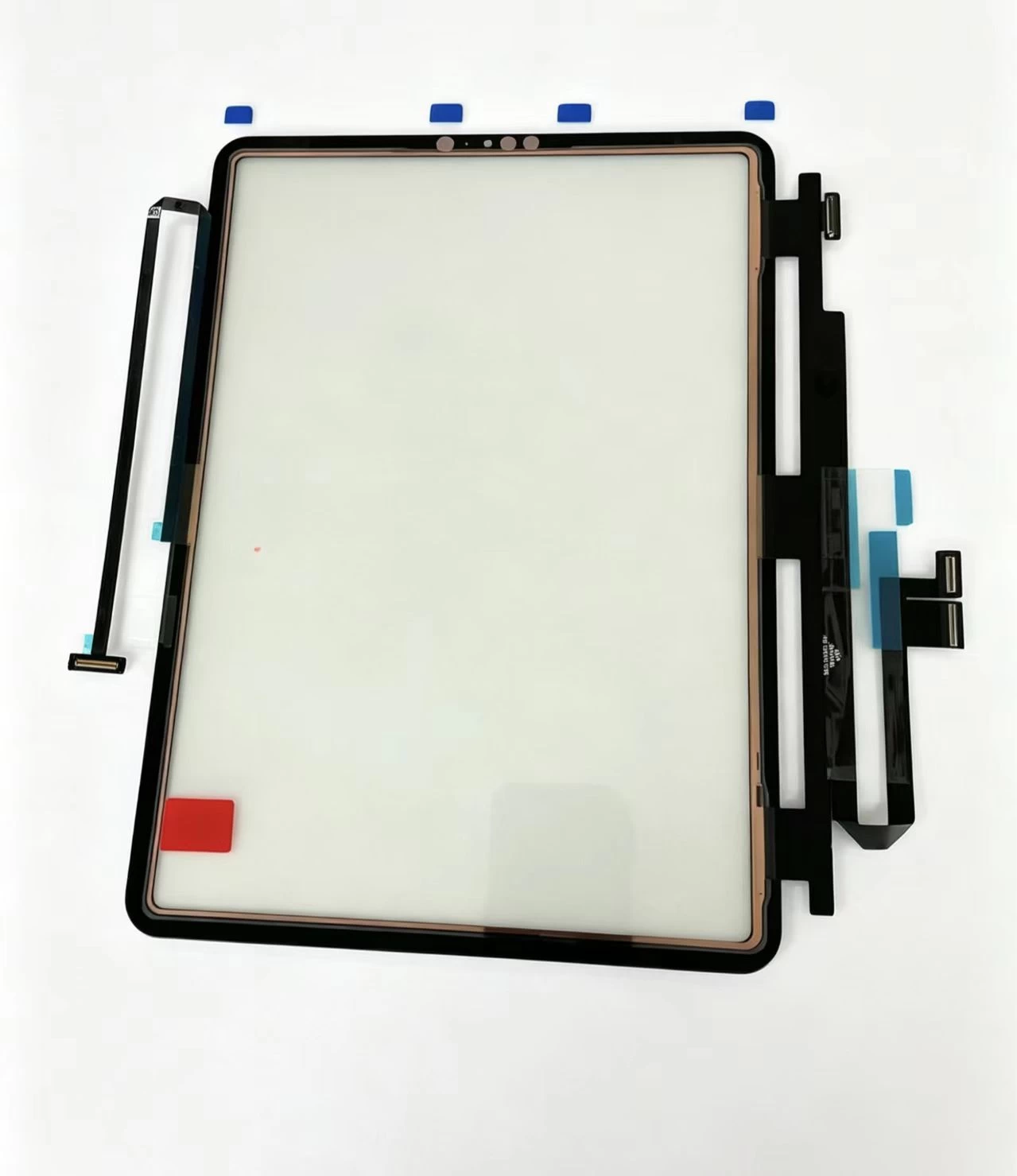
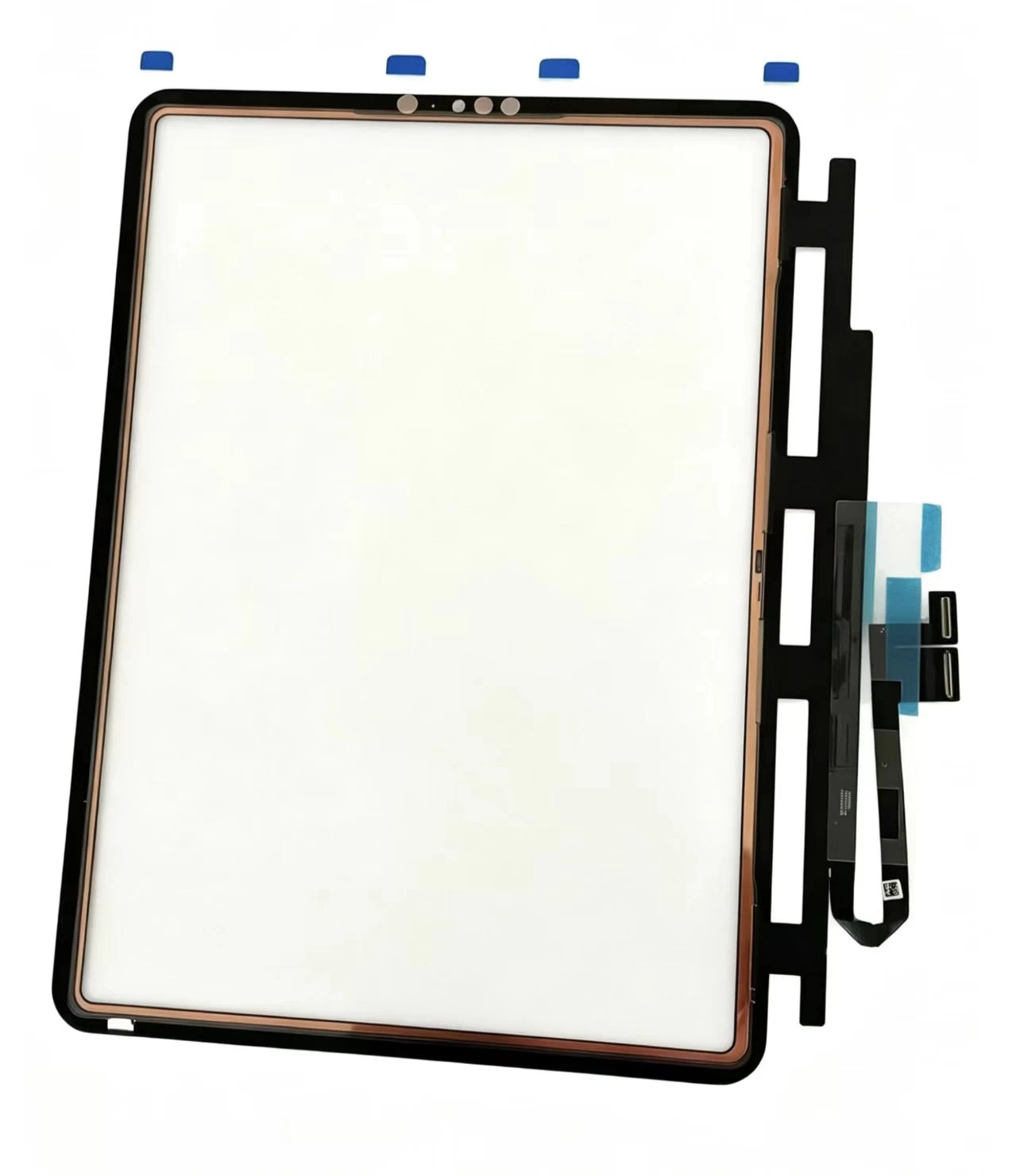
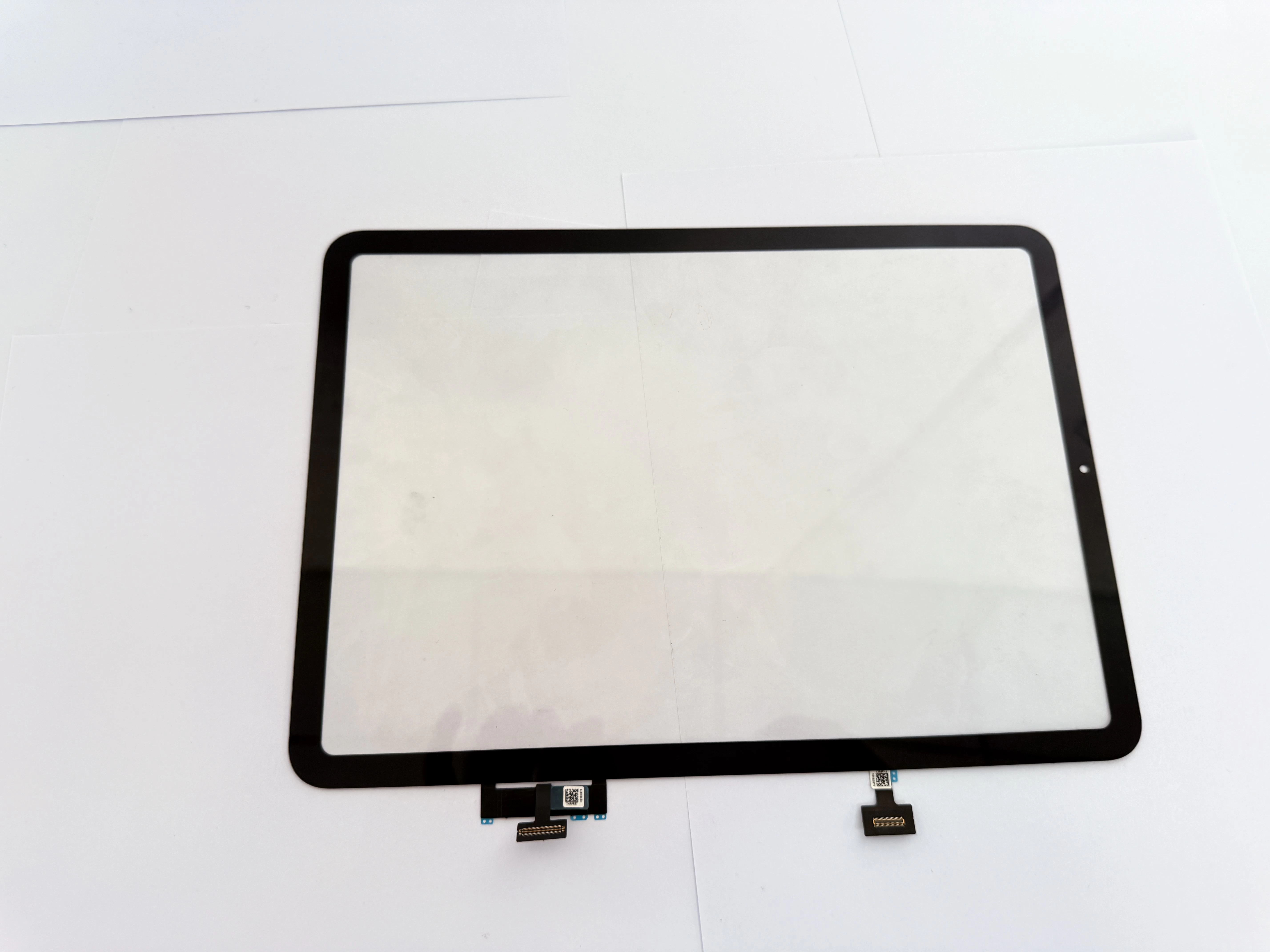
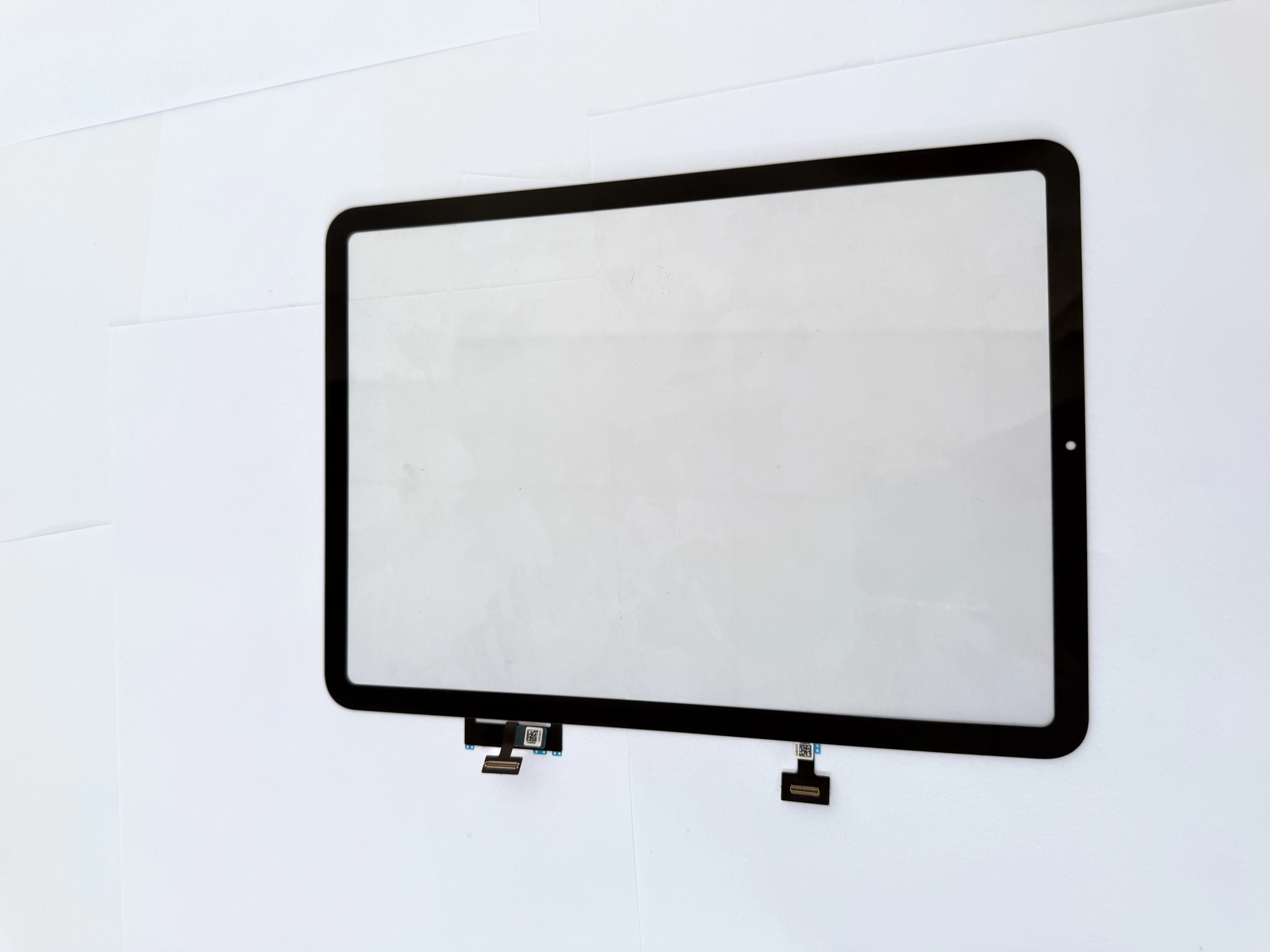
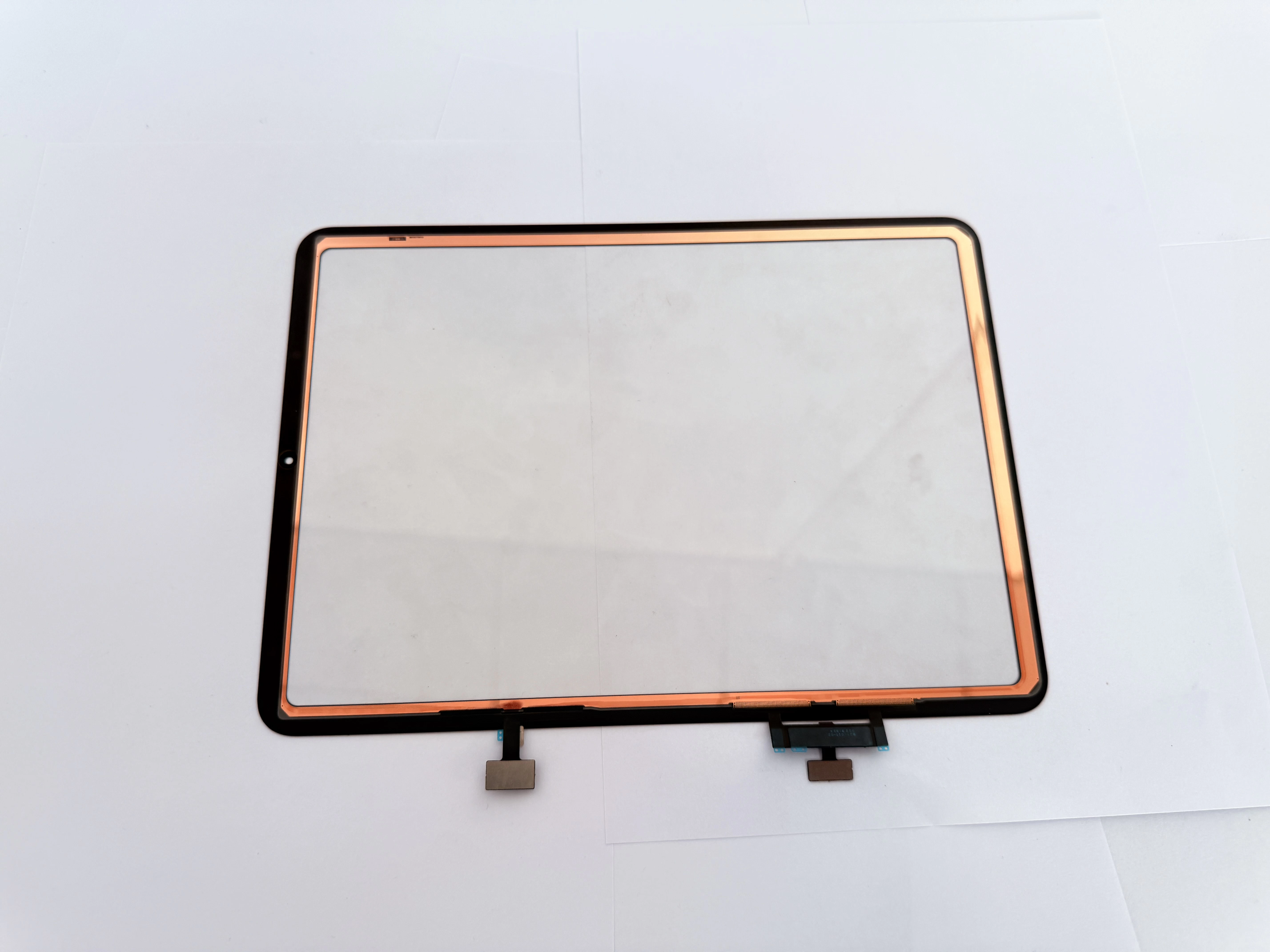
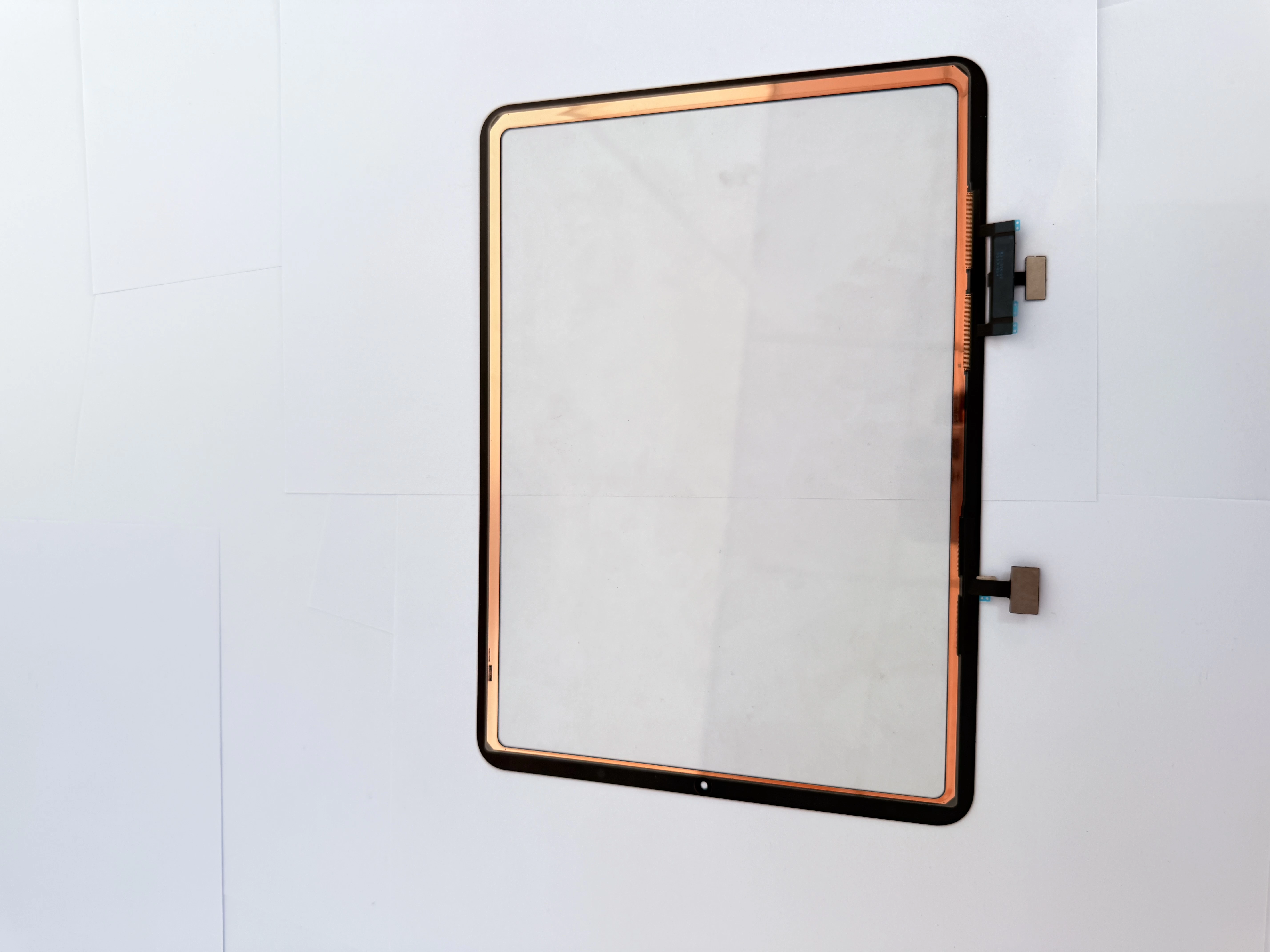
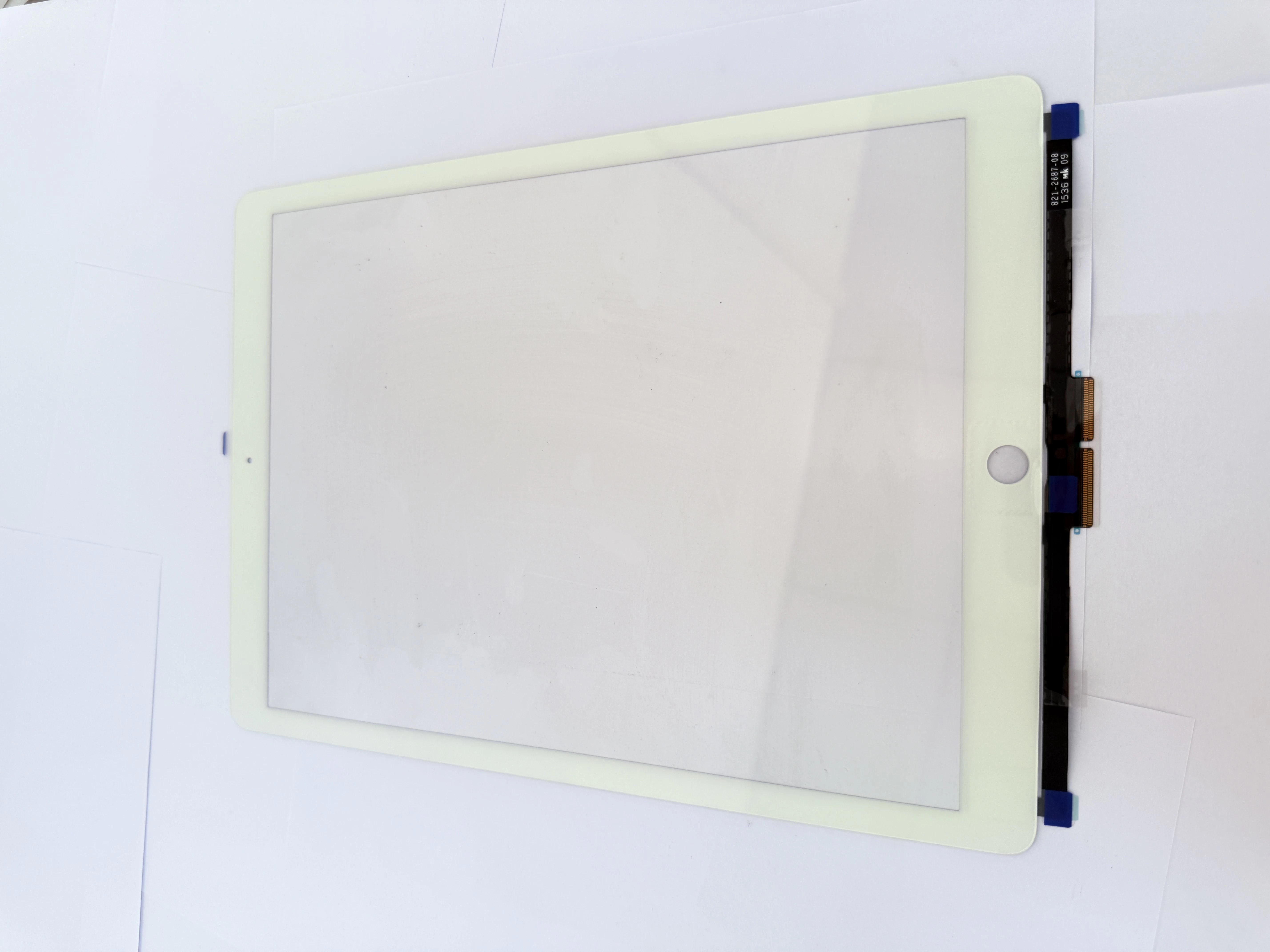
Common iPad Screen Repair Mistakes That Damage Your Device

Many DIY users and new repair technicians accidentally damage their iPads during screen replacement due to improper operation. Understanding these common iPad repair mistakes can help you avoid permanent device damage.
First, never disassemble your iPad while it is powered on. Live circuits will cause short circuits and burn the motherboard when disconnecting flex cables, leading to fatal device failure.
Second, avoid using metal knives or sharp hard tools to pry the screen. Metal tools easily scratch the intact LCD display and damage internal components. Always use professional plastic pry tools for disassembly.
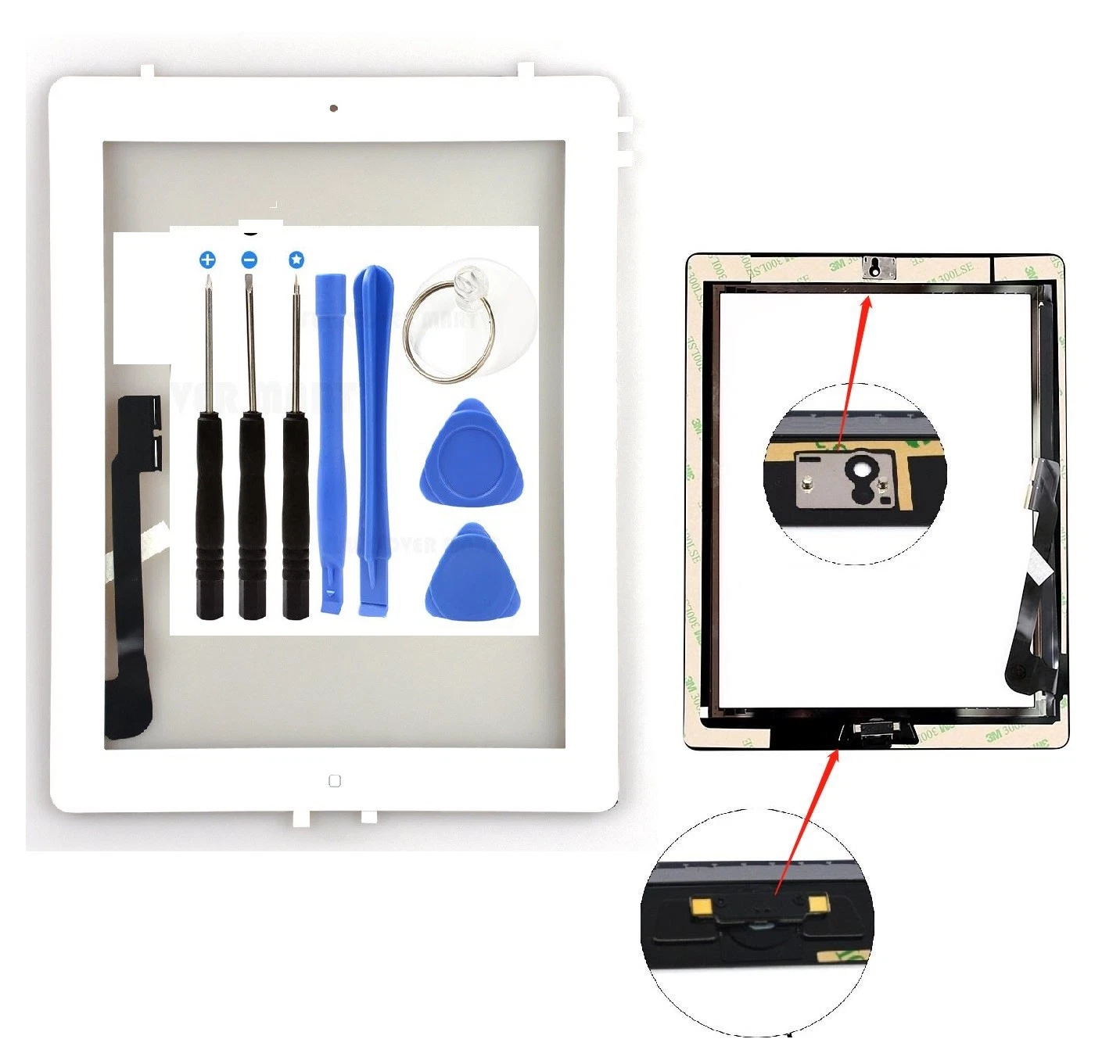
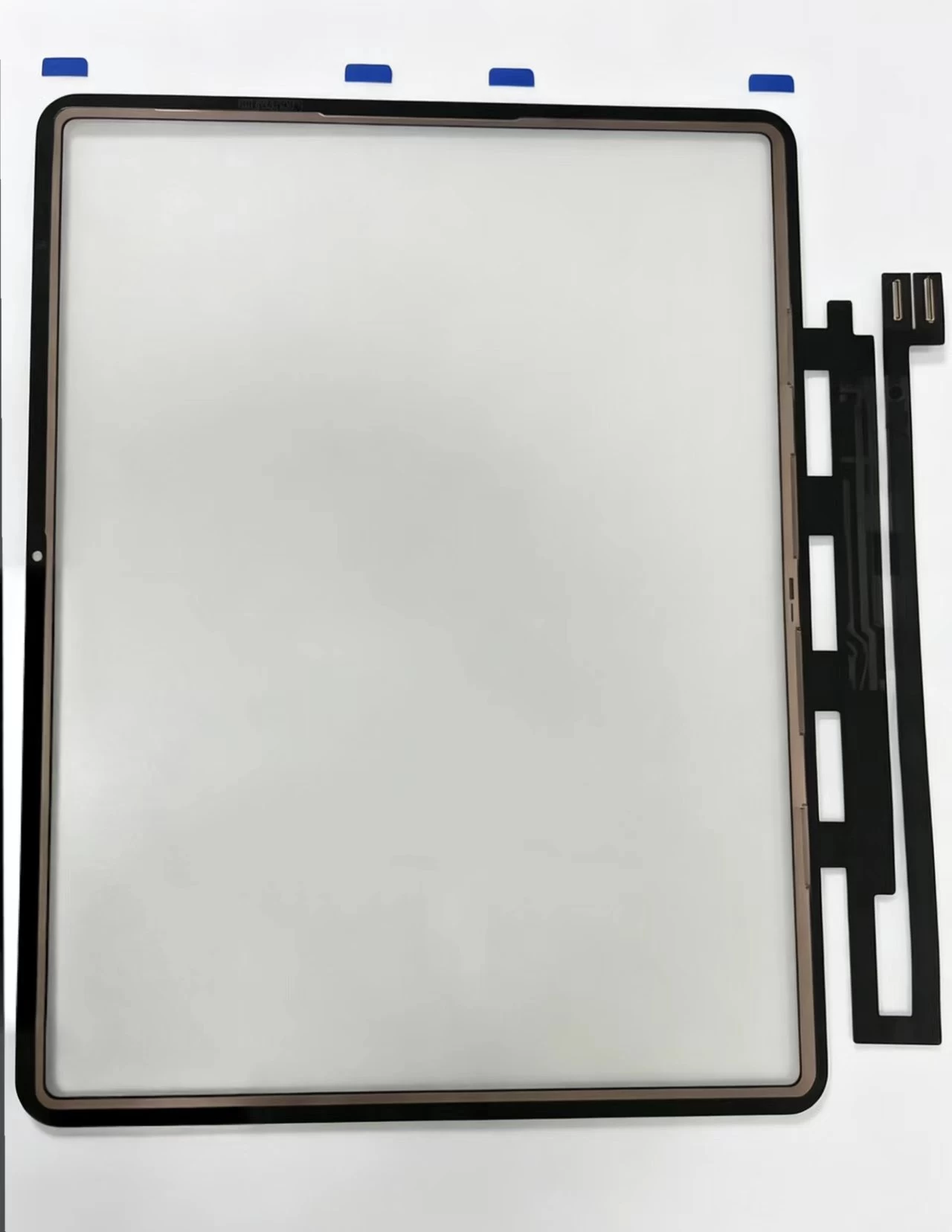
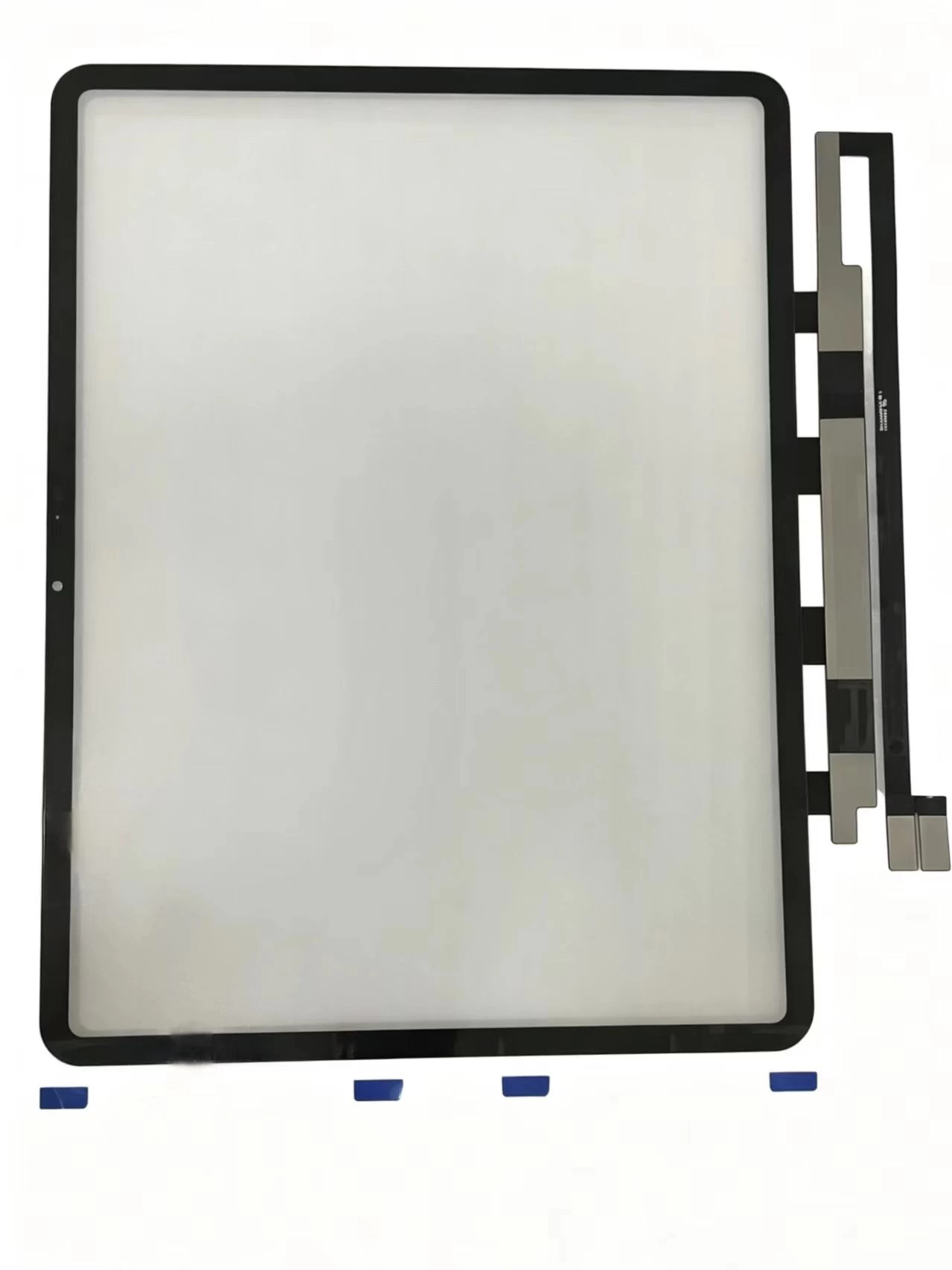
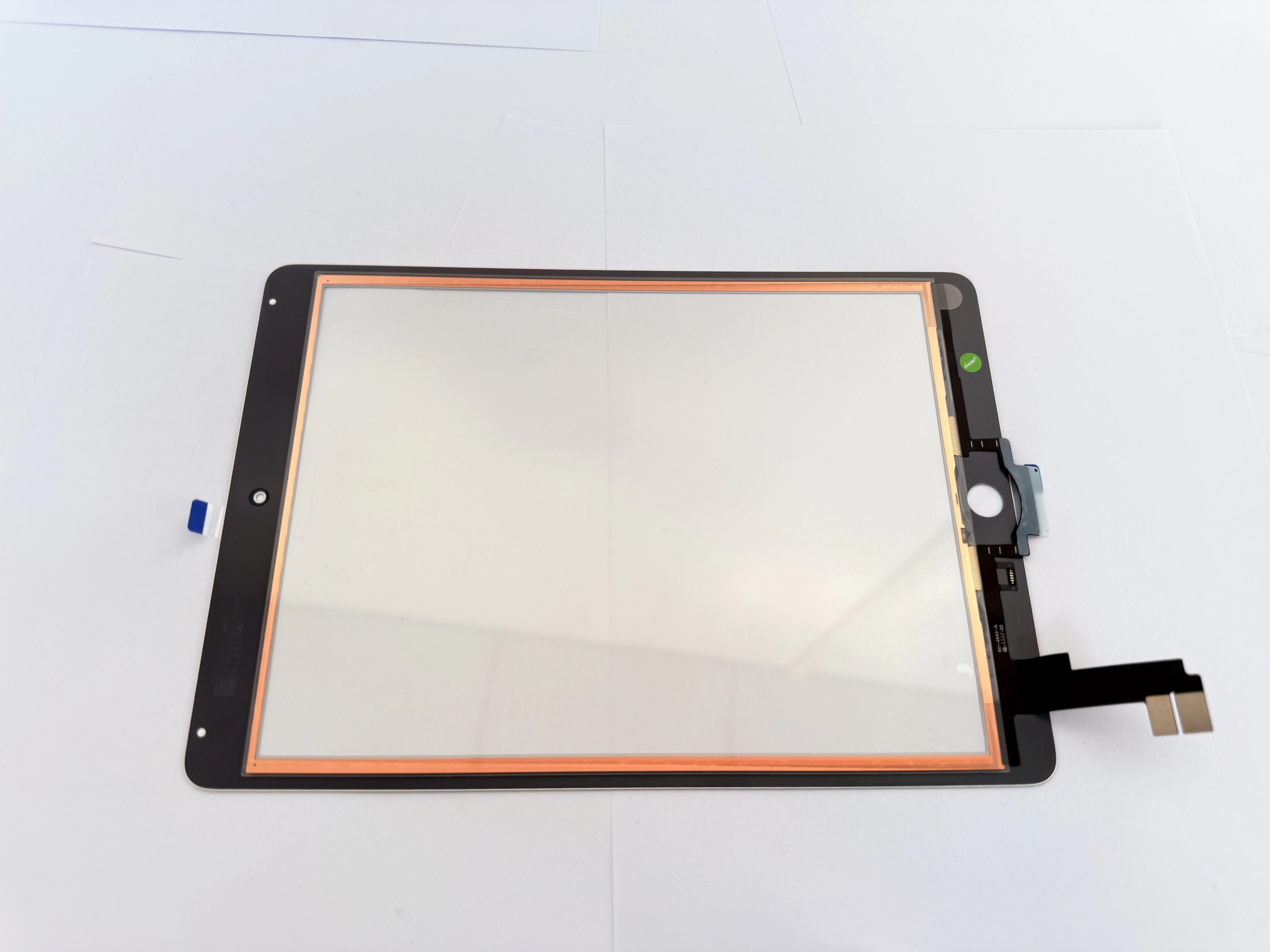
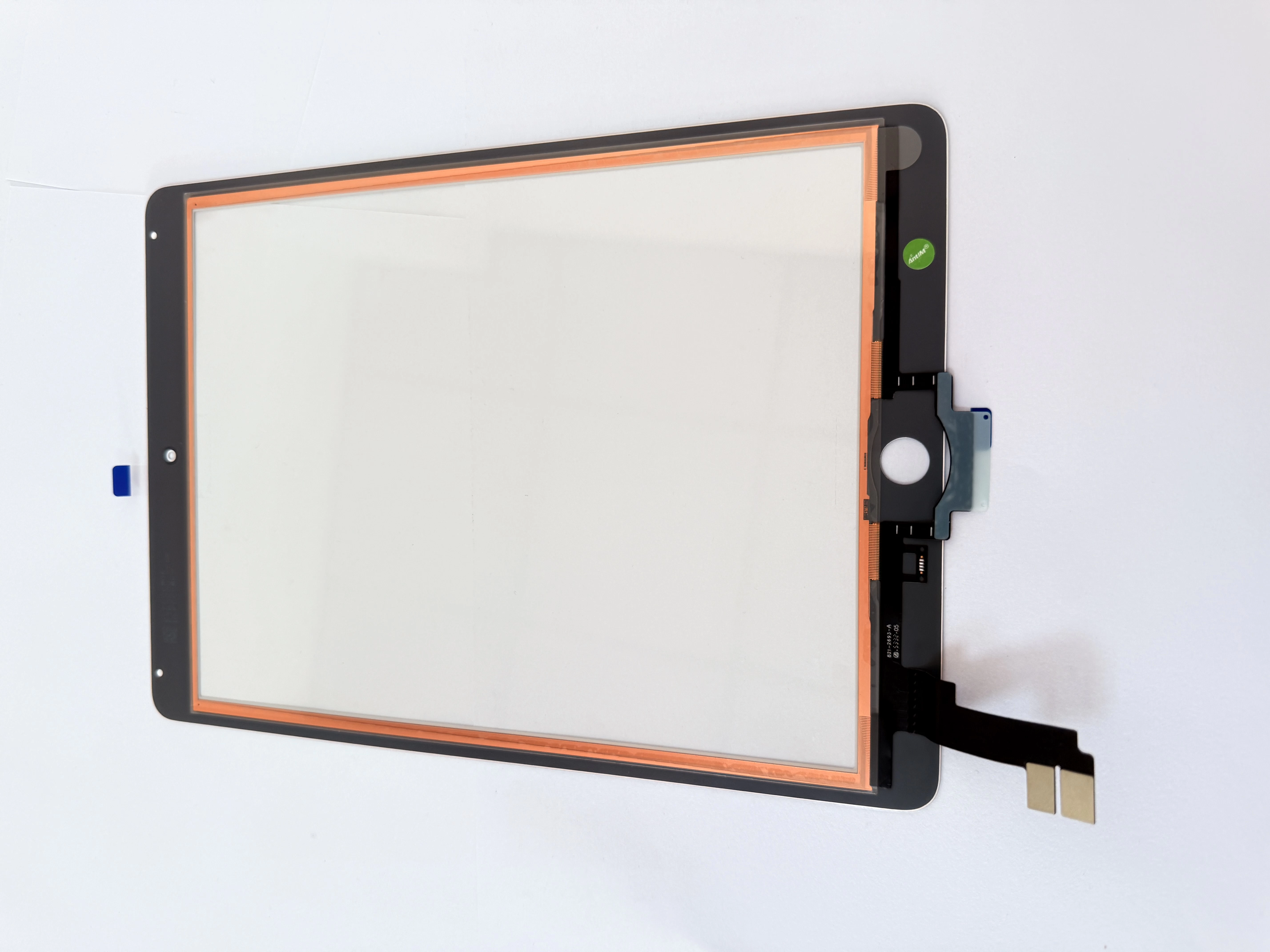
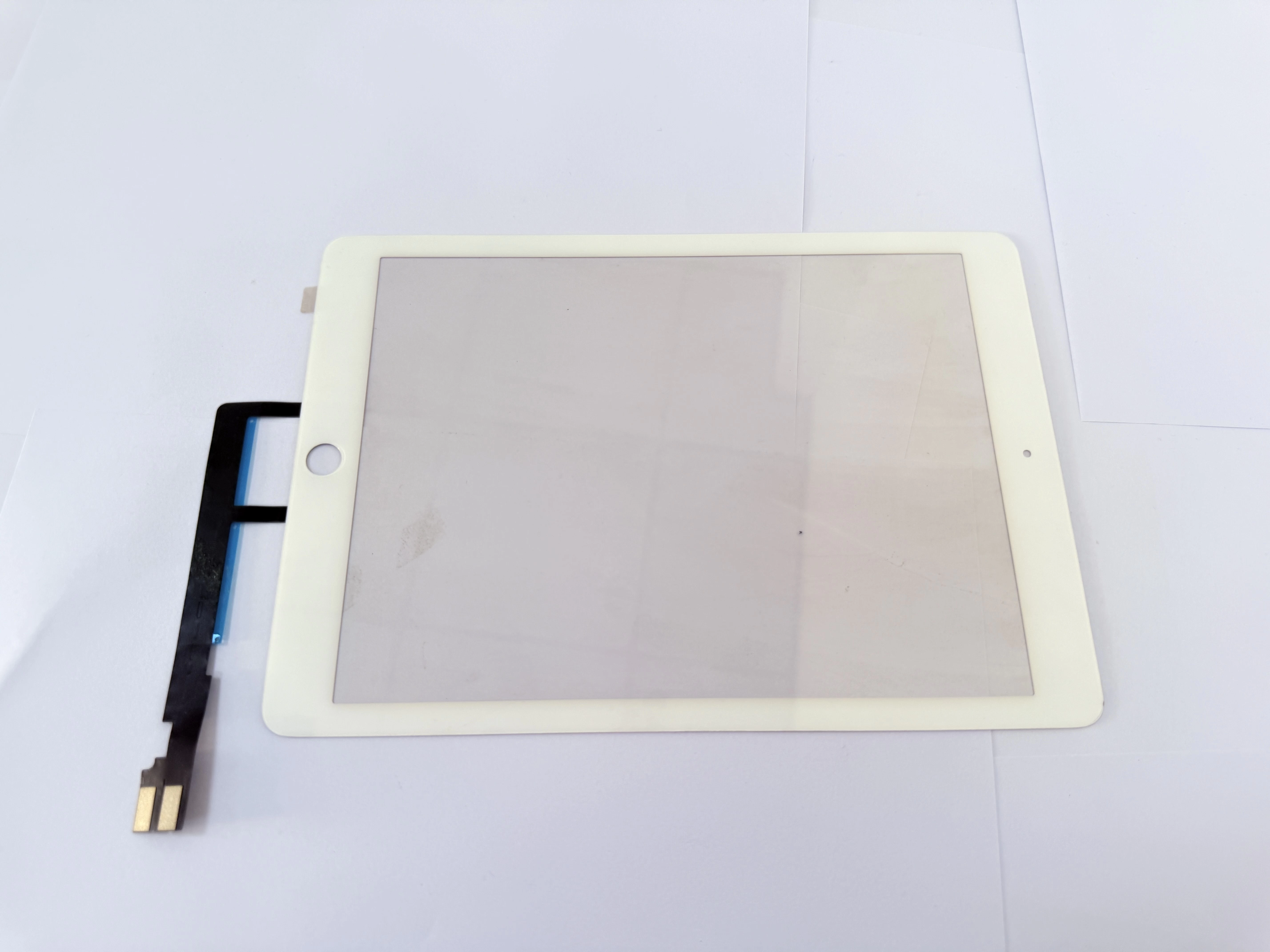
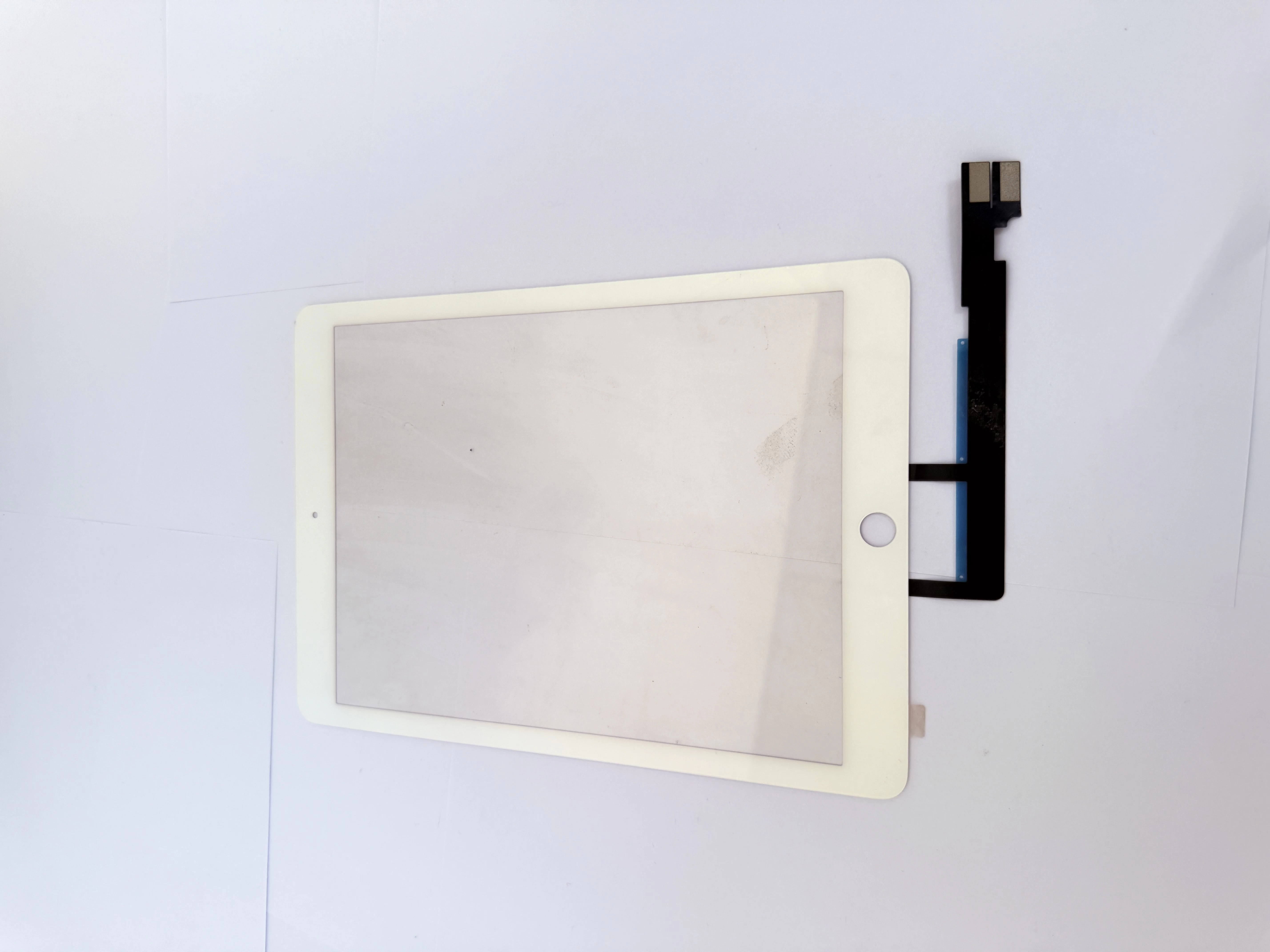
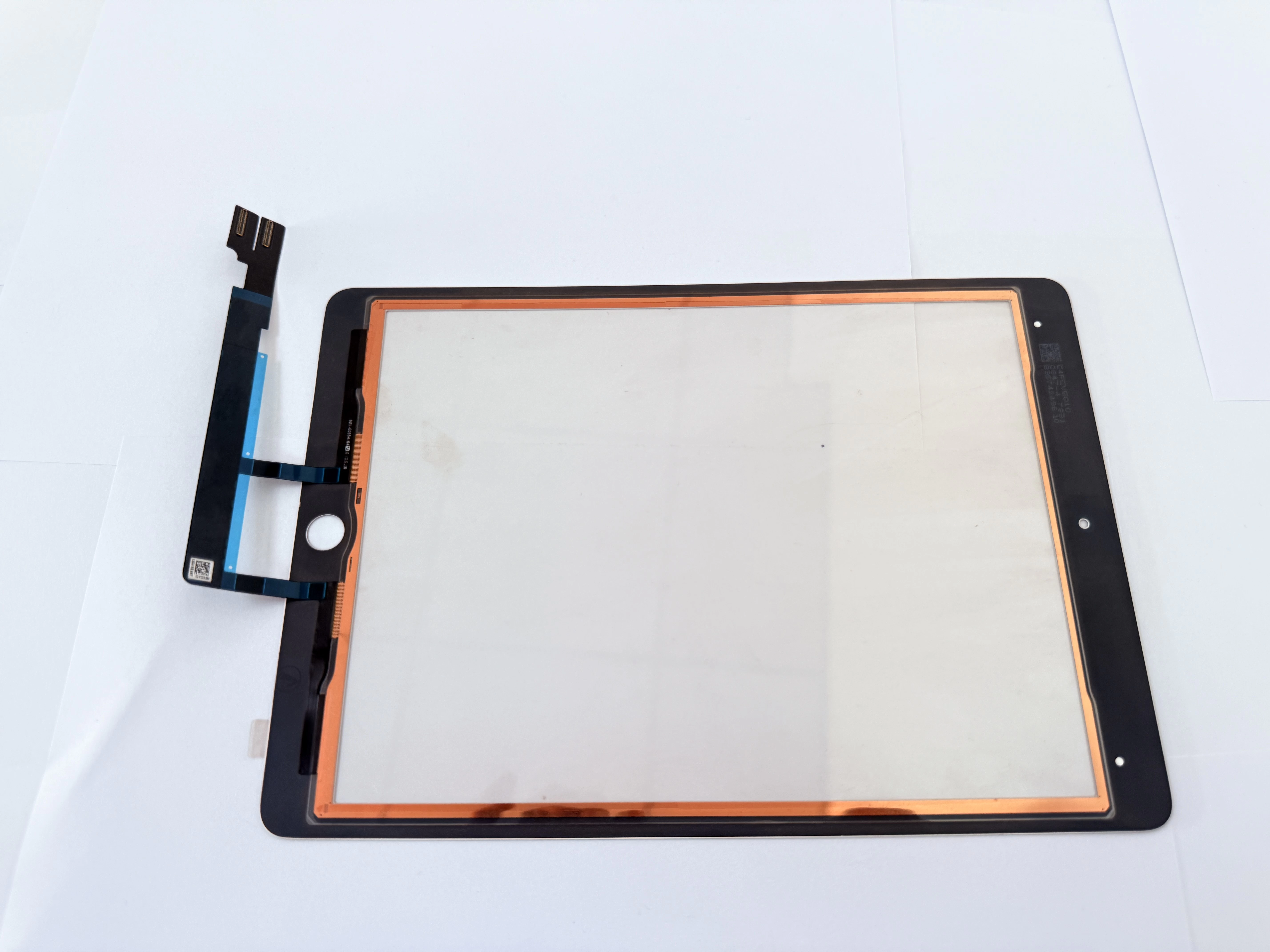
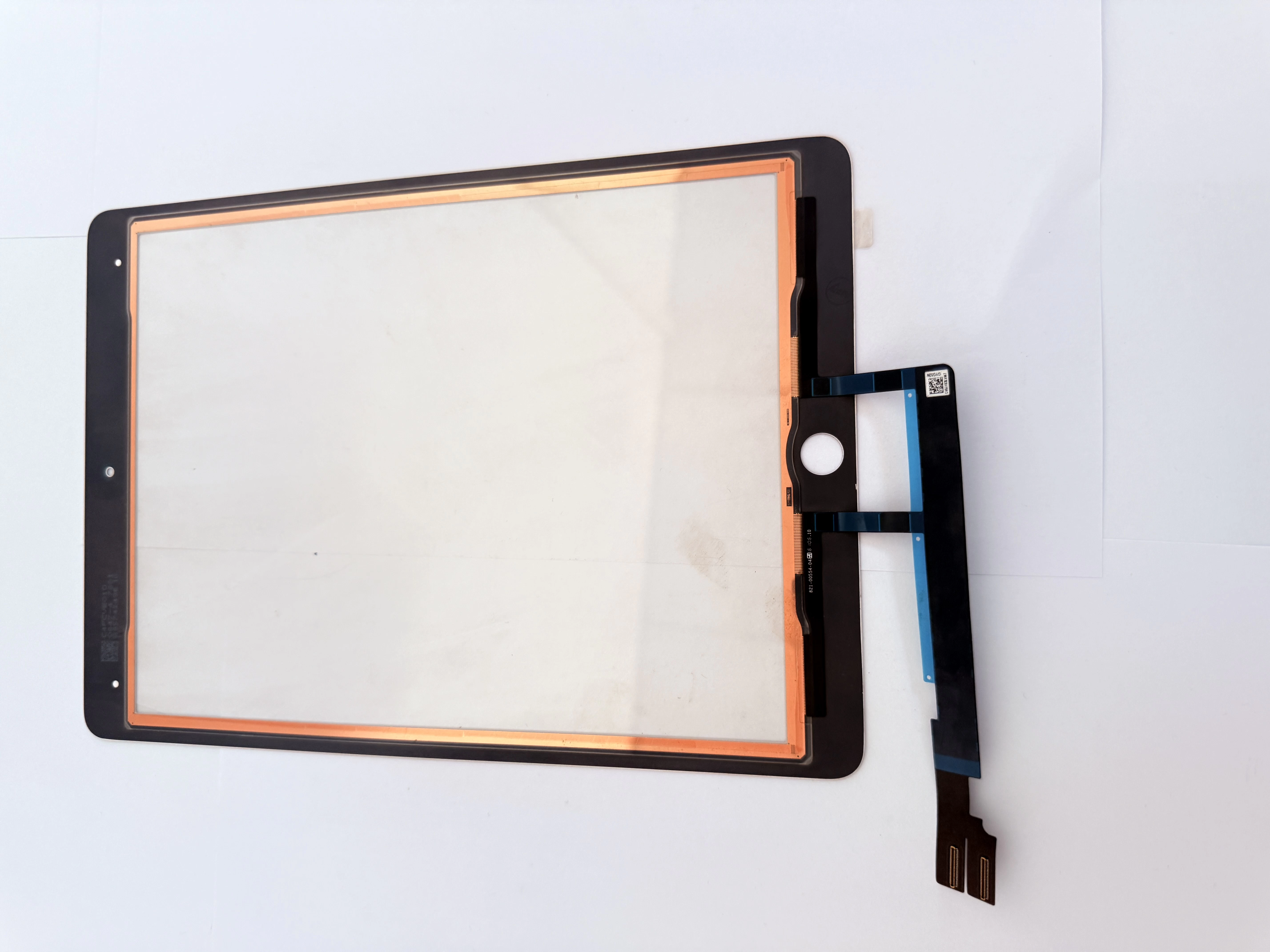
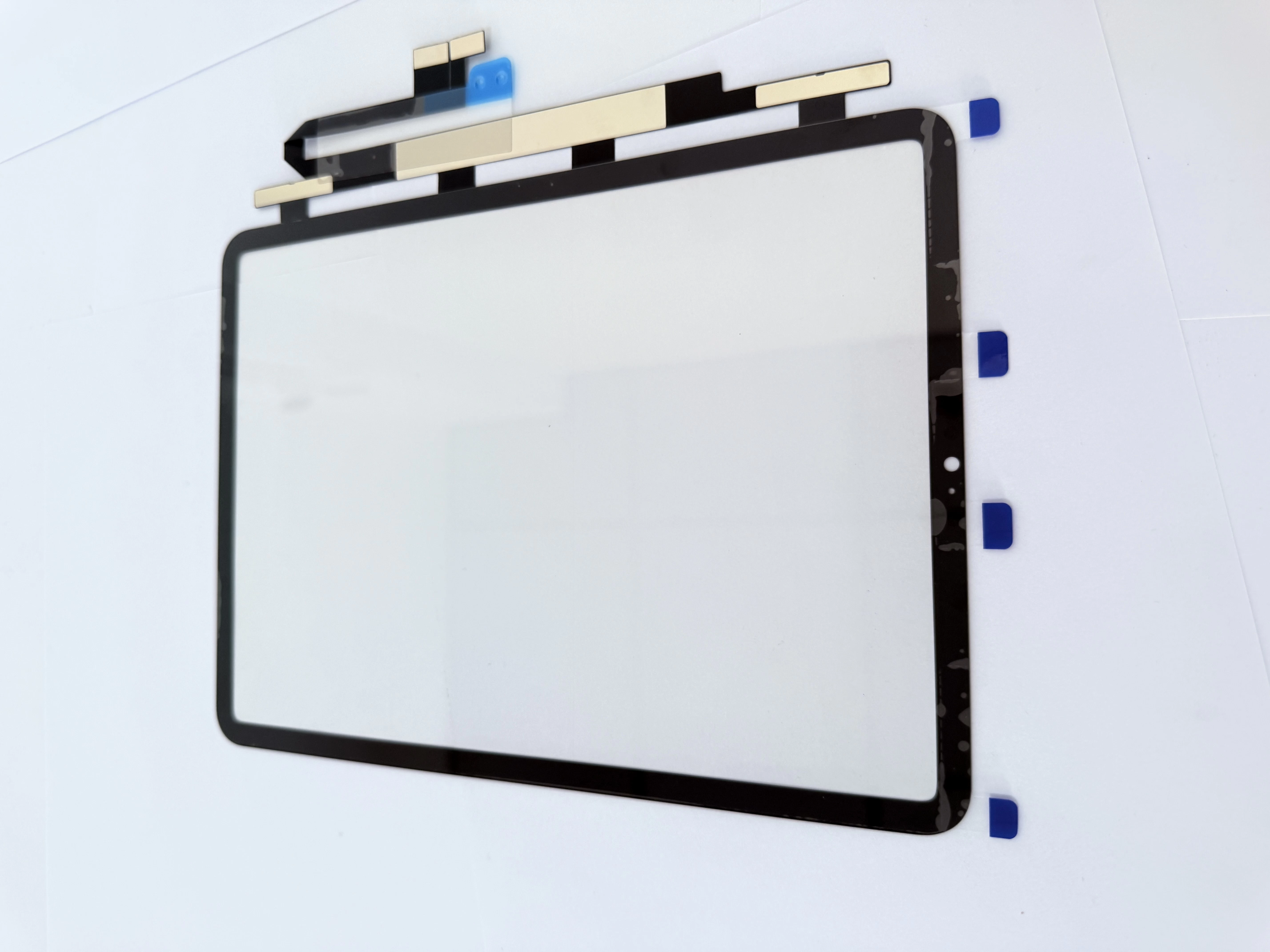
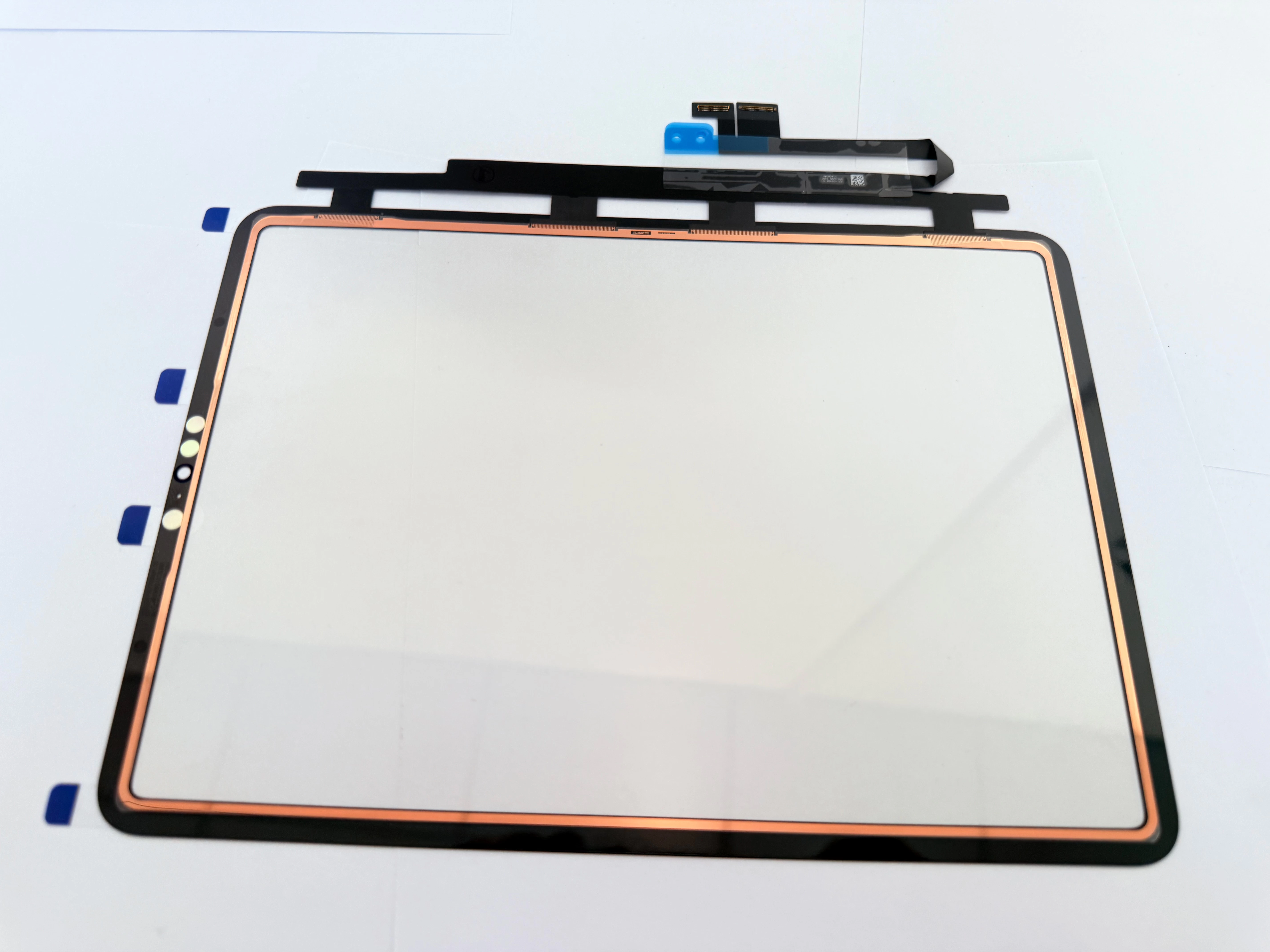
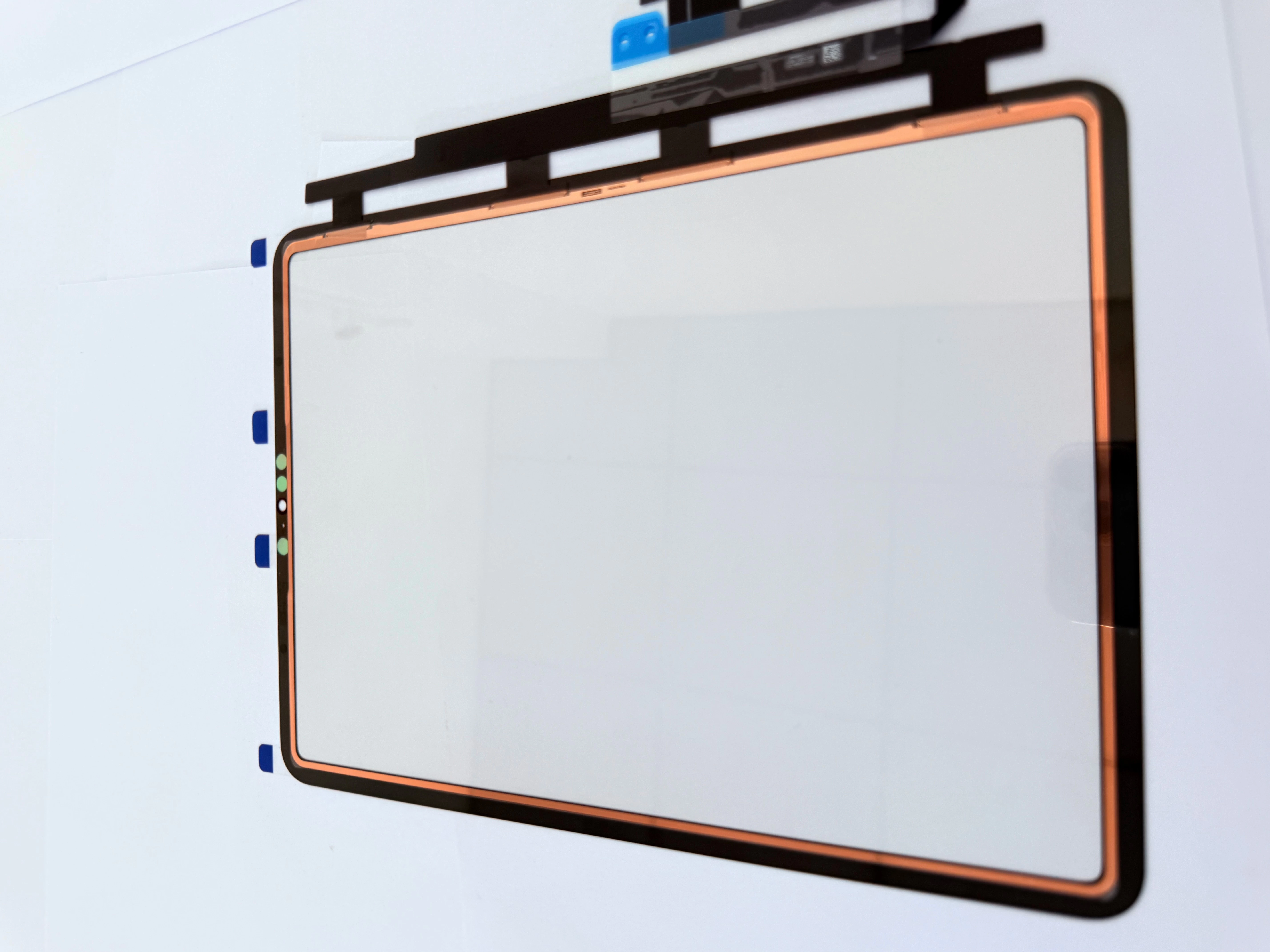
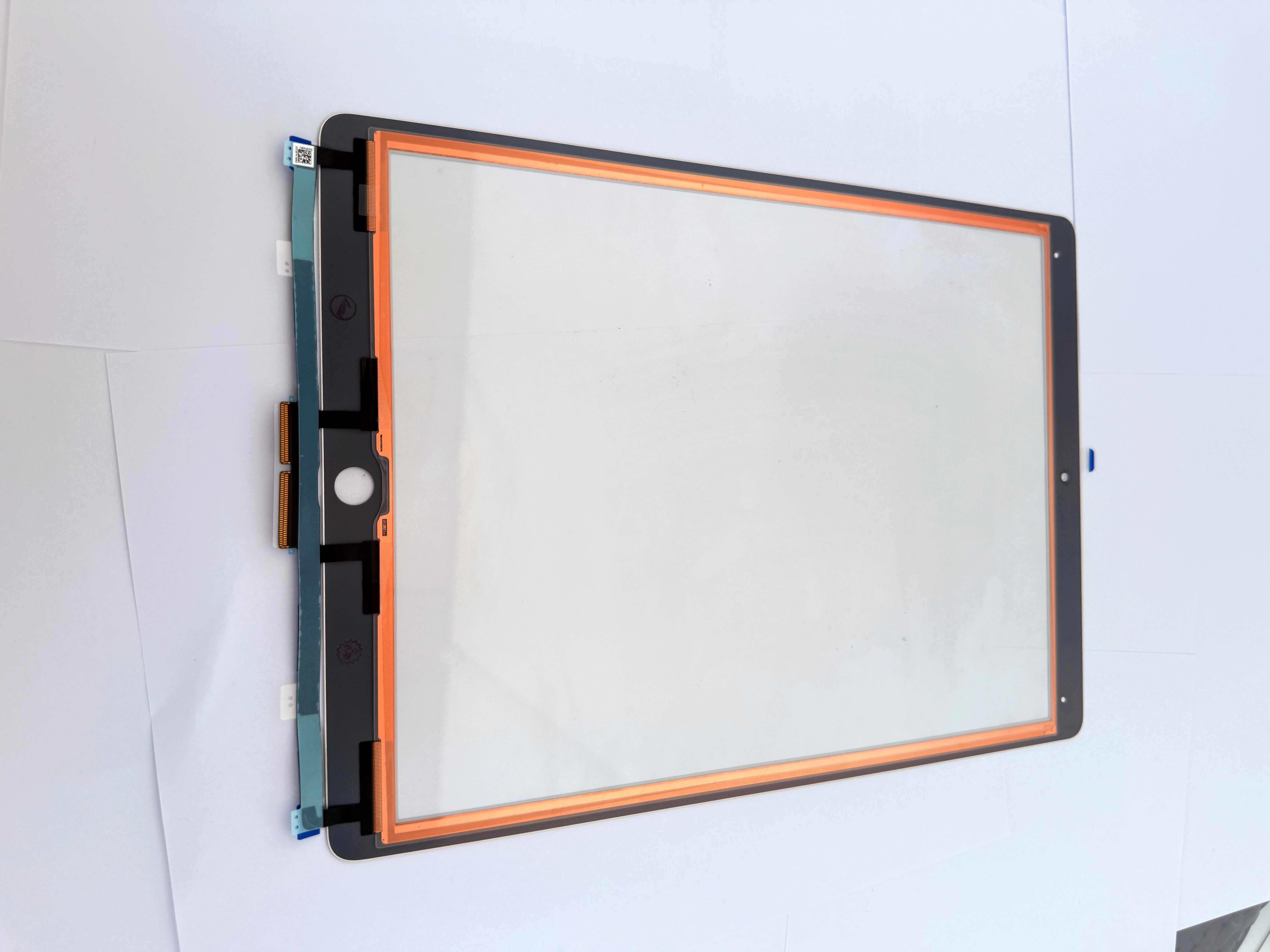
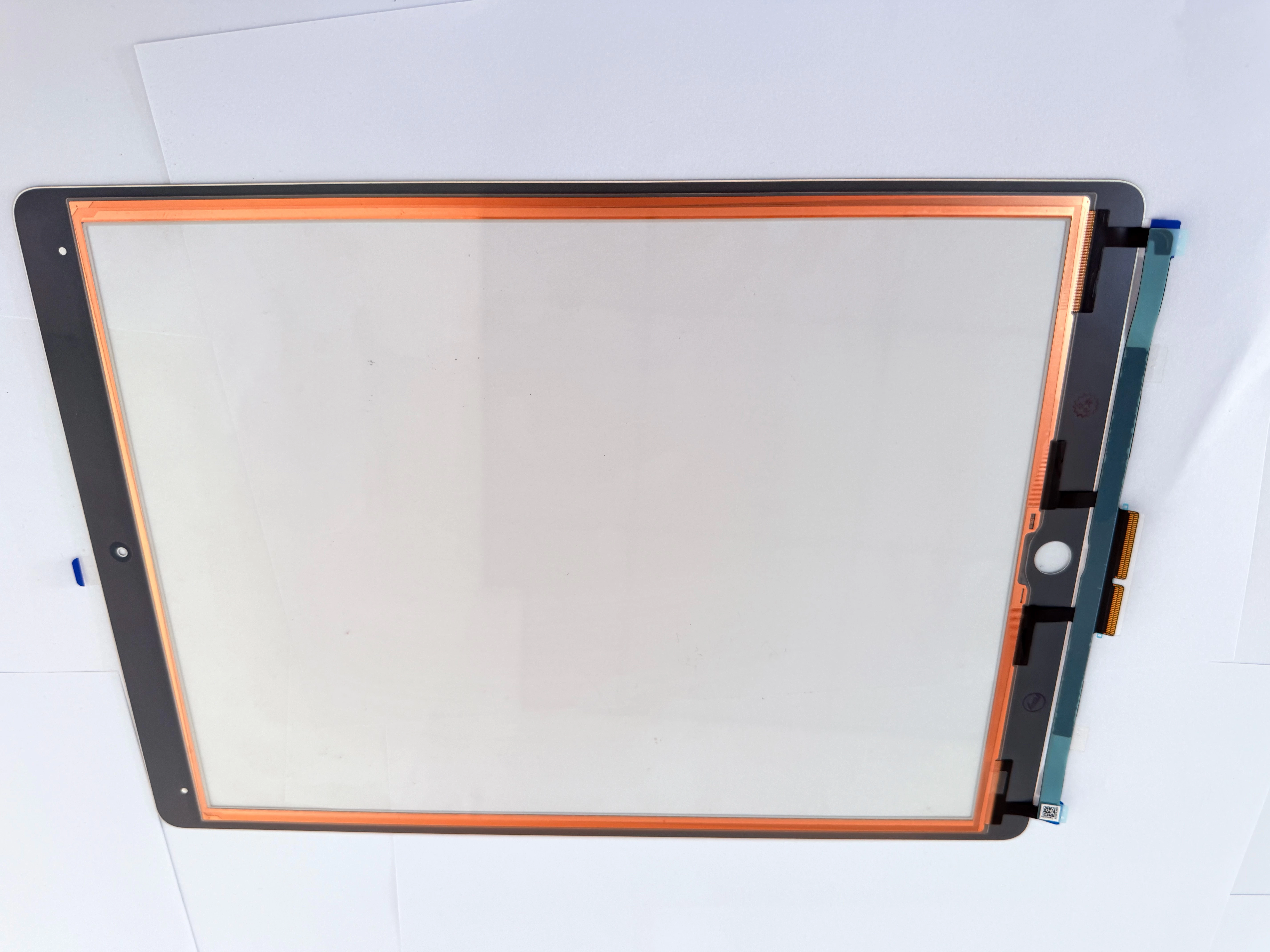
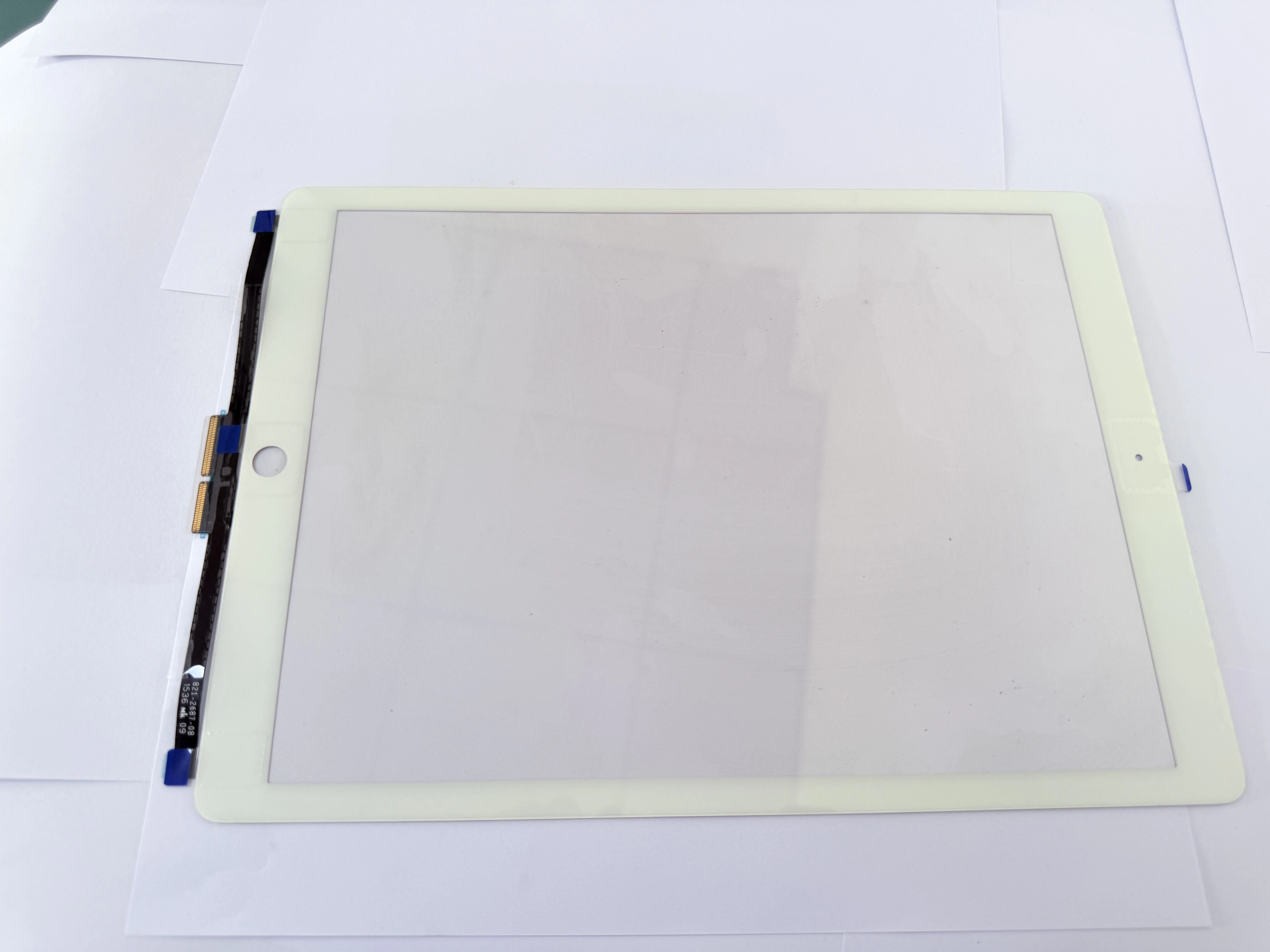
Third, do not pull the touch flex cable with excessive force. The ribbon cable is extremely fragile and will break under strong tension, making the new digitizer completely useless.
Fourth, skipping frame cleaning is a common error. Residual old glue causes uneven fitting, resulting in screen lifting, poor touch sensitivity, and dust entering the screen gap.
Finally, always test the touch function before fully fixing the screen. Early testing allows you to replace defective parts in time and avoid secondary disassembly trouble.
Why Repair Shops Choose Wholesale iPad Digitizers From China Factories
OEM vs Aftermarket iPad Digitizer: Which Is Better for iPad Repair?

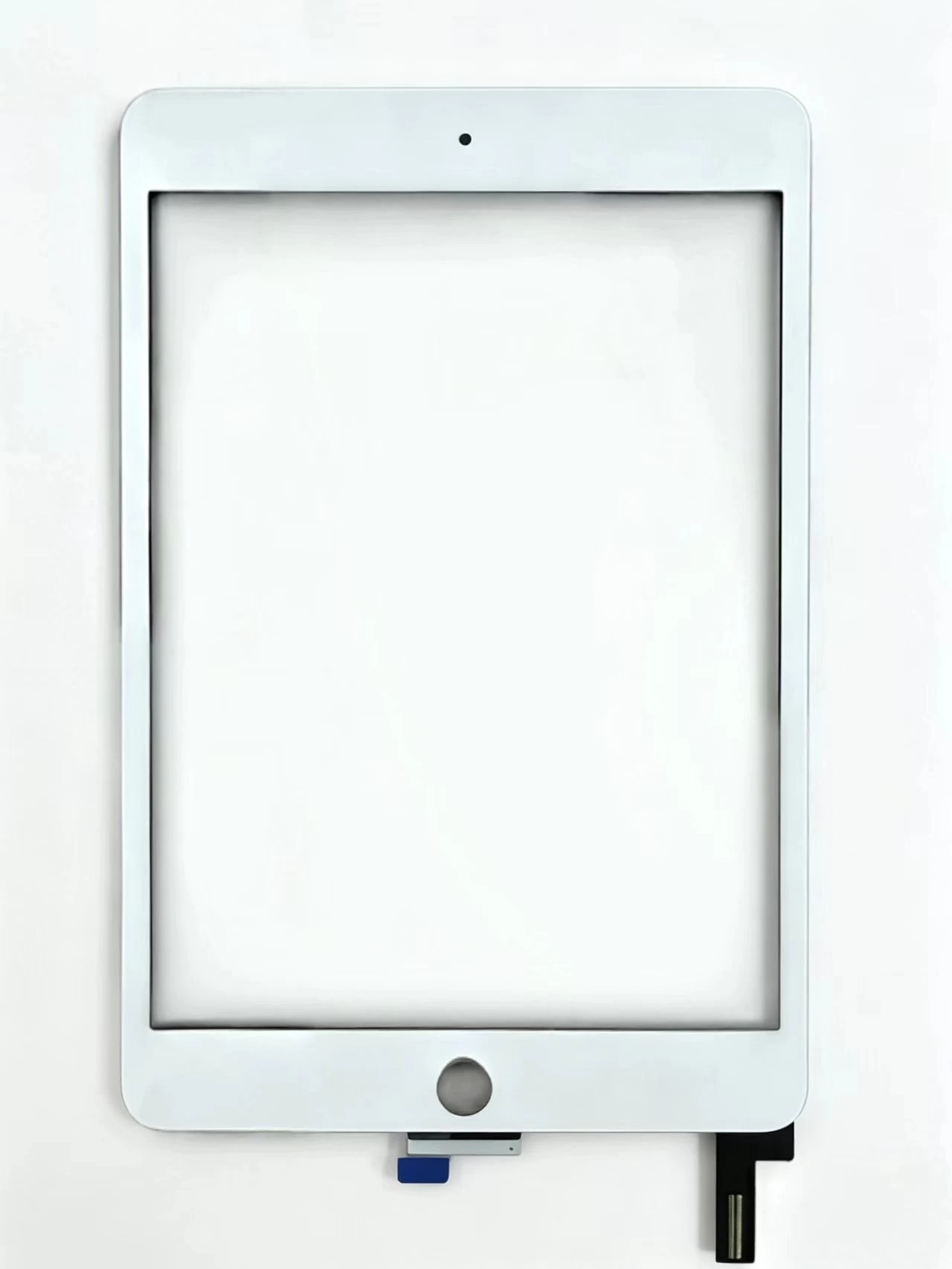
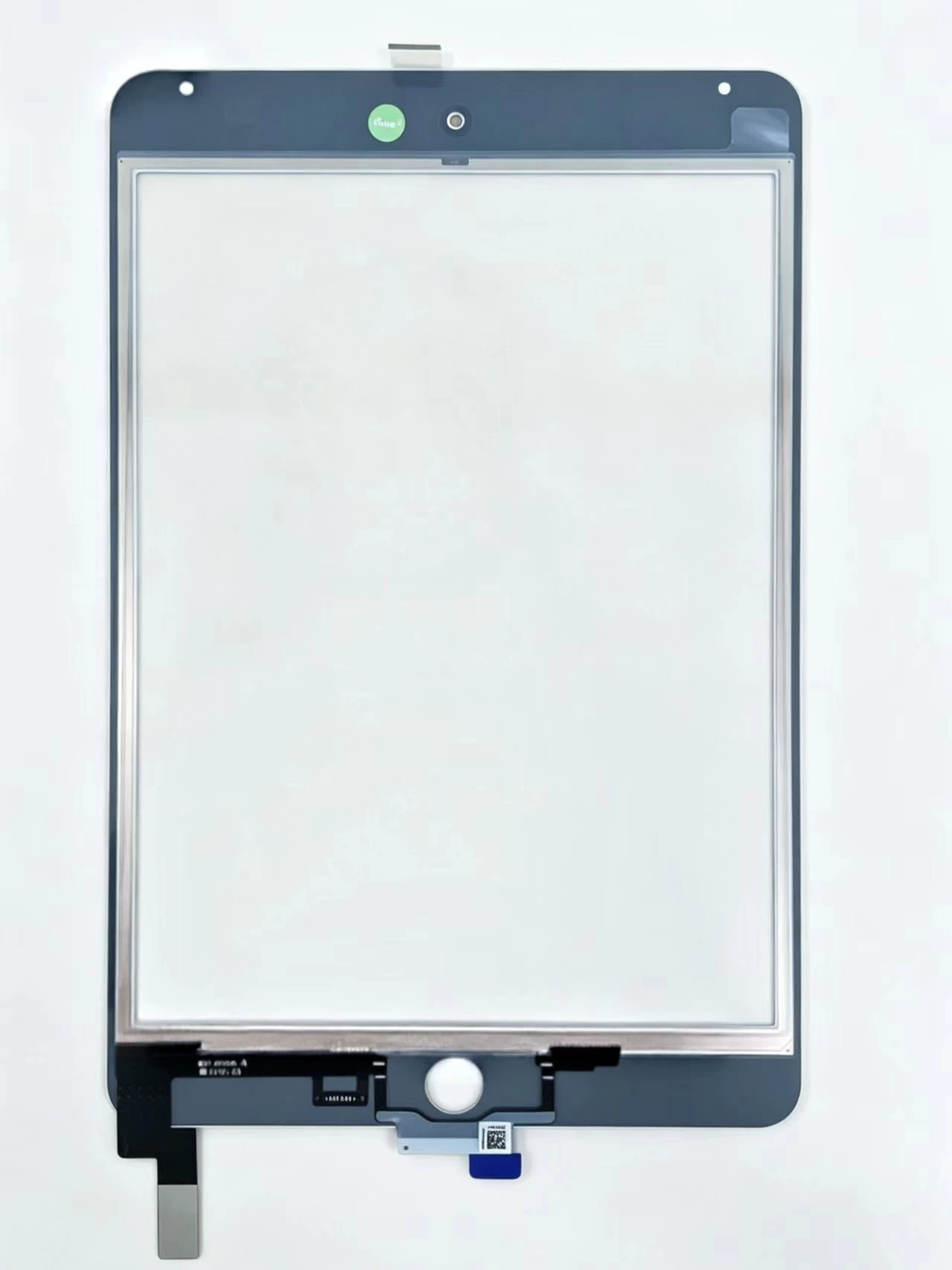
Touch Screen Digitizer Assembly Replacement Part For iPad Mini 4 A1538 A1550

Xem chi tiết

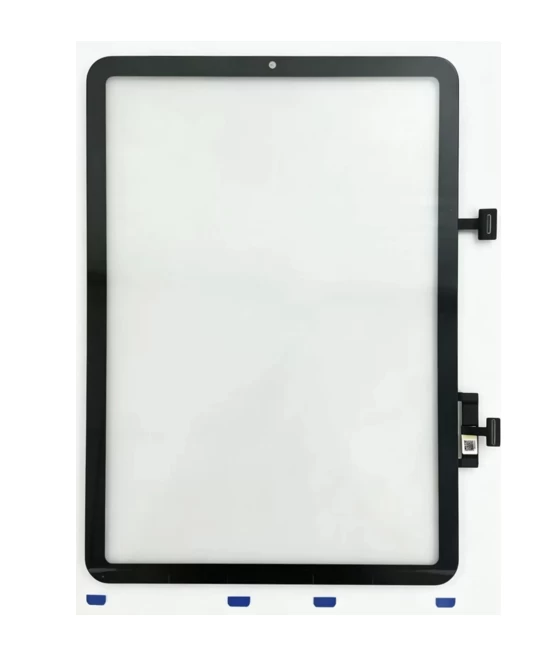
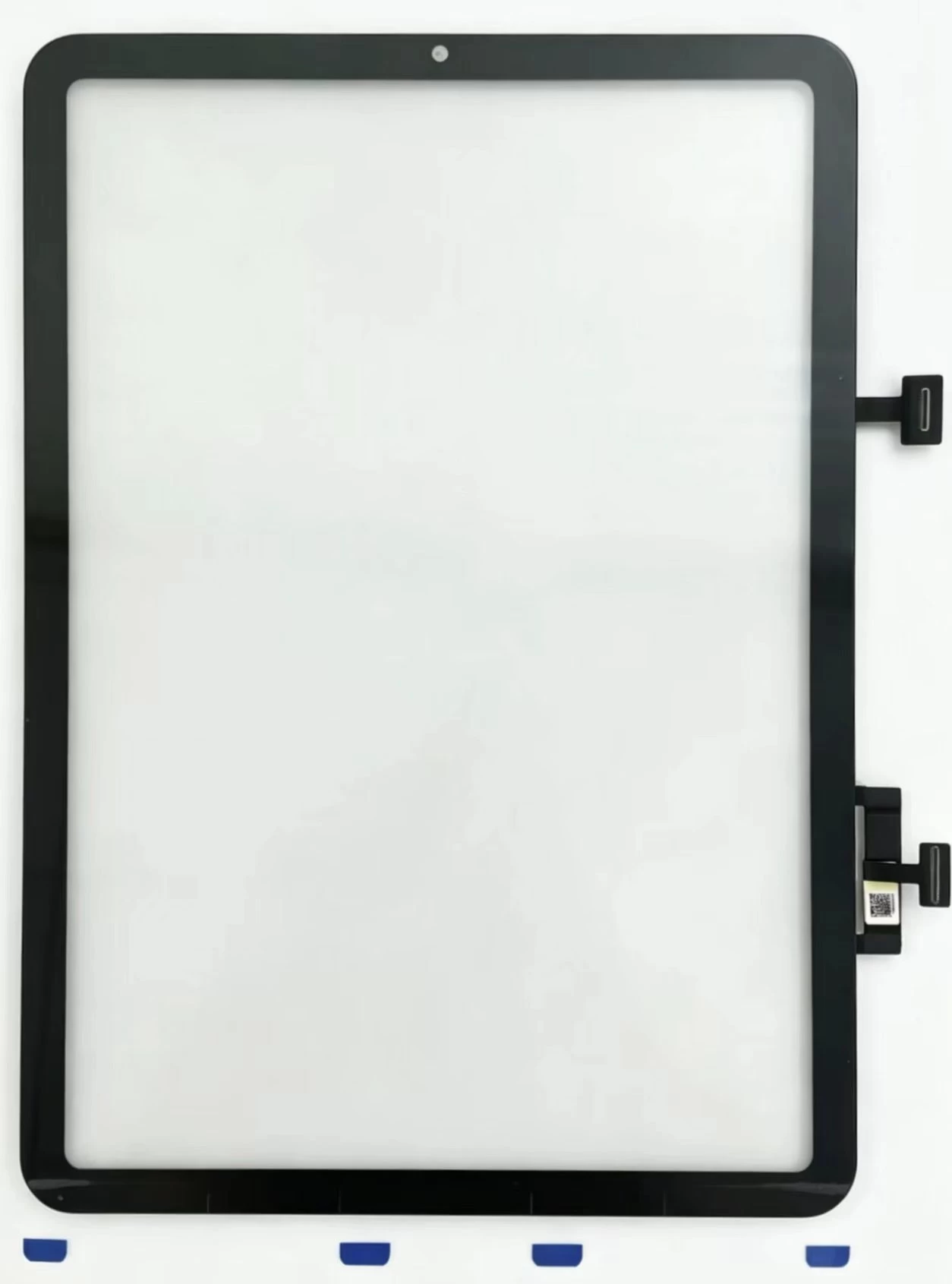
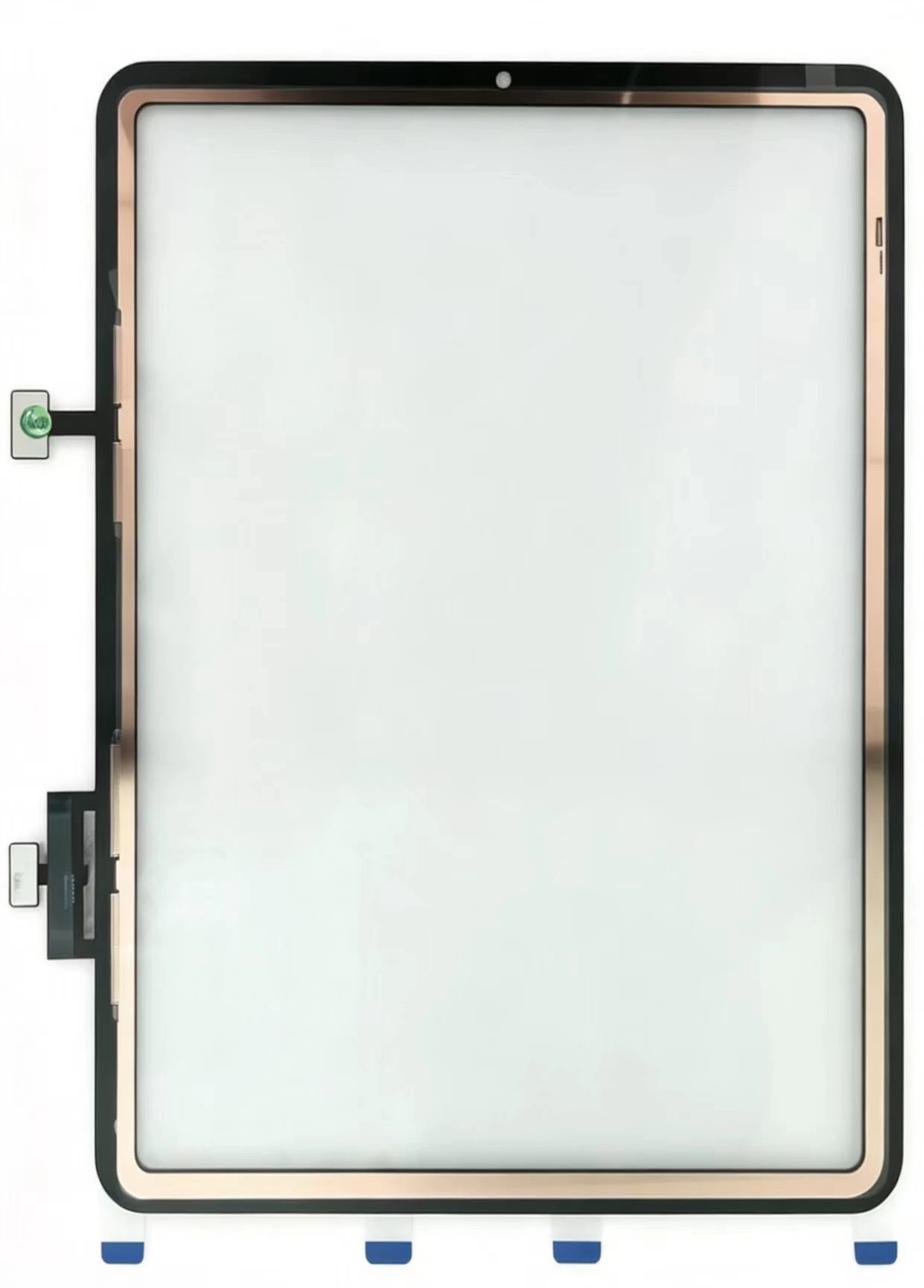
Touch Screen Digitizer Replacement for iPad 10th Gen/Air 4/Air 5 10.9 Inch, Front Outer Touch Glass Panel with Copper Foil Option

Xem chi tiết

Touch Screen Digitizer Replacement for iPad 7th/8th/9th Gen 10.2" (2019-2021) Black Front Glass Panel

Xem chi tiết

iPad Pro 11 2020 Touch Glass iPad Pro 11-inch (1st generation, 2018) Touch Screen Digitizer

Xem chi tiết

iPad Pro 11-inch (1st generation, 2018) Touch Screen Digitizer iPad Pro 11 2018 iPad8,1 / iPad8,2 / iPad8,3 / iPad8,4

Xem chi tiết

G+Oca Pro Touch Screen Digitizerfor iPad Air 13" (2024)/Air 13"

Xem chi tiết

Màn hình cảm ứng hồng ngoại XY98AC-HBZ9

Xem chi tiết

Màn hình cảm ứng hồng ngoại XY98AC-HBZ9

Xem chi tiết

Màn hình cảm ứng hồng ngoại XY86AC-HBZ9

Xem chi tiết

Màn hình cảm ứng hồng ngoại XY85AC-HBZ9

Xem chi tiết

Màn hình cảm ứng hồng ngoại XY75AC-HBZ9

Xem chi tiết

Màn hình cảm ứng hồng ngoại XY65AC-HBZ9

Xem chi tiết

Áp dụng cho iPad Air2 A1566

Xem chi tiết

Áp dụng cho iPad Airs. 10.9 2022 A2325. A2072

Xem chi tiết

Áp dụng cho iPad Air.4 10.9.2020 A2324. A2316

Xem chi tiết

Áp dụng cho iPad 9.7 A1674.A1675

Xem chi tiết

Áp dụng cho iPad 9.7 A1673

Xem chi tiết

Áp dụng cho iPad 11 thế hệ 4 A2460

Xem chi tiết

Áp dụng cho iPad 11 thế hệ 3 A2301

Xem chi tiết

Áp dụng cho iPad 11 thế hệ 3 A2377

Xem chi tiết

Áp dụng cho iPad 12.9.-2 Thế hệ A1652

Xem chi tiết

Áp dụng cho iPad 12.9.-2 Thế hệ A1584

Xem chi tiết