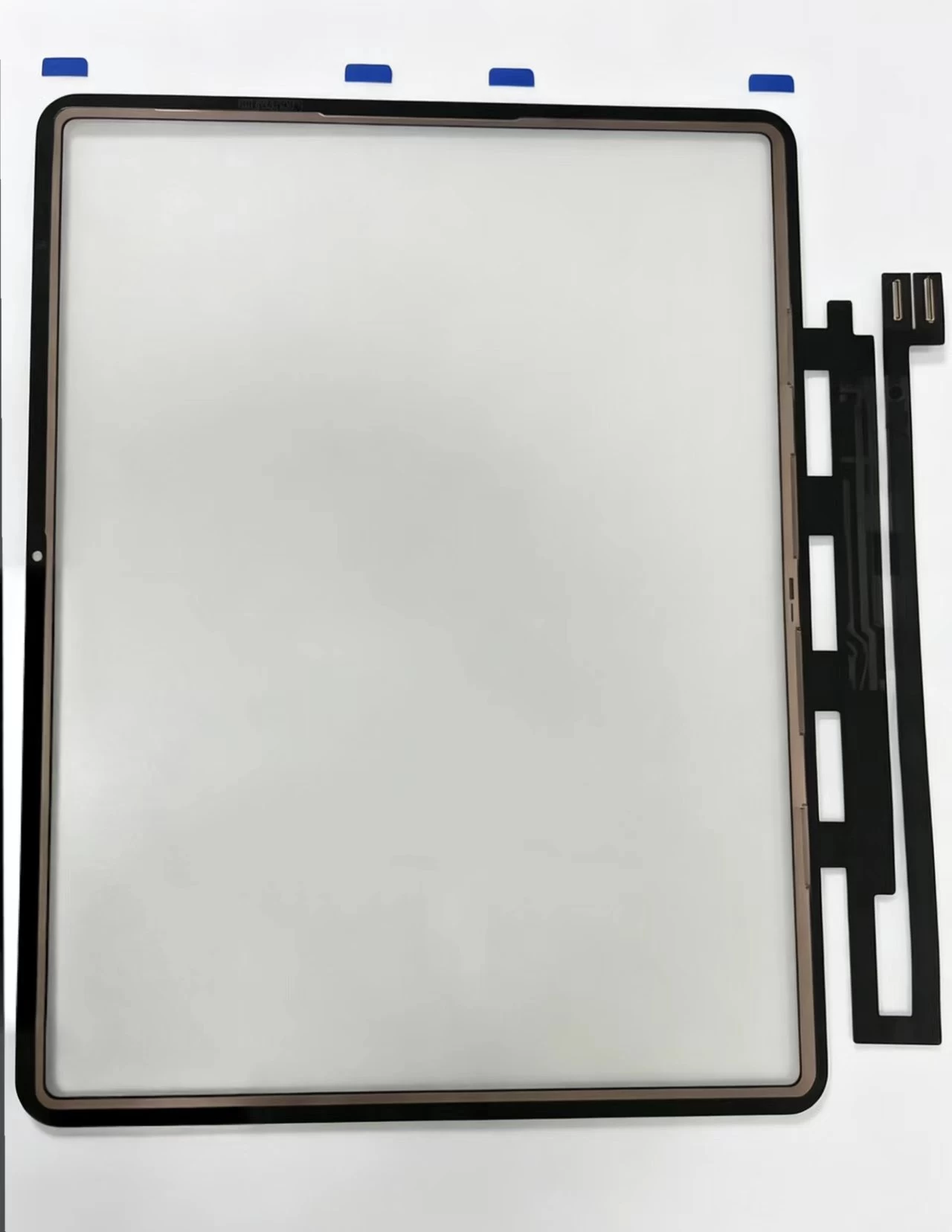
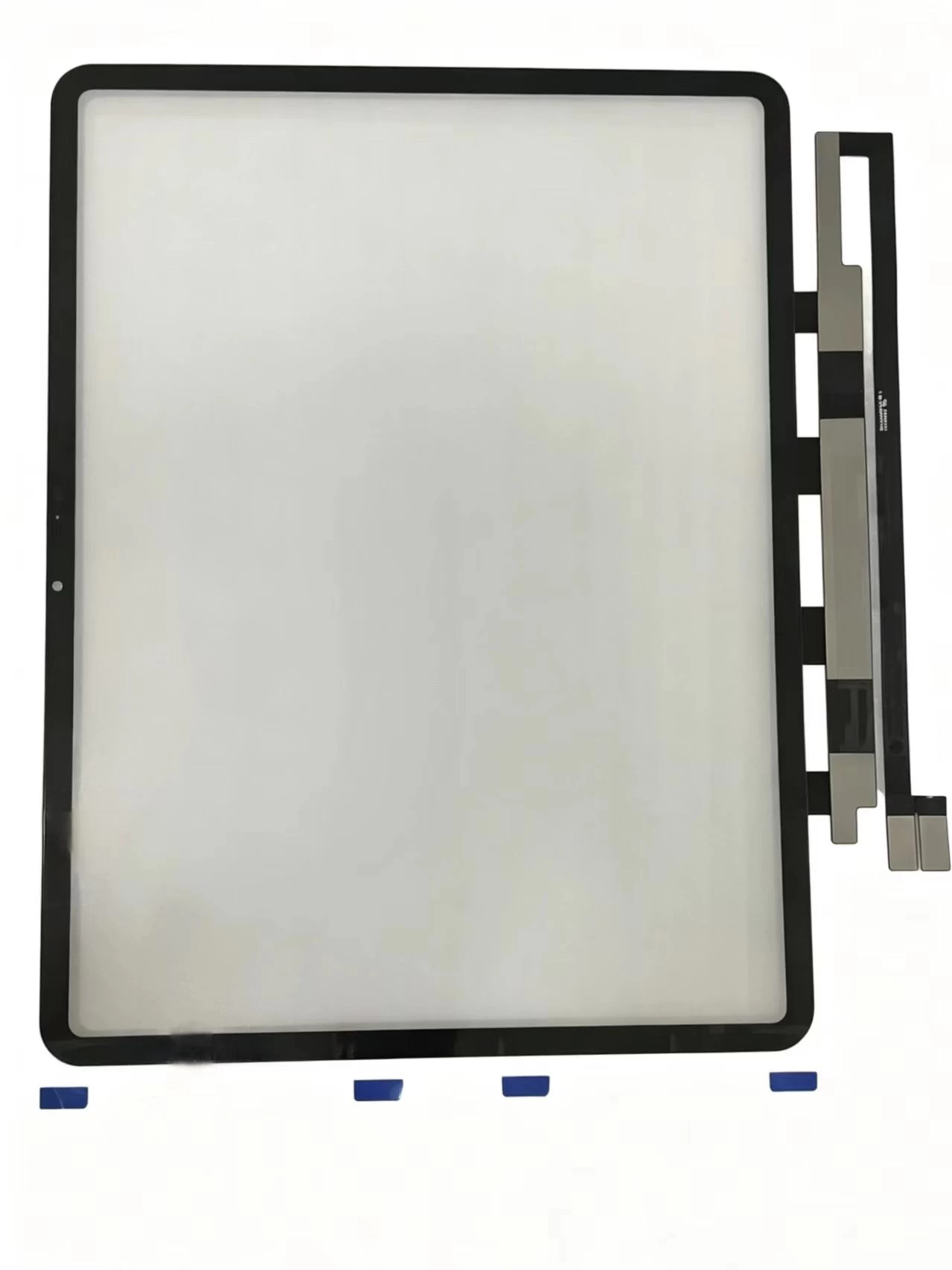
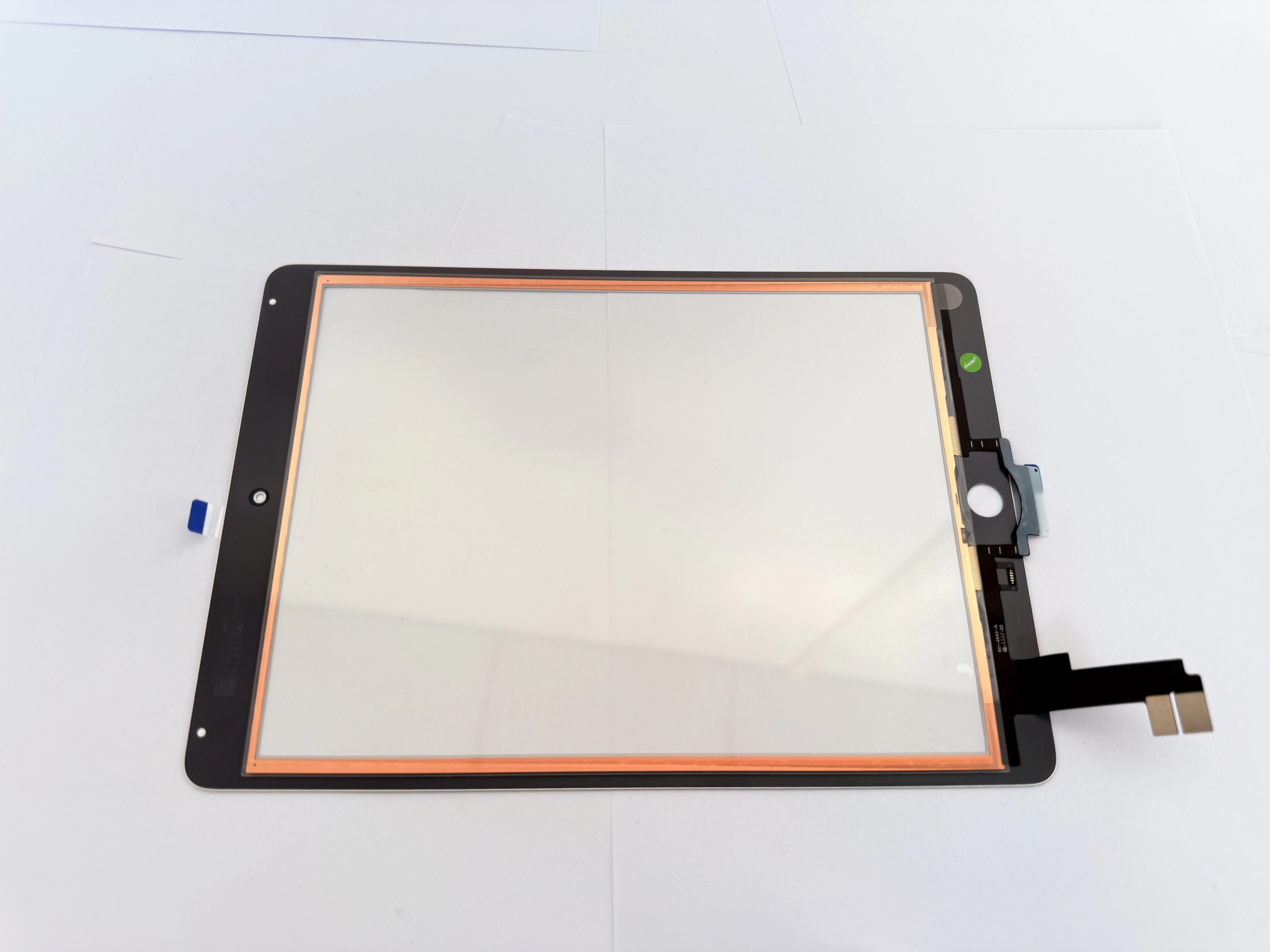
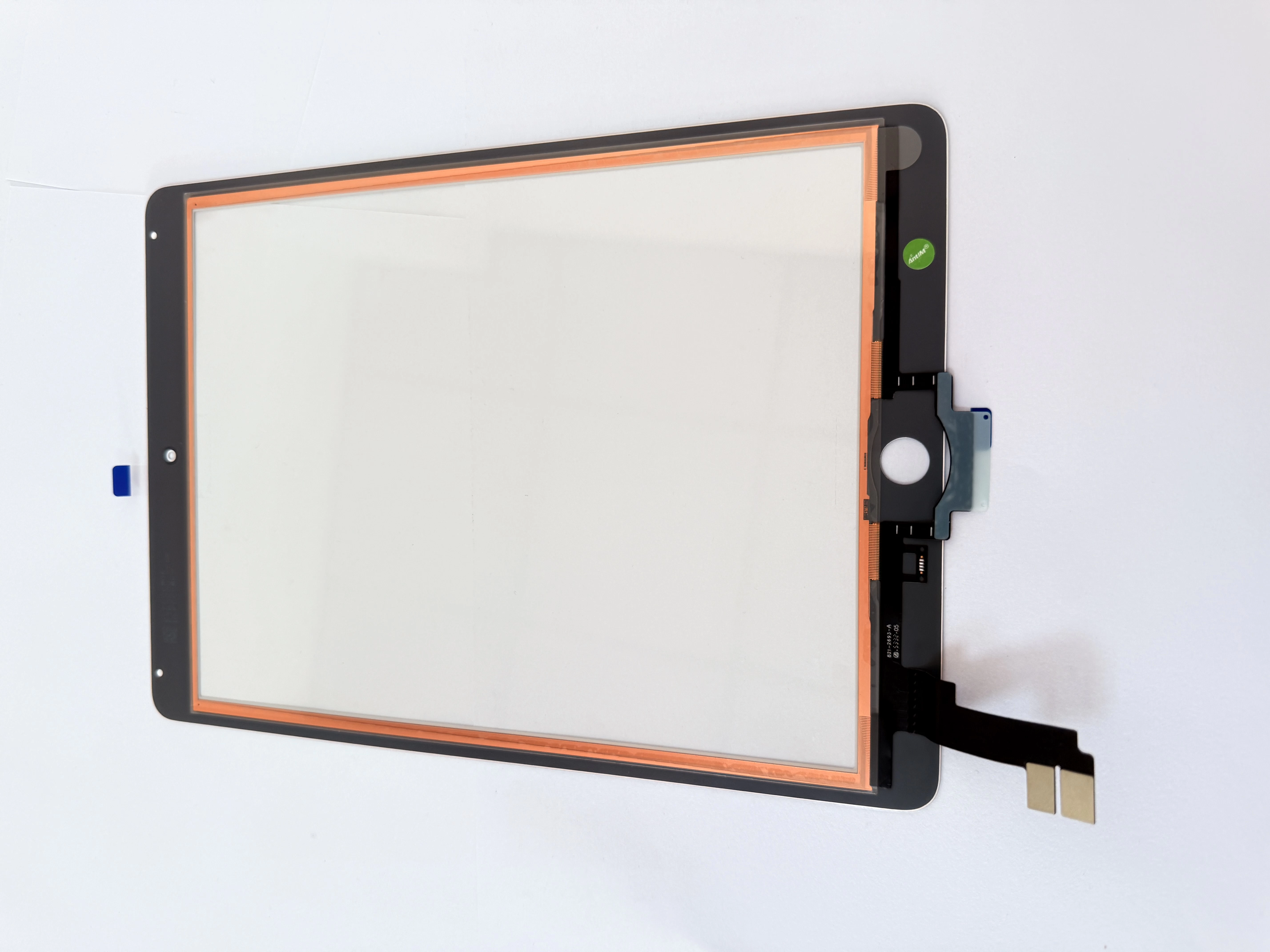
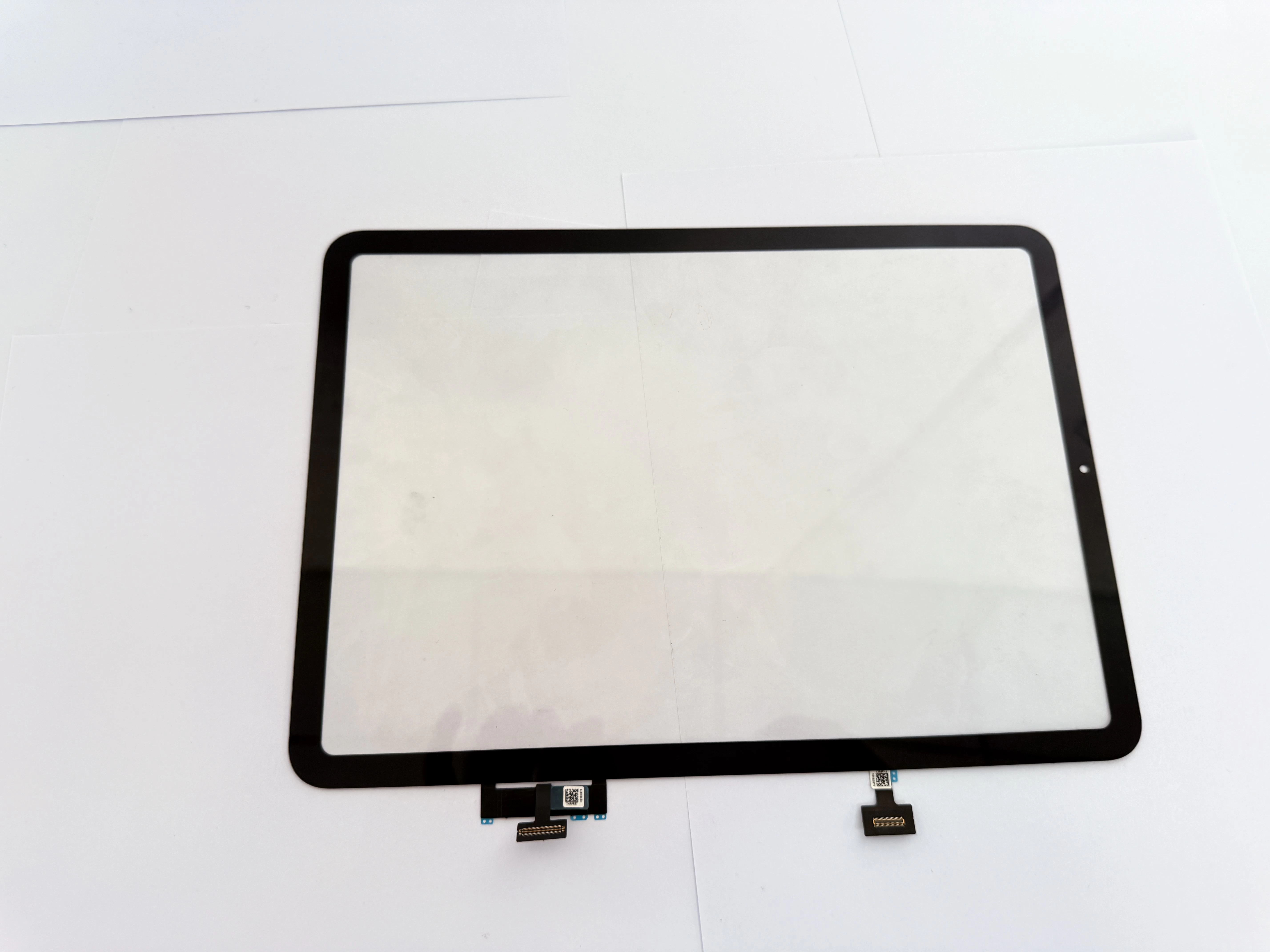
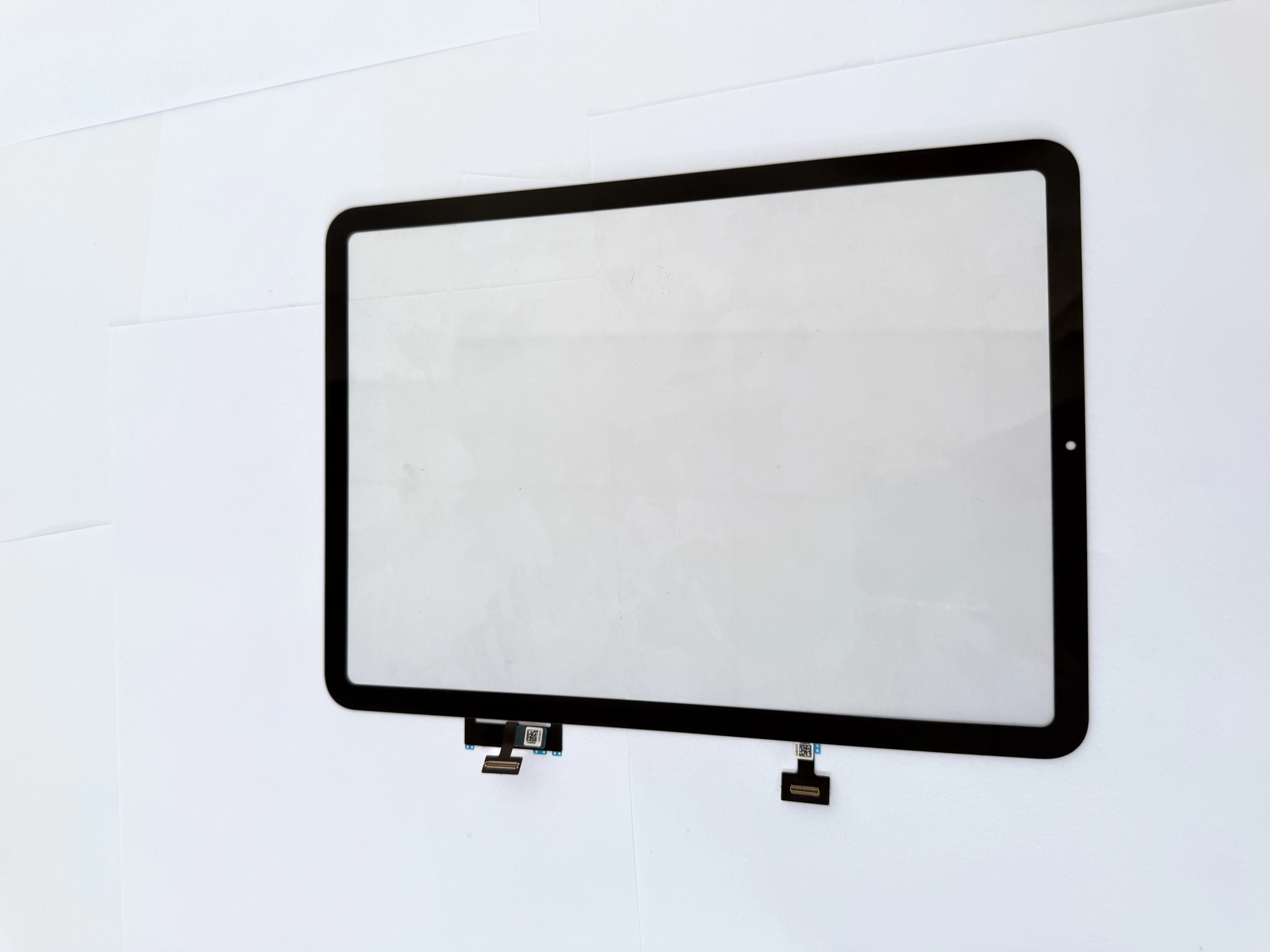
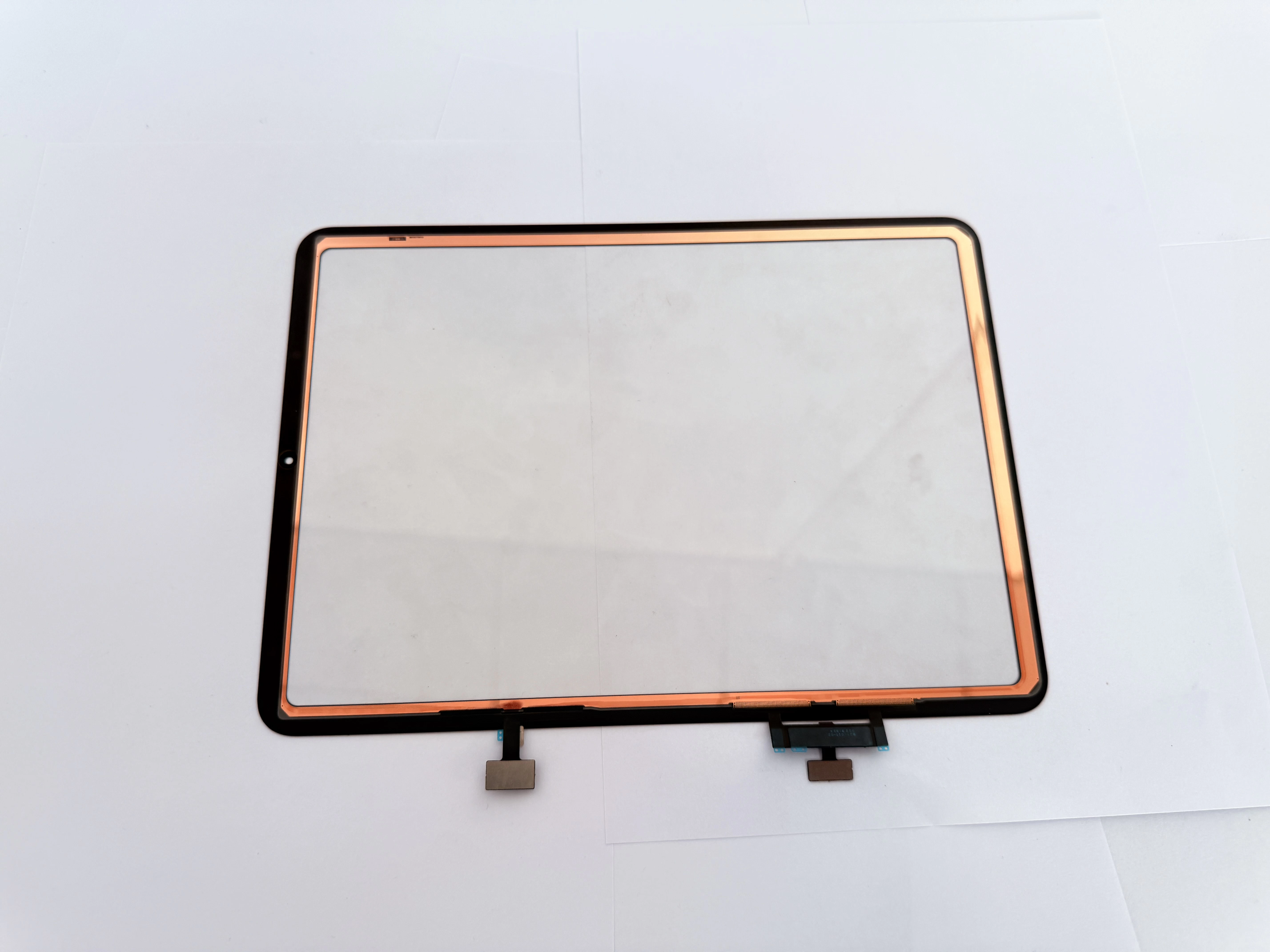
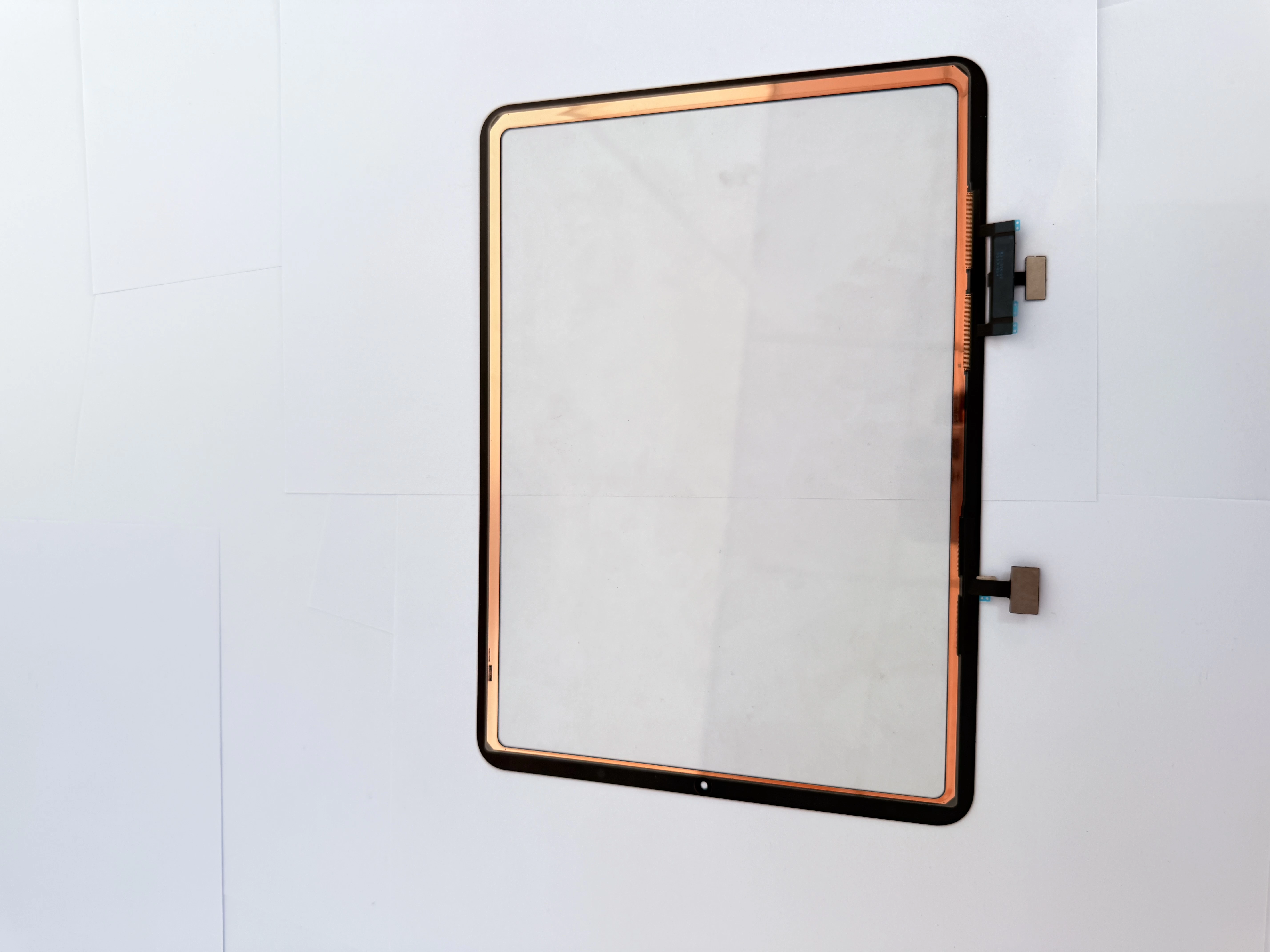
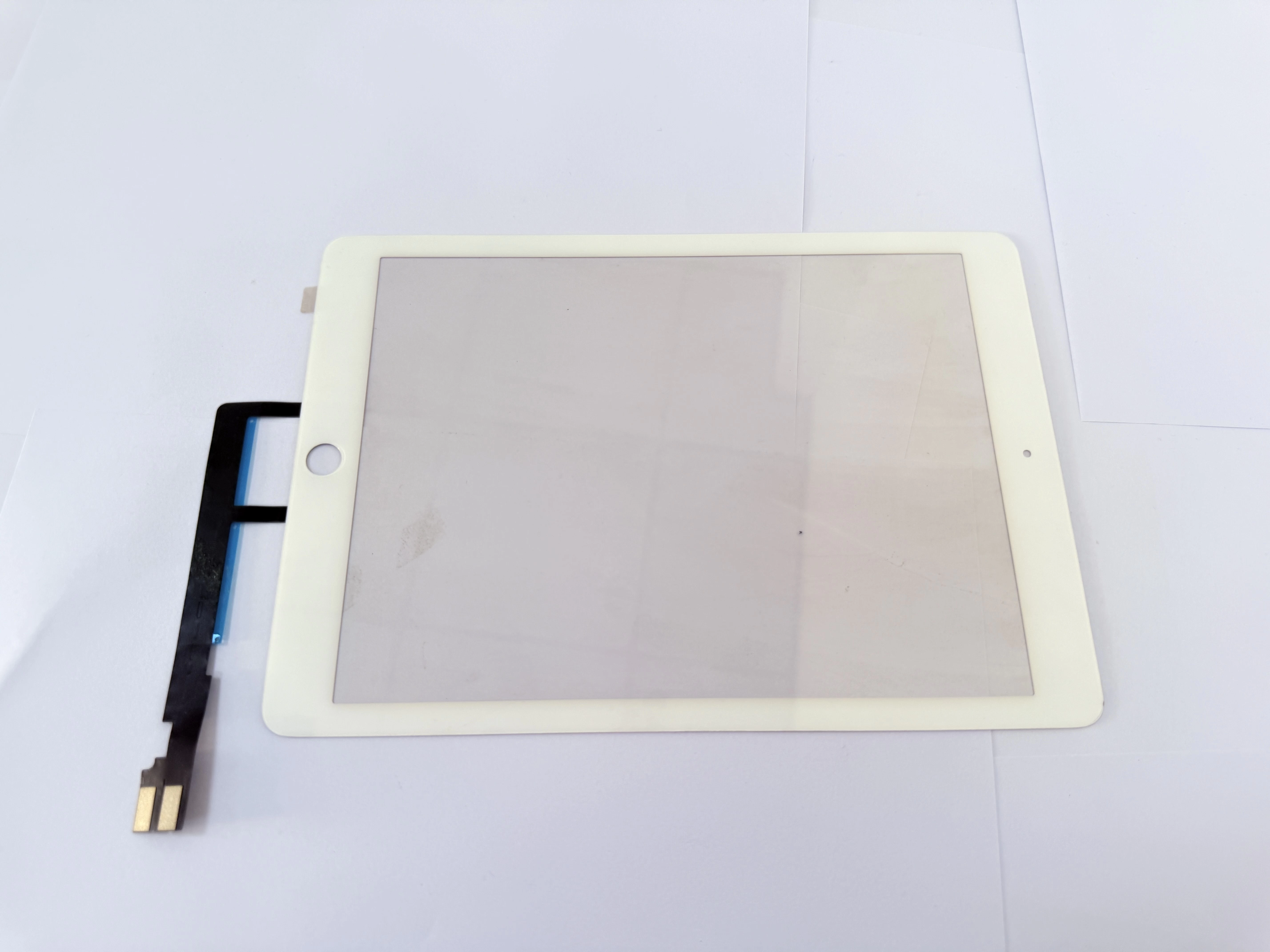
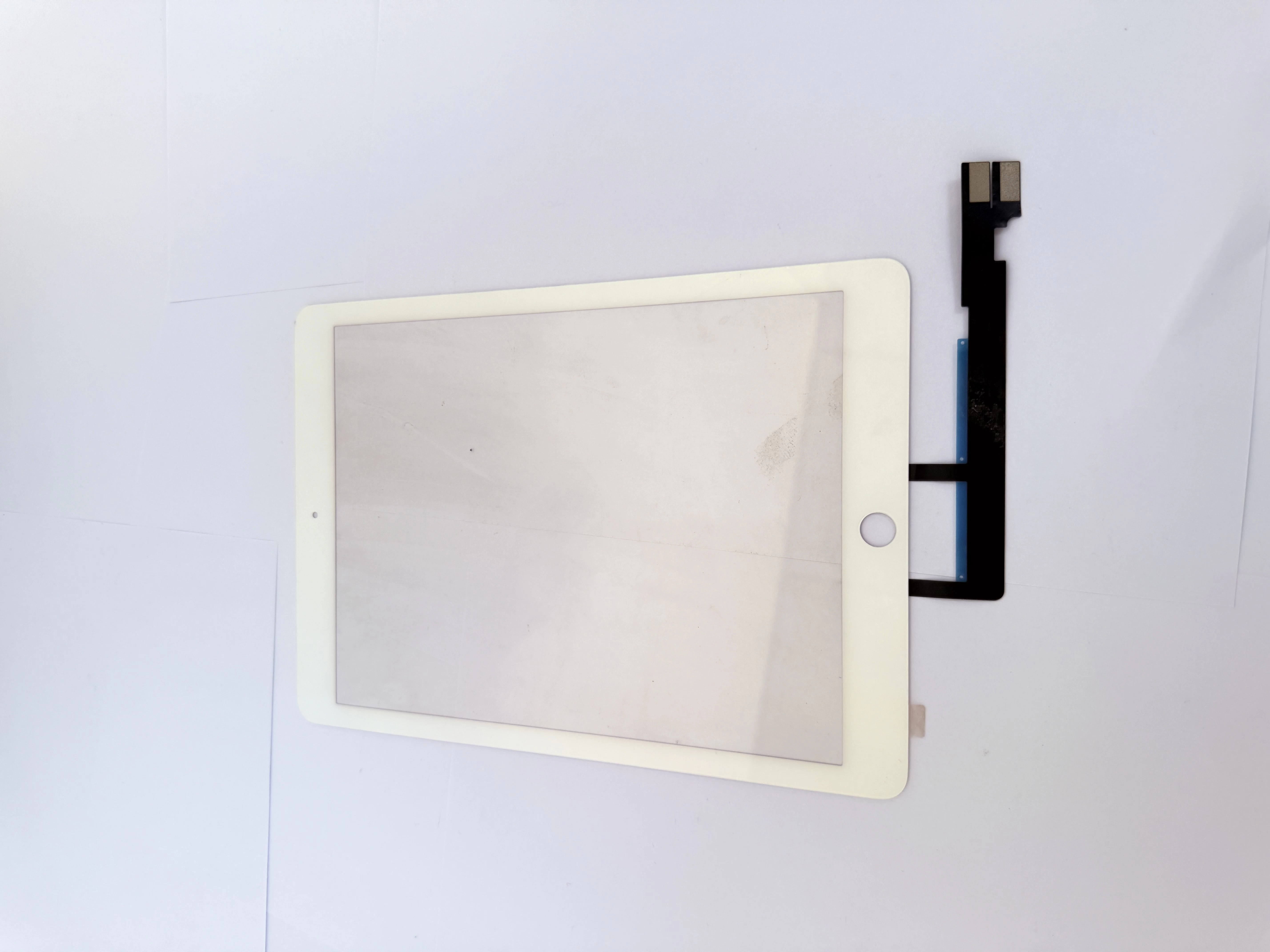
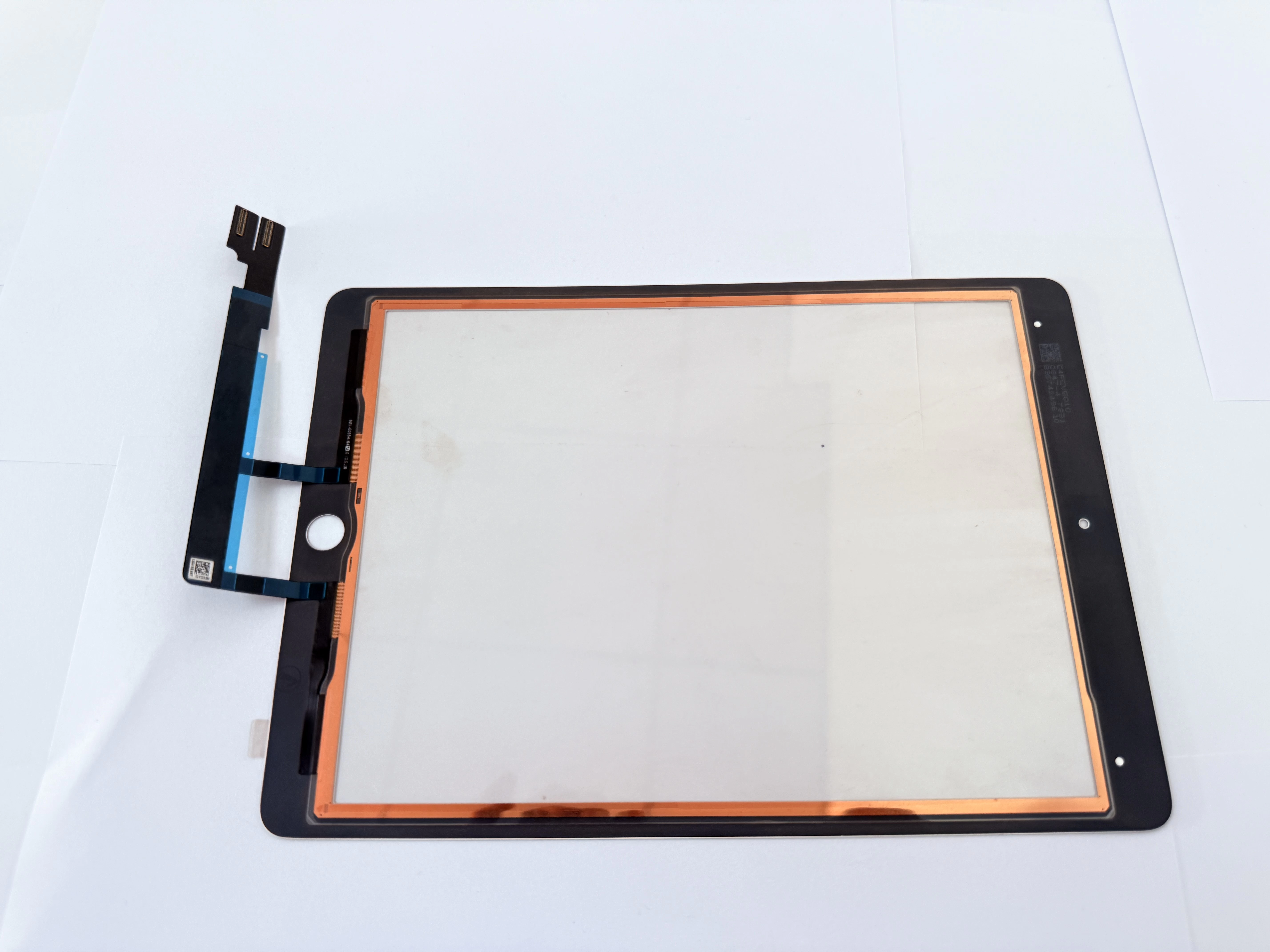
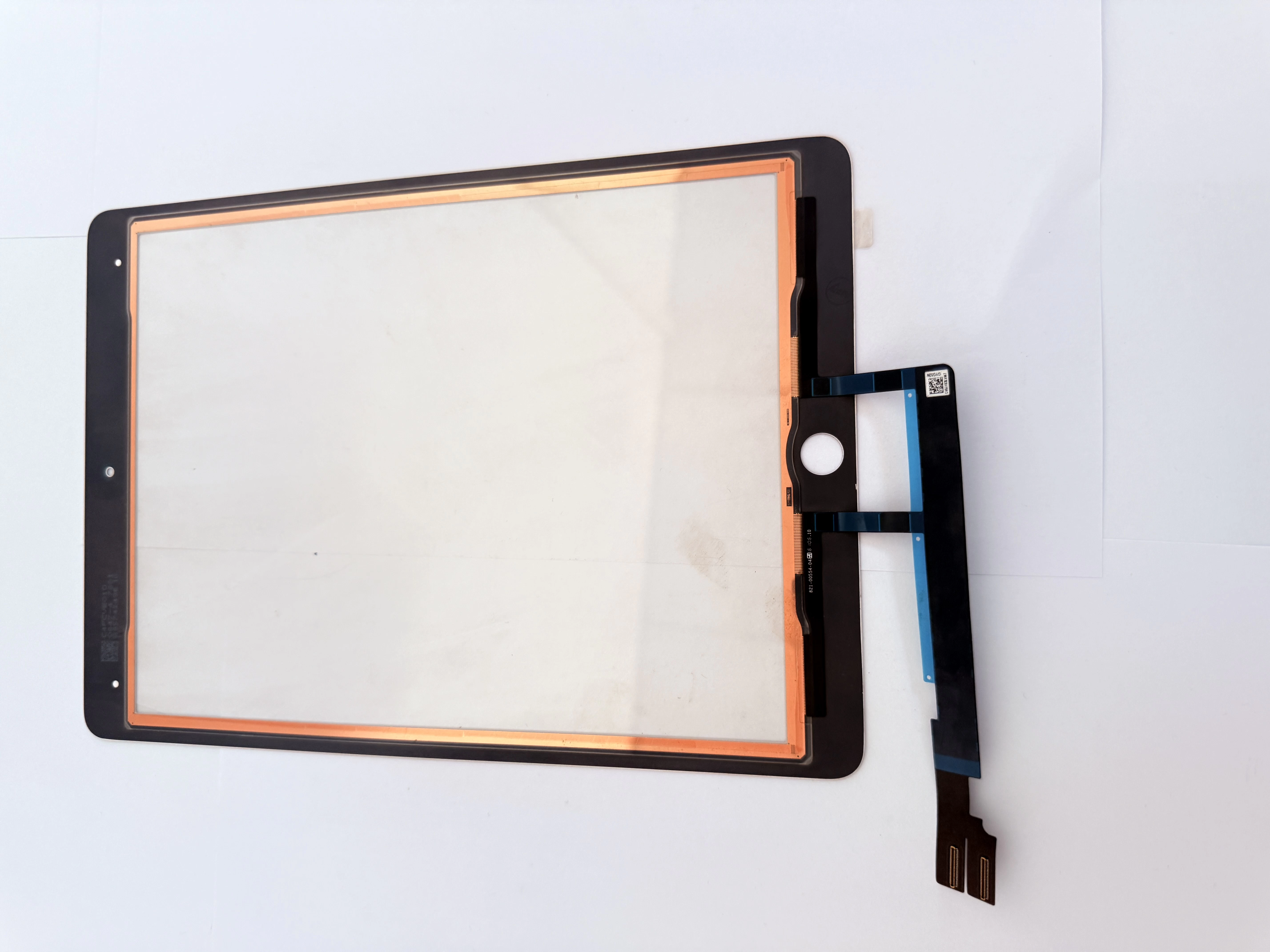
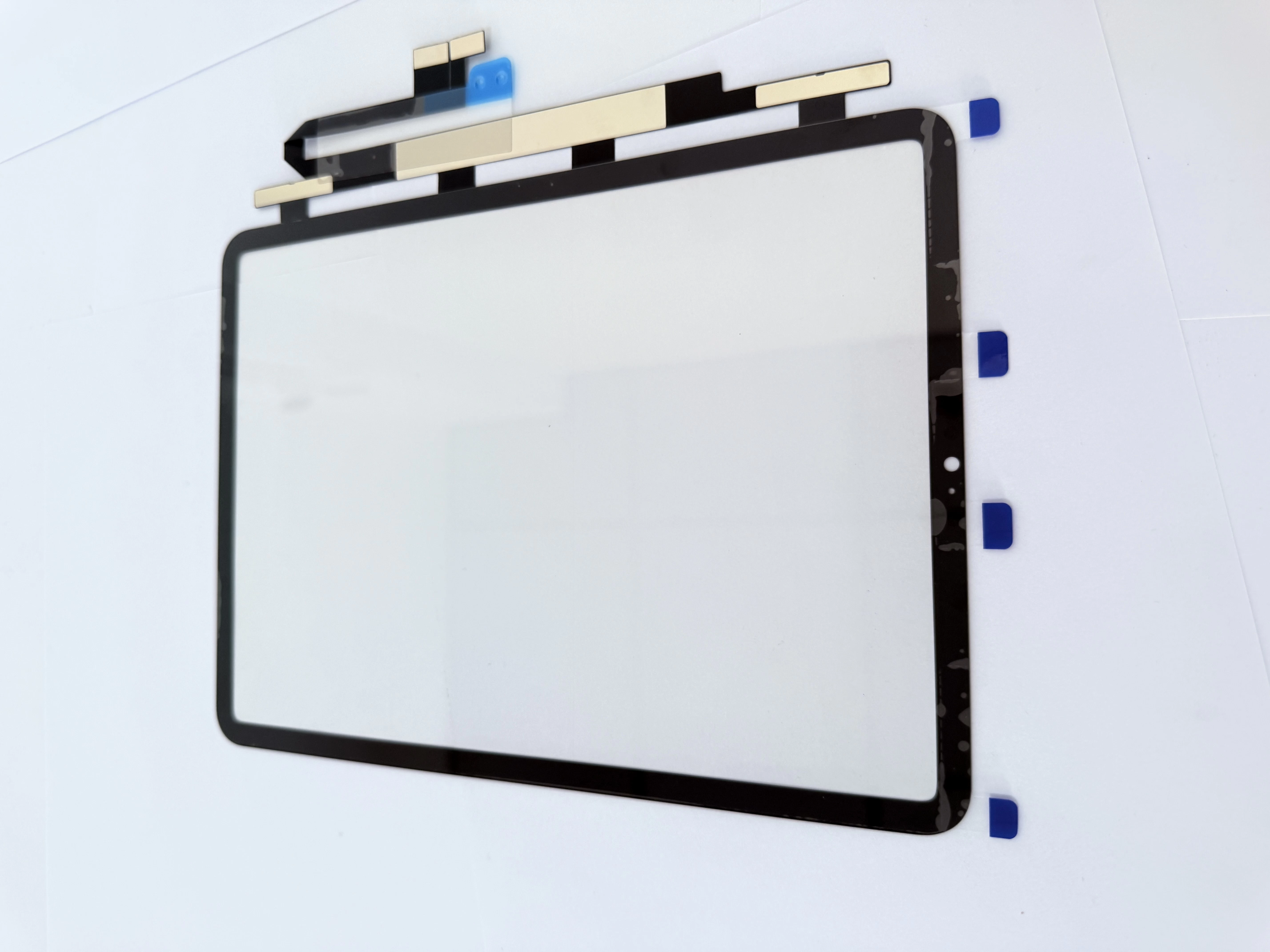
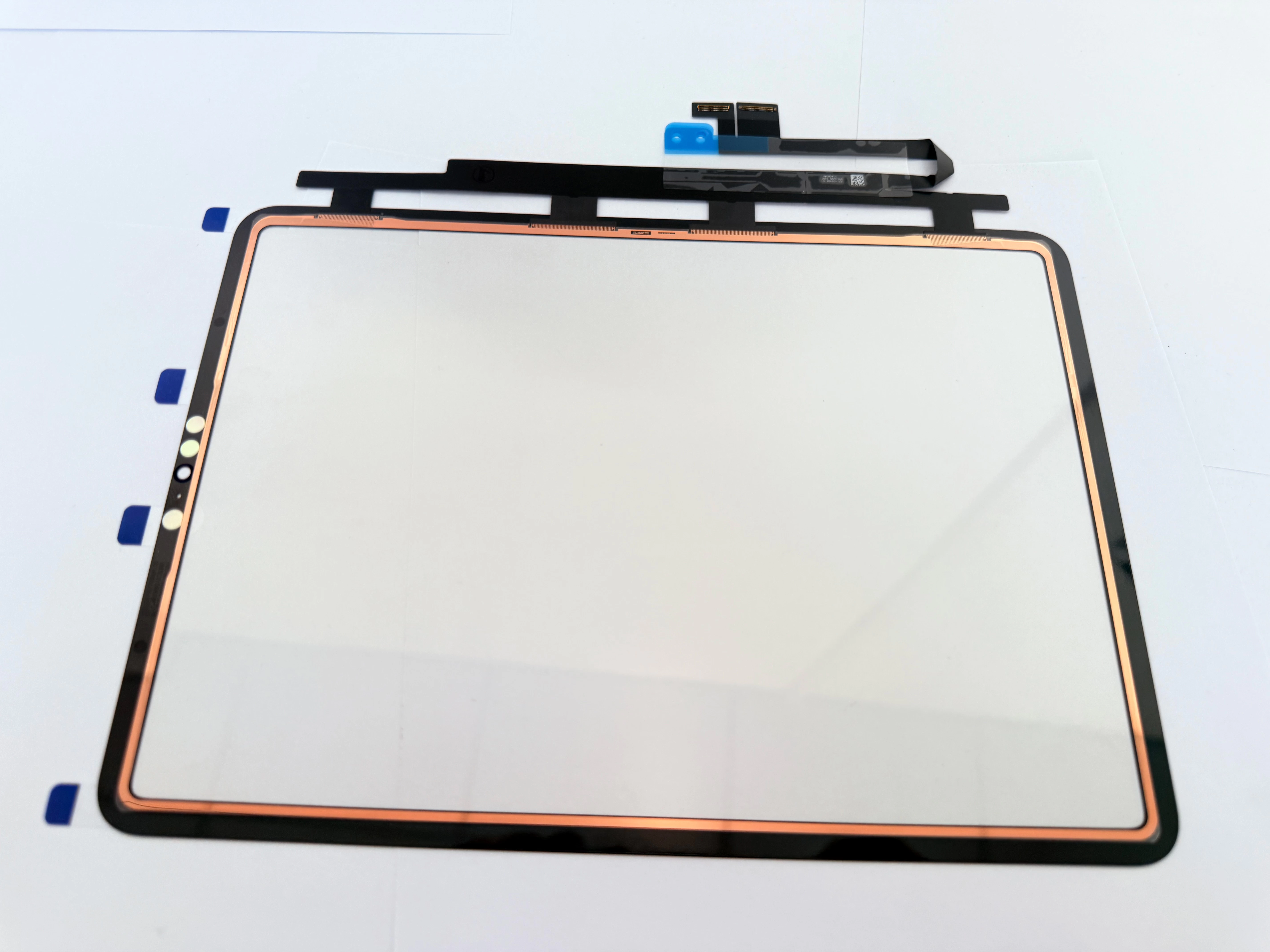
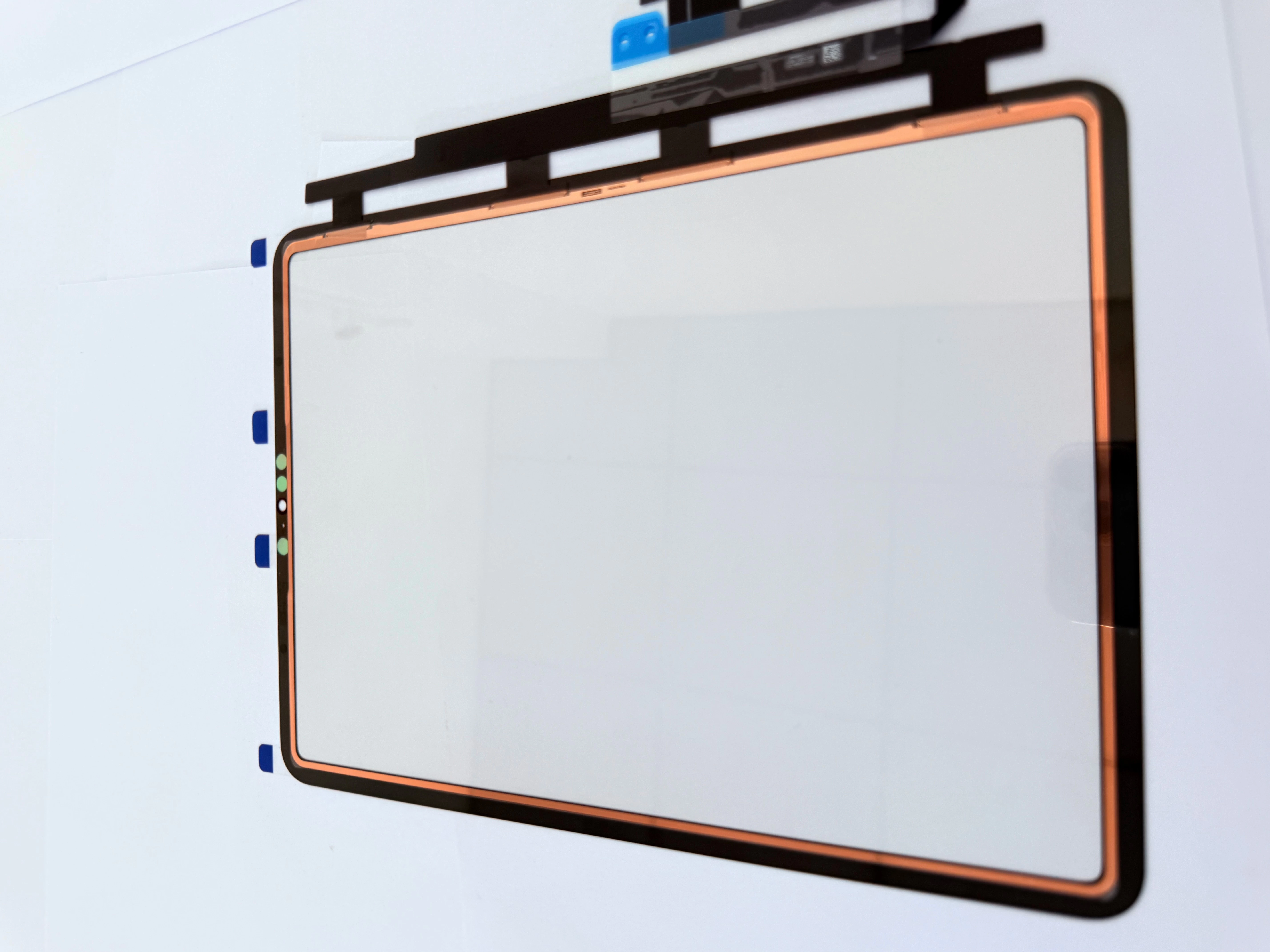
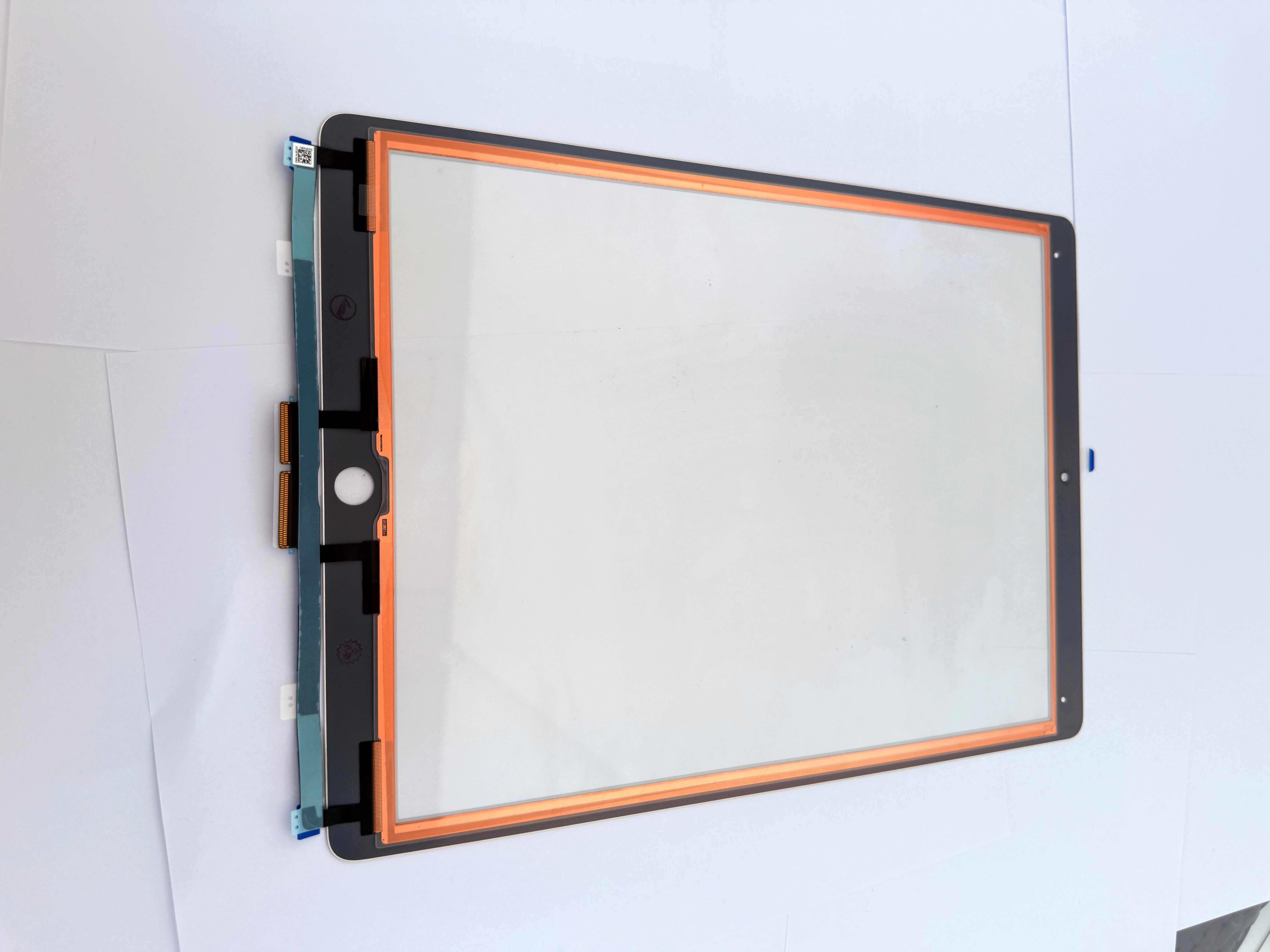
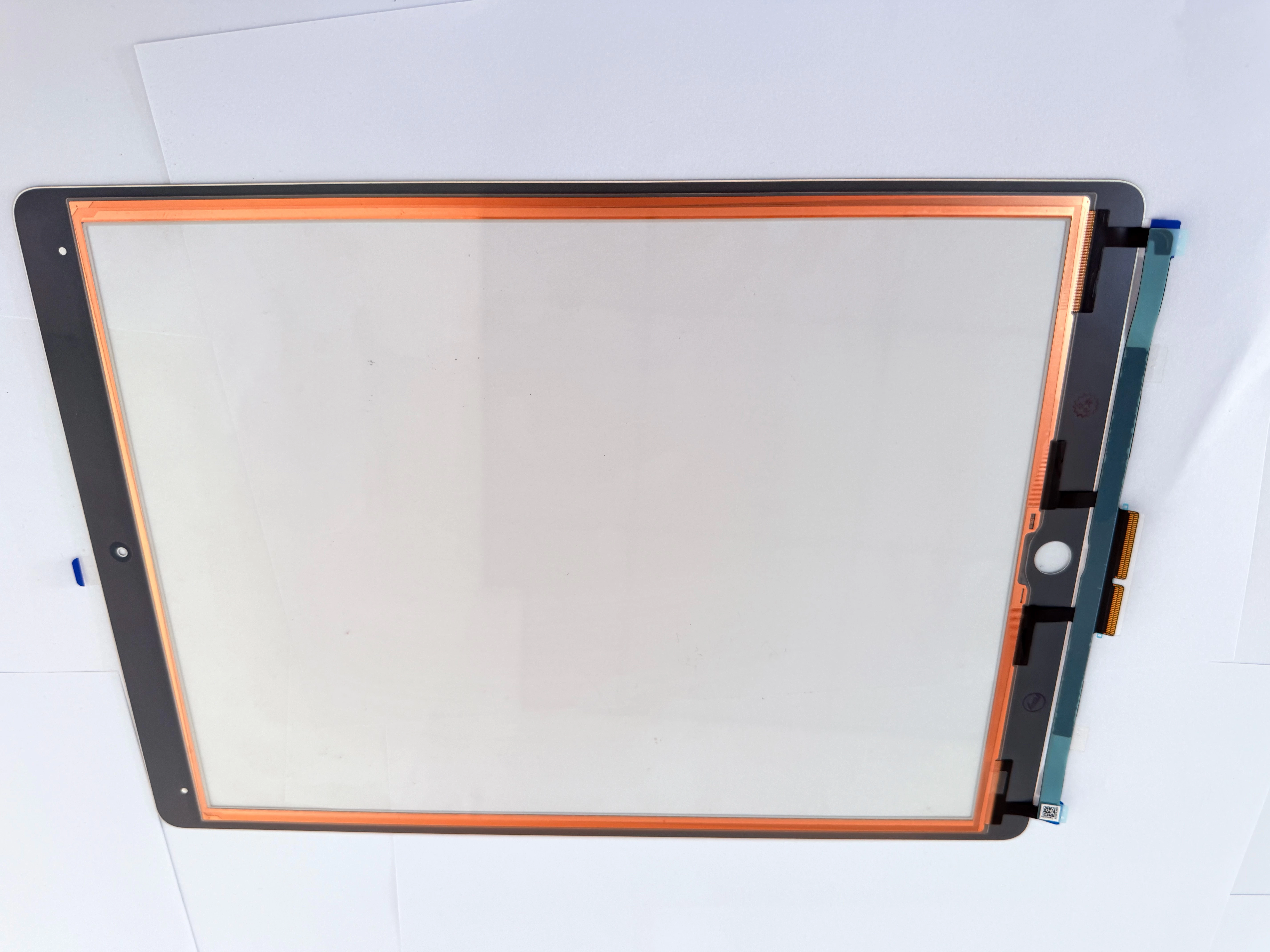
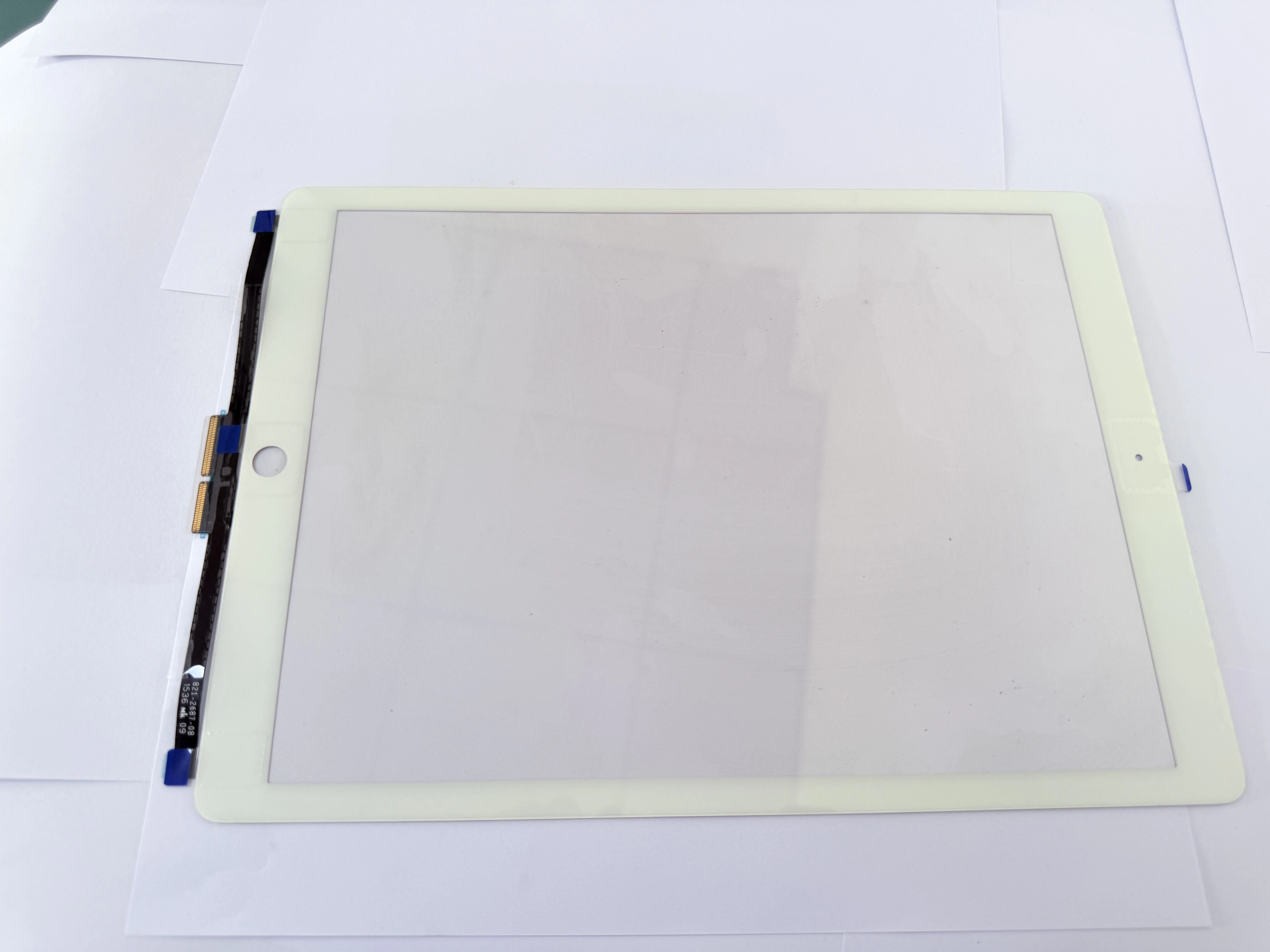
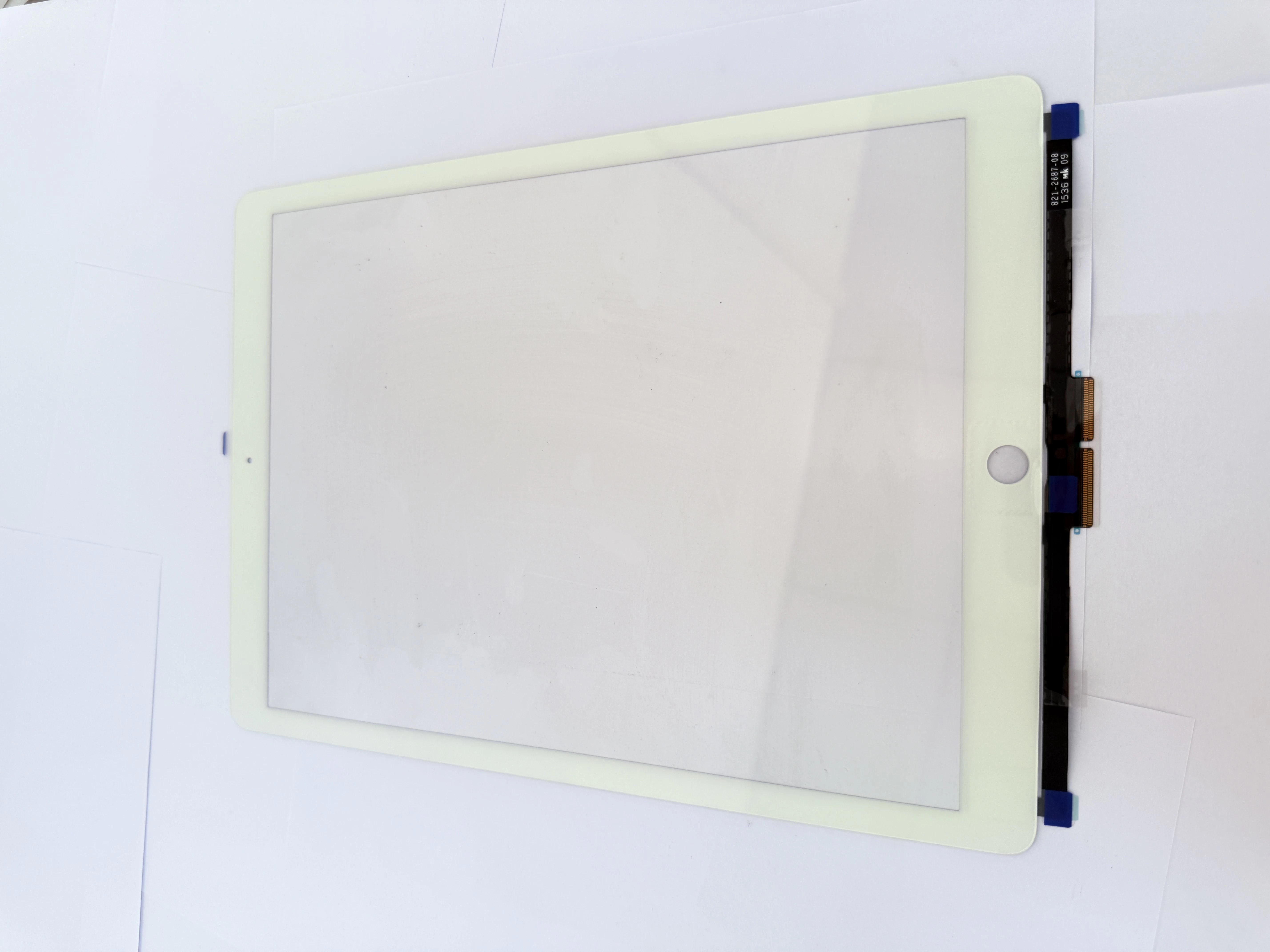
- Typical Flex Cable Failure Patterns & Identification Intermittent touch response, edge dead zones that recover when pressing the bezel, and charging-induced touch drift are often caused by loose flex connectors, oxidized contact pins or fatigued cable bends — not defective touch panels. Inexperienced technicians frequently misdiagnose these as panel failure and replace full capacitive touch LCD assemblies, wasting 50–70% of part cost per job.
- Step-by-Step Testing & Precision Replacement First reseat the flex connector and clean contacts with isopropyl alcohol to rule out loose connection. Confirm cable failure with a known-good test cable before replacement. Route the new cable along original paths, maintain minimum bend radius over 3mm, and secure with adhesive tape to avoid repeated fatigue damage. Always perform ESD-protected operation throughout the process.
- ZSDScreen Model-Matched Flex Cable Supply We supply original-spec flex cables for all mainstream laptop and iPad capacitive touch LCD models, with built-in copper shielding and reinforced bend points. Cables are 100% tested for conductivity and anti-interference performance. Bulk pricing and free replacement guides are available for repair shops, helping partners reduce misdiagnosis rates and optimize spare parts inventory.

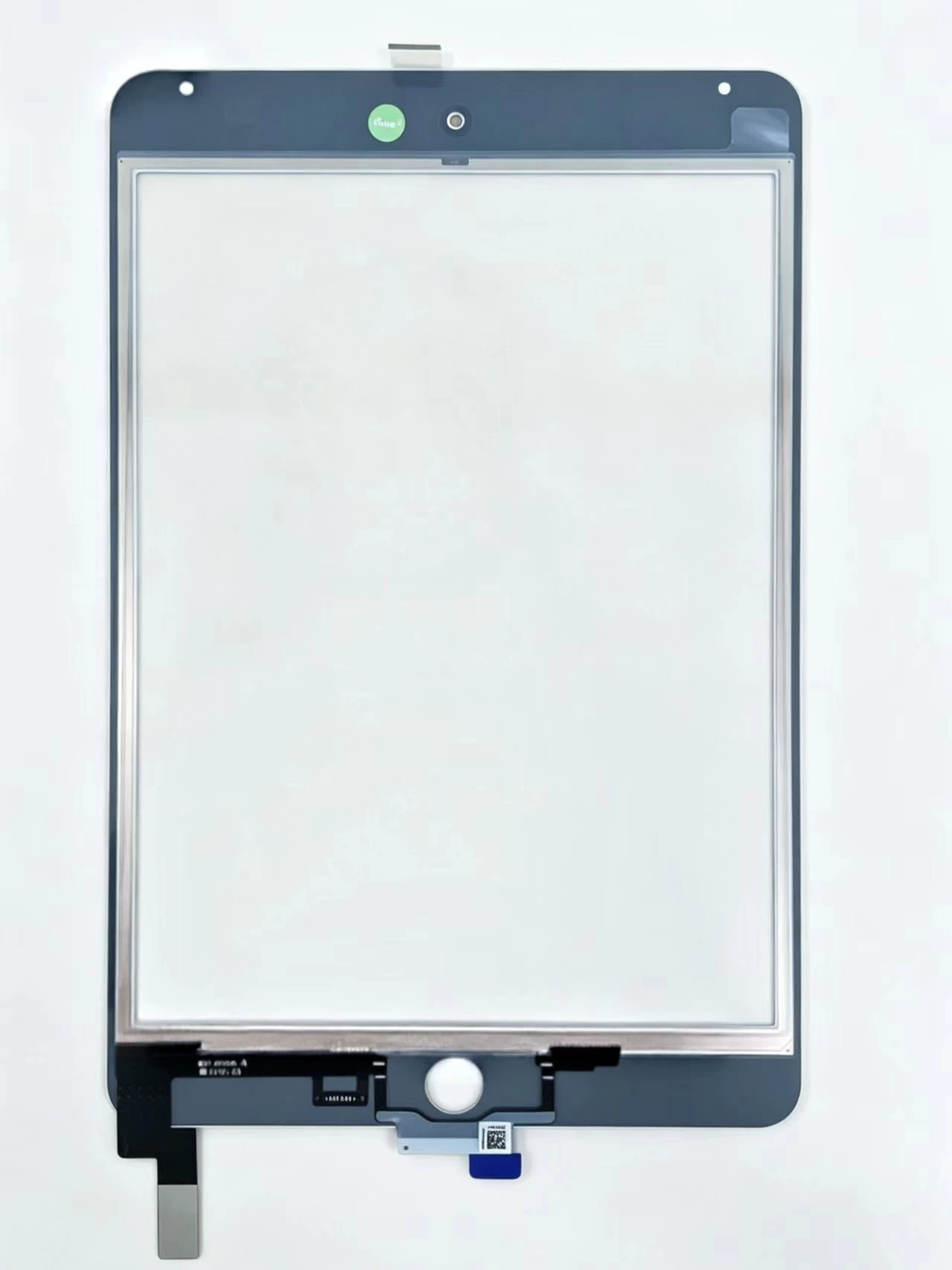
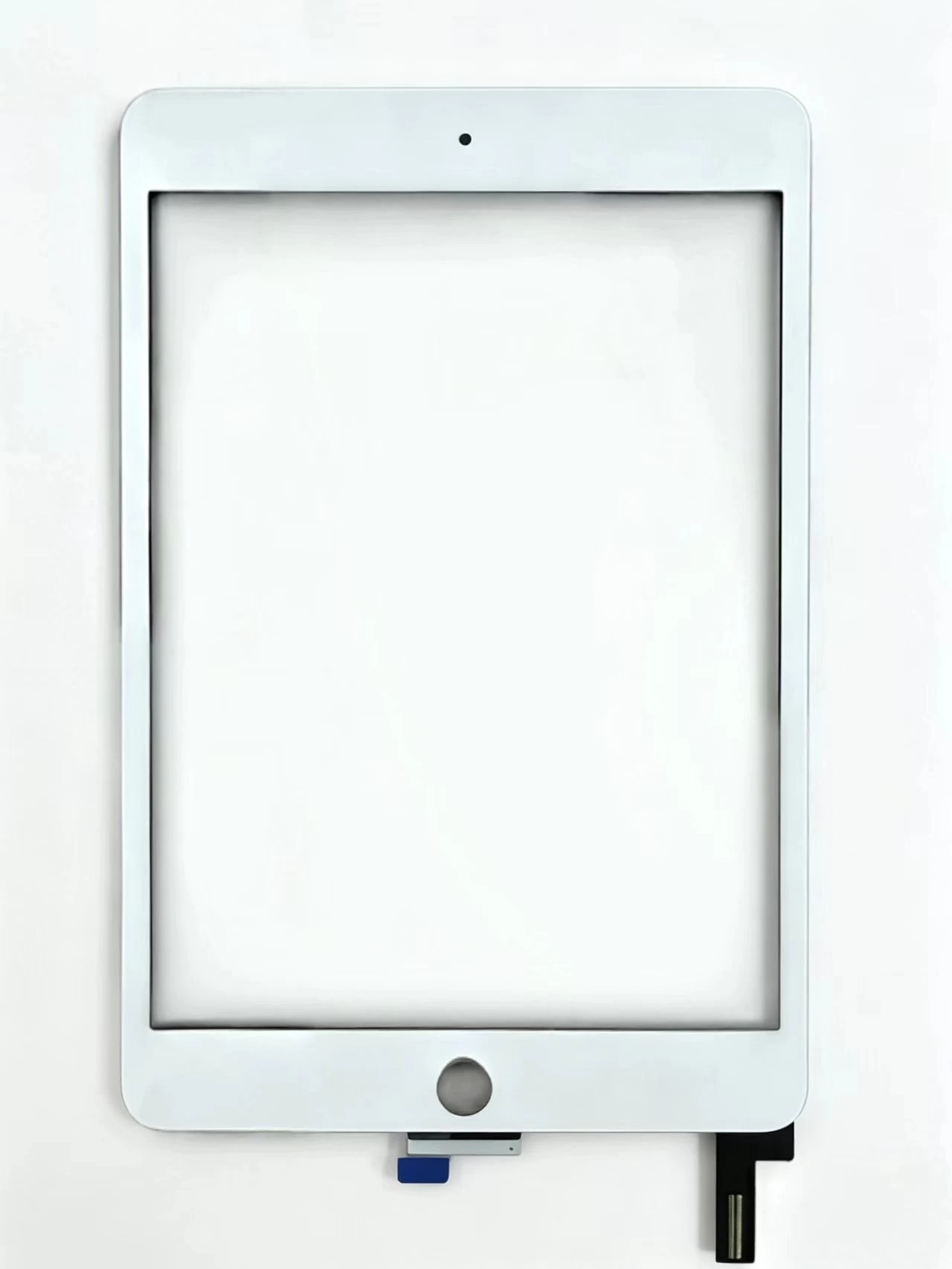
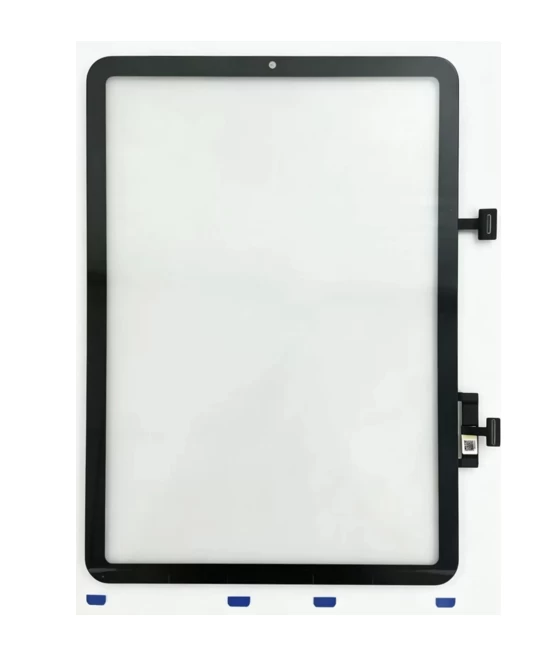
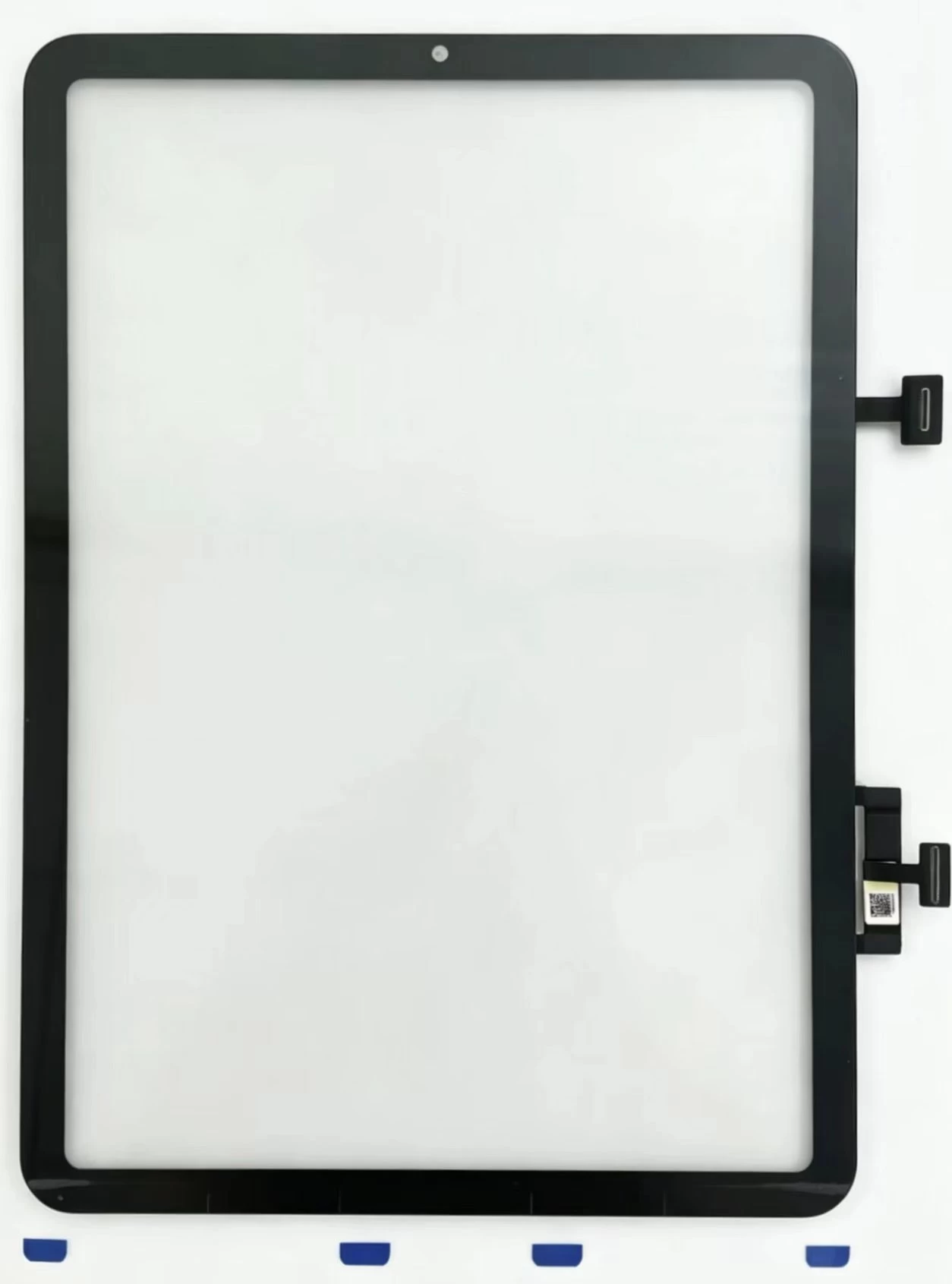
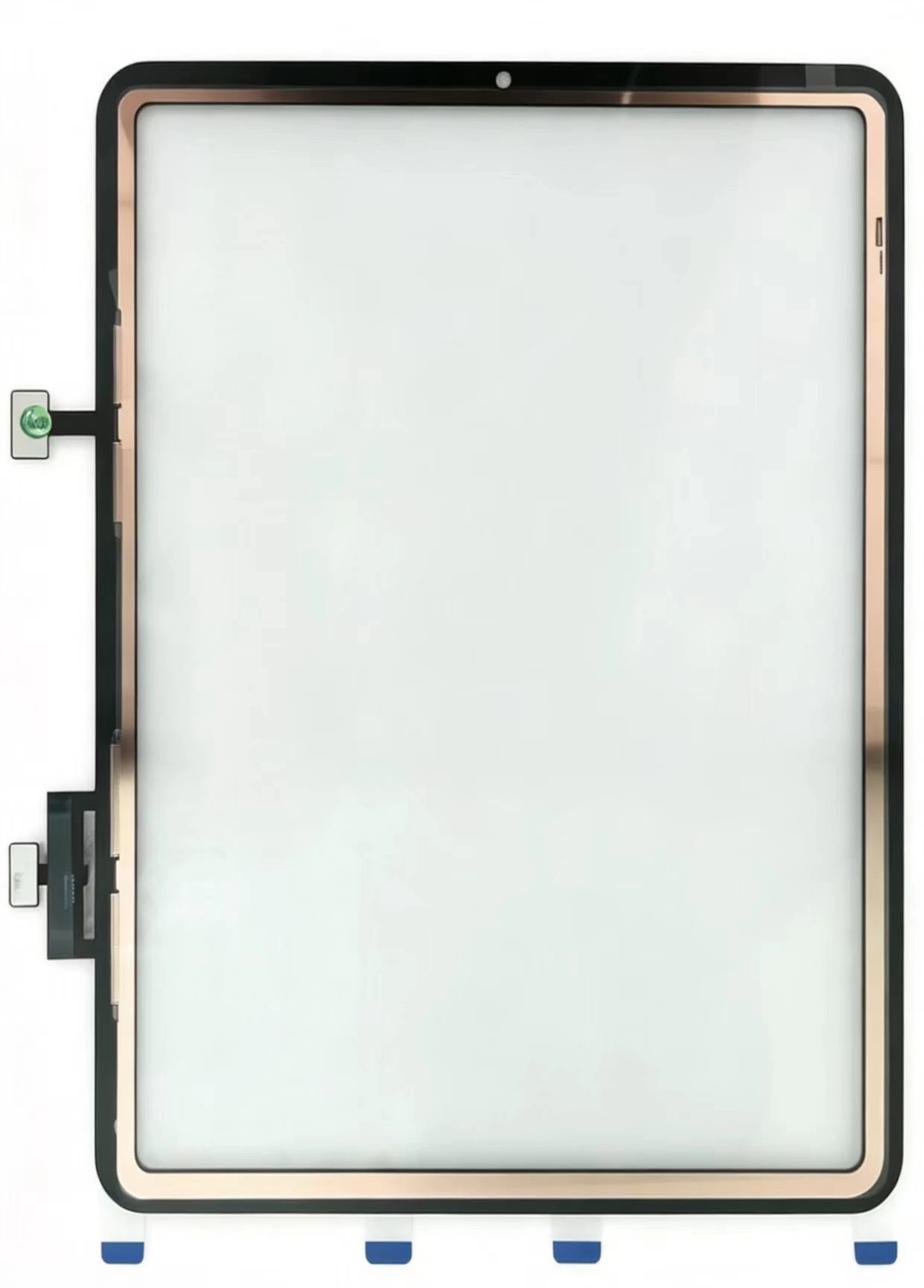
Touch Screen Digitizer Replacement for iPad 10th Gen/Air 4/Air 5 10.9 Inch, Front Outer Touch Glass Panel with Copper Foil Option
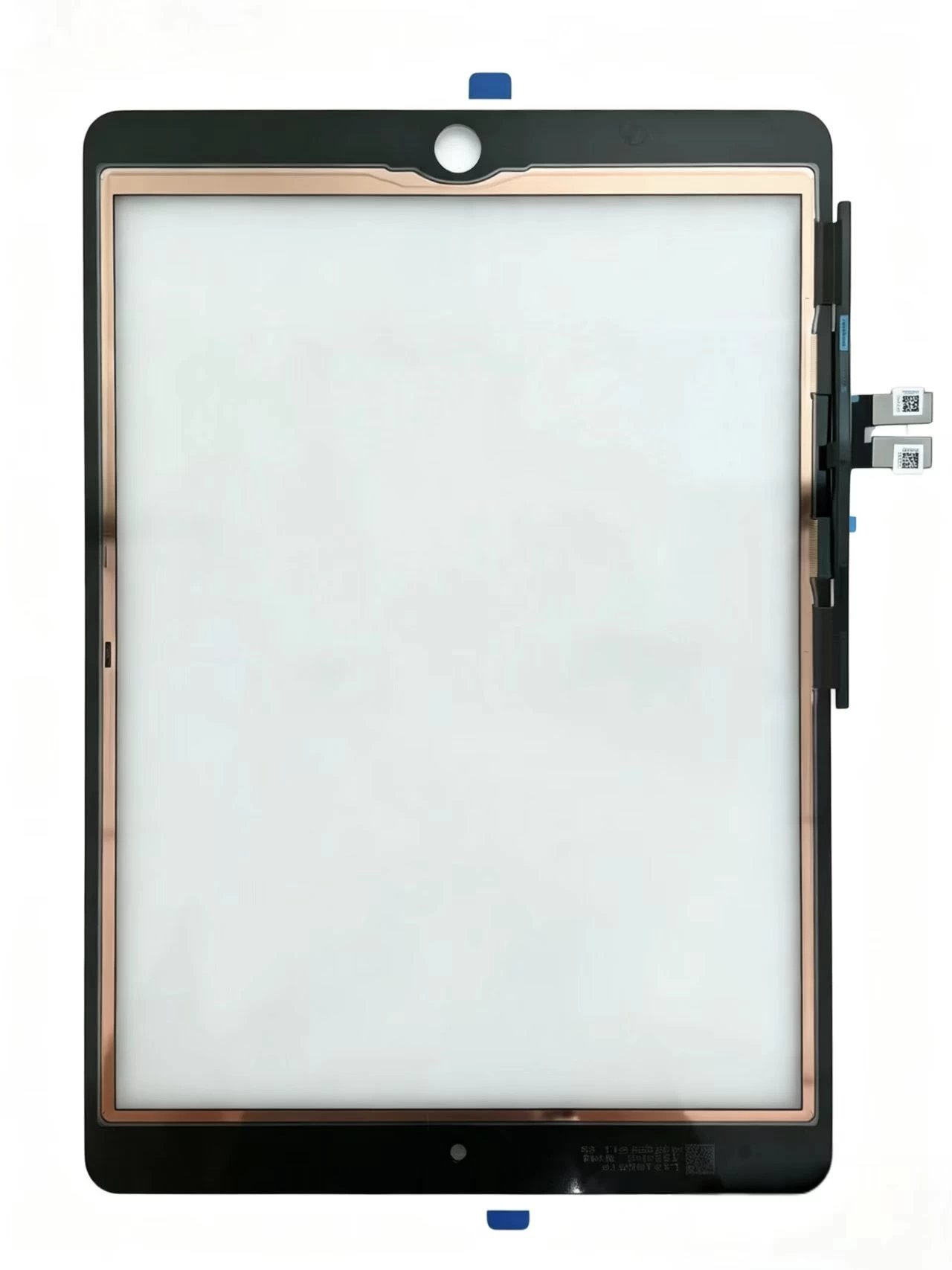
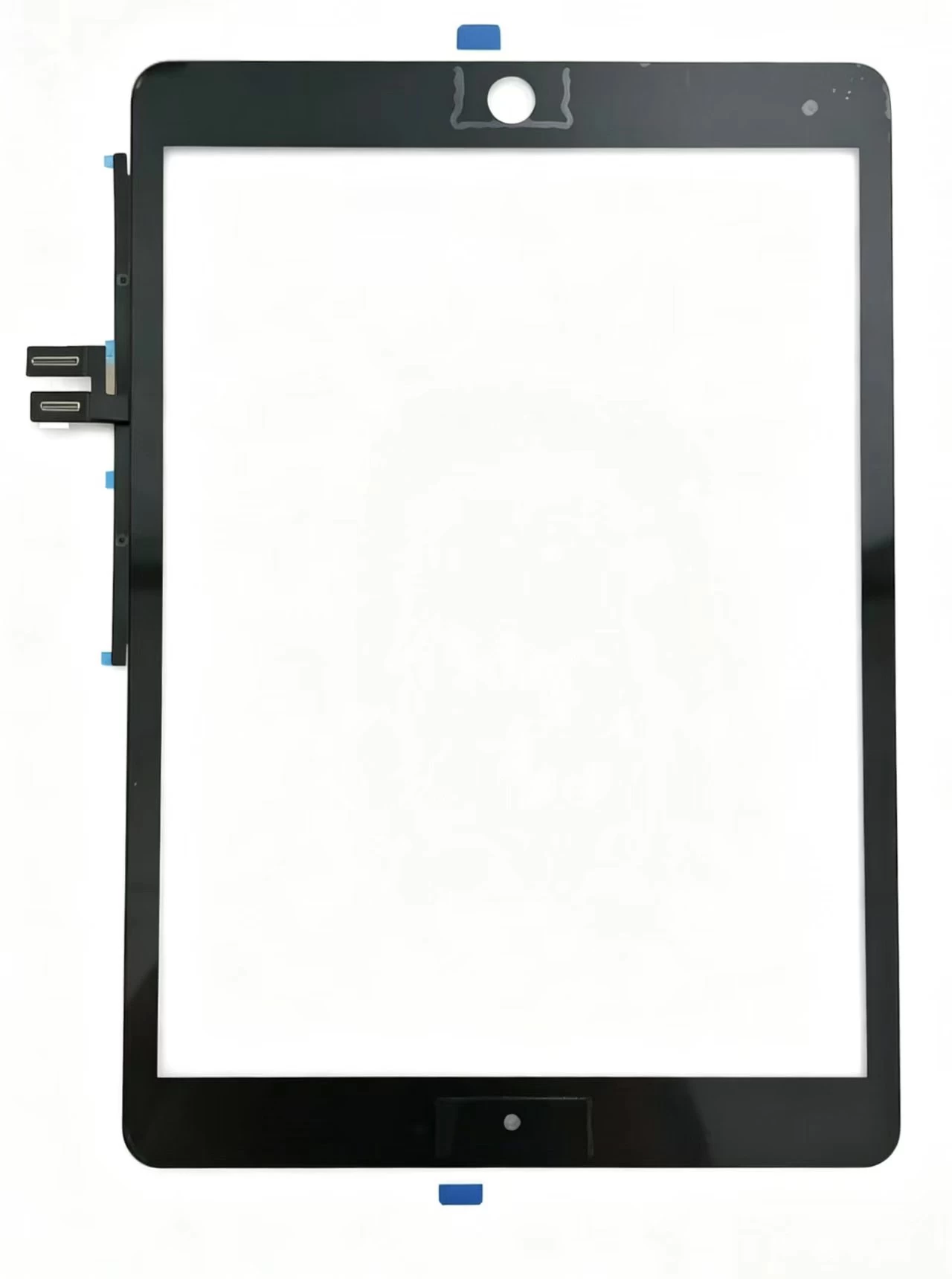
Touch Screen Digitizer Replacement for iPad 7th/8th/9th Gen 10.2" (2019-2021) Black Front Glass Panel
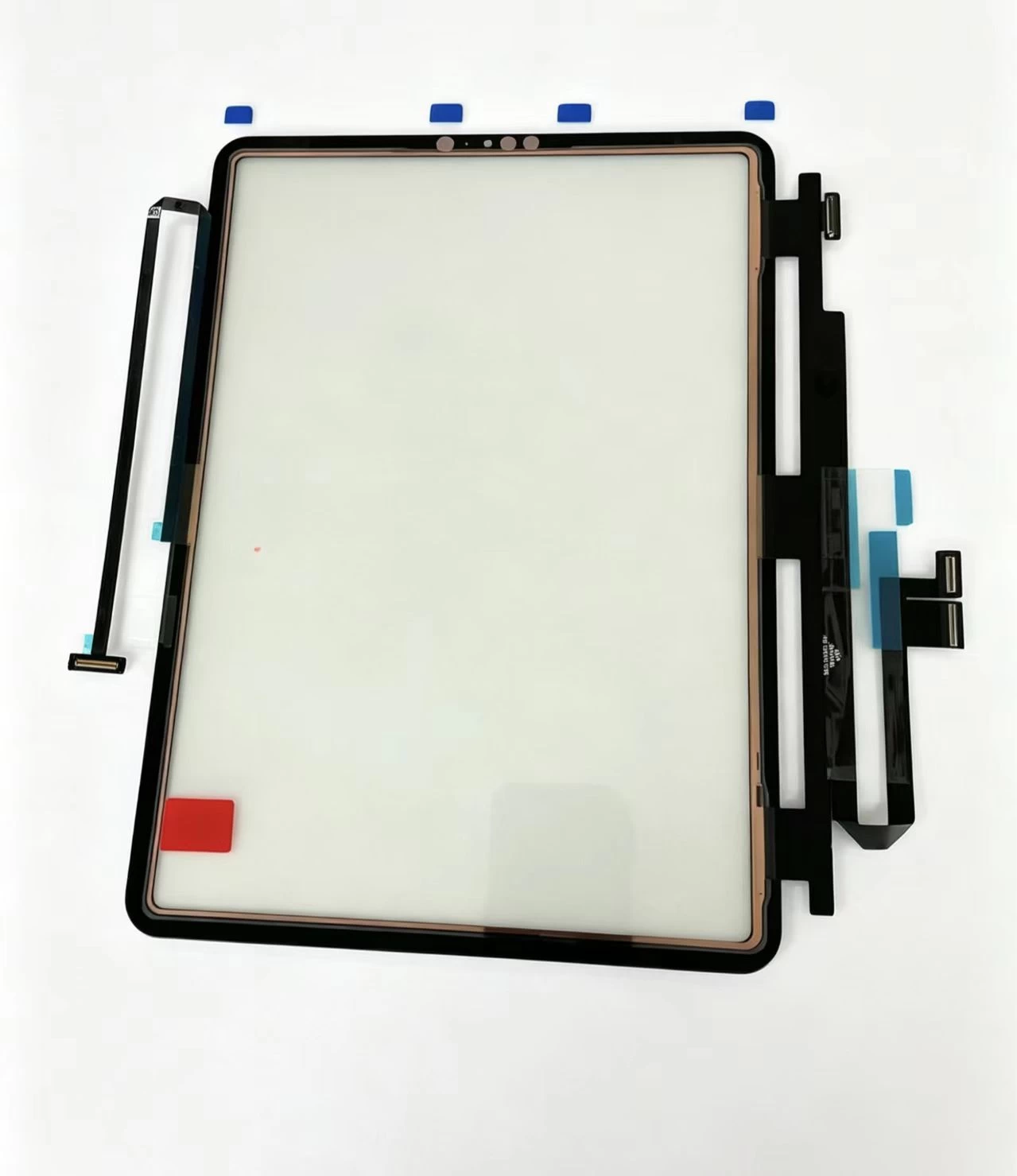
iPad Pro 11 2020 Touch Glass iPad Pro 11-inch (1st generation, 2018) Touch Screen Digitizer
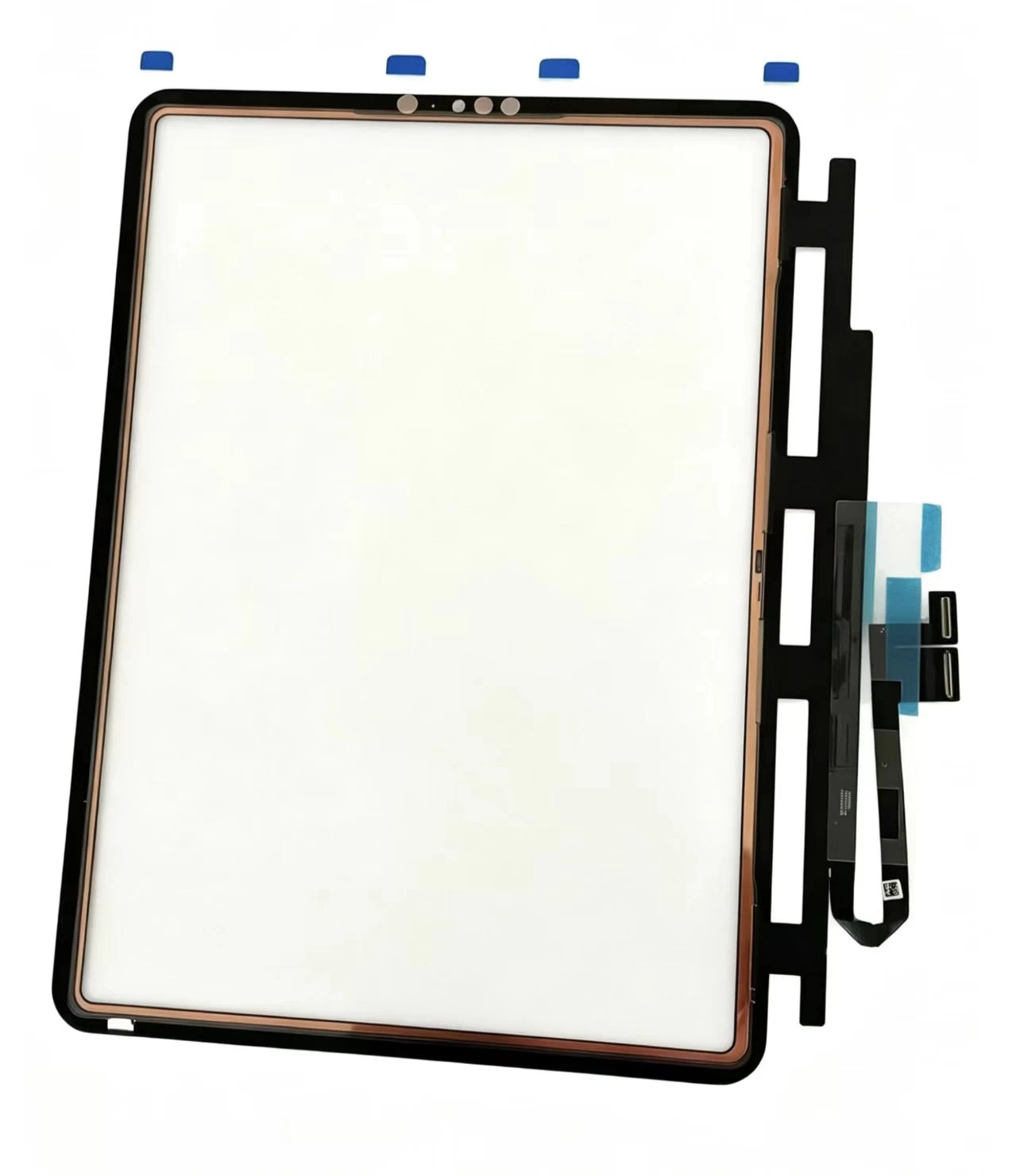
iPad Pro 11-inch (1st generation, 2018) Touch Screen Digitizer iPad Pro 11 2018 iPad8,1 / iPad8,2 / iPad8,3 / iPad8,4