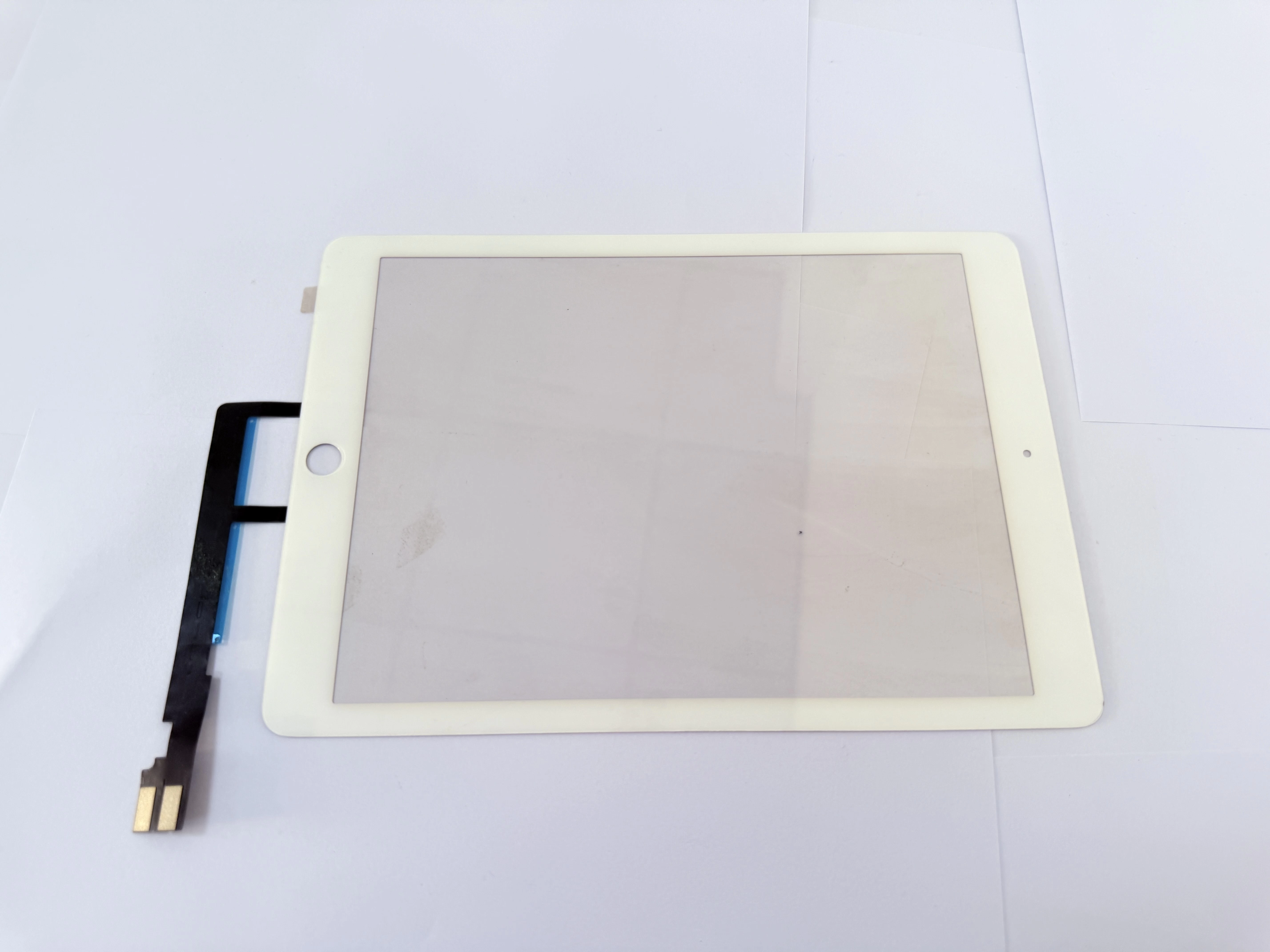
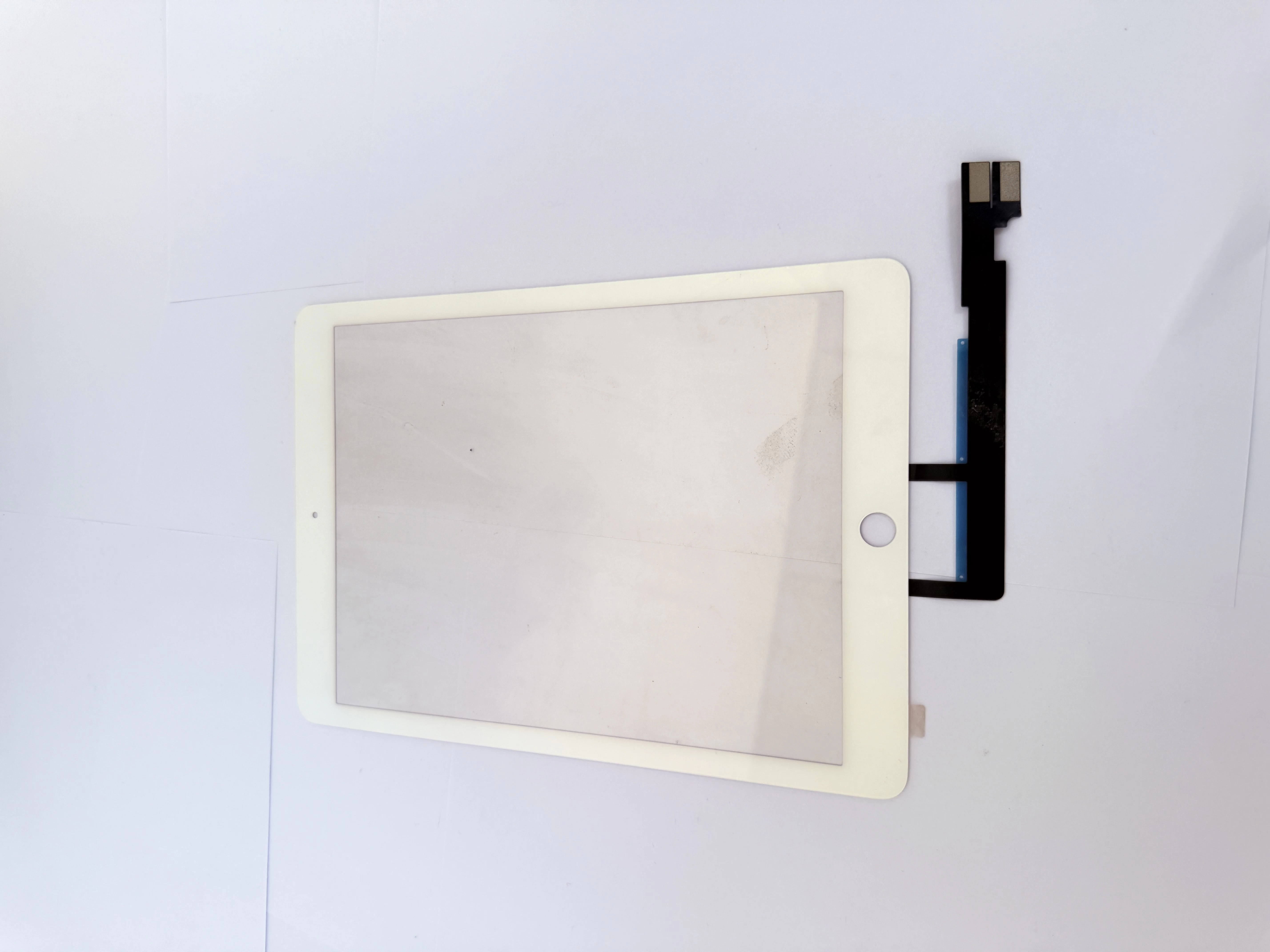
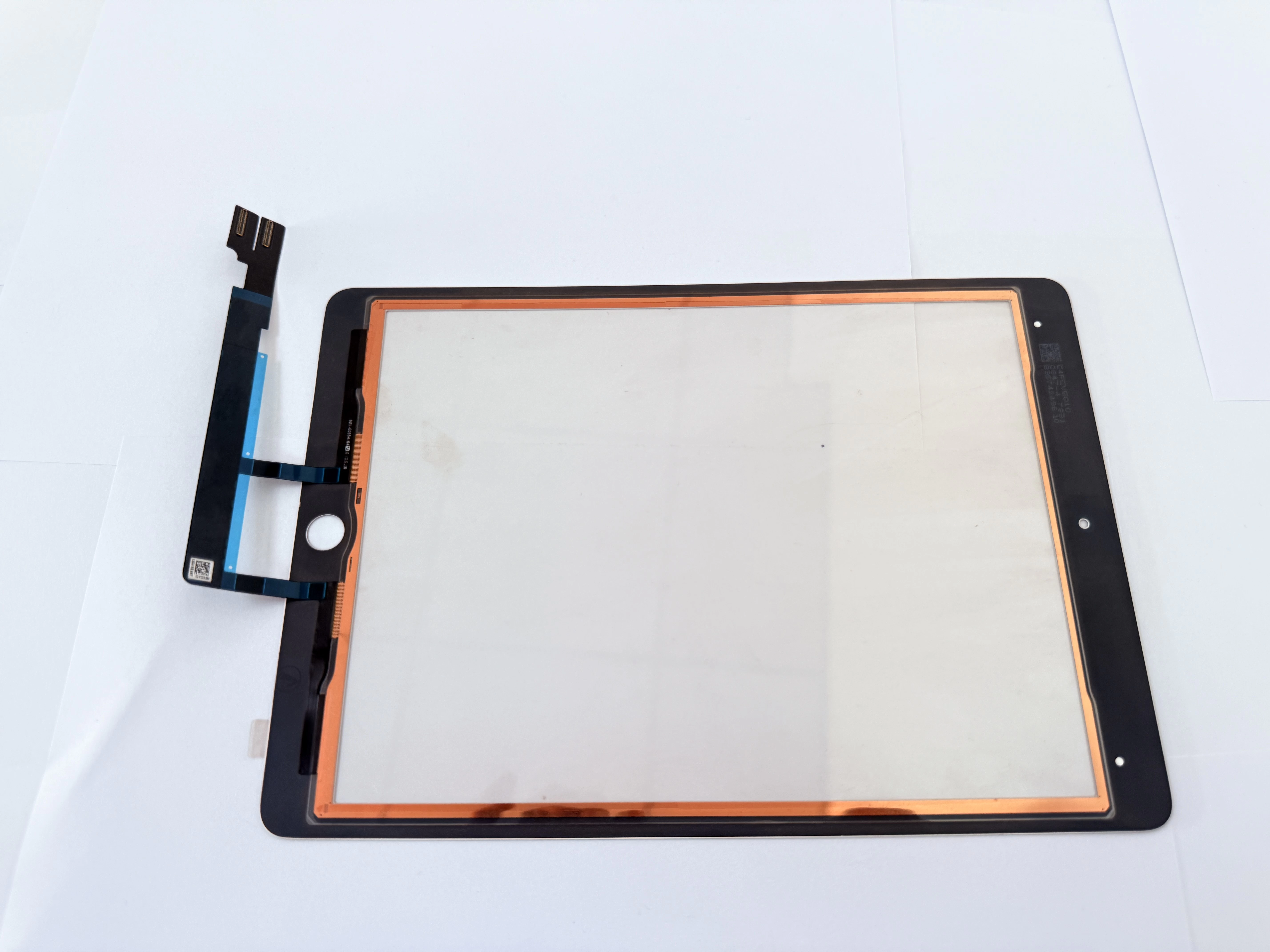
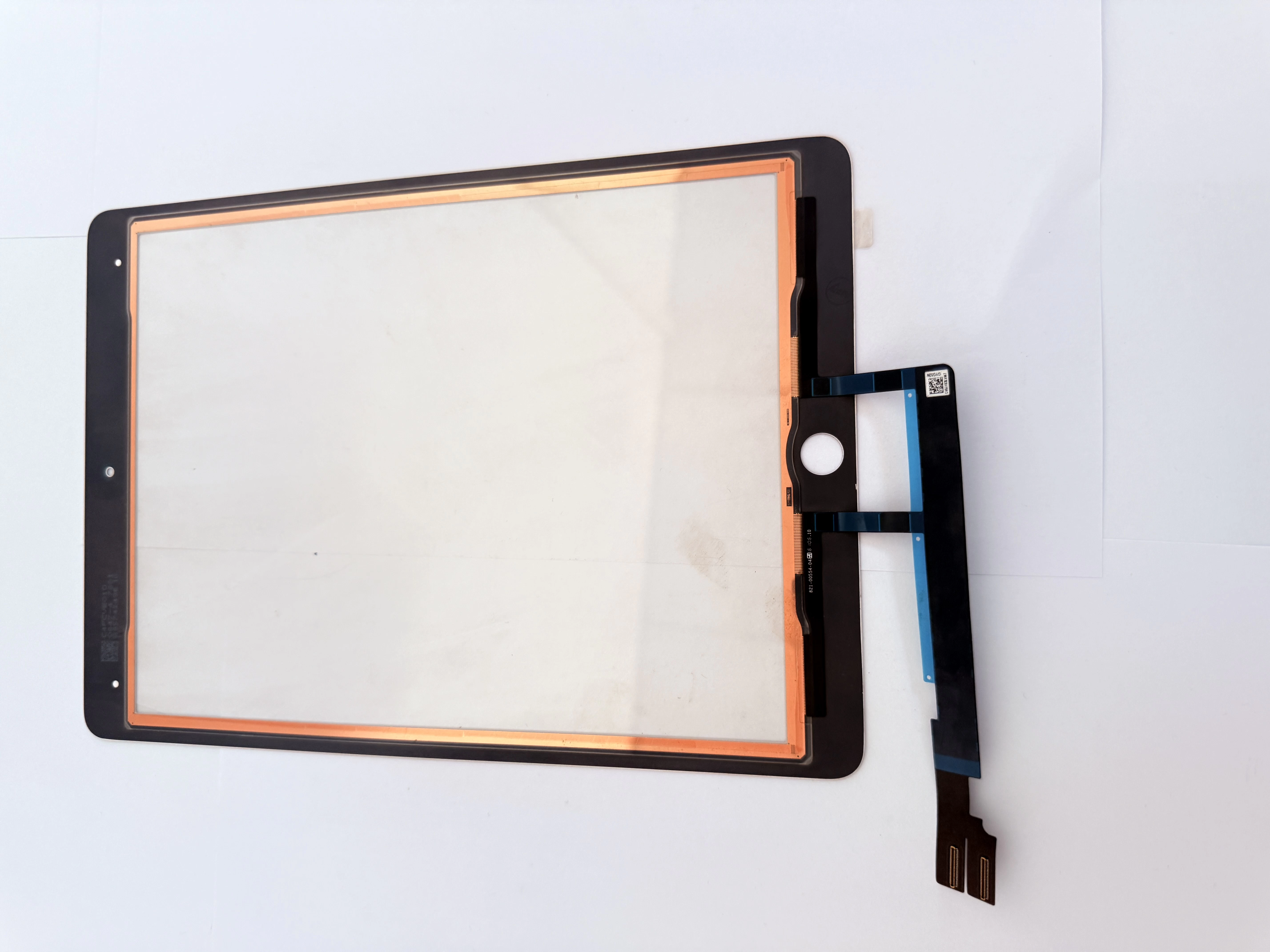
các trường hợp

3-Step Handwriting Offset Complaint Handling Guide for Repair Shops

  • Step 1: On-Site Troubleshooting
    • Check stylus power, pairing status and tip wear condition;
    • Verify screen protector thickness and installation flatness;
    • Test in different apps to rule out software adaptation issues.
  • Step 2: System Calibration & Debugging
    • Guide customers to restart iPad and re-pair stylus;
    • Adjust touch sensitivity and palm rejection settings;
    • Clean screen surface to remove oil or dust interference.
  • Step 3: Hardware Problem Judgment
    • If problem persists after software debugging, conduct hardware detection;
    • Check FPC connector contact and sensor layer status;
    • Replace digitizer assembly for confirmed hardware defects.
  • Customer Communication Tips
    • Explain judgment process clearly to obtain customer understanding;
    • Provide clear solution and time estimate for each situation.
  • Why Global Multi-Location iPad Repair Shops Bulk Order G+OCA Touch Digitizers From Ant Smart Manufacturing on zsdscreen.com to Fix Cracked Glass, Unresponsive Touch & Reduce Customer Rework With Full
    Bulk iPad Maintenance Solution for Design Studios (B2B Enterprise Clients)

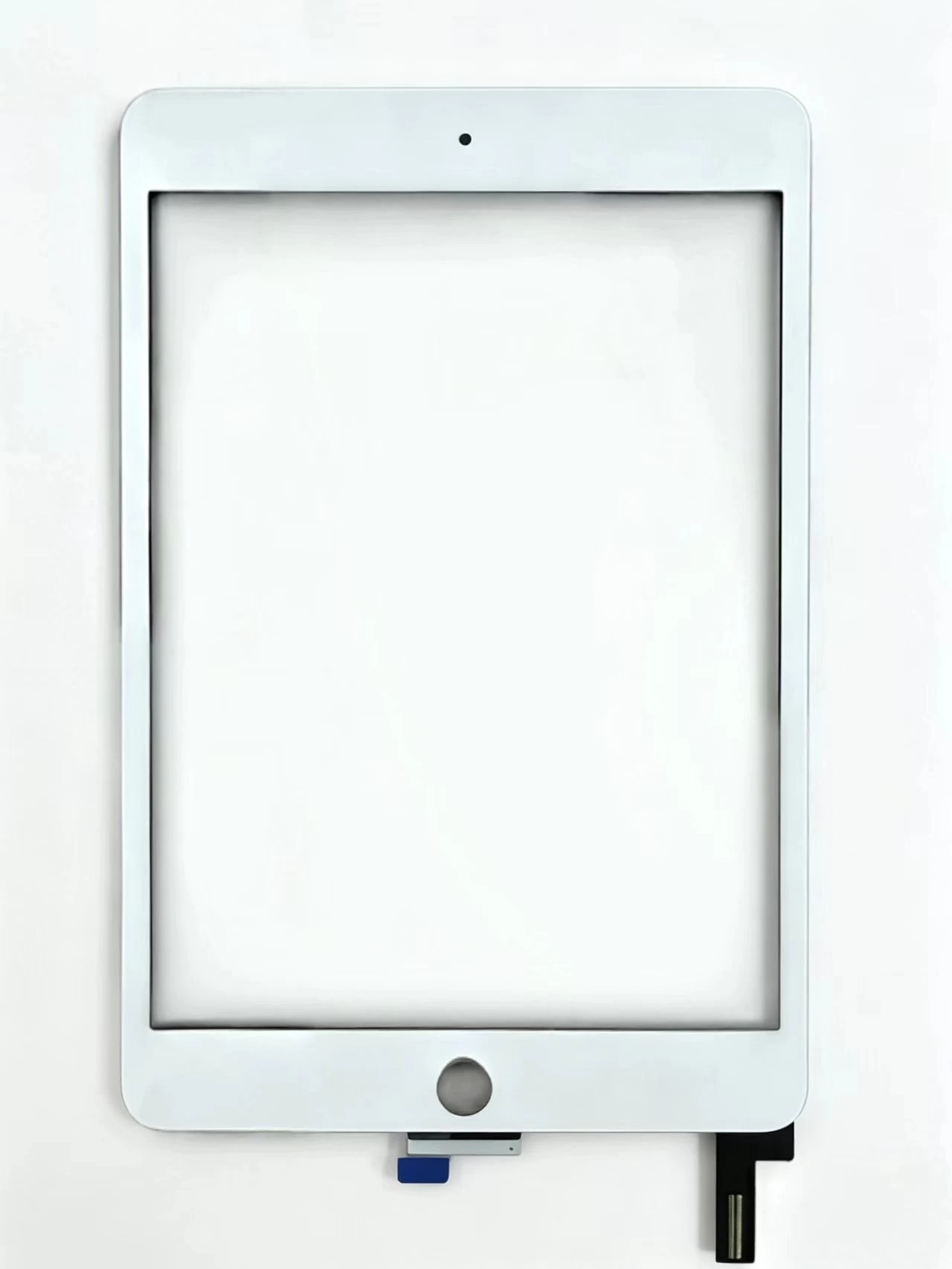
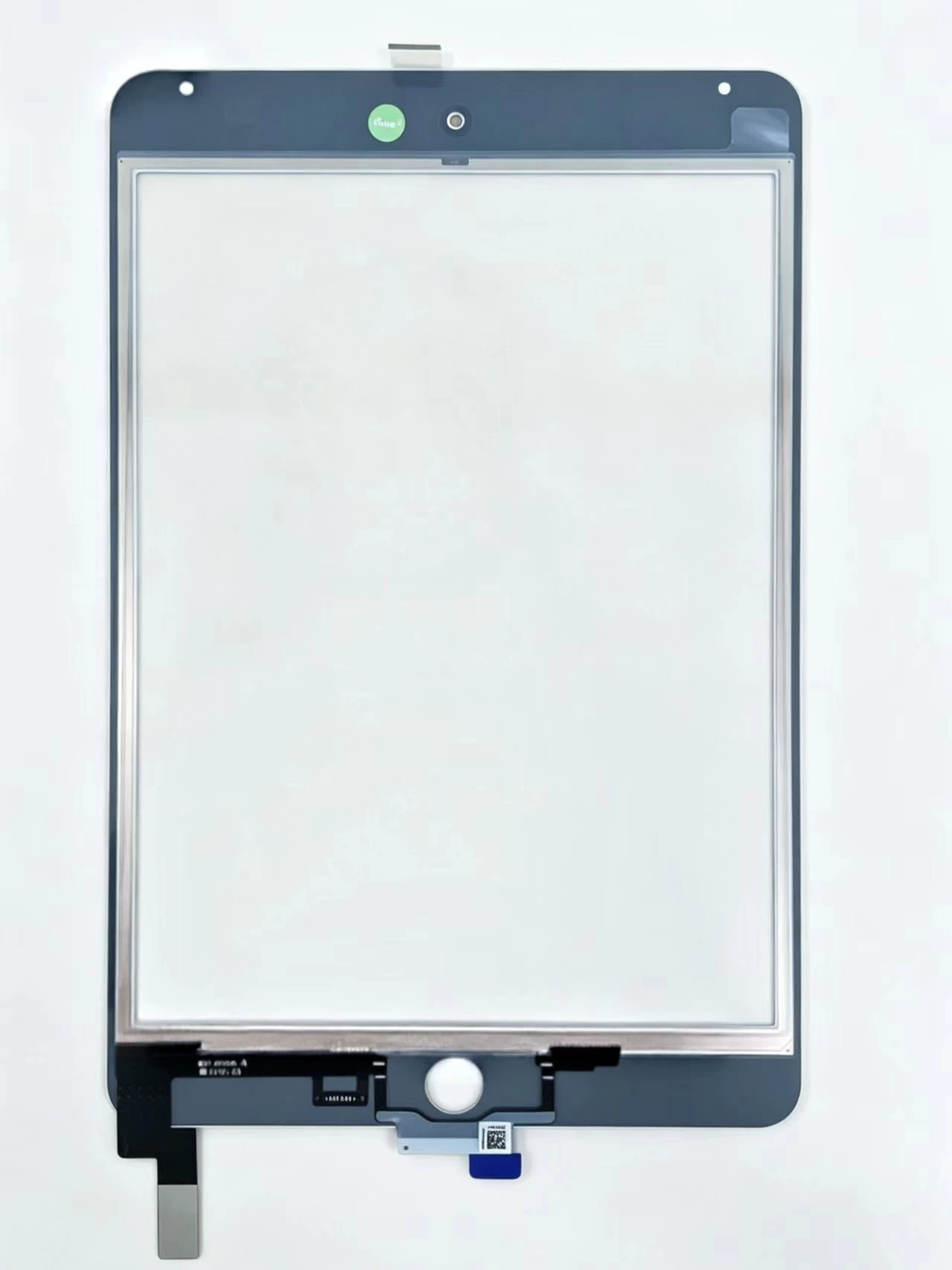
    Touch Screen Digitizer Assembly Replacement Part For iPad Mini 4 A1538 A1550

    Xem chi tiết

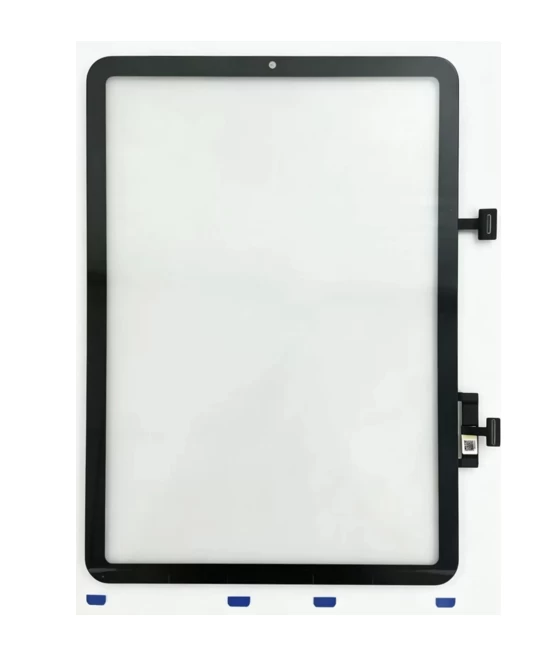
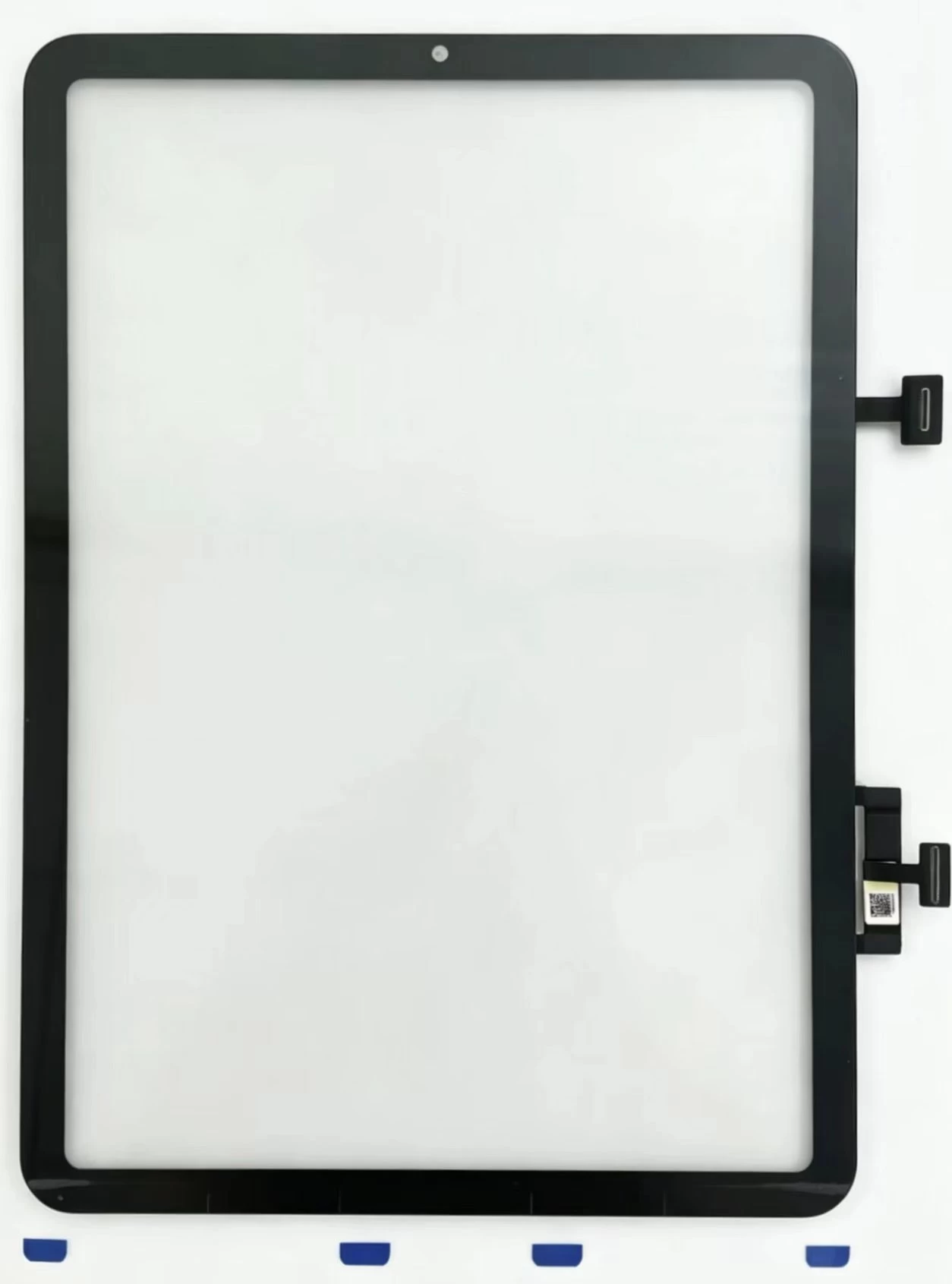
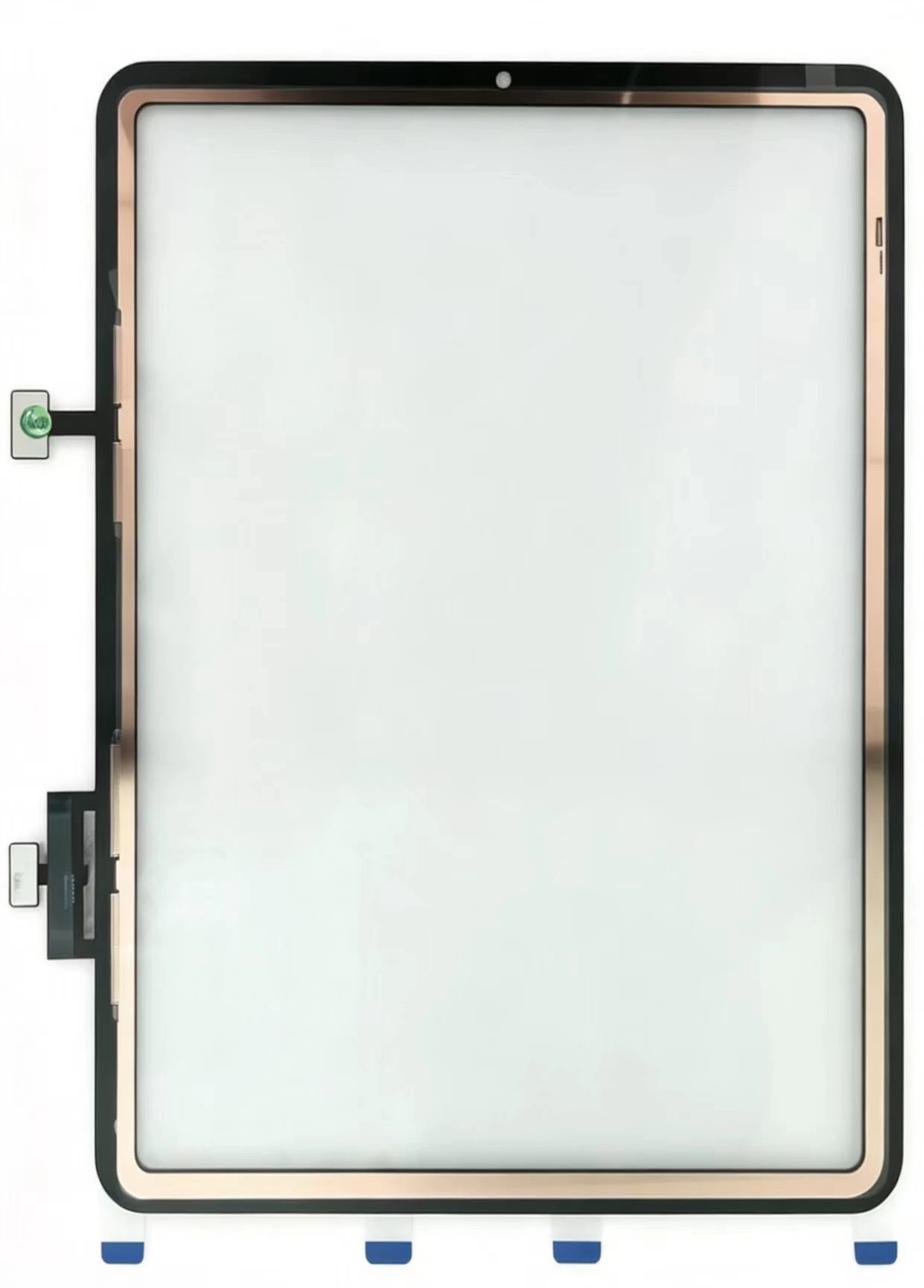
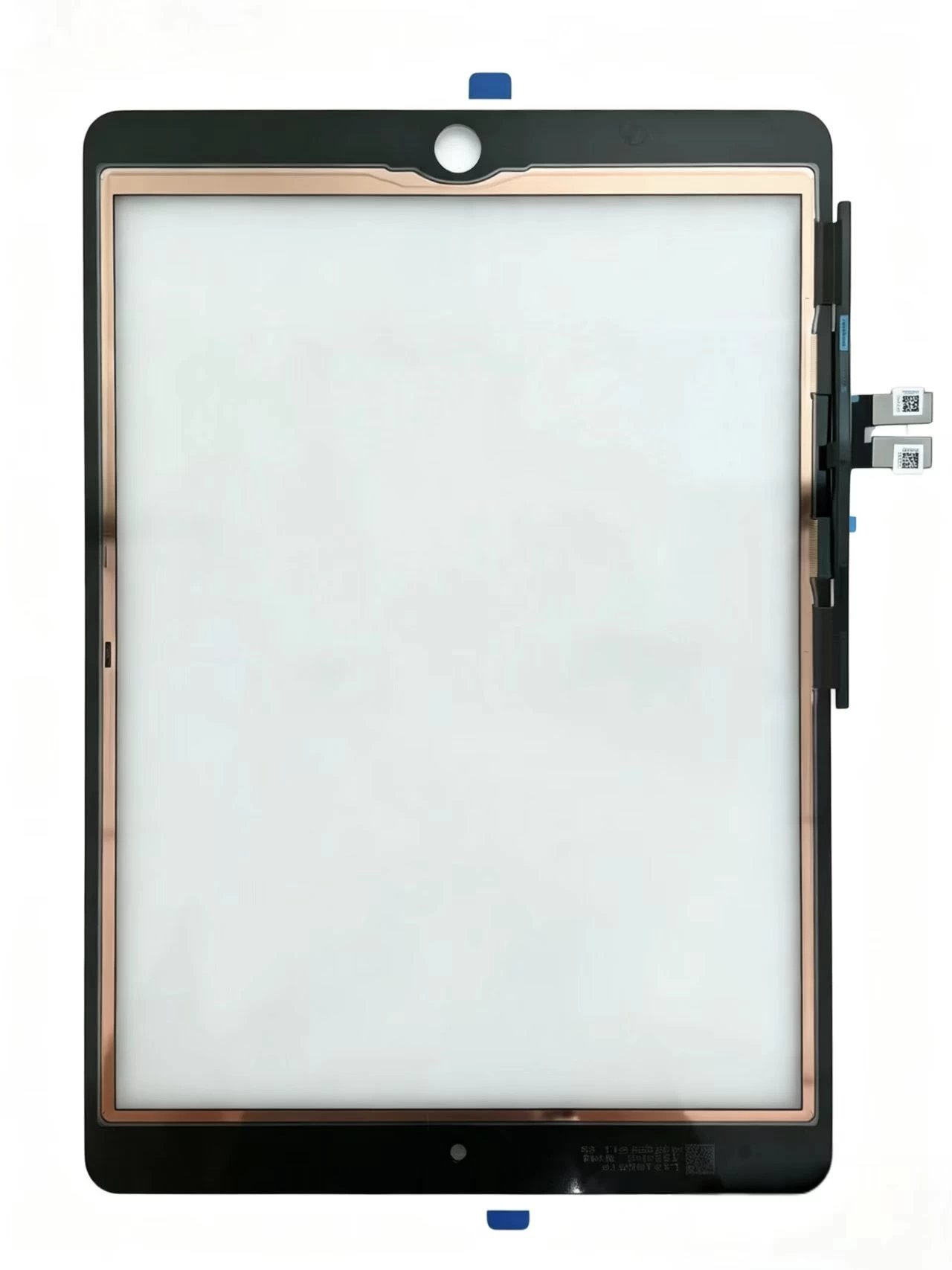
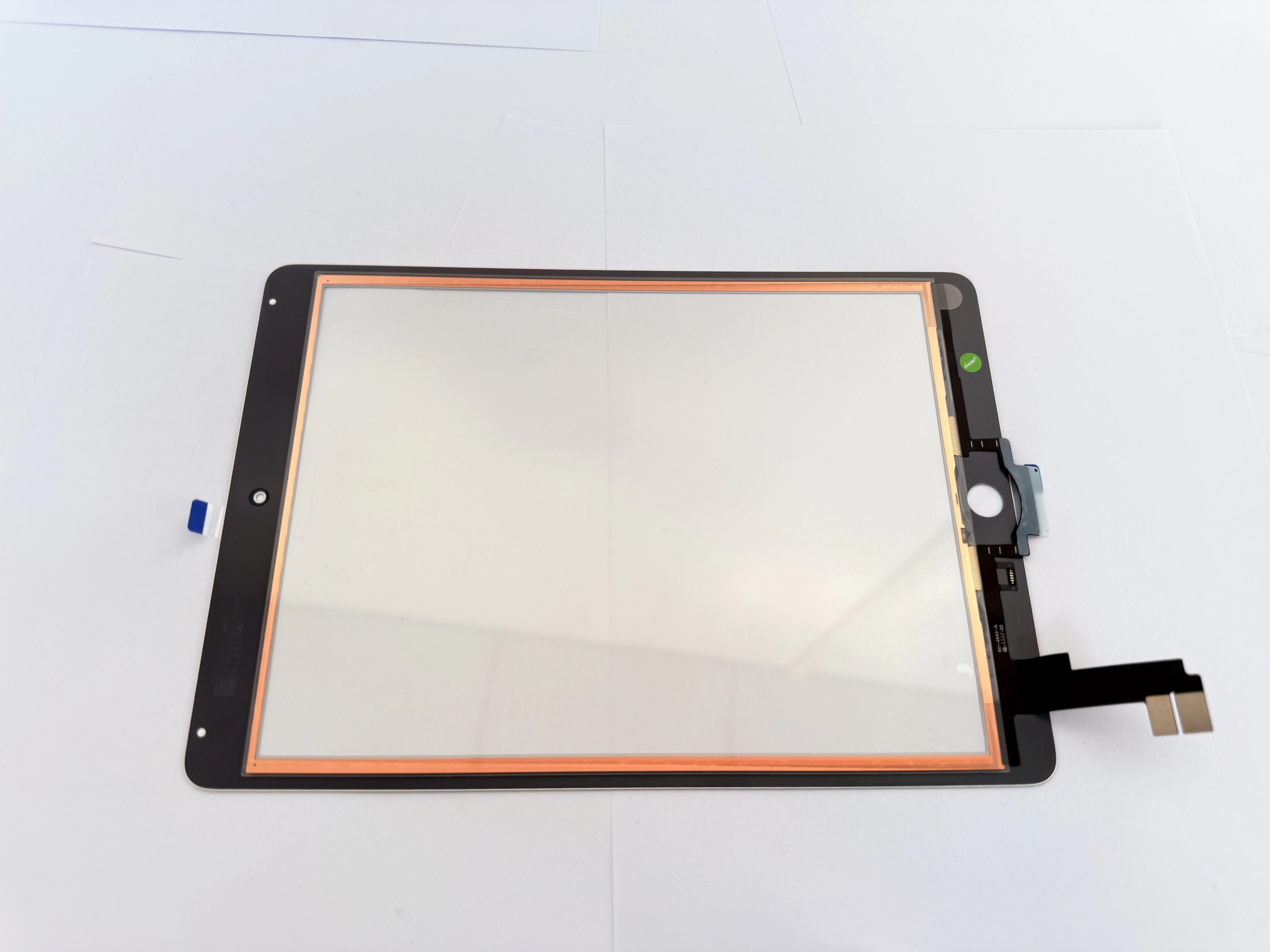
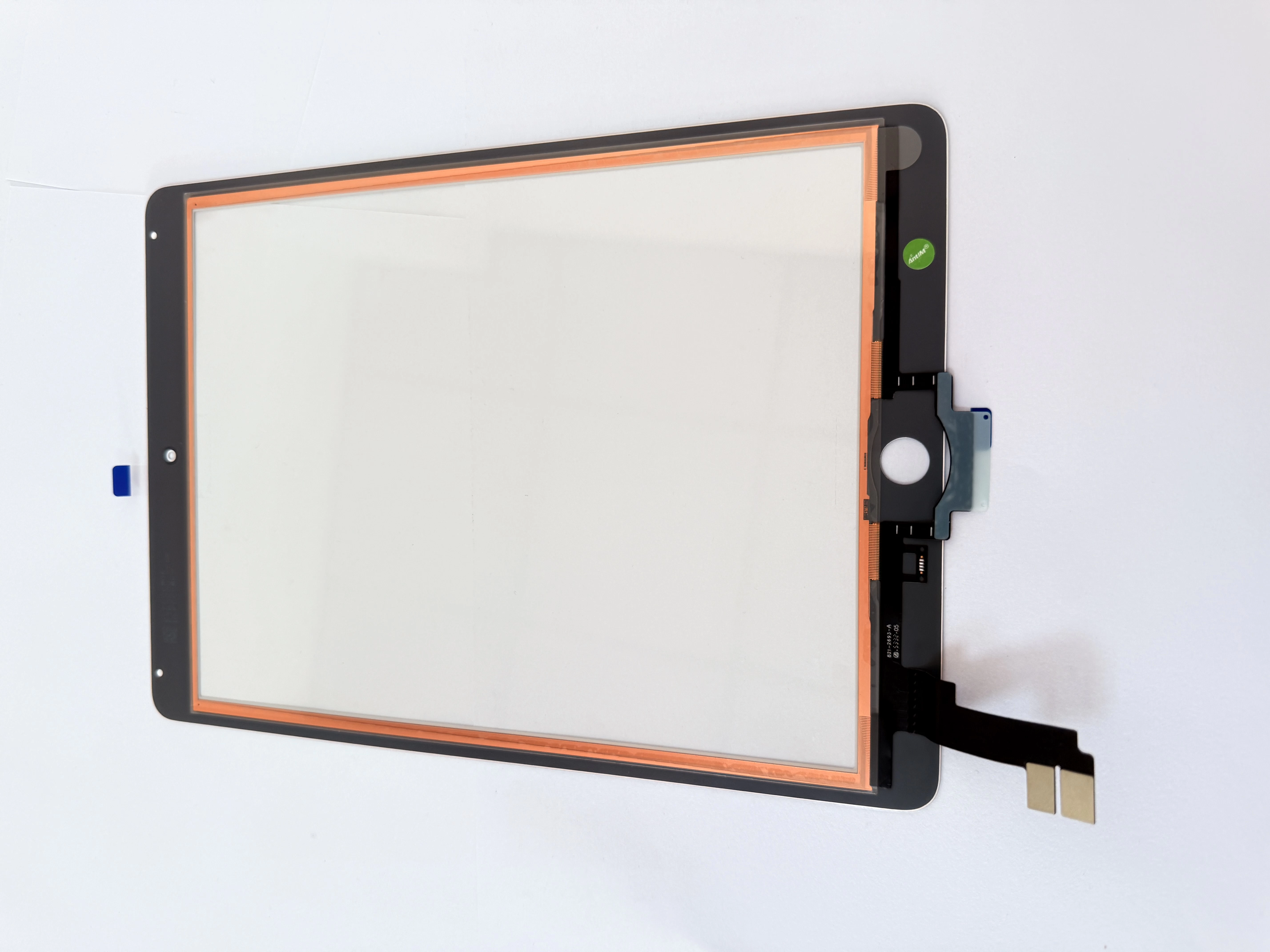
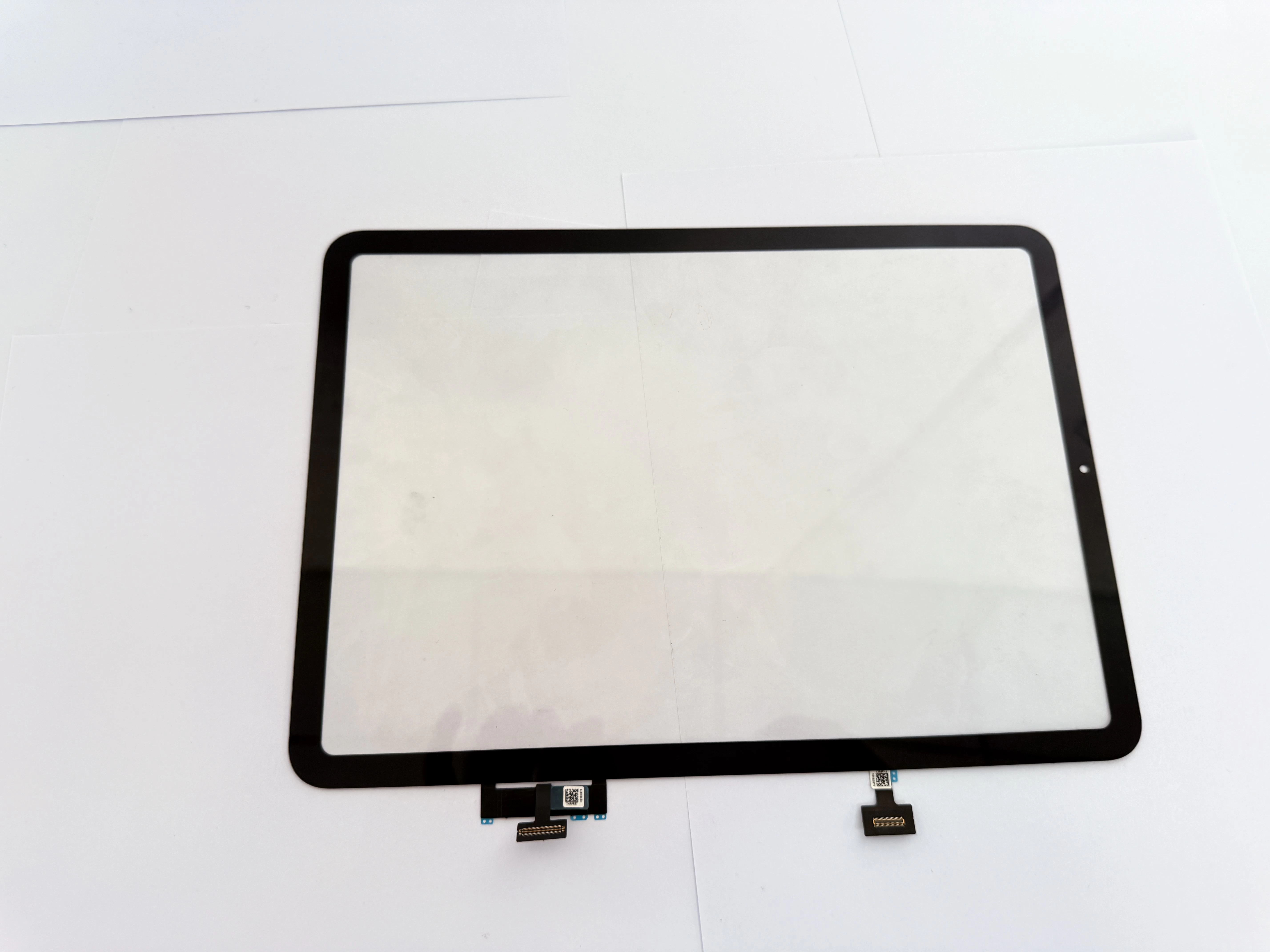
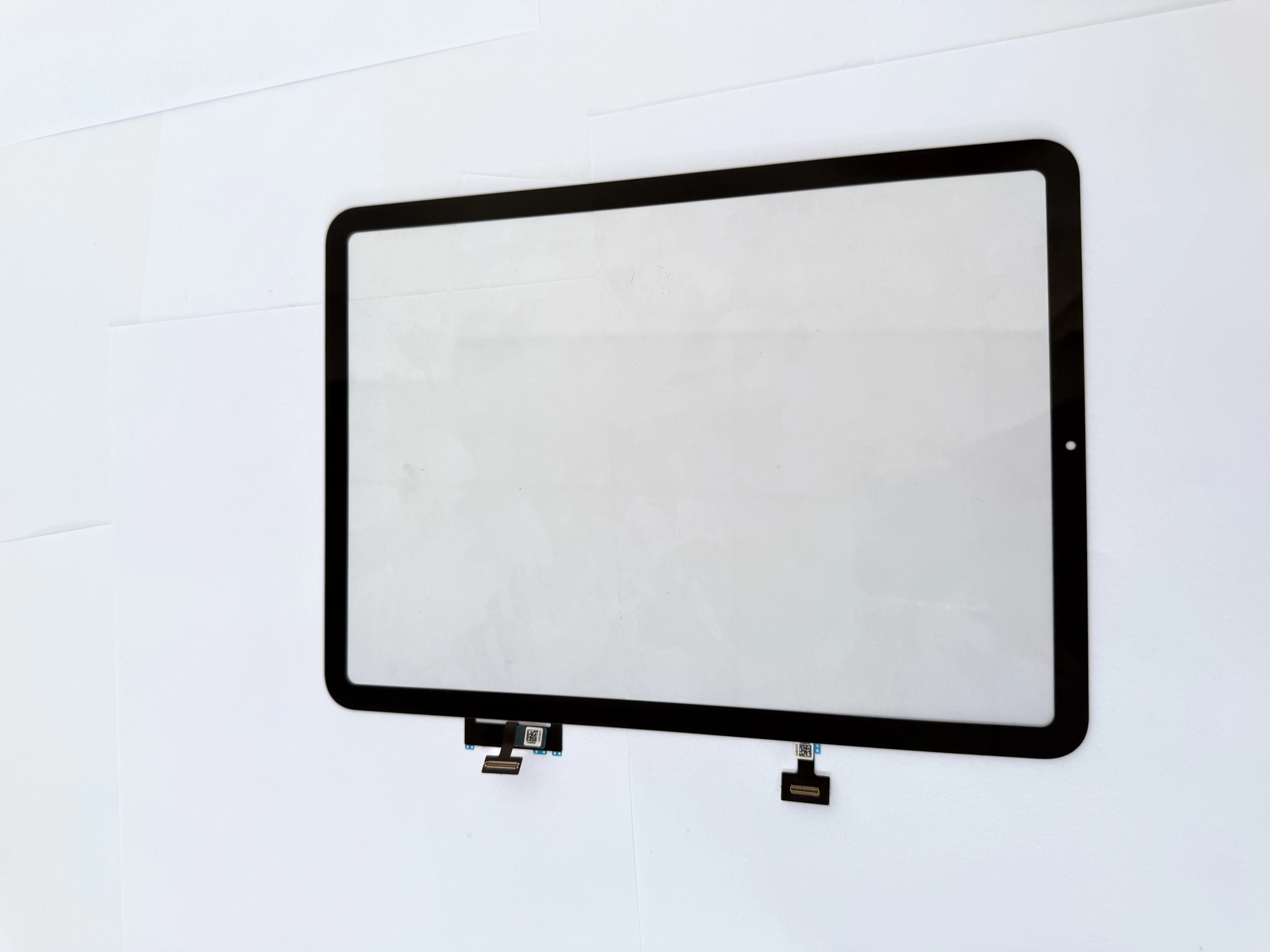
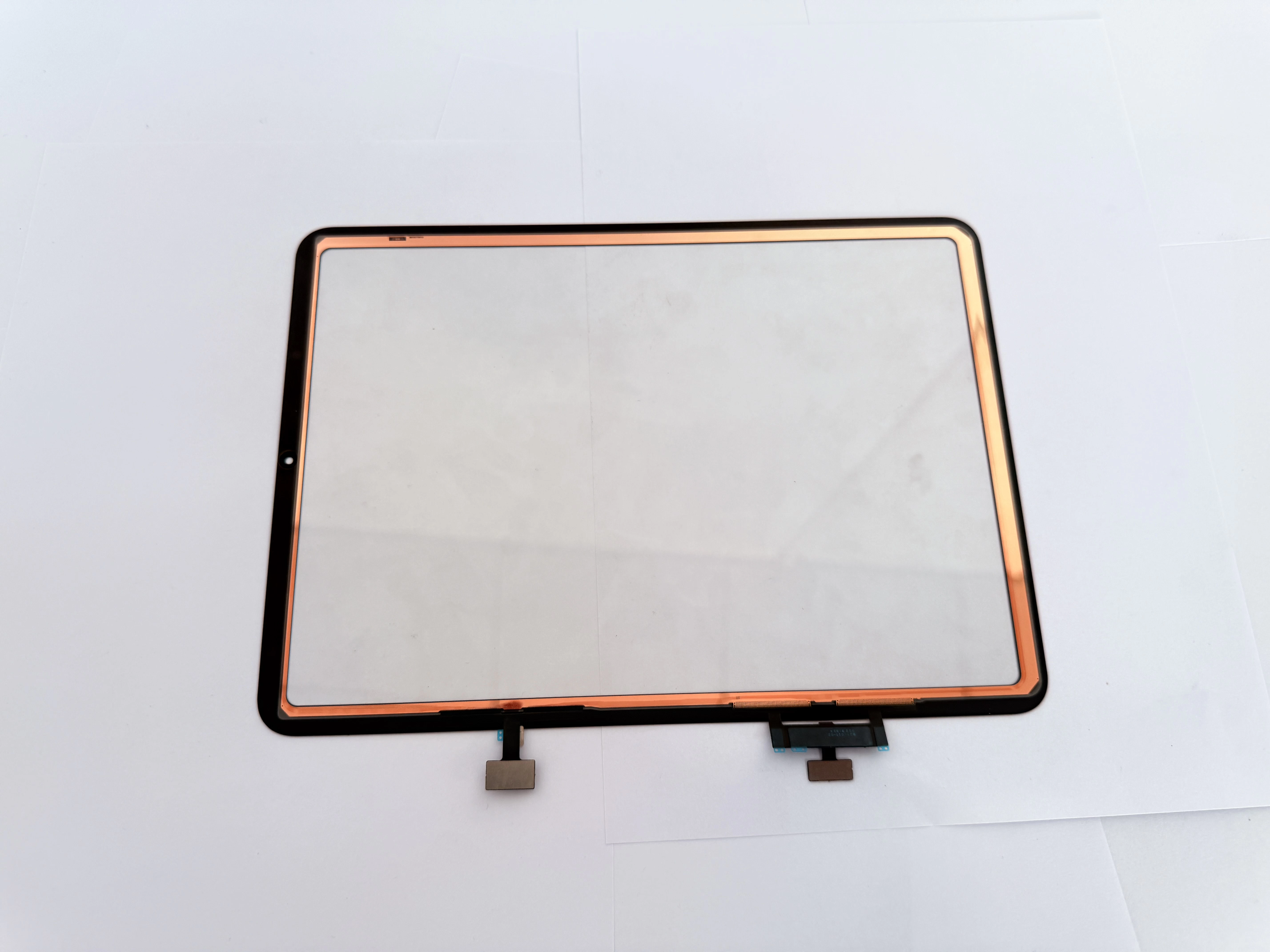
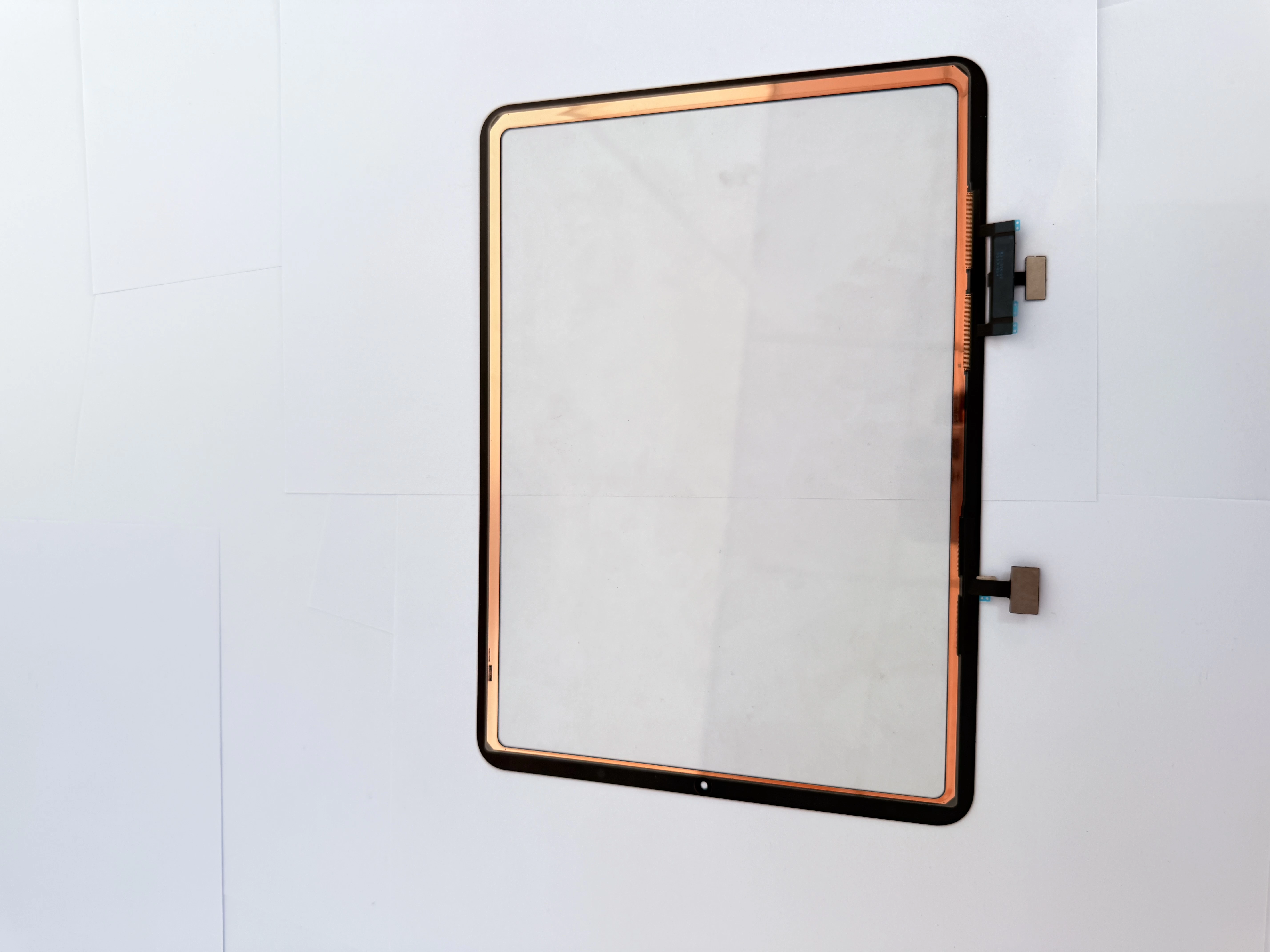
    Touch Screen Digitizer Replacement for iPad 10th Gen/Air 4/Air 5 10.9 Inch, Front Outer Touch Glass Panel with Copper Foil Option

    Xem chi tiết

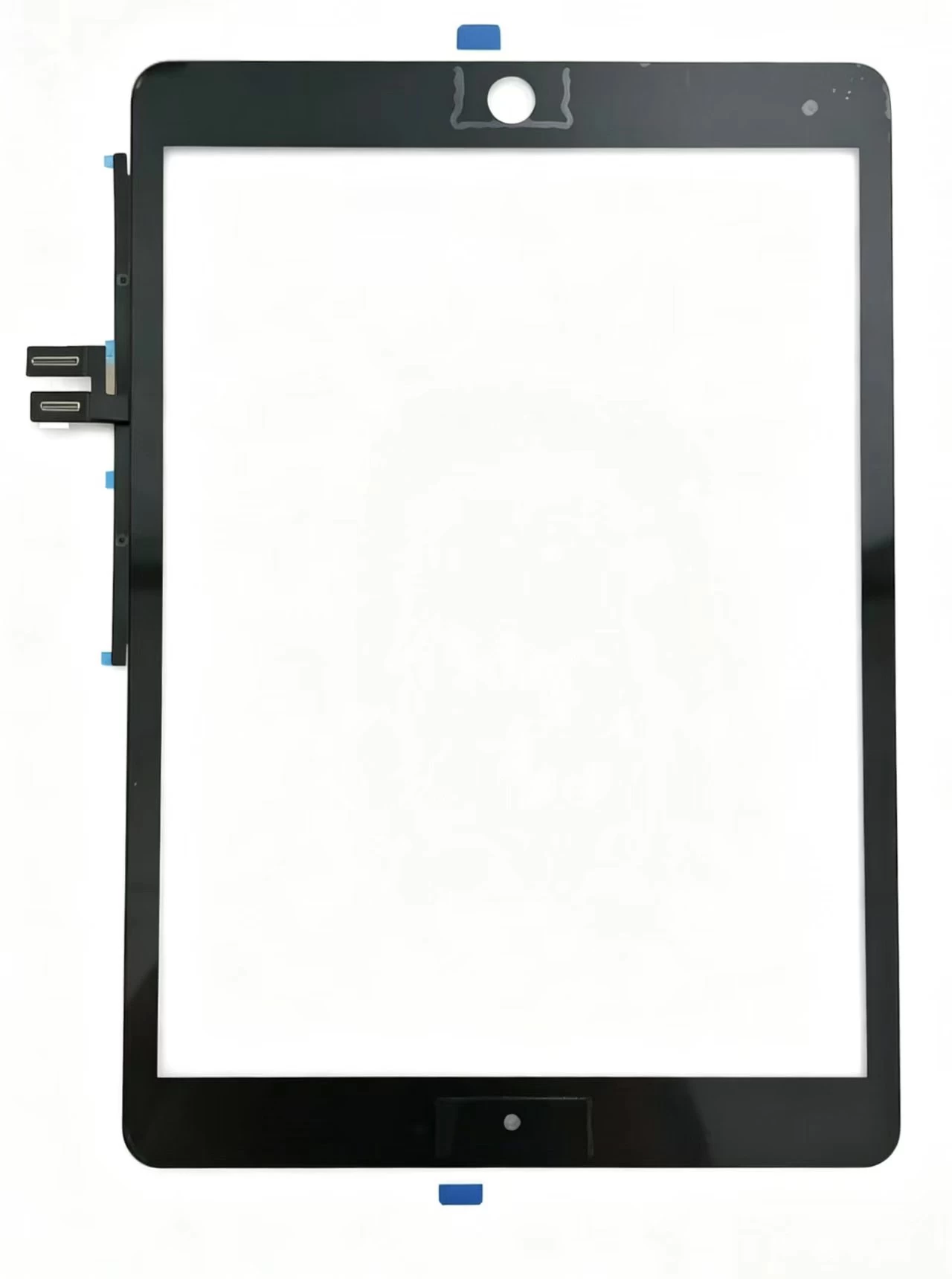
    Touch Screen Digitizer Replacement for iPad 7th/8th/9th Gen 10.2" (2019-2021) Black Front Glass Panel

    Xem chi tiết

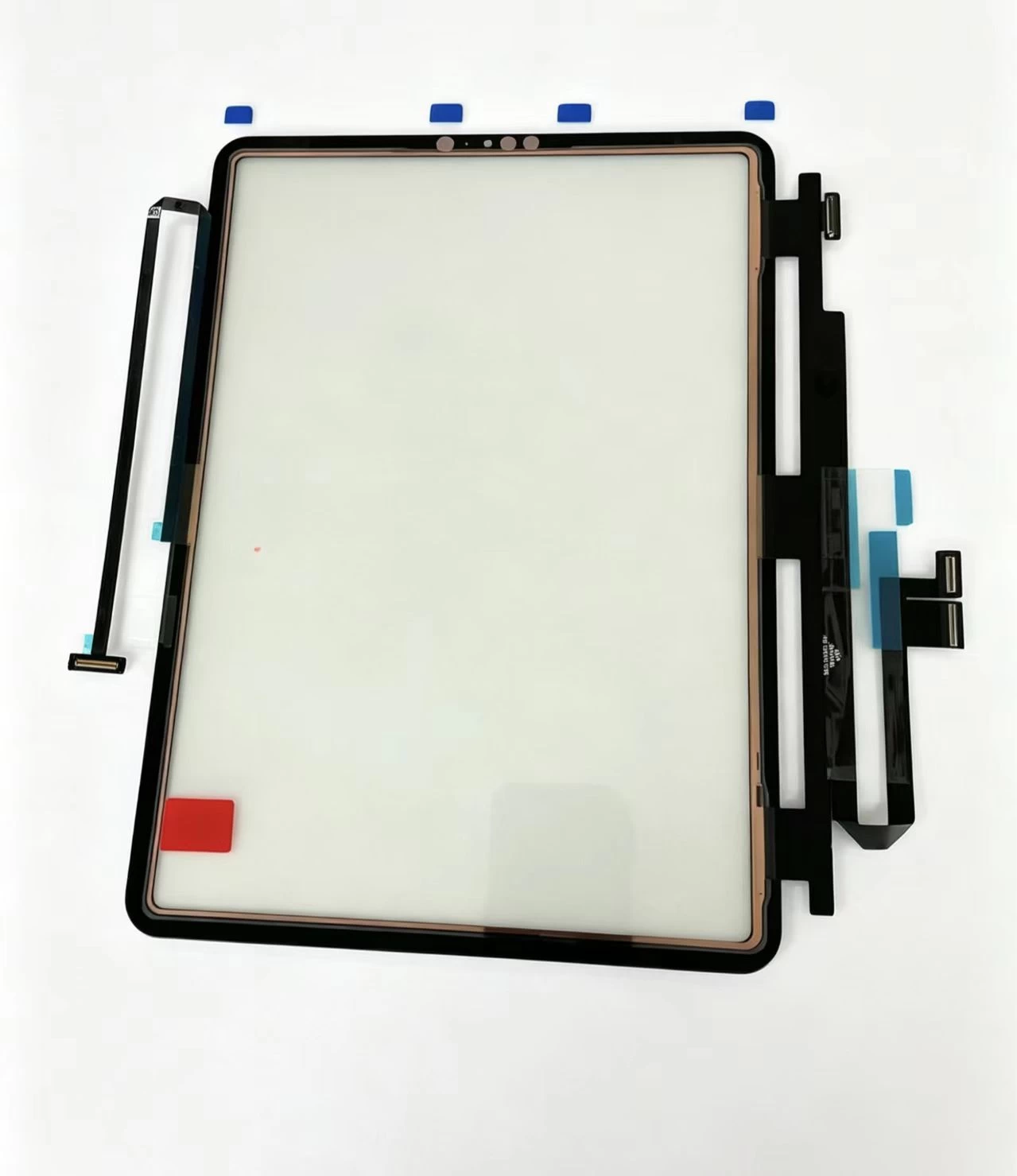
    iPad Pro 11 2020 Touch Glass iPad Pro 11-inch (1st generation, 2018) Touch Screen Digitizer

    Xem chi tiết

    iPad Pro 11-inch (1st generation, 2018) Touch Screen Digitizer iPad Pro 11 2018 iPad8,1 / iPad8,2 / iPad8,3 / iPad8,4

    Xem chi tiết

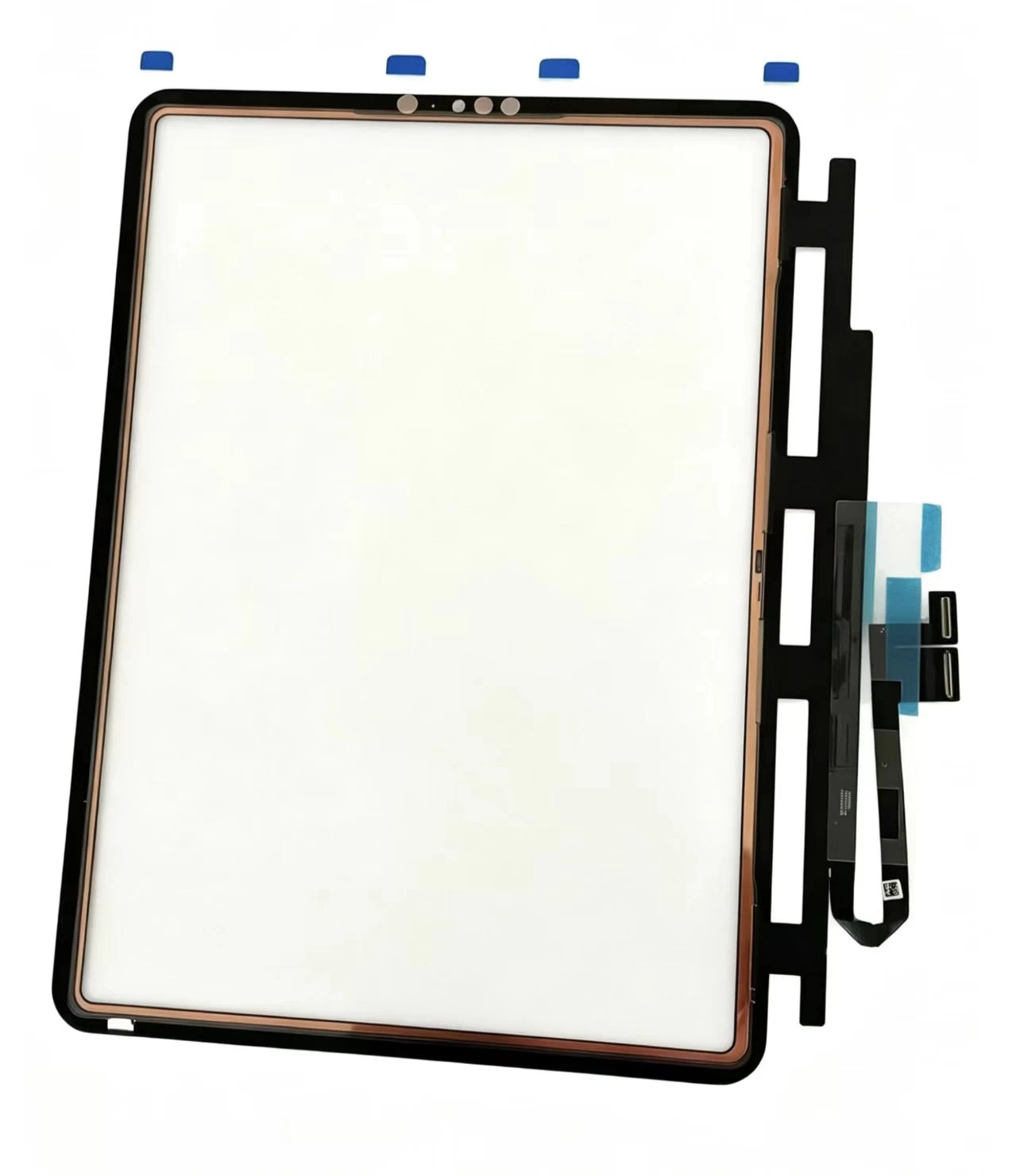
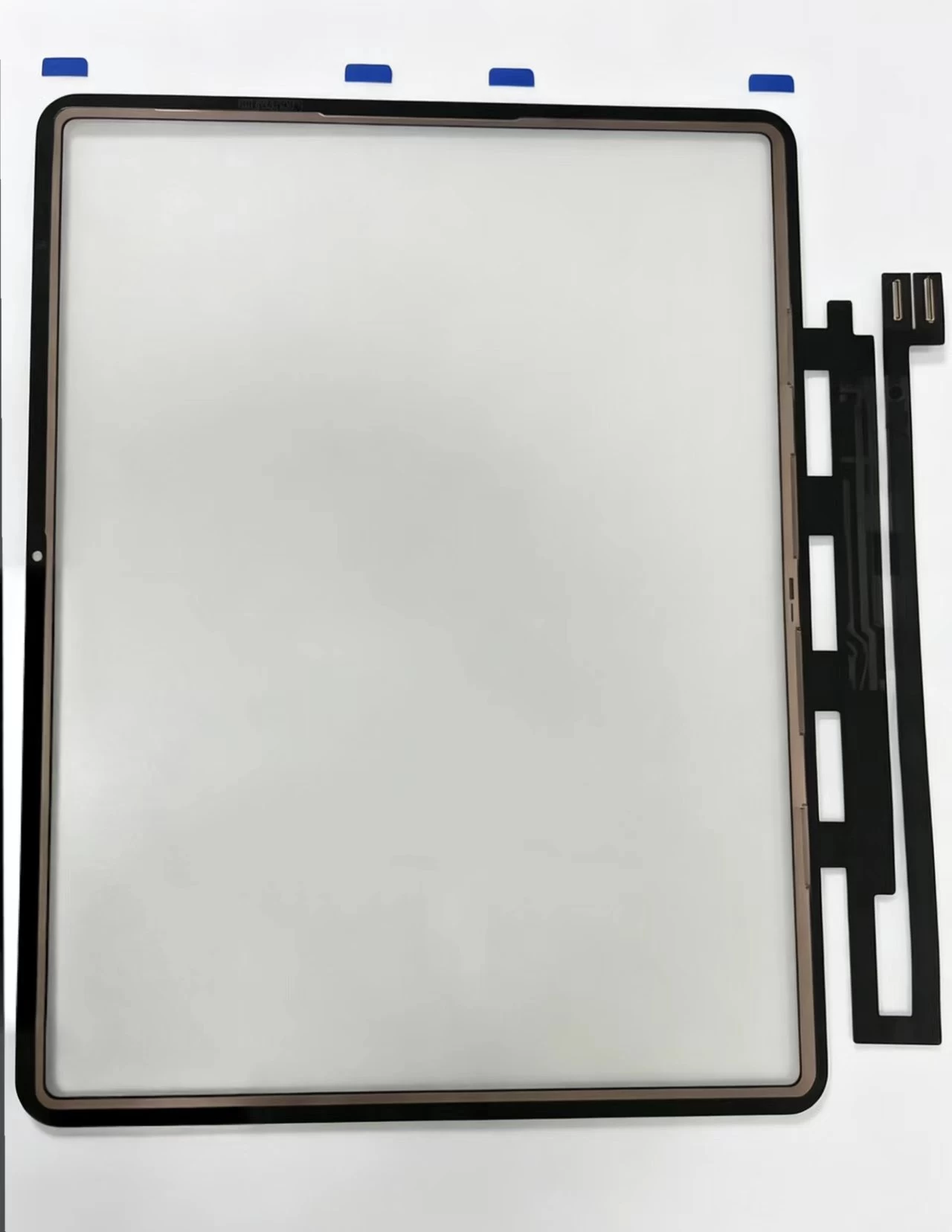
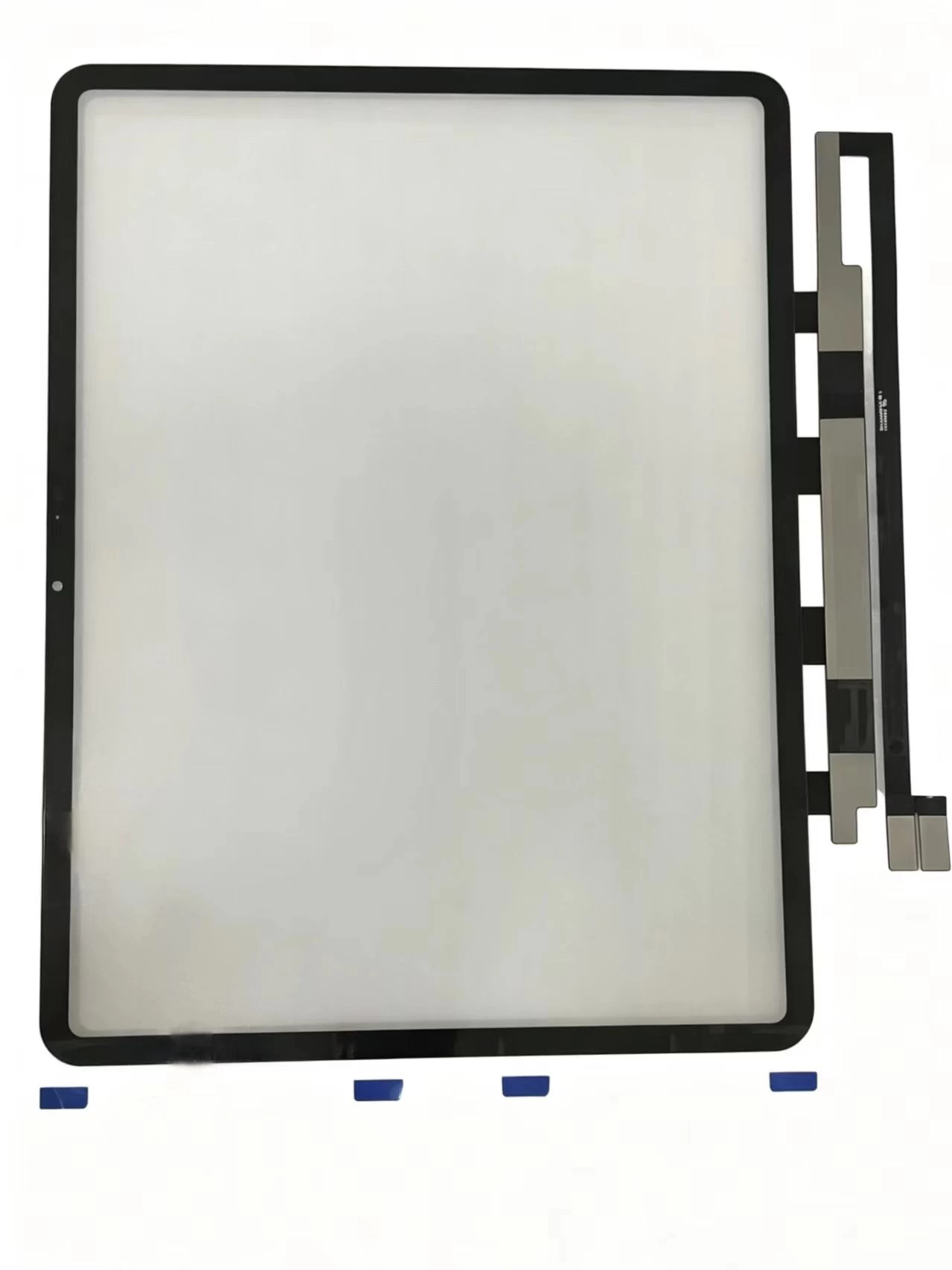
    G+Oca Pro Touch Screen Digitizerfor iPad Air 13" (2024)/Air 13"

    Xem chi tiết

    Màn hình cảm ứng hồng ngoại XY98AC-HBZ9

    Xem chi tiết

    Màn hình cảm ứng hồng ngoại XY98AC-HBZ9

    Xem chi tiết

    Màn hình cảm ứng hồng ngoại XY86AC-HBZ9

    Xem chi tiết

    Màn hình cảm ứng hồng ngoại XY85AC-HBZ9

    Xem chi tiết

    Màn hình cảm ứng hồng ngoại XY75AC-HBZ9

    Xem chi tiết

    Màn hình cảm ứng hồng ngoại XY65AC-HBZ9

    Xem chi tiết

    Áp dụng cho iPad Air2 A1566

    Xem chi tiết

    Áp dụng cho iPad Airs. 10.9 2022 A2325. A2072

    Xem chi tiết

    Áp dụng cho iPad Air.4 10.9.2020 A2324. A2316

    Xem chi tiết

    Áp dụng cho iPad 9.7 A1674.A1675

    Xem chi tiết

    Áp dụng cho iPad 9.7 A1673

    Xem chi tiết

    Áp dụng cho iPad 11 thế hệ 4 A2460

    Xem chi tiết

    Áp dụng cho iPad 11 thế hệ 3 A2301

    Xem chi tiết

    Áp dụng cho iPad 11 thế hệ 3 A2377

    Xem chi tiết

    Áp dụng cho iPad 12.9.-2 Thế hệ A1652

    Xem chi tiết

    Áp dụng cho iPad 12.9.-2 Thế hệ A1584

    Xem chi tiết