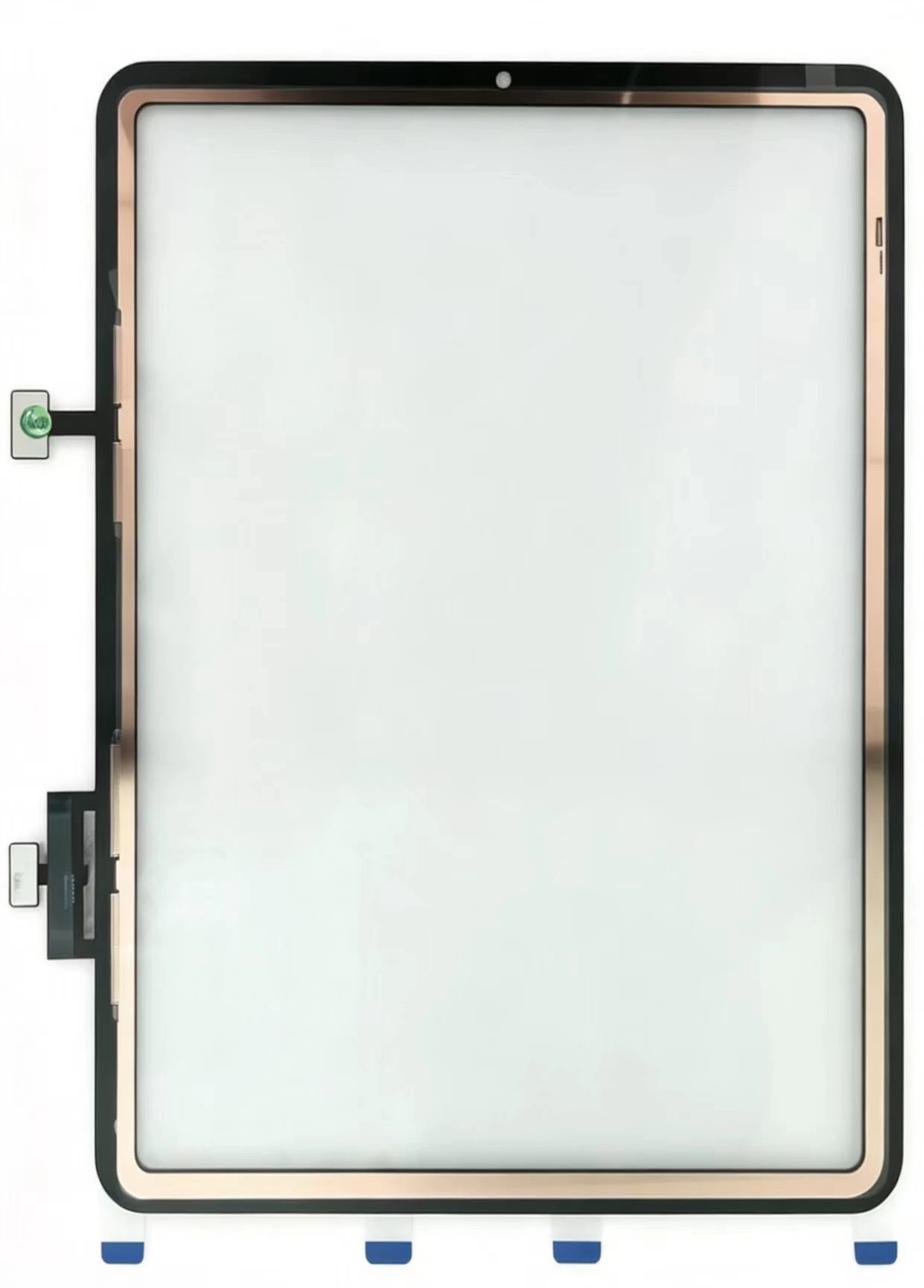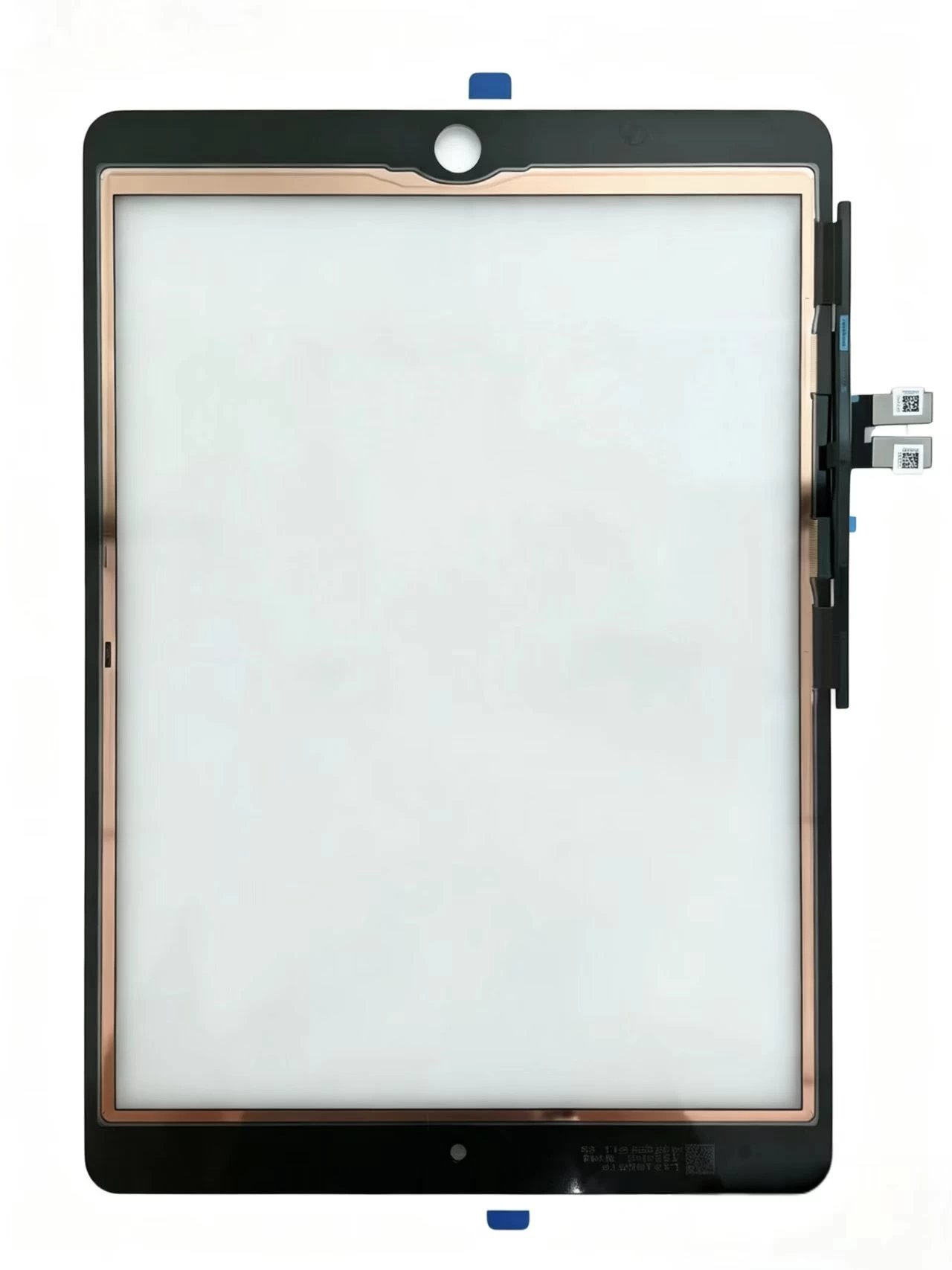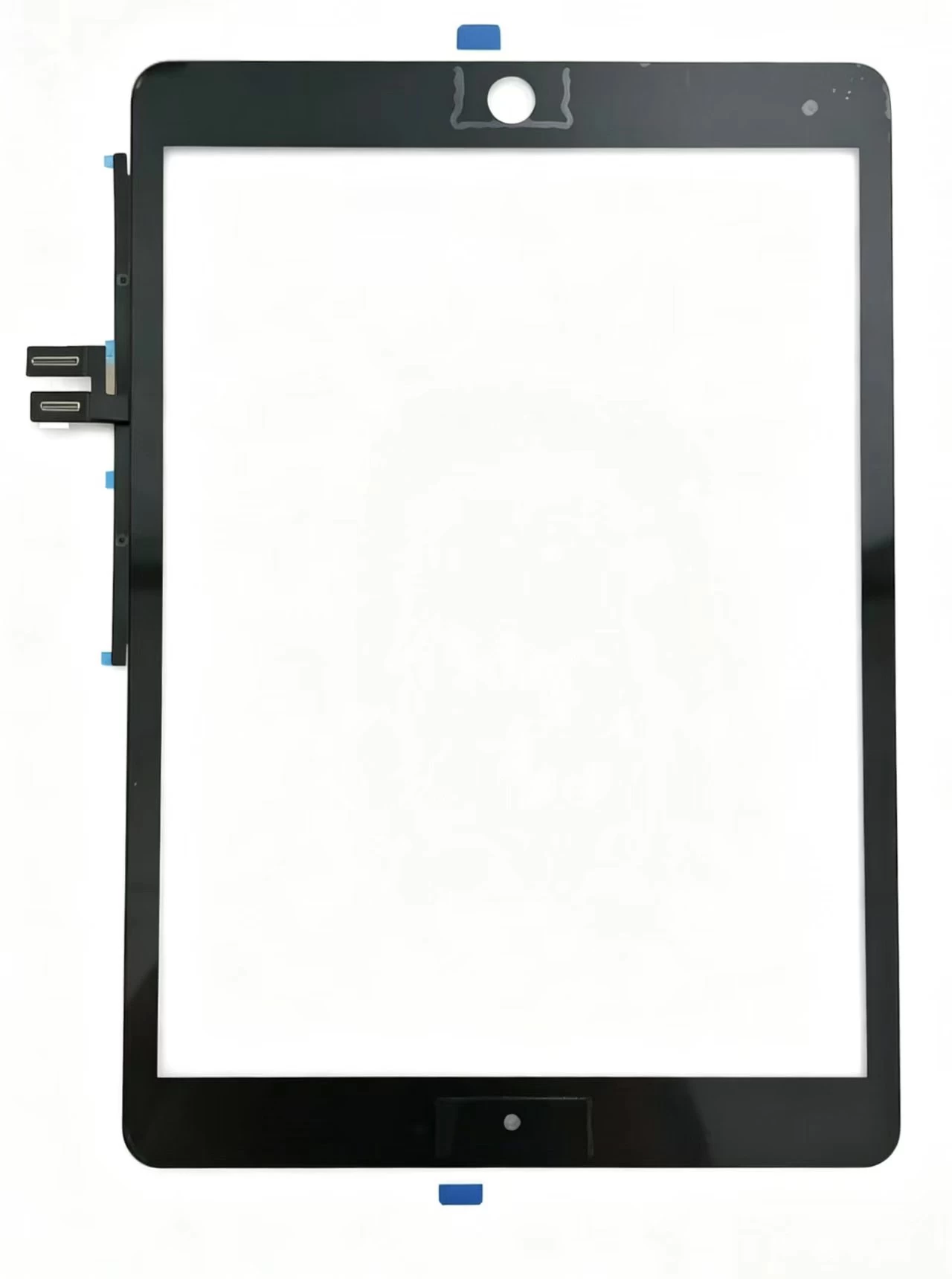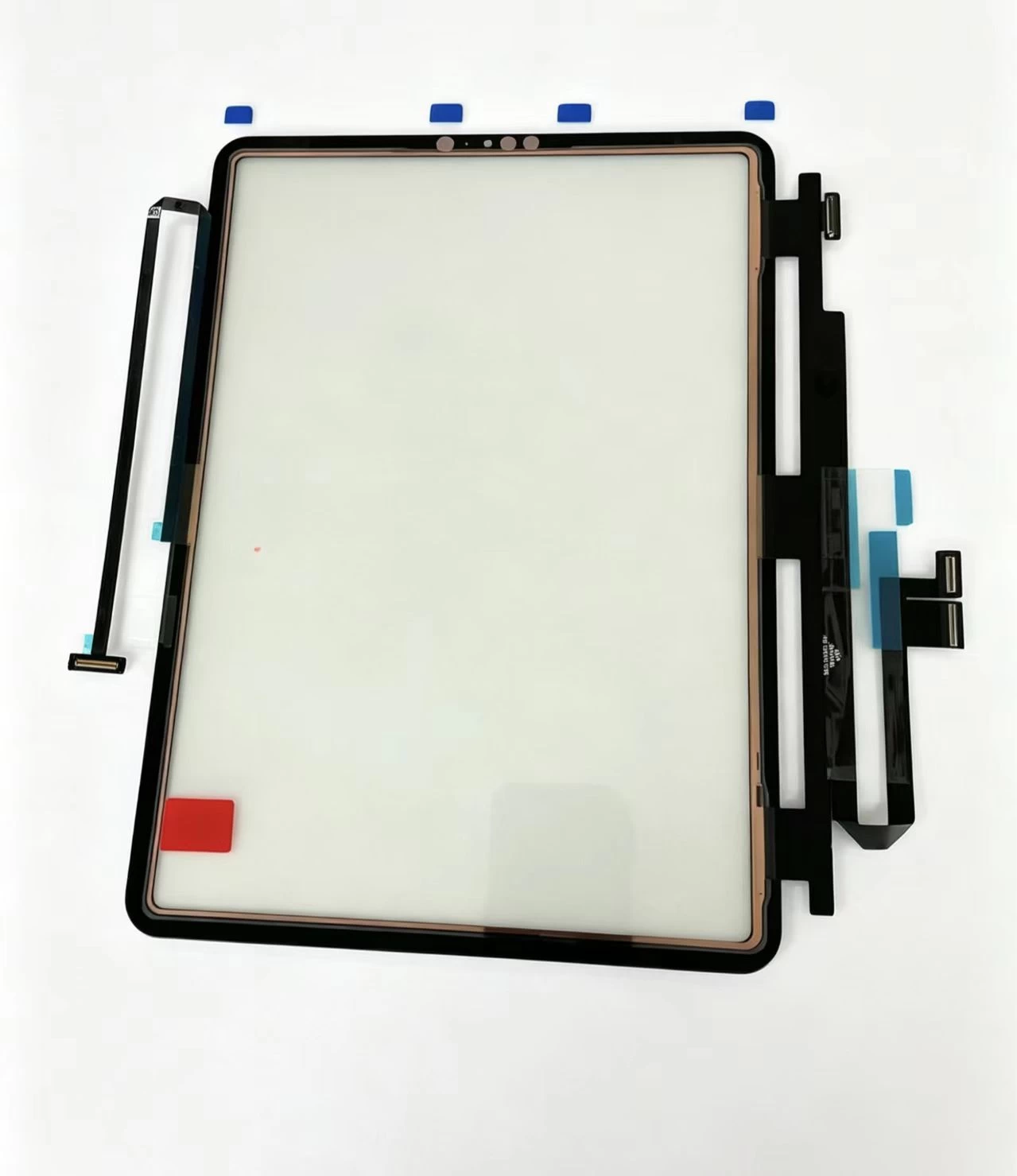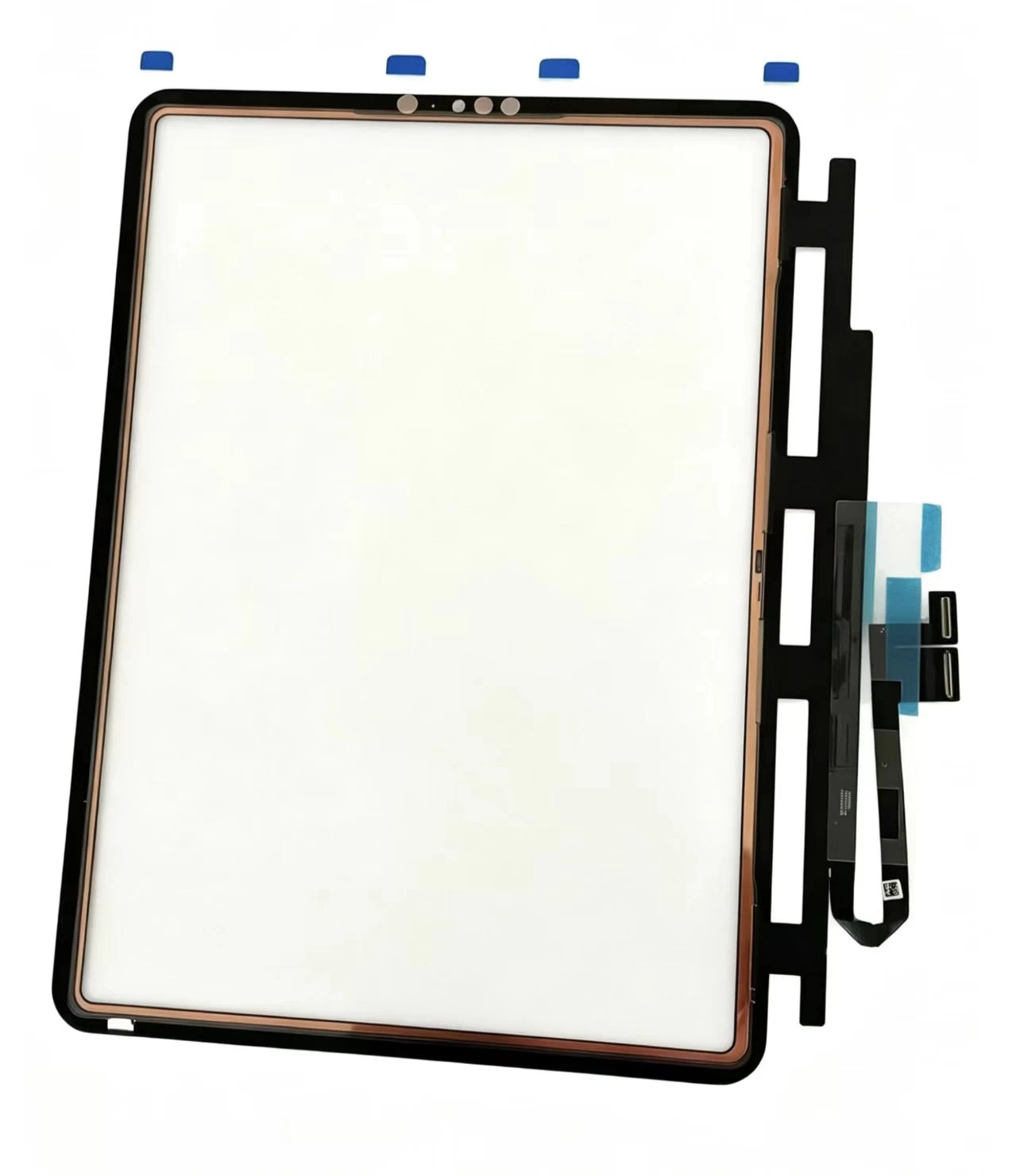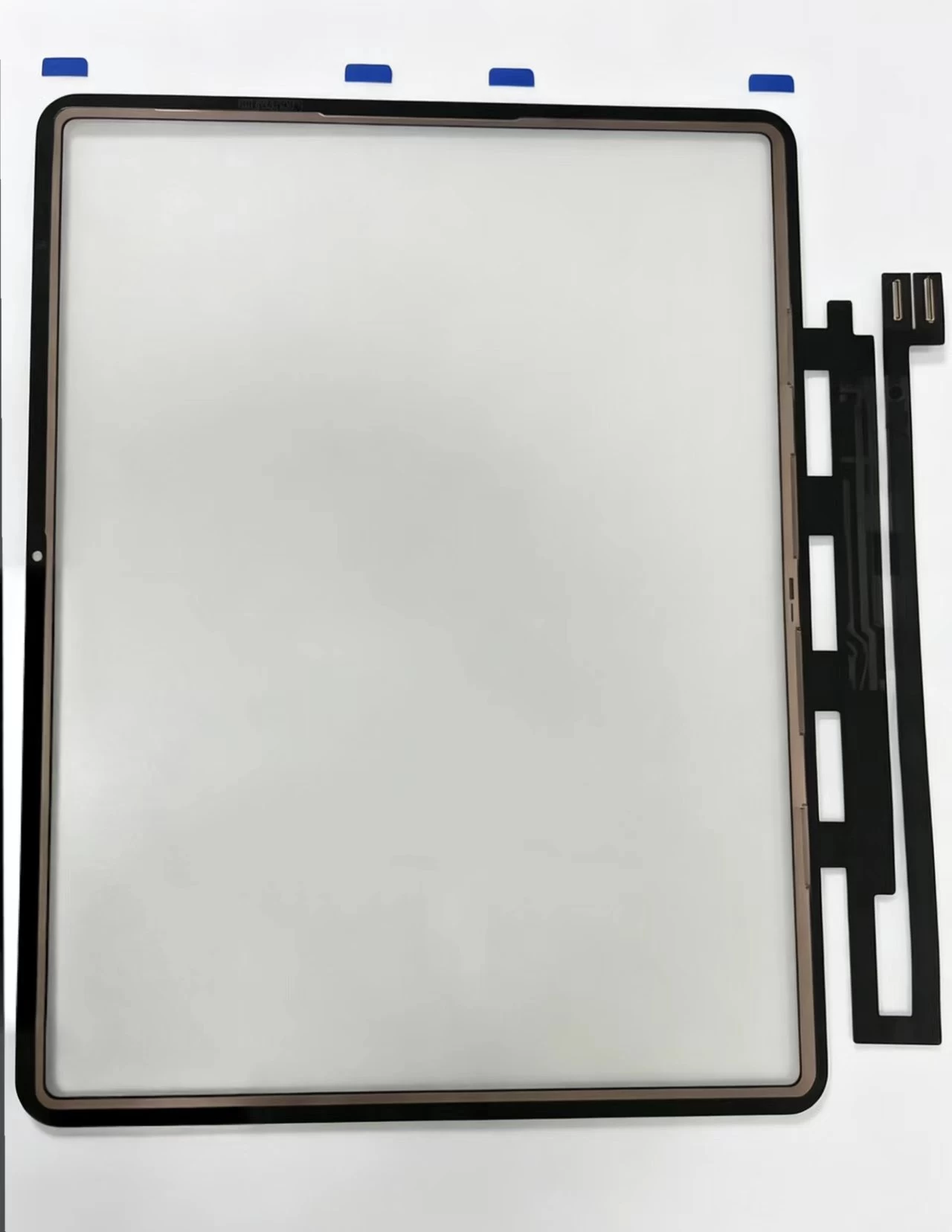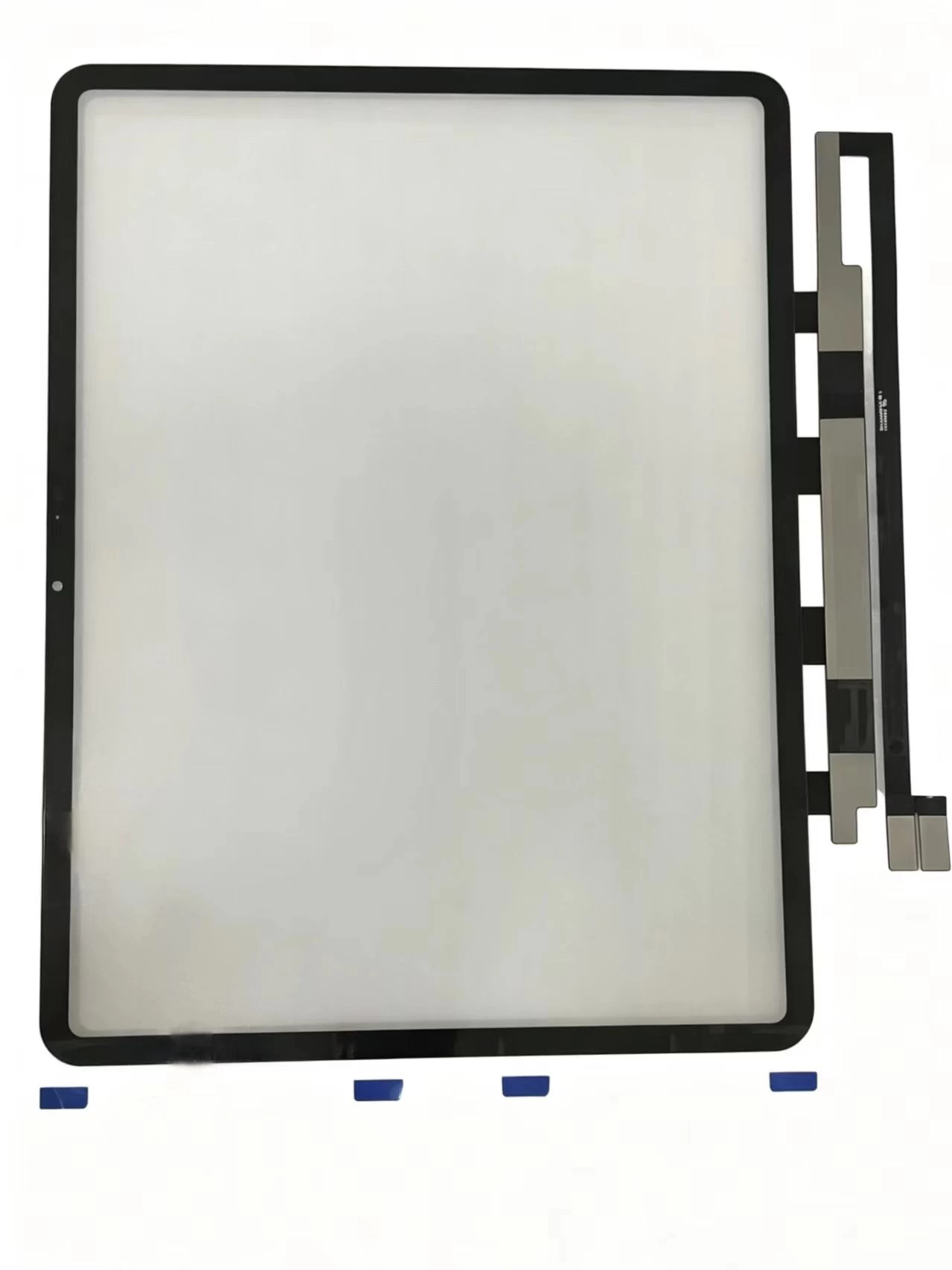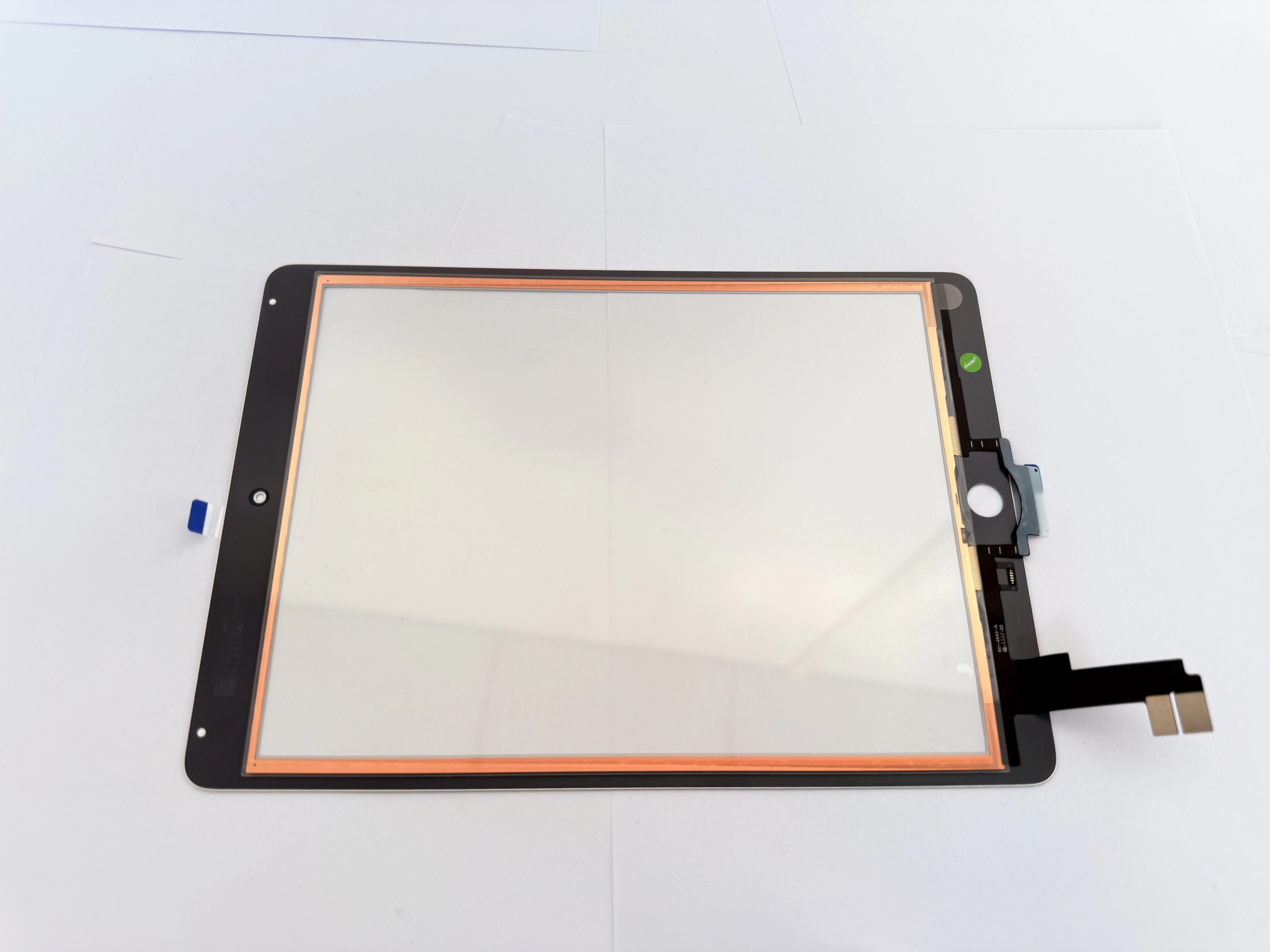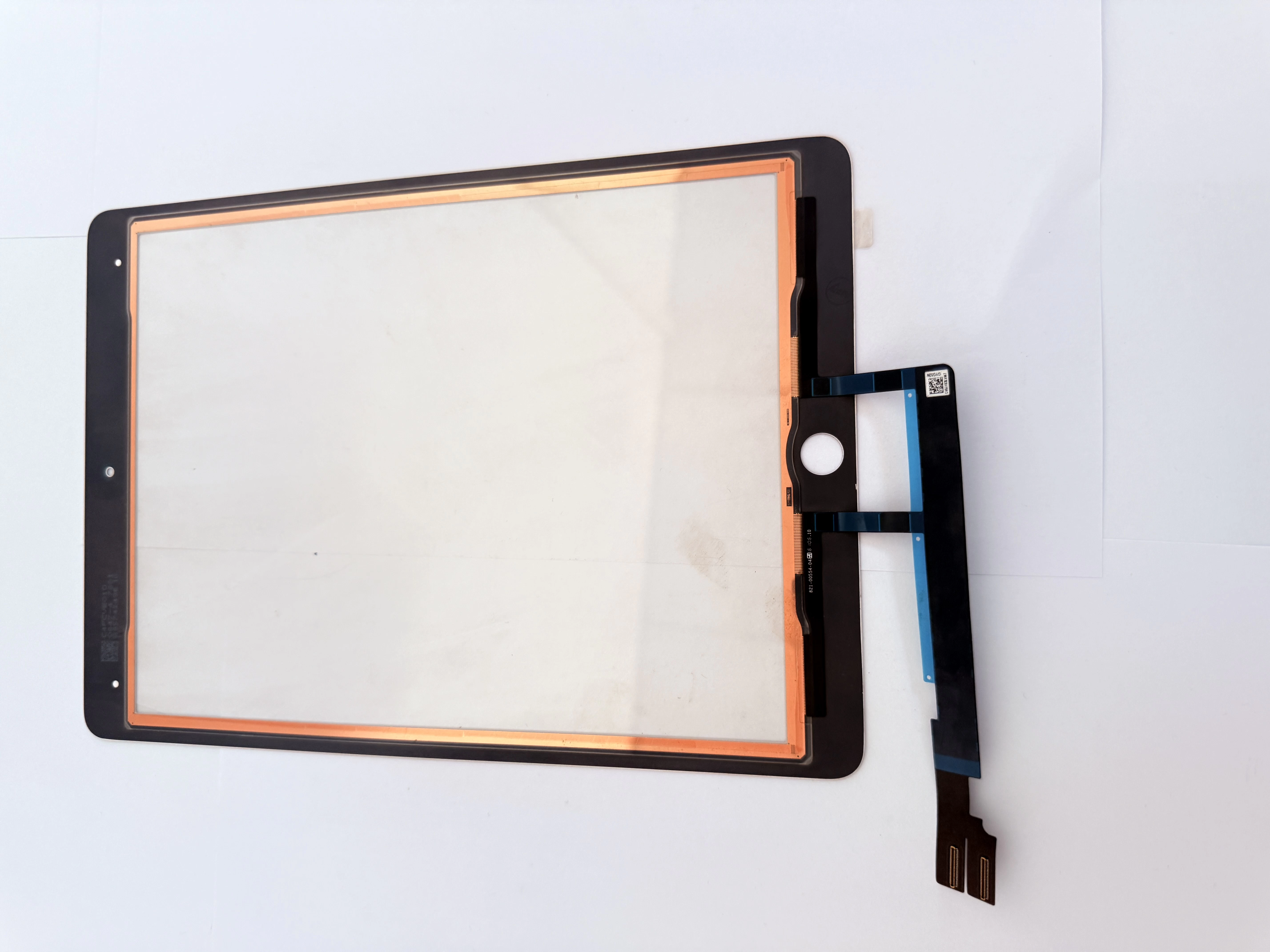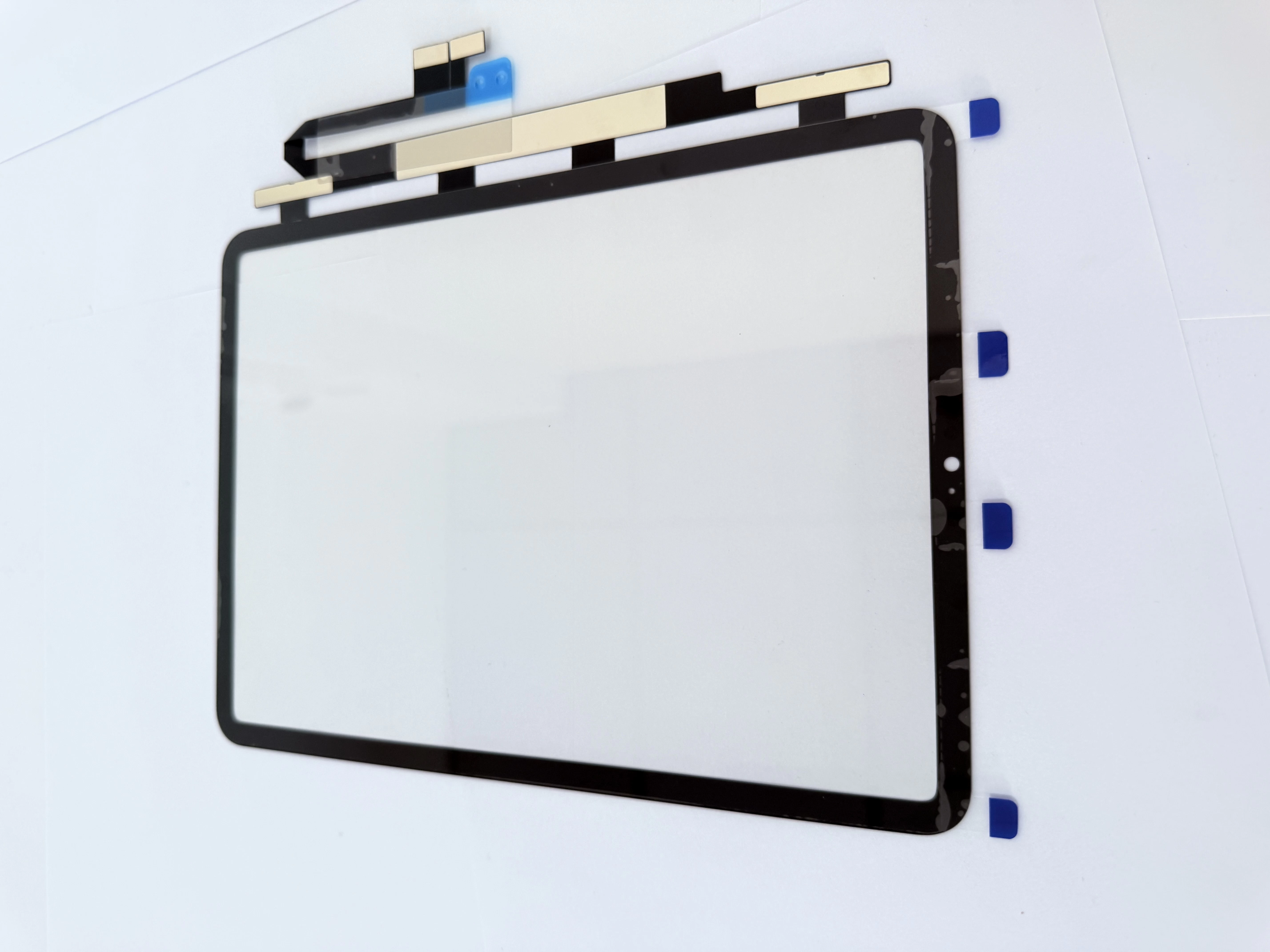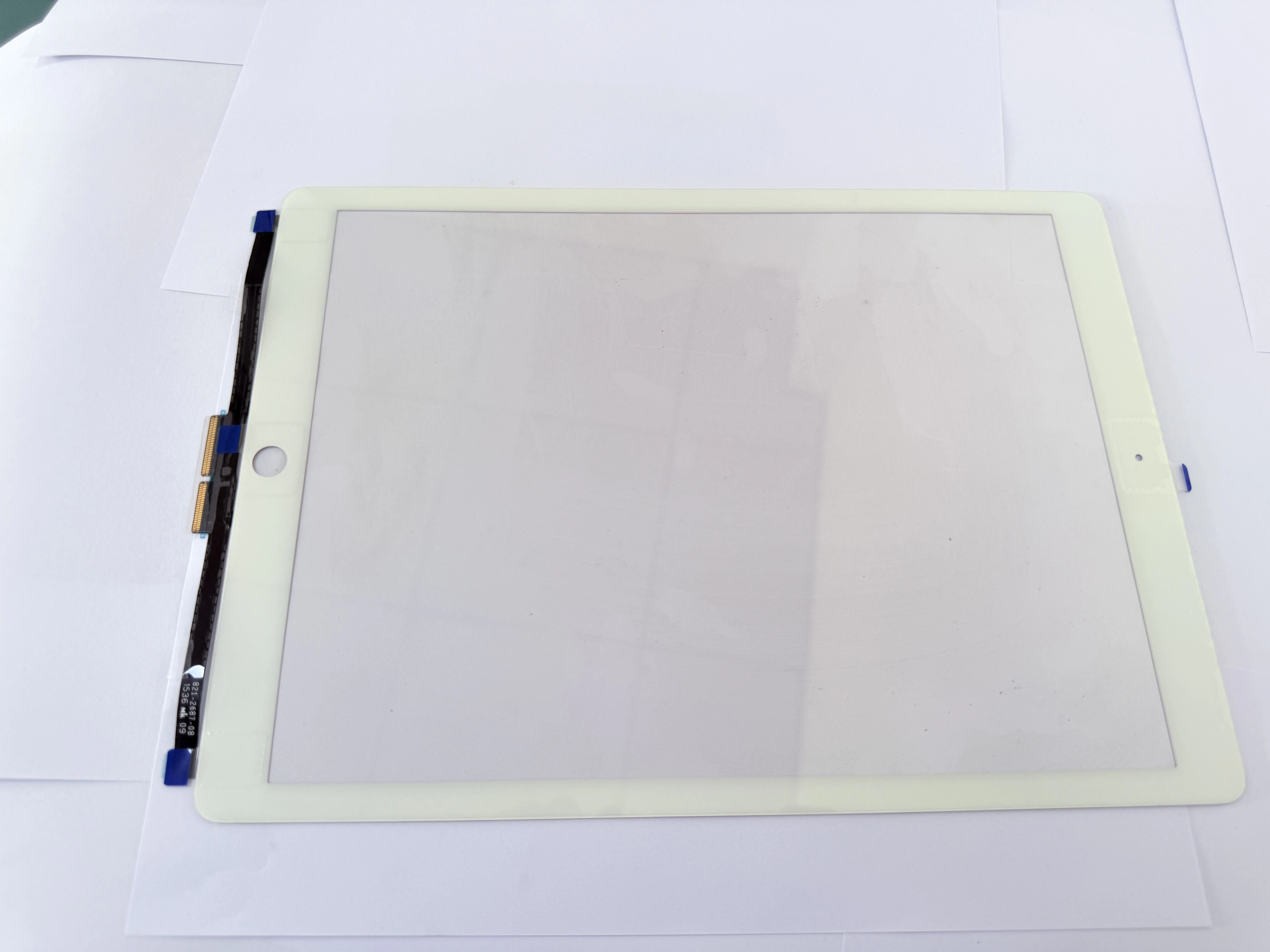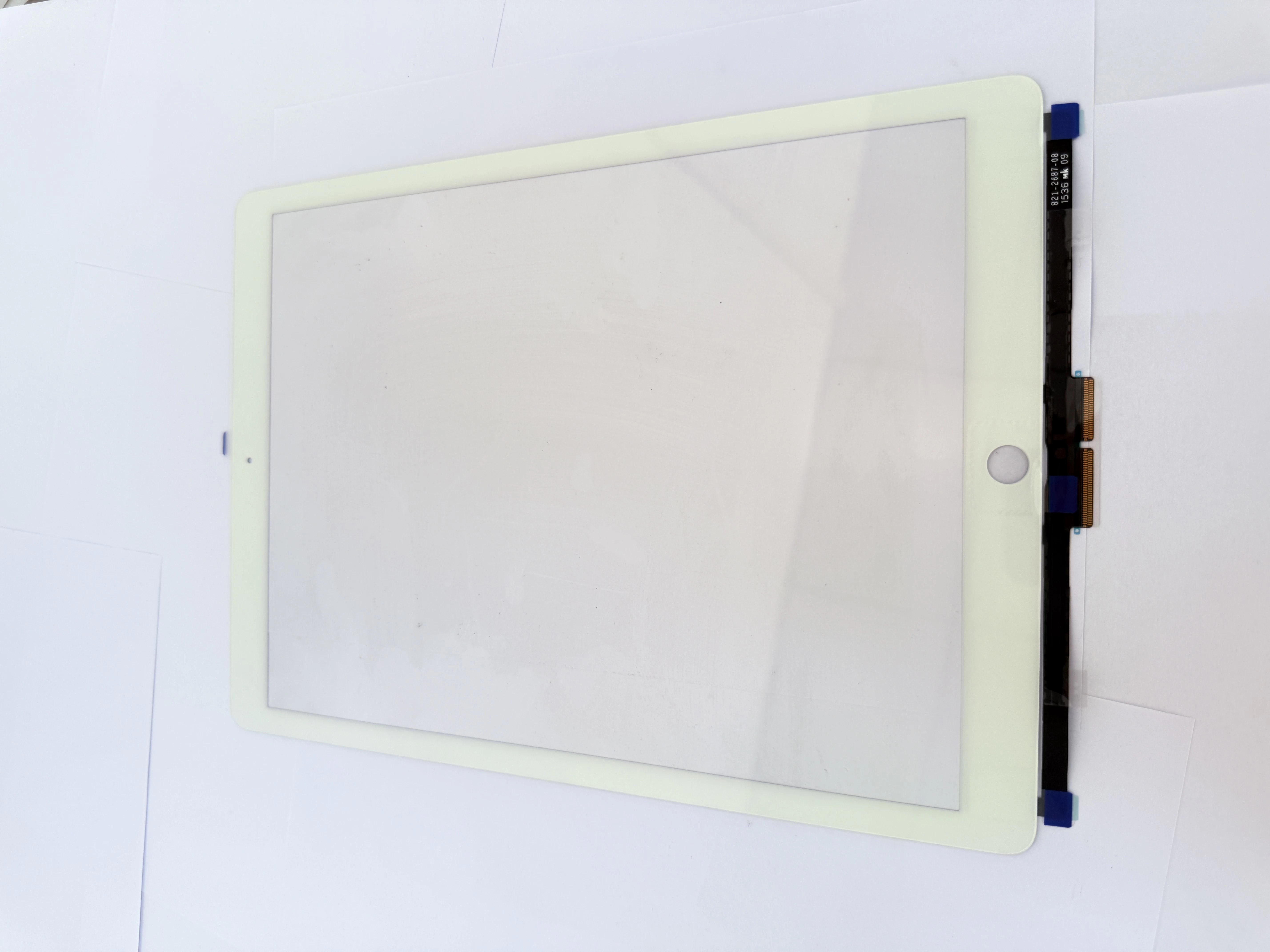
iPad 8 Screen Repair Guide: Touch Screen Replacement for 10.2-inch iPad
The iPad 8th generation is a 10.2-inch tablet released by Apple in 2020. It is widely used in schools, offices, homes, repair businesses, and second-hand device markets. The common model numbers include A2270 for the Wi-Fi version and A2428, A2429, and A2430 for Wi-Fi + Cellular models. Apple officially identifies these model numbers as iPad 8th generation devices.
Although the iPad 8 offers good durability and stable performance, screen damage remains one of the most common repair issues. Cracked front glass, touch failure, ghost touch, and accidental drop damage are frequent problems in daily use.
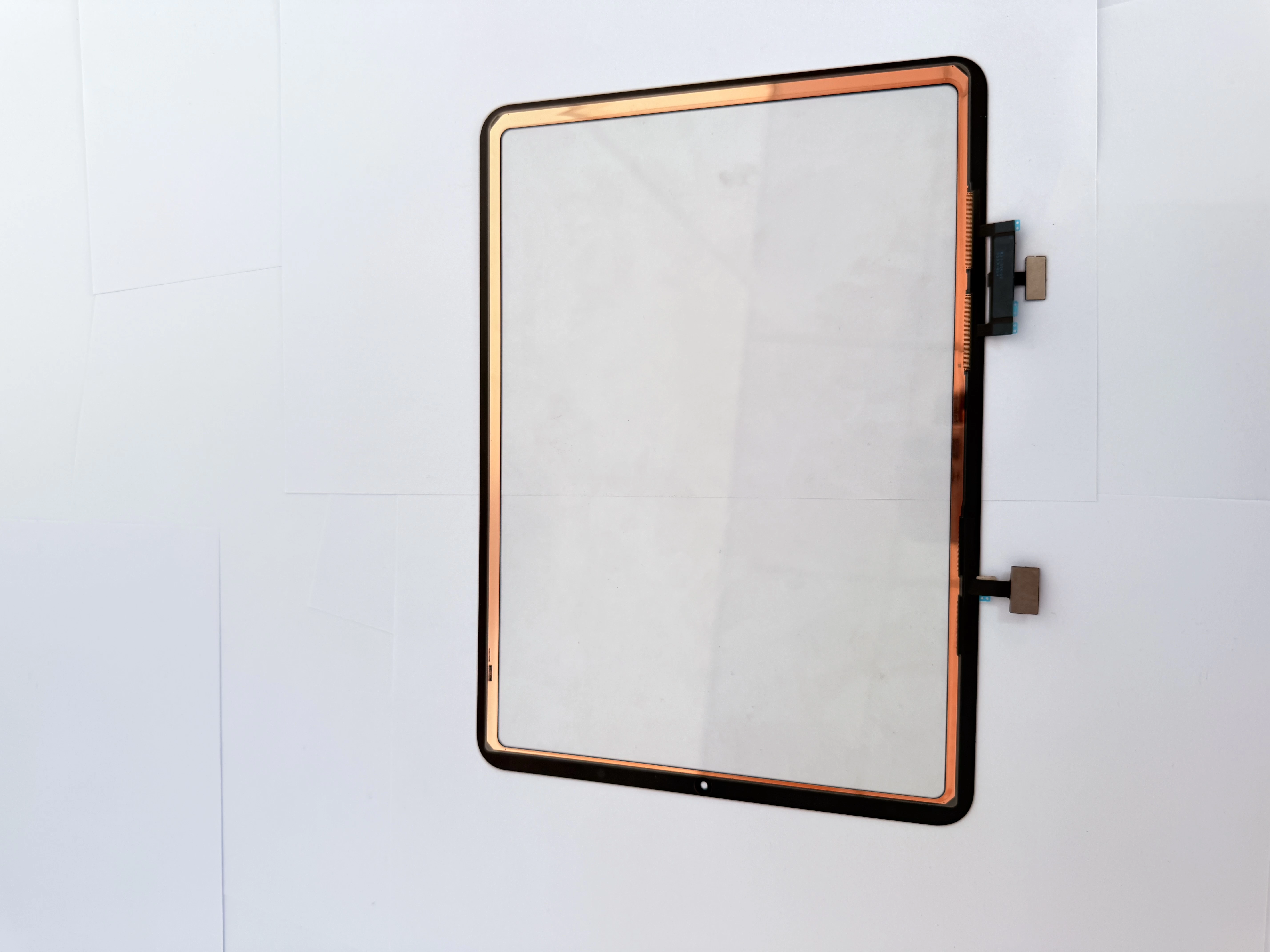
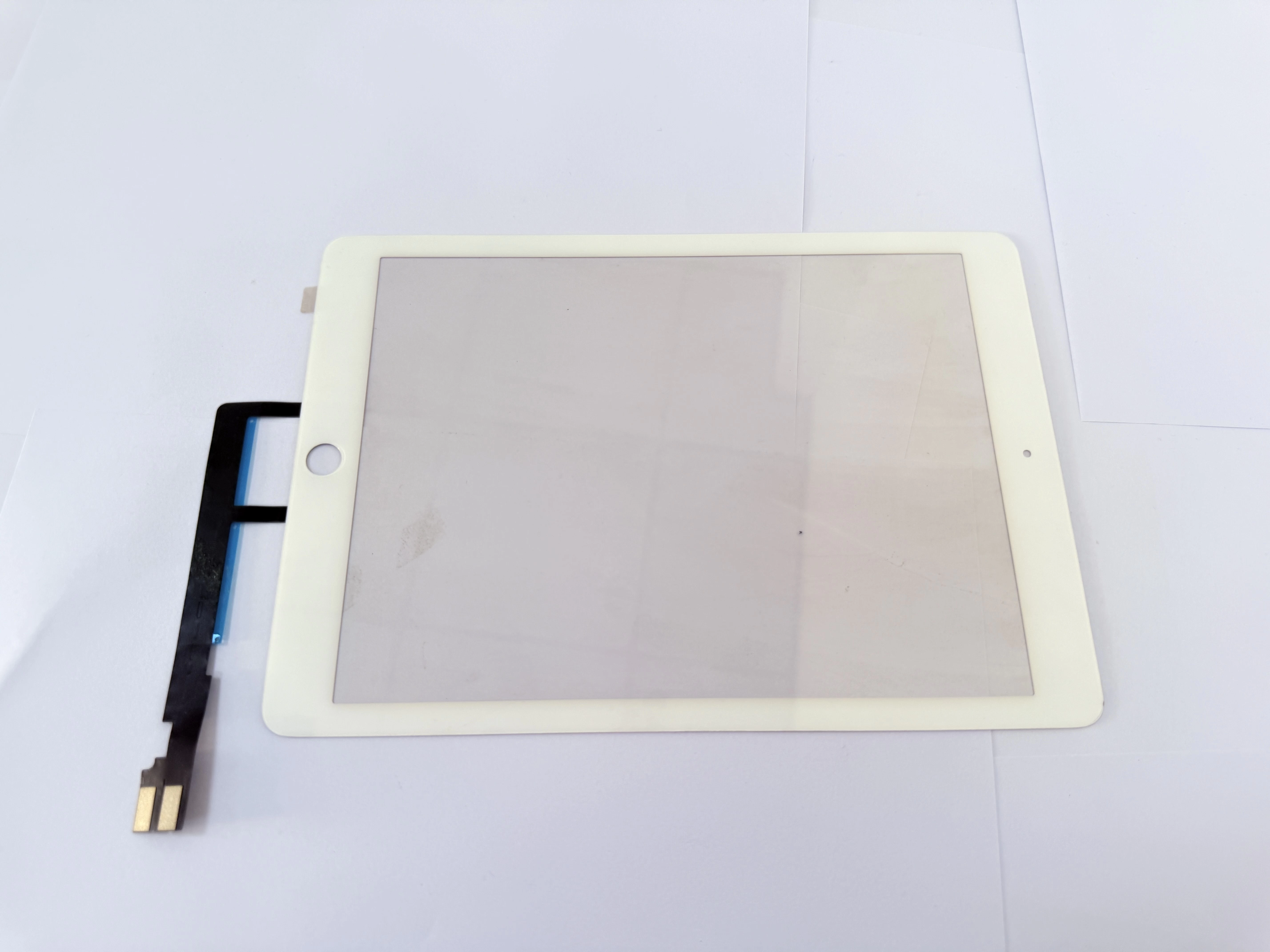
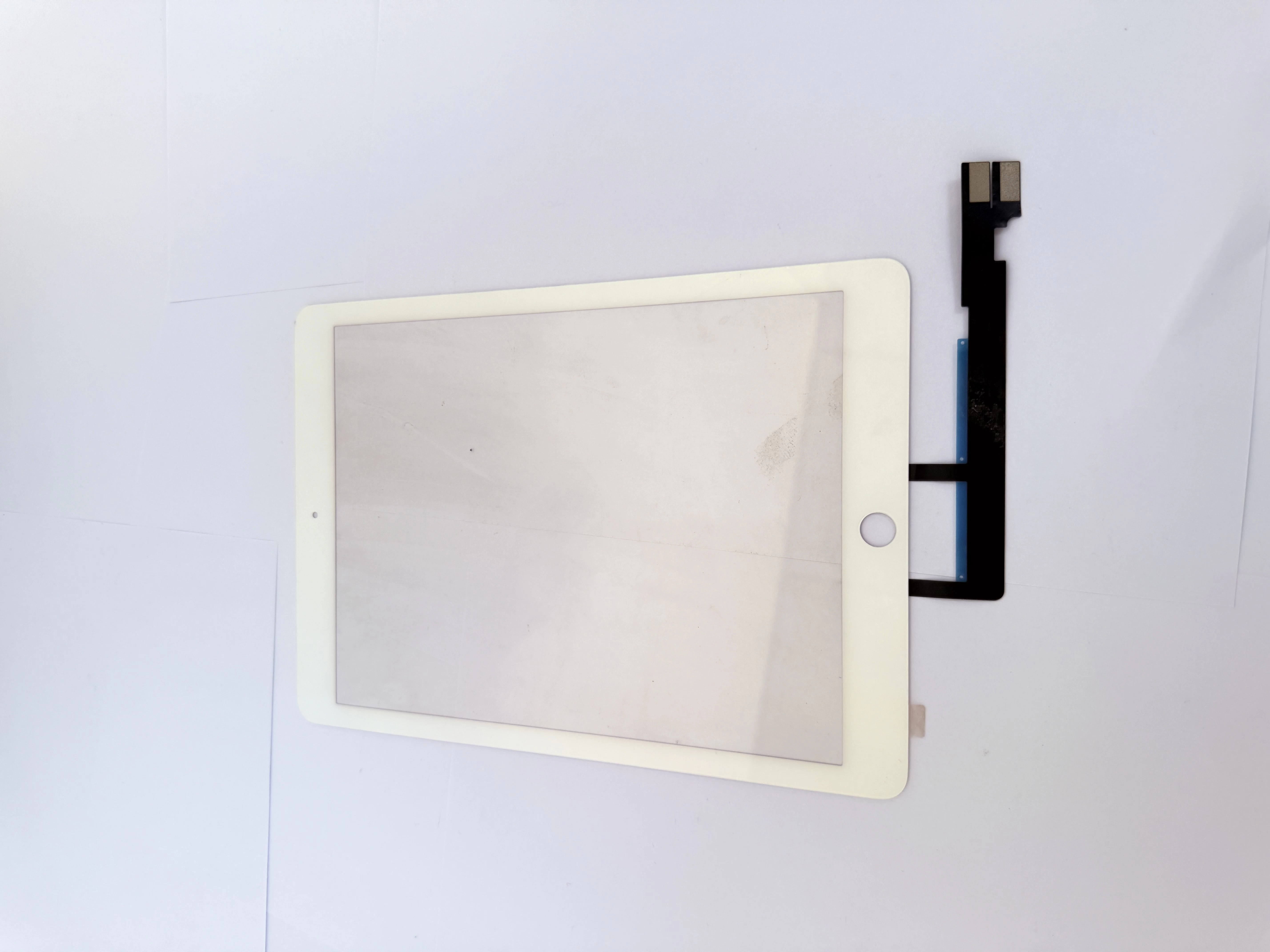
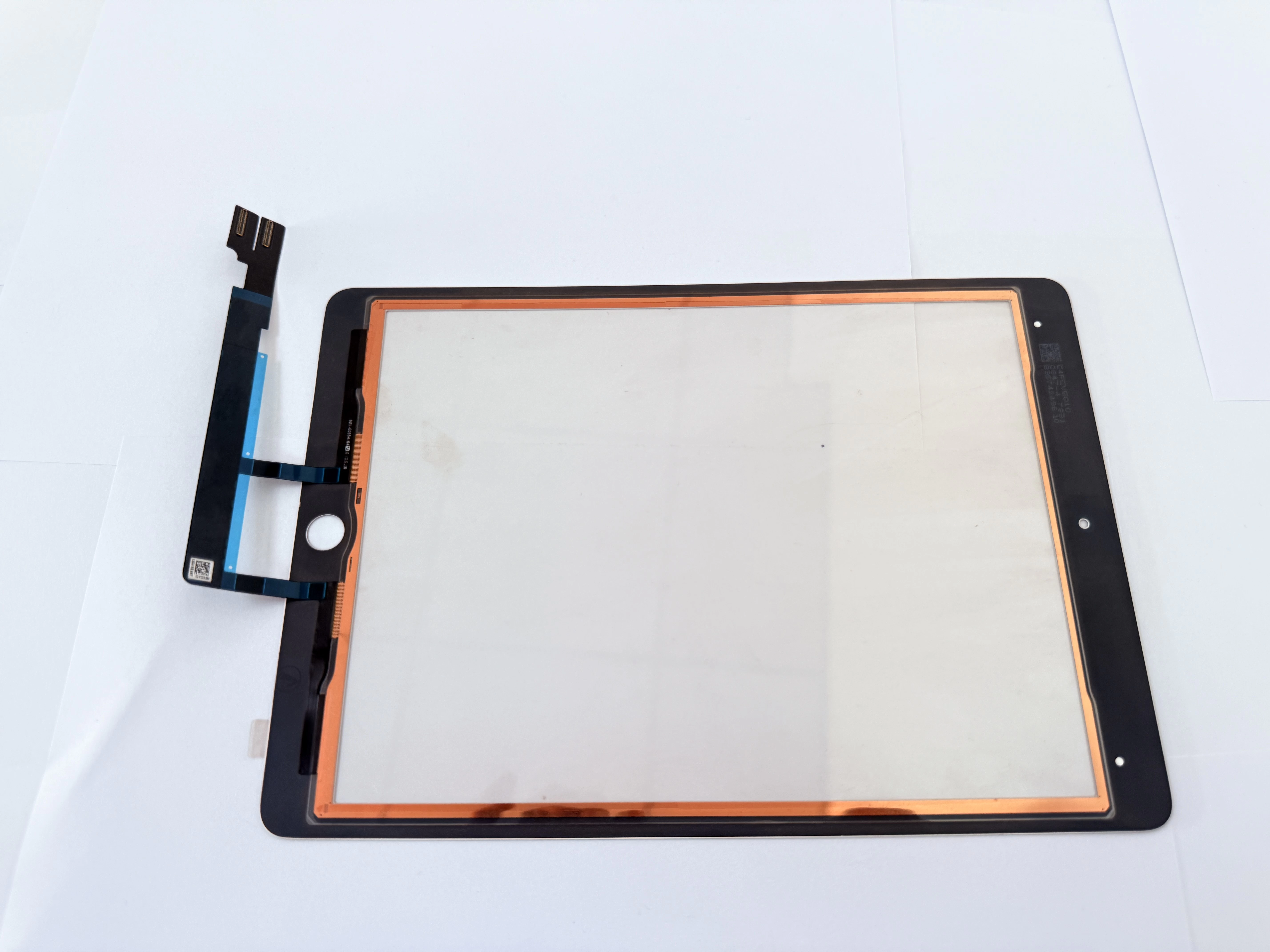
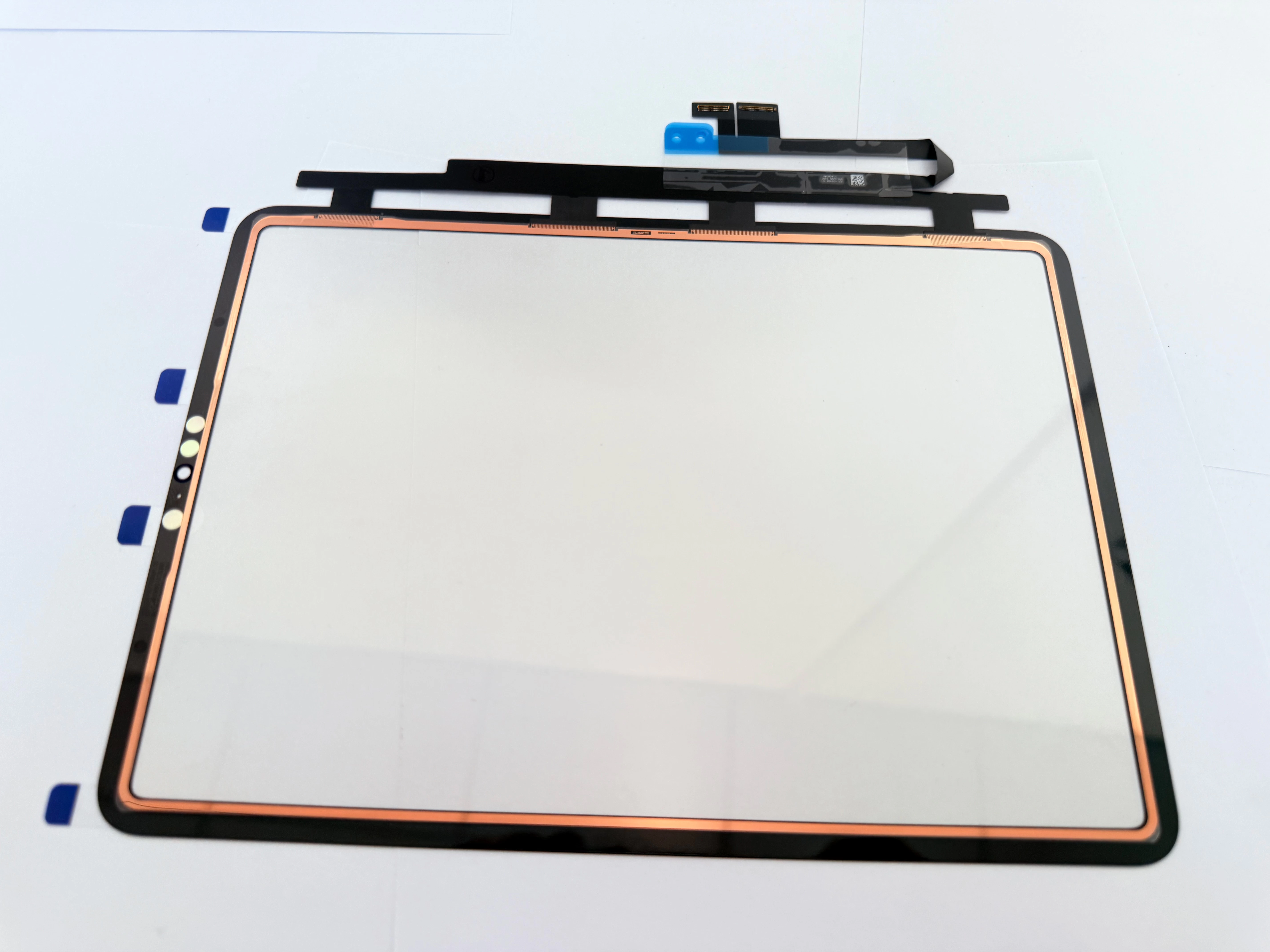
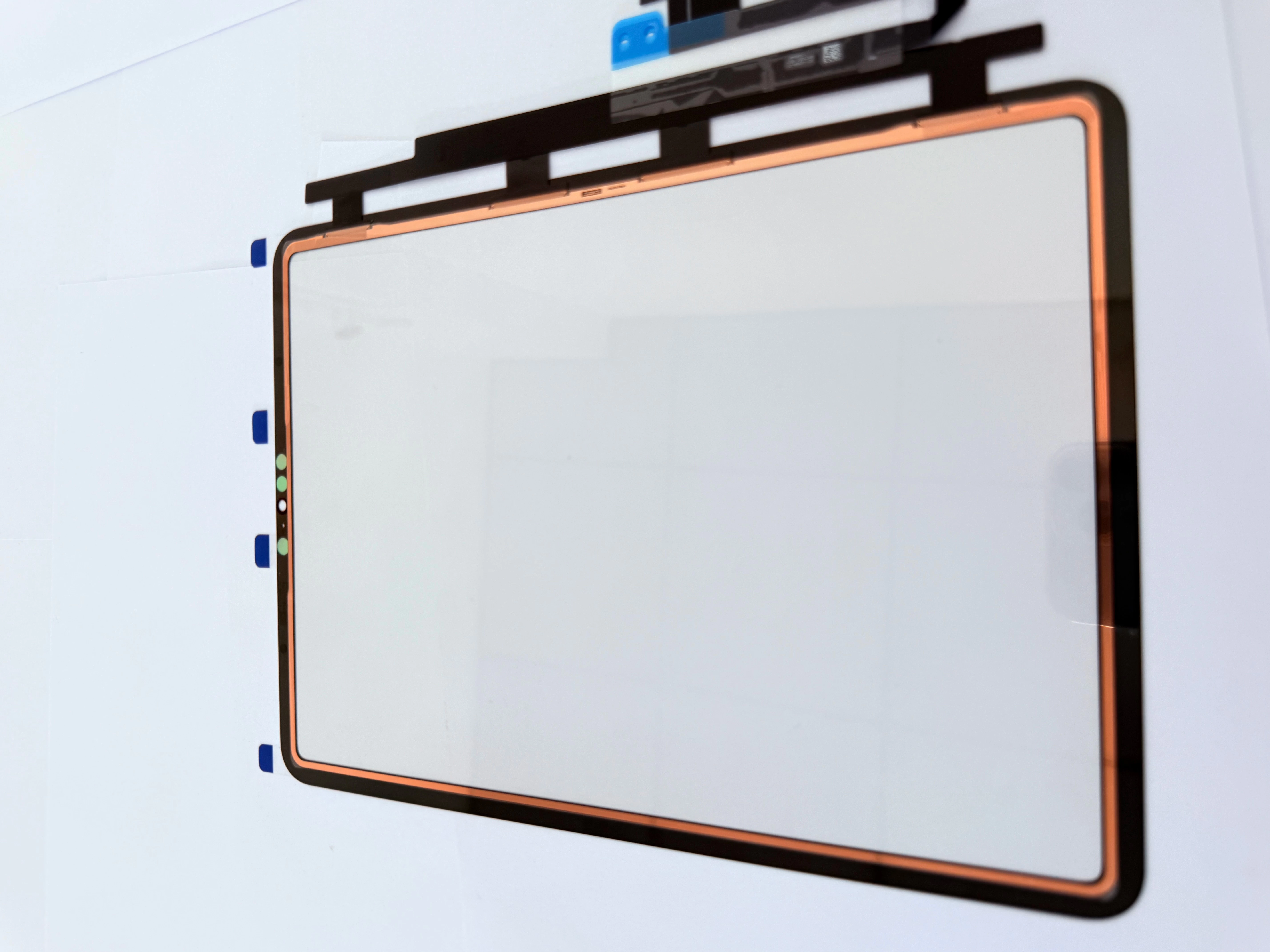
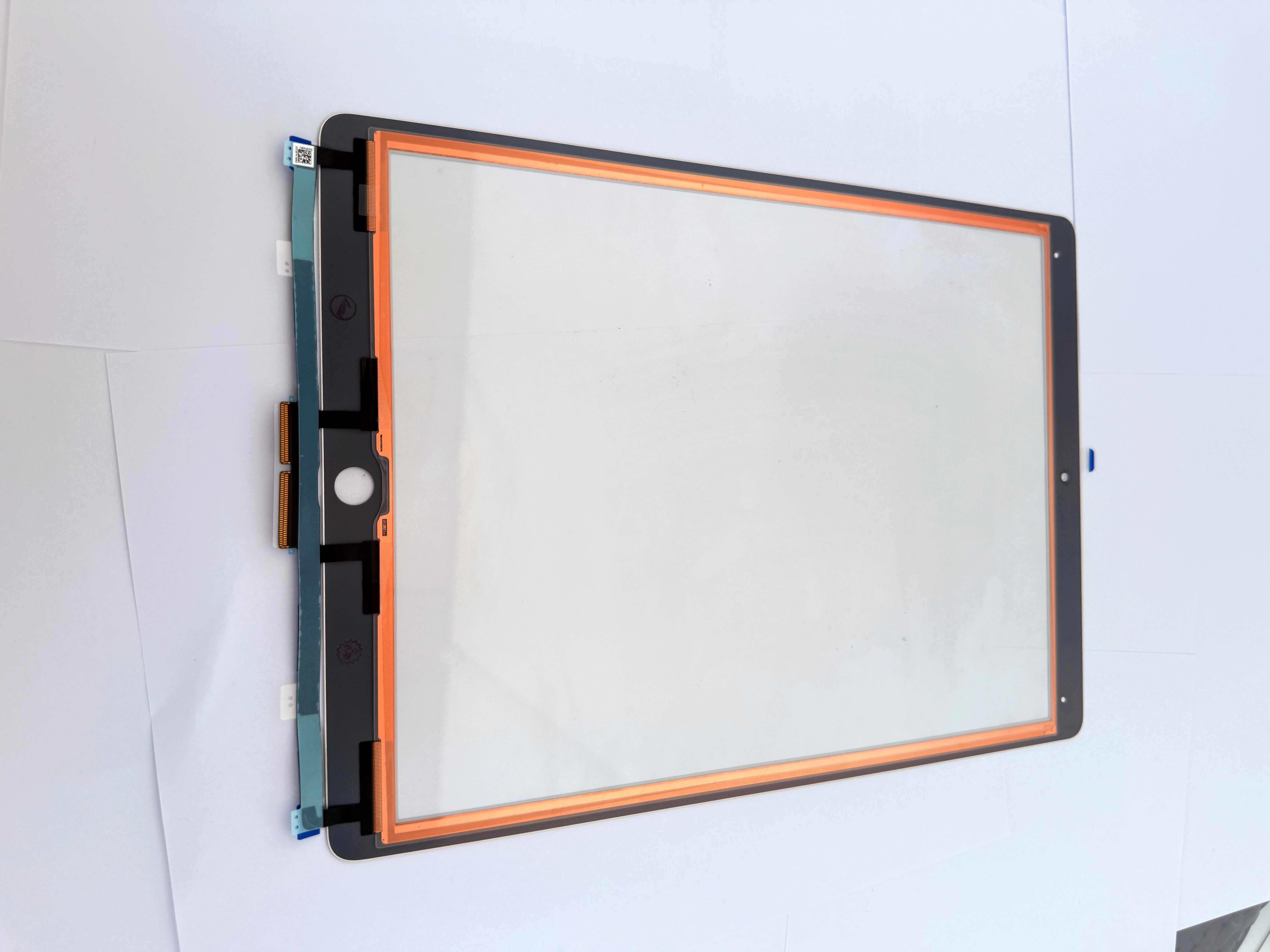
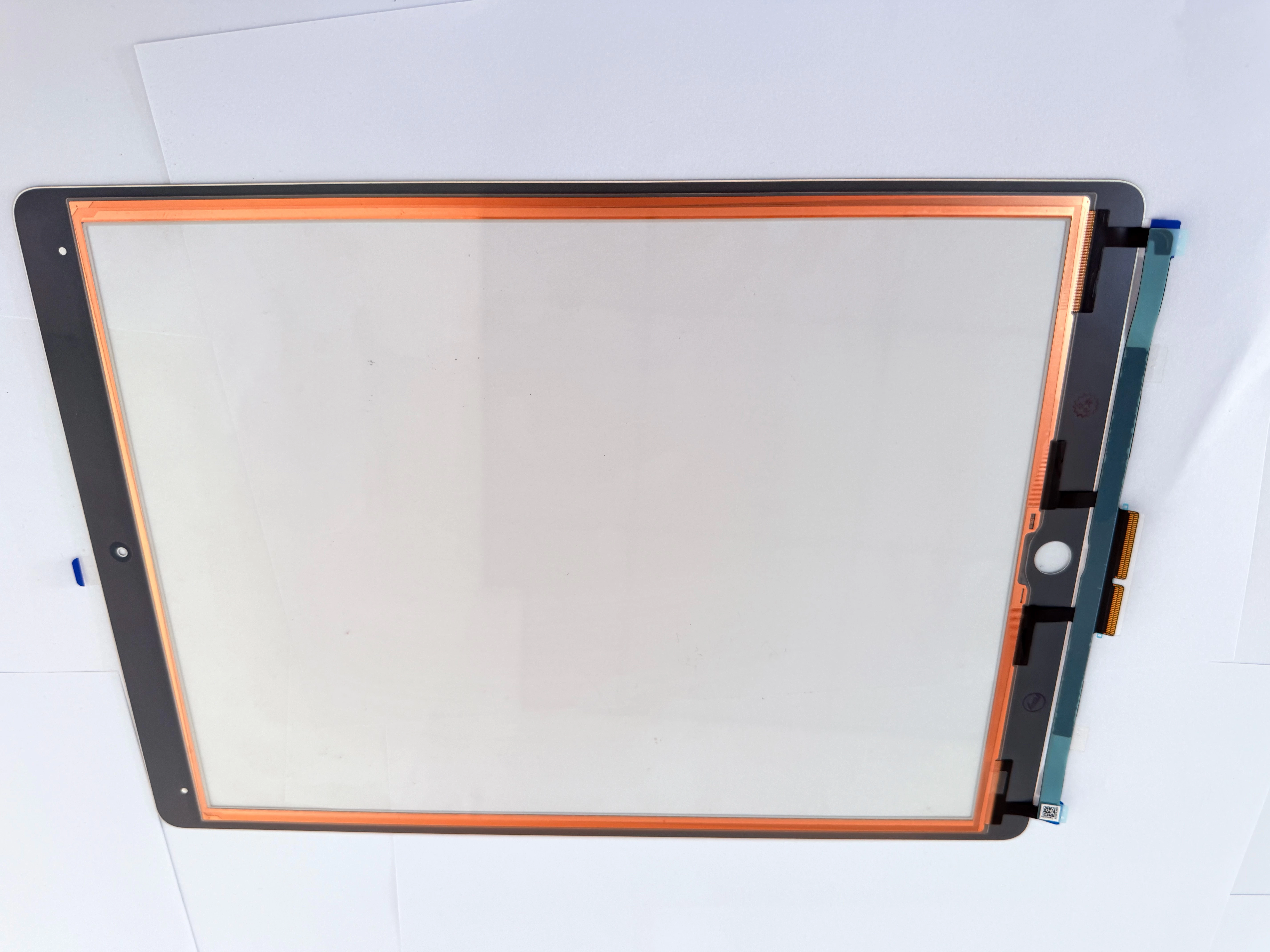
For repair shops, refurbishing businesses, and wholesalers, iPad 8 touch screen replacement remains a high-demand repair service. In many situations, the LCD display still works normally, while only the touch screen digitizer needs replacement.
Common iPad 8 Screen Problems
Before repairing an iPad 8, technicians should first determine the exact fault. Different symptoms may require different repair methods.
| Problem | Possible Cause | Repair Solution |
|---|---|---|
| Cracked front glass | Drop or pressure damage | Replace touch screen digitizer |
| Touch not responding | Damaged digitizer or loose connector | Test and replace digitizer |
| Ghost touch | Poor-quality digitizer or connector issue | Reinstall or replace touch screen |
| Partial touch failure | Digitizer dead zone | Replace digitizer |
| Display lines | LCD damage or loose connector | Inspect LCD |
| Black screen | LCD, battery, or motherboard issue | Diagnose power and display system |
| Home button not working | Home button flex cable issue | Transfer original home button carefully |
| Screen lifting | Poor adhesive or bent frame | Clean frame and reseal |
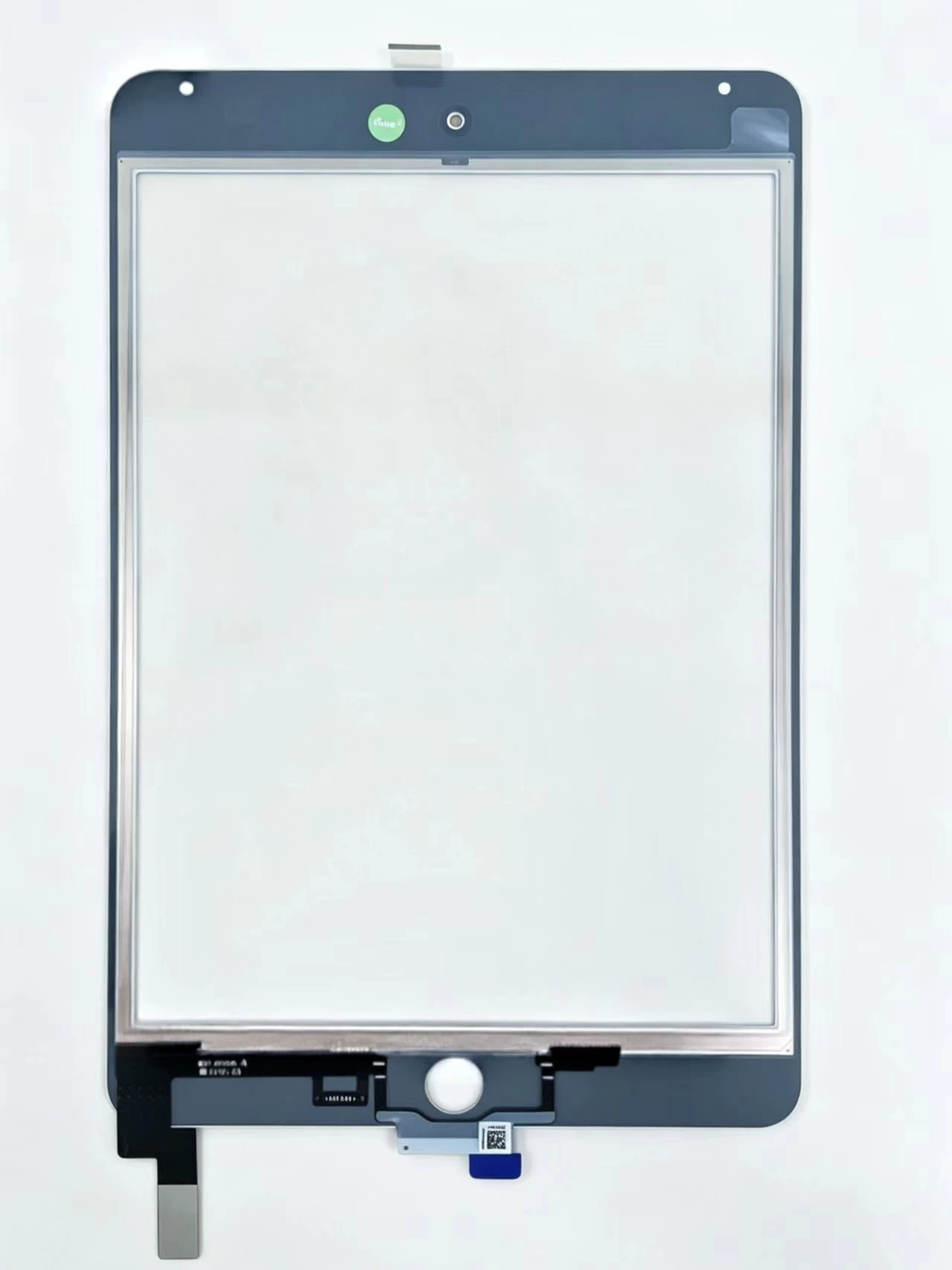
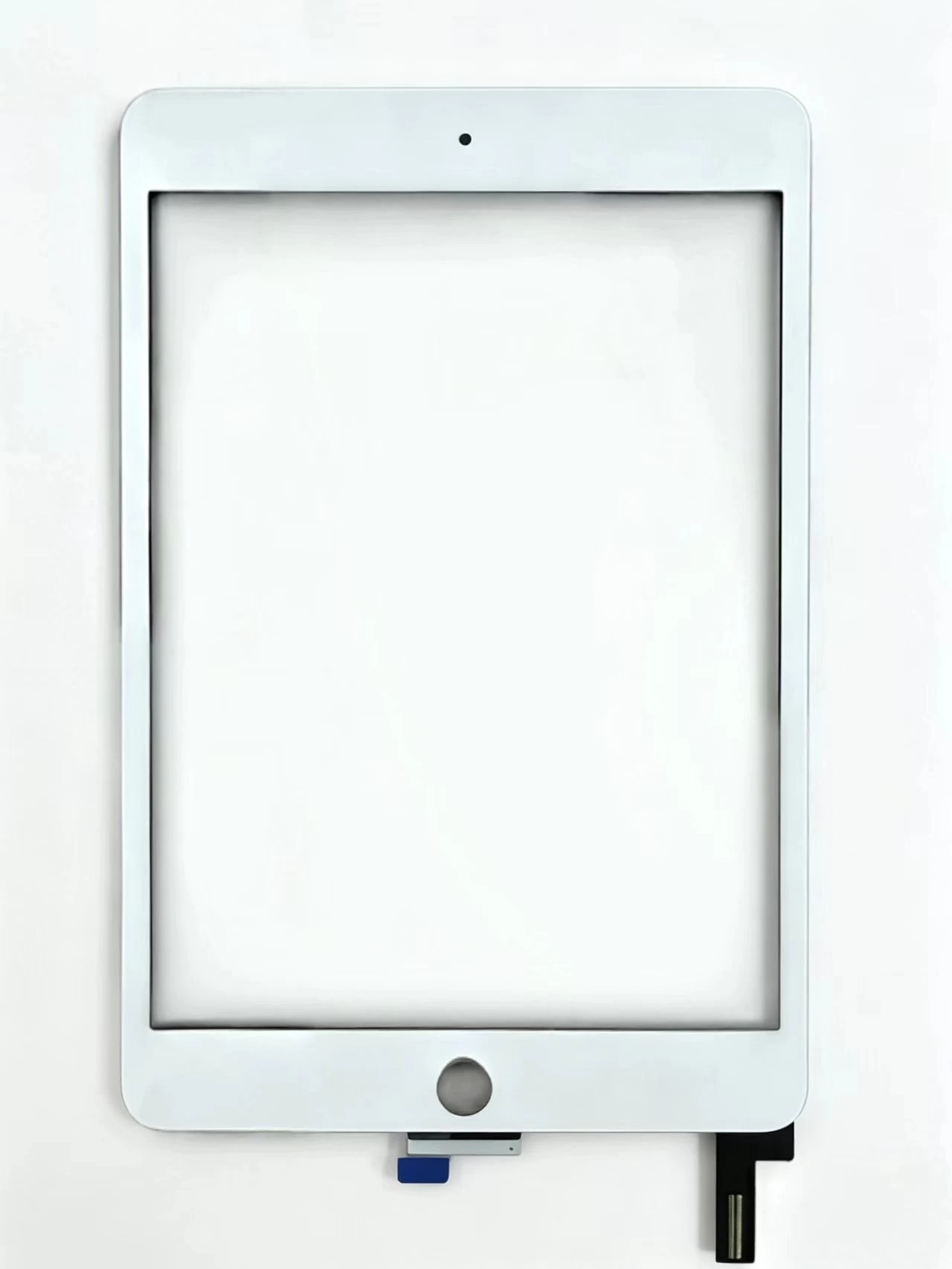
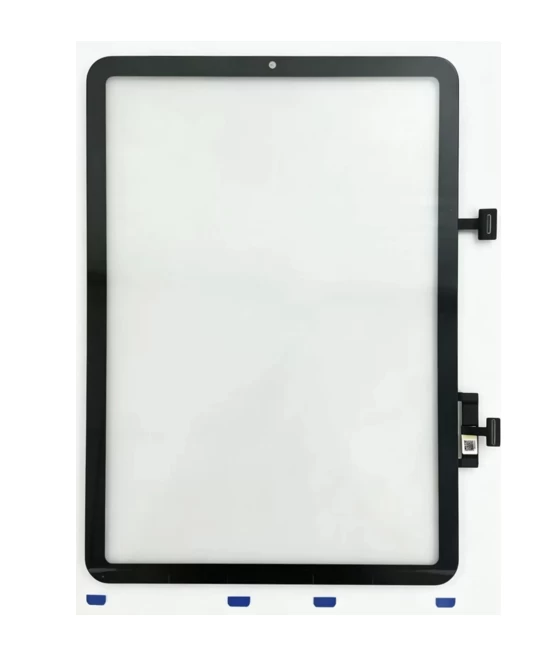
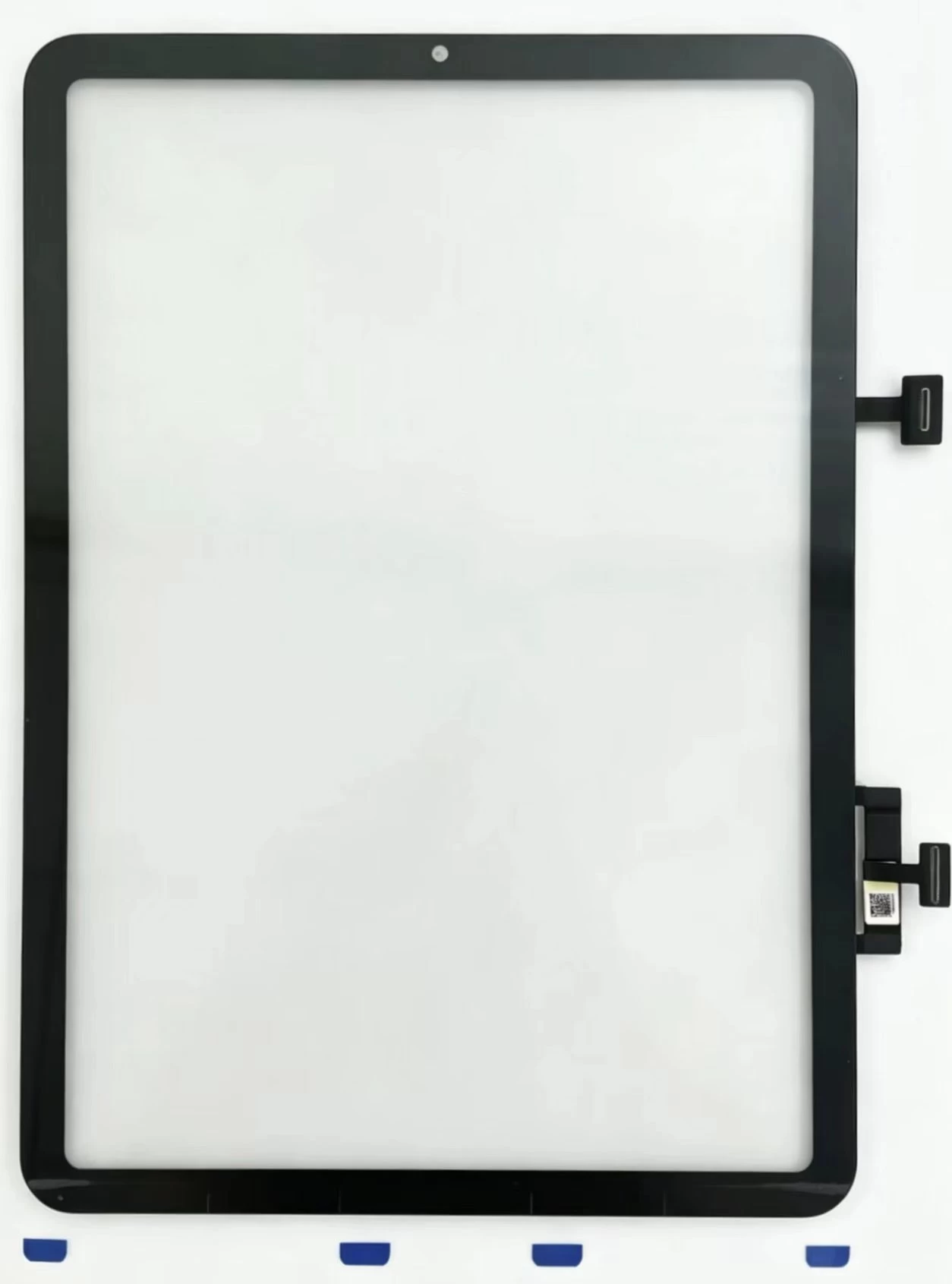
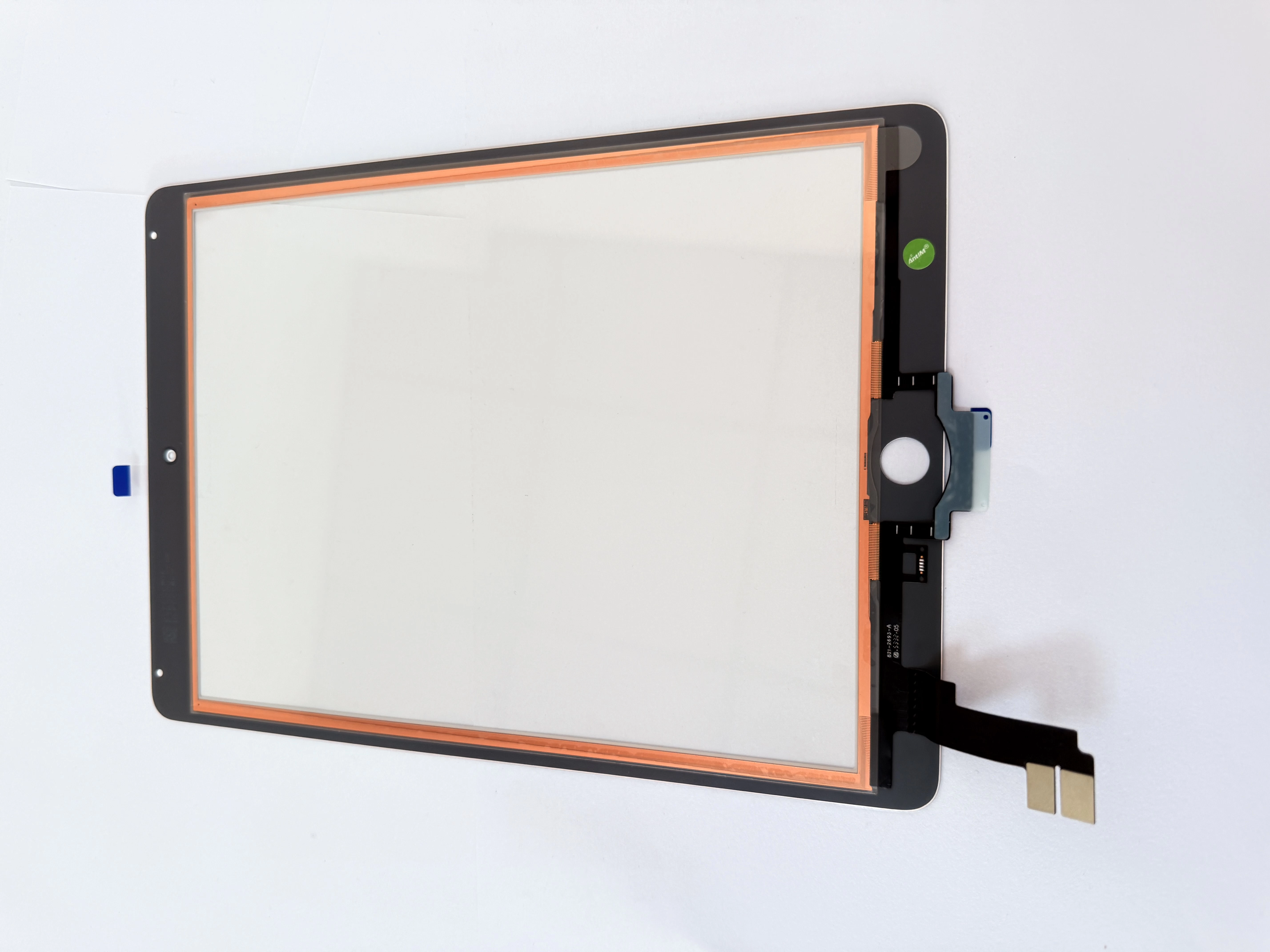
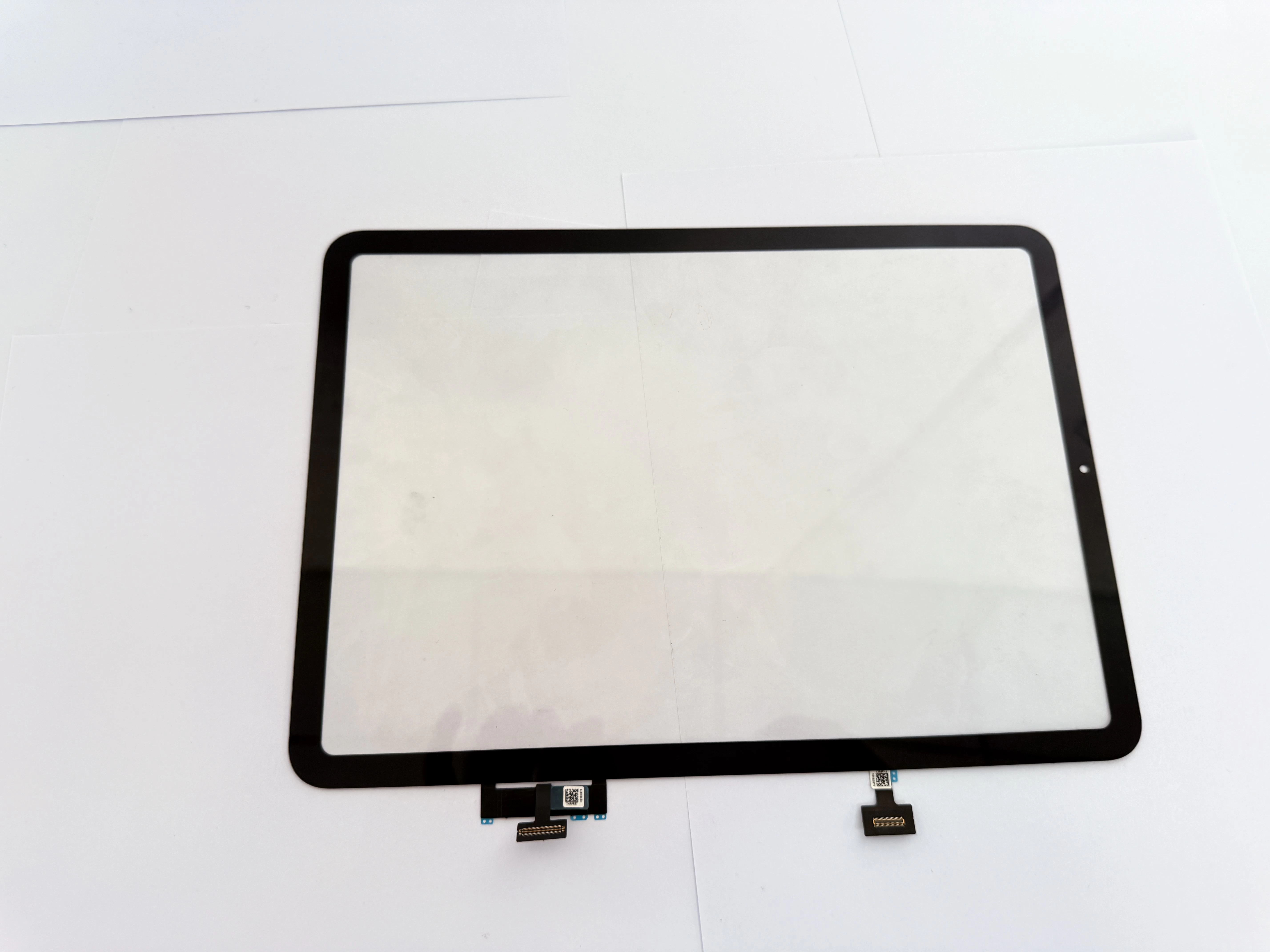
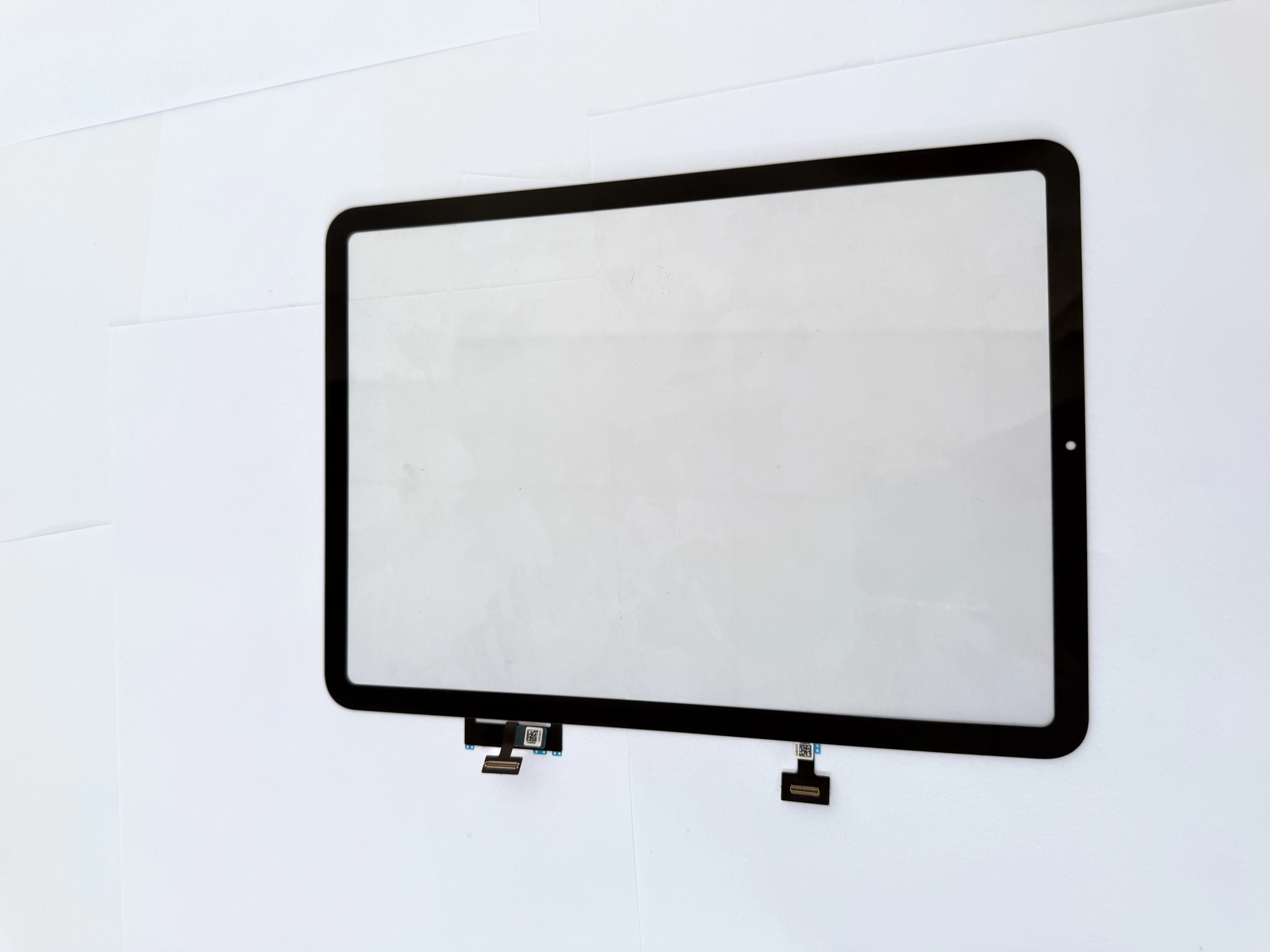
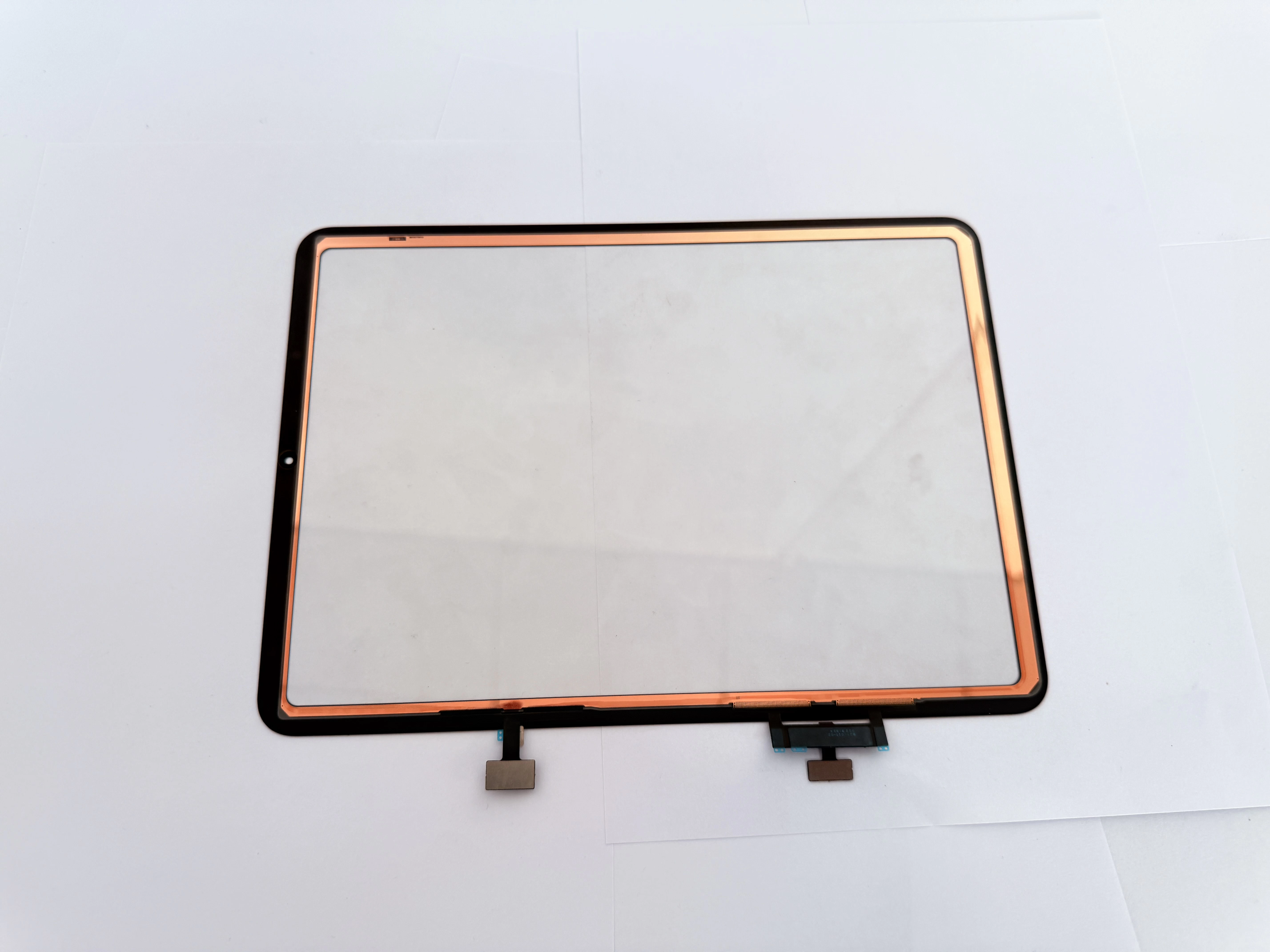
For iPad 8, the front touch glass digitizer and LCD are separate parts. If the display image is normal but touch fails, replacing only the touch screen digitizer is usually enough.
Confirm the Correct iPad 8 Model Before Repair
Before ordering replacement parts, technicians should always confirm the model number.
| iPad Version | Model Number |
|---|---|
| iPad 8 Wi-Fi | A2270 |
| iPad 8 Wi-Fi + Cellular | A2428 / A2429 / A2430 |
The iPad 7, iPad 8, and iPad 9 all use a similar 10.2-inch design, so confusion between models is common. Confirming the correct model before ordering replacement parts helps avoid compatibility issues.
Using the wrong touch screen may lead to connector mismatch, unstable touch performance, poor fit, or installation problems.
When Does the iPad 8 Need a Touch Screen Replacement?
An iPad 8 usually needs a touch screen digitizer replacement when one or more of the following problems appear:
The front glass is cracked but the LCD still displays normally.
The touch screen becomes completely unresponsive.
Some areas of the screen cannot be touched.
Ghost touch appears during use.
The glass is damaged near the edge or home button area.
The digitizer flex cable becomes damaged during a previous repair.
Touch sensitivity becomes unstable after screen replacement.
If the LCD image is clear and stable, the issue is often related to the digitizer rather than the LCD itself.
Basic iPad 8 Screen Repair Process
1. Power Off the Device
Before opening the iPad, power off the device completely. This helps reduce the risk of short circuits or accidental damage during repair.
2. Heat the Screen Edges
The iPad 8 front glass is attached using strong adhesive. Heat the edges evenly to soften the adhesive before opening the screen.
Avoid overheating one area for too long, especially near the battery, LCD, and home button area.
3. Open the Front Glass Carefully
Use professional opening tools to separate the screen from the frame.
Avoid inserting tools too deeply, because this may damage internal components, including:
- LCD panel
- Antenna cable
- Home button flex cable
- Internal connectors
The home button area requires extra care.
4. Disconnect the Digitizer Flex Cable
After lifting the front glass, disconnect the digitizer flex cable carefully.
Technicians should inspect whether the connector is:
- Properly aligned
- Free from dirt or corrosion
- Undamaged
- Firmly connected
Loose connectors may cause intermittent touch problems.
5. Transfer the Original Home Button
The original home button should be transferred from the broken screen to the new digitizer.
This step is very important because damaging the original home button flex cable may affect Touch ID function.
Move slowly and avoid excessive force during removal.
6. Test the New Screen Before Sealing
Before sealing the iPad, technicians should connect the new digitizer and test all touch functions.
Recommended tests include:
- Full-screen touch response
- Four-corner touch sensitivity
- Keyboard typing
- App icon movement
- Multi-touch gestures
- Home button operation
- No ghost touch
- No dead zones
- Stable touch response
Only after the screen passes testing should final installation begin.
7. Clean the Frame and Apply Adhesive
Remove:
- Old adhesive
- Glass fragments
- Dust
- Residue
A clean frame helps improve fitting and reduces the chance of screen lifting after repair.
Apply proper adhesive evenly without covering sensors, speaker holes, or camera areas.
8. Seal the Screen and Final Test
Align the new touch screen carefully and press it into place evenly.
After sealing, perform another touch function test to ensure the repair is successful.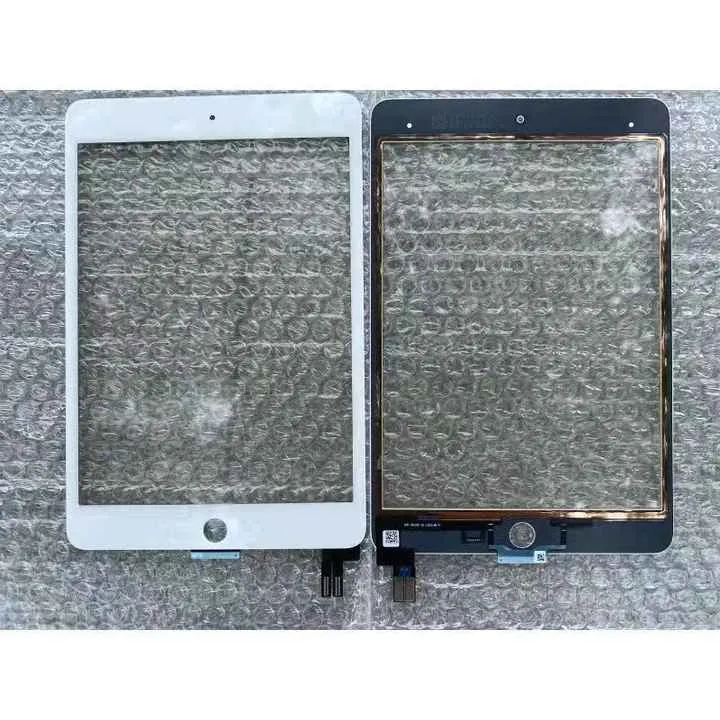
Important Repair Tips for iPad 8
Keep the Original Home Button
Whenever possible, preserve the original home button. Damaging the flex cable may disable Touch ID.
Test Before Final Installation
Always test the digitizer before sealing the screen. This helps reduce rework if the part has issues.
Check for Bent Frame Damage
After a drop, the iPad frame may become slightly bent. A bent frame can cause poor fitting, lifted edges, or screen cracking after installation.
Use Reliable Adhesive
Low-quality adhesive may lead to screen lifting after several days of use.
Avoid Low-Quality Replacement Parts
Poor-quality digitizers may result in:
- Ghost touch
- Delayed response
- Dead zones
- Early failure
- High customer return rates
Stable product quality is especially important for repair shops and wholesalers.
How to Choose a Good iPad 8 Touch Screen Digitizer
For repair shops, wholesalers, and refurbishment businesses, choosing a reliable iPad 8 touch screen supplier is important.
A quality iPad 8 replacement digitizer should provide:
- Stable touch sensitivity
- Accurate compatibility for A2270 / A2428 / A2429 / A2430
- Clean and durable glass
- Reliable flex cable quality
- Good fitting with the frame
- Home button compatibility
- Strict pre-shipment testing
- Safe packaging for shipping
- Stable batch quality
For wholesale orders, product consistency matters more than choosing the lowest price.
Stable quality helps reduce repair returns, customer complaints, and after-sales costs.
When Should the LCD Also Be Replaced?
In many repairs, replacing only the touch screen digitizer is enough. However, LCD replacement may also be required if the iPad shows:
- Black screen
- No backlight
- Display lines
- White spots
- Flickering display
- Ink-like marks
- Broken LCD panel
- Abnormal color display
If the display works normally and only touch fails, replacing the digitizer alone is often sufficient.
Why Repair Shops Still Need iPad 8 Screen Parts
The iPad 8 remains popular in schools, businesses, and family environments. Many organizations still use large quantities of iPad 8 devices.
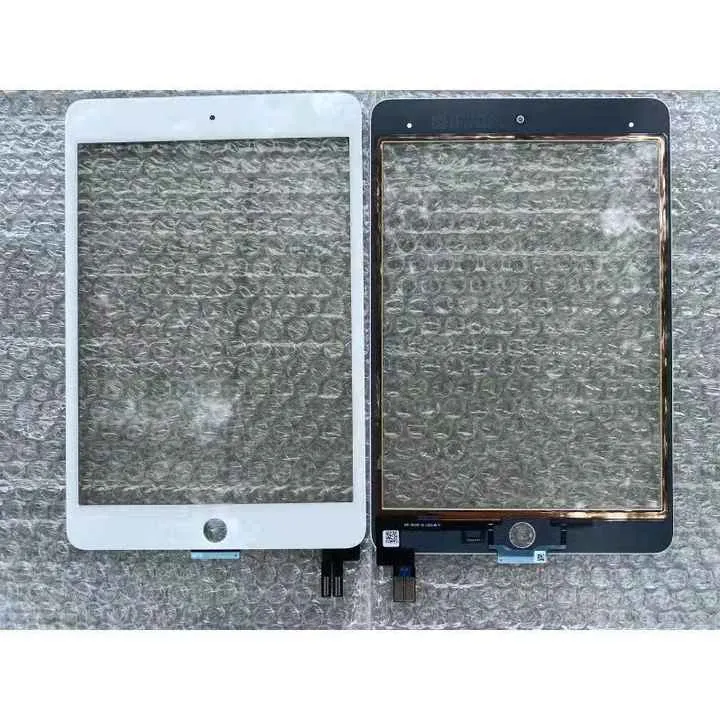
For repair shops, this means continuous repair demand. Keeping iPad 8 touch screen digitizers in stock helps improve repair efficiency.
For wholesalers and distributors, iPad 8 replacement parts remain suitable for:
- Repair chains
- School maintenance projects
- Tablet refurbishment businesses
- Regional spare parts supply
Conclusion
iPad 8 screen repair remains a common service in the tablet repair industry. If the front glass is cracked or touch fails while the LCD still works normally, replacing the iPad 8 touch screen digitizer is often the most practical repair solution.
For successful repairs, technicians should confirm the correct model number, preserve the original home button, test the digitizer before sealing, clean the frame properly, and choose reliable replacement parts.
For repair shops and wholesalers, working with a stable iPad 8 touch screen supplier helps reduce return rates, improve repair quality, and support long-term business growth.
Call to Action
Looking for reliable iPad 8 touch screen digitizer replacement parts for repair shops, wholesalers, or distributors?
Contact us today to get iPad 8 touch screen parts for A2270, A2428, A2429, and A2430, with stable quality, safe packaging, bulk order support, and OEM/ODM cooperation options.