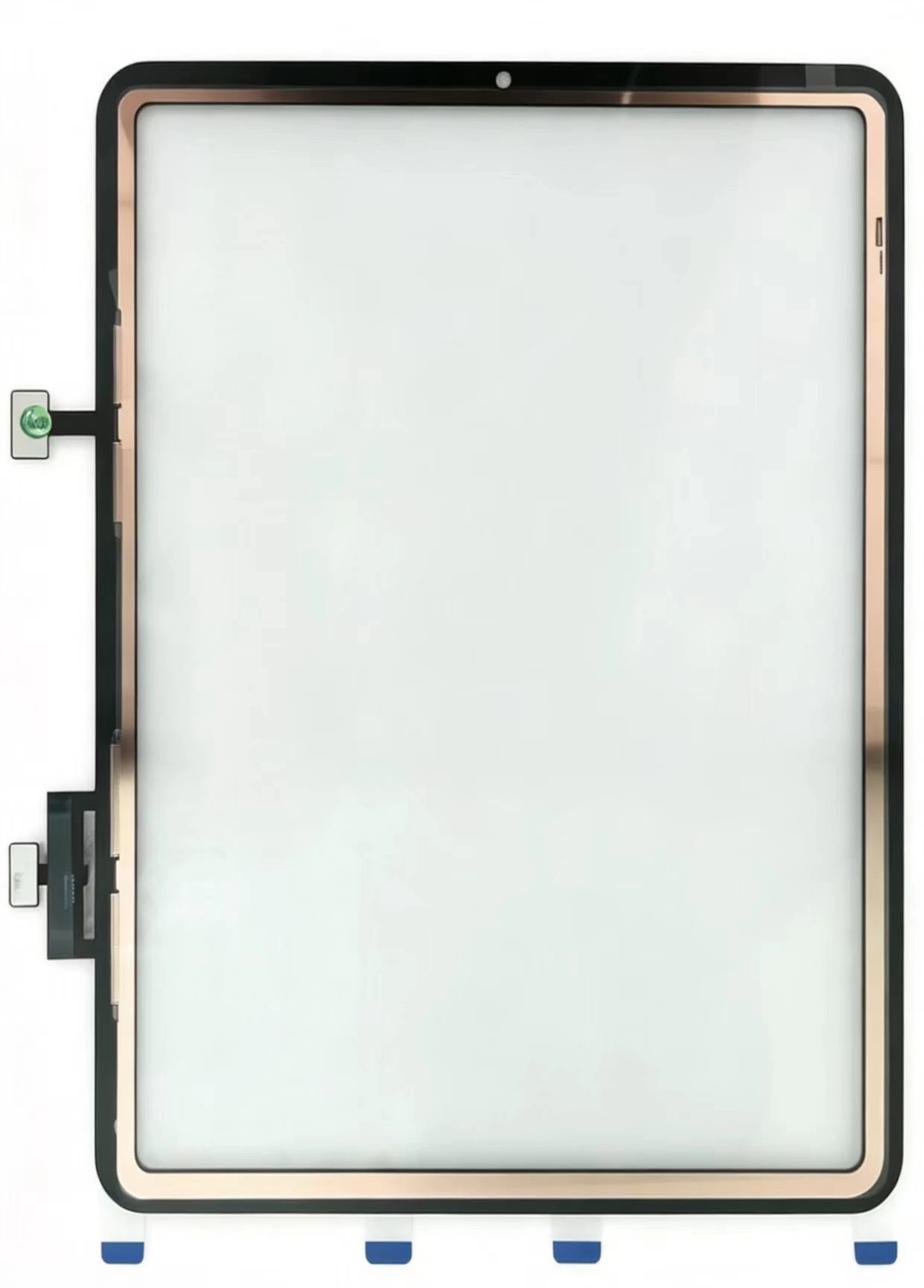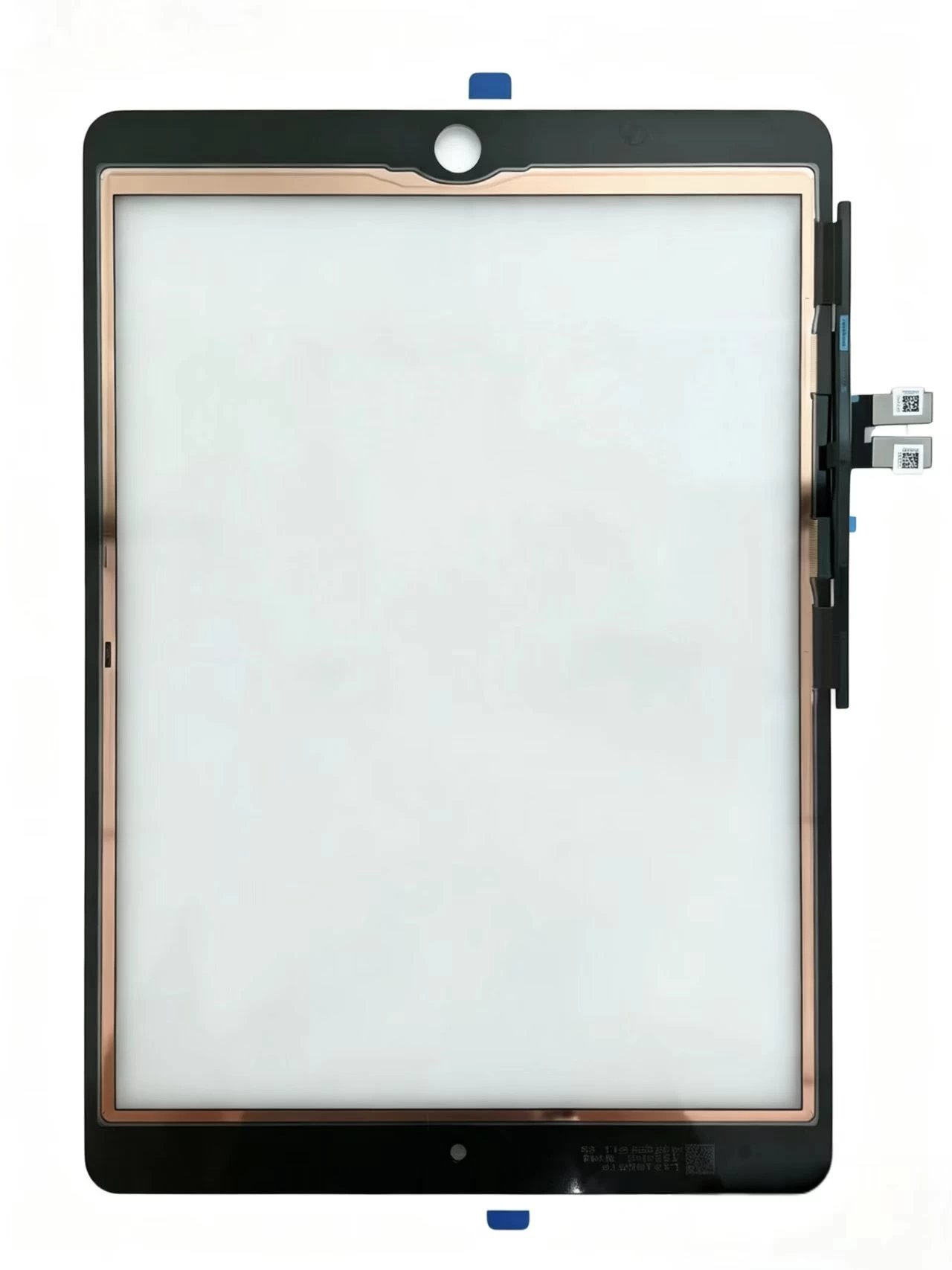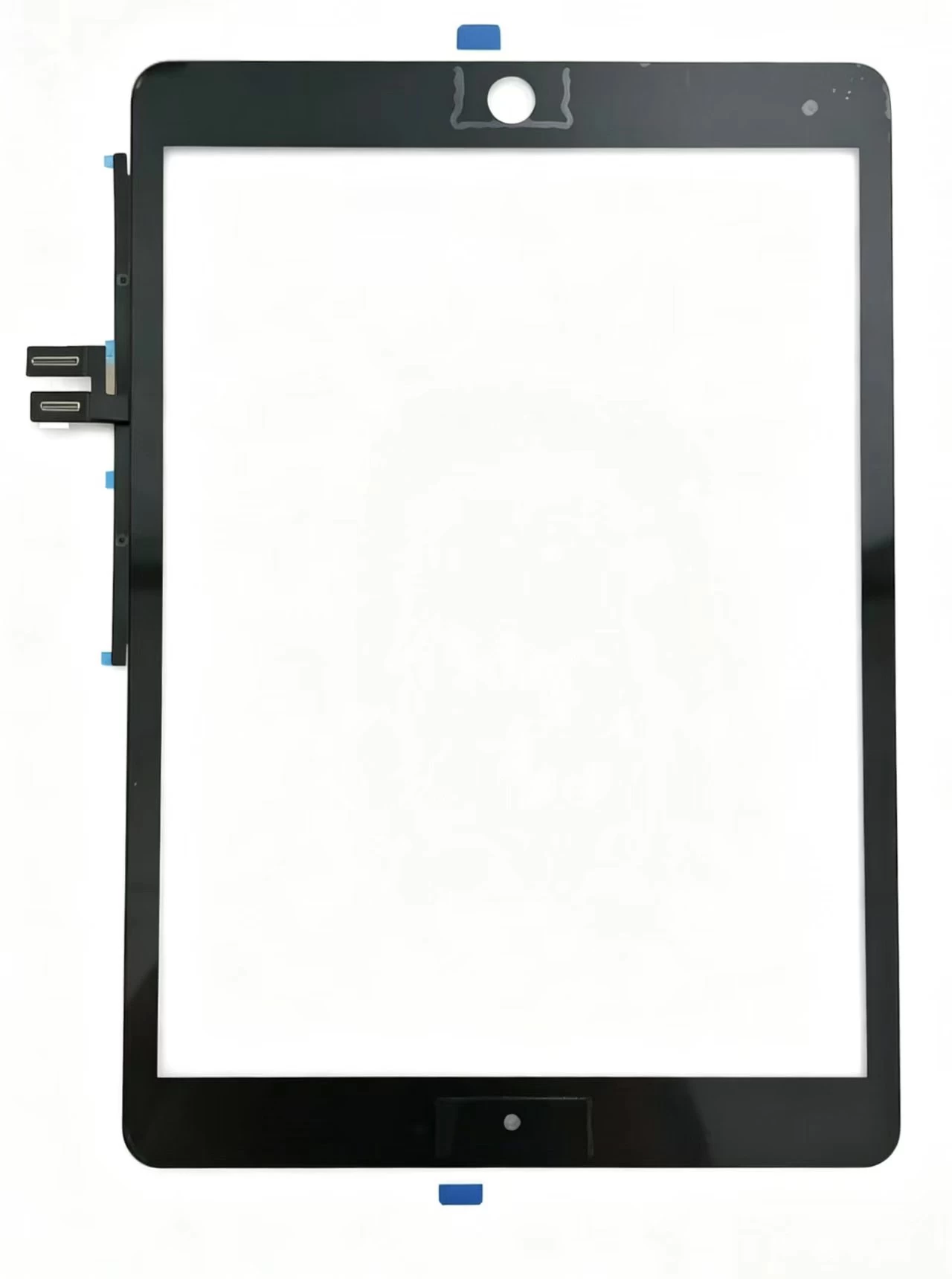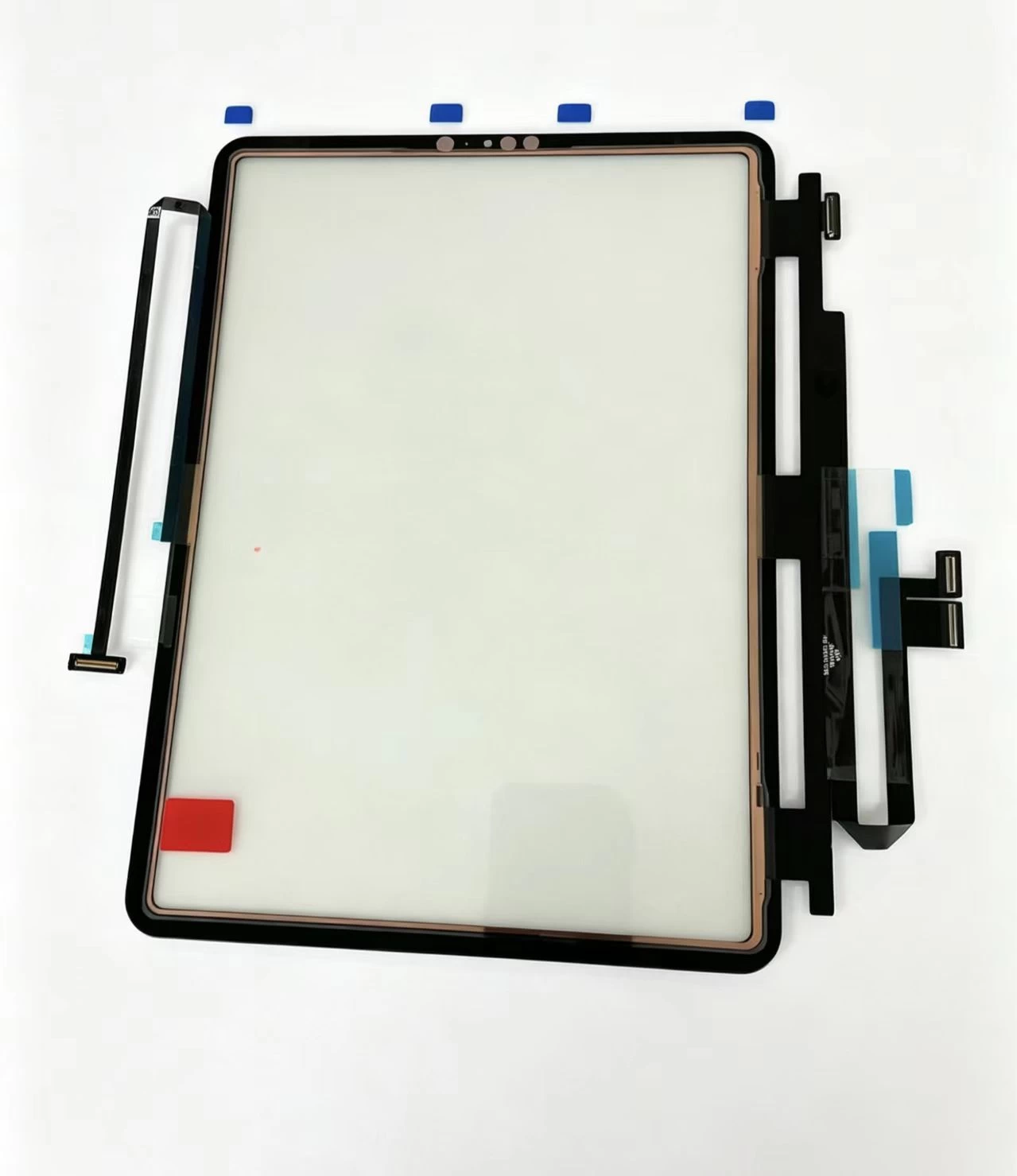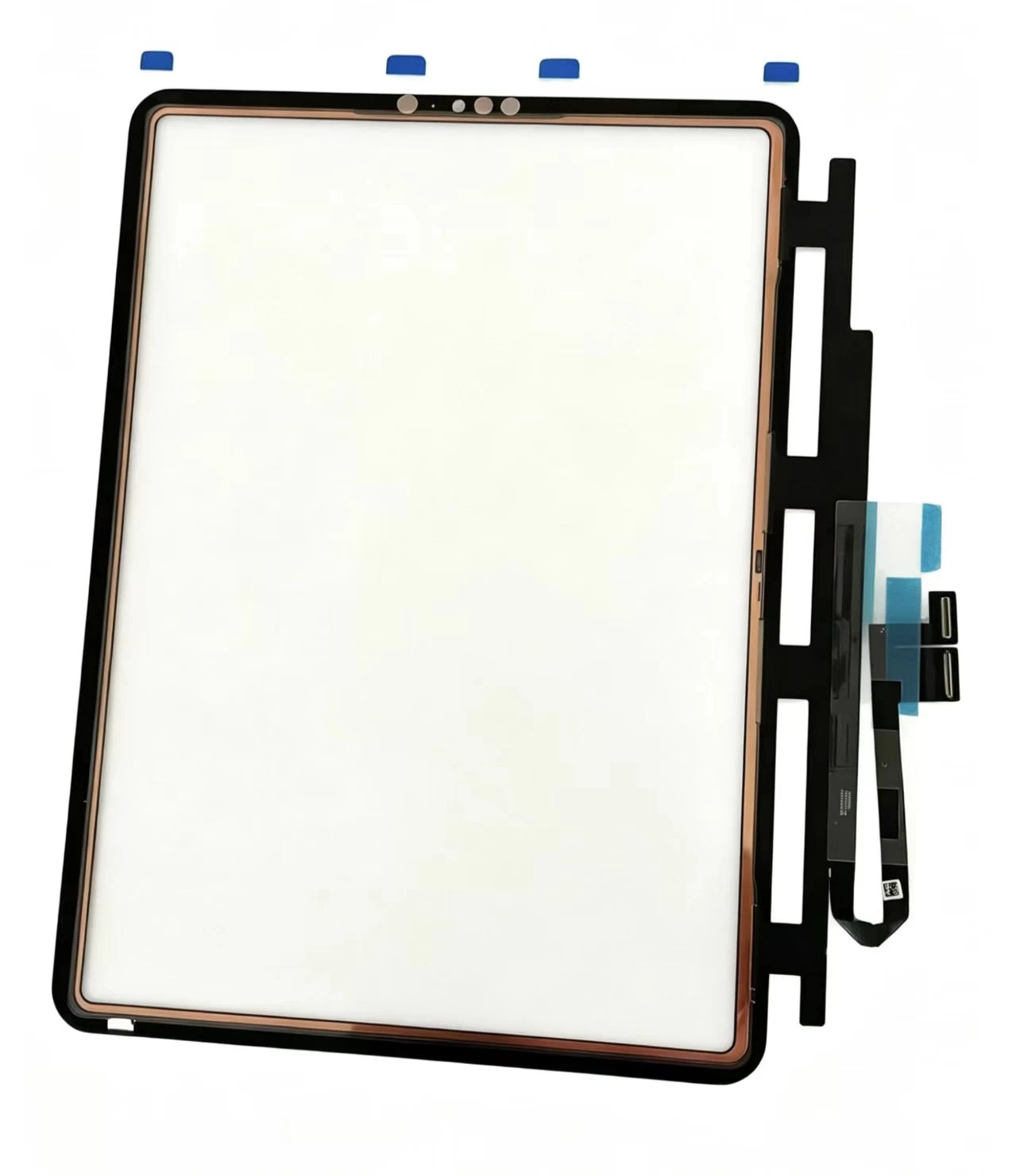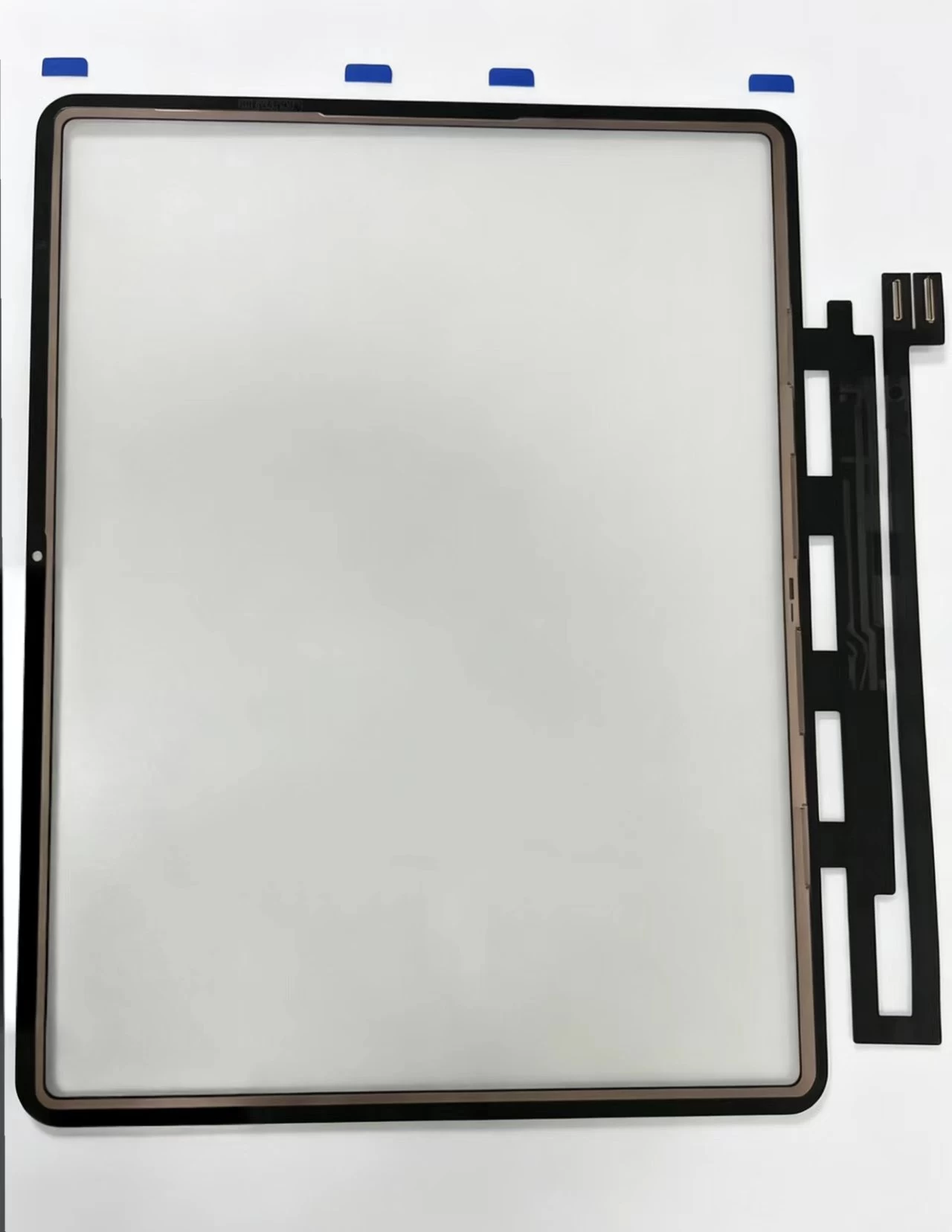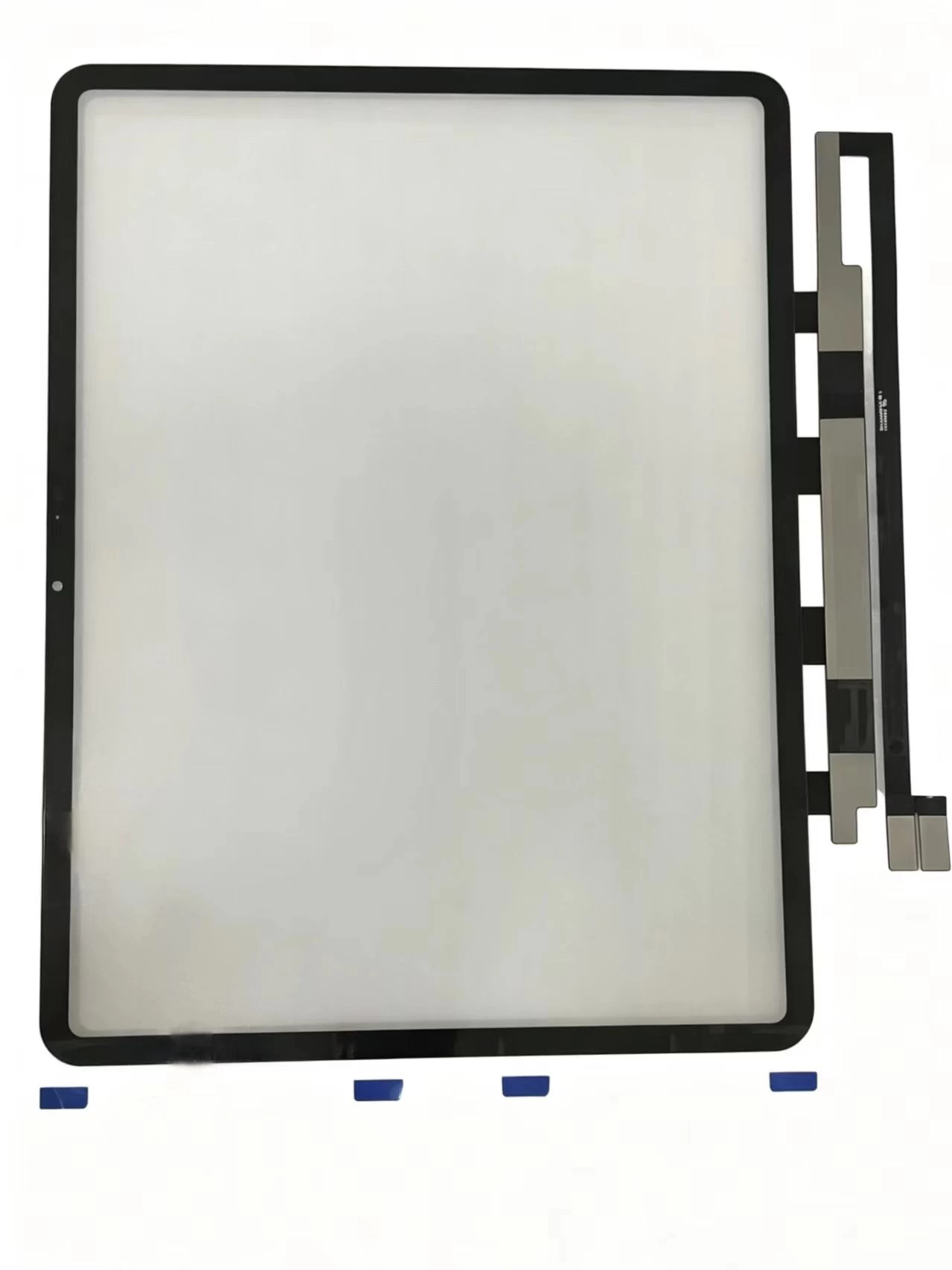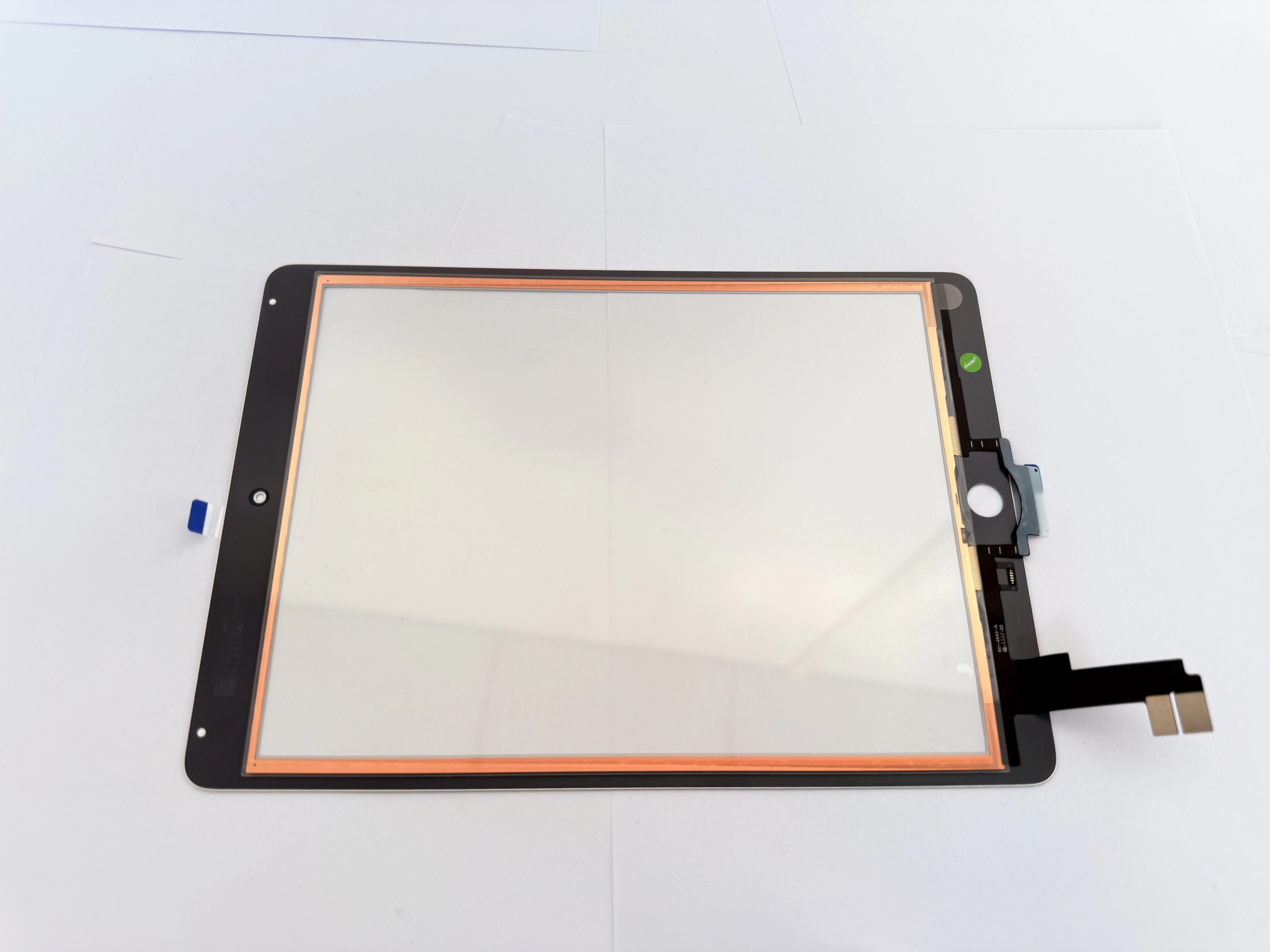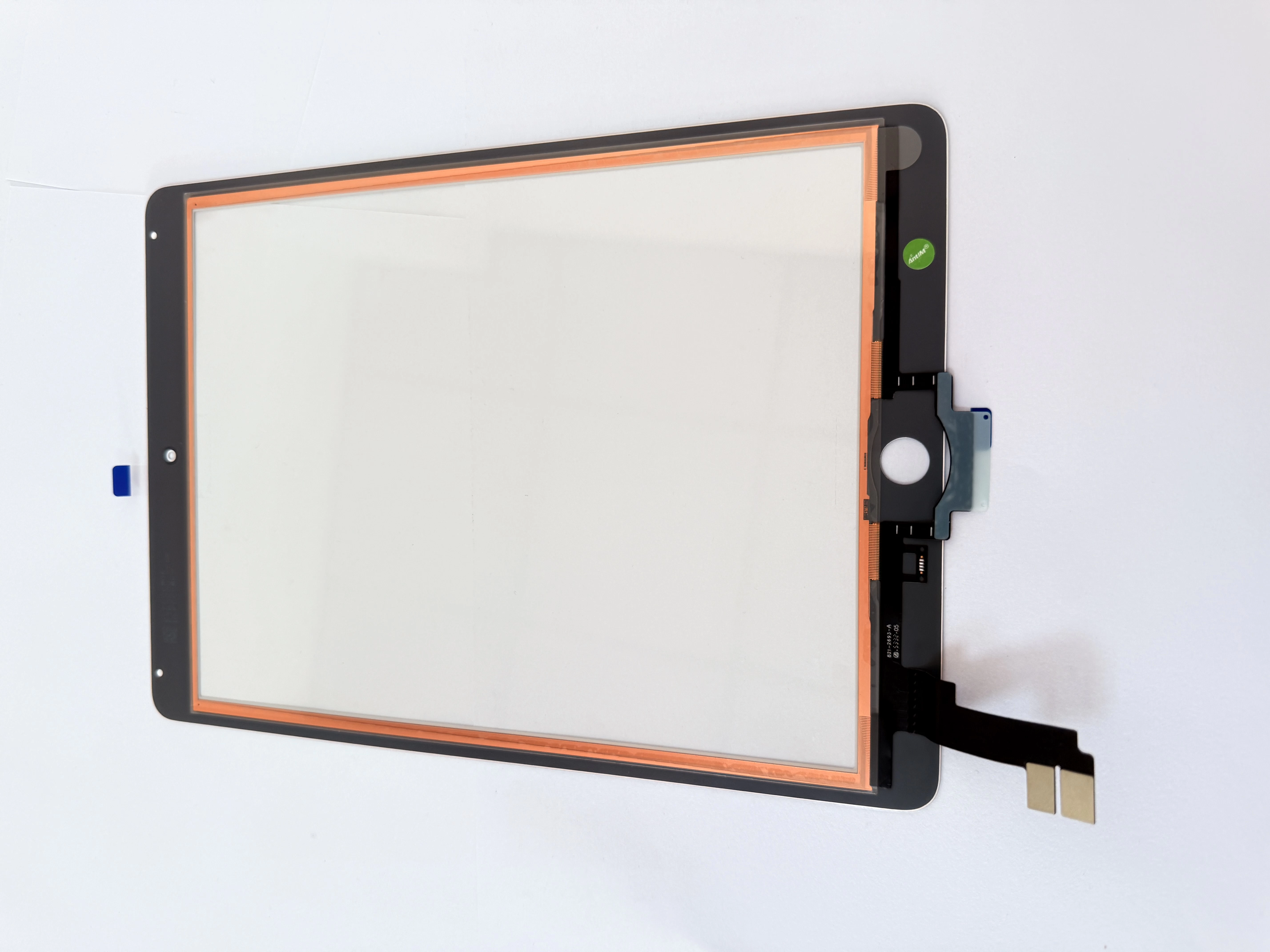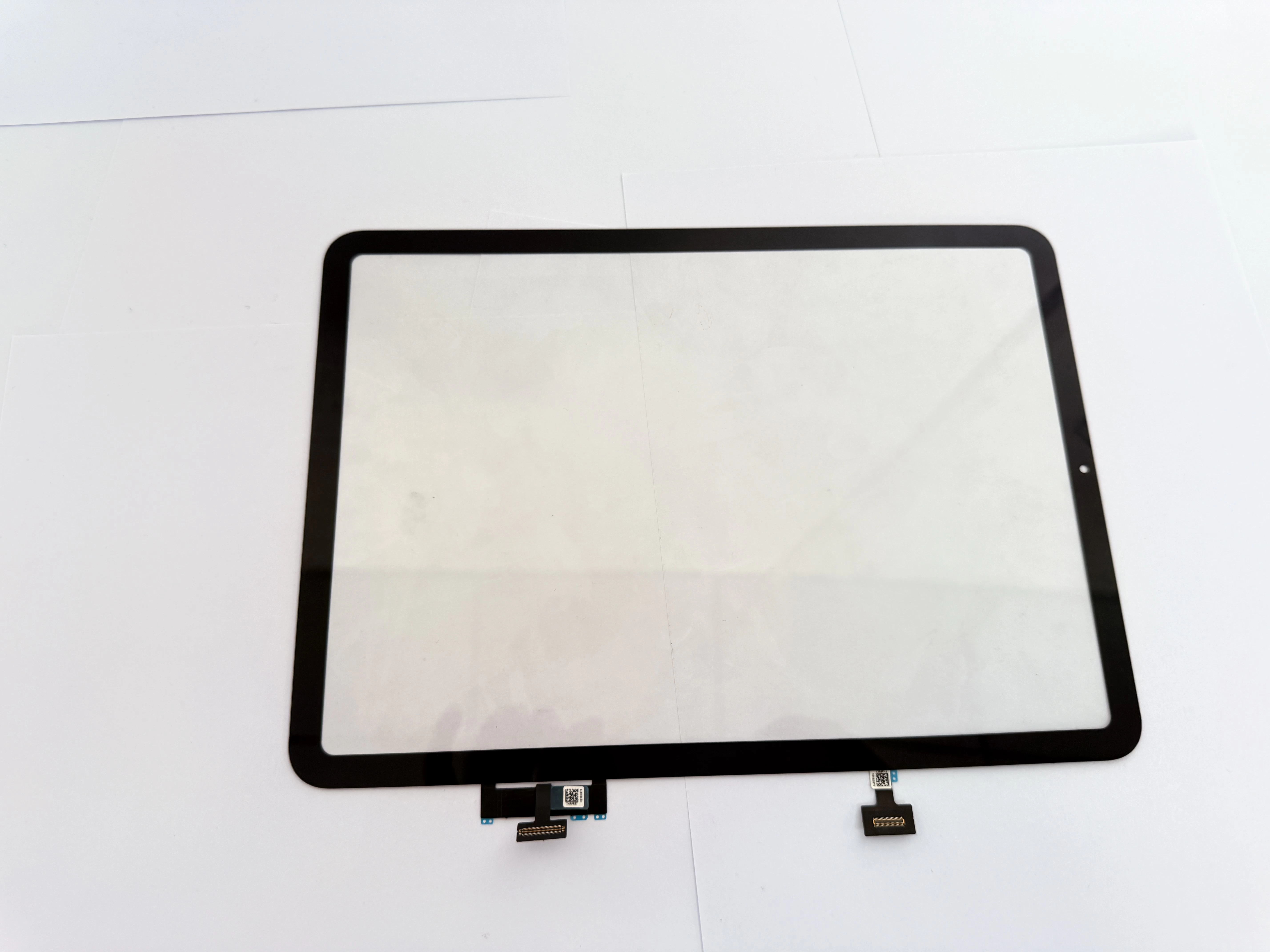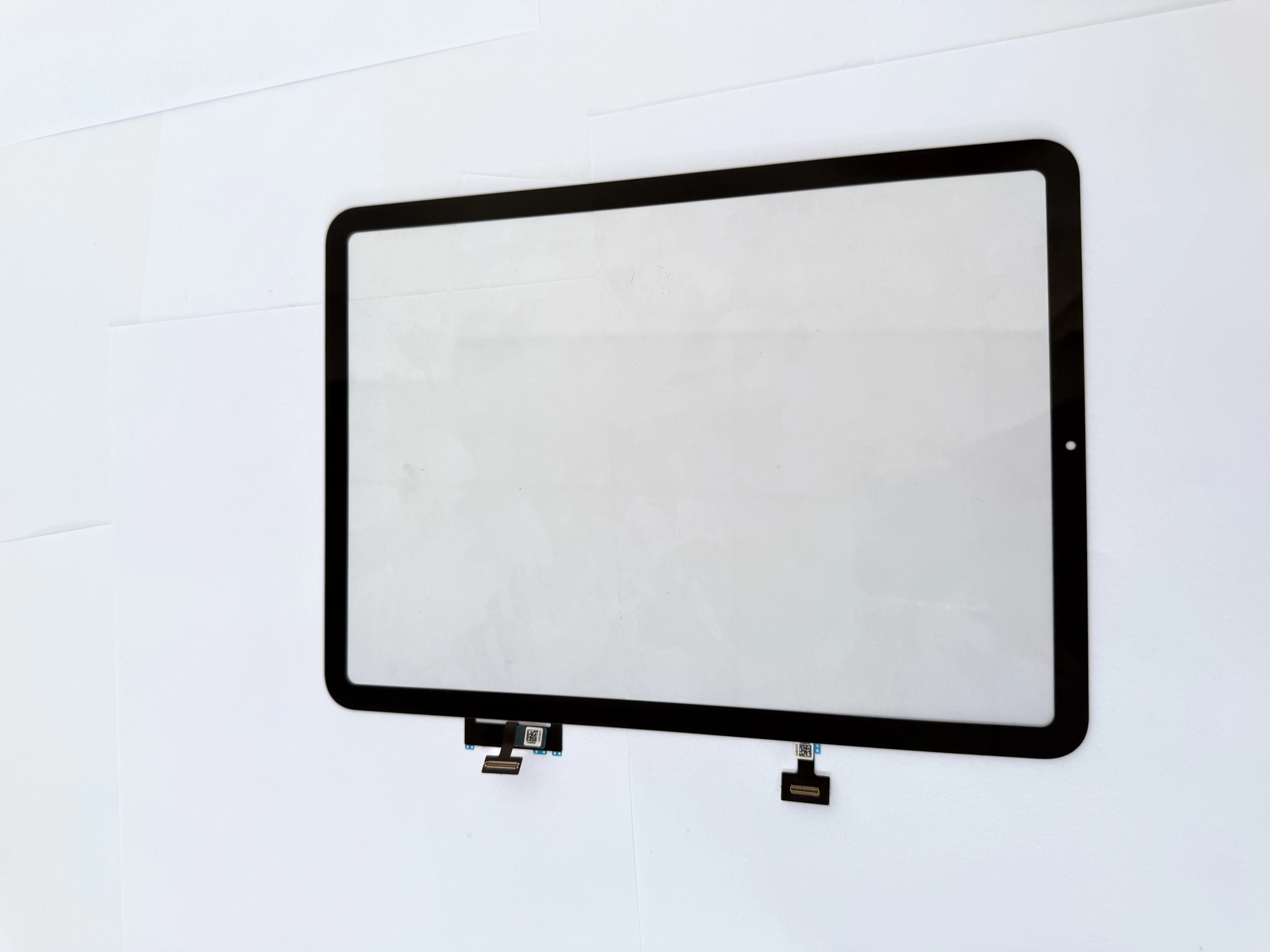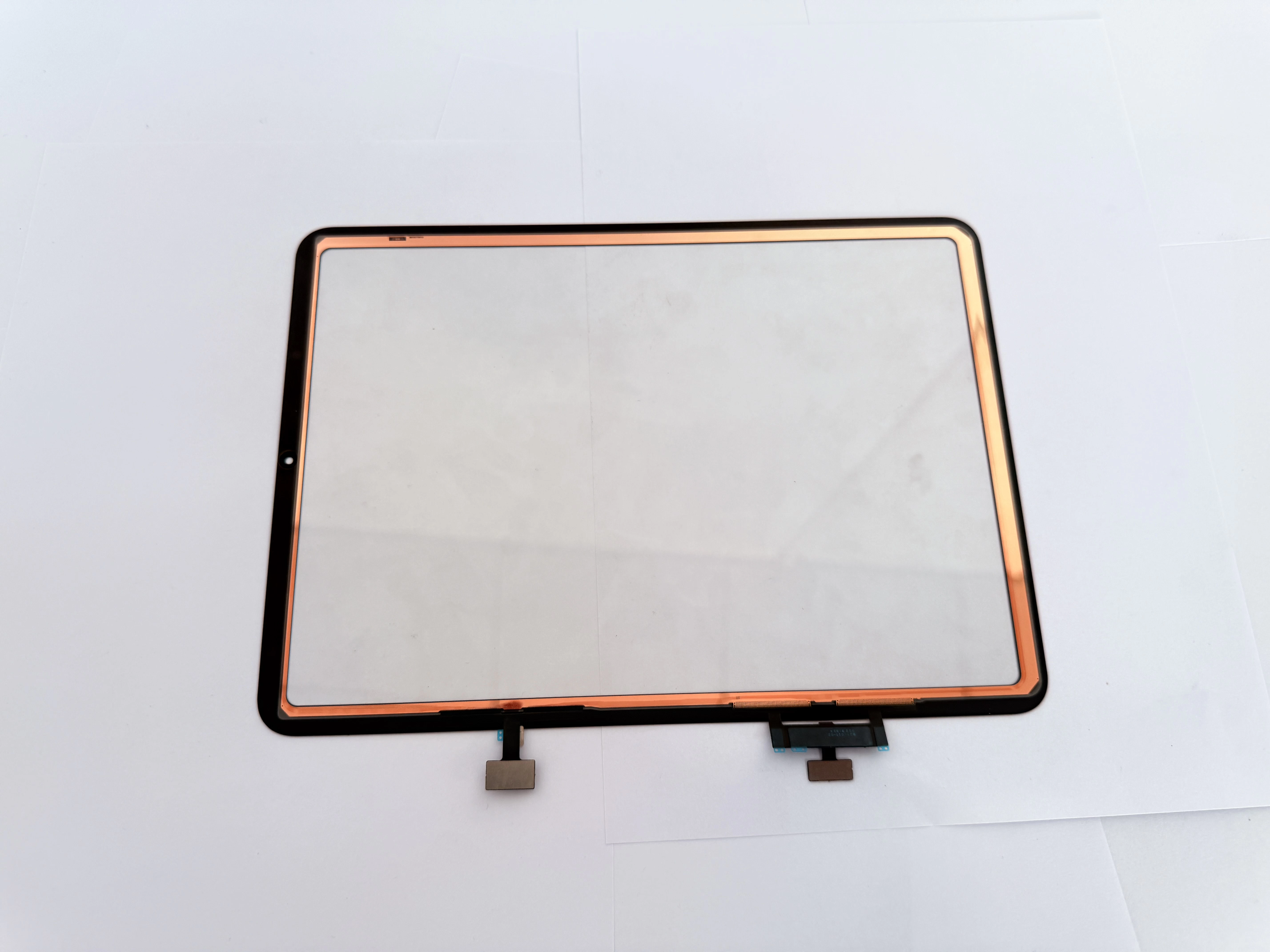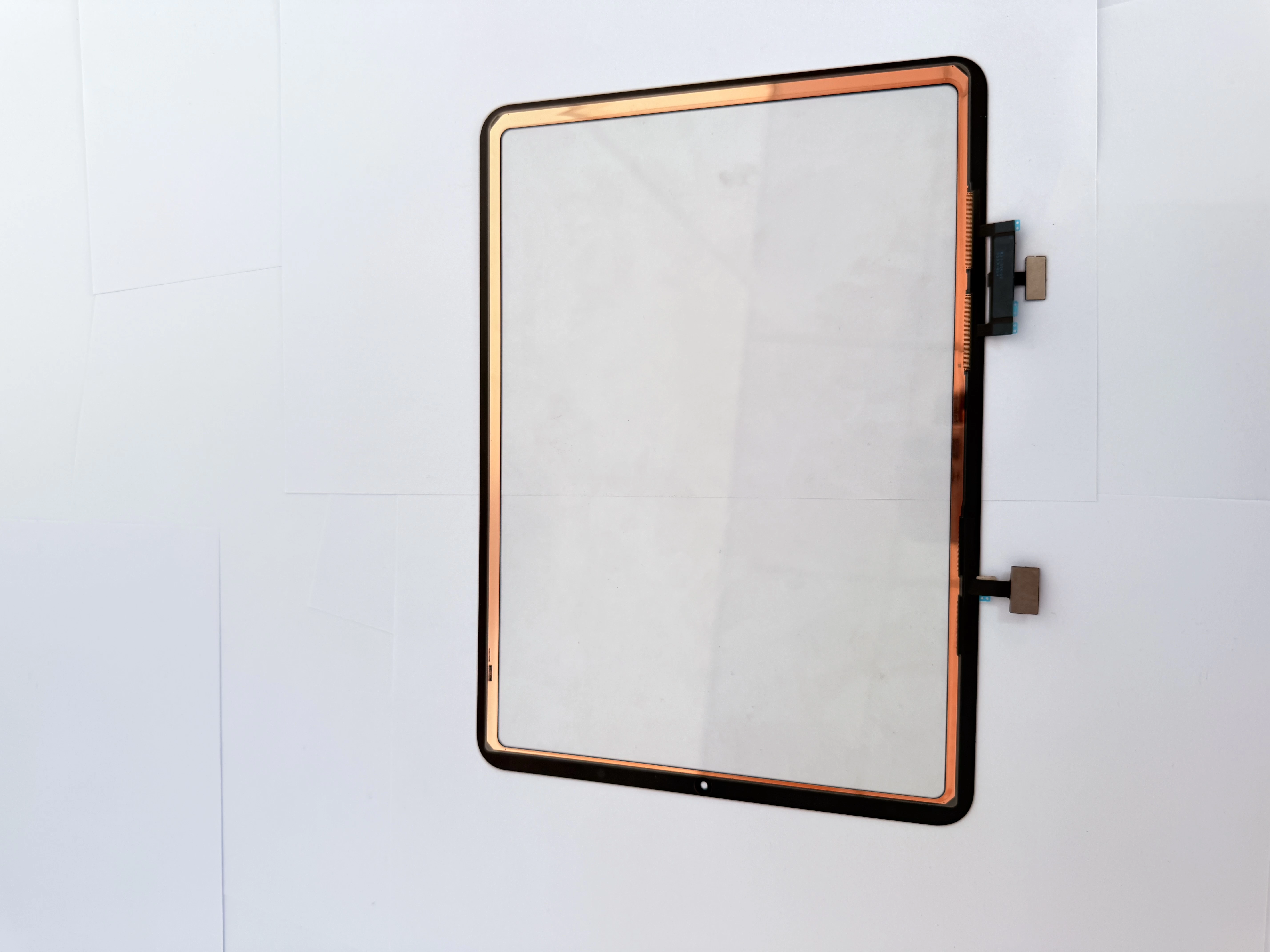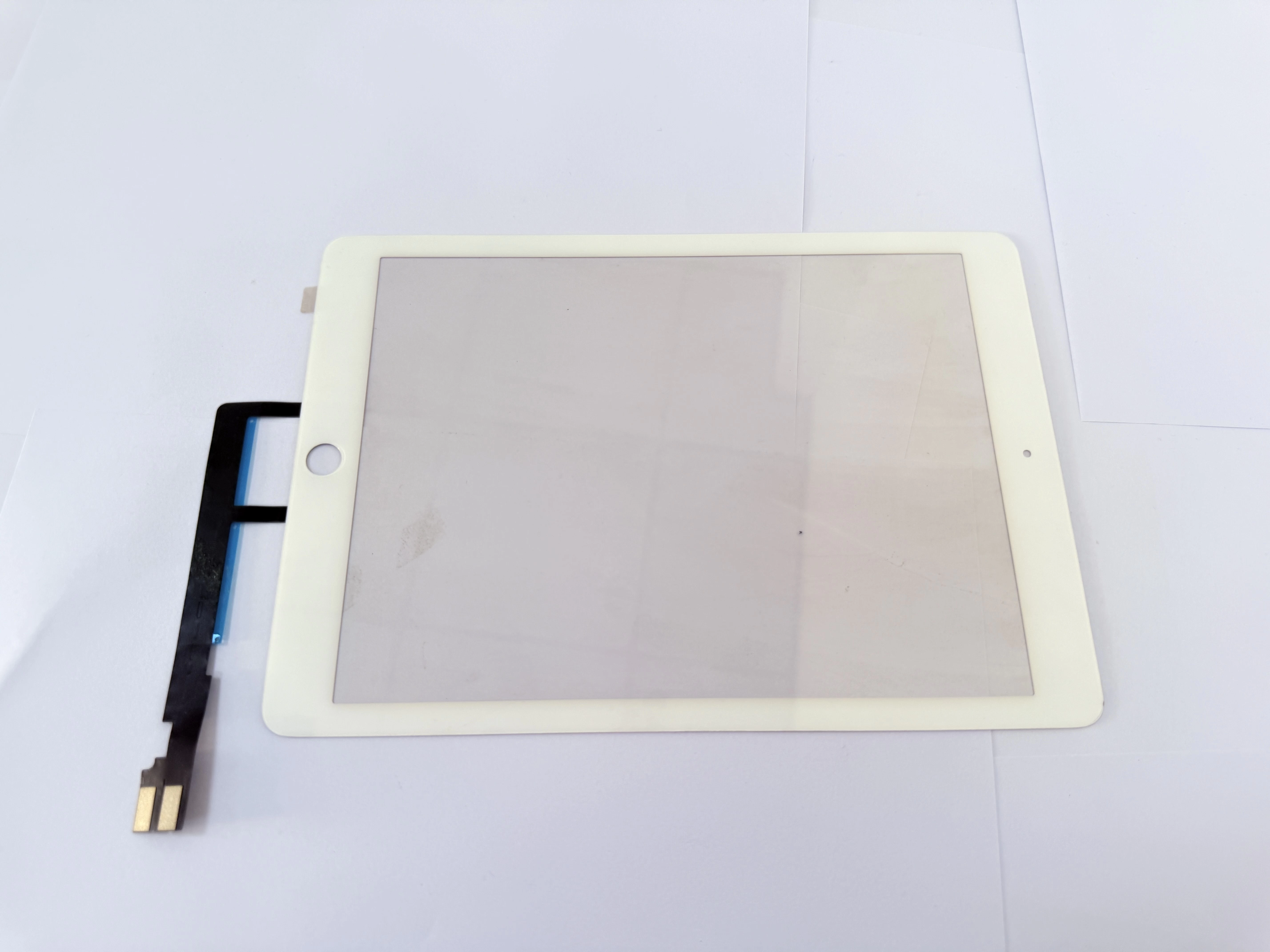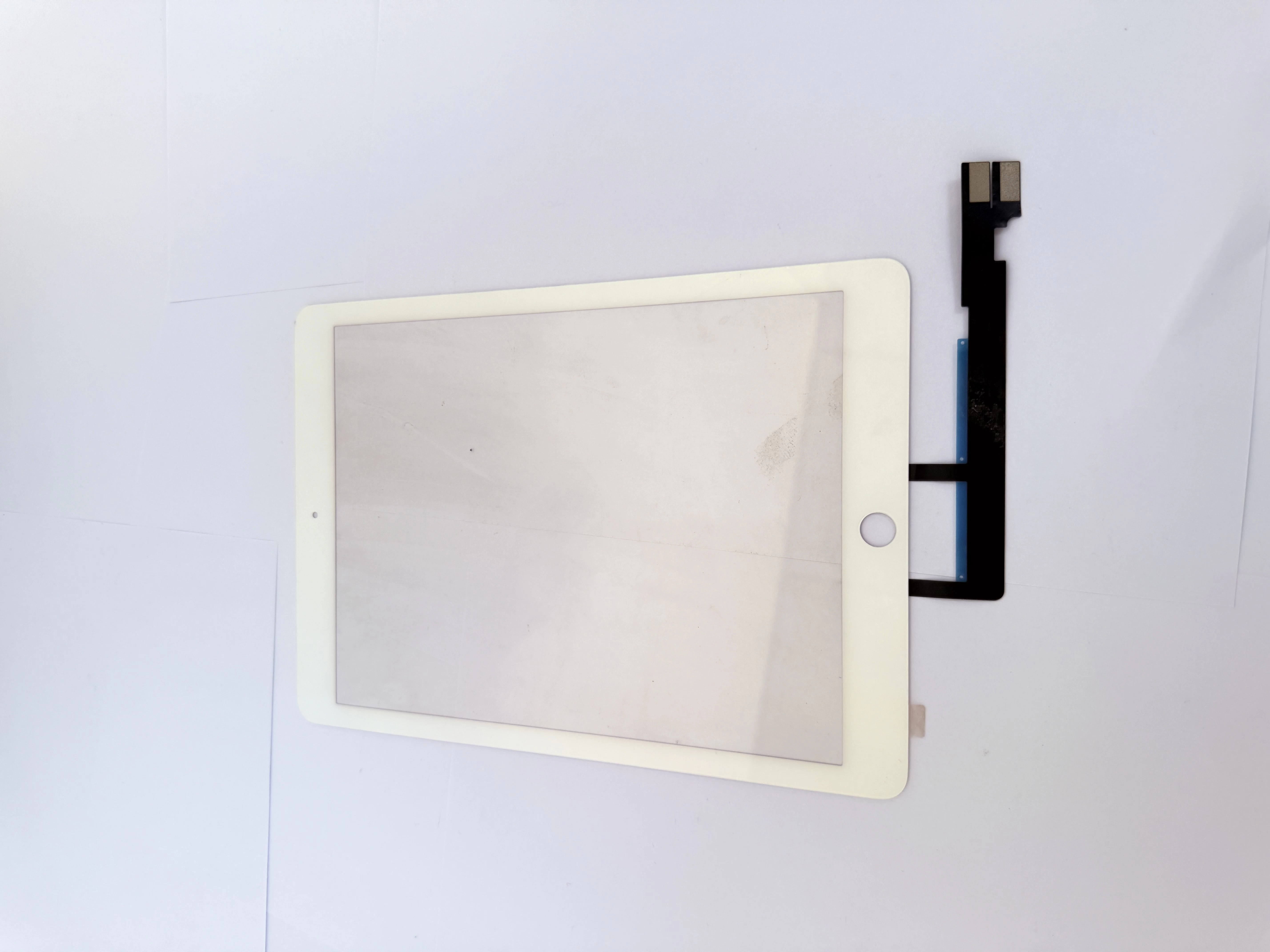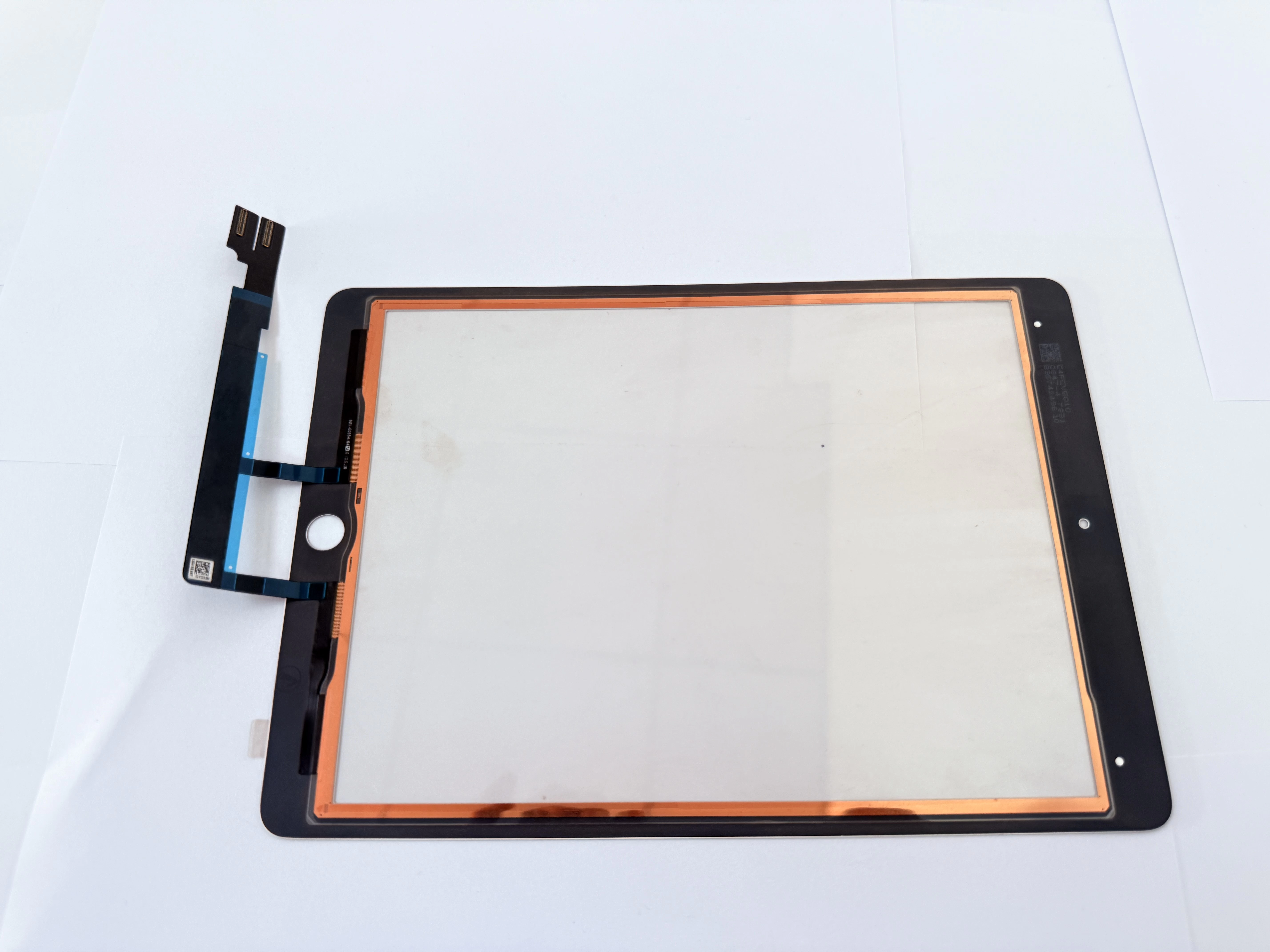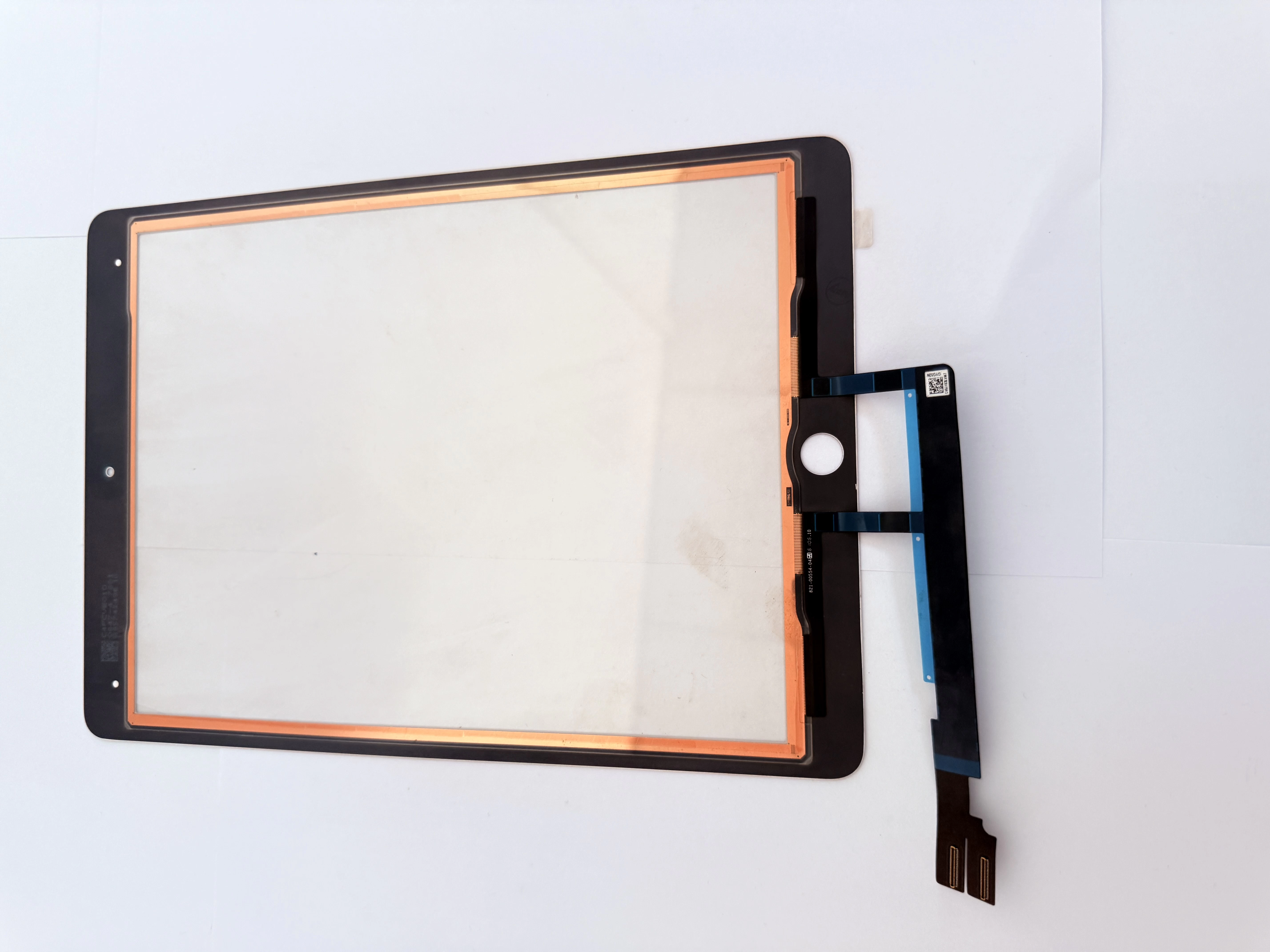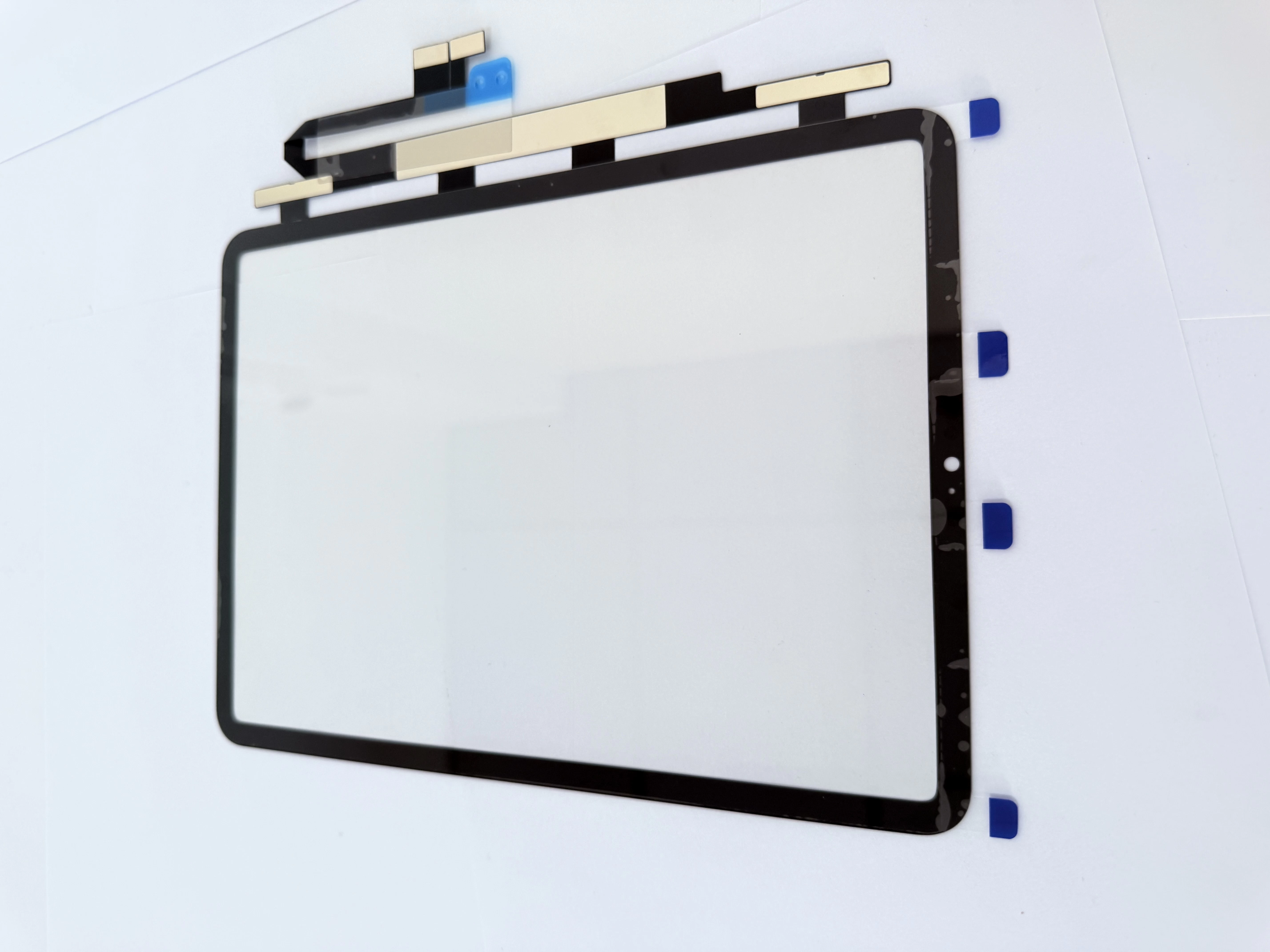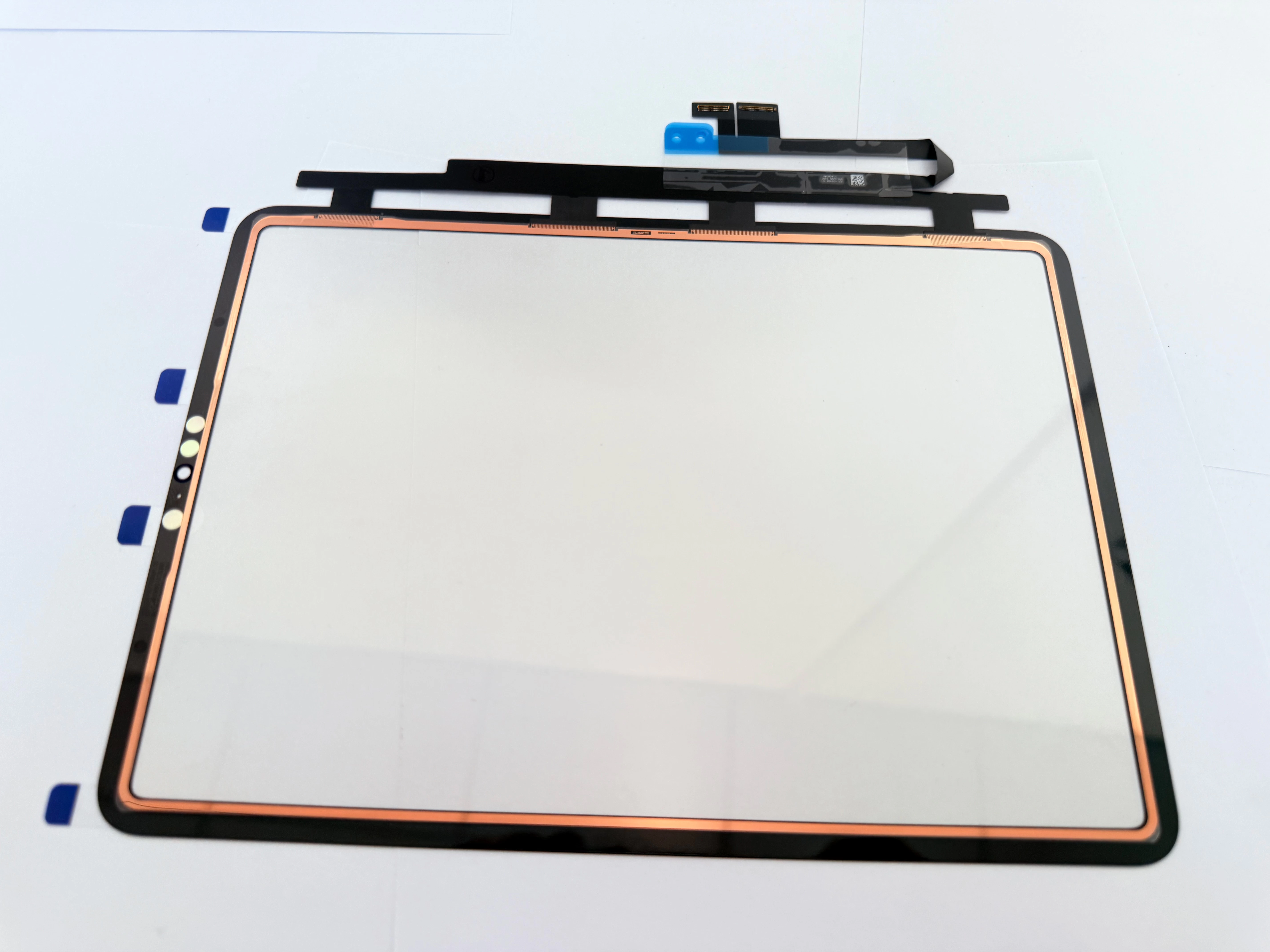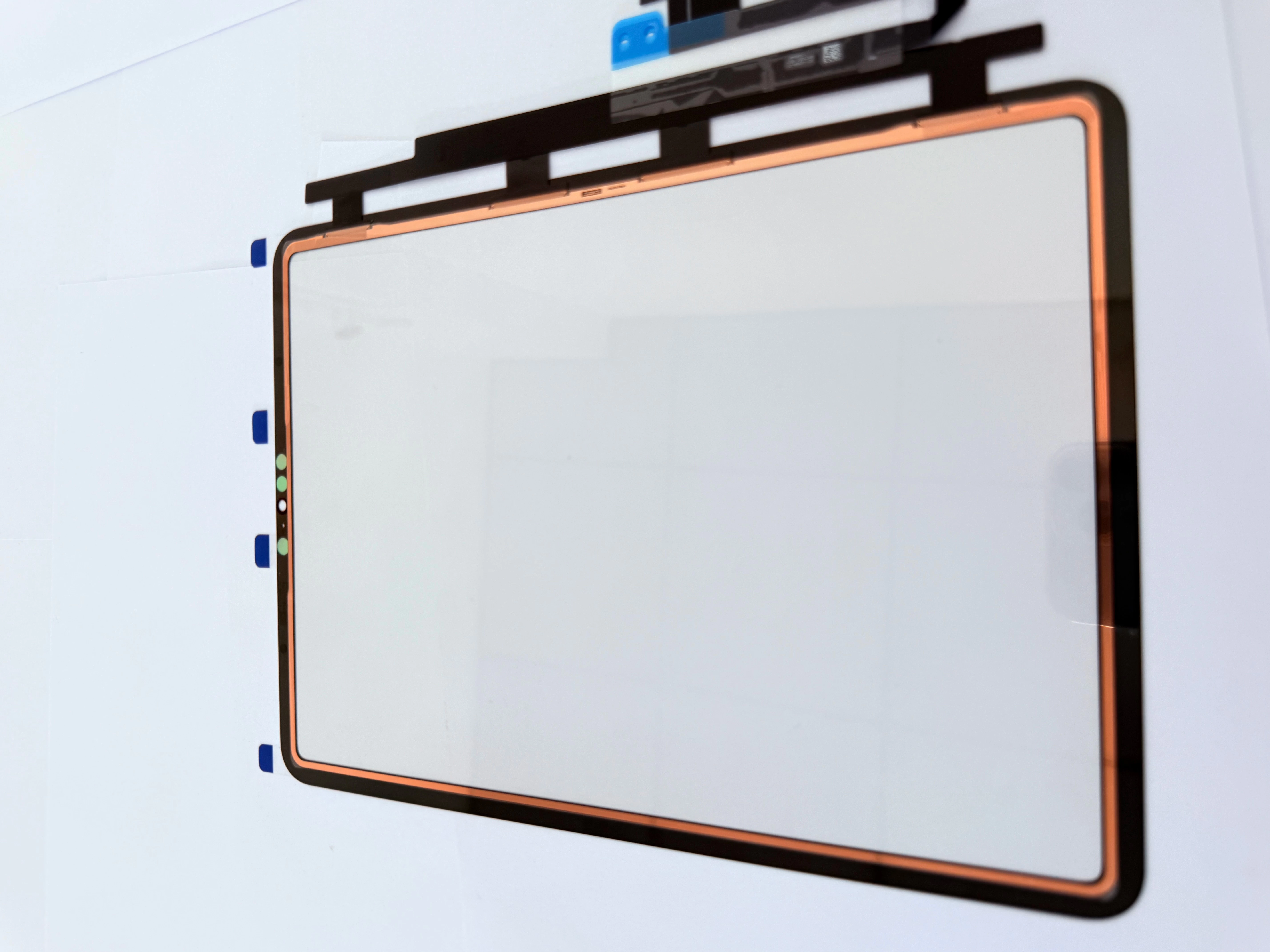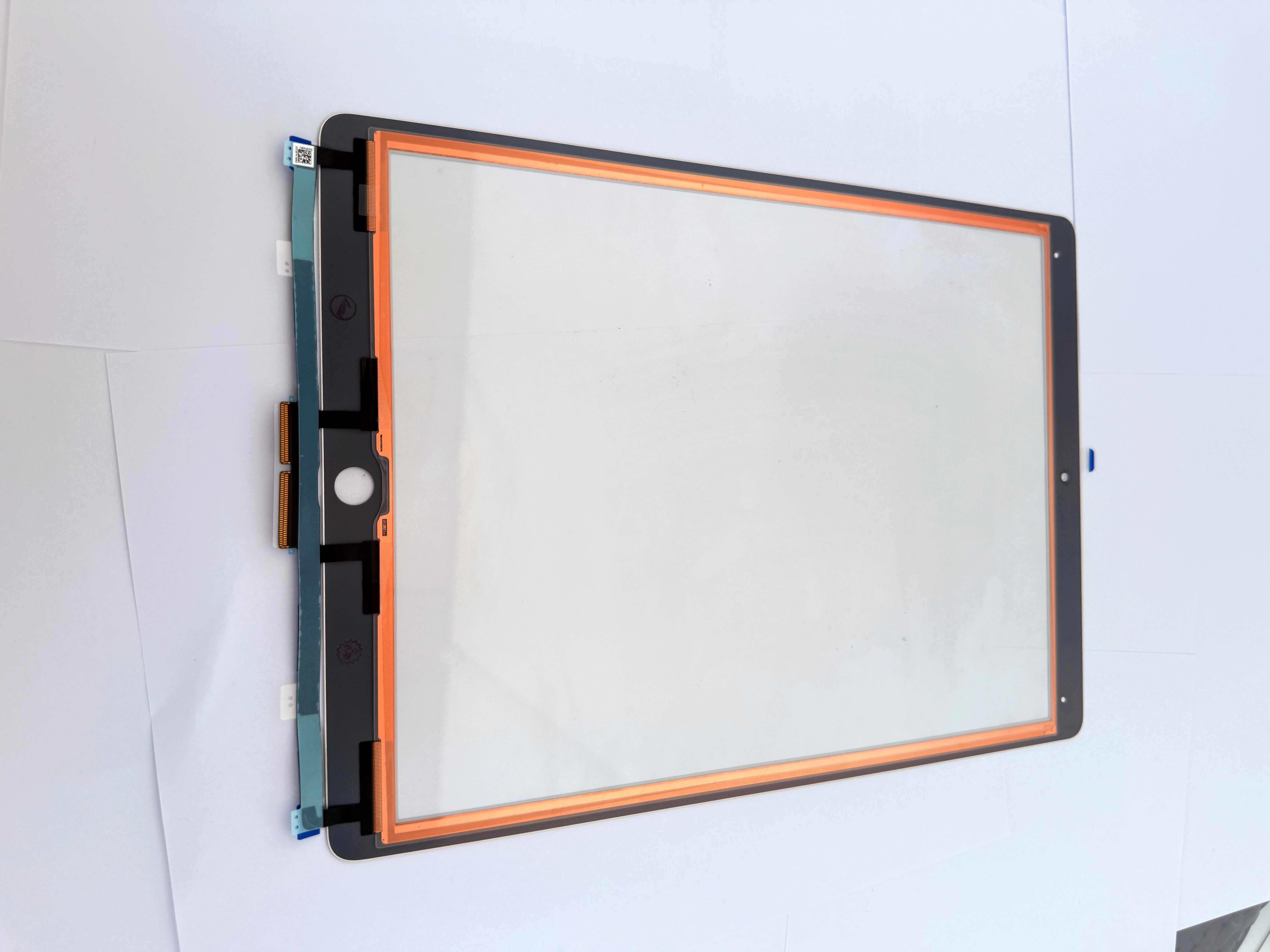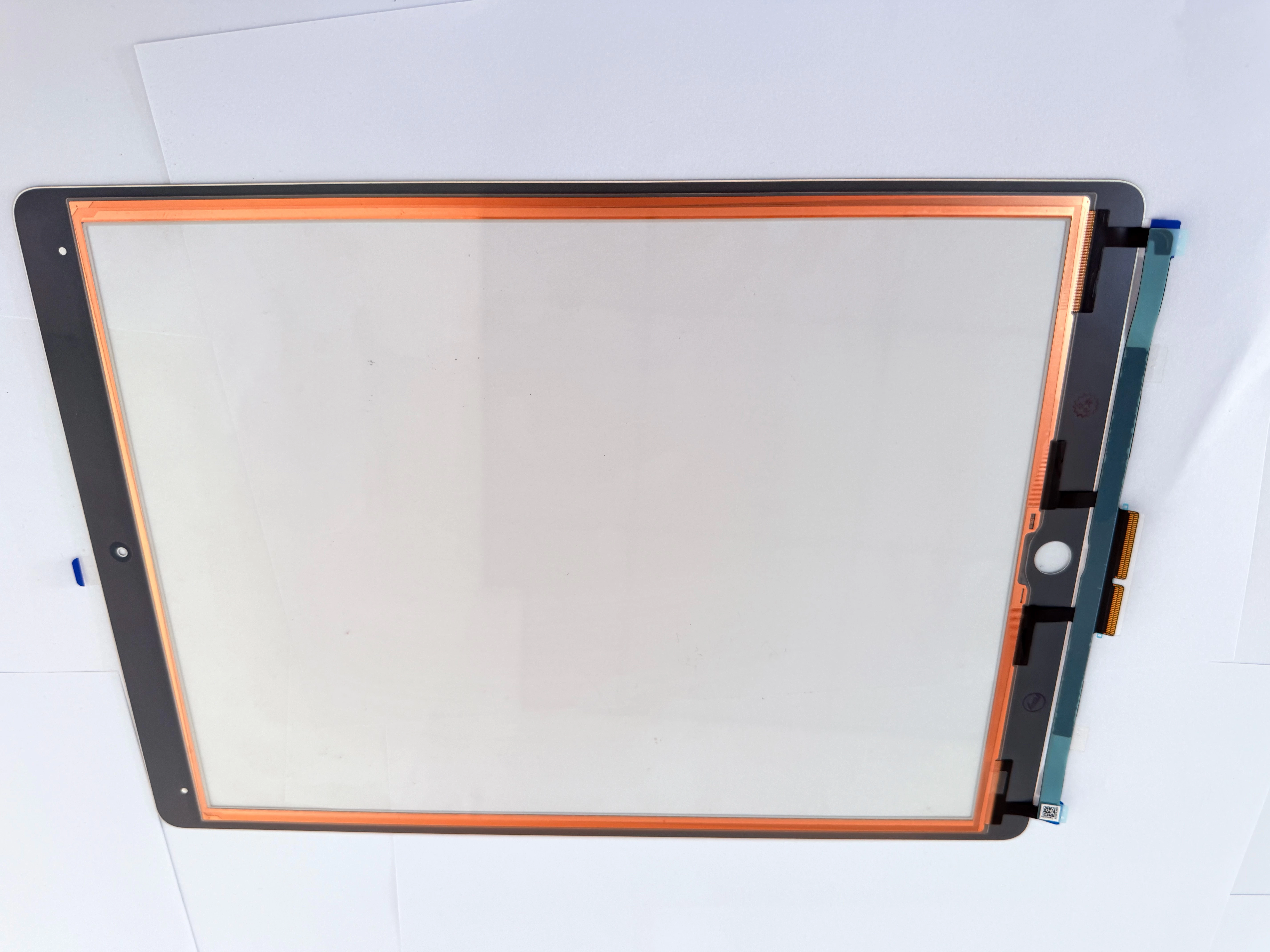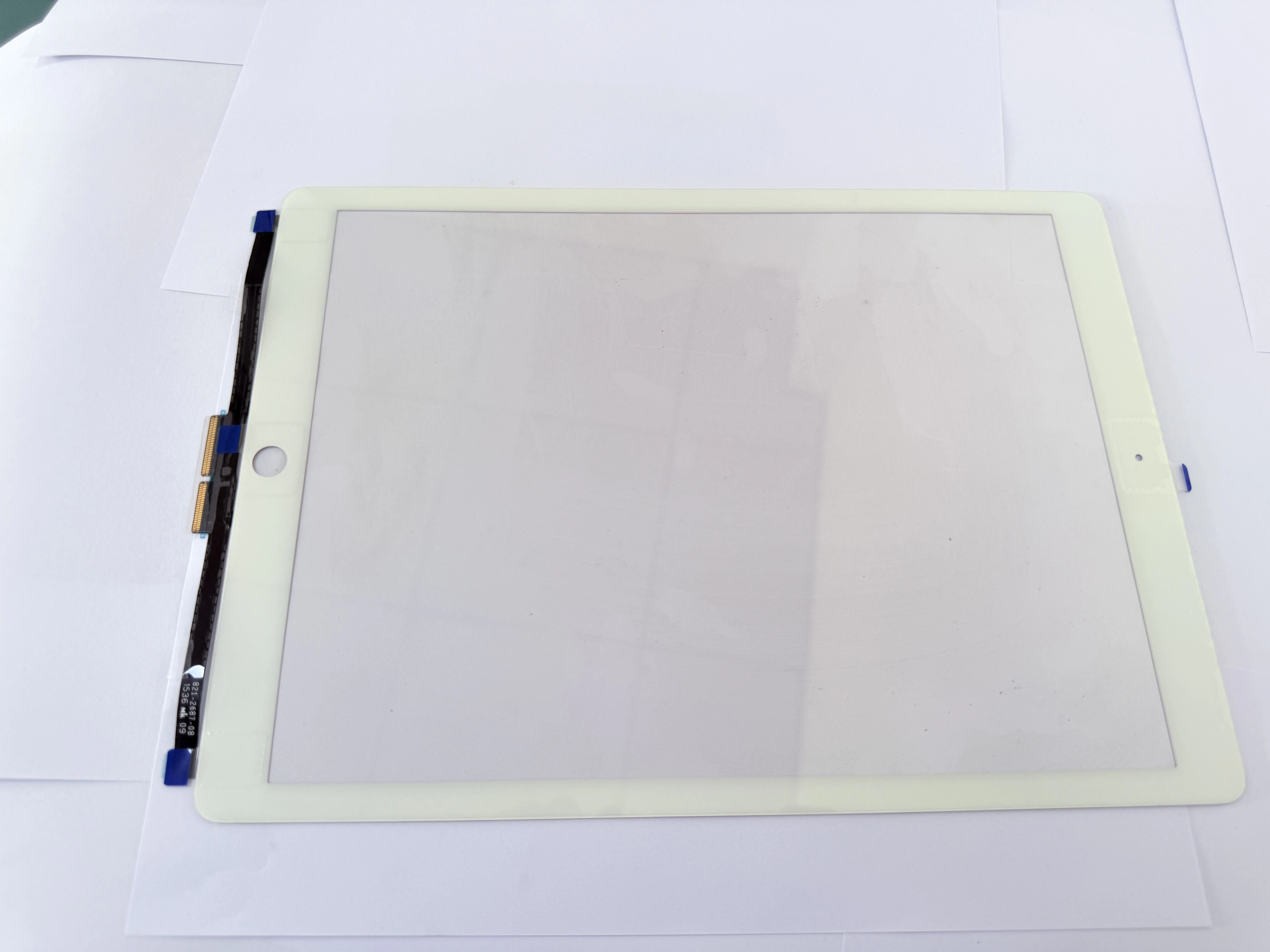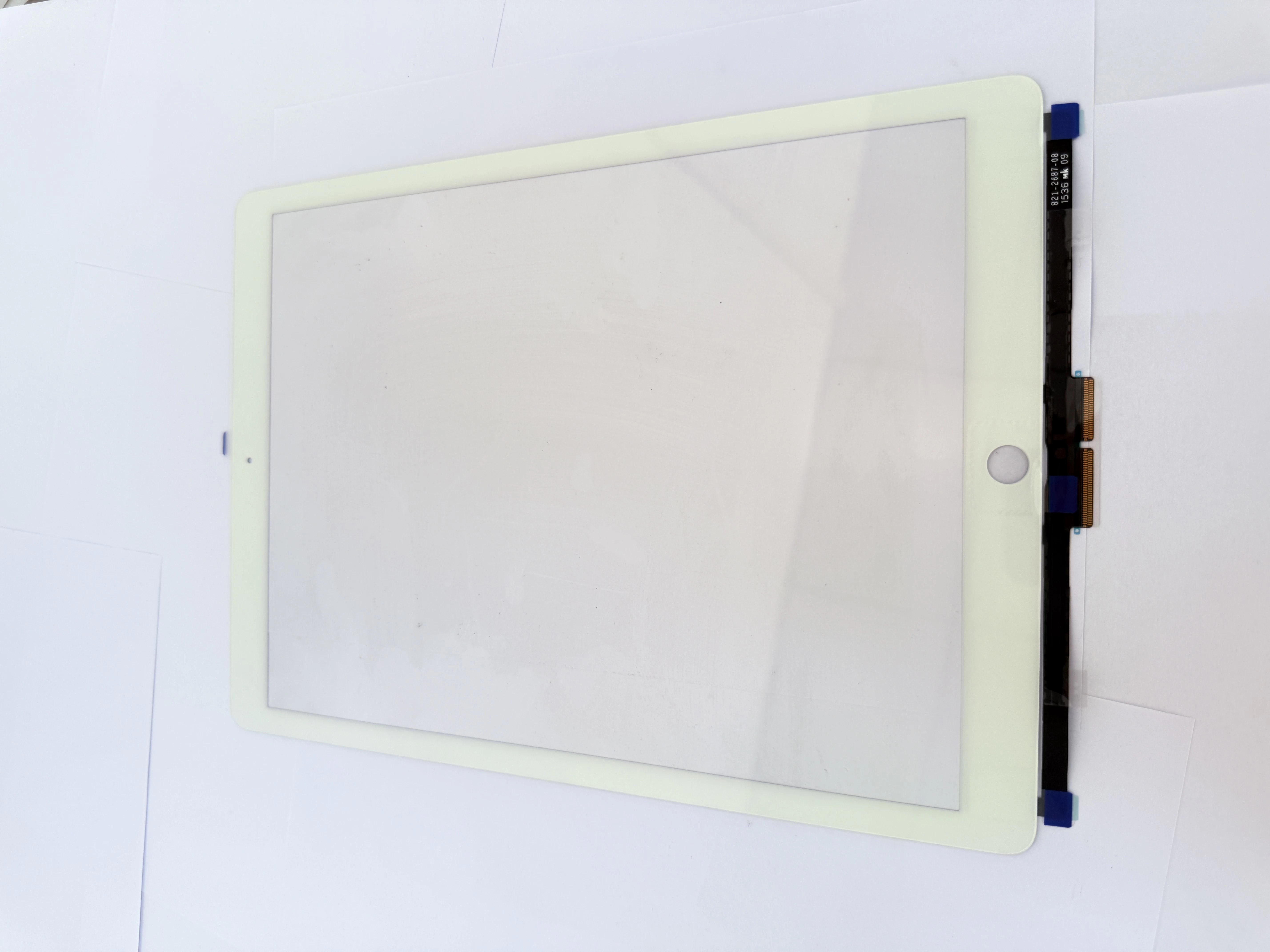
H2 1. Core Judgment Standard: Replace Only Digitizer or Full LCD Screen
H3 1.1 Eligible for Single Outer Touch Replacement
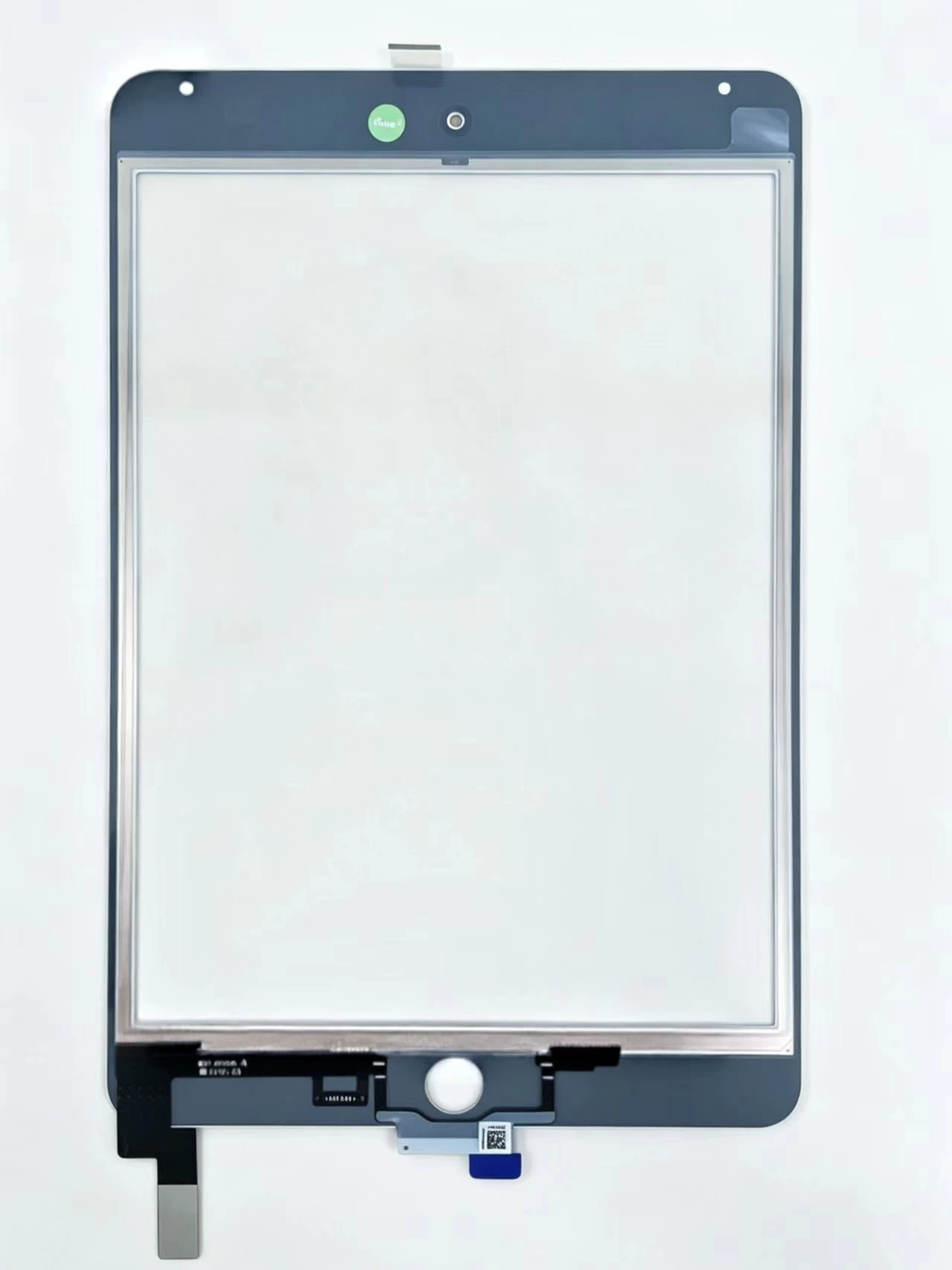
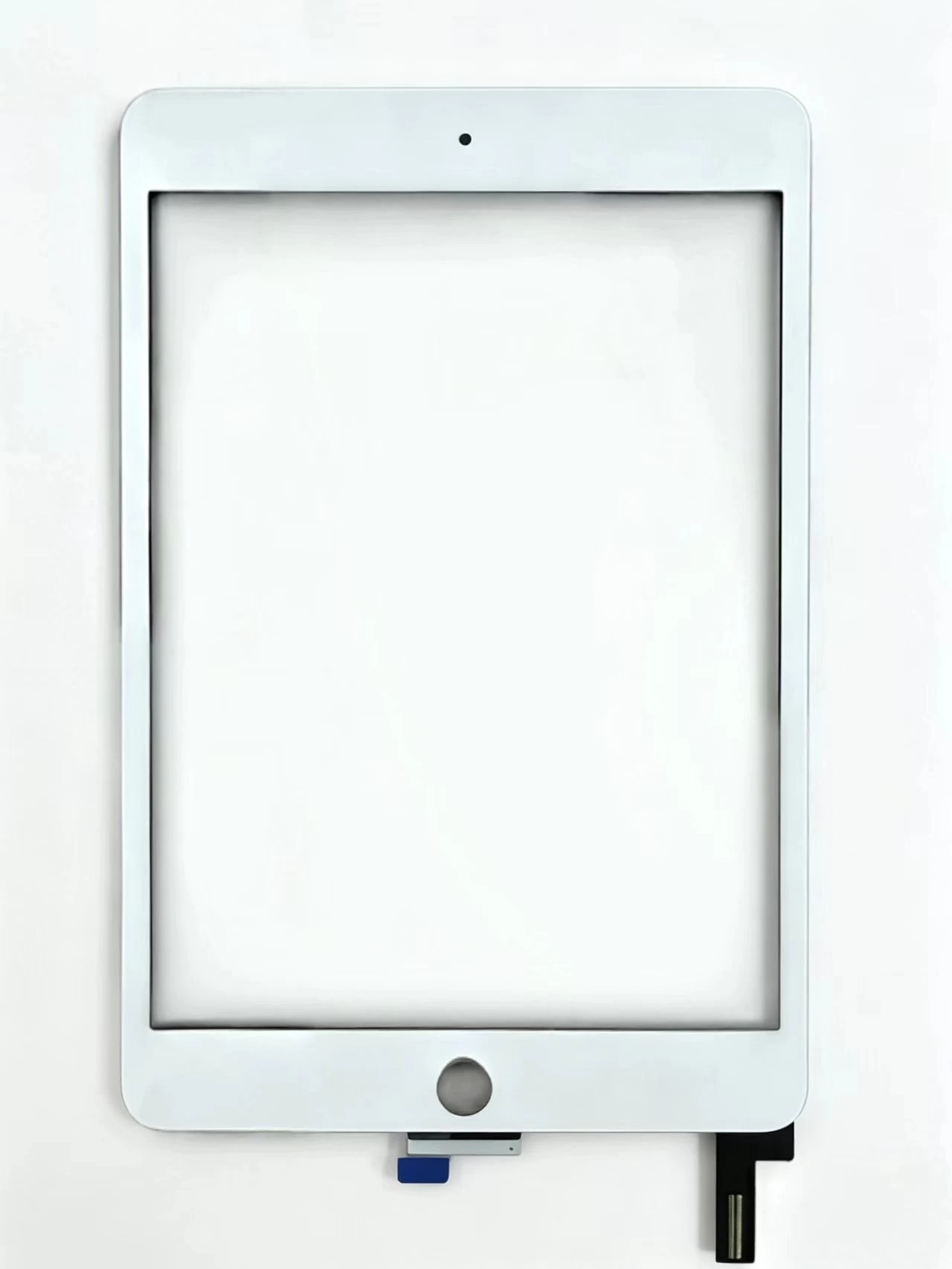
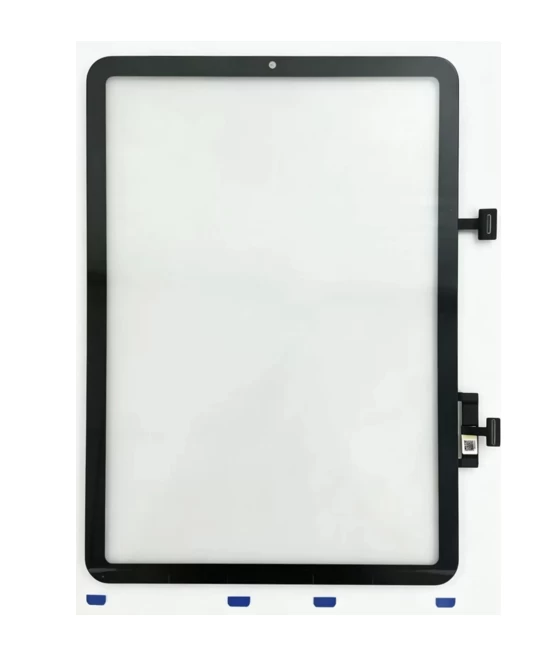
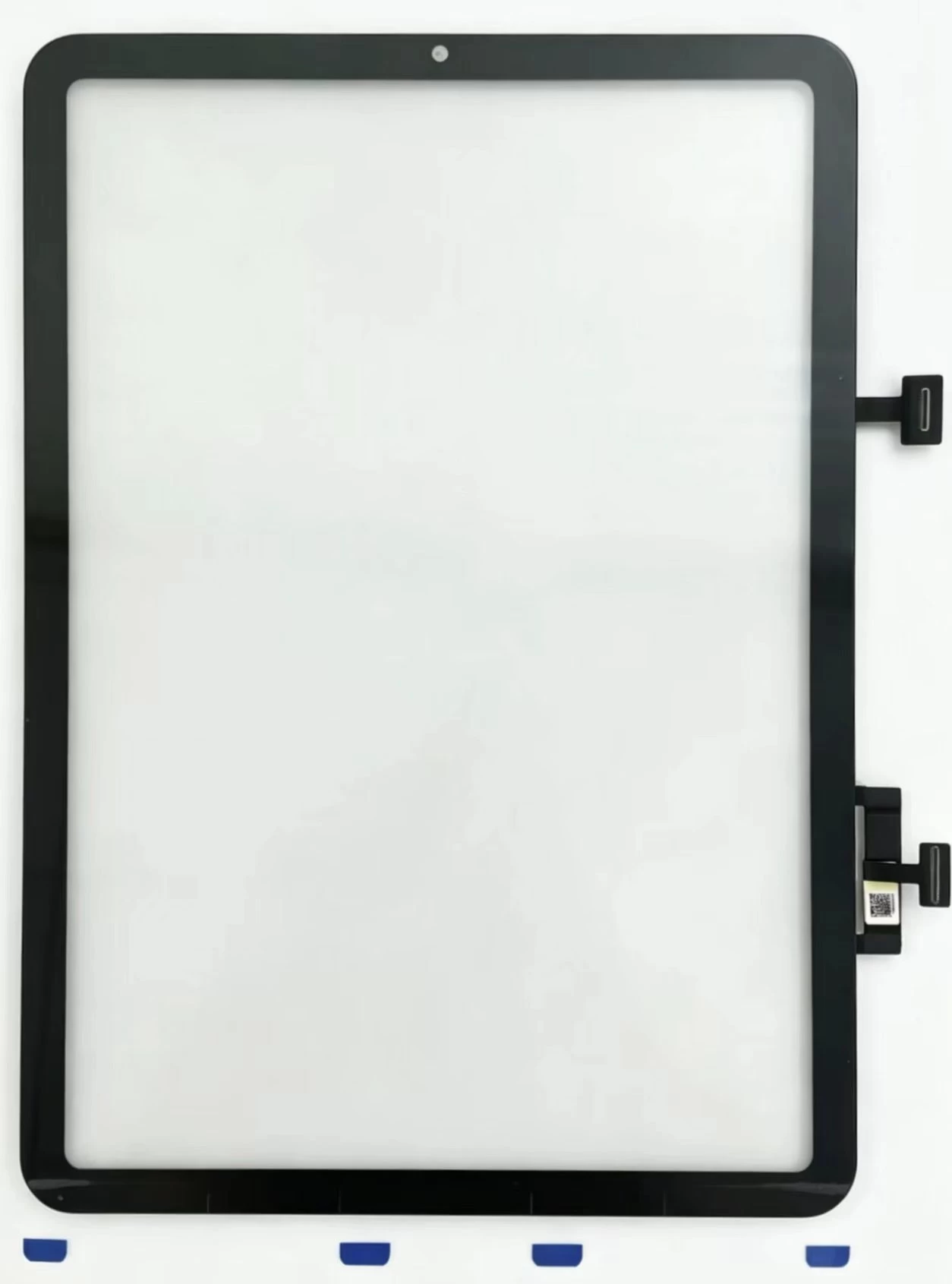
- Visible front glass crack while screen shows complete, spot-free image without black blotch, vertical lines or liquid leakage;
- Partial dead touch zone, random ghost touch and unresponsive whole screen after system restart without display abnormality;
- Broken glass around Home key without LCD damage.H3 1.2 Must Replace Full LCD AssemblyBlack screen, flickering display, white/black spots, screen leakage and vertical colored lines confirm inner LCD panel physical damage, single touch glass replacement cannot solve the problem.
H2 2. Standard 8-Step Professional Disassembly & Repair Process
- Power off the device completely before any disassembly to avoid motherboard short-circuit;
- Evenly heat screen frame with constant-temperature heating pad, avoid long-time local high temperature near battery and Home key to prevent component burn;
- Separate broken outer glass slowly with plastic shim, limit insertion depth to protect bottom antenna and Touch ID flex cable;
- Unplug touch flex connector gently instead of forced pulling; clean dust and oxidation on connector pins;
- Migrate original Home Button flex from old digitizer to new touch glass (critical for retaining native Touch ID function);
- Complete full touch test before frame gluing: full-screen drag, multi-point touch, edge sensitivity and Home key rebound inspection;
- Remove residual old adhesive and glass scraps on middle frame, apply model-specific customized double-sided adhesive;
- Align new touch screen precisely and press evenly, avoid heavy compression on LCD area, final function retest after fitting.
H2 3. Common Repair Pitfalls for iPad6 Maintenance
- Discard original Home key leads to permanent loss of Touch ID fingerprint, the most frequent rework reason in aftermarket repair;
- Deformed middle frame from heavy drop must be calibrated before screen fitting, otherwise new glass will warp and touch fail soon;
- Low-quality adhesive leads to screen edge peeling within 1–3 months after maintenance.