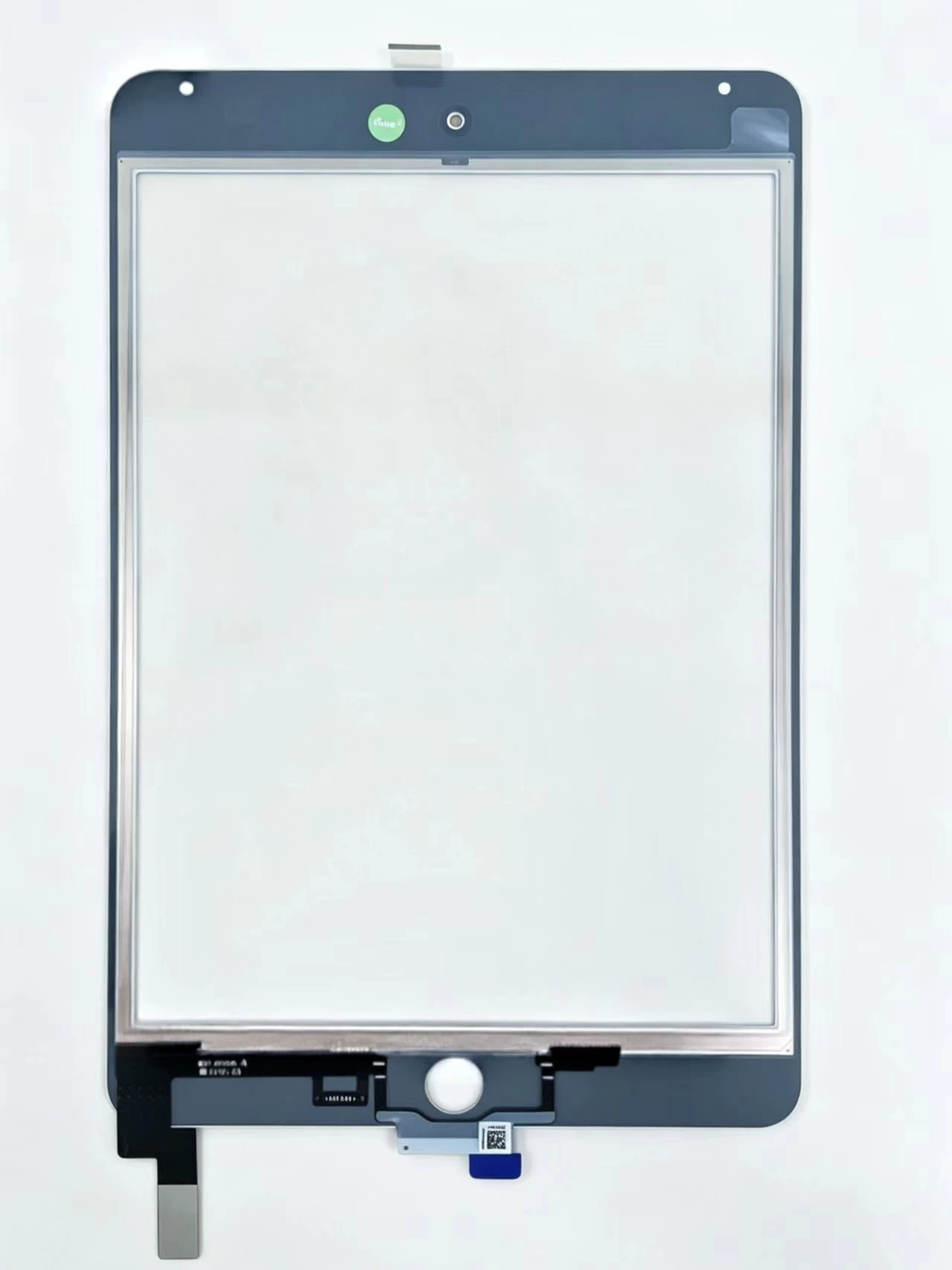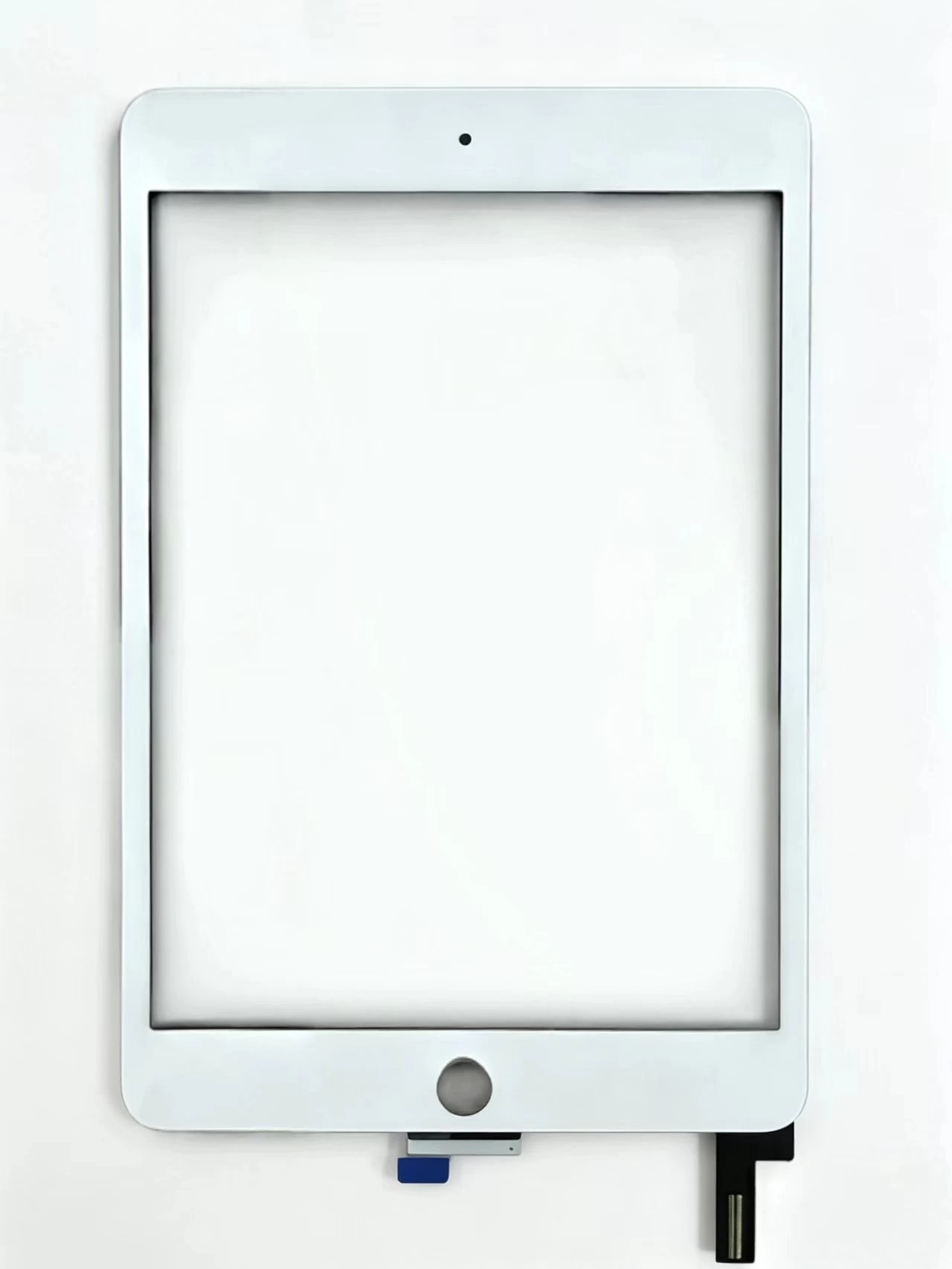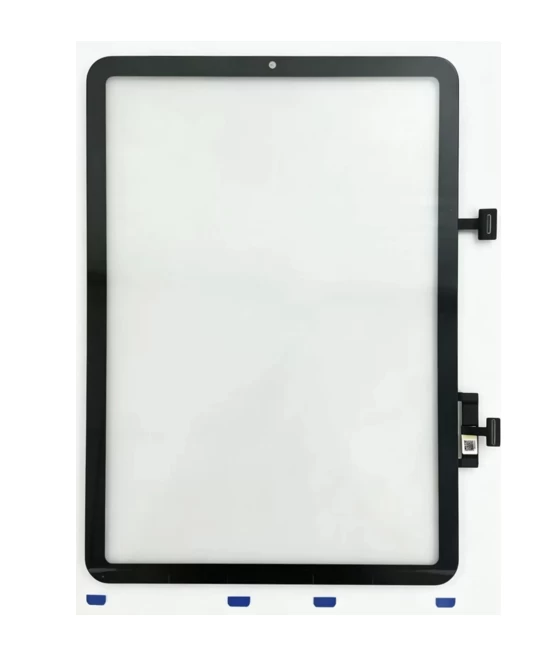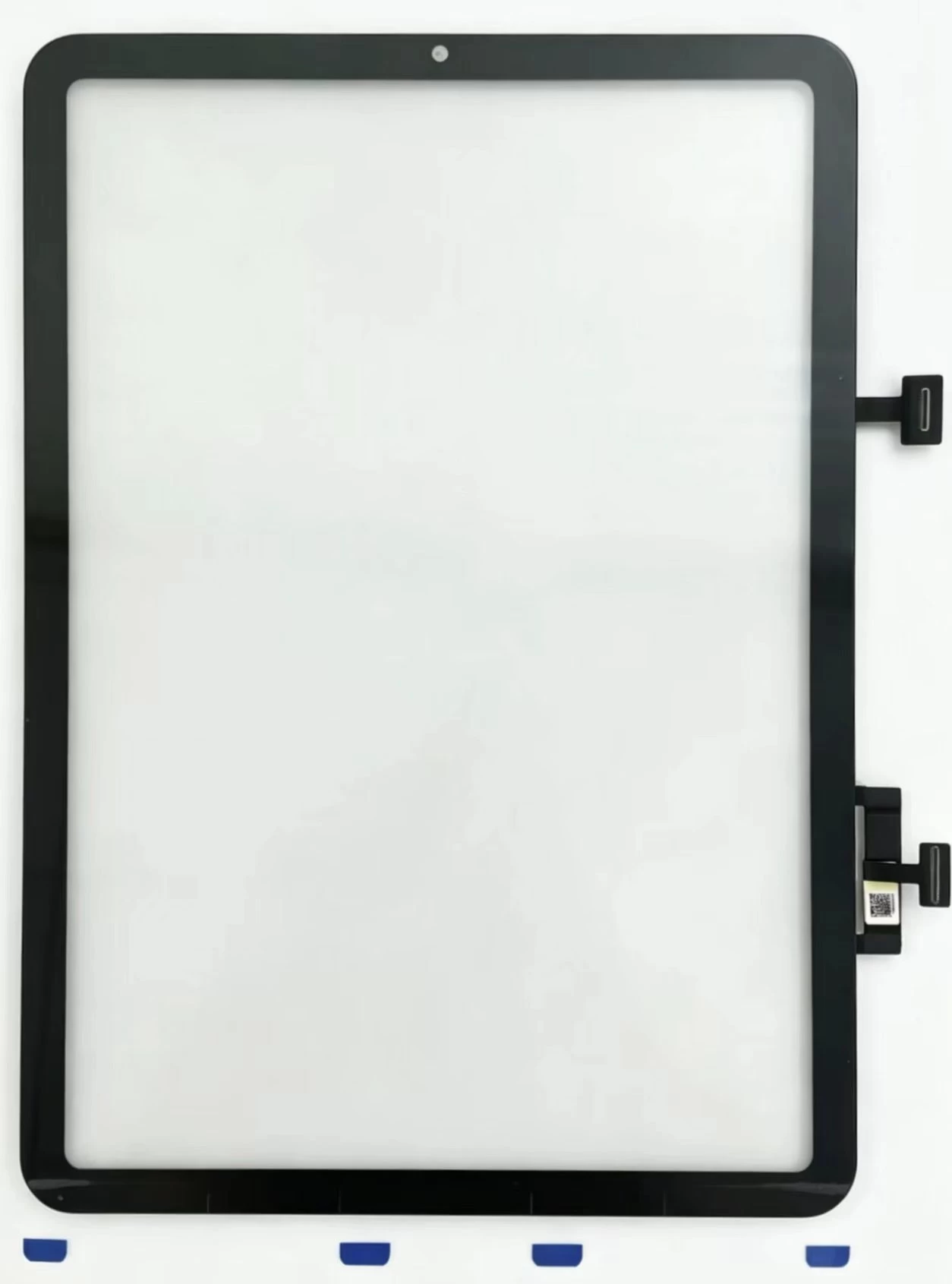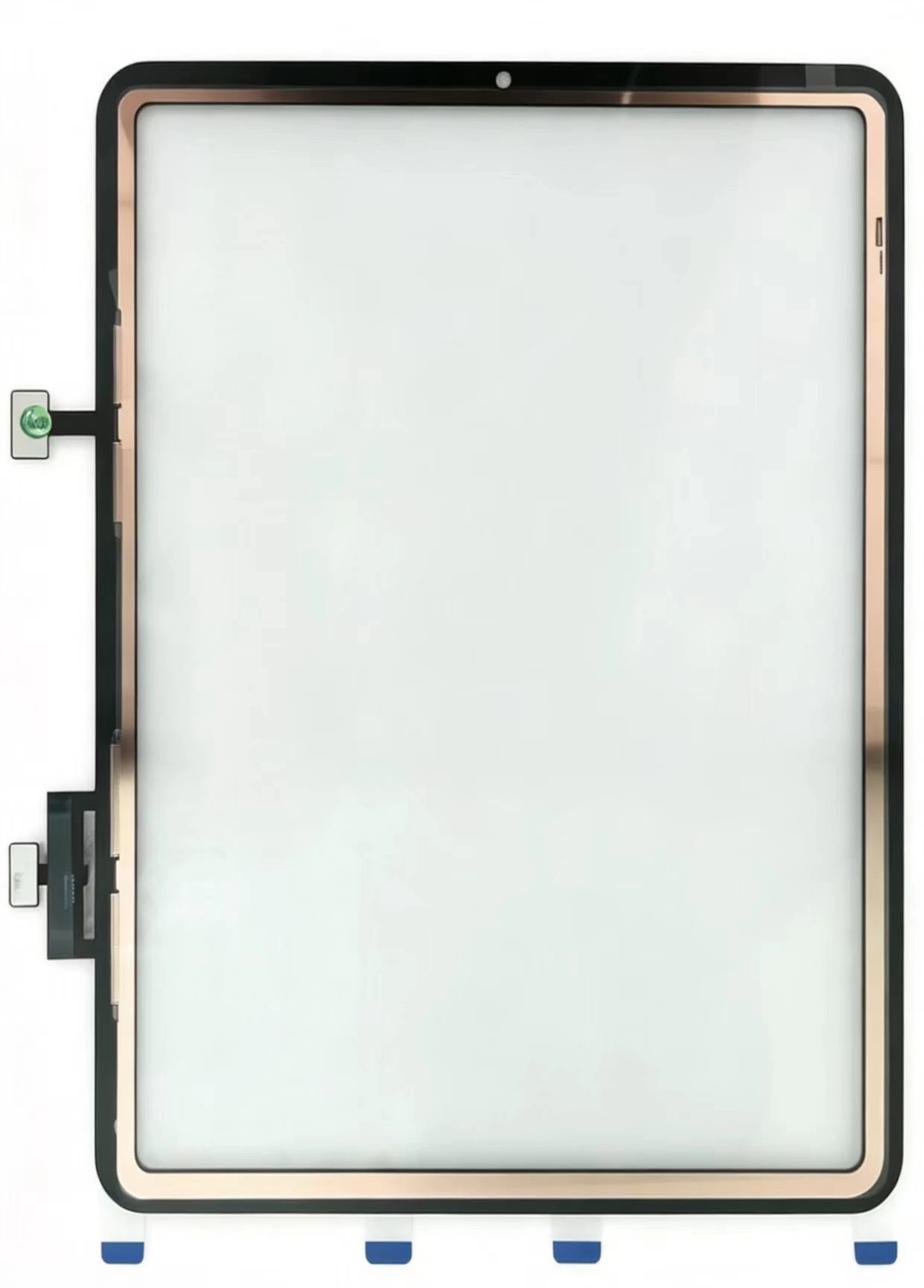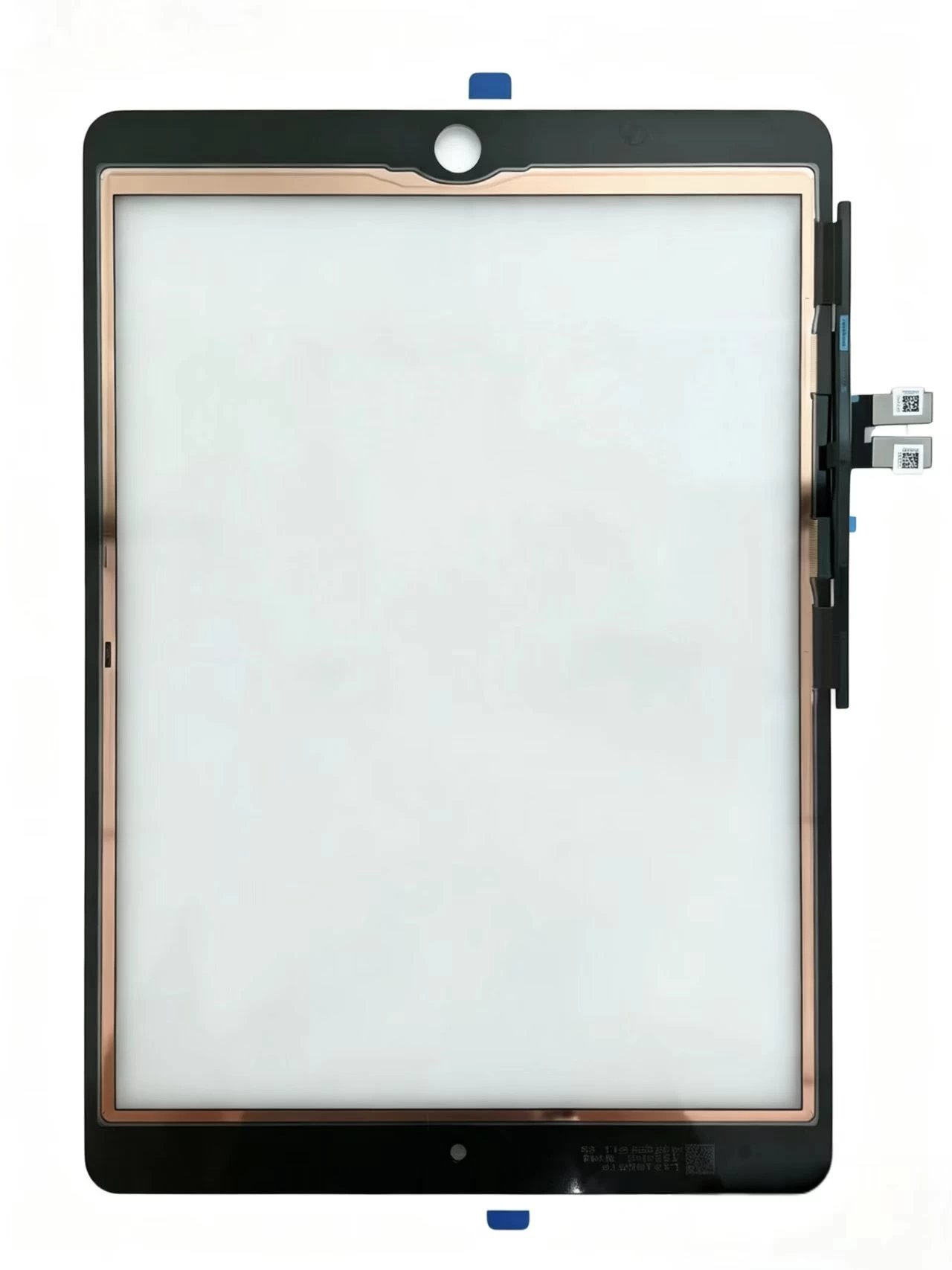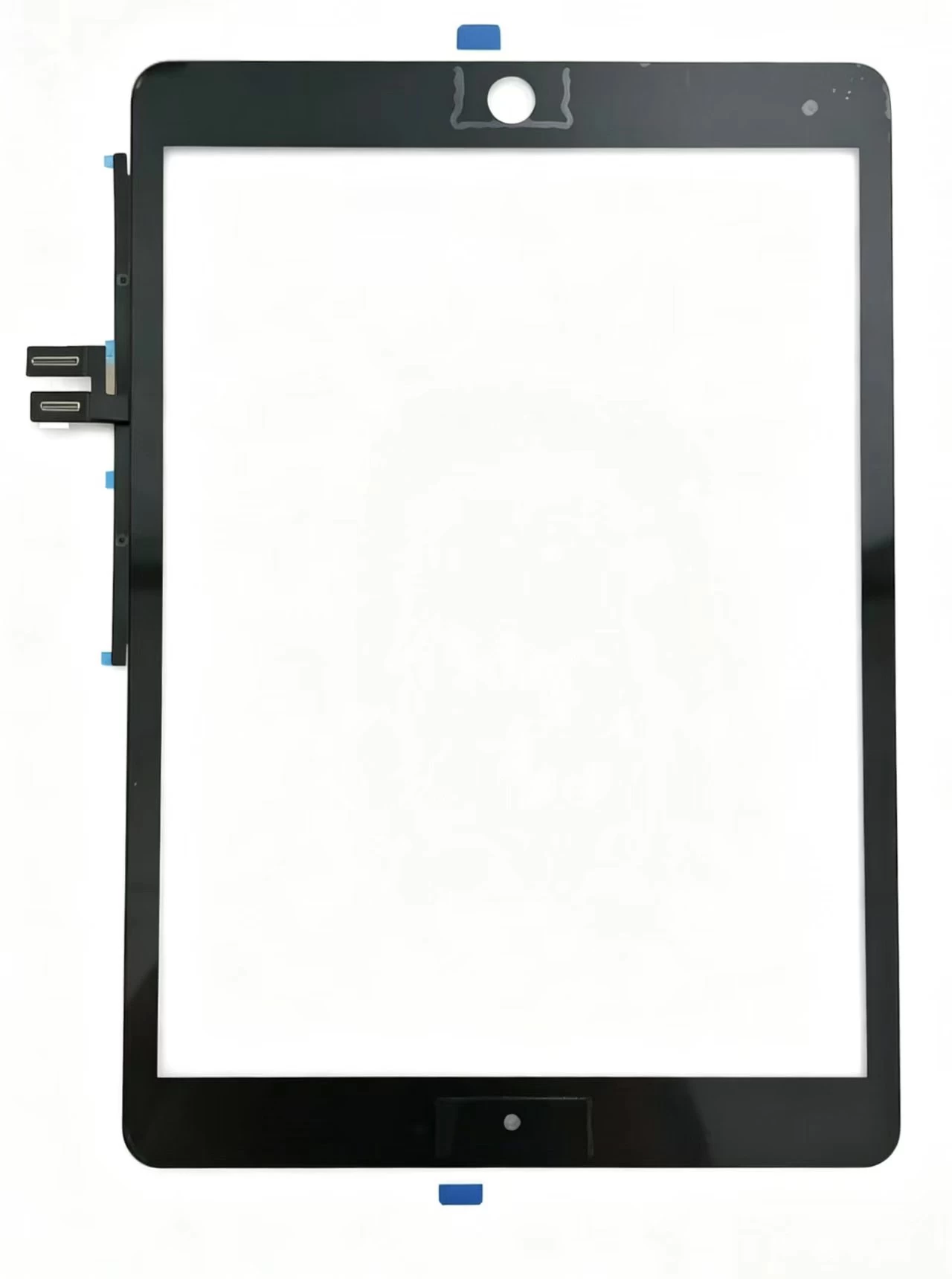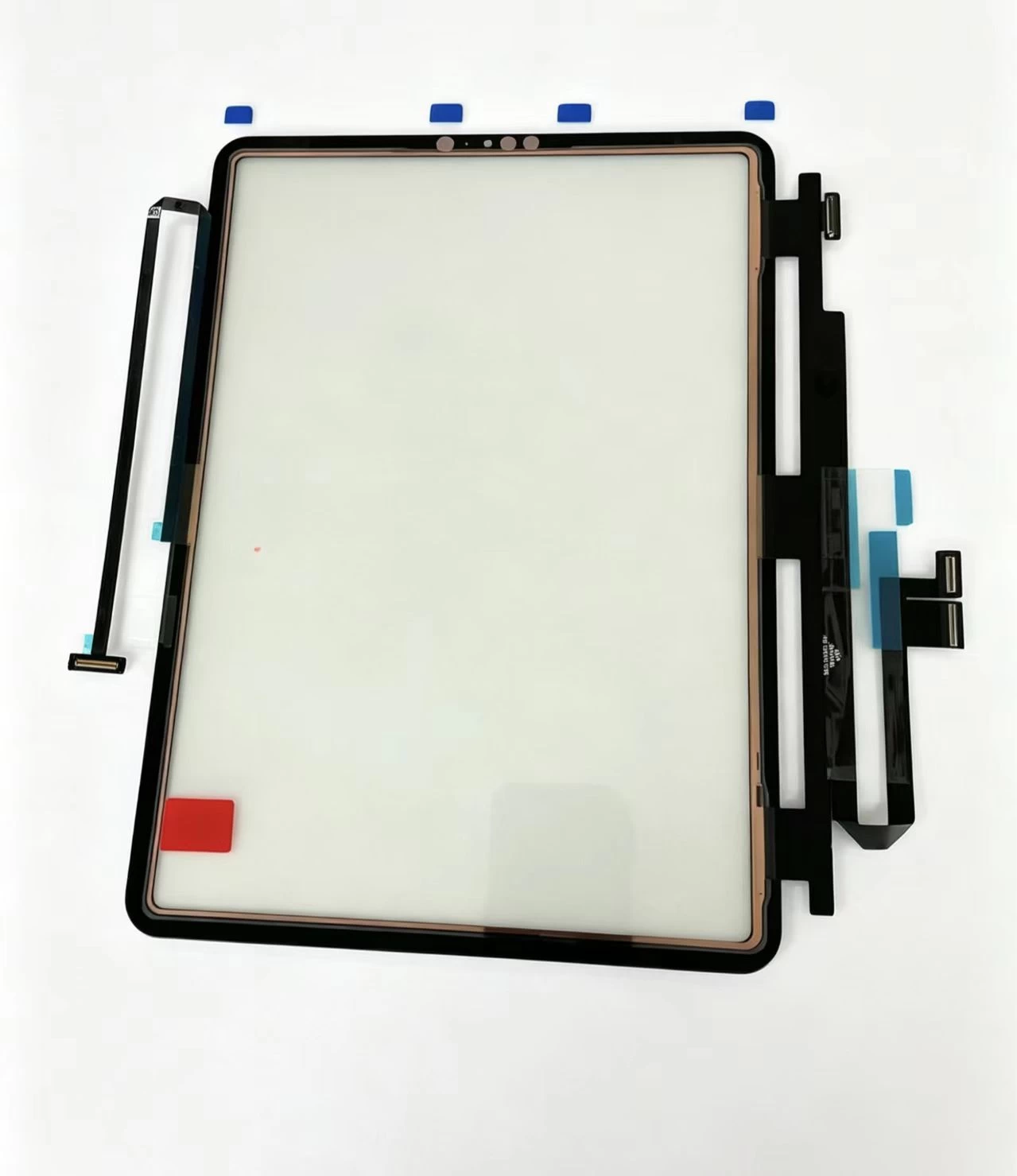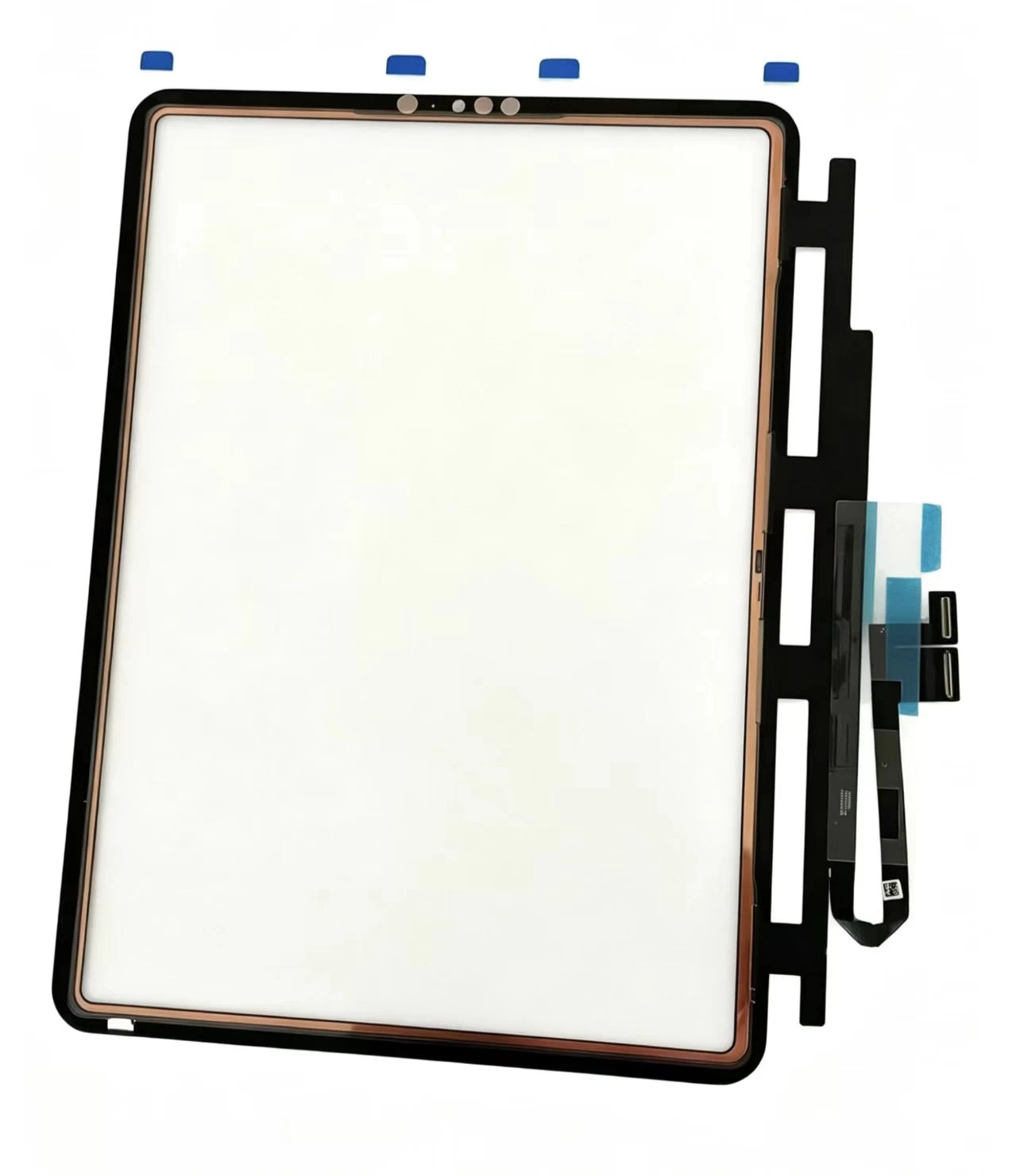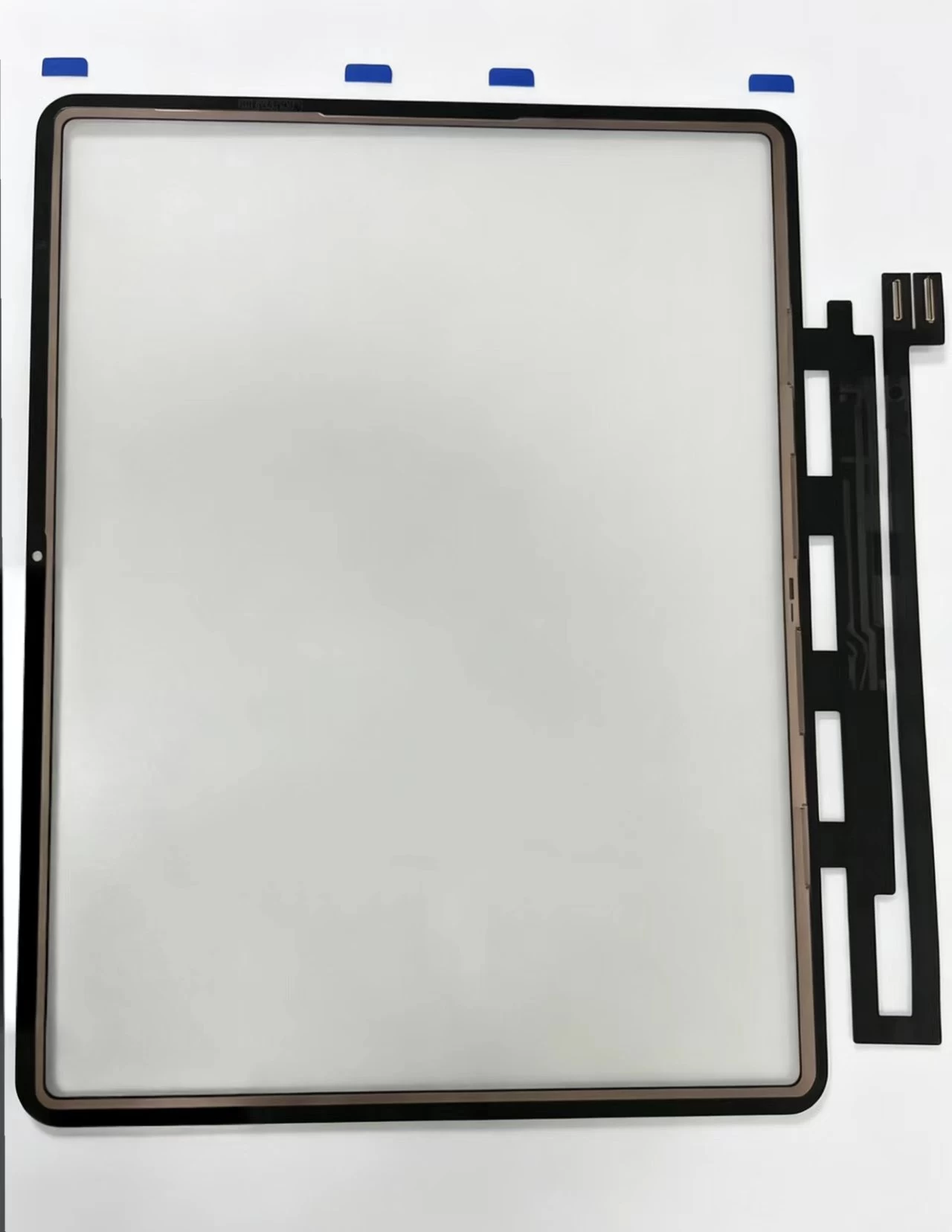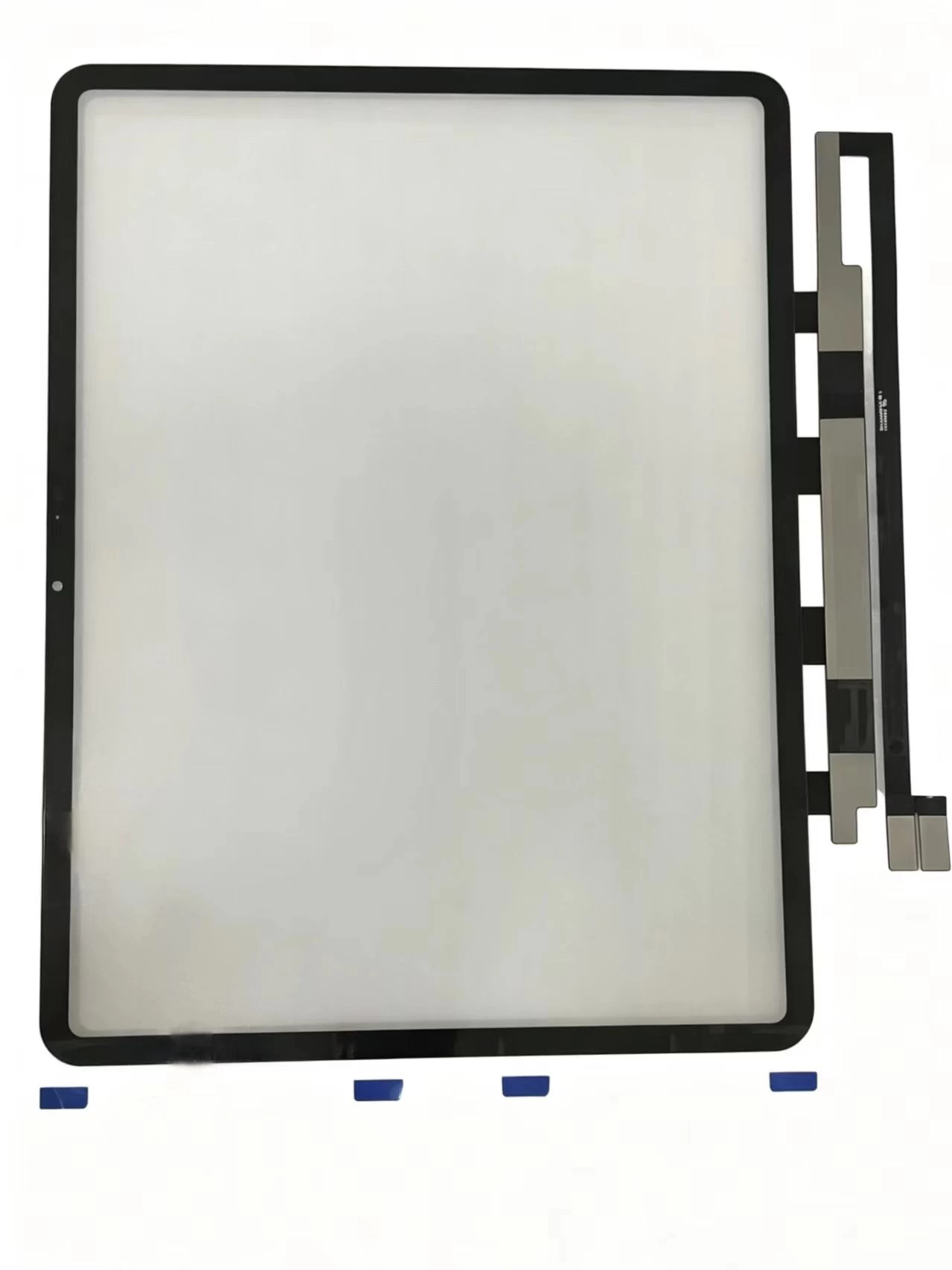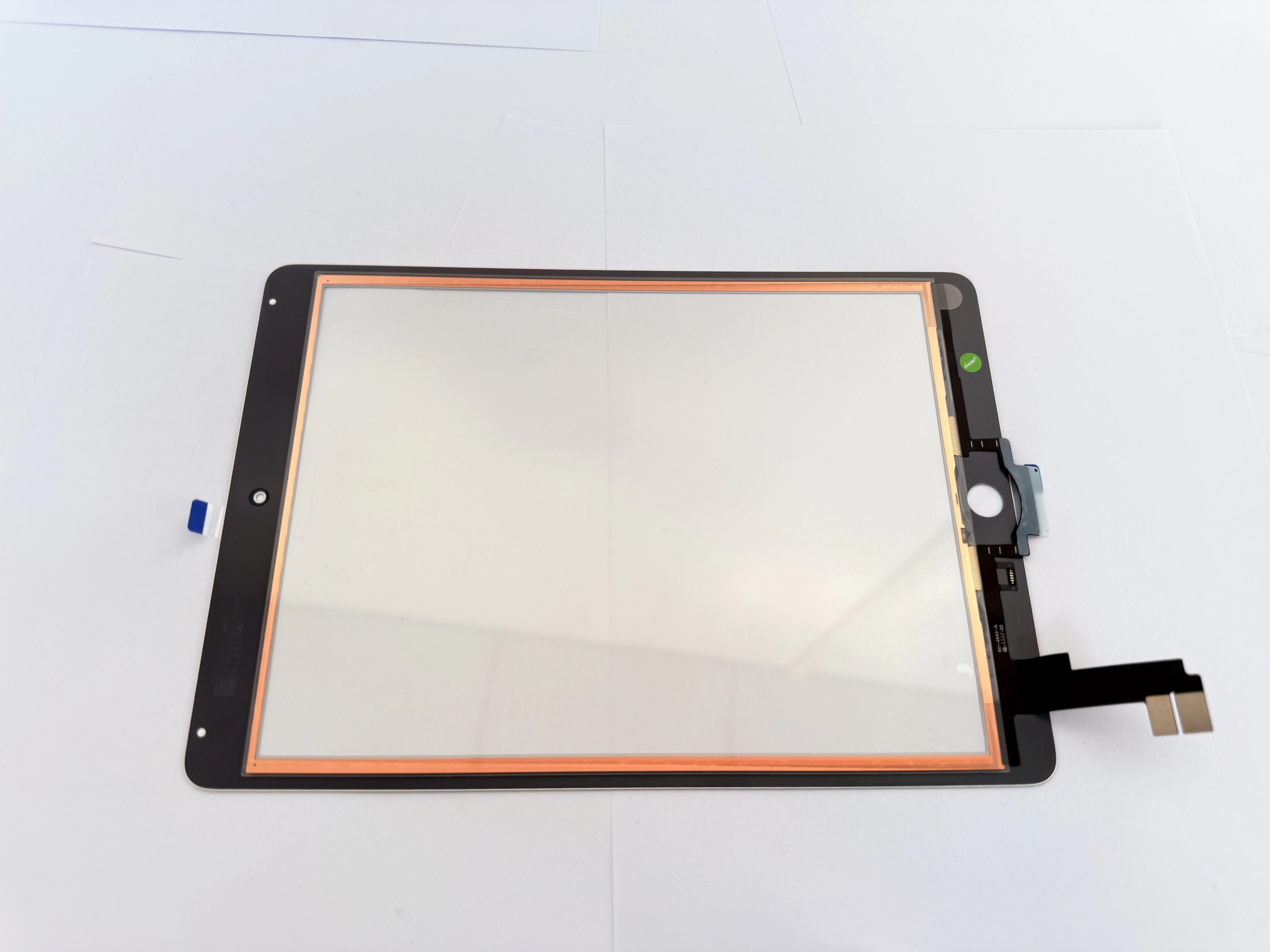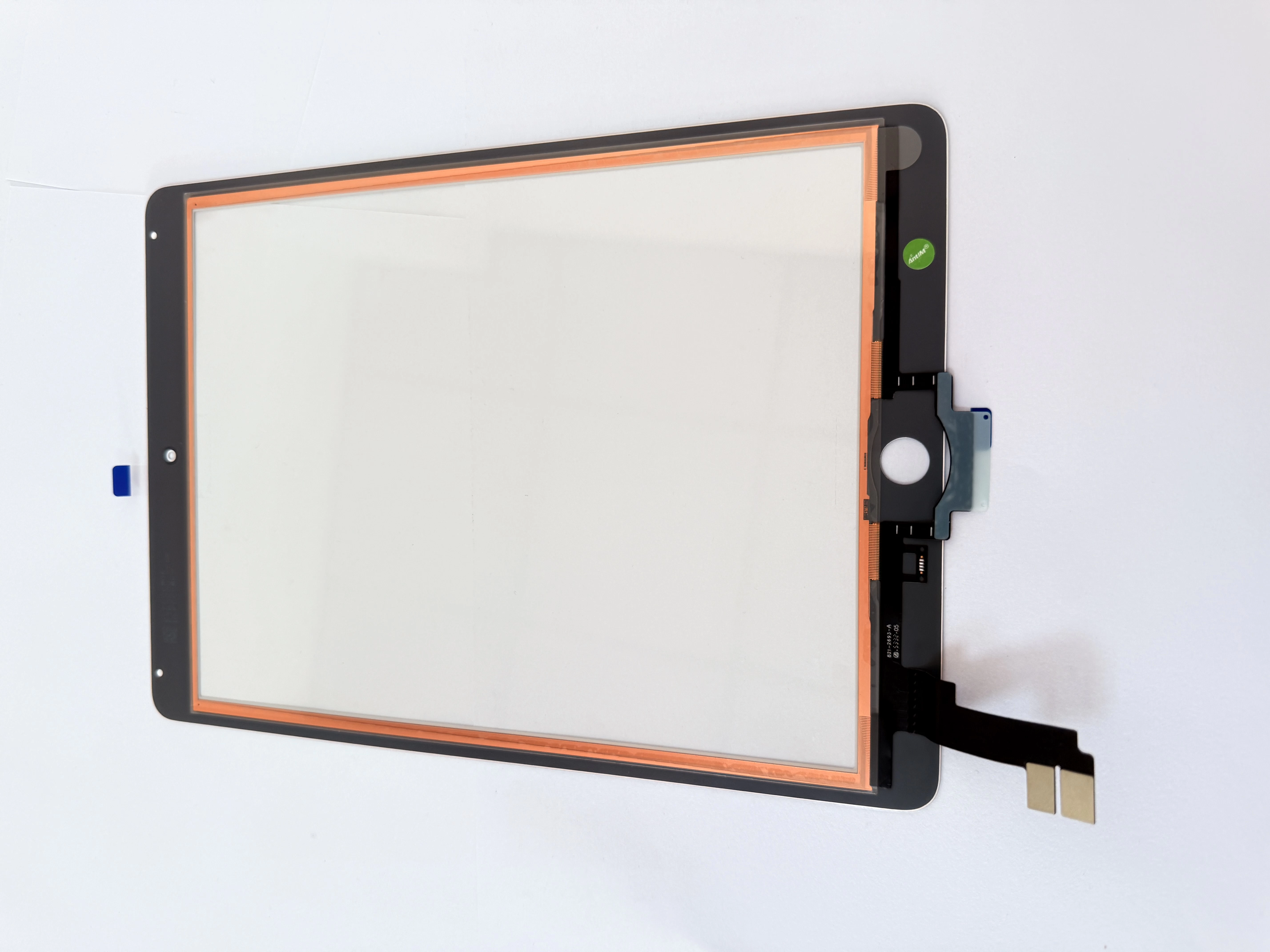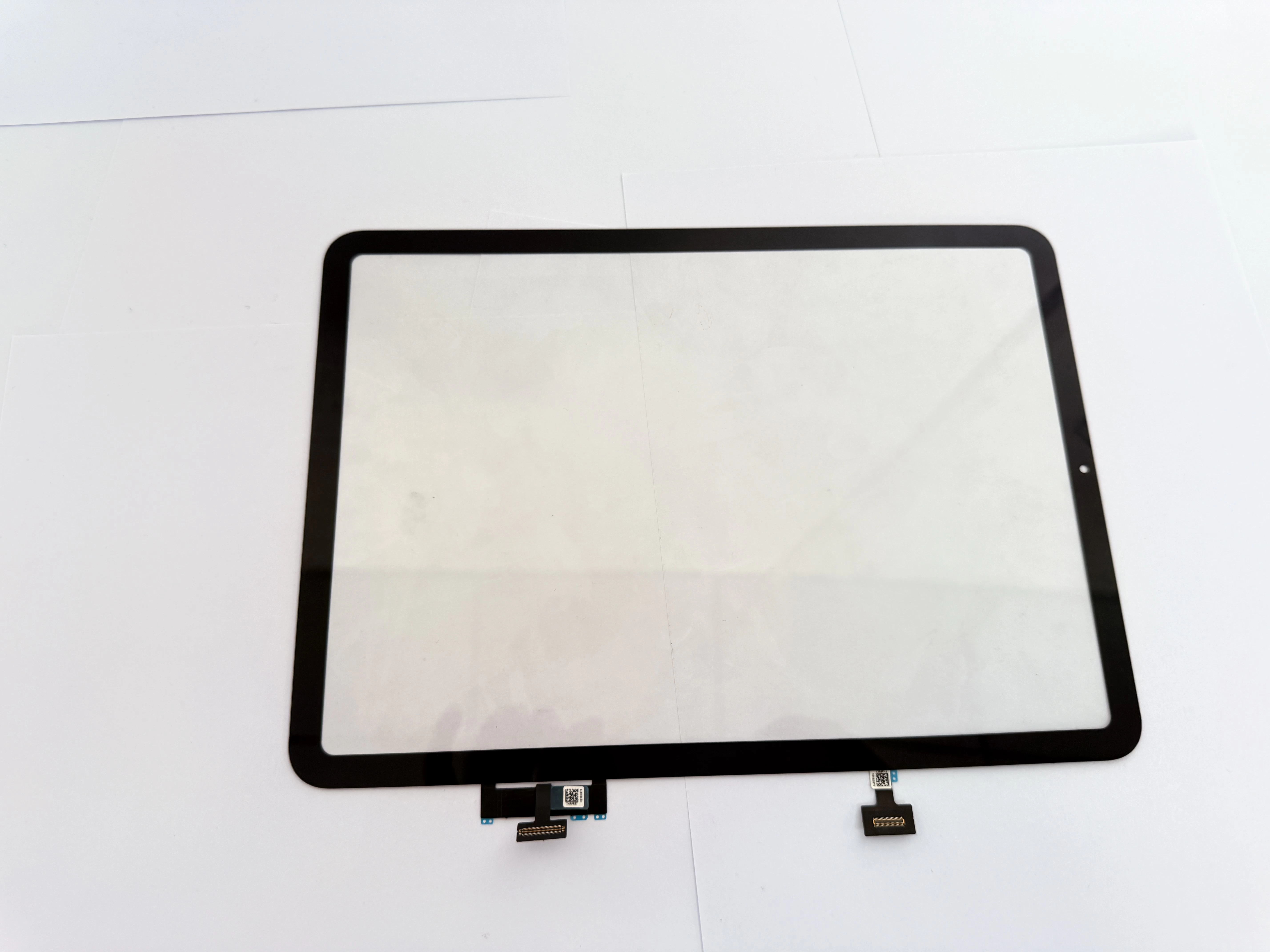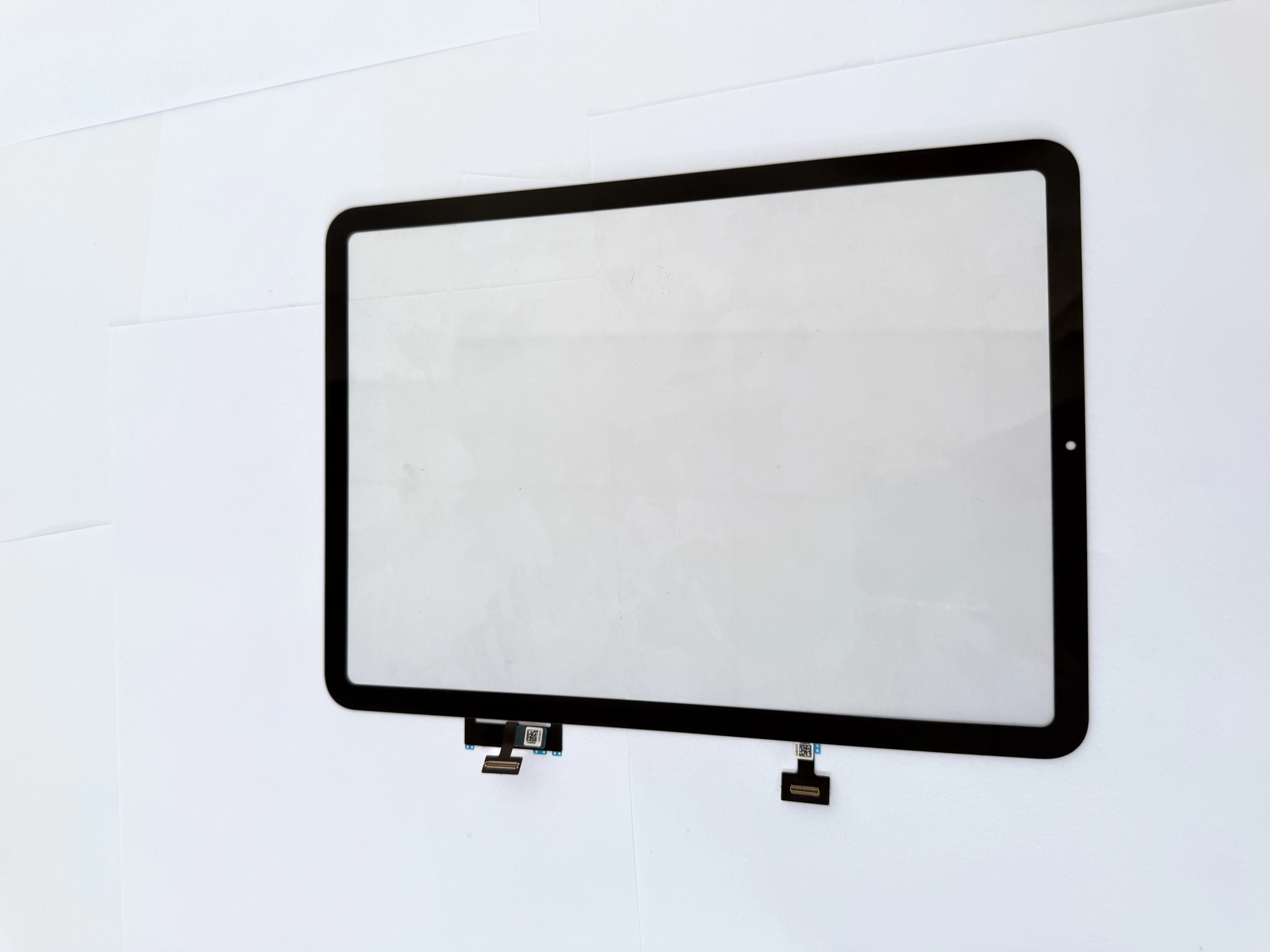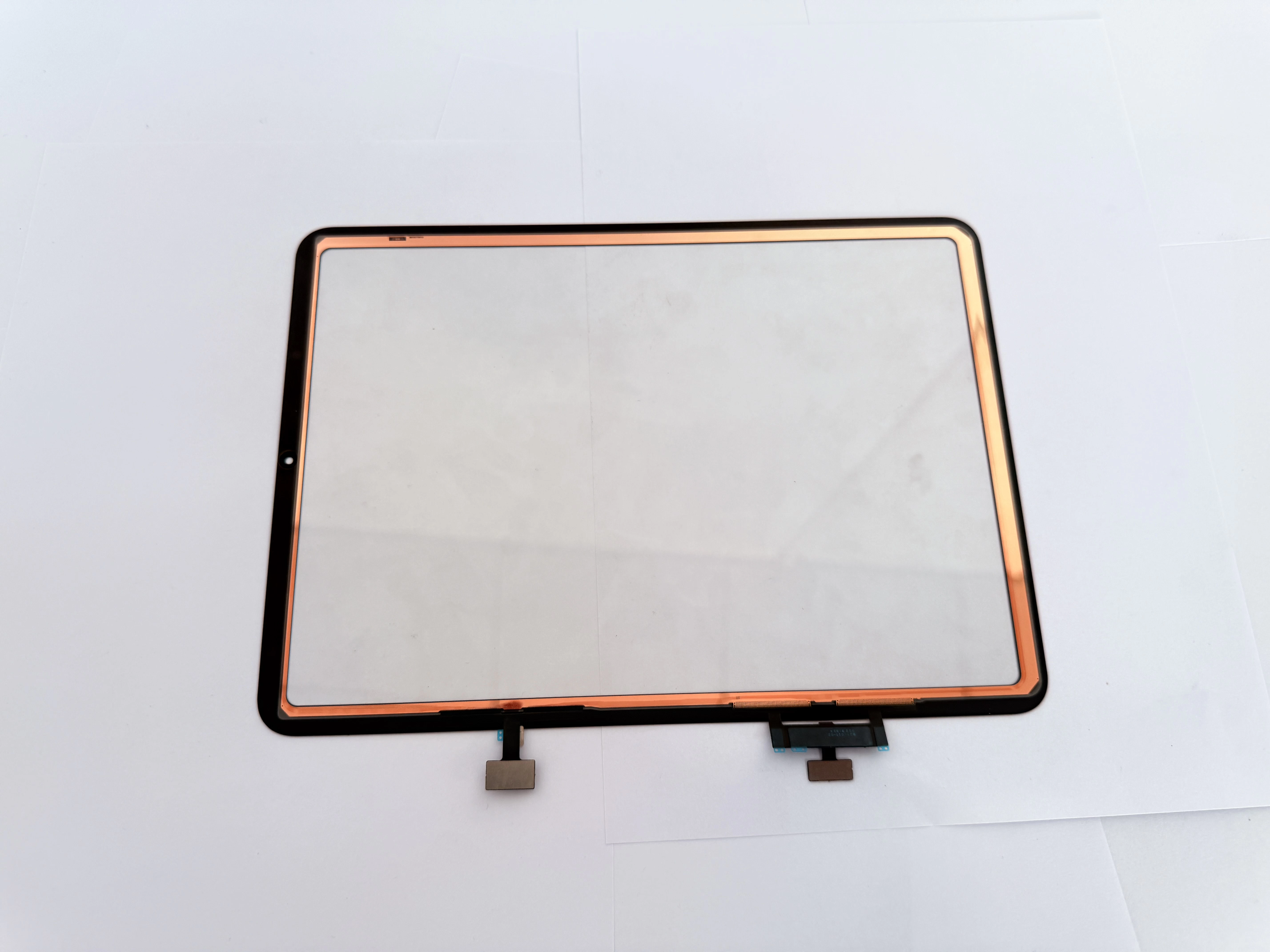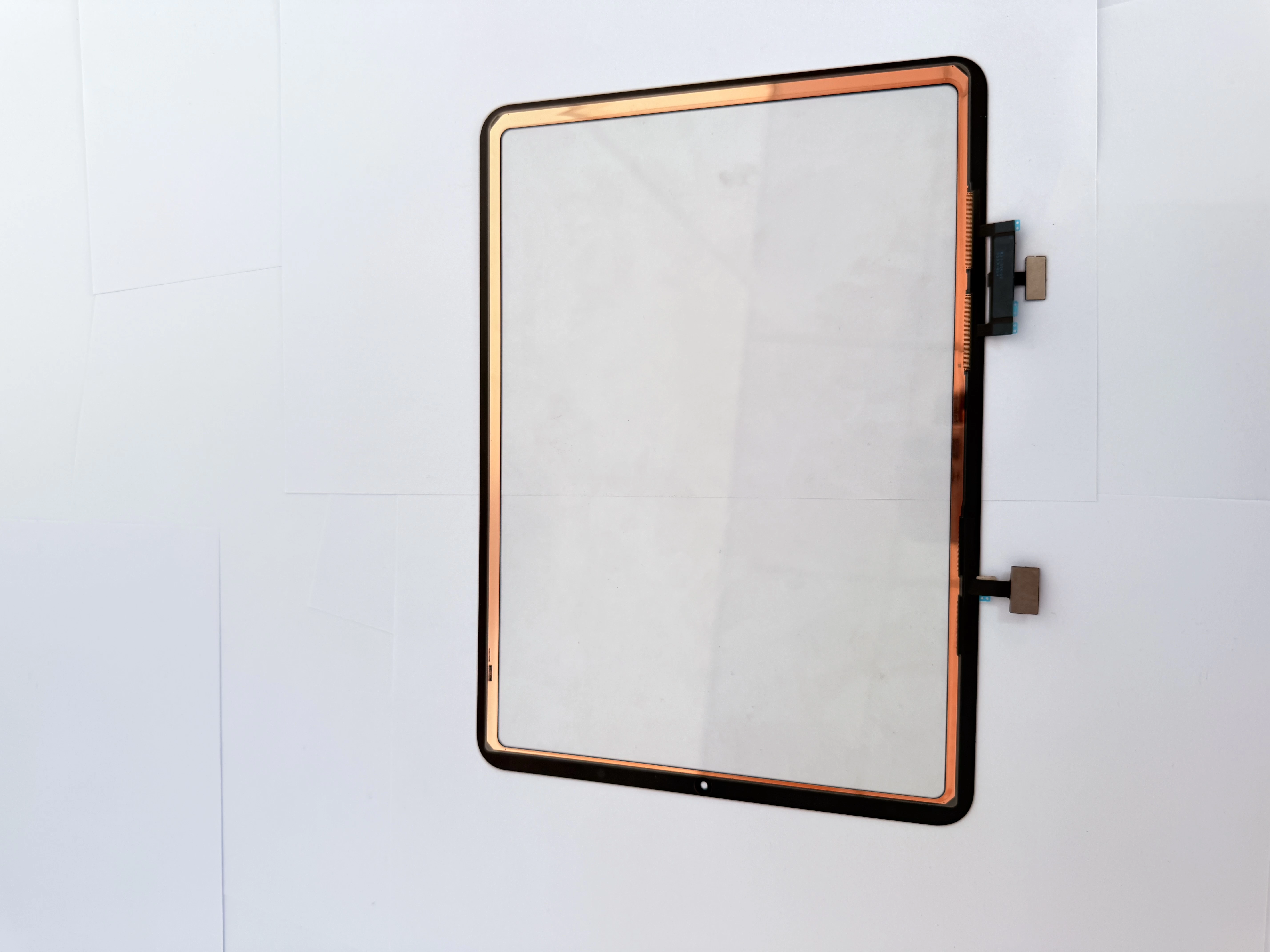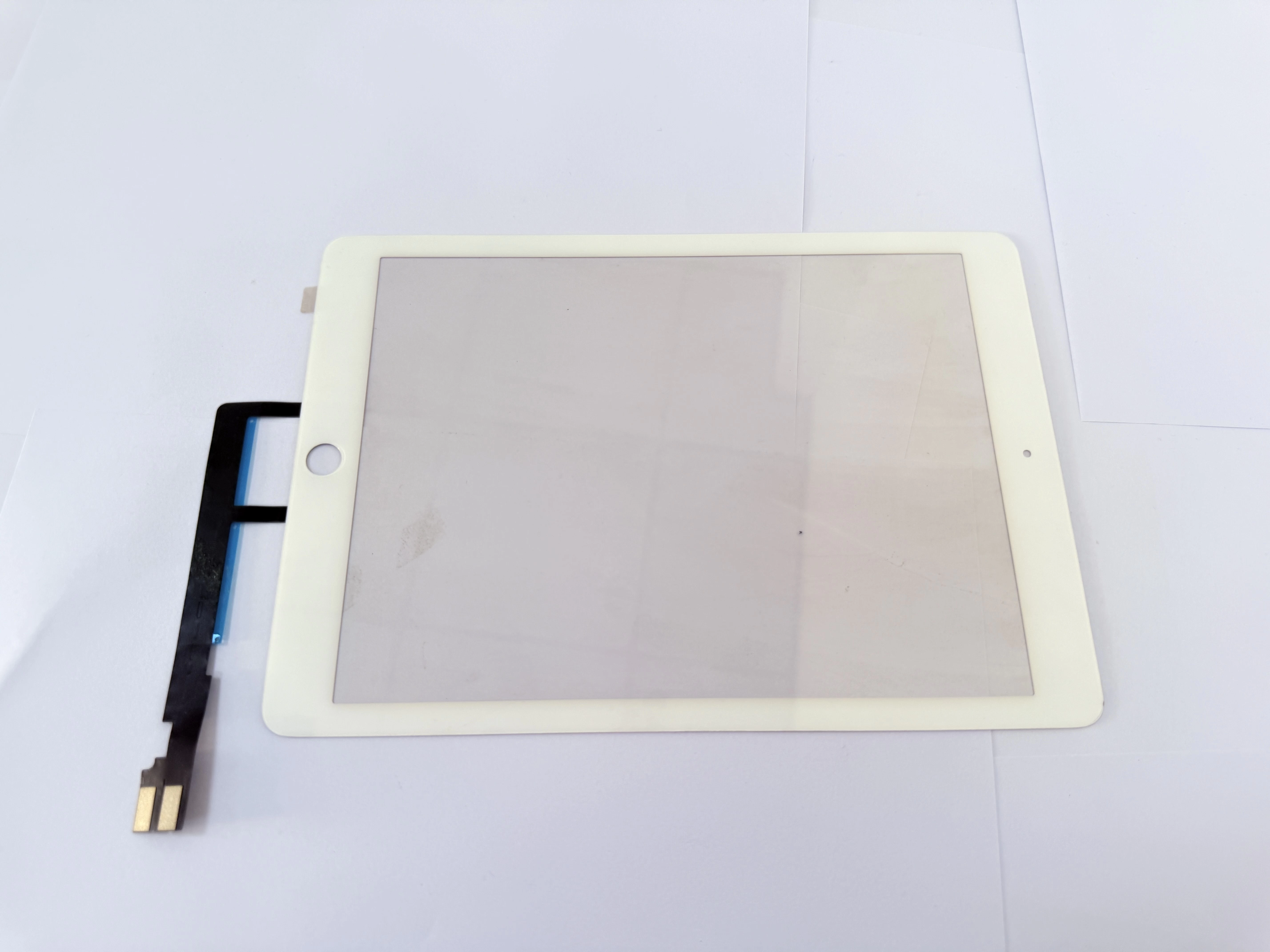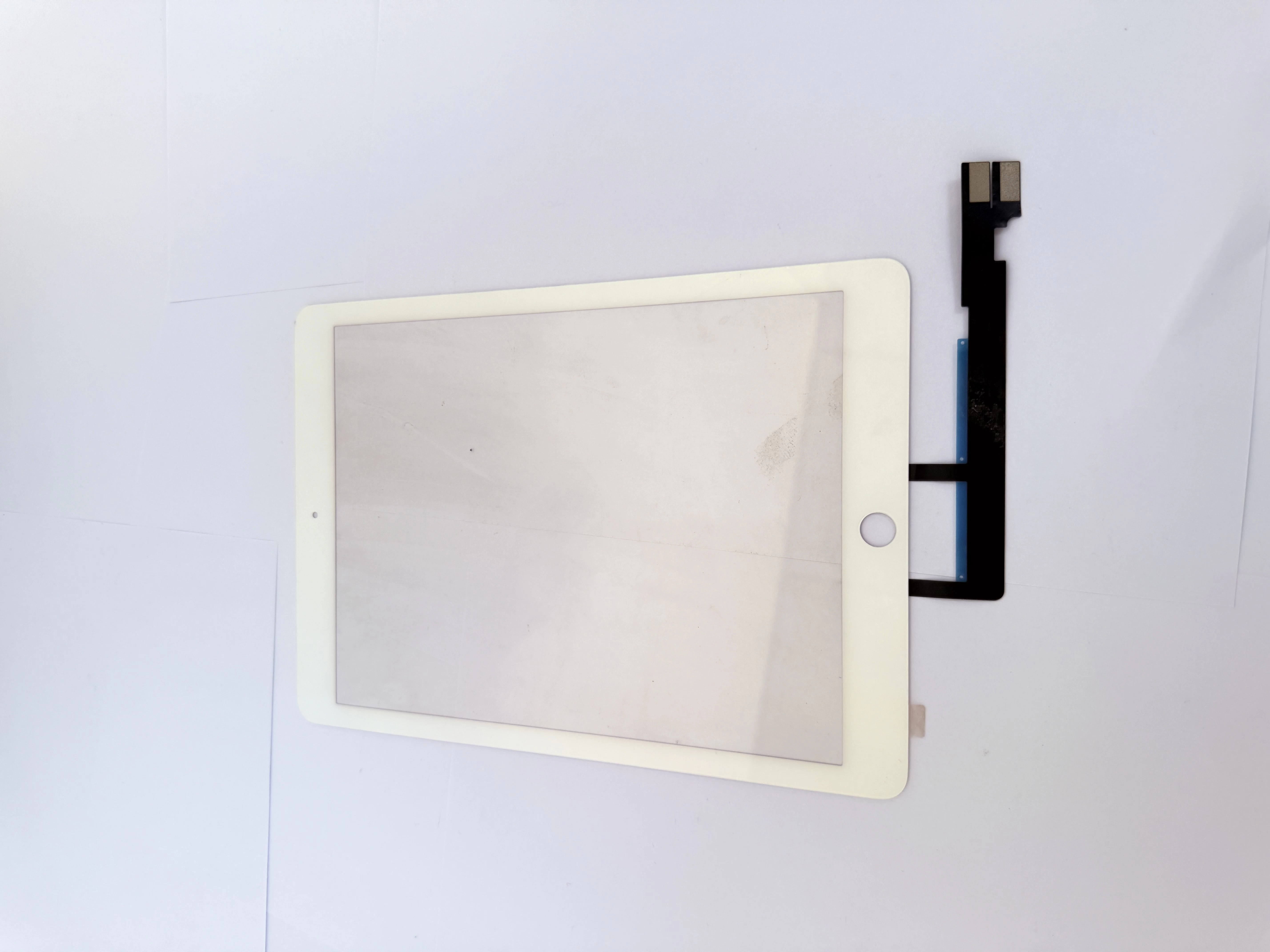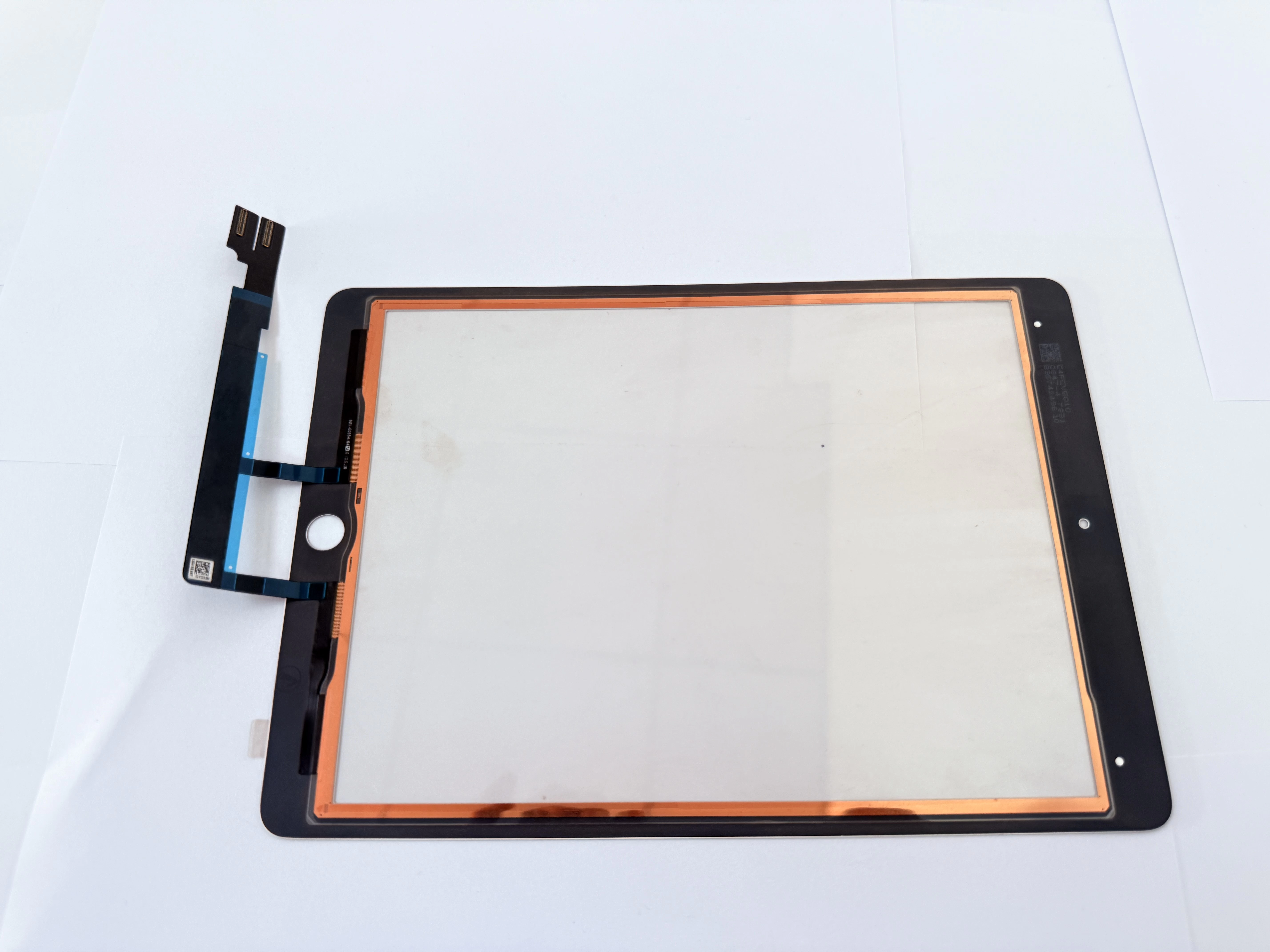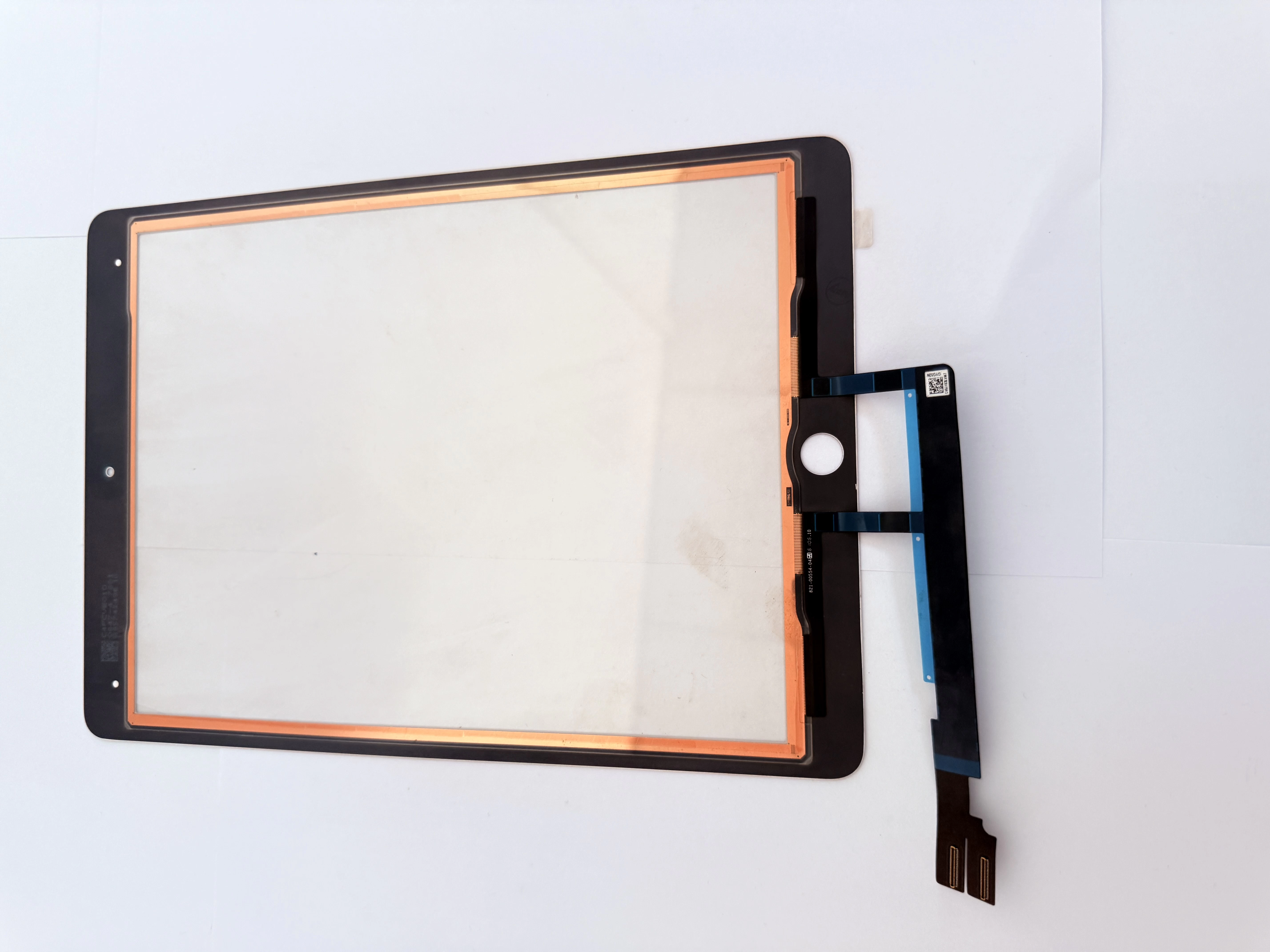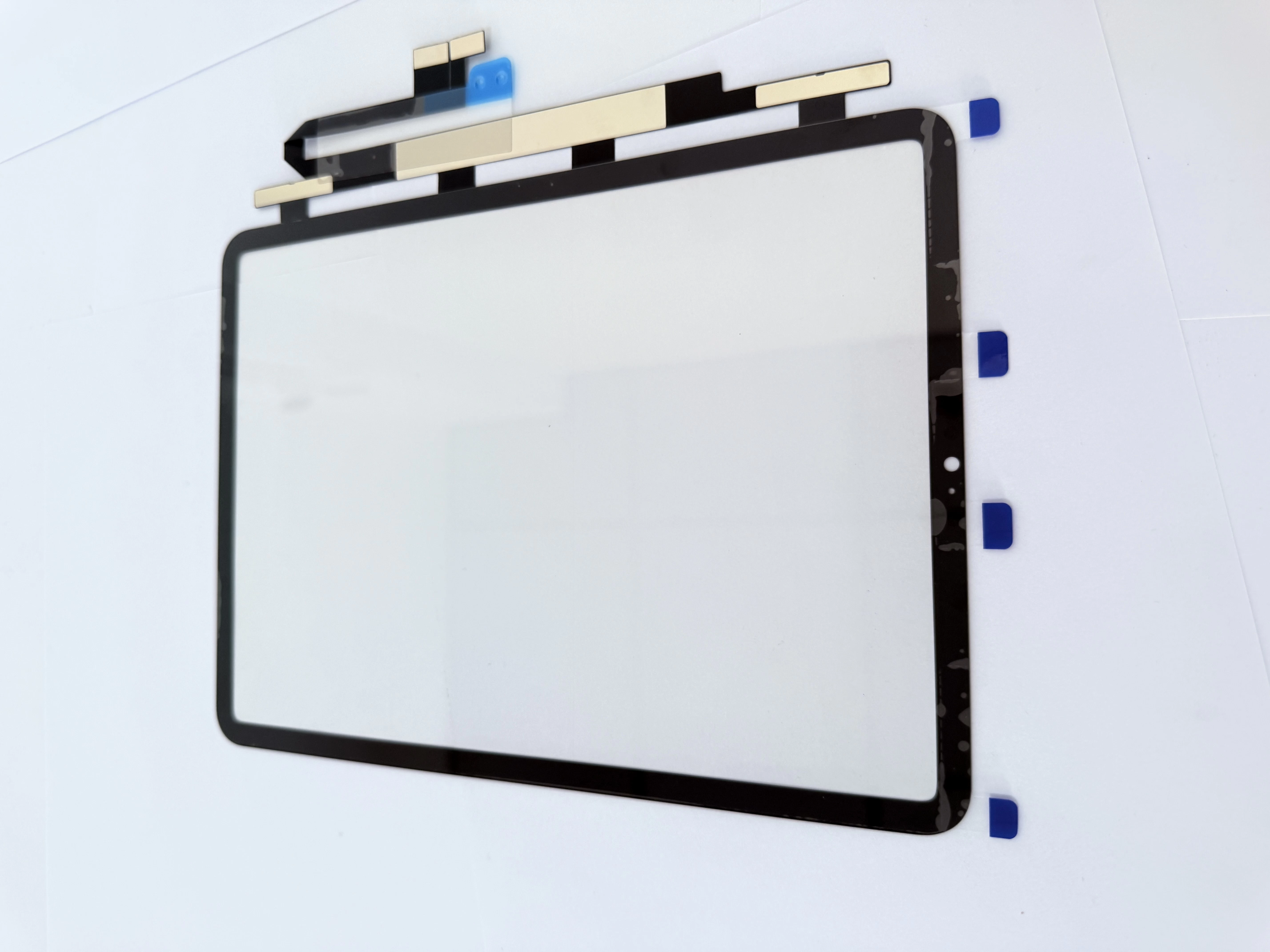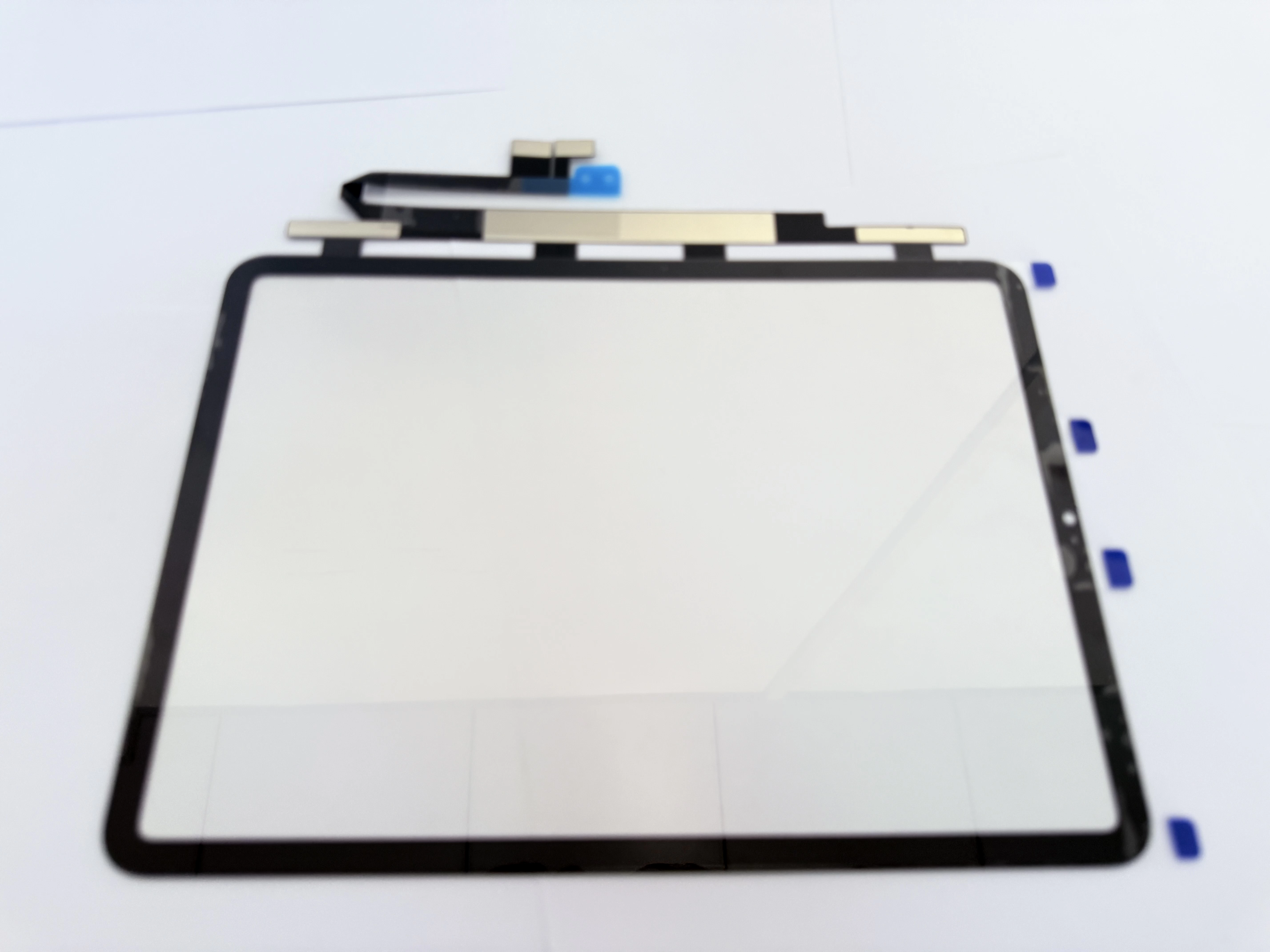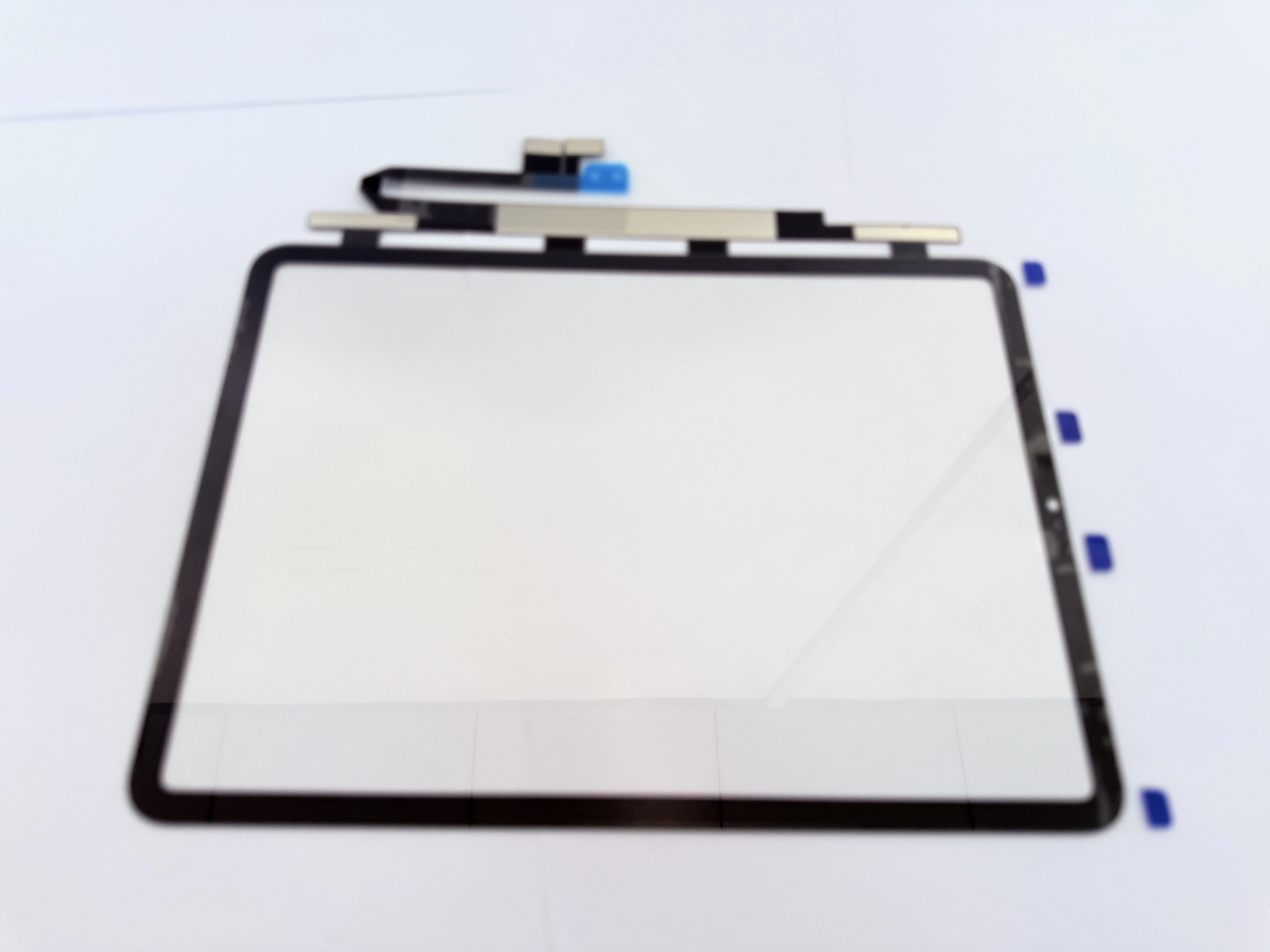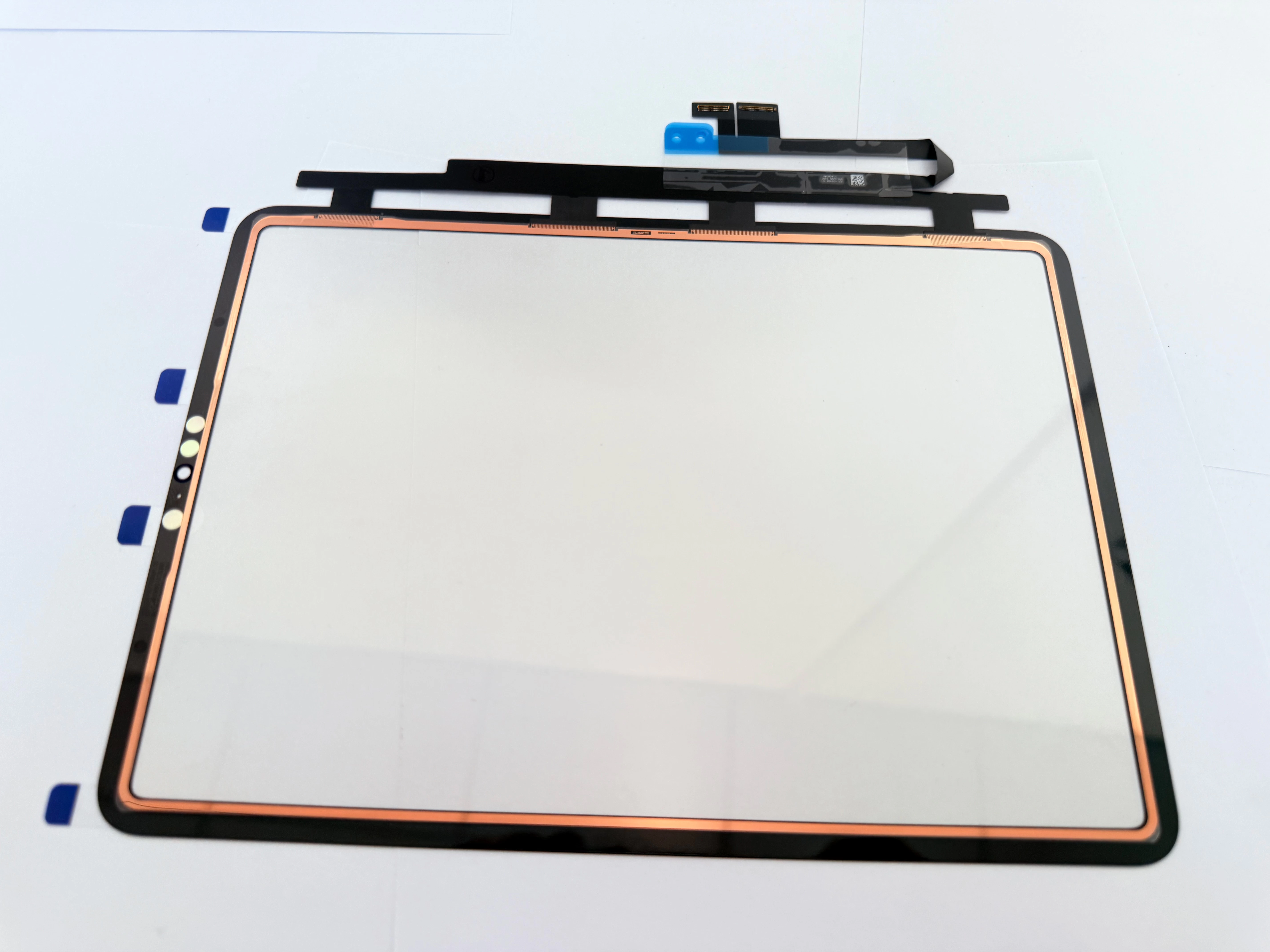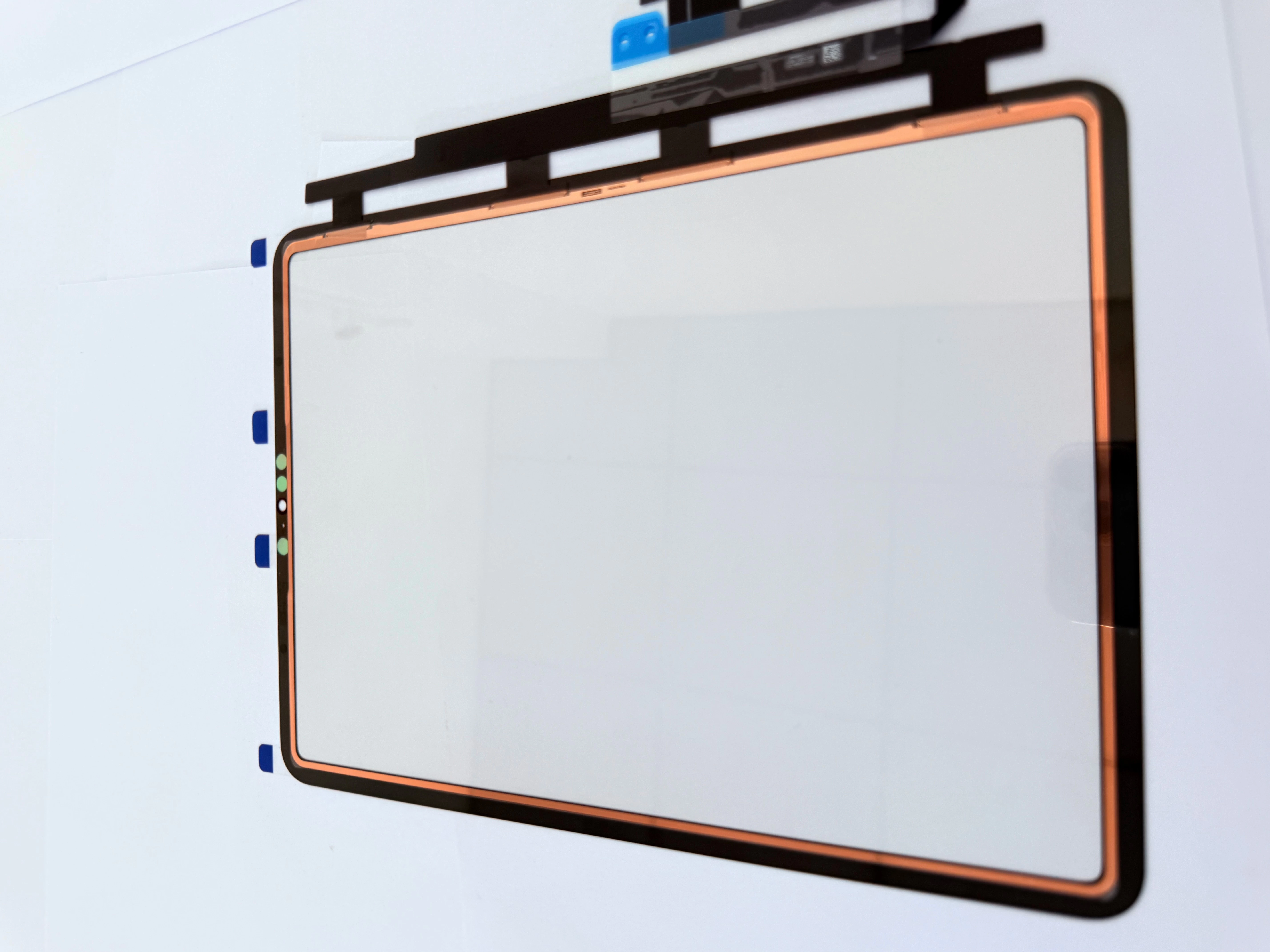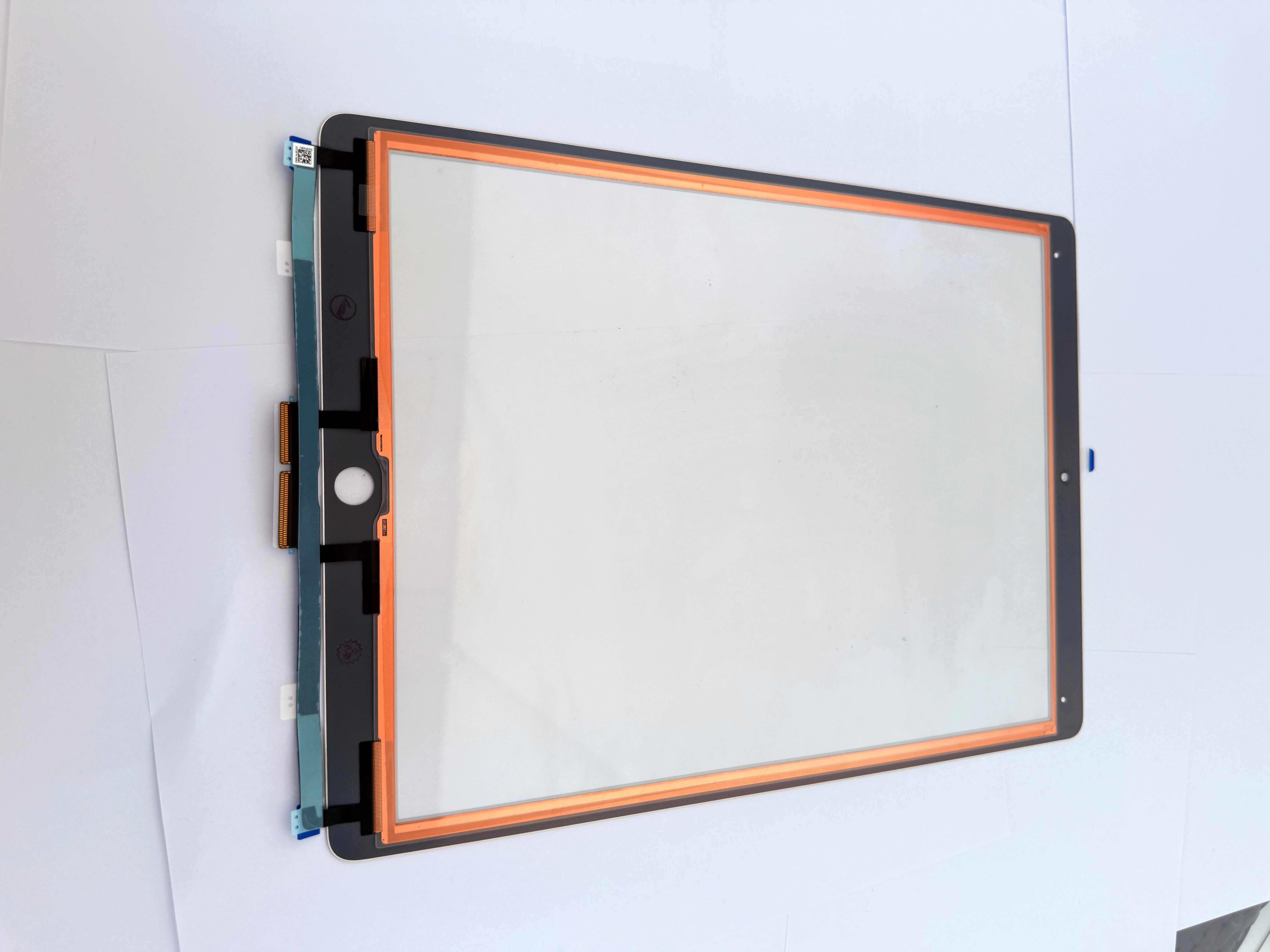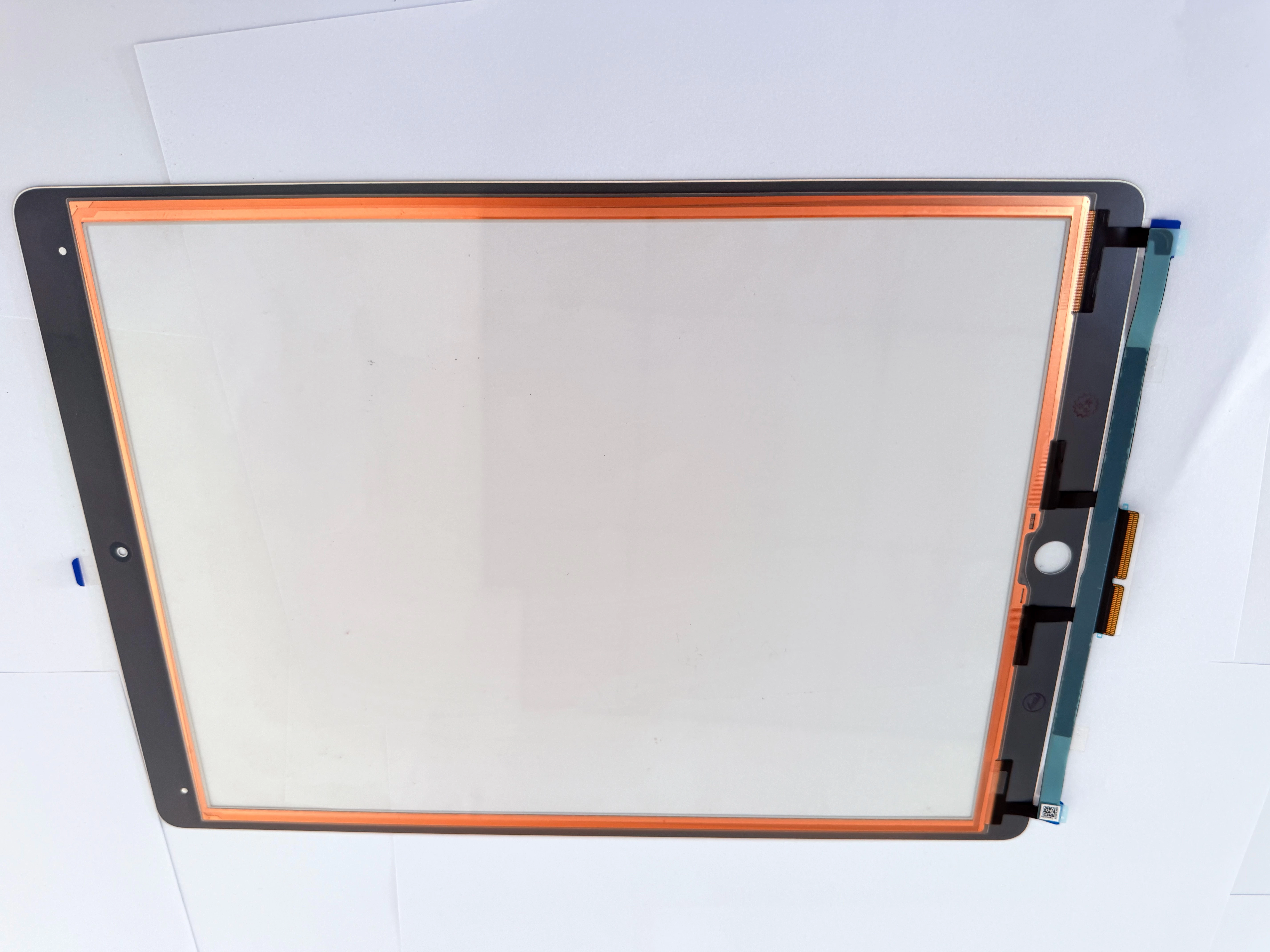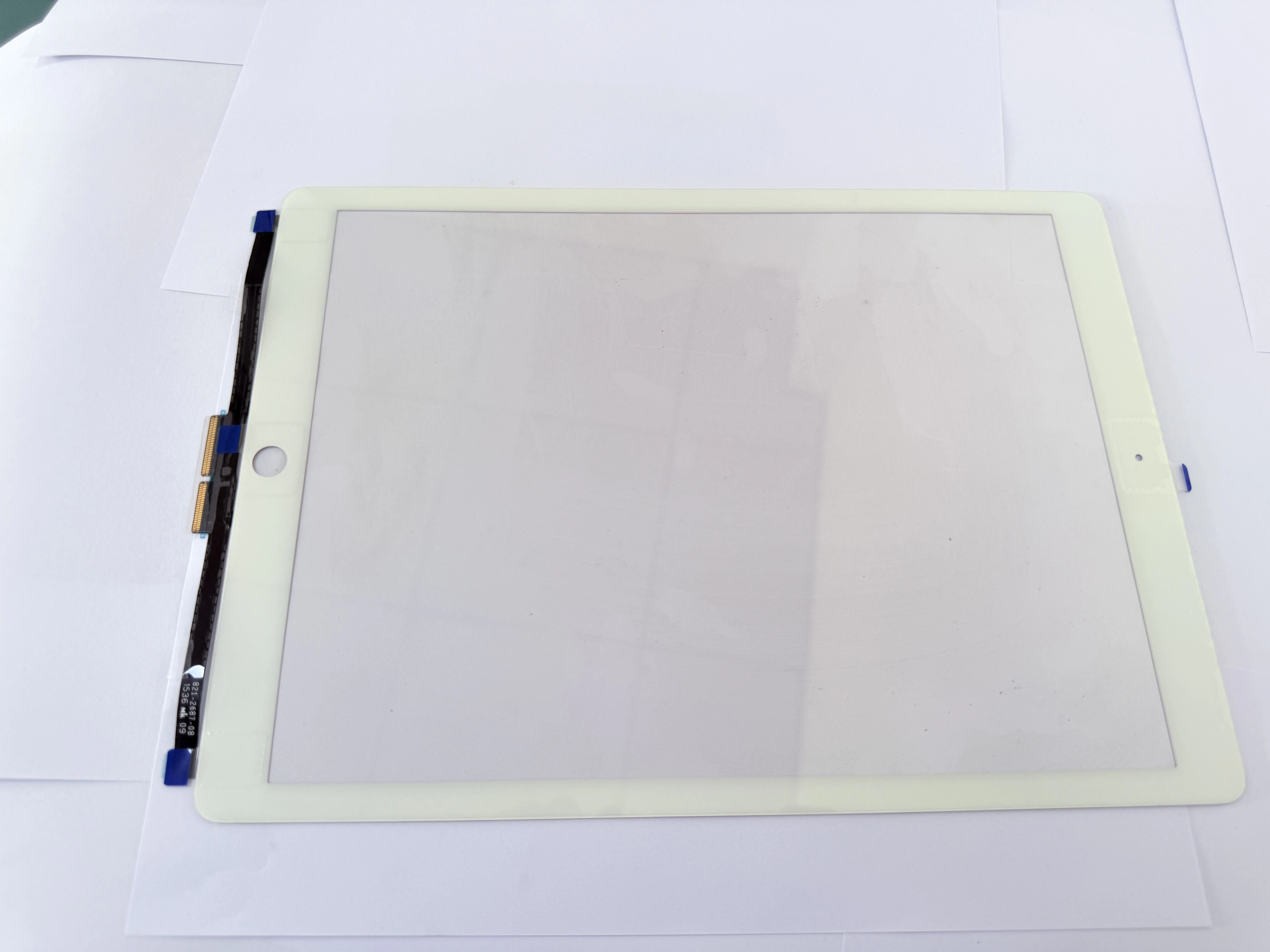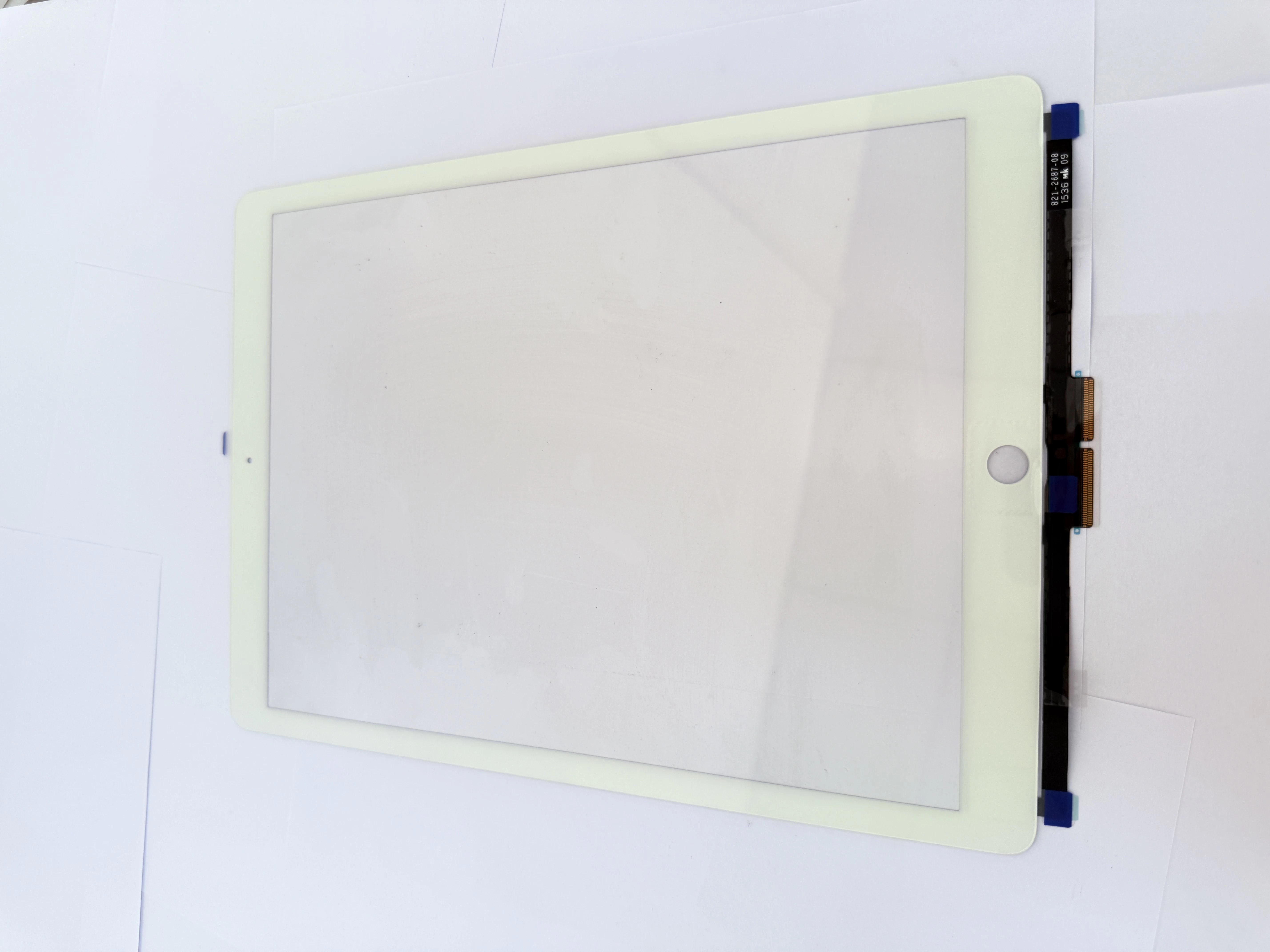
- Why Extreme Environments Cause Touch Screen Failures High humidity in tropical regions like Nigeria, Gabon and Singapore causes moisture penetration into OCA layers, resulting in edge touch drift. Low temperatures in high‑altitude areas such as Bolivia reduce ITO conductivity, creating unresponsive zones. Condensation inside improperly sealed screens also corrodes flex cable connectors over time.
- Step‑by‑Step Environmental Touch Fault Troubleshooting First dry the screen assembly with low‑temperature warm air to rule out moisture interference. Clean flex connector contacts with isopropyl alcohol to remove oxidation. Inspect OCA edge sealing integrity; replace damaged sealant for minor issues. For permanent drift or dead zones, install ZSDScreen sealed‑edge capacitive touch LCD assemblies with enhanced moisture protection.
- Environment‑Adapted Replacement Parts for Global Markets ZSDScreen offers enhanced‑sealing capacitive touch LCD versions for high‑humidity African and SEA markets, and wide‑temperature‑range models for high‑altitude Latin American regions. All units pass 85℃ humidity and –20℃ low‑temperature reliability tests, matching local climate conditions across target markets.
حالات