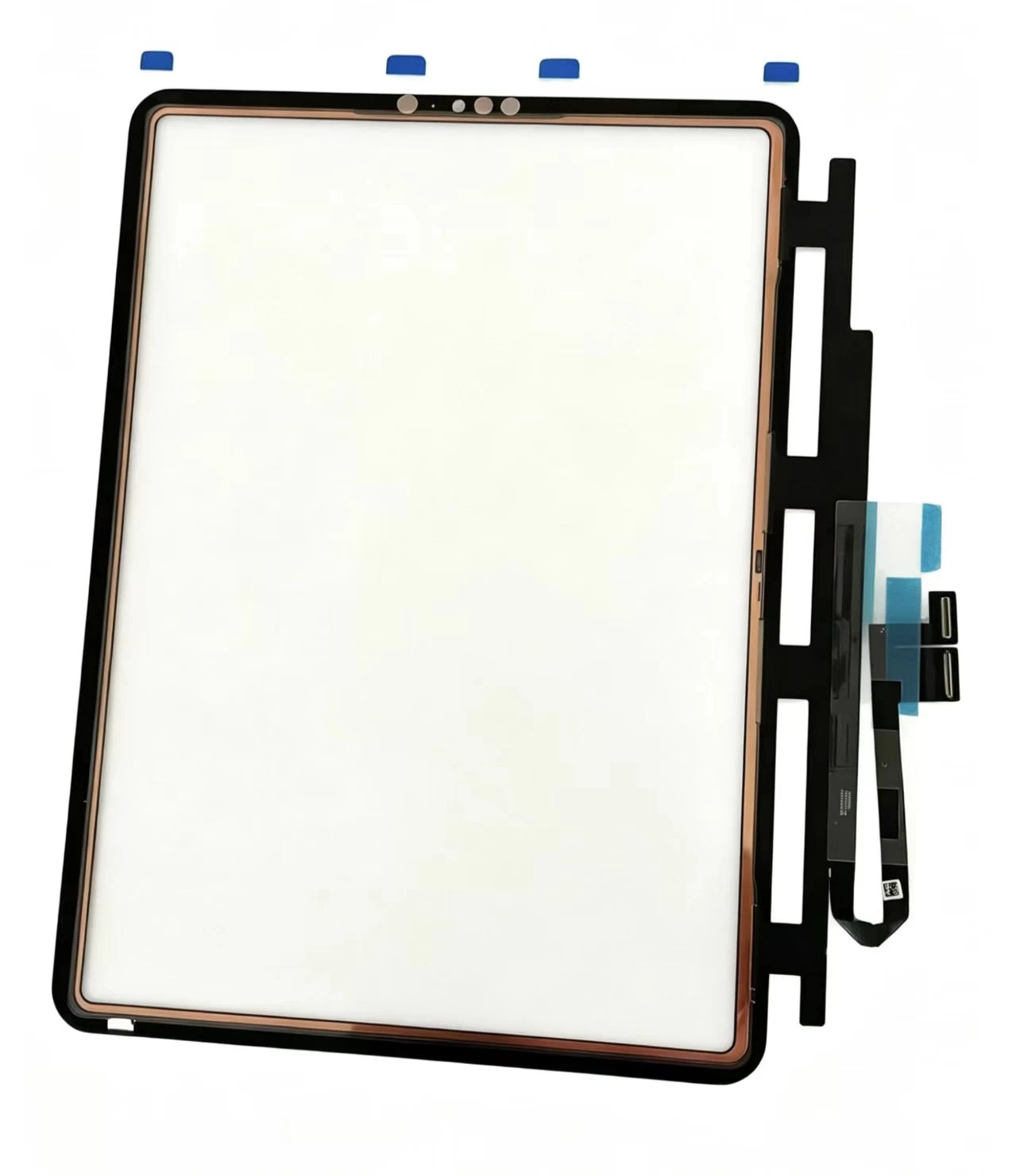
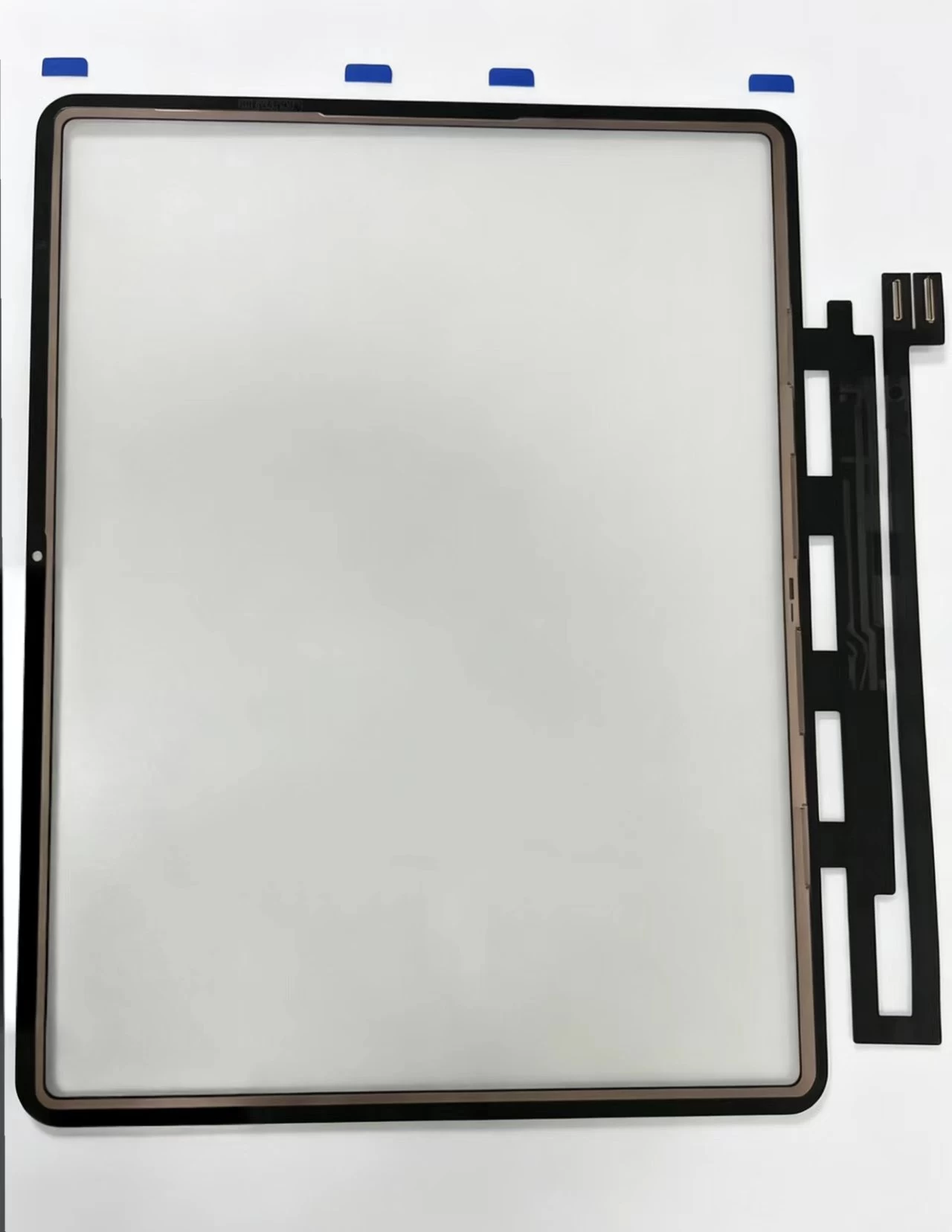
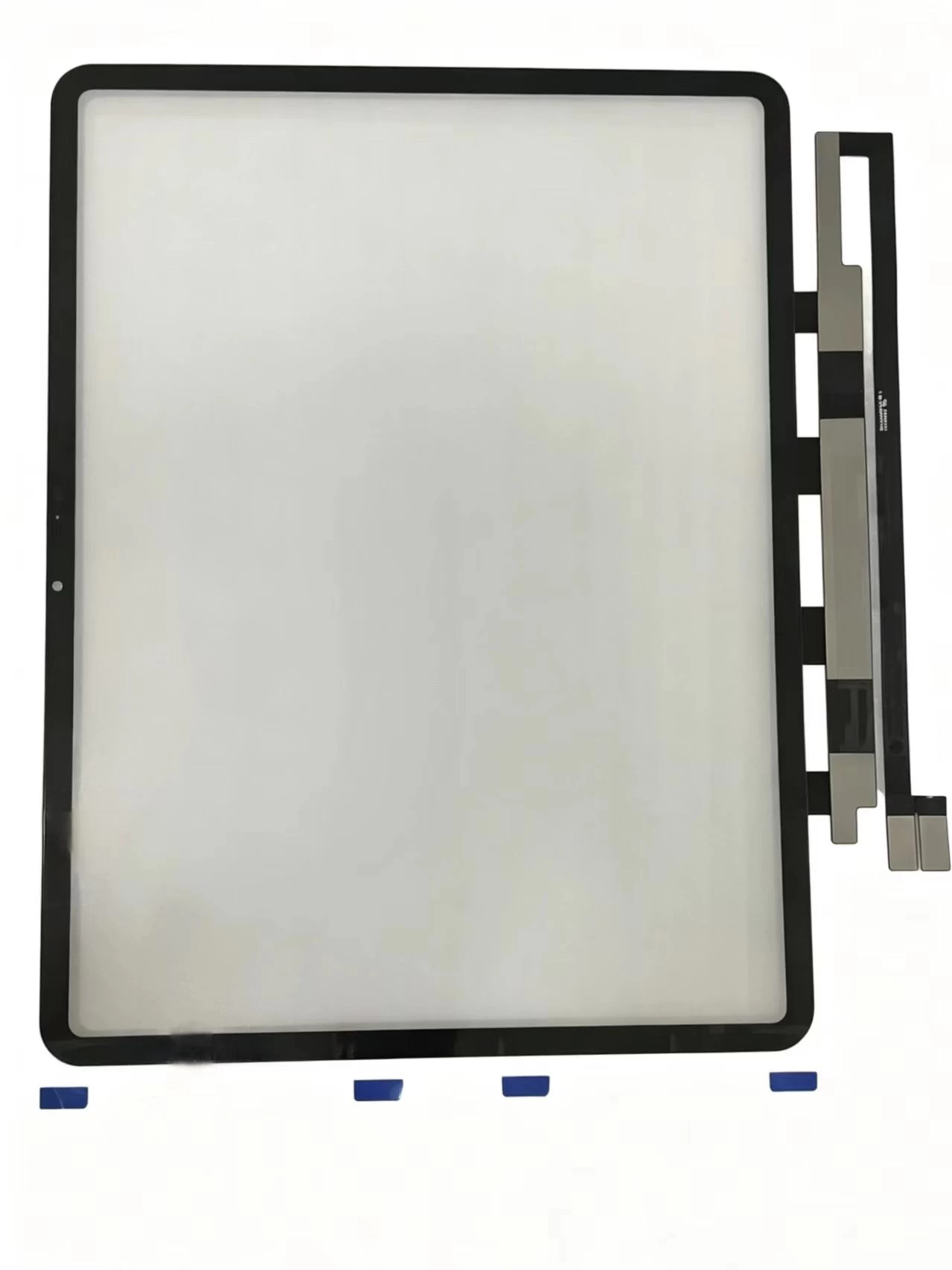
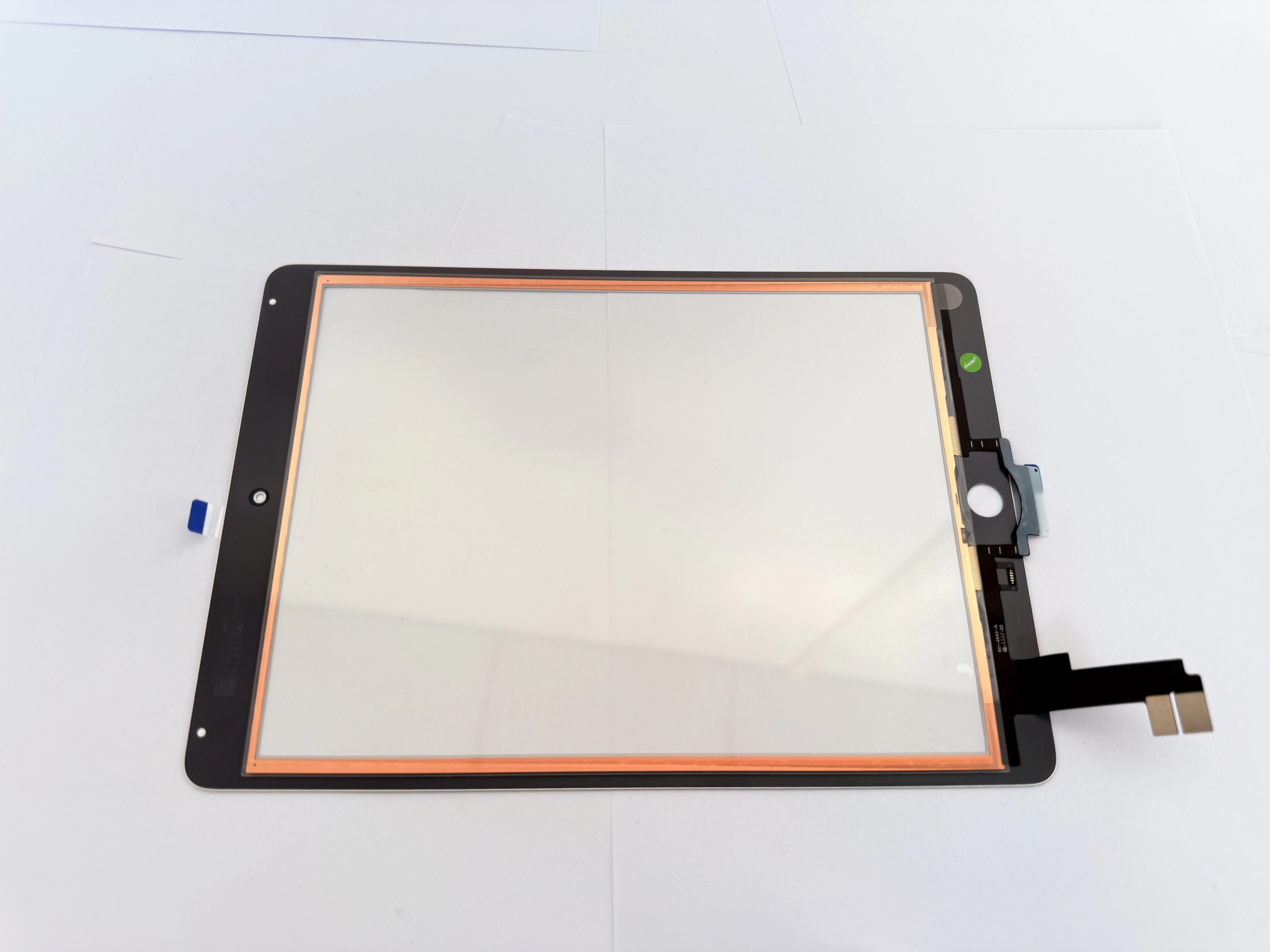
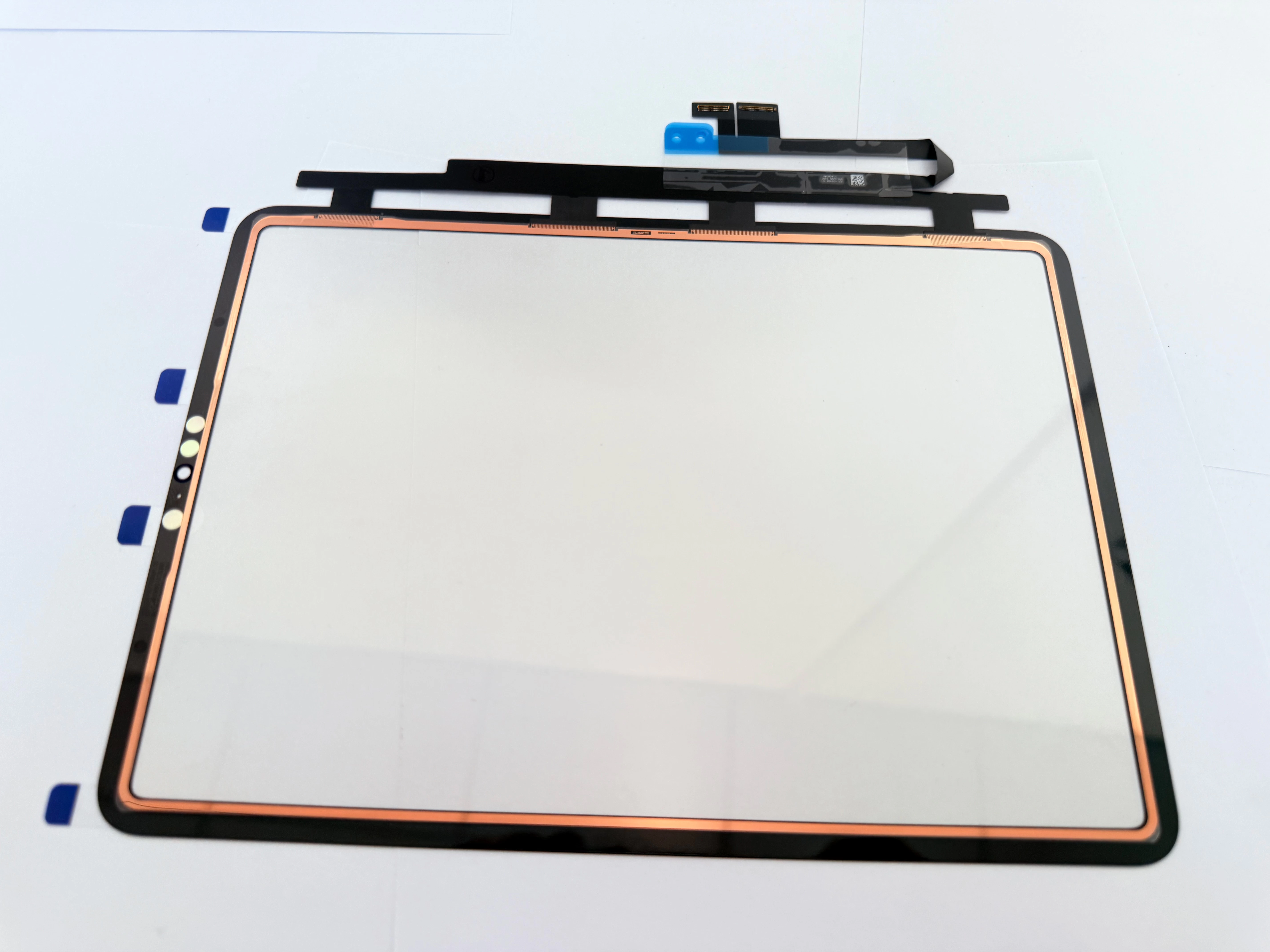
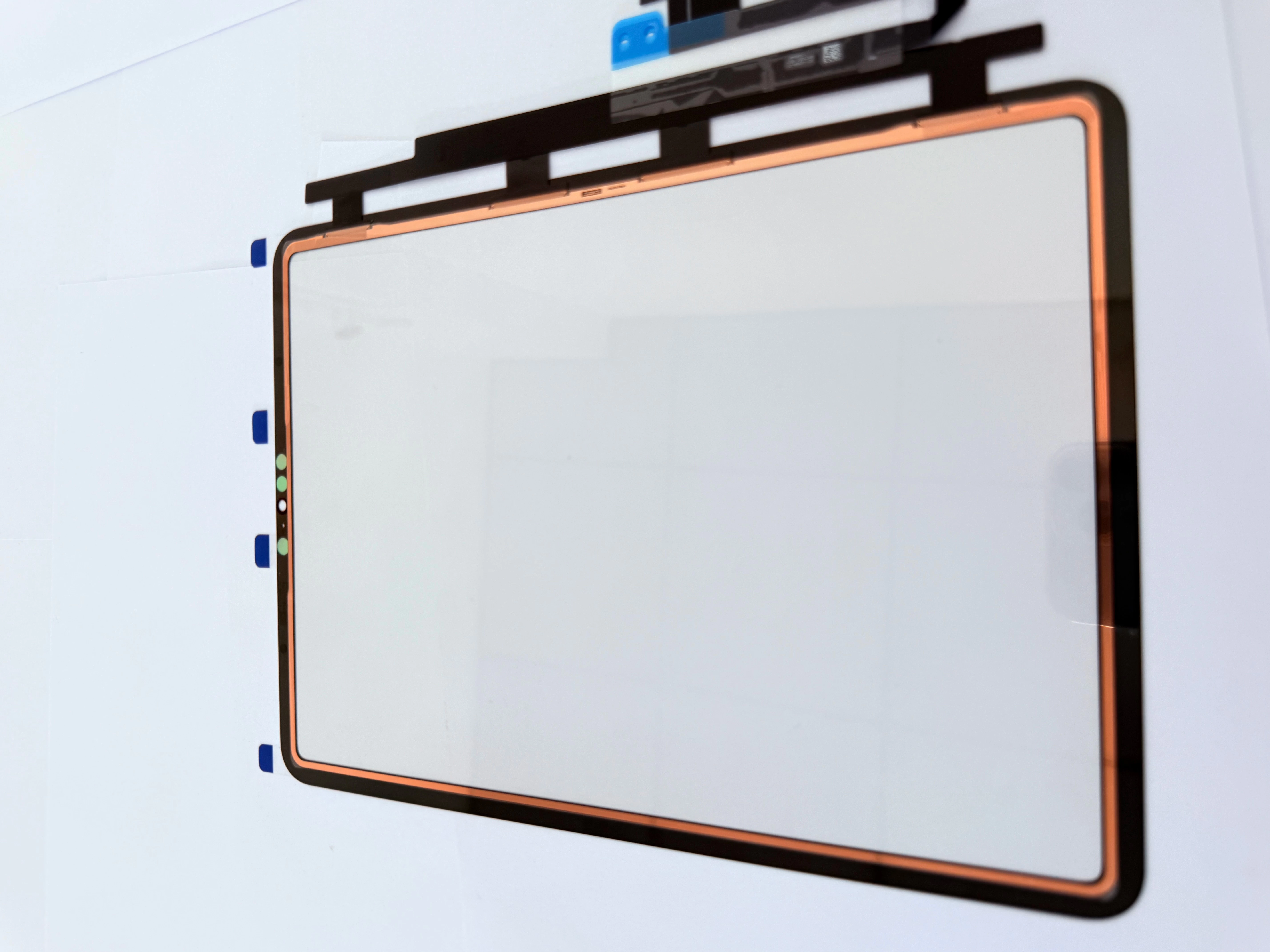
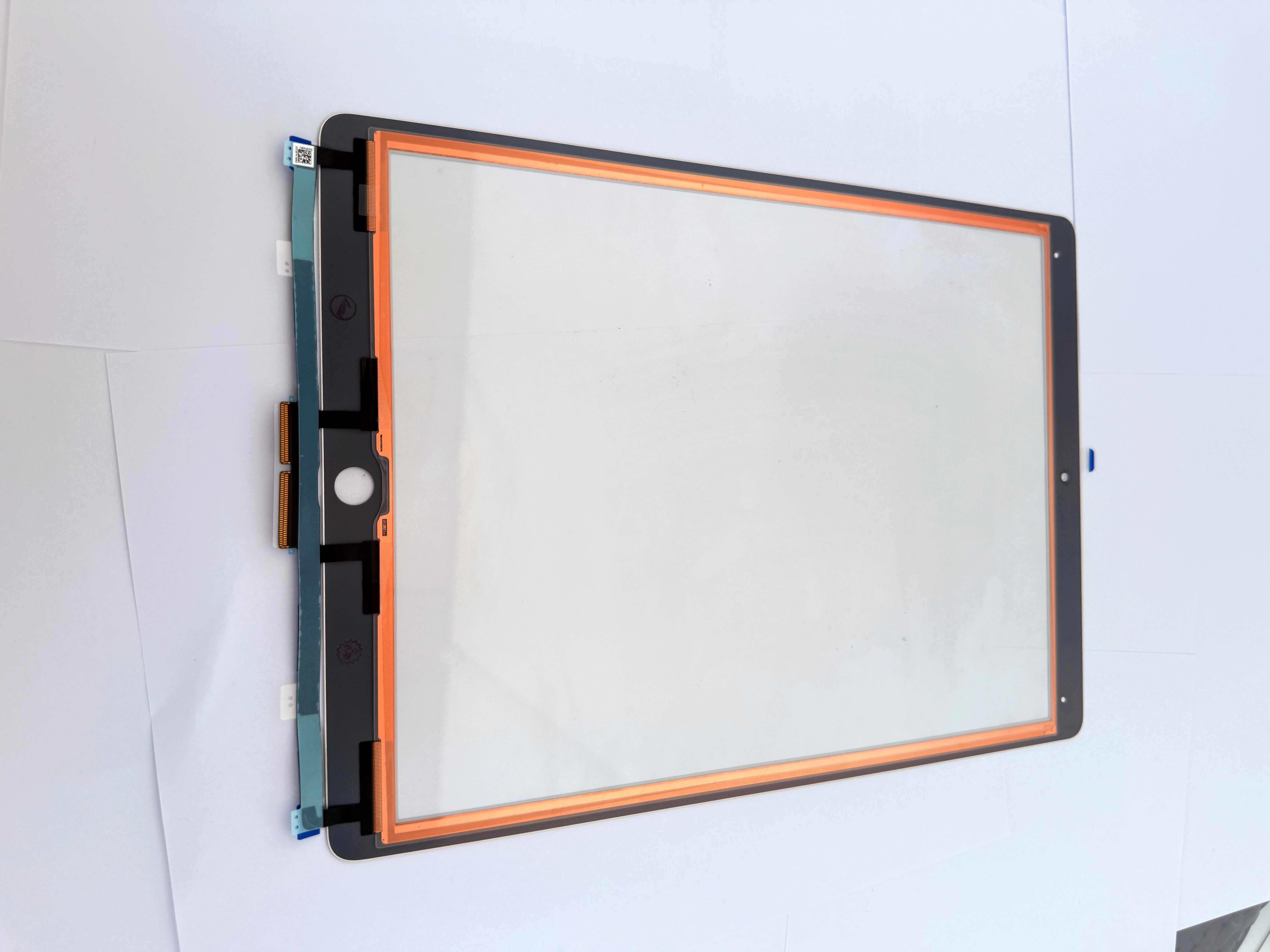
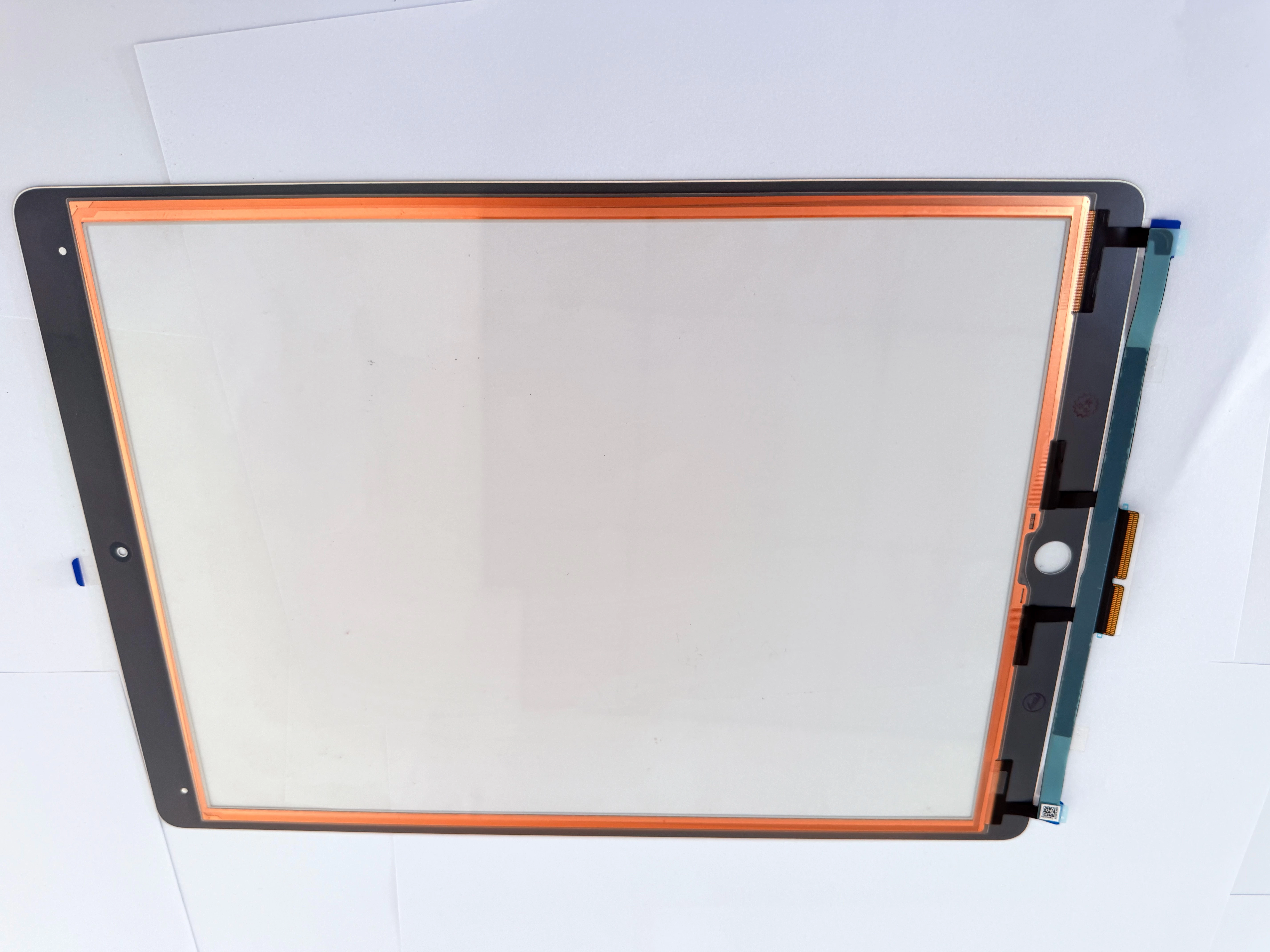
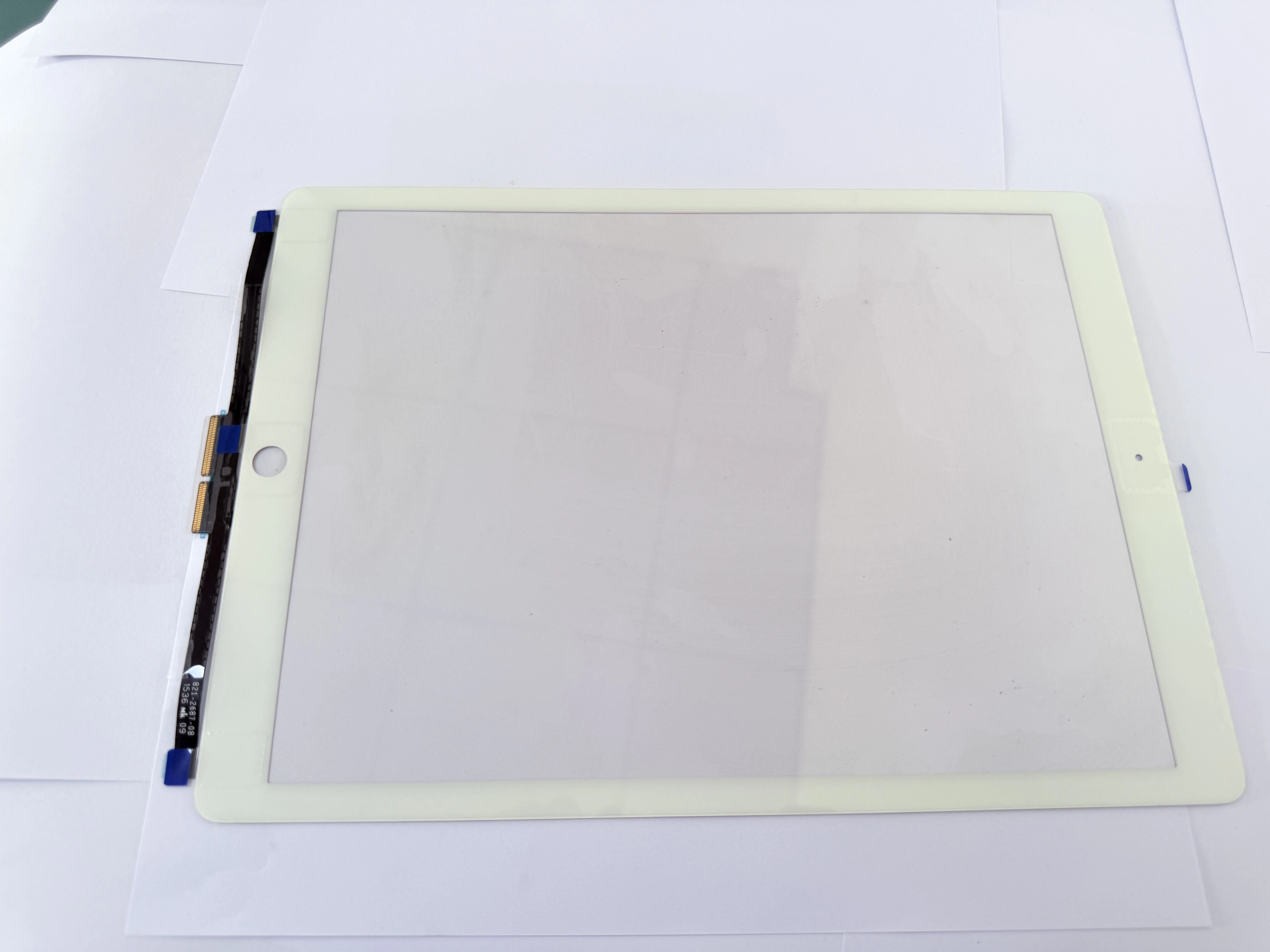
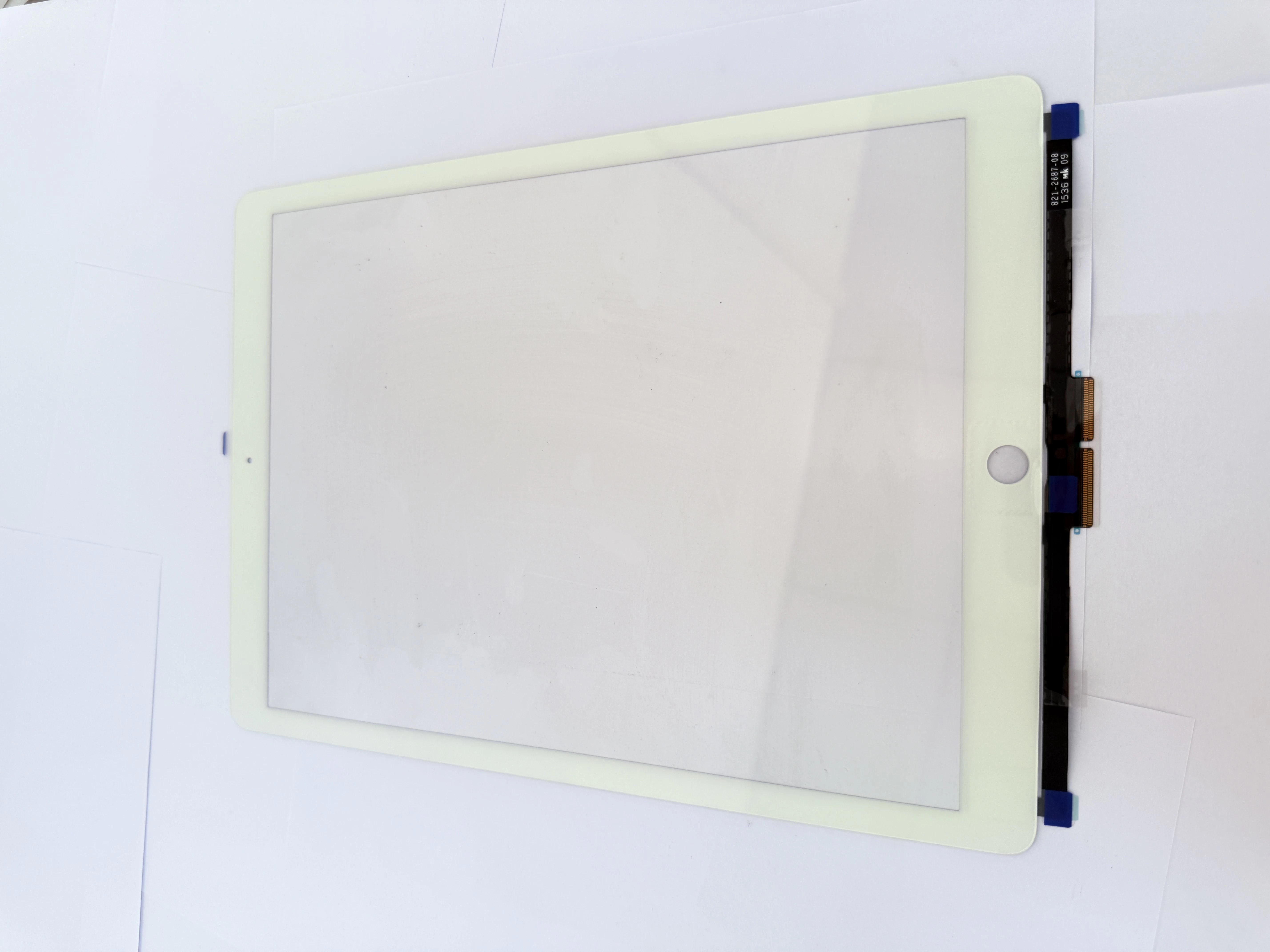
H2 1. Fast Screening: Software Malfunction or Hardware Damage
H3 1.1 Software Issues (No New Digitizer Required)
Occasional random ghost touch disappears after system upgrade or factory reset; no fixed dead touch areas, mostly caused by thick incompatible screen protectors or system cache anomalies.
H3 1.2 Hardware Damage (Need Digitizer Replacement)
Fixed-area touch failure, continuous ghost touch after multiple resets, glass crack or flex fracture from drops and extrusion.

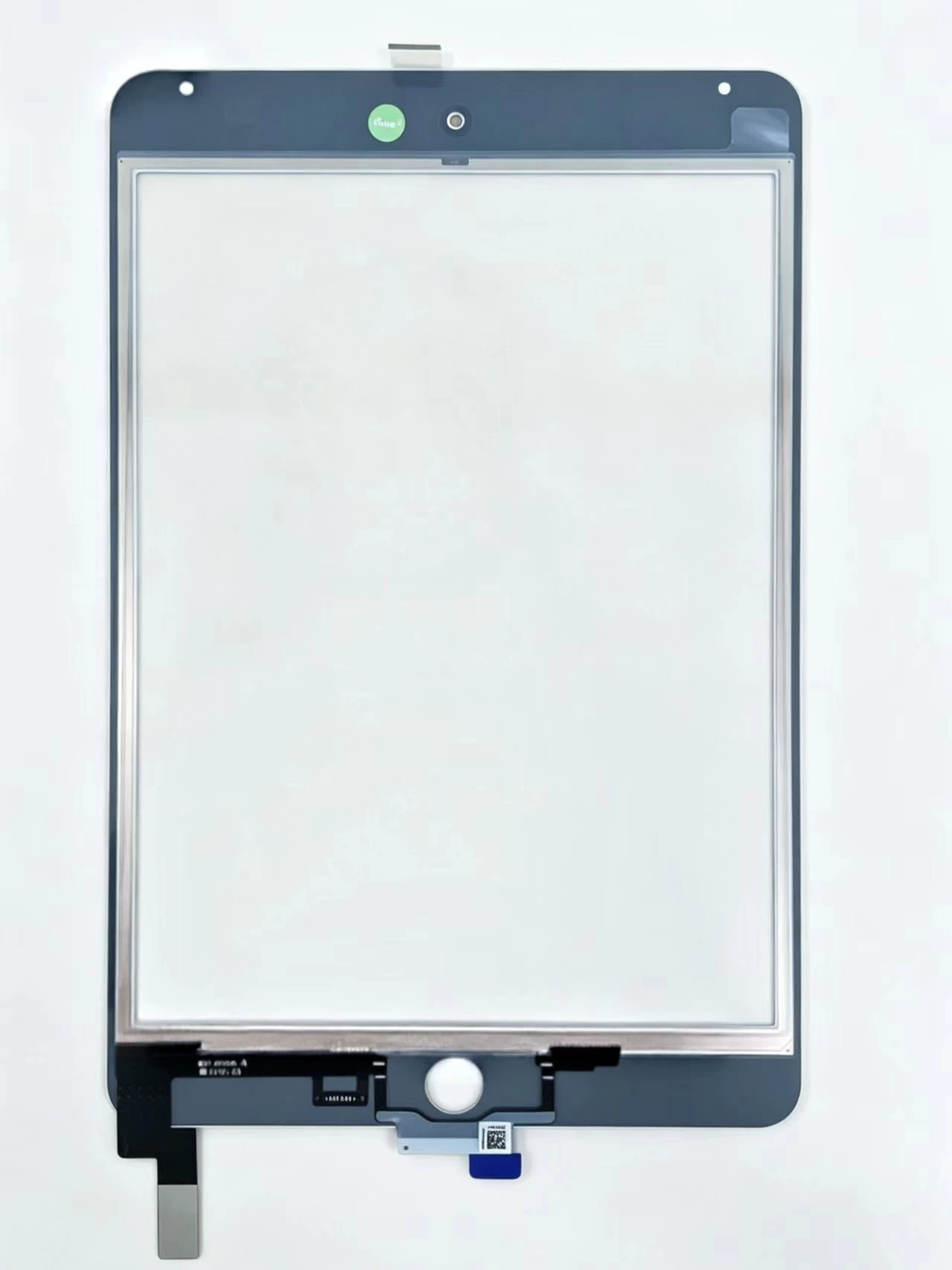
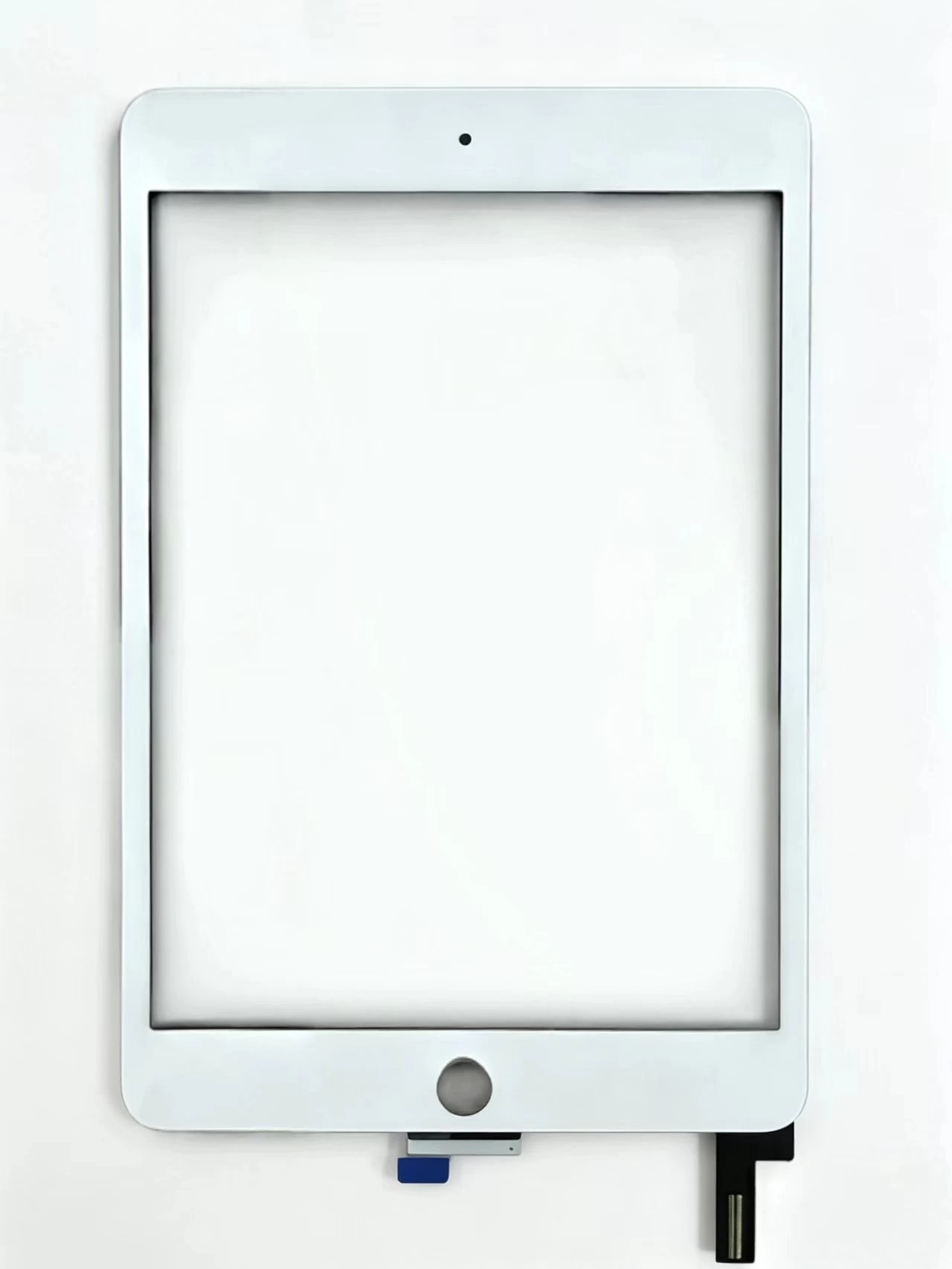
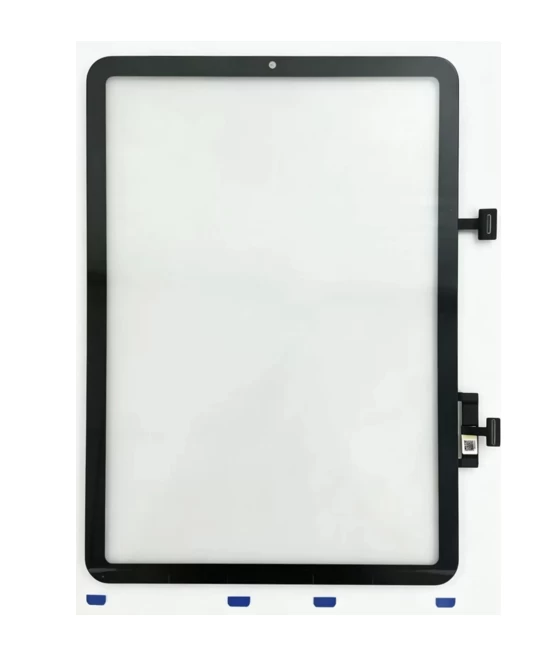
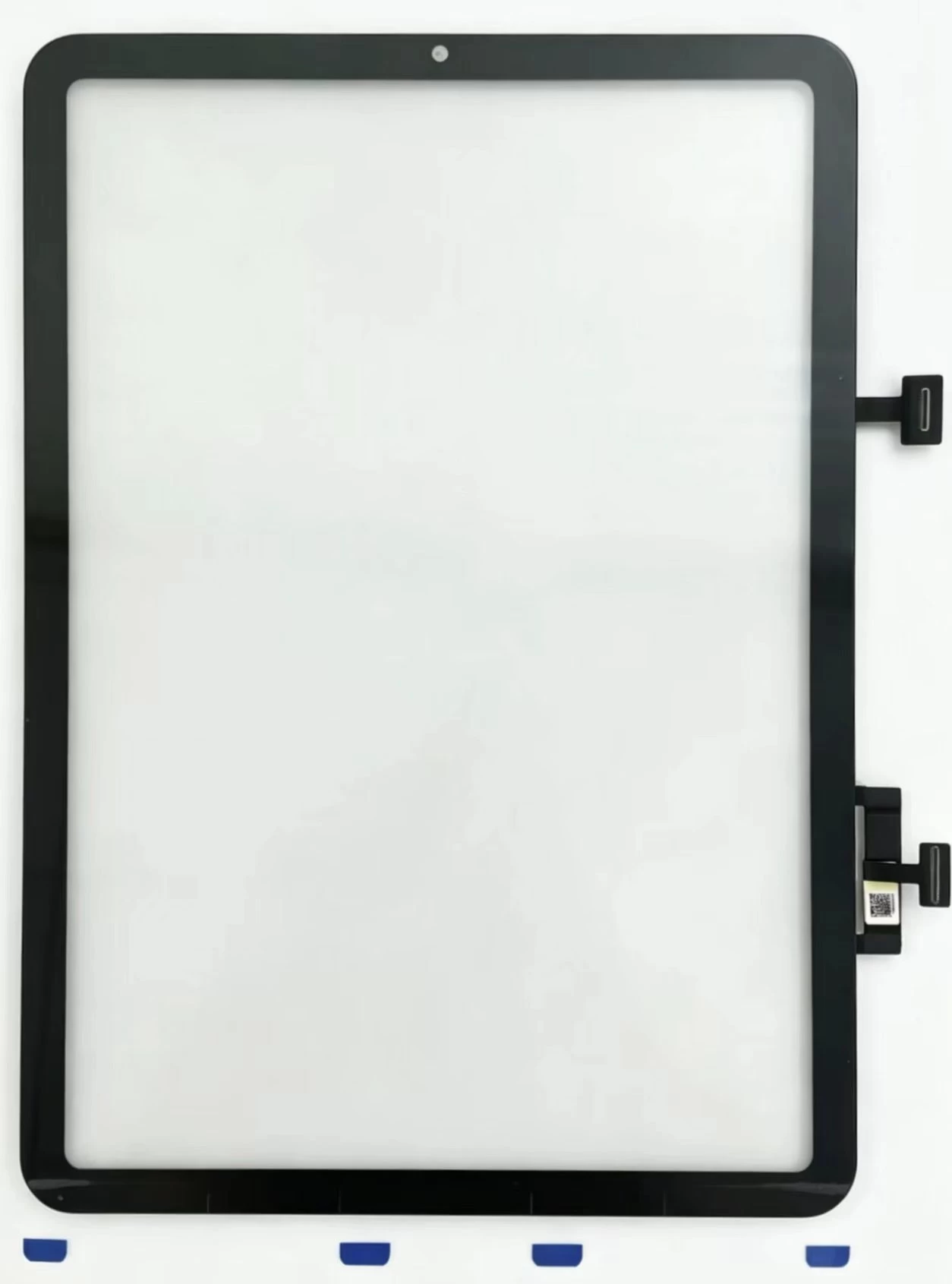
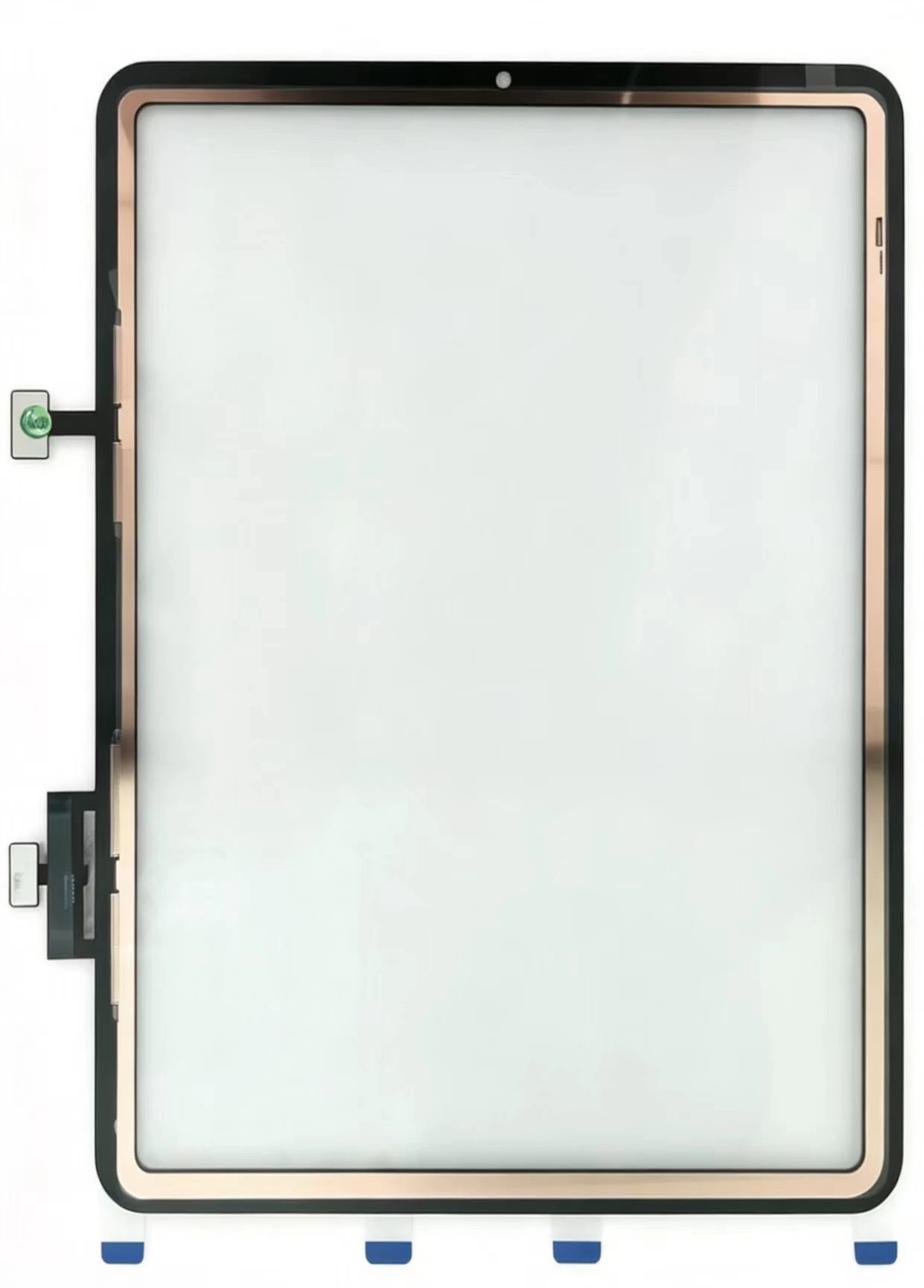
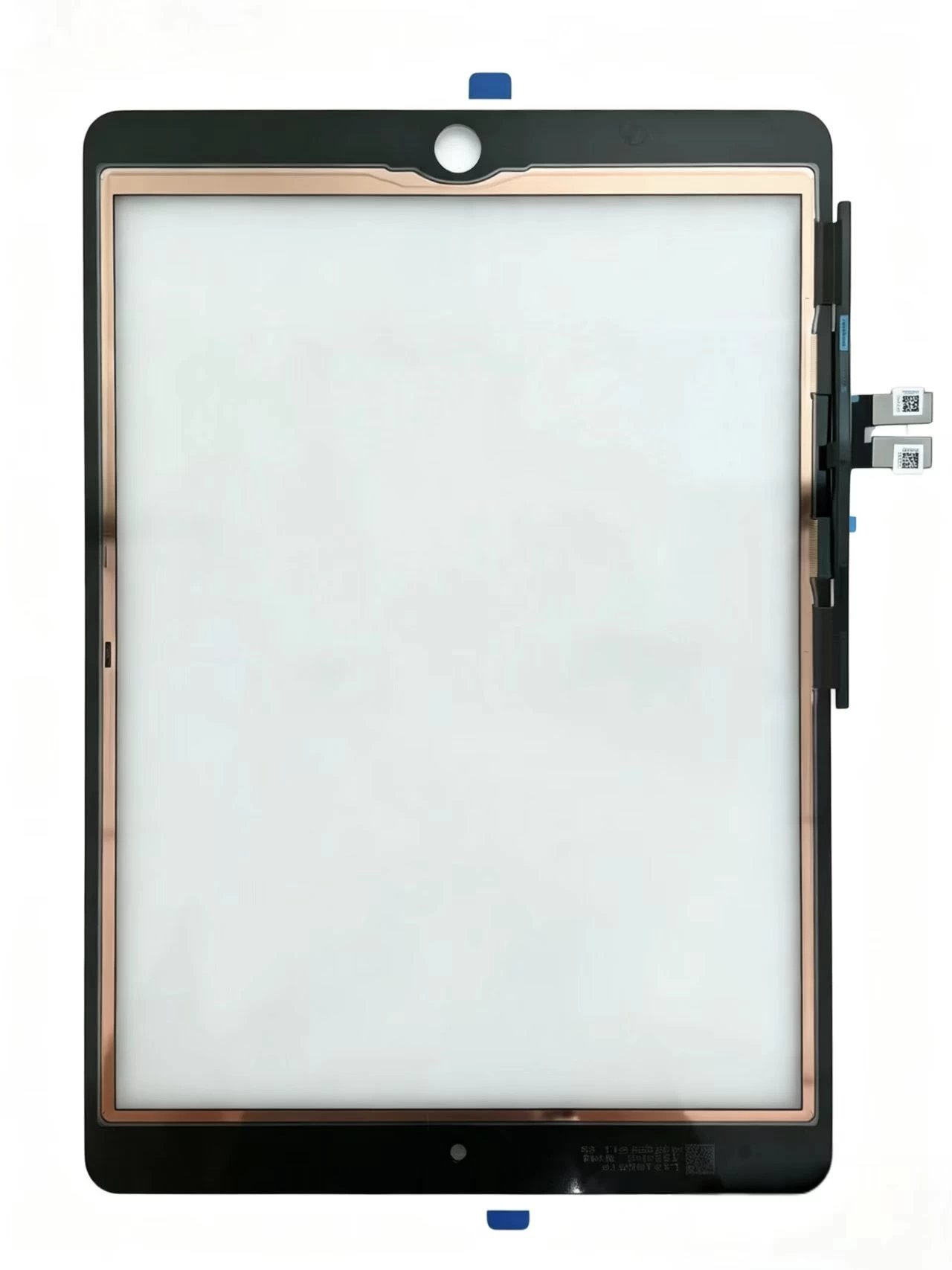
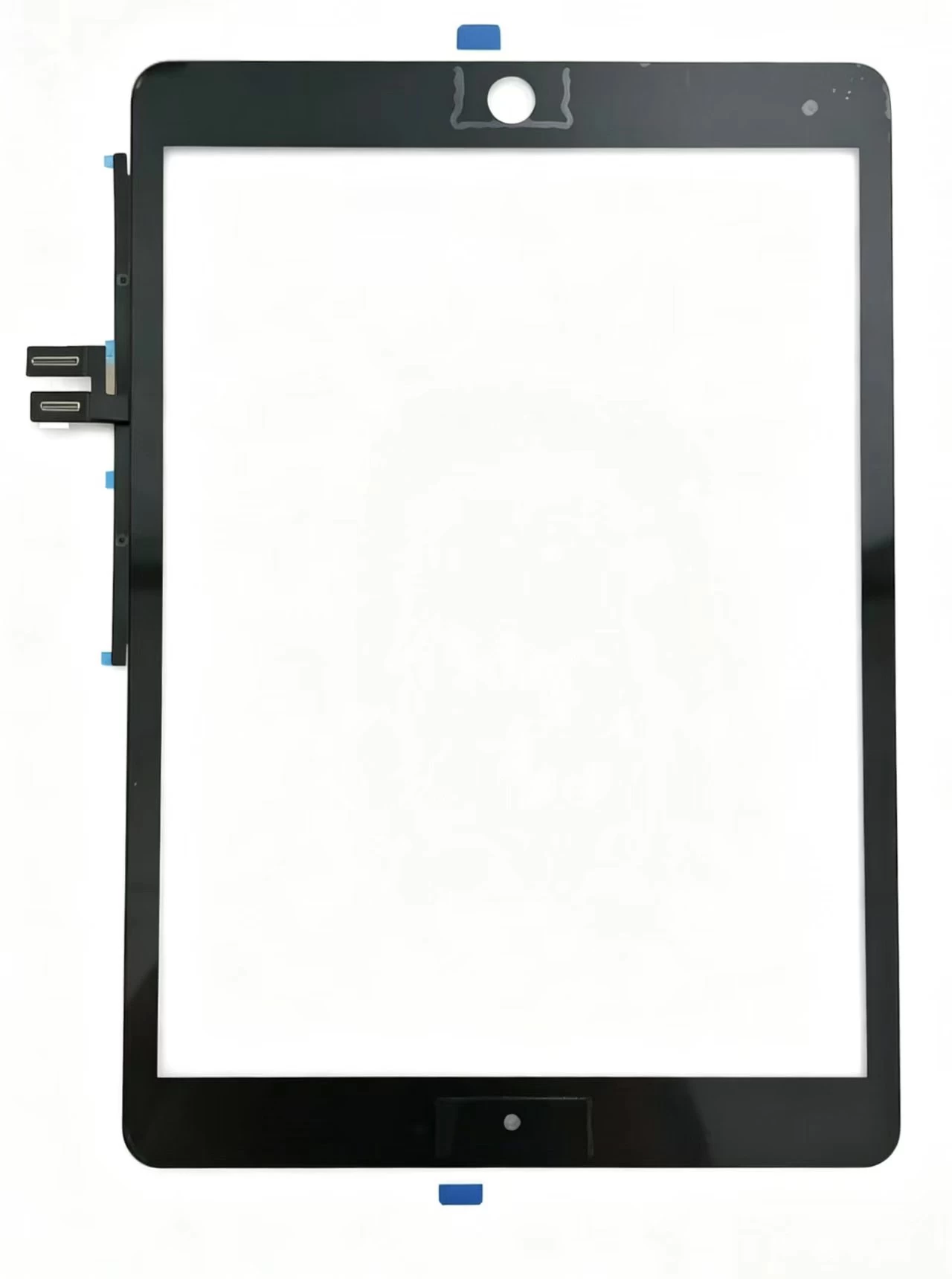
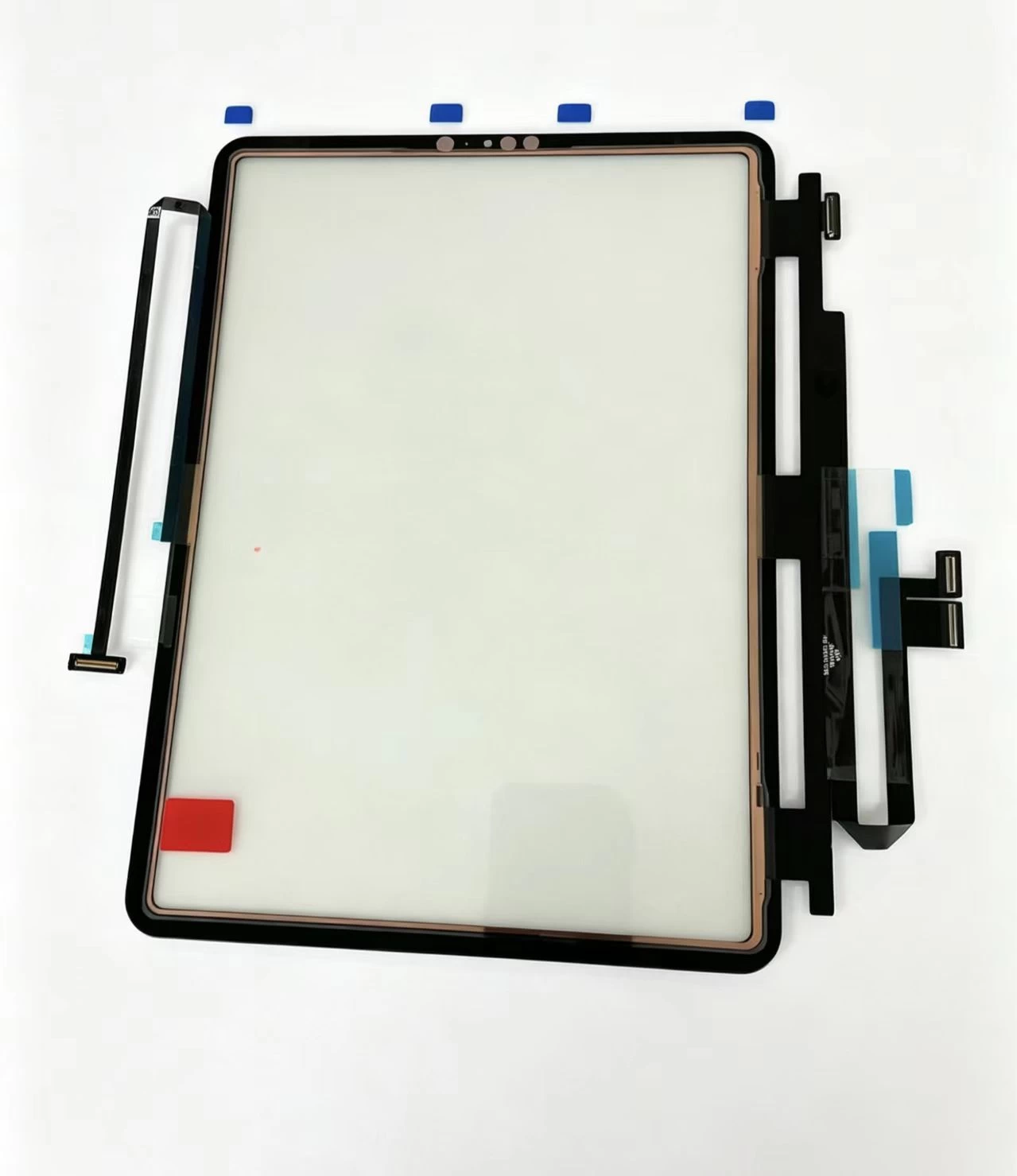
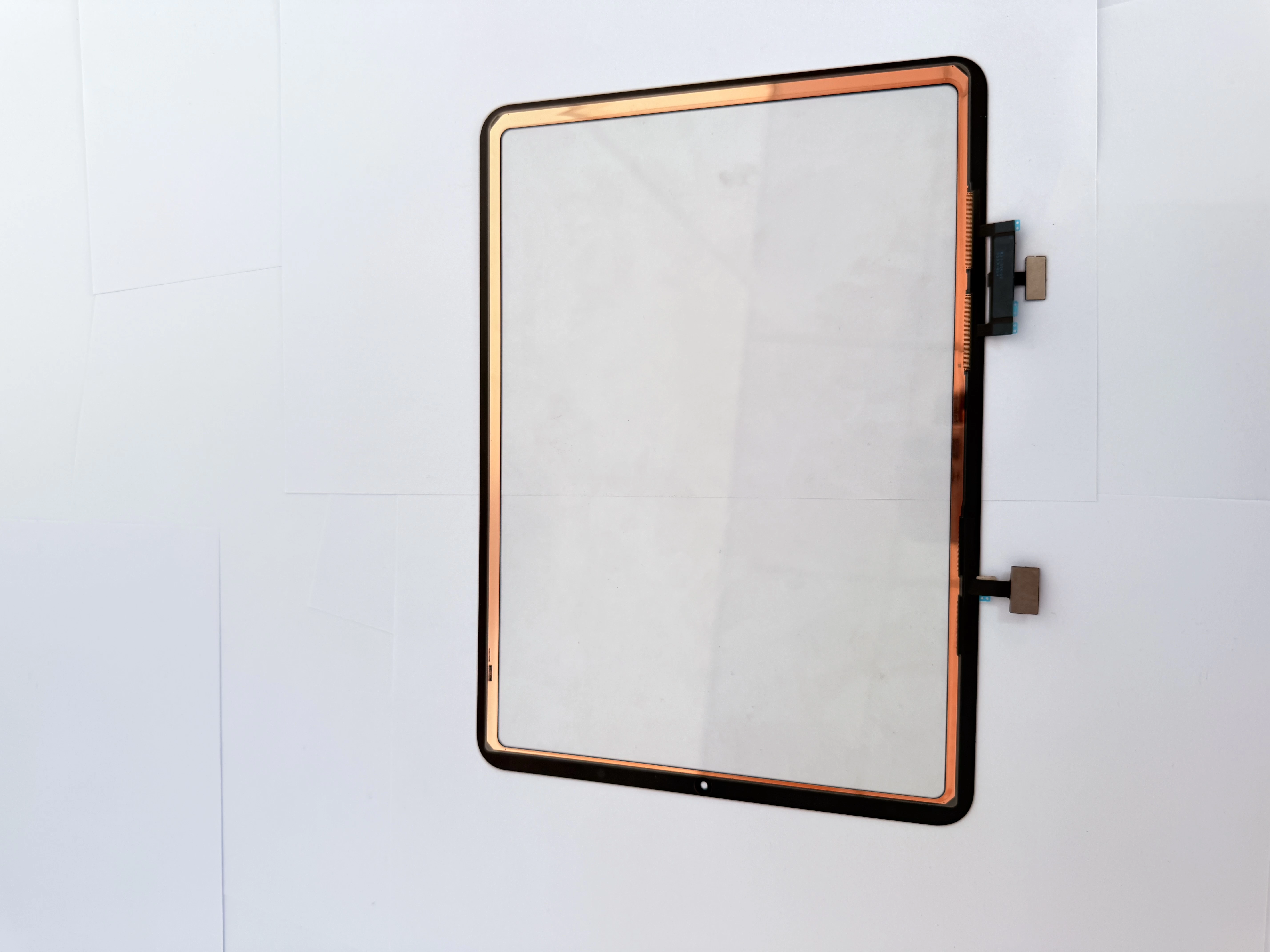
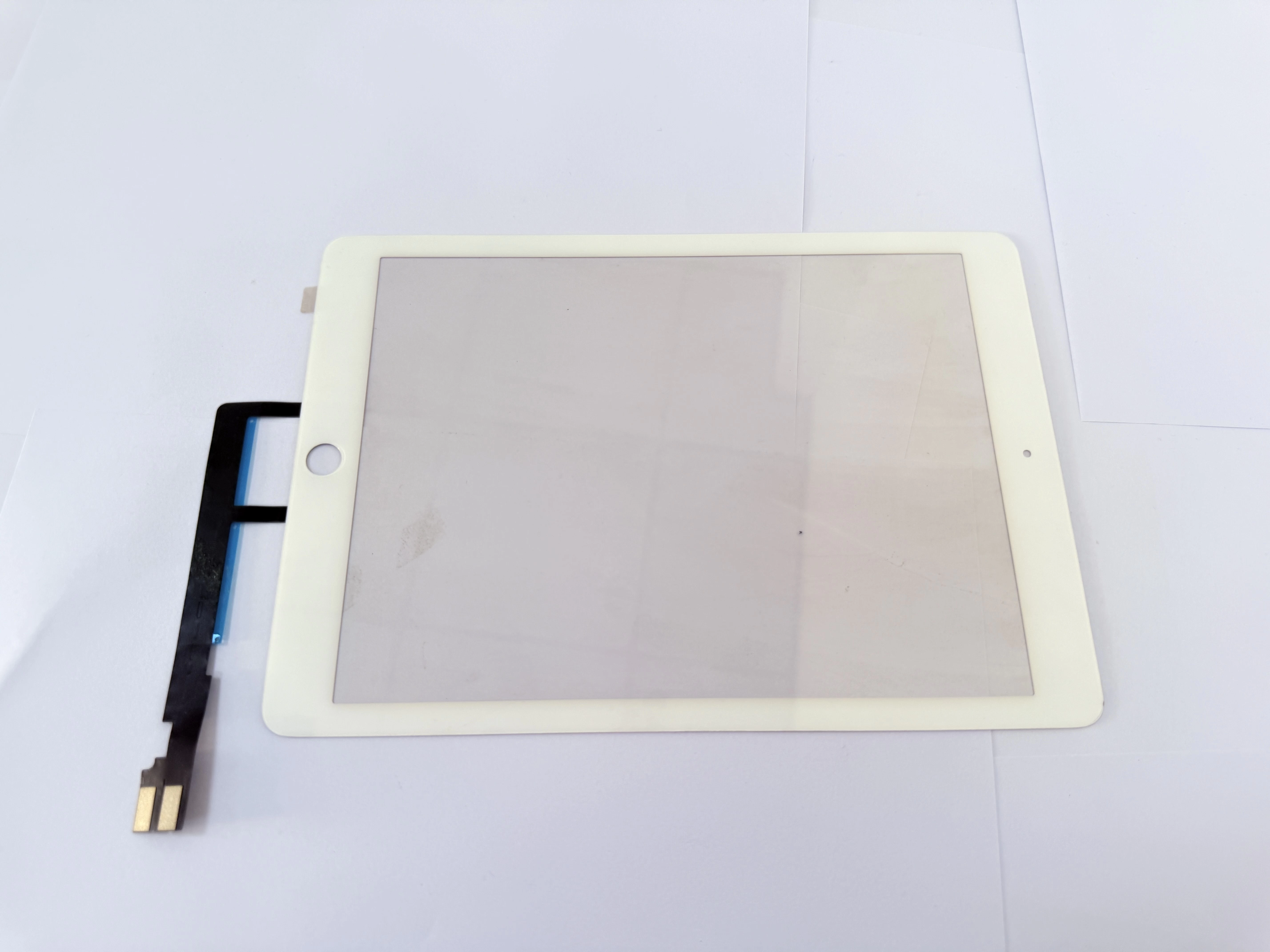
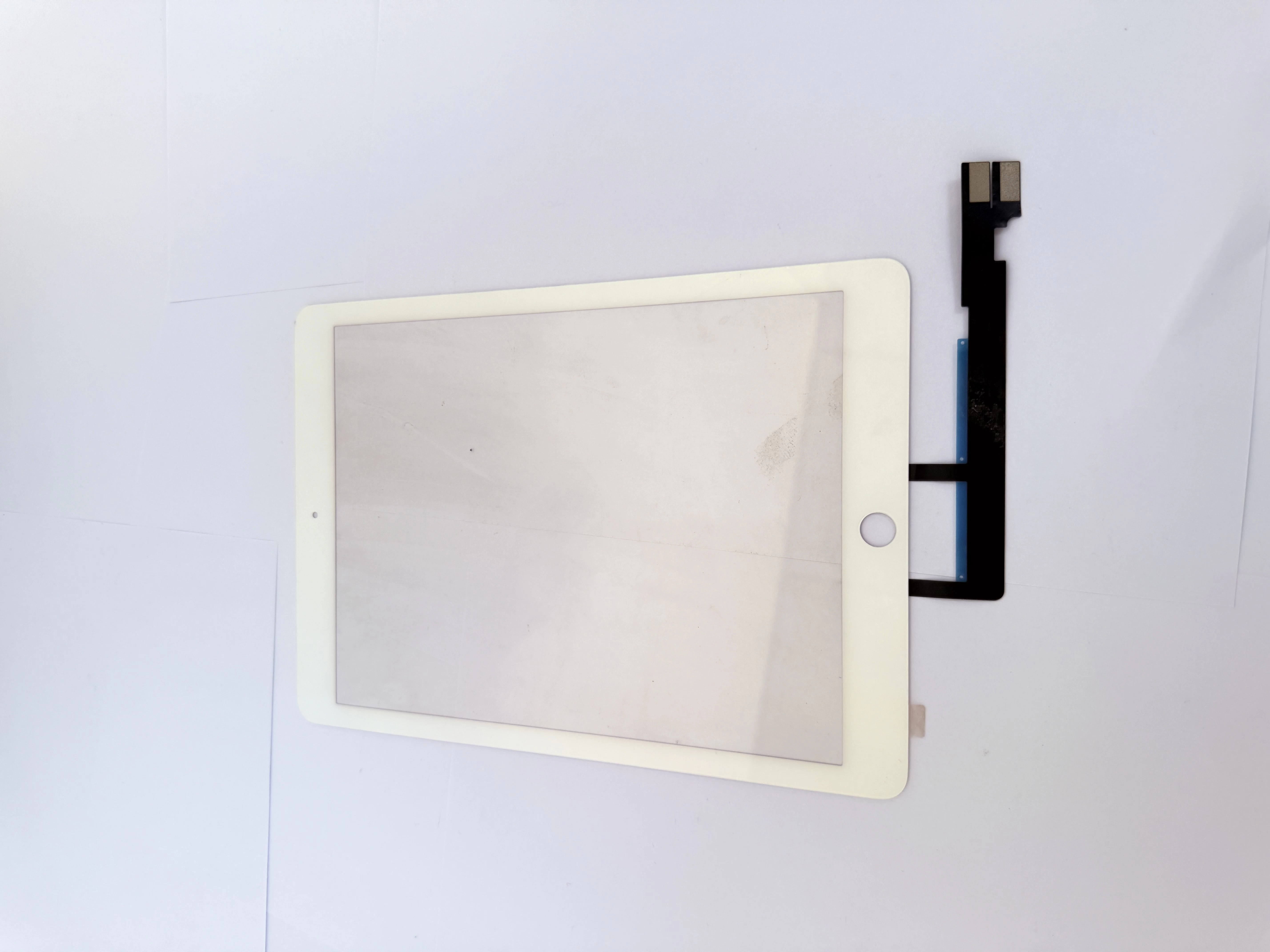
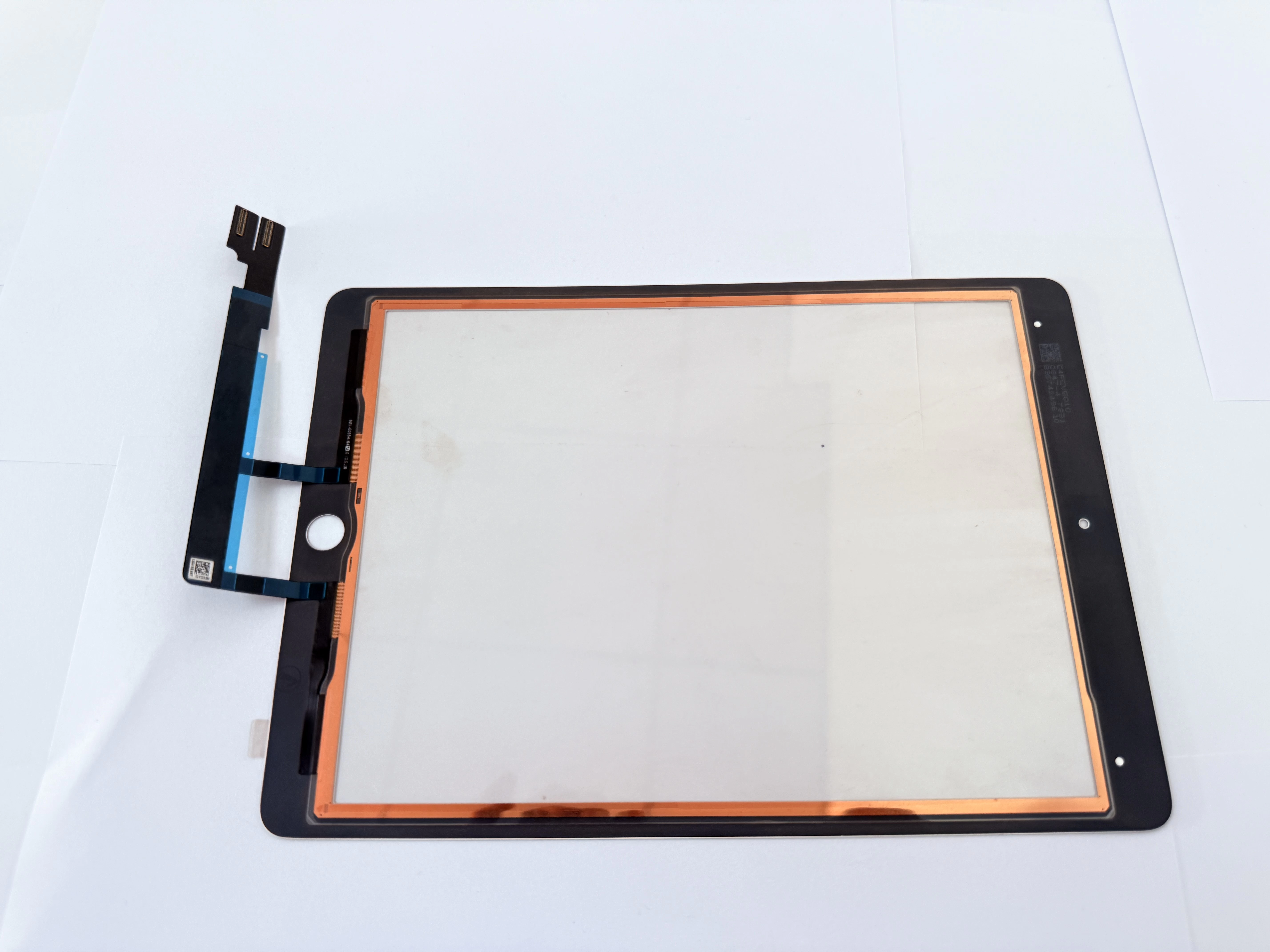
H2 2. Three Models’ Internal Flex Structural Differences
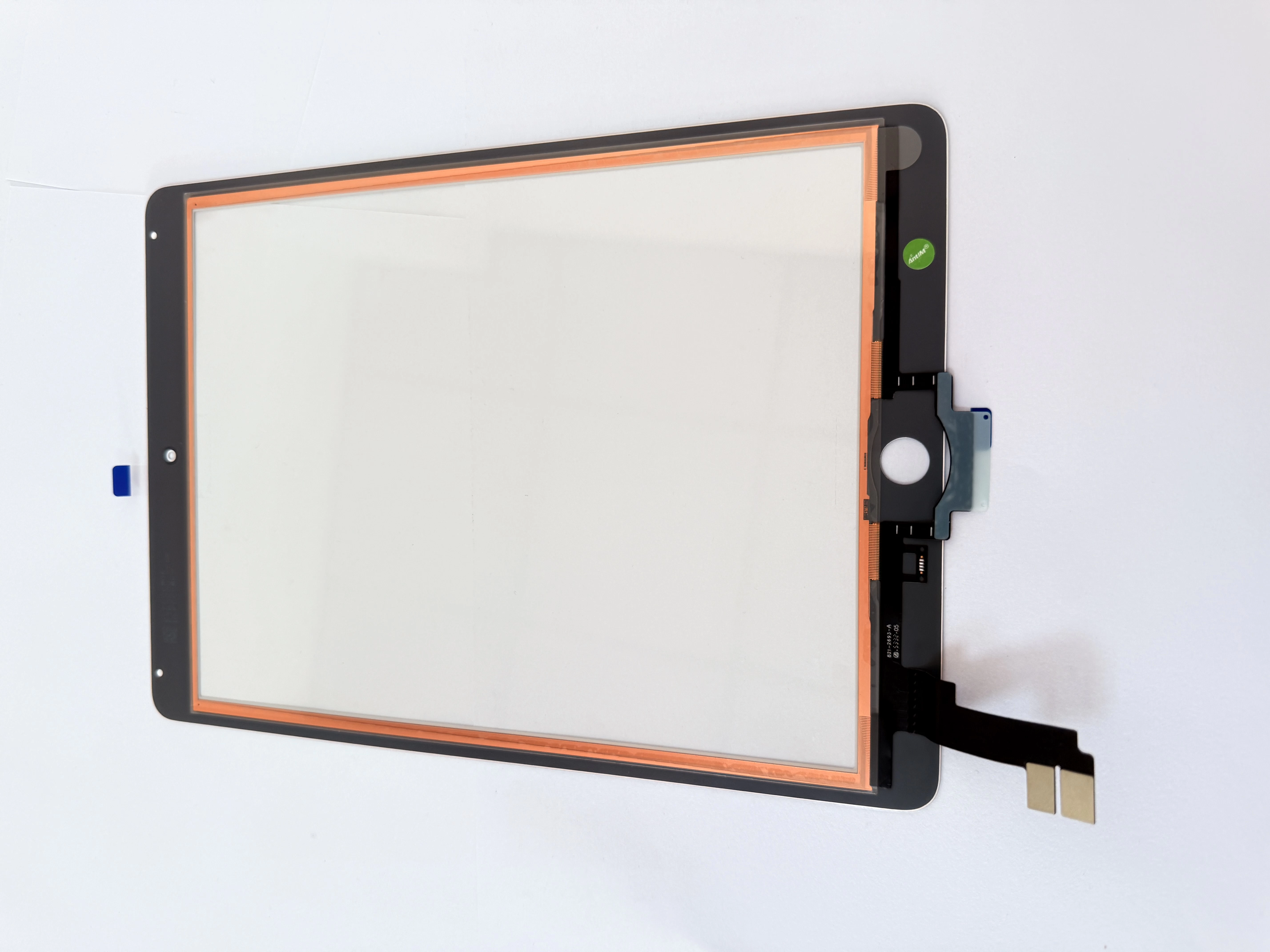
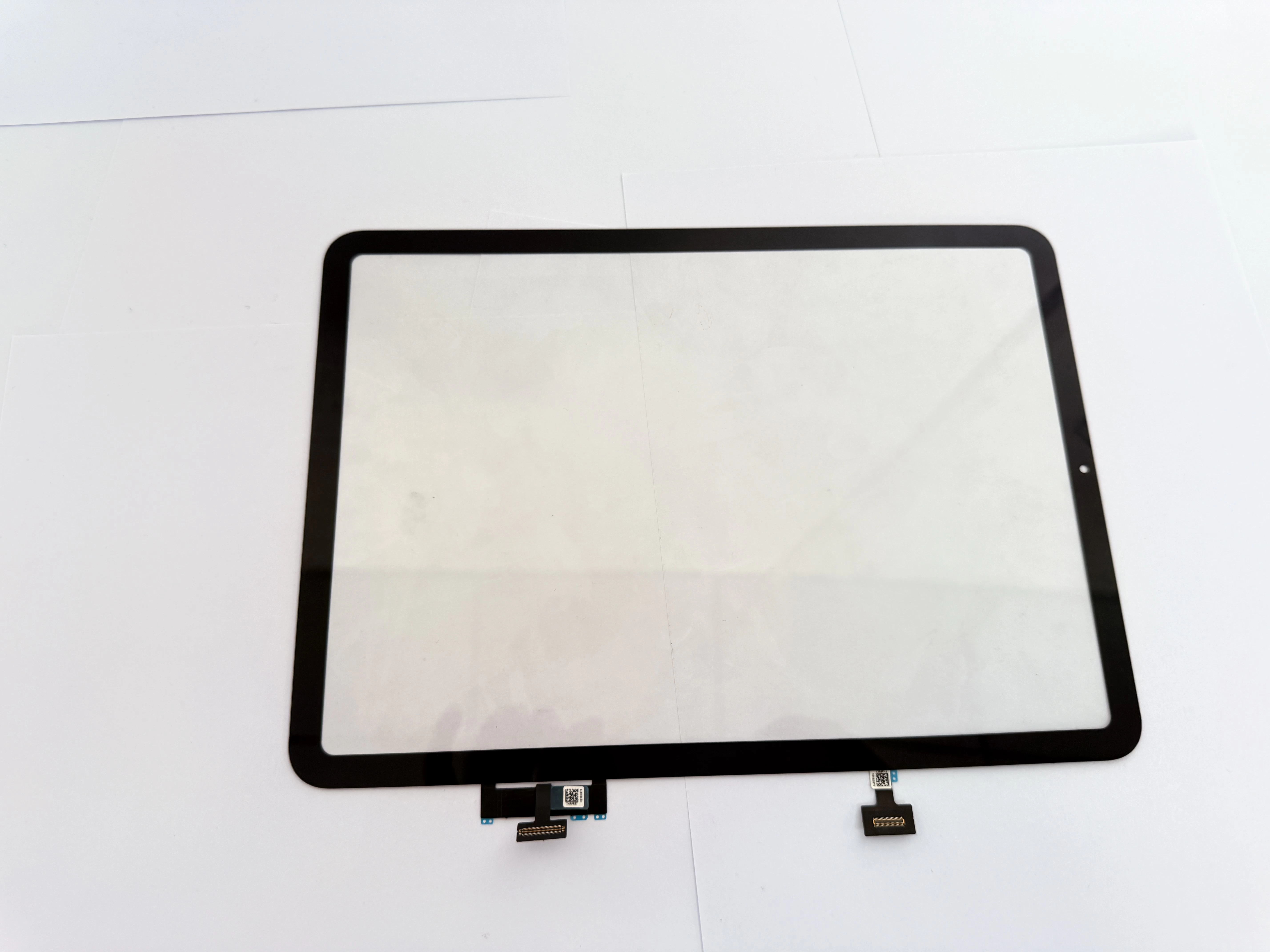
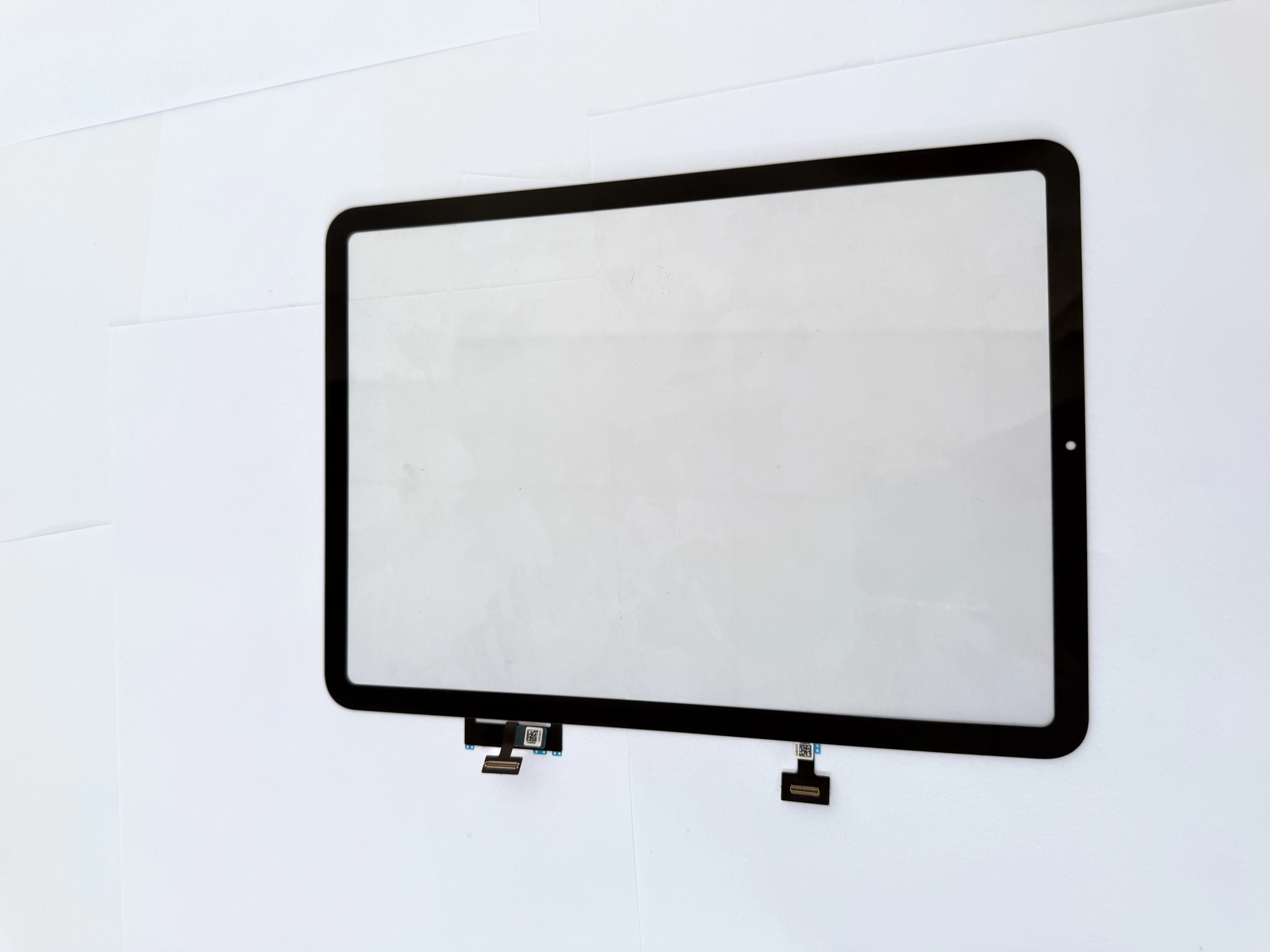
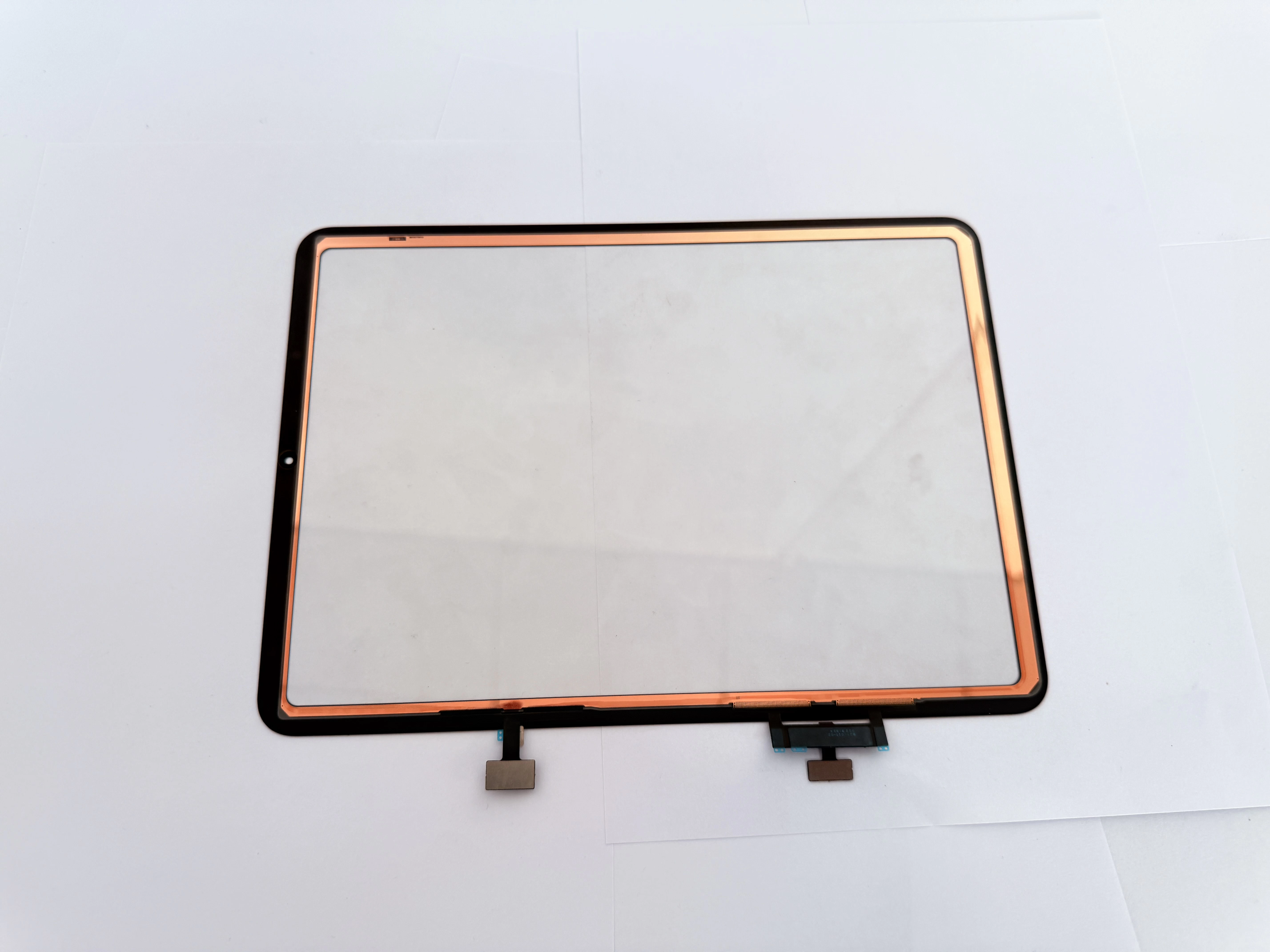
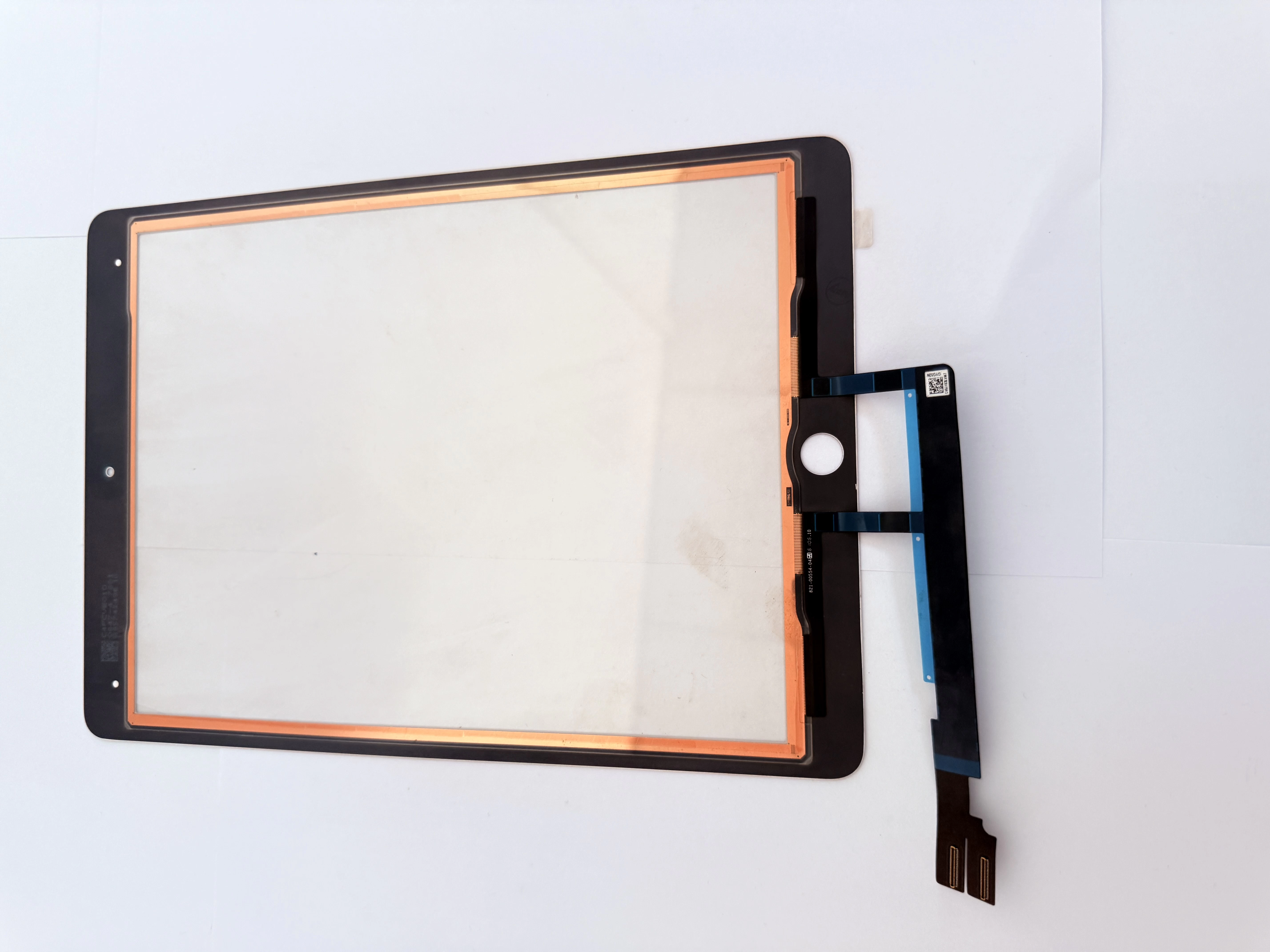
- iPad7 A2197: Touch flex sits at bottom-middle frame with shorter cable length
- iPad8 A2270: Connector shifts slightly right; partial generic digitizers fit but flex layout differs
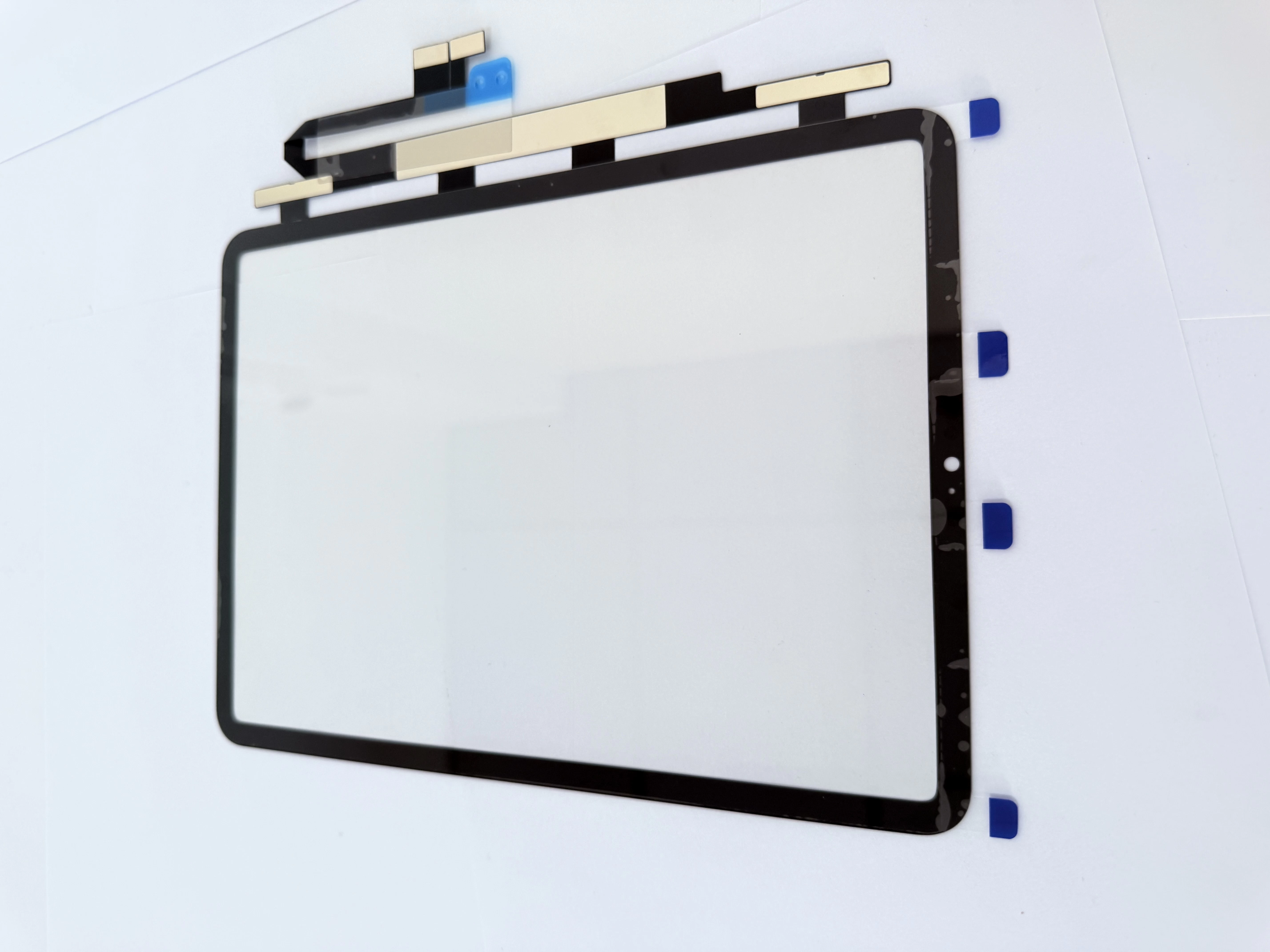
- iPad9 A2602: Optimized internal wiring; unmodified iPad7/8 digitizers cannot be installed directly
H2 3. Pre-Fitting QC Checklist & Bulk Sourcing Suggestions
- Test touch sensitivity across four screen edges before frame gluing
- Check alignment of front camera, proximity sensor and earpiece cutouts
- Cold compress 20 mins to inspect screen warping or edge lifting
- For wholesale classification: separate each model with independent SKU labels to prevent delivery mix-ups