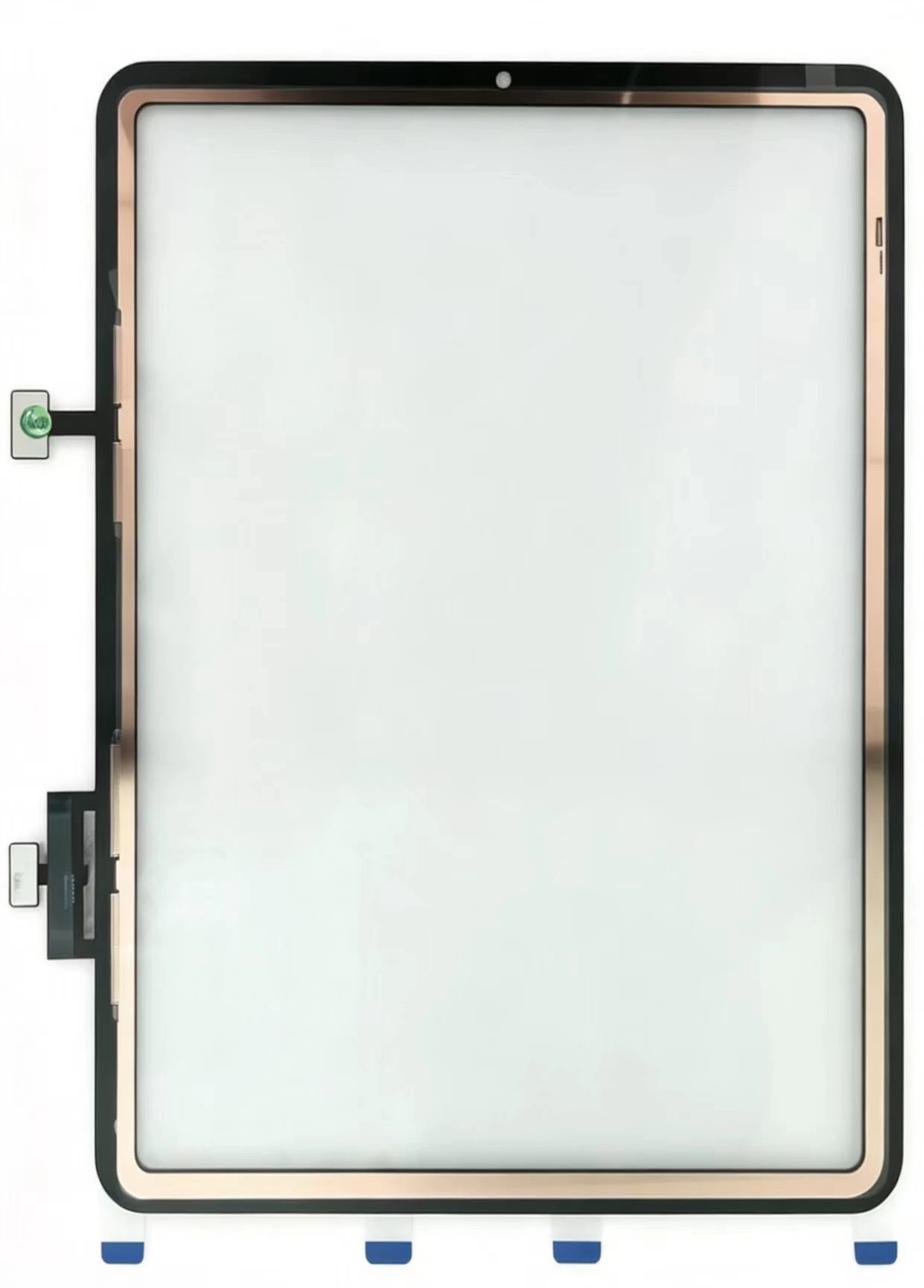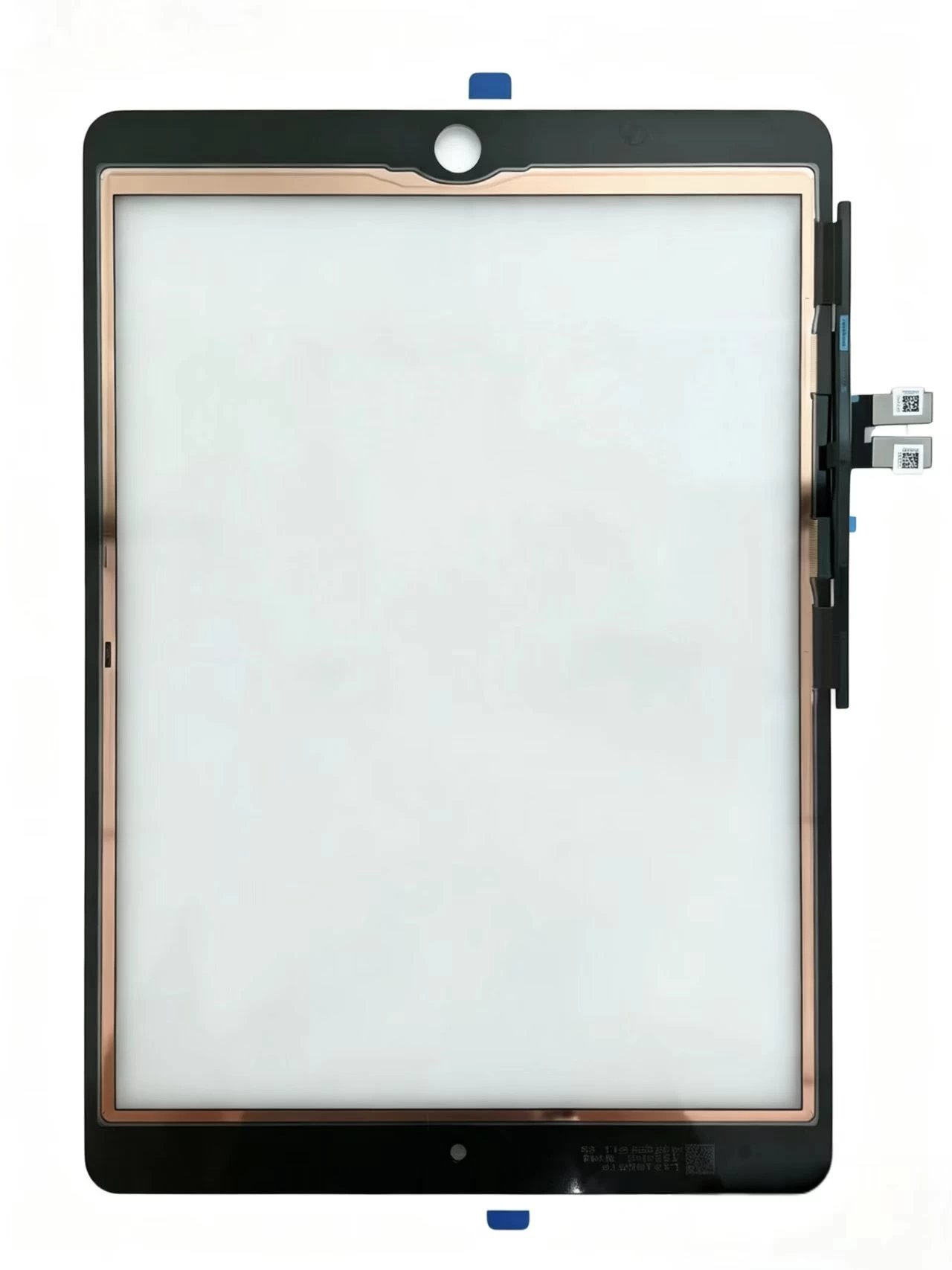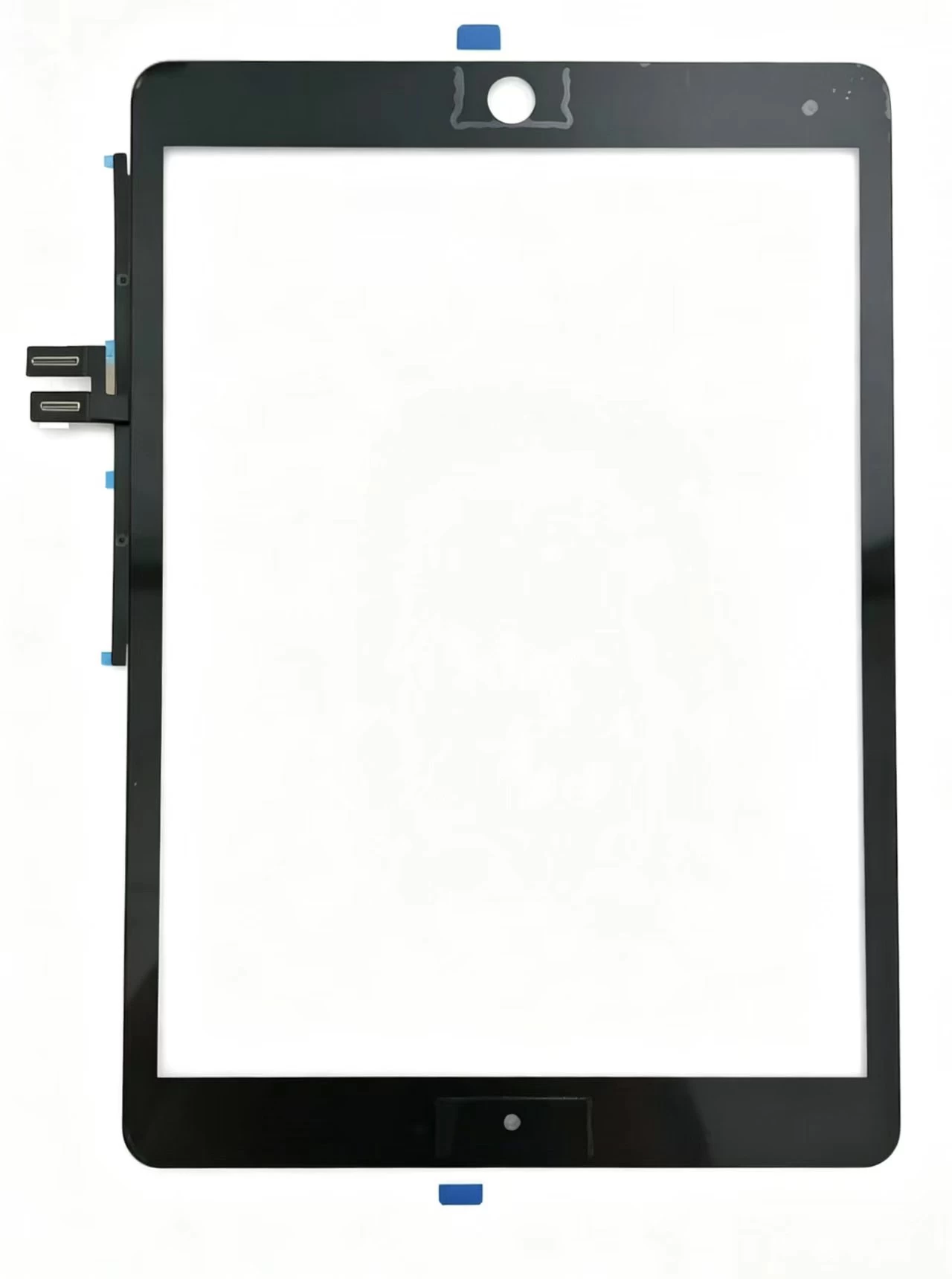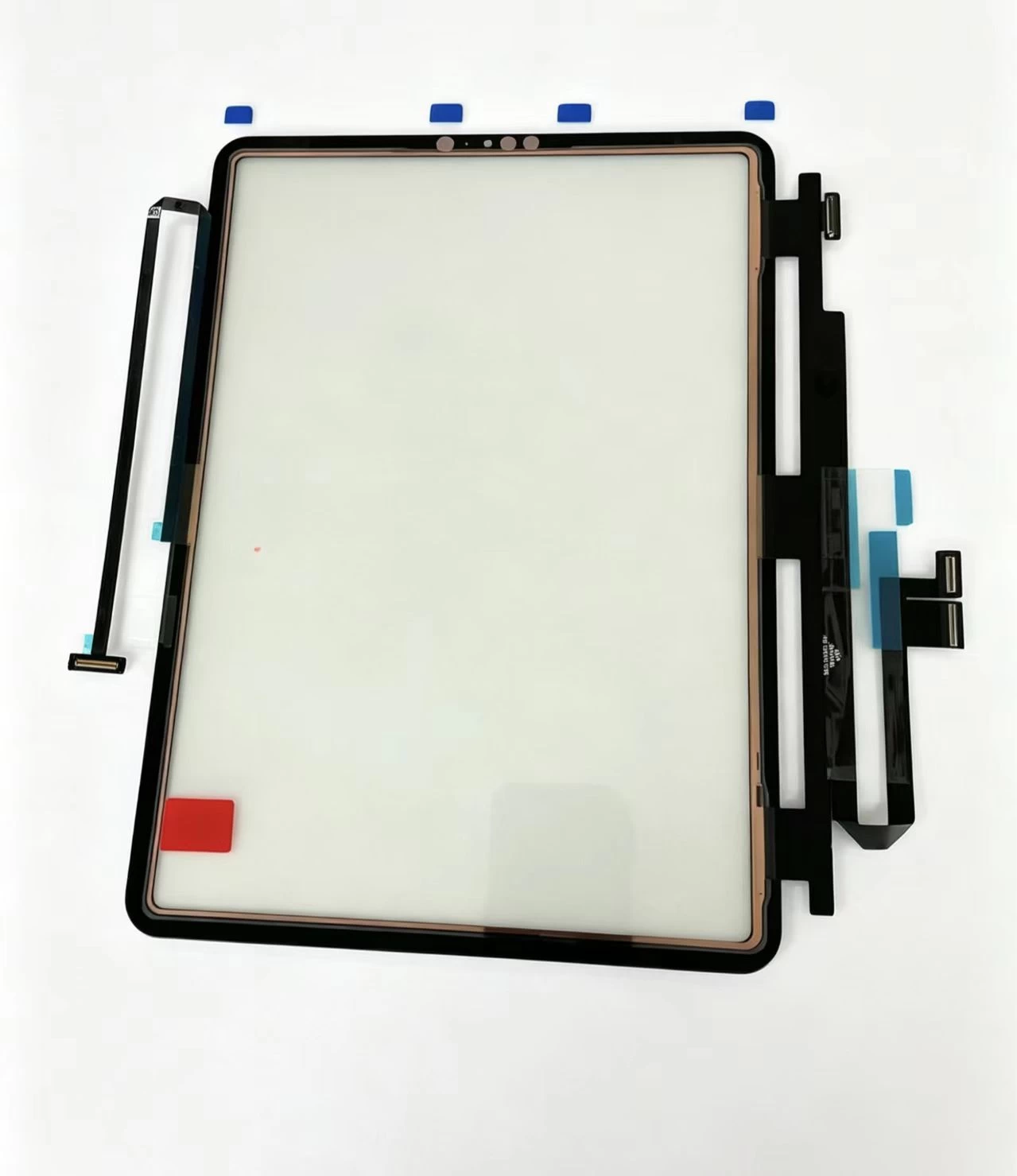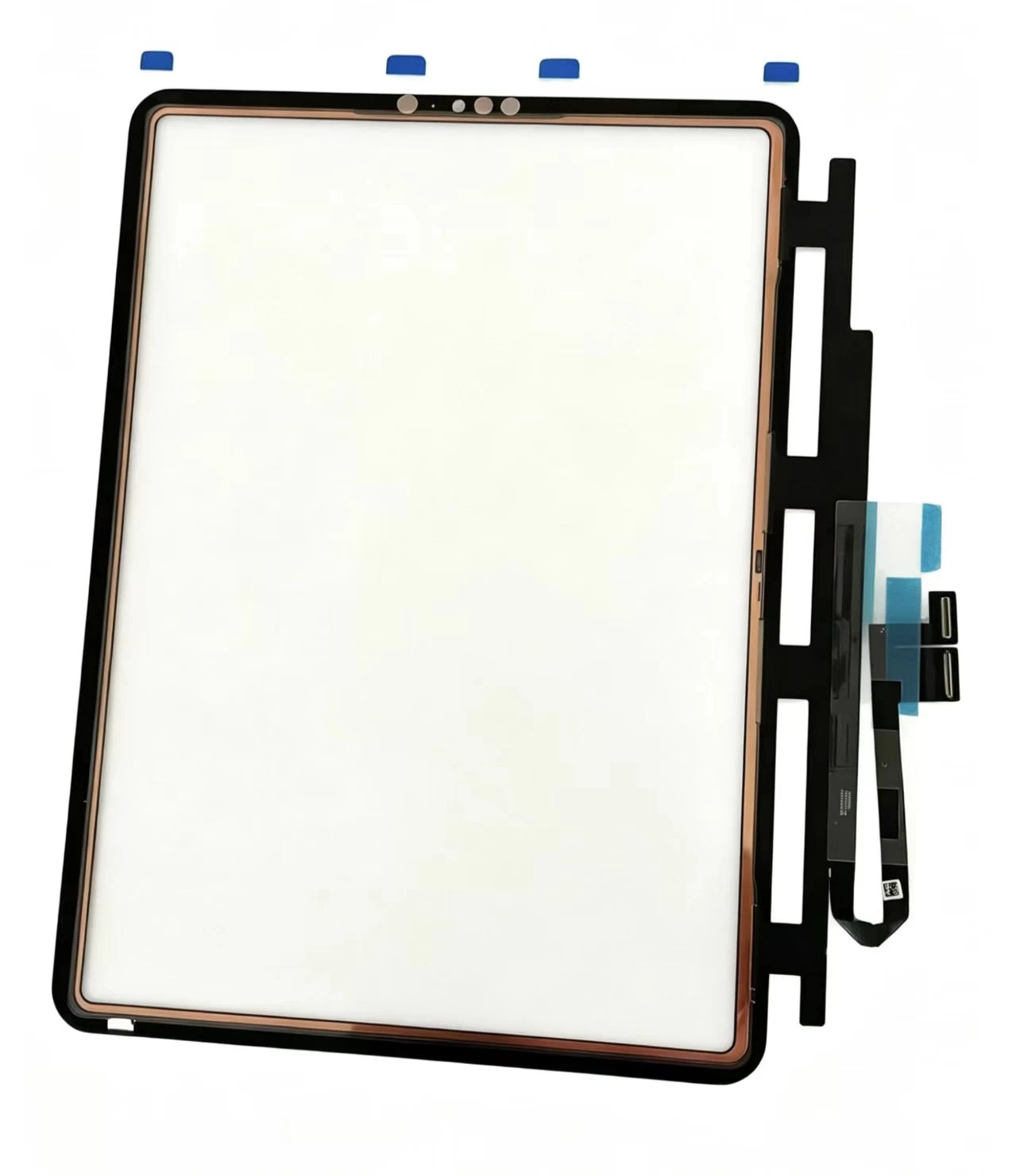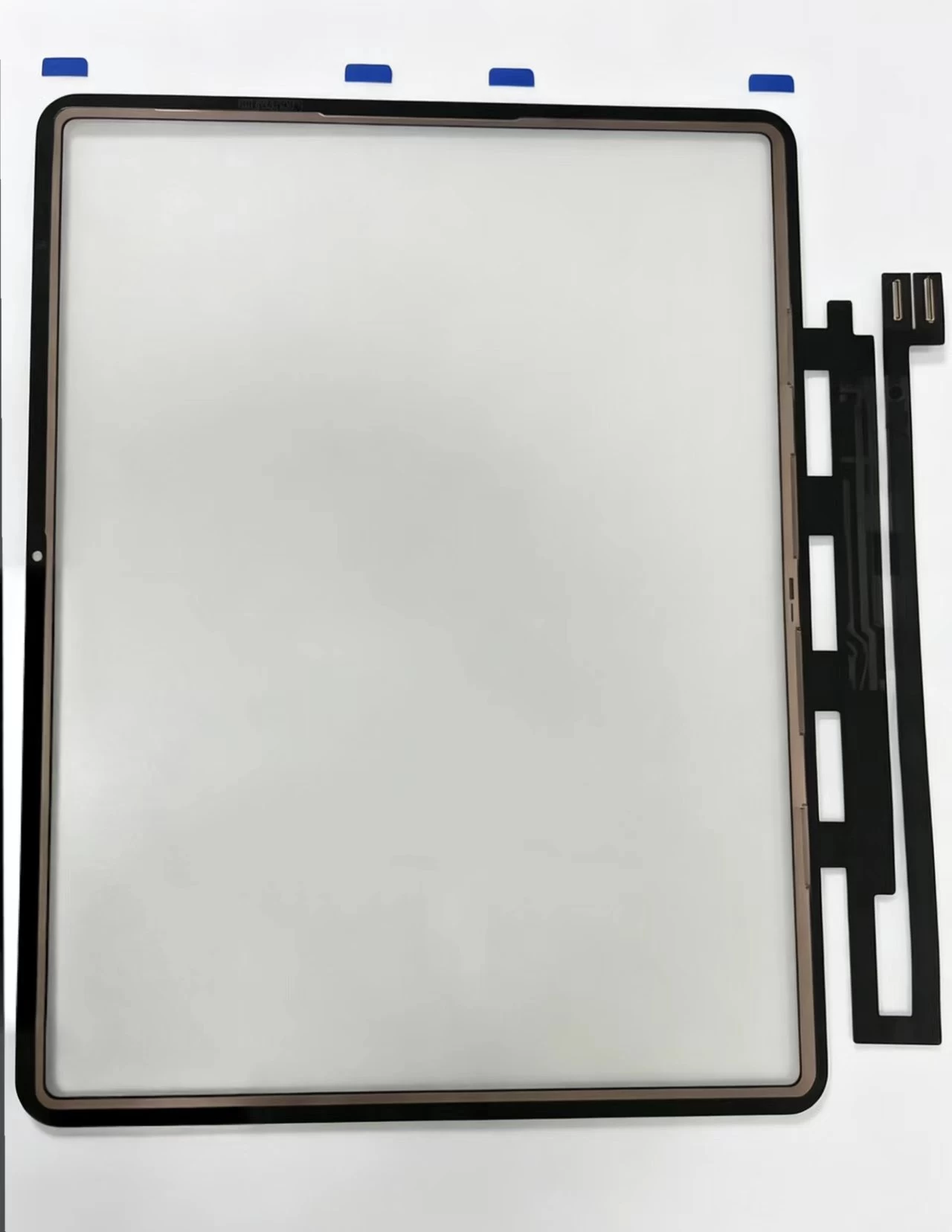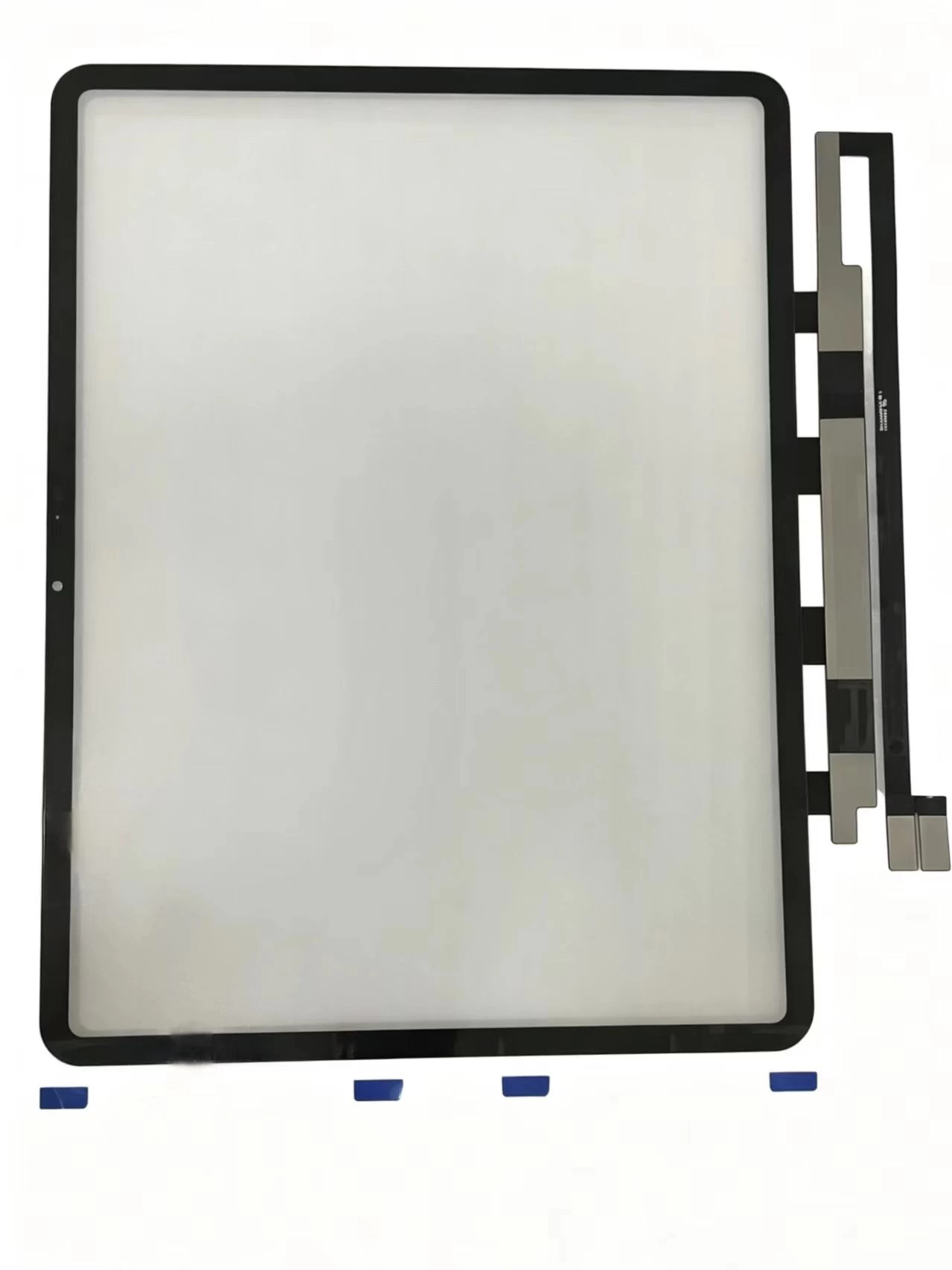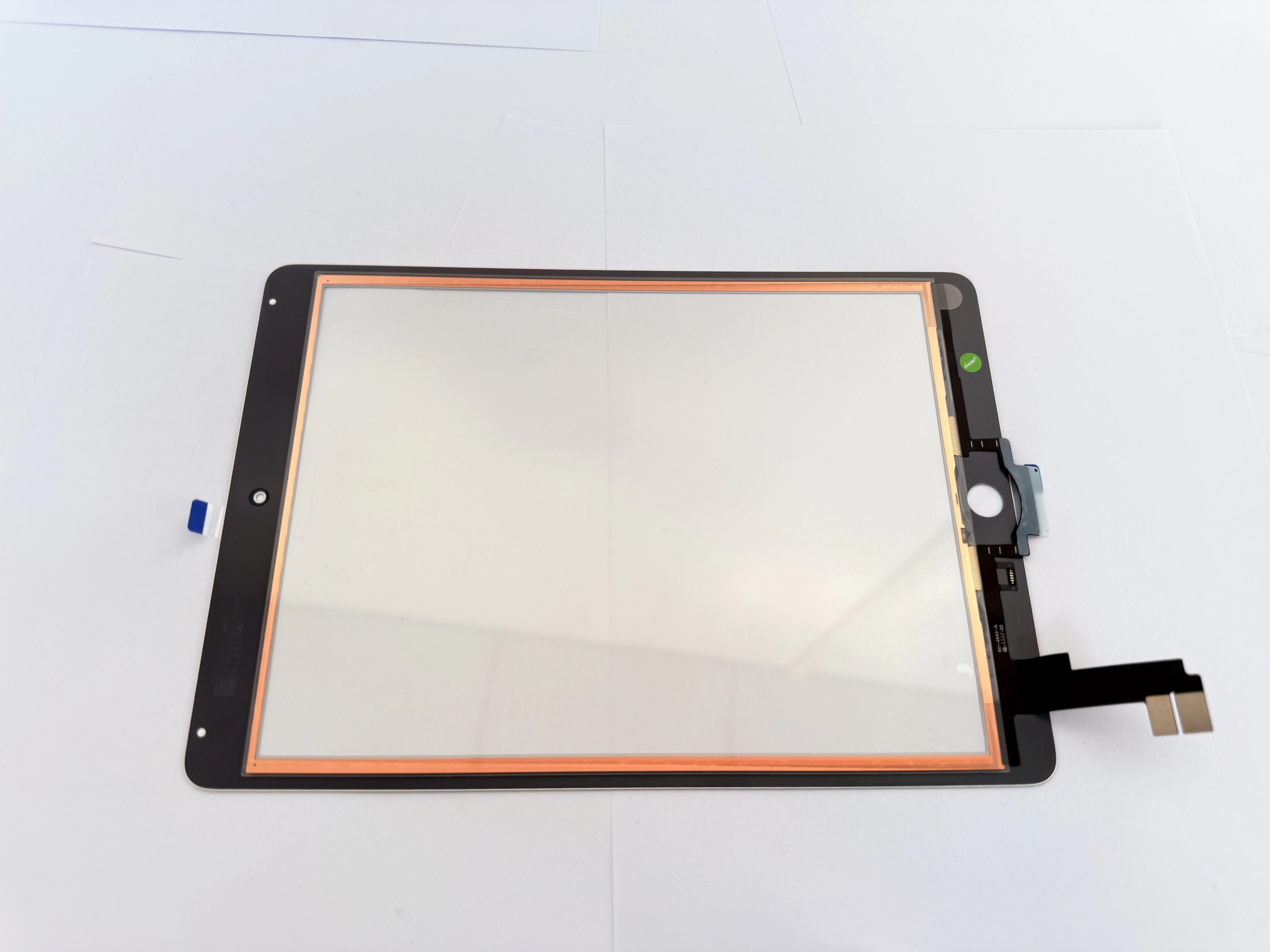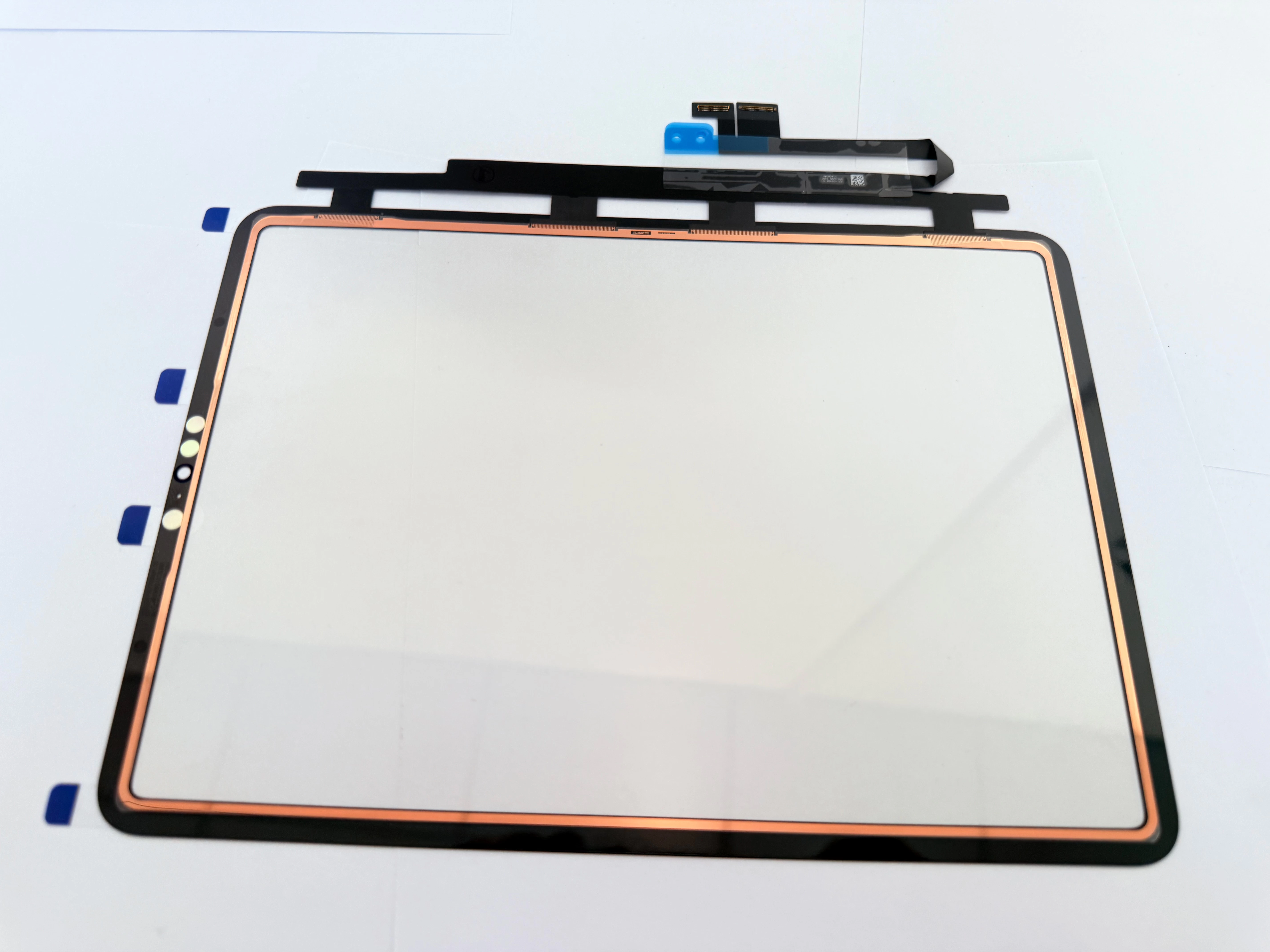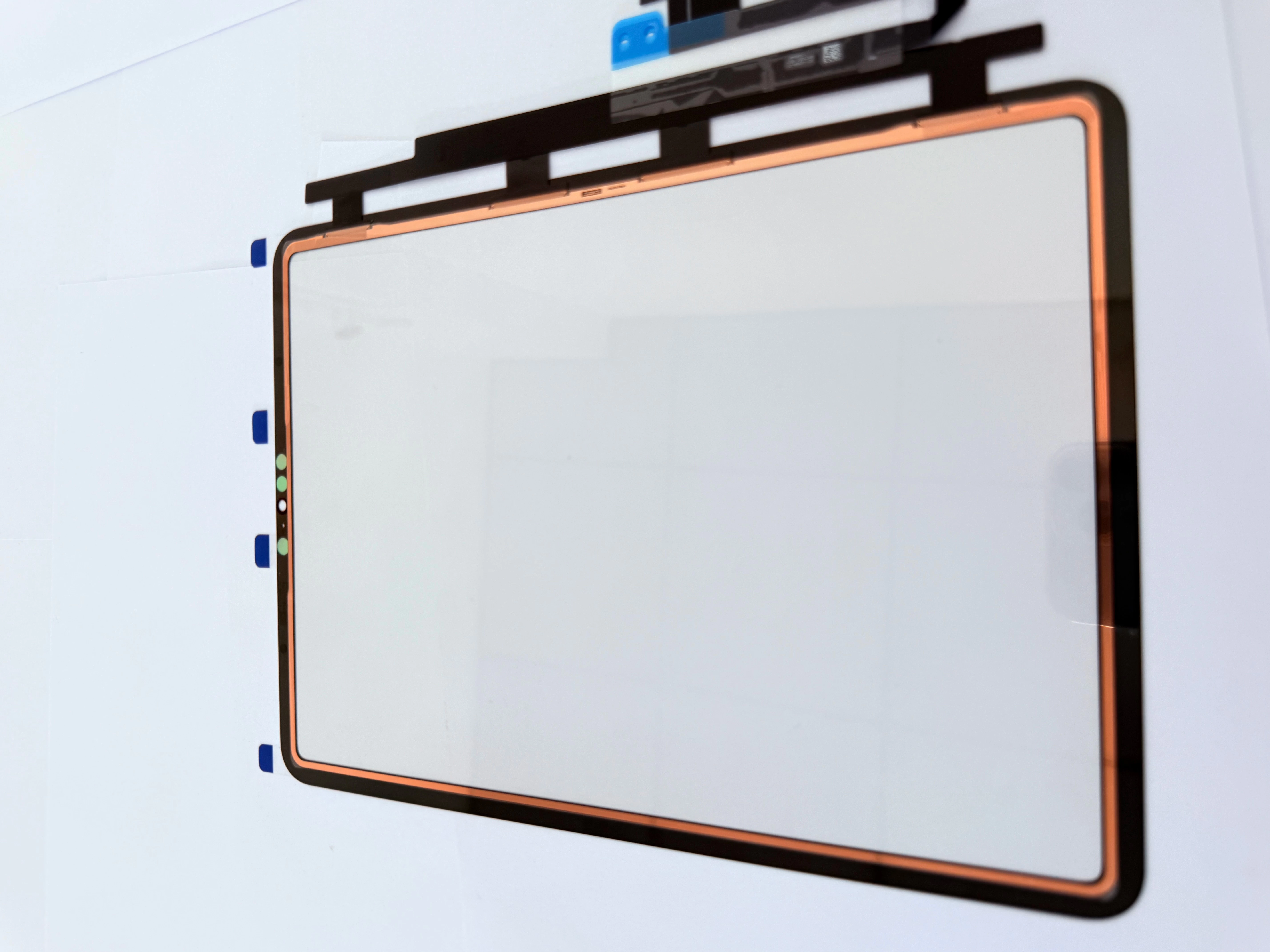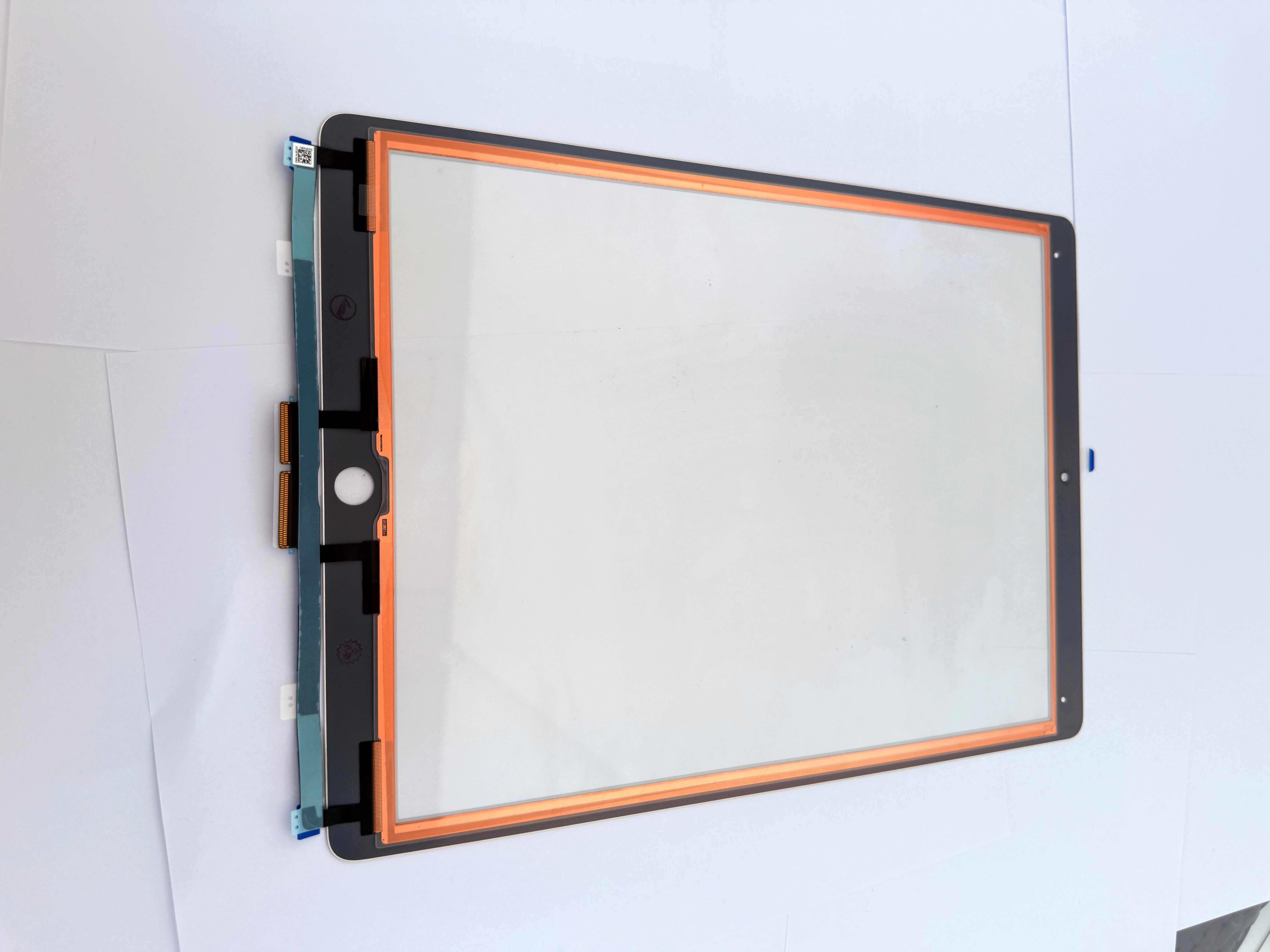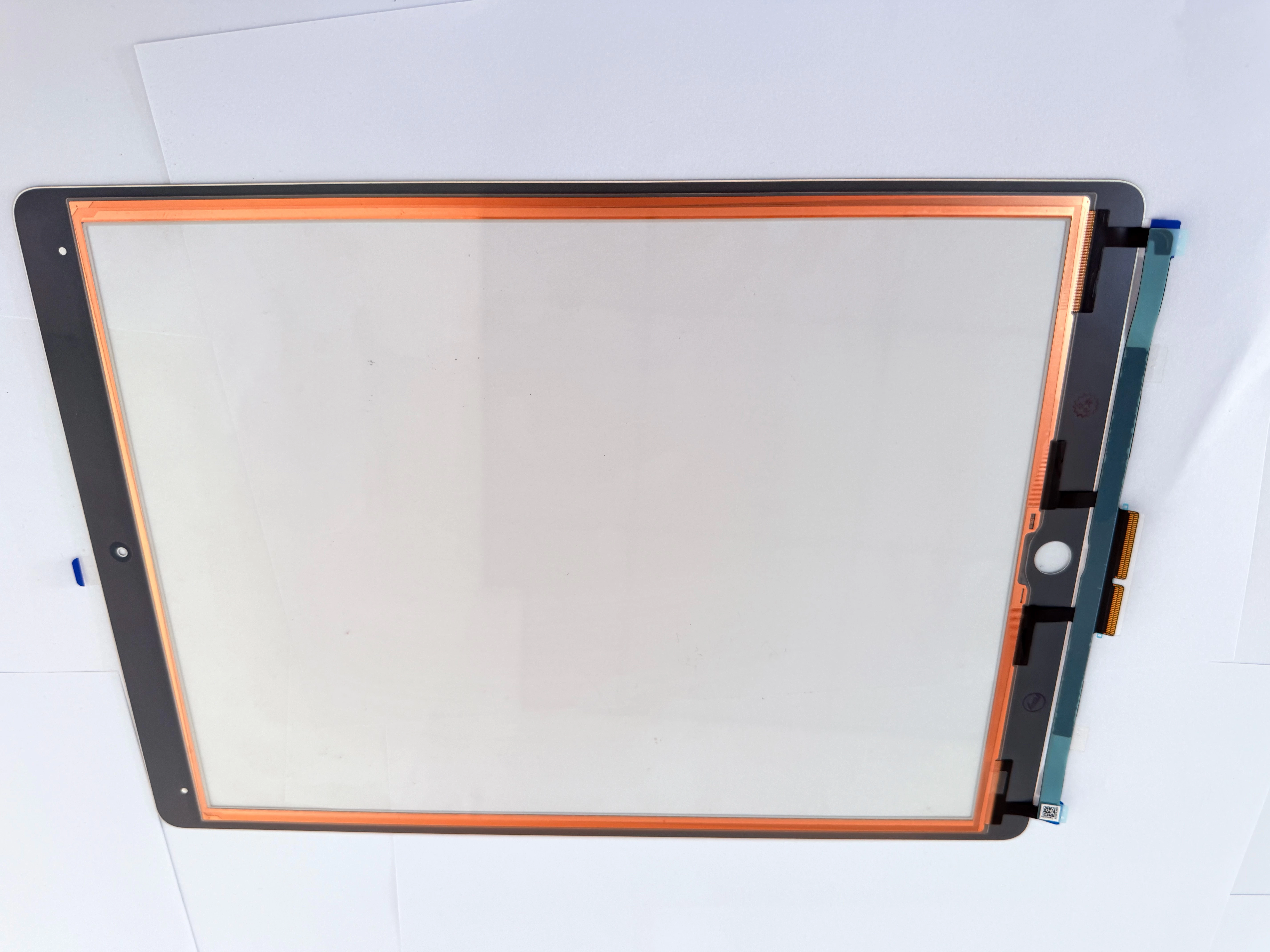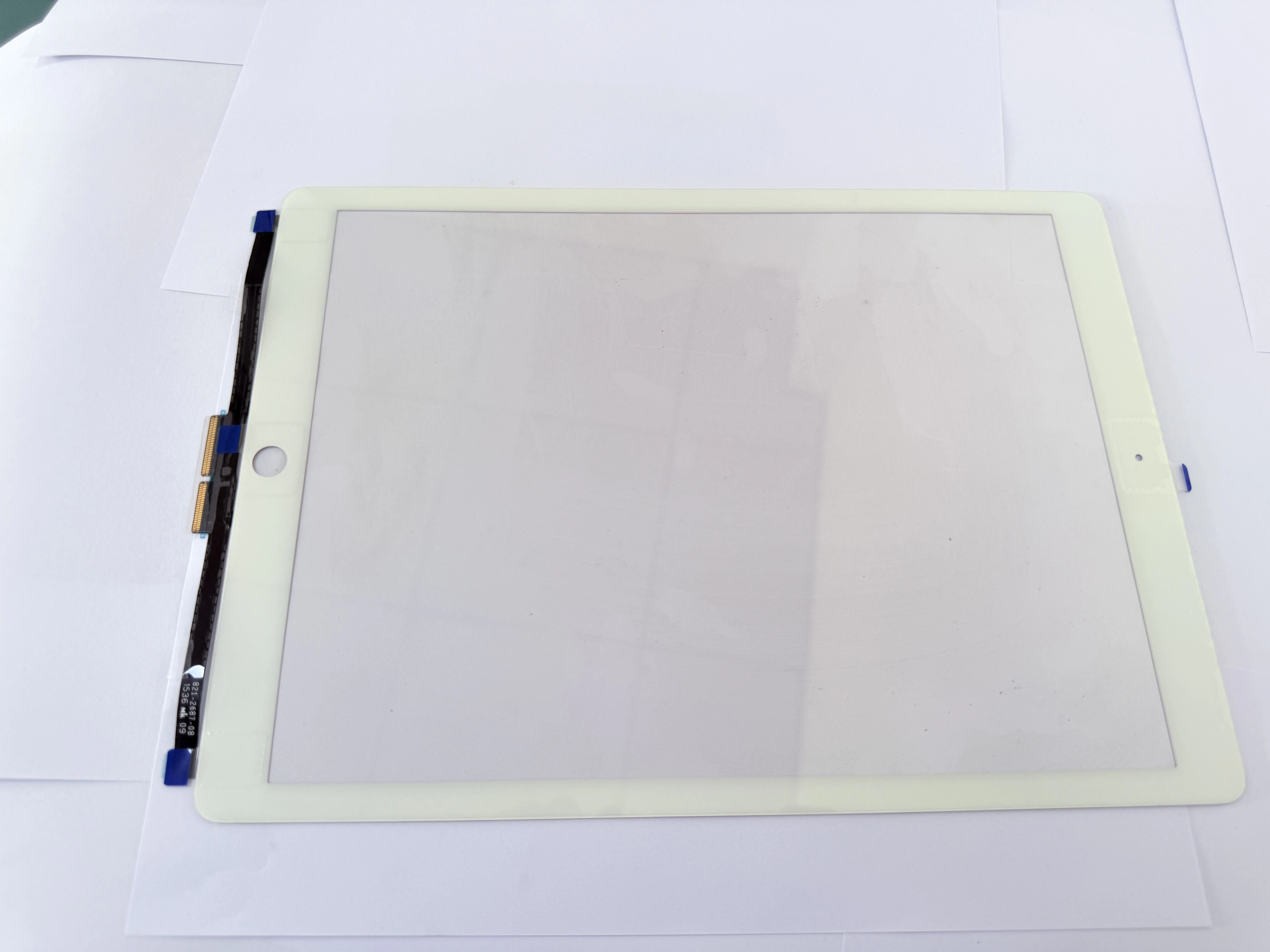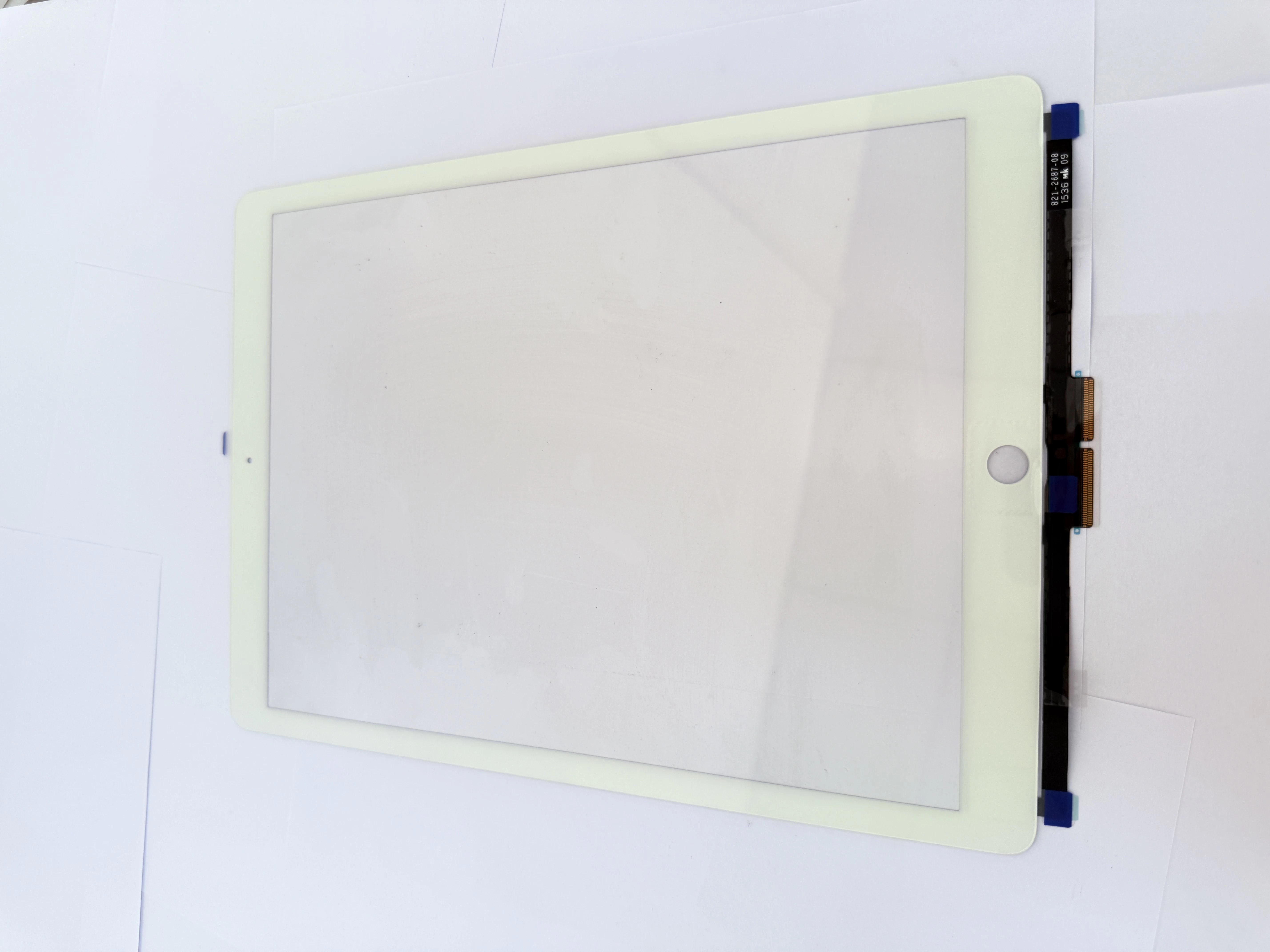
1. Fault Classification & Repair Solution Confirmation
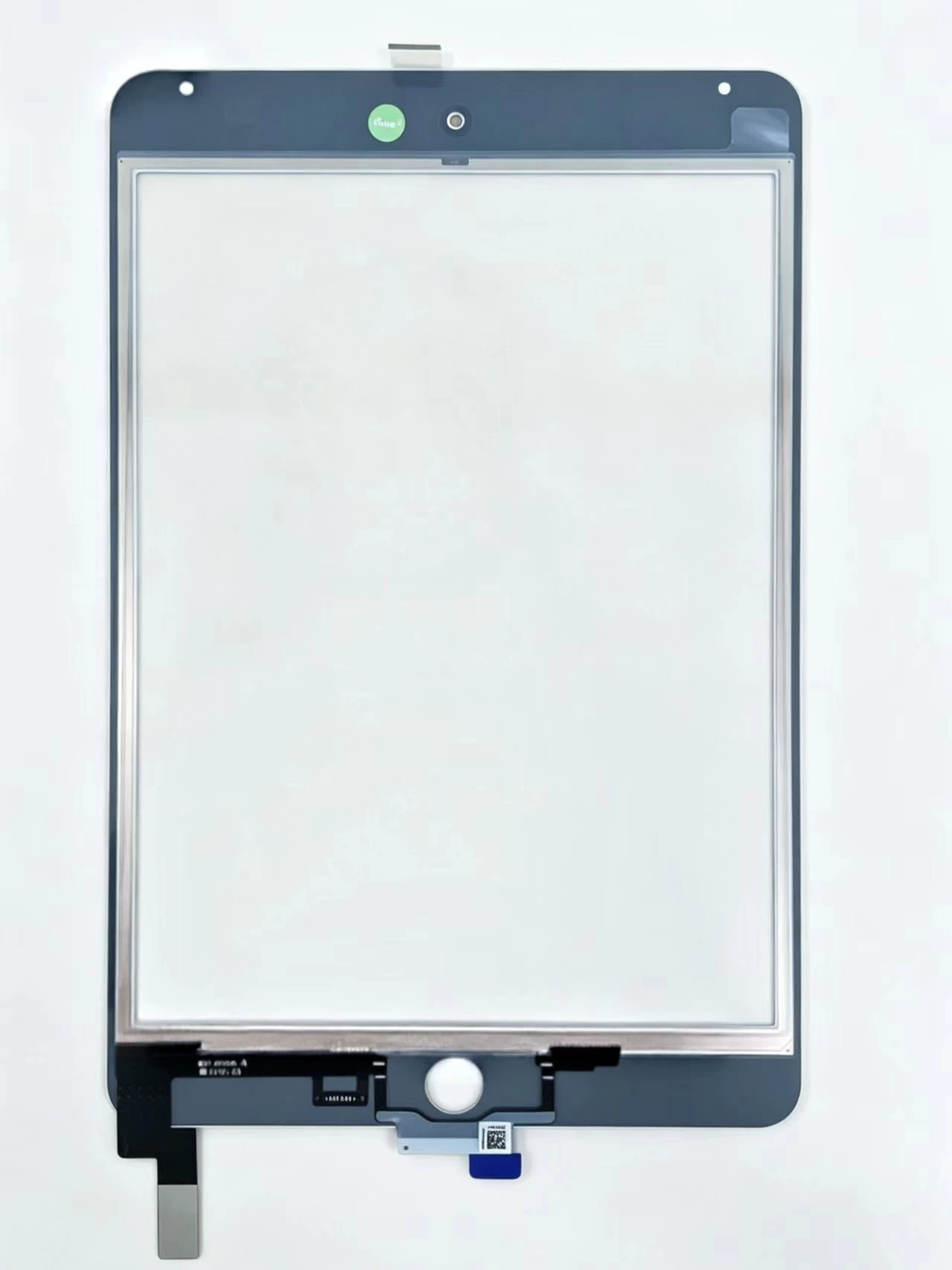
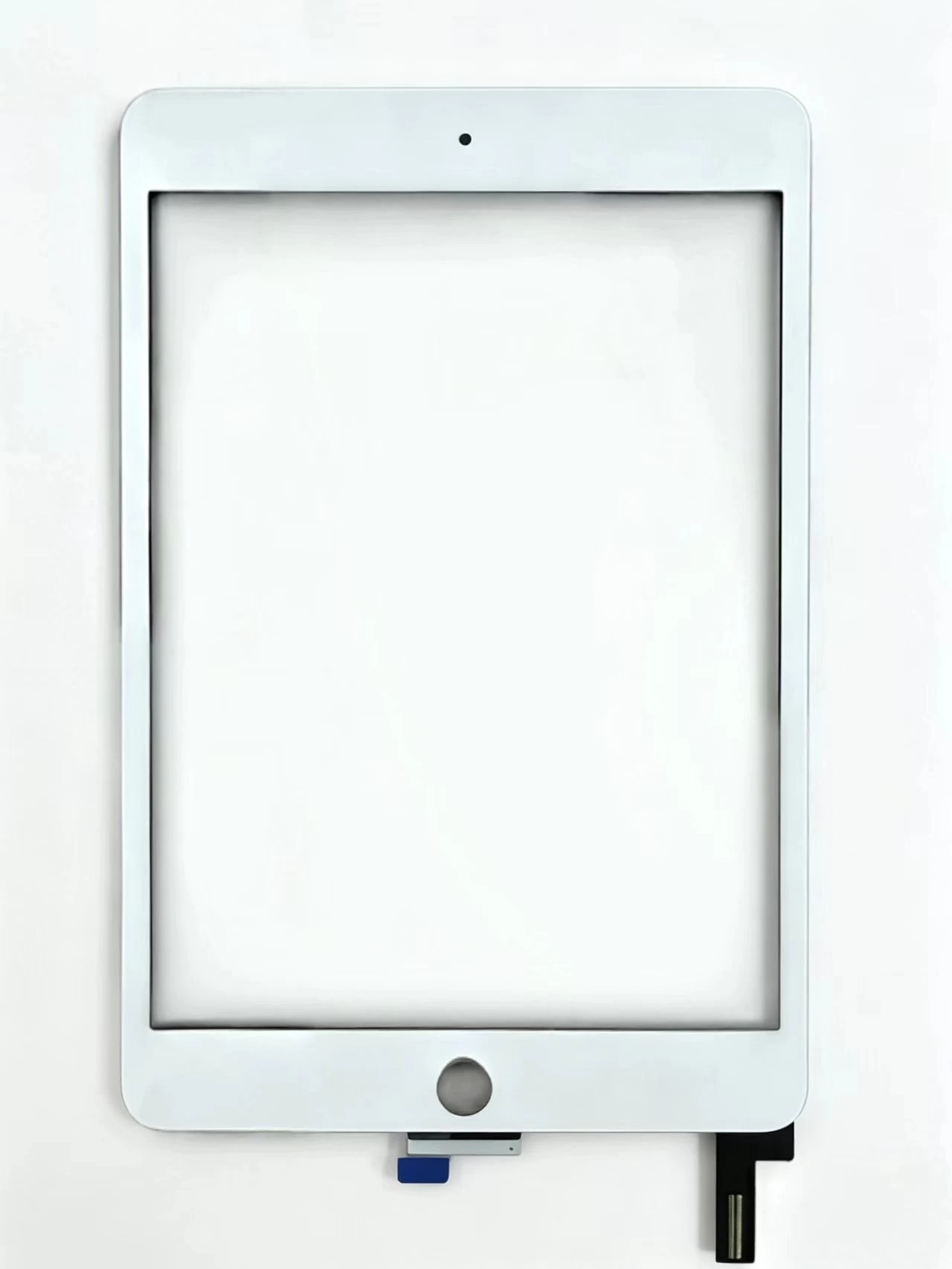
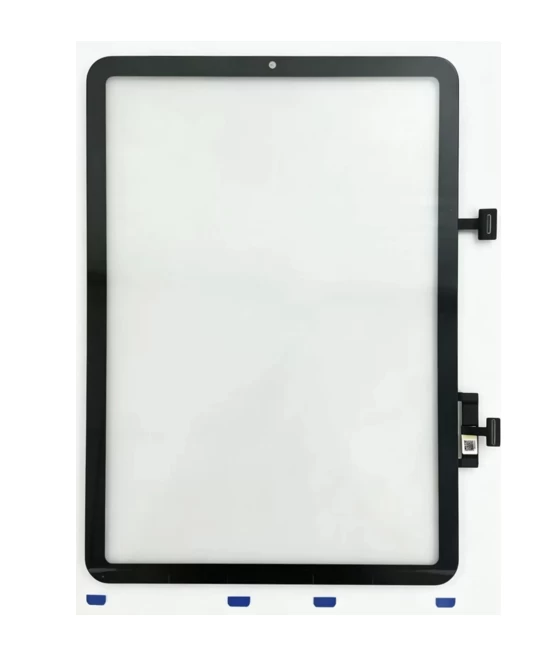
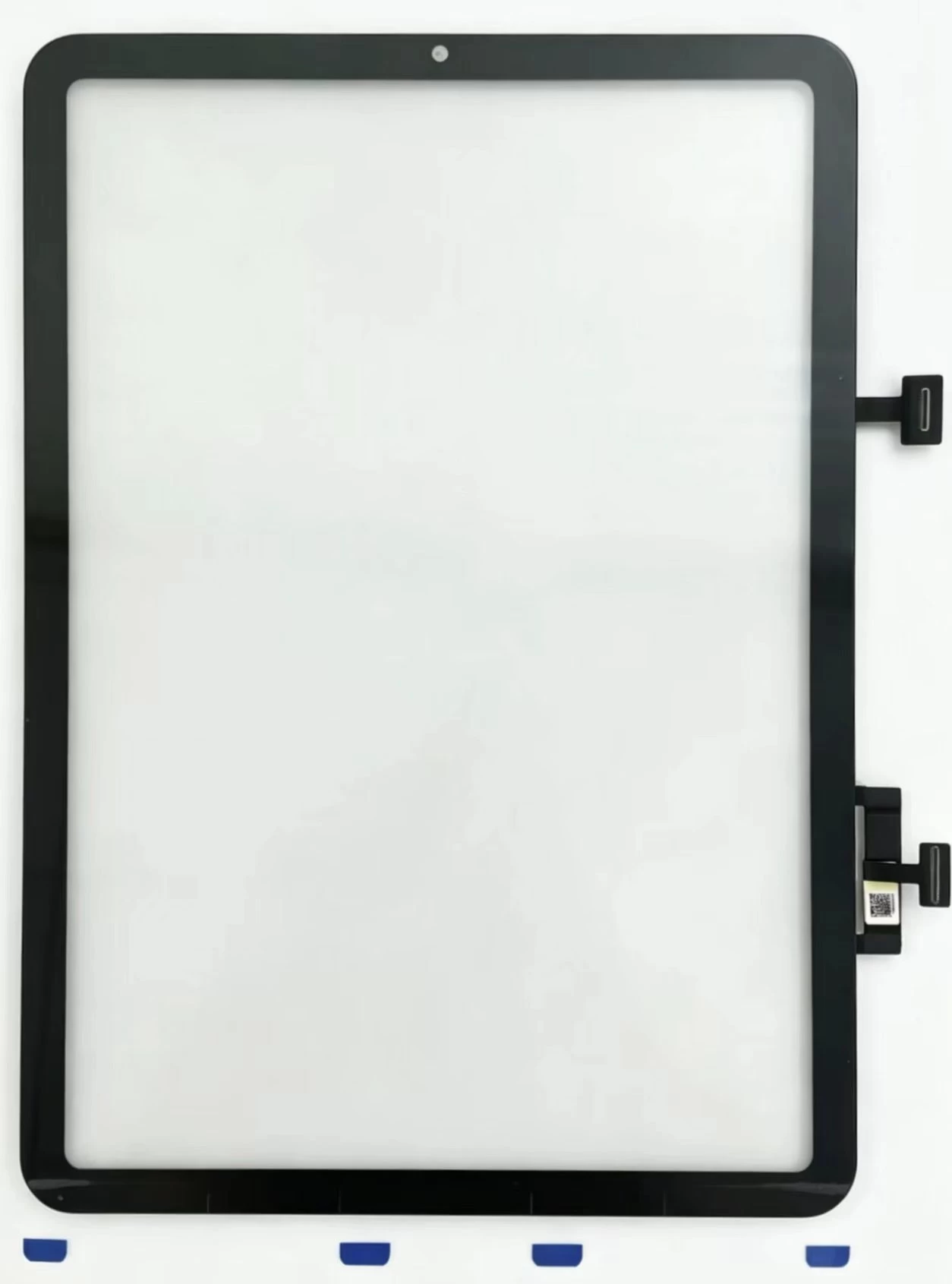
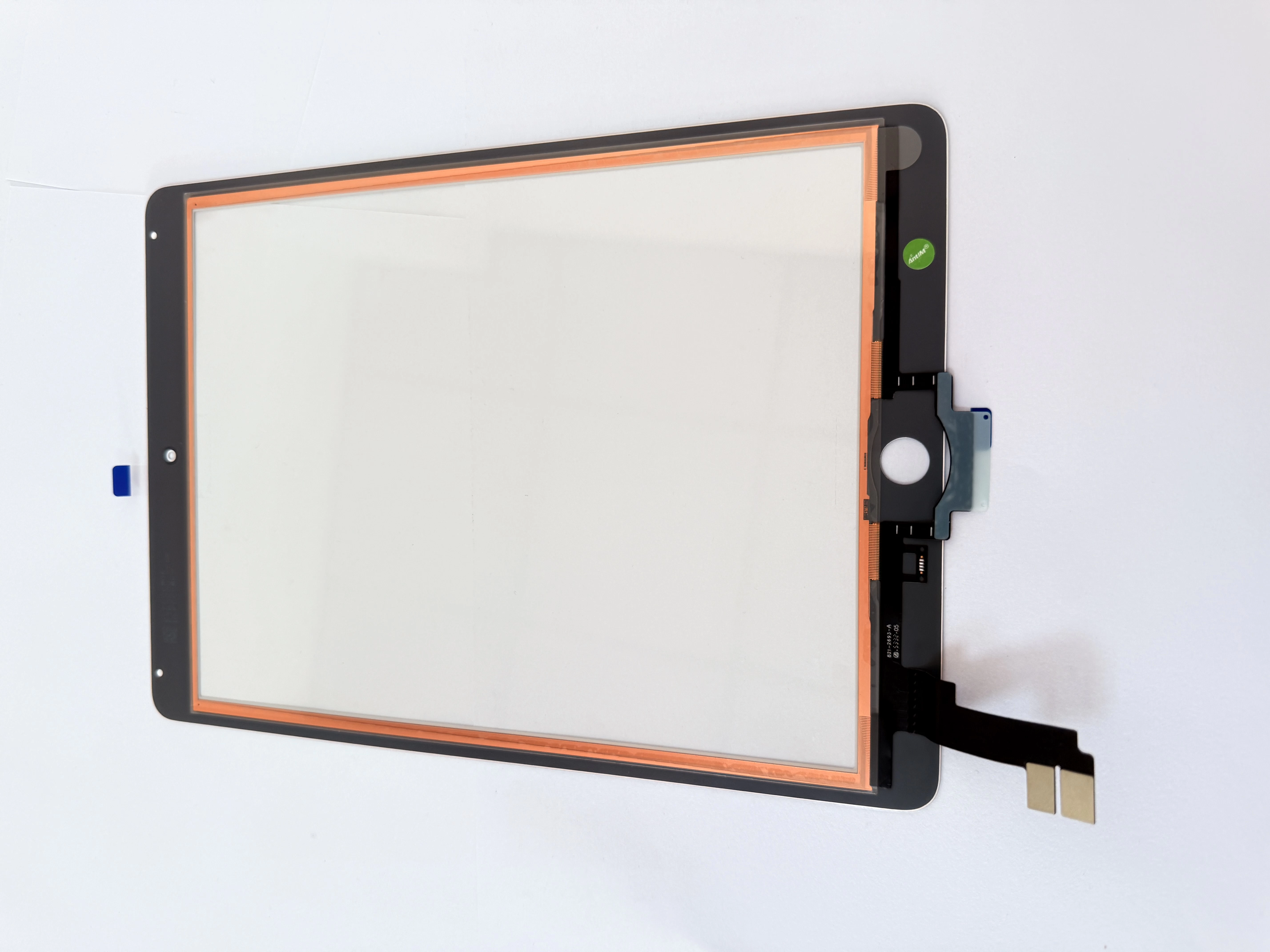
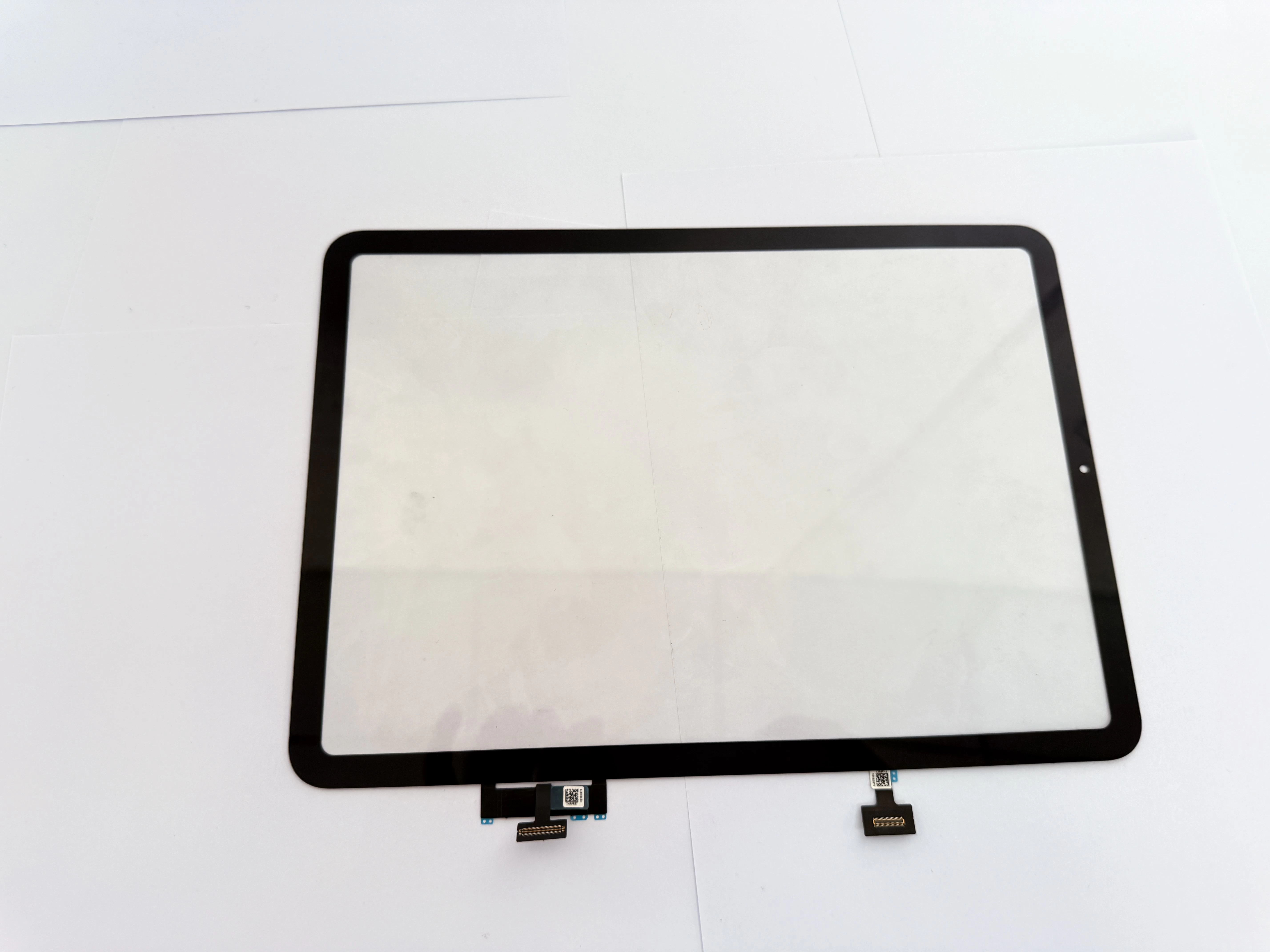
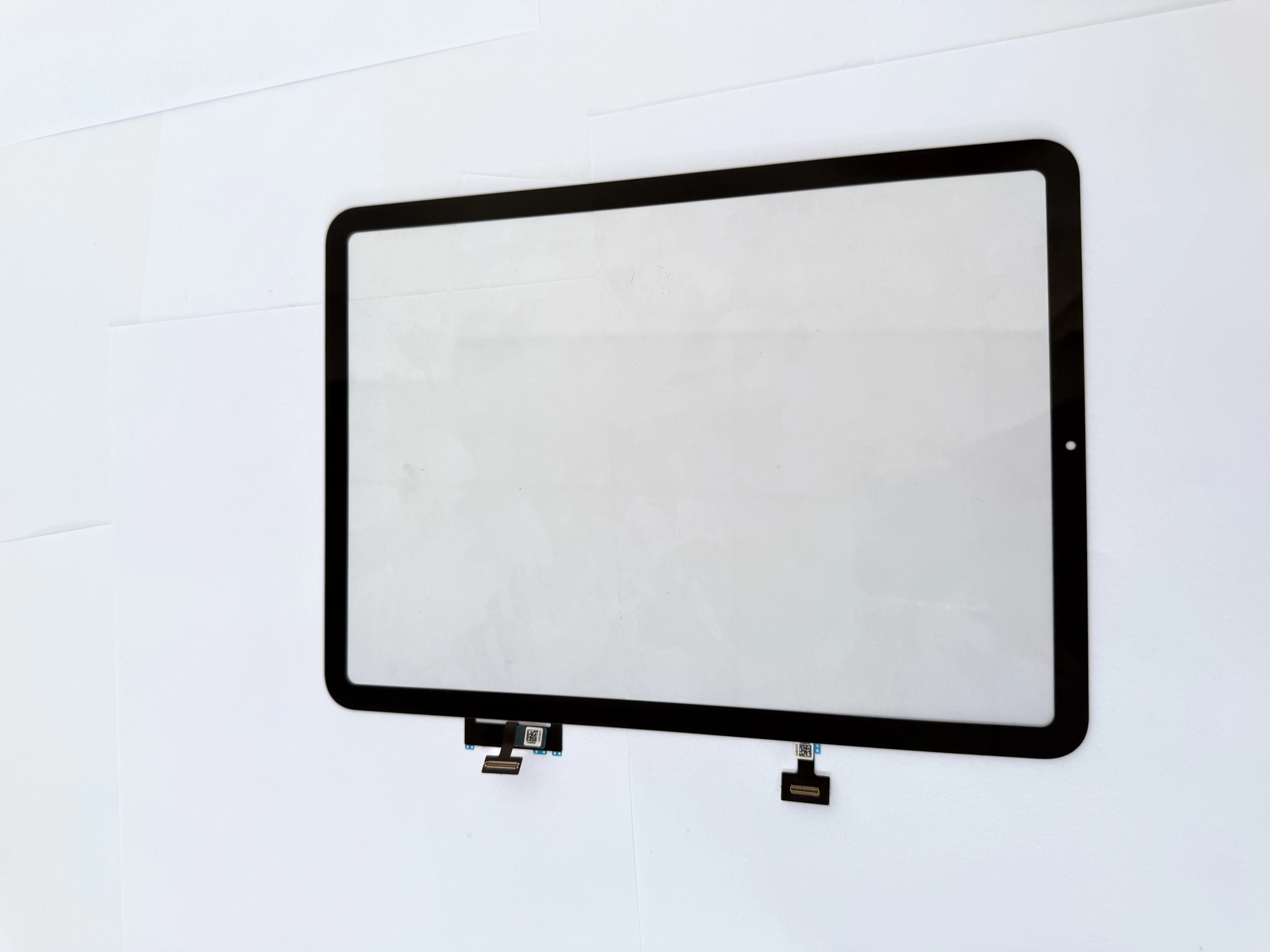
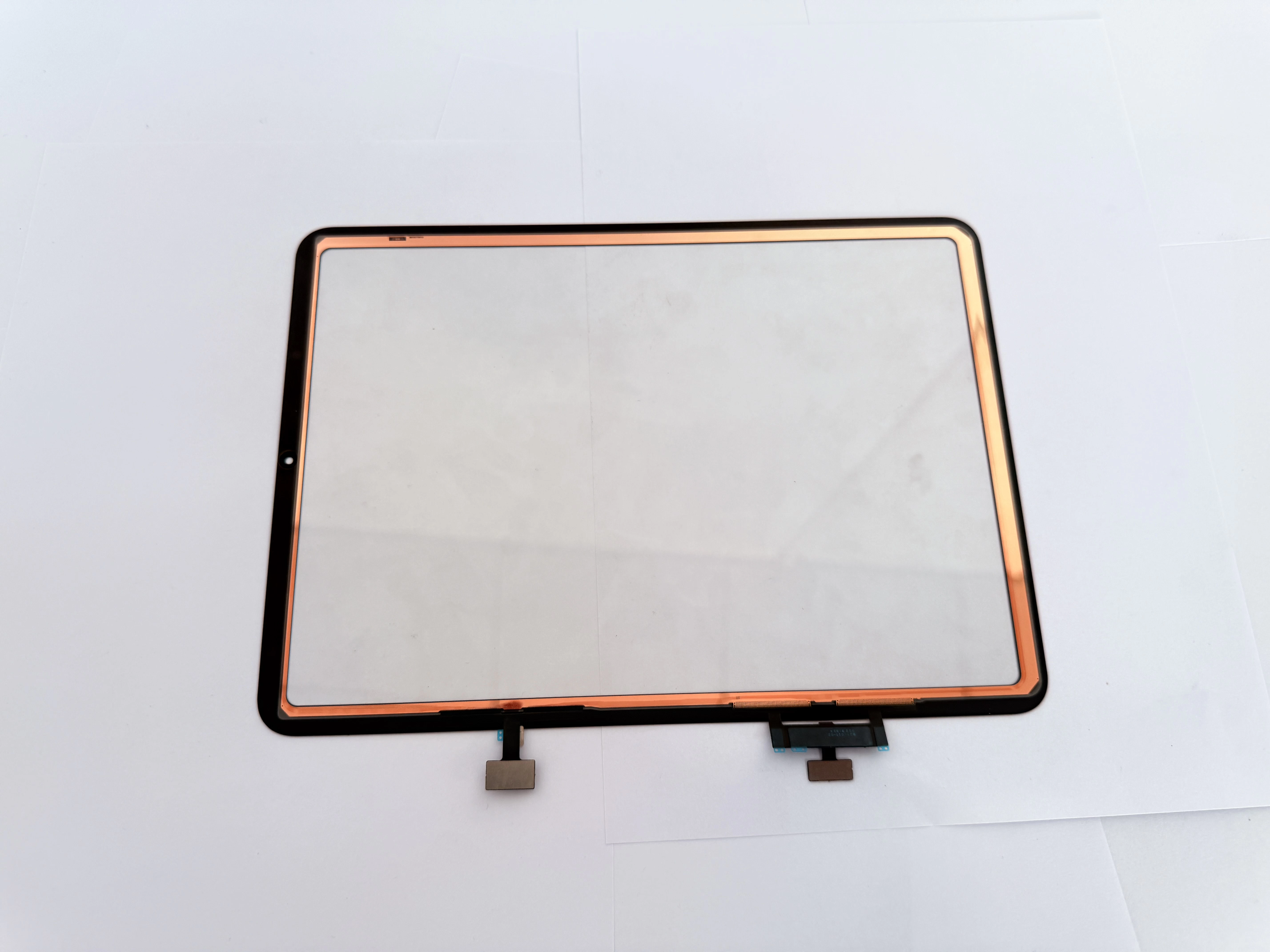
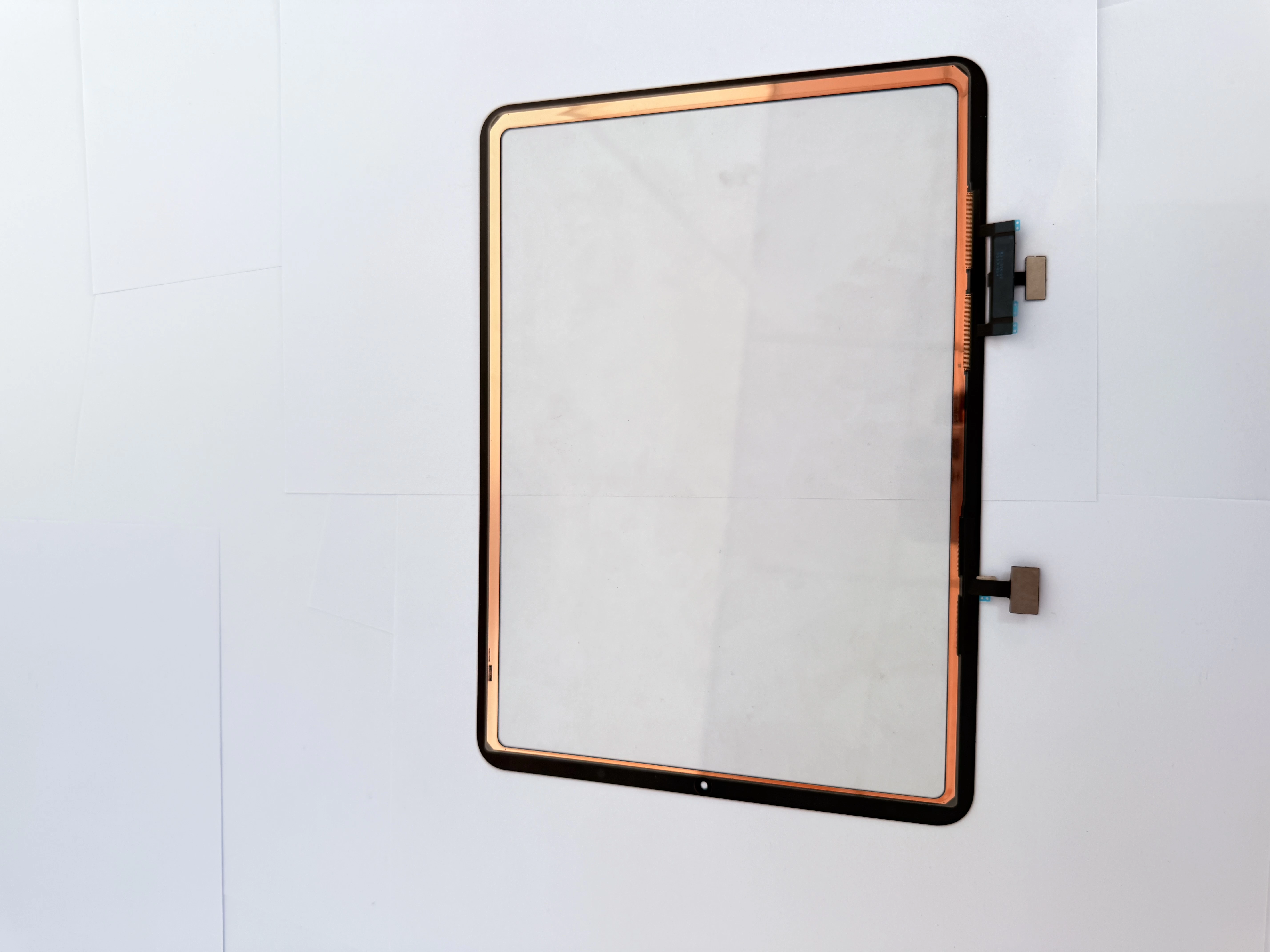
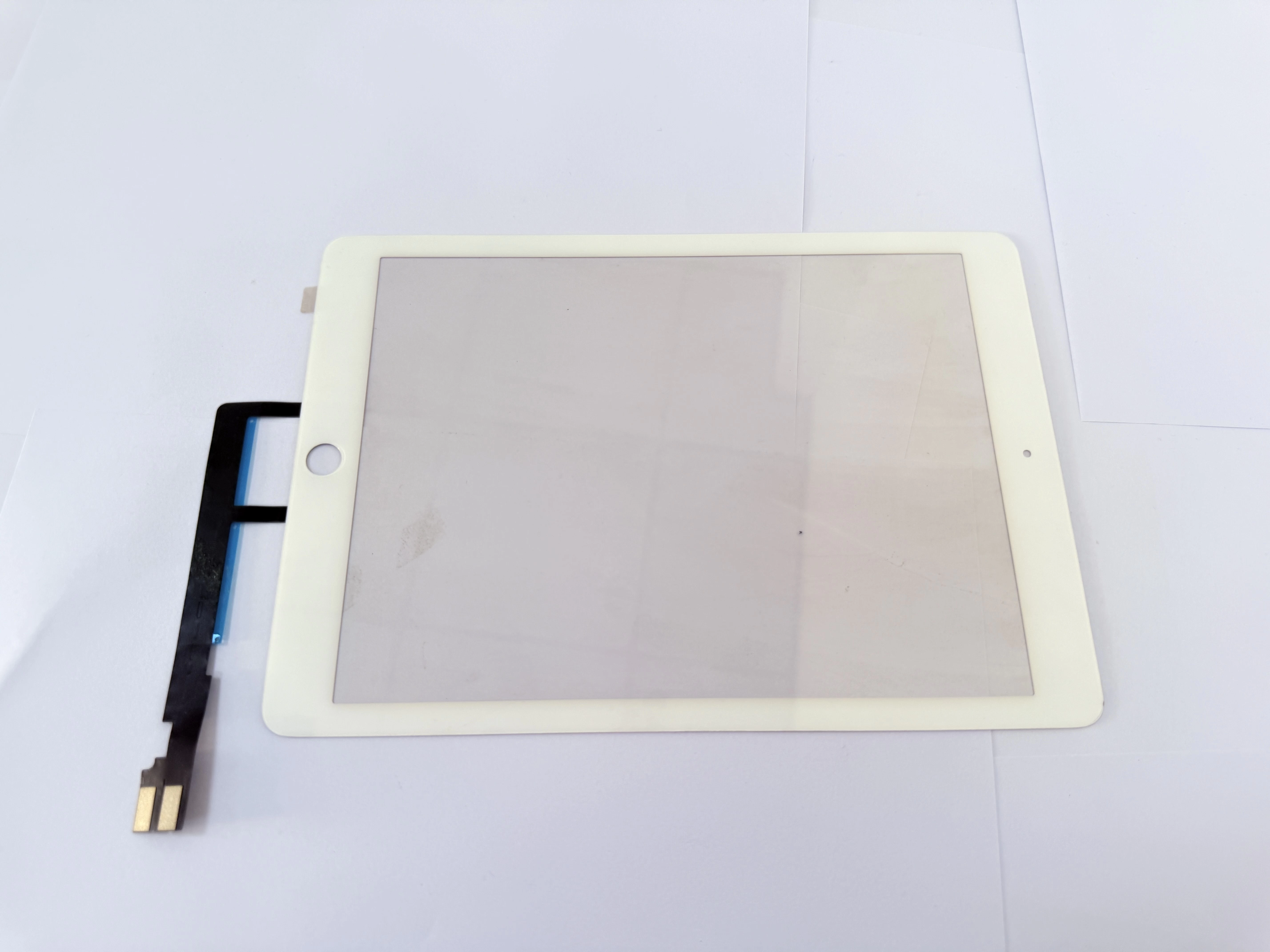
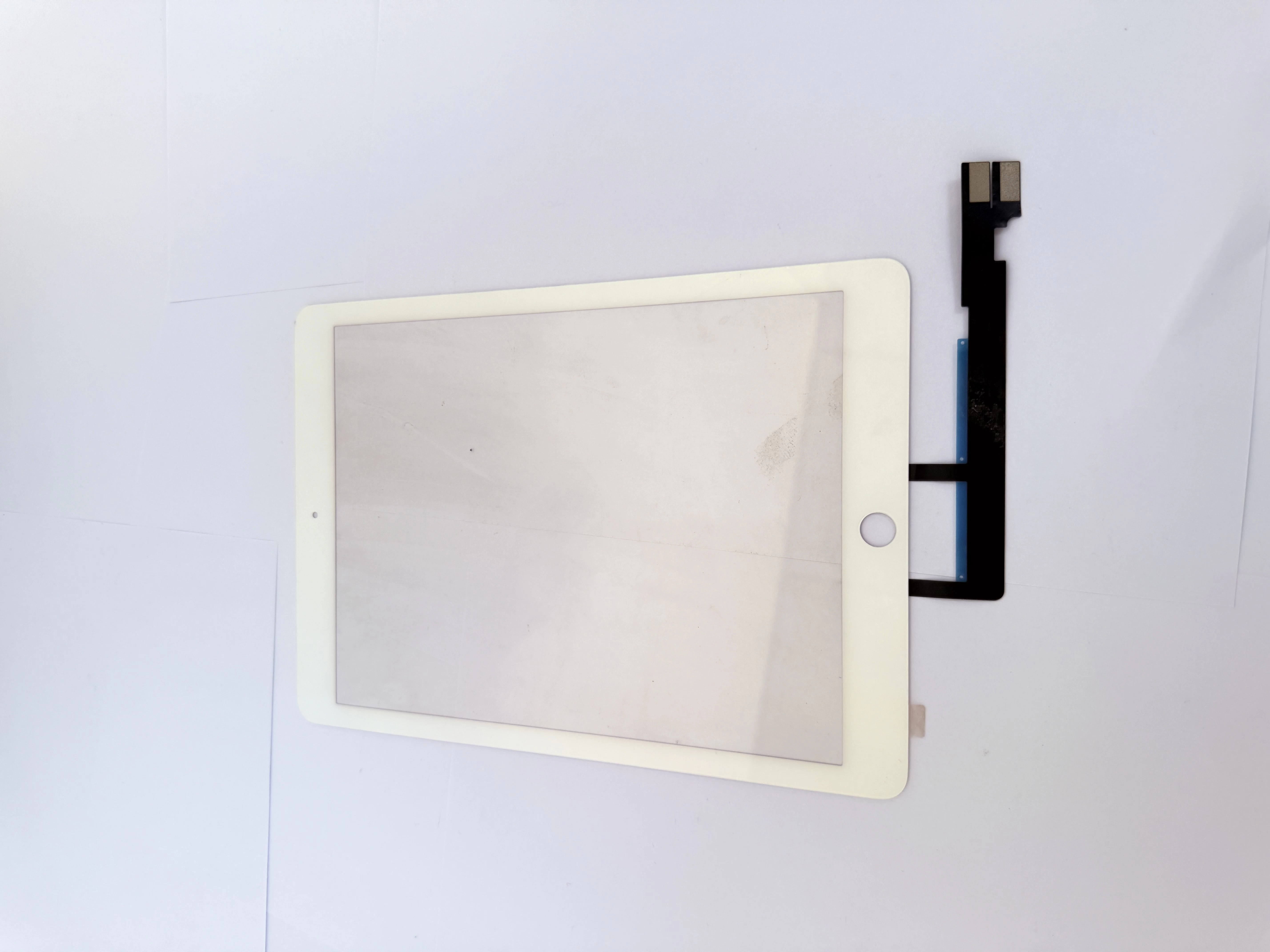
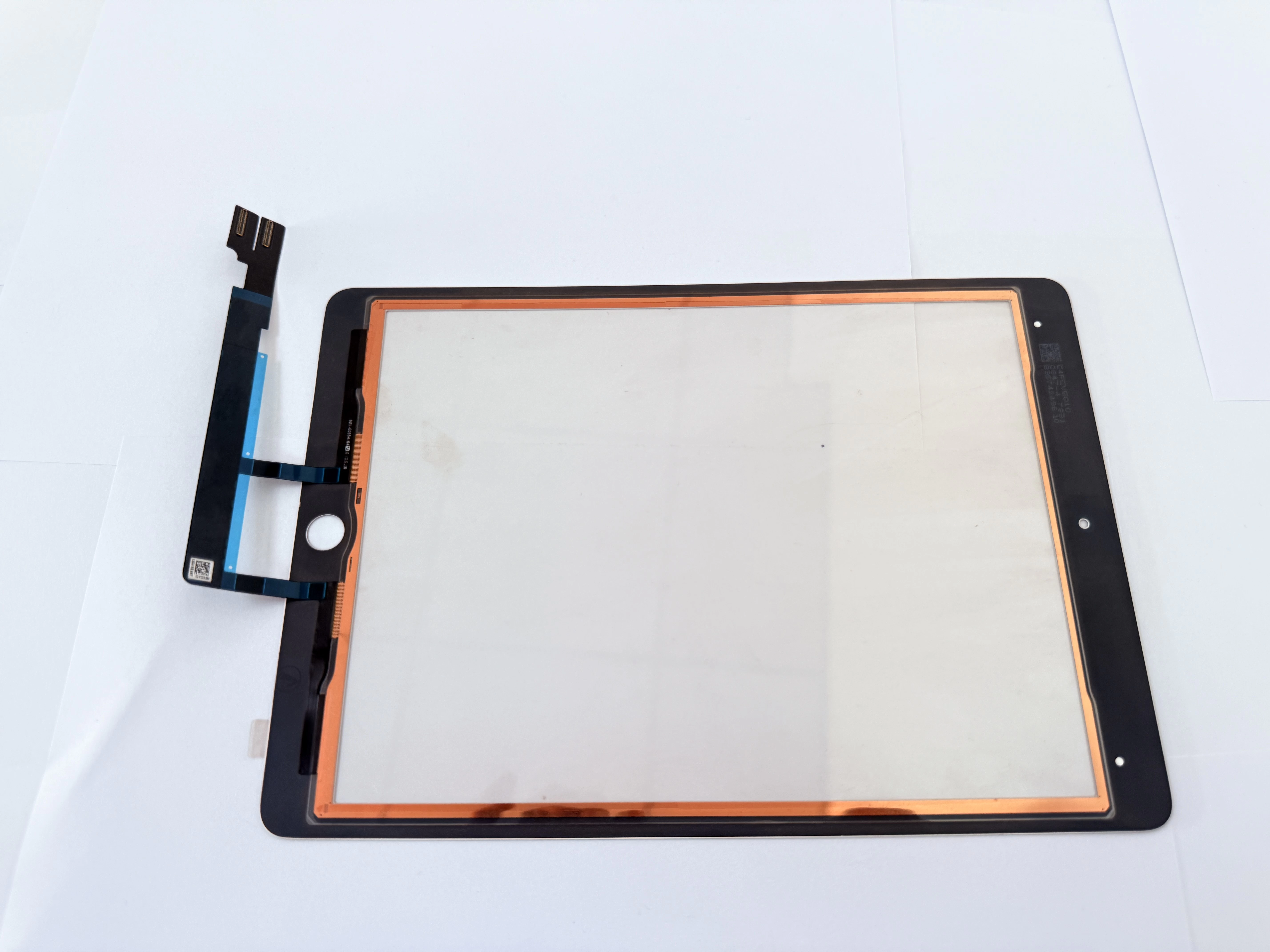
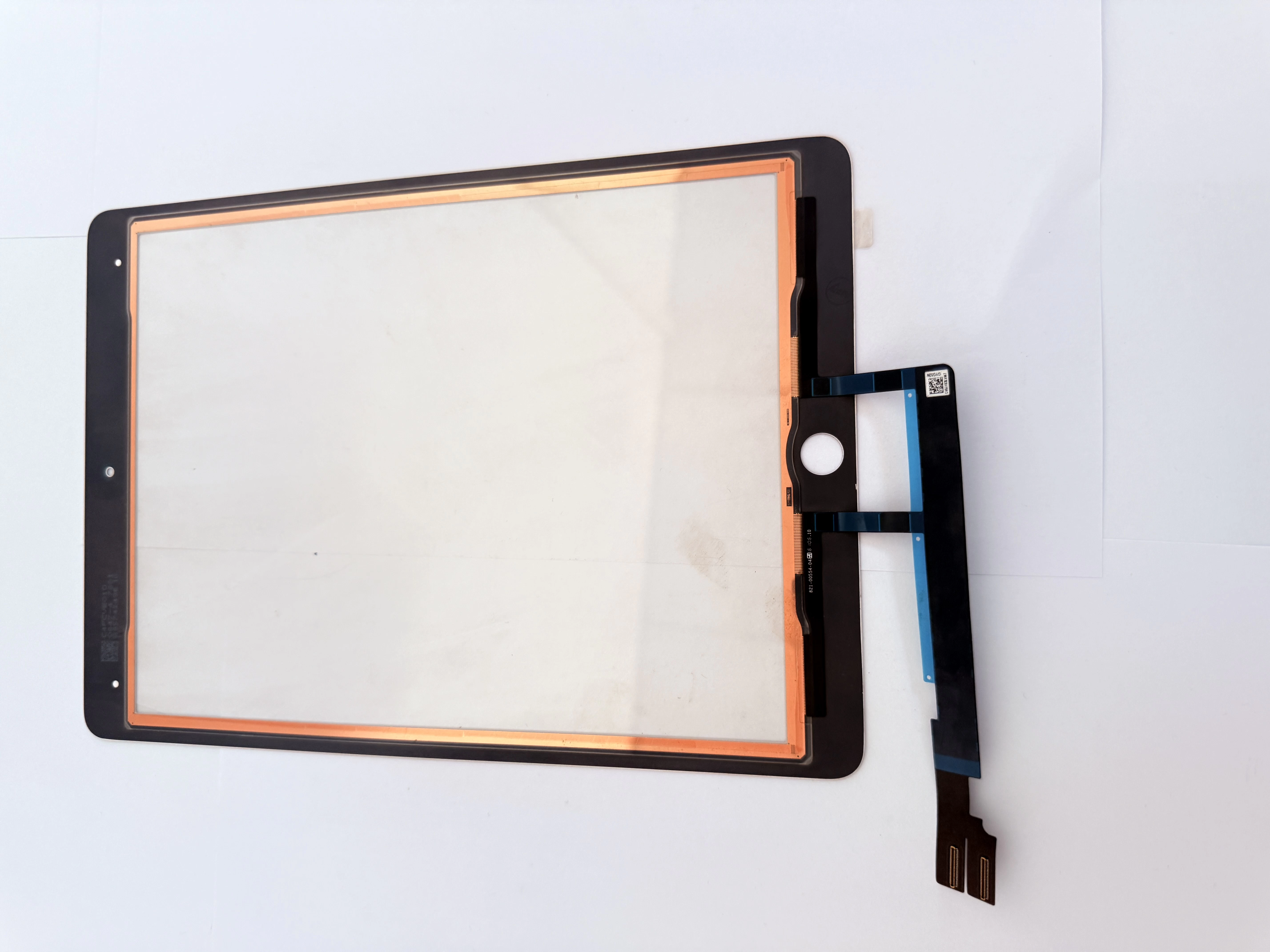
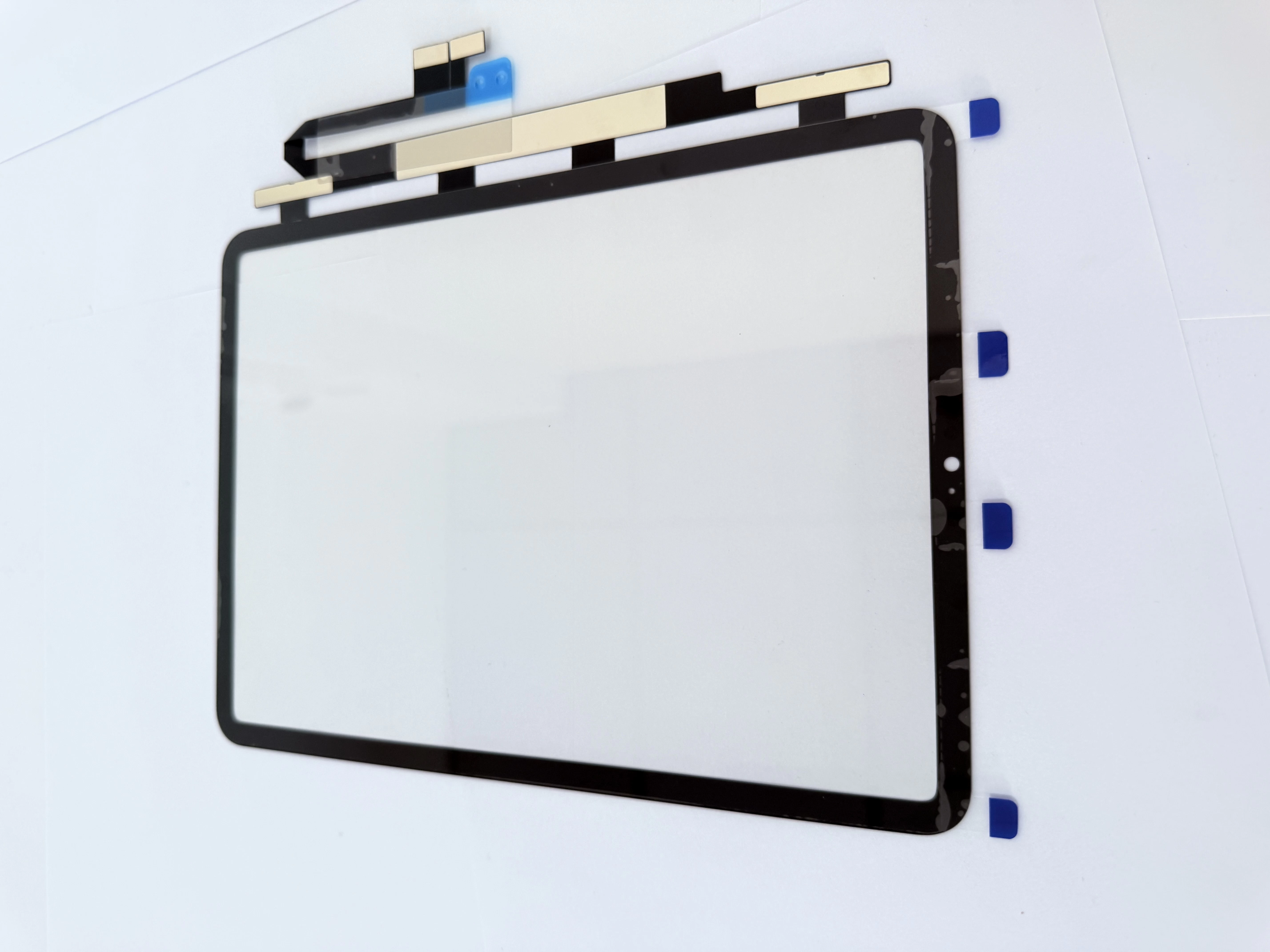
Two core screen damage types decide your part selection. If the front glass is cracked while the display has no lines, leaks or dark spots, you only need to replace the outer touch digitizer. If the screen goes black, flickers or shows liquid leakage, the LCD panel is damaged, and a full screen assembly is required. Typical touch failures including ghost touch and partial dead areas are mostly caused by damaged digitizers or loose flex cables.
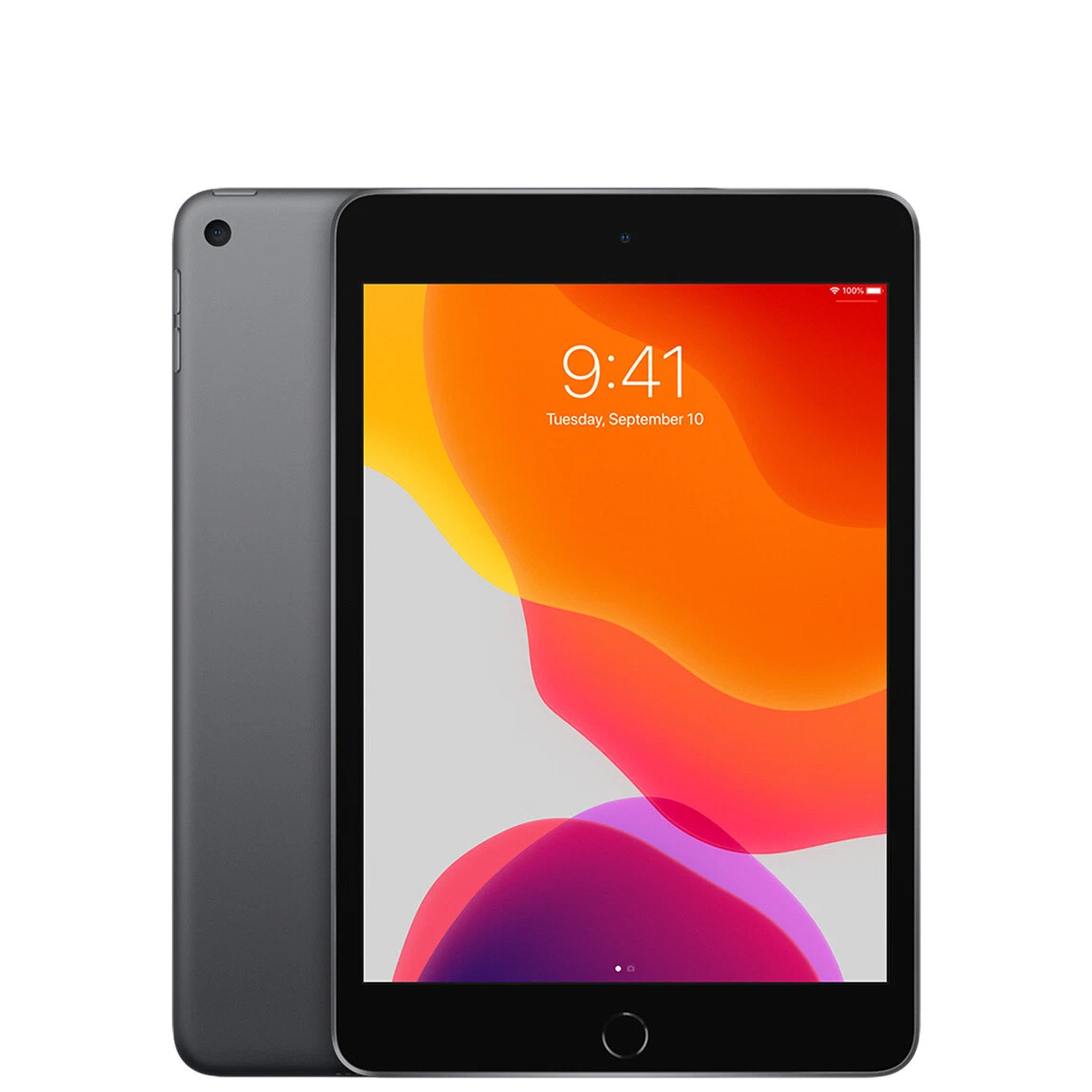
2. Standard Disassembly & Repair Key Points
Power off the device fully before disassembly to prevent short circuits. Heat the screen frame evenly to soften adhesive, and never apply high temperature on the battery and Home Button area. Use plastic shims to separate the broken glass gently and protect the bottom antenna and flex cables. Remember to transplant the original Home Button flex to the new digitizer, as this is the only way to retain Touch ID function. Complete full-function testing before applying adhesive to avoid rework.
3. Wholesale Part Selection Advice for Buyers
For bulk orders, verify strict model compatibility for A1893 and A1954. Choose digitizers with pre-installed high-quality adhesive and reinforced flex cables. High-transparency glass and sensitive touch performance can greatly lower customer complaints. Stable batch quality and shockproof packaging are essential for cross-border wholesale and long-term inventory.
4. SEO Keywords (197 characters)
iPad 6 digitizer wholesale, A1893 A1954 touch screen replacement, iPad 6 ghost touch repair, cracked iPad outer glass fix, bulk iPad screen parts for repair shops, 9.7-inch iPad 6 maintenance, educational iPad batch repair parts, original Home Button compatible digitizer, reliable iPad touch panel supplier