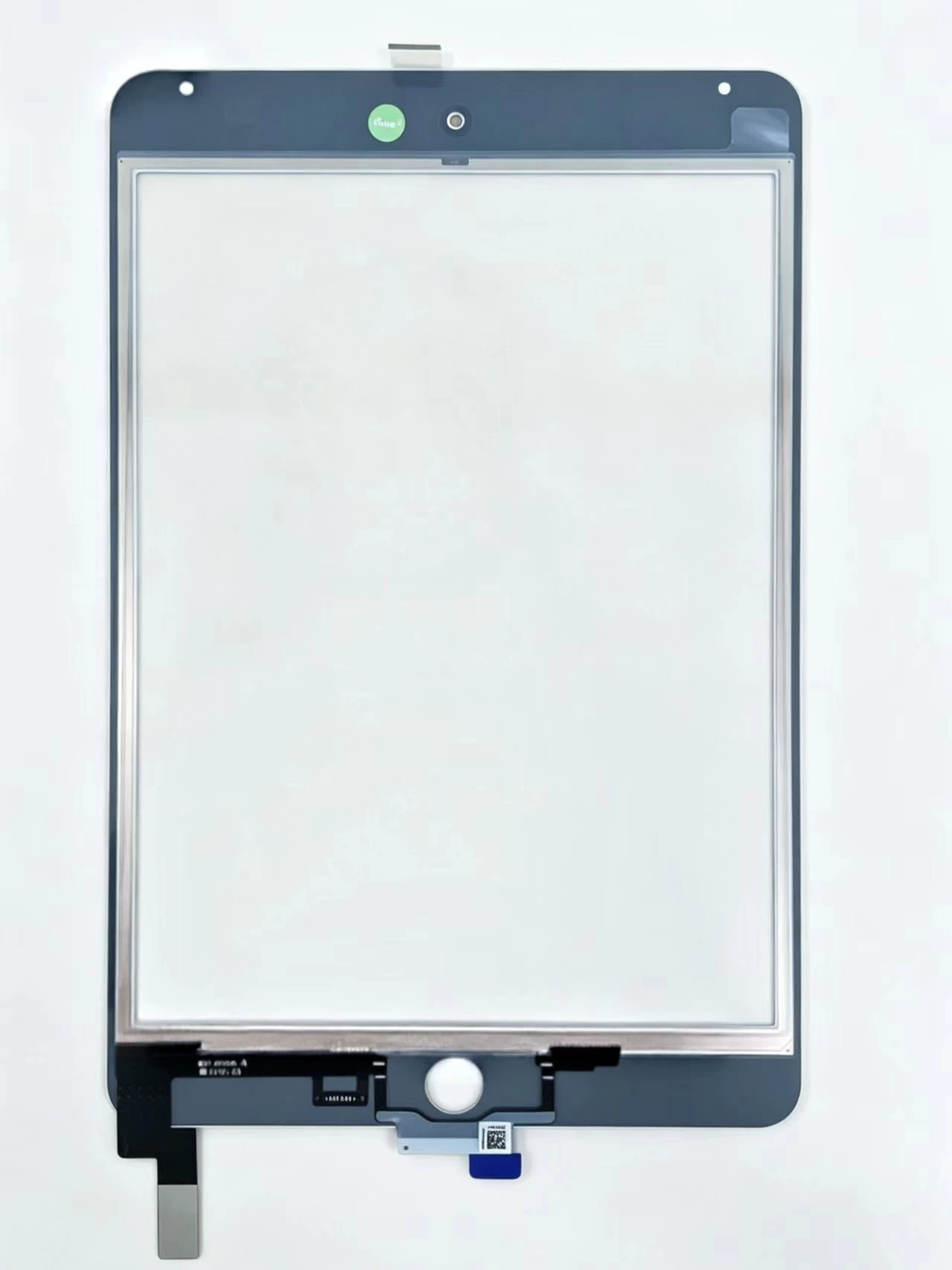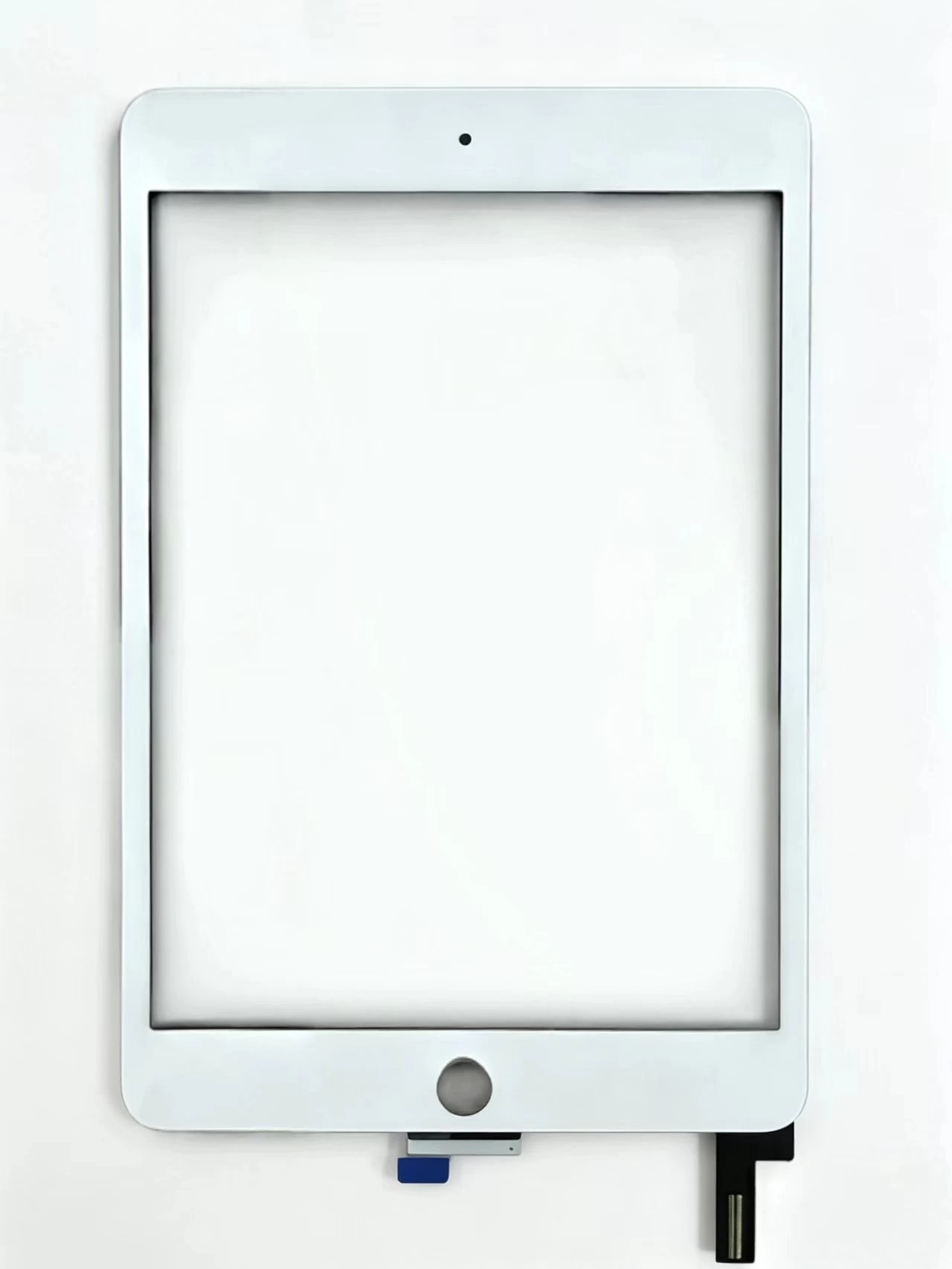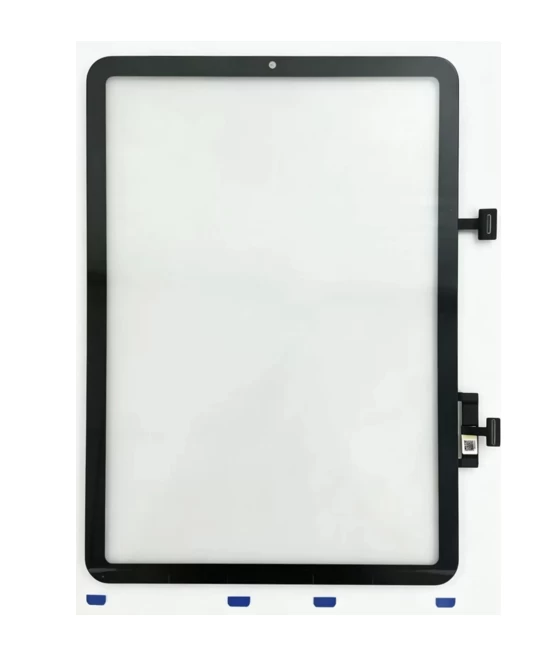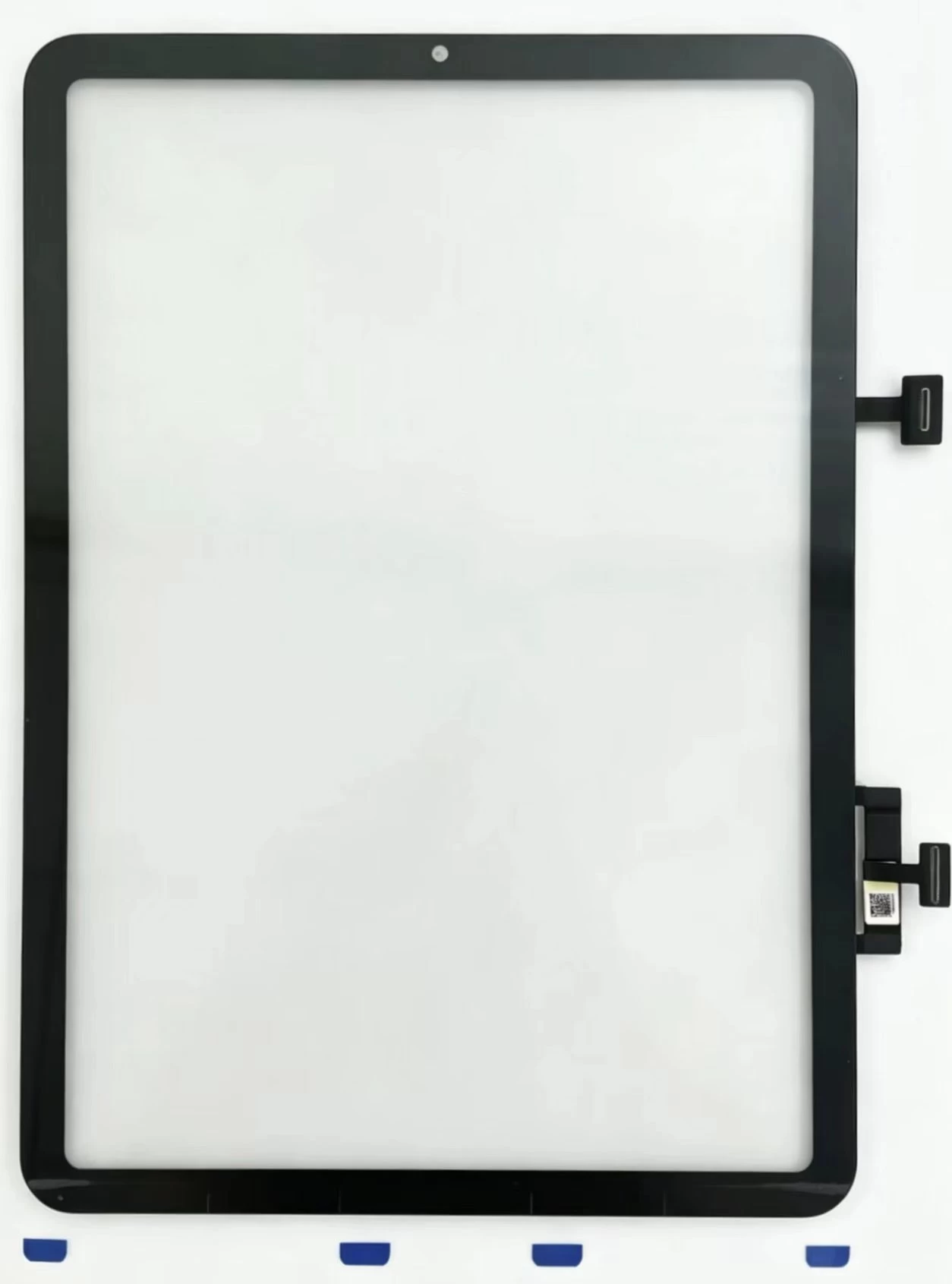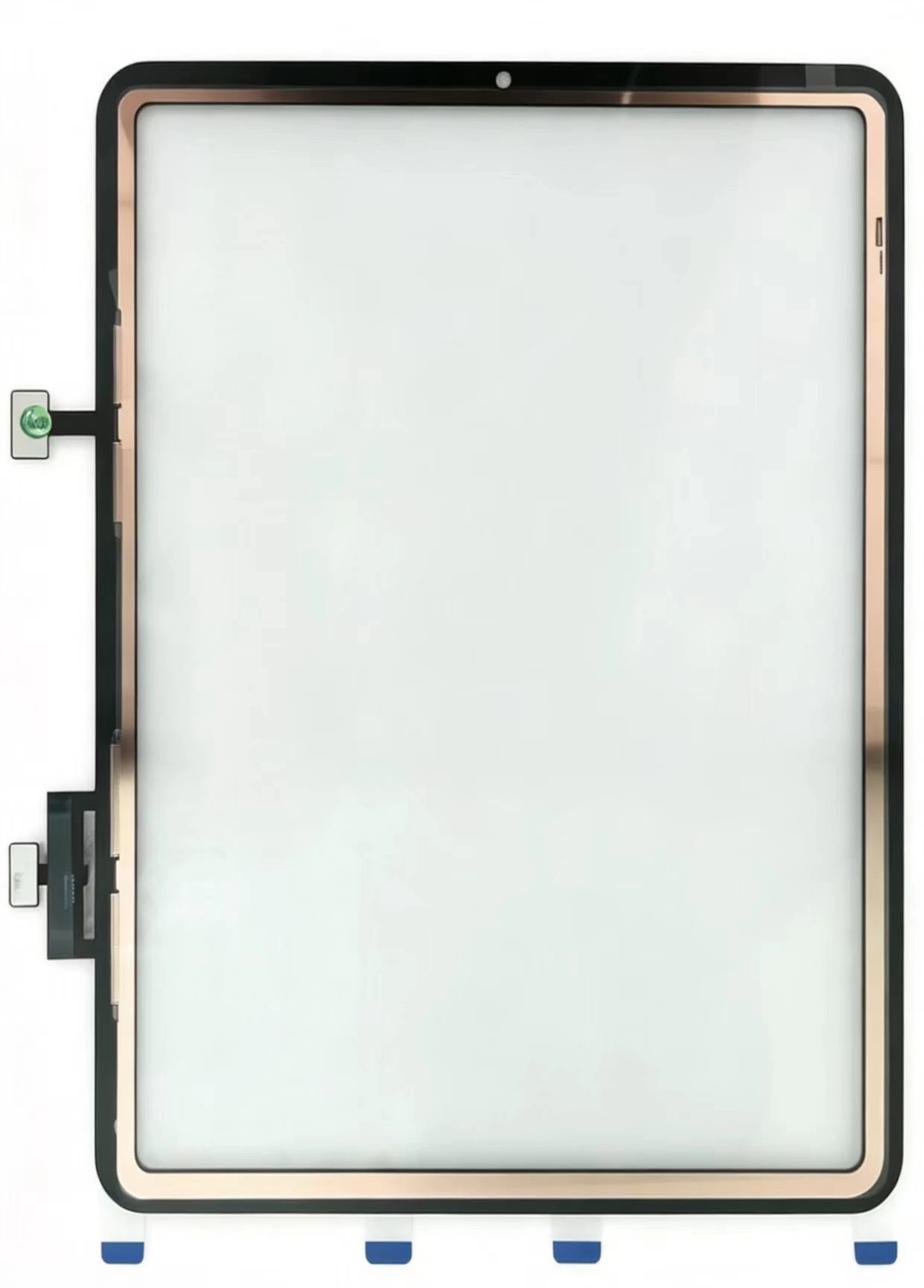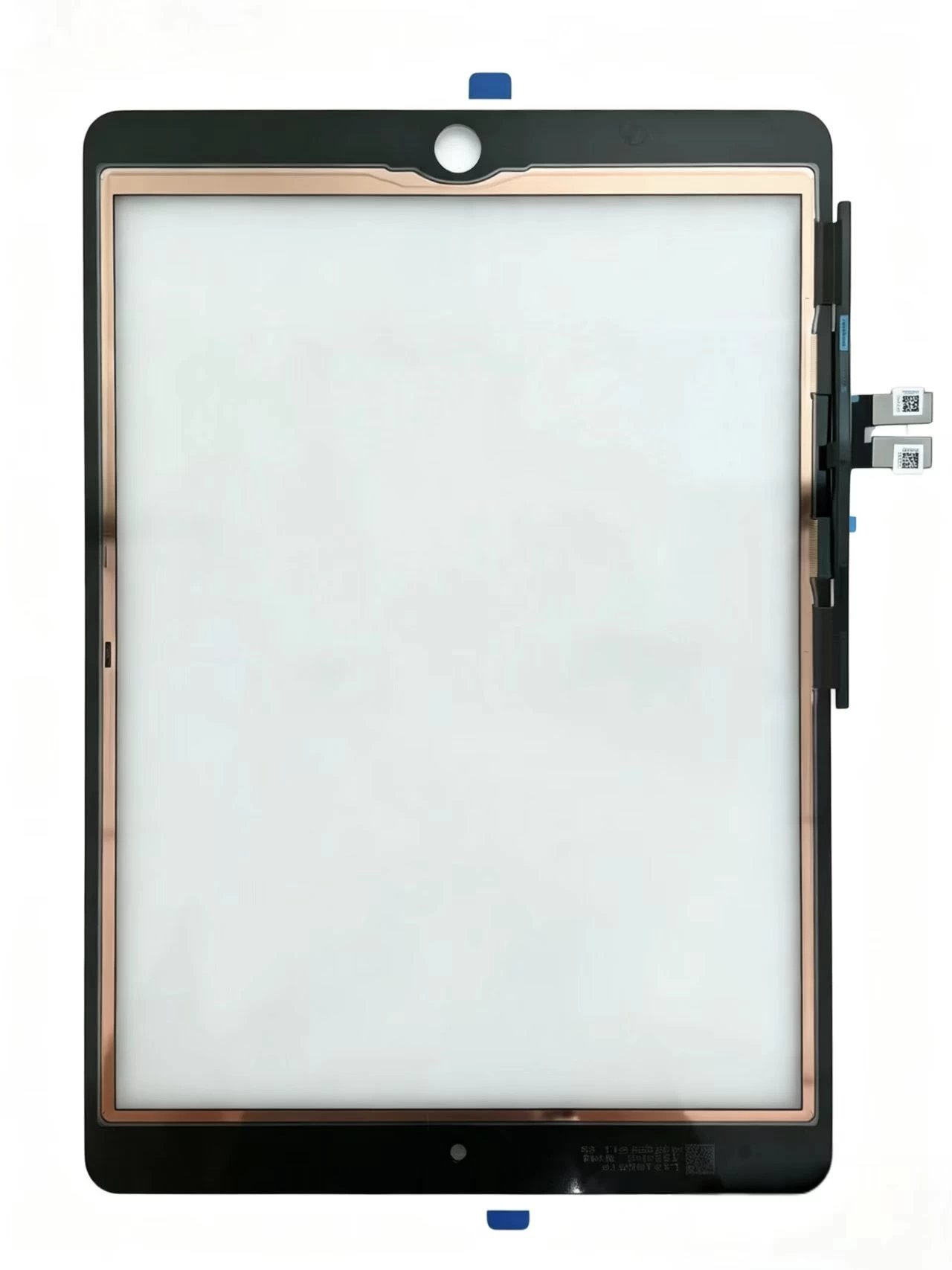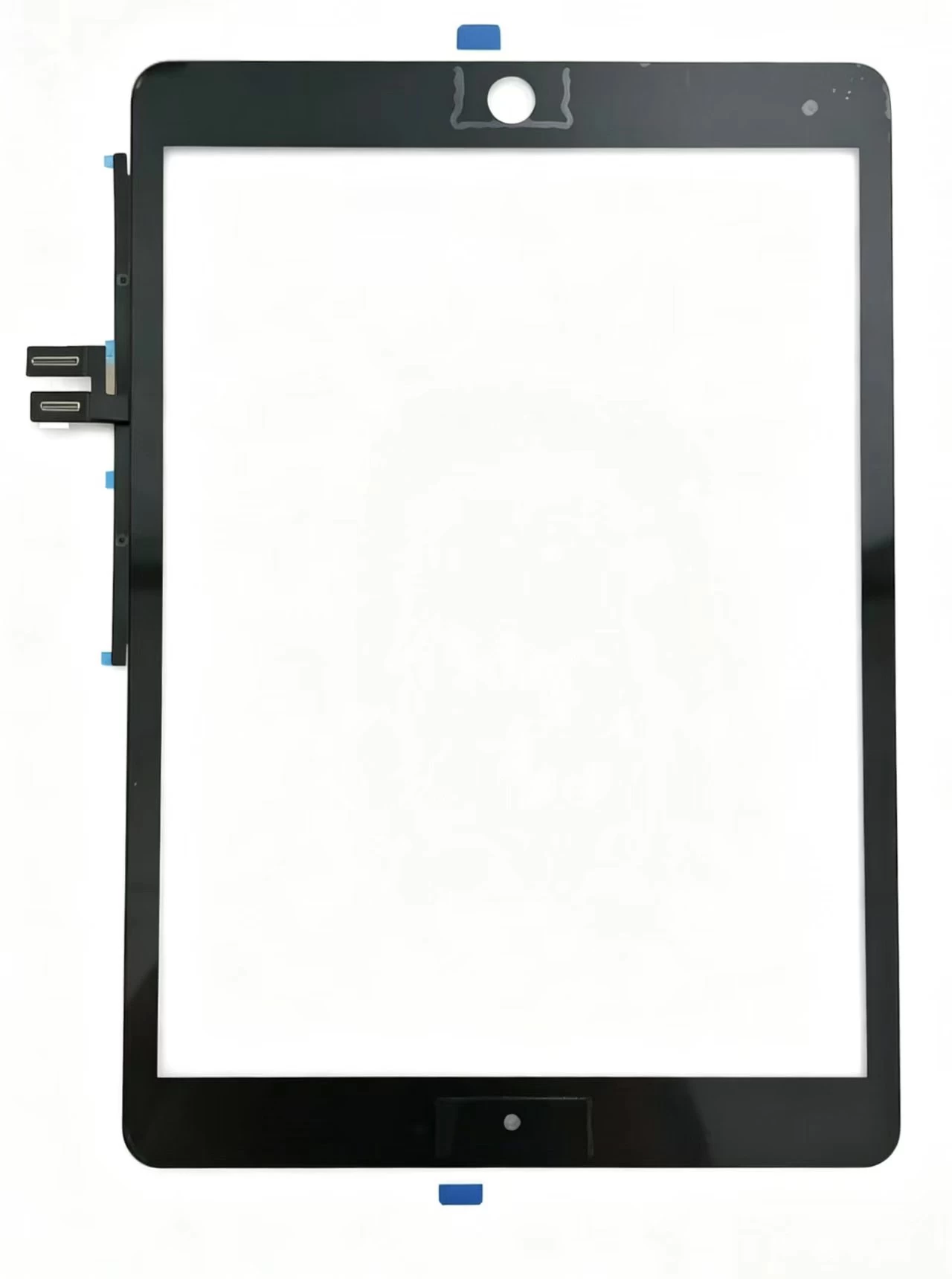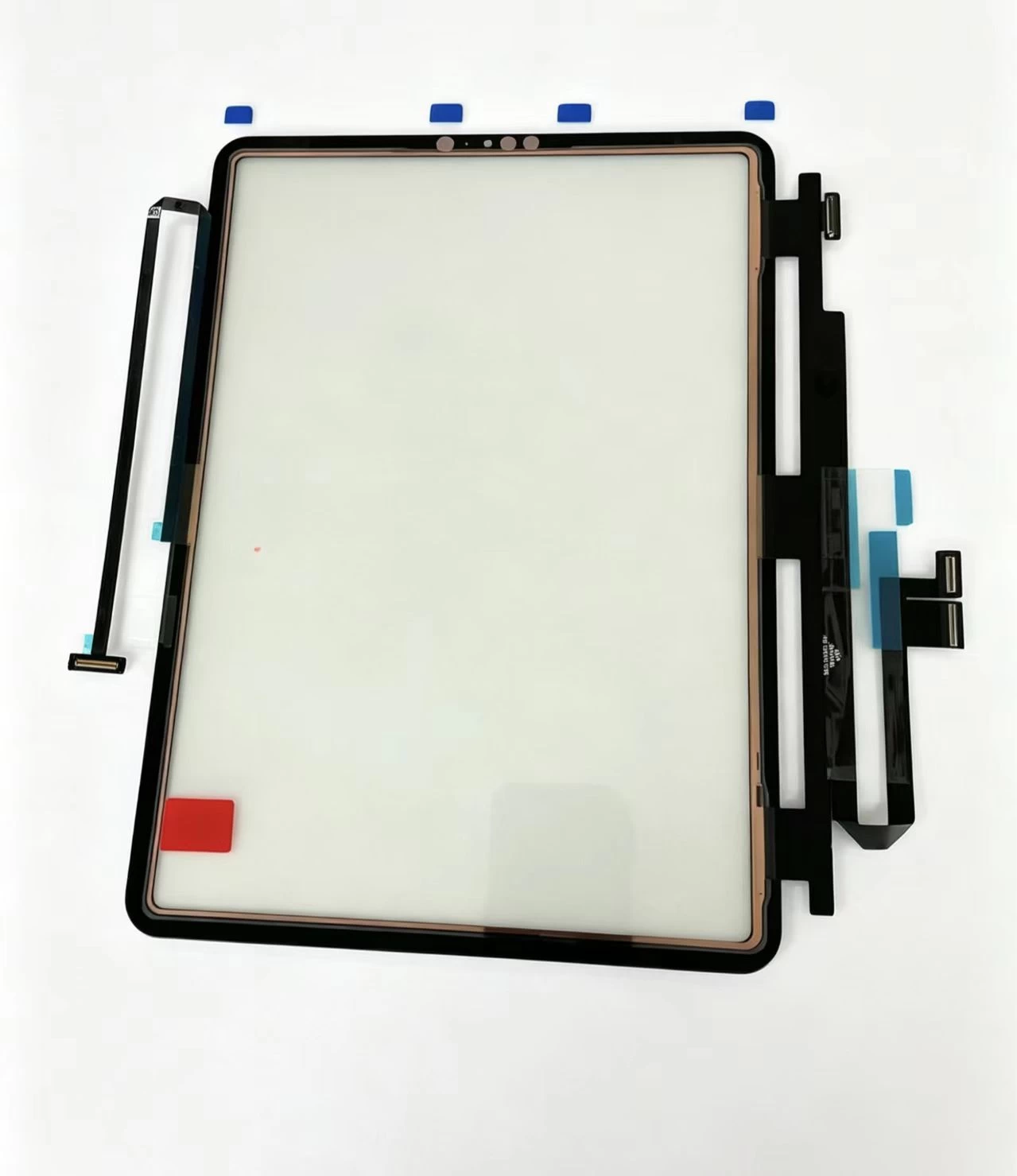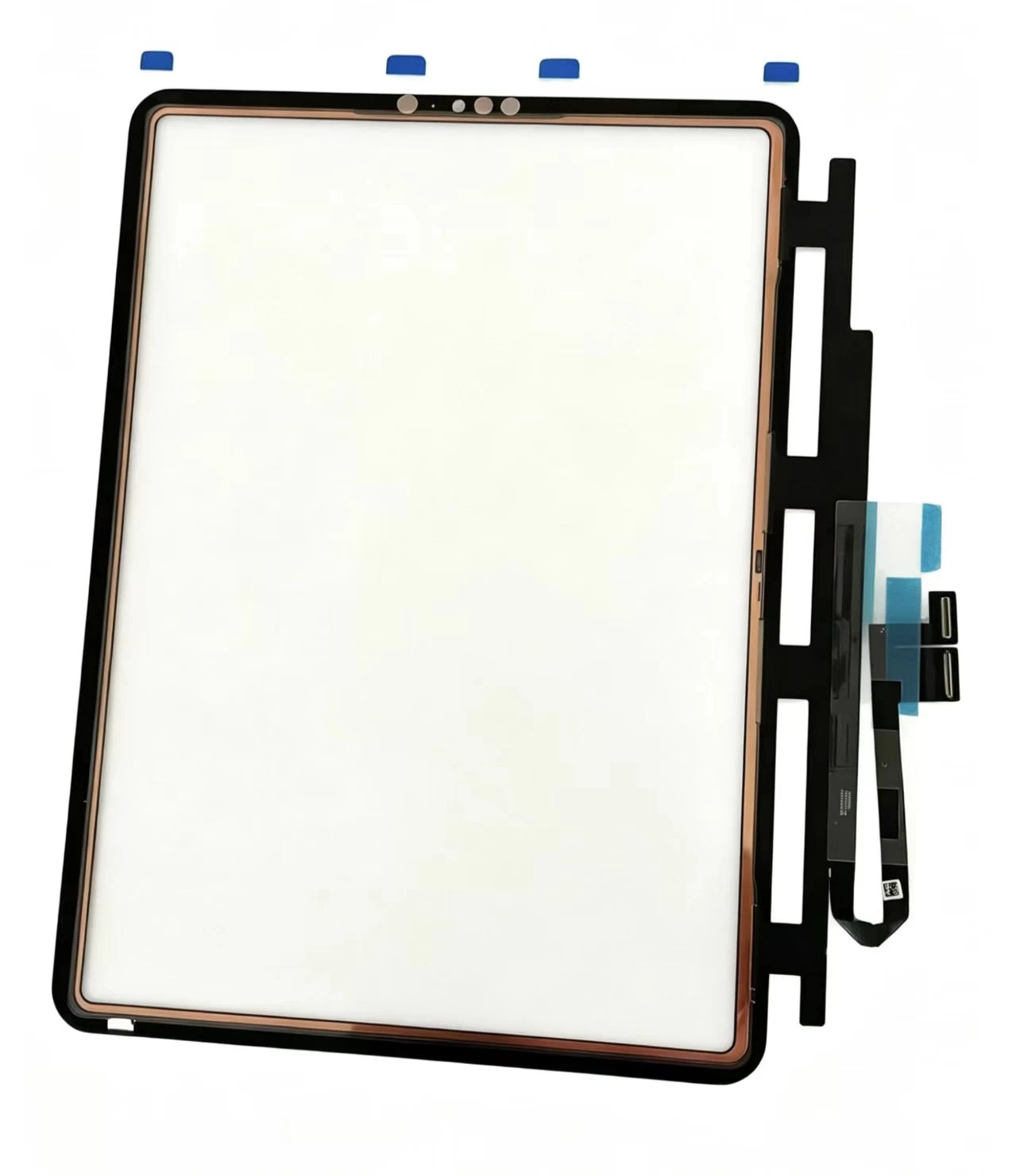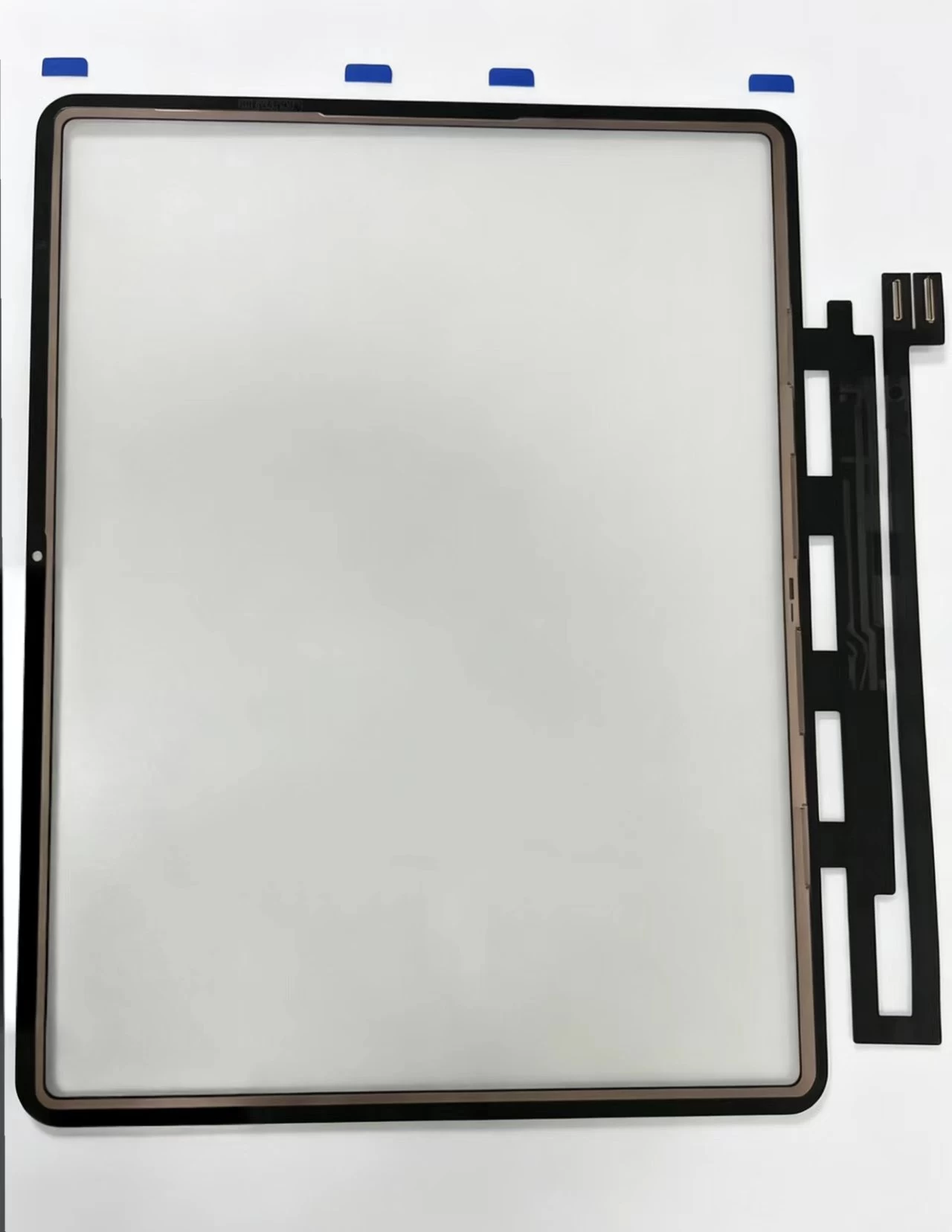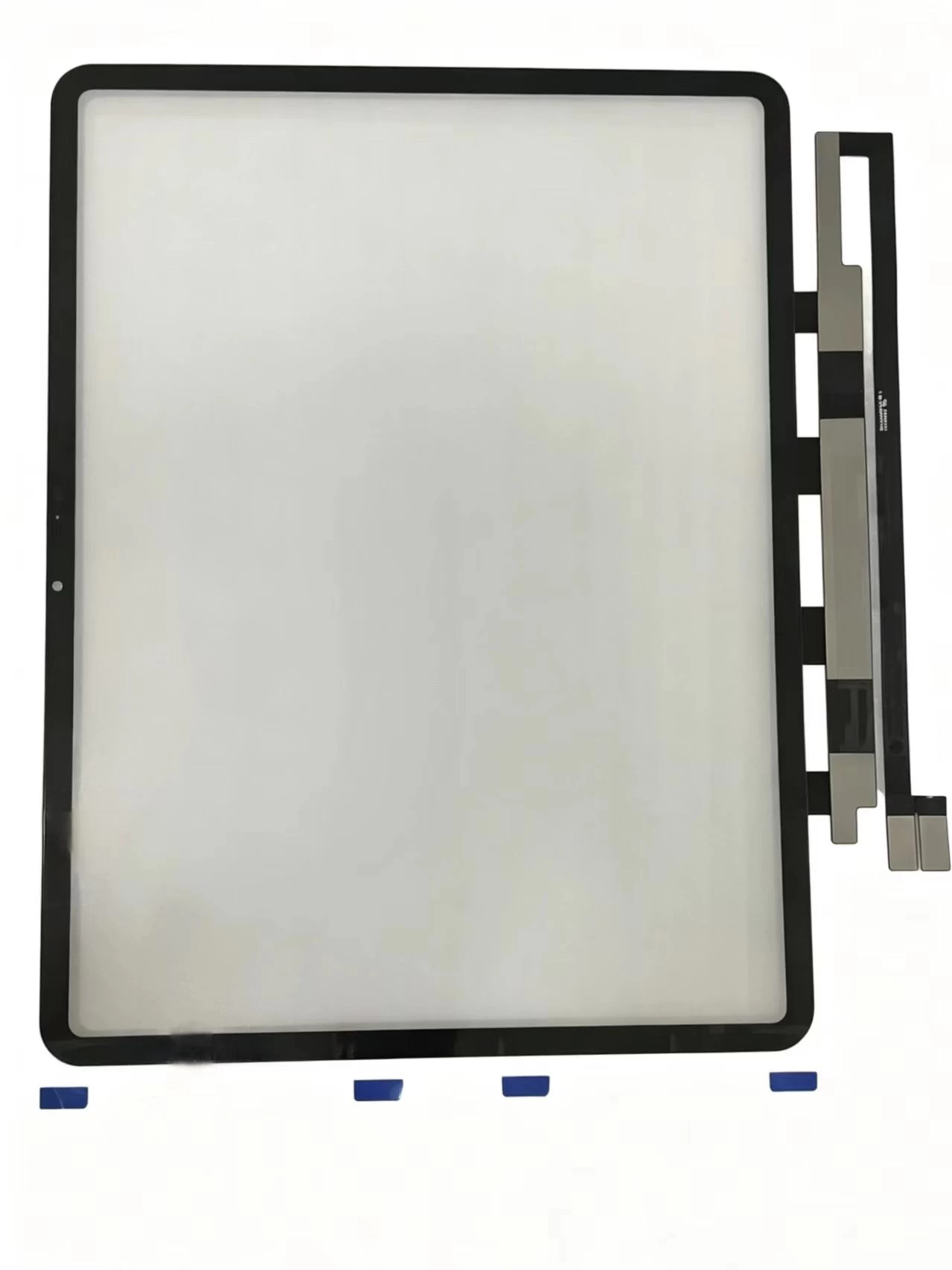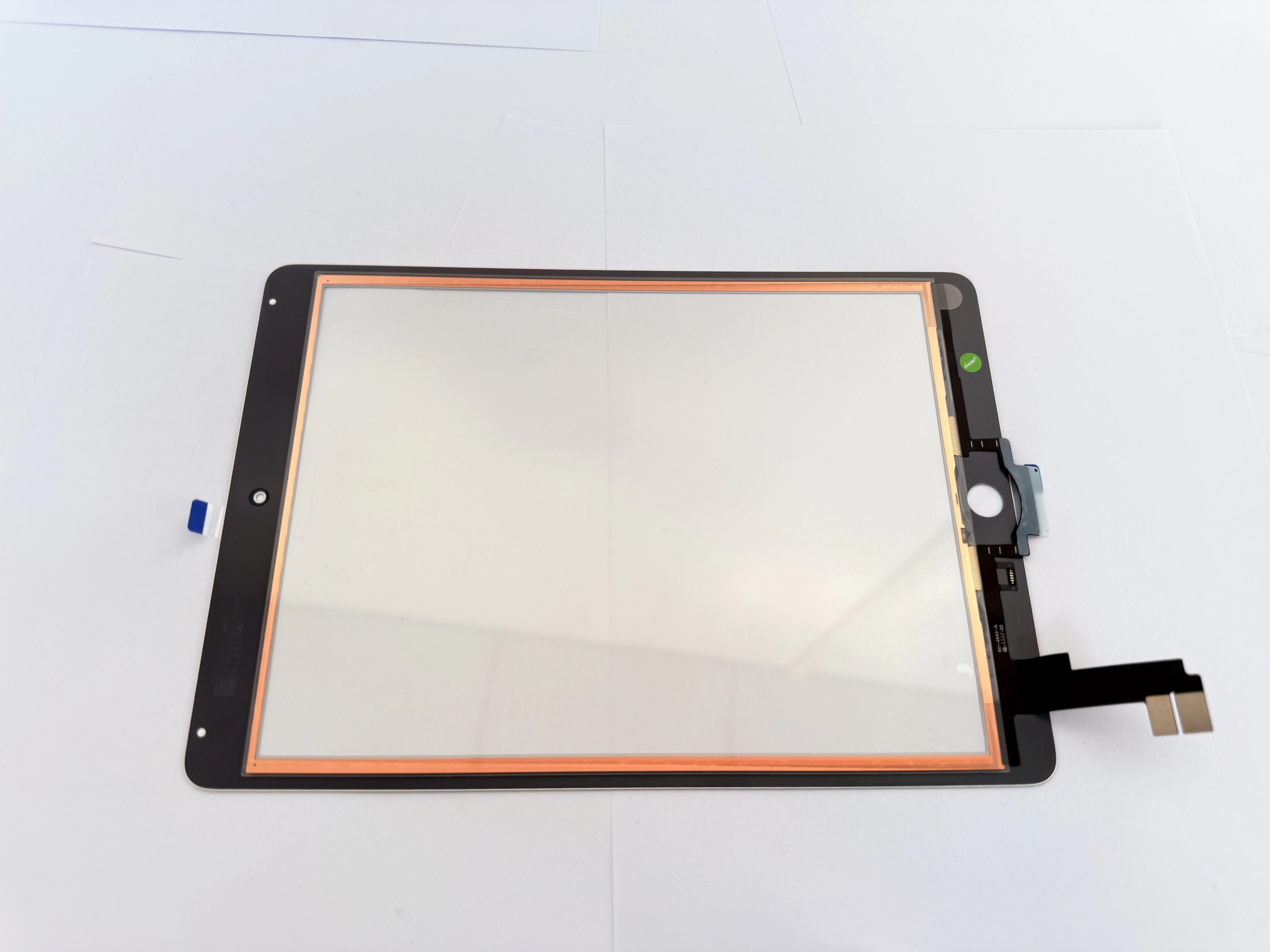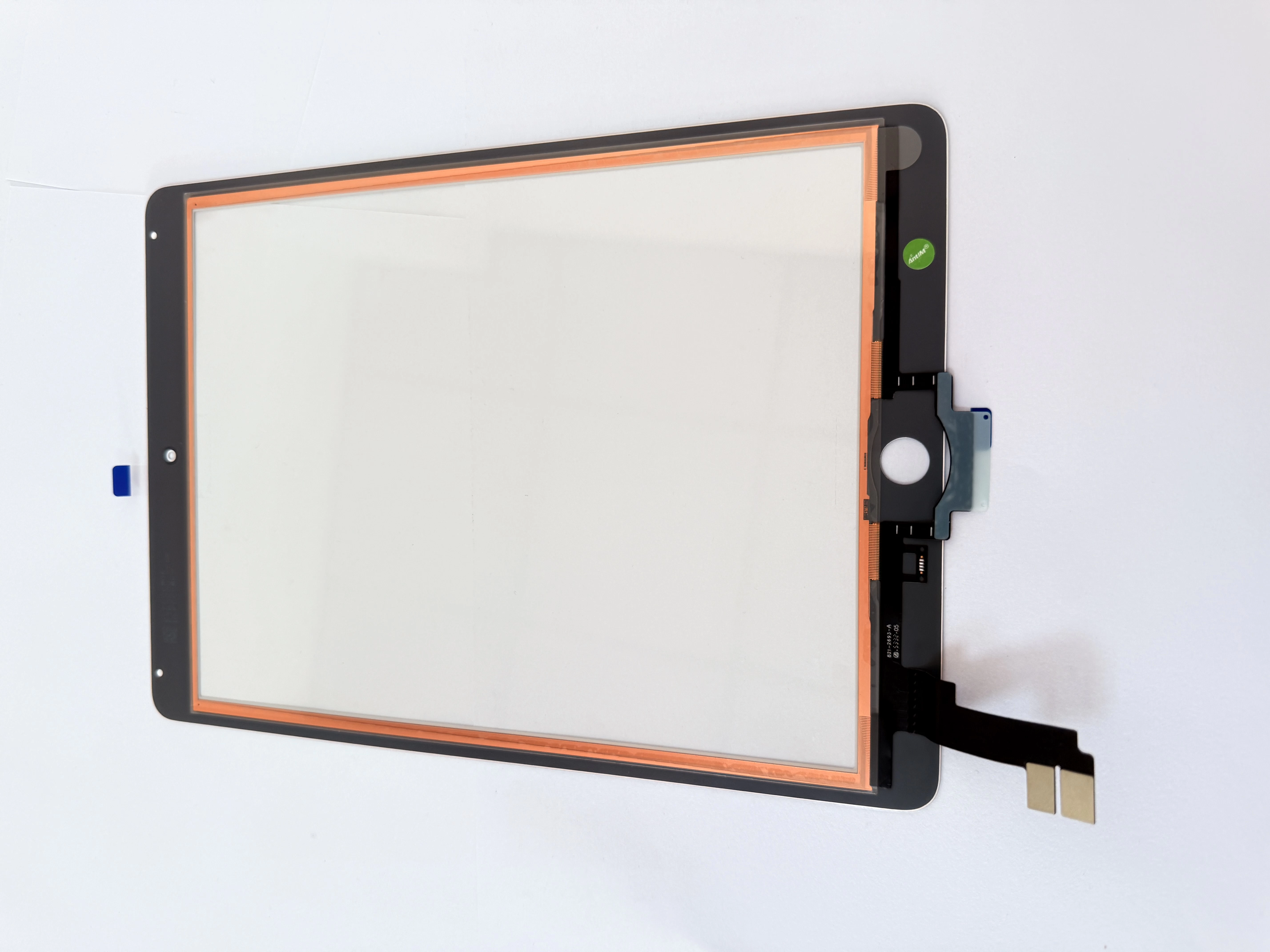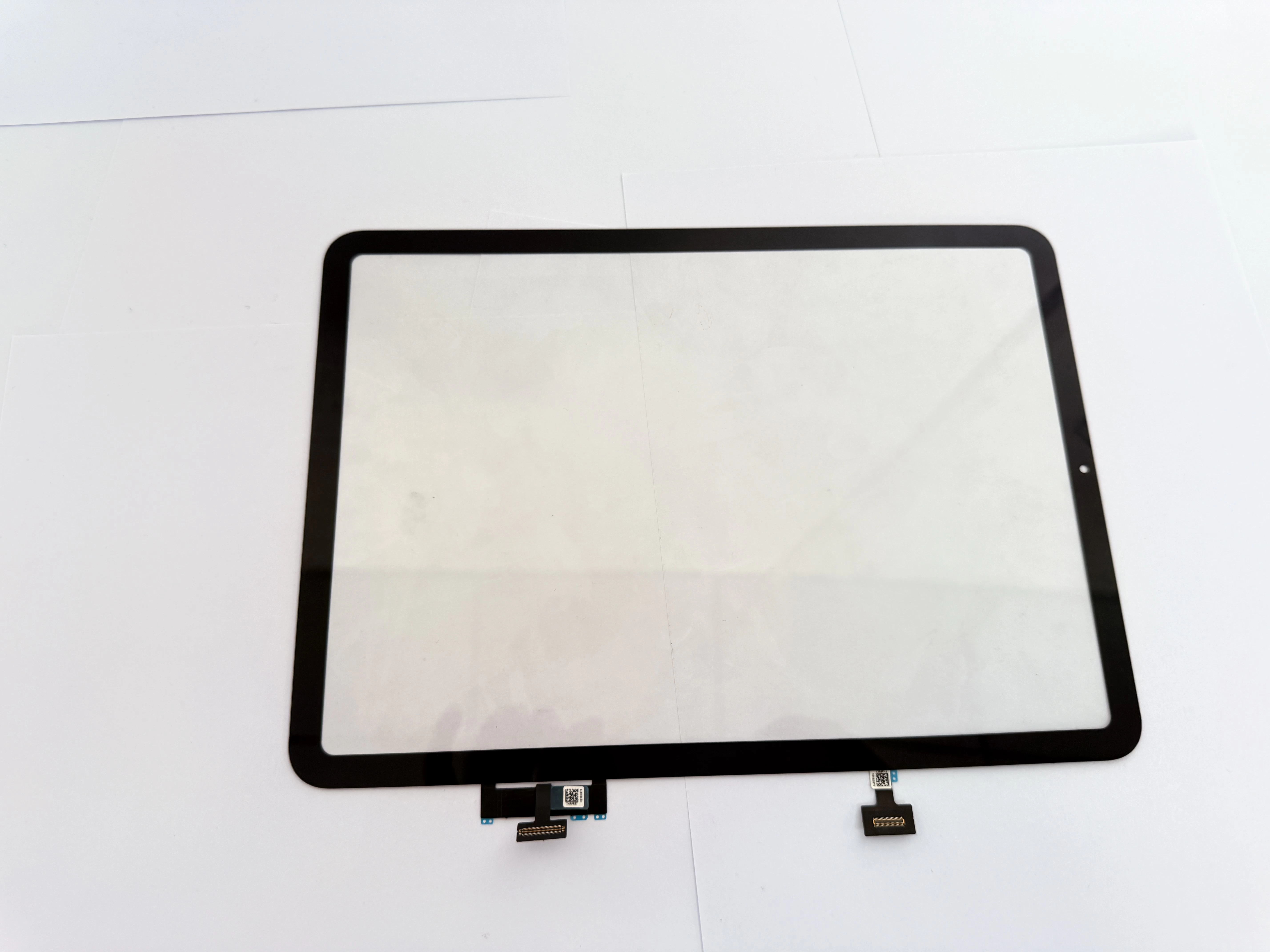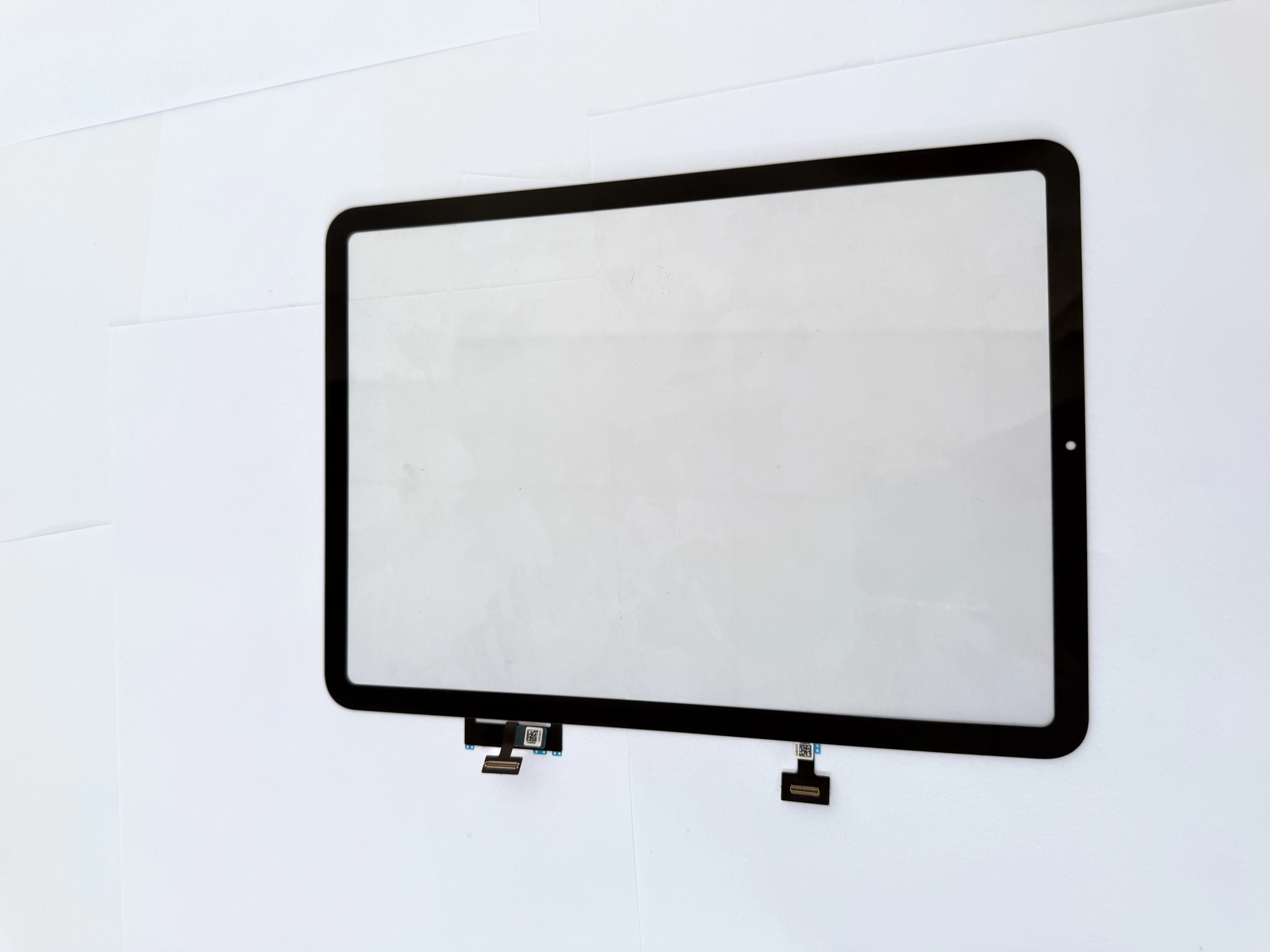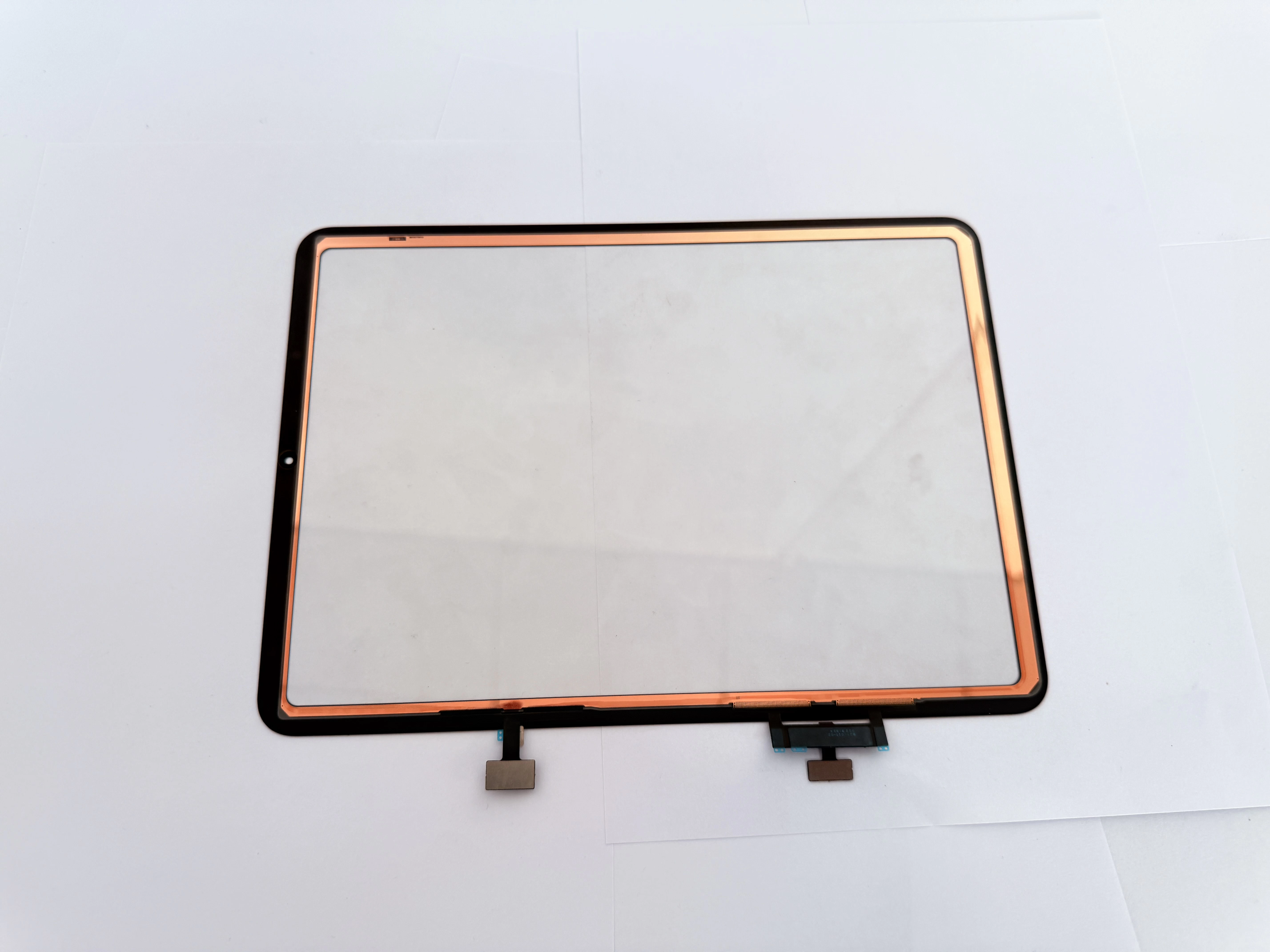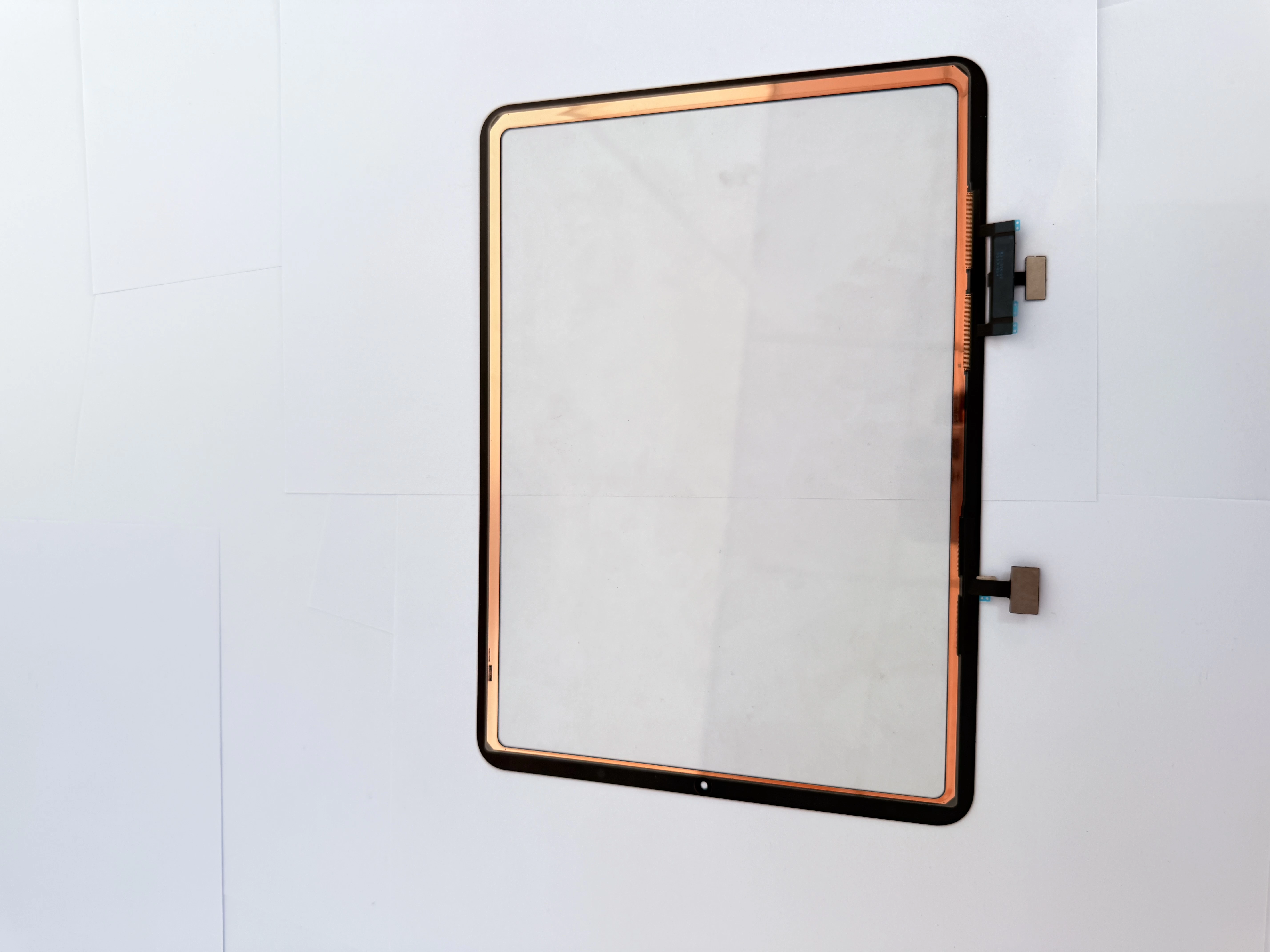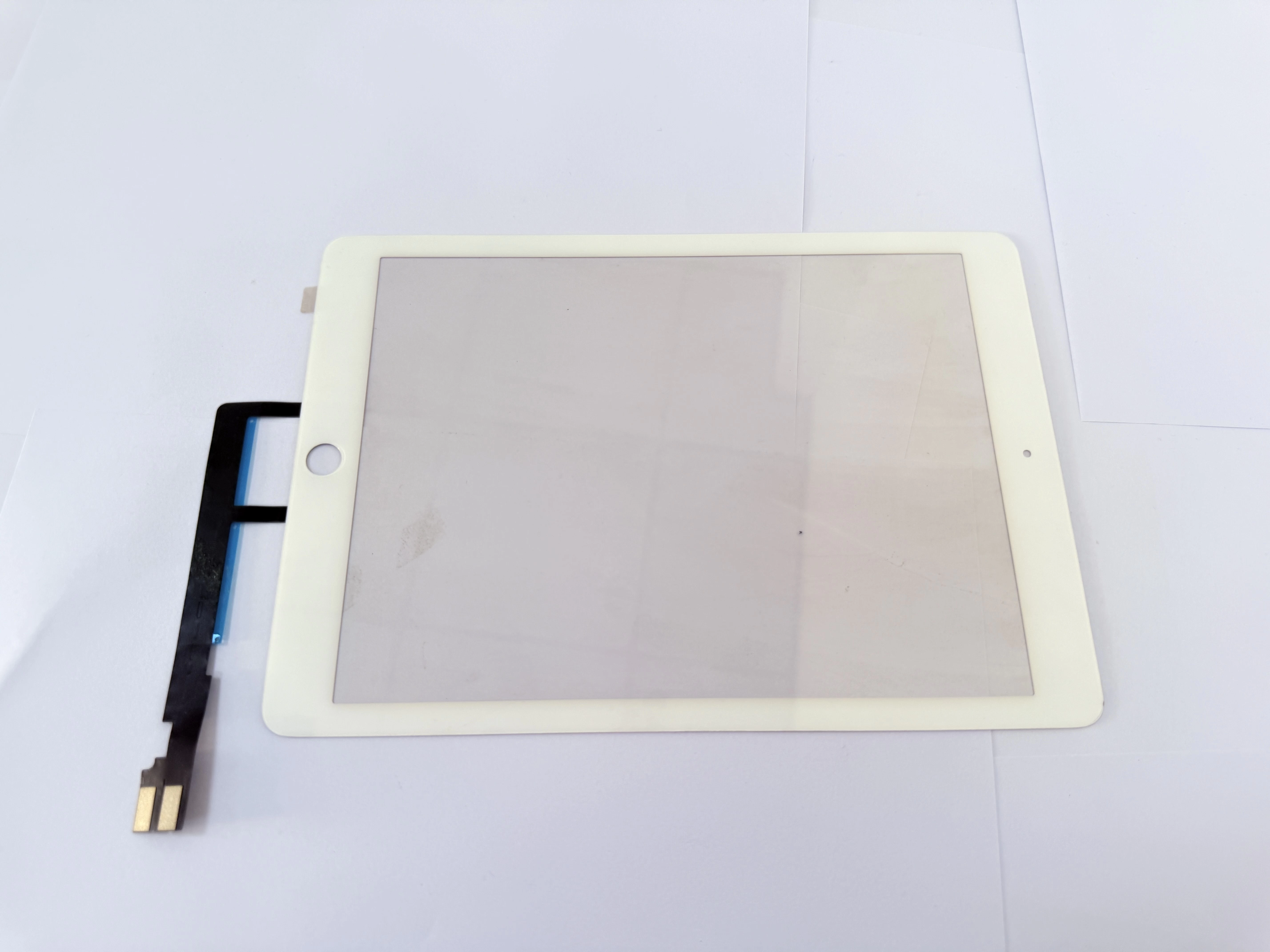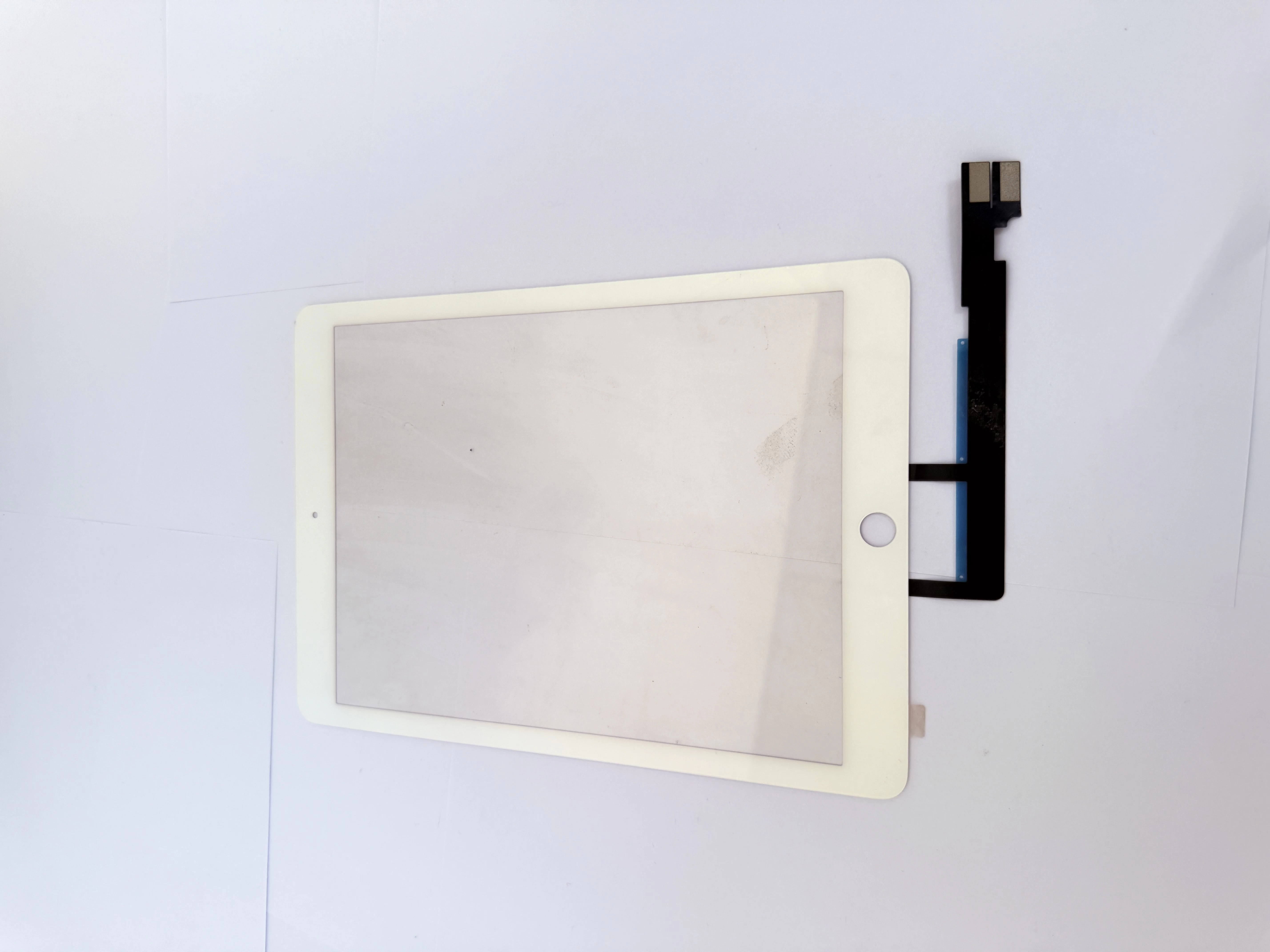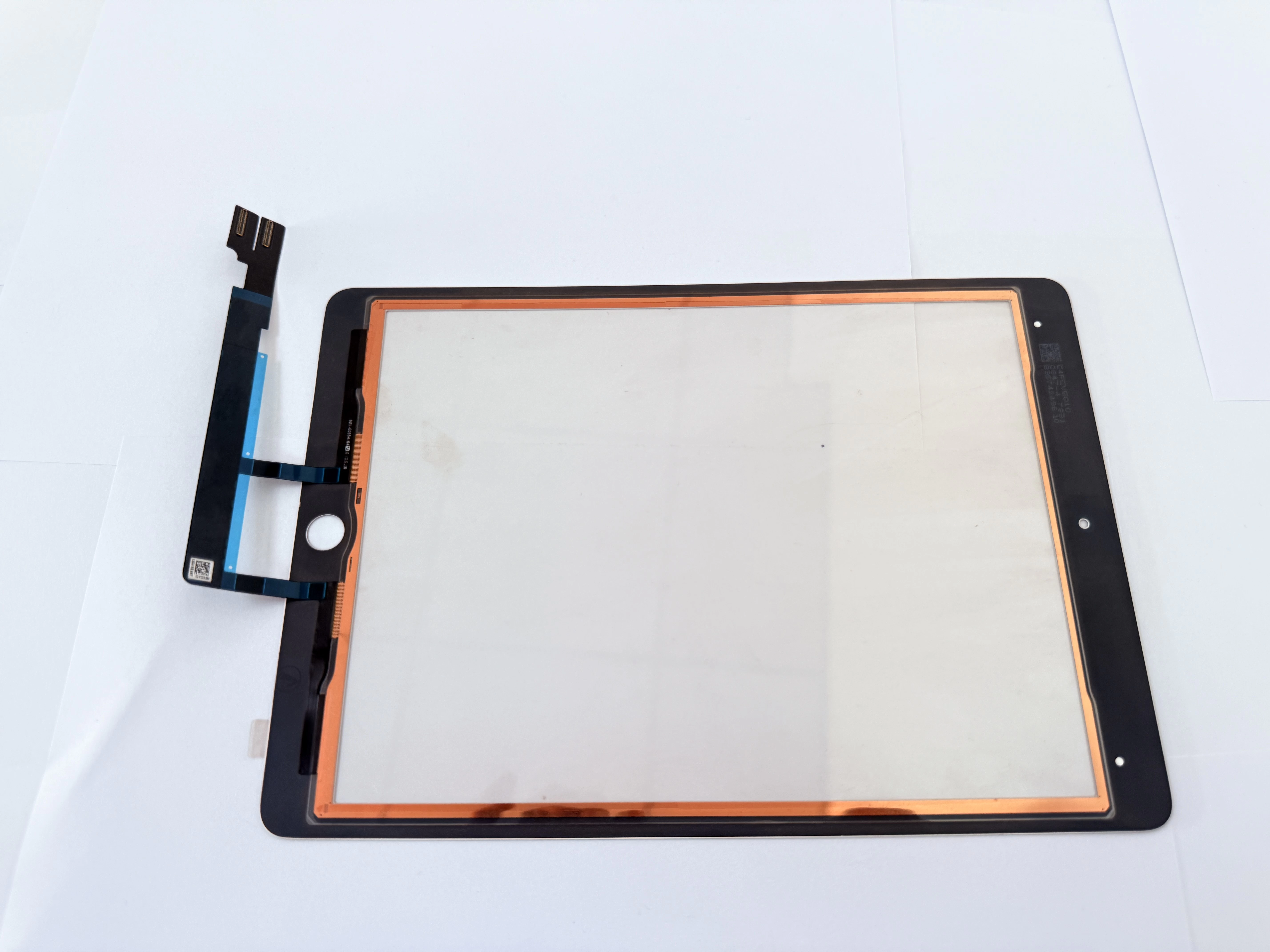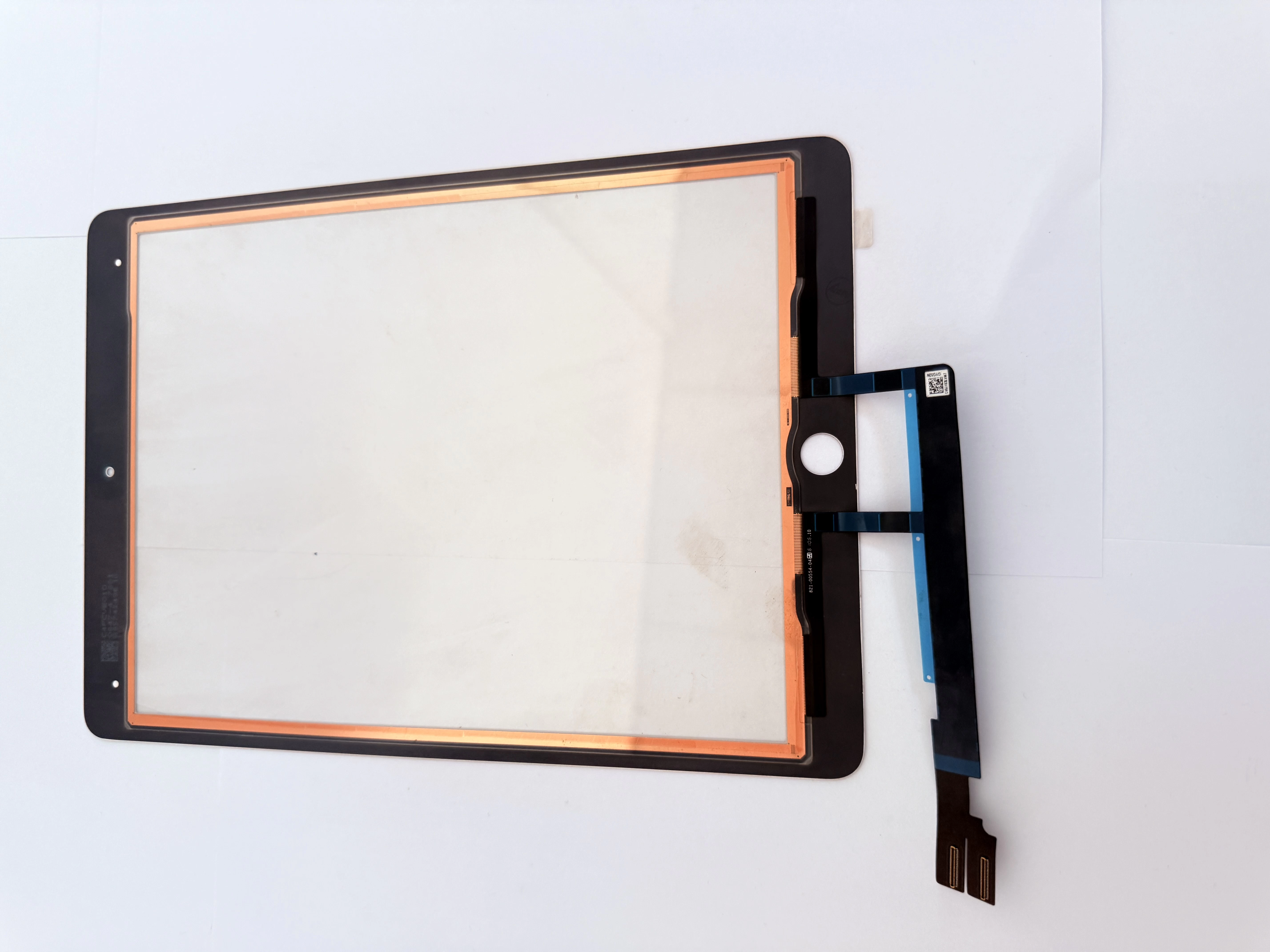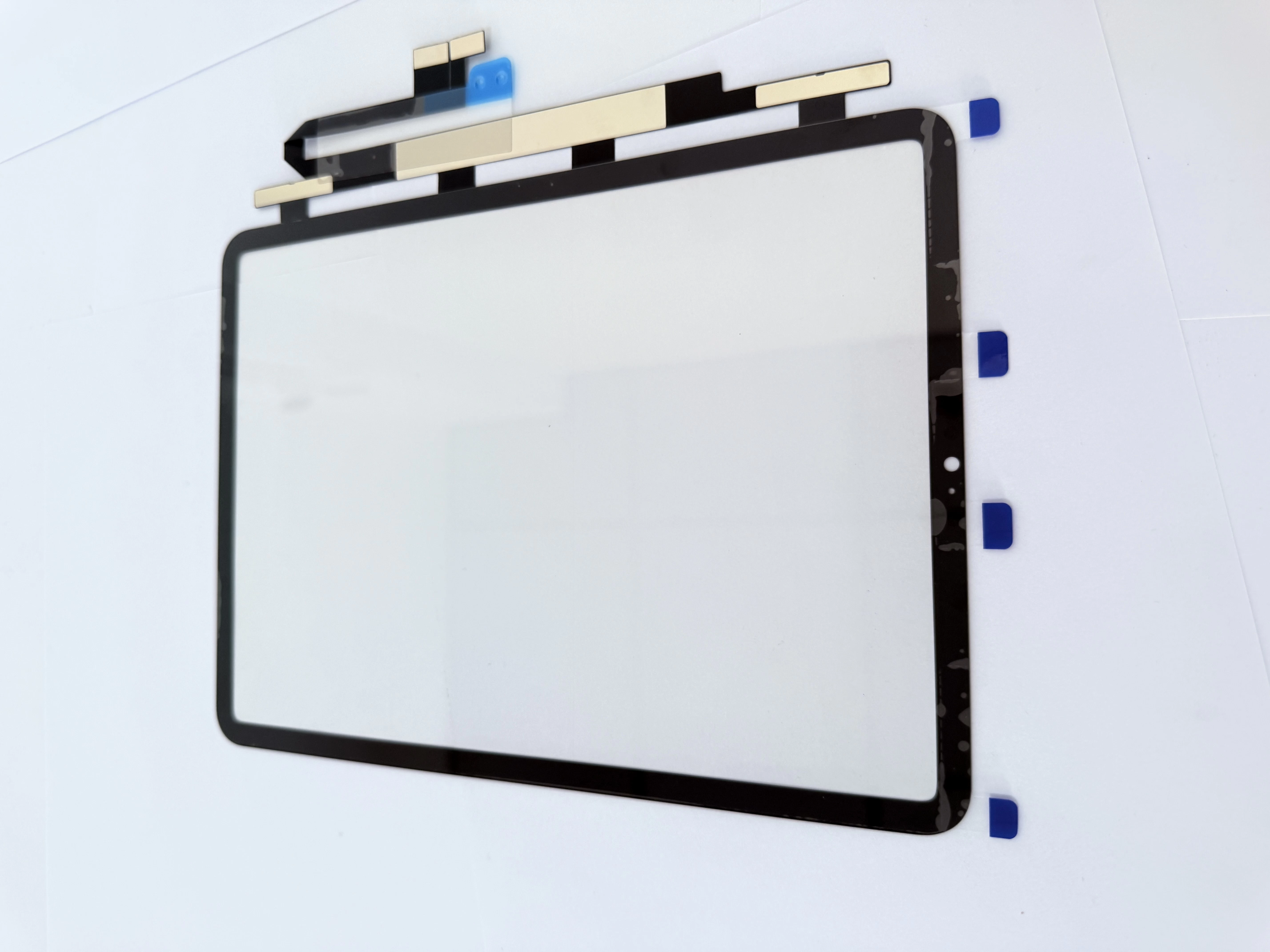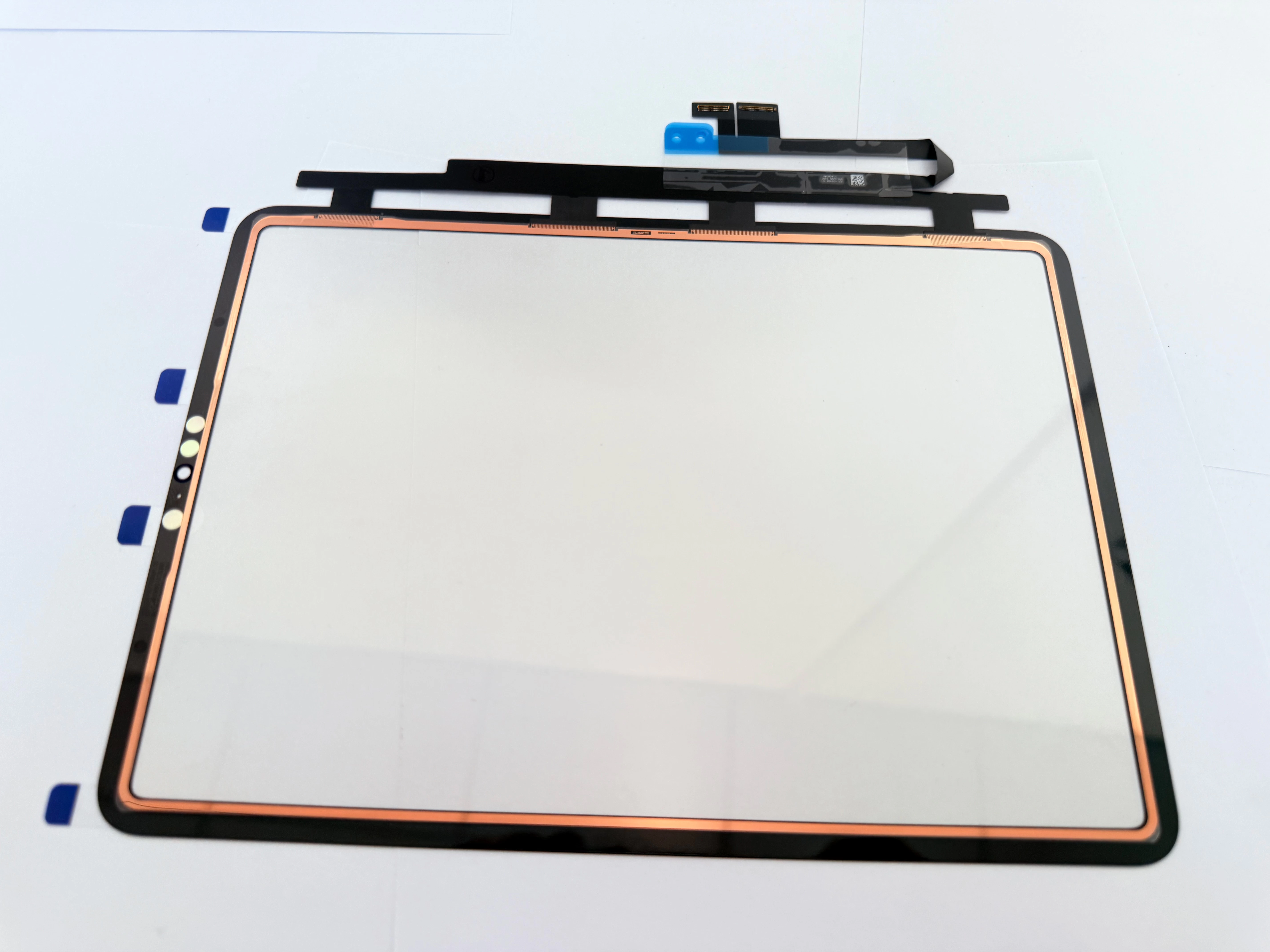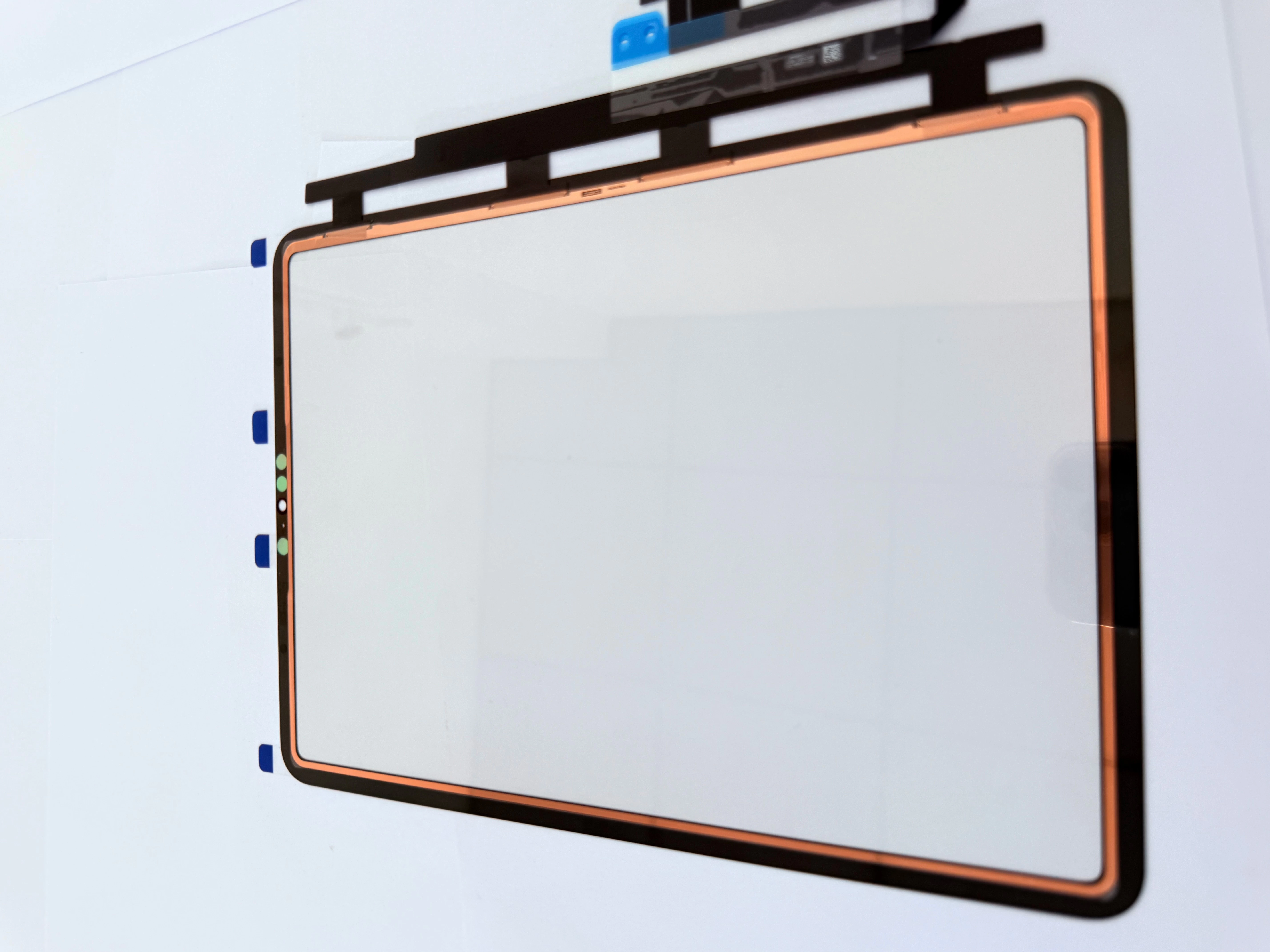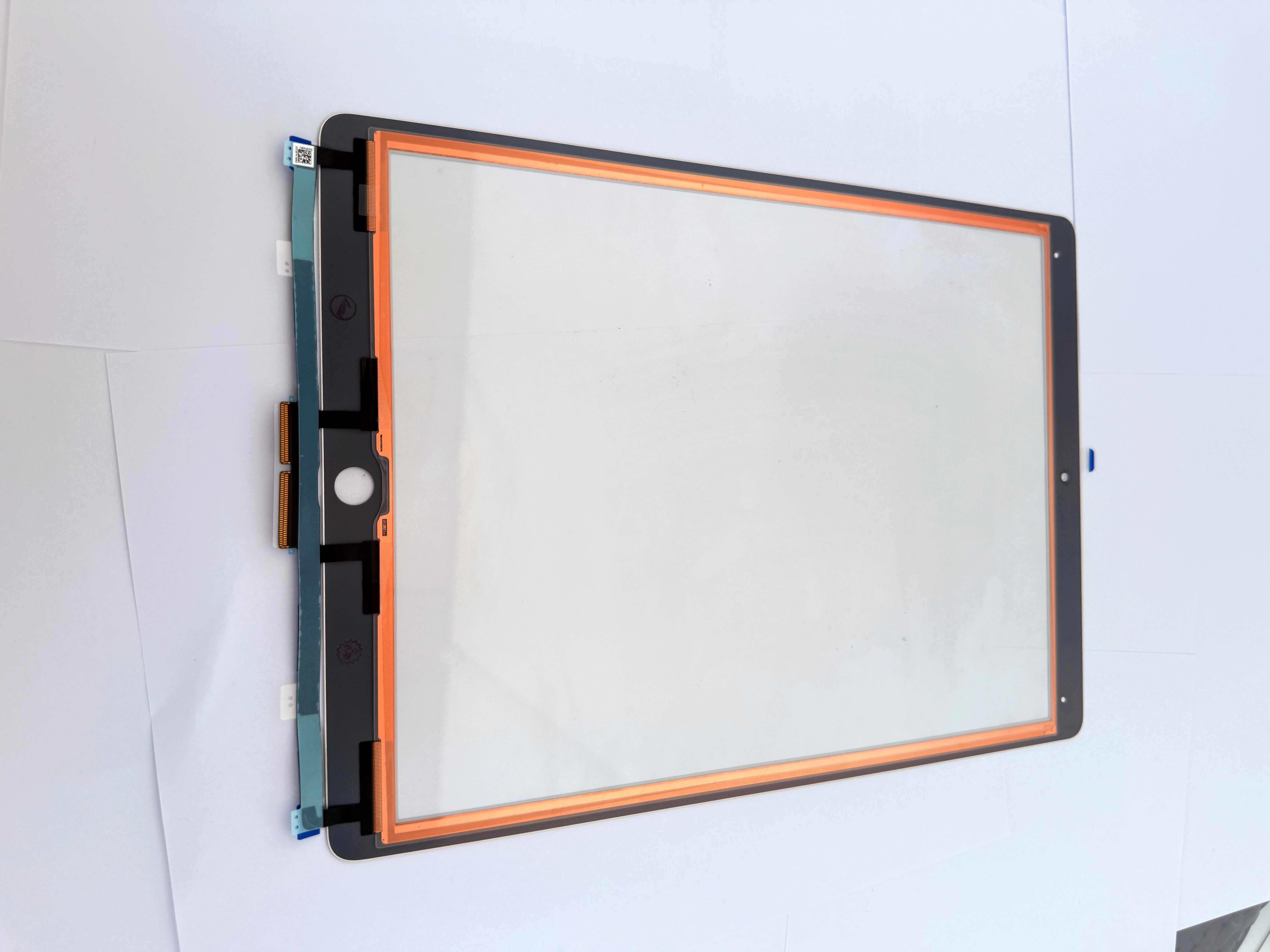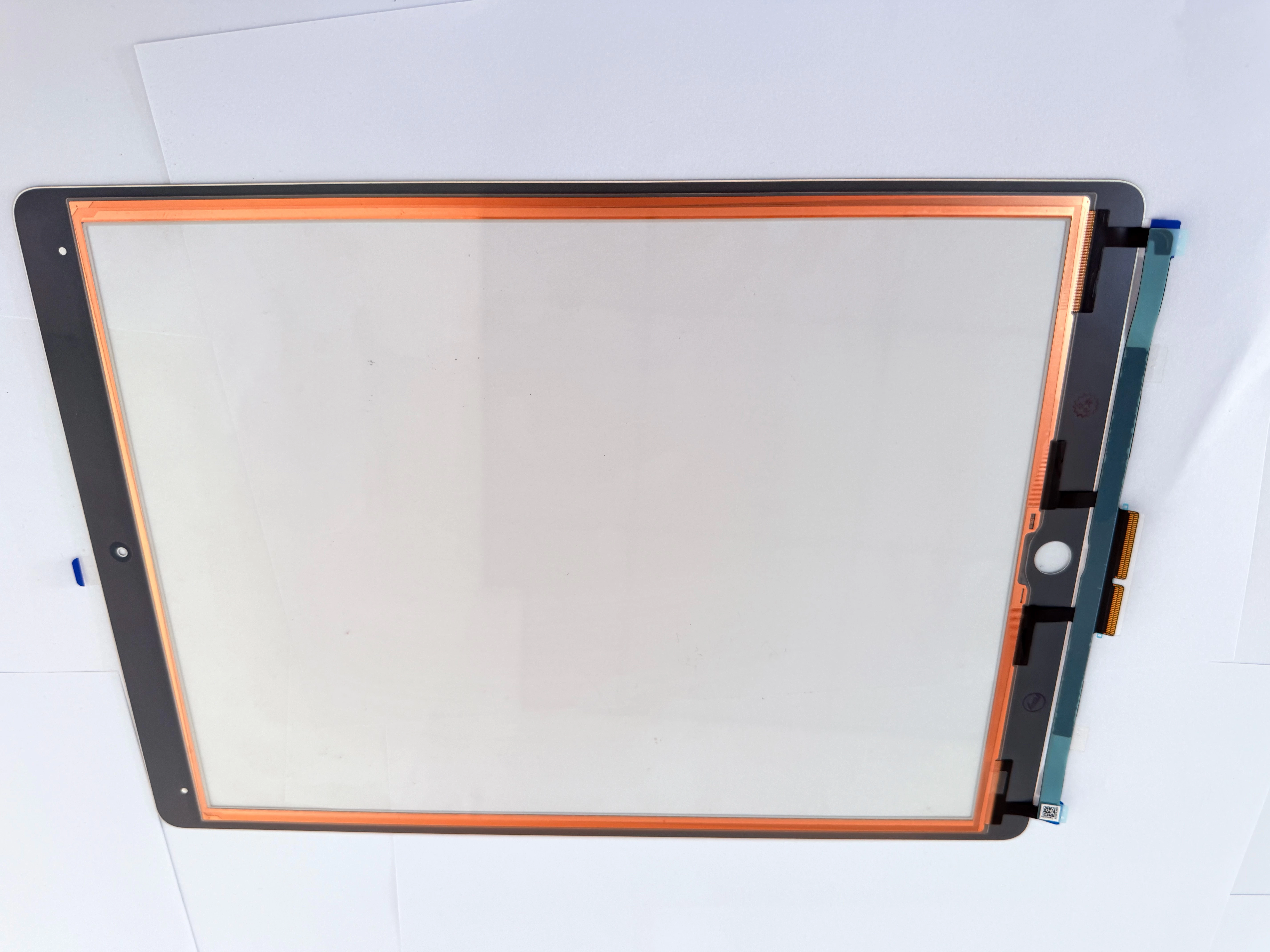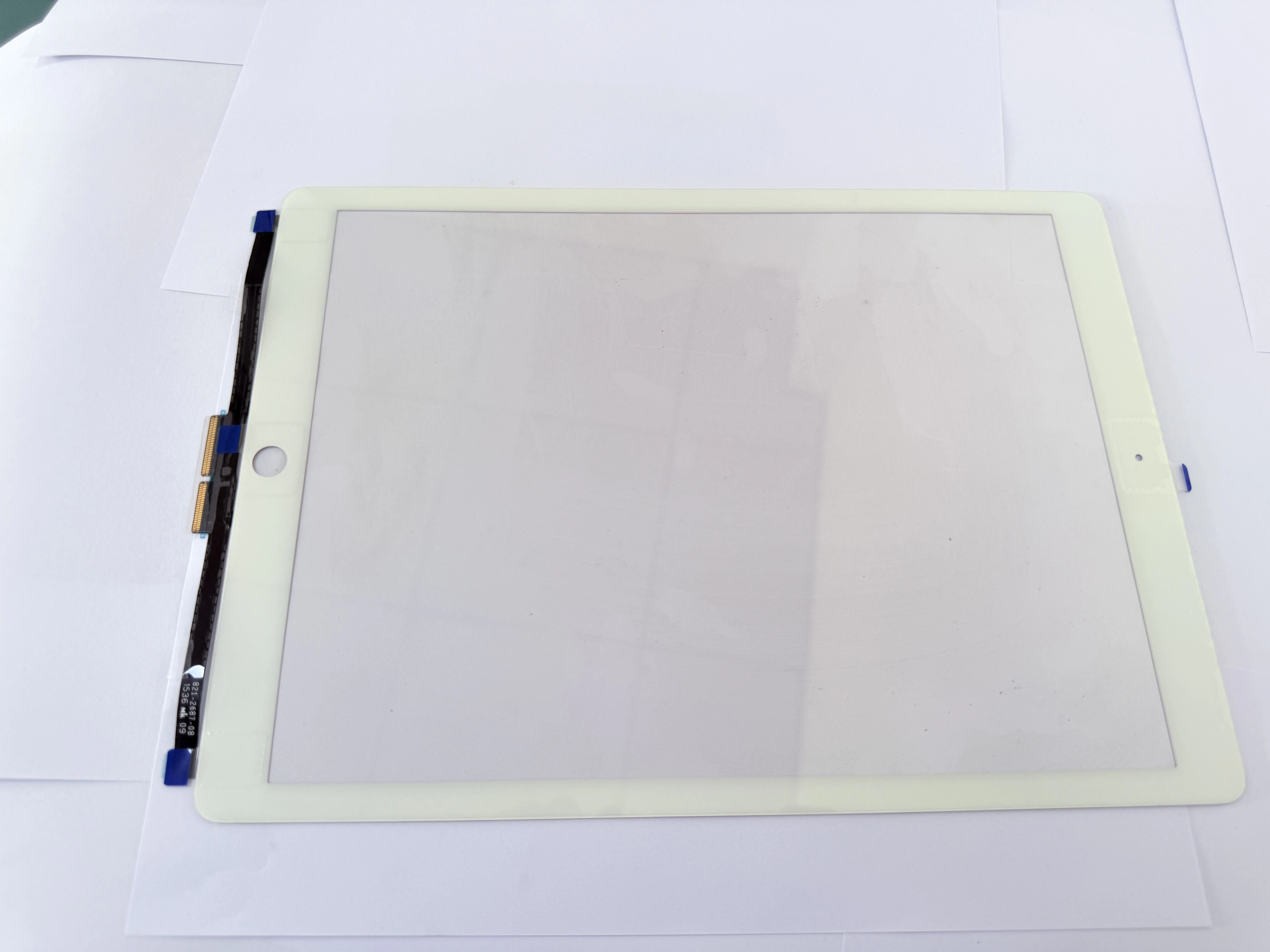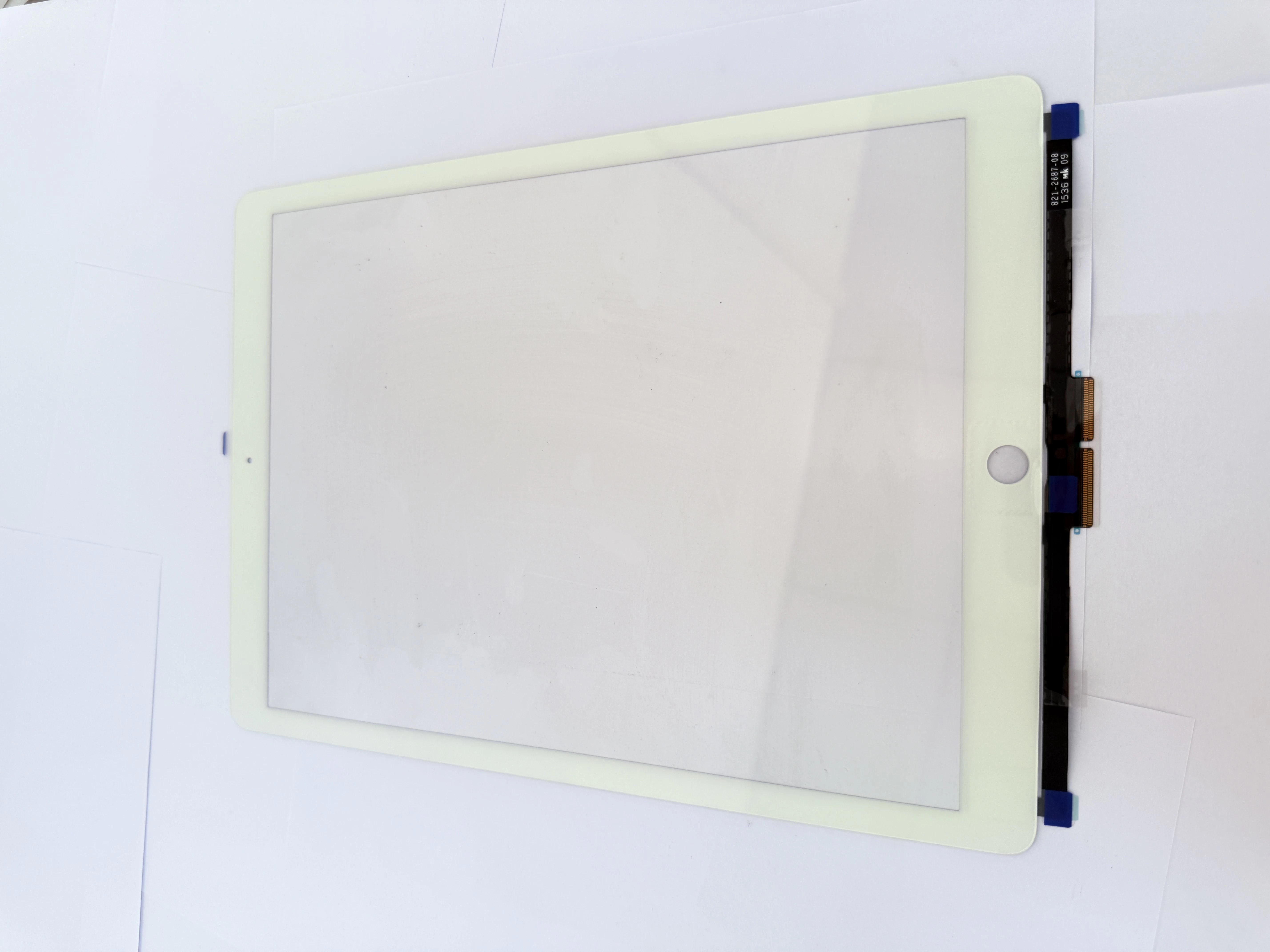
Is your iPad screen not responding correctly? Are you experiencing random ghost taps, dead touch zones, or a cracked outer glass while your display still shows clear images? If yes, your iPad does not need an expensive full LCD replacement — you only need an iPad touch digitizer replacement.
Many iPad users waste hundreds of dollars on full screen assembly repairs when only the outer touch layer is damaged. The digitizer is the top glass layer responsible for all touch input, while the internal LCD controls picture display. If your screen image is normal but touch functions fail, the digitizer is the only faulty part.

Common symptoms of a broken iPad digitizer include ghost touch, partial touch failure, slow screen response, cracked front glass, and complete touch disability. These issues are extremely common on iPad Air, iPad Mini, and standard iPad models after drops or daily wear.
Replacing an aftermarket iPad digitizer is the most cost-effective repair solution for individual users and small repair shops. High-quality replacement digitizers support full multi-touch functions, offer precise cutouts for cameras and sensors, and deliver the same smooth experience as original screens.
Instead of paying expensive official repair fees, DIY digitizer replacement allows you to fix your iPad quickly with affordable replacement parts and basic repair tools.