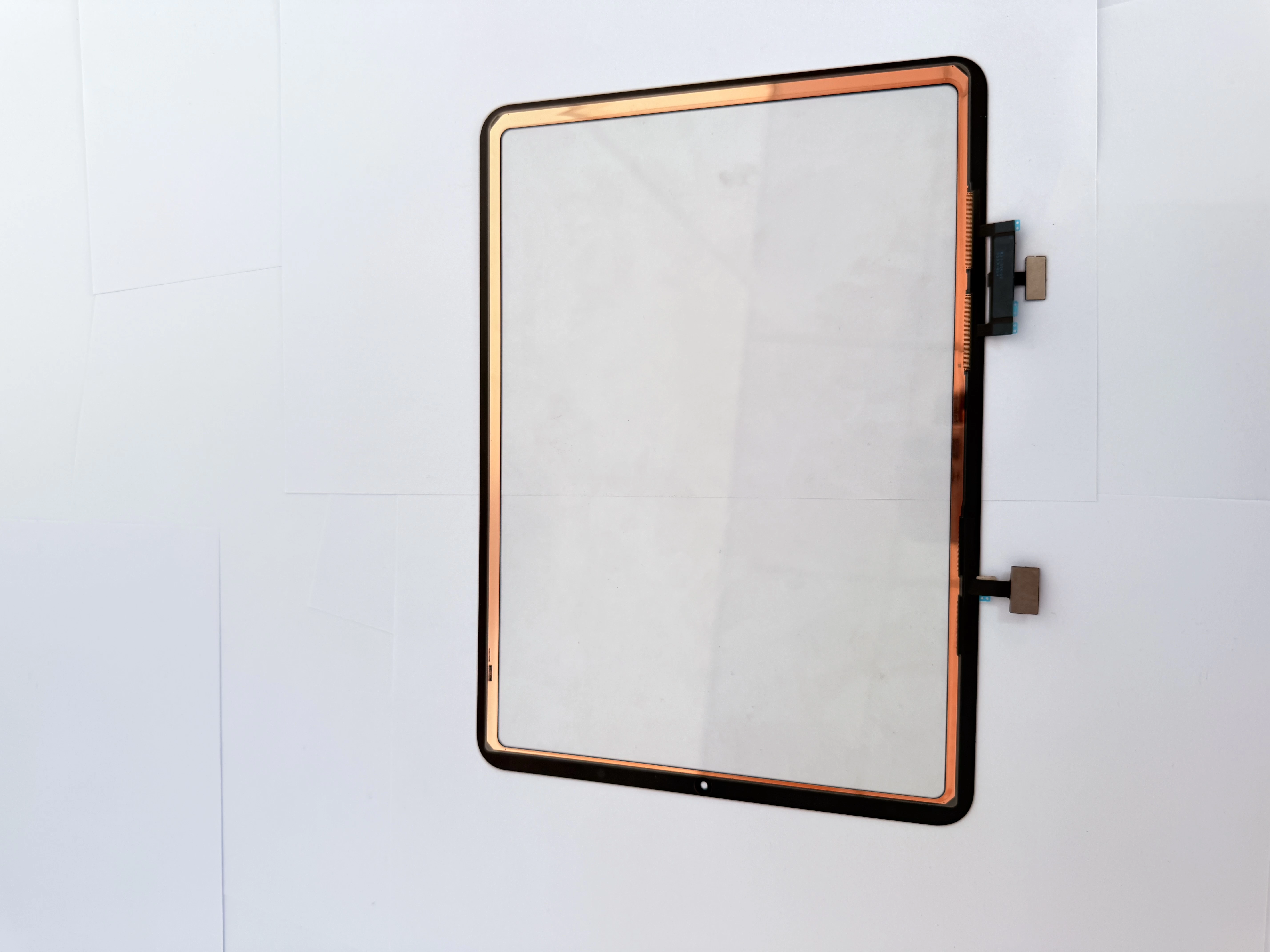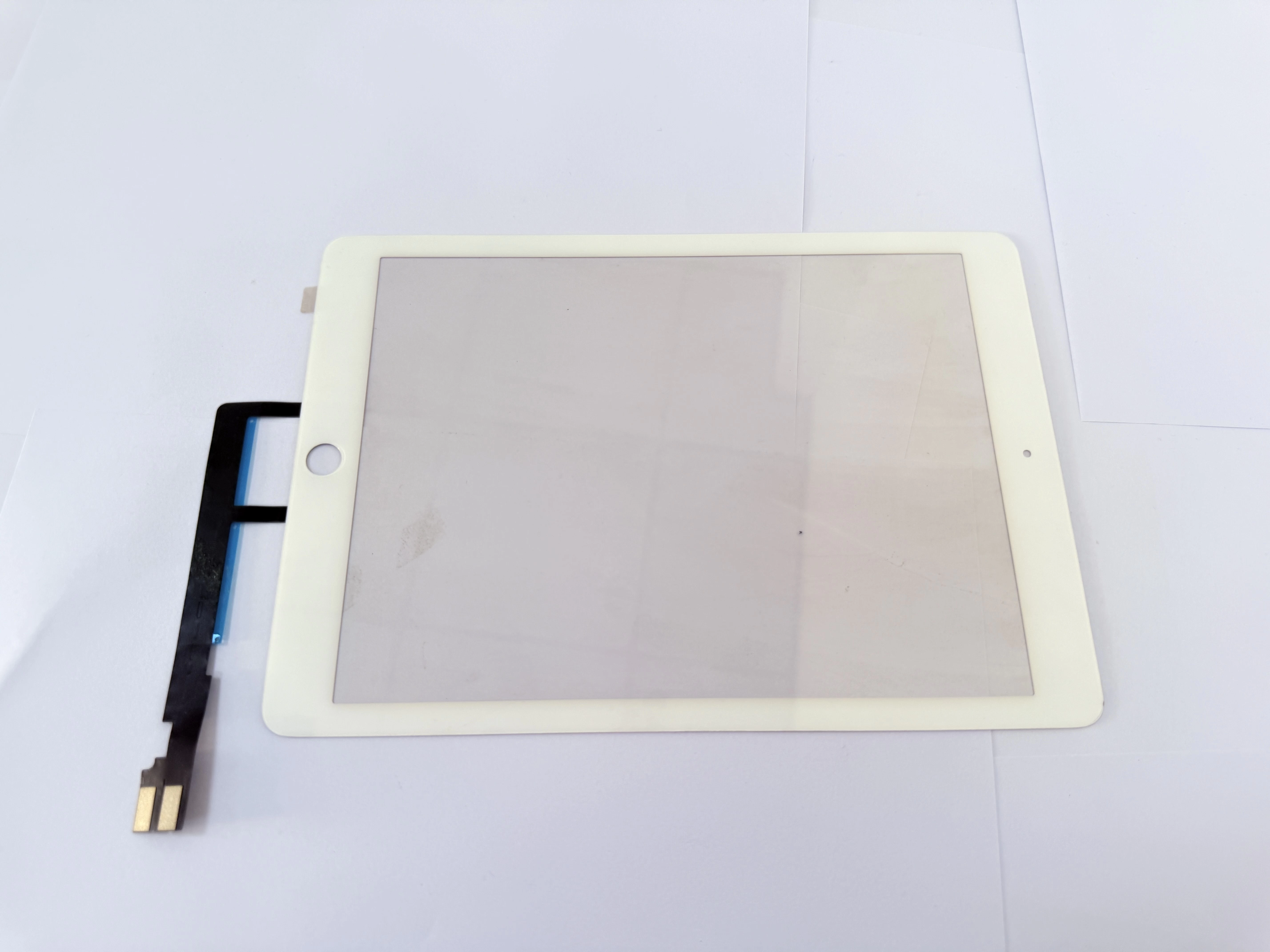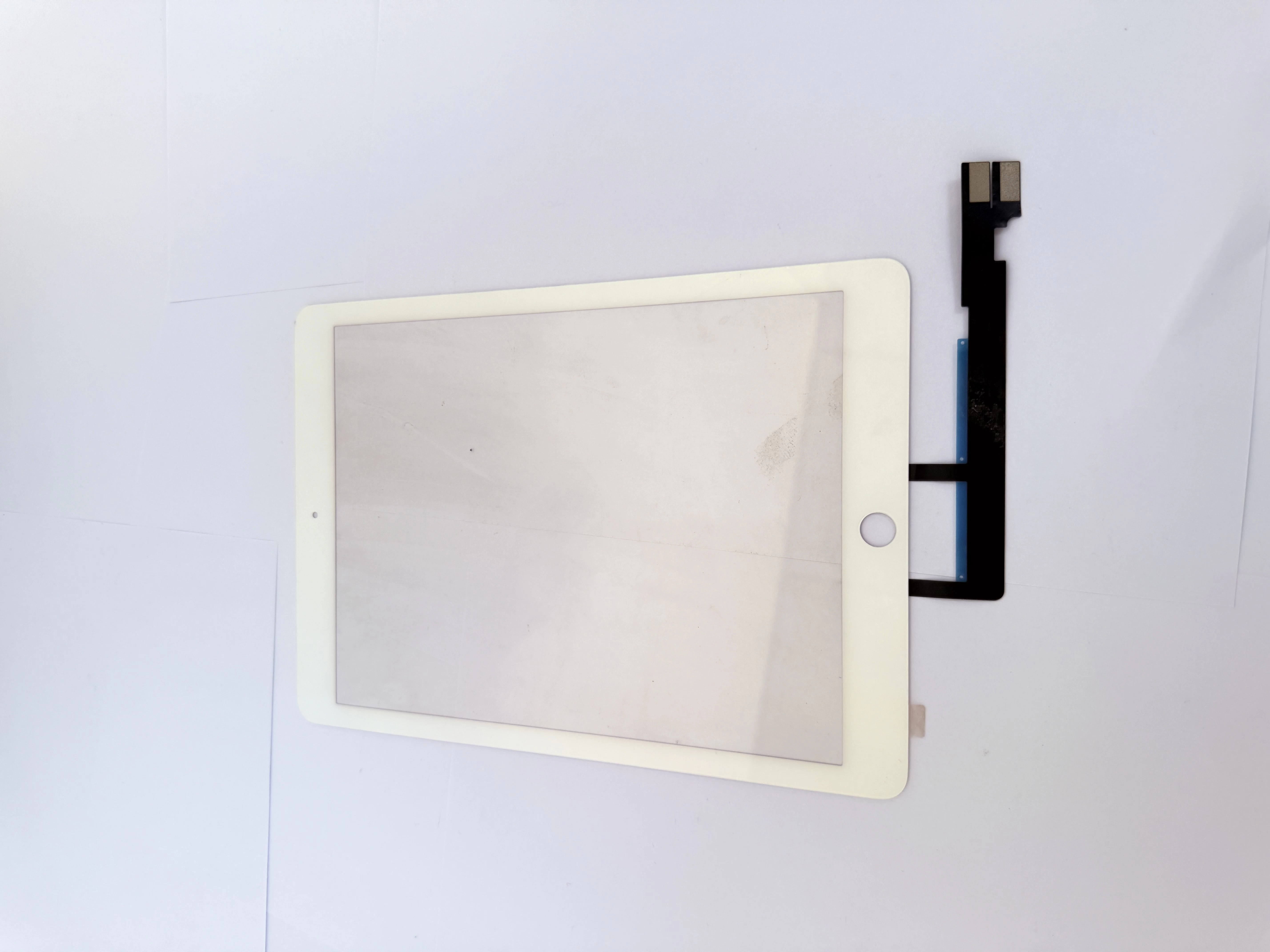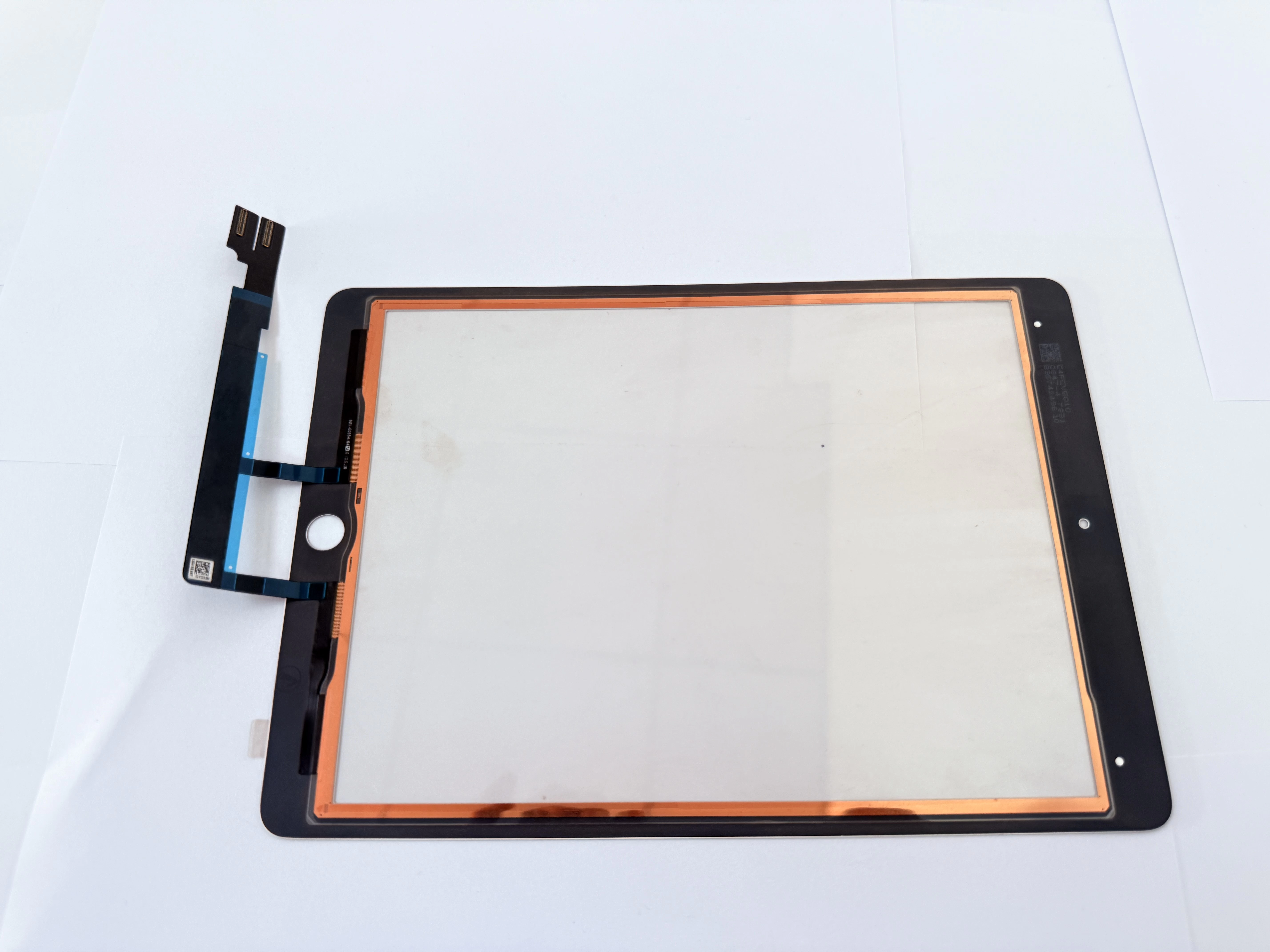
- Low sensitivity: No response when writing lightly with non-original styluses;
- Signal interference: Intermittent disconnection when charging or near electromagnetic devices;
- Drift: Inconsistent writing position in edge areas of the screen.
- Optimize touch scanning parameters to improve recognition of passive capacitive styluses;
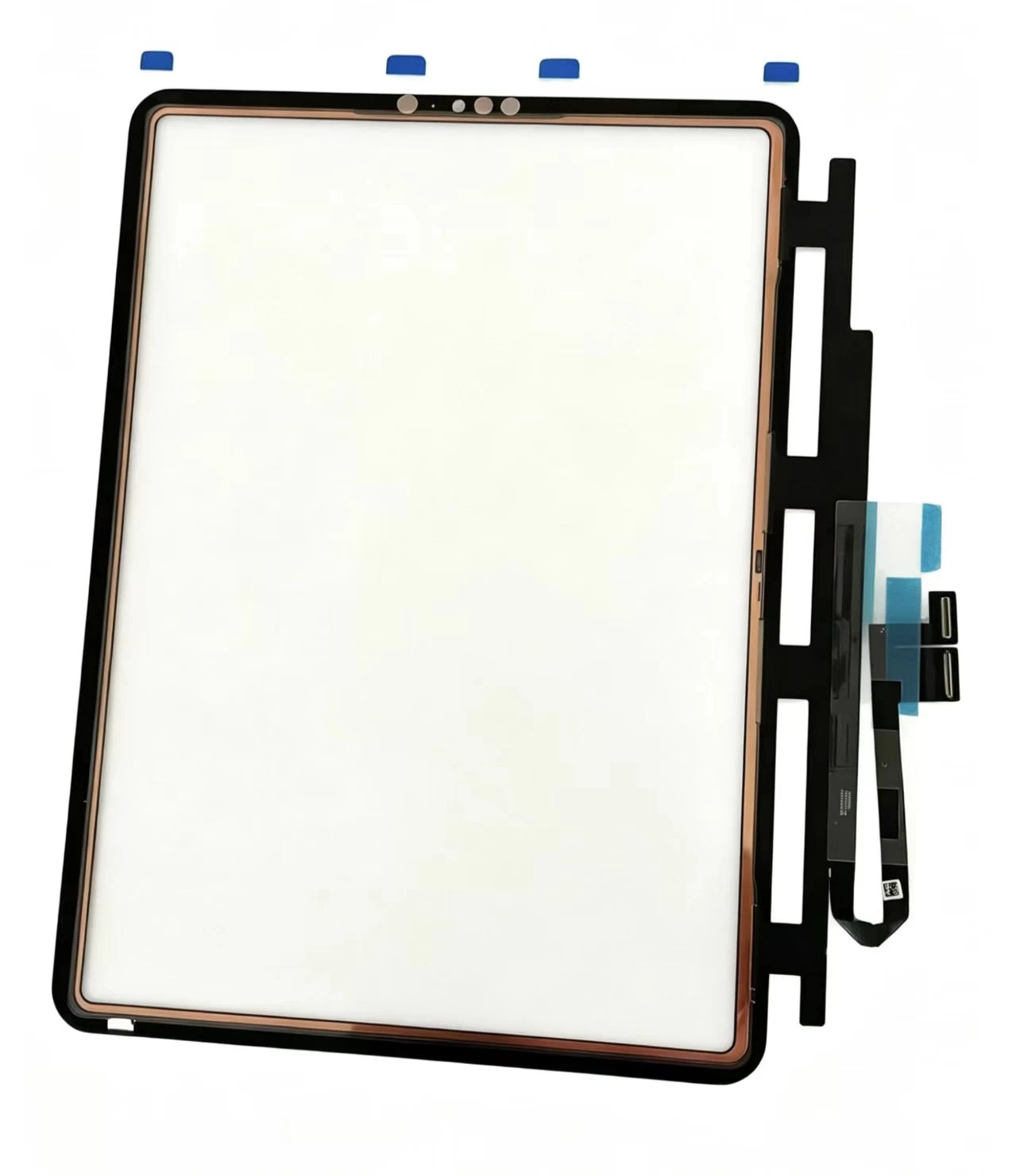
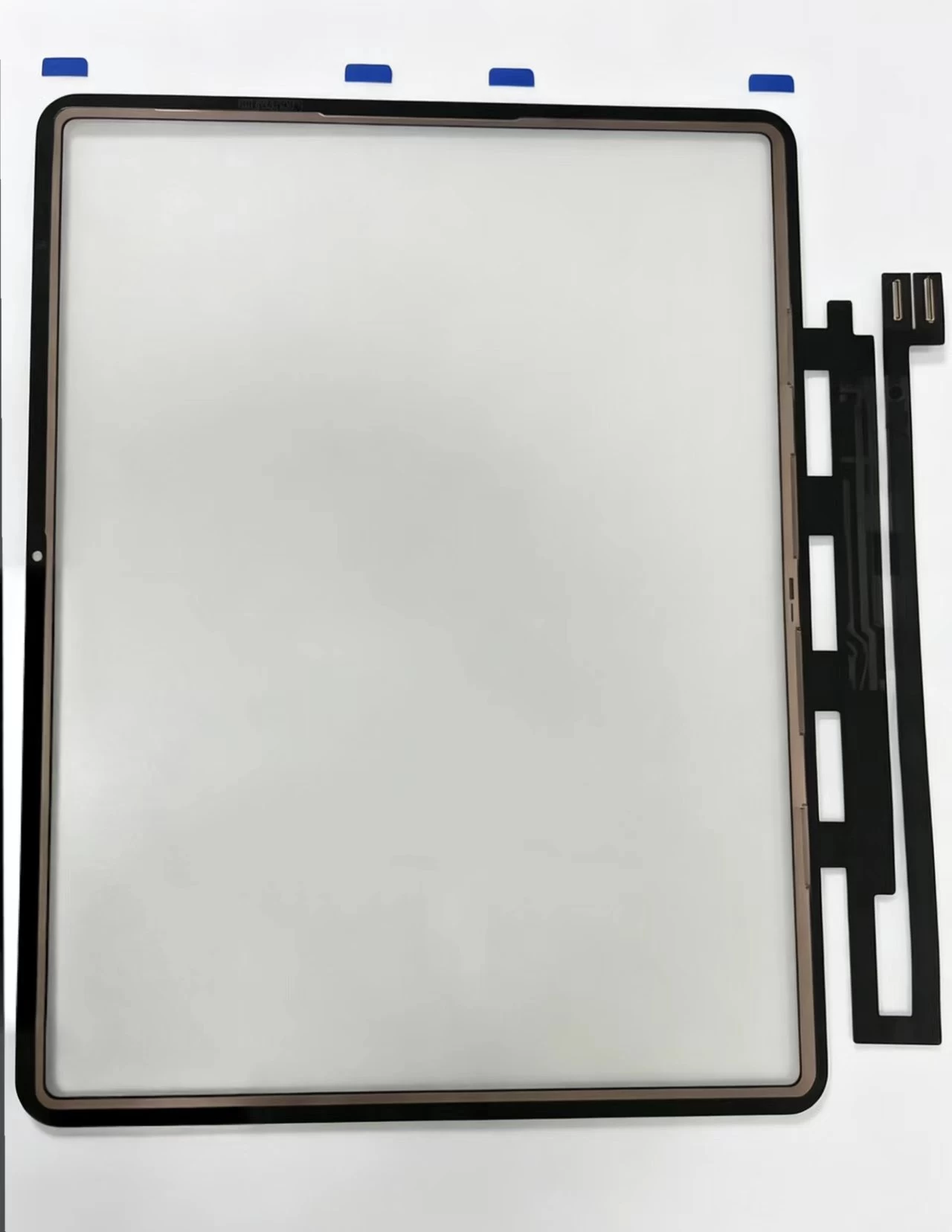
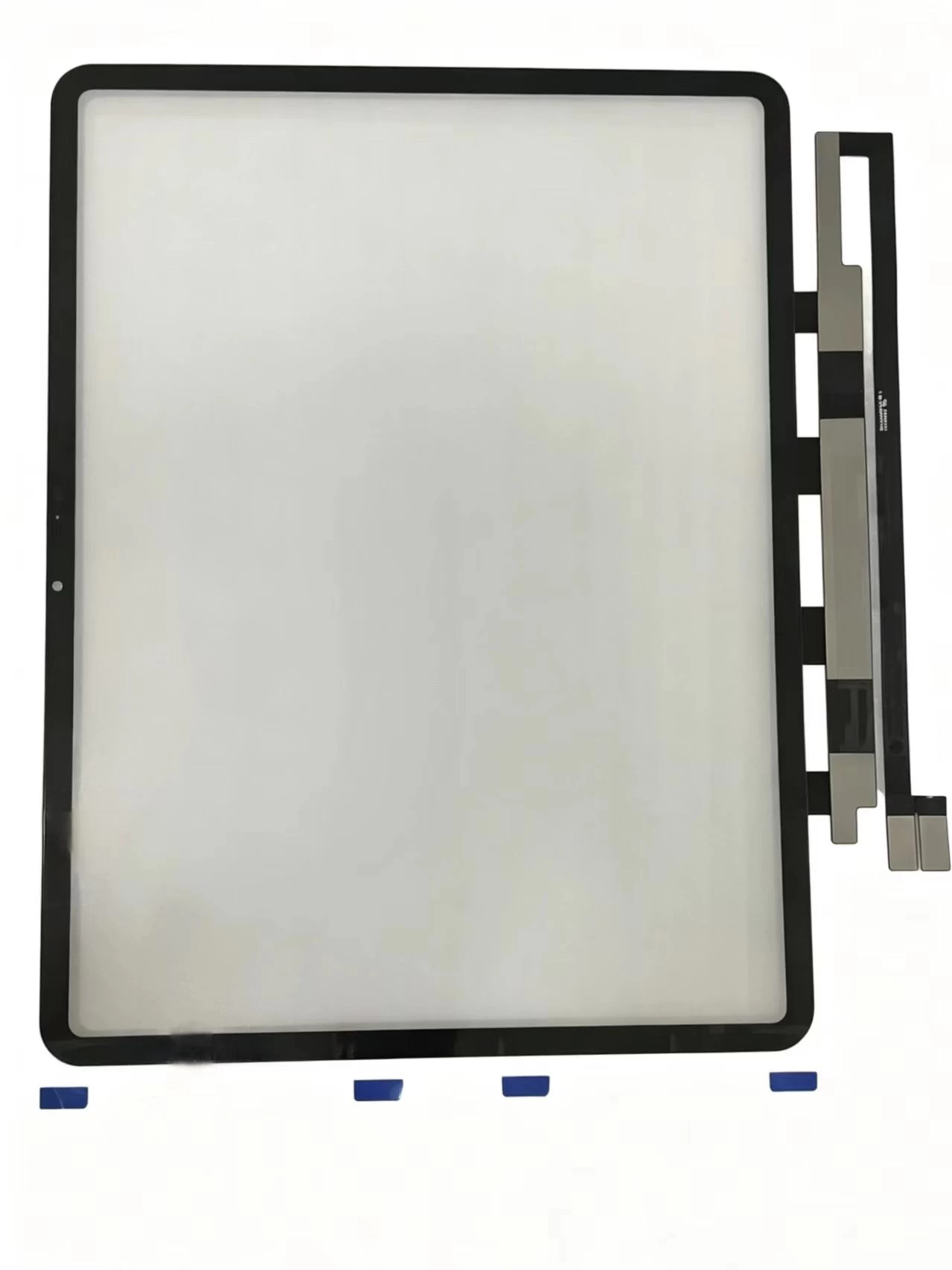
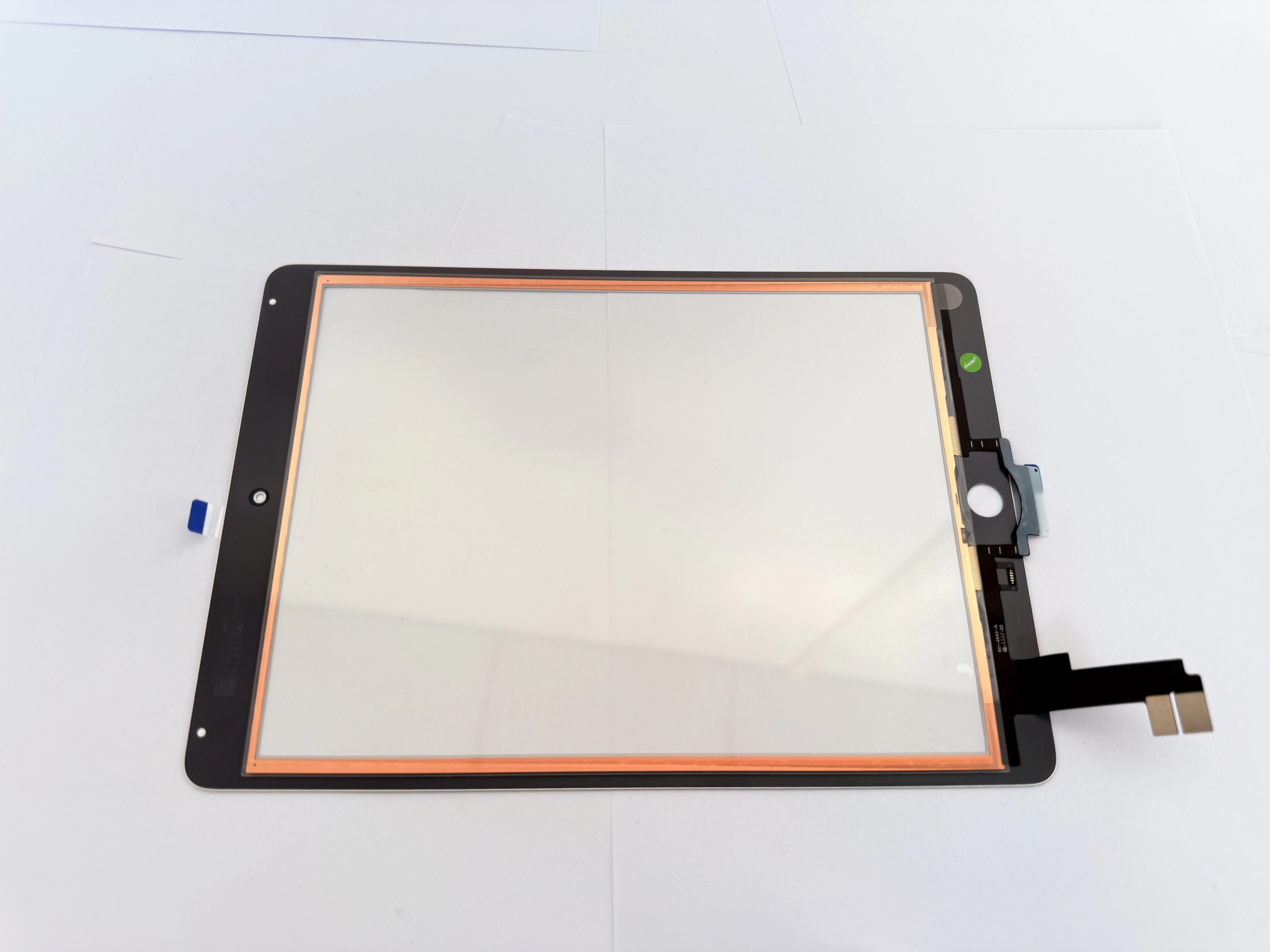
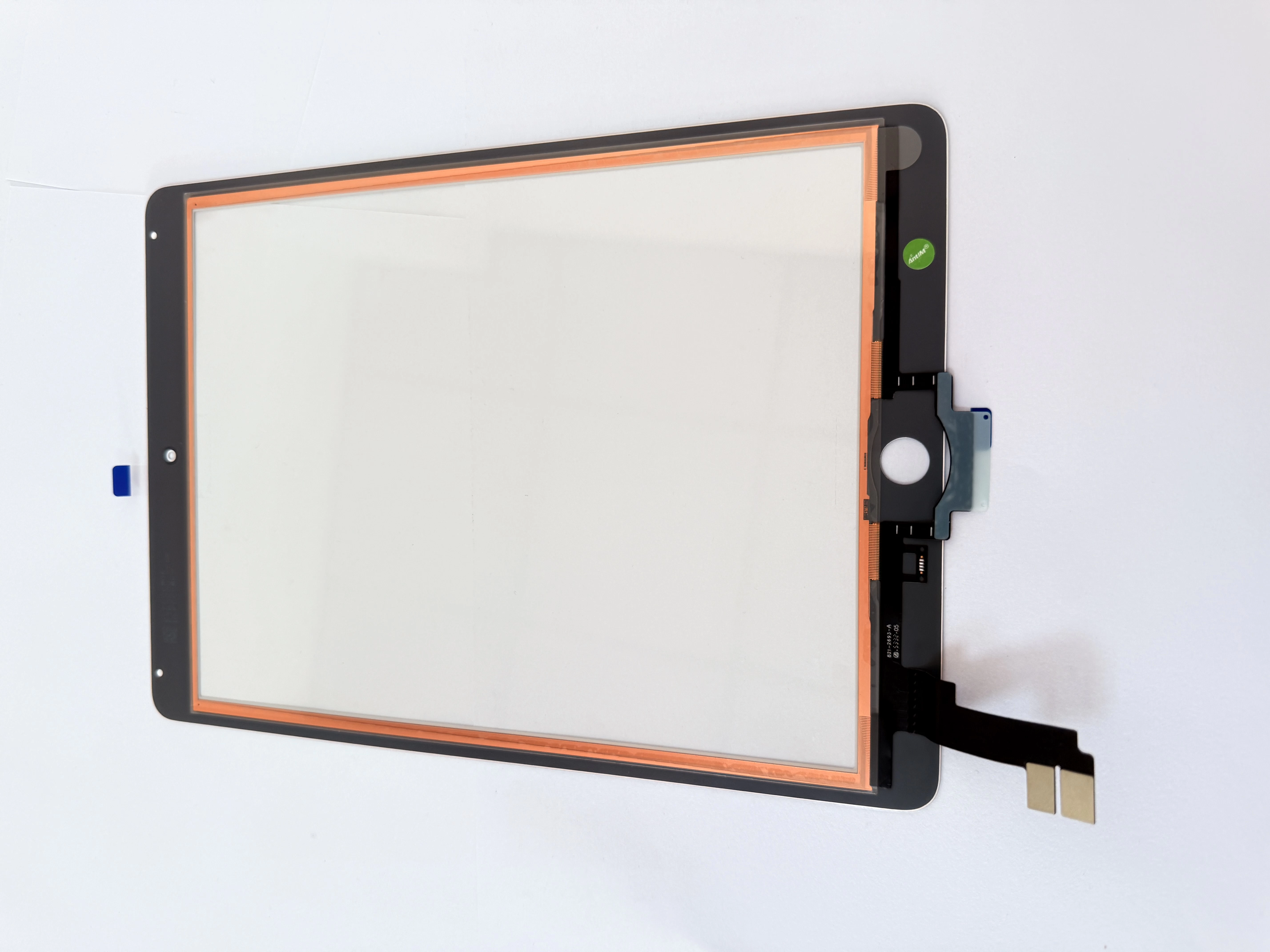
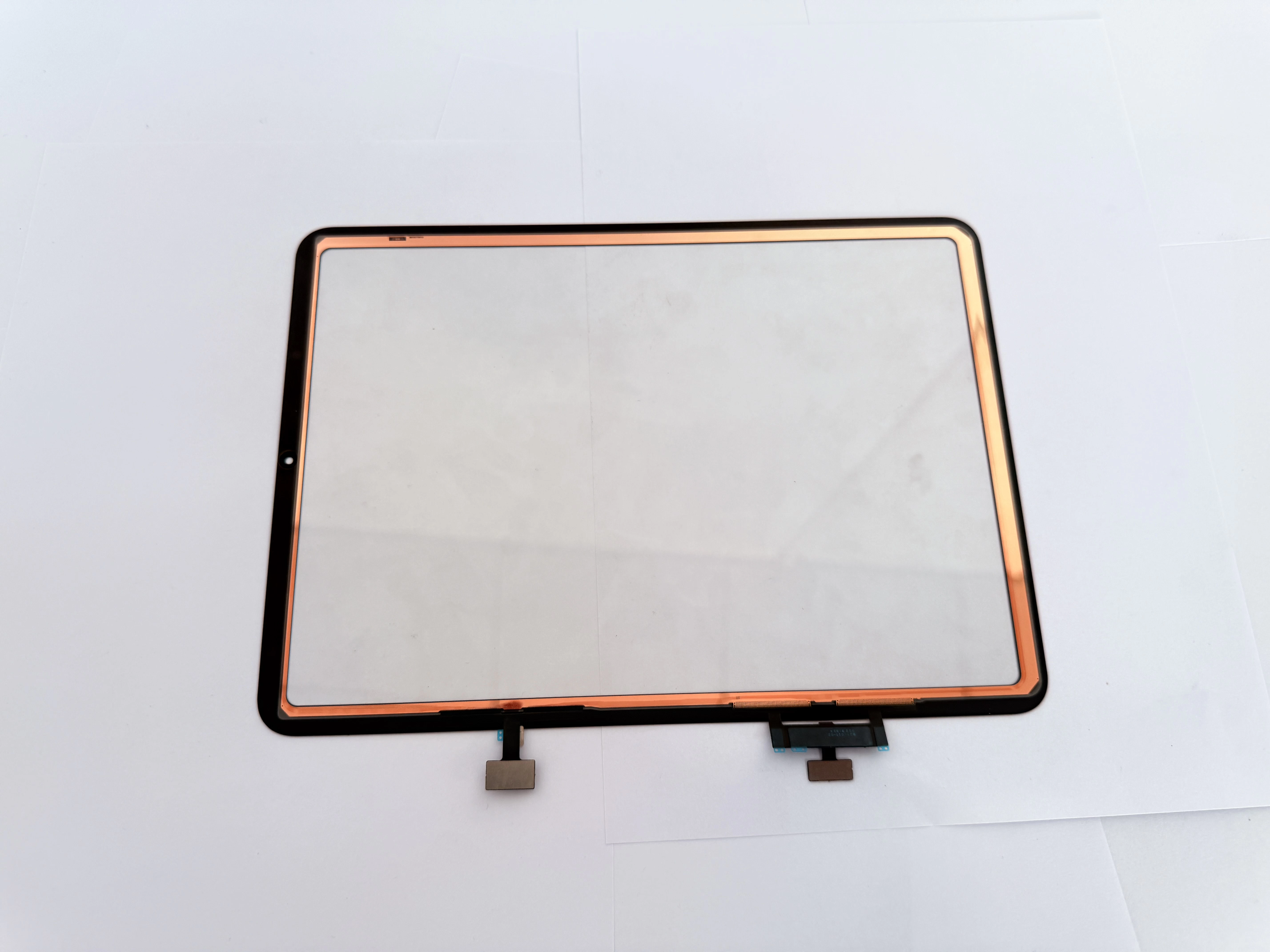
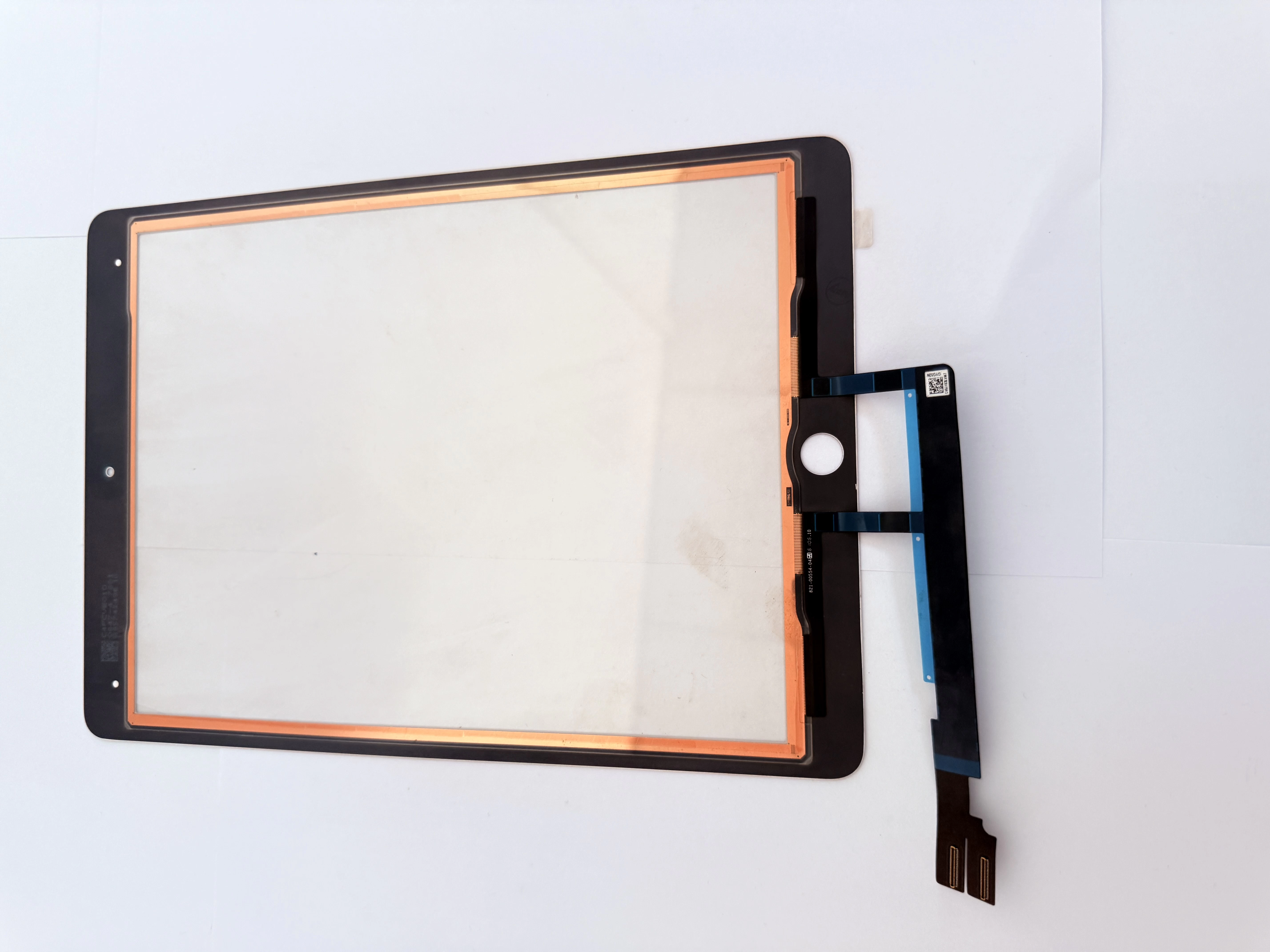
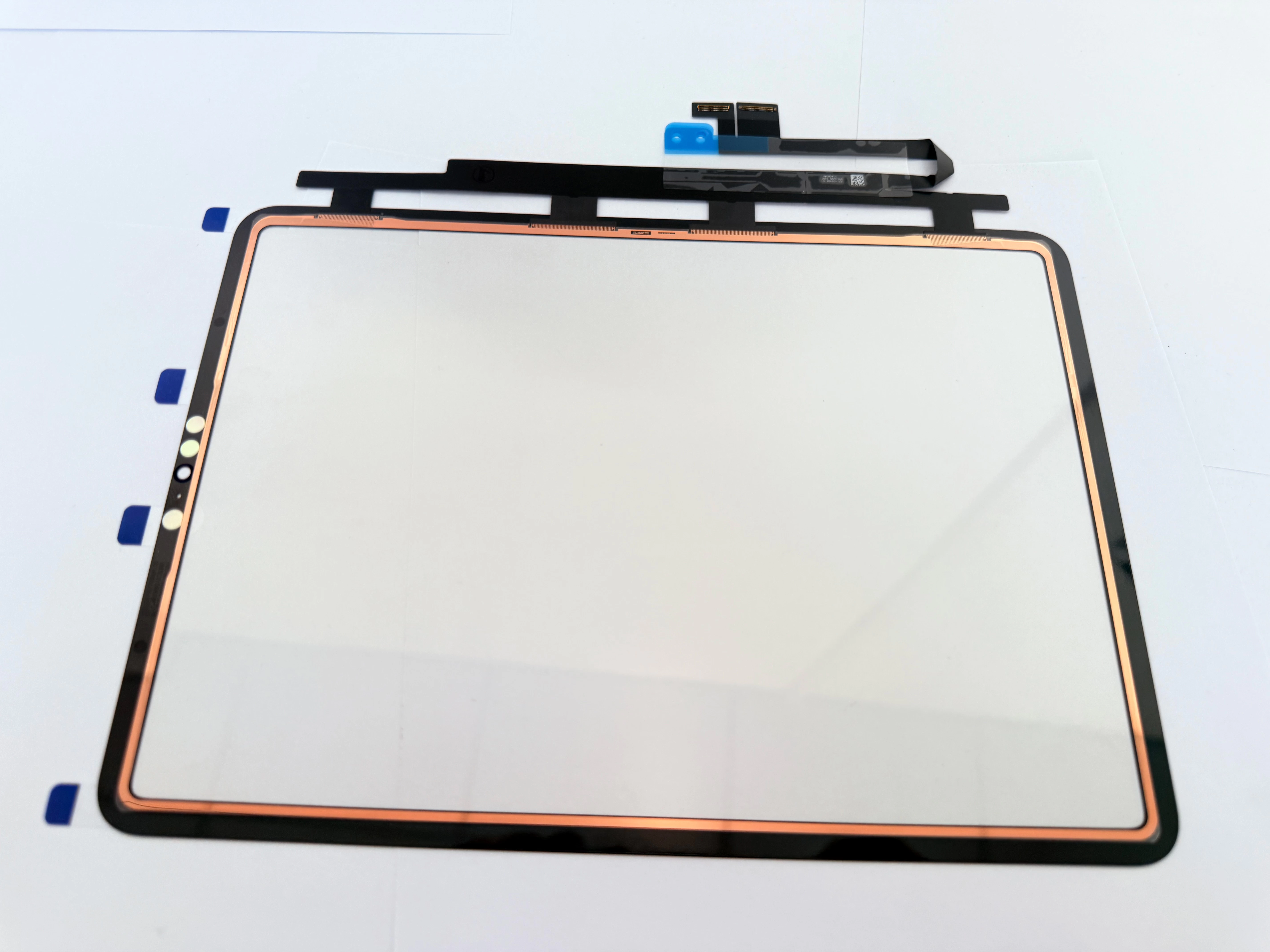
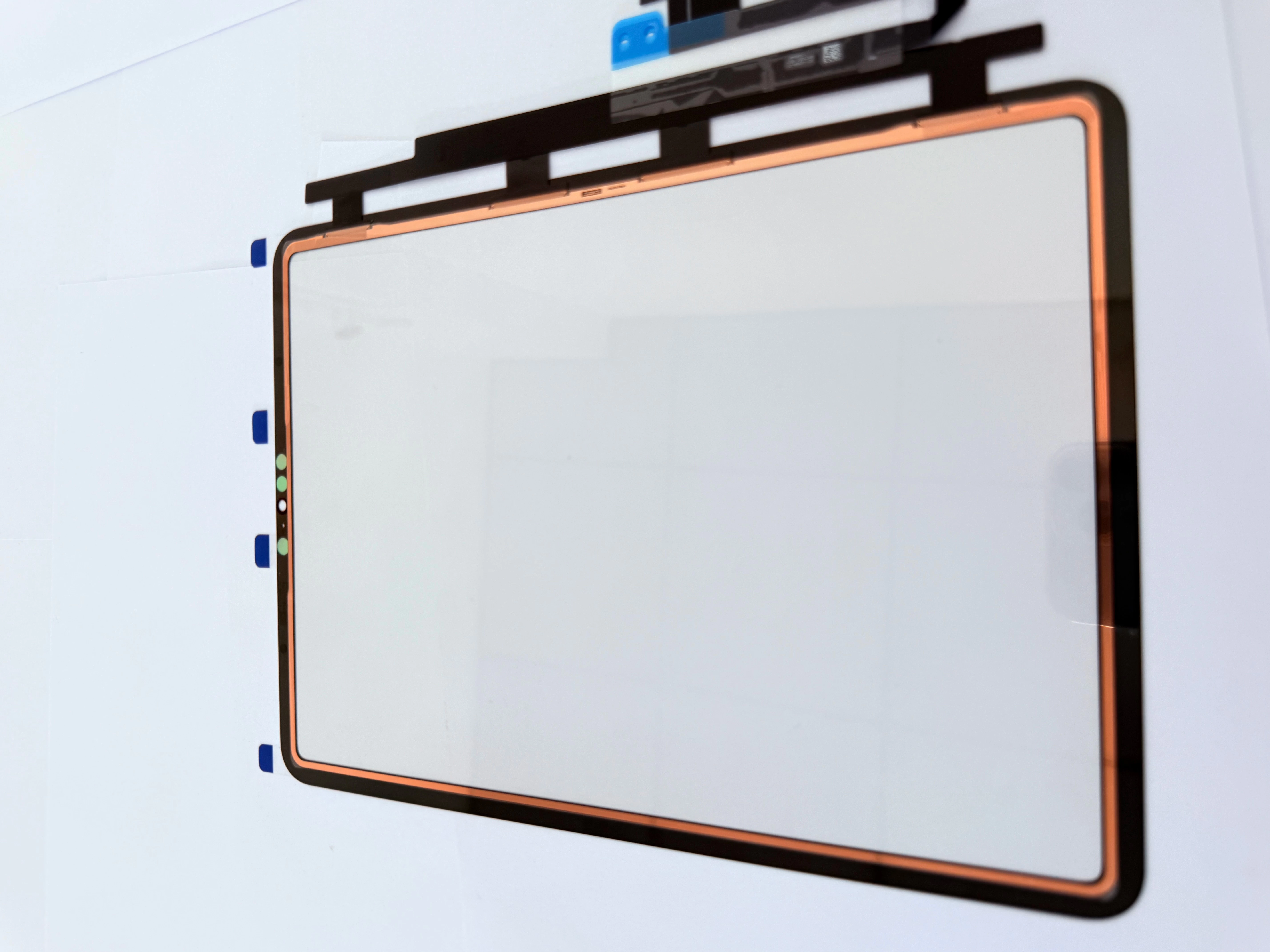
- Add copper foil shielding to key areas to reduce electromagnetic interference;
- Calibrate edge touch algorithm to eliminate position deviation.

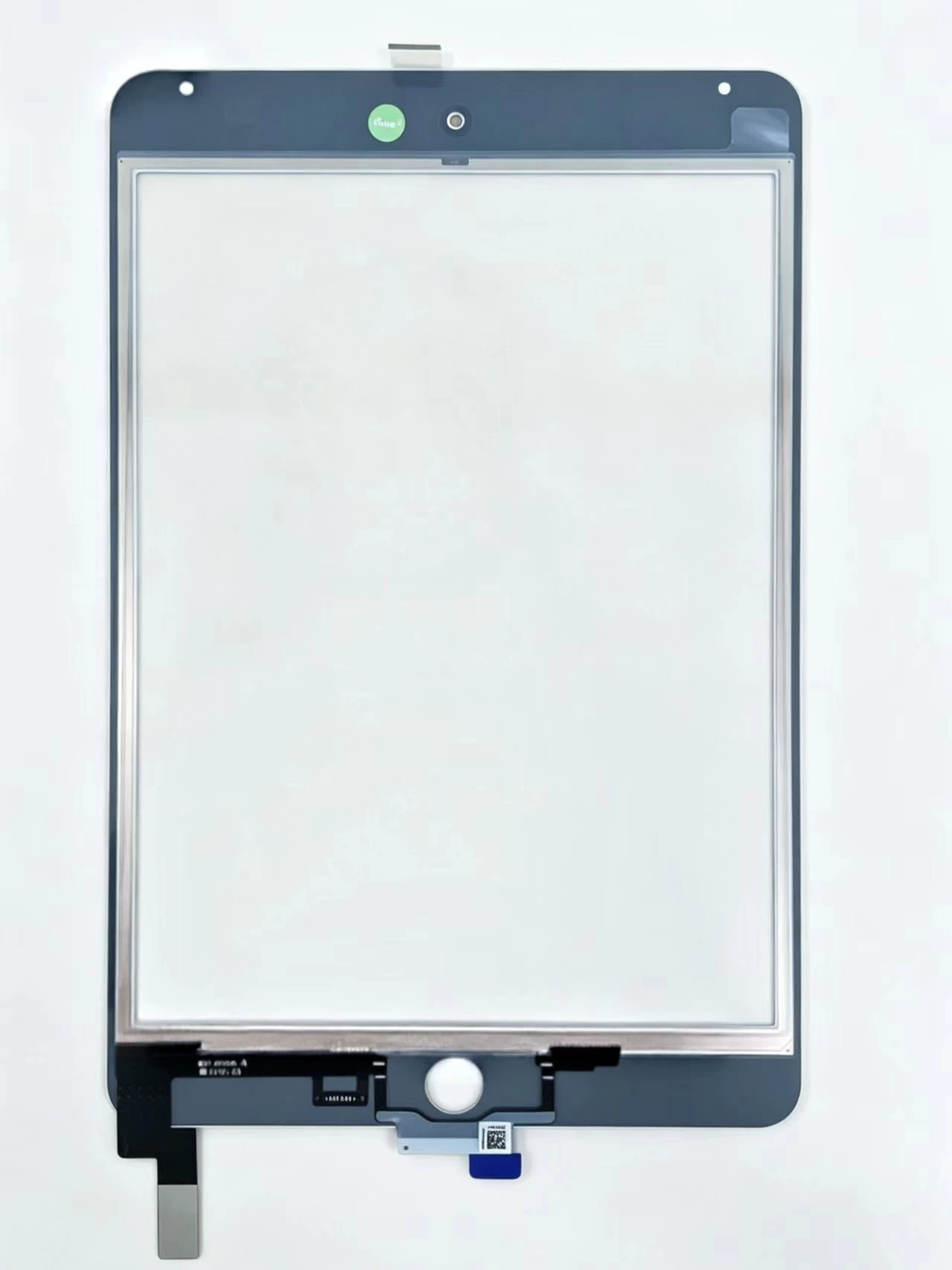
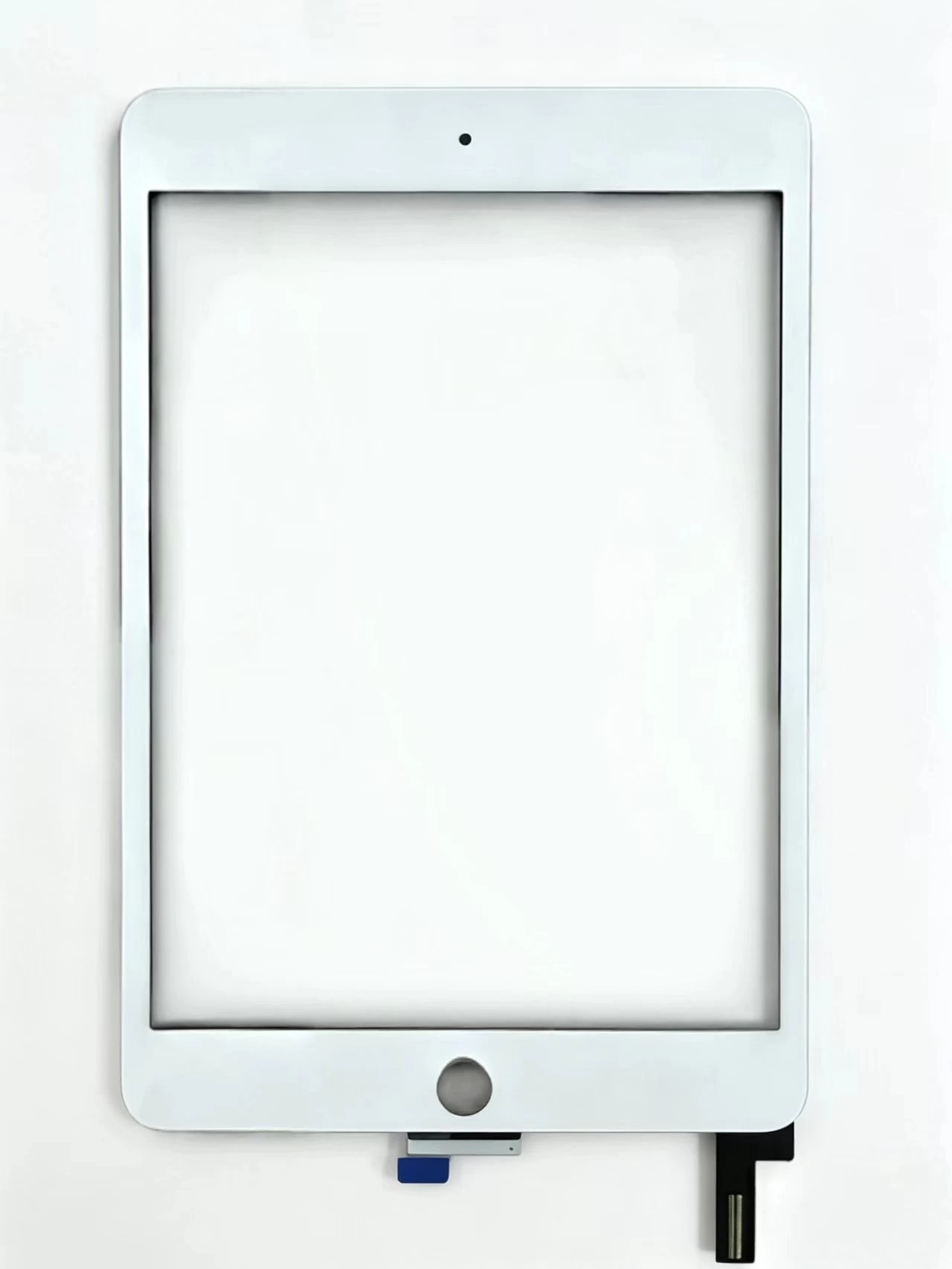
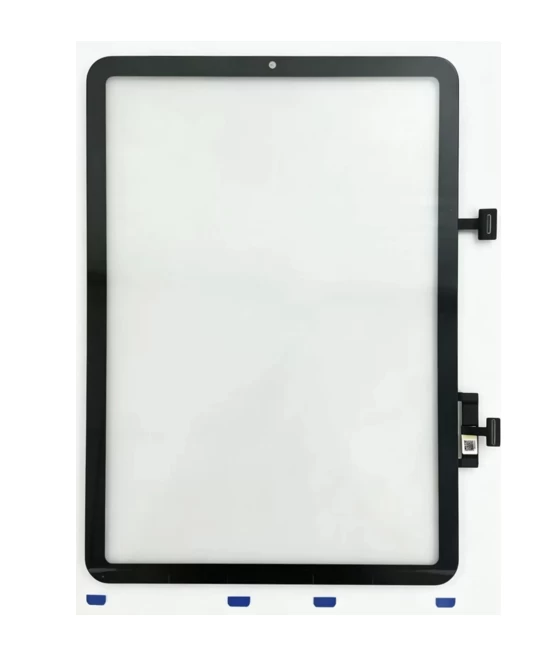
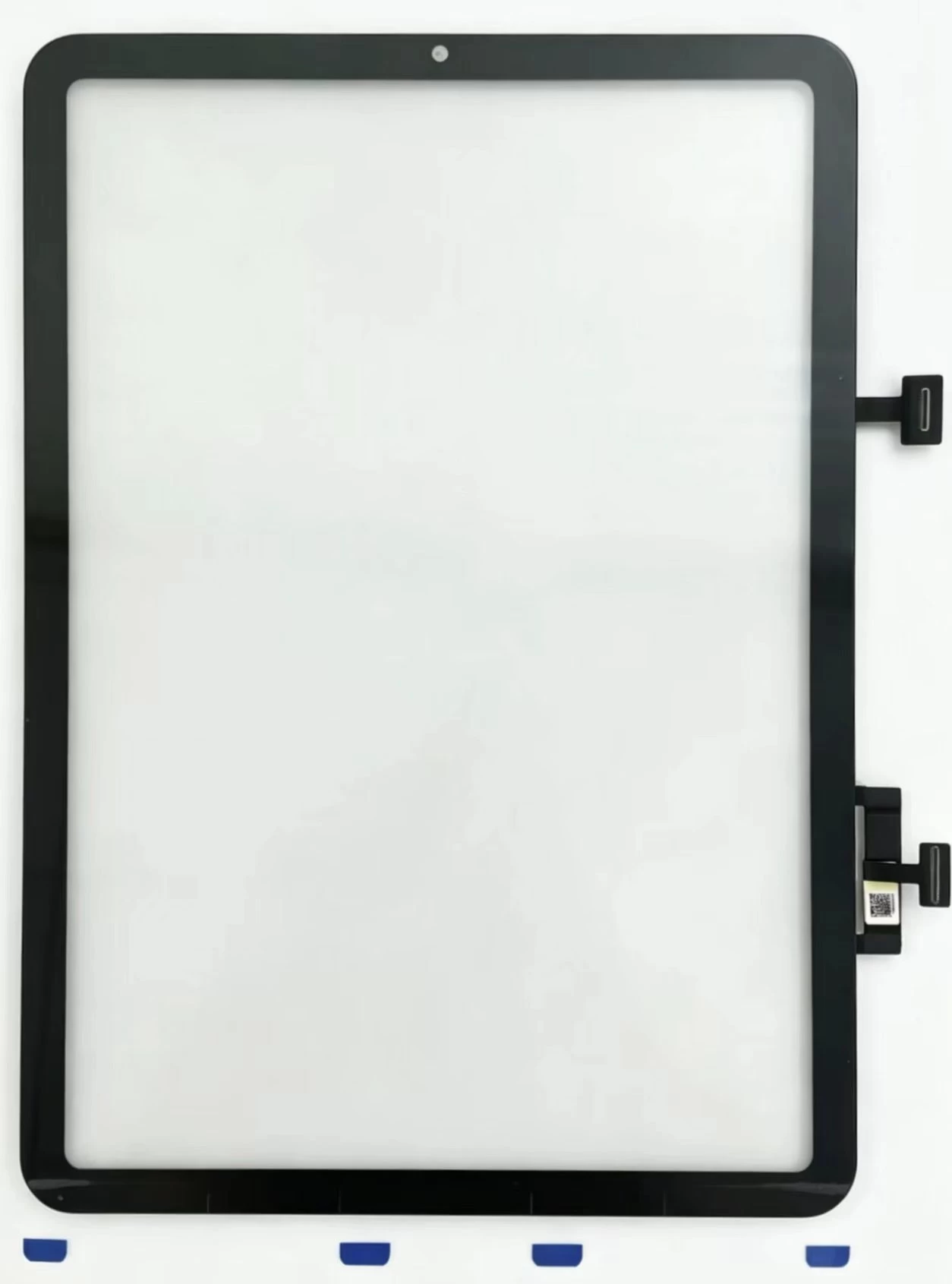
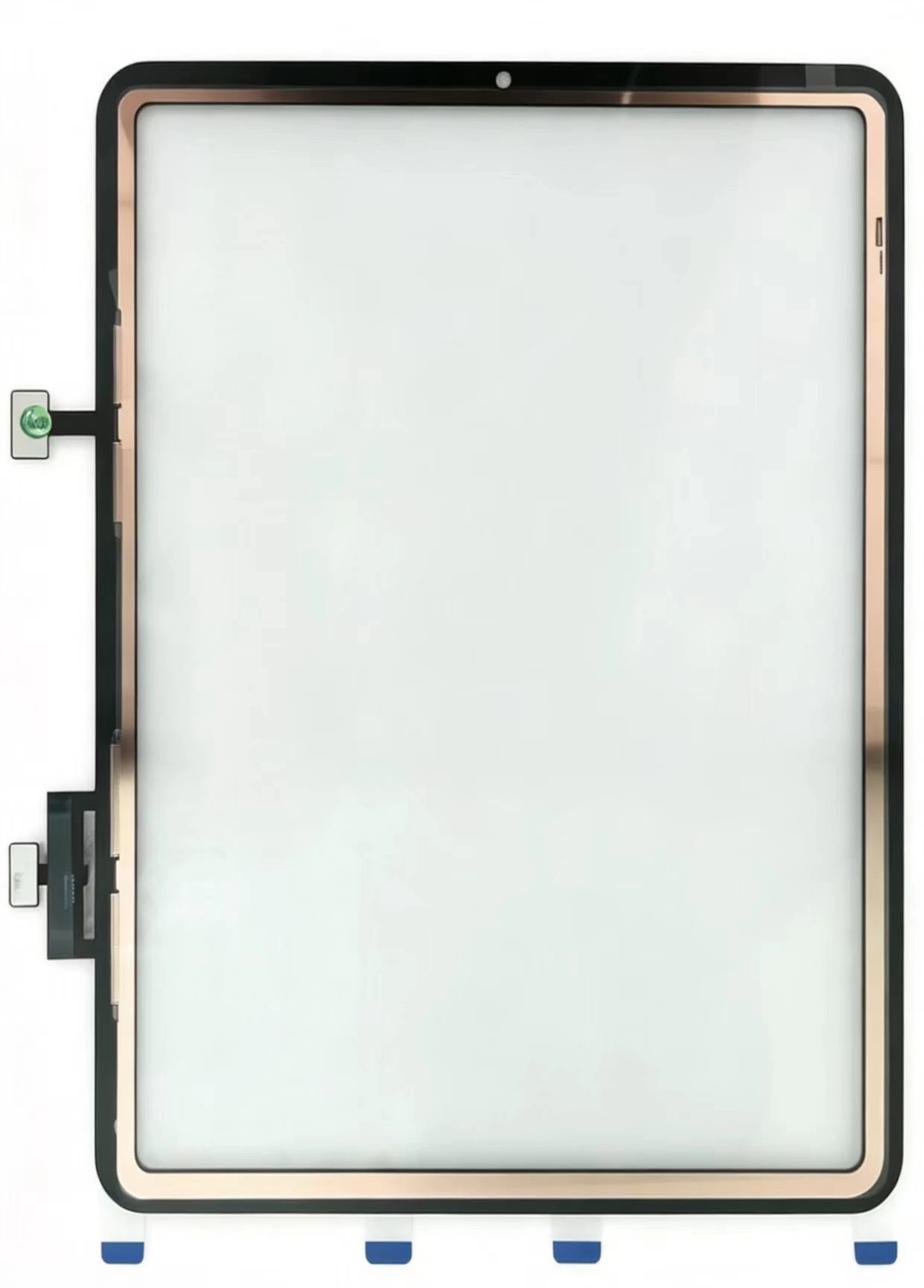
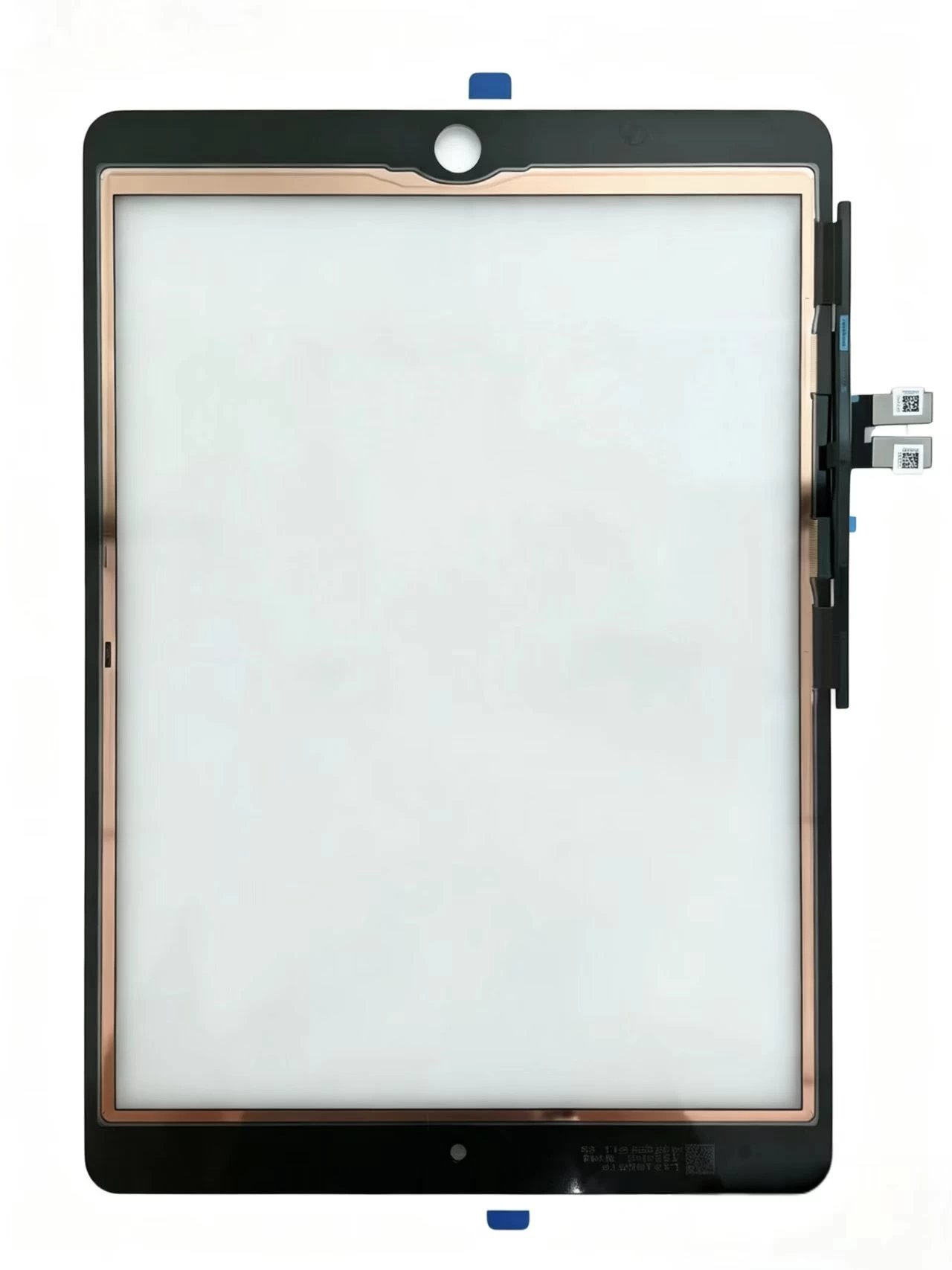
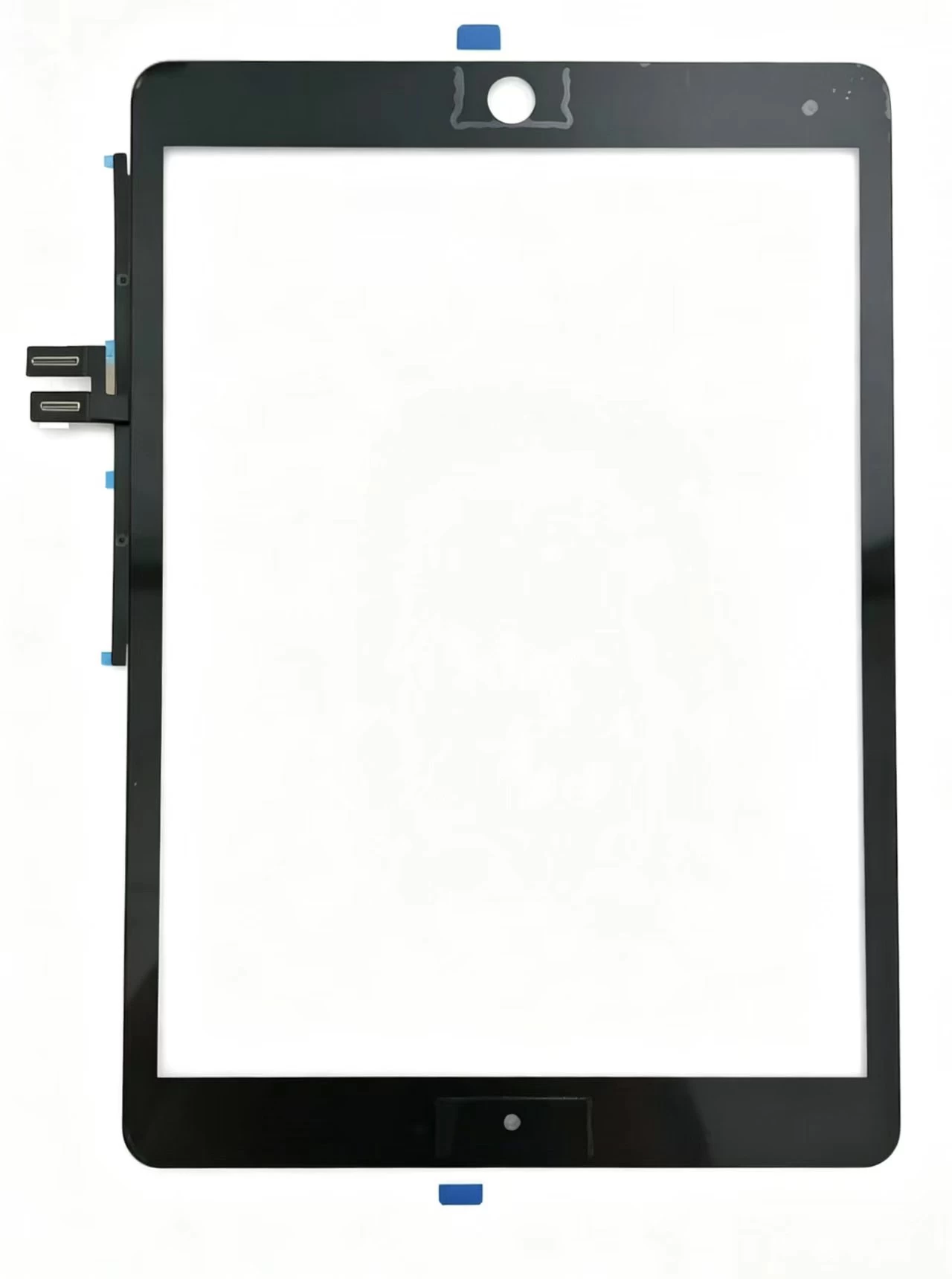
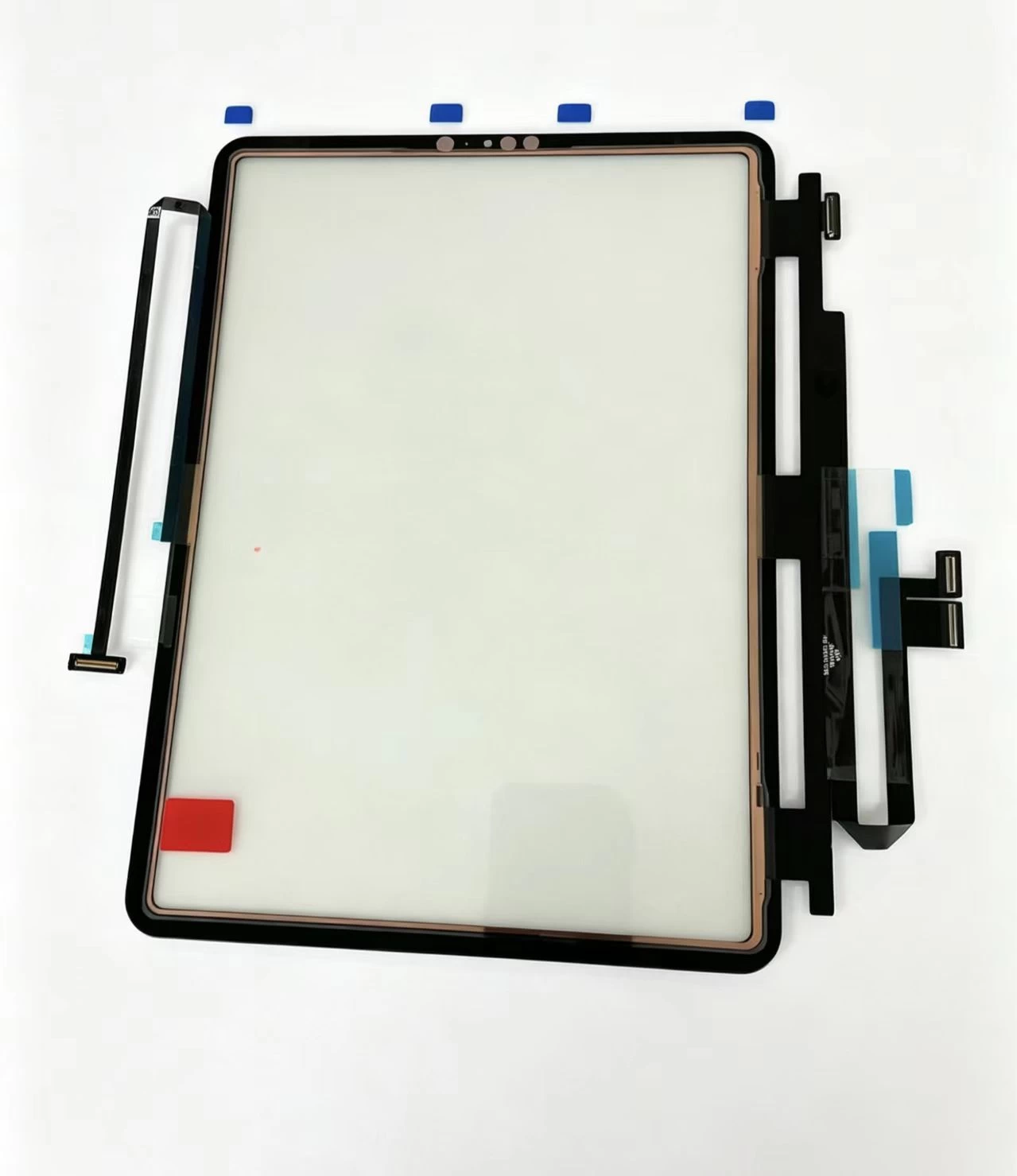
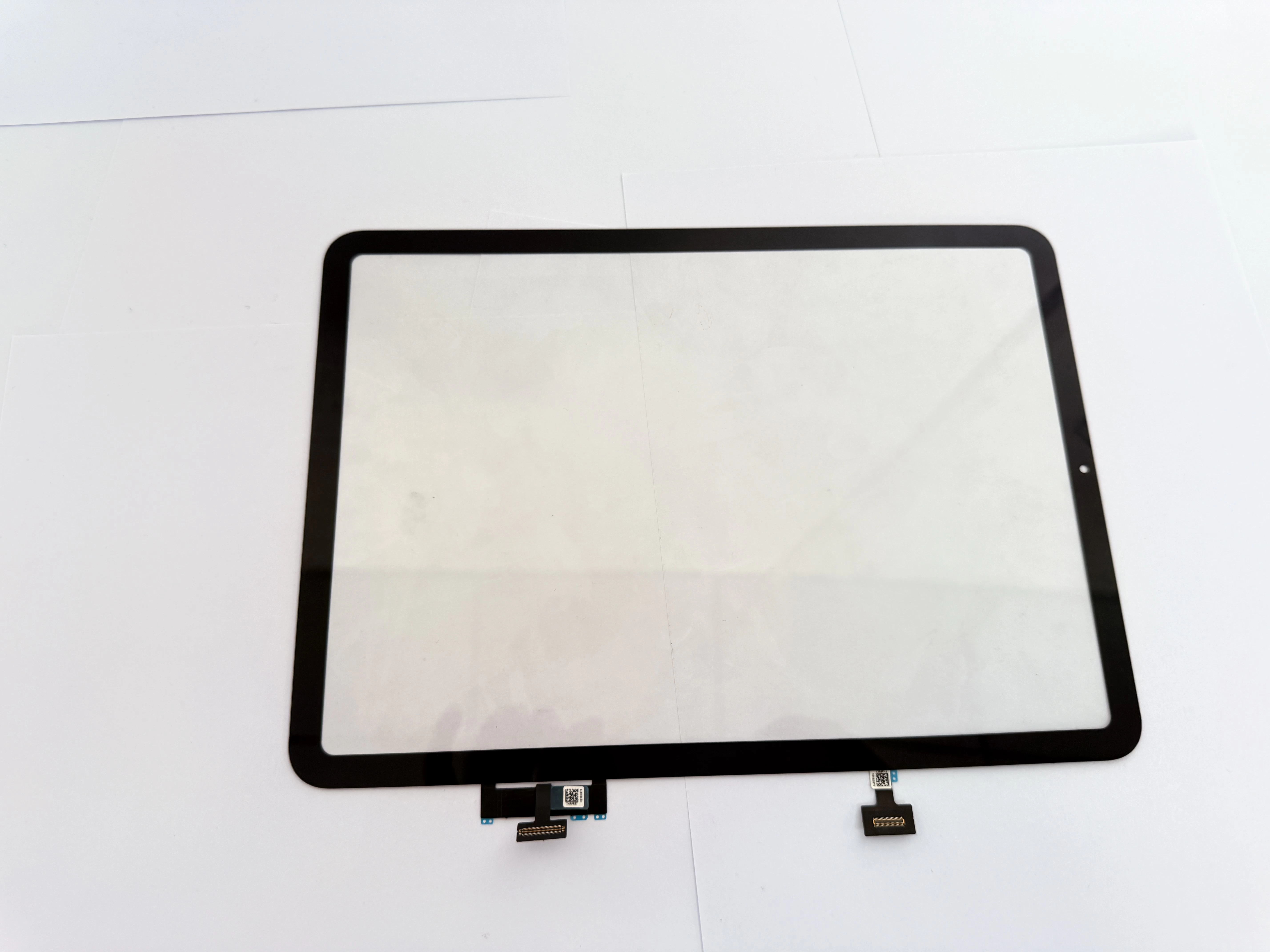
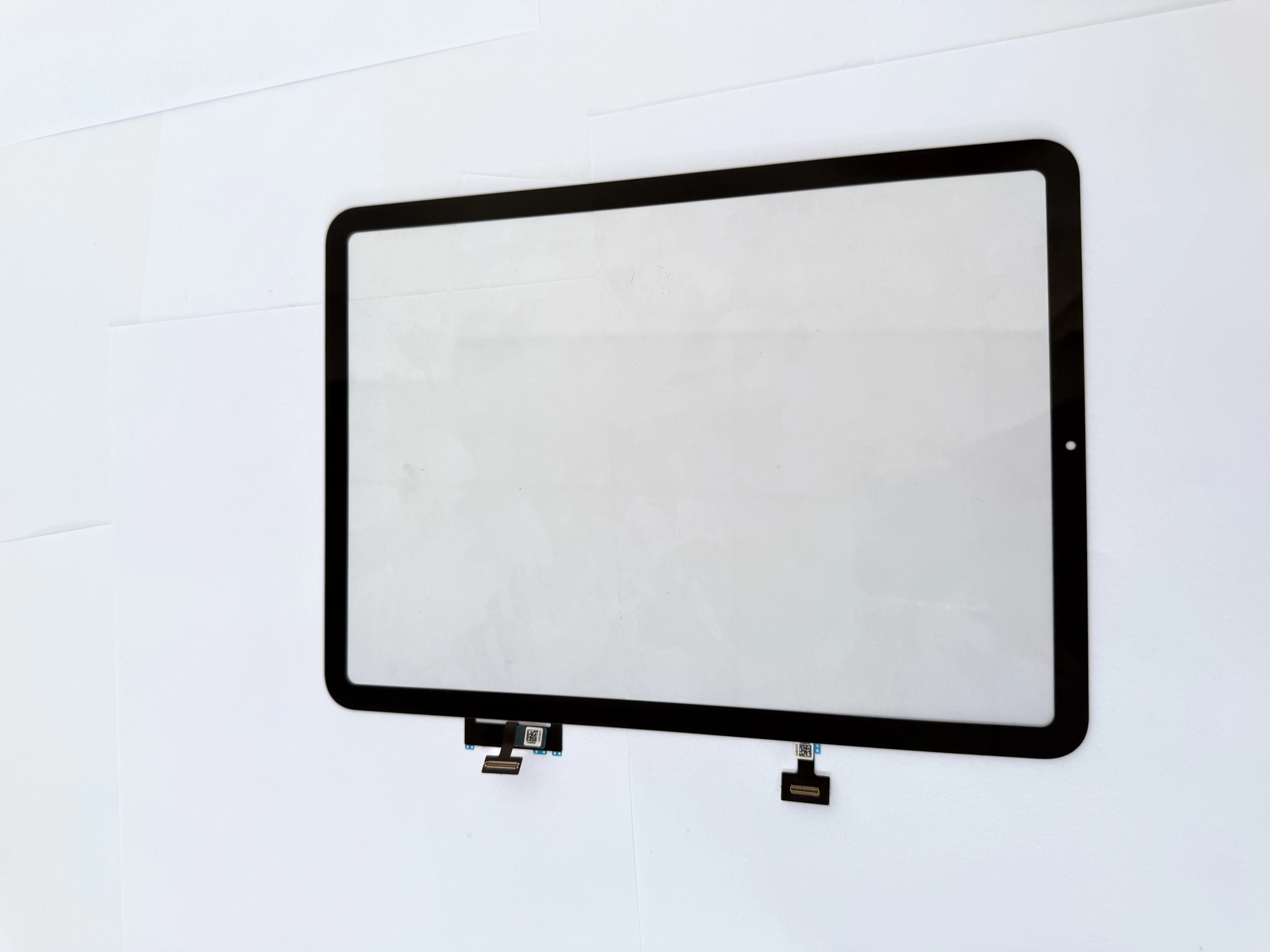
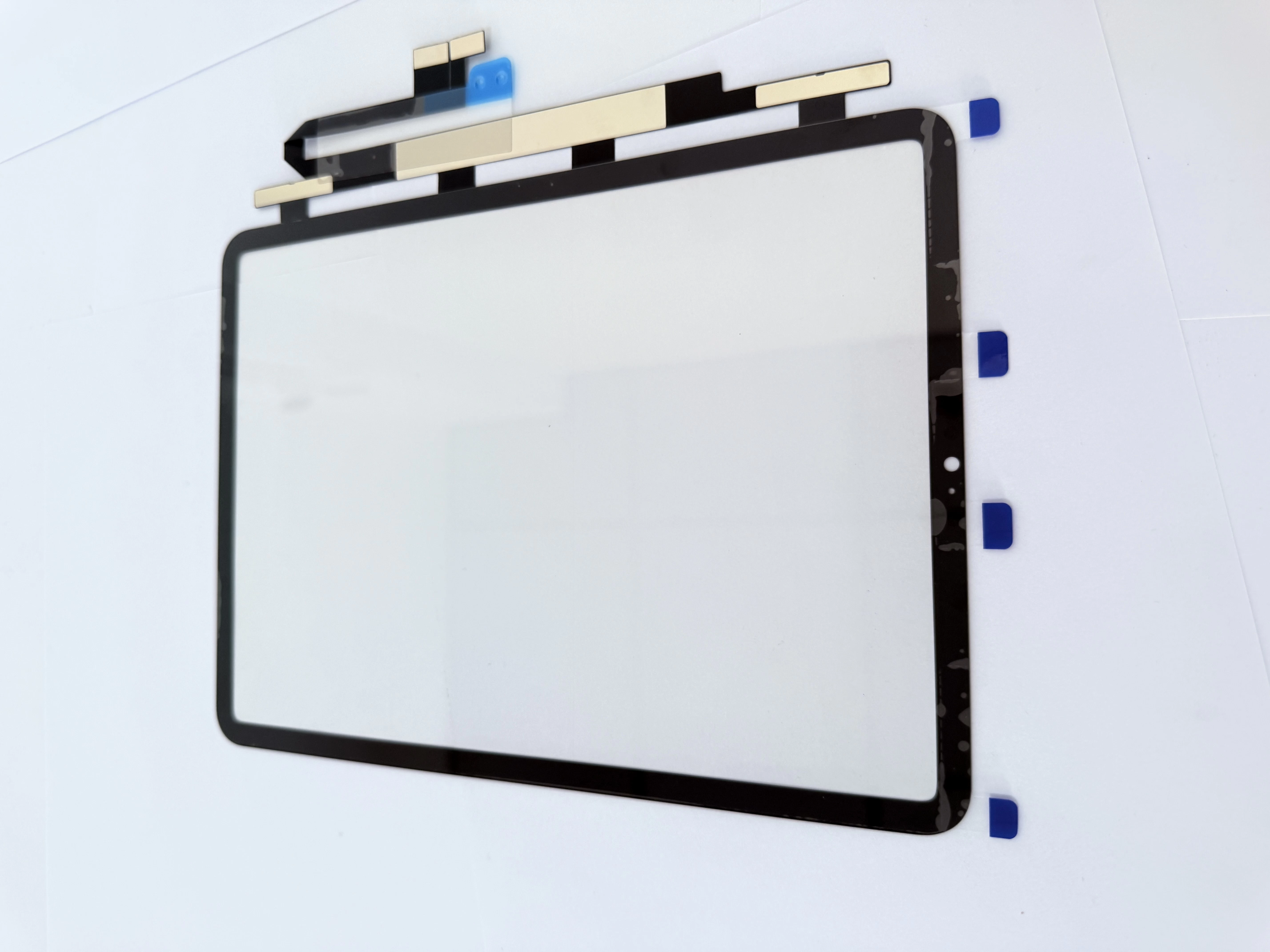
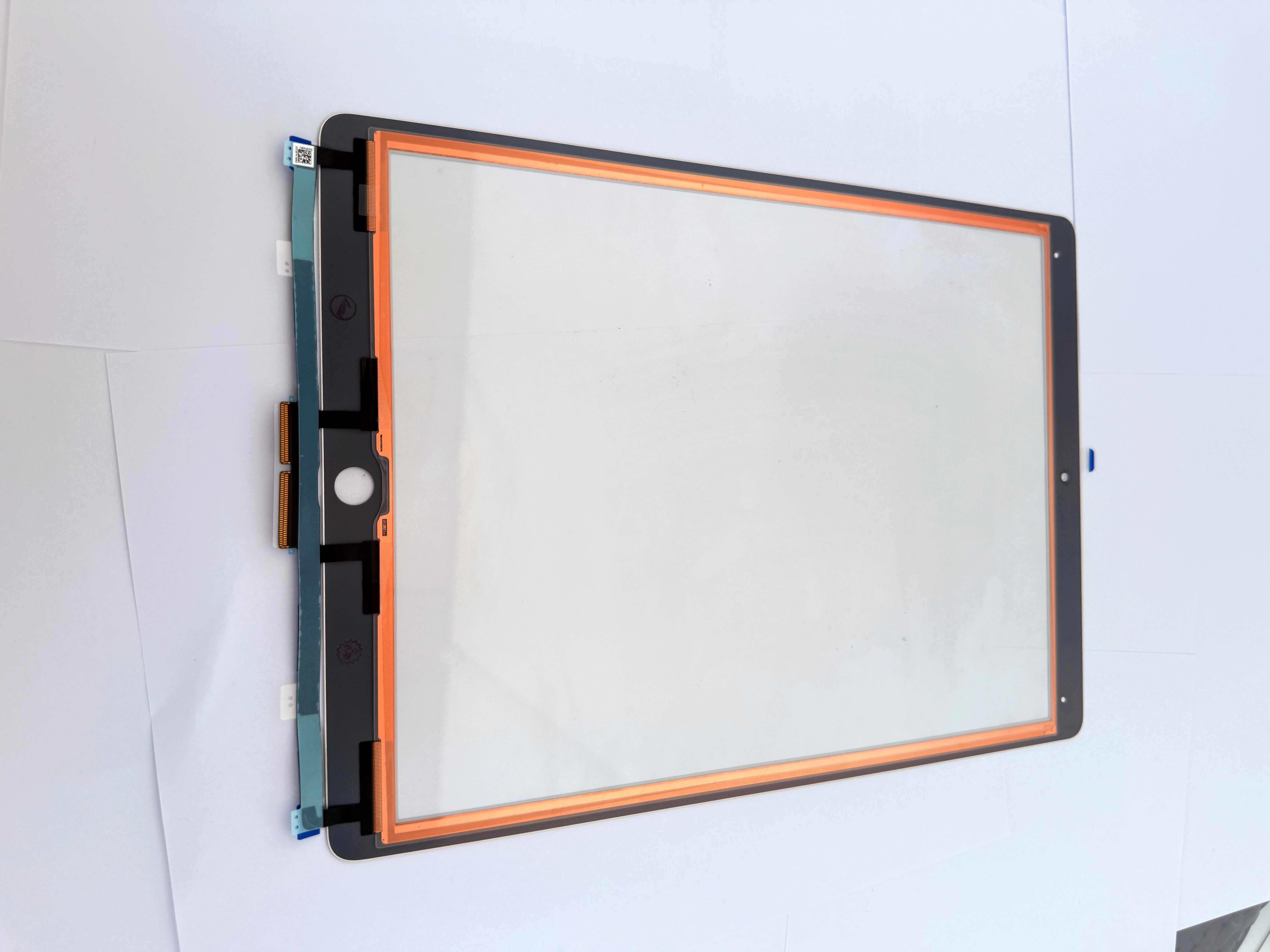
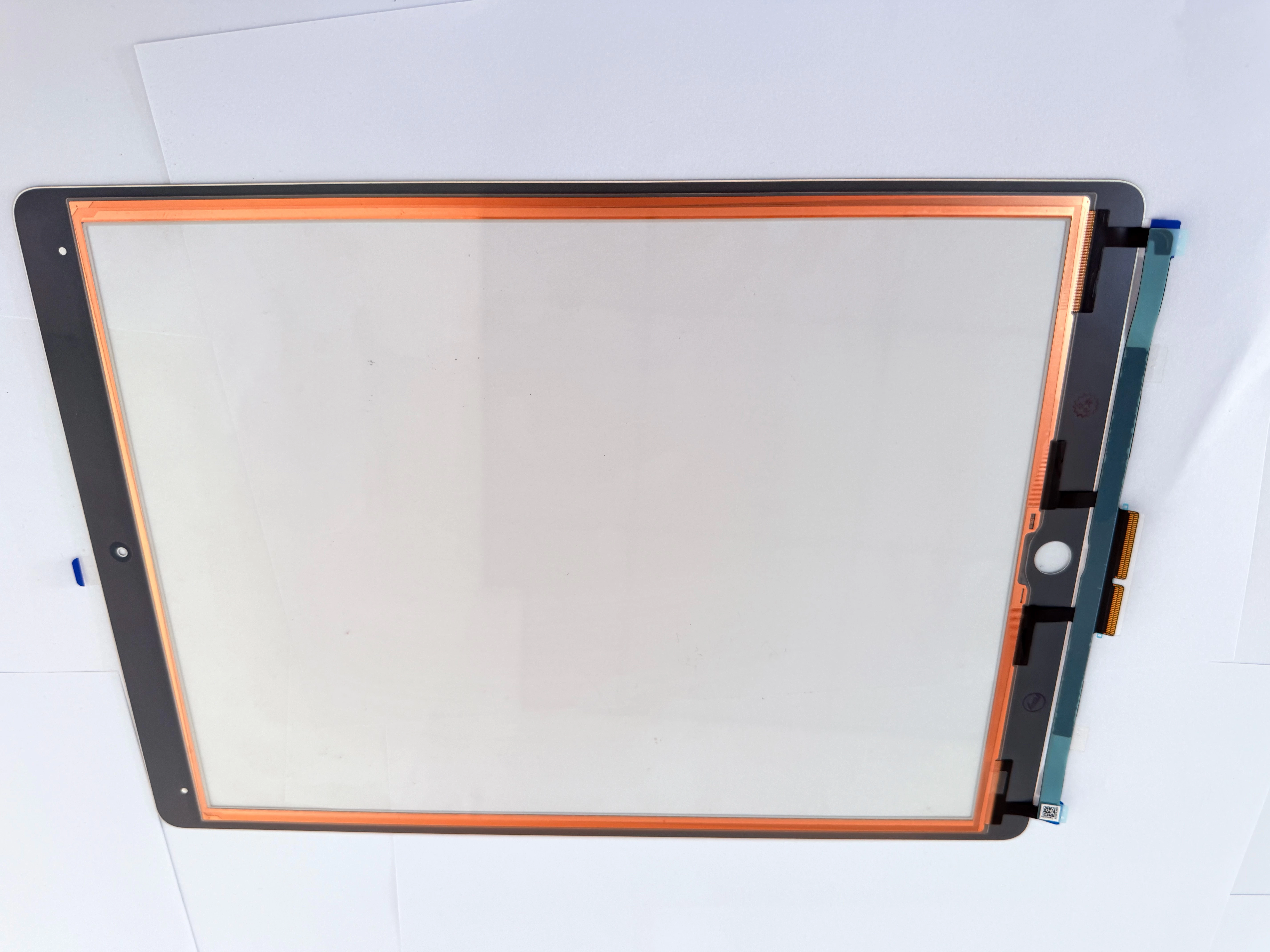
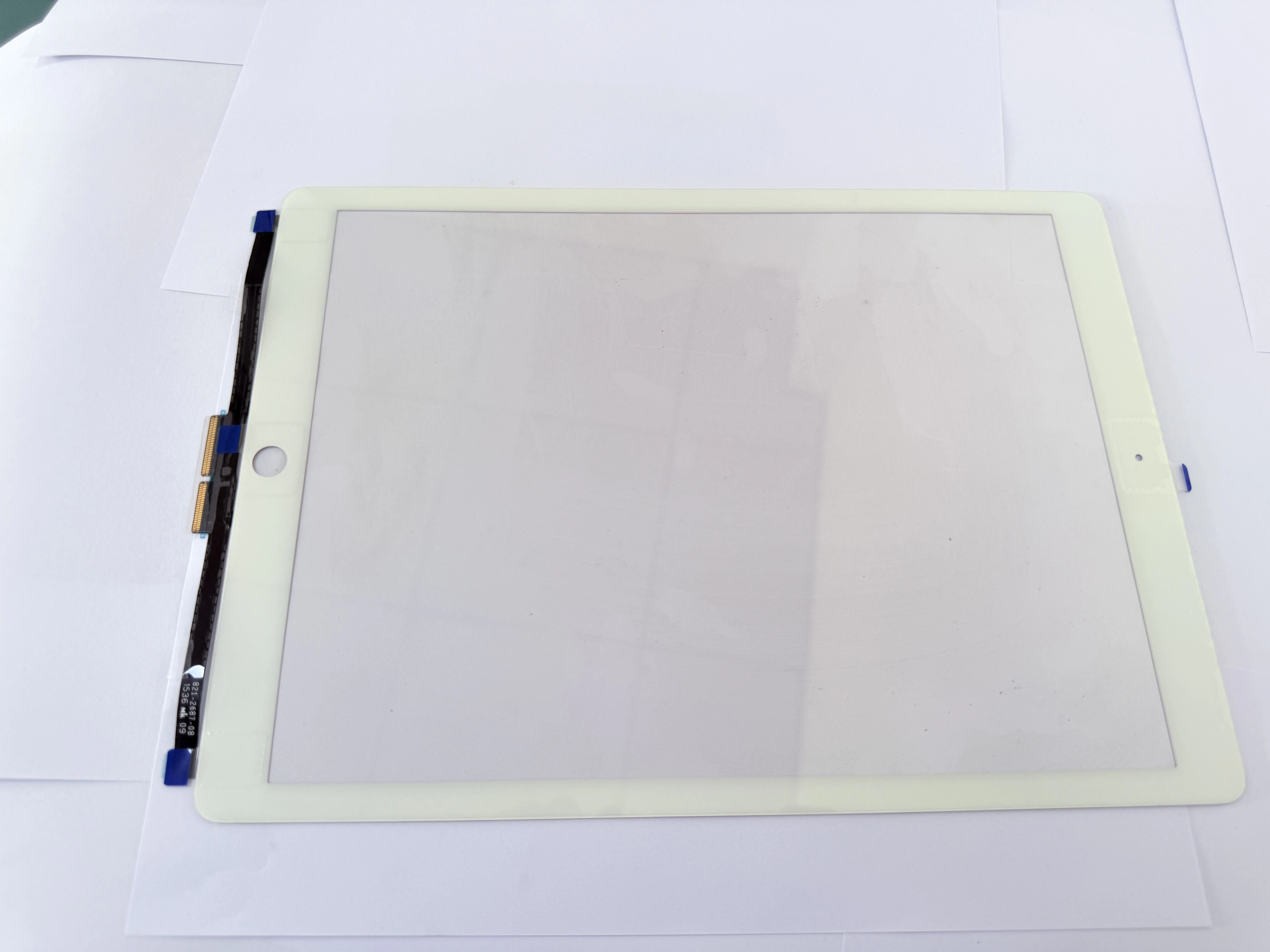
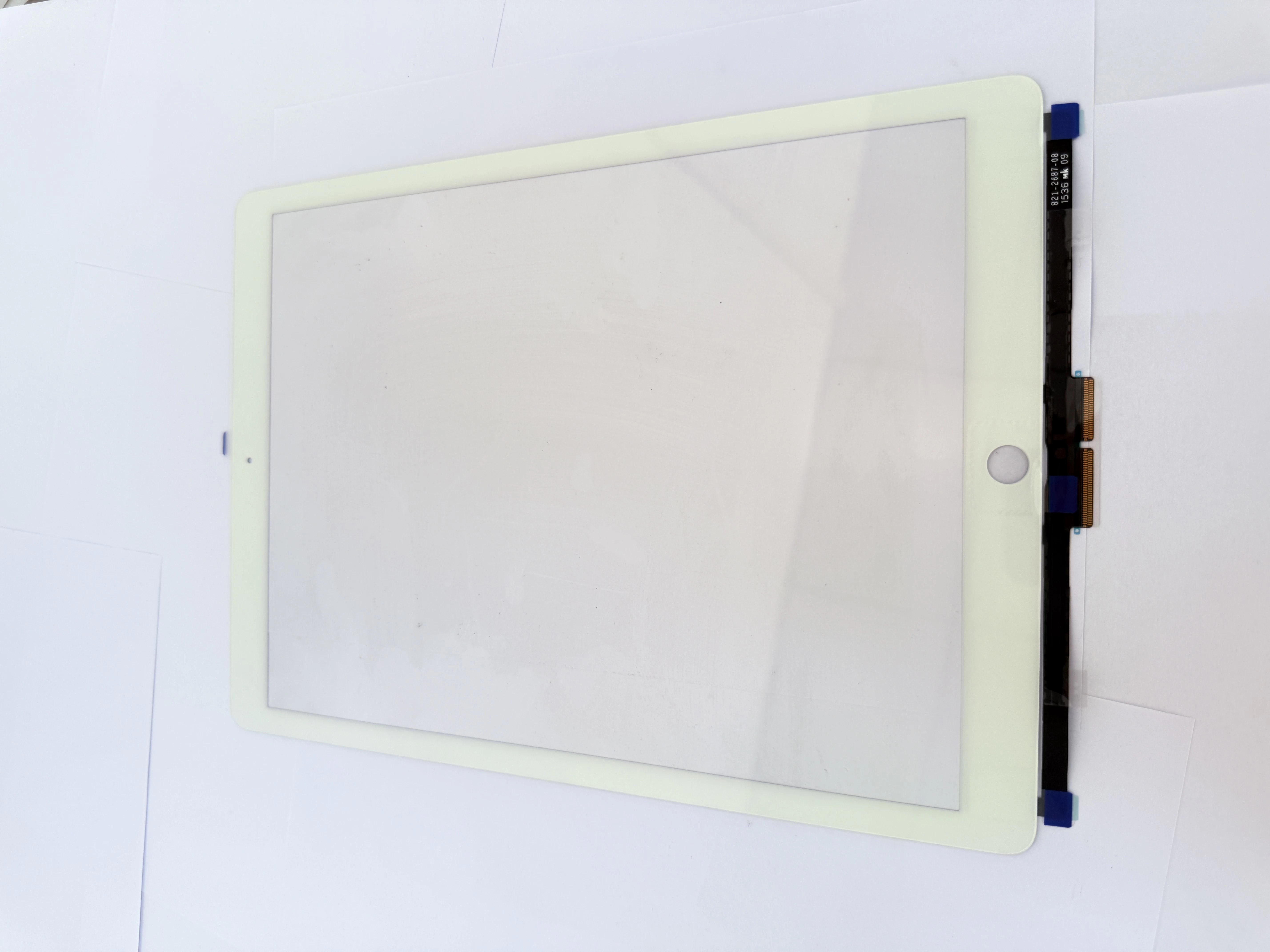
- Our universal series digitizers are pre-optimized for mainstream third-party styluses;
- Cost-effective, suitable for large-volume repair of entry-level and old iPad models;
- Stable quality, reducing after-sales problems caused by stylus compatibility disputes.