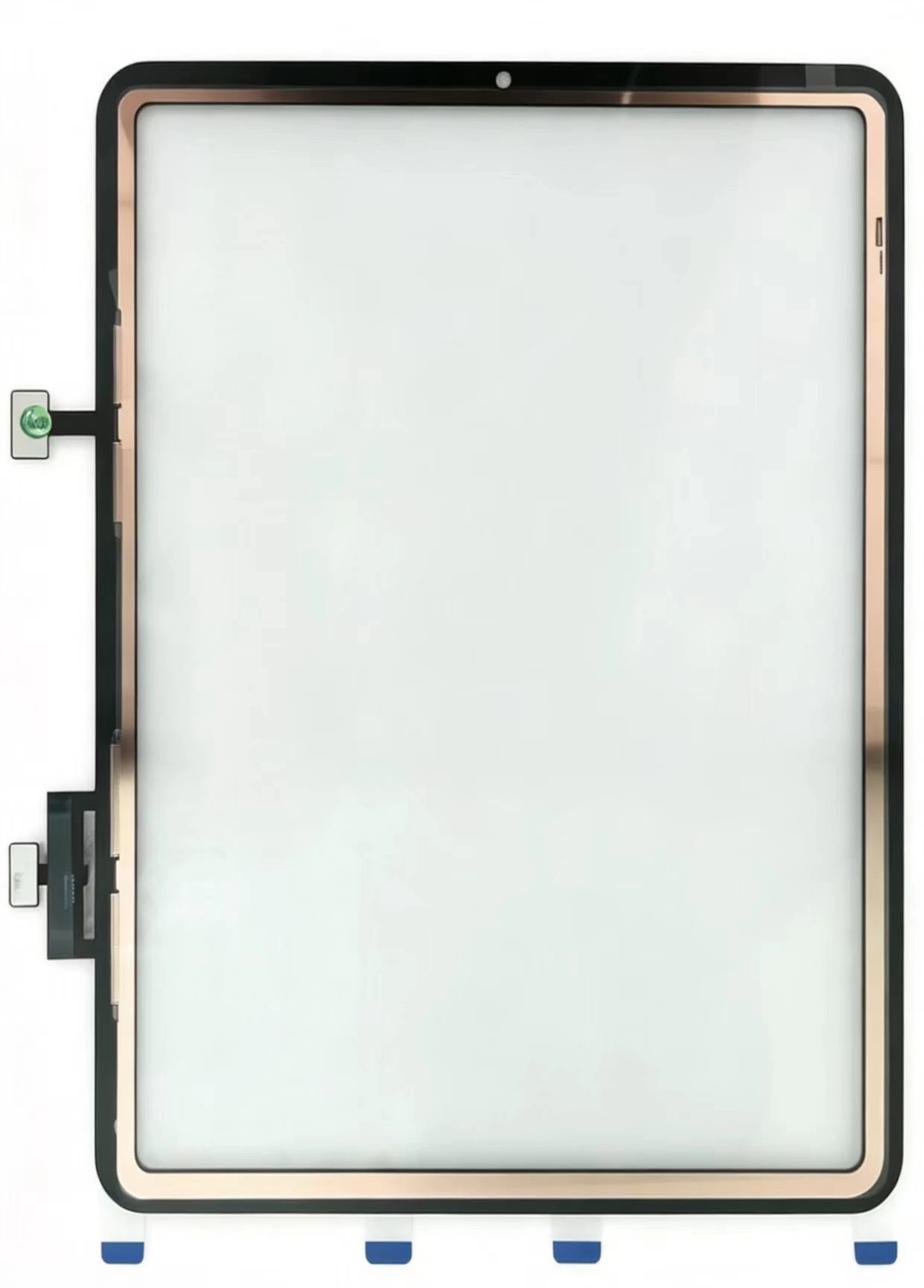
cases

Dead iPad No Power and Zero Charging Troubleshooting Manual for US Repair Stores: Charging Port Flex Troubleshooting, Over-Drained iPad Battery Recovery, Durable iPad Power Spare Parts Bulk Shipment t

  • Four Most Common Hardware Failures Causing Dead iPad
    Damaged charging port flex leads to 70% of power failure cases; dust accumulation and oxidation inside the charging port trigger short-circuit automatic shutdown. Long-term deep power depletion activates battery low-voltage protection lock, accounting for 20% faults. Aging batteries and burnt motherboard charging ICs belong to complicated chip maintenance work.
  • Standard Diagnostic Workflow Suitable for US Shops
    Test MFi certified Apple chargers first, then statically charge the dead iPad for 30 minutes to unlock battery protection. Clean port dust with soft plastic brushes; install new ZSDScreen charging flex if no charging icon appears, then replace degraded batteries before carrying out motherboard chip repair.
  • US-Oriented Global Bulk Accessory Wholesale
    All ZSDScreen iPad charging flex and lithium batteries adopt unified welding standards to reduce intermittent charging after-sales complaints from US customers. Custom neutral OEM packaging, mixed-model combined orders and fast cross-border logistics to all US coastal ports are available for long-term cooperative partners.
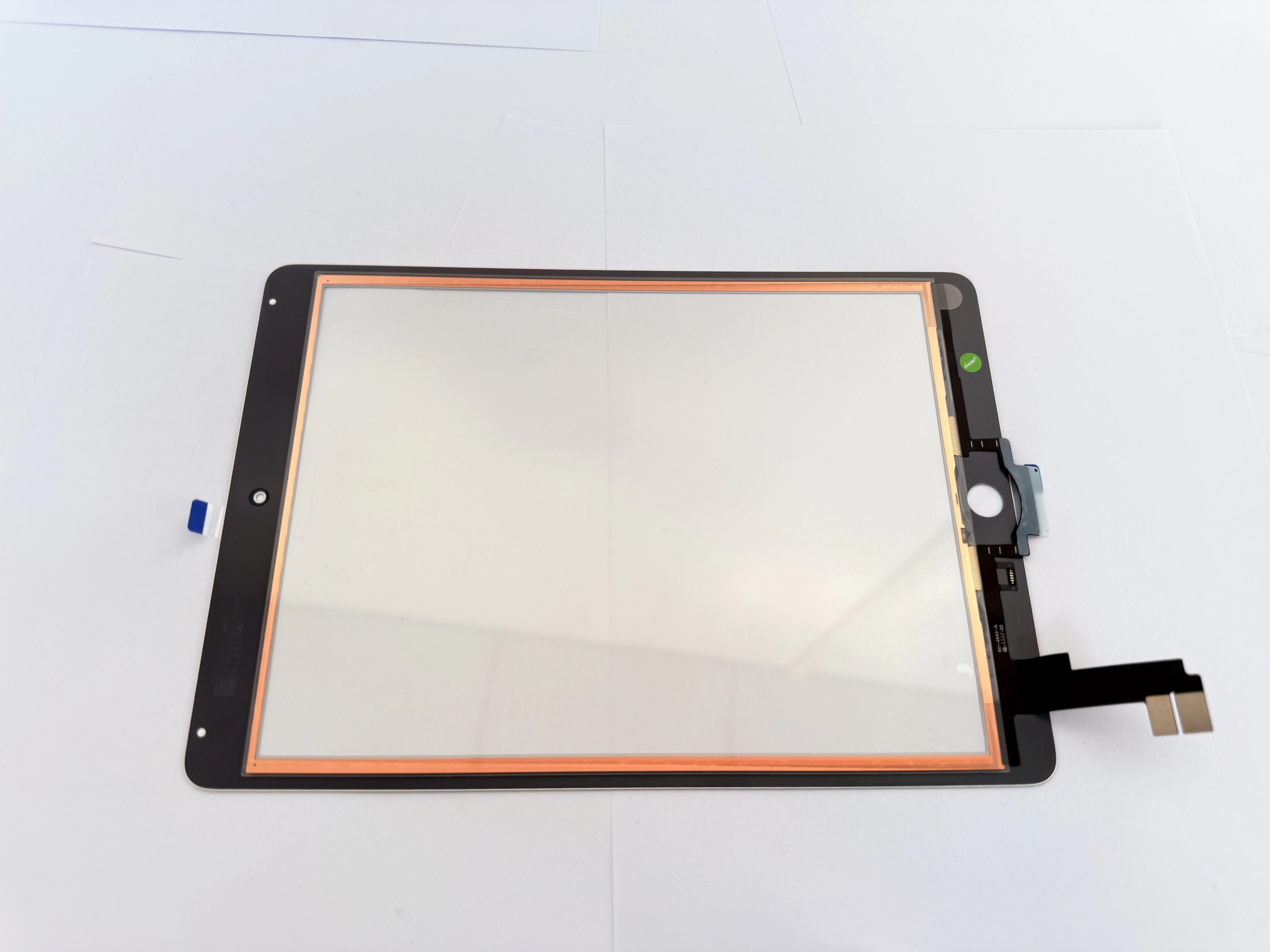
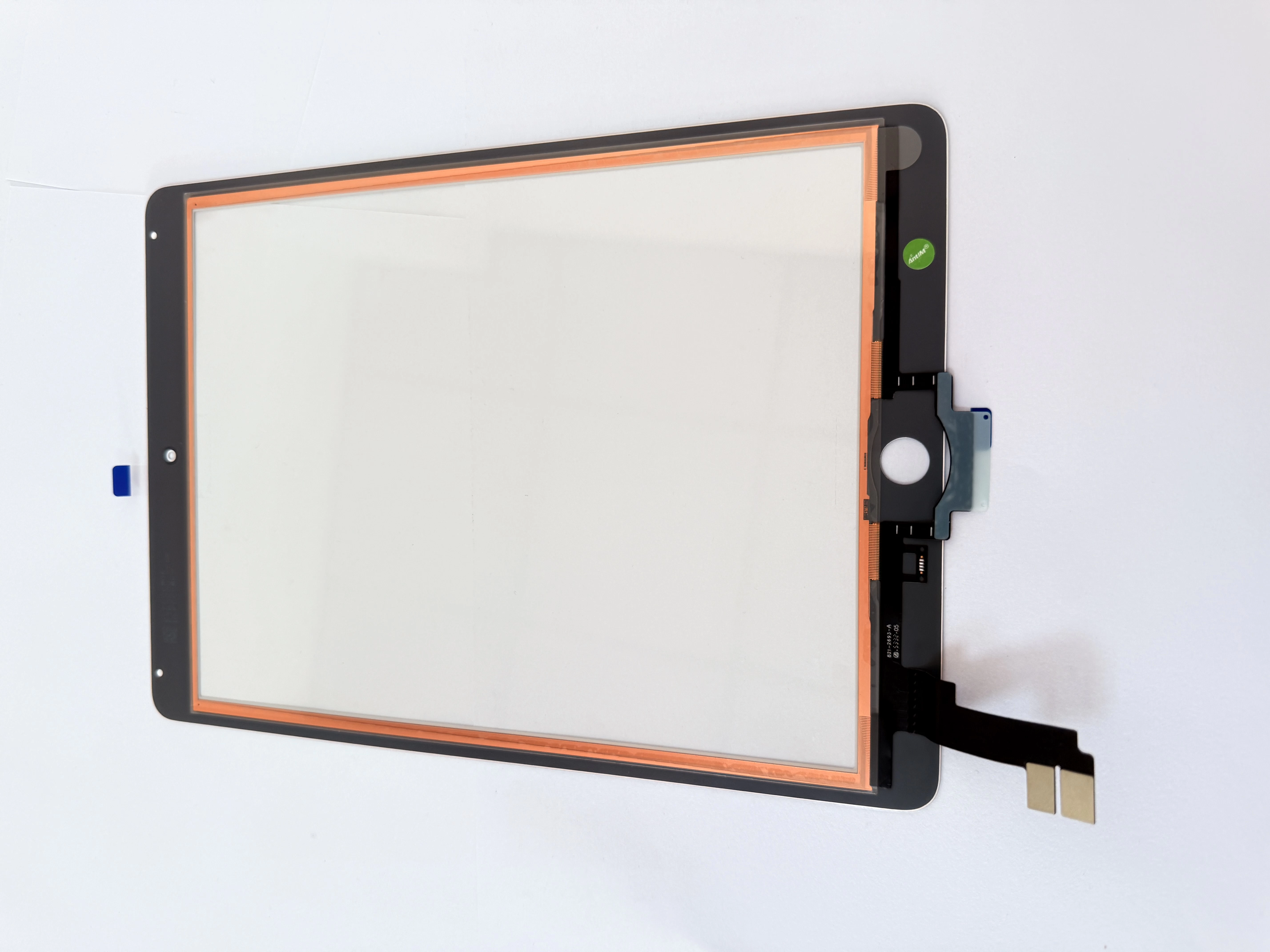
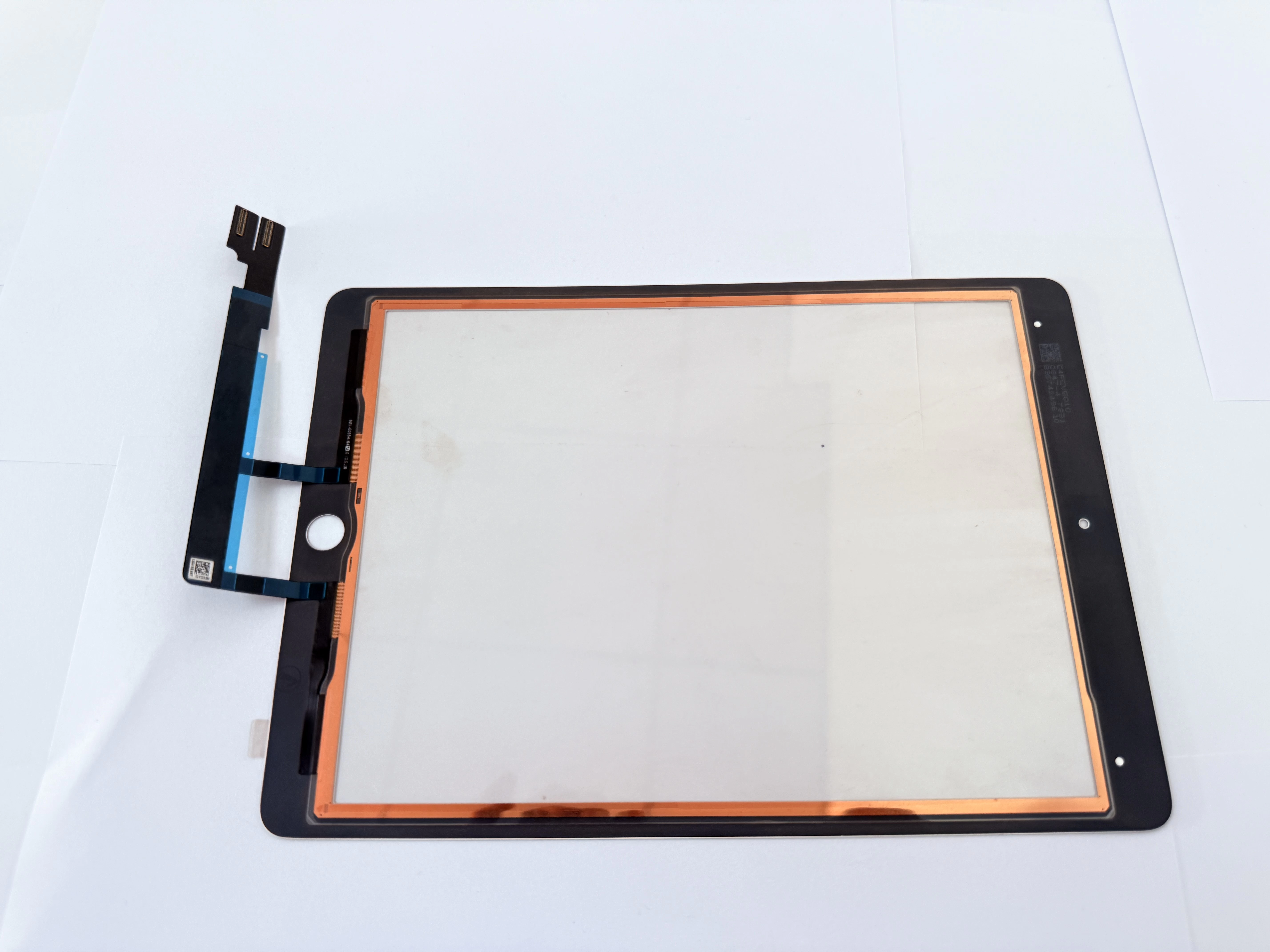
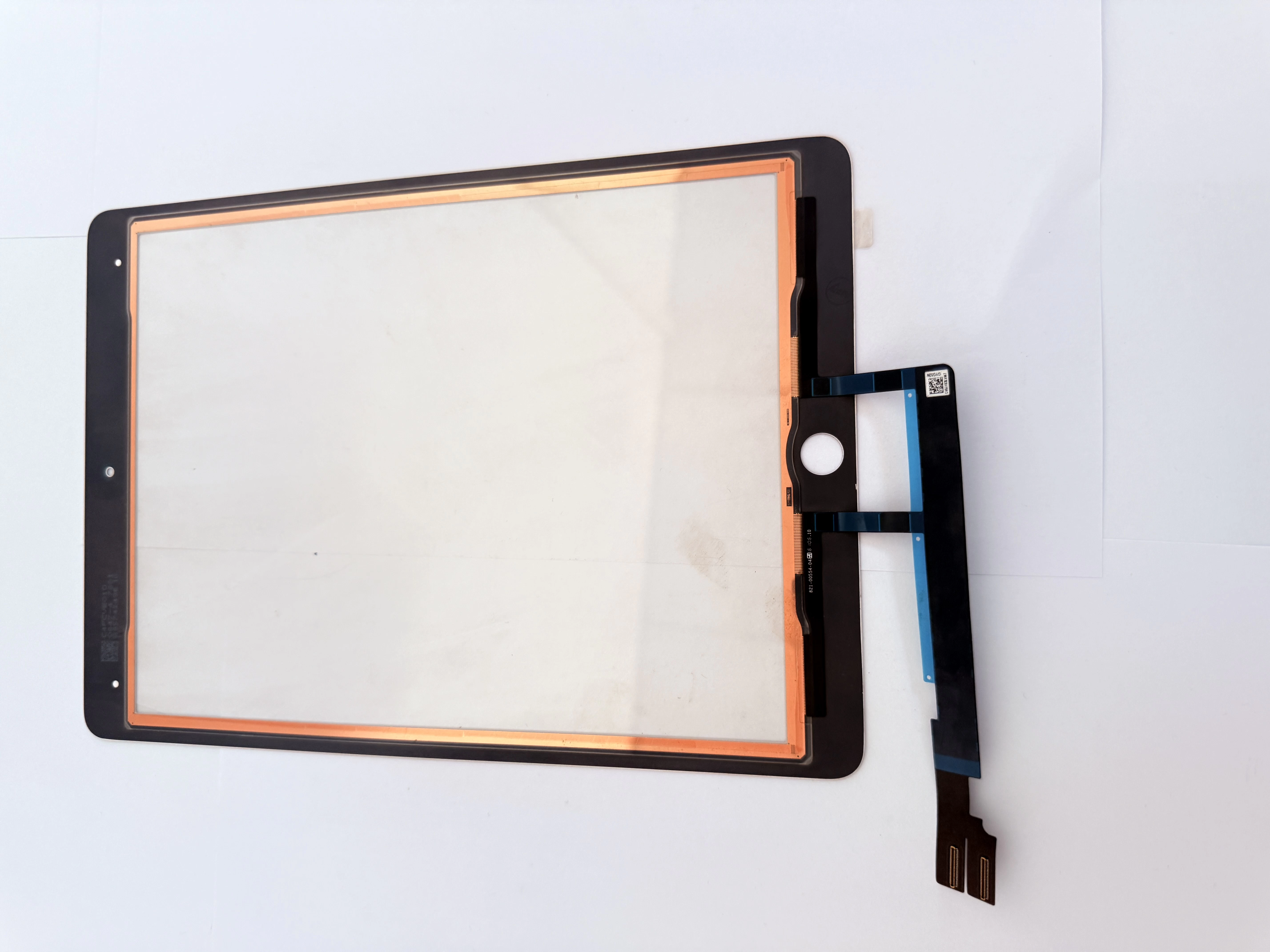
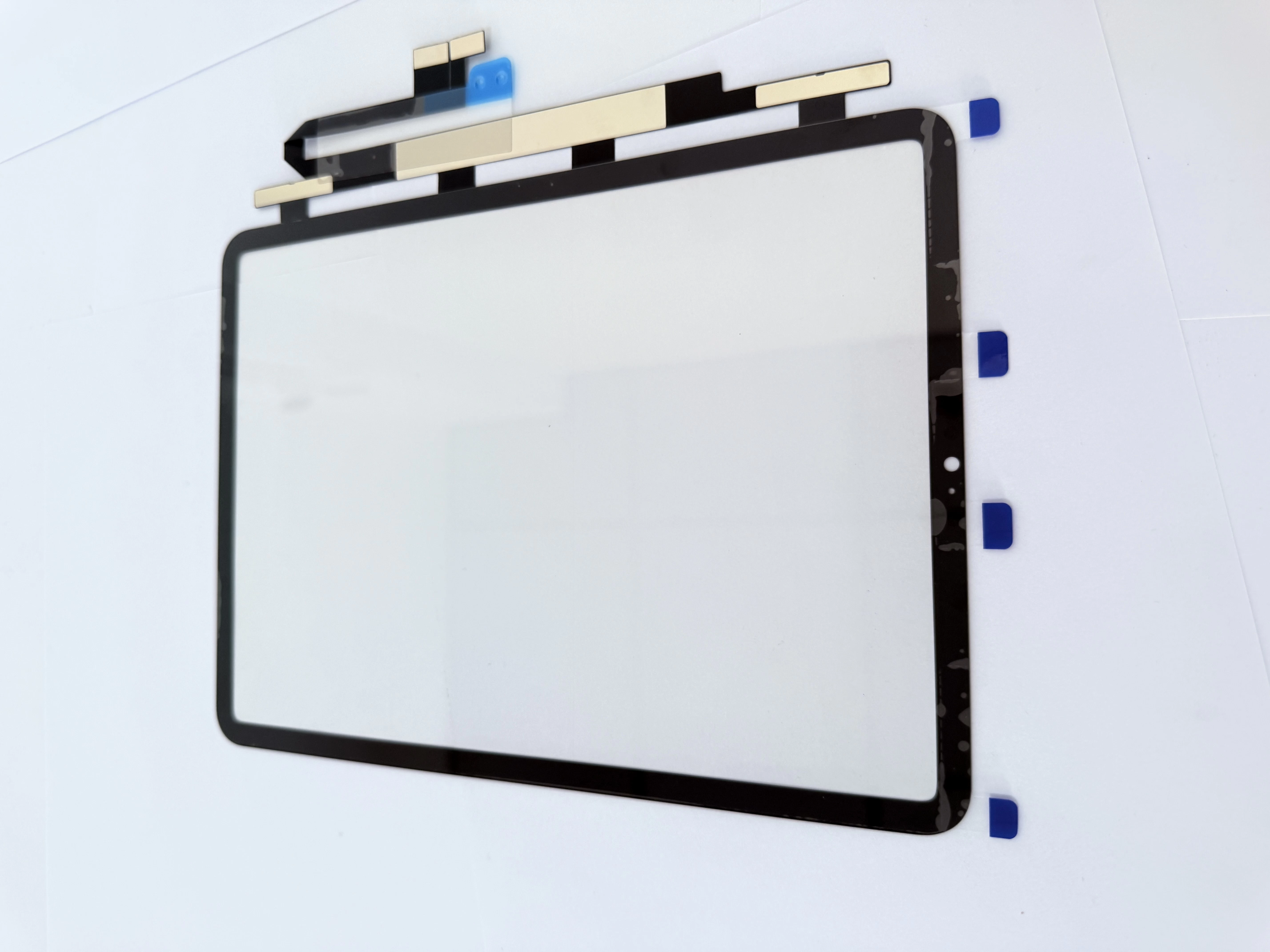
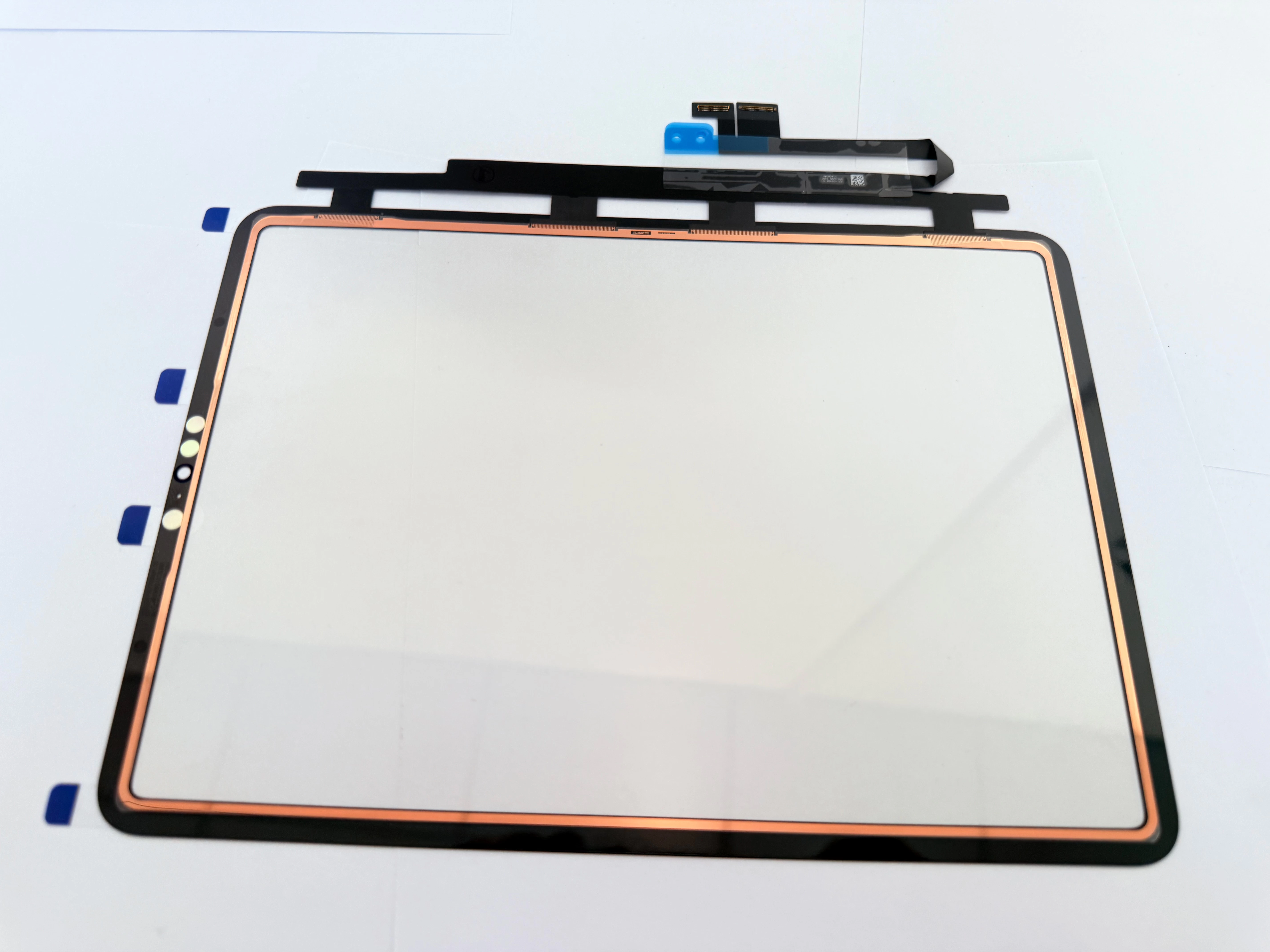
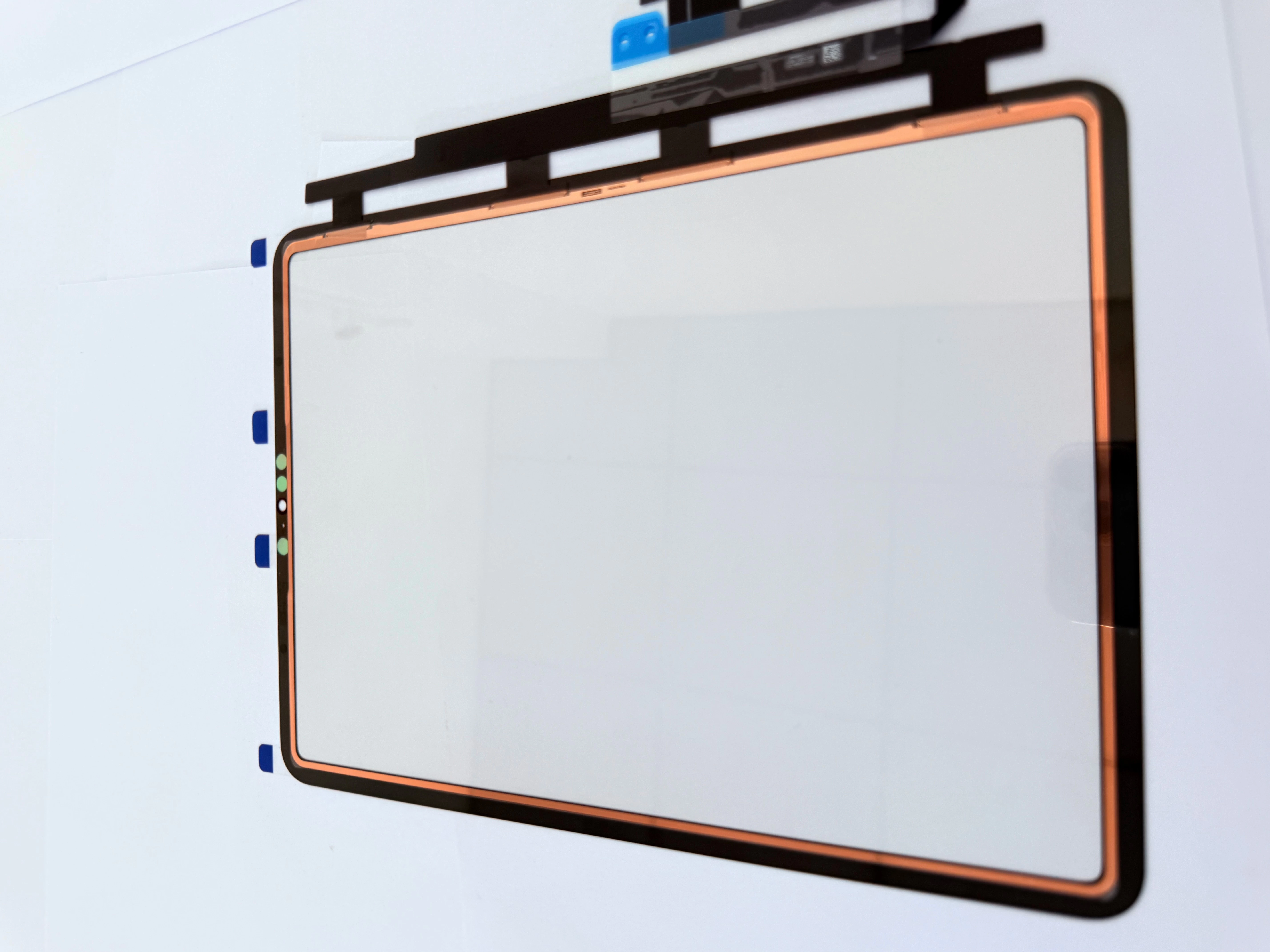
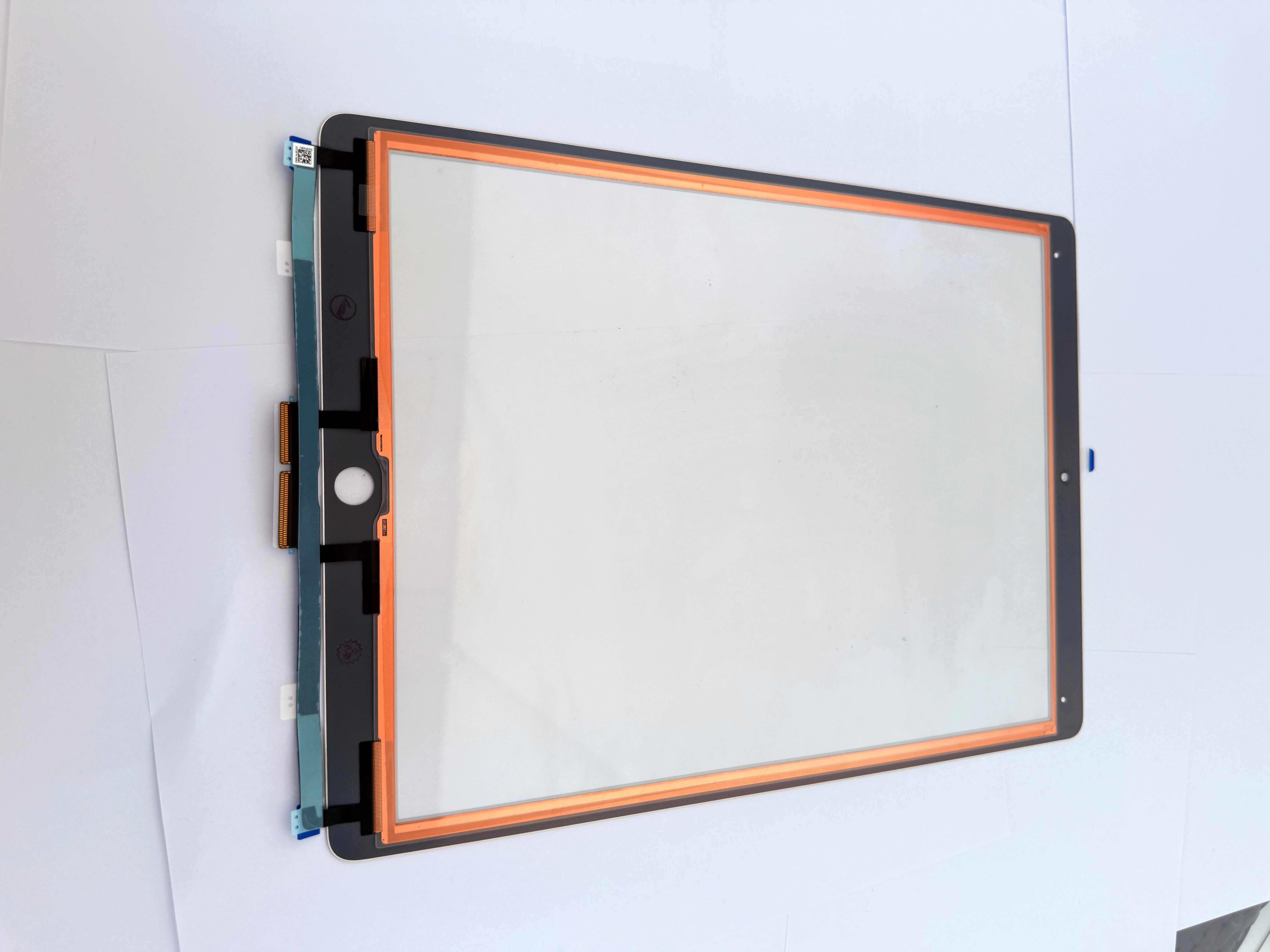
  • Complete Beginner-Friendly iPad Ghost Touch Fix Guide for American Repair Shop Owners: Copper Foil Shielded G+OCA Digitizer Installation, Safe Low-Temp Screen Separation, Bulk Reliable iPad Touch Part
    iPad Ghost Touch Troubleshooting Guide for American Local Repair Shops: Root Causes of Charging Screen Flicker, Copper Foil G+OCA Digitizer Installation, Safe Low-Temp Disassembly and Affordable Bulk

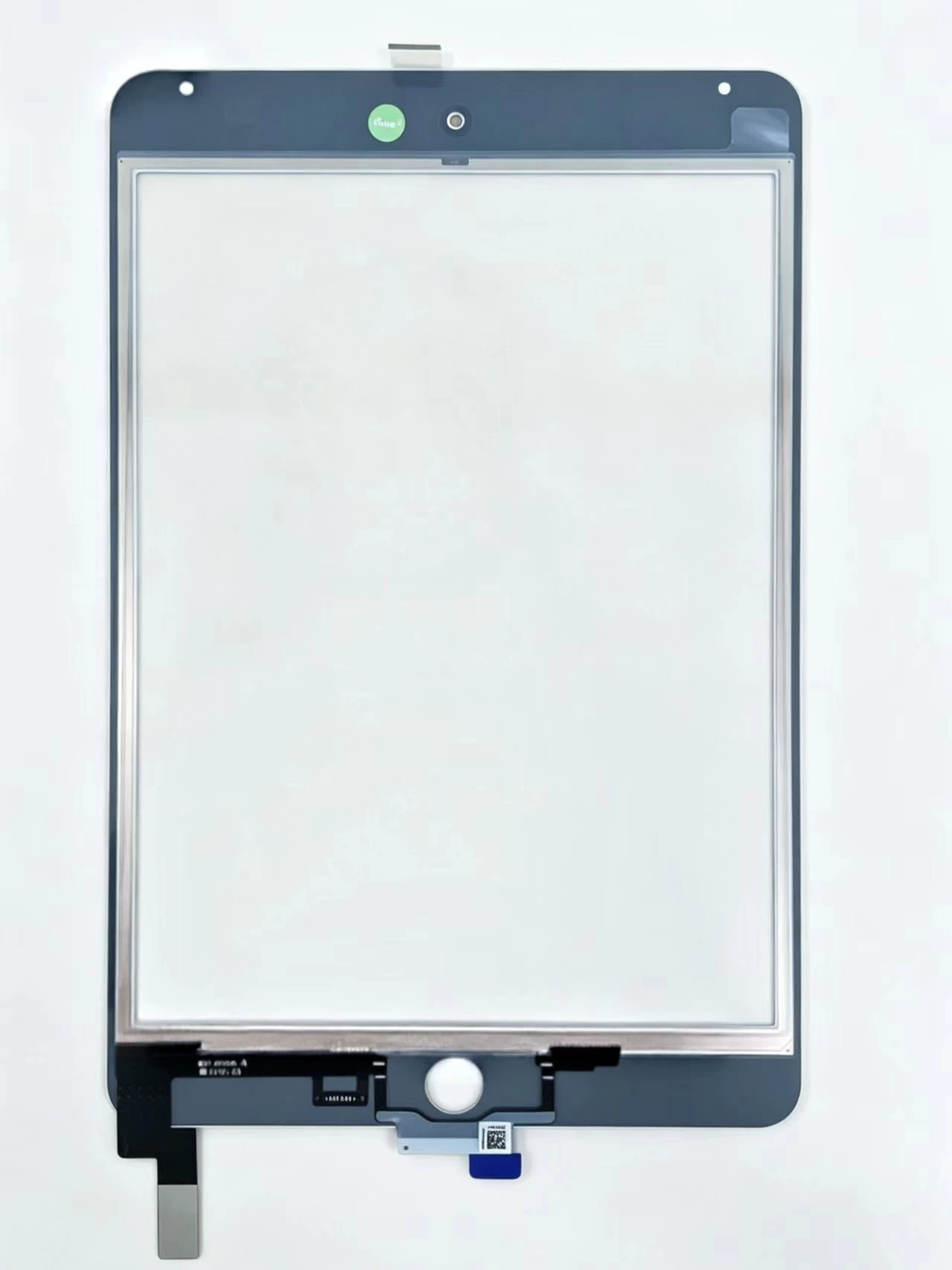
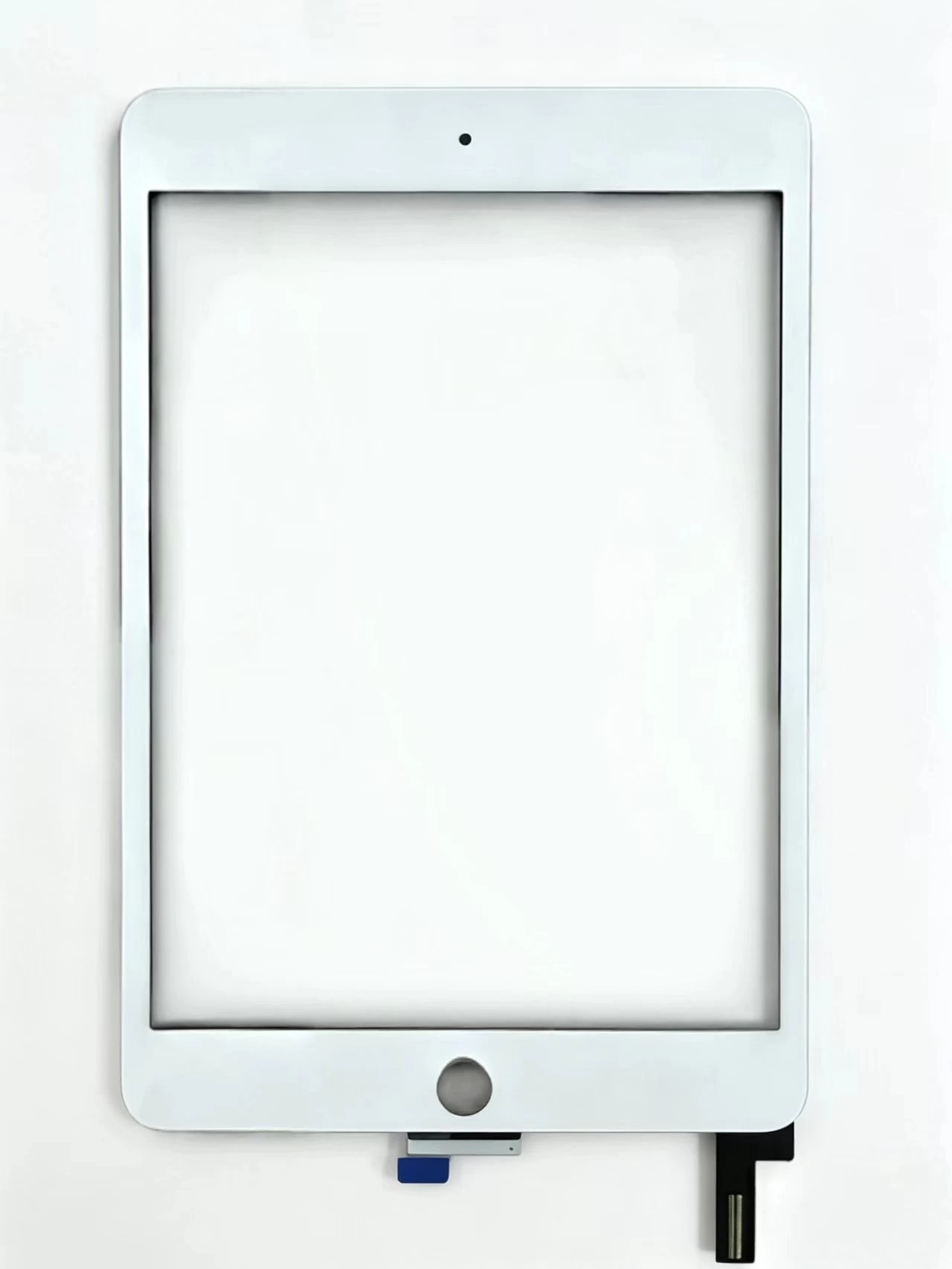
    Touch Screen Digitizer Assembly Replacement Part For iPad Mini 4 A1538 A1550

    View details

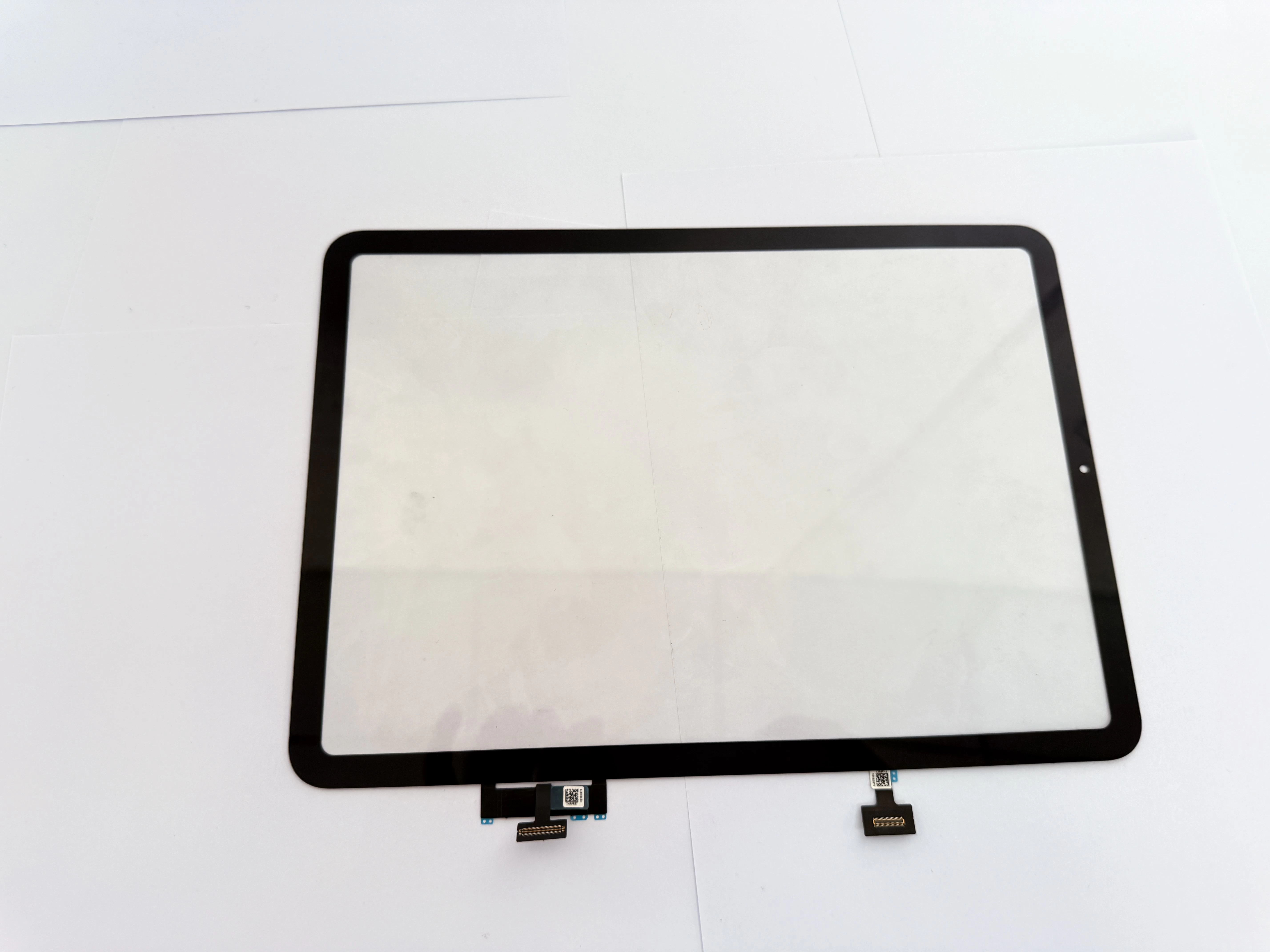
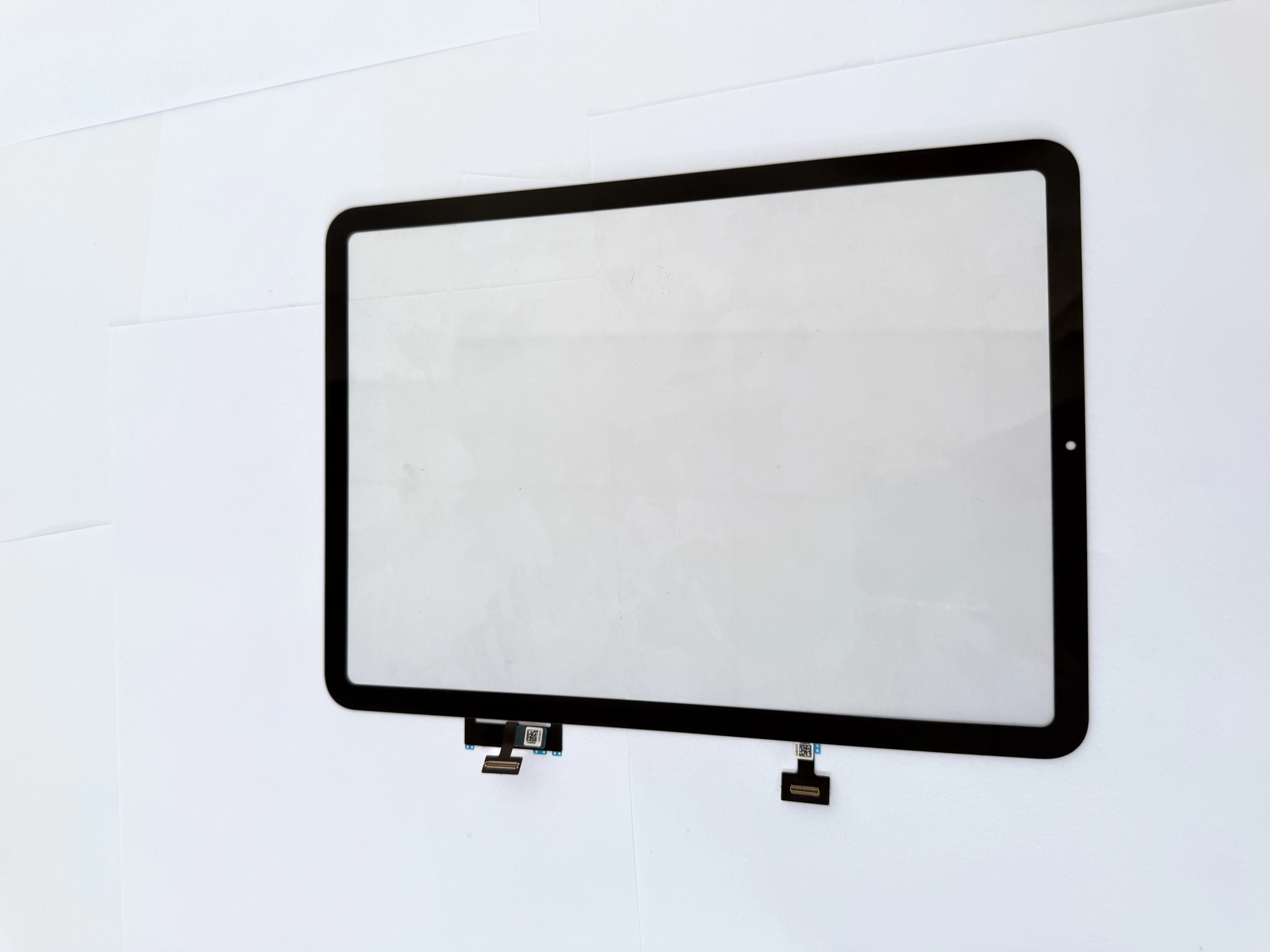
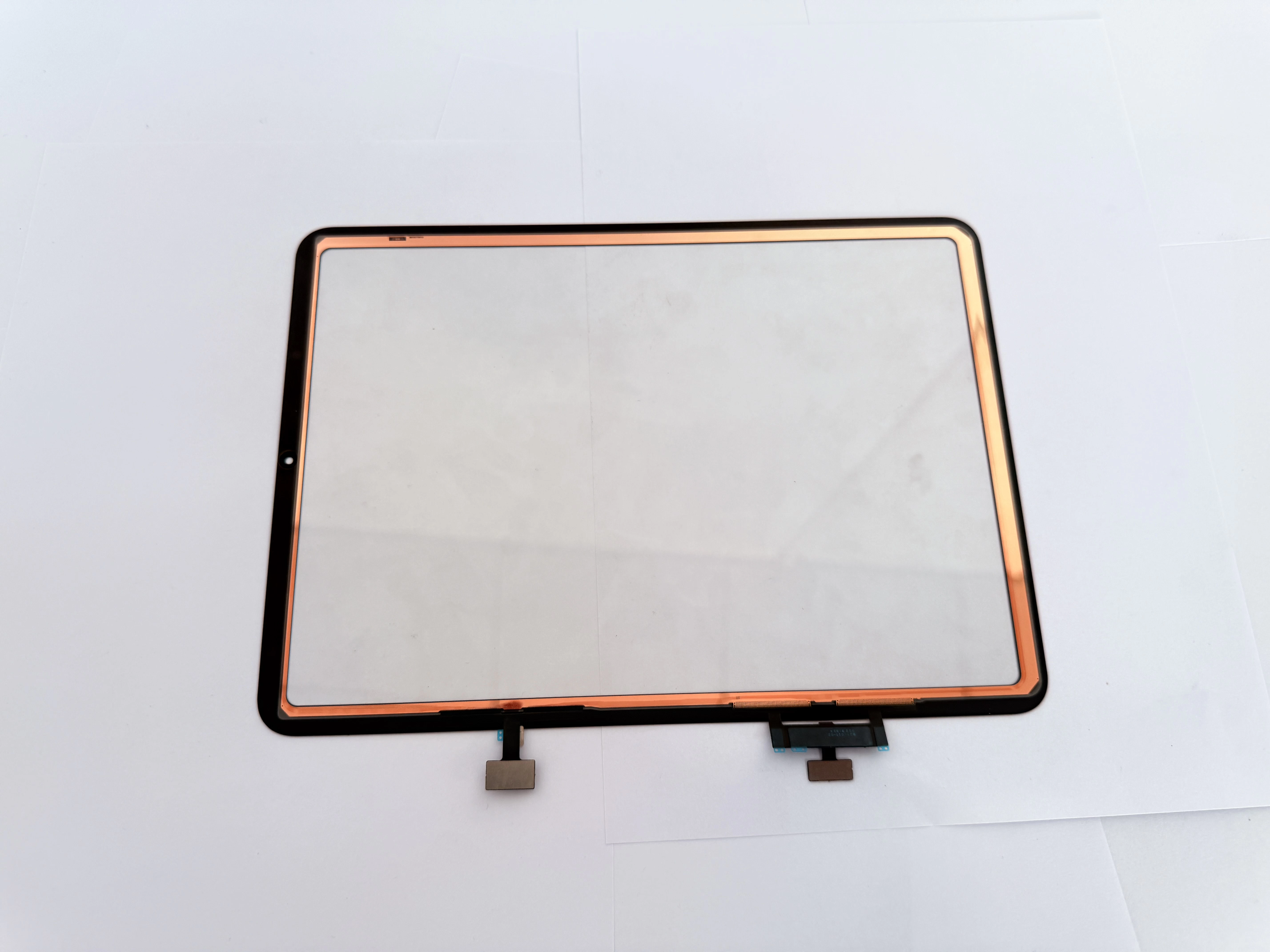
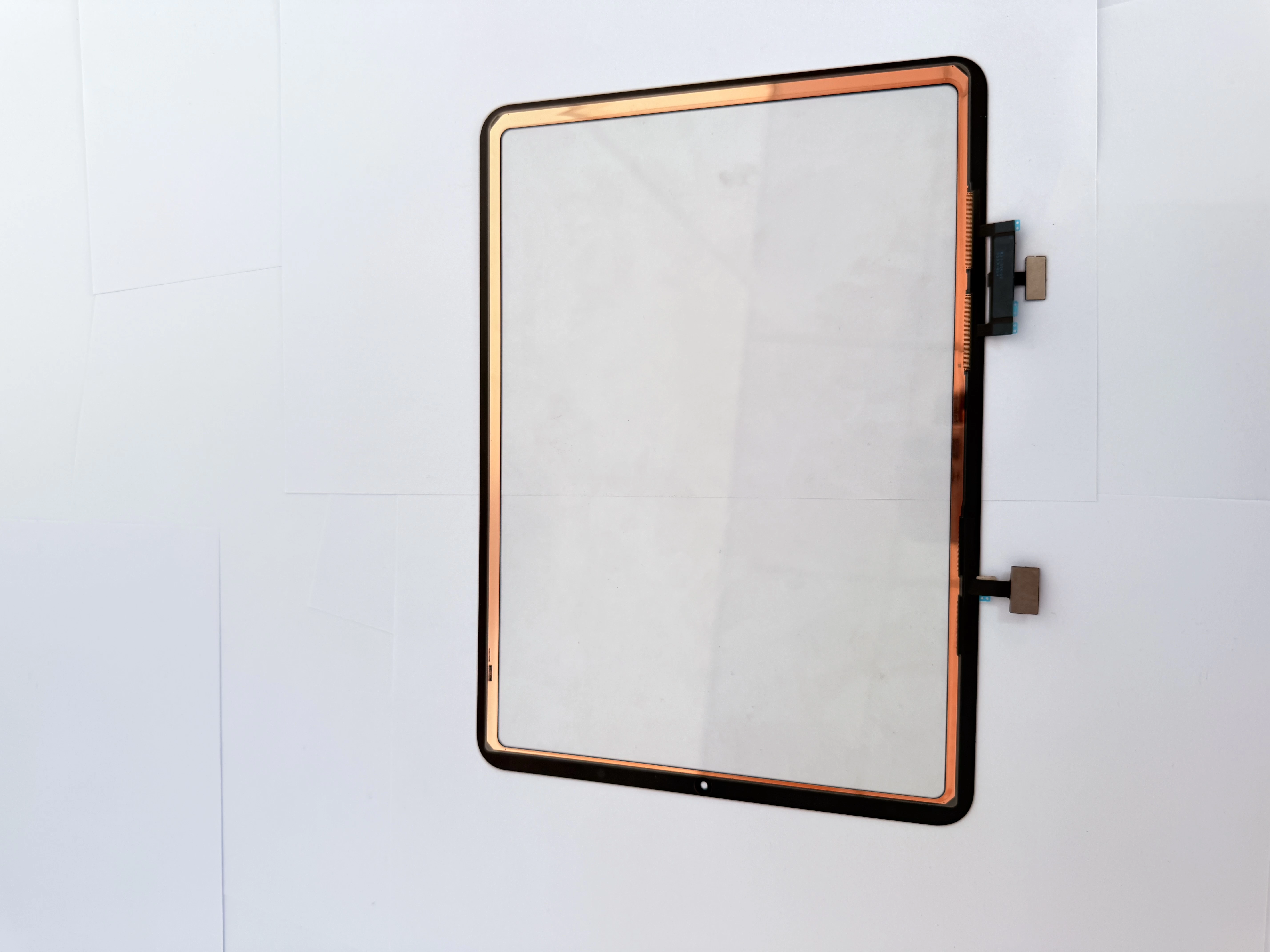
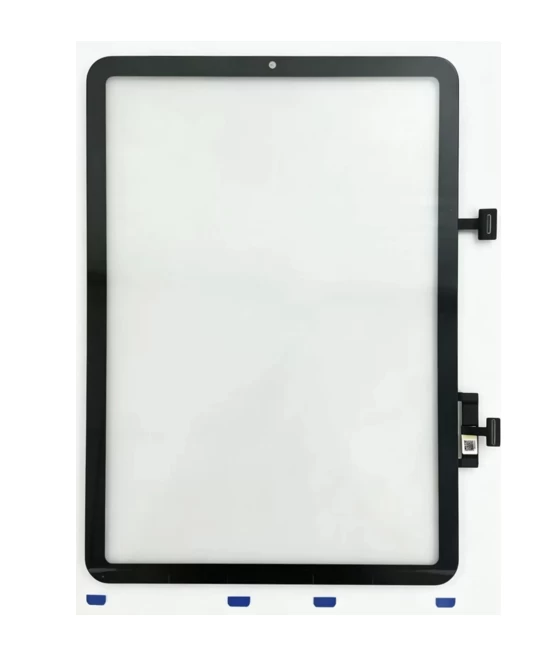
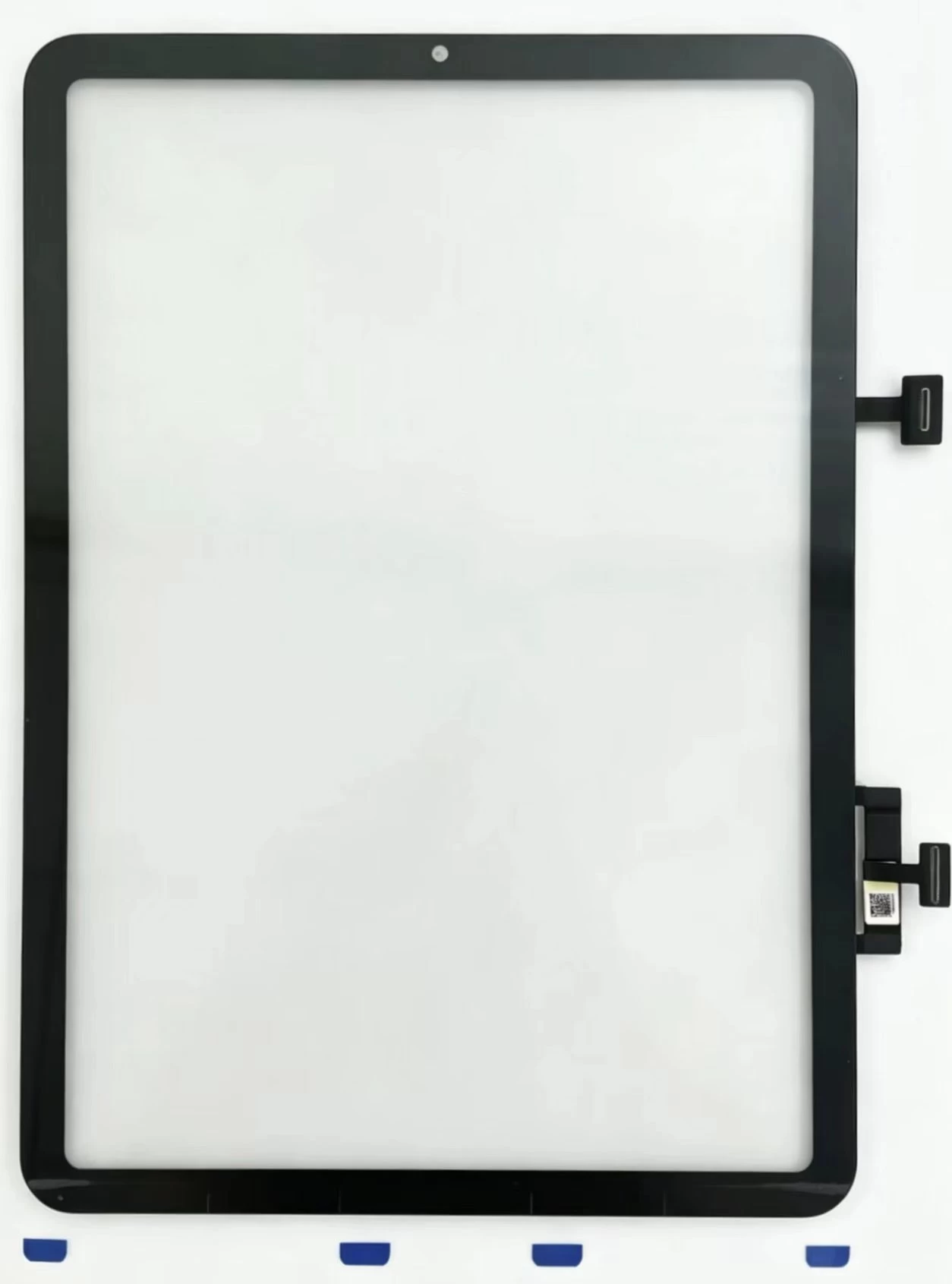
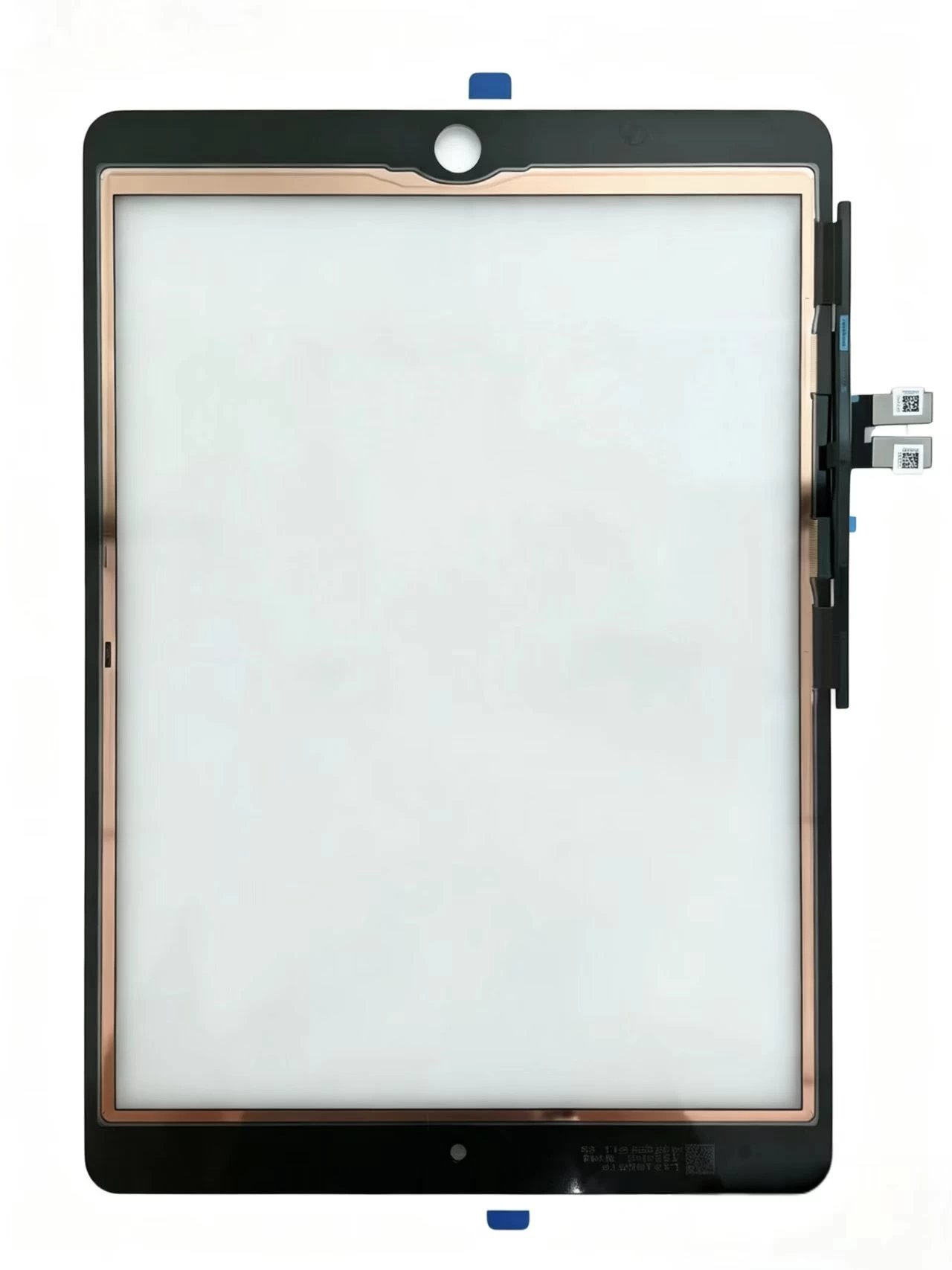
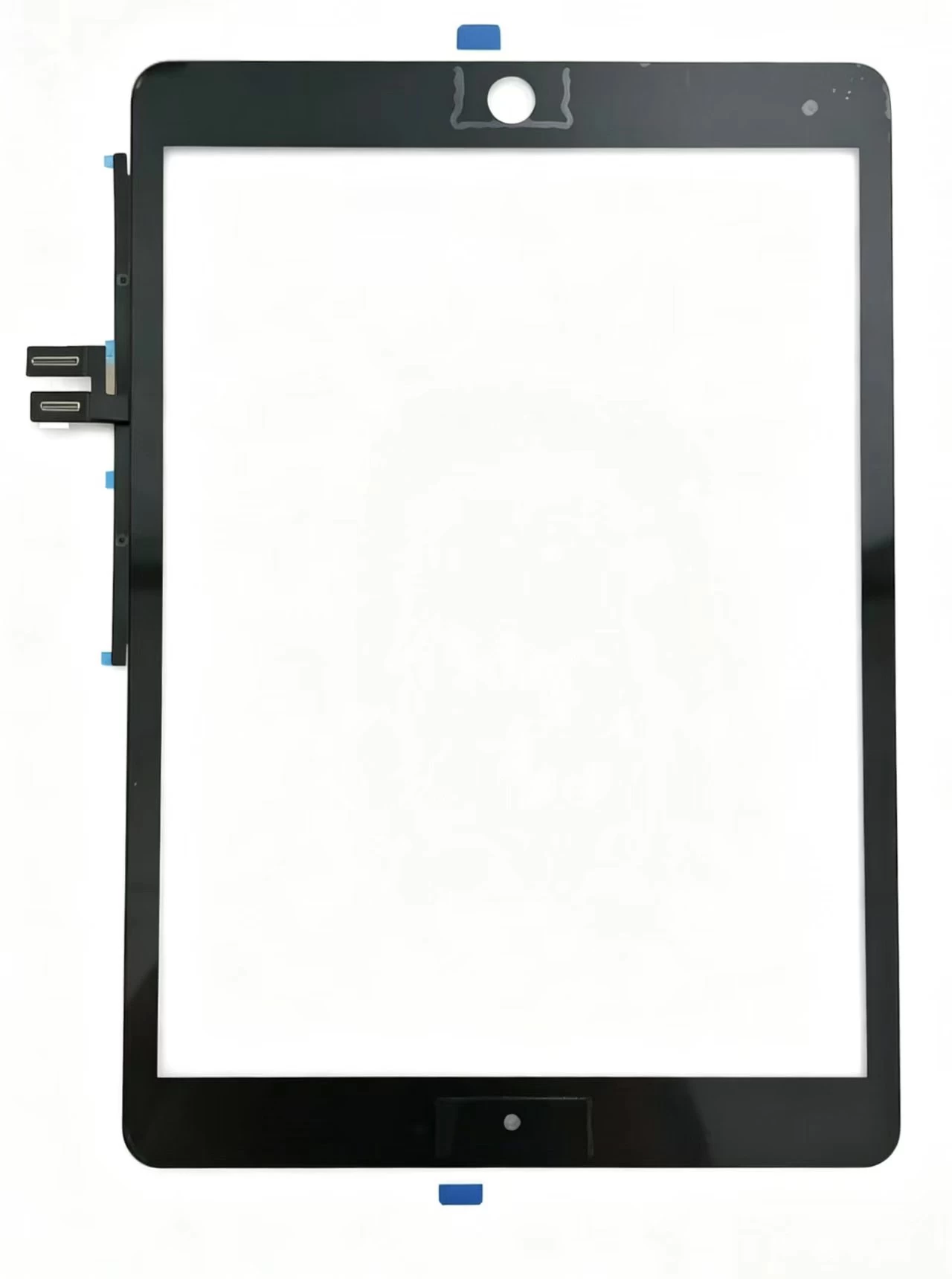
    Touch Screen Digitizer Replacement for iPad 10th Gen/Air 4/Air 5 10.9 Inch, Front Outer Touch Glass Panel with Copper Foil Option
    View details

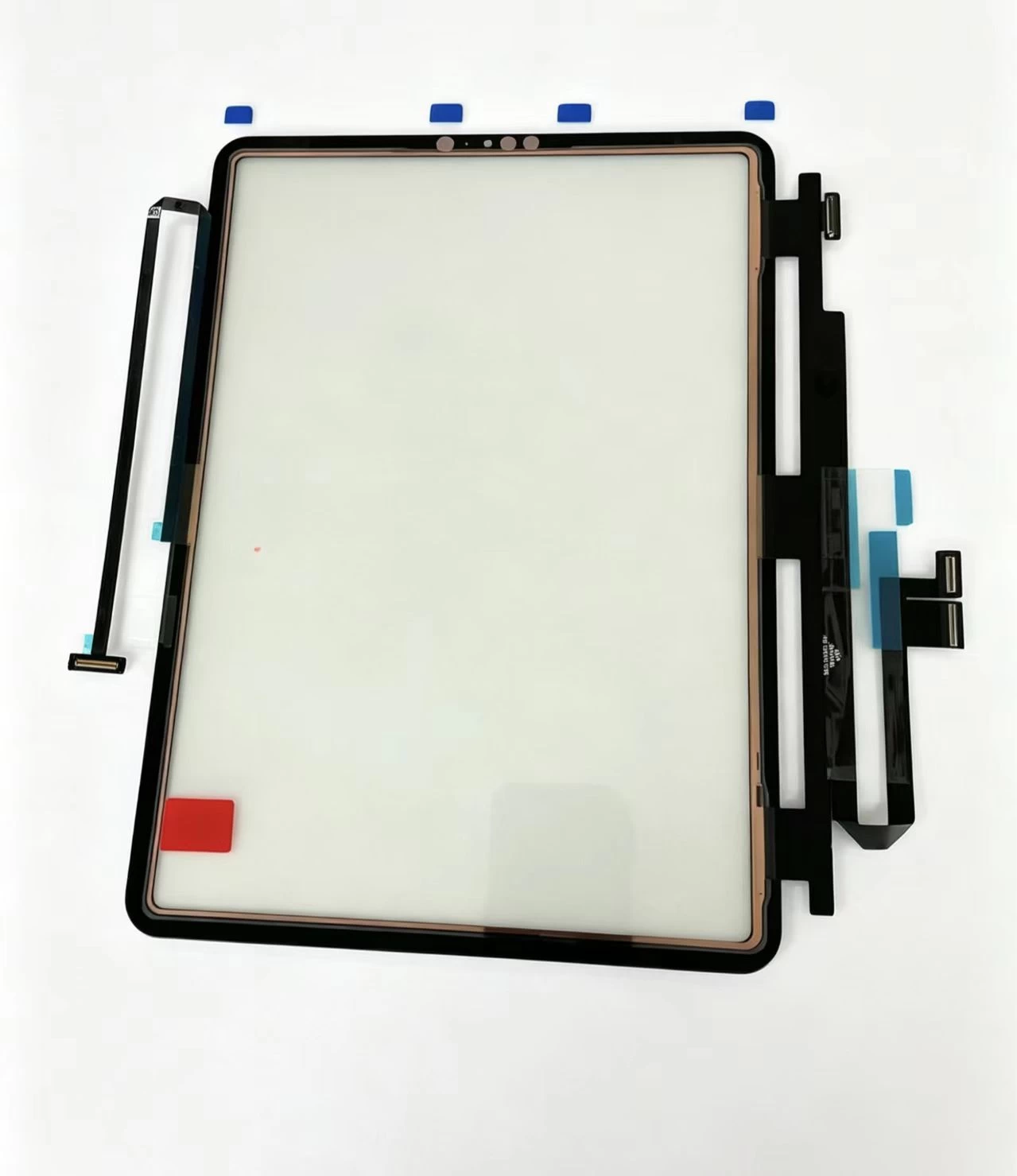
    Touch Screen Digitizer Replacement for iPad 7th/8th/9th Gen 10.2" (2019-2021) Black Front Glass Panel
    View details

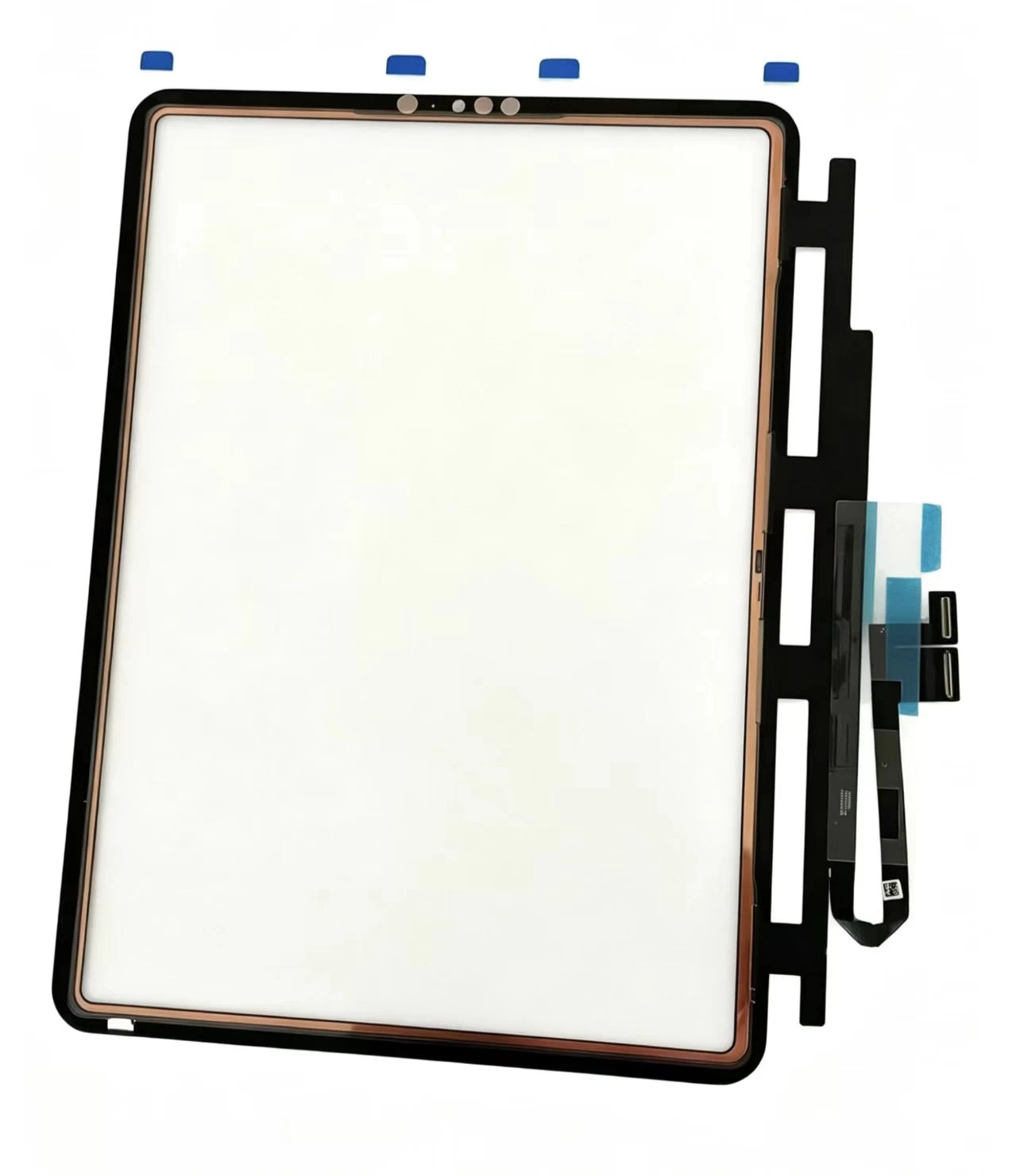
    iPad Pro 11 2020 Touch Glass iPad Pro 11-inch (1st generation, 2018) Touch Screen Digitizer
    View details

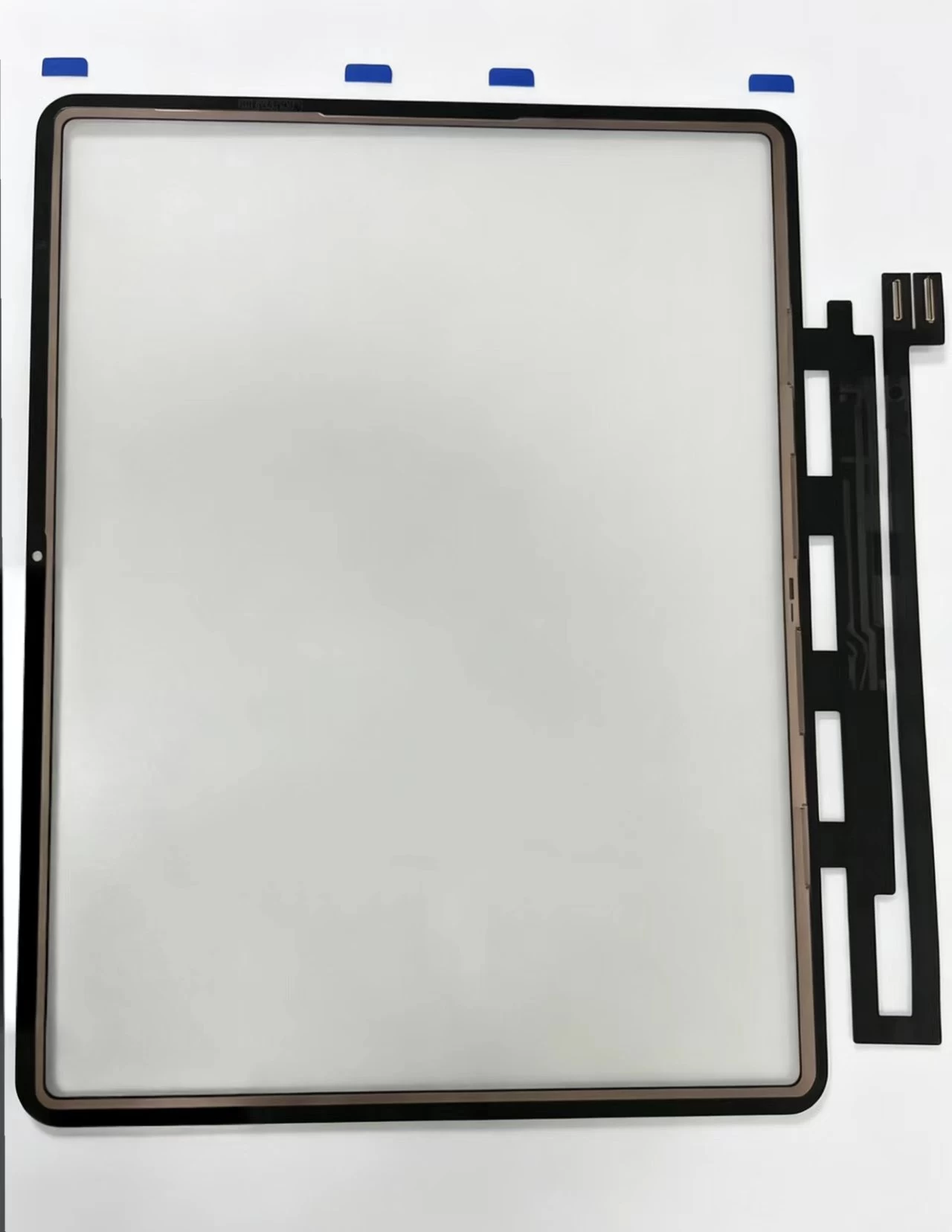
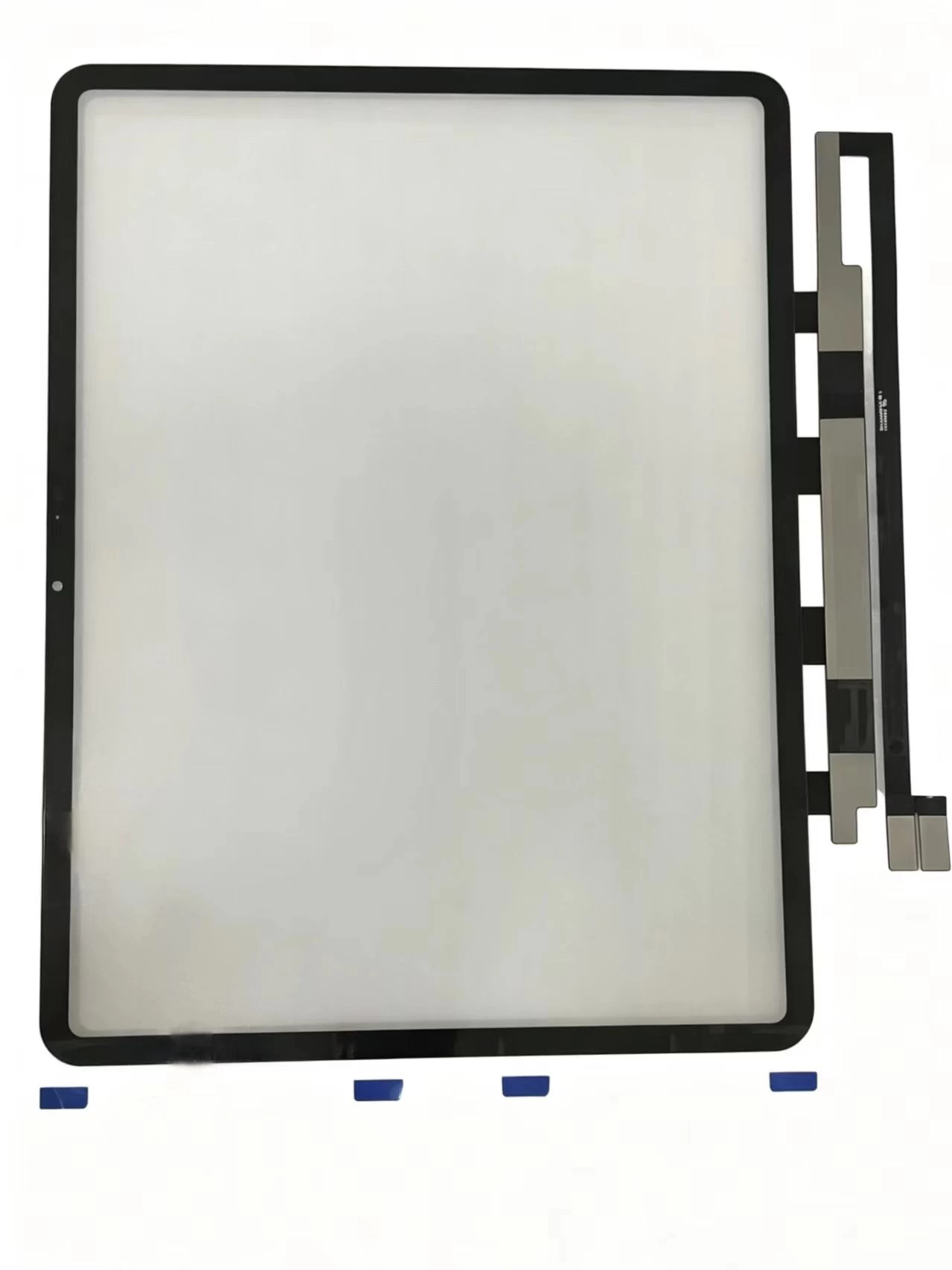
    iPad Pro 11-inch (1st generation, 2018) Touch Screen Digitizer iPad Pro 11 2018 iPad8,1 / iPad8,2 / iPad8,3 / iPad8,4
    View details

    G+Oca Pro Touch Screen Digitizerfor iPad Air 13" (2024)/Air 13"

    View details

    Infrared touch display screen XY98AC-HBZ9

    View details

    Infrared touch display screen XY98AC-HBZ9

    View details

    Infrared touch display terminal XY86AC-HBZ9

    View details

    Infrared touch display terminal XY85AC-HBZ9

    View details

    Infrared touch display screen XY75AC-HBZ9

    View details

    Infrared touch display screen XY65AC-HBZ9

    View details

    Applicable to iPad Air2 A1566

    View details

    Applicable to iPad Airs. 10.9 2022 A2325. A2072

    View details

    Applicable to iPad Air.4 10.9.2020 A2324. A2316

    View details

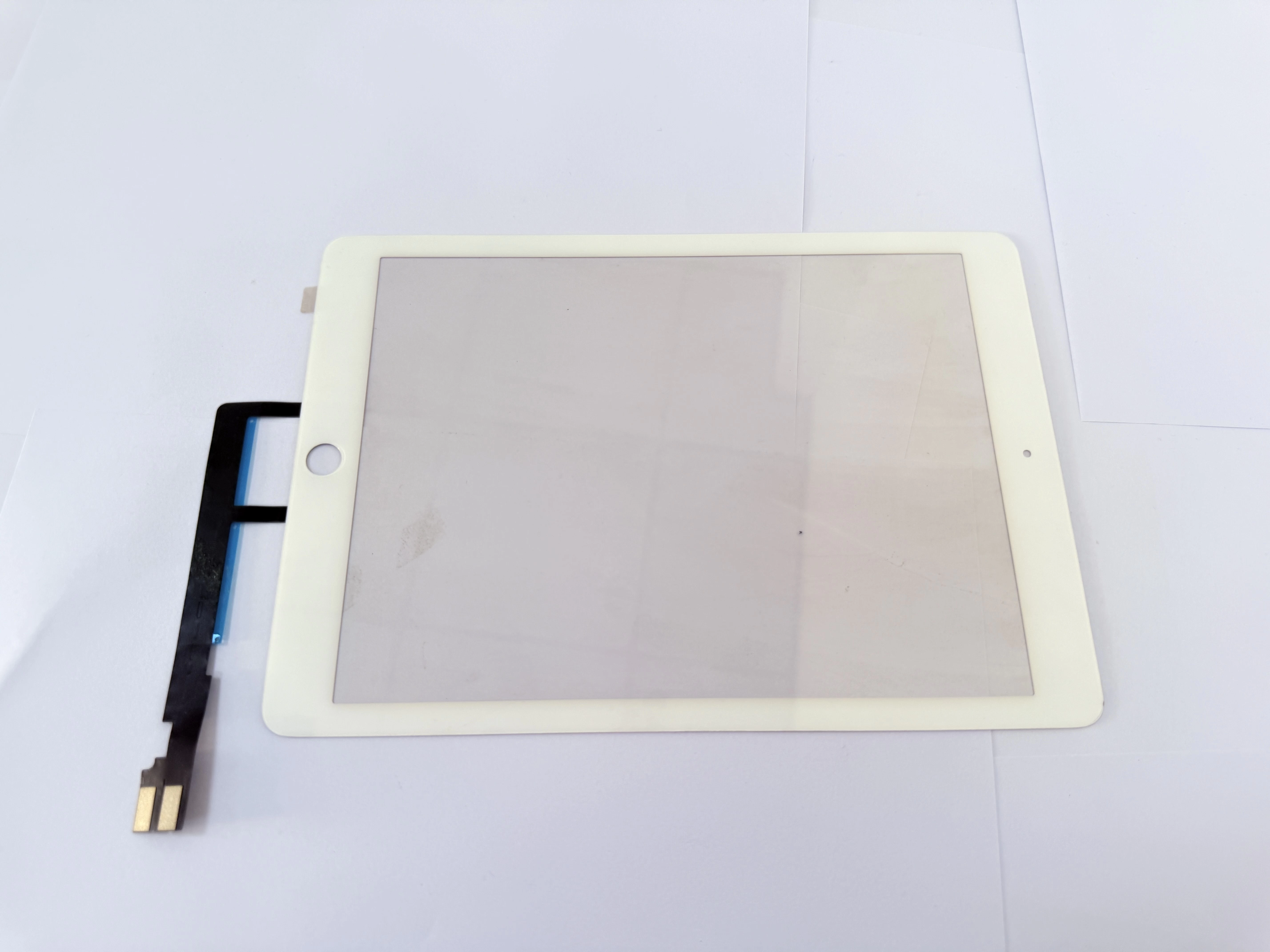
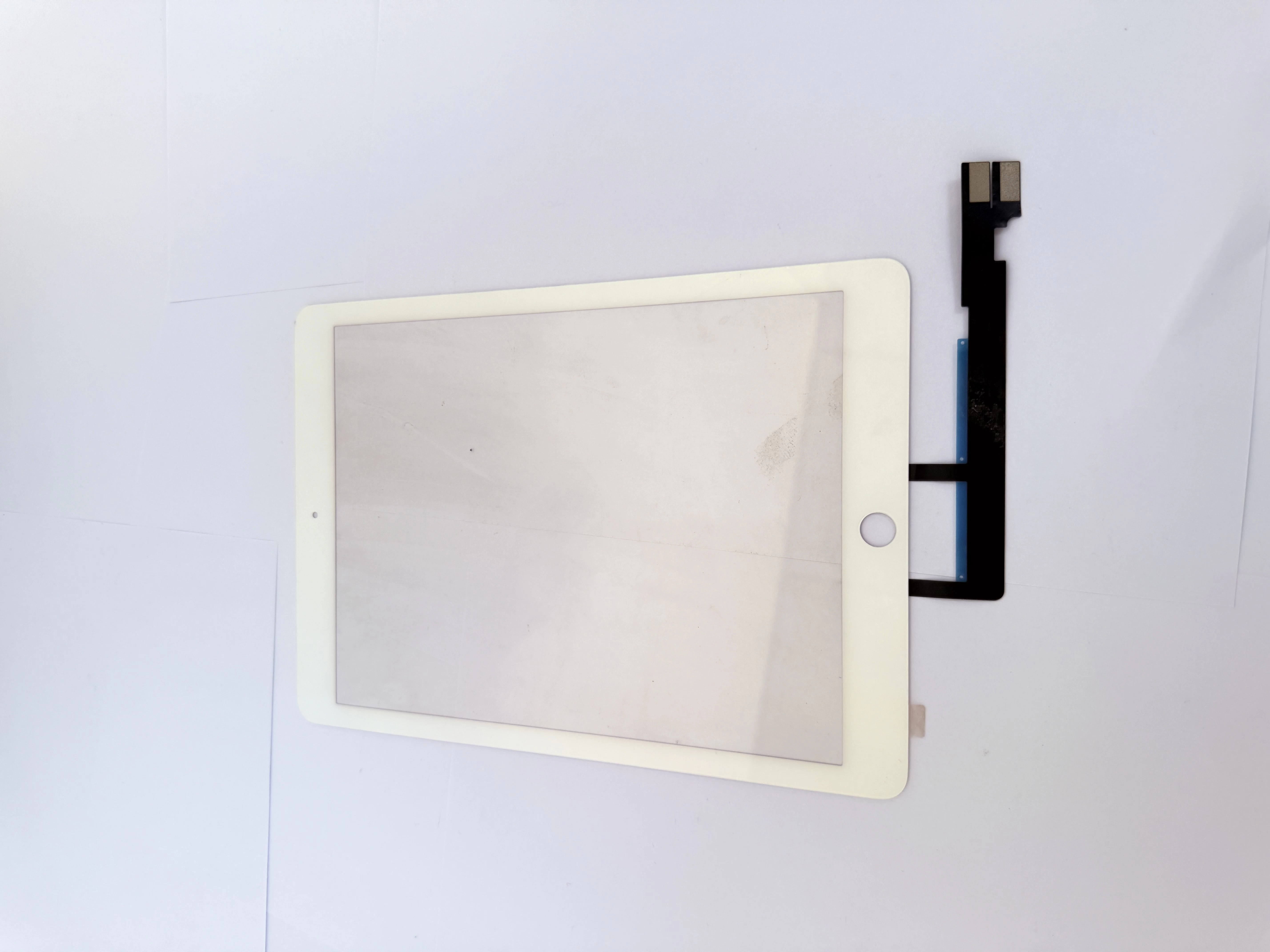
    Applicable to iPad 9.7 A1674.A1675

    View details

    Applicable to iPad 9.7 A1673

    View details

    Applicable to iPad 11一4 generation A2460

    View details

    Applicable to iPad 11一3 generation A2301

    View details

    Applicable to iPad 11一3 generation A2377

    View details

    Applicable to iPad 12.9.-2 Generation A1652

    View details

    Applicable to iPad 12.9.-2 Generation A1584

    View details