
cases

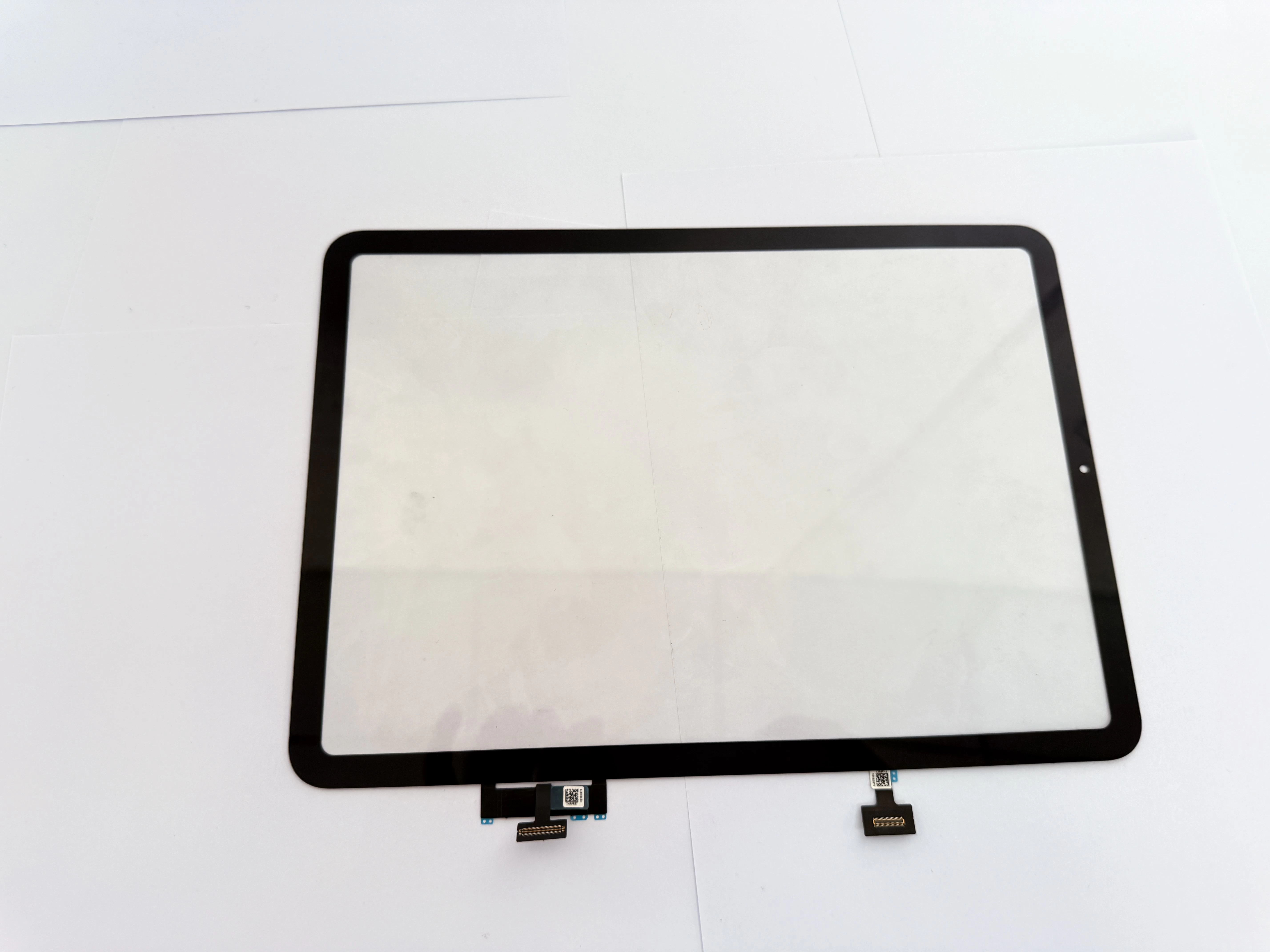
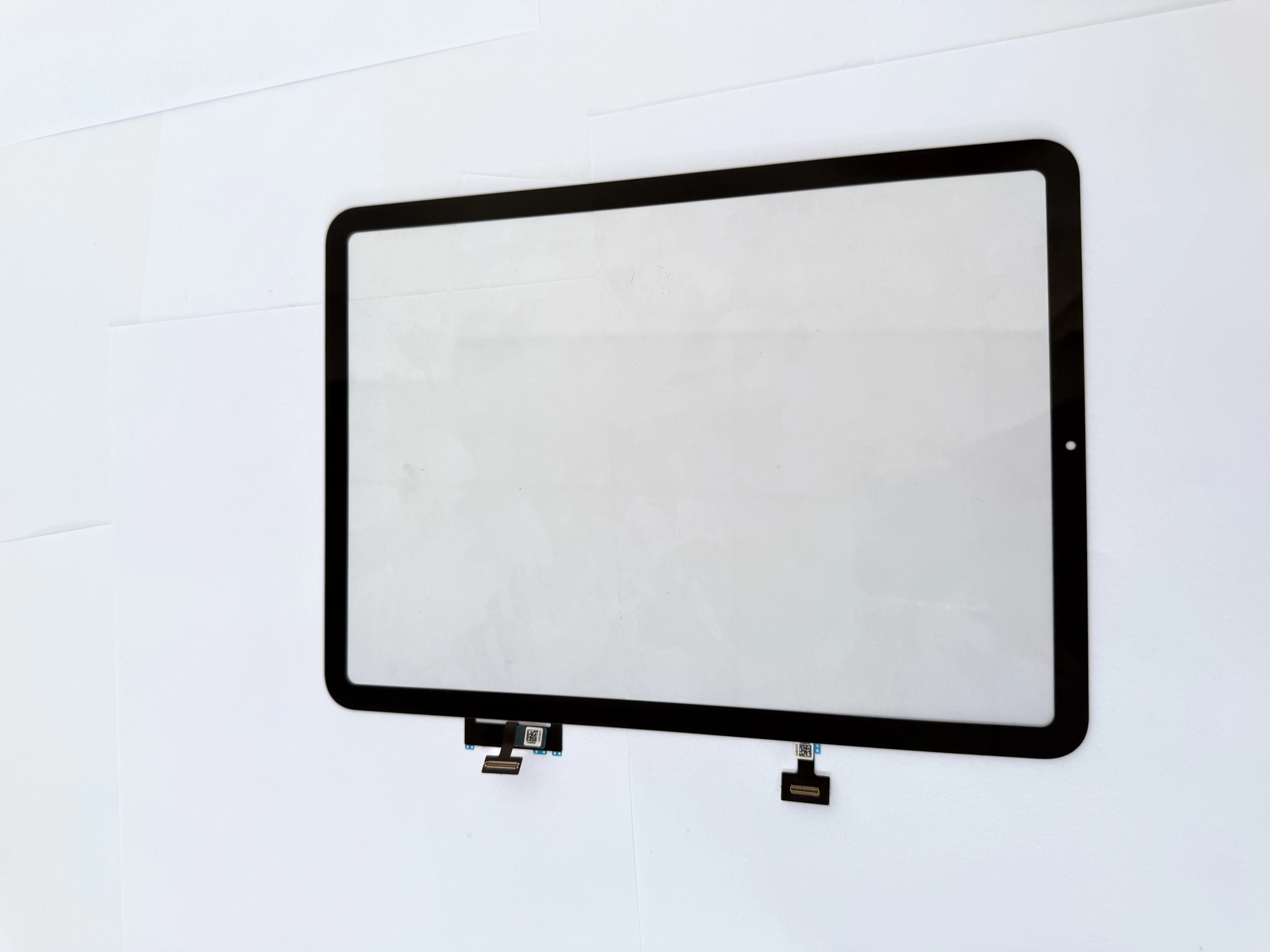
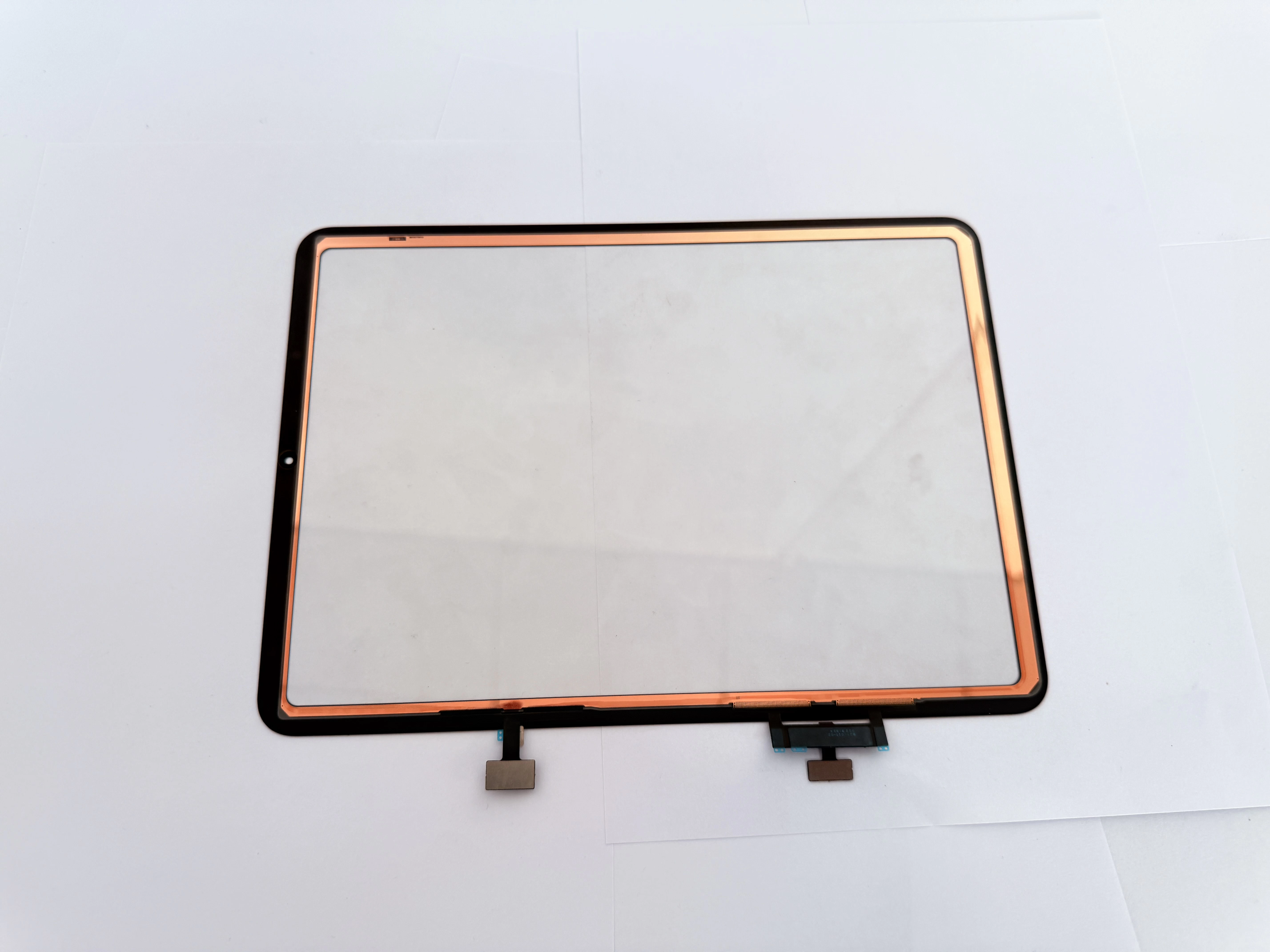
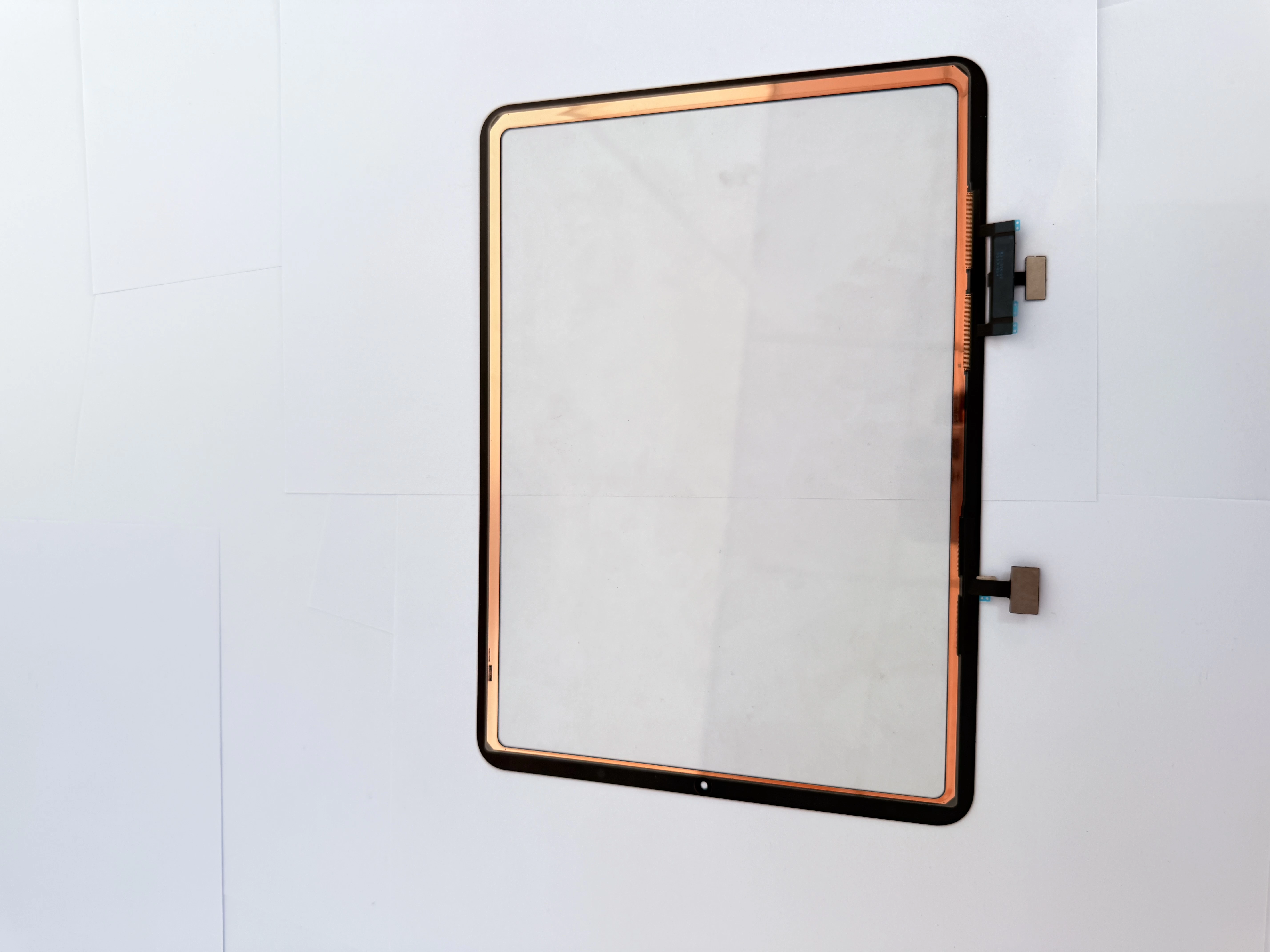
Complete Troubleshooting & Repair Guide for iPad Ghost Touch: Copper Foil Shield Digitizer Installation, Low-Temp Disassembly Steps, Post-Lamination Bubble Prevention, Wholesale G+OCA Touch Parts Supp

  • Root Causes of Ghost Touch Failure
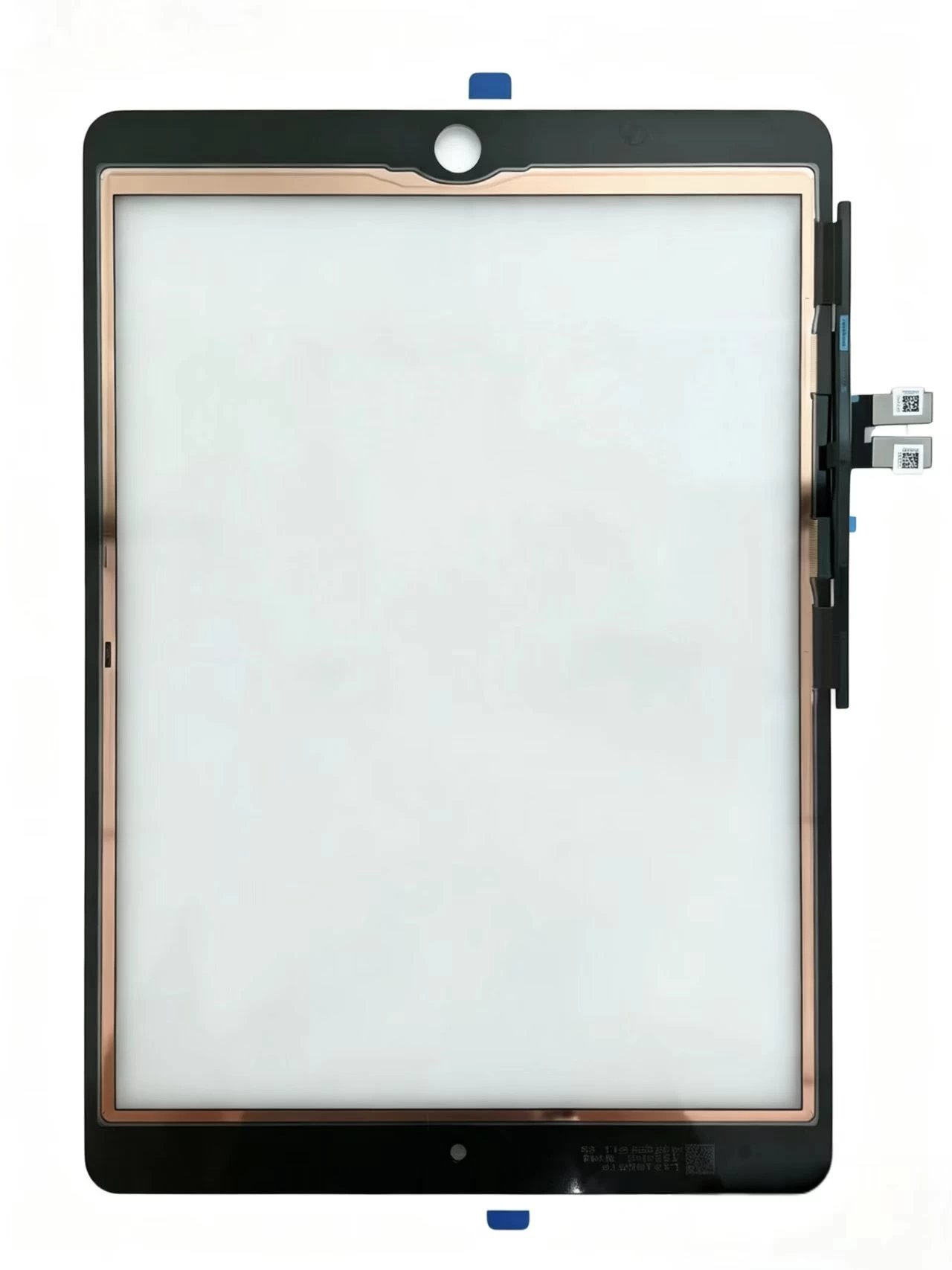
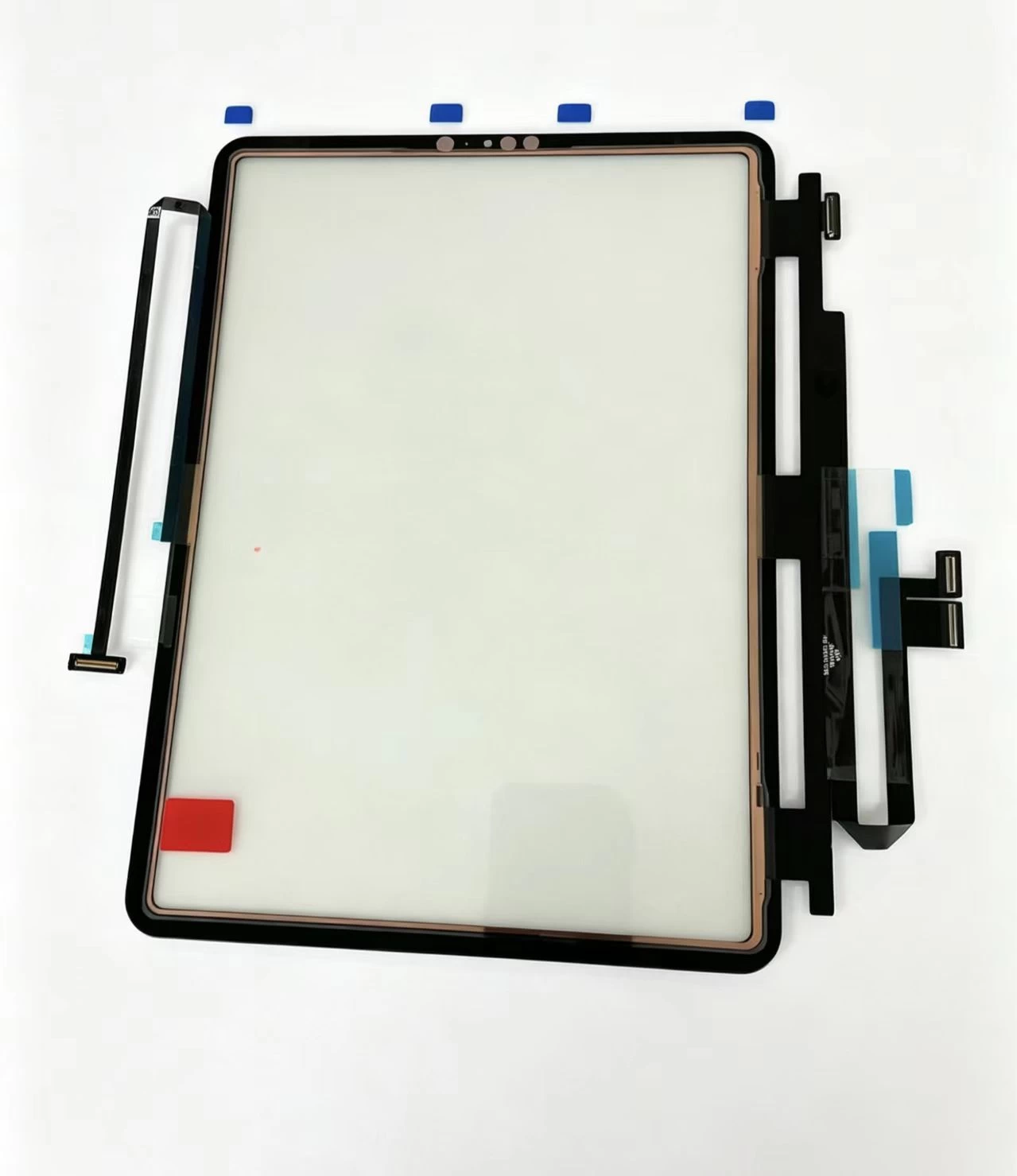
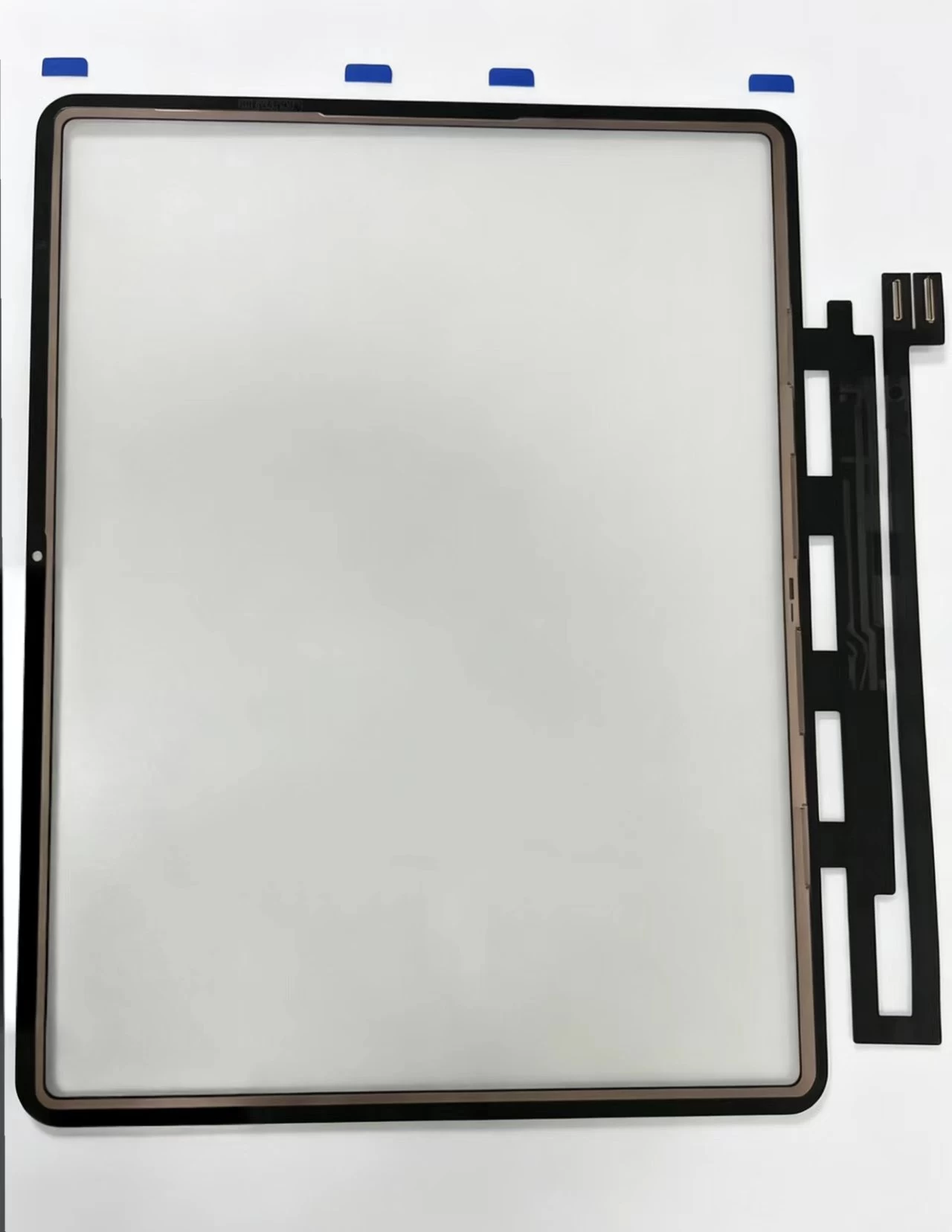
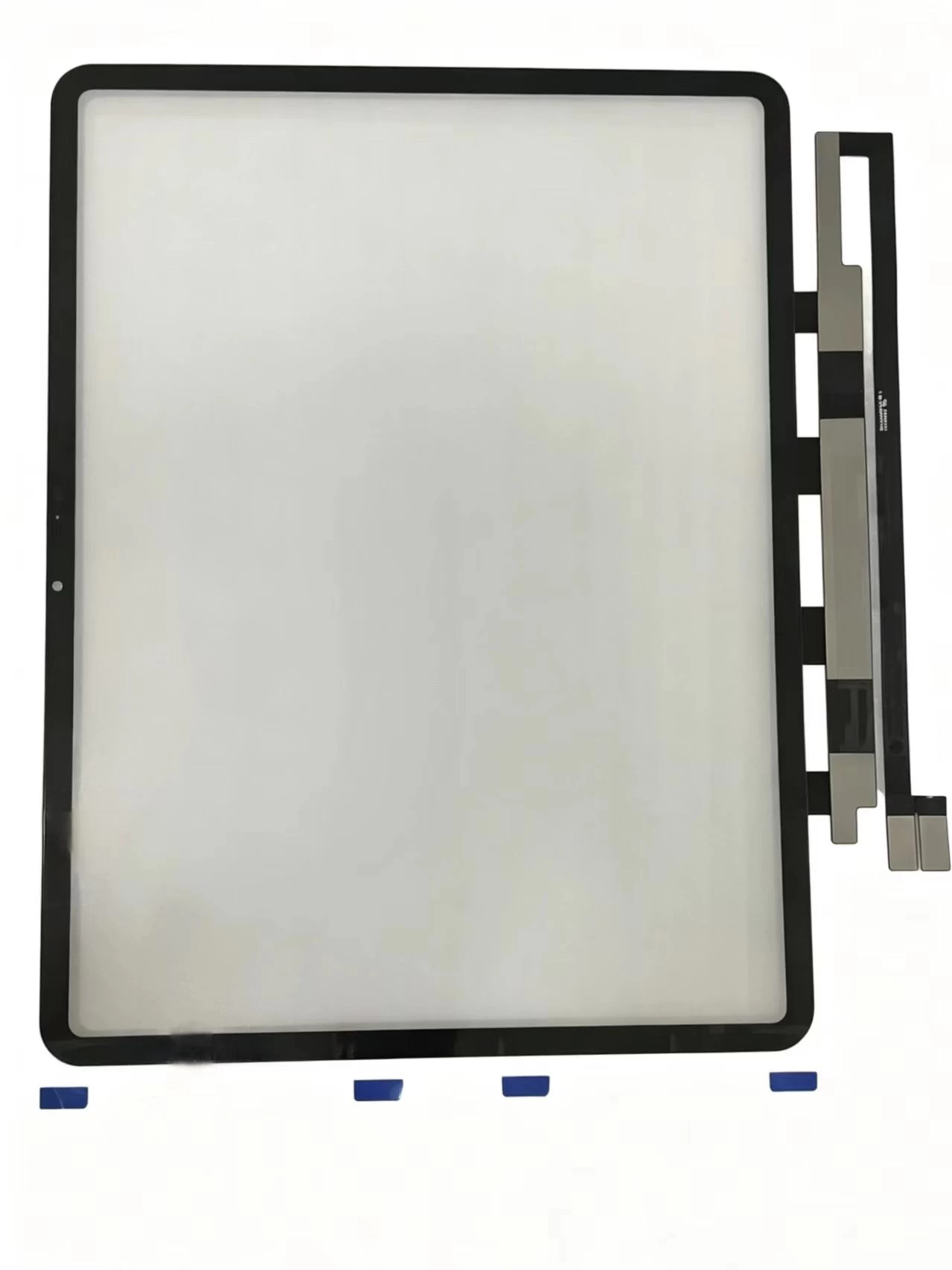
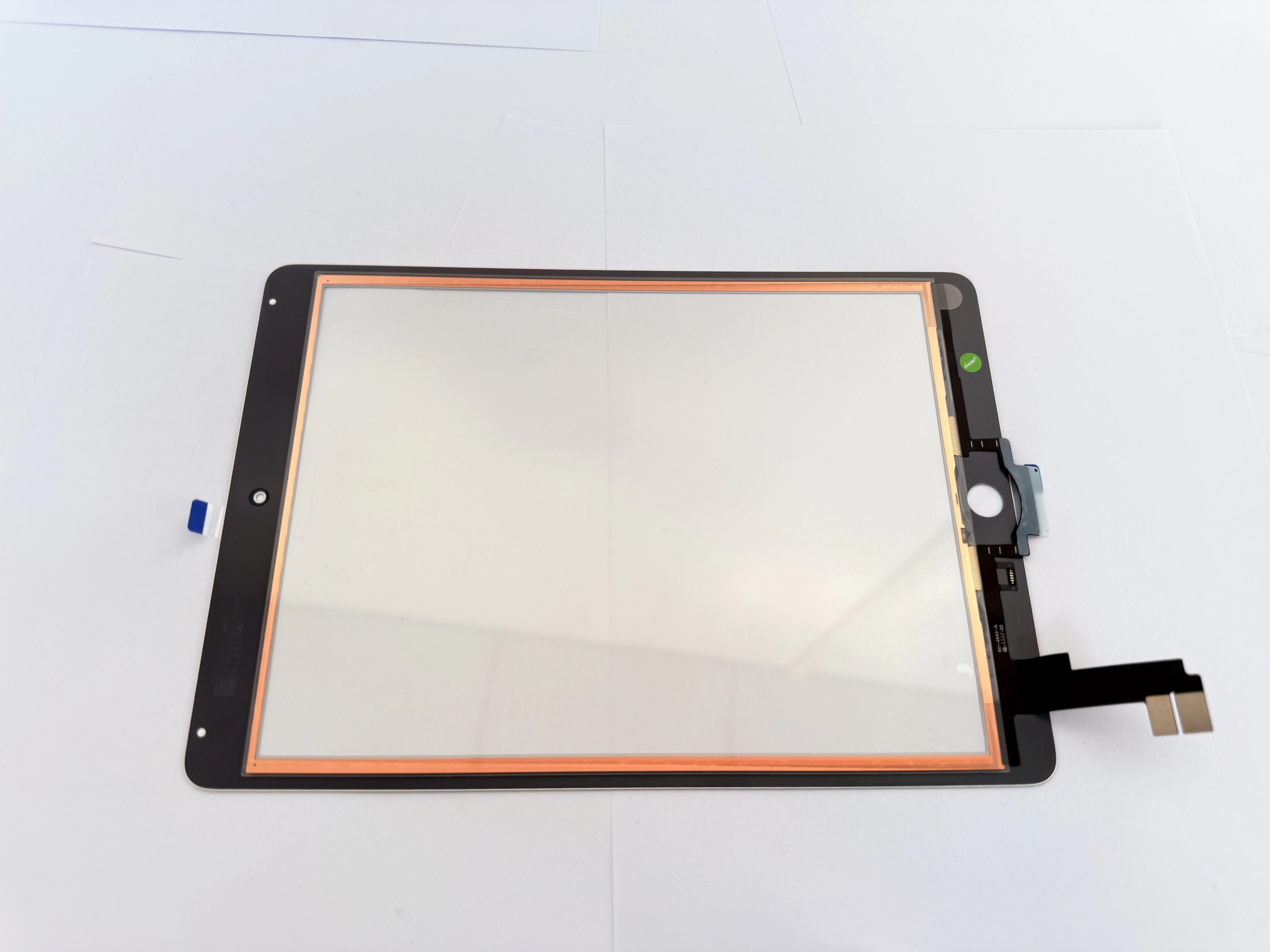
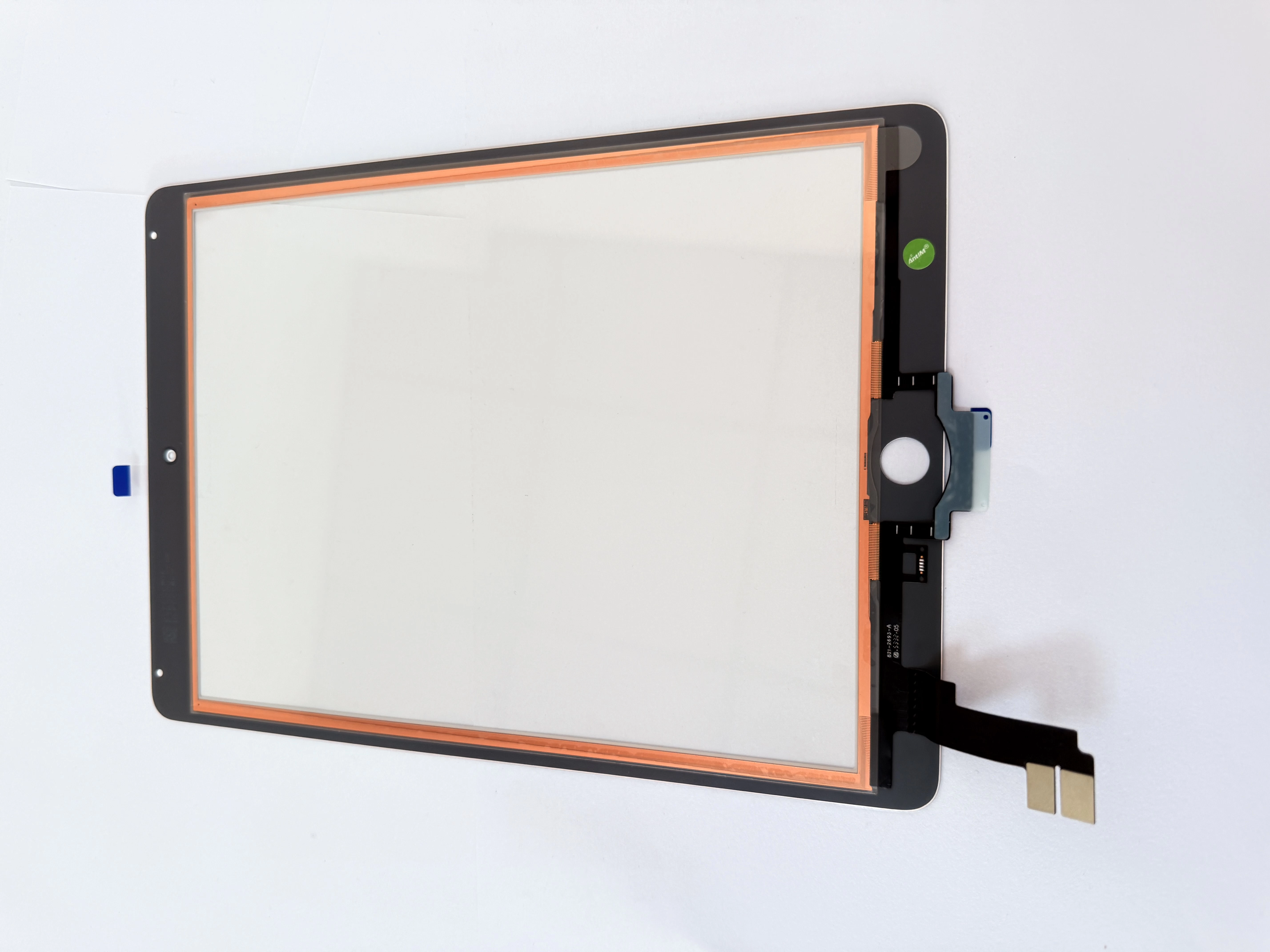
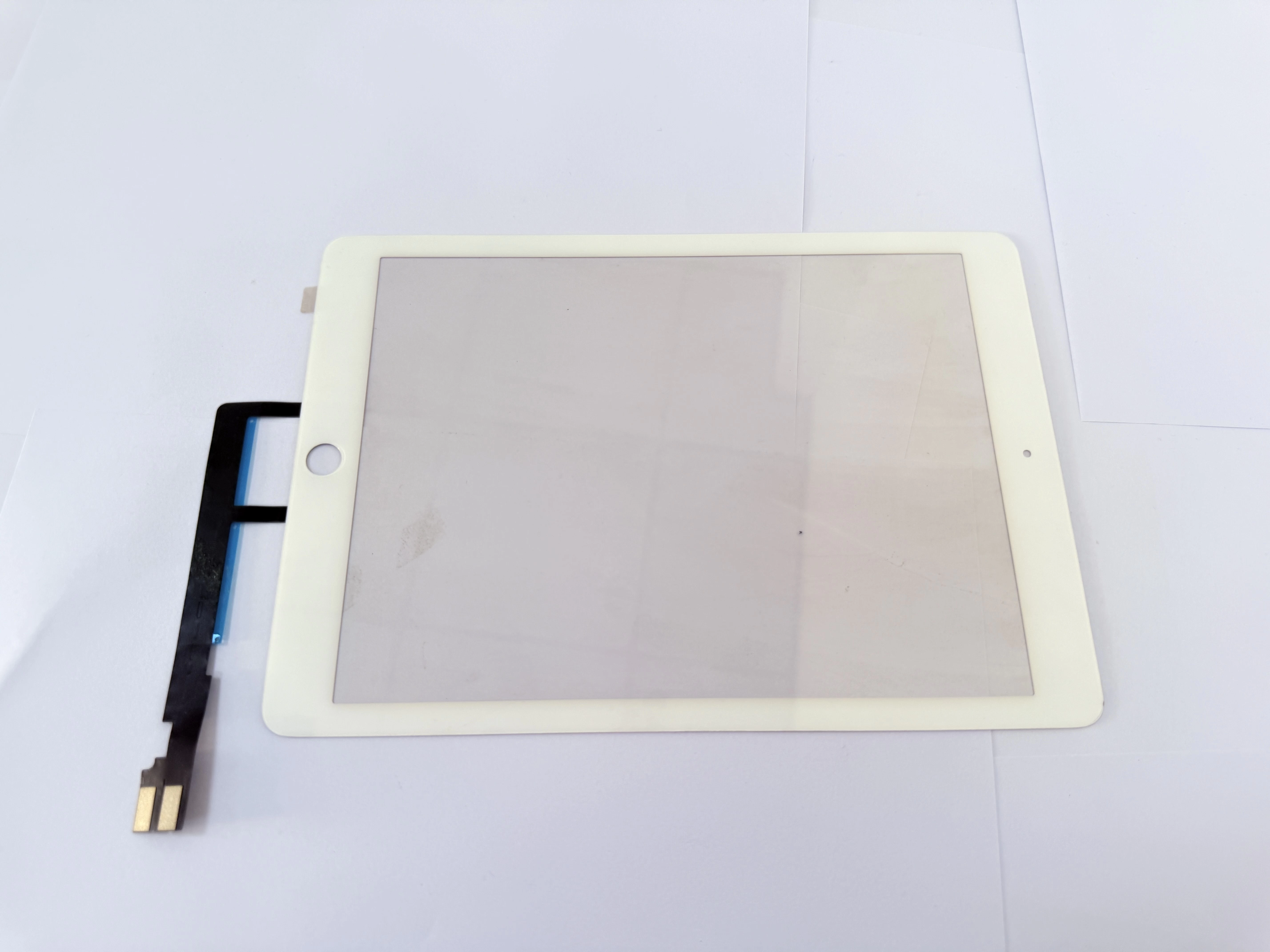
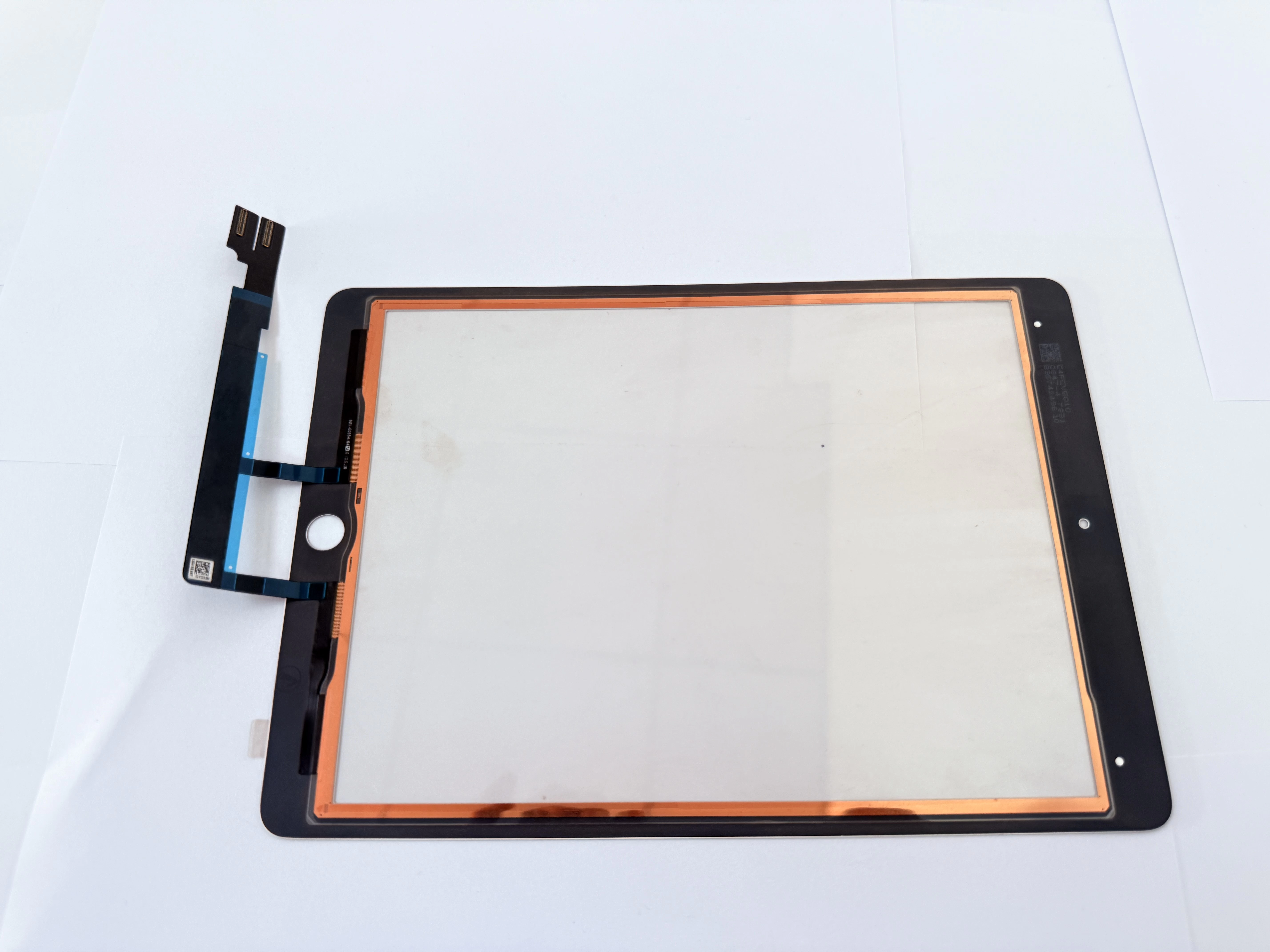
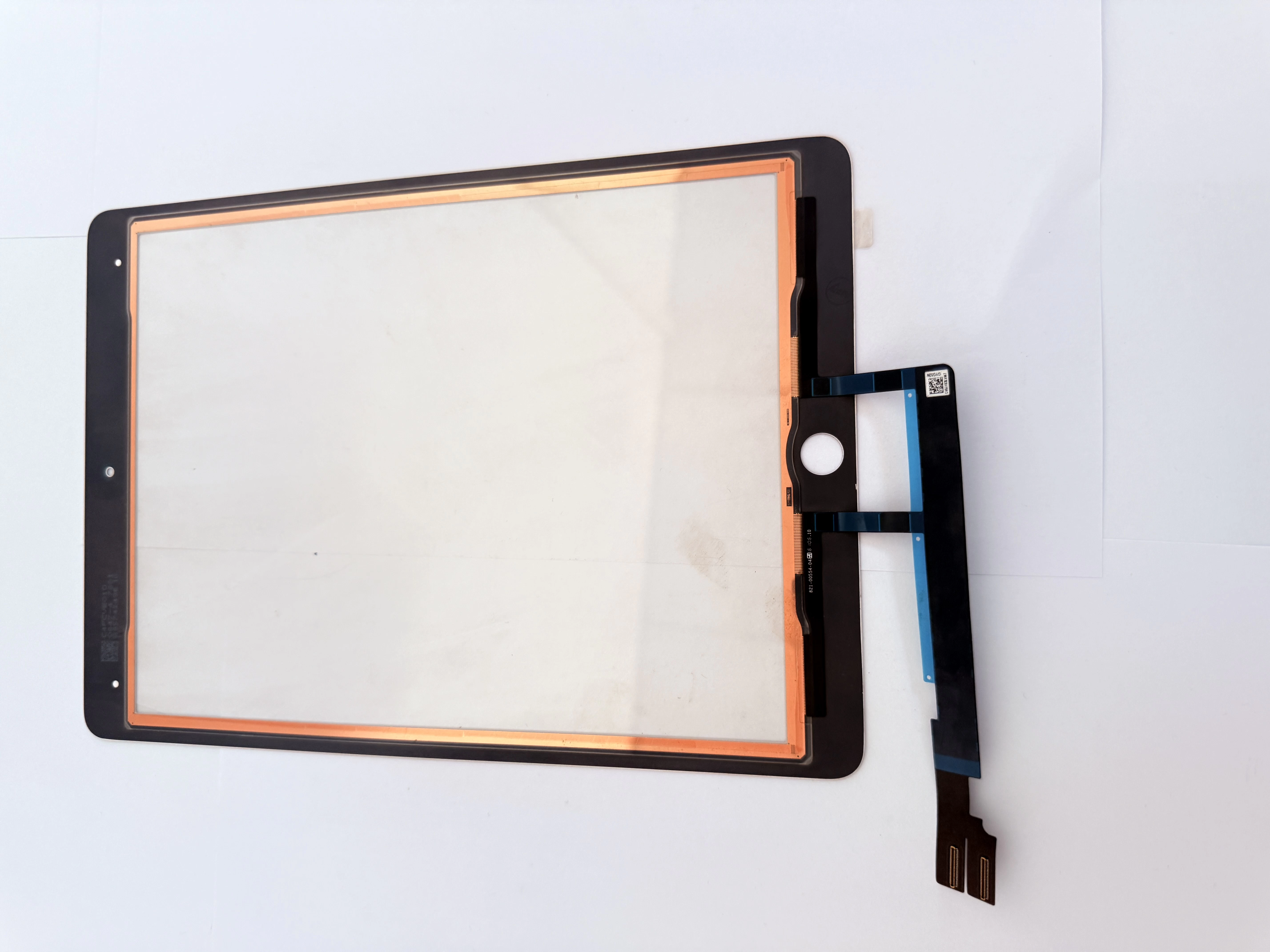
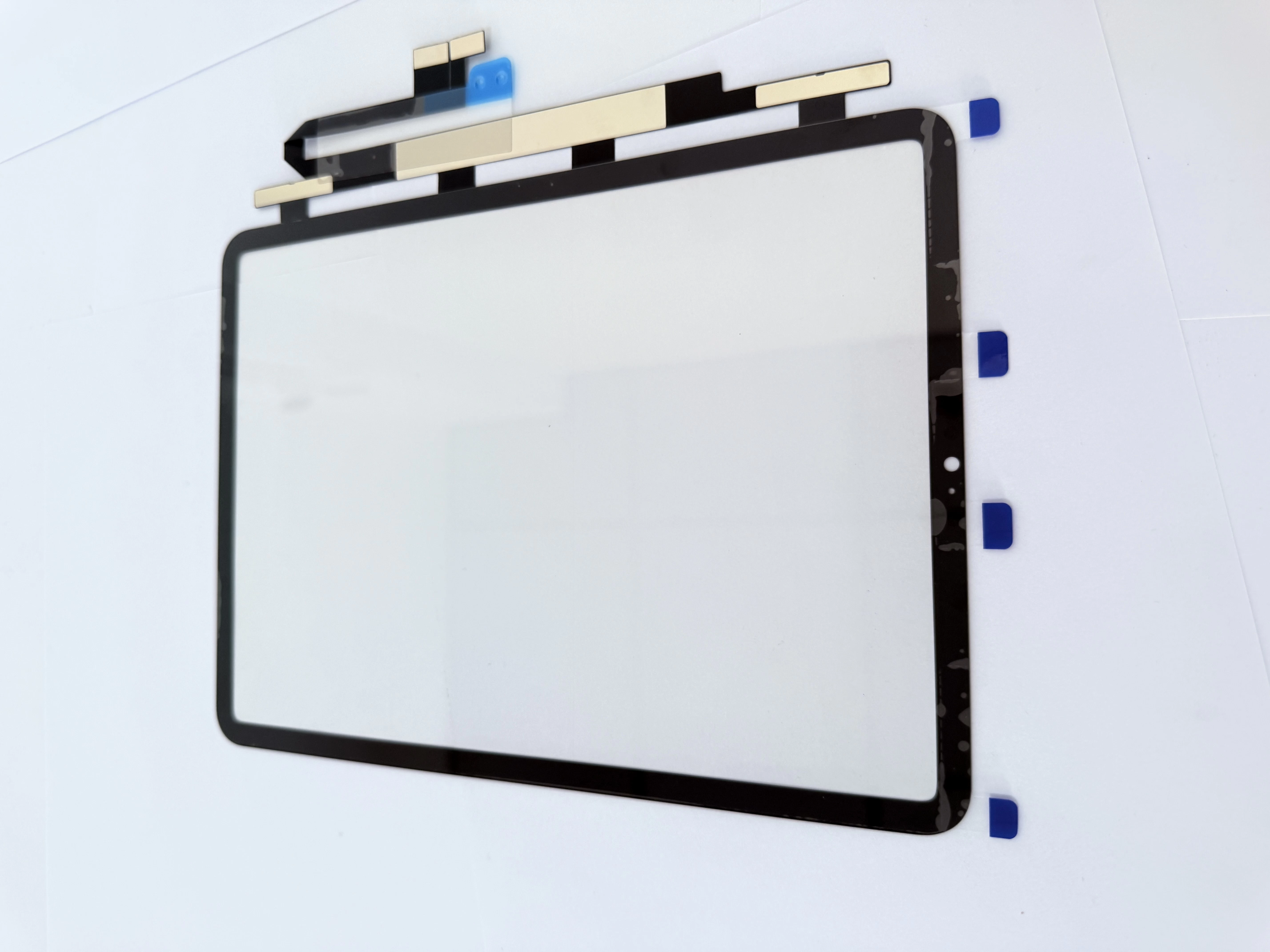
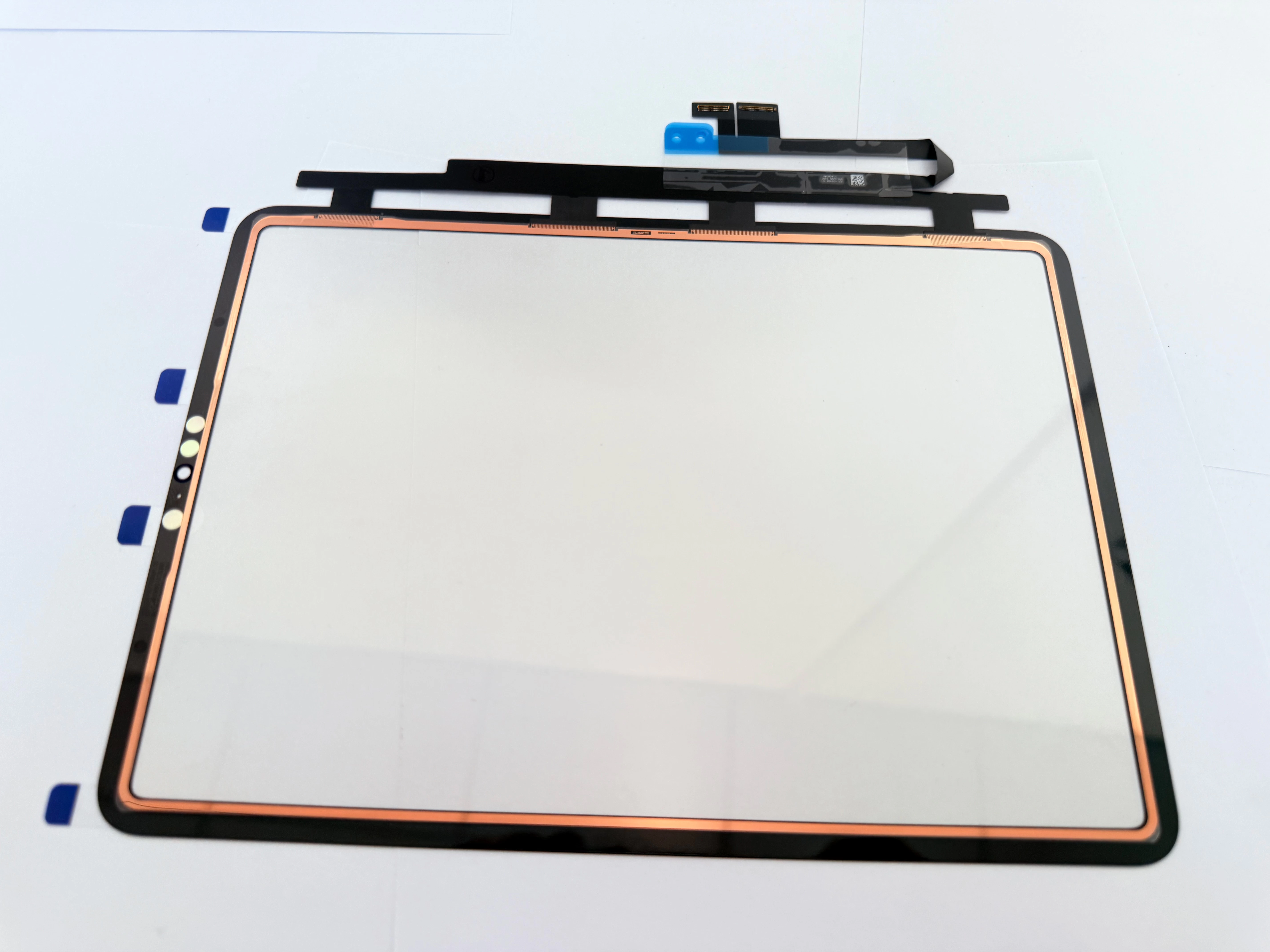
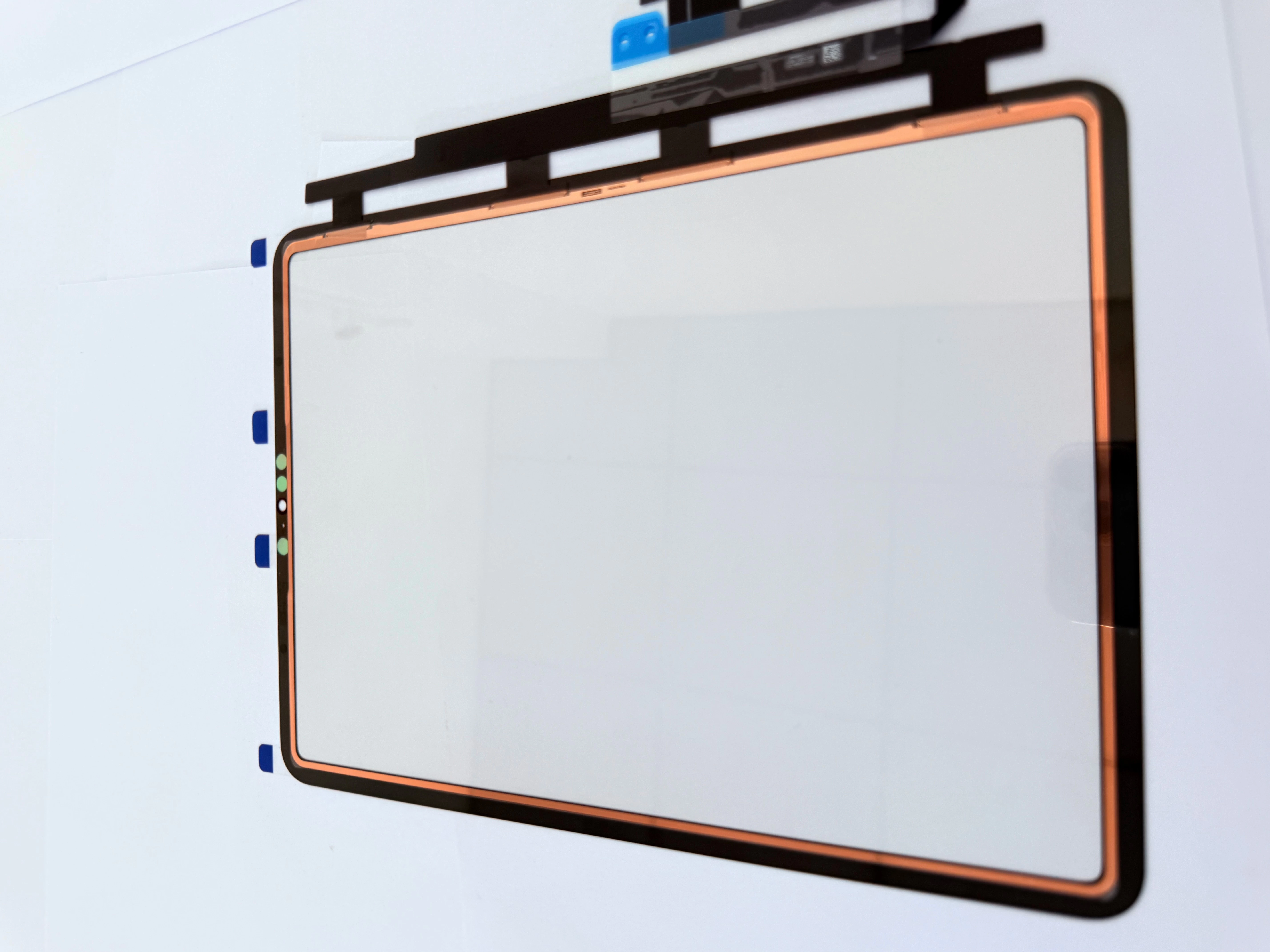
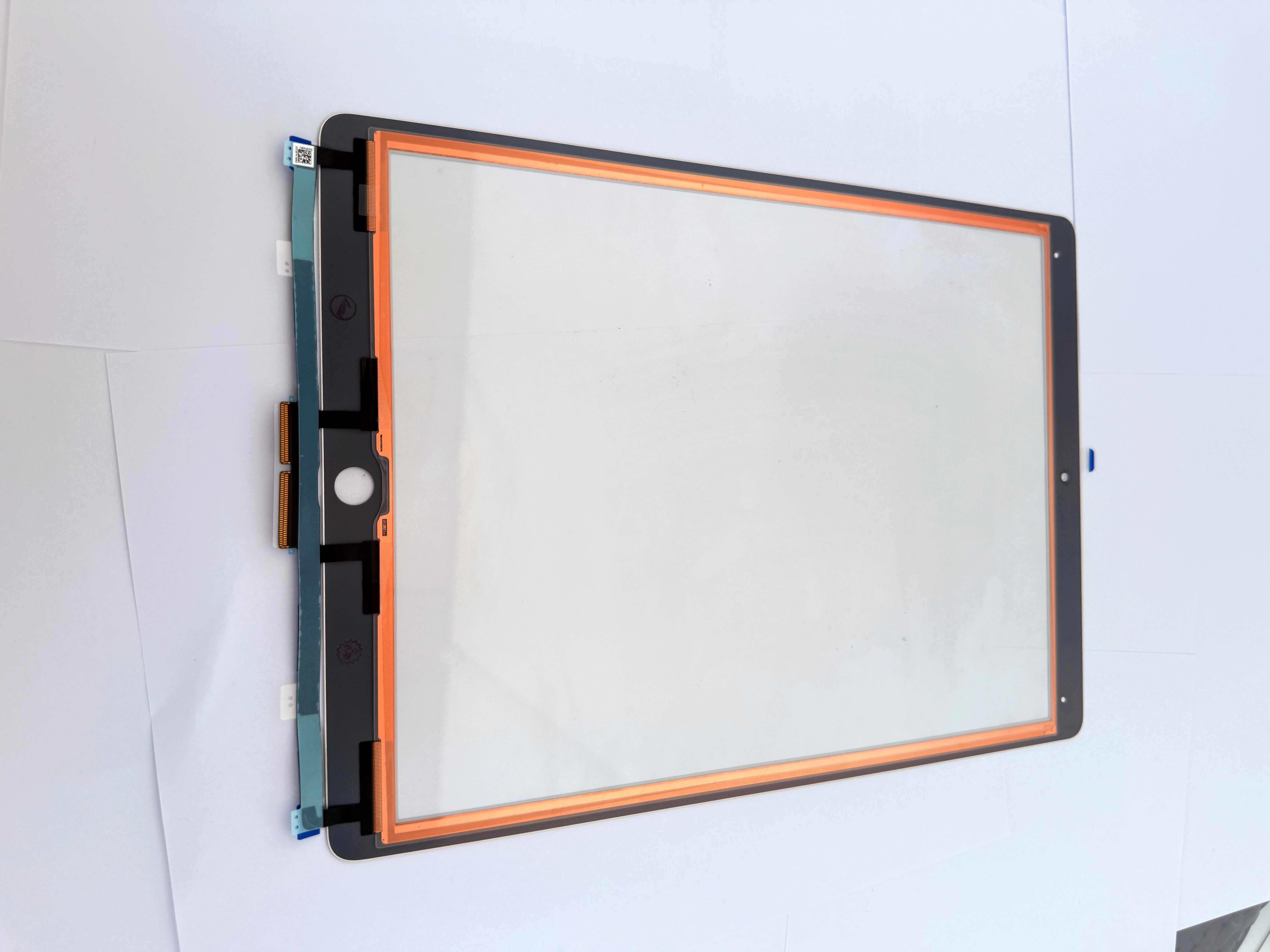
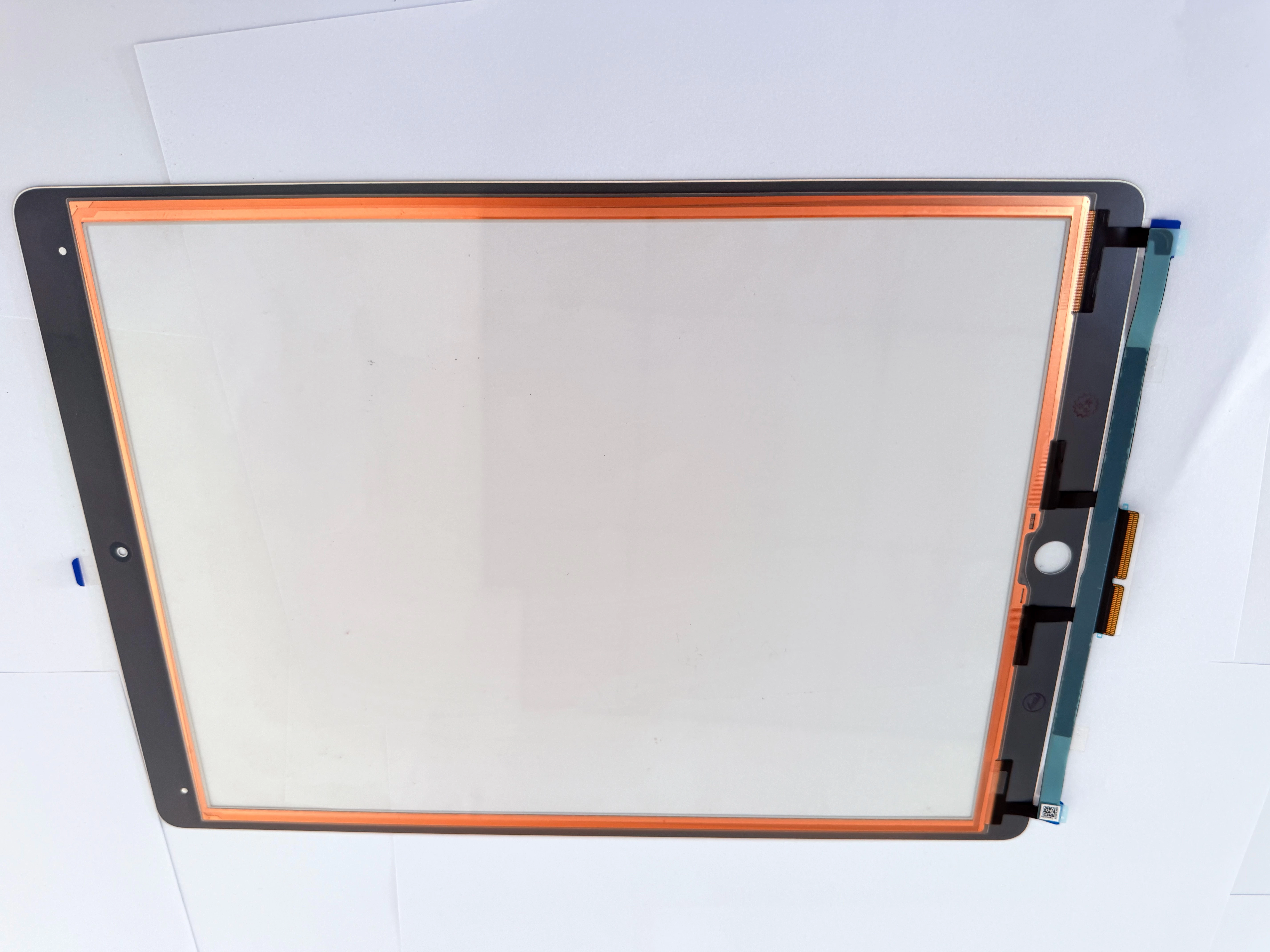
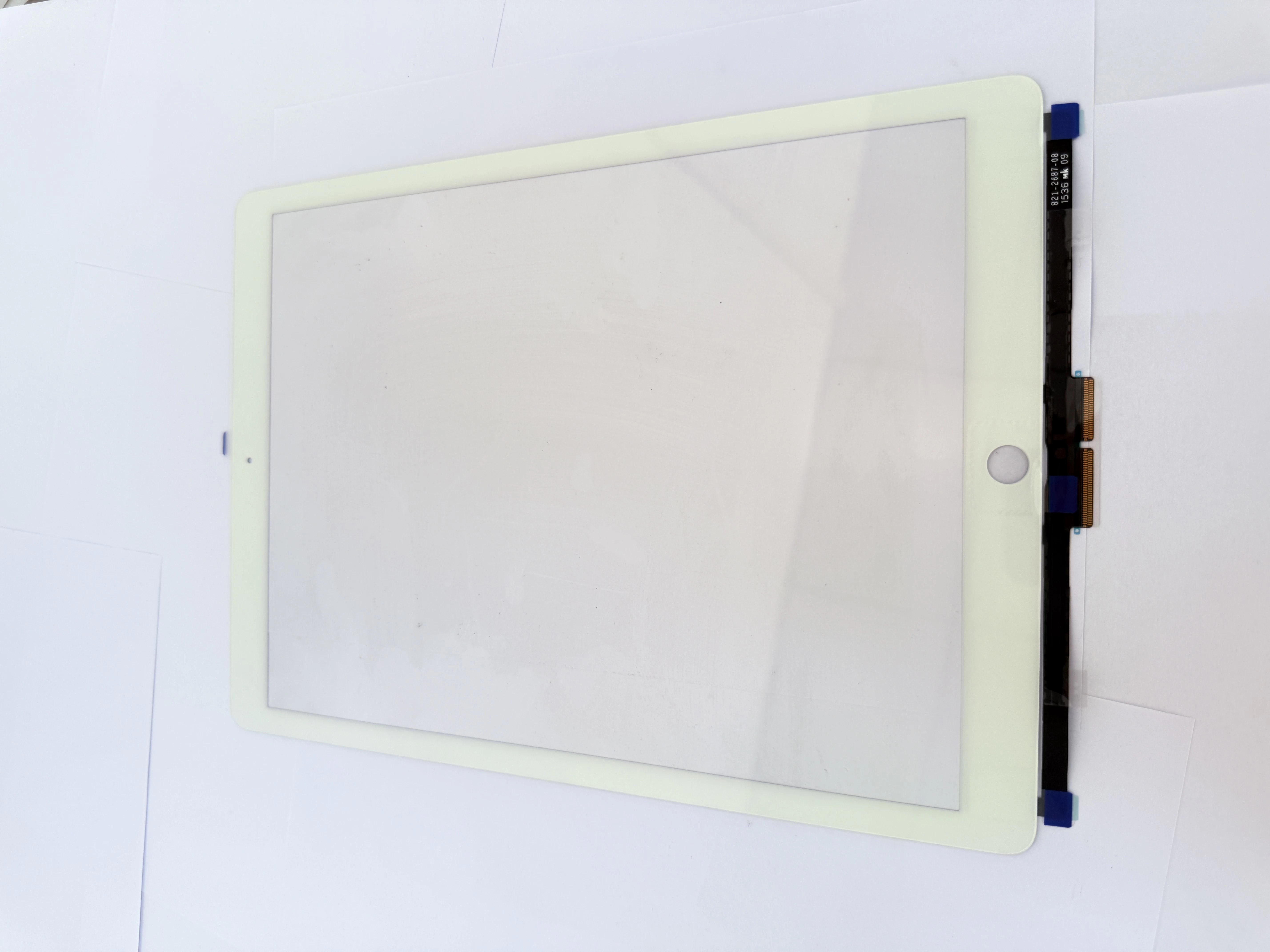
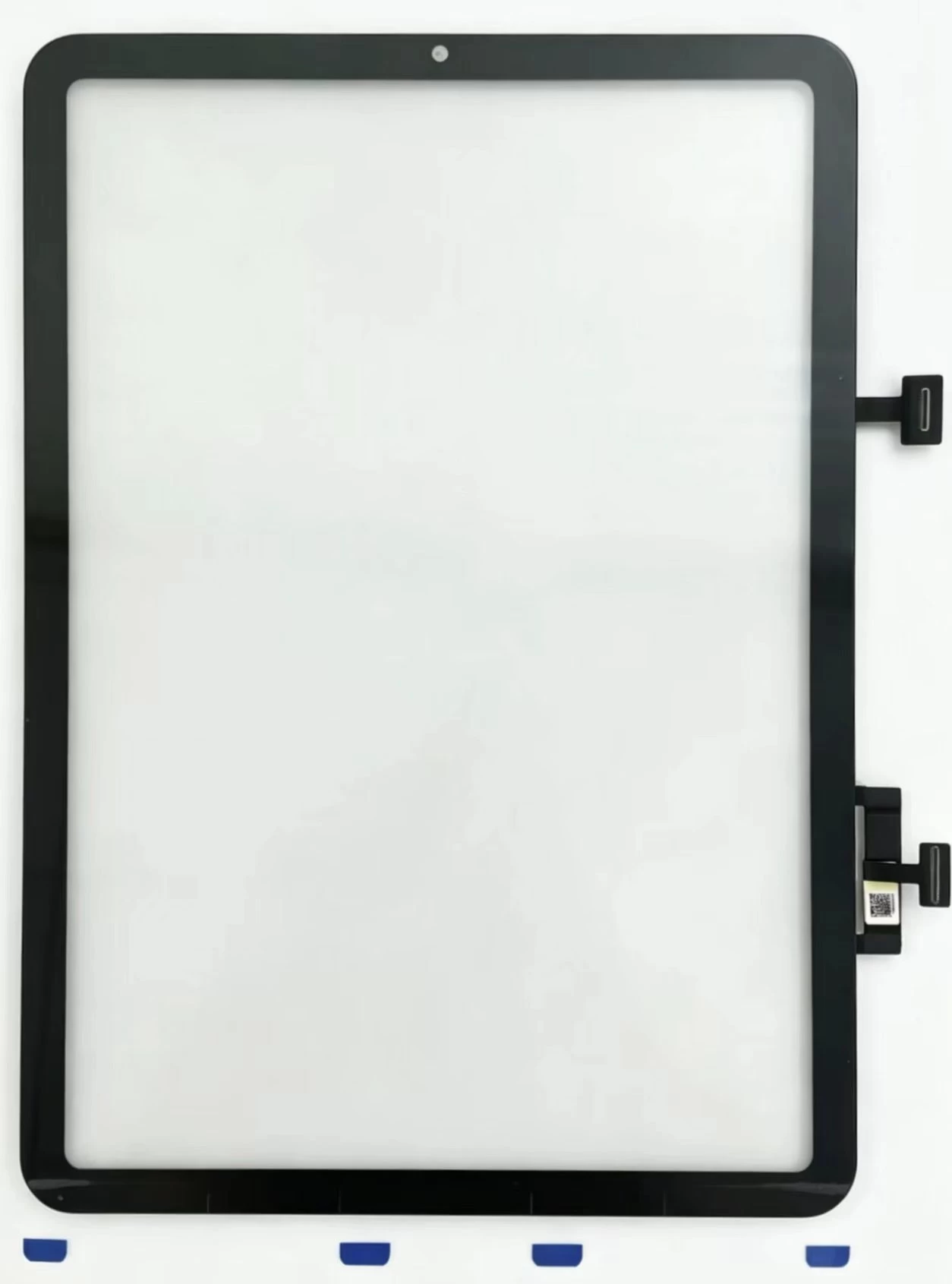
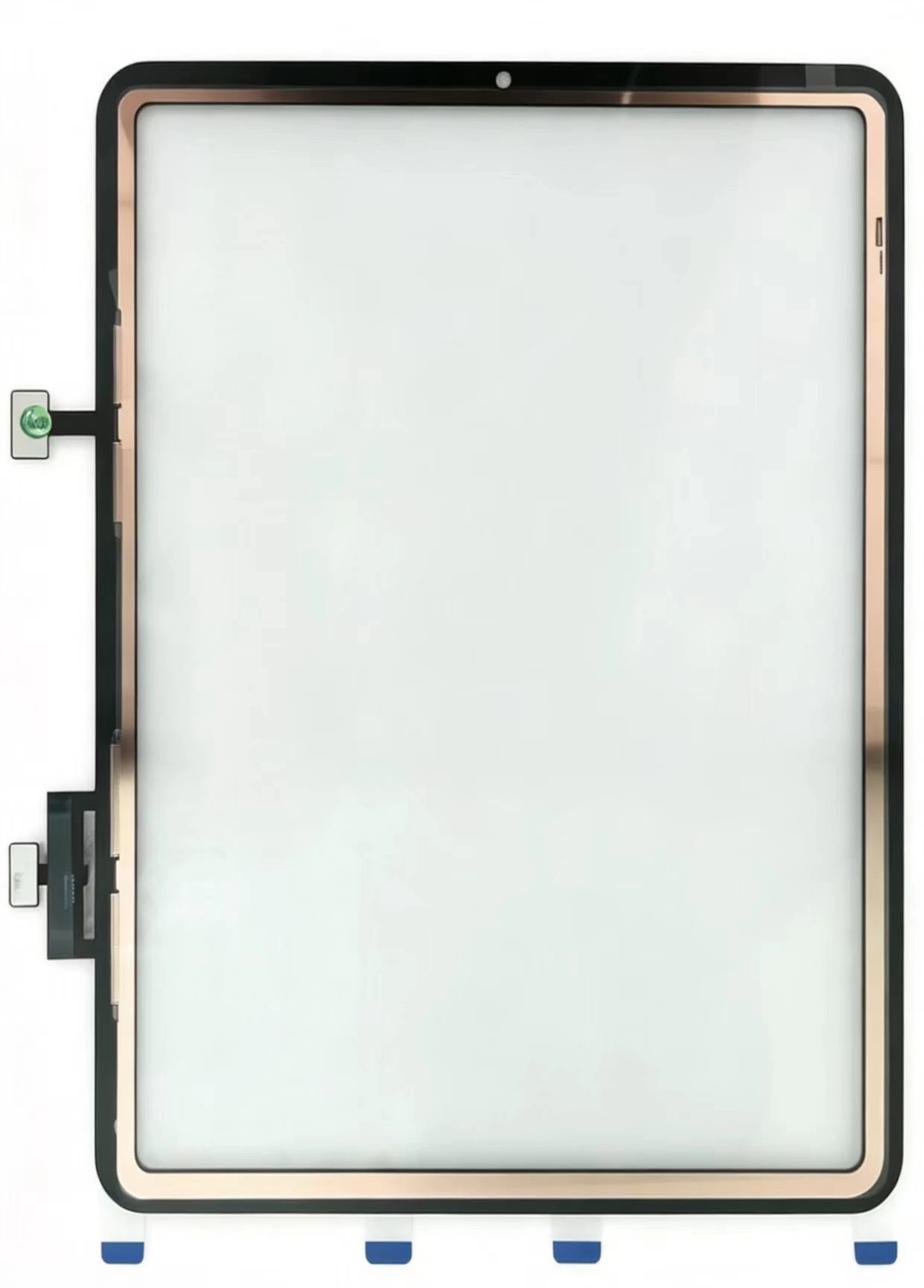
    Unshielded ITO circuits absorb charging voltage noise, creating random phantom taps. Damaged flex cables, residual OCA glue, and poor grounding also trigger touch drift. Generic digitizers without copper foil lack anti-interference layers and lead to frequent rework for technicians.
  • Standard Safe Disassembly & Lamination Process
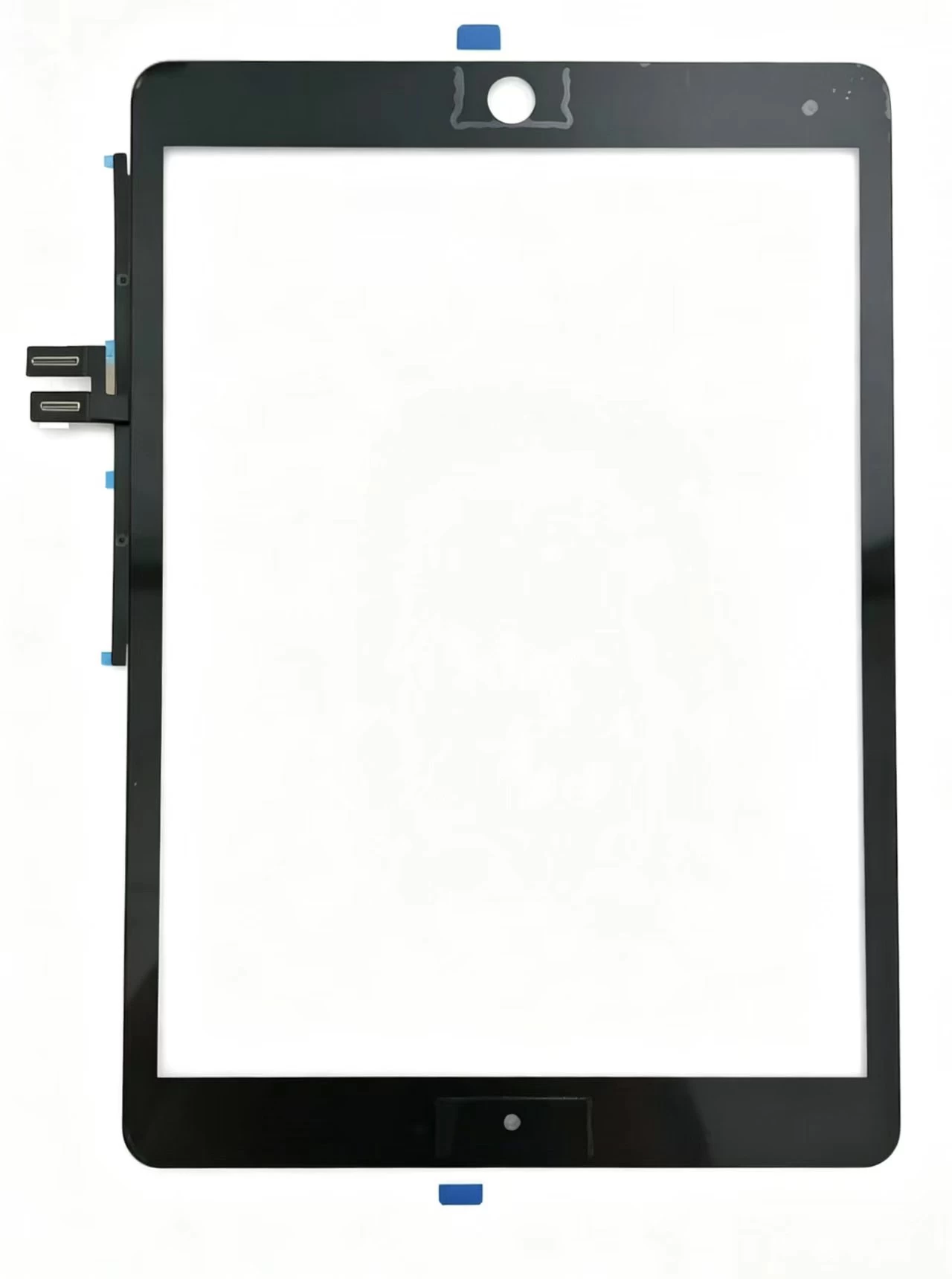
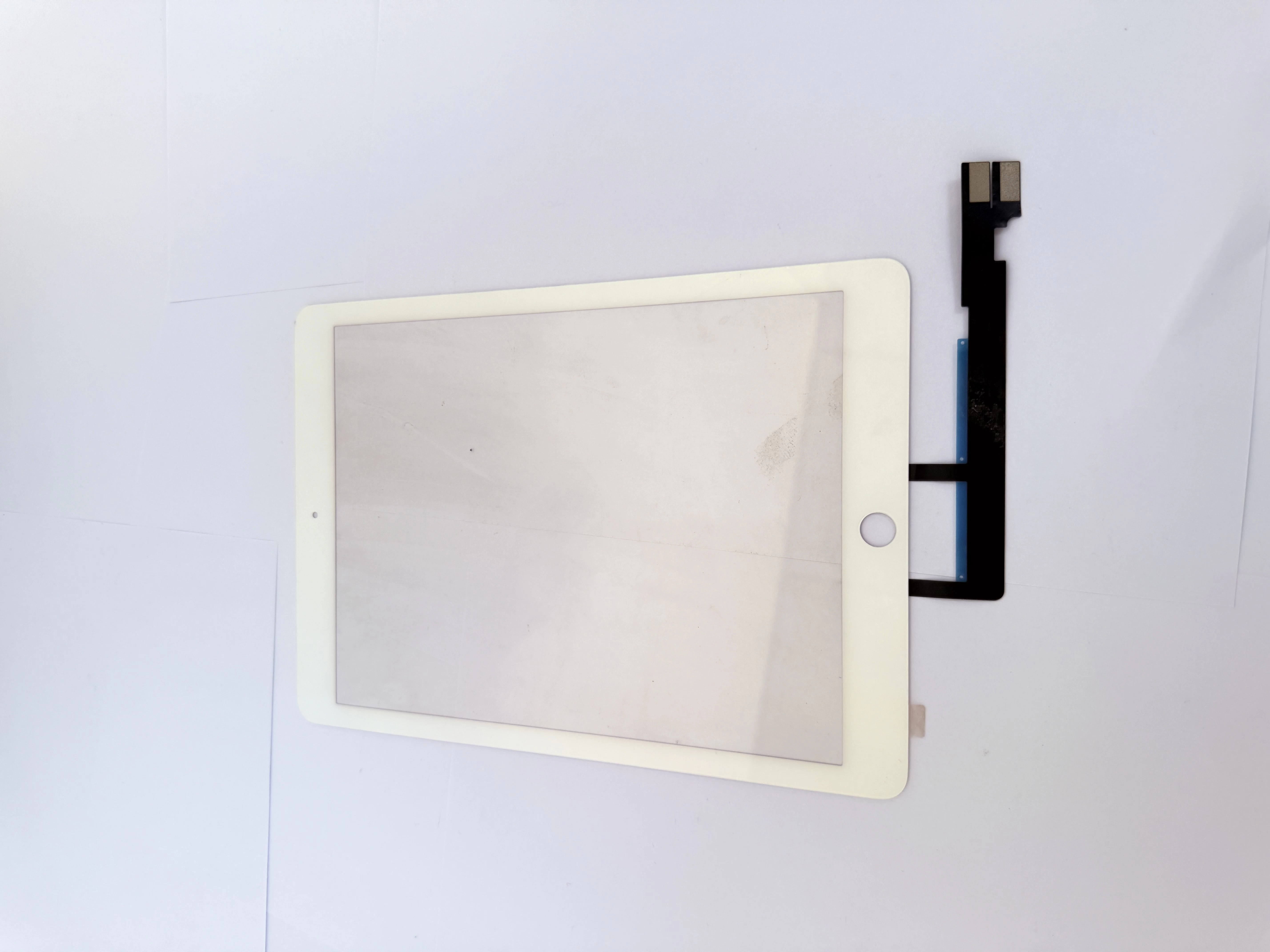
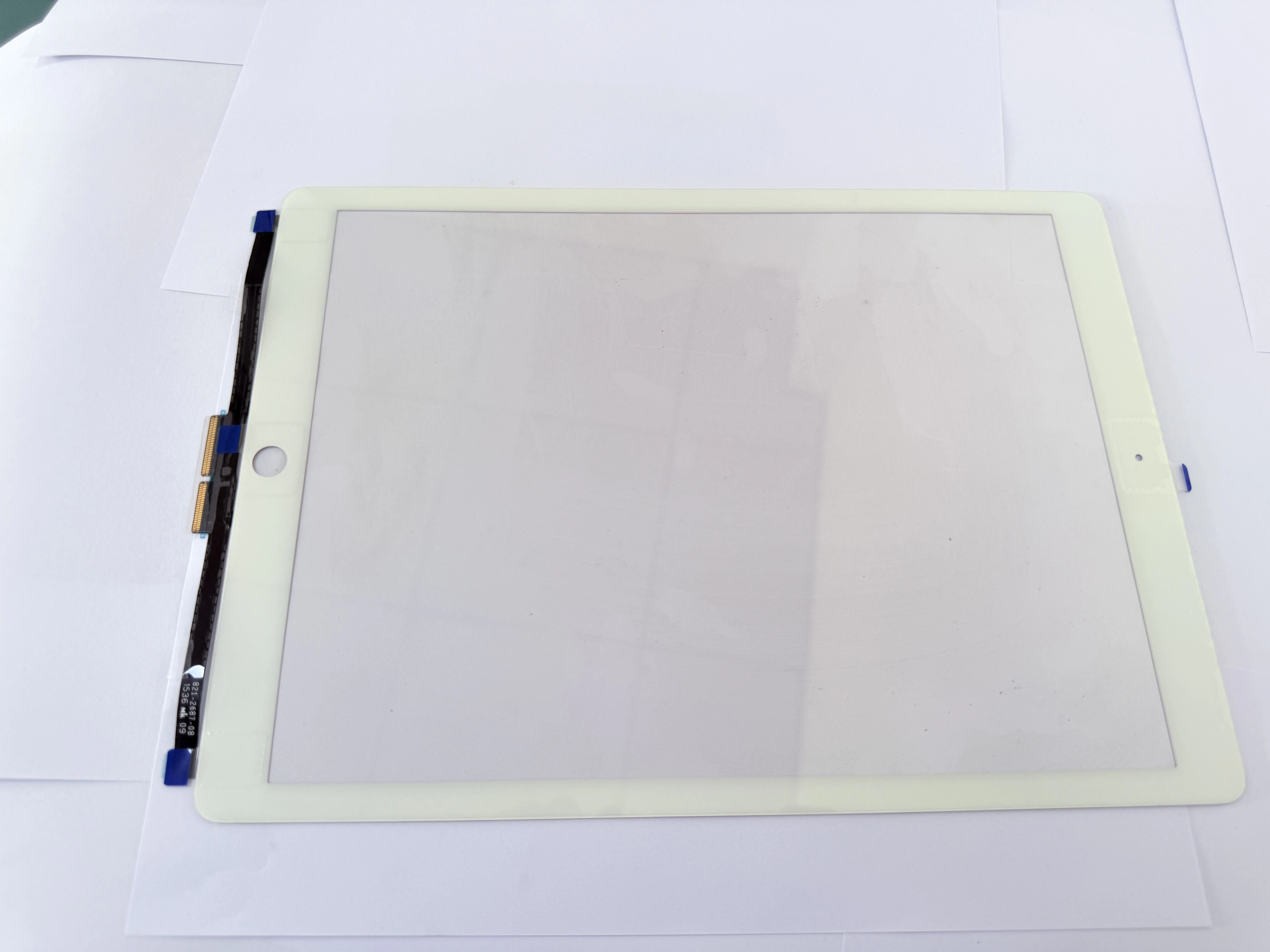
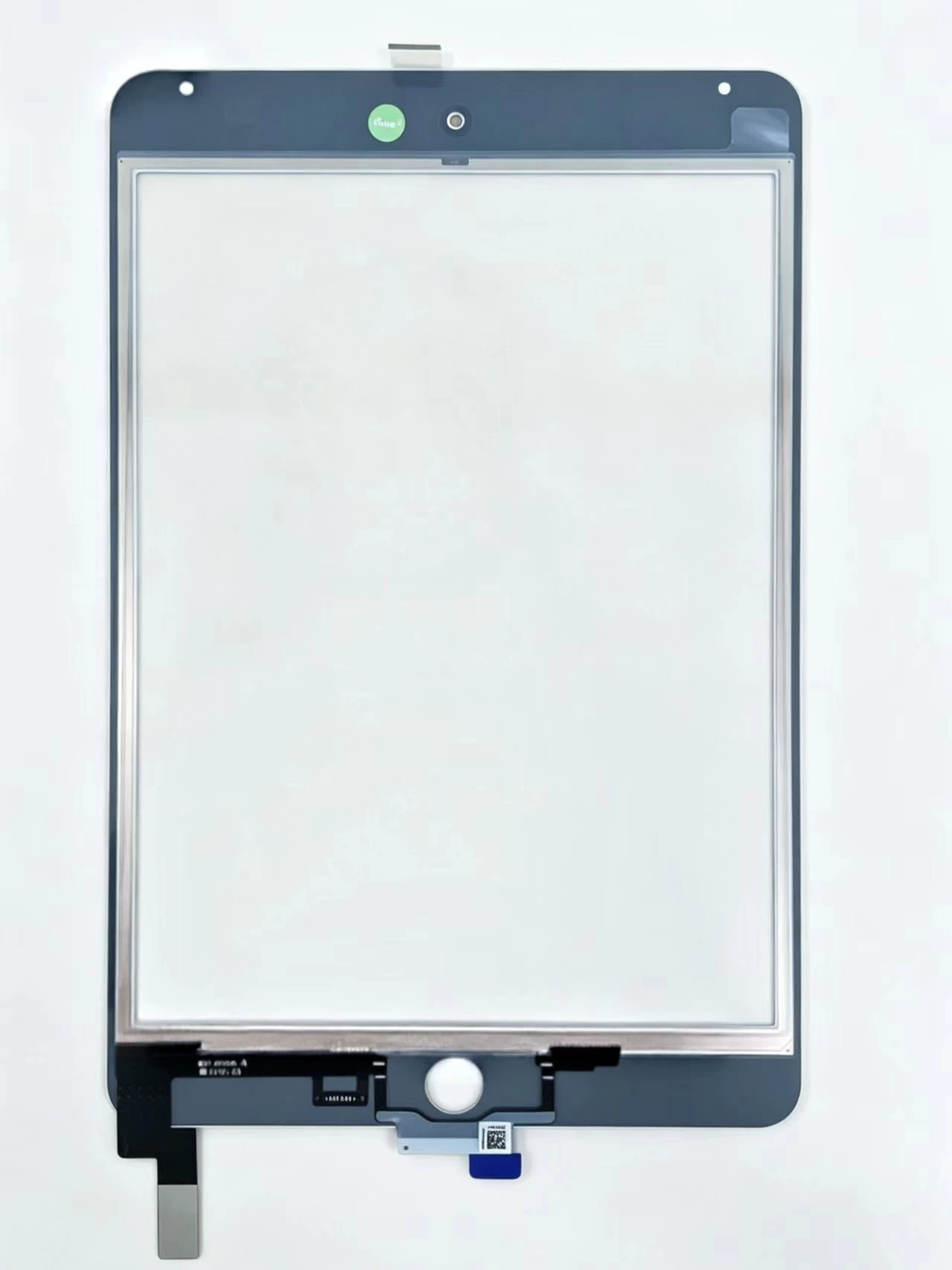
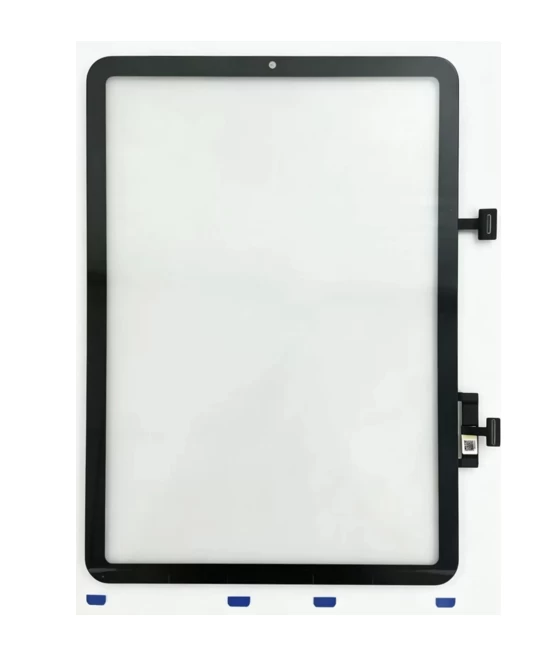
    Use 75–85℃ cyclic heating to soften frame adhesive without scratching LCD. Fully strip old glue with IPA wipes before fitting ZSDScreen pre-laminated G+OCA digitizers. Avoid deep prying near flex zones to prevent broken touch ribbons.
  • Factory Wholesale & Technical Support
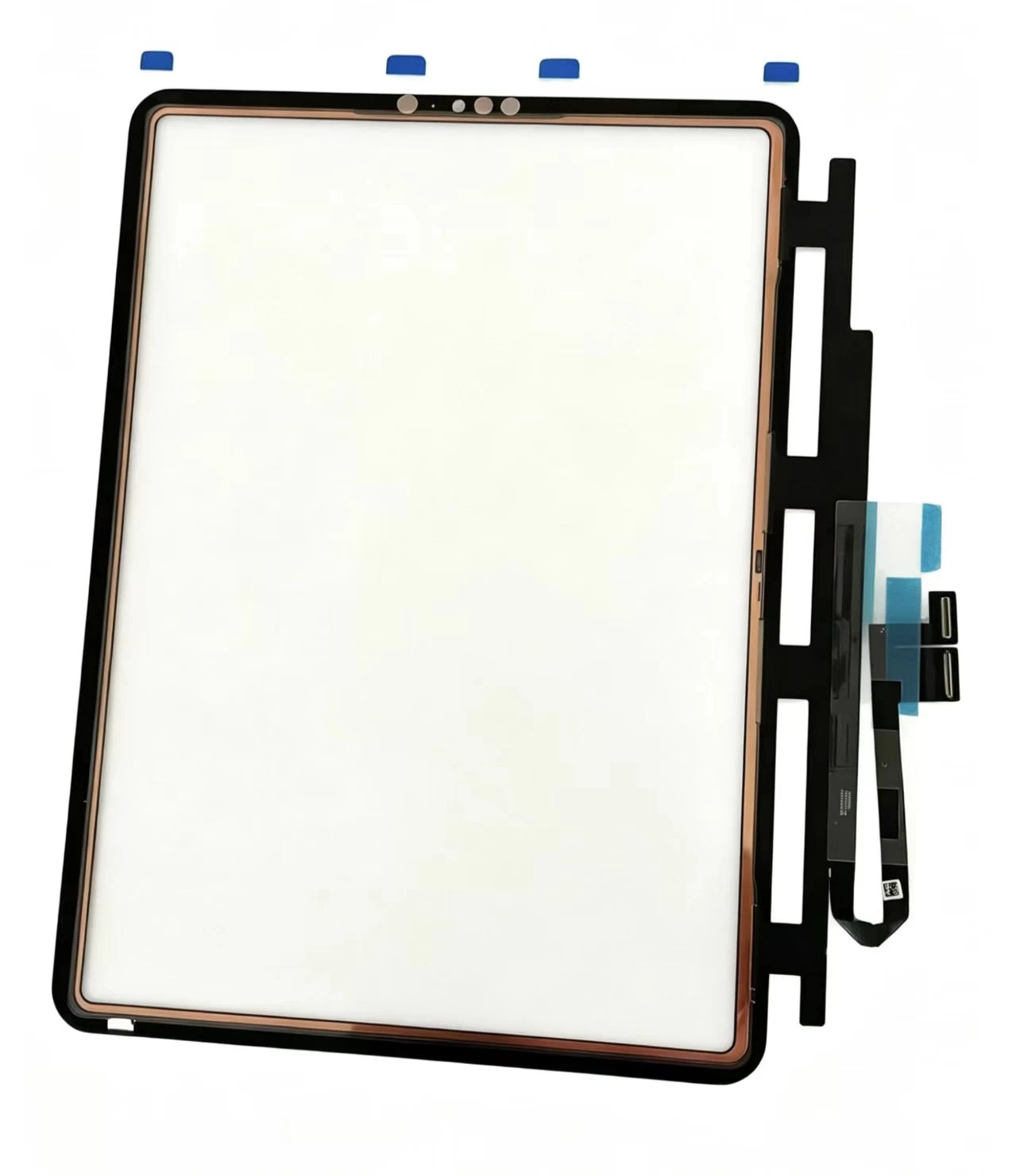
    All ZSDScreen iPad digitizers pass multi-point touch and shielding testing. Mixed batch orders across iPad Mini, Air, Pro lines are accepted with neutral shockproof export packaging and tiered volume discounts for overseas repair distributors.
  • How To Distinguish Cracked Outer Digitizer vs Damaged iPad LCD: Flashlight Quick Inspection Tutorial, Cost-Effective Single Touch Glass Replacement, Full iPad Model Compatibility List for Global Indep
    iPad Dead Tablet No Power & No Charging Icon Complete Hardware Inspection Flow: Charging Port Flex Burnout Repair, Deep Battery Drain Activation, Mainboard Charging IC Damage Judgment & Hot-Selling Bu