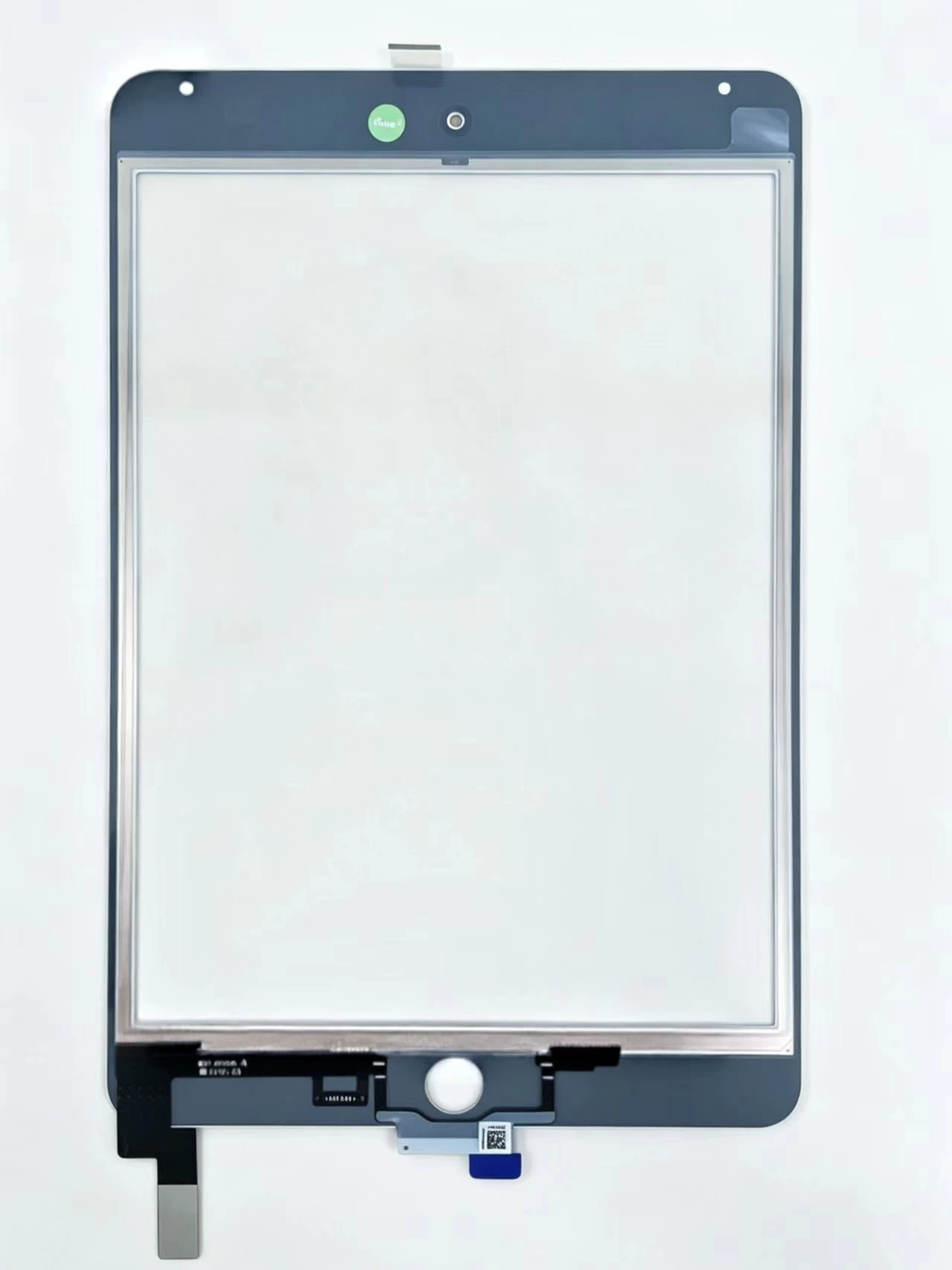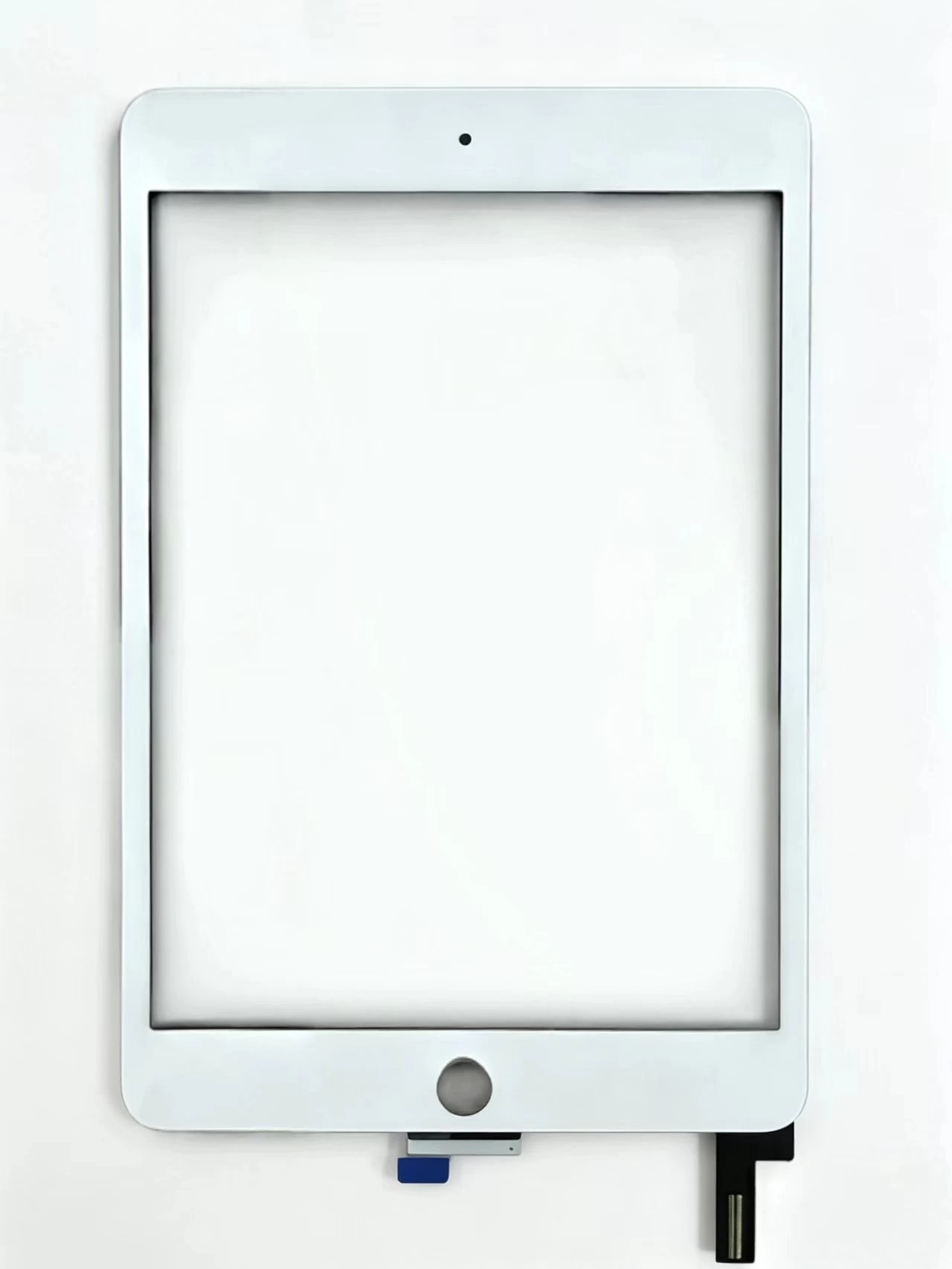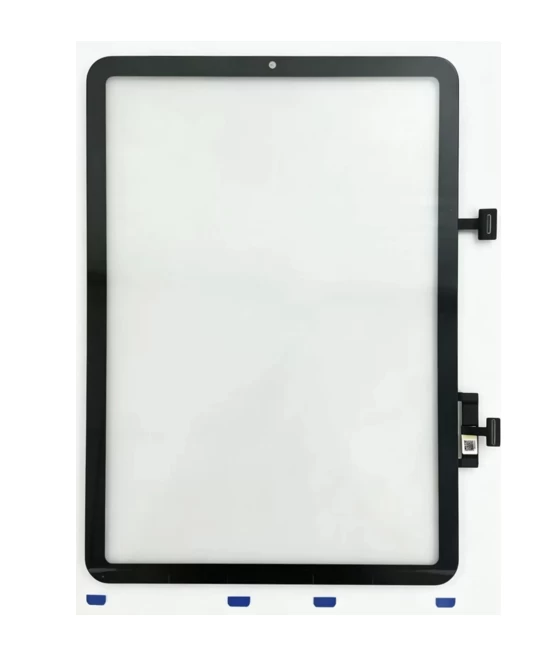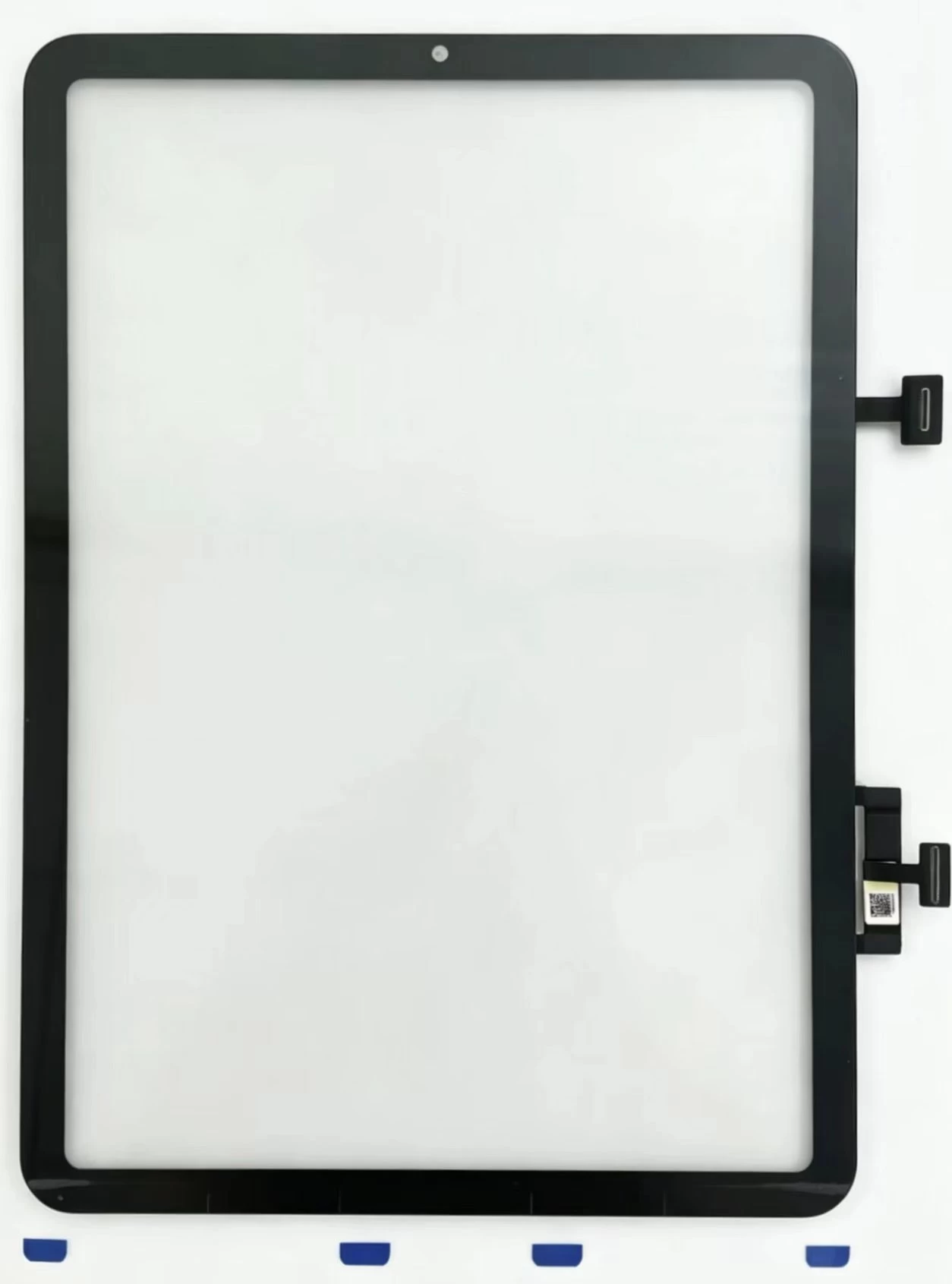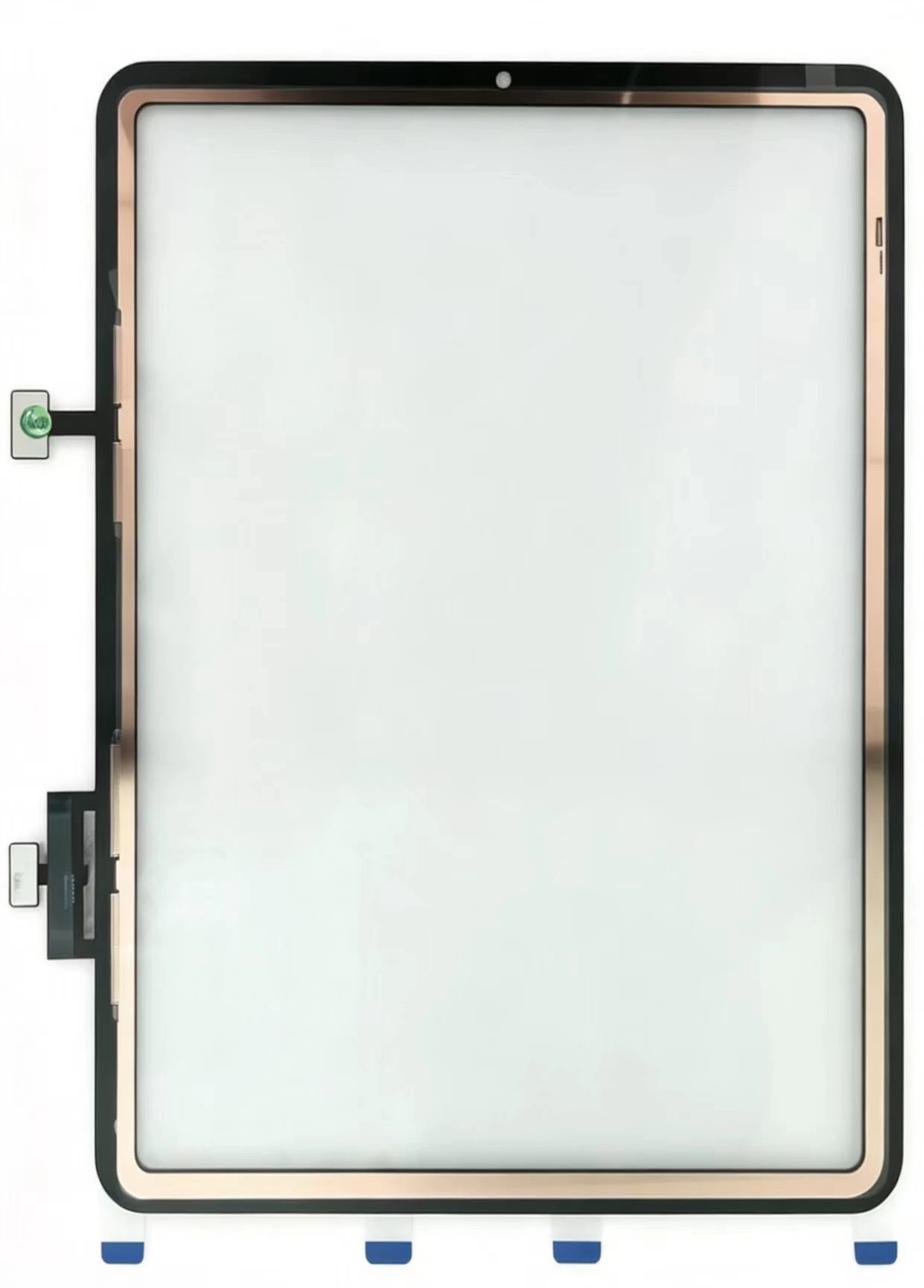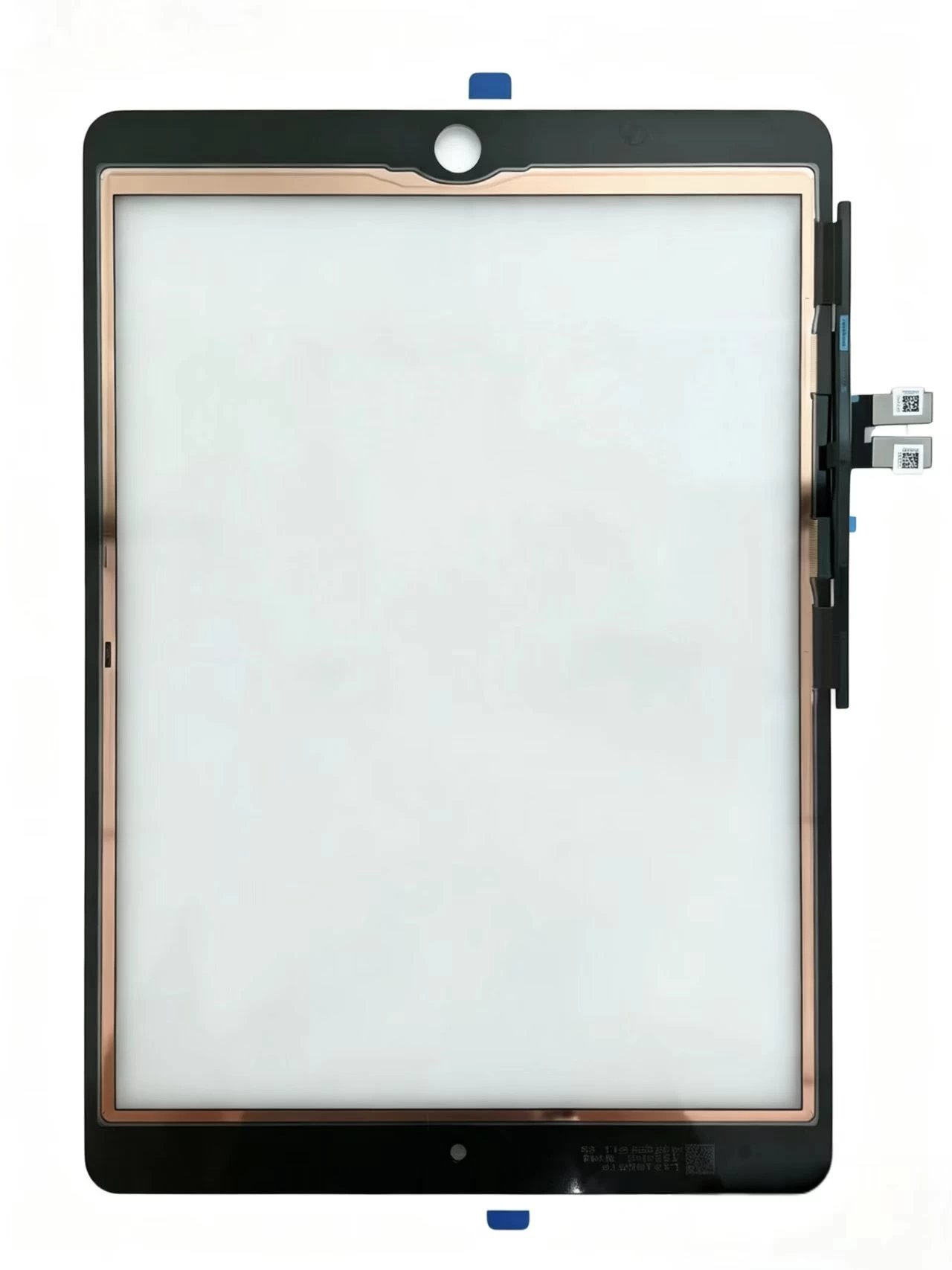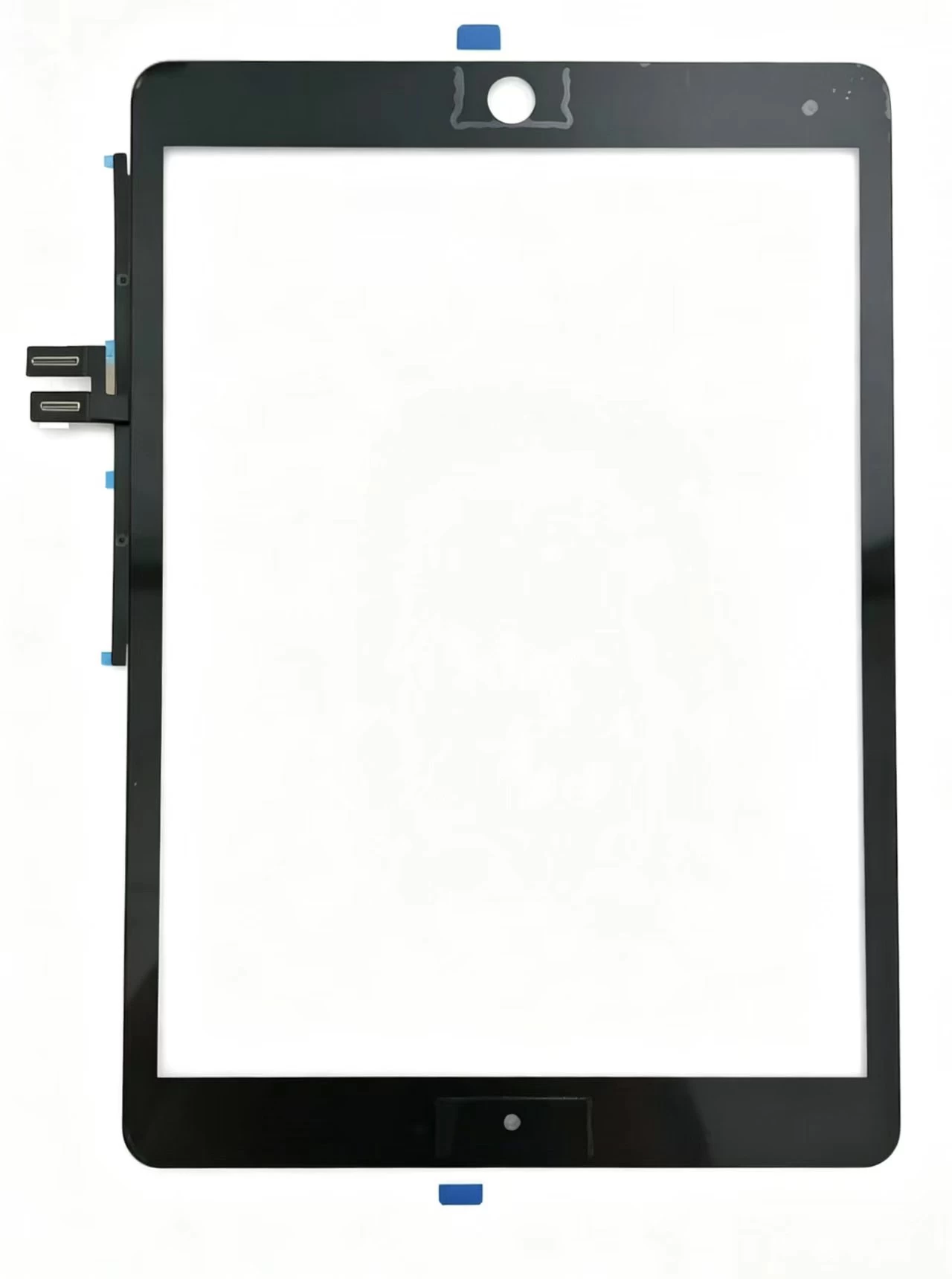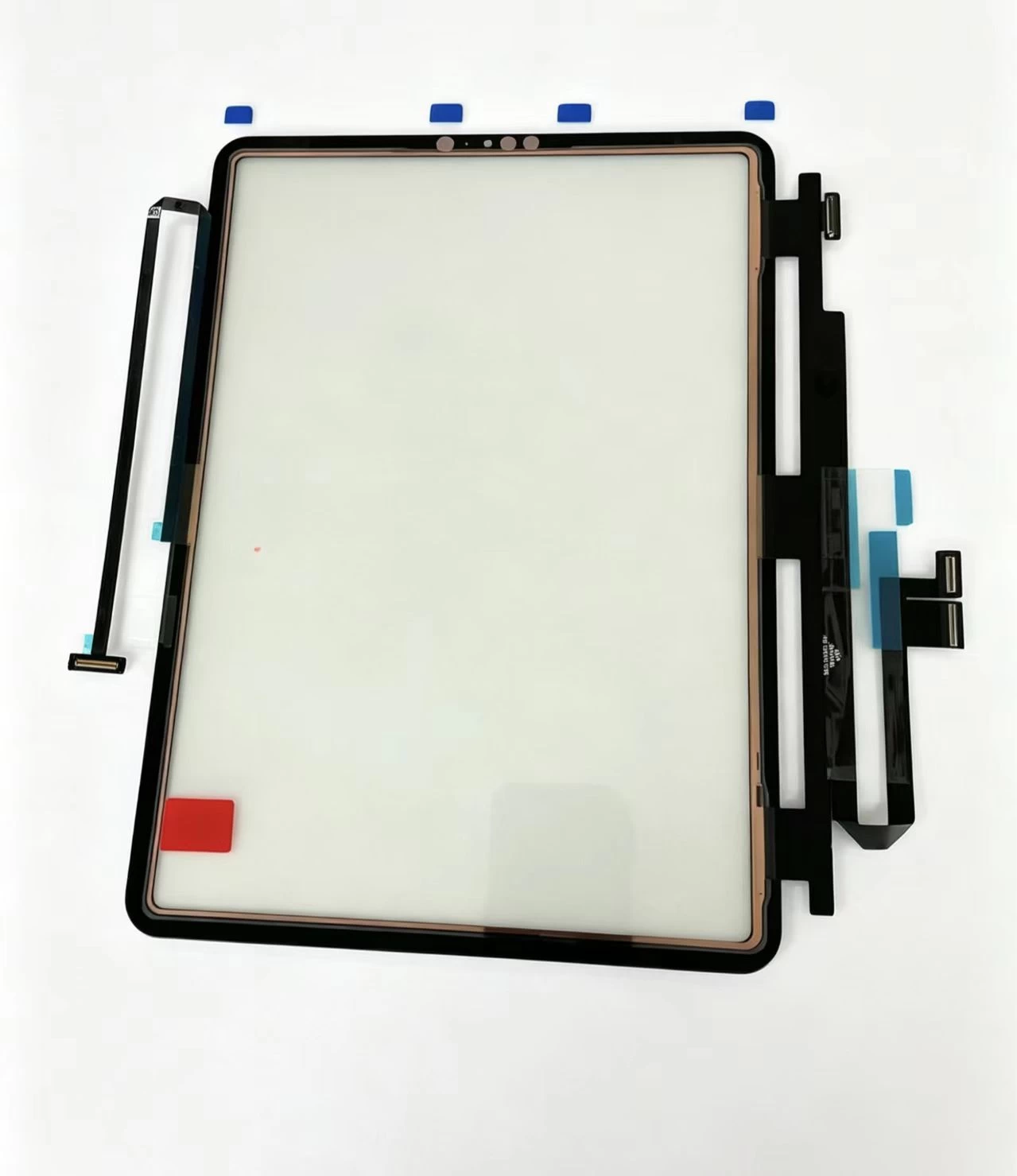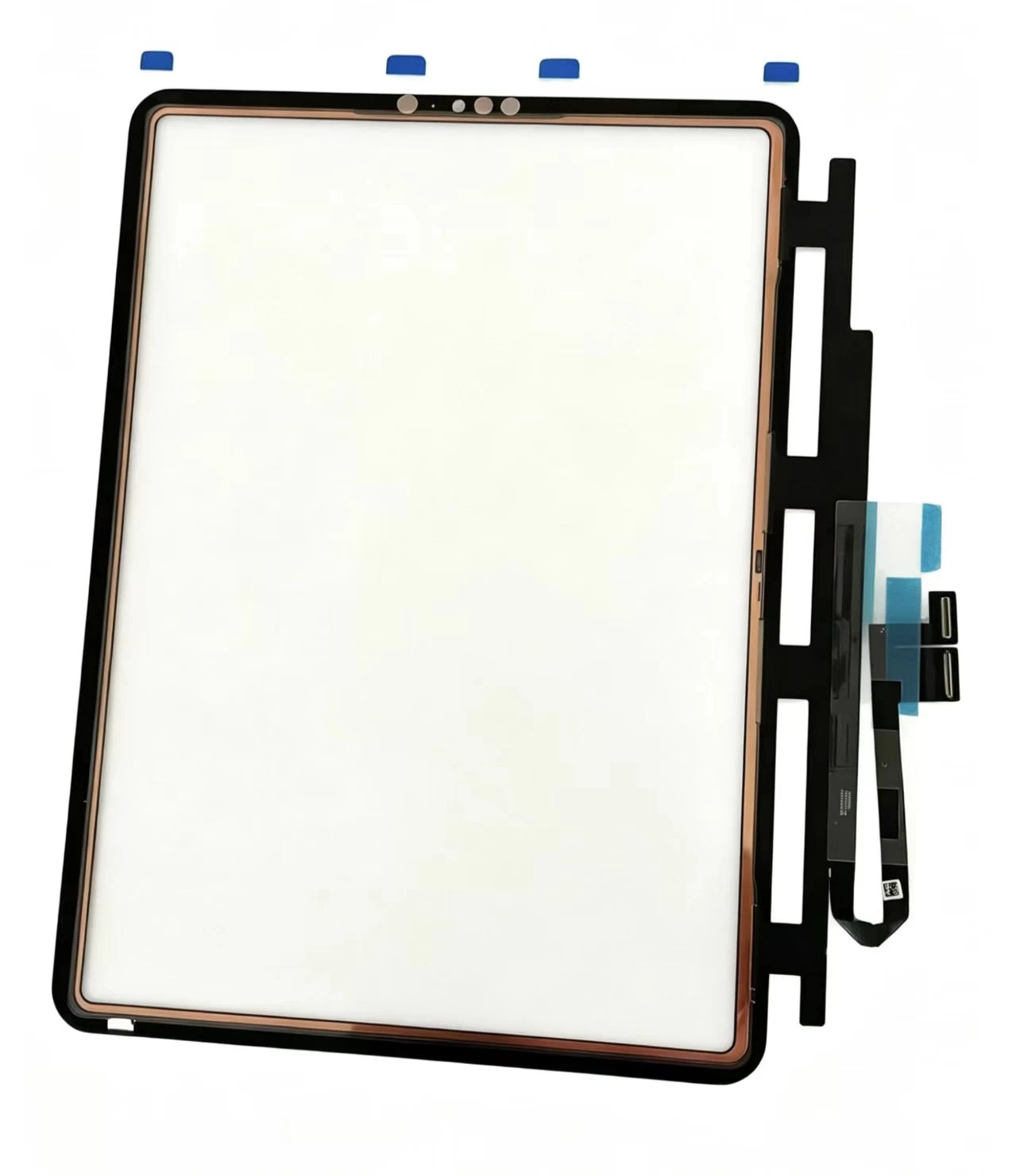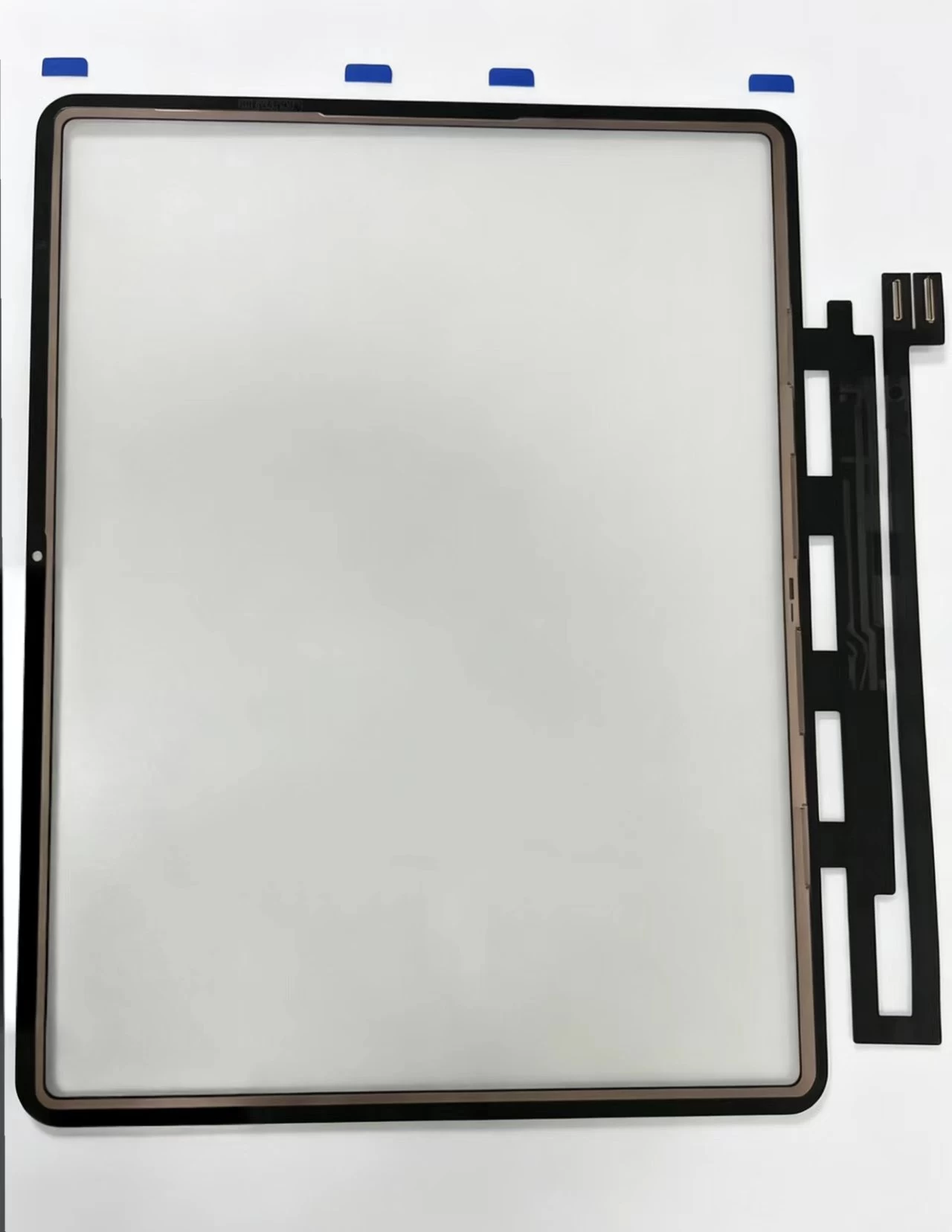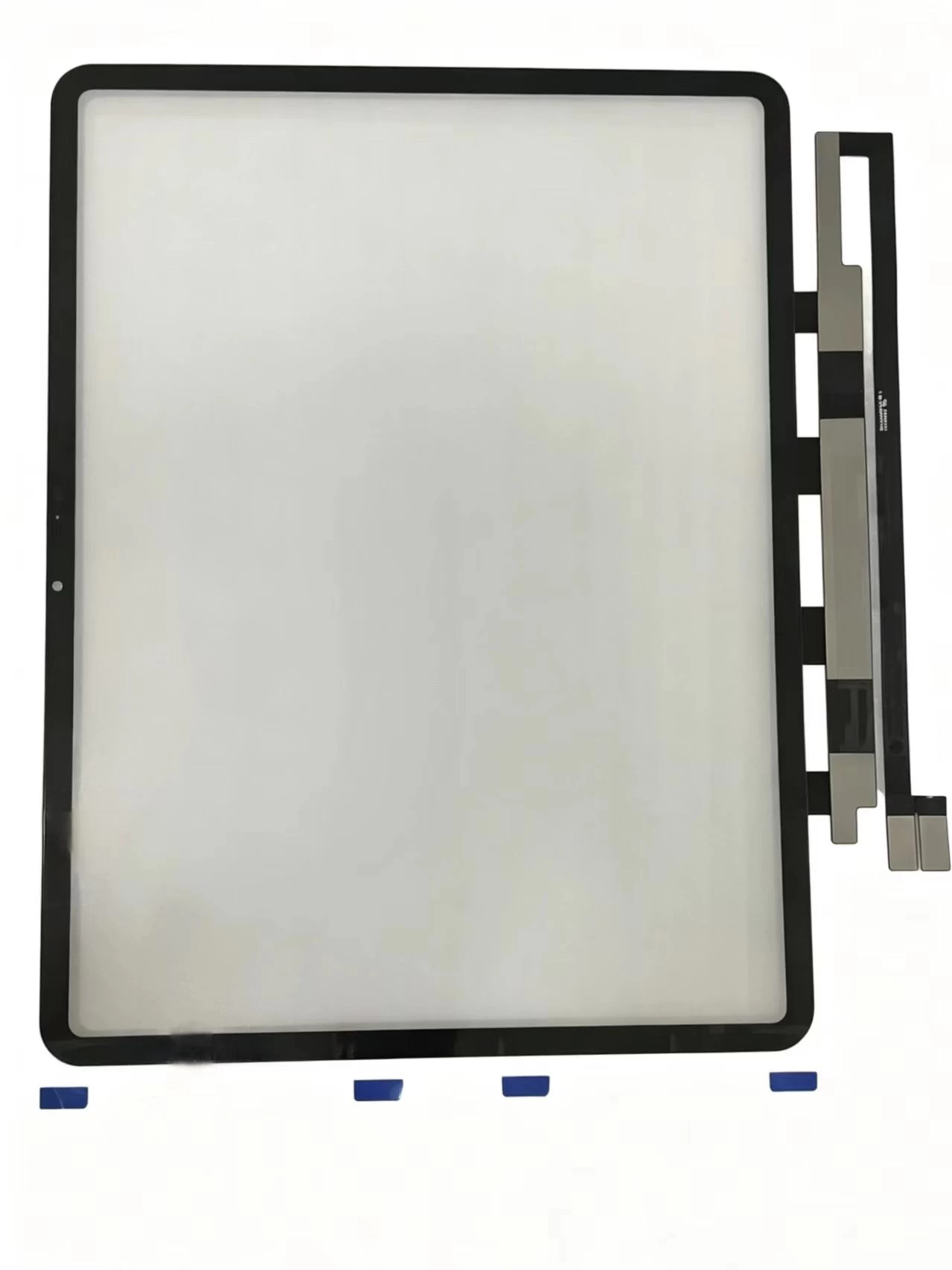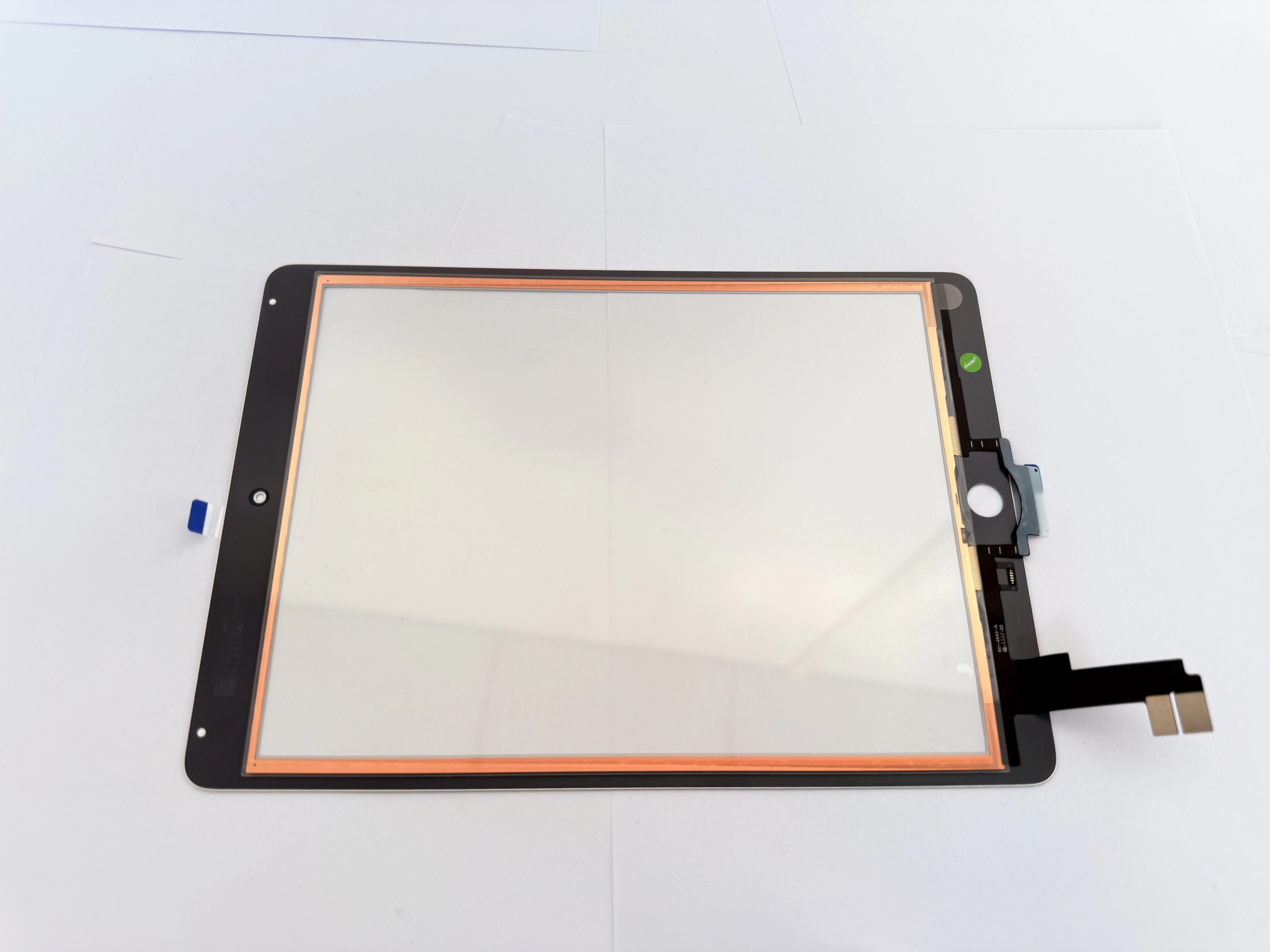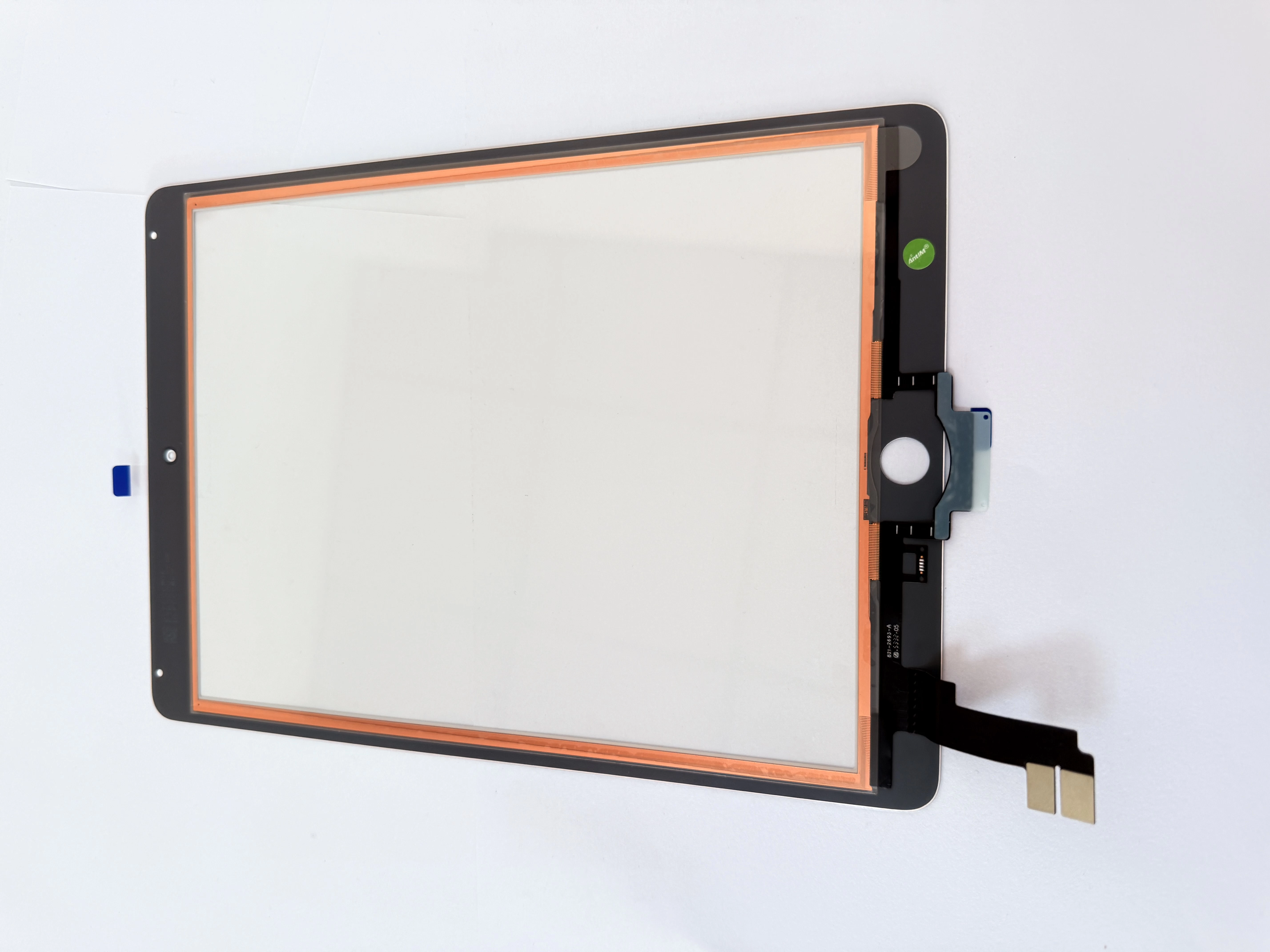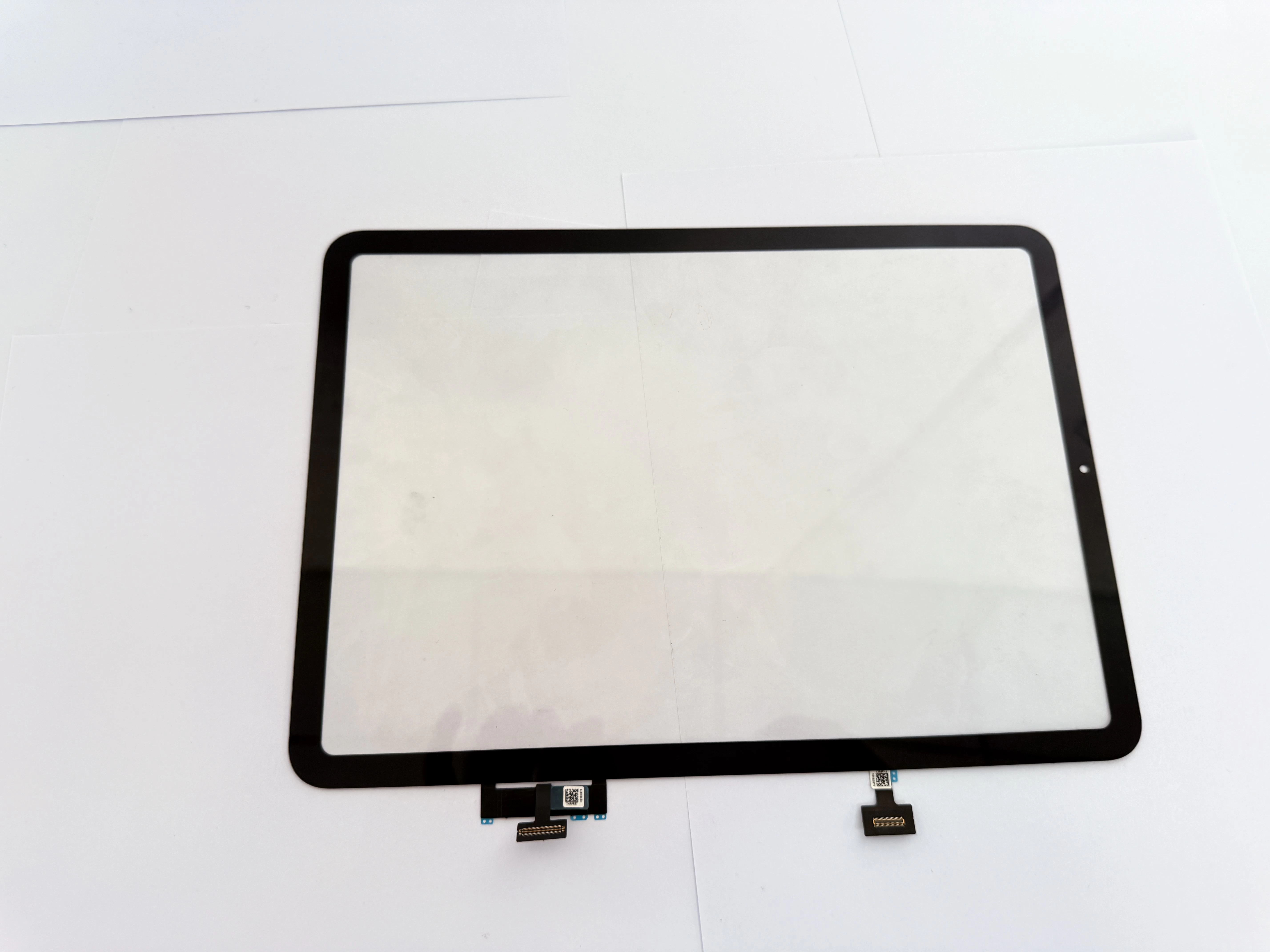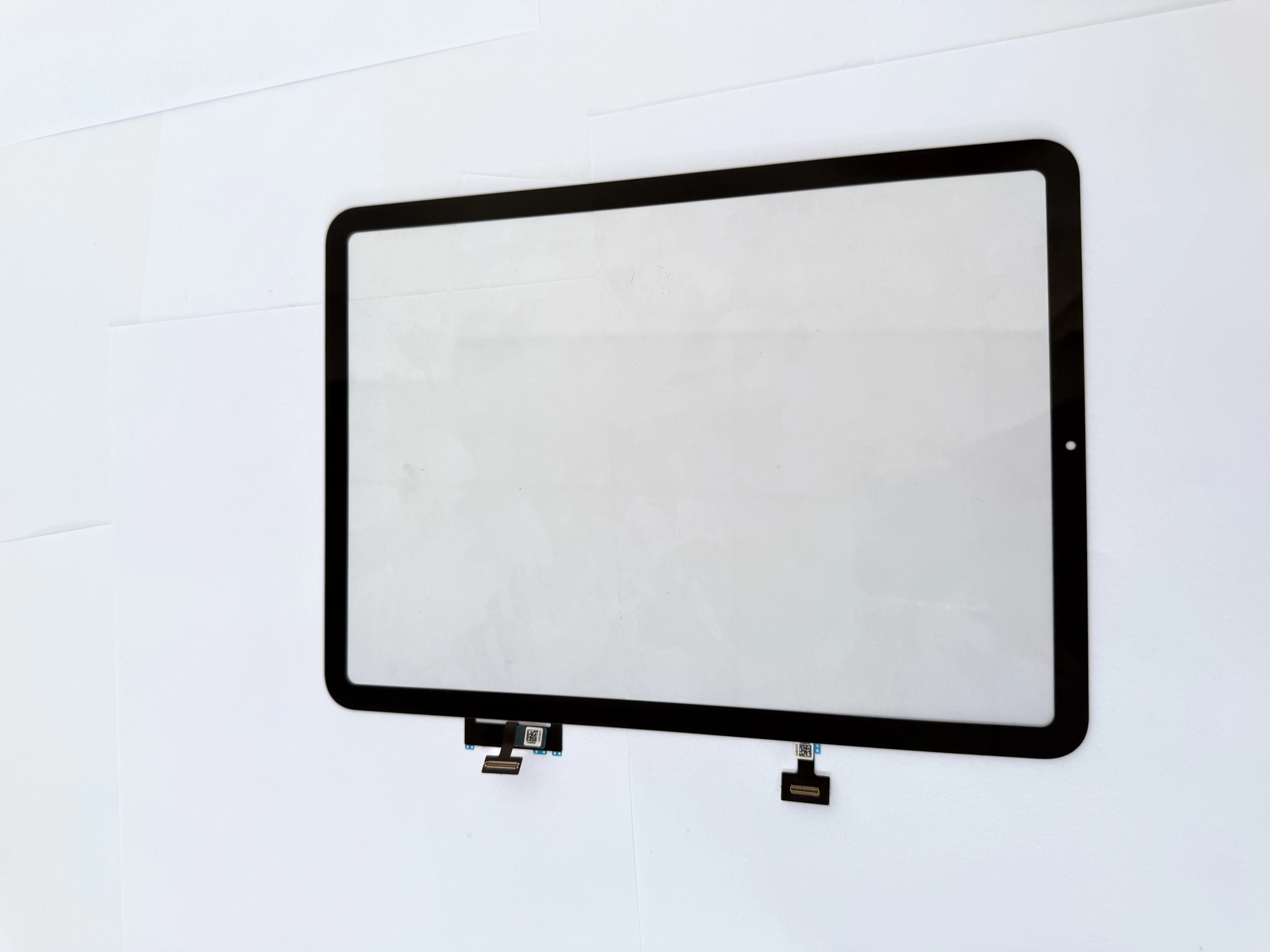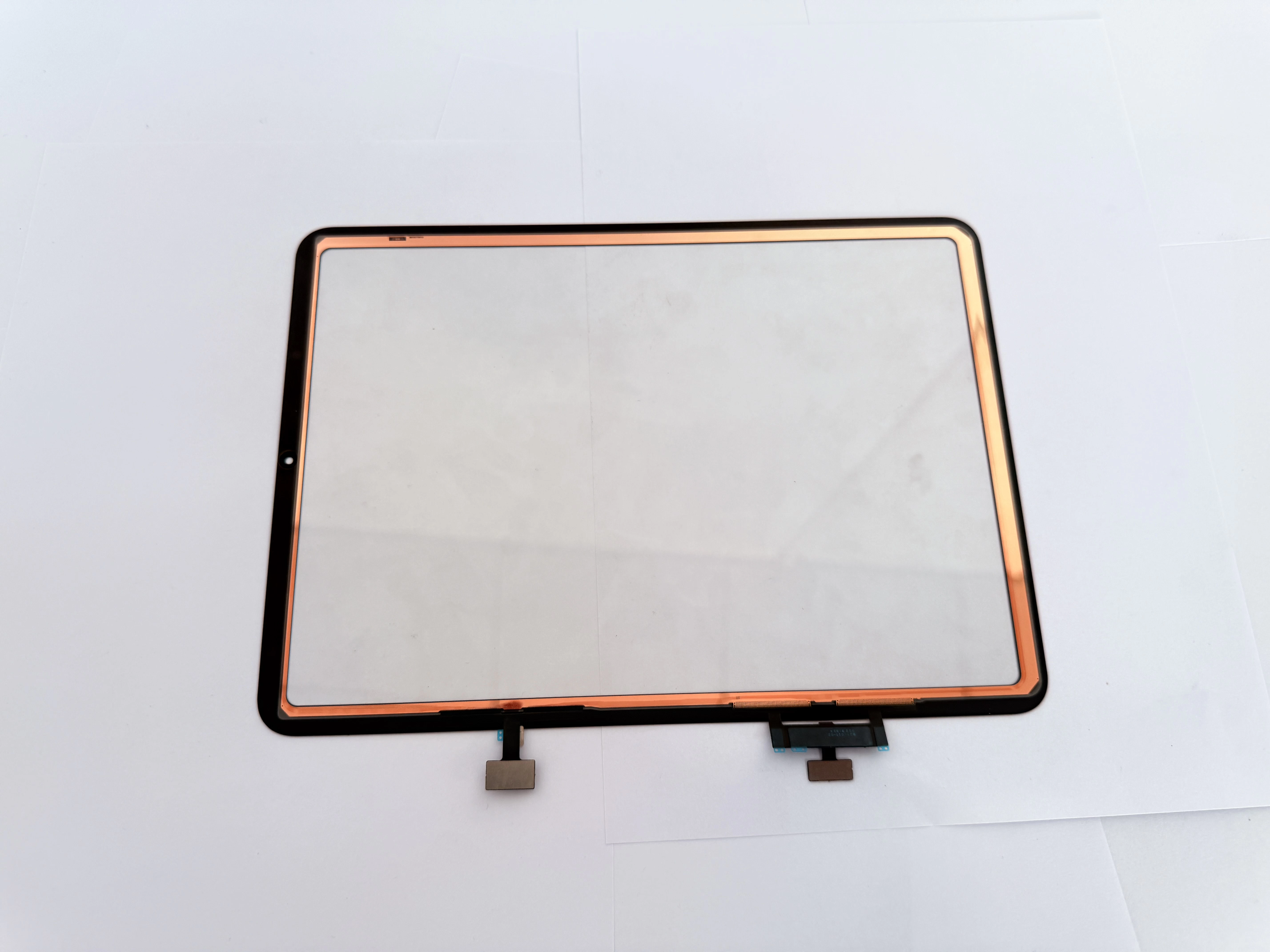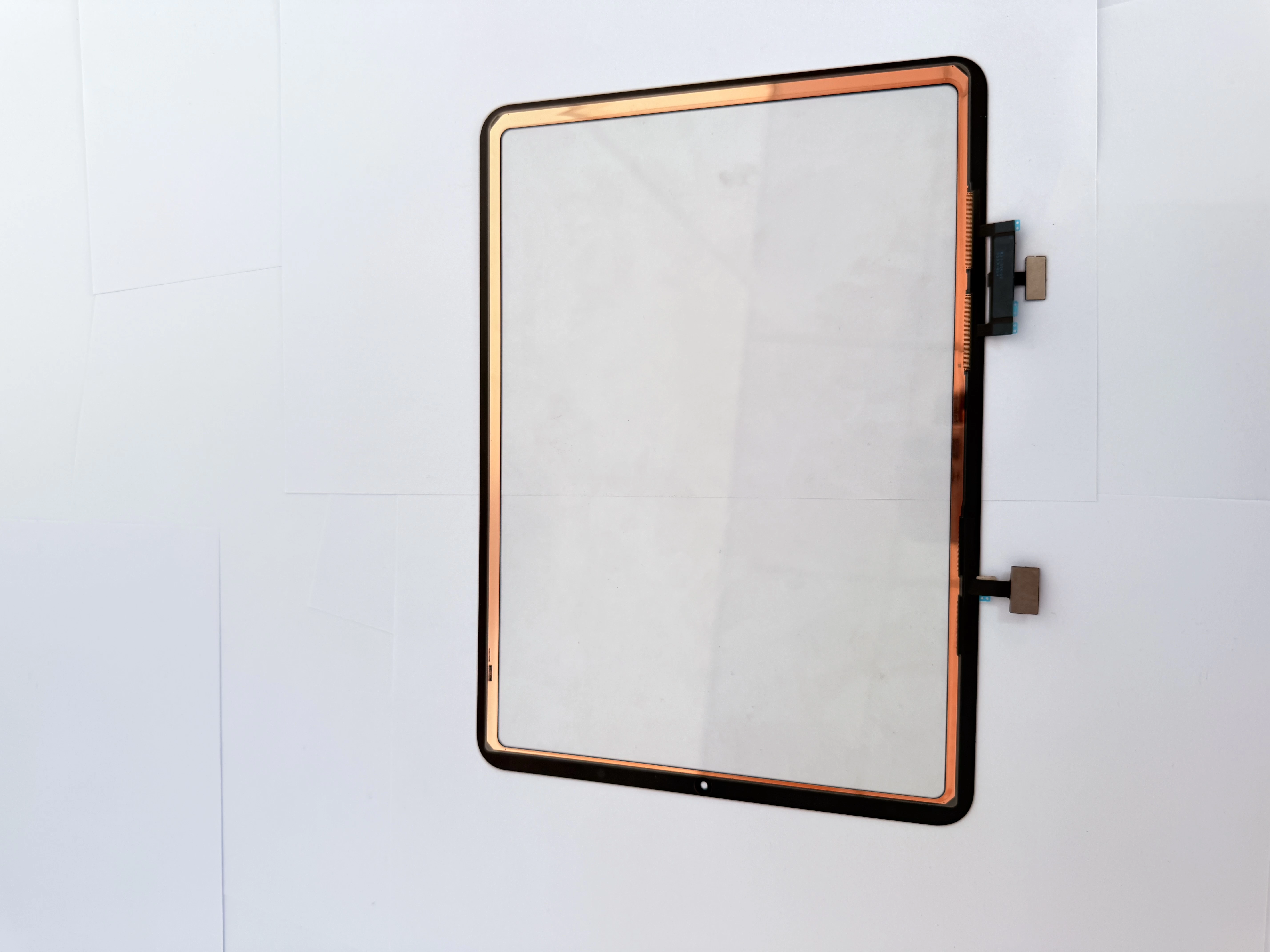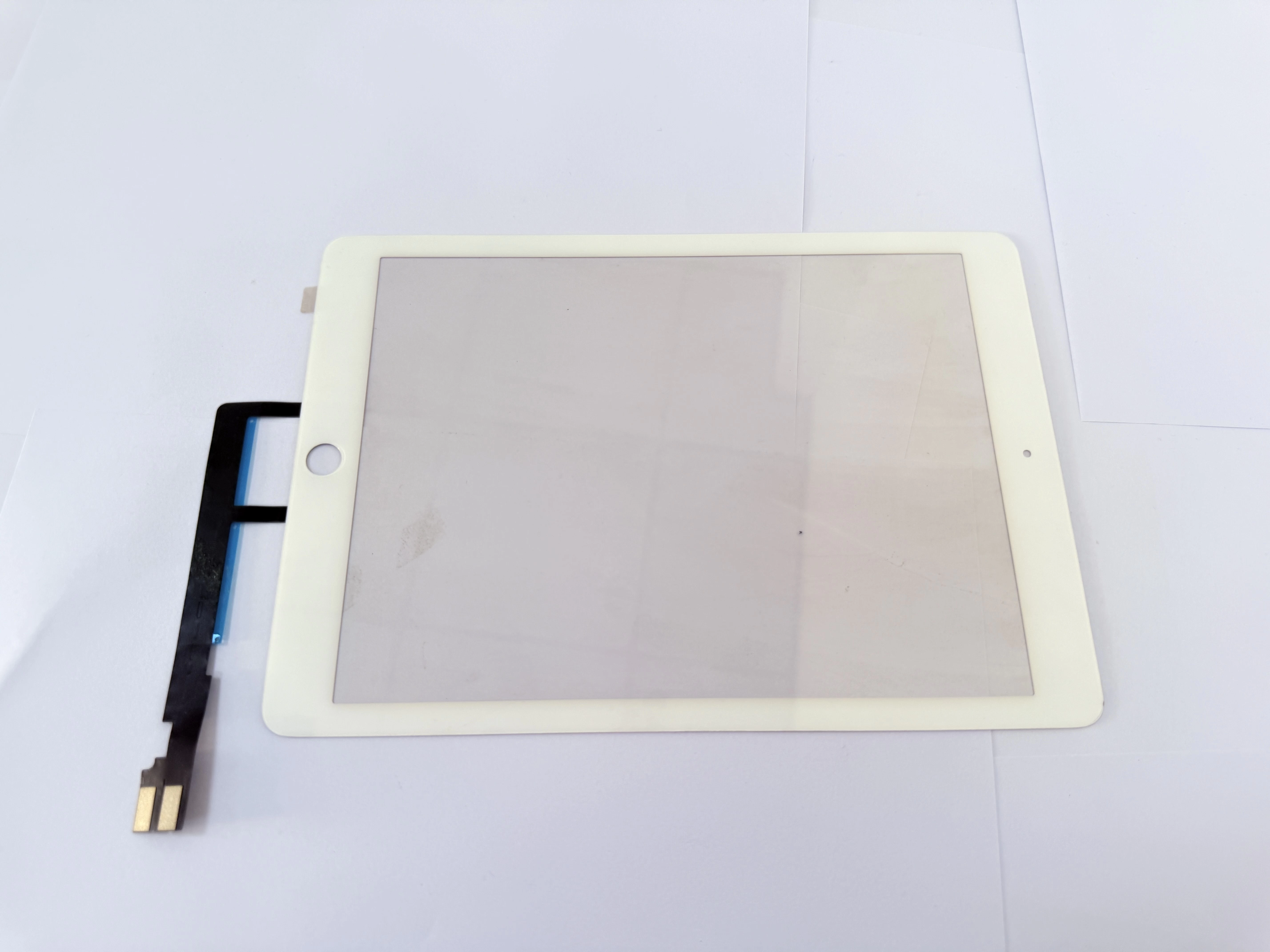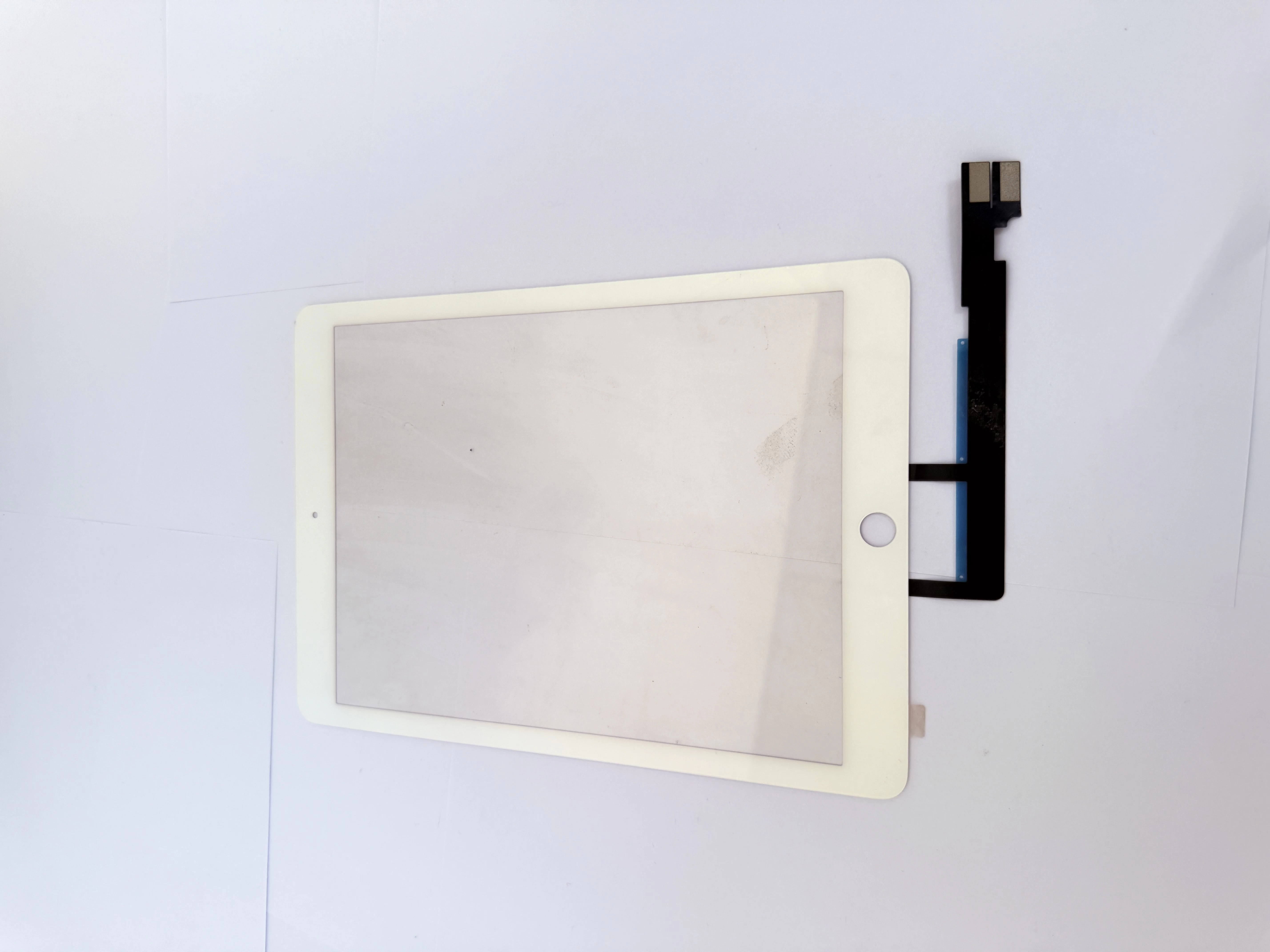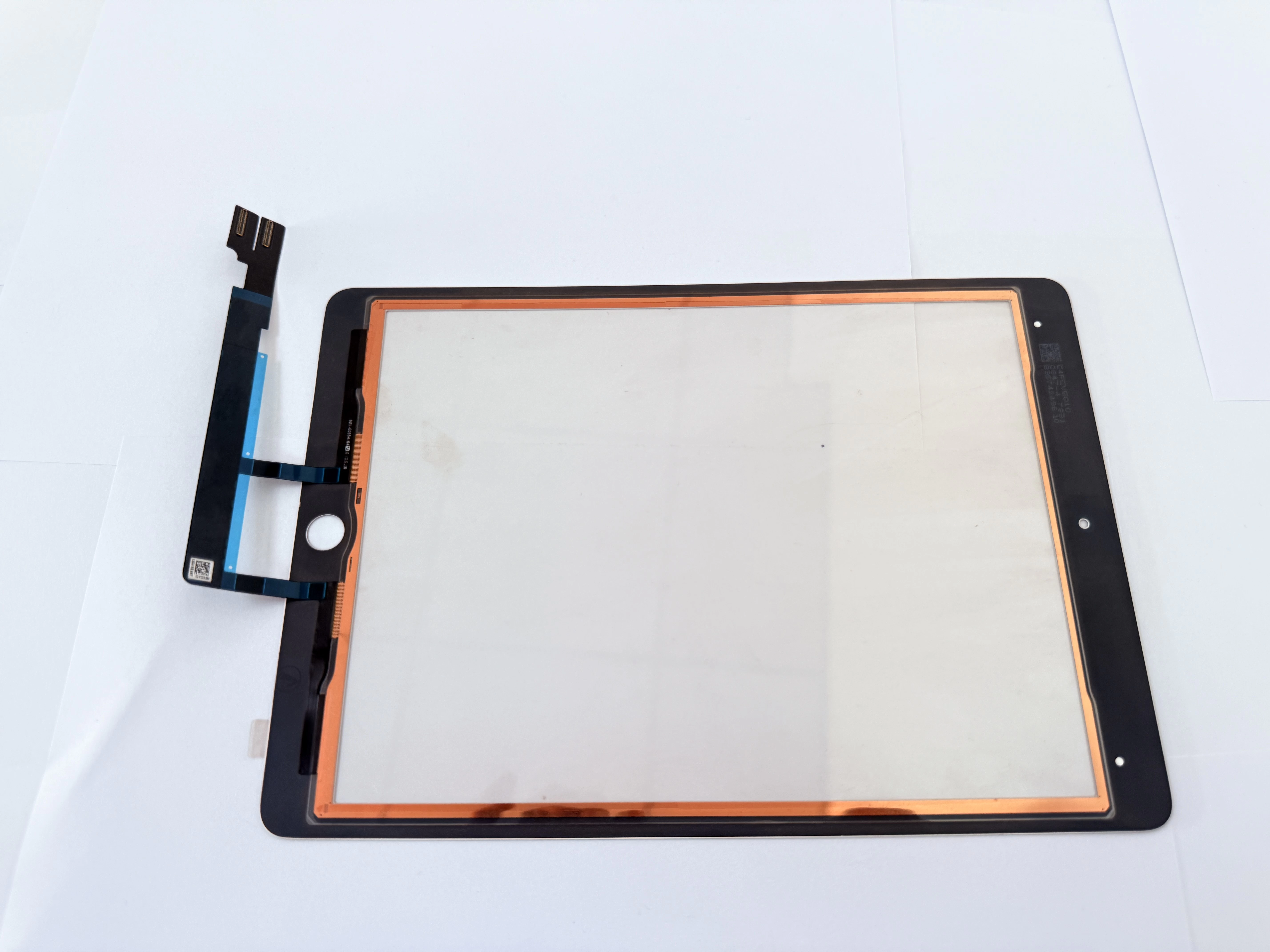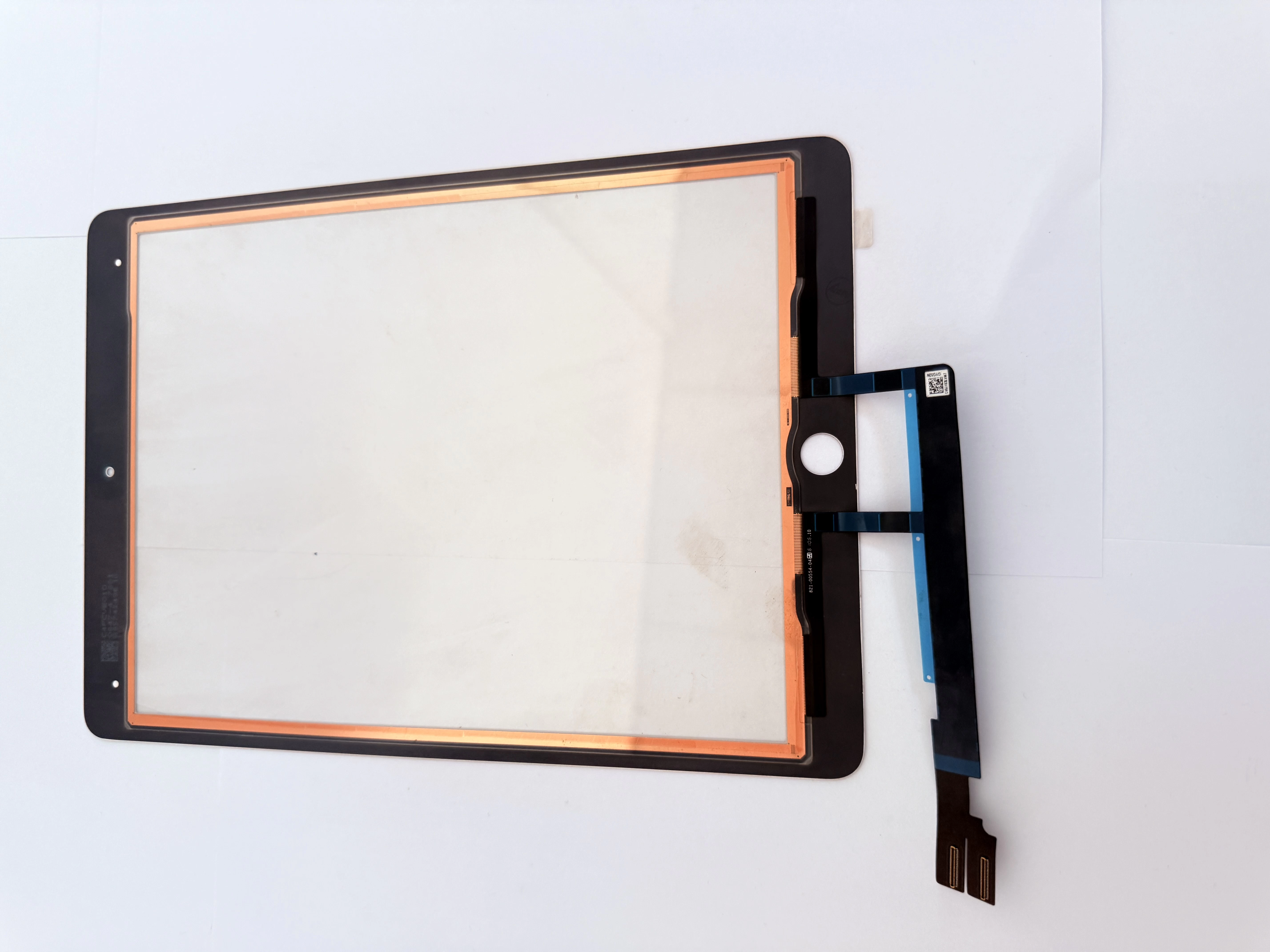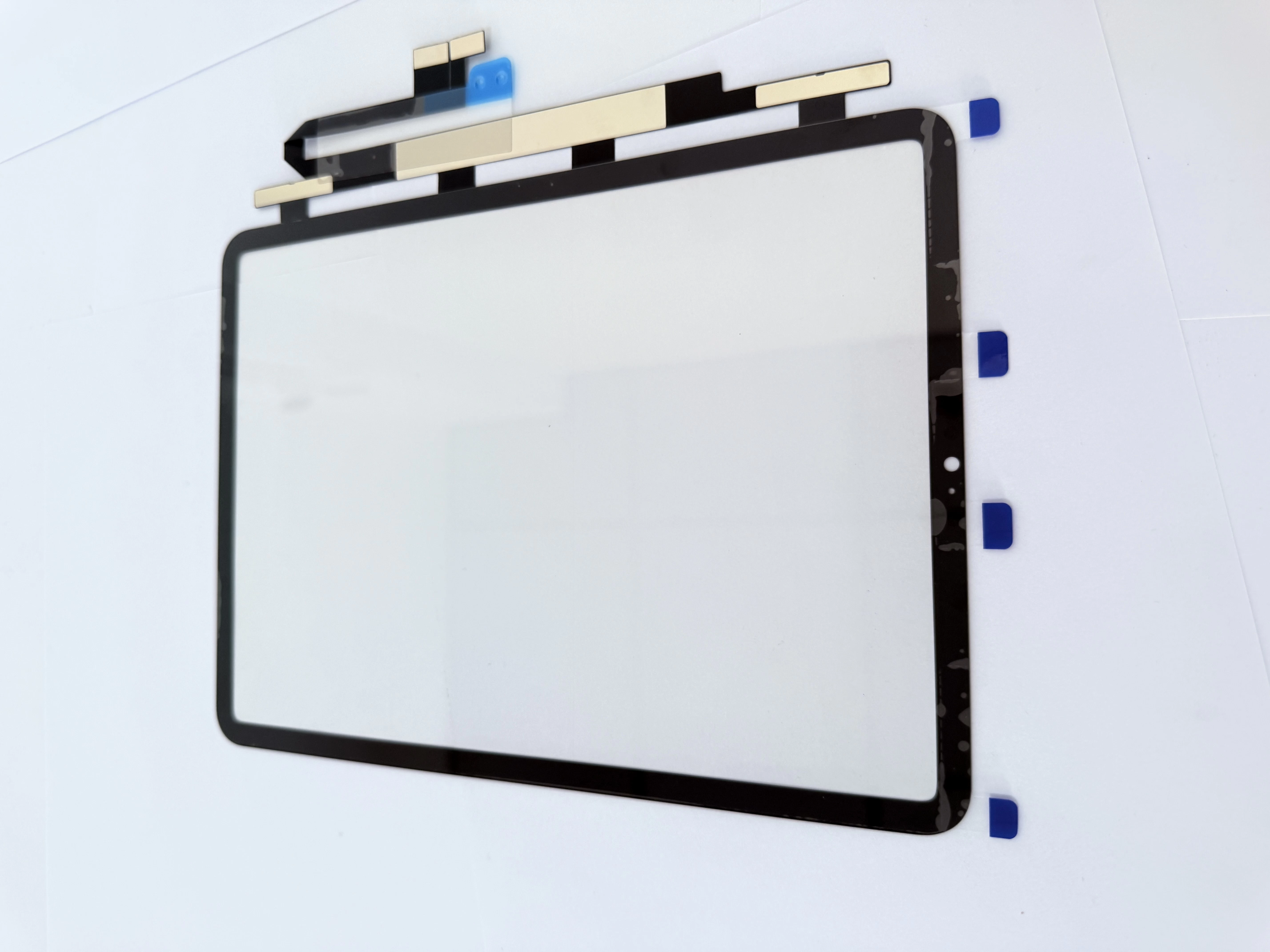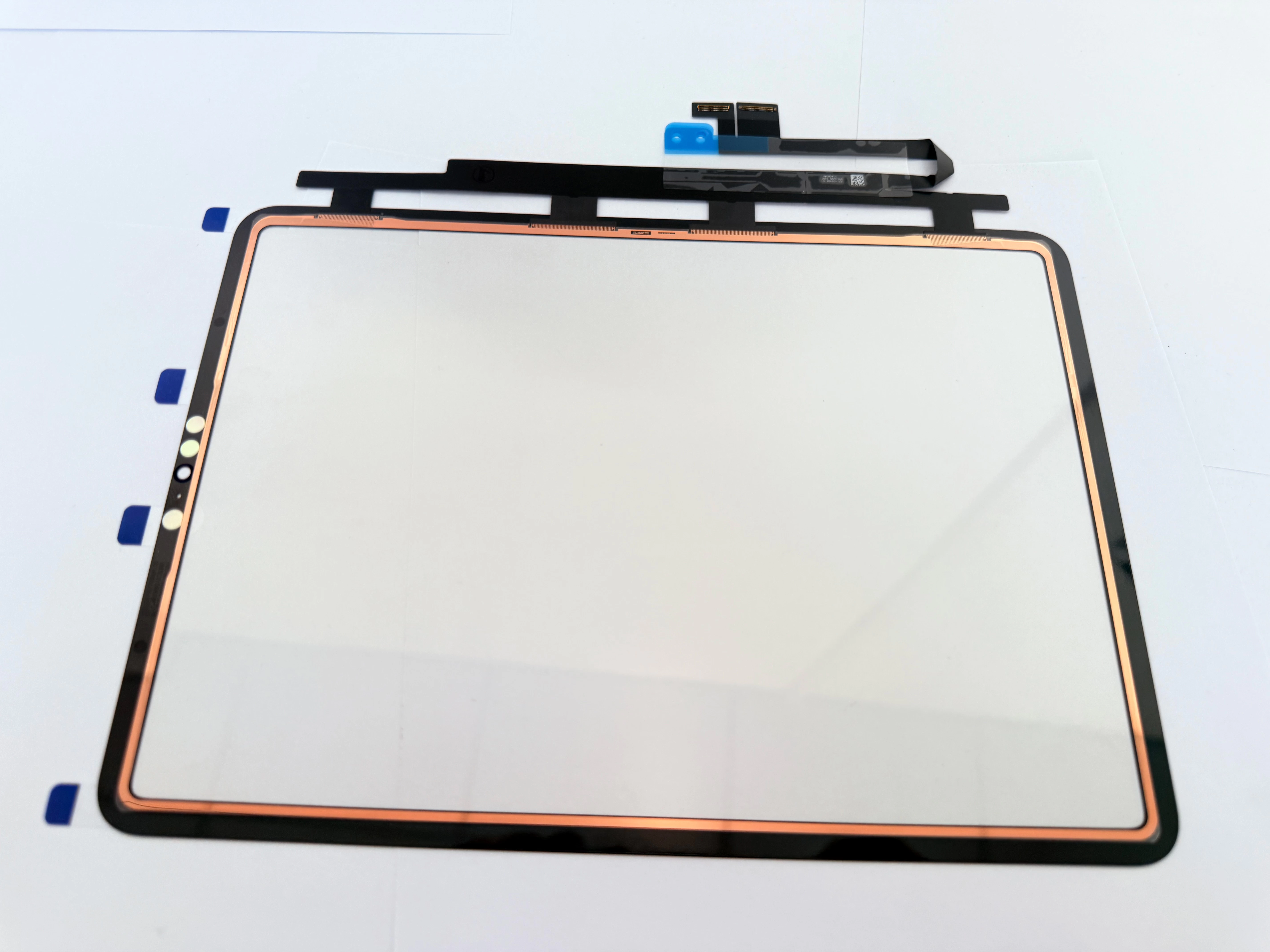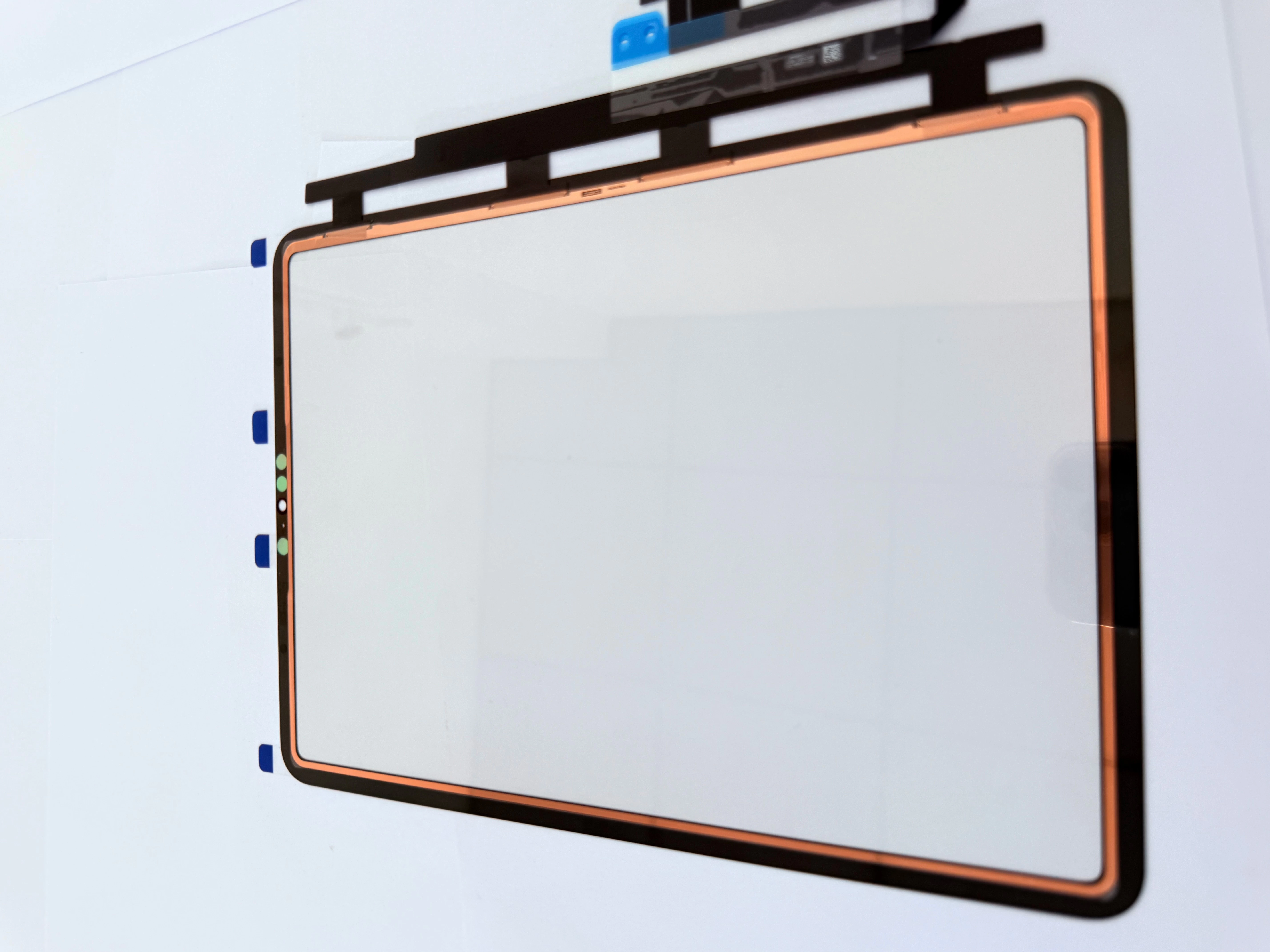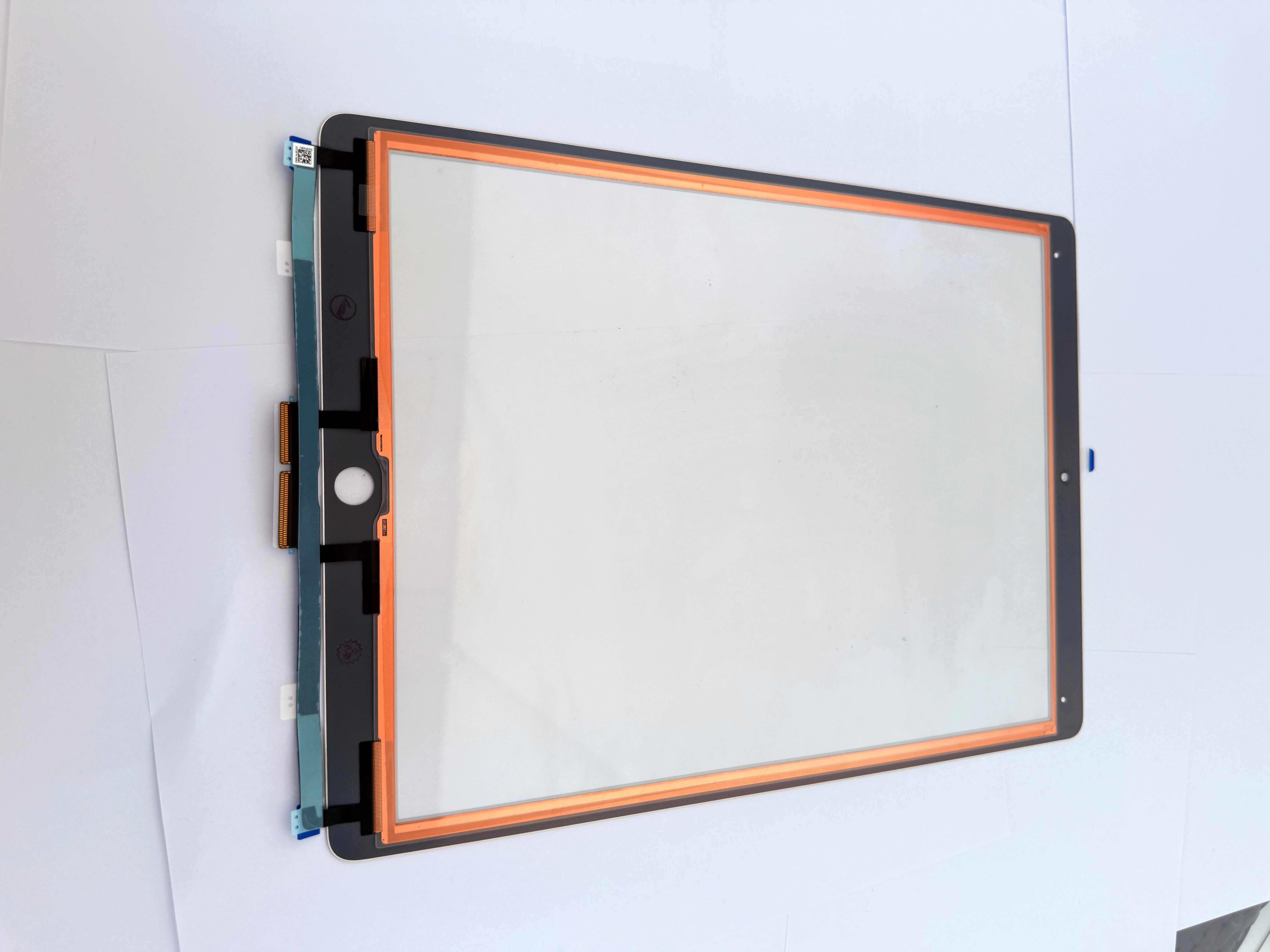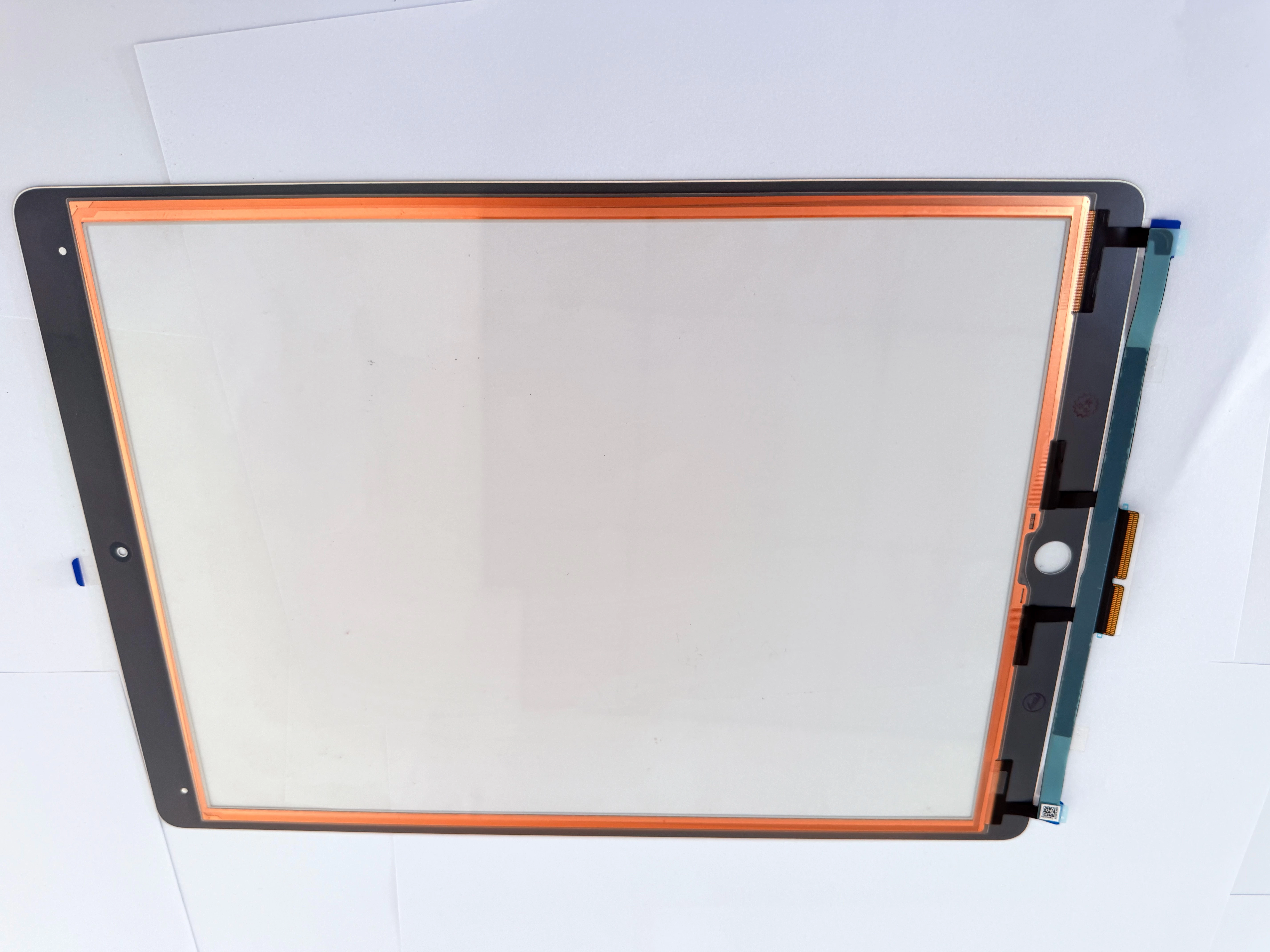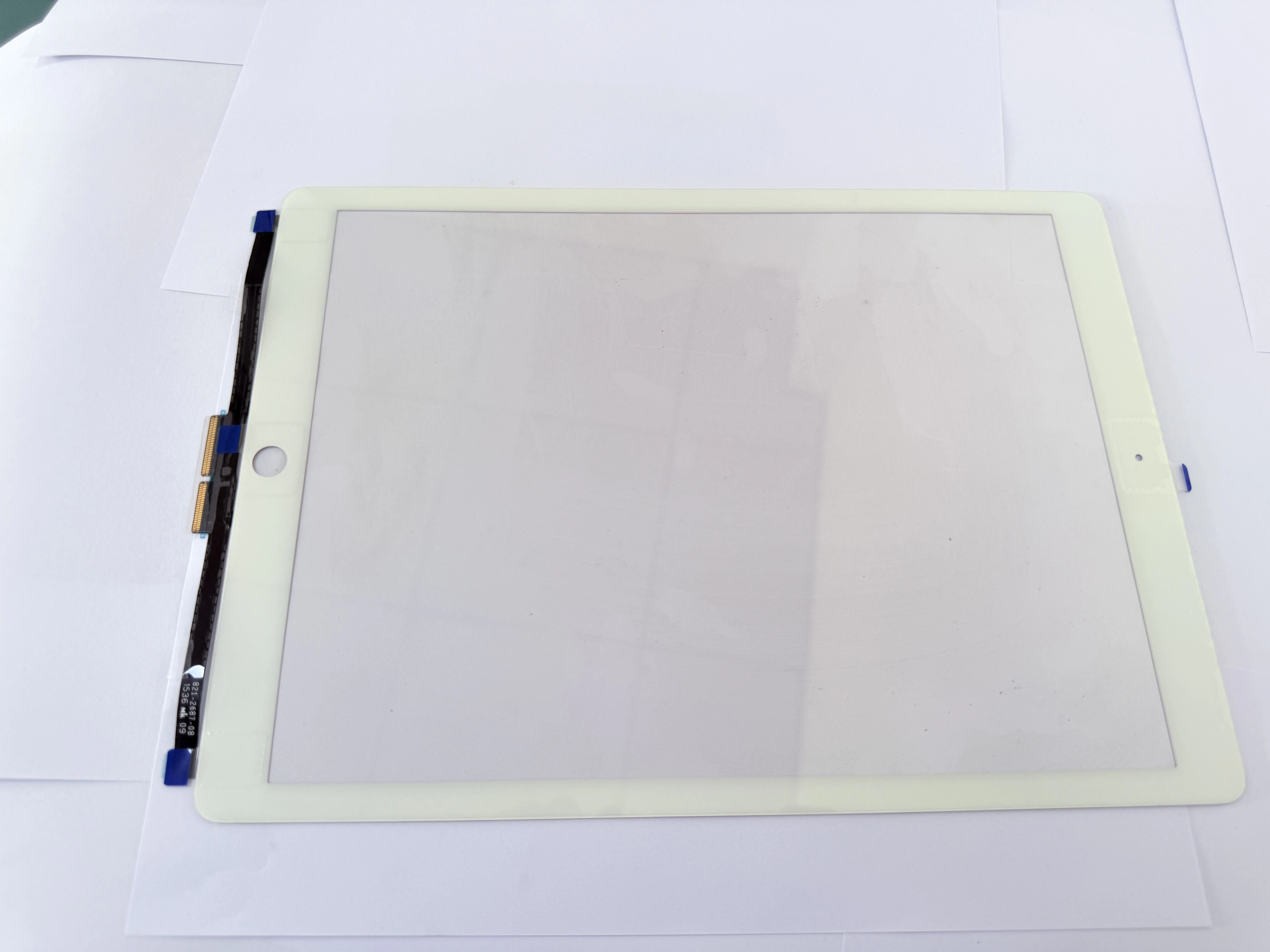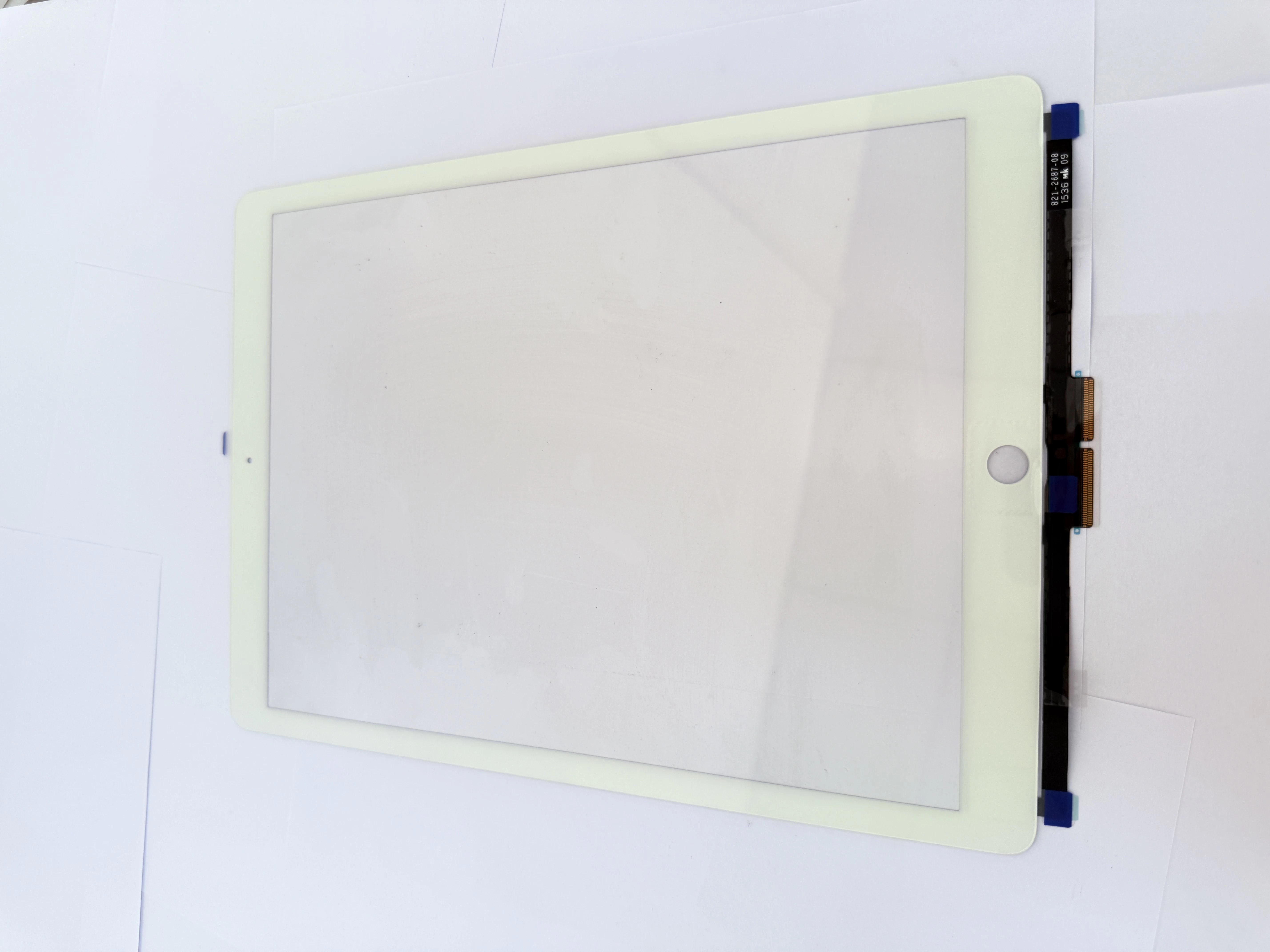
Many DIY users and new repair technicians accidentally damage their iPads during screen replacement due to improper operation. Understanding these common iPad repair mistakes can help you avoid permanent device damage.
First, never disassemble your iPad while it is powered on. Live circuits will cause short circuits and burn the motherboard when disconnecting flex cables, leading to fatal device failure.
Second, avoid using metal knives or sharp hard tools to pry the screen. Metal tools easily scratch the intact LCD display and damage internal components. Always use professional plastic pry tools for disassembly.
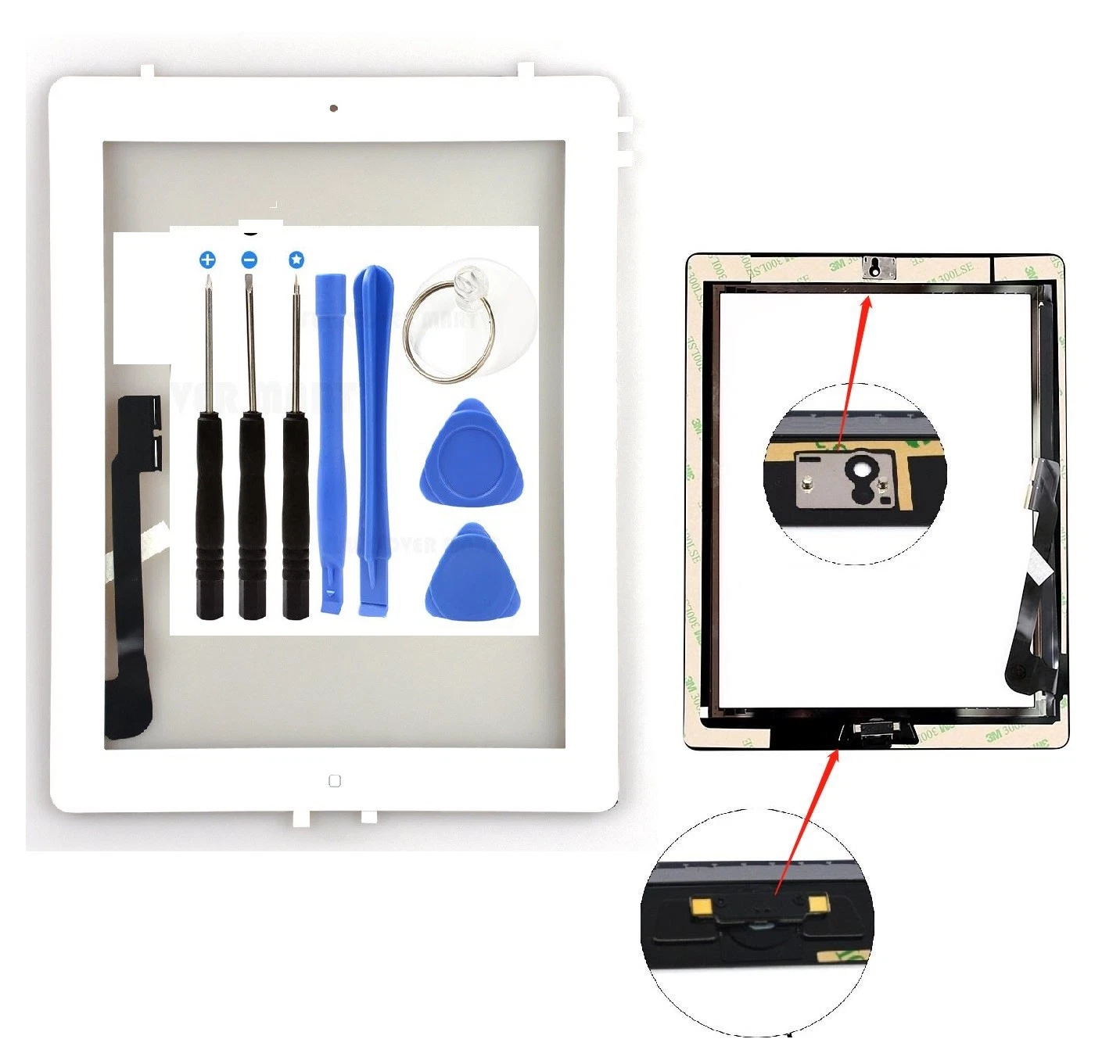
Third, do not pull the touch flex cable with excessive force. The ribbon cable is extremely fragile and will break under strong tension, making the new digitizer completely useless.
Fourth, skipping frame cleaning is a common error. Residual old glue causes uneven fitting, resulting in screen lifting, poor touch sensitivity, and dust entering the screen gap.
Finally, always test the touch function before fully fixing the screen. Early testing allows you to replace defective parts in time and avoid secondary disassembly trouble.