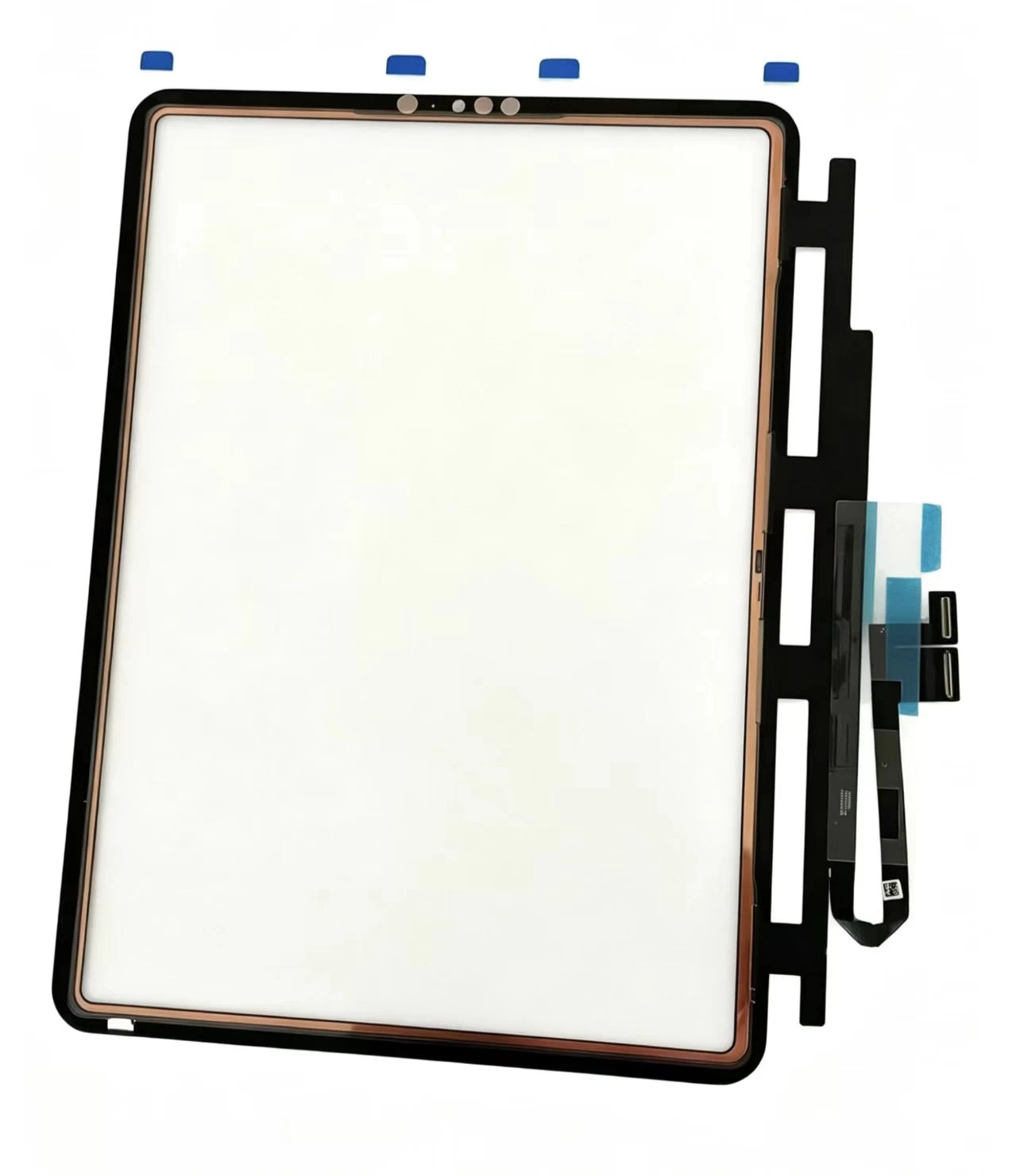
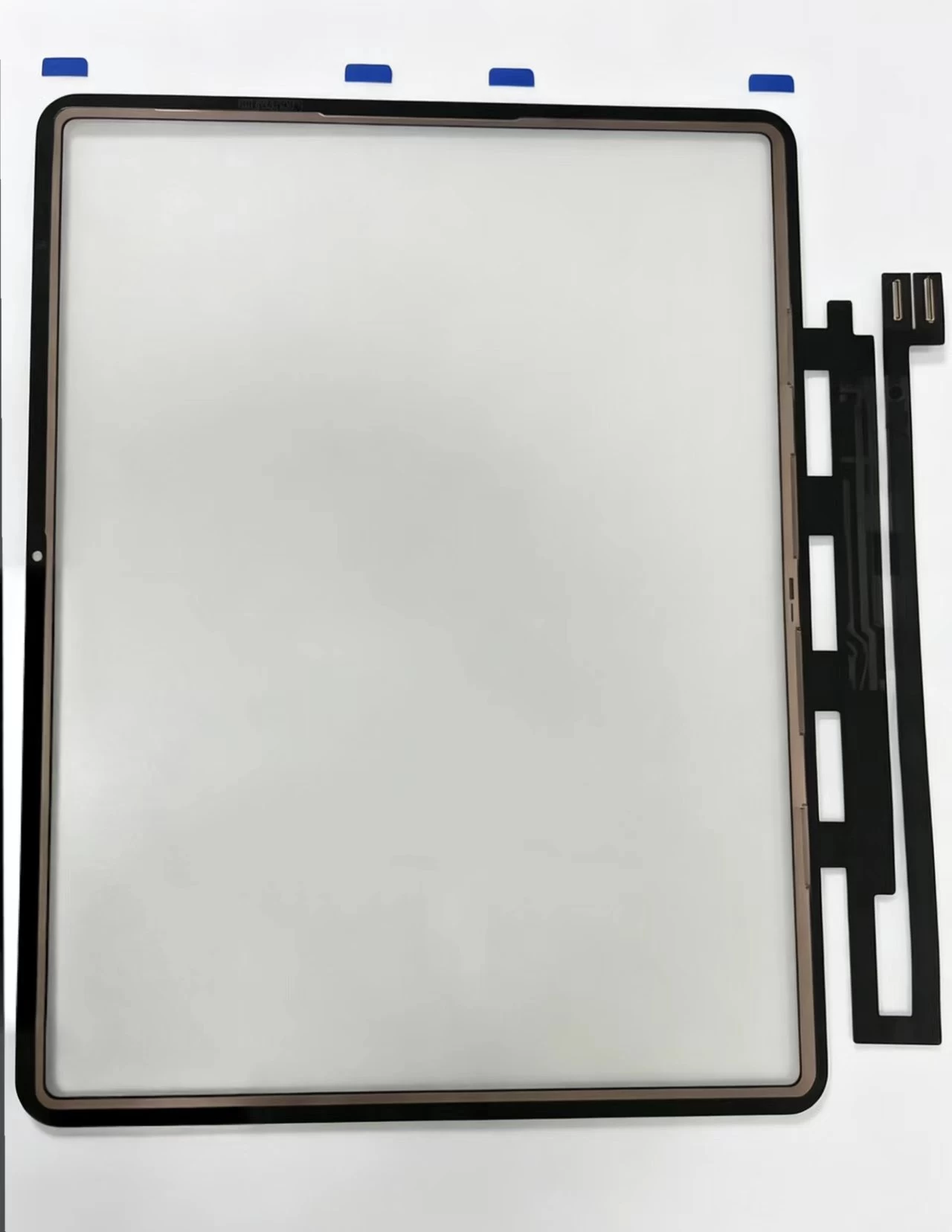
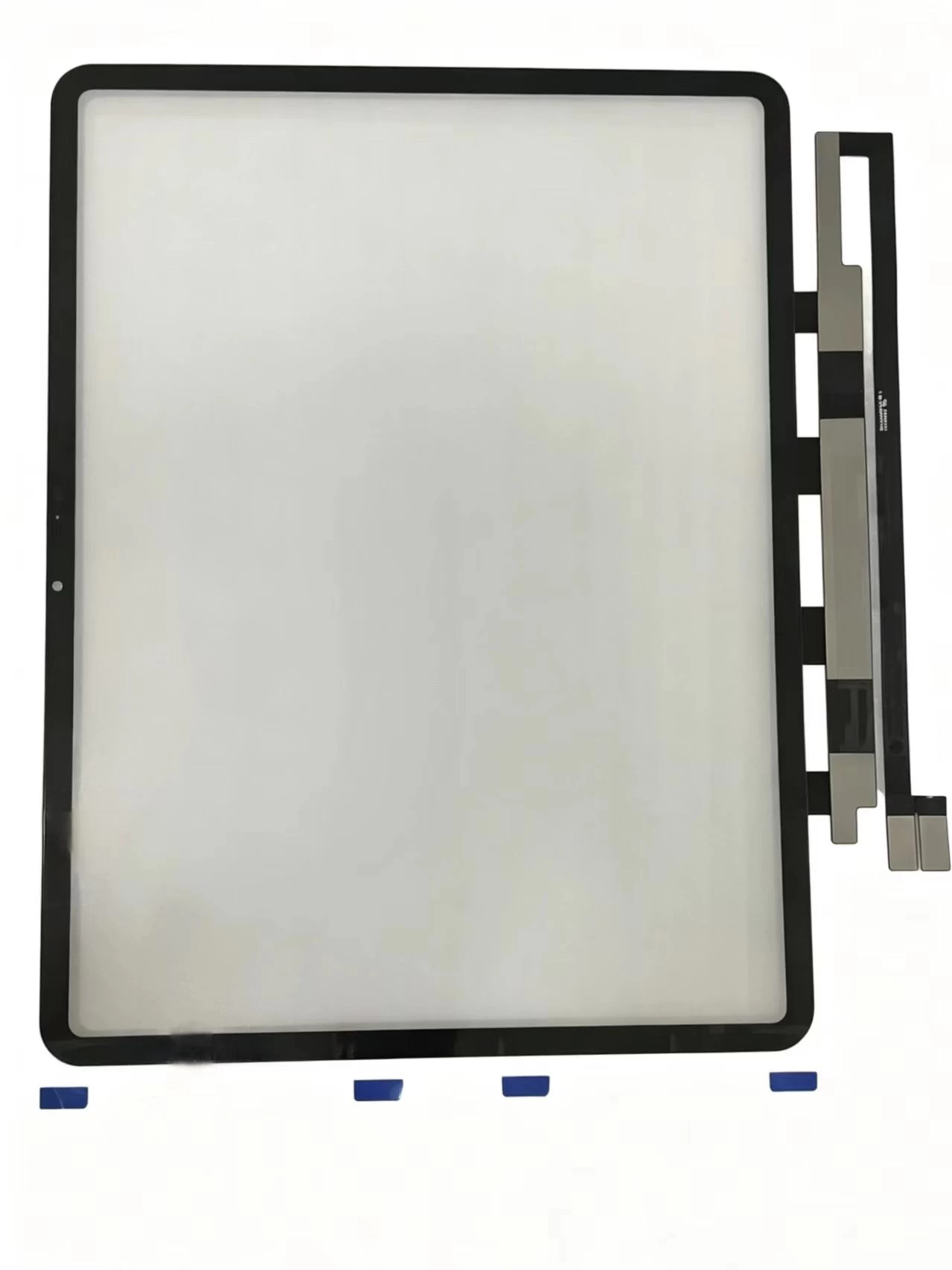
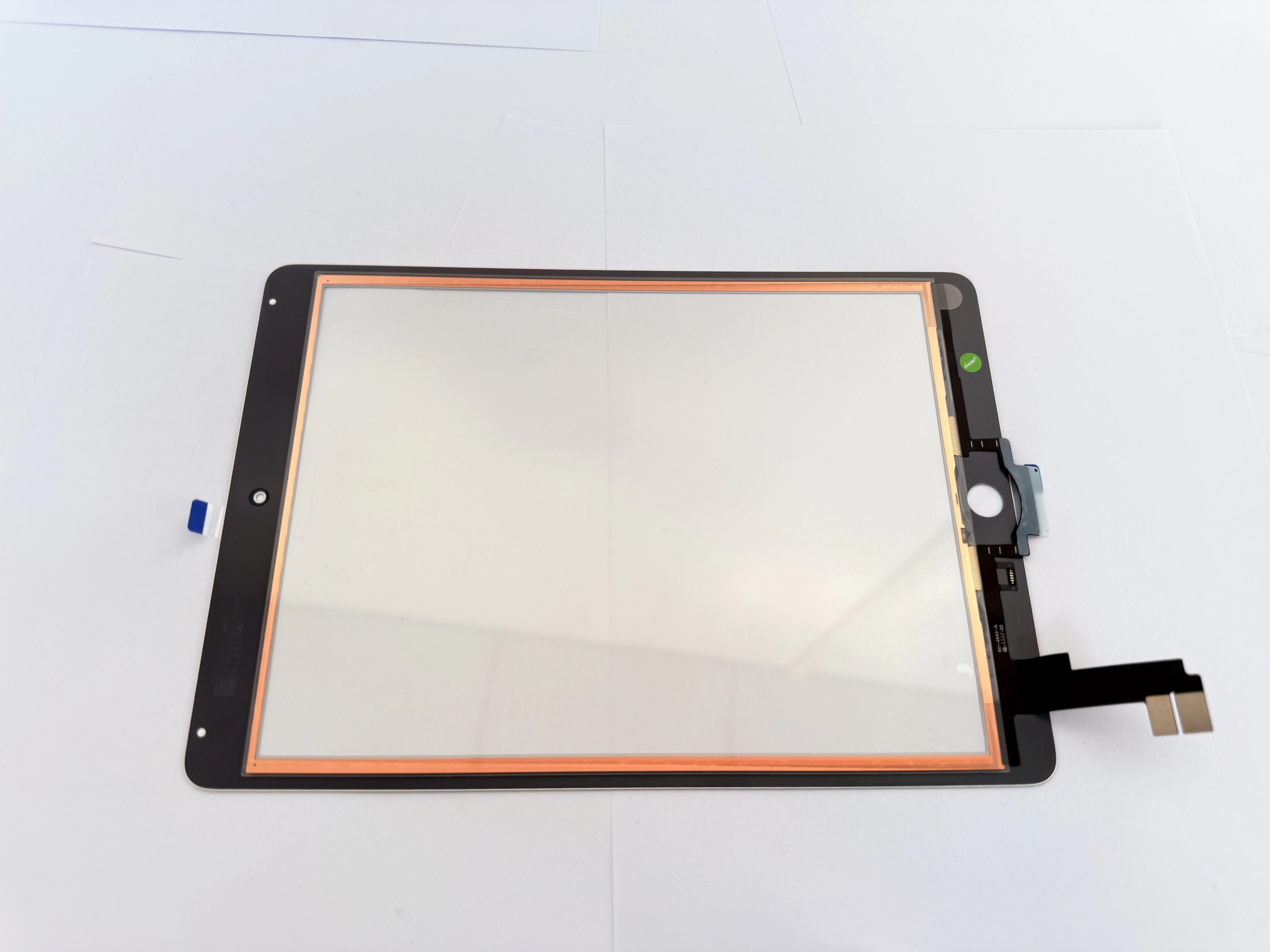
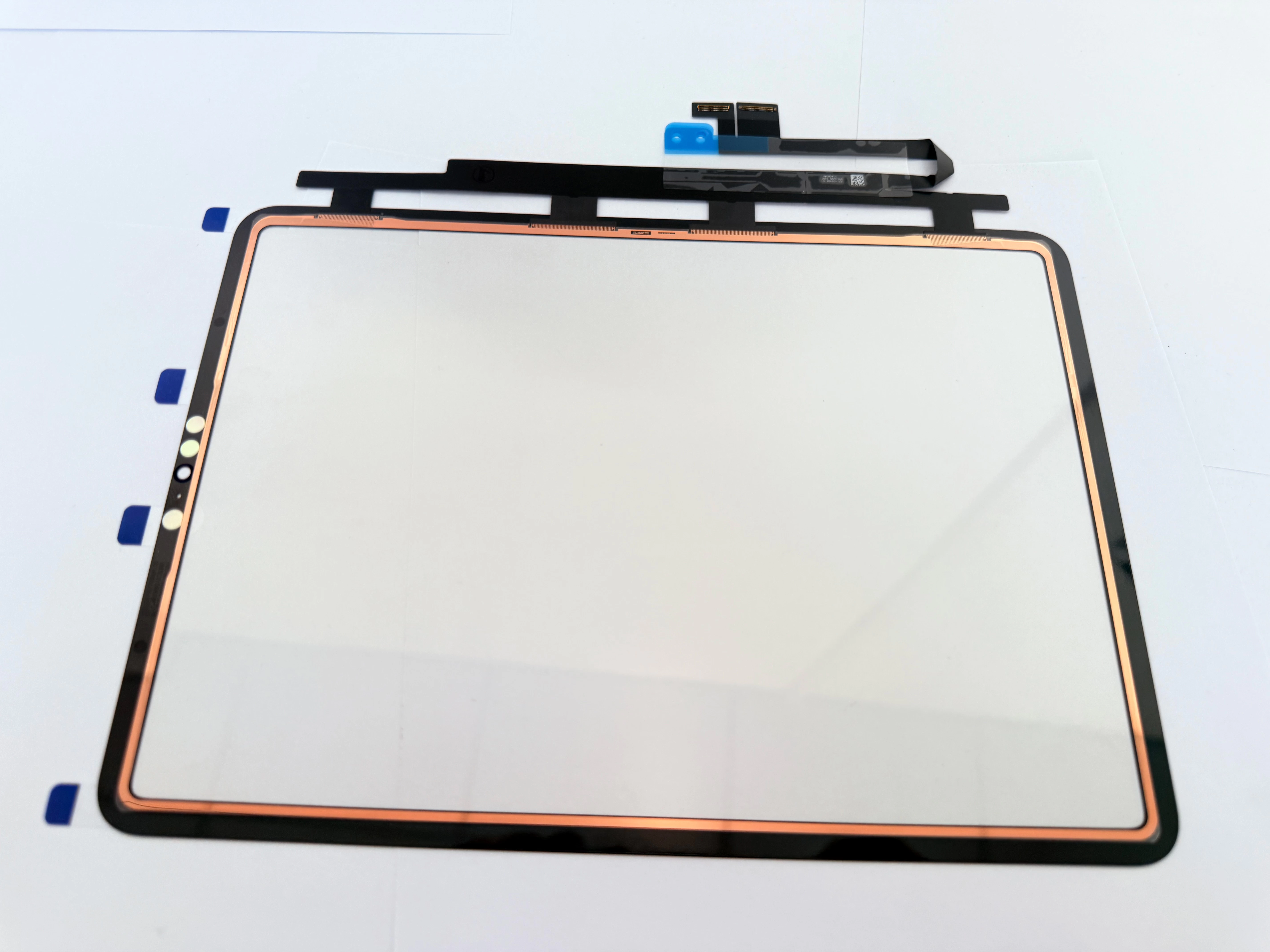
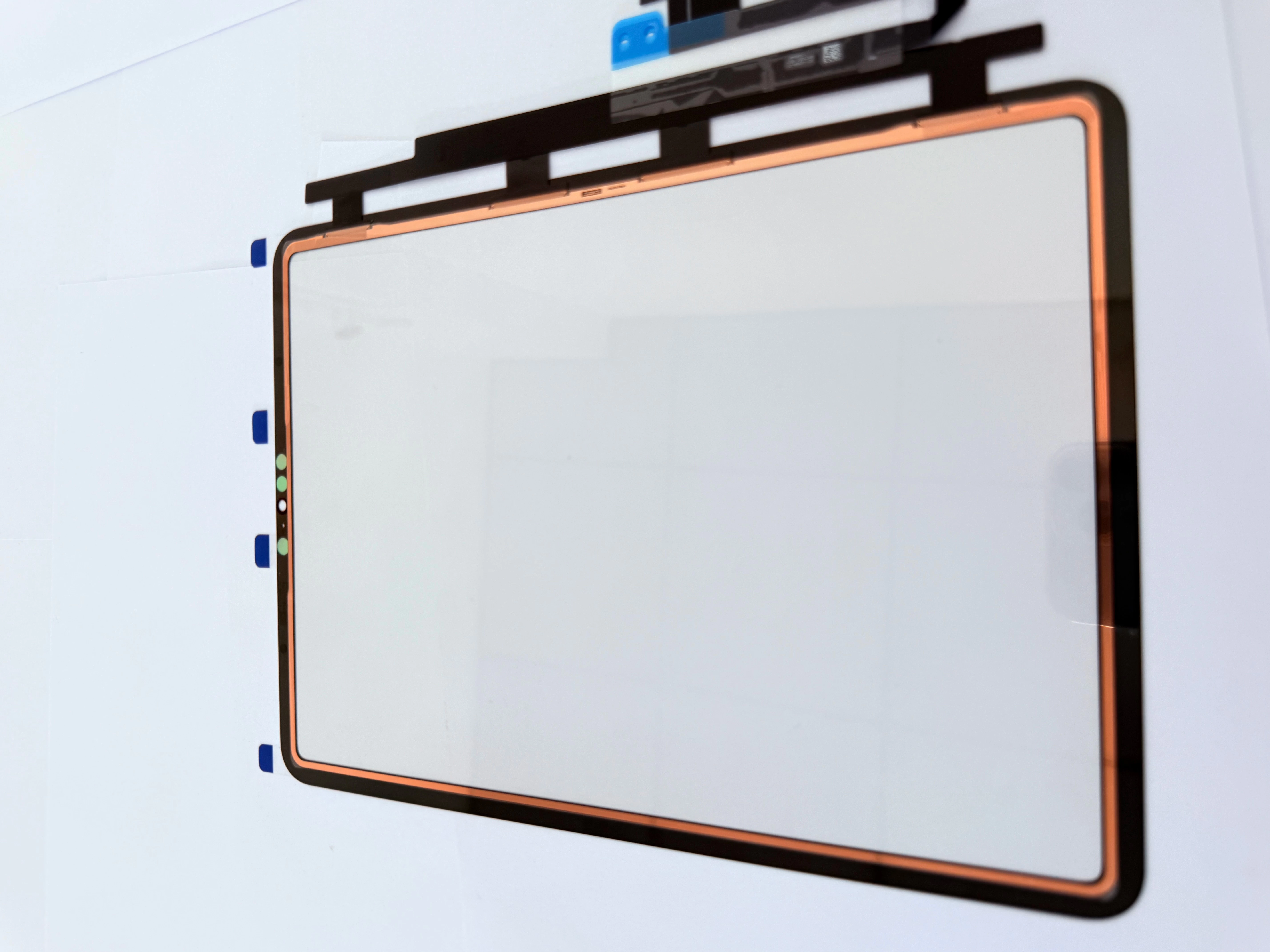
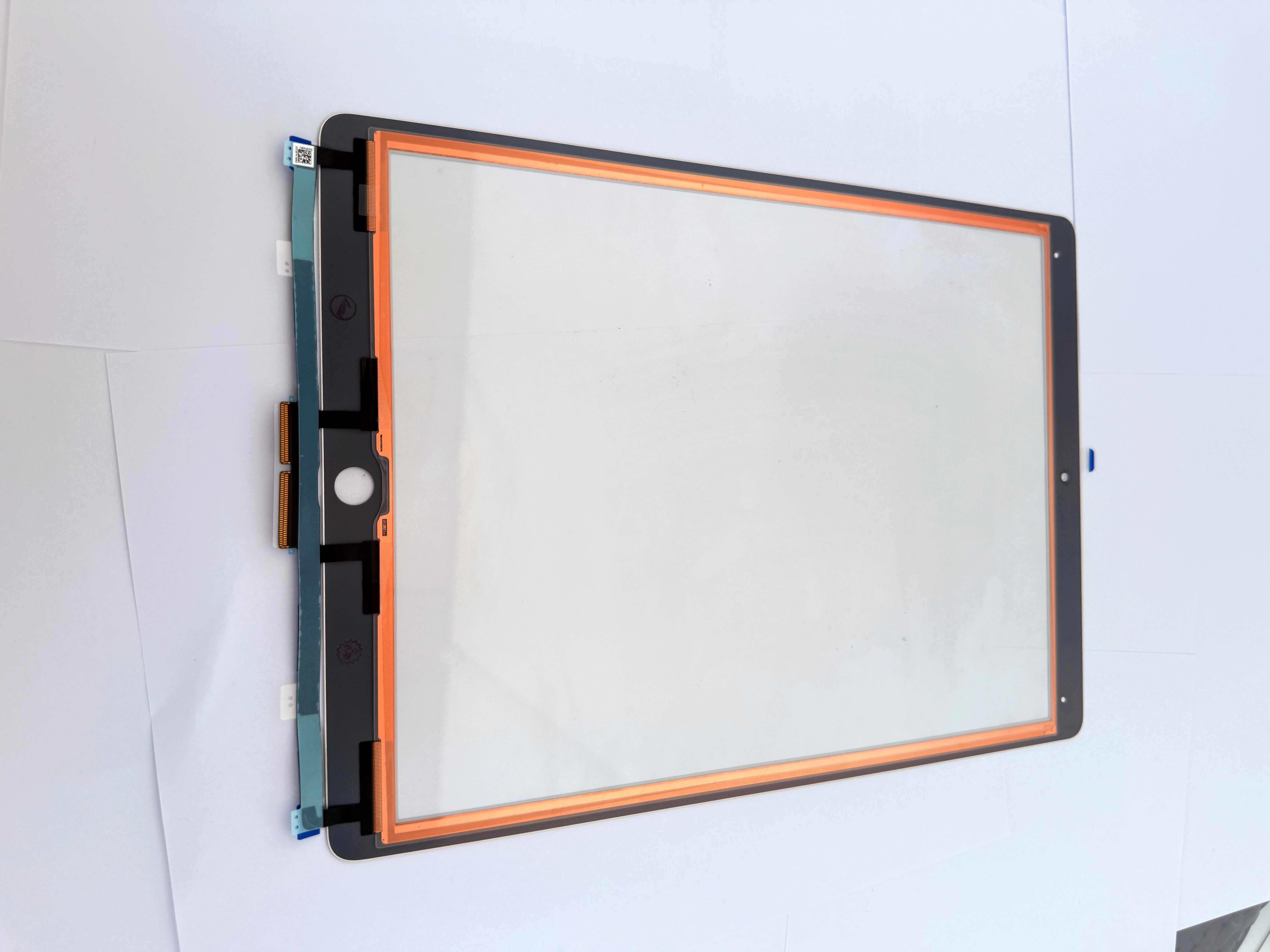
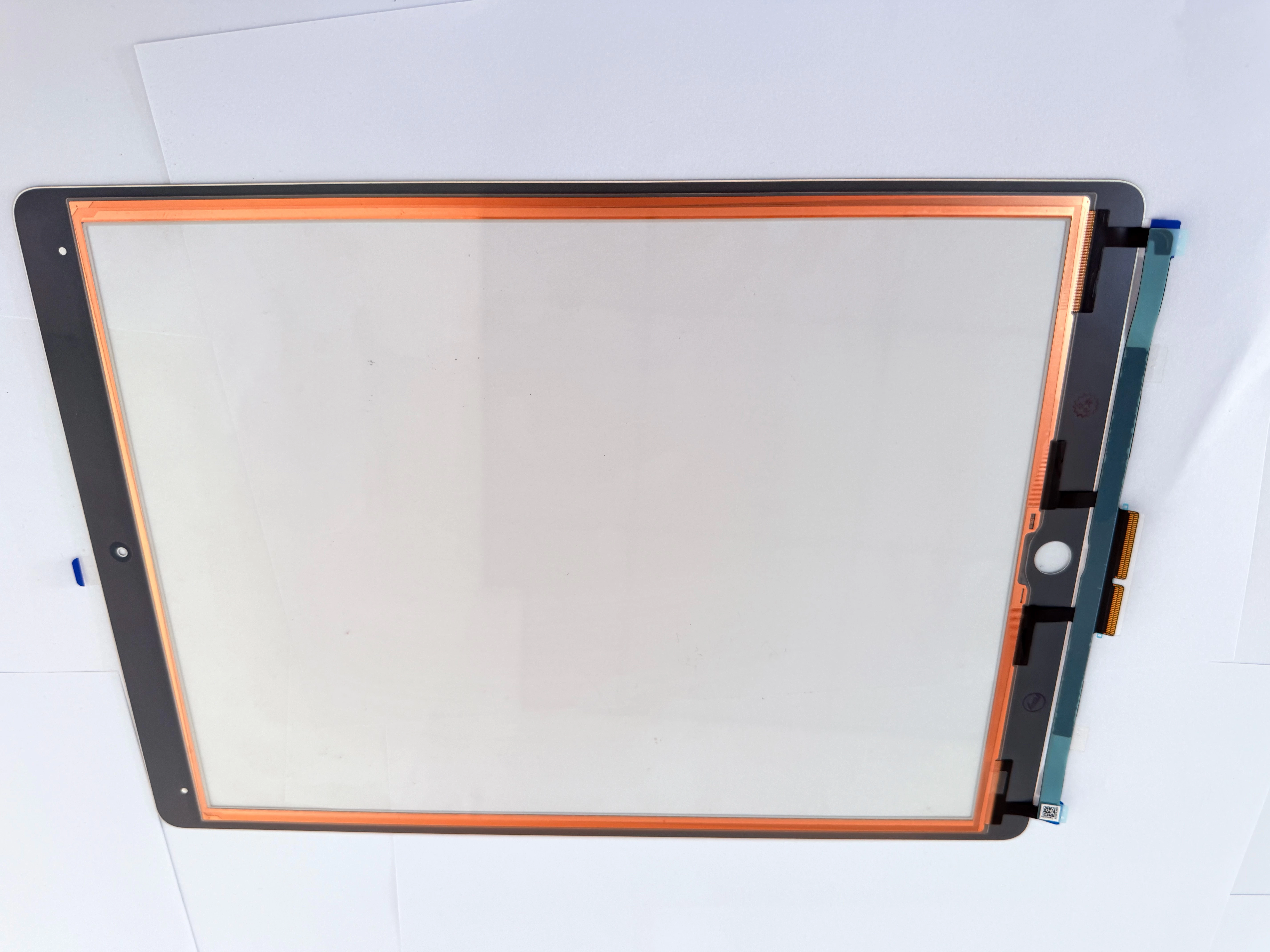
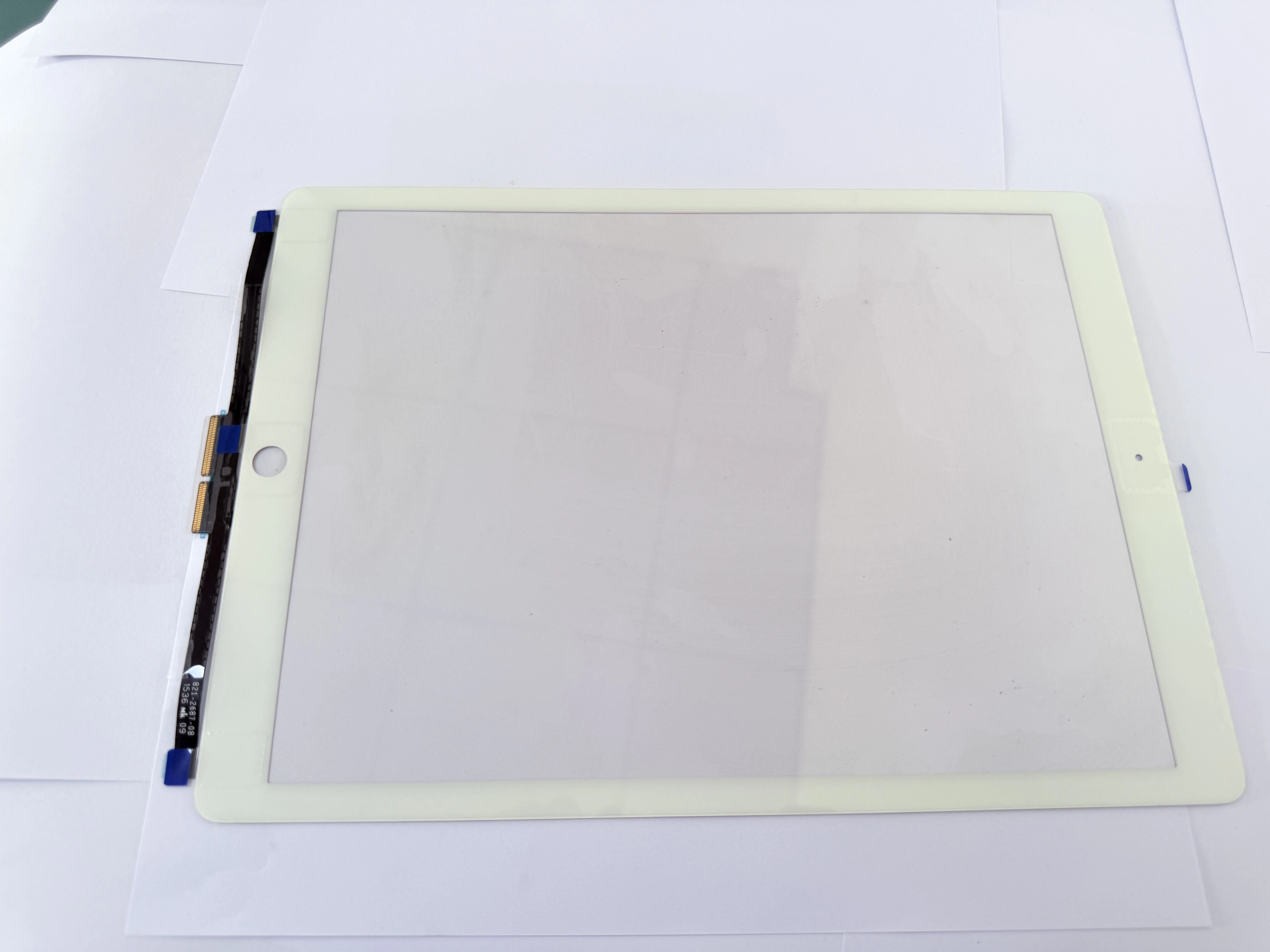
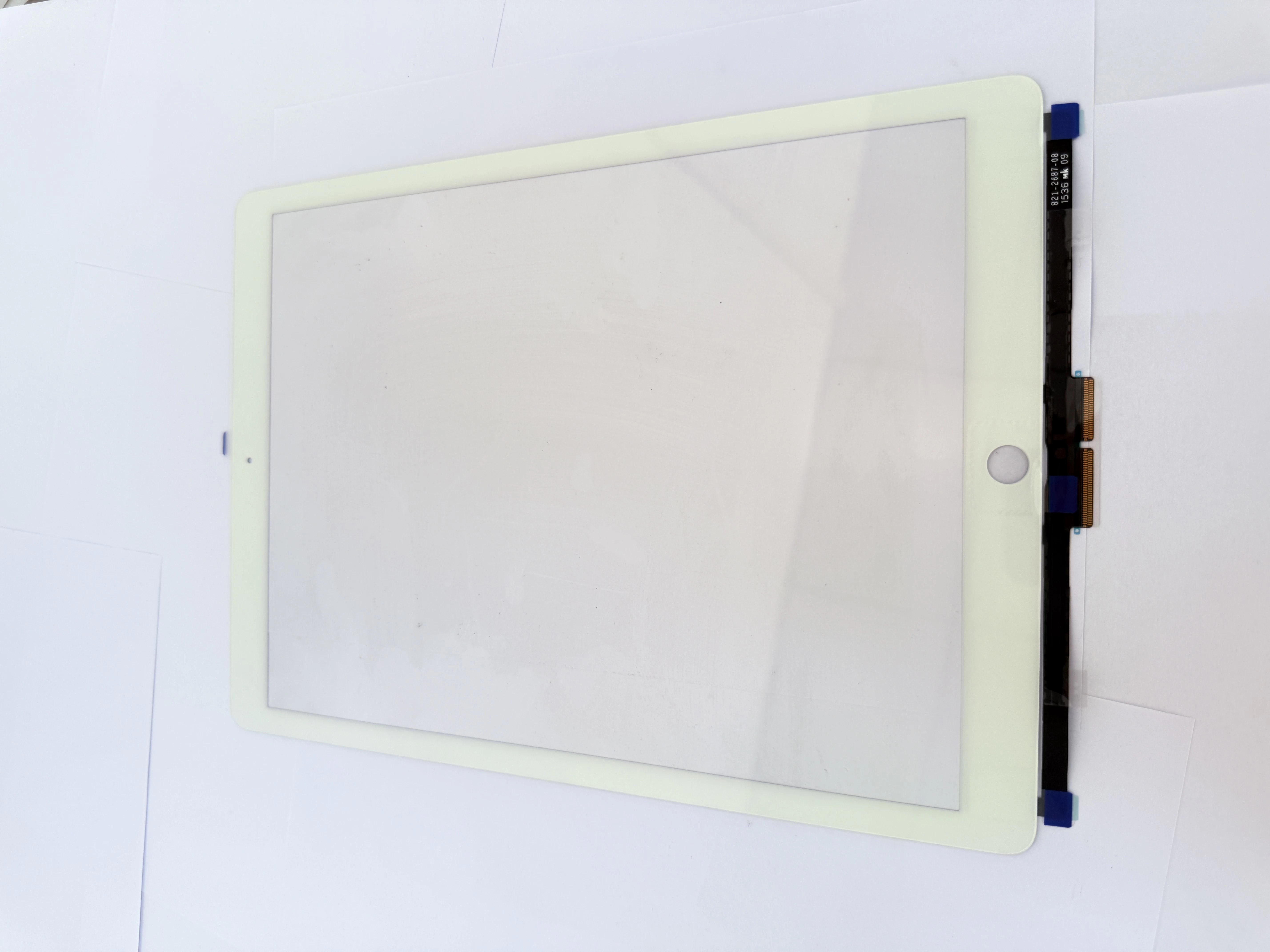
- Check stylus power, pairing status and tip wear condition;
- Verify screen protector thickness and installation flatness;
- Test in different apps to rule out software adaptation issues.
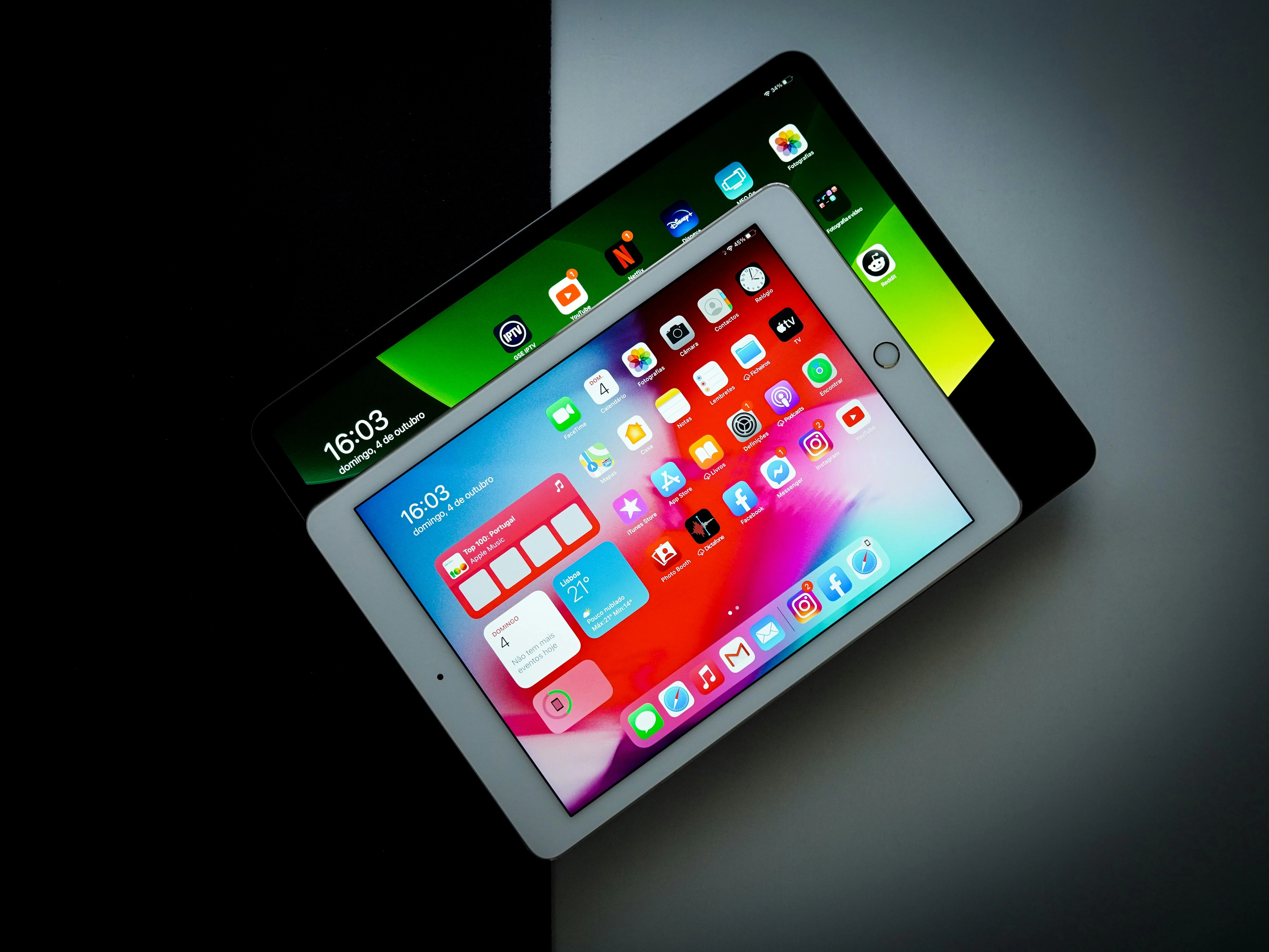
- Guide customers to restart iPad and re-pair stylus;
- Adjust touch sensitivity and palm rejection settings;
- Clean screen surface to remove oil or dust interference.
- If problem persists after software debugging, conduct hardware detection;
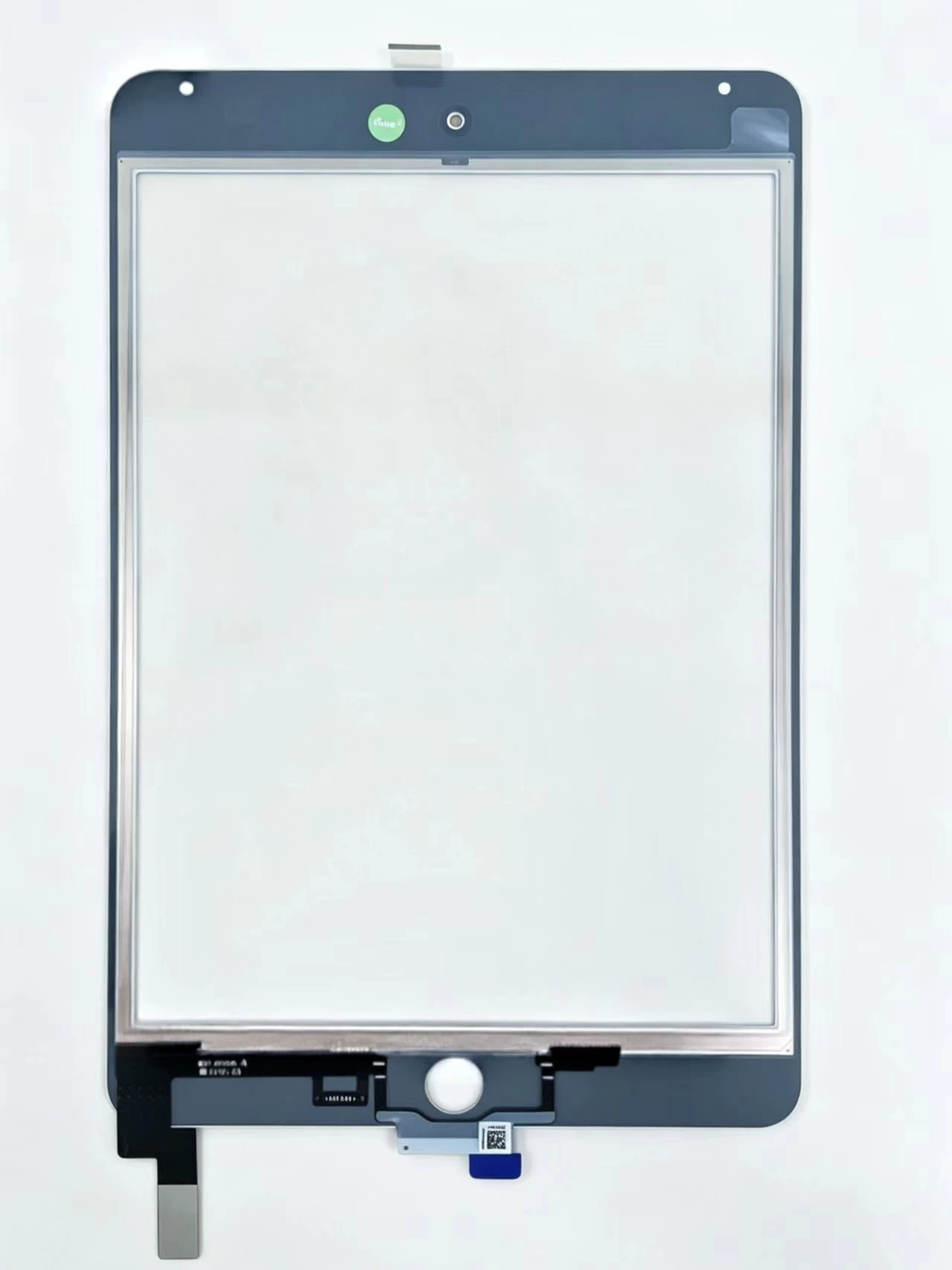
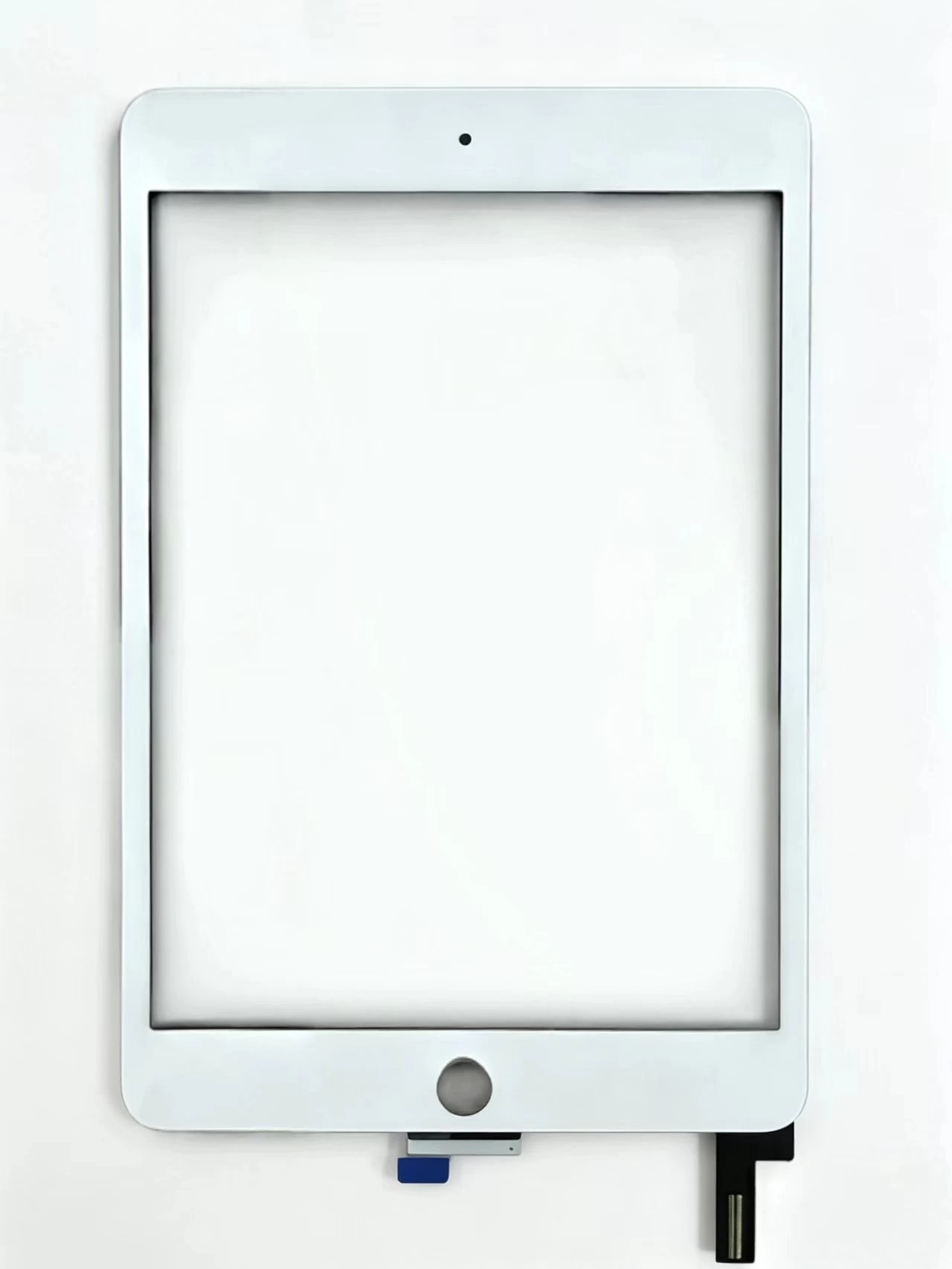
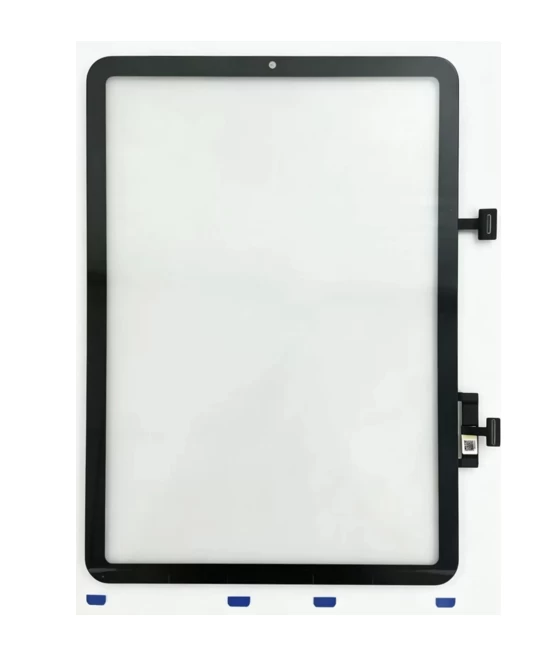
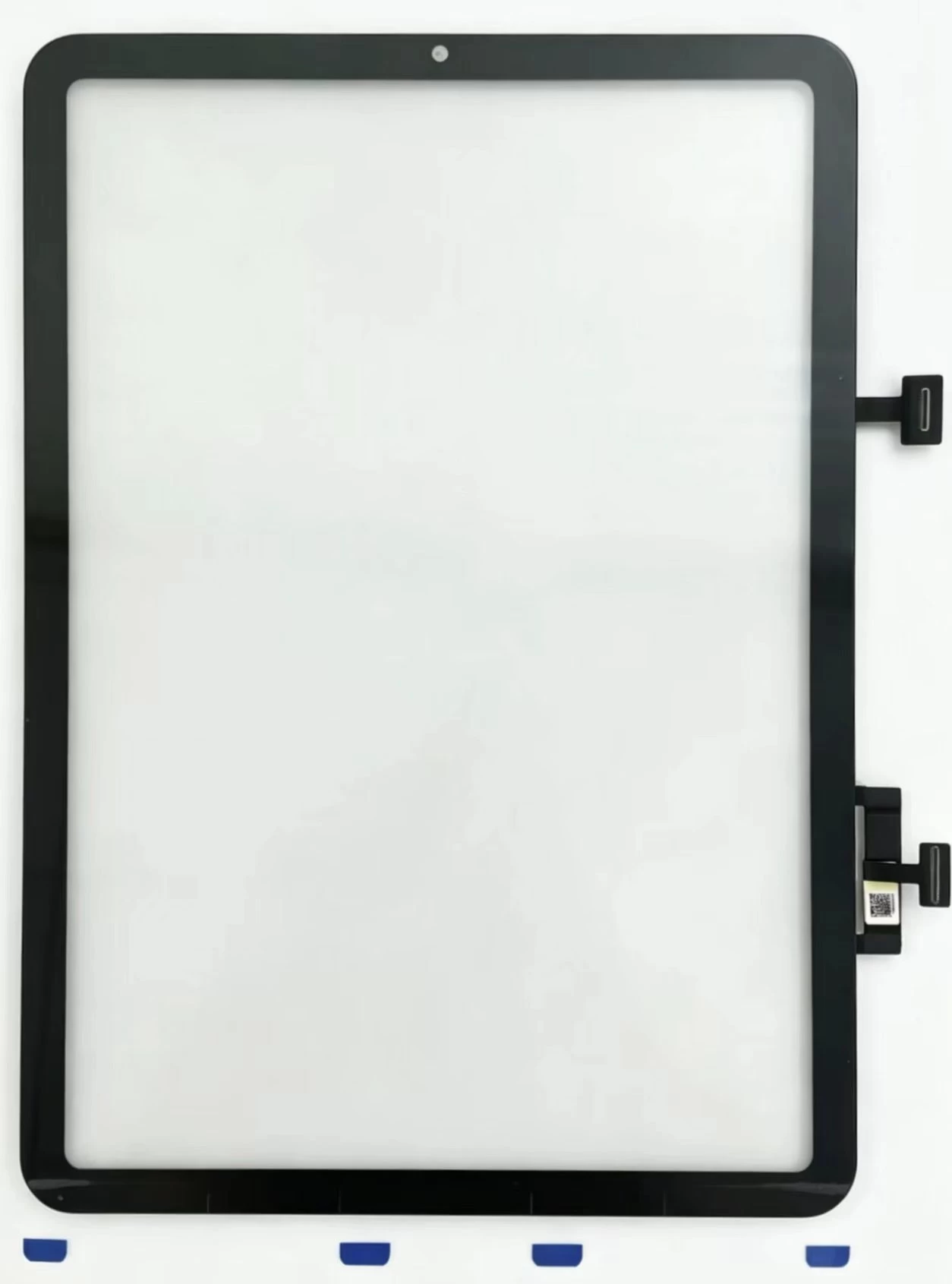
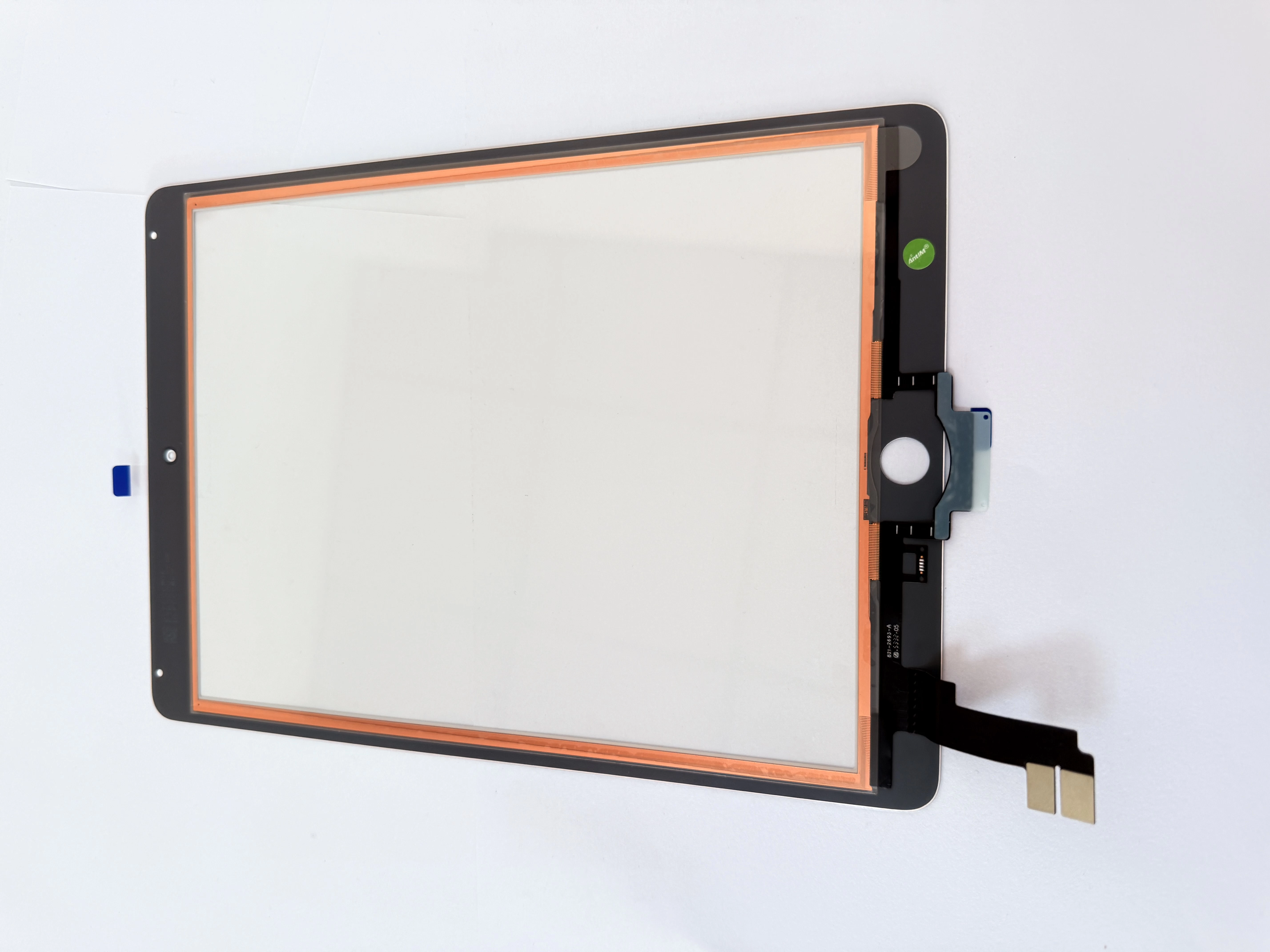
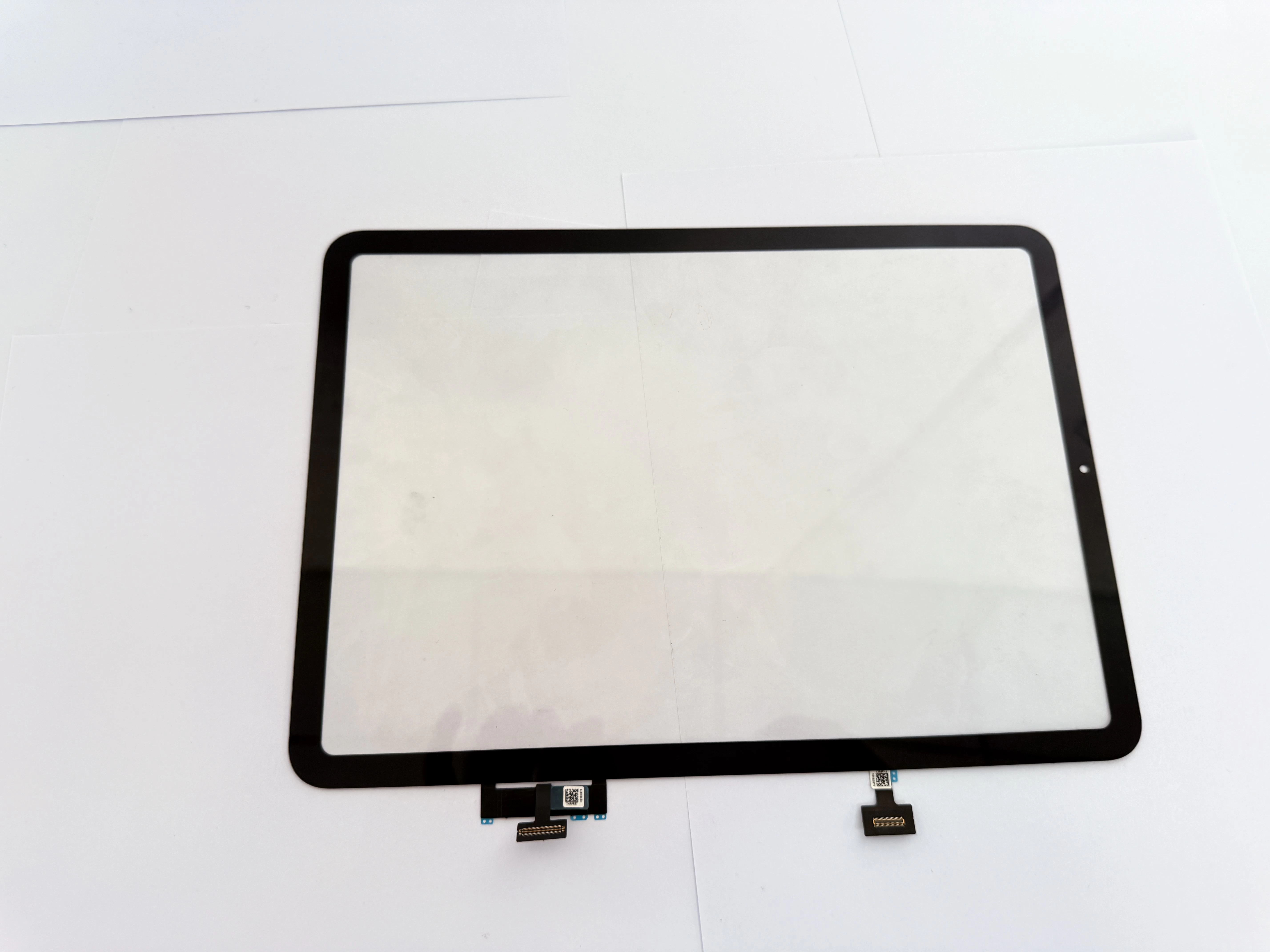
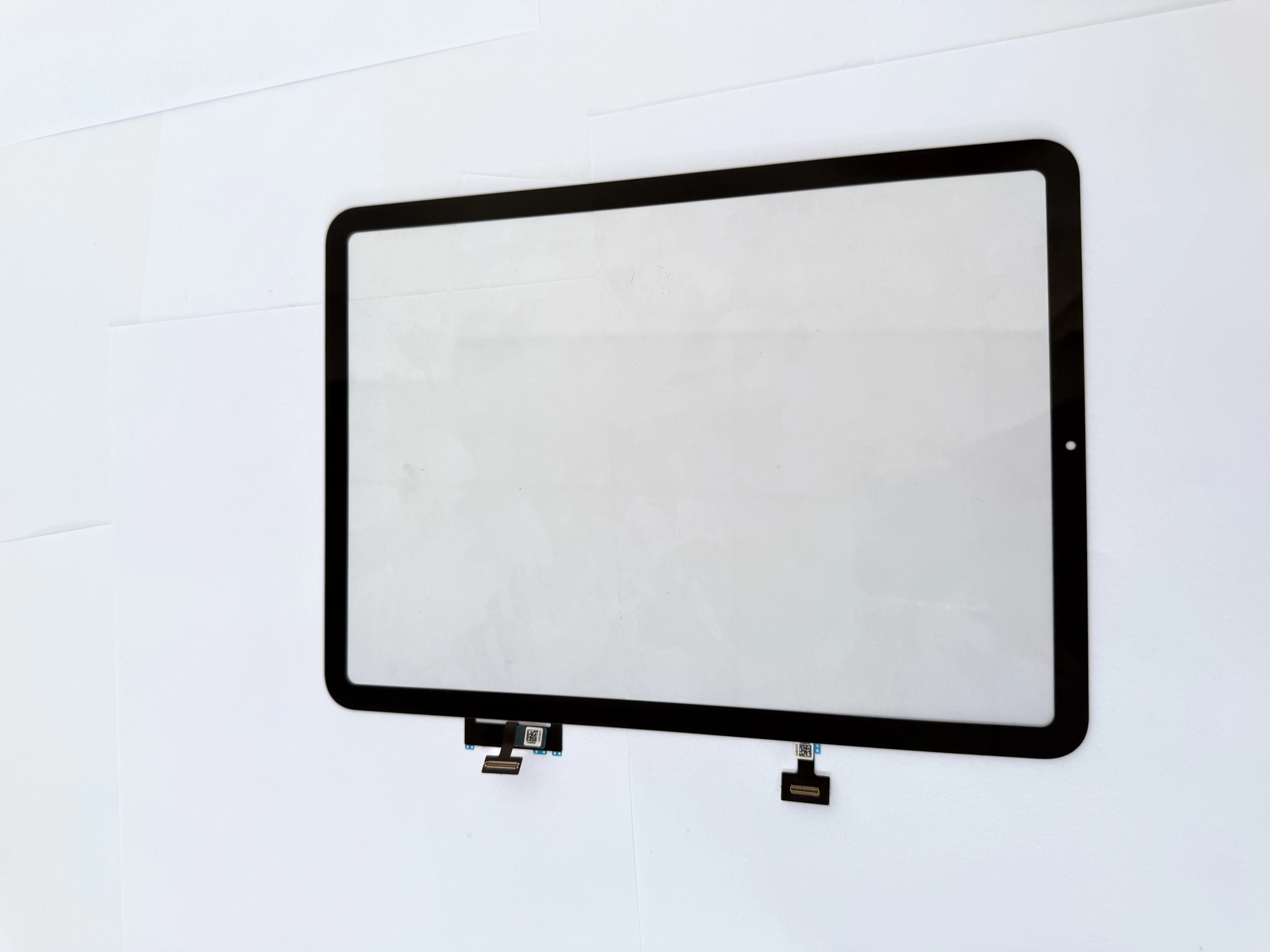
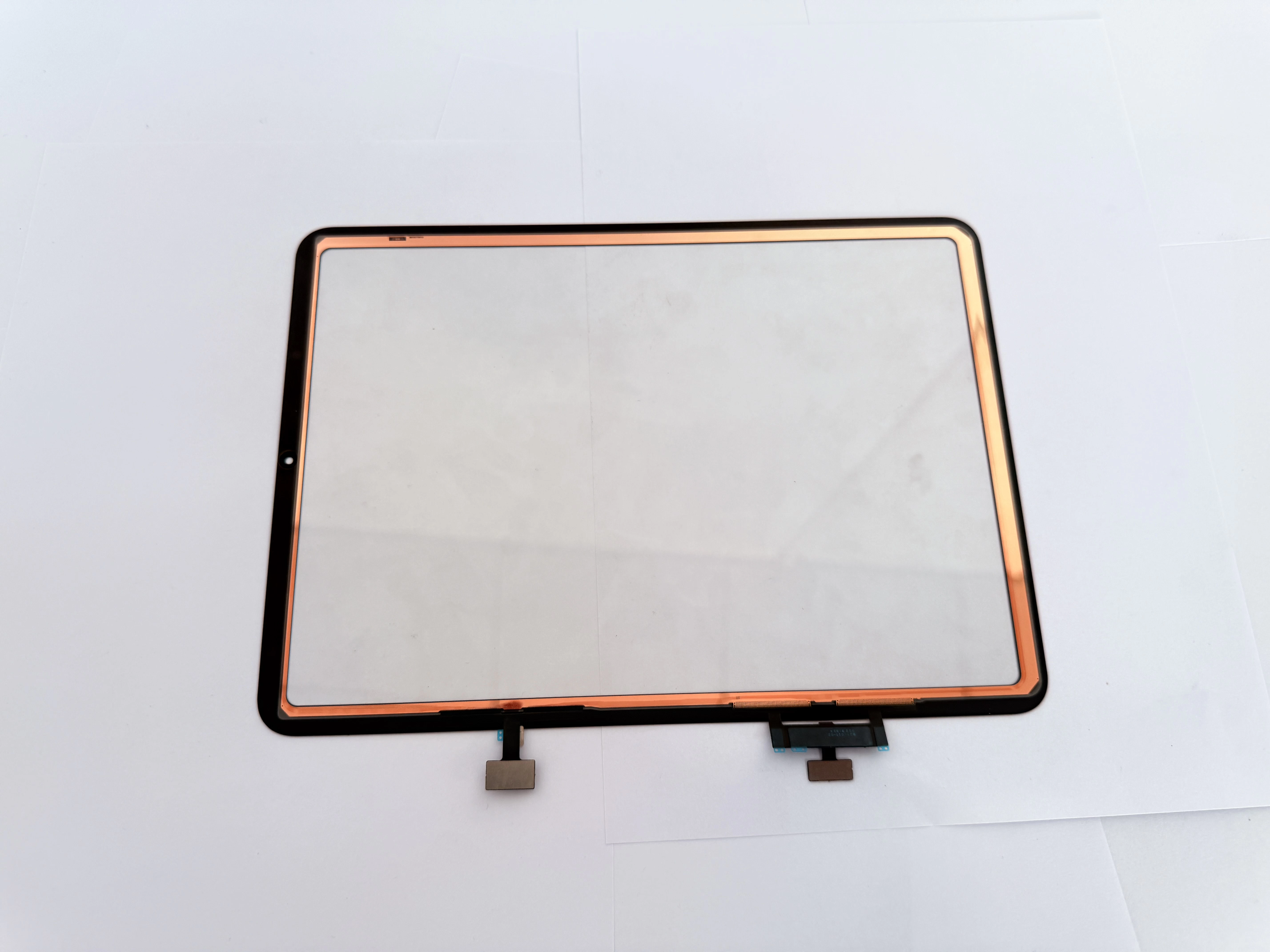
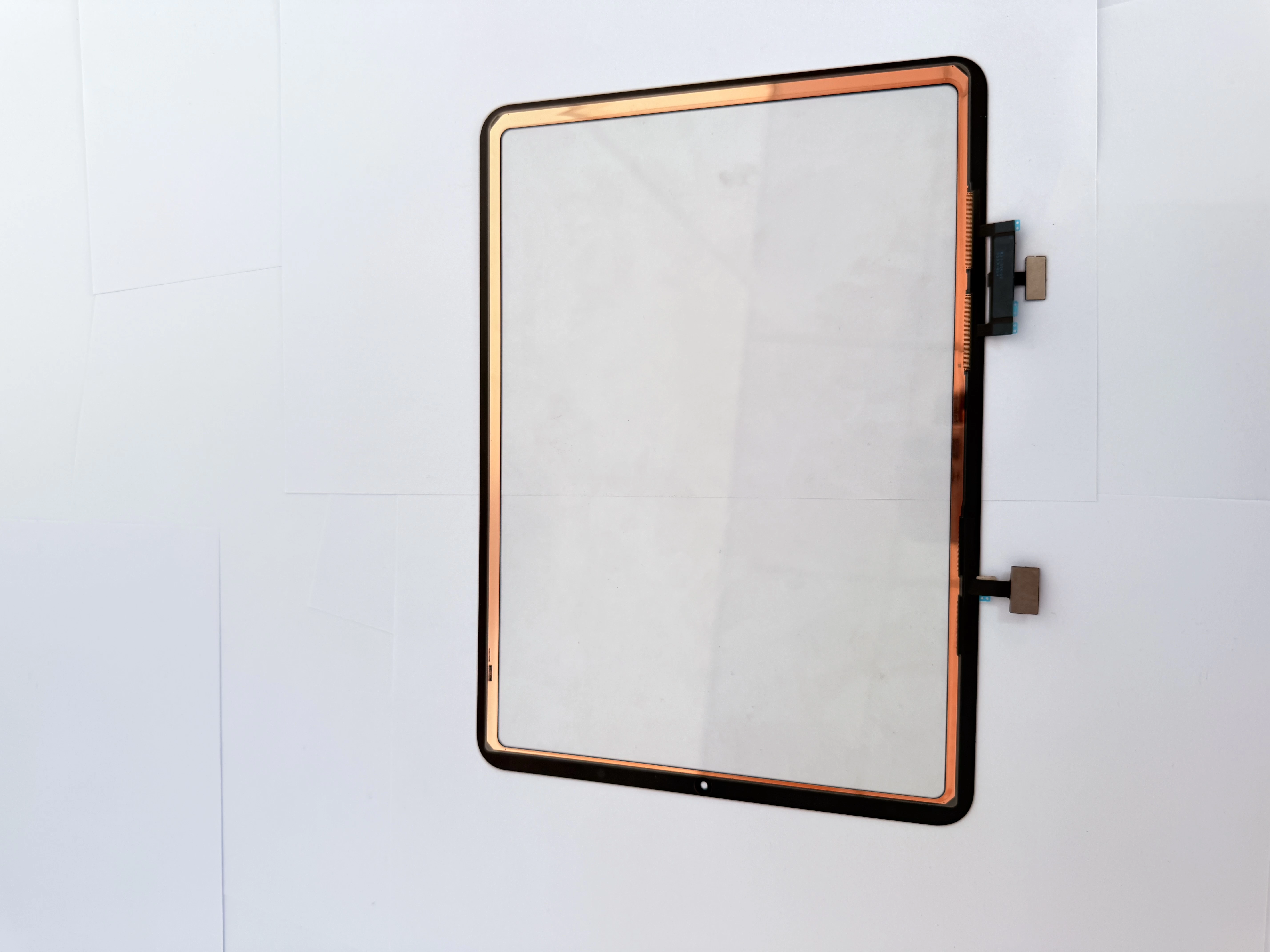
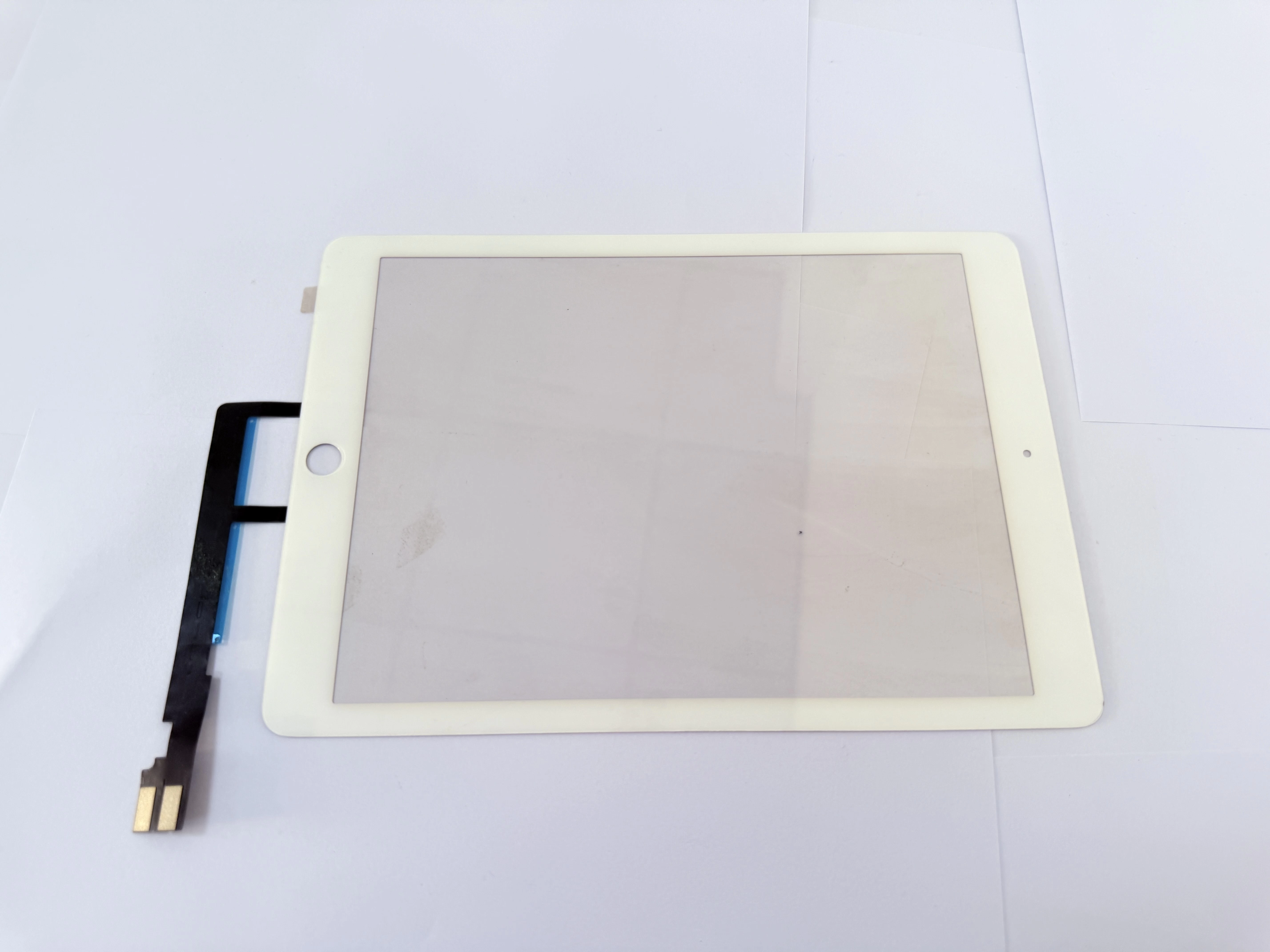
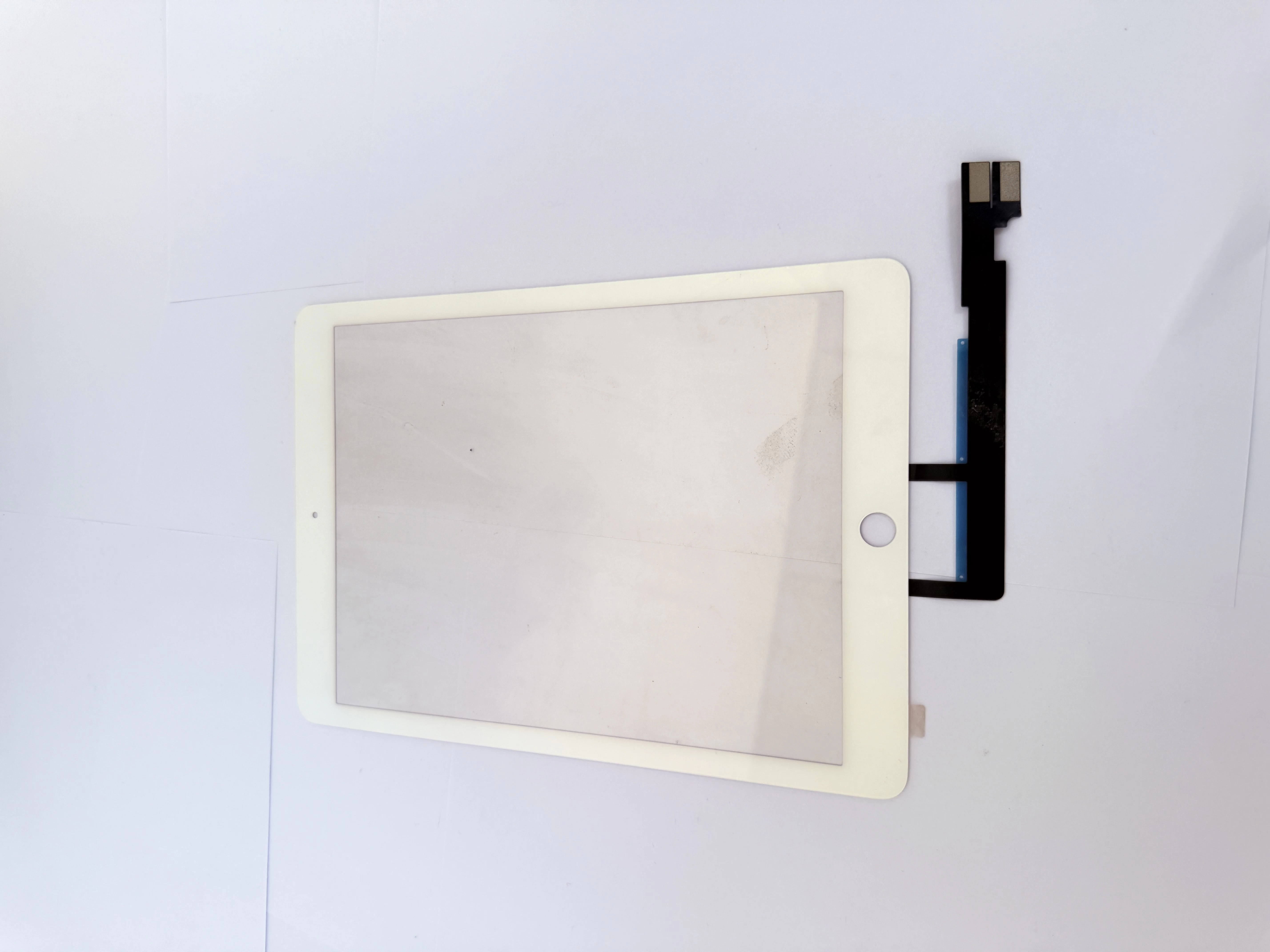
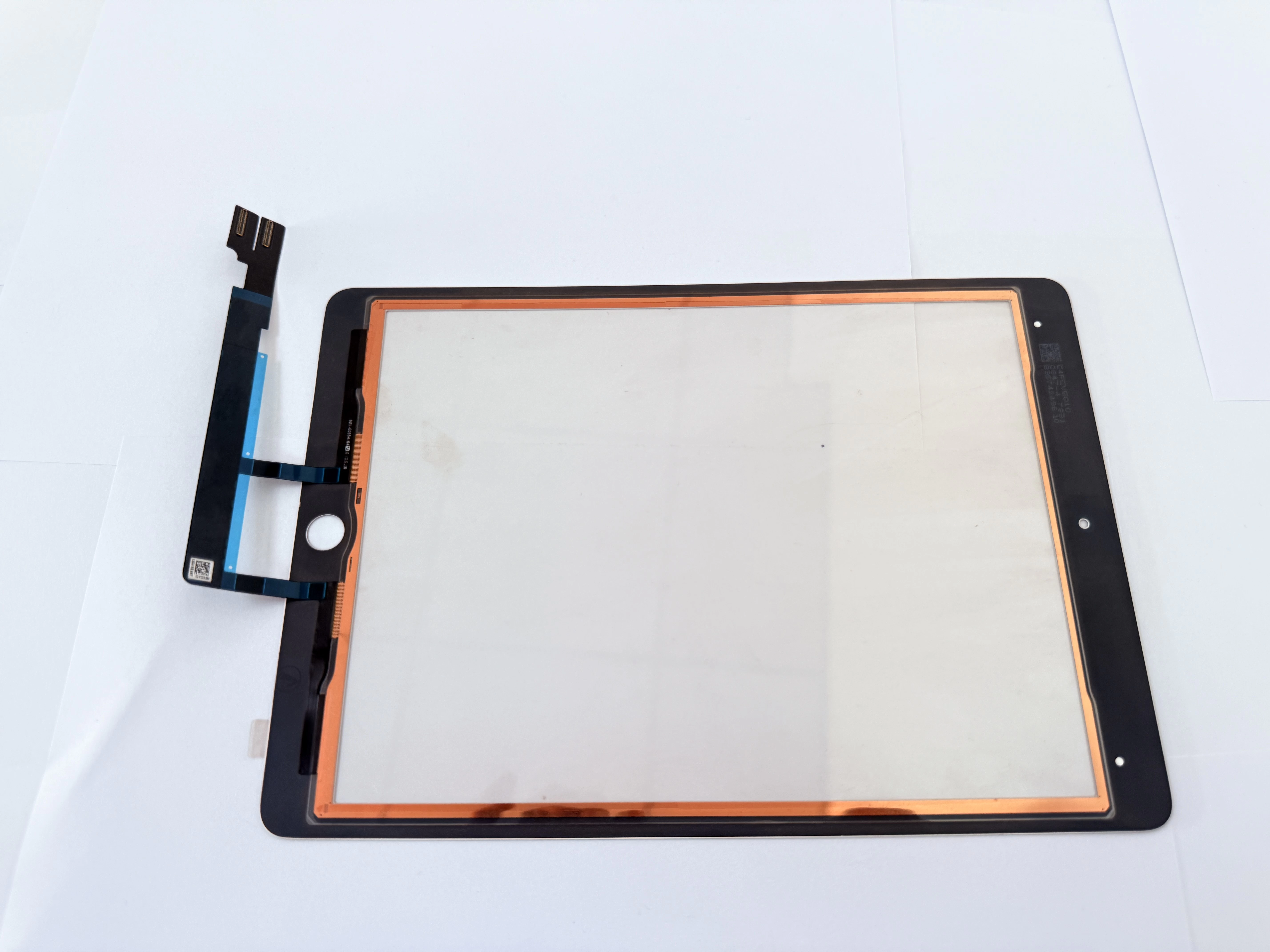
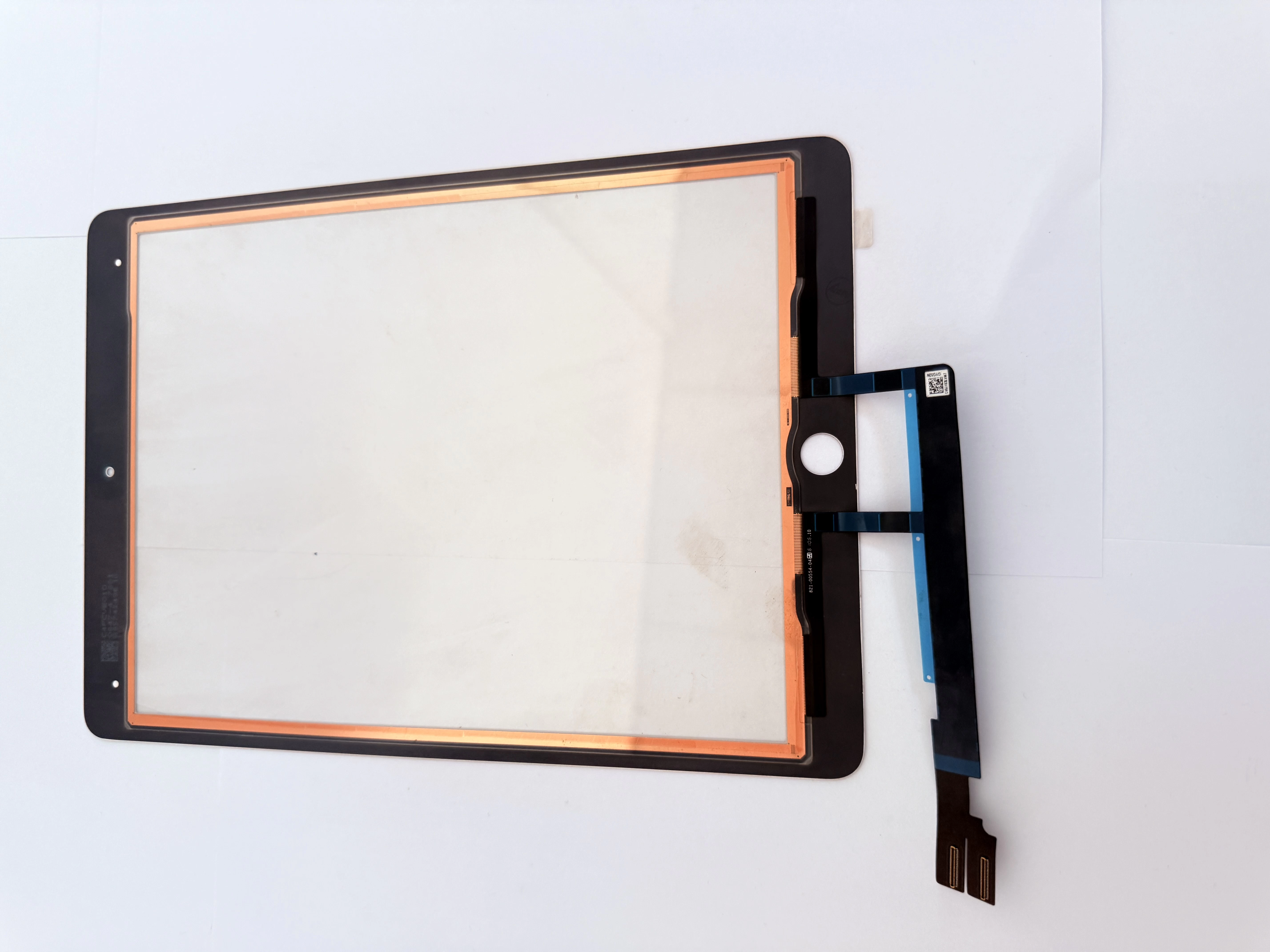
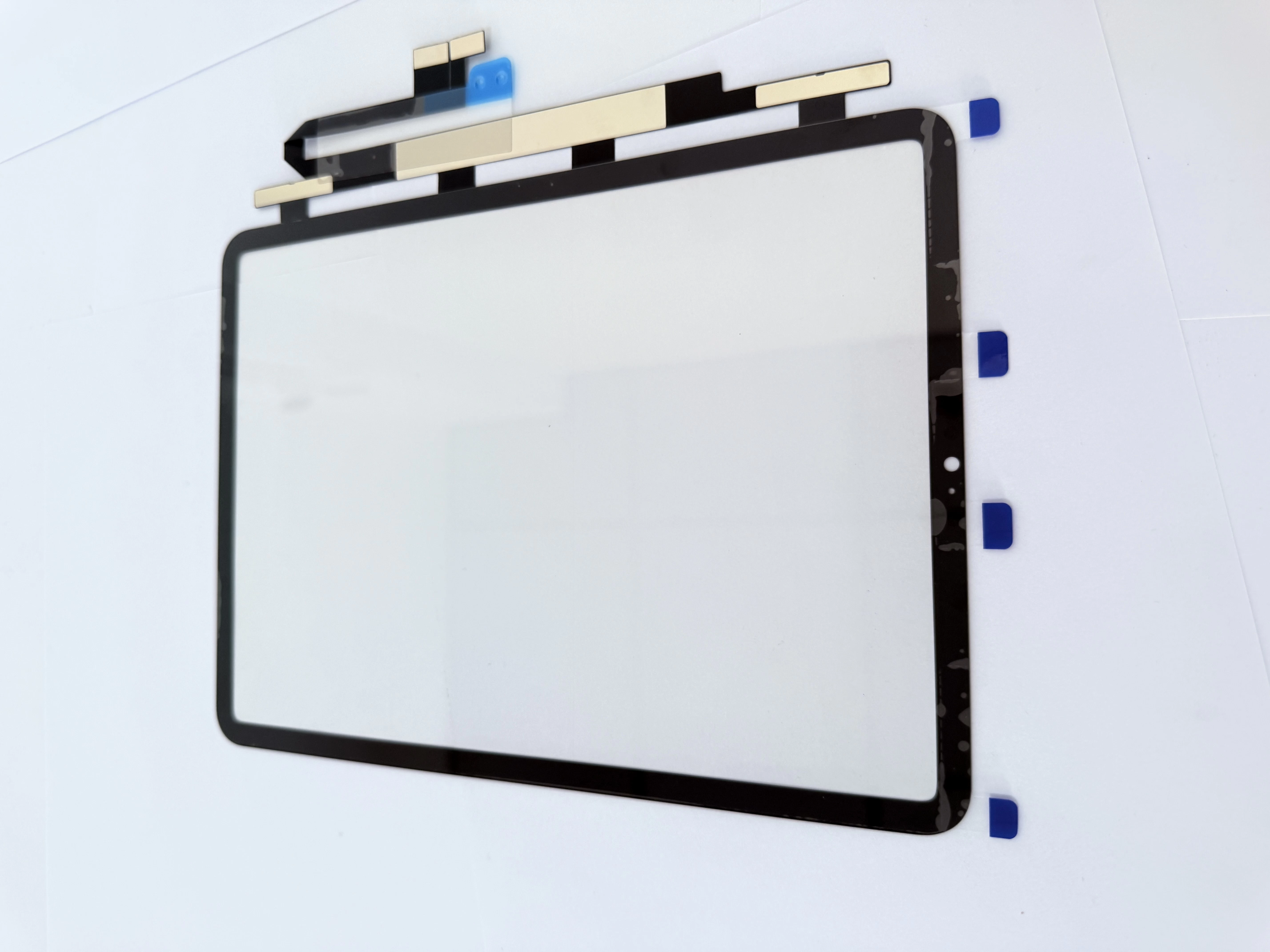
- Check FPC connector contact and sensor layer status;
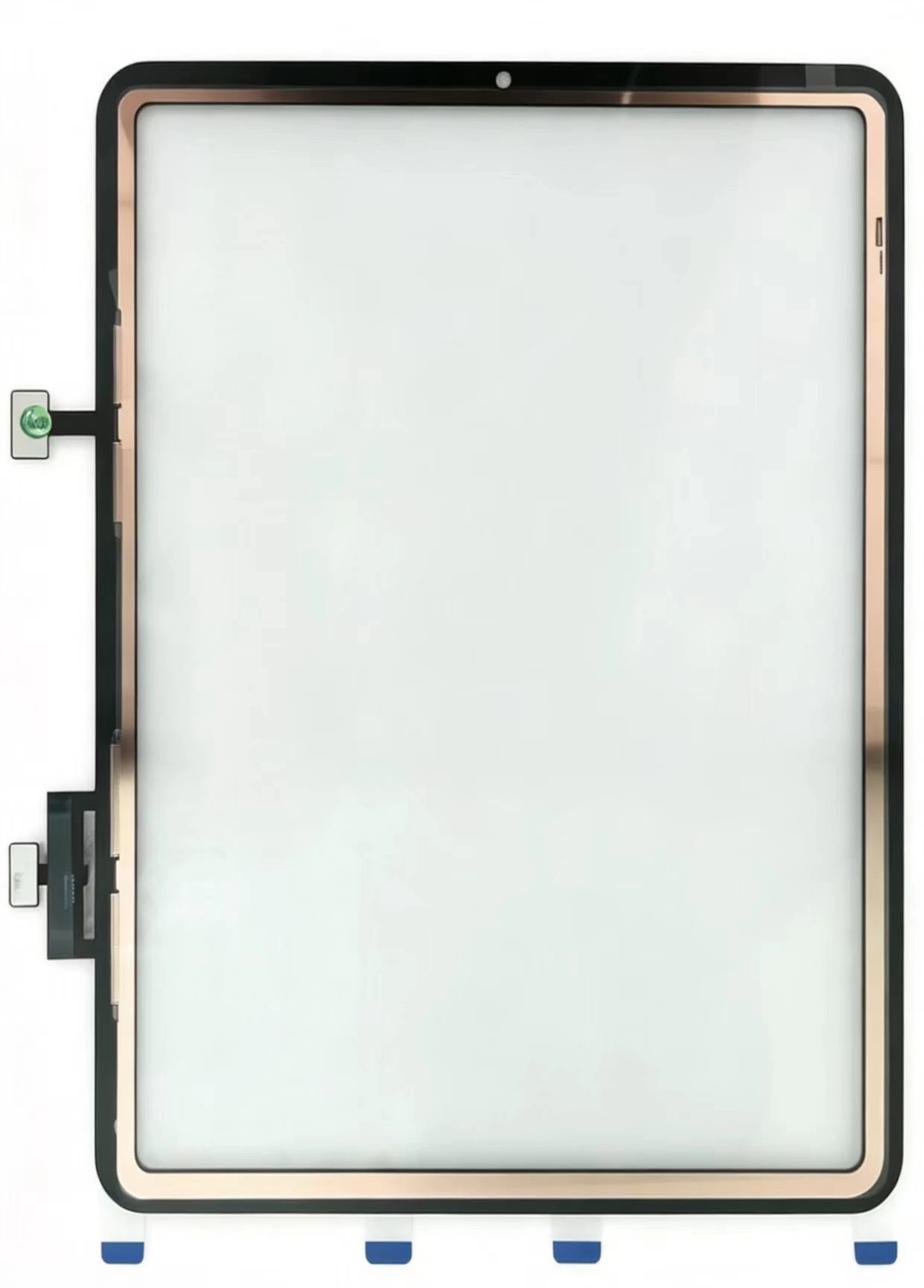
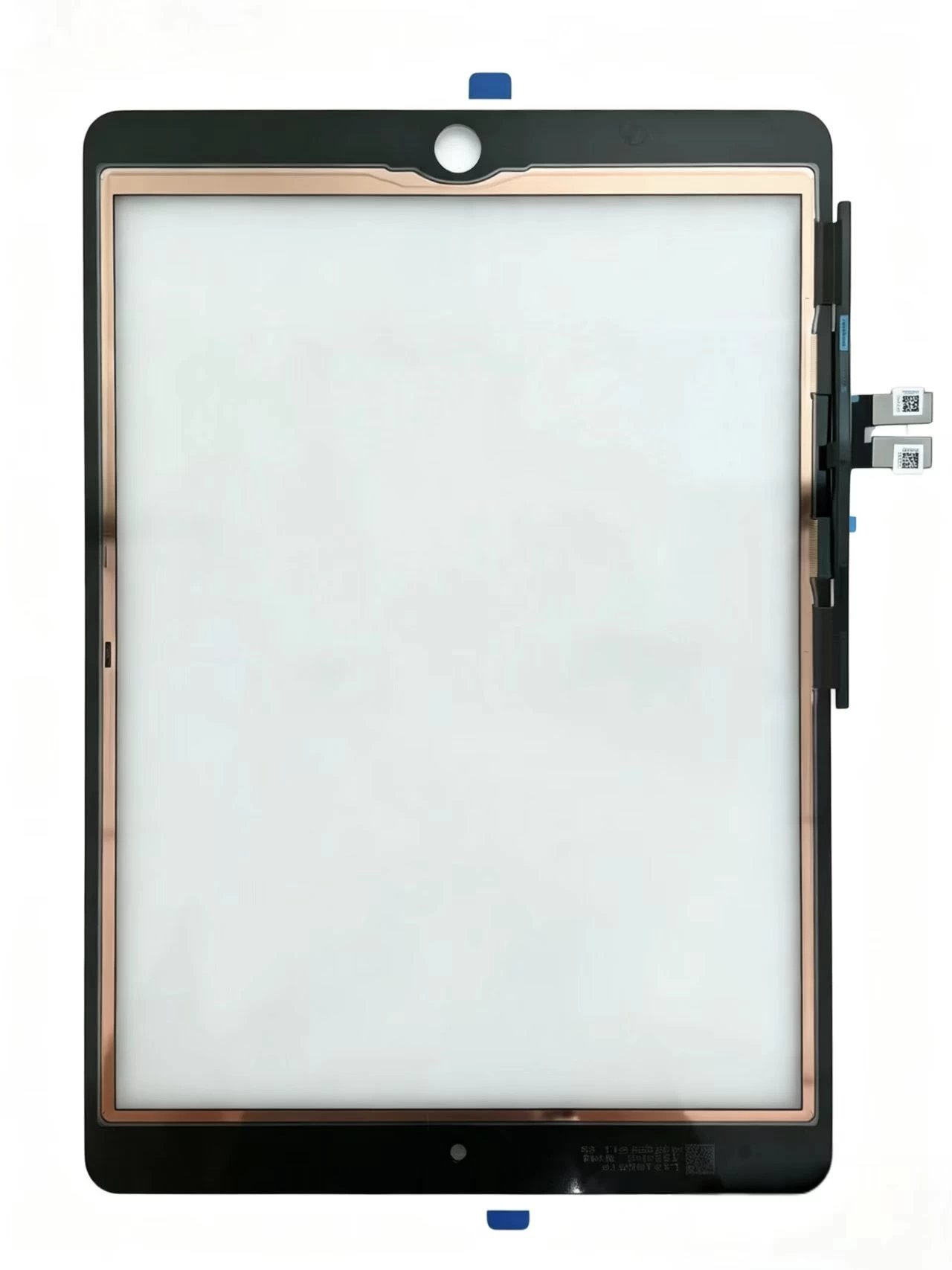
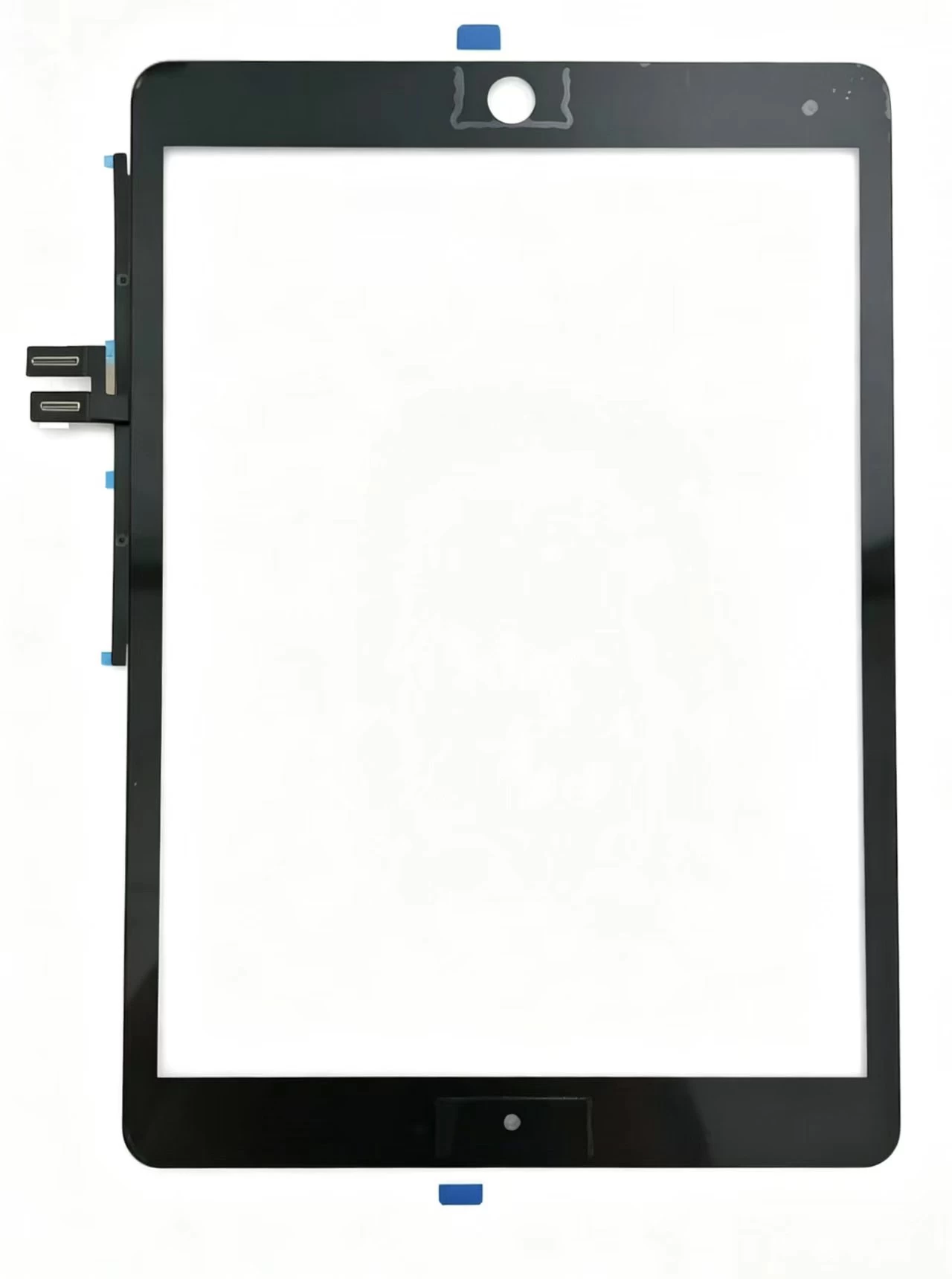
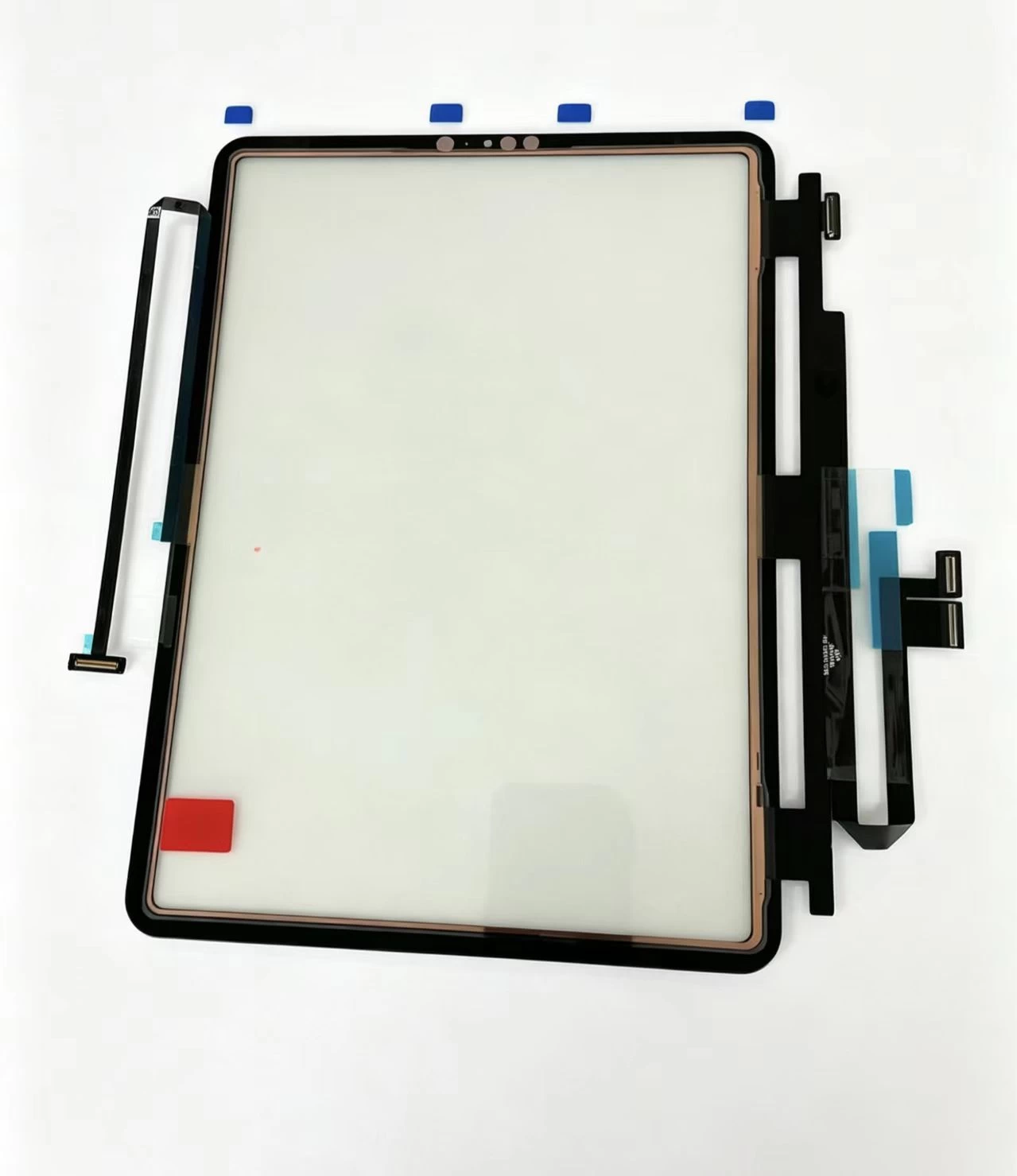
- Replace digitizer assembly for confirmed hardware defects.
- Explain judgment process clearly to obtain customer understanding;
- Provide clear solution and time estimate for each situation.