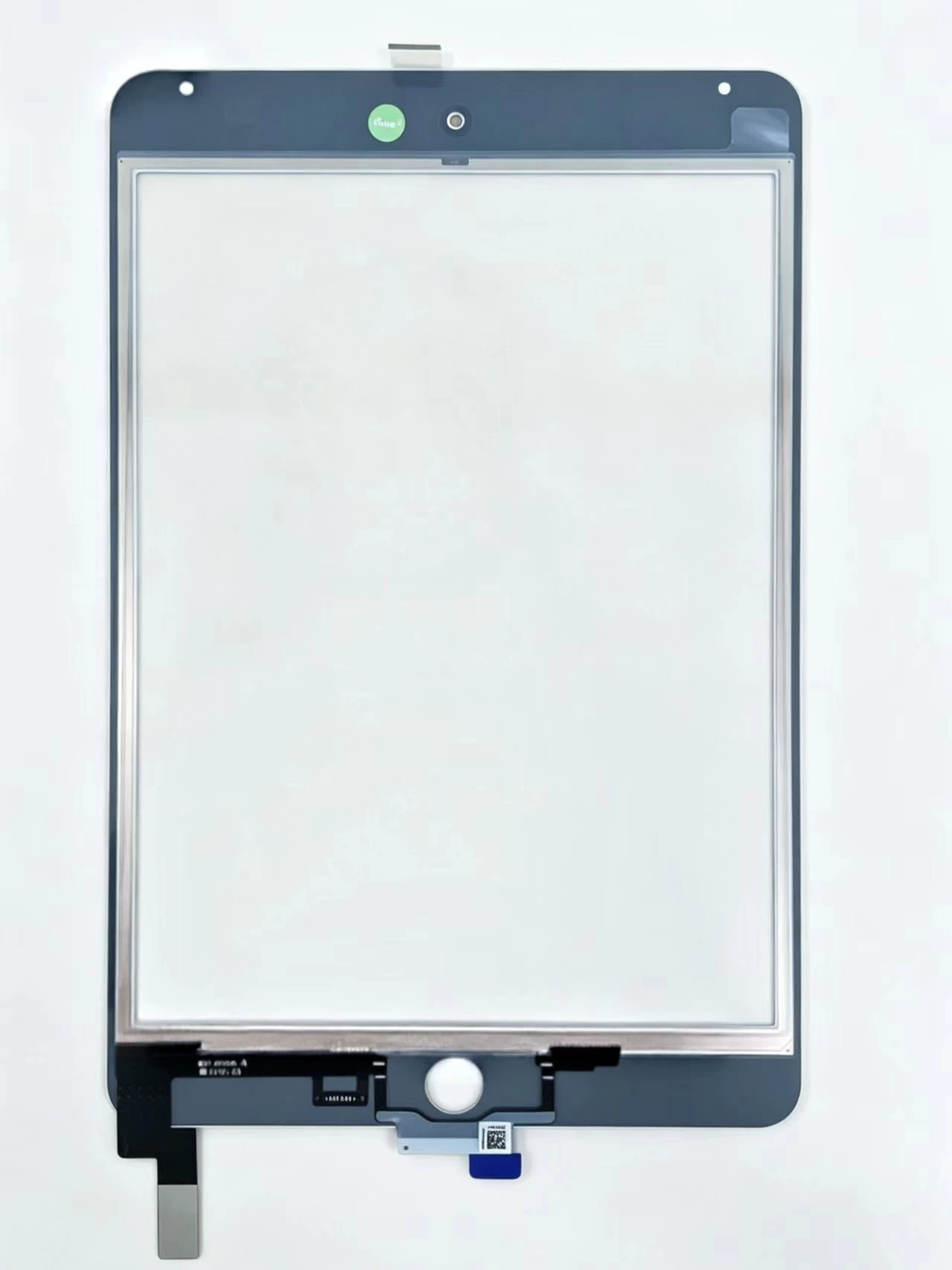
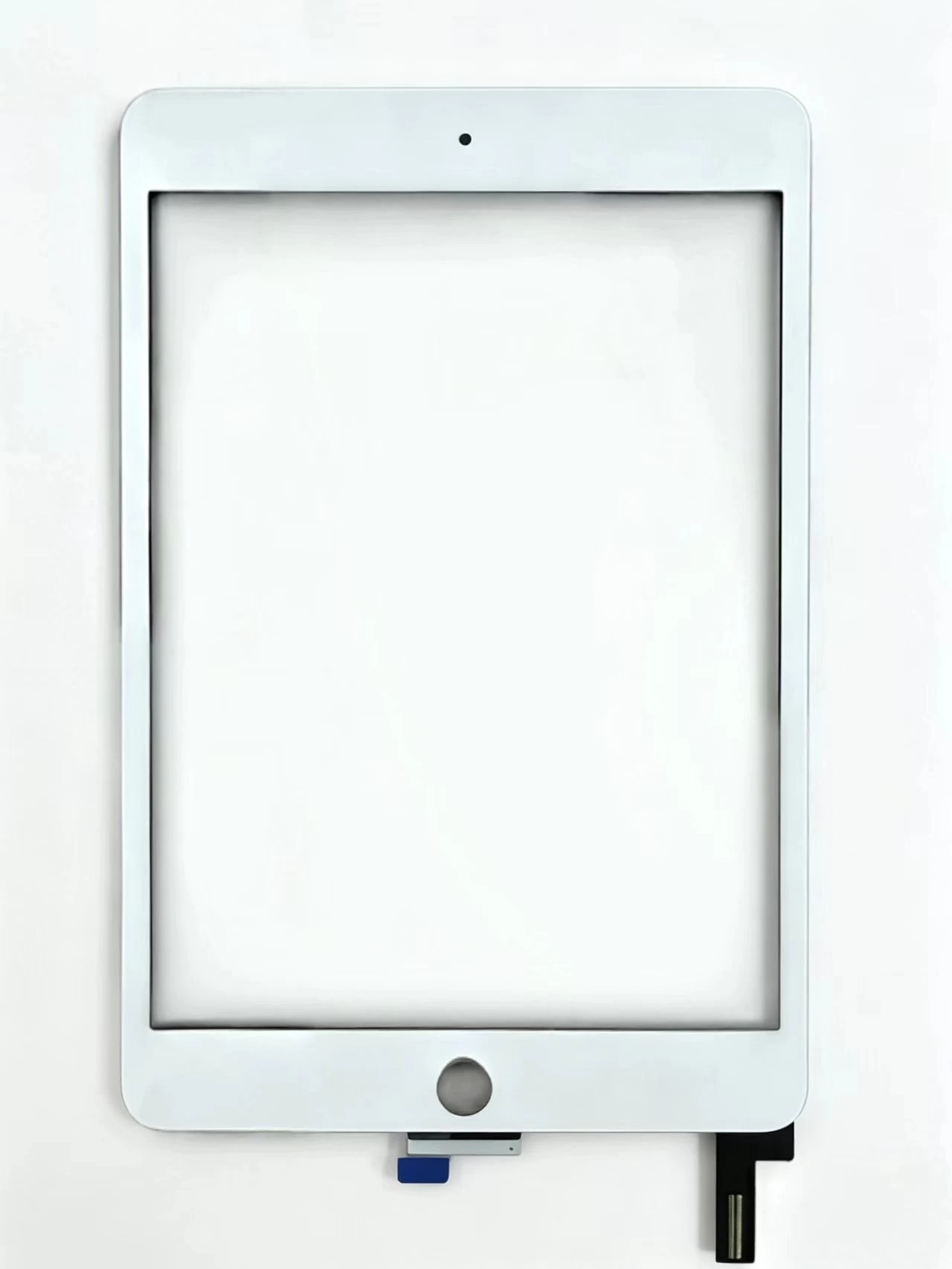
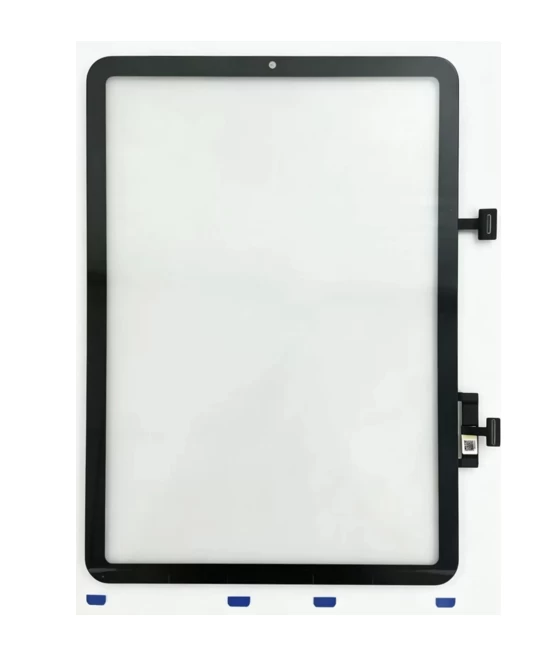
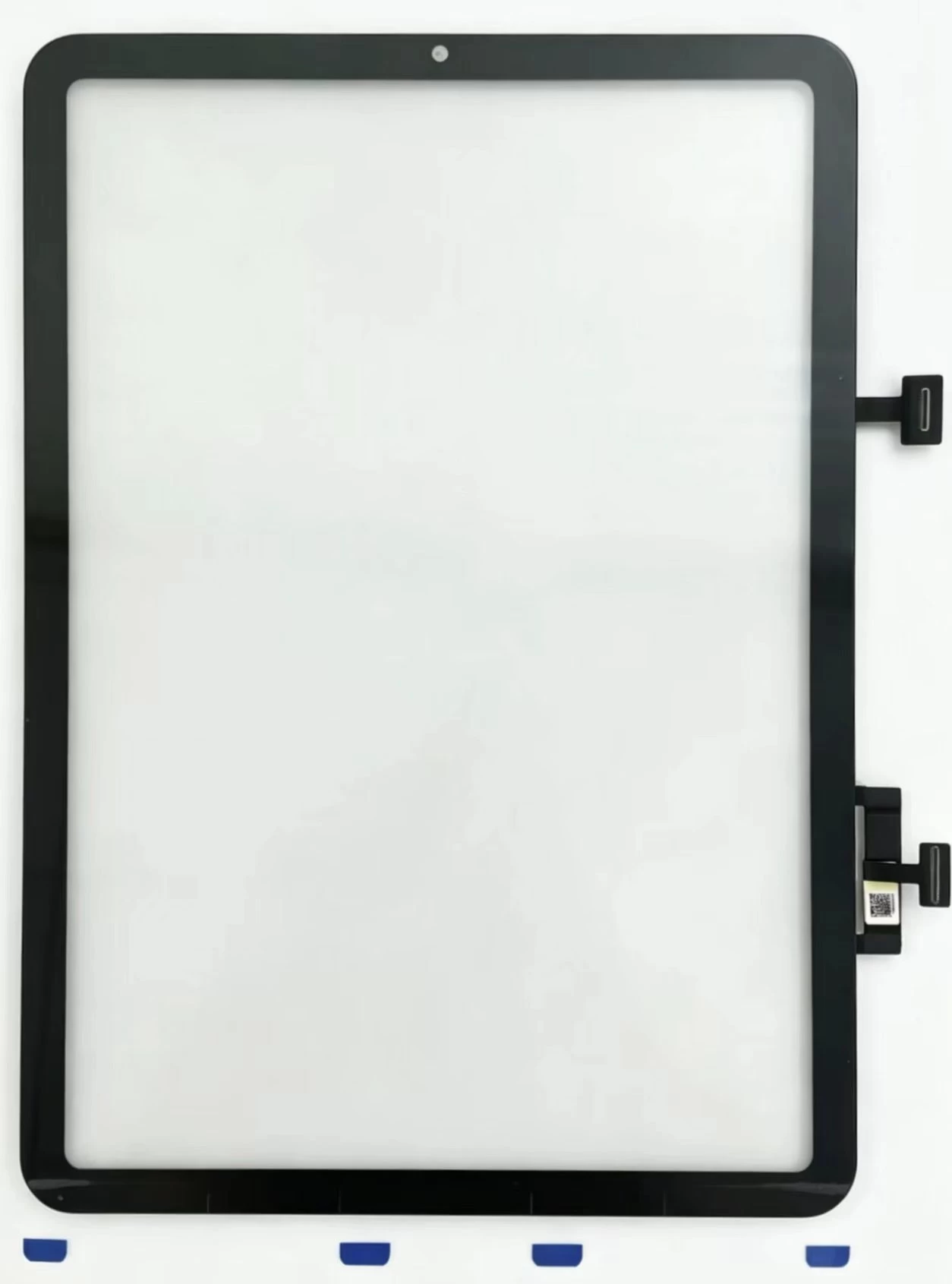
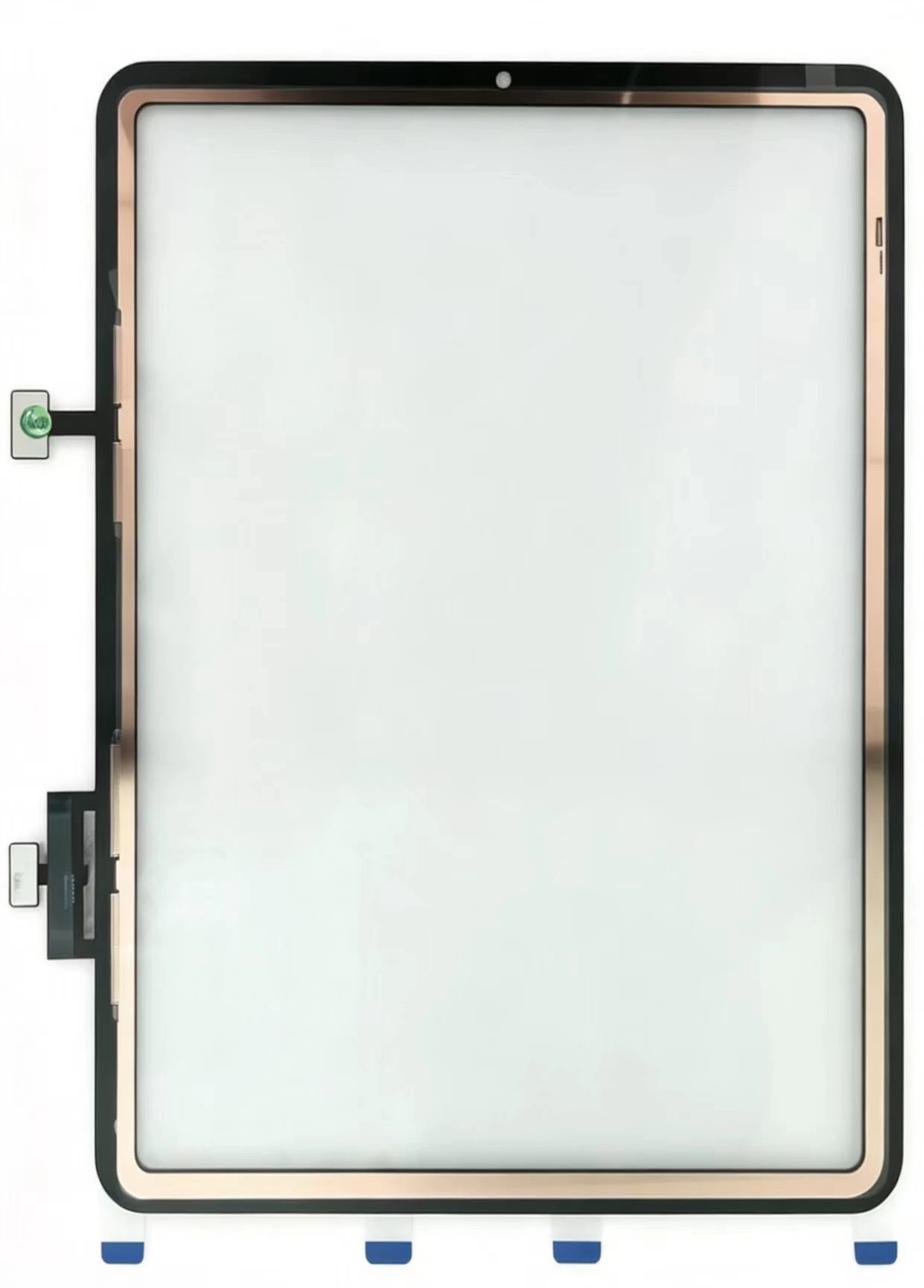
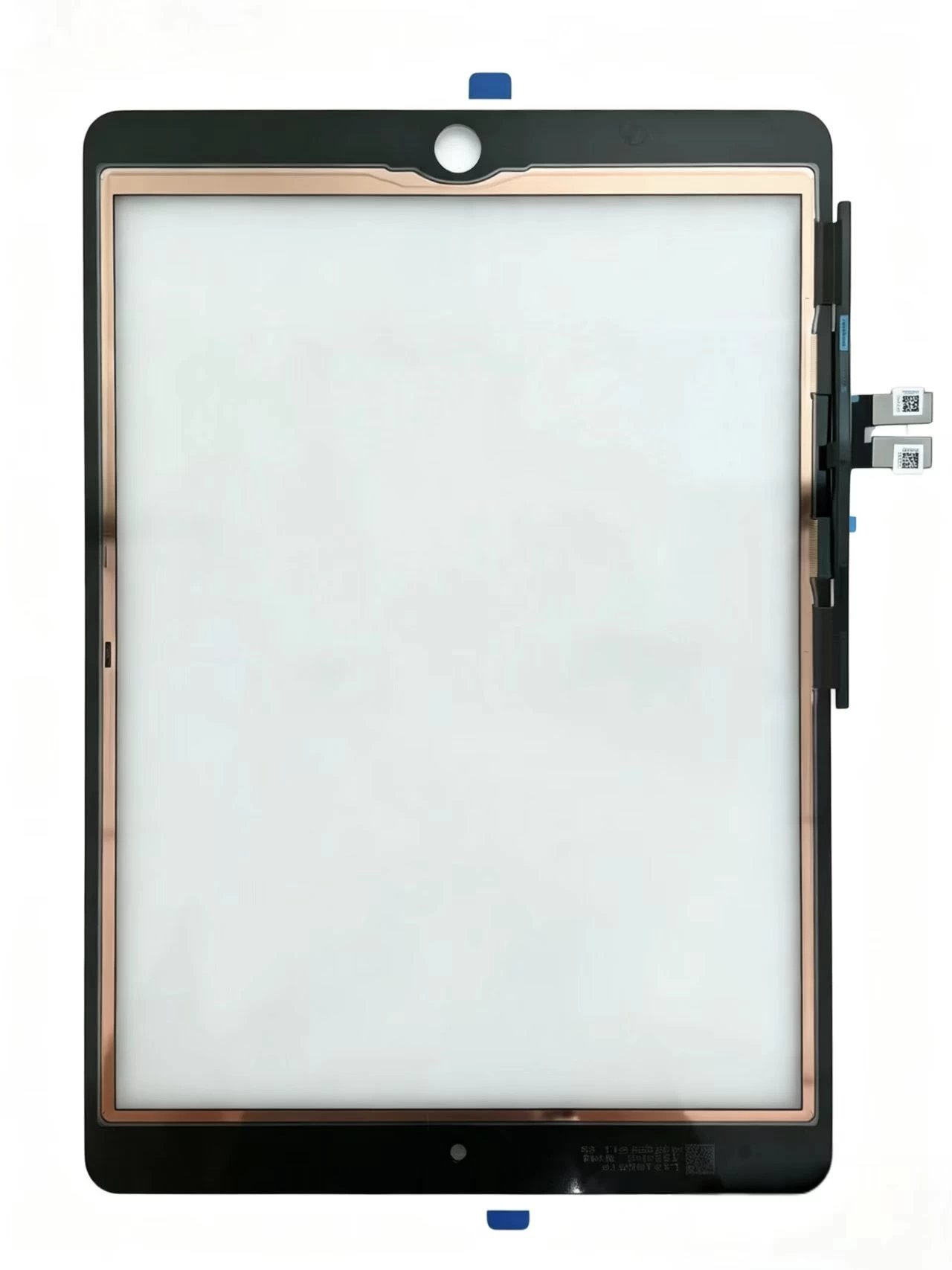
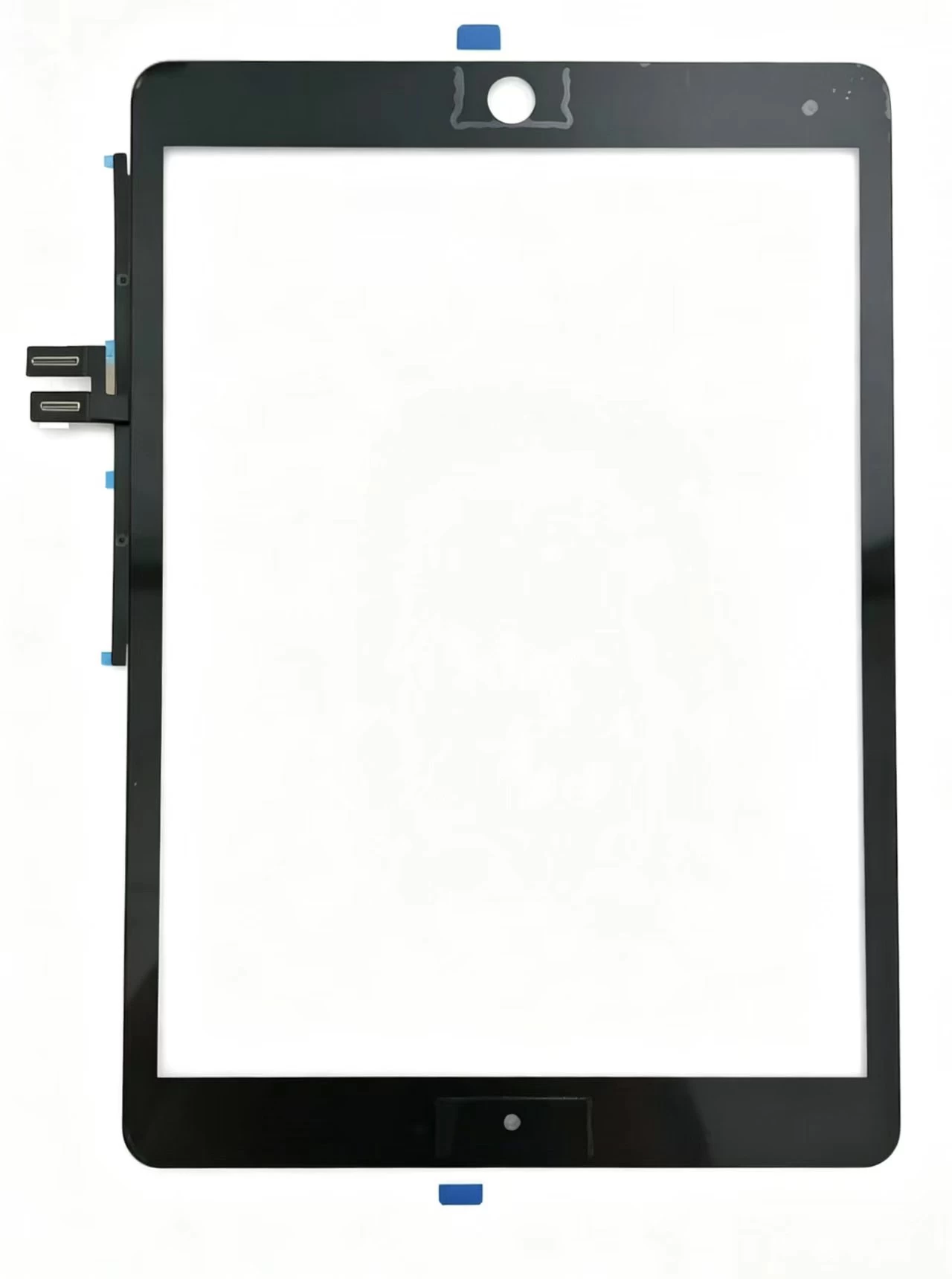
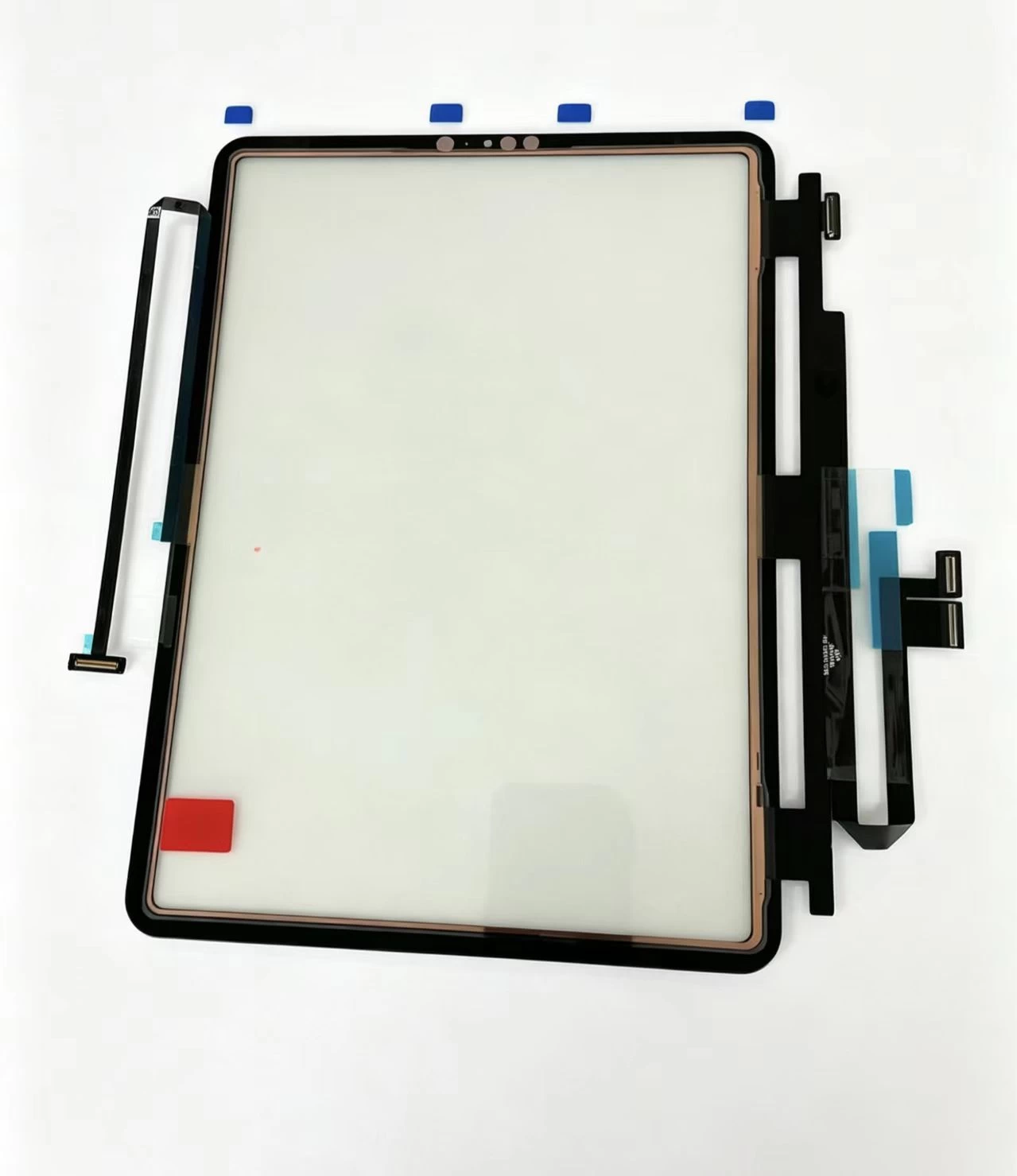
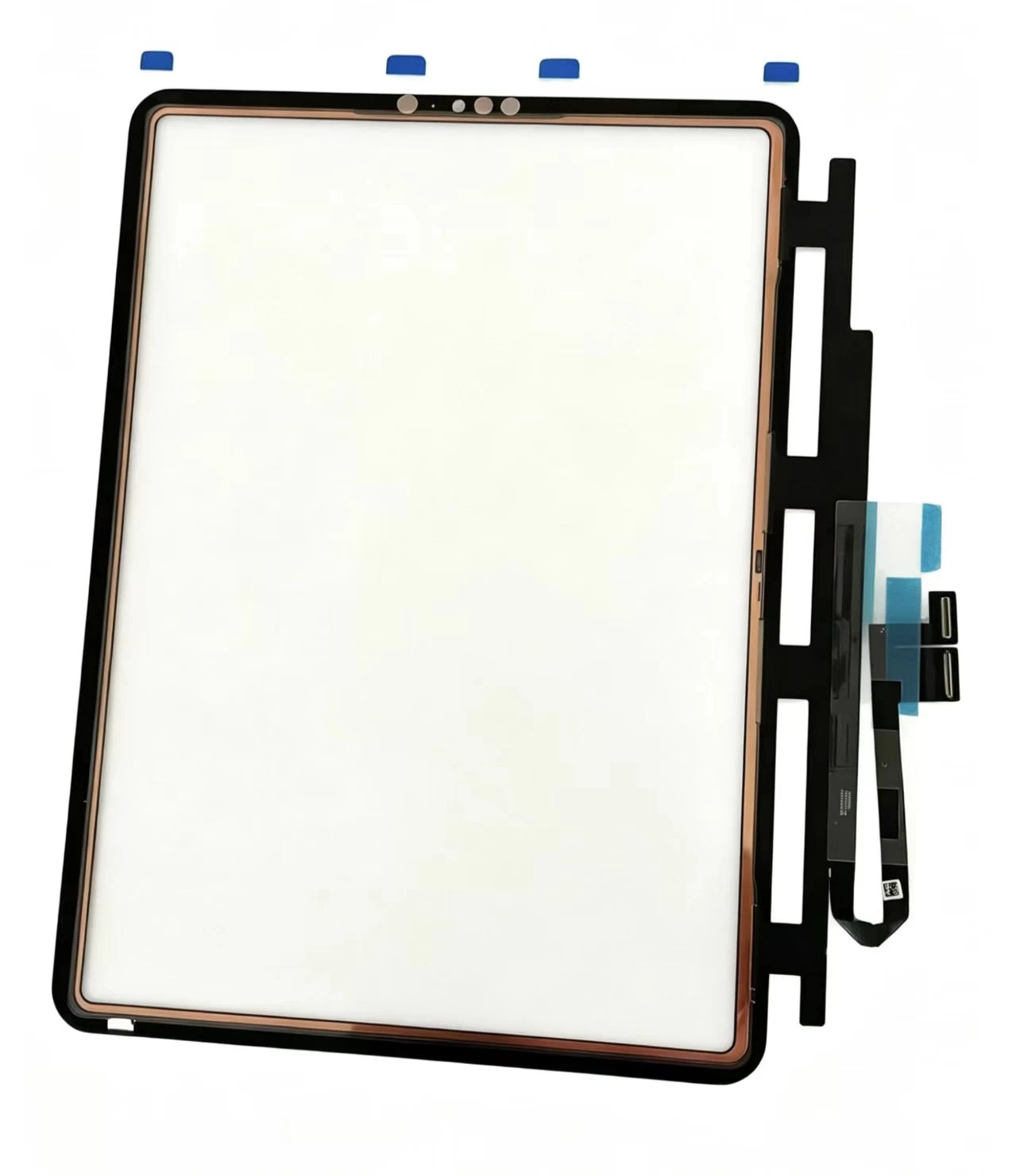
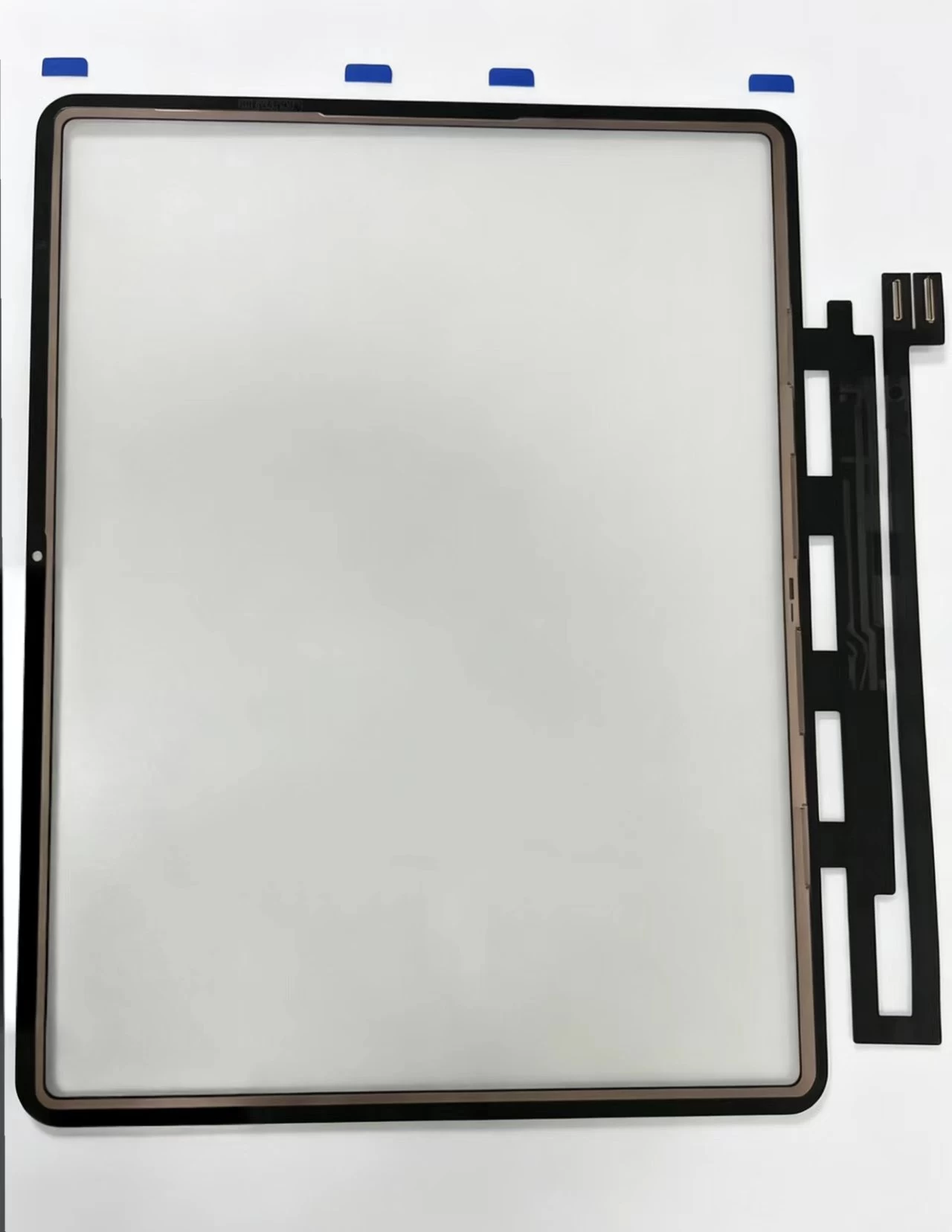
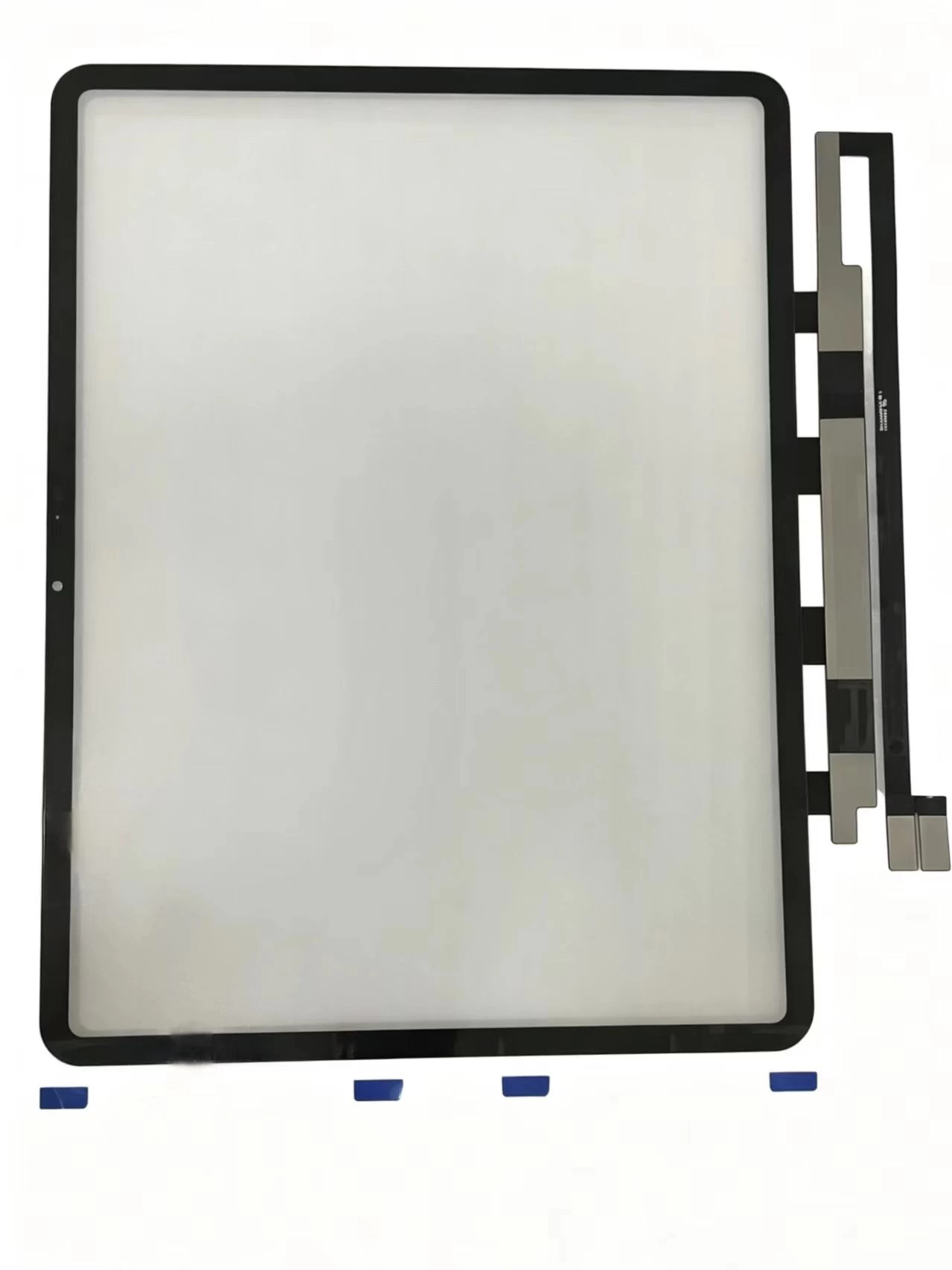
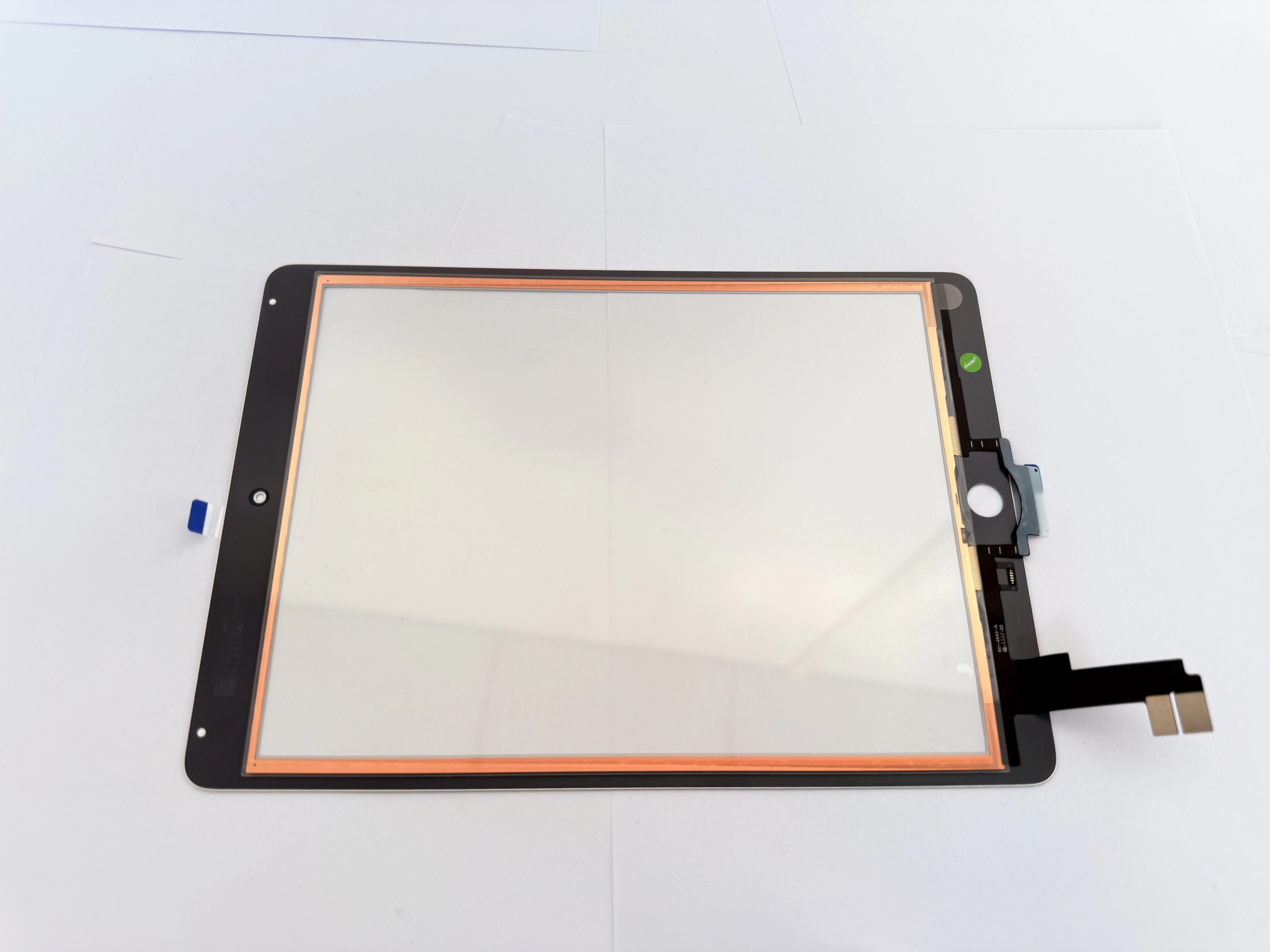
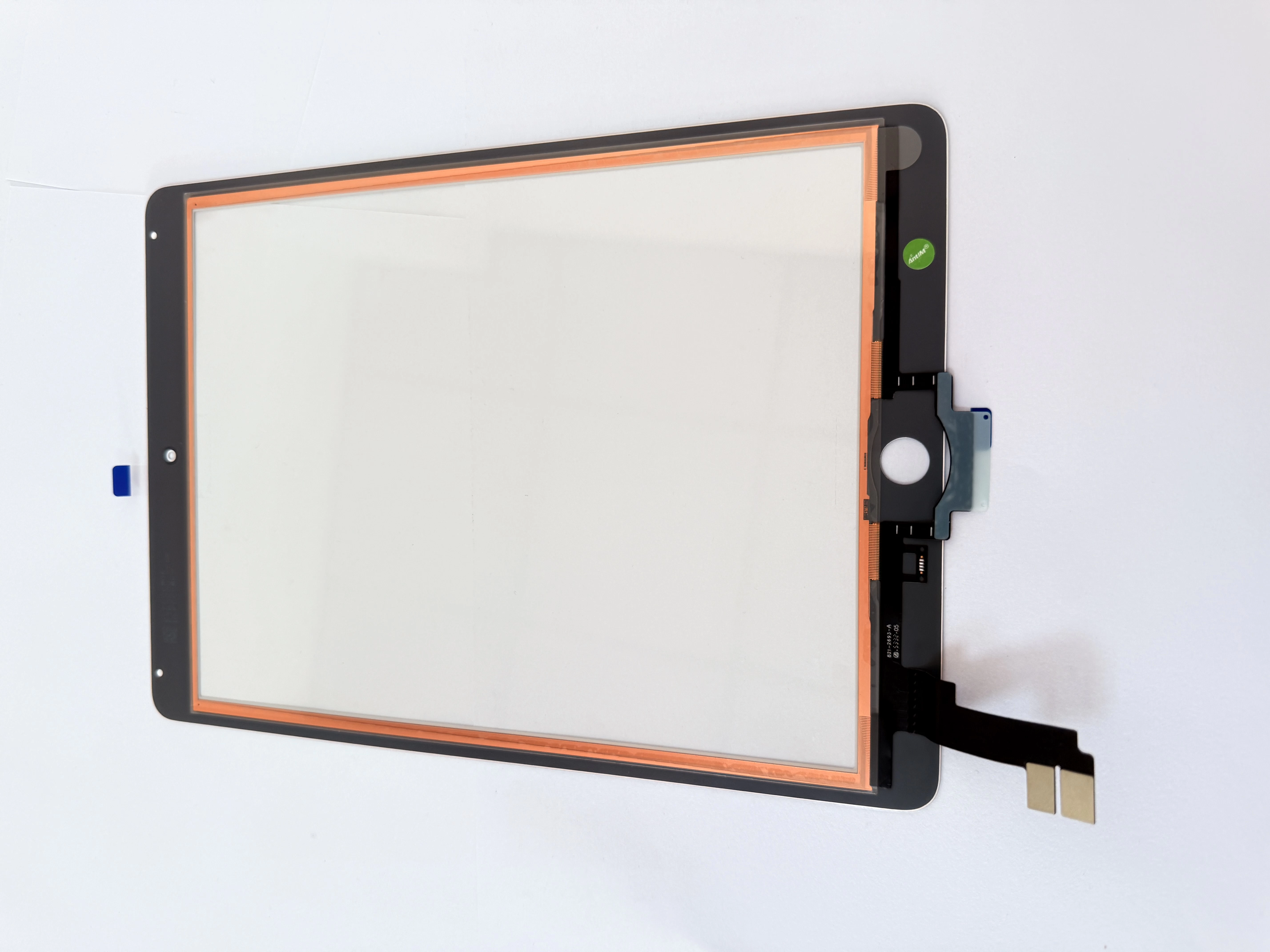
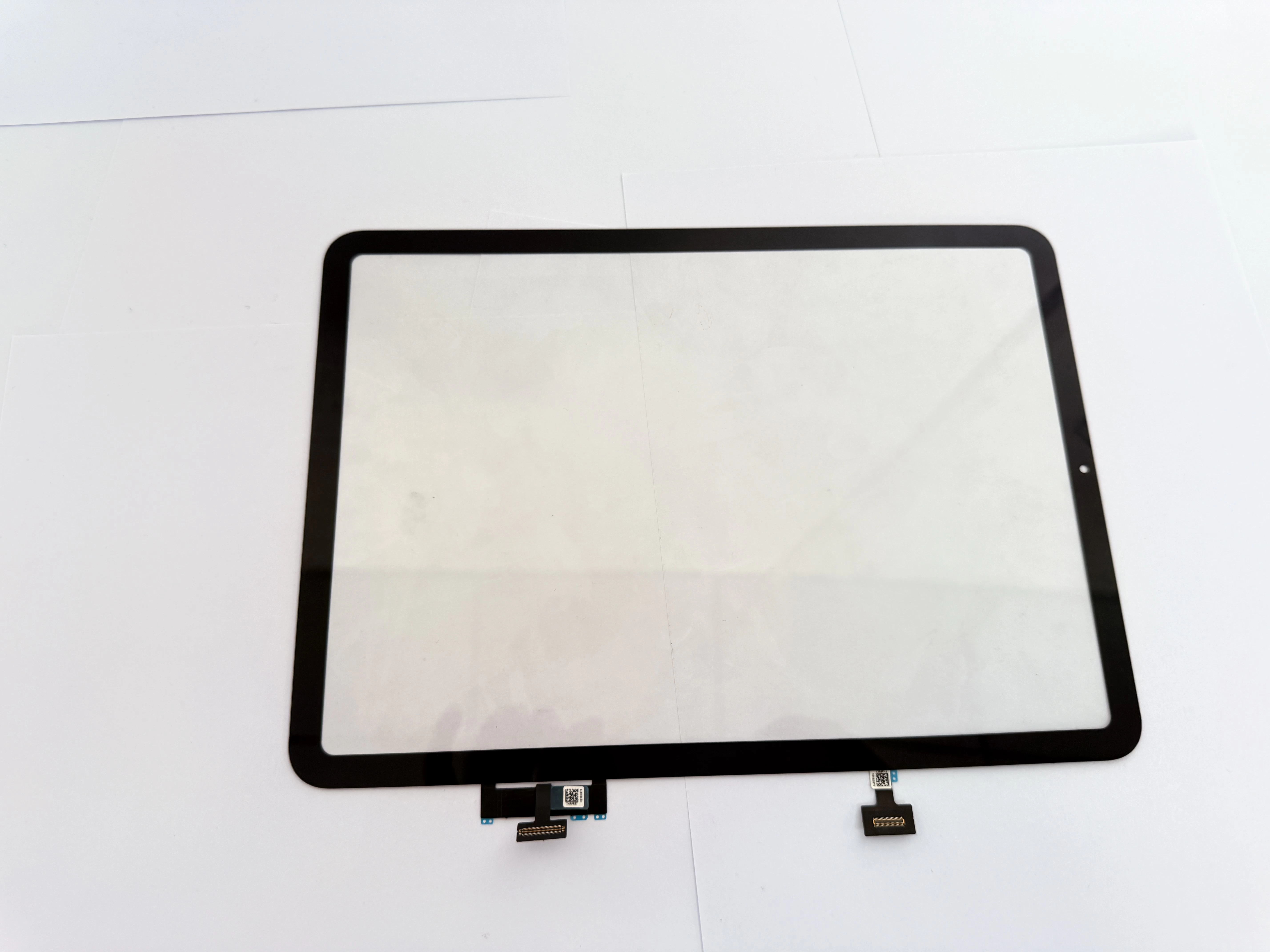
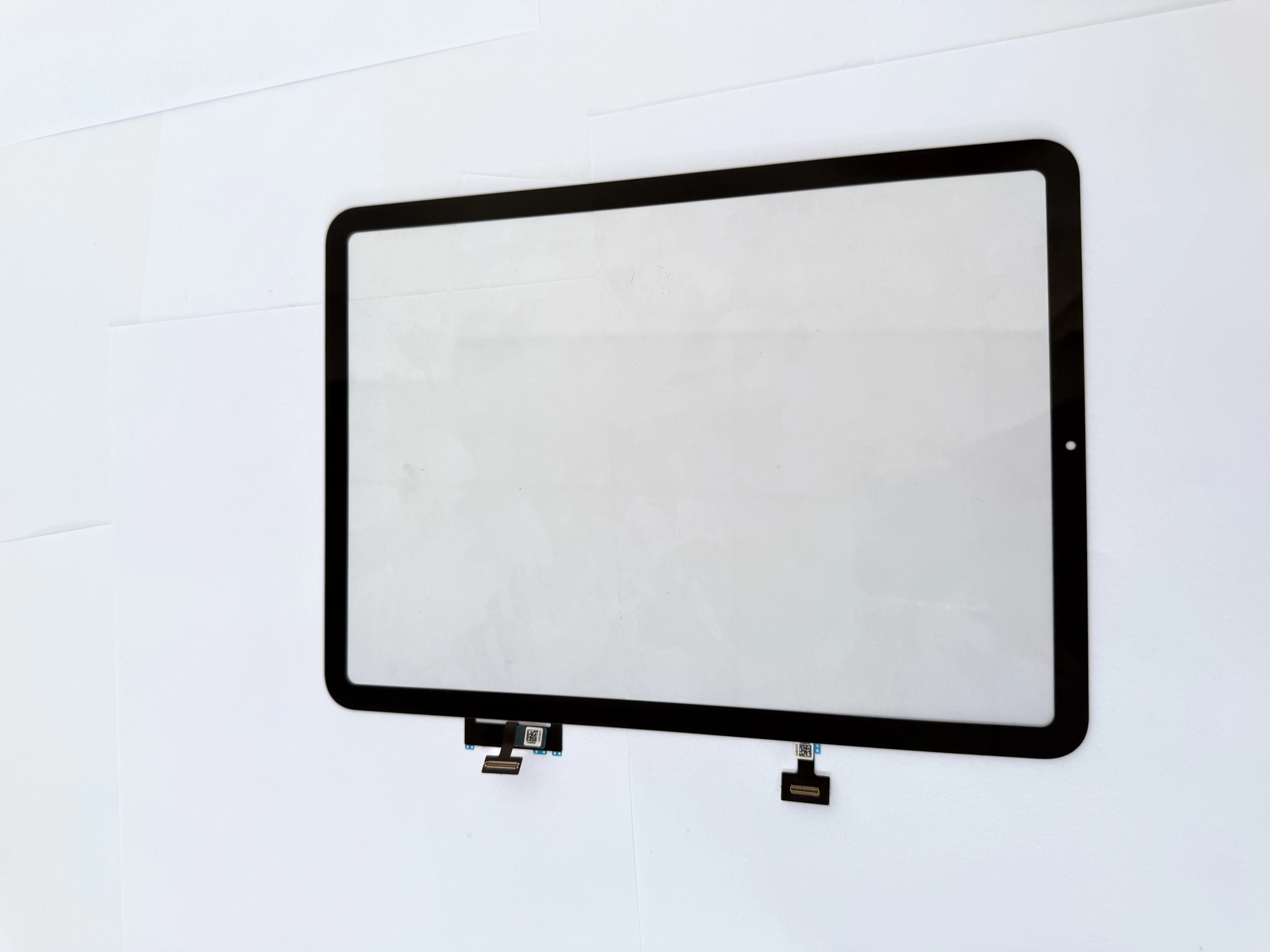
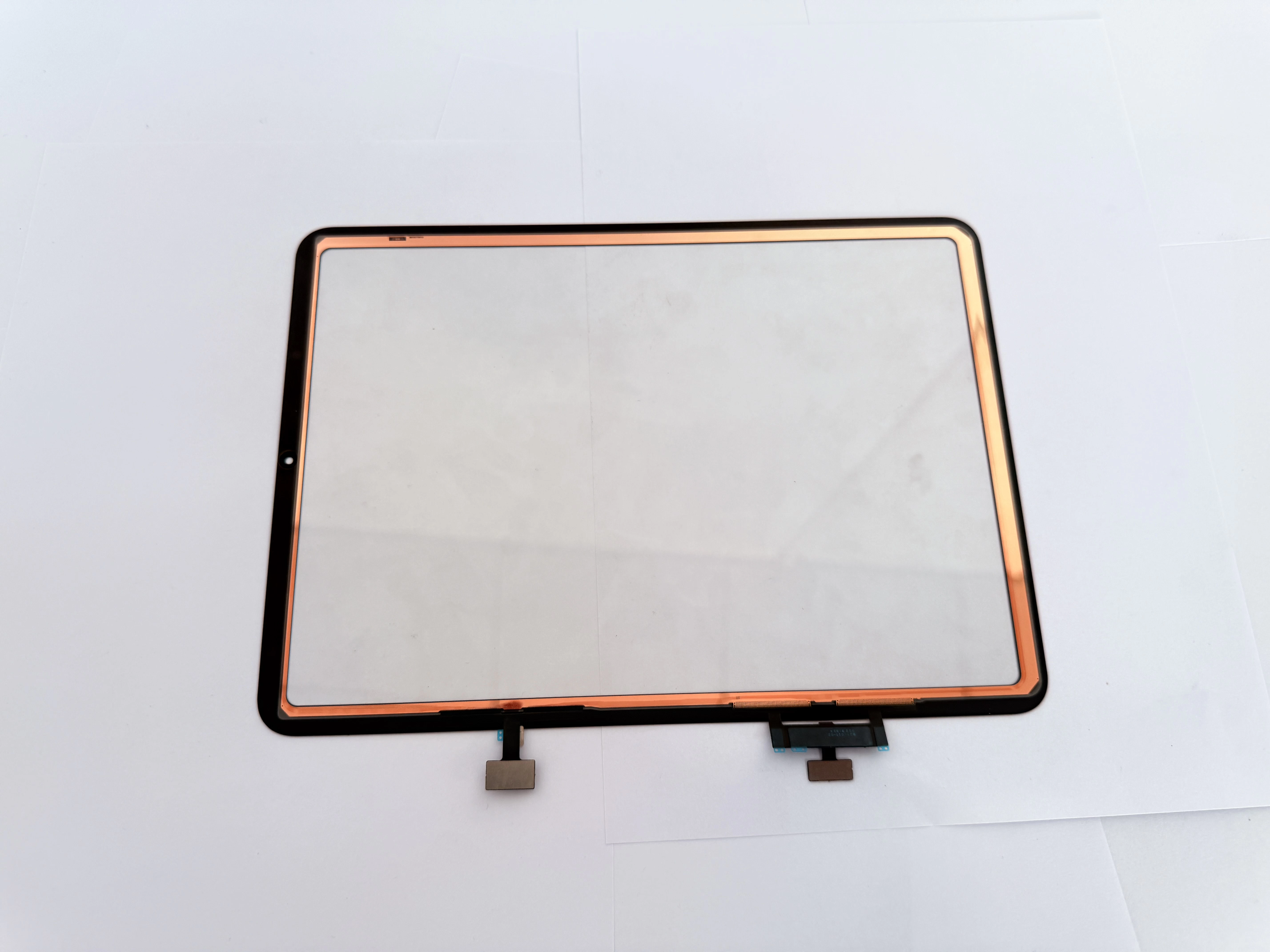
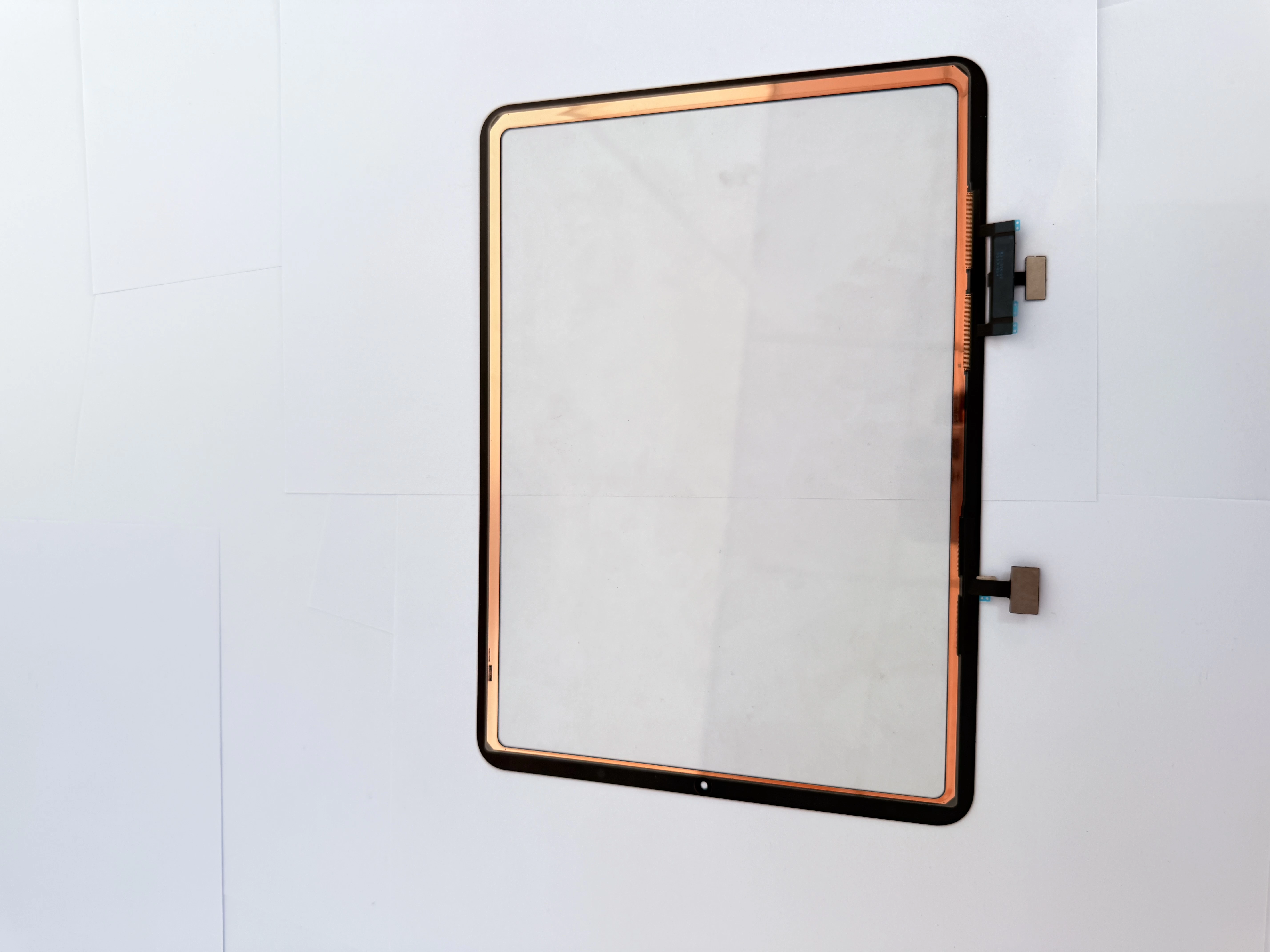
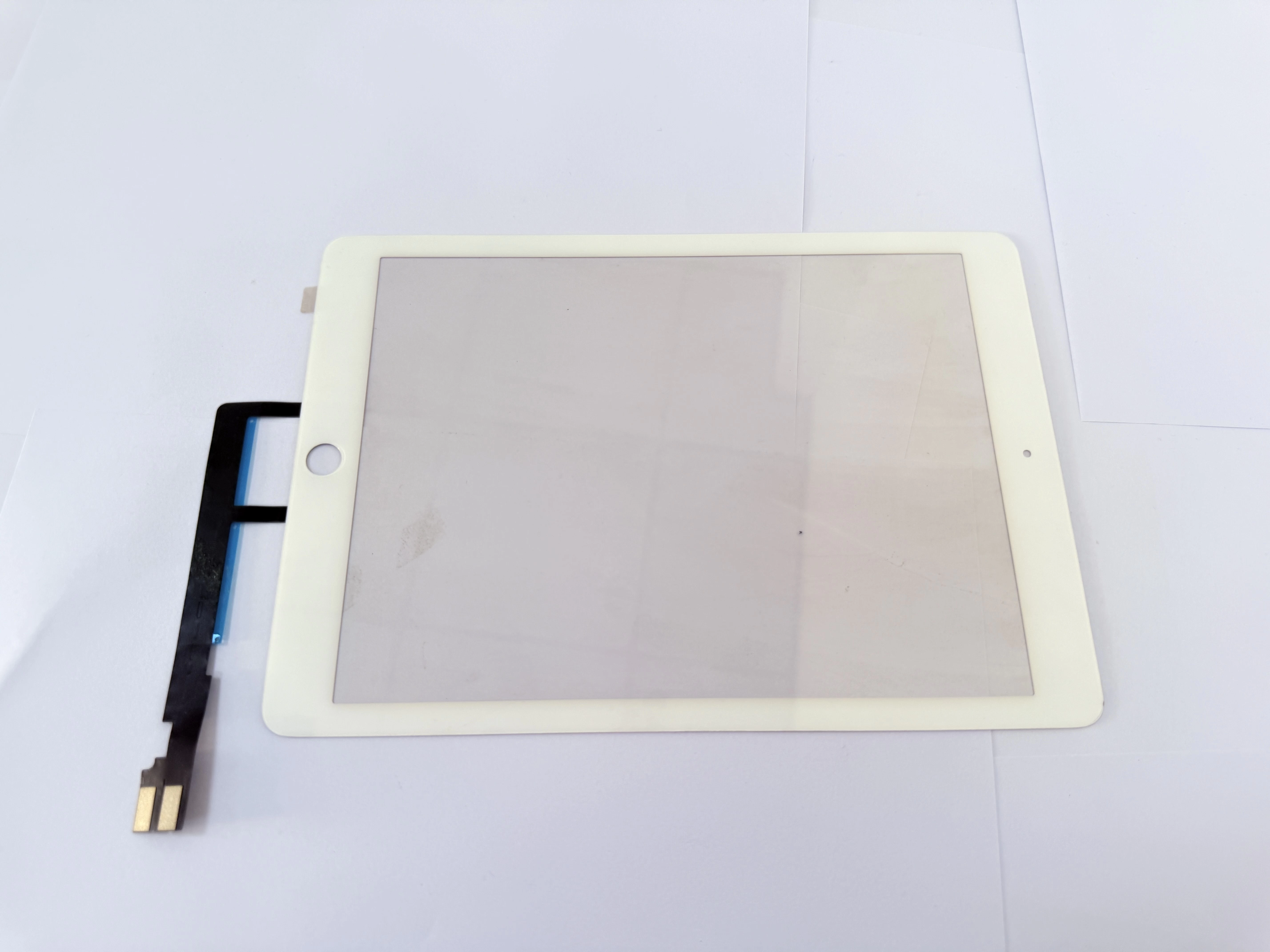
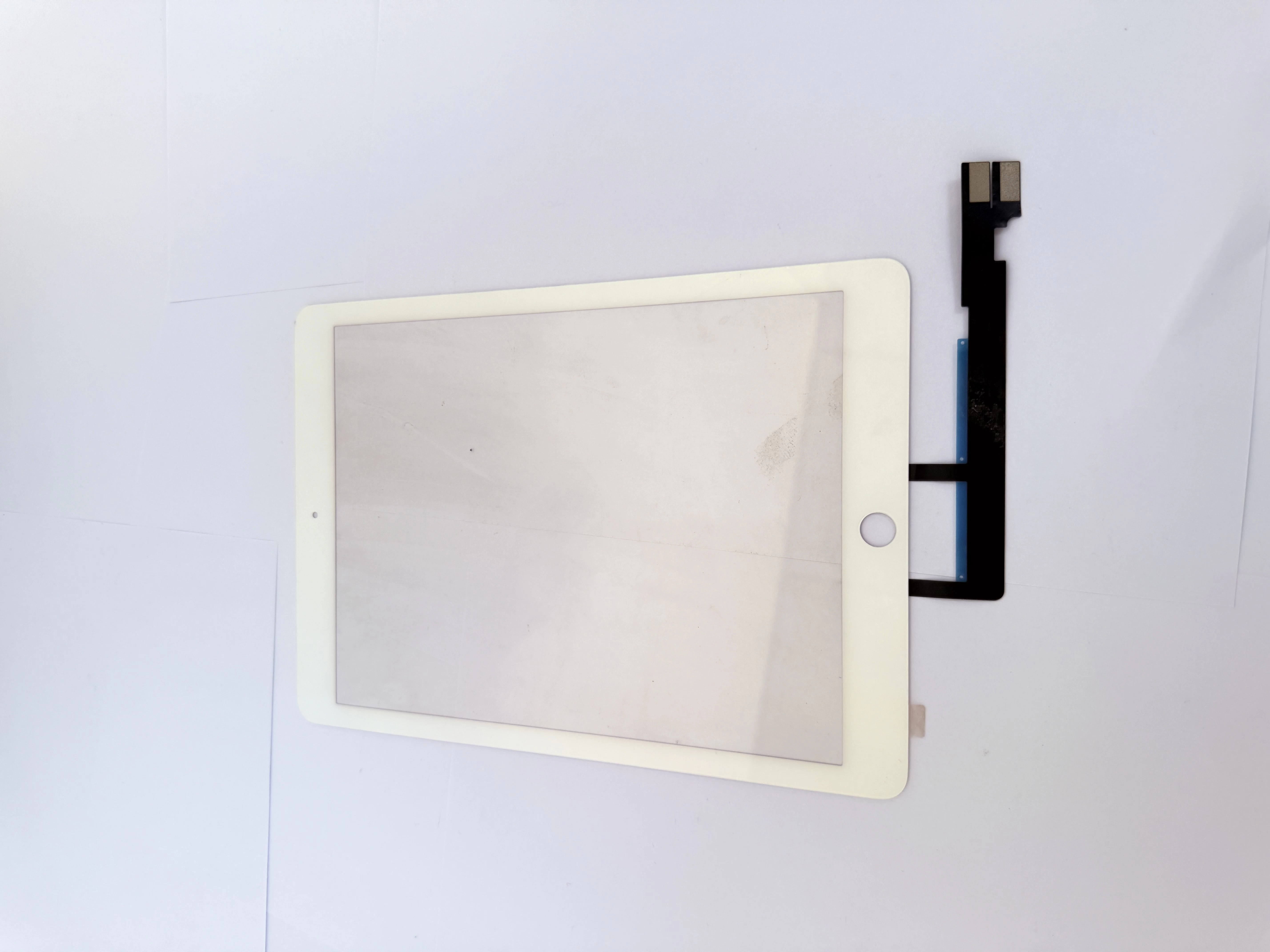
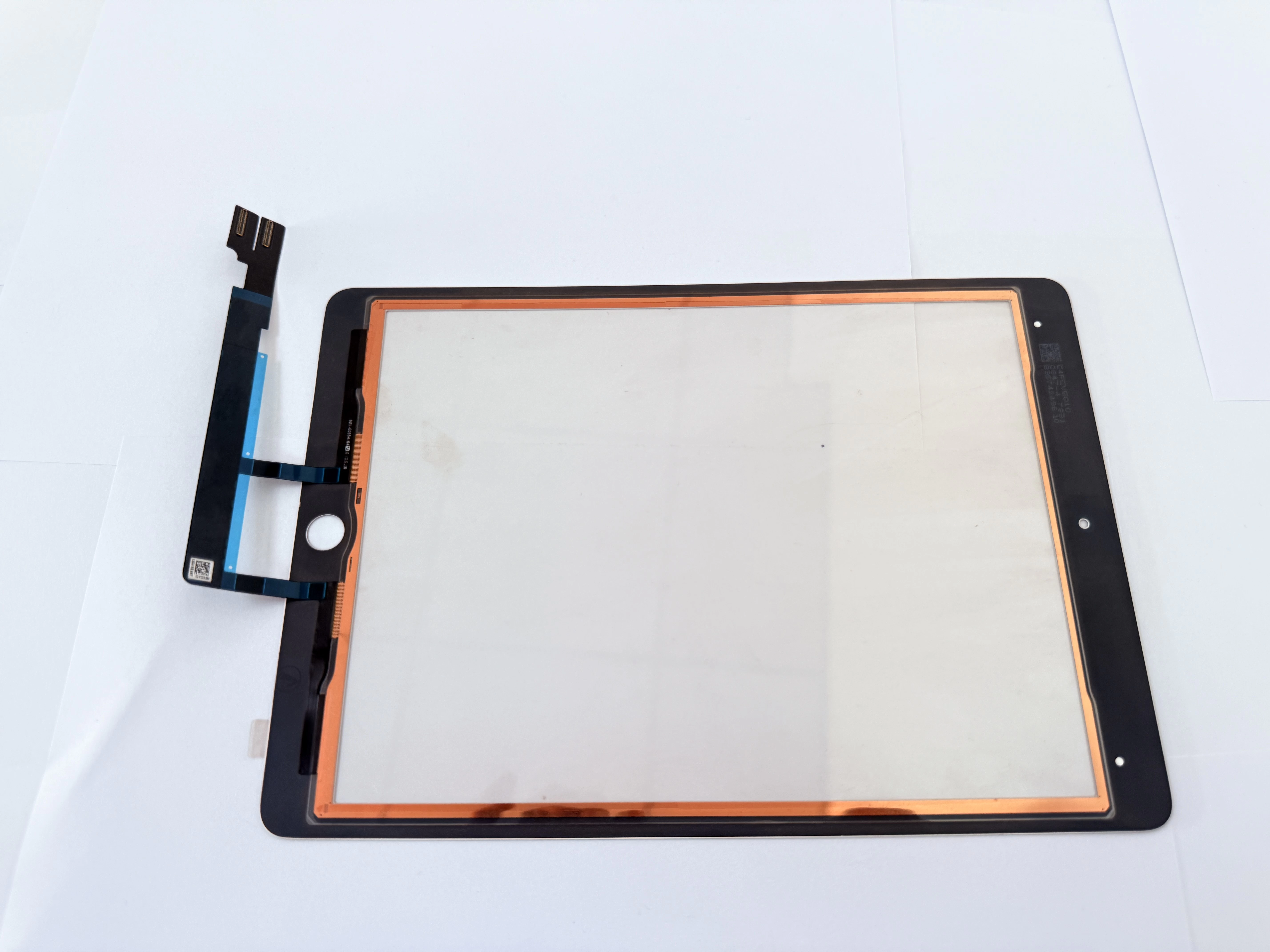
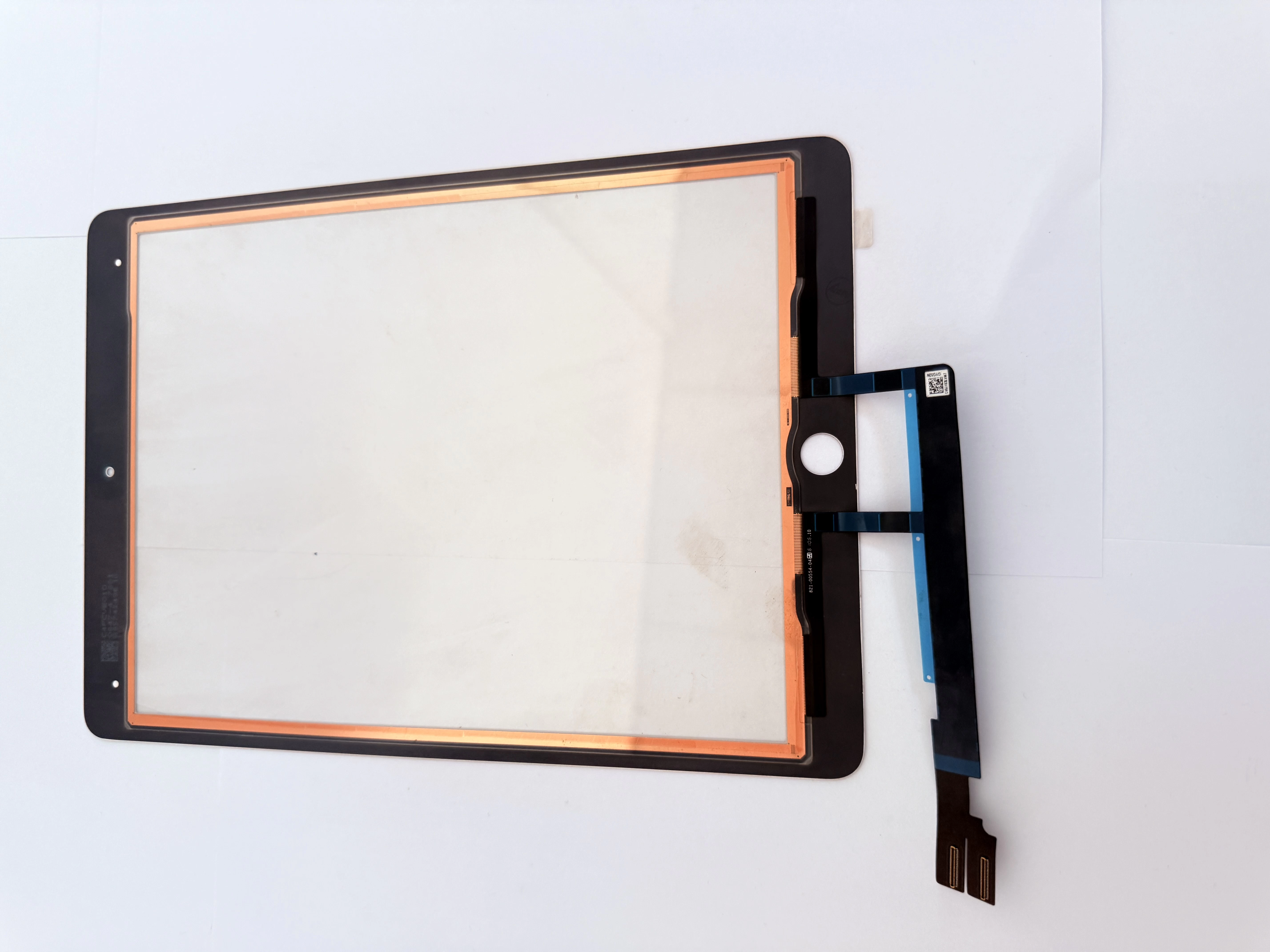
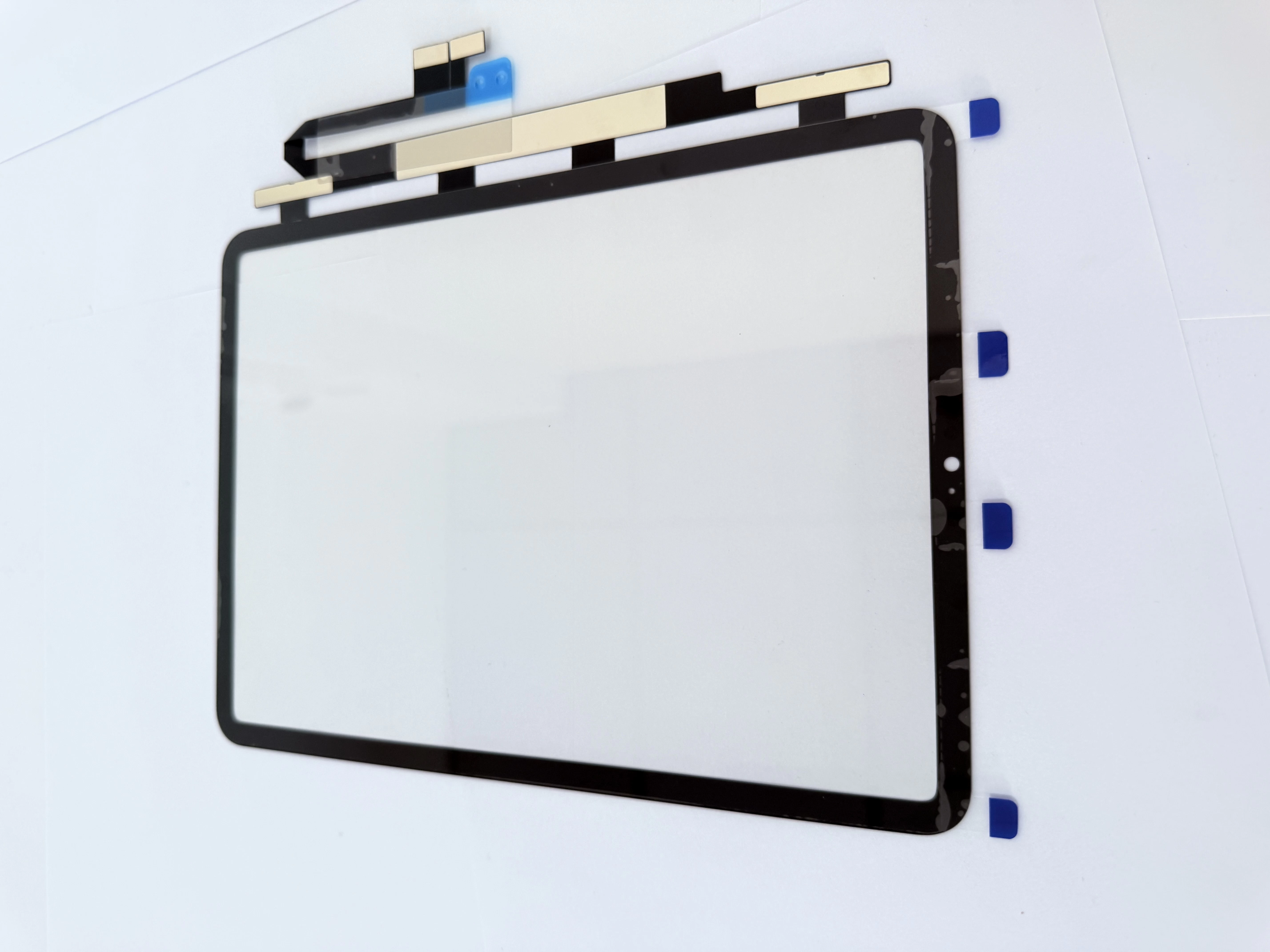
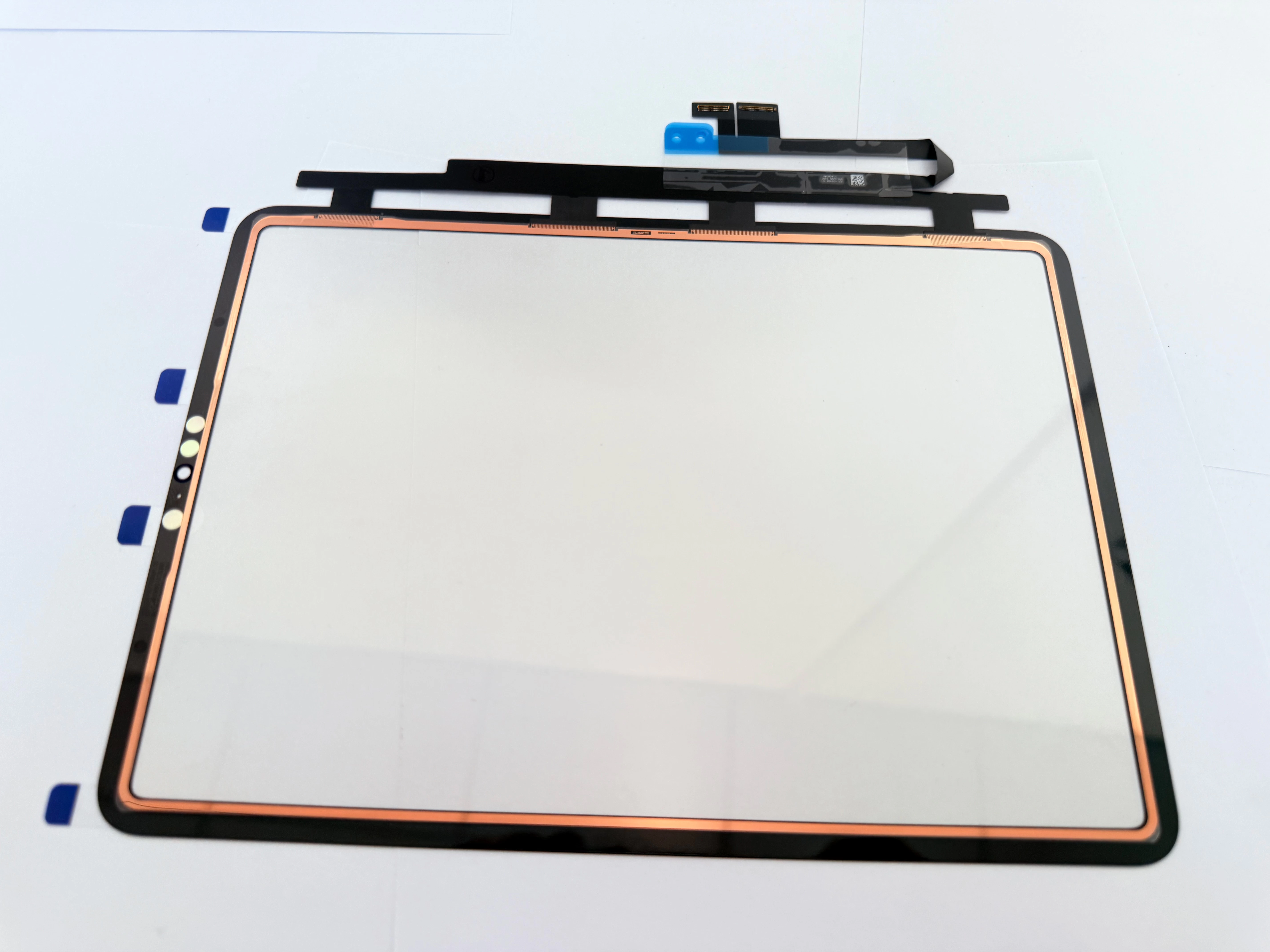
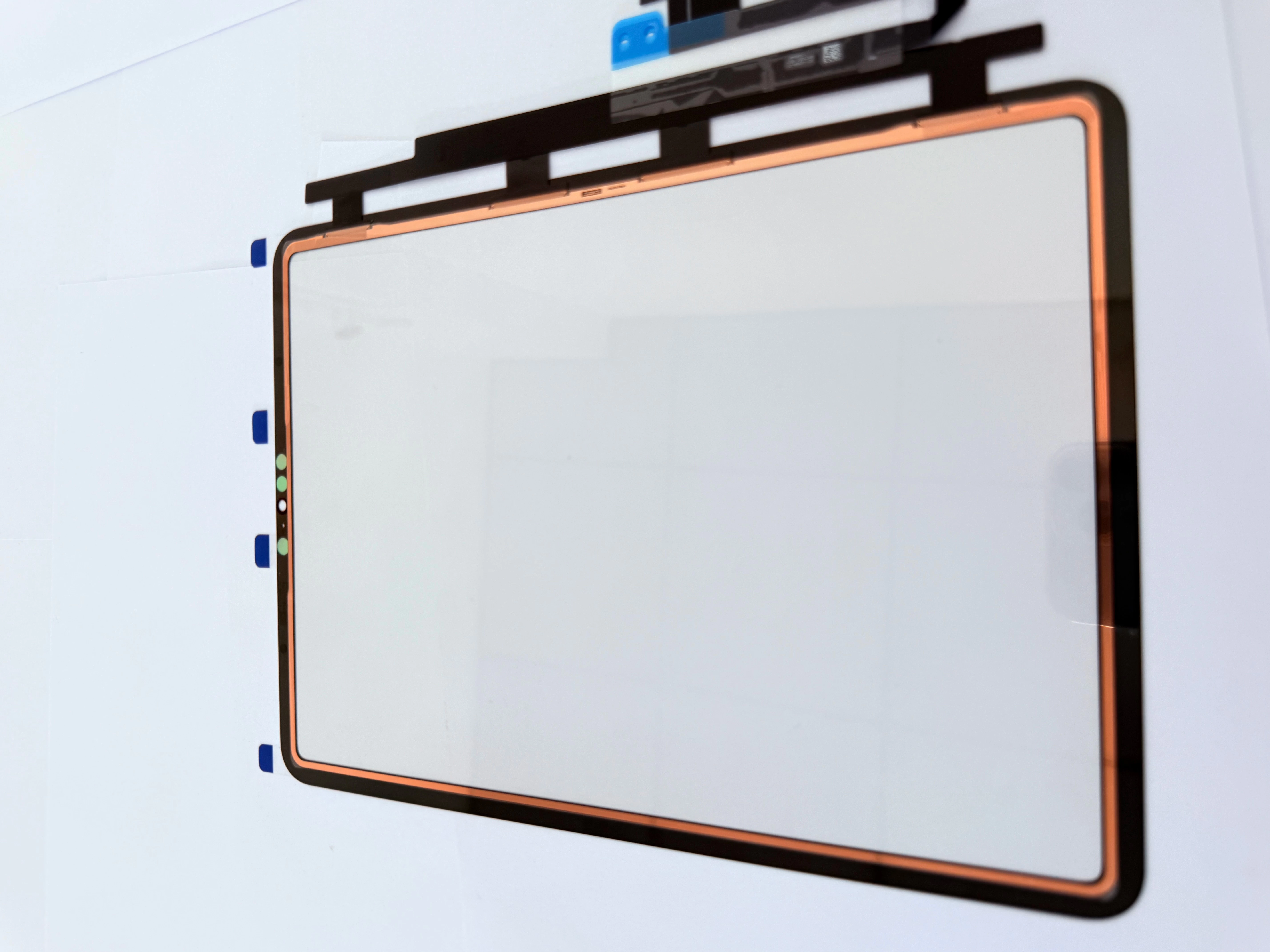
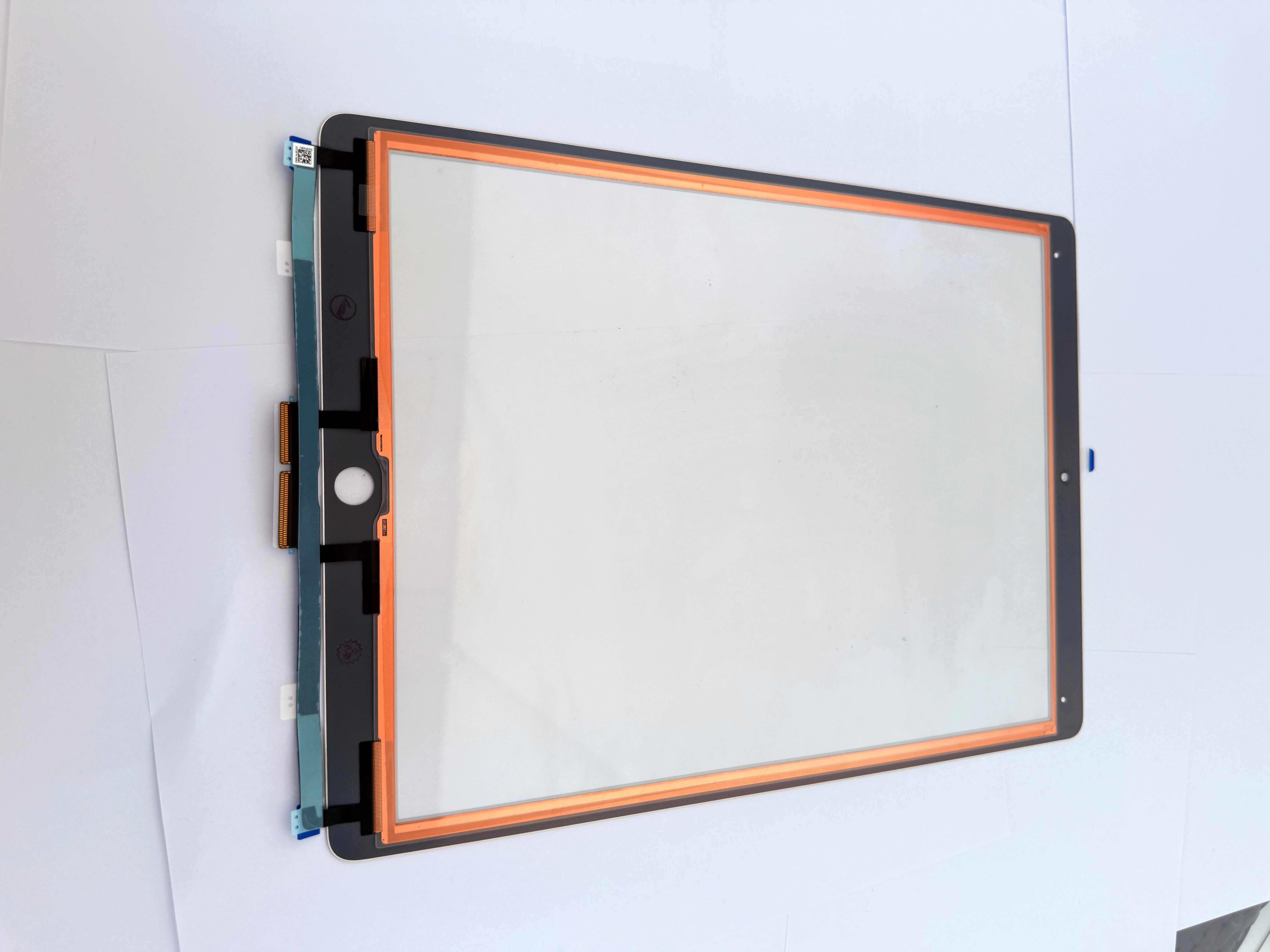
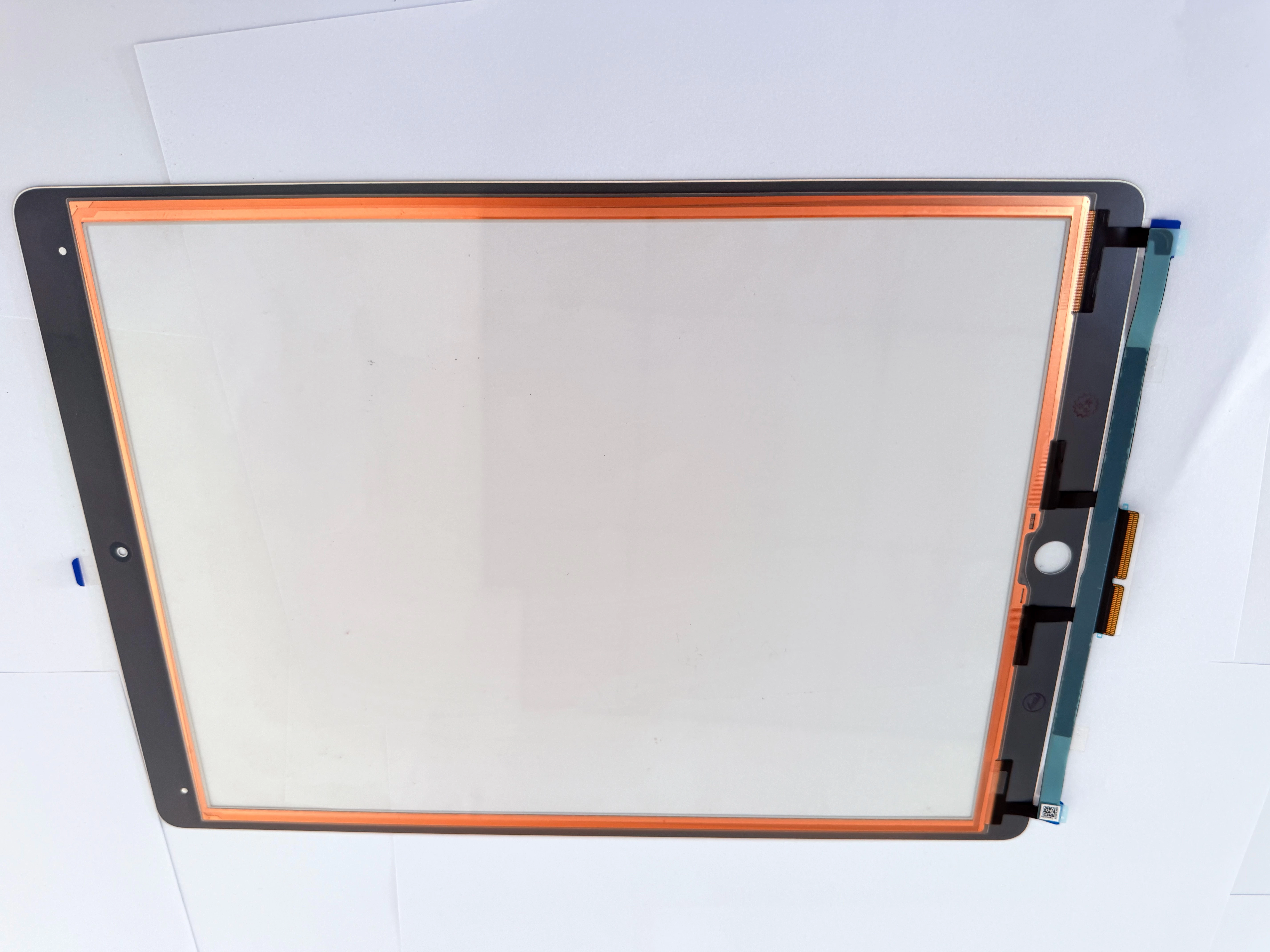
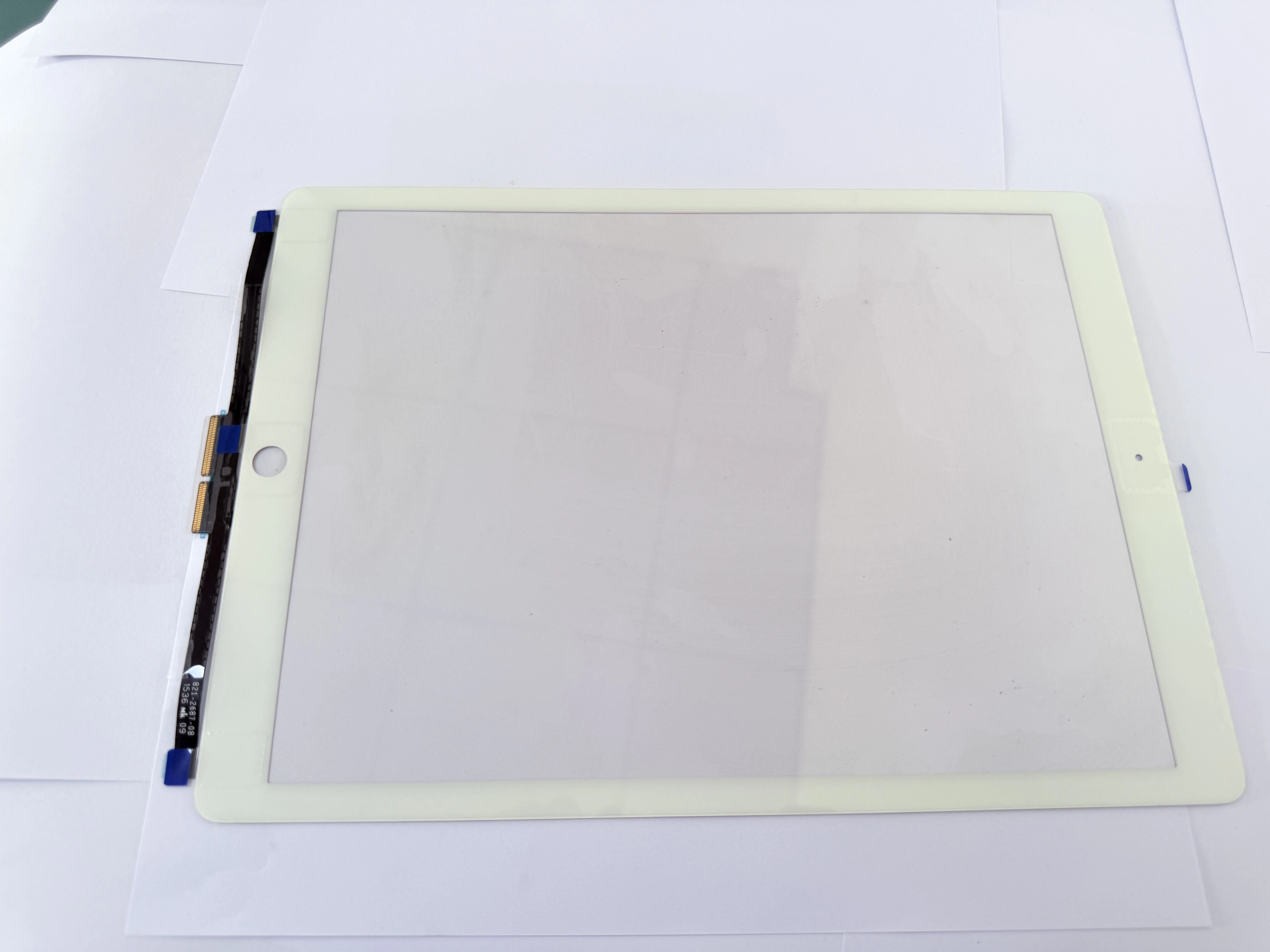
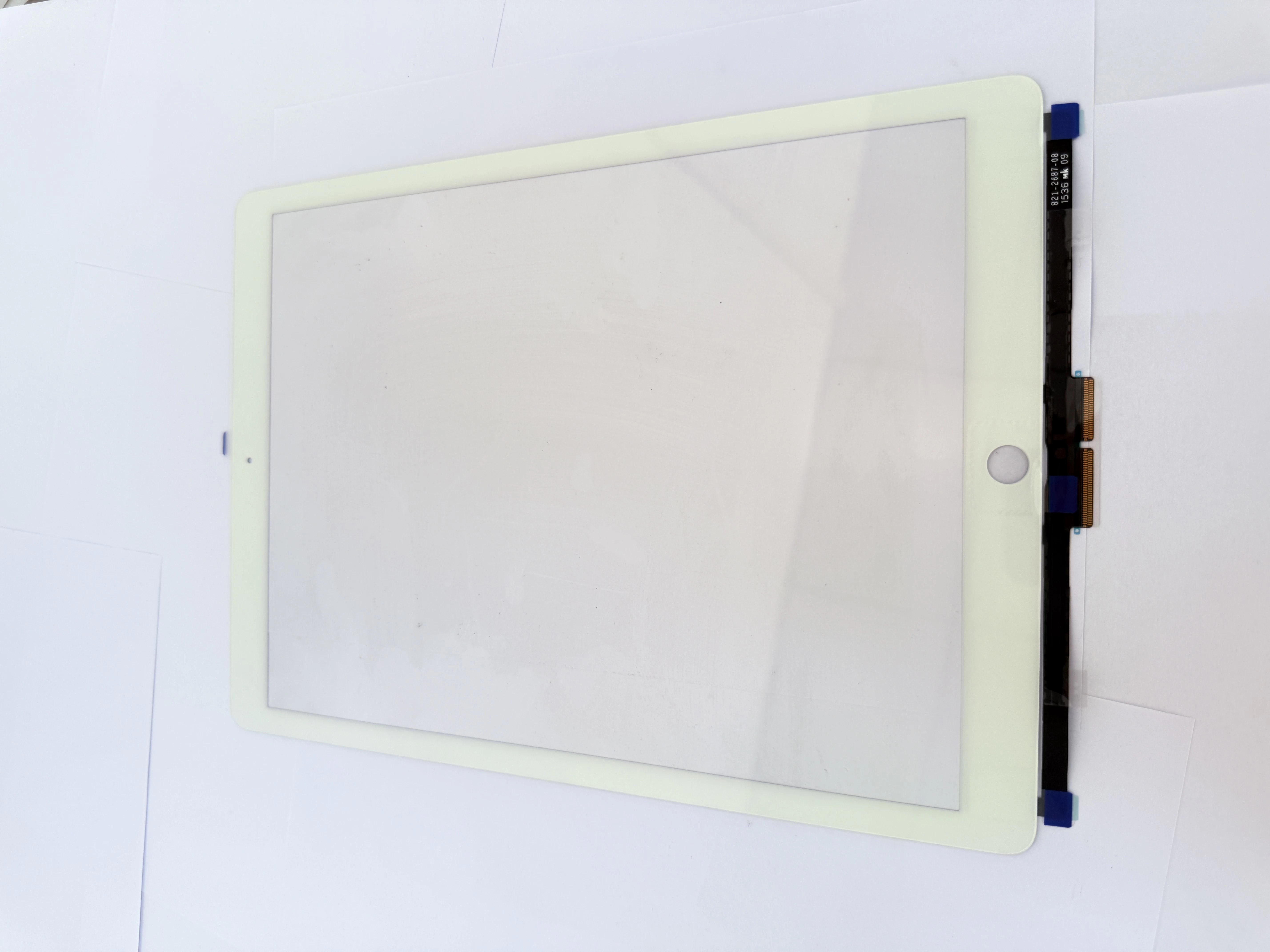
- Daily Maintenance Specifications After Digitizer ReplacementAvoid using the iPad in humid and dusty environments to prevent water vapor from corroding the touch layer and flexible cable; do not use corrosive liquid to wipe the screen. Our digitizers have waterproof and dust-proof performance, but regular maintenance can effectively extend the service life to more than 2 years.
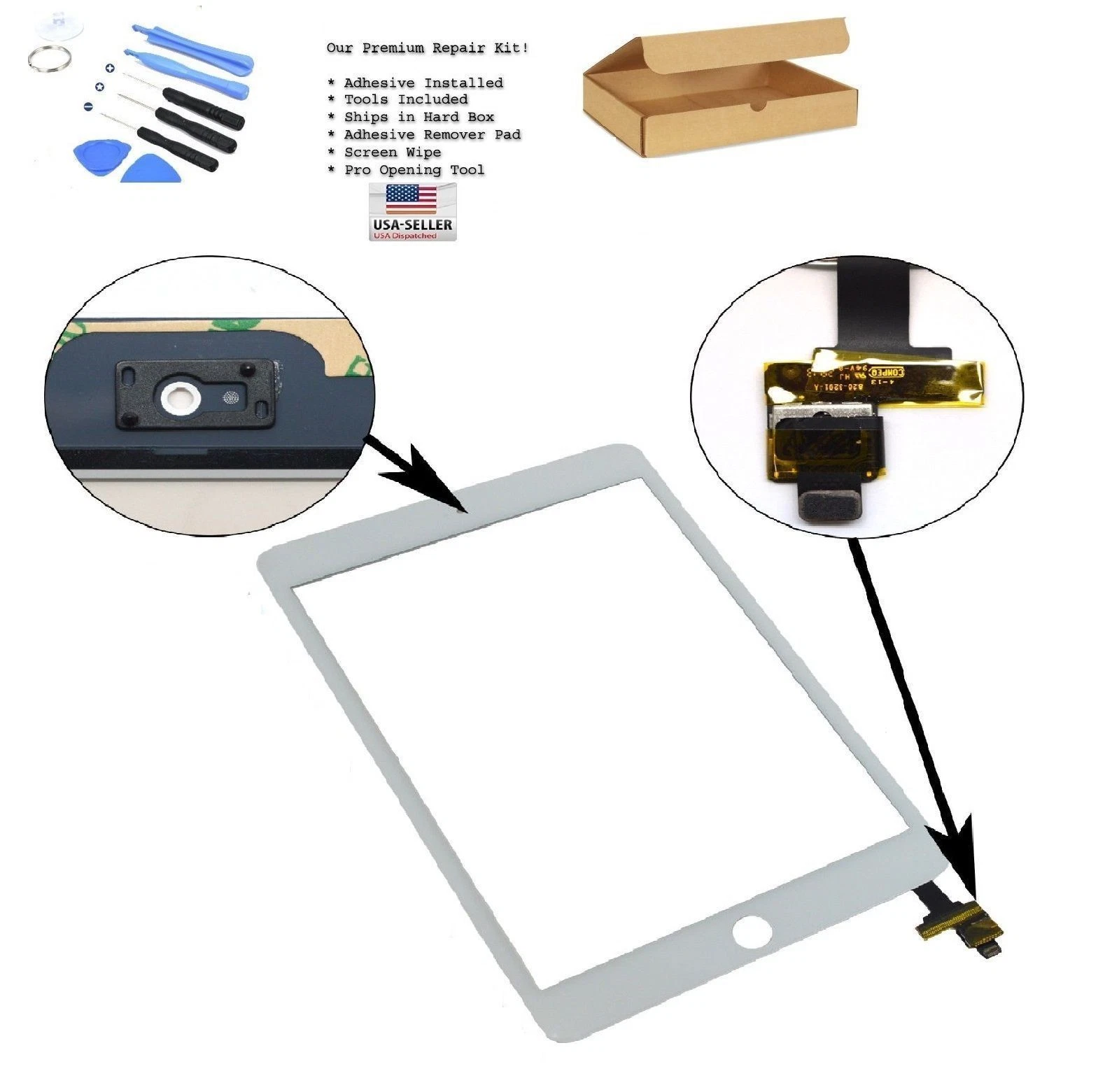
- Solutions to Common Minor Post-Replacement FaultsOccasional touch failure is mostly caused by loose cables; static interference will lead to temporary ghost touch. We provide detailed remote troubleshooting steps for wholesale customers. For bulk orders, we attach a paper maintenance manual with each batch of goods.
- After-Sales Risk Control for Repair StoresTrain end users on correct usage rules when delivering repaired devices. For distributors, we provide unified after-sales problem-solving processes. We promise free replacement for quality problems within the warranty period to jointly control after-sales risks.
случаи