случаи

Post‑delivery Display Wall Management: Daily Maintenance Best Practices

Successful project delivery is just the starting point. Proper daily maintenance reduces breakdown risks and extends service cycles. Many screen faults result from poor operating environment or improper handling rather than manufacturing defects.

Environmental control

  1. Stabilize temperature and humidity. LED and splicing panels work best in dry room‑temperature conditions. Keep ventilation openings unblocked for heat dissipation. Take moisture‑proof measures in humid locations to avoid circuit corrosion. Check sealing performance for outdoor screens against rain penetration.
  2. Dust prevention. Excessive dust clogs heat‑dissipation vents and circuit boards, triggering overheating, freezing and pixel errors. Keep machine rooms clean.

Operation guidelines

  1. Correct power‑on / power‑off sequence: Turn on control system first, then display wall. When shutting down, power off screens before controllers. Avoid frequent rebooting; keep several‑minute intervals between restarts.
  2. Do not run screens continuously at maximum brightness. Full‑brightness operation accelerates component aging. Adjust brightness according to ambient light.
  3. Avoid hard impacts and surface scratches. Clean screens only with soft dedicated cloth. Never spray water directly onto panels or use corrosive detergent.

Software & system maintenance

  1. Monitor device status regularly and respond to warning alerts in time. Do not keep faulty systems running.
  2. Back up control‑system configuration files for fast recovery after malfunctions.
  3. Avoid unknown USB devices and external connections to prevent virus infection.
The Role of Large Display Screens in Modern Smart City Construction
Four Major Trends in Commercial Display Industry for 2026

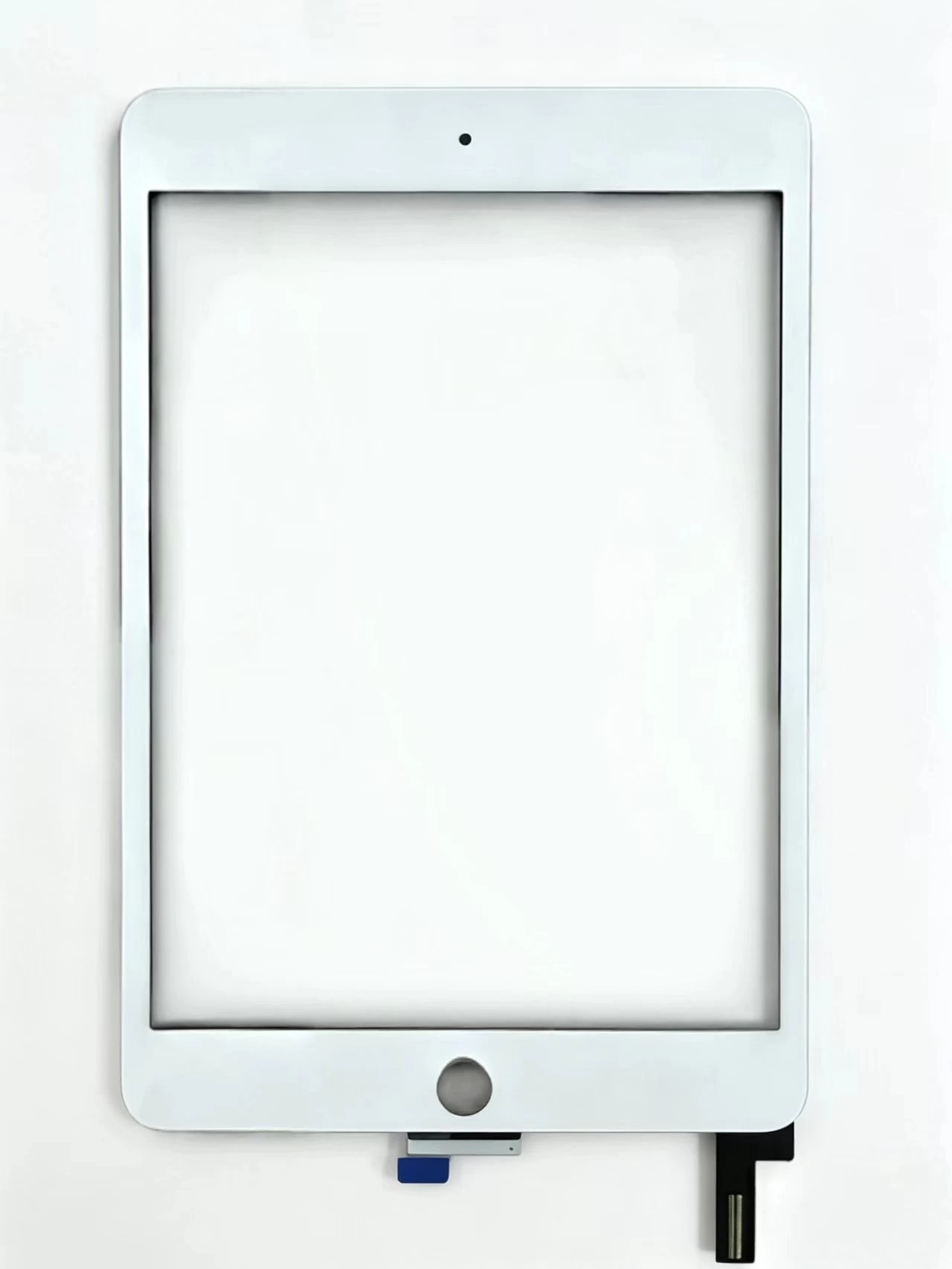
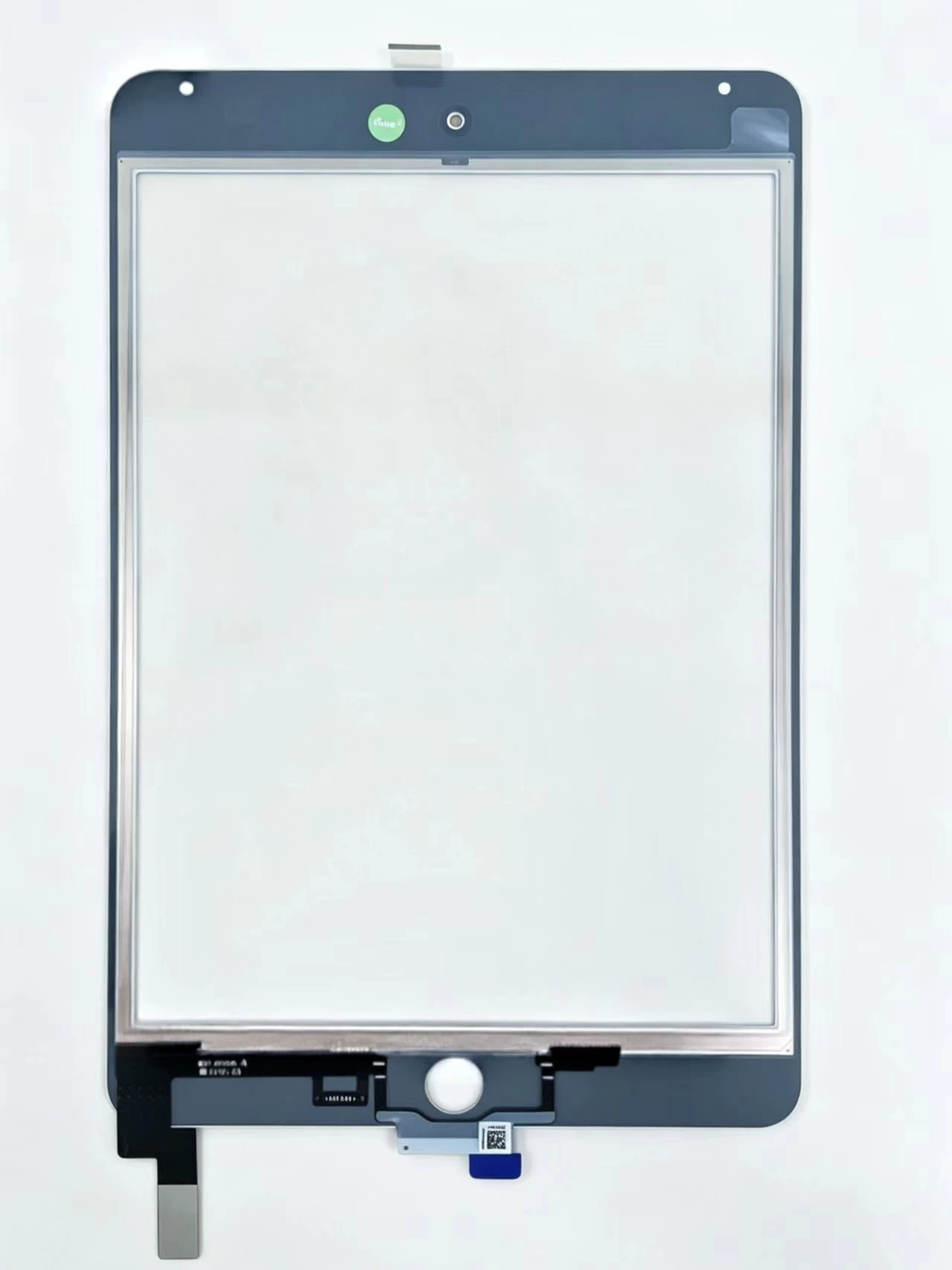
Touch Screen Digitizer Assembly Replacement Part For iPad Mini 4 A1538 A1550

Подробнее

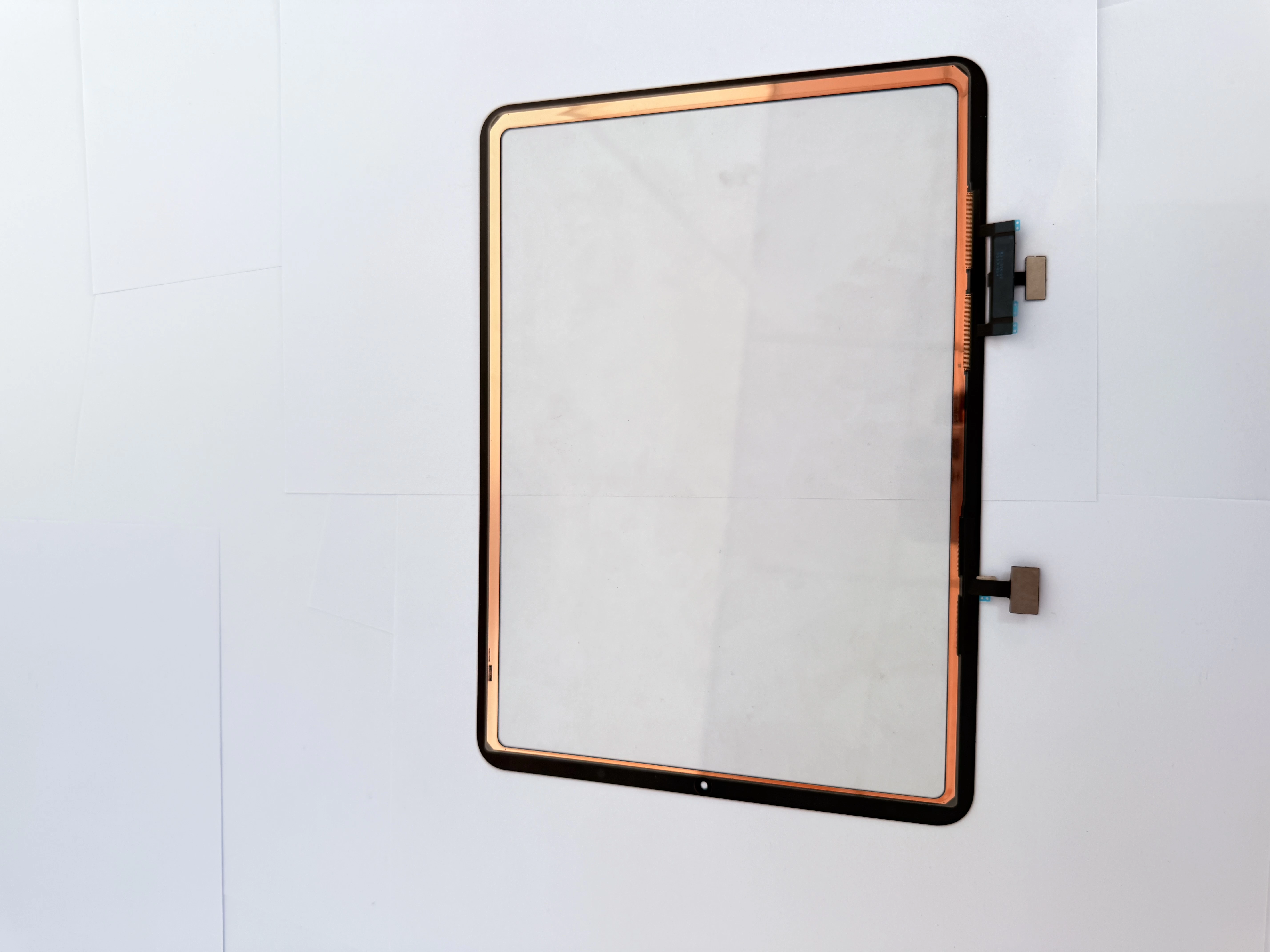
Touch Screen Digitizer Replacement for iPad 10th Gen/Air 4/Air 5 10.9 Inch, Front Outer Touch Glass Panel with Copper Foil Option

Подробнее

Touch Screen Digitizer Replacement for iPad 7th/8th/9th Gen 10.2" (2019-2021) Black Front Glass Panel

Подробнее

iPad Pro 11 2020 Touch Glass iPad Pro 11-inch (1st generation, 2018) Touch Screen Digitizer

Подробнее

iPad Pro 11-inch (1st generation, 2018) Touch Screen Digitizer iPad Pro 11 2018 iPad8,1 / iPad8,2 / iPad8,3 / iPad8,4

Подробнее

G+Oca Pro Touch Screen Digitizerfor iPad Air 13" (2024)/Air 13"

Подробнее

Инфракрасный сенсорный экран XY98AC-HBZ9

Подробнее

Инфракрасный сенсорный экран XY98AC-HBZ9

Подробнее

Инфракрасный сенсорный дисплейный терминал XY86AC-HBZ9

Подробнее

Инфракрасный сенсорный дисплейный терминал XY85AC-HBZ9

Подробнее

Инфракрасный сенсорный экран XY75AC-HBZ9

Подробнее

Инфракрасный сенсорный экран XY65AC-HBZ9

Подробнее

Применимо к iPad Air2 A1566

Подробнее

Применимо к iPad Air 10.9 2022 A2325. A2072

Подробнее

Применимо к iPad Air.4 10.9.2020 A2324. A2316

Подробнее

Применимо к iPad 9.7 A1674.A1675

Подробнее

Применимо к iPad 9.7 A1673

Подробнее

Применимо к iPad 11-го поколения A2460

Подробнее

Применимо к iPad 11 третьего поколения A2301

Подробнее

Применимо к iPad 11 третьего поколения A2377

Подробнее

Применимо к iPad 12.9.-2 поколения A1652

Подробнее

Применимо к iPad 12.9.-2 поколения A1584

Подробнее