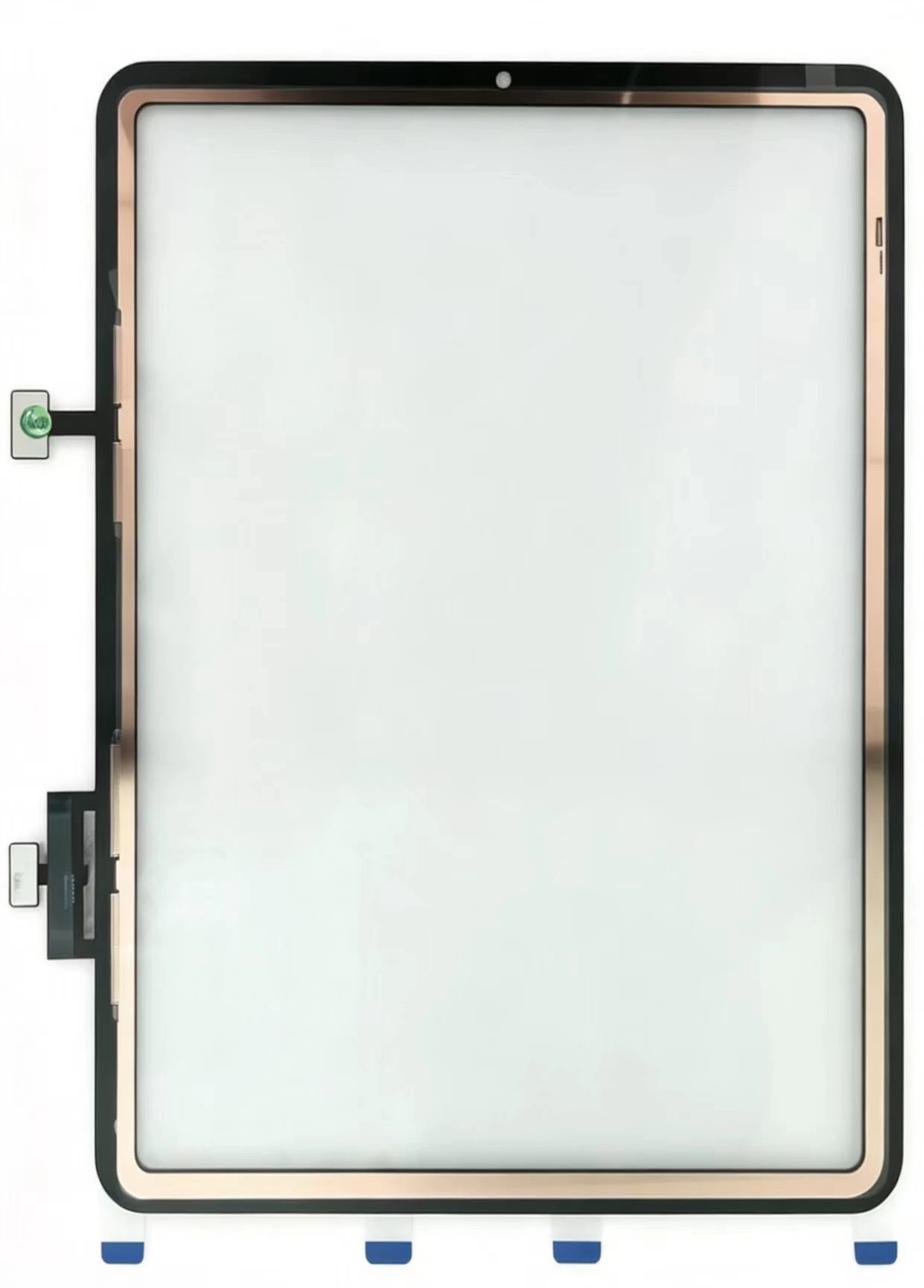
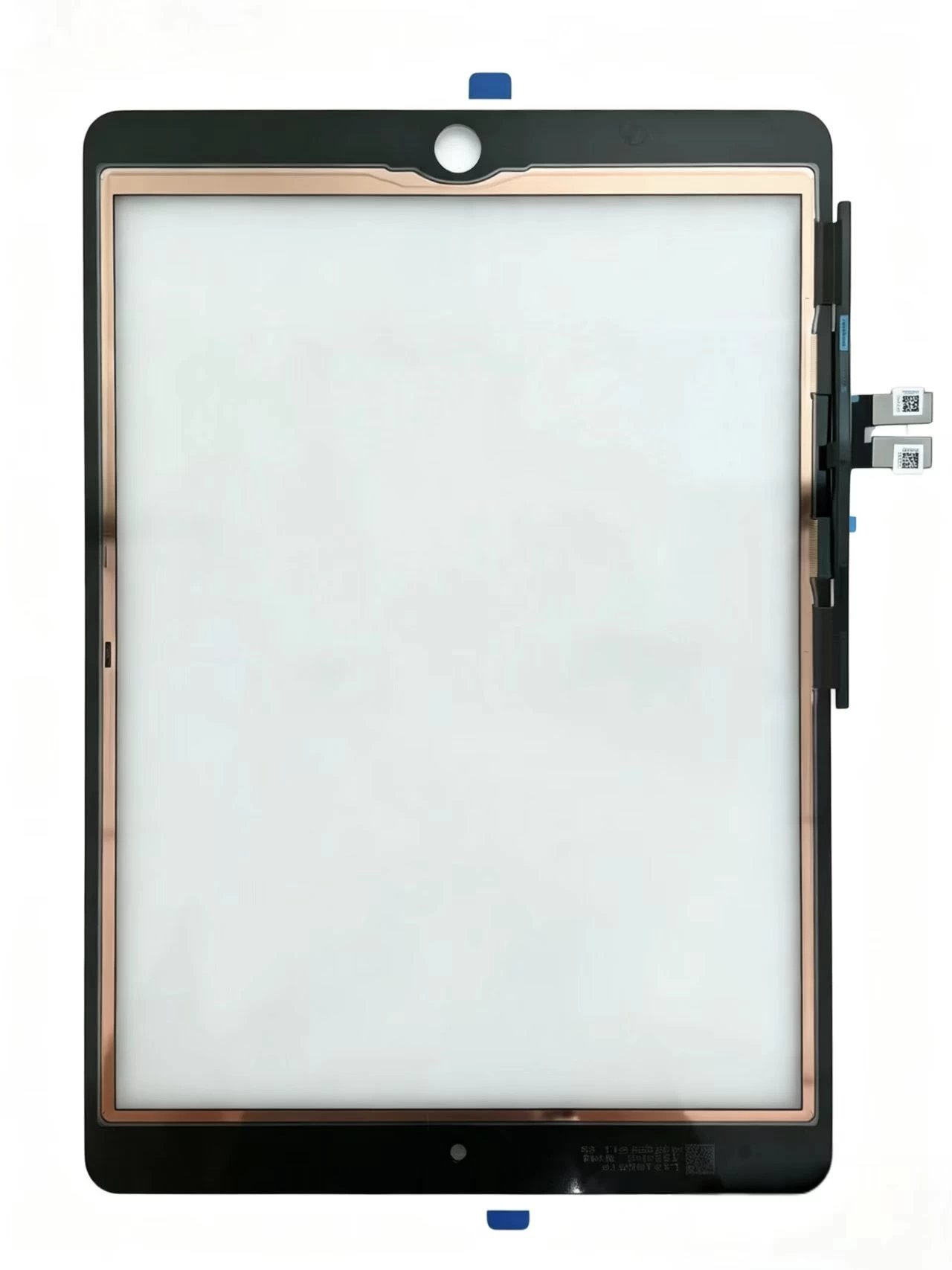
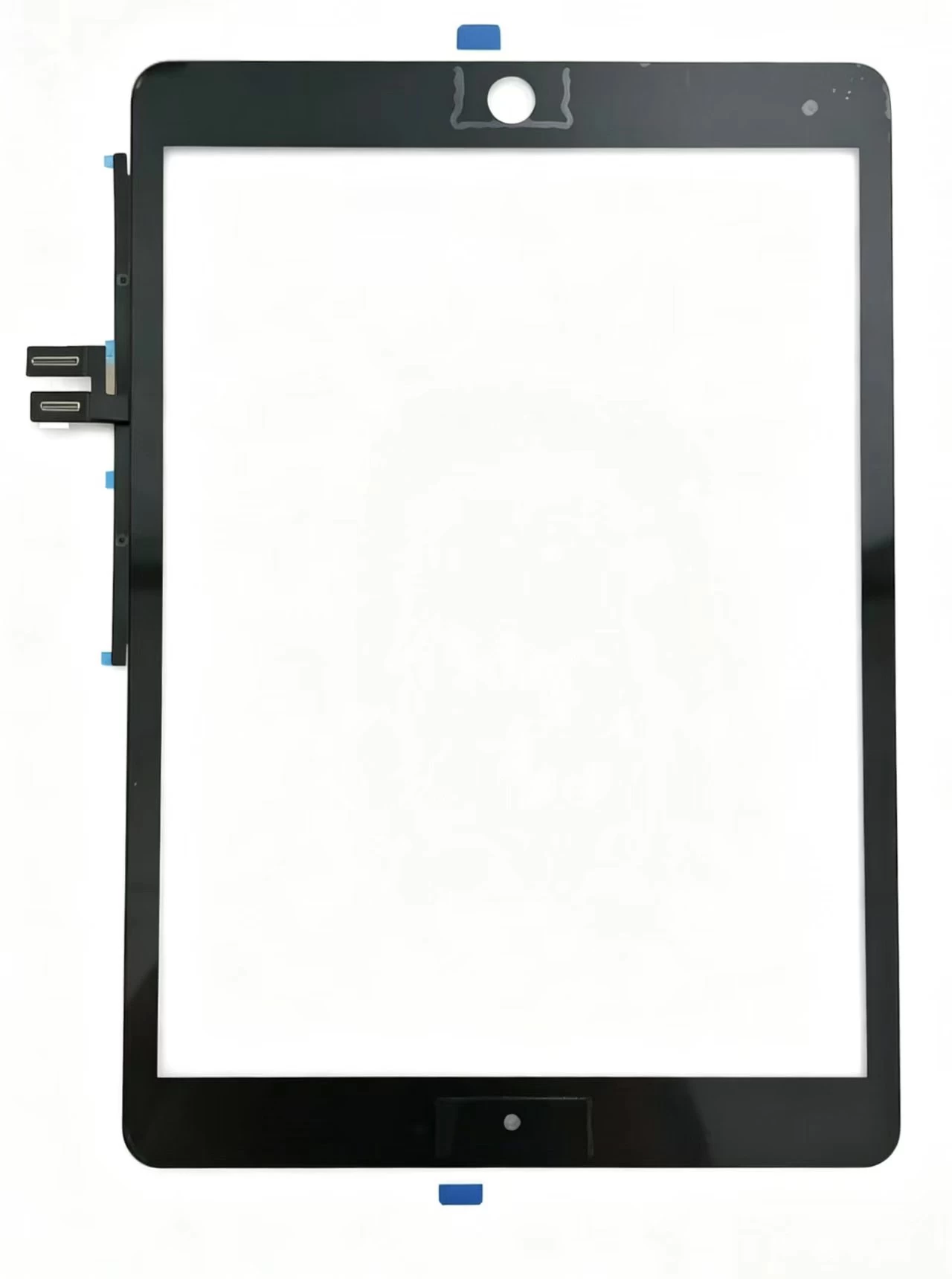
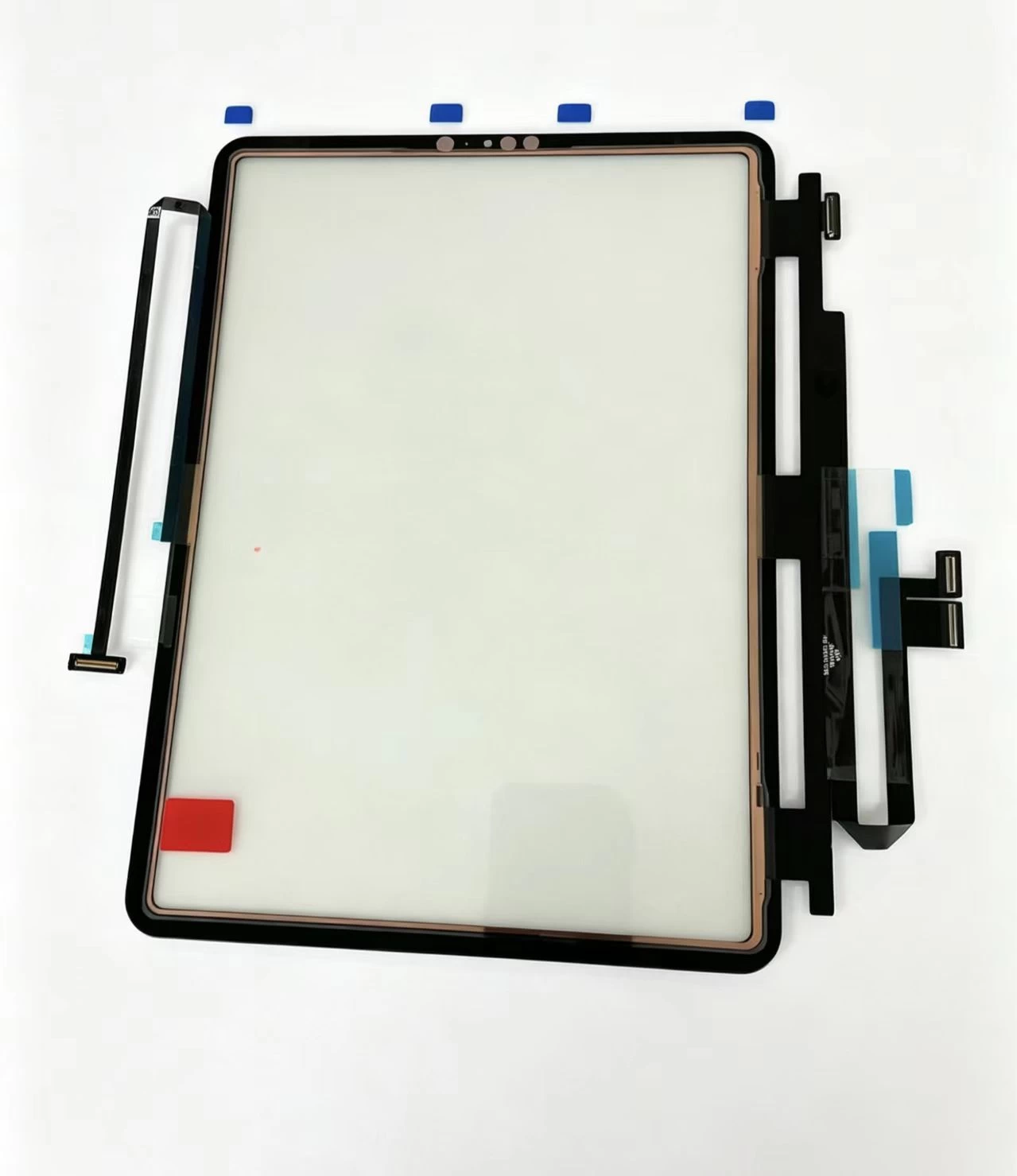
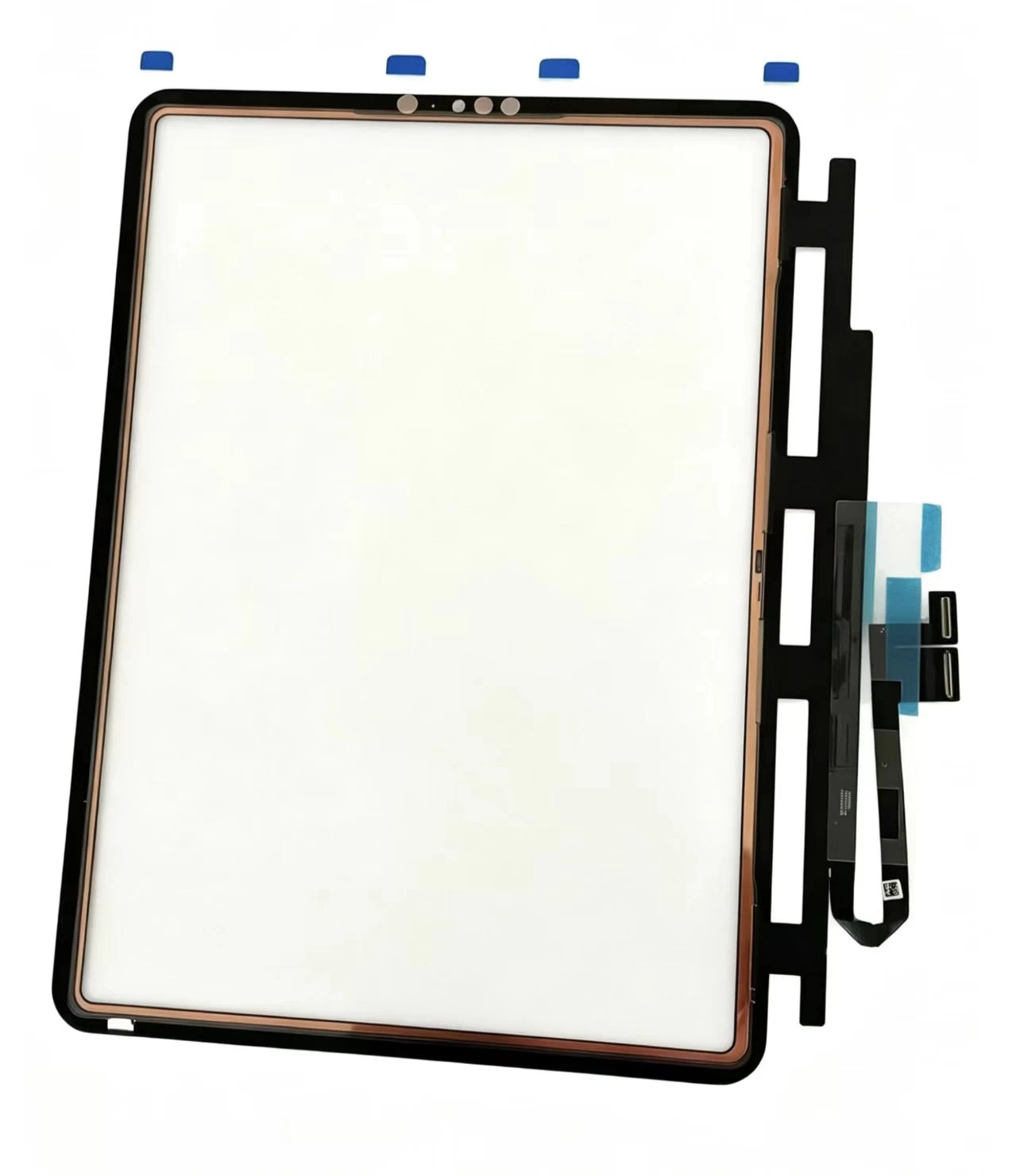
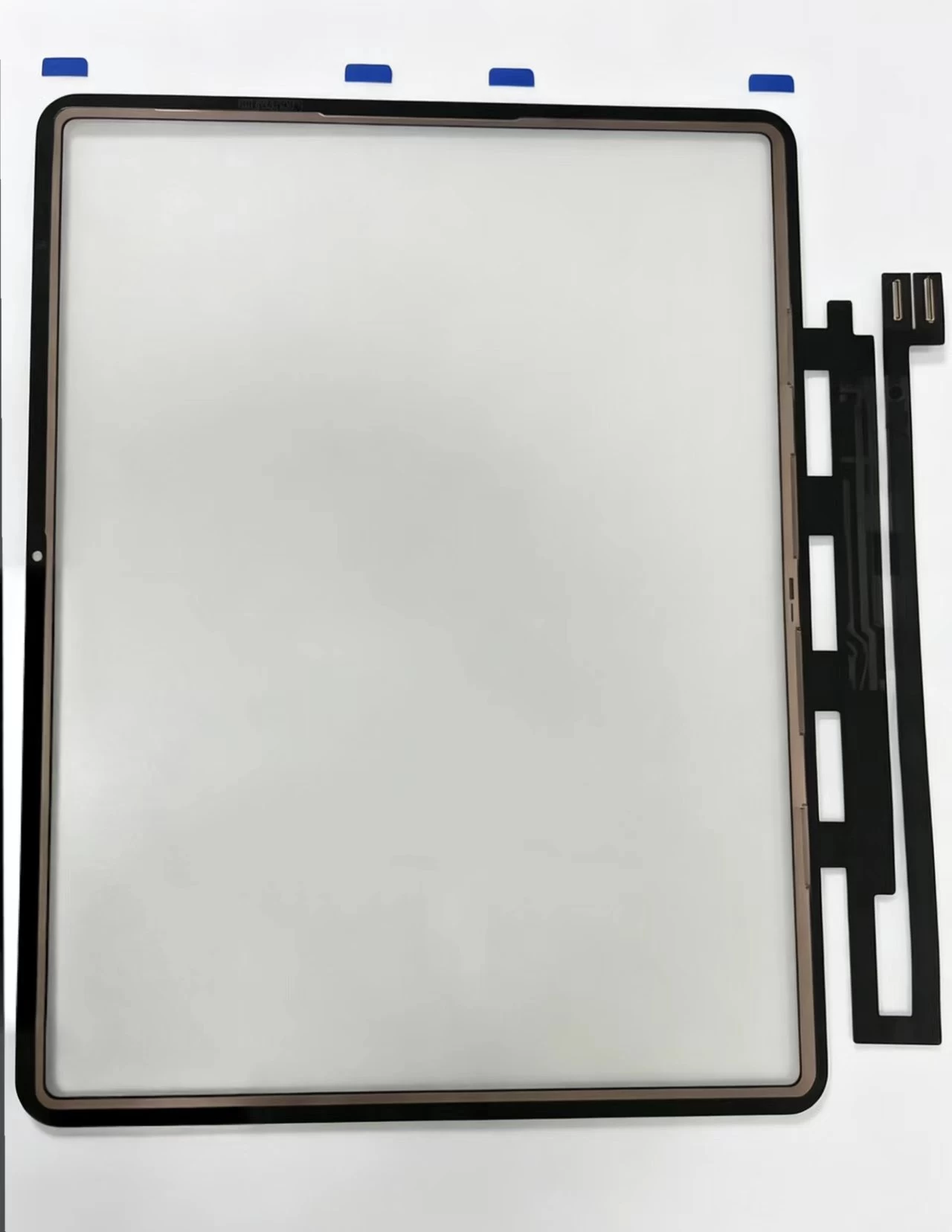
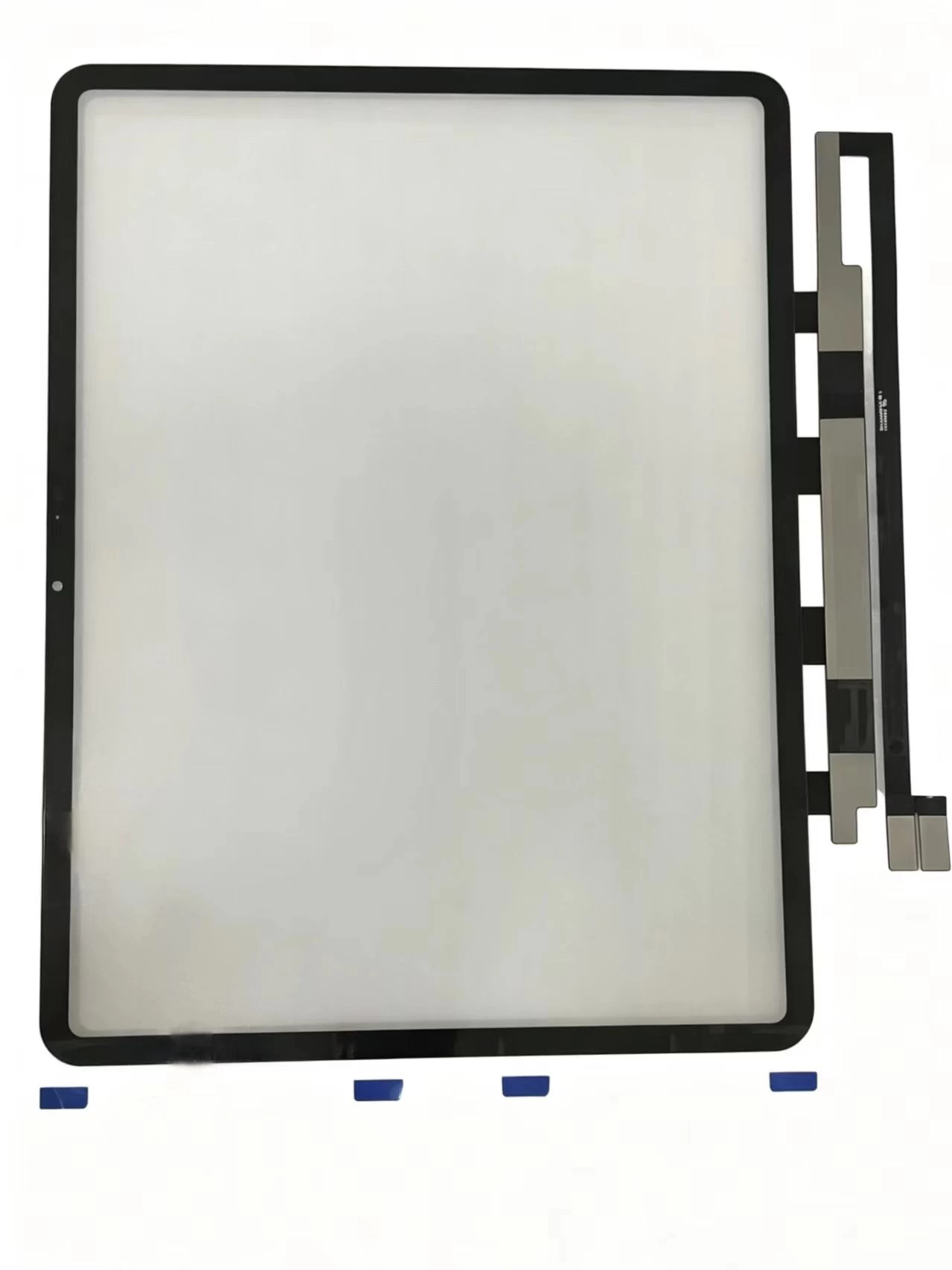
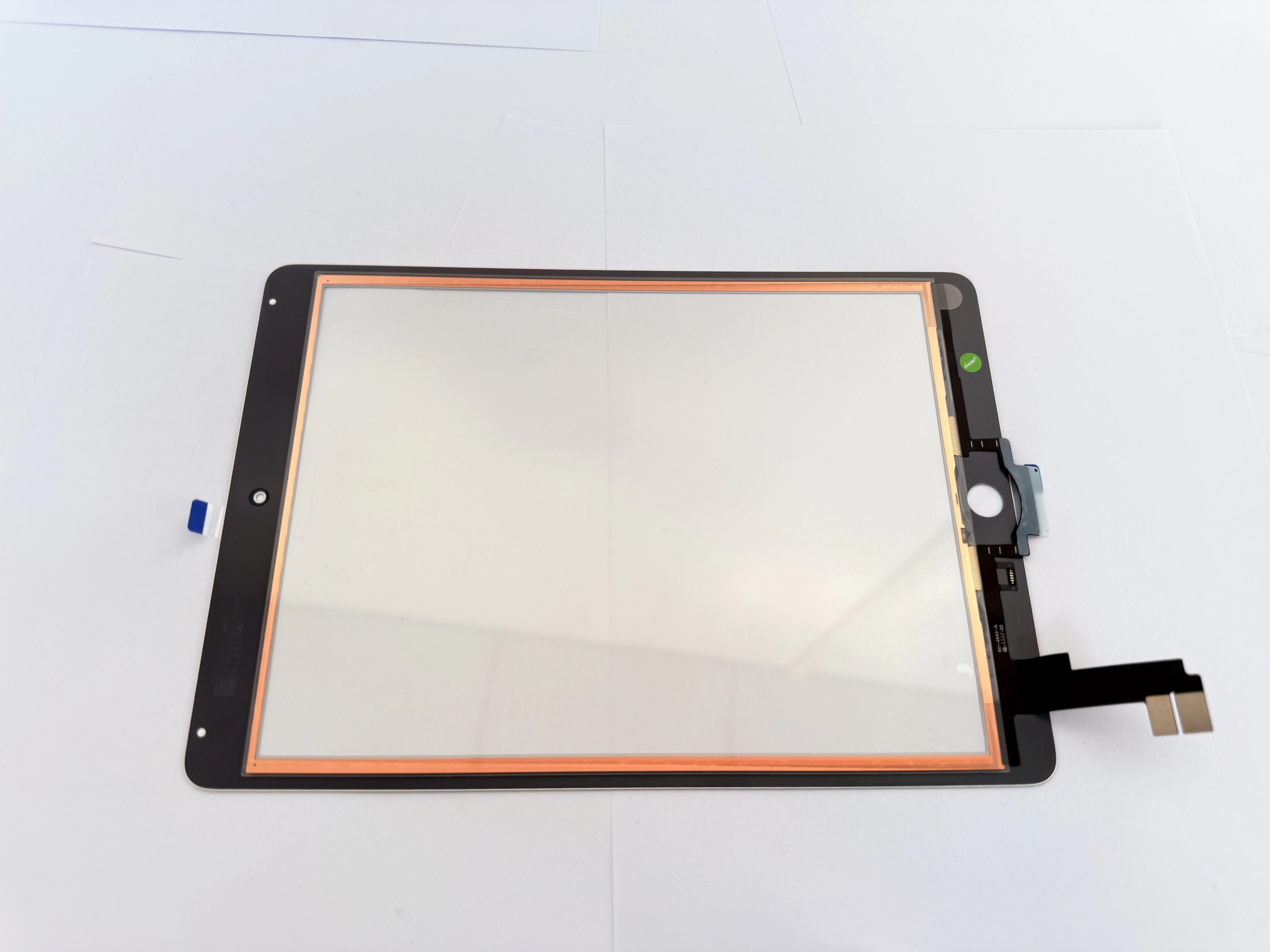
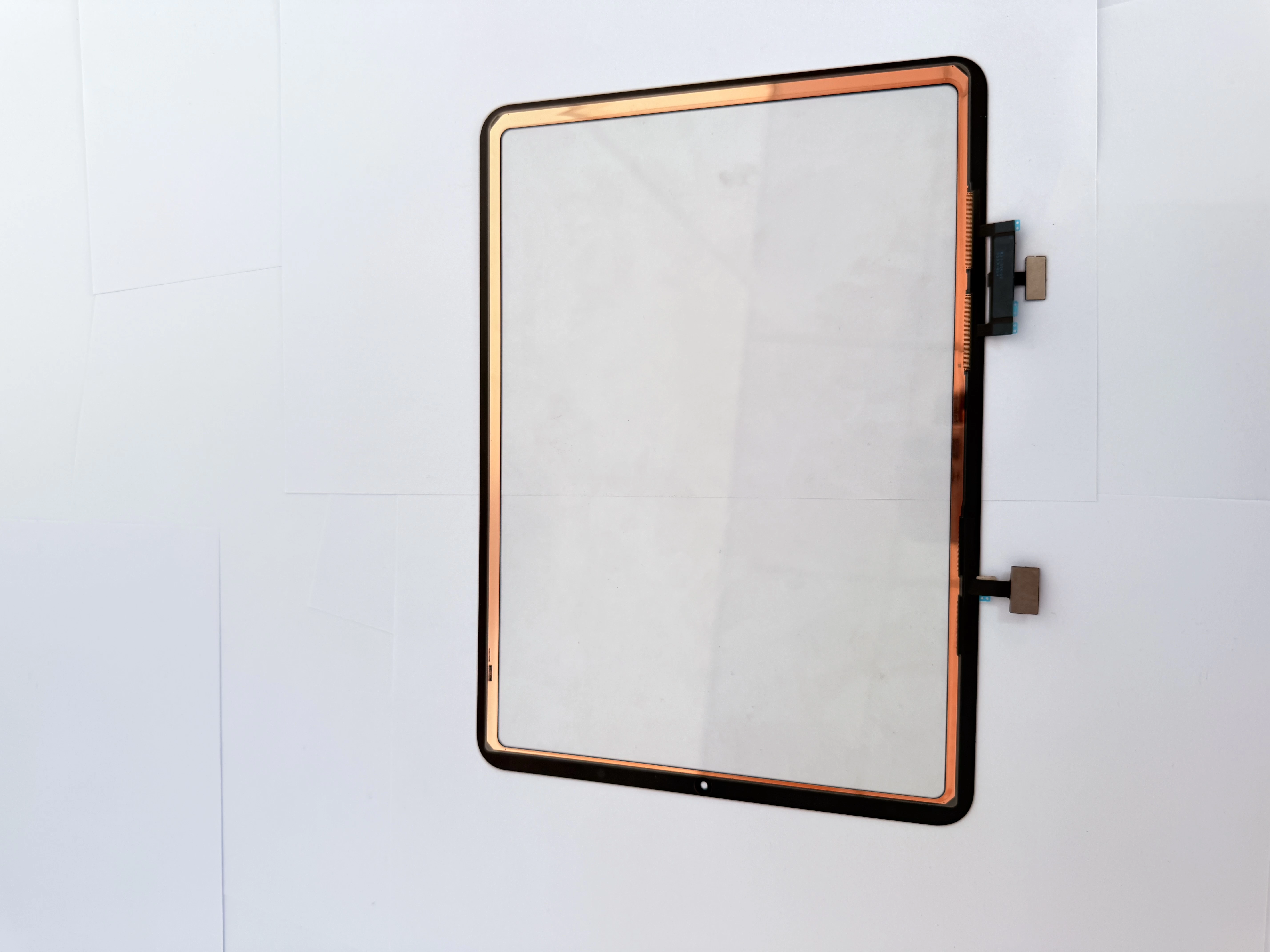
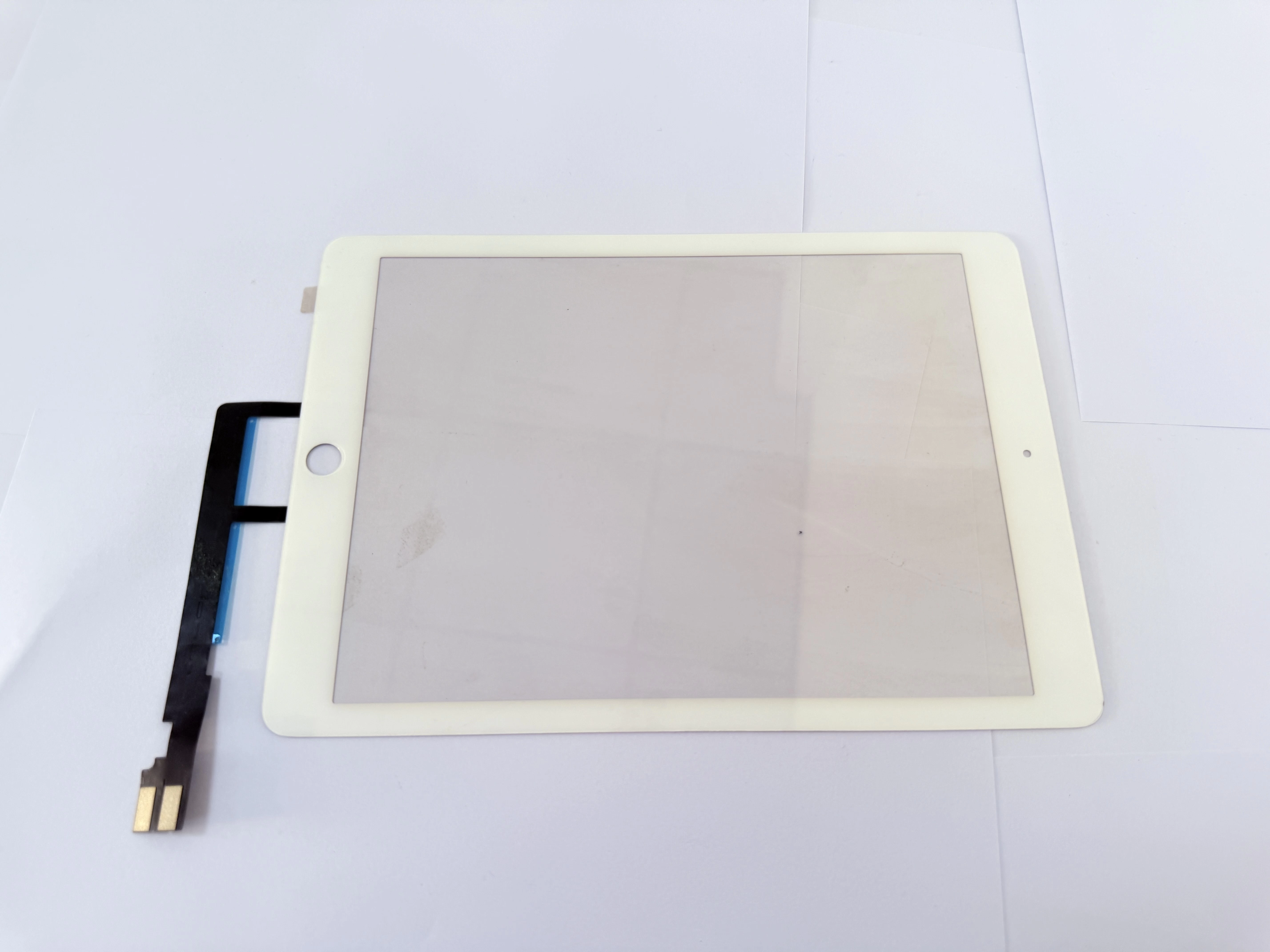
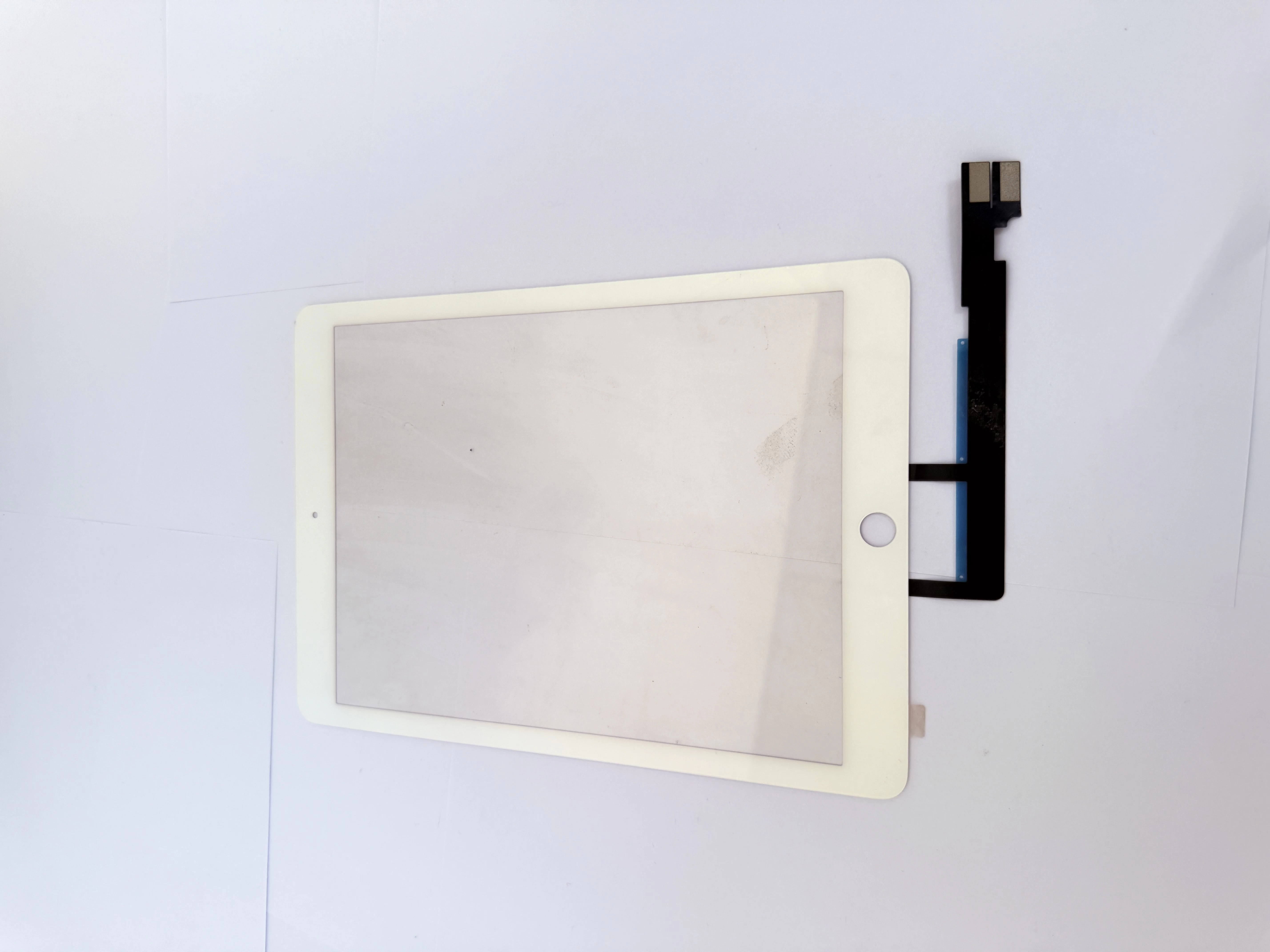
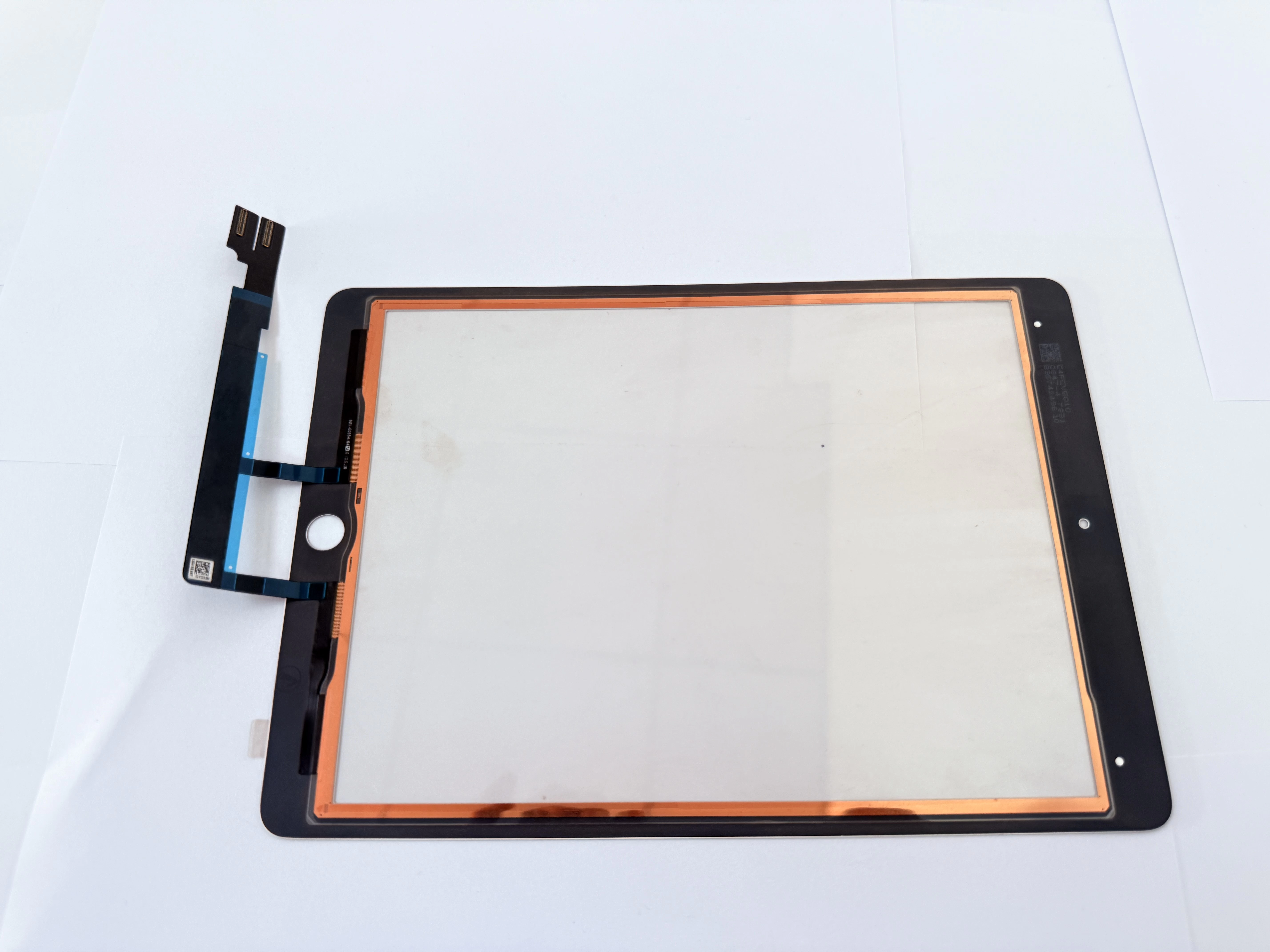
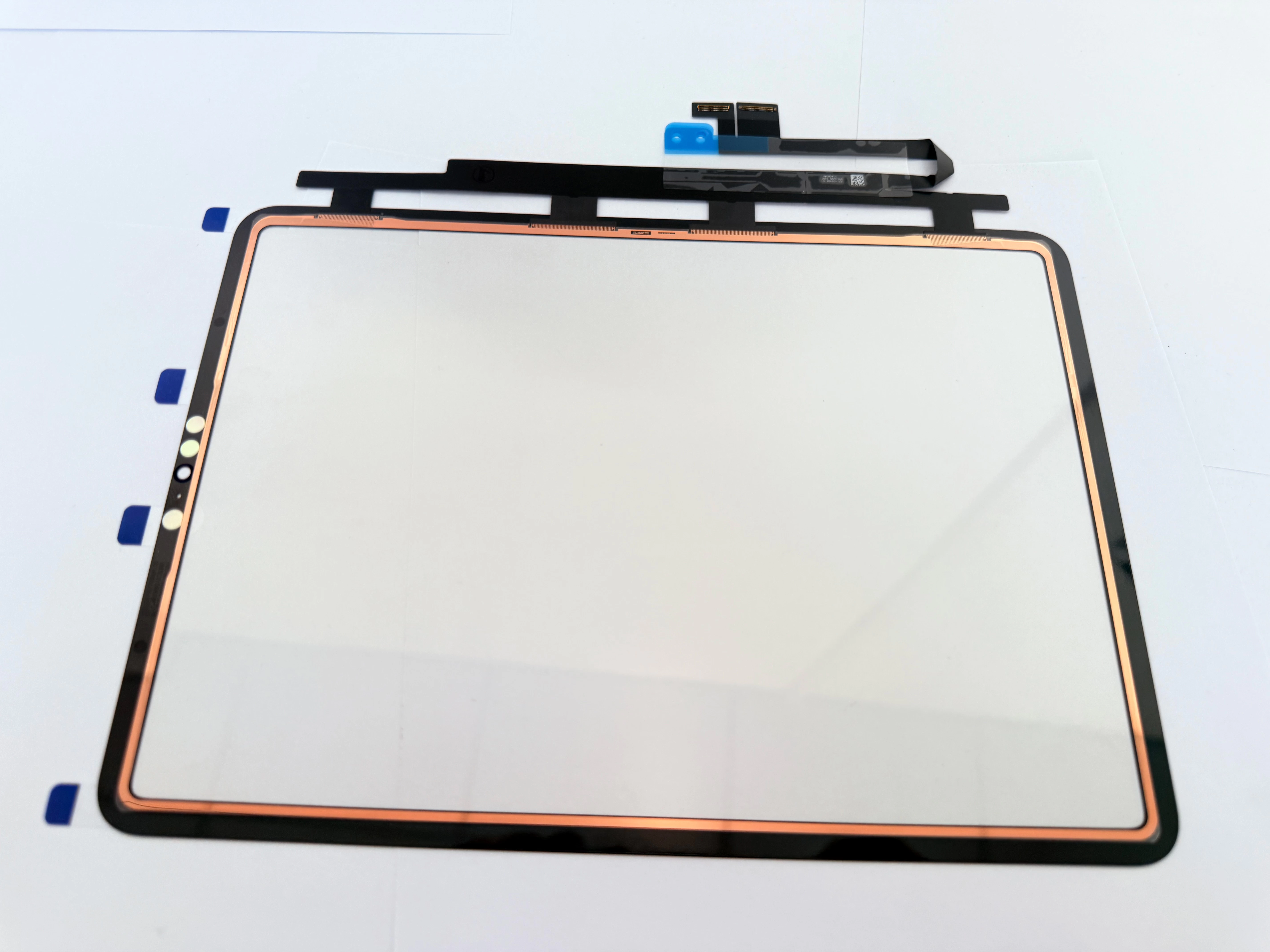
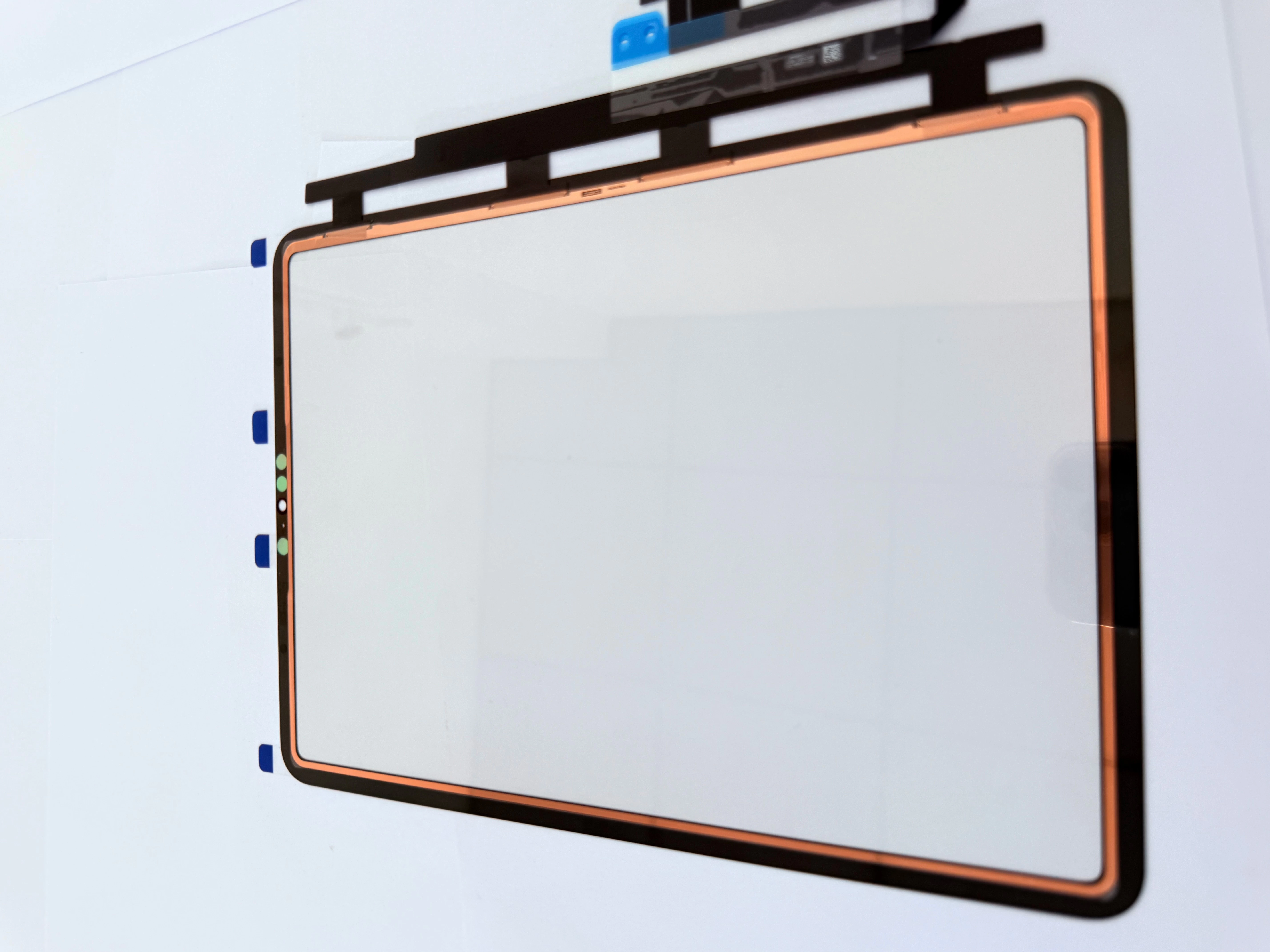
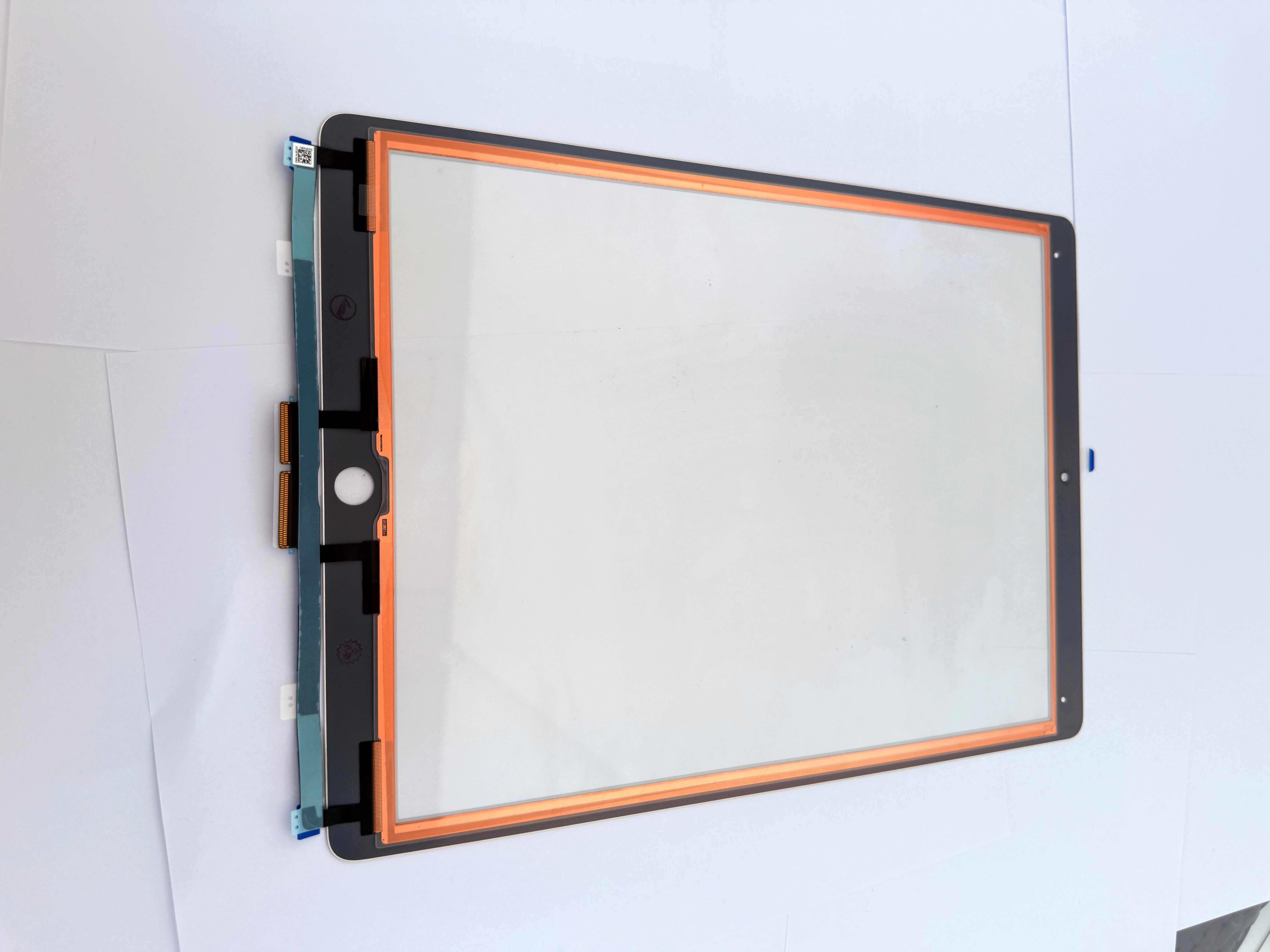
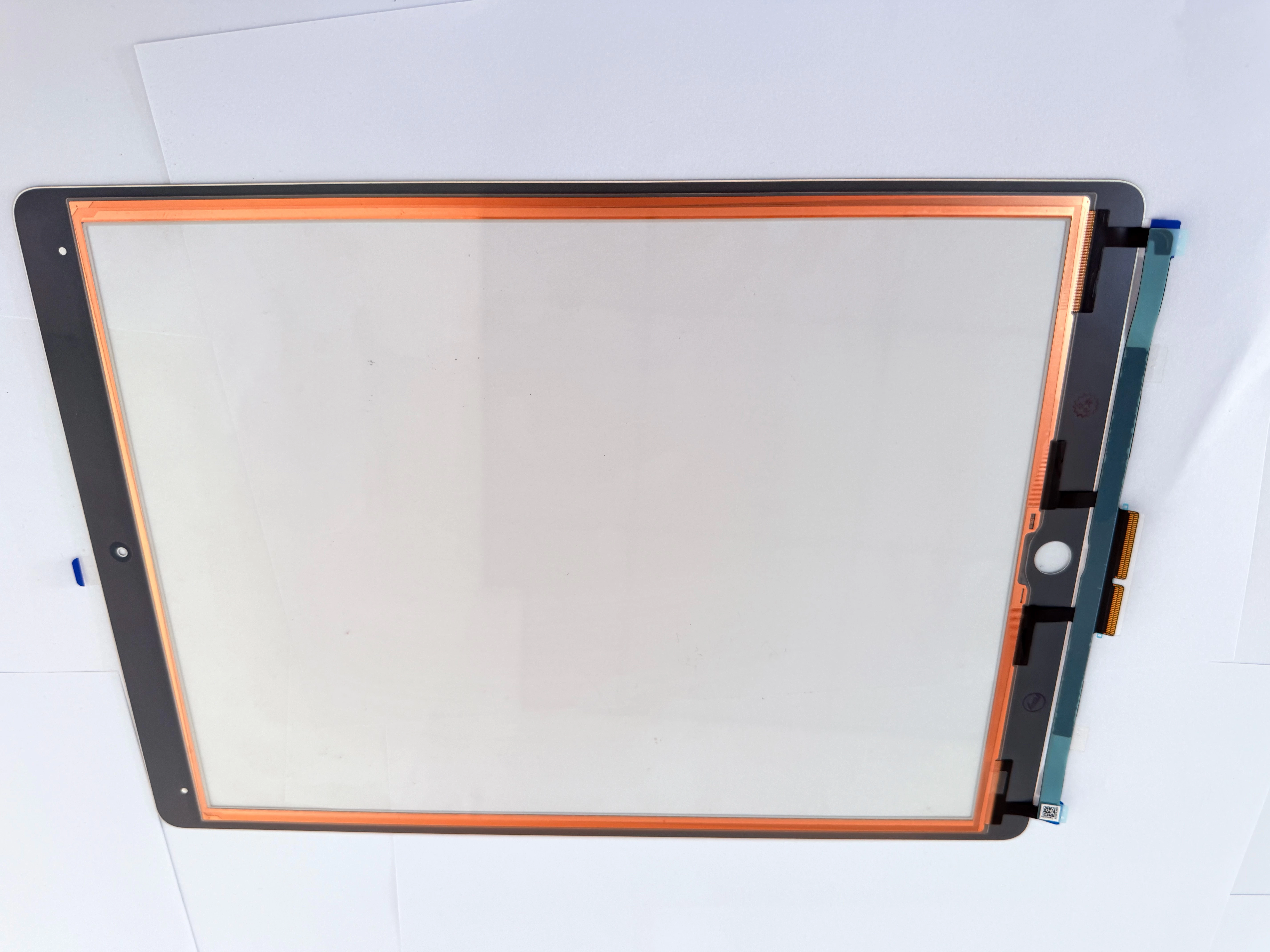
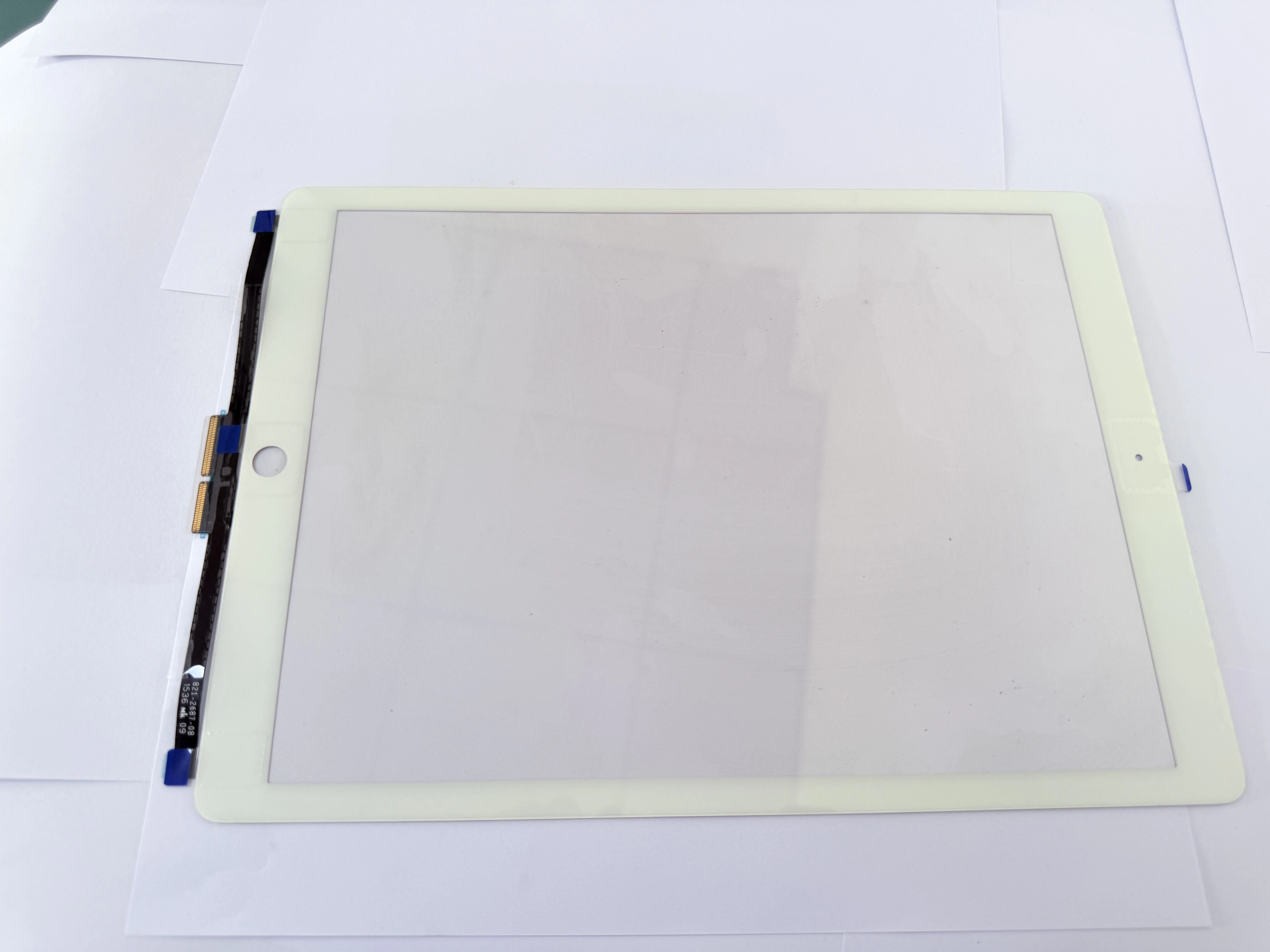
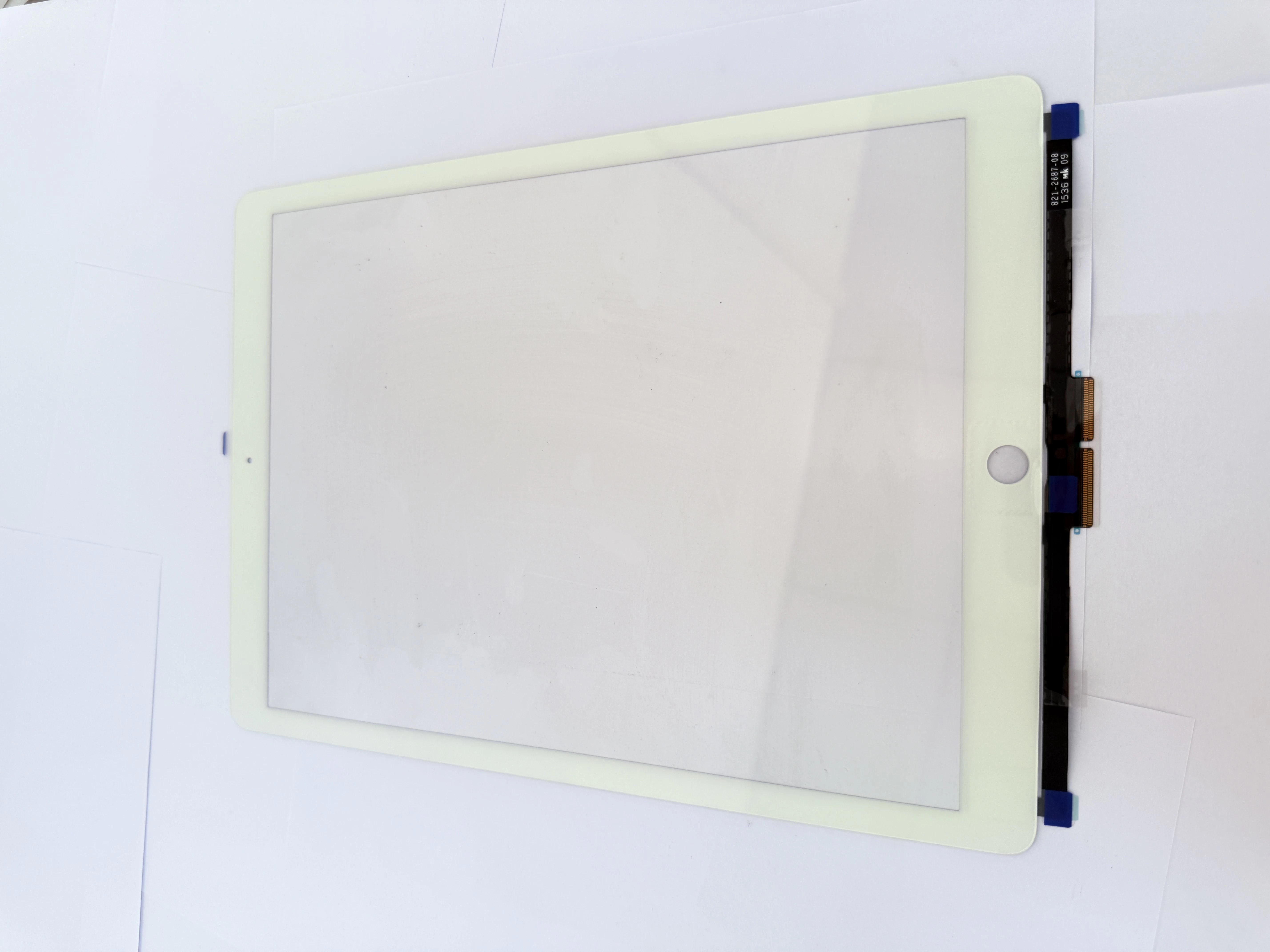
- Common Peripheral Compatibility Faults
- Cursor drift or offset when using trackpad;
- Multi-touch gesture failure on screen edge;
- Palm rejection failure during keyboard input.
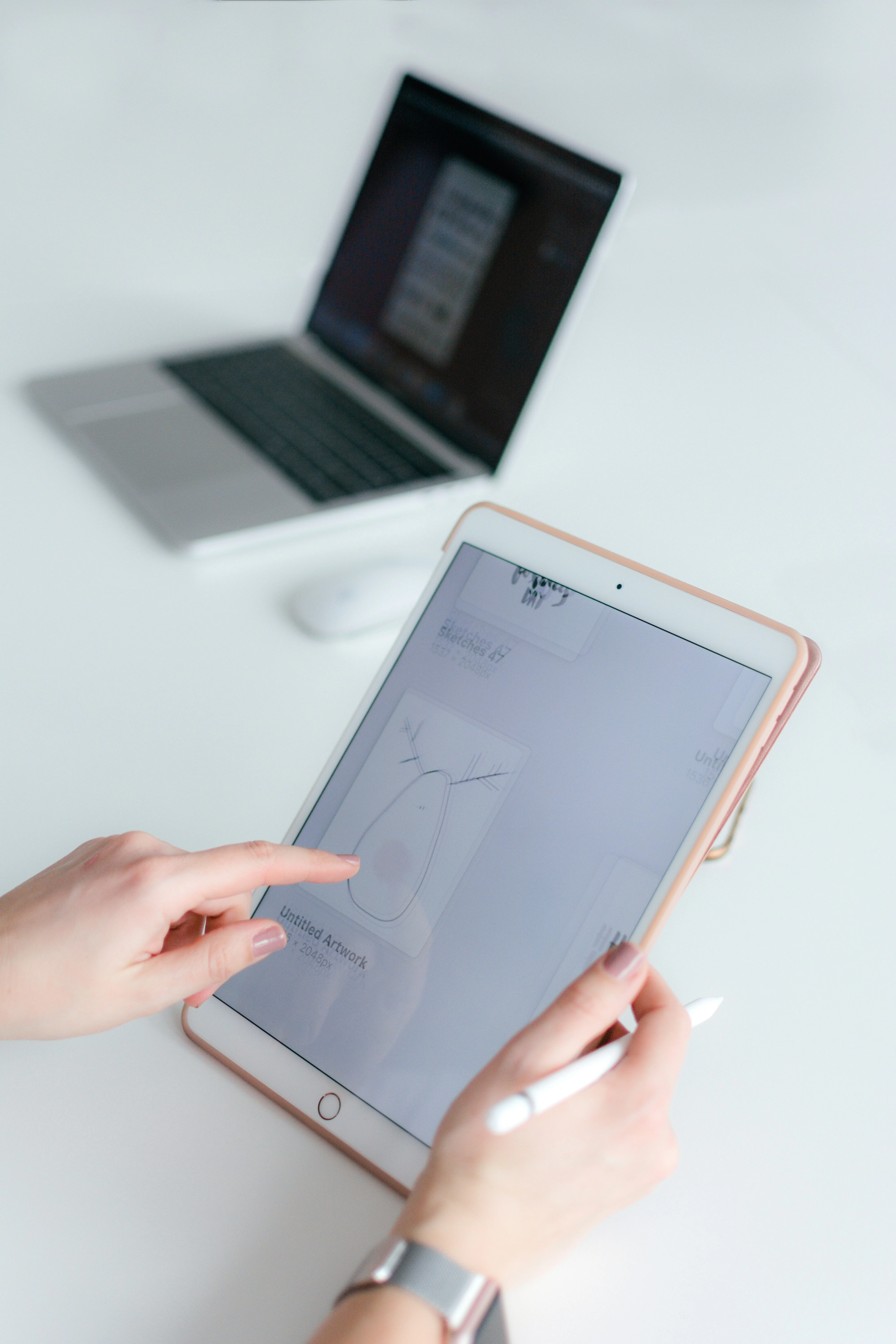
- Step-by-Step Troubleshooting Process
- Step 1: Reconnect Bluetooth and reset keyboard settings;
- Step 2: Calibrate touch coordinate and adjust edge sensitivity;
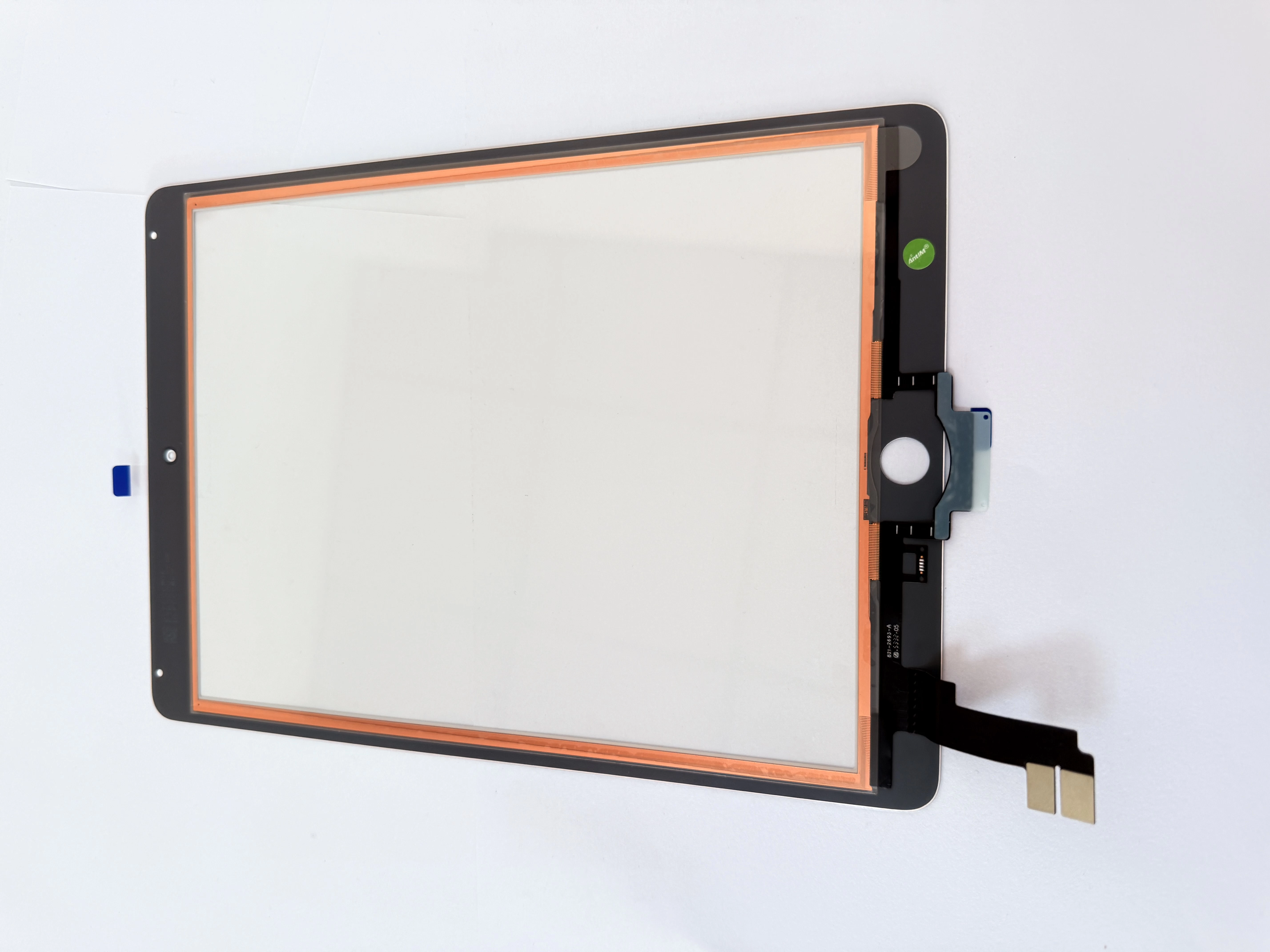
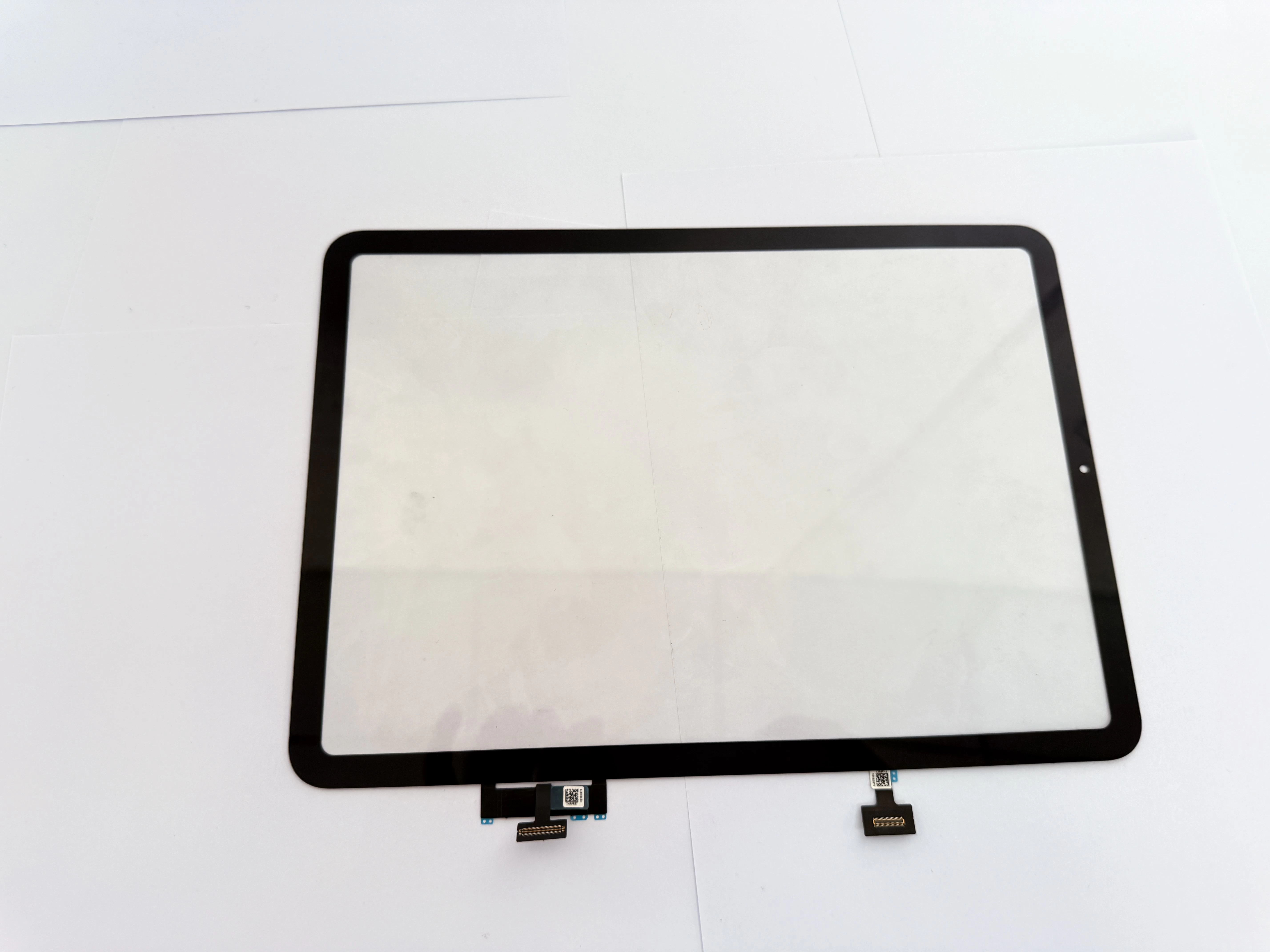
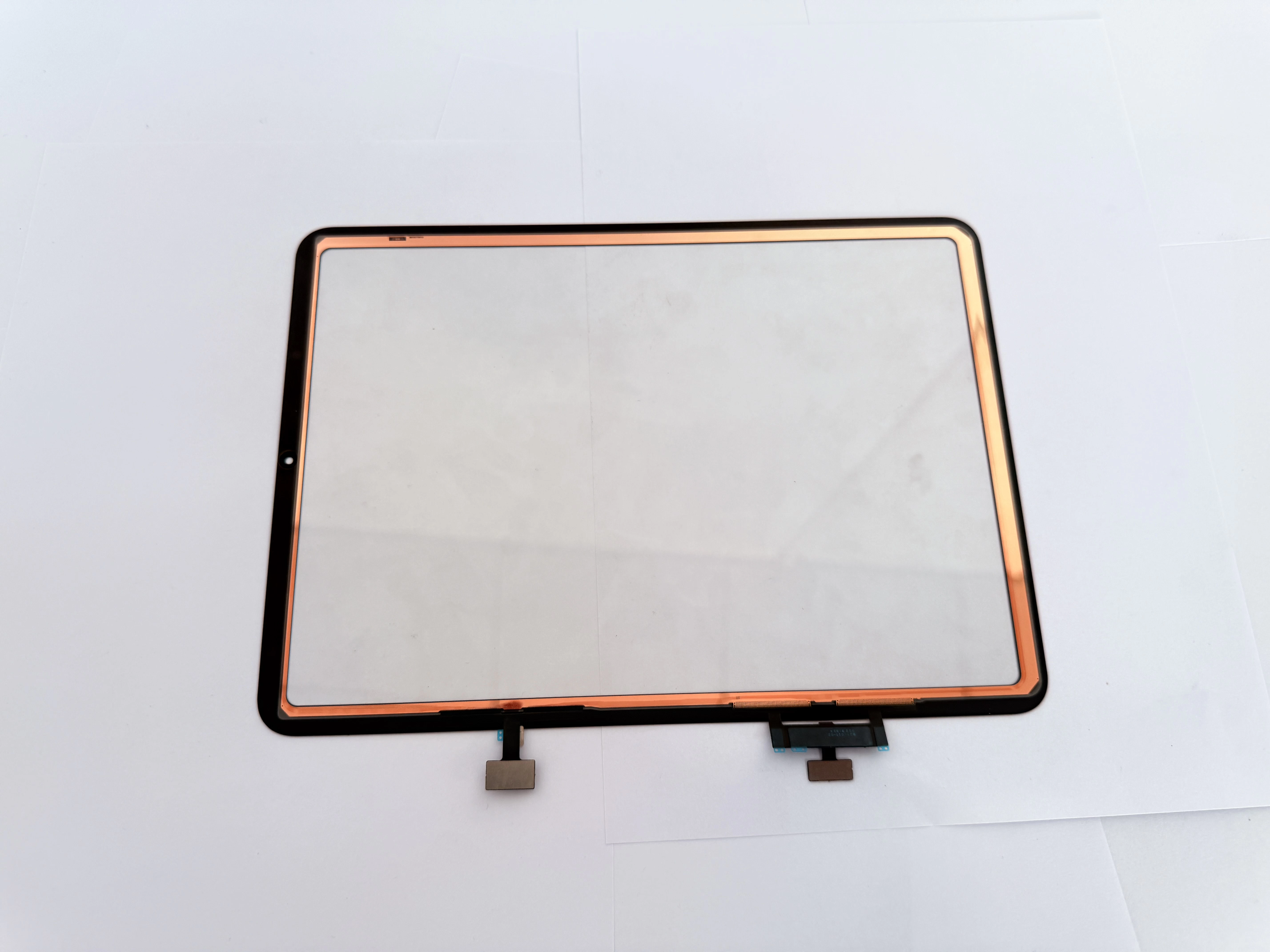
- Step 3: Check connector contact and screen installation flatness.
- Business User Service Optimization
- Provide on-site debugging service for enterprise clients;
- Test full peripheral functions before delivery;
- Offer usage tips for keyboard + screen combined scenarios.
- Wholesale Product Quality Assurance
- Our business-series digitizers are pre-tested for keyboard compatibility;
- We provide technical support for adaptation problems.
случаи