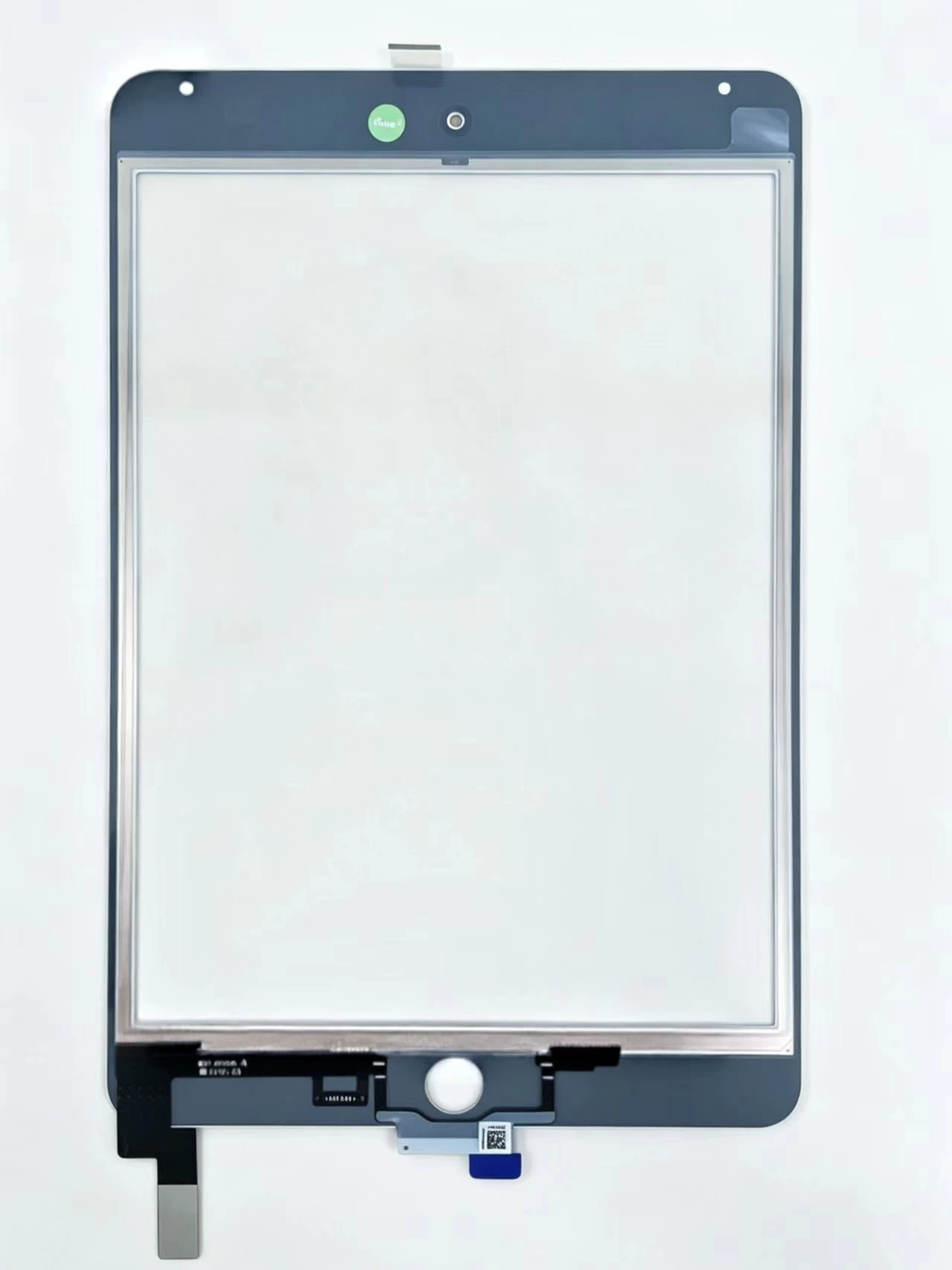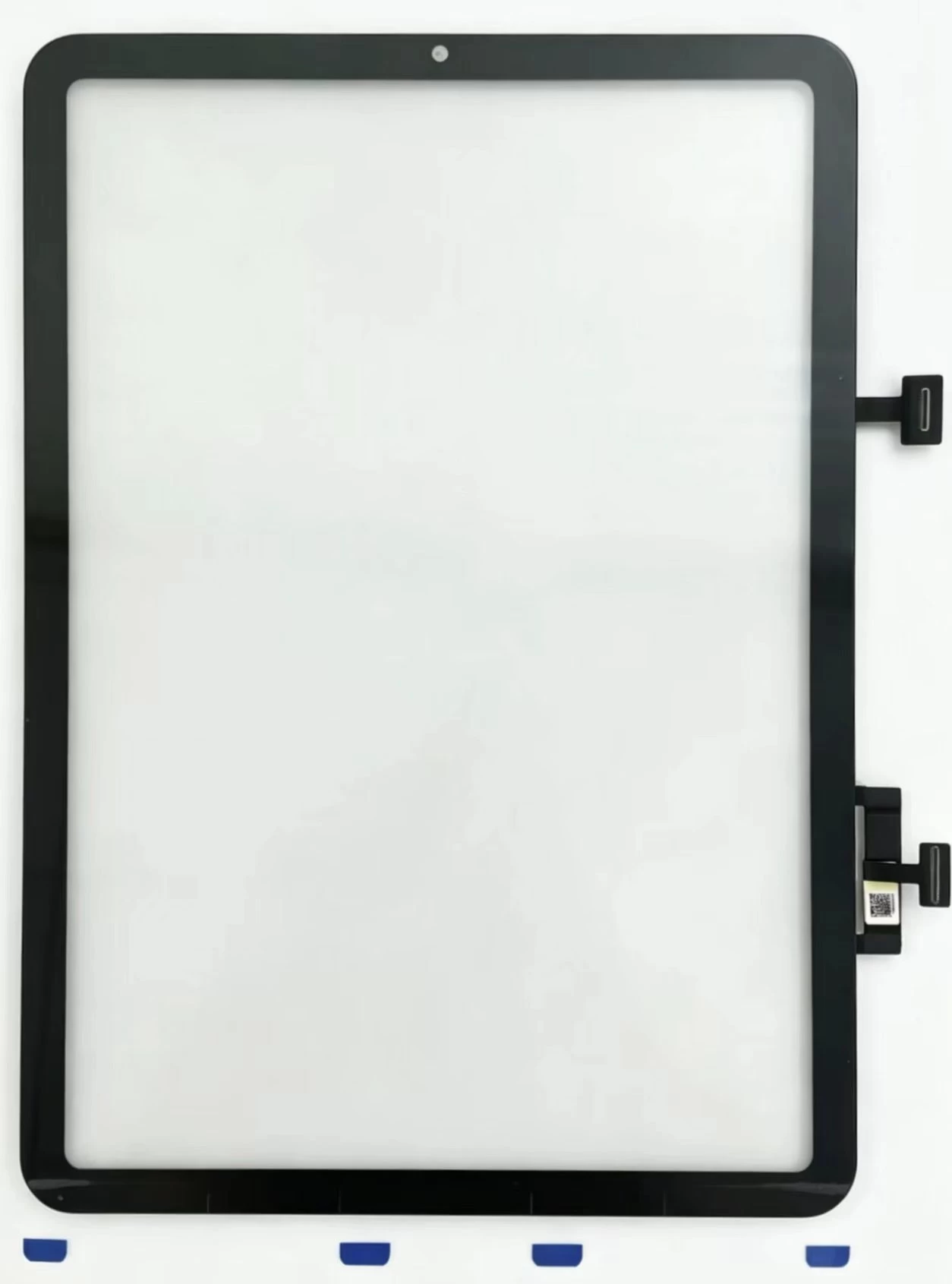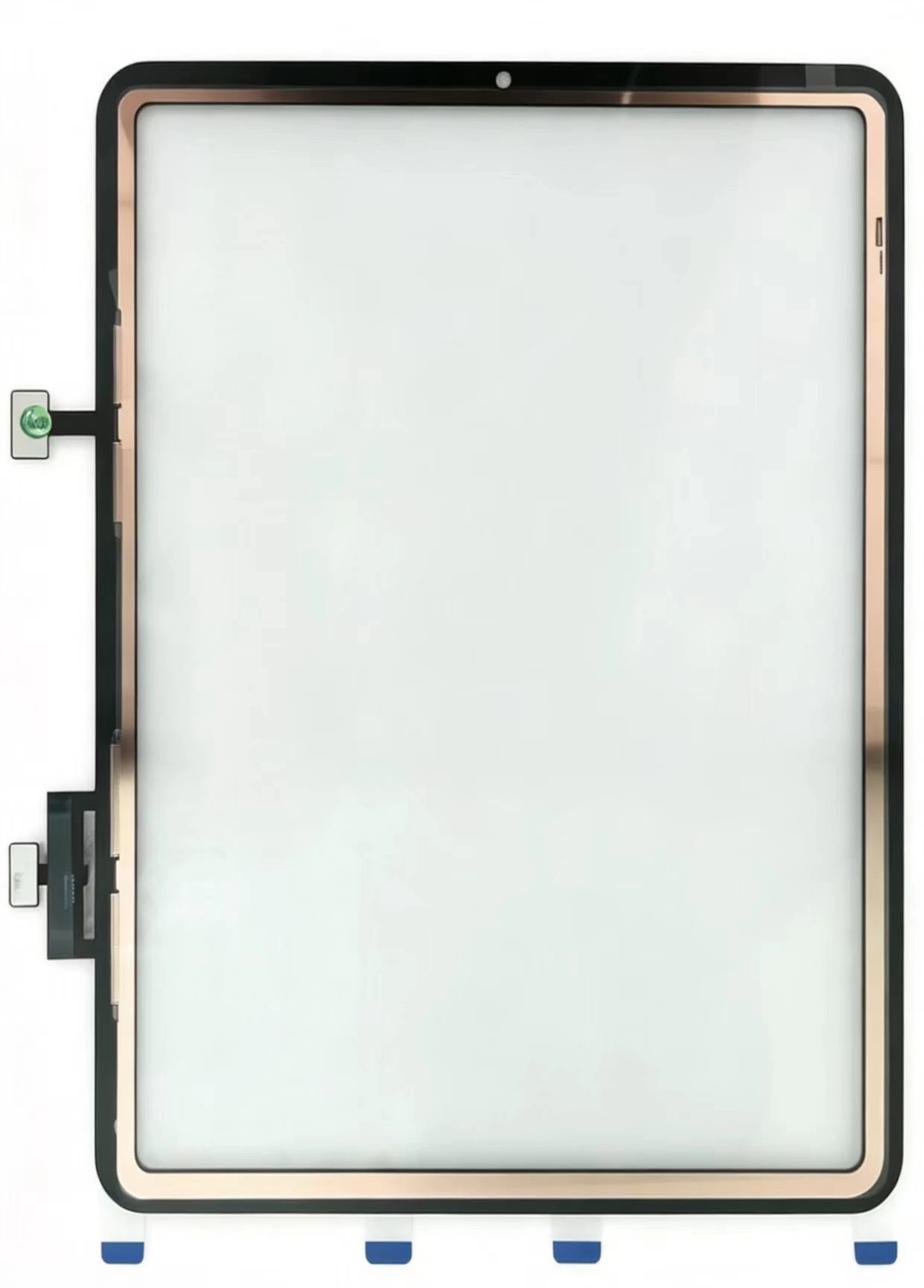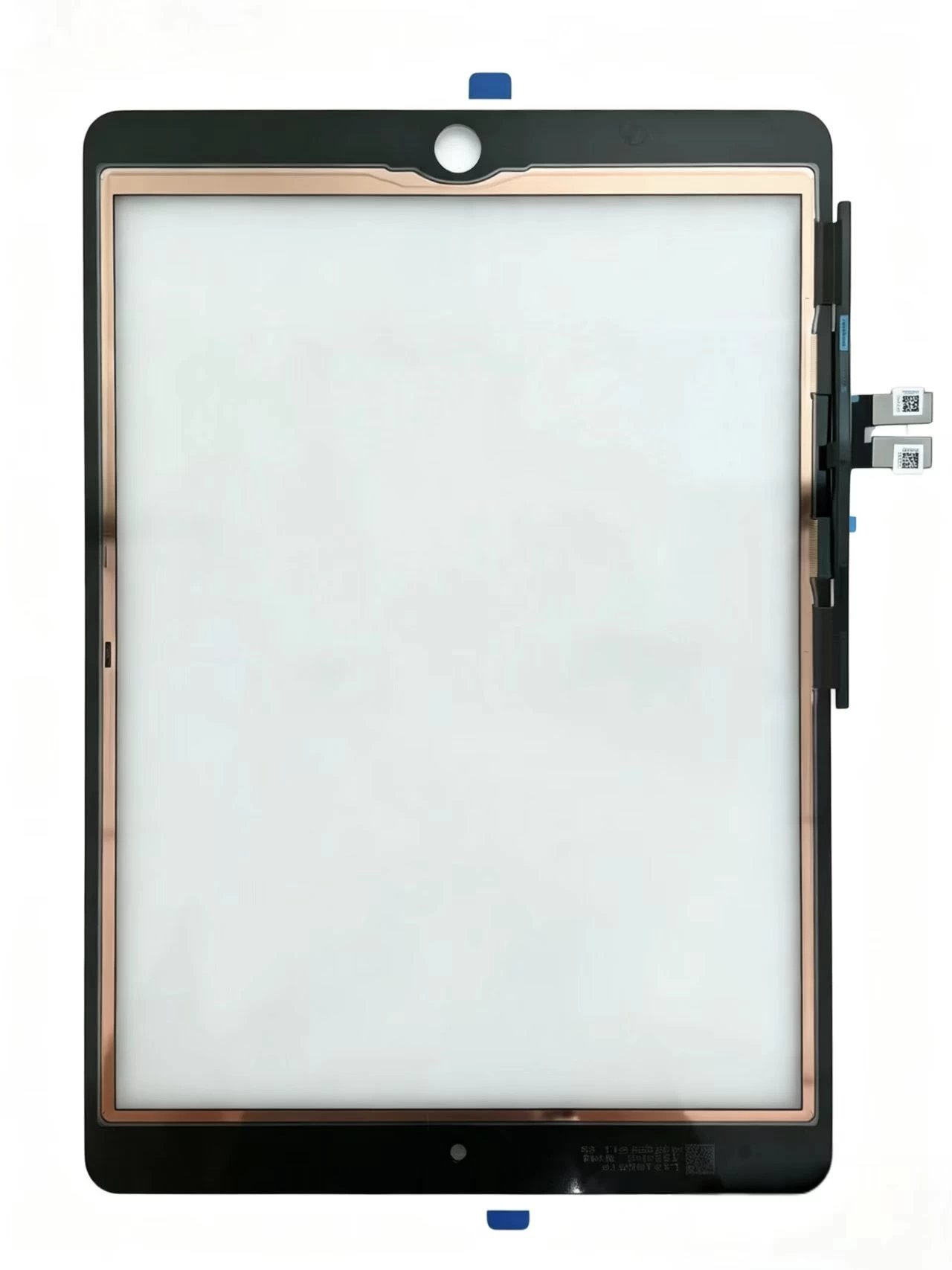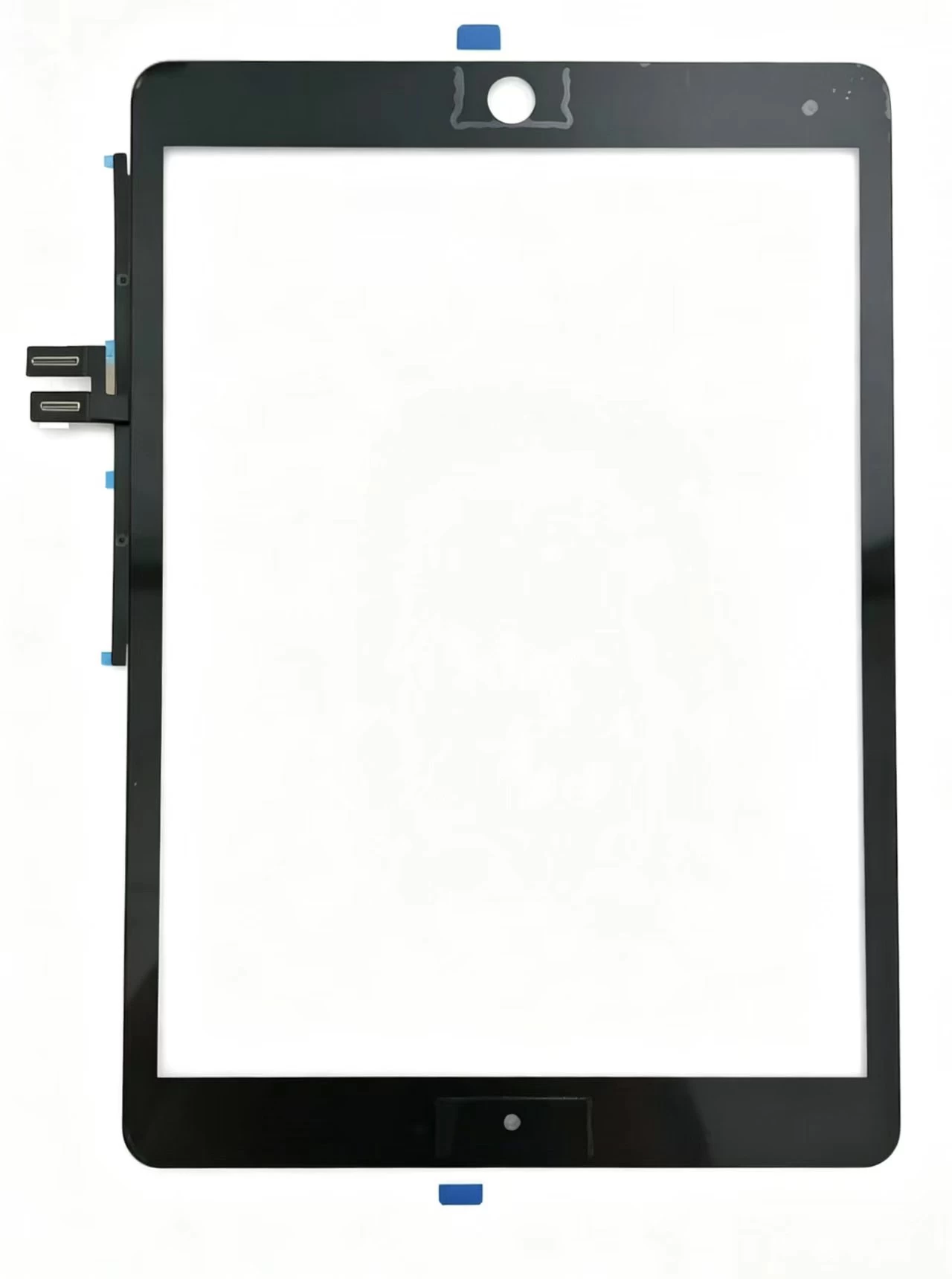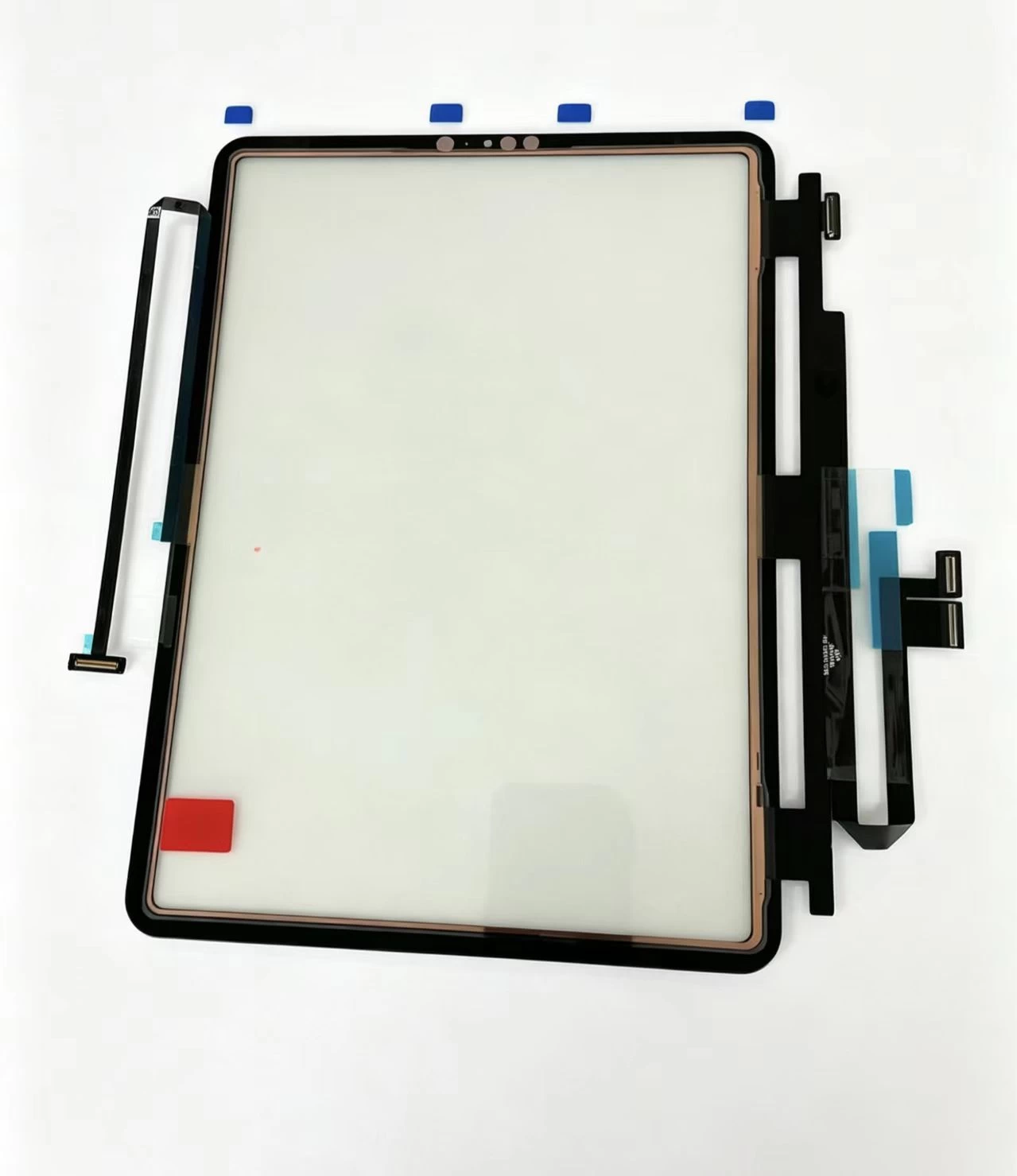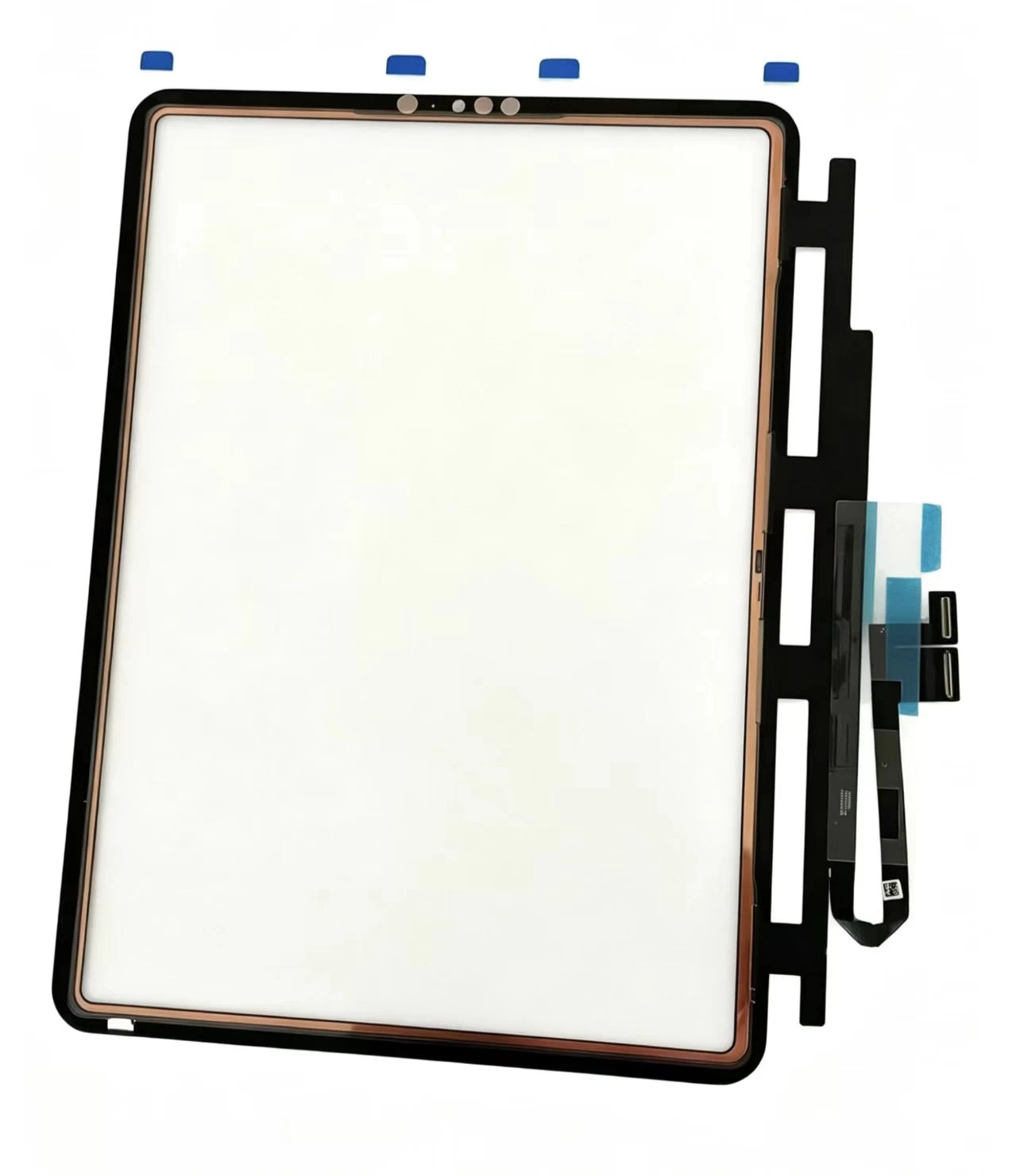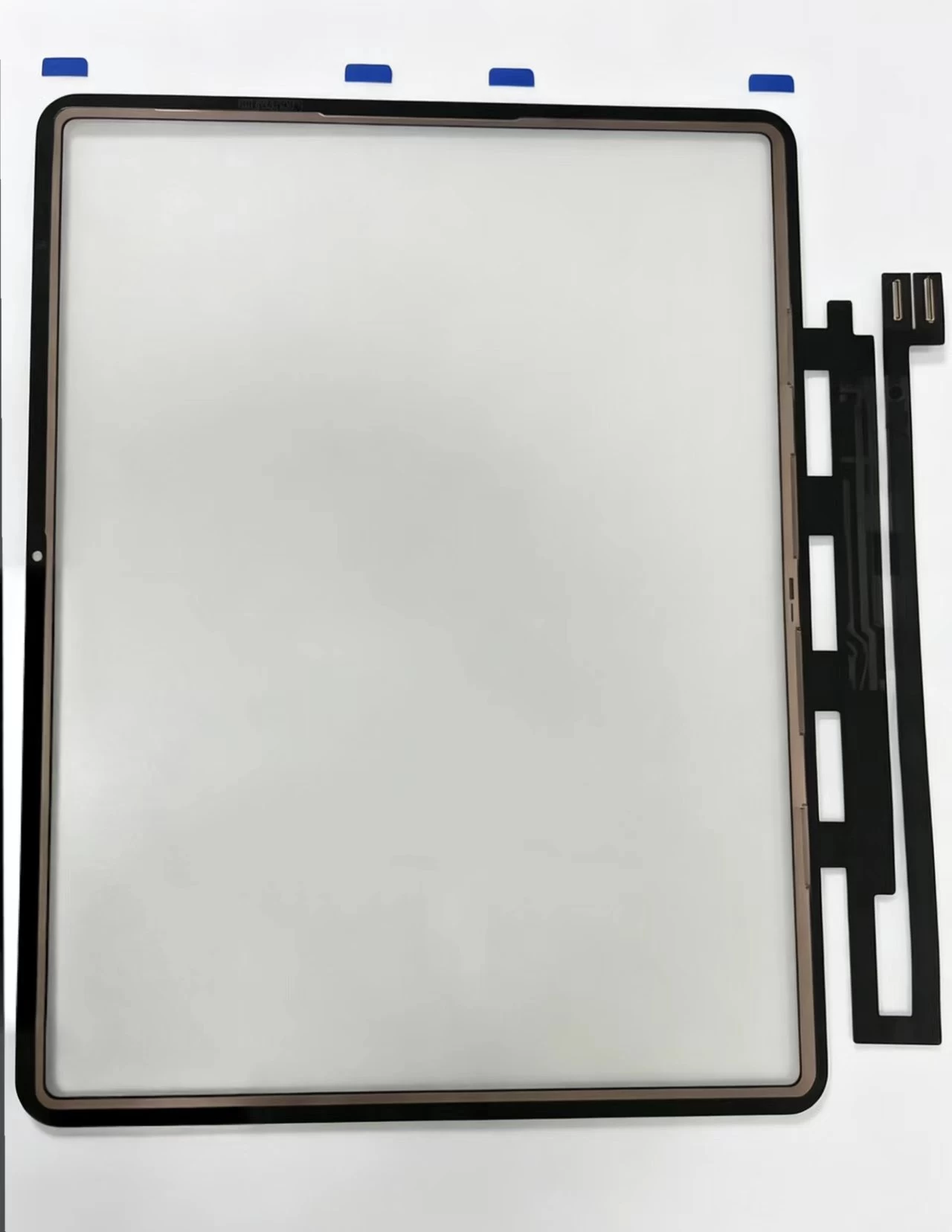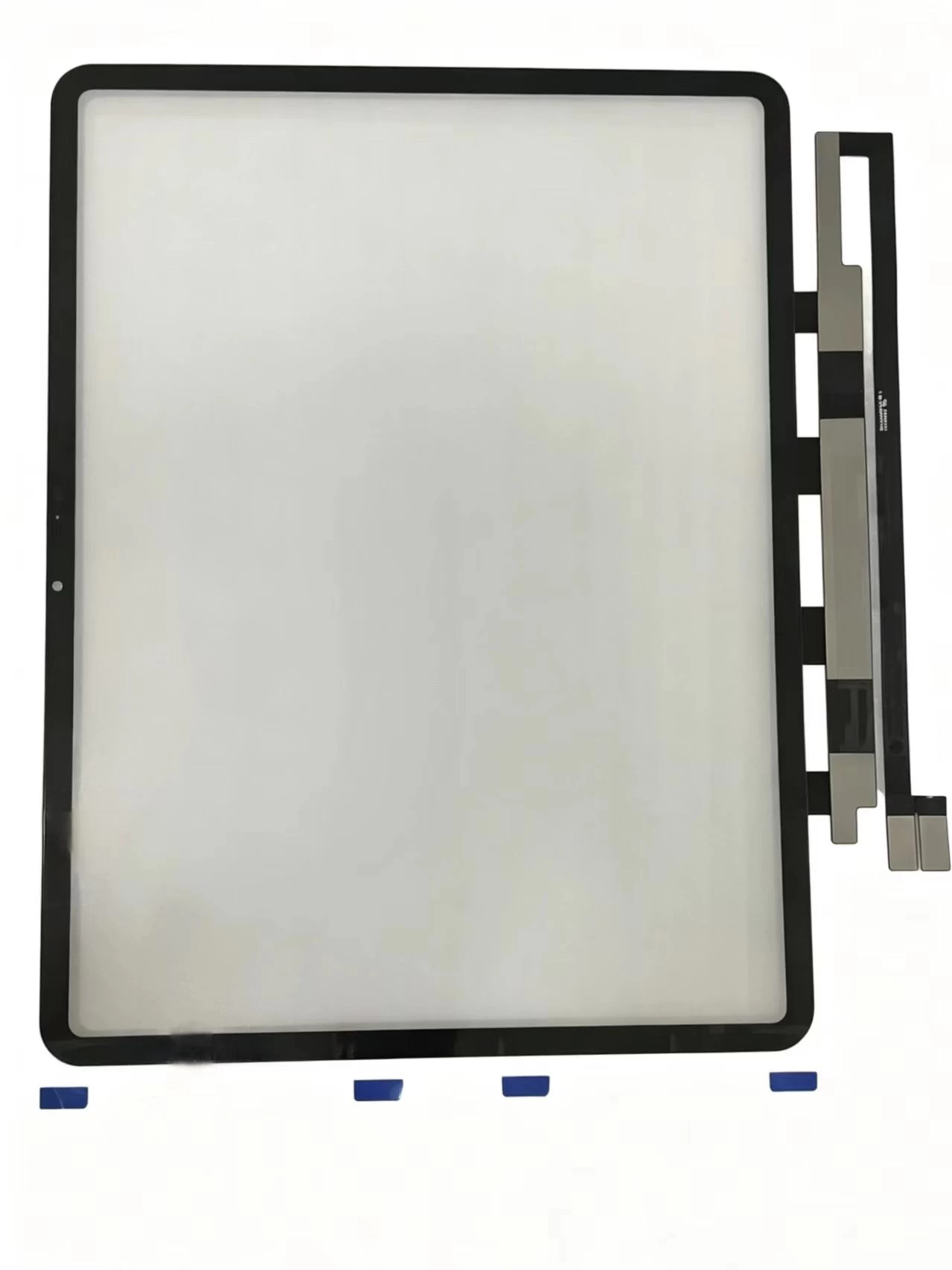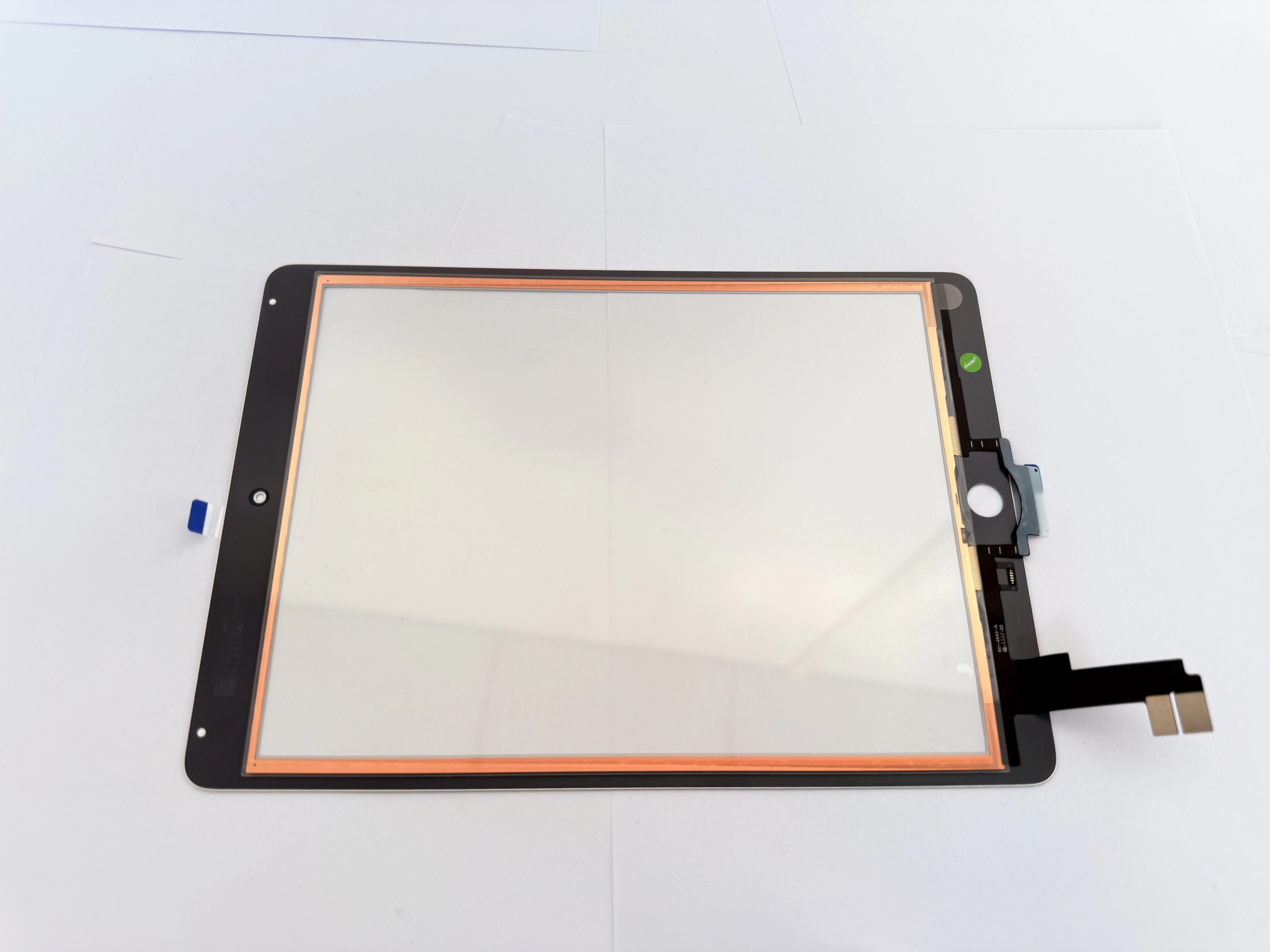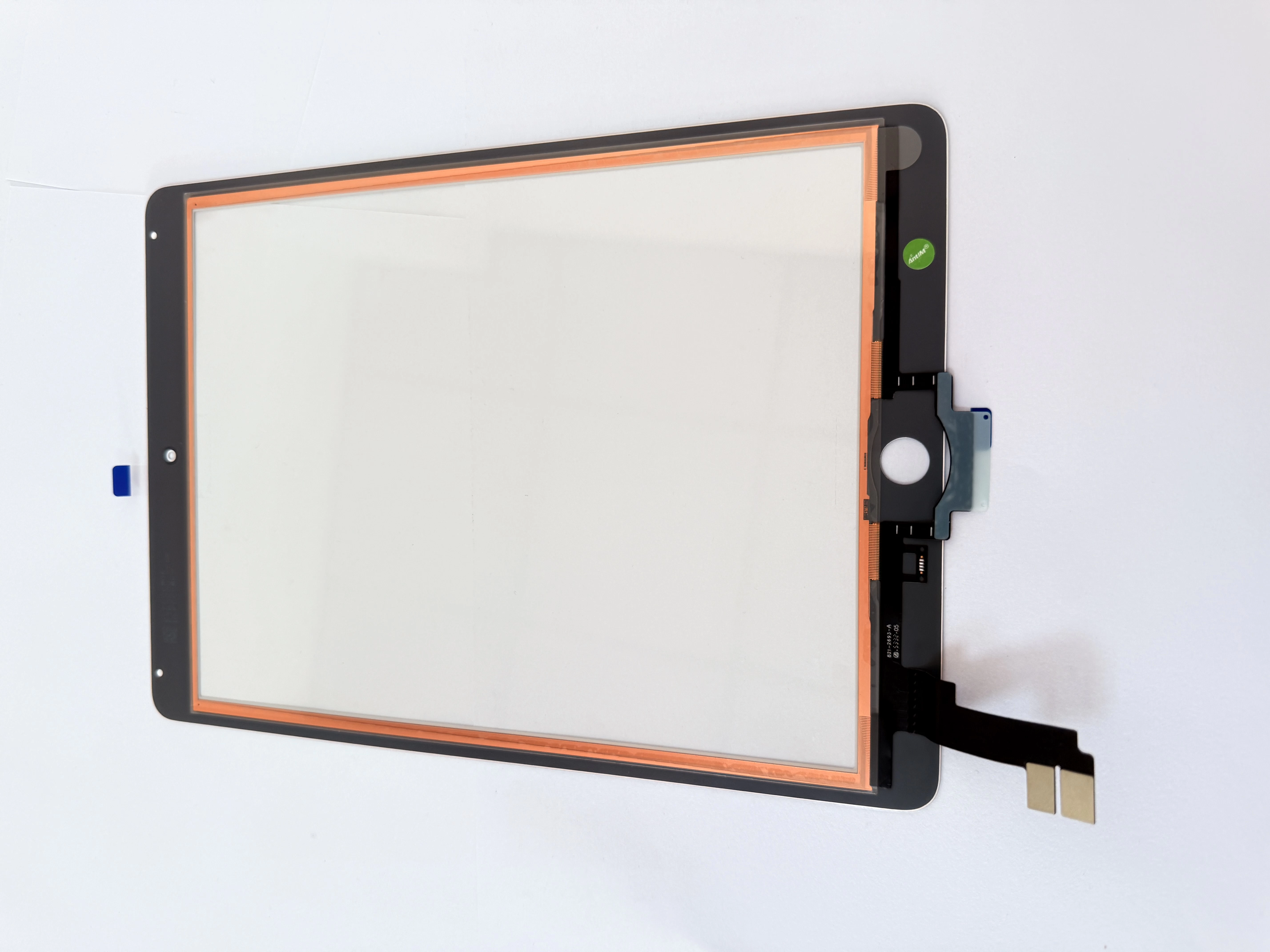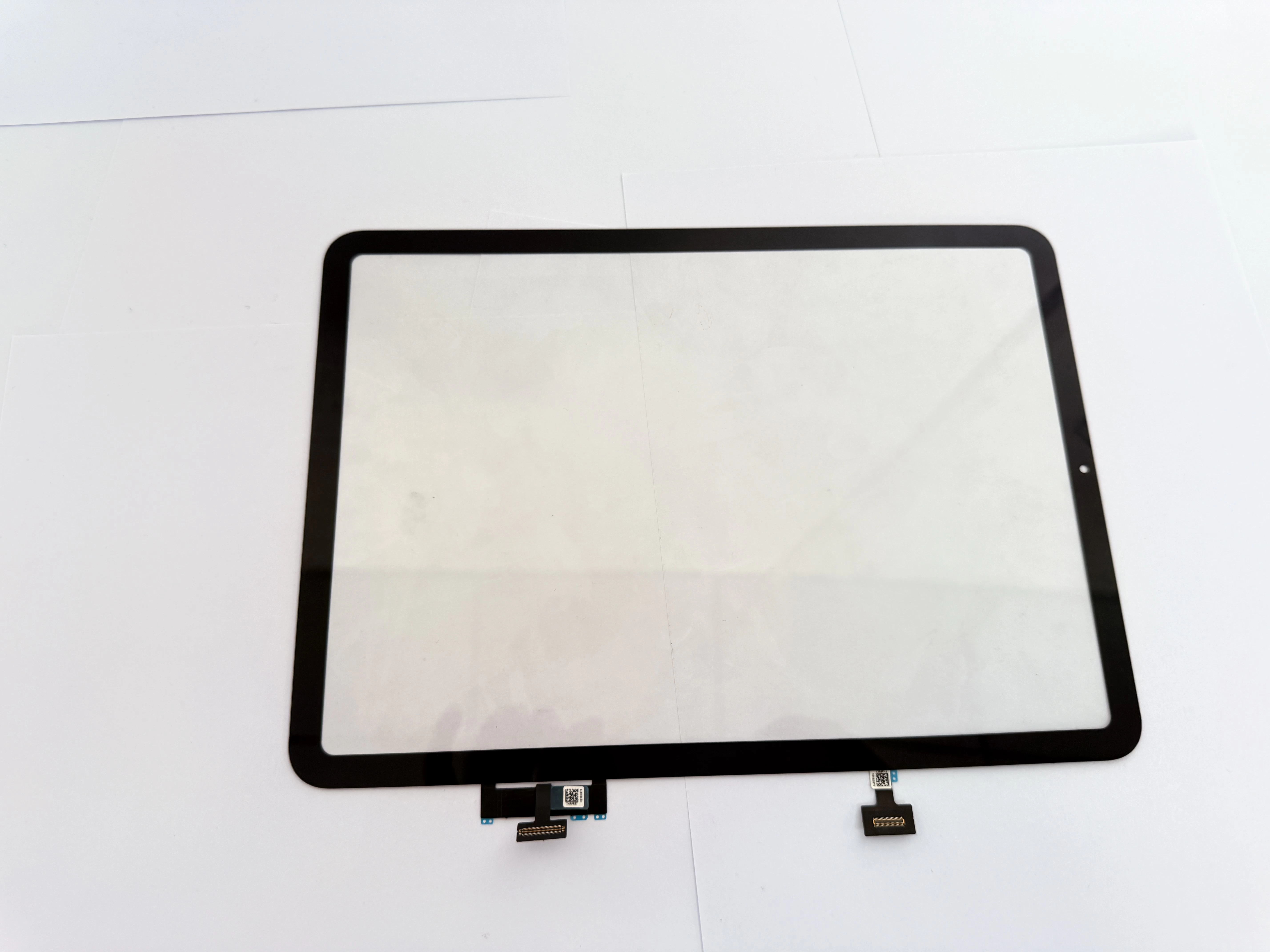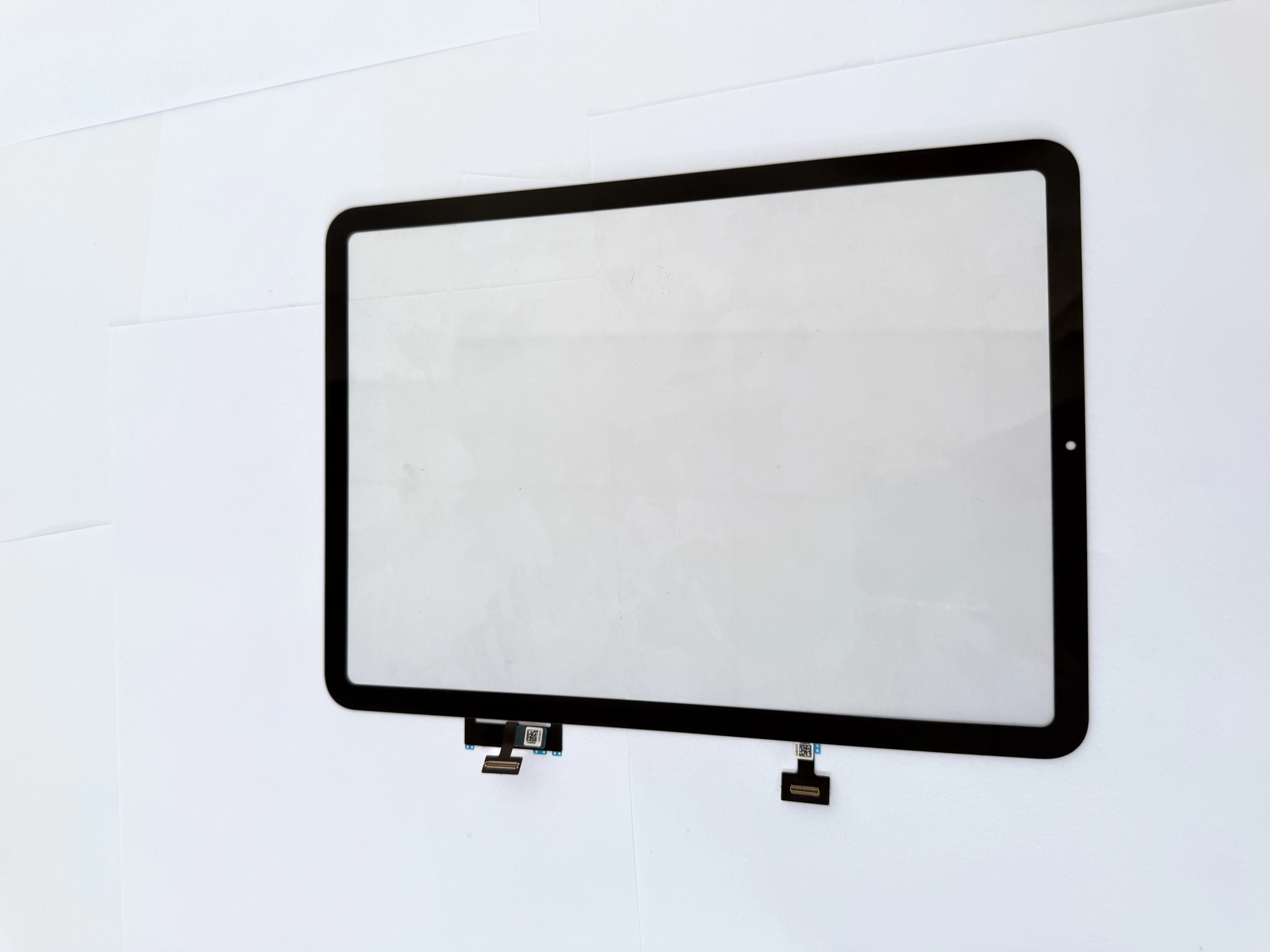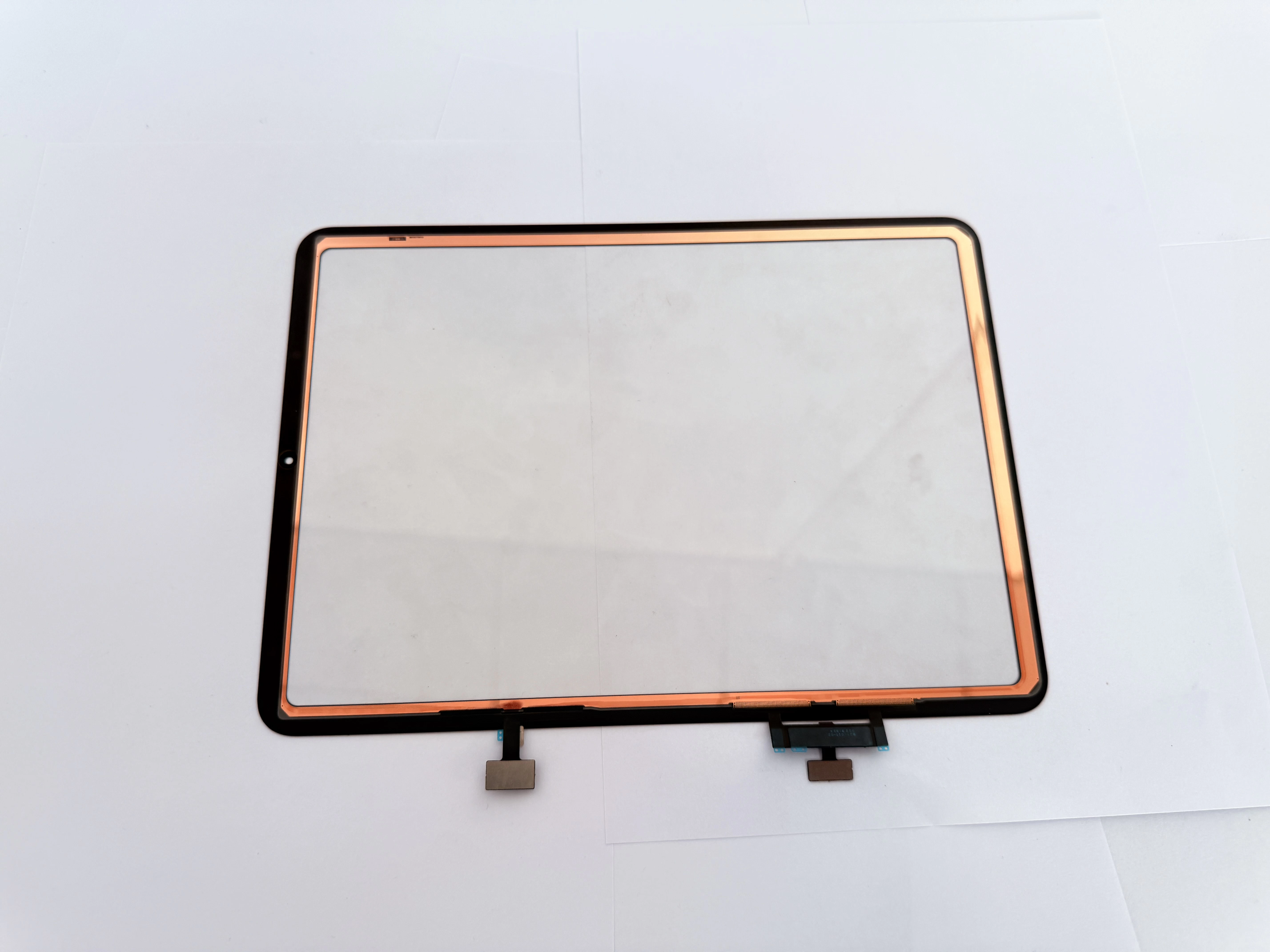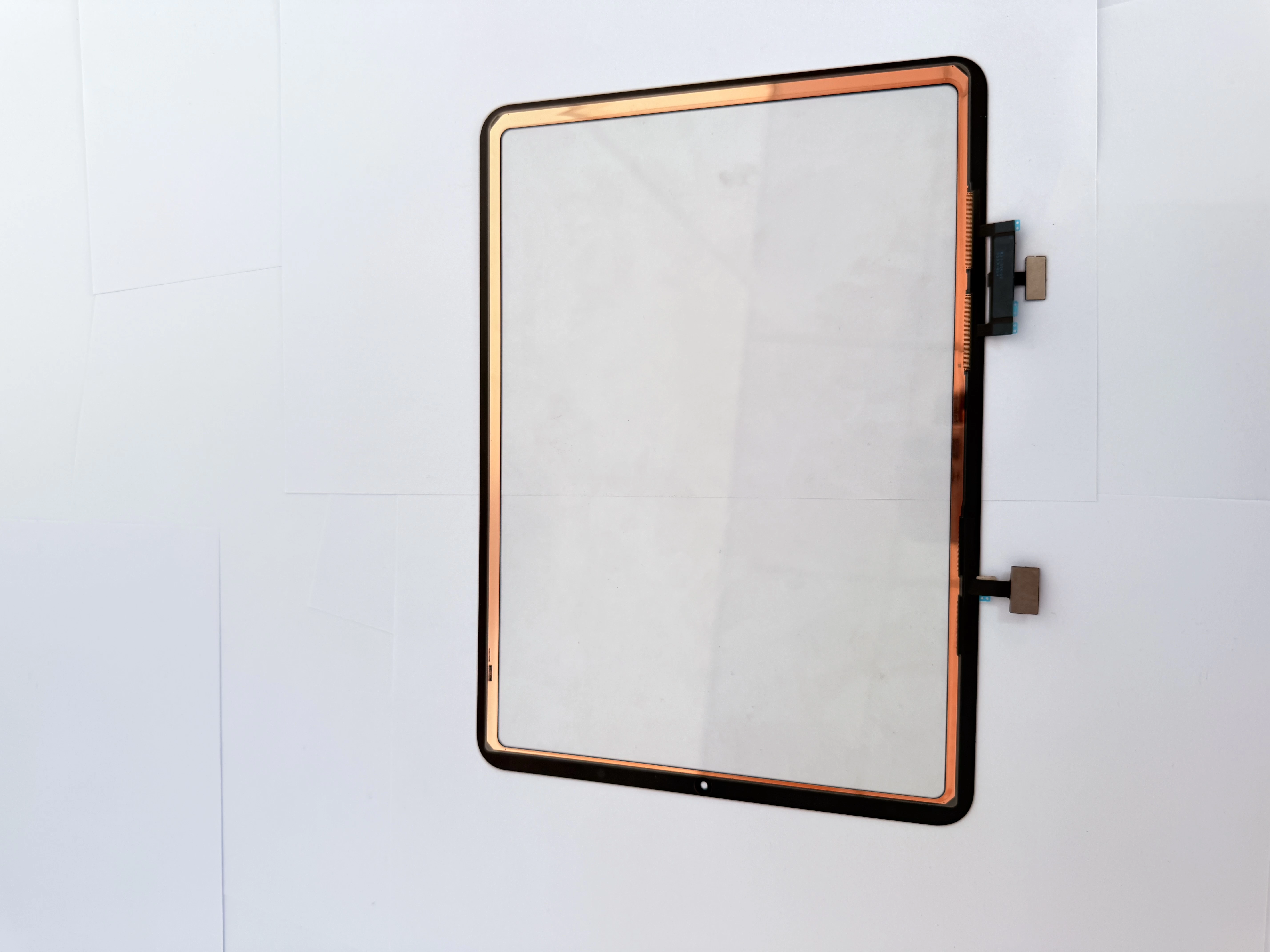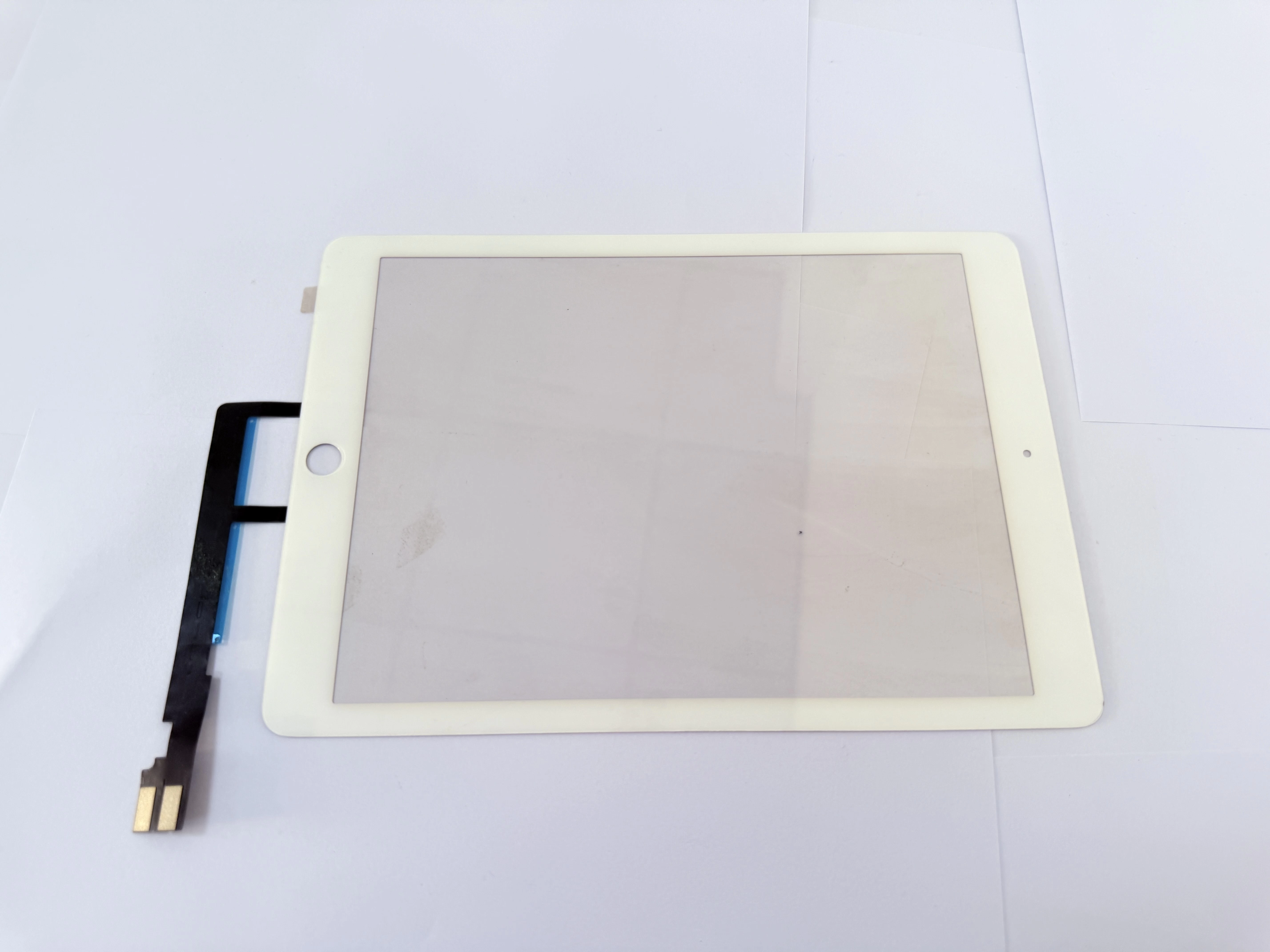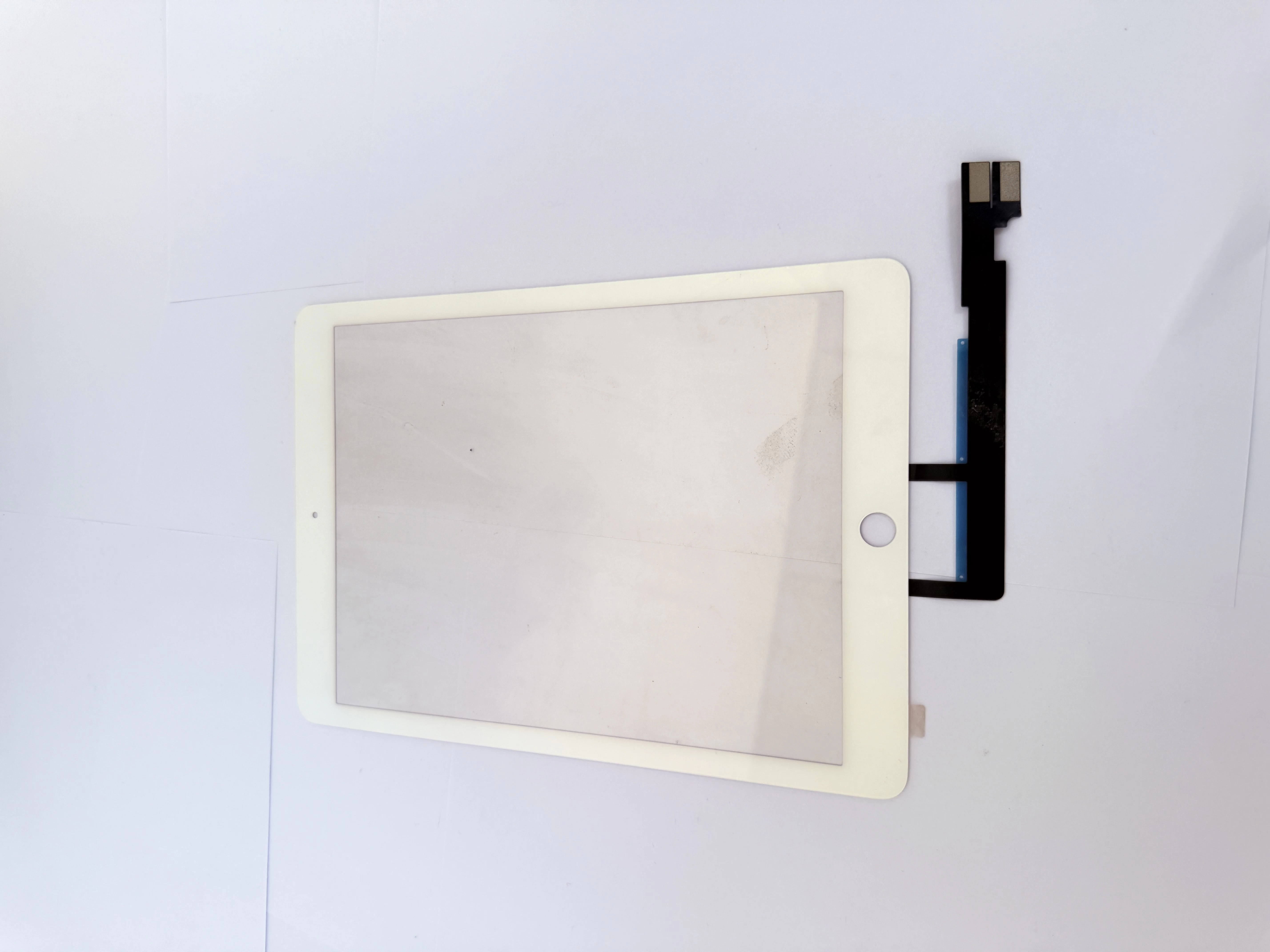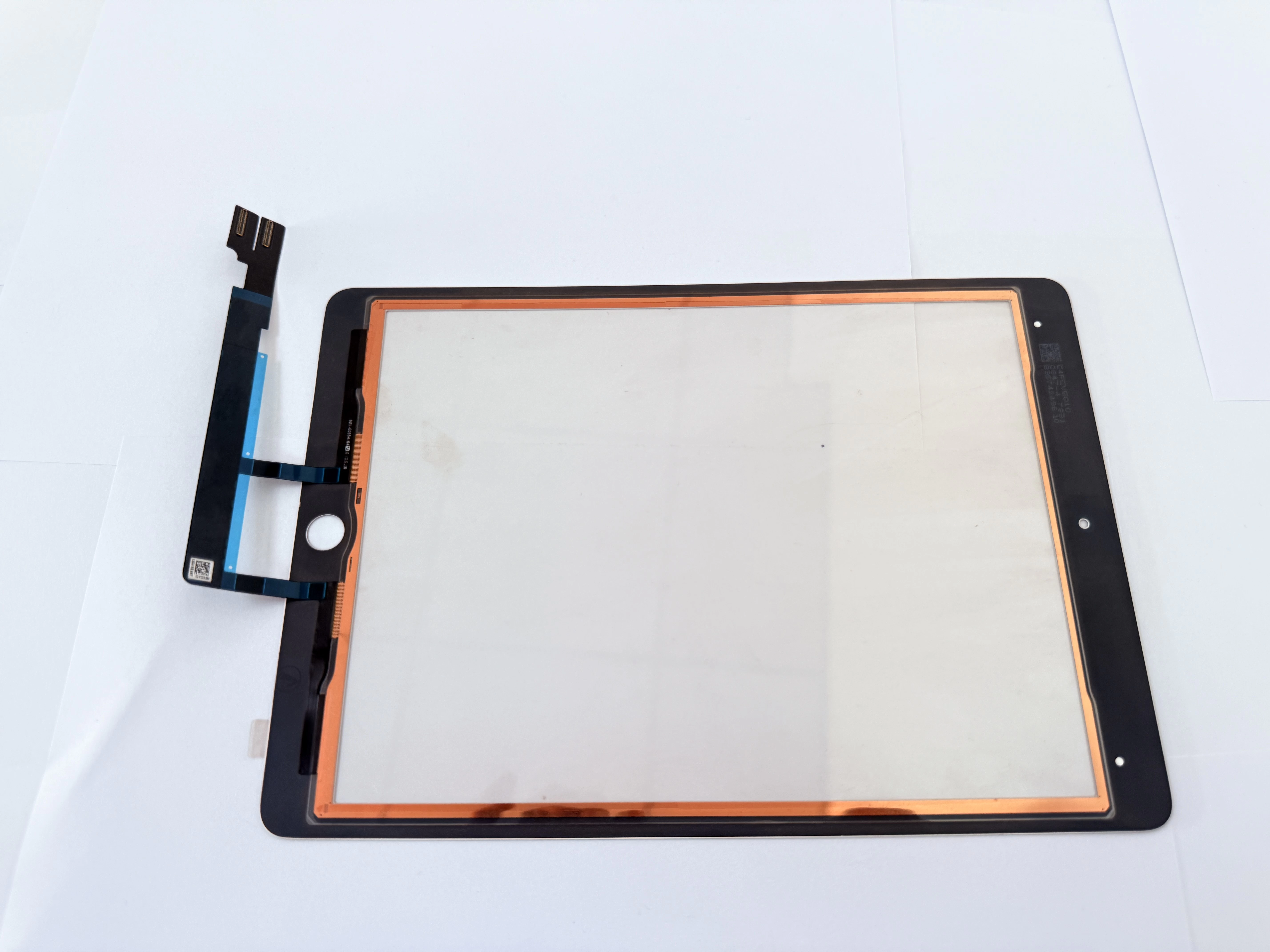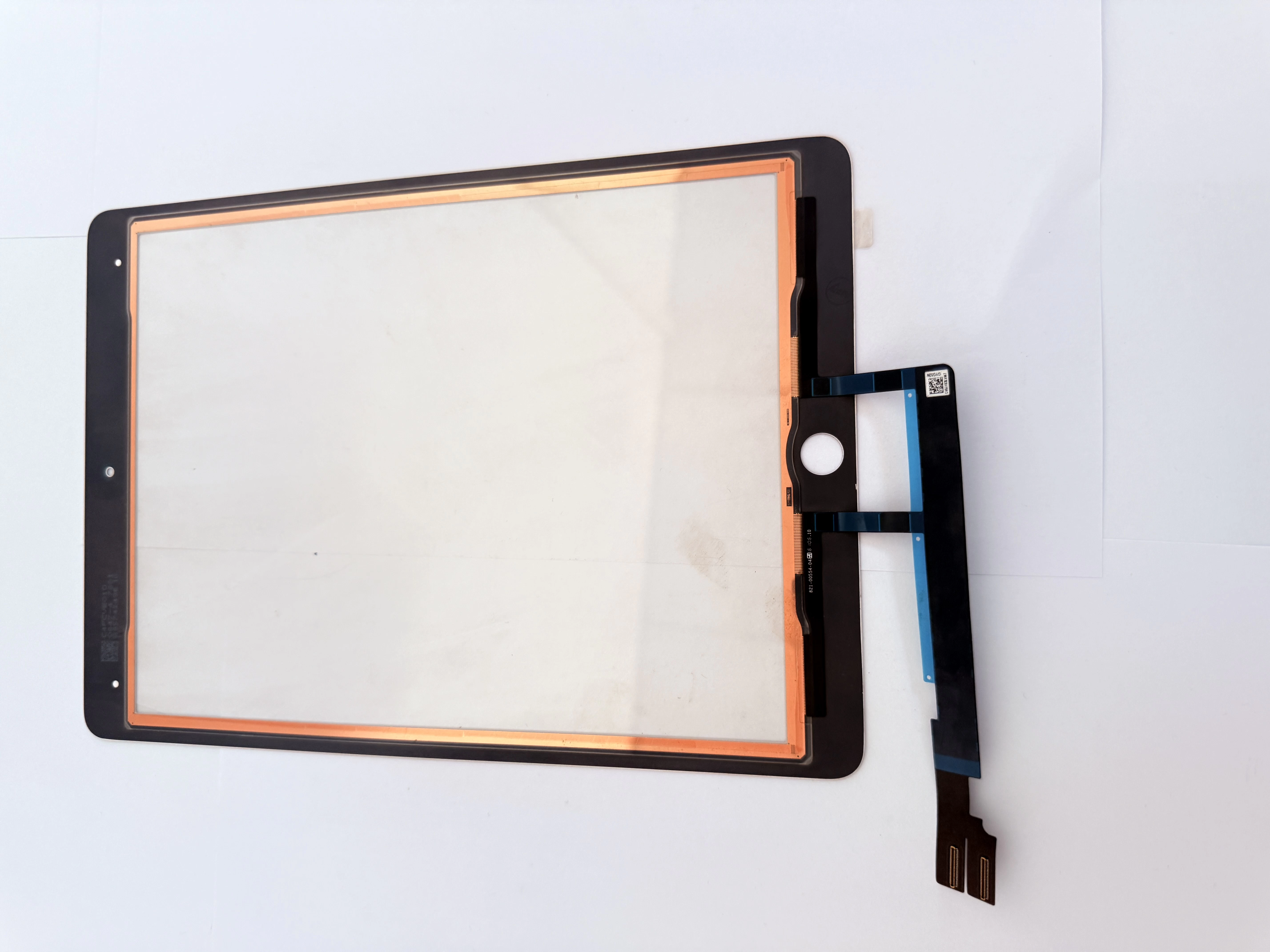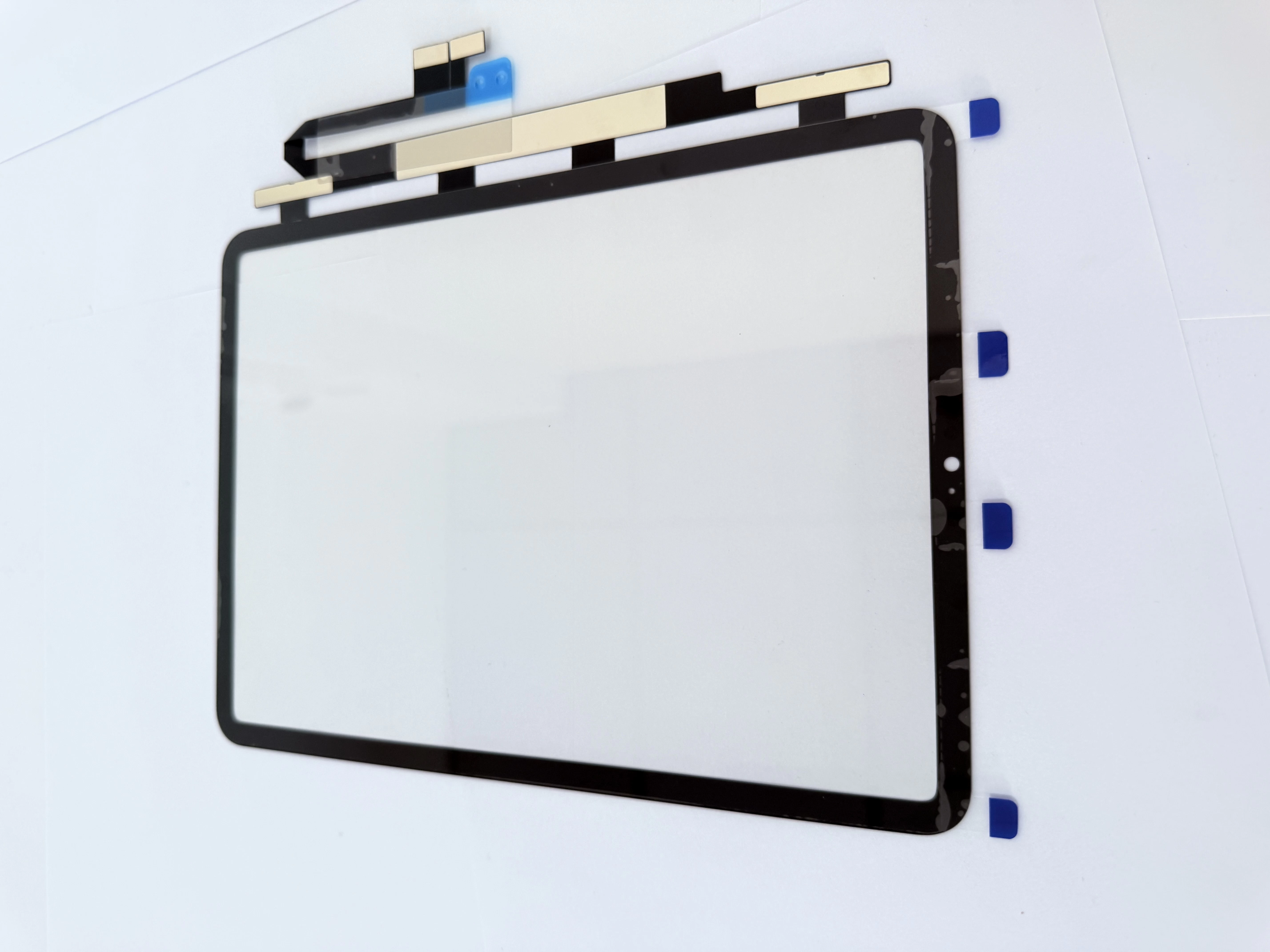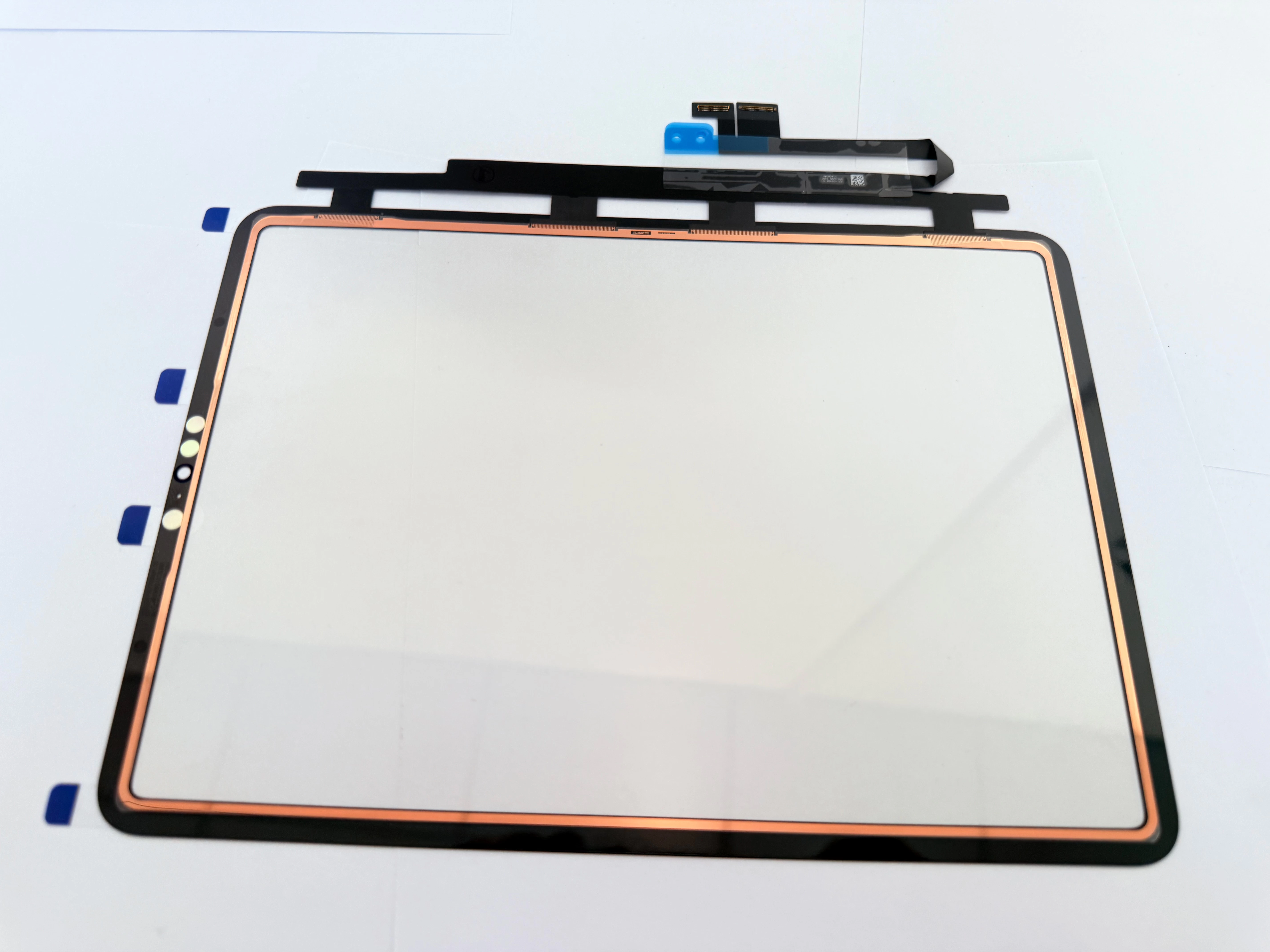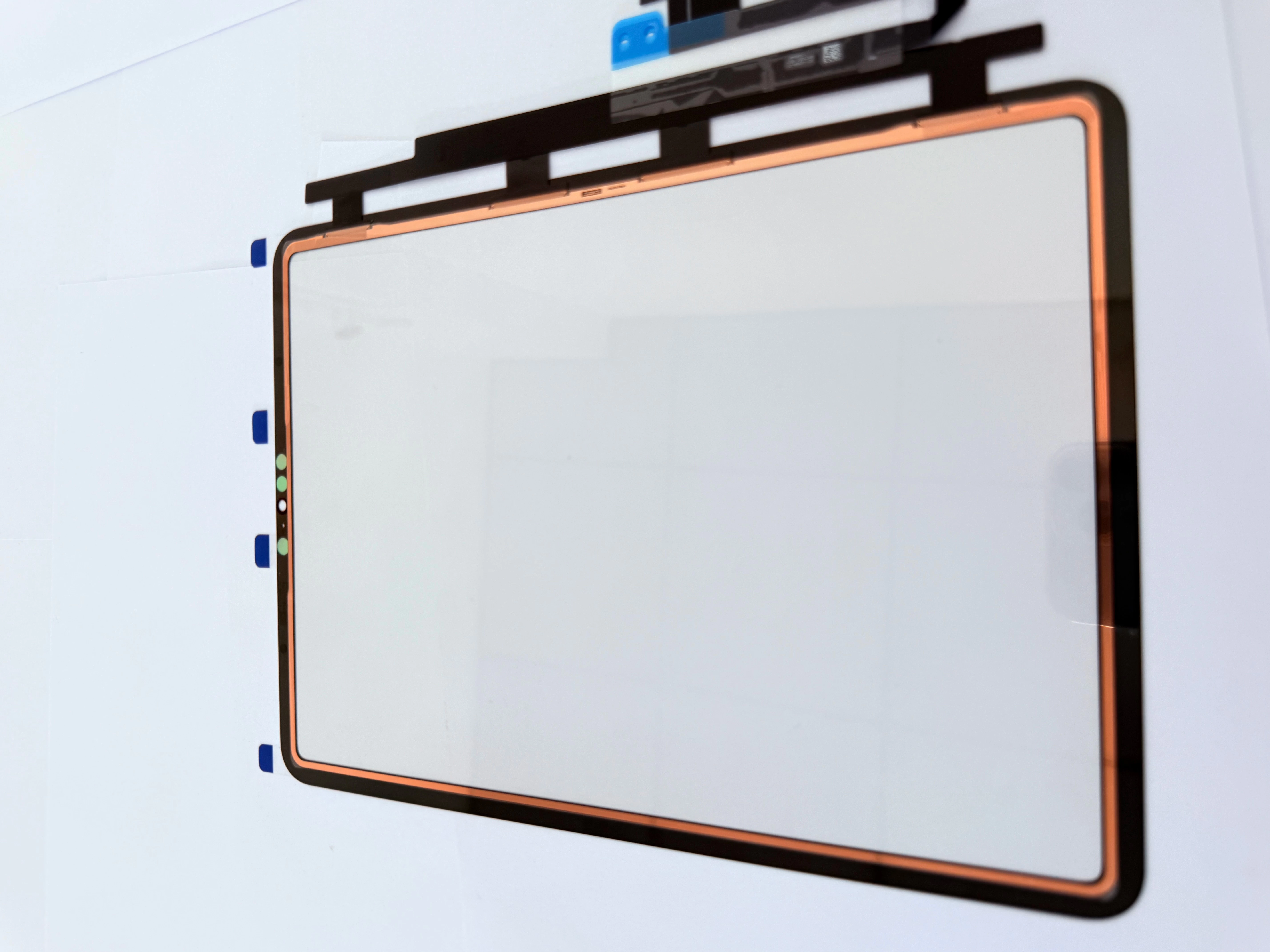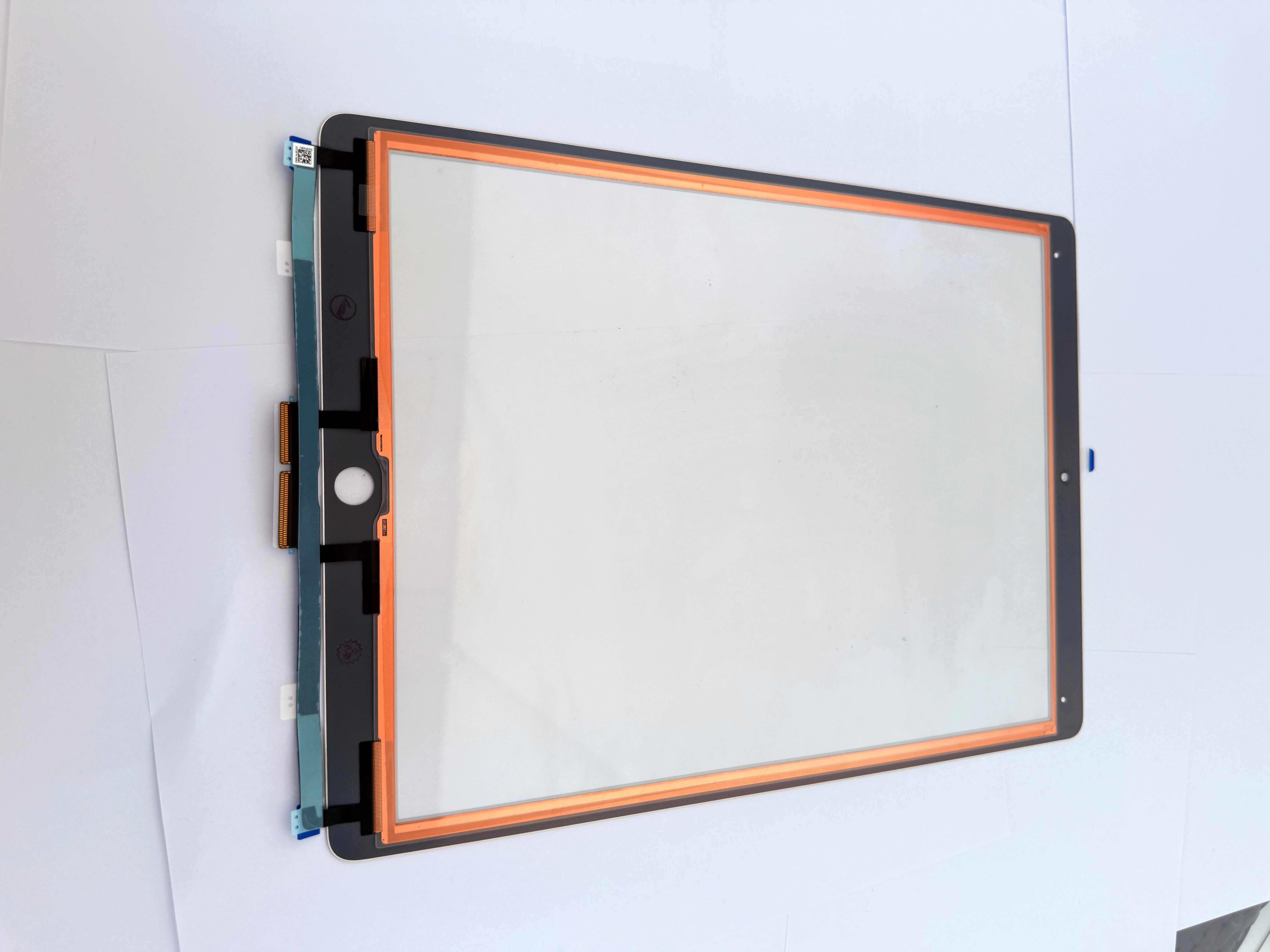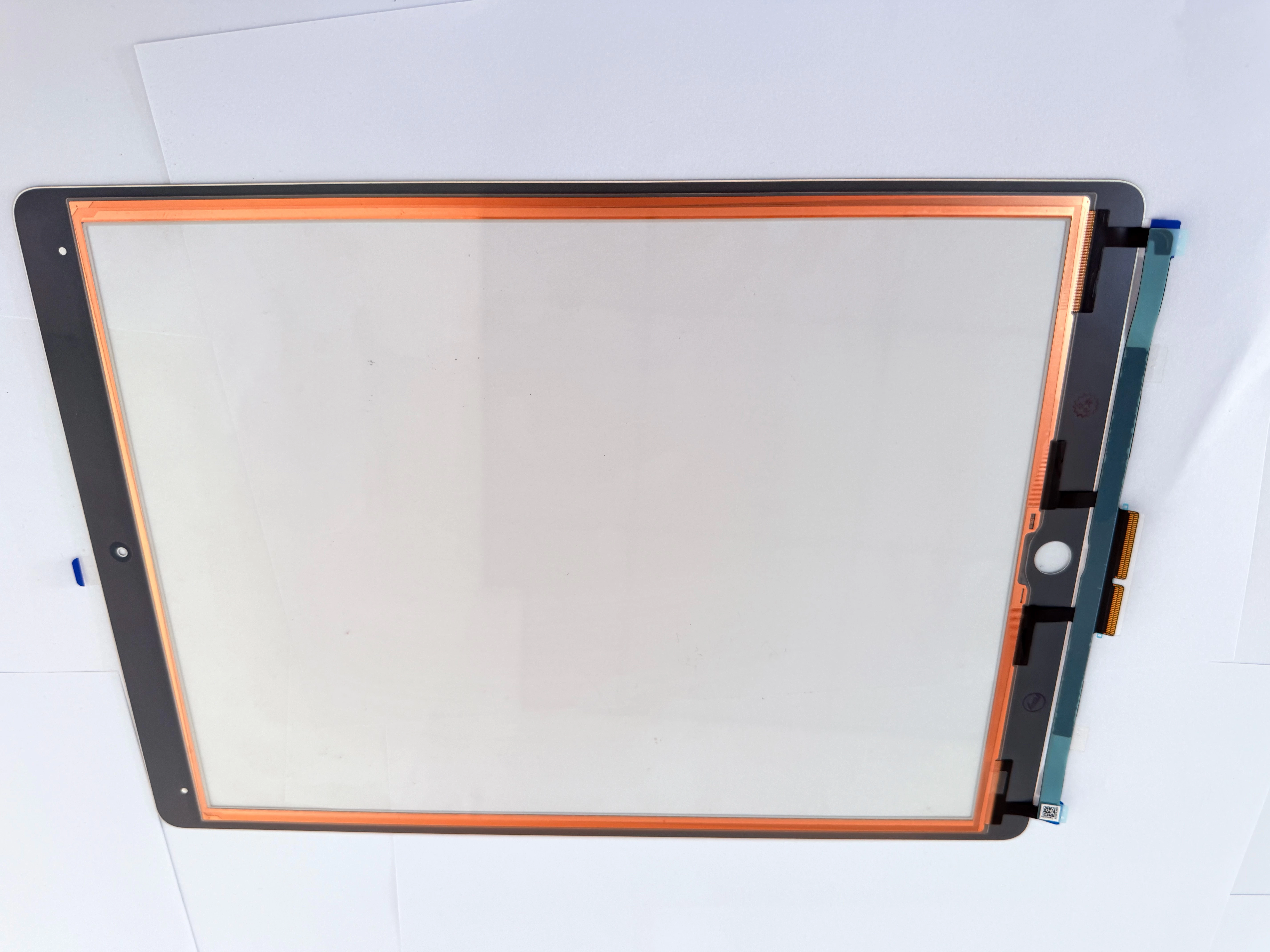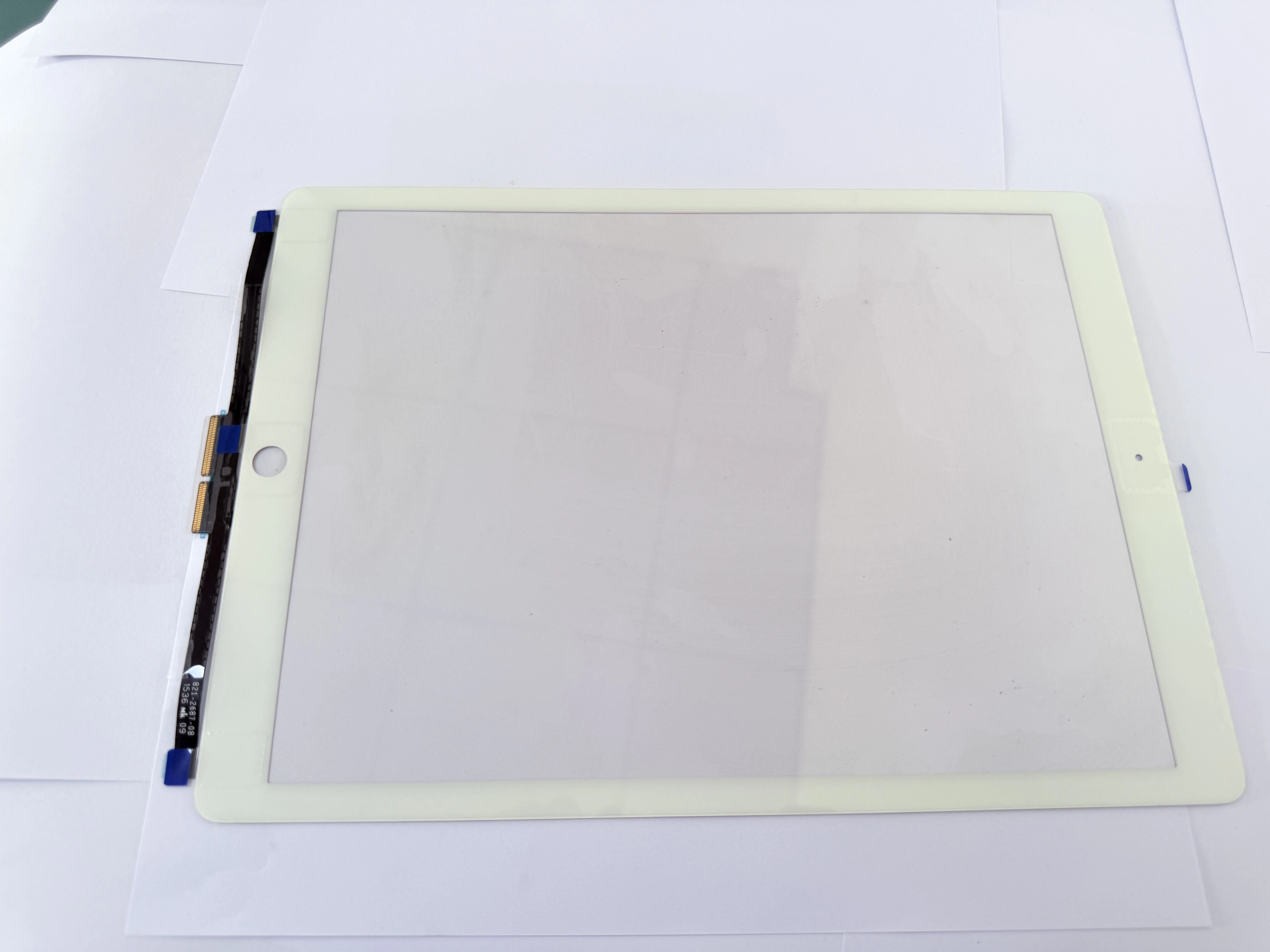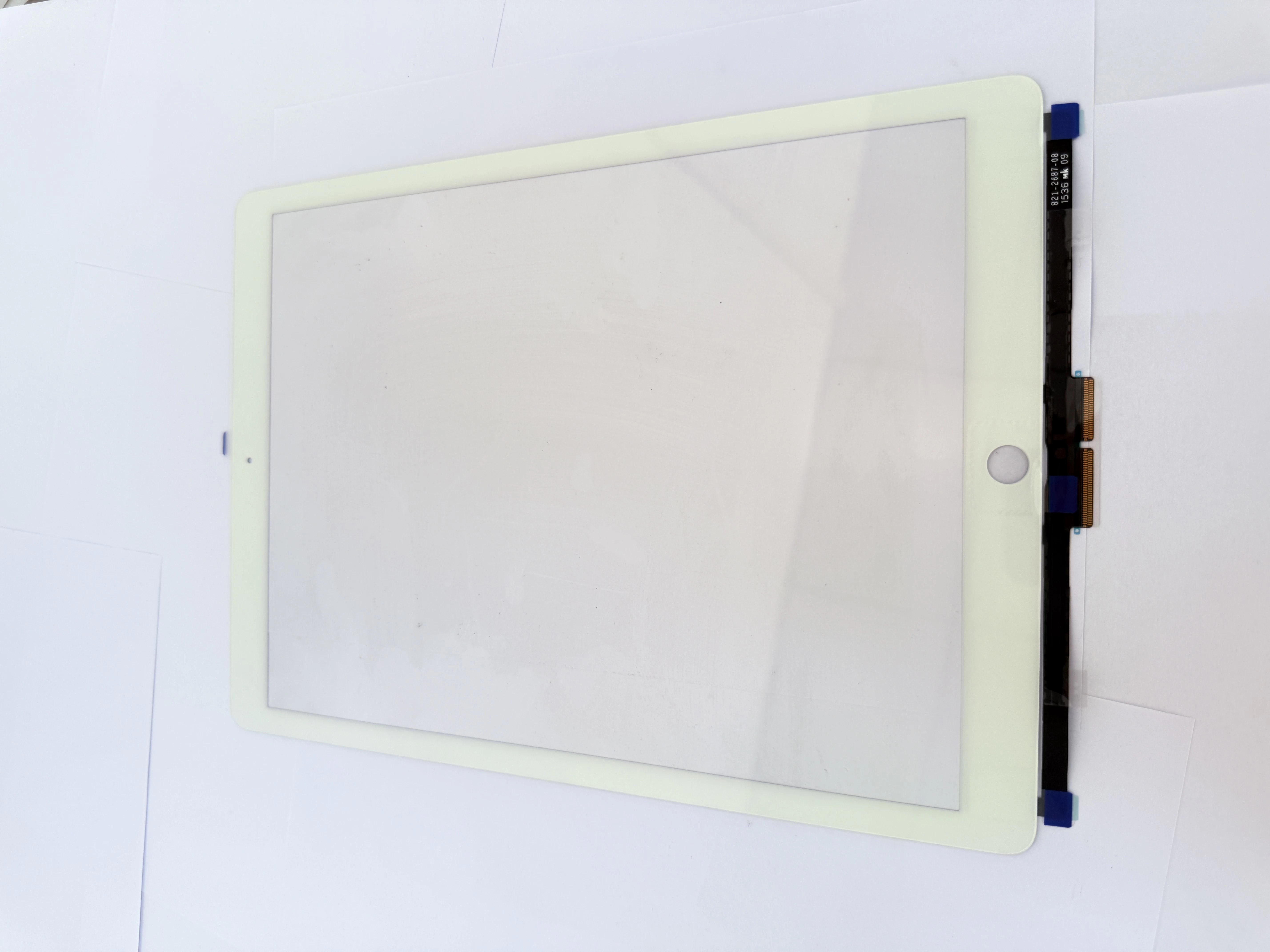
- Why Cold Temperatures Cause Touch Screen Failures Low temperatures reduce conductivity of the ITO touch layer, causing slowed response and partial unresponsive zones. Thermal contraction of edge seals can let moisture penetrate, and reduced battery output causes voltage fluctuations that trigger touch drift. These issues are most frequent in high-altitude Bolivia and winter seasons across EU and US.
- Step-by-Step Low-Temperature Fault Diagnosis First warm the device to room temperature for 30 minutes to rule out temporary low-temperature lockup. Inspect flex cable connectors for cold-induced loosening, and re-seal edge OCA if moisture ingress is found. For permanent damage, replace with ZSDScreen wide-temperature capacitive touch LCD units rated for -20℃ to 60℃ operation.
- Cold-Climate Usage & Inventory Maintenance Tips Advise customers to avoid extended outdoor use in freezing temperatures, and charge devices at room temperature. Repair shops should store touch screen inventory in temperature-controlled environments to prevent OCA degradation. ZSDScreen cold-resistant models are optimized for high-altitude and cold-region markets.
случаи