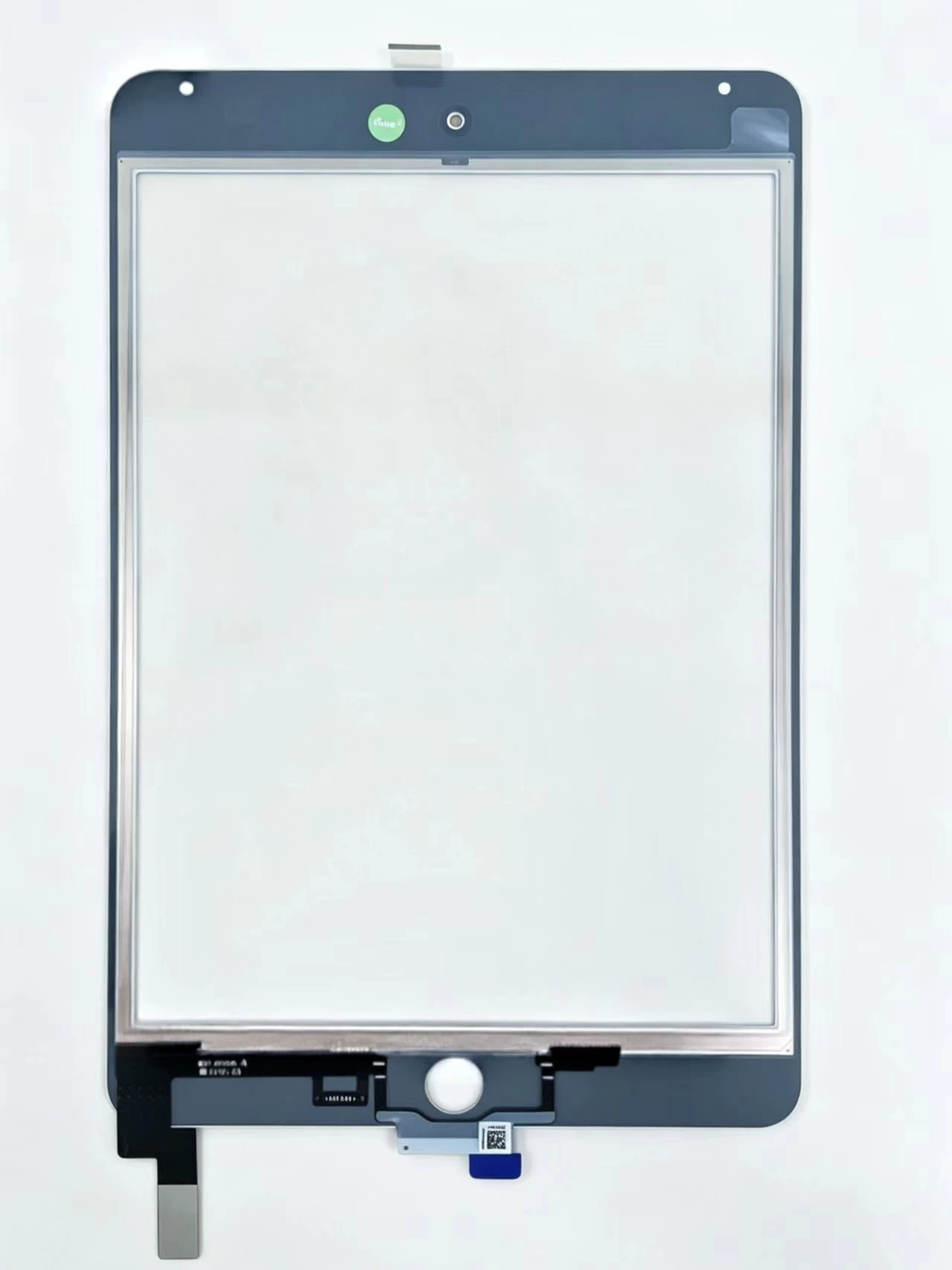
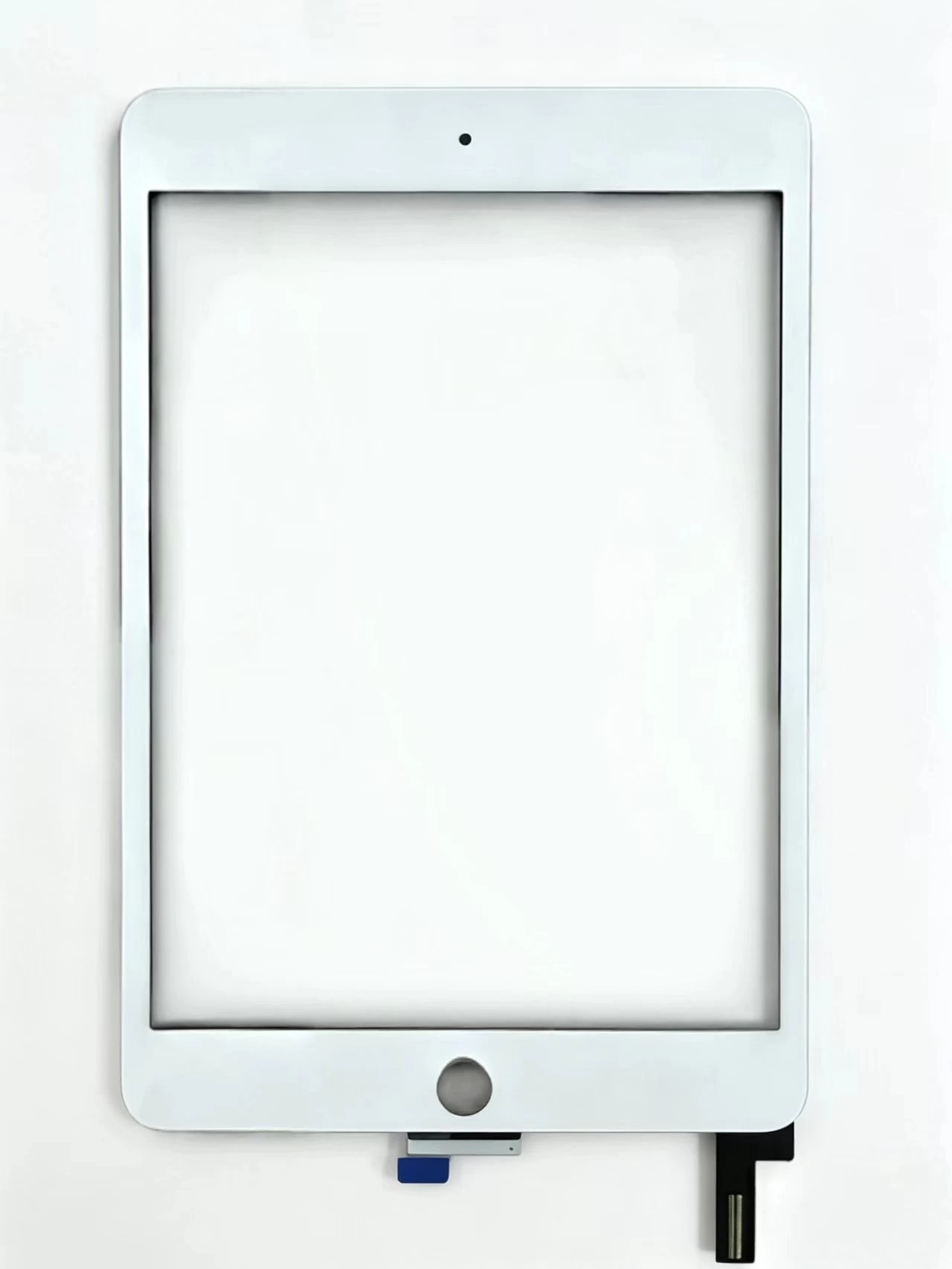
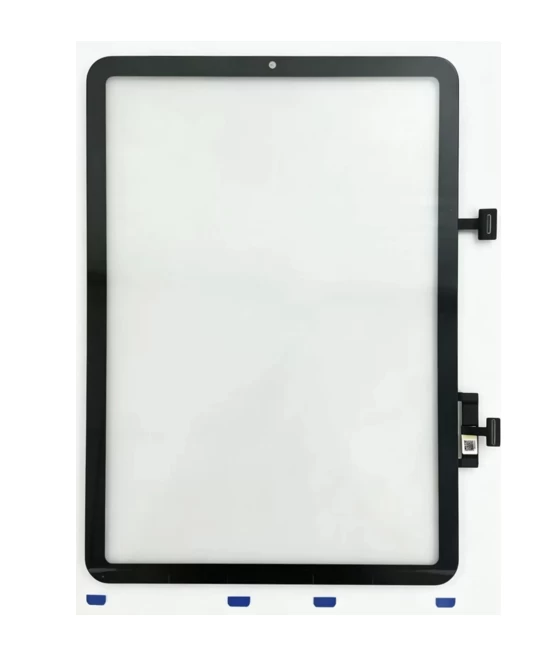
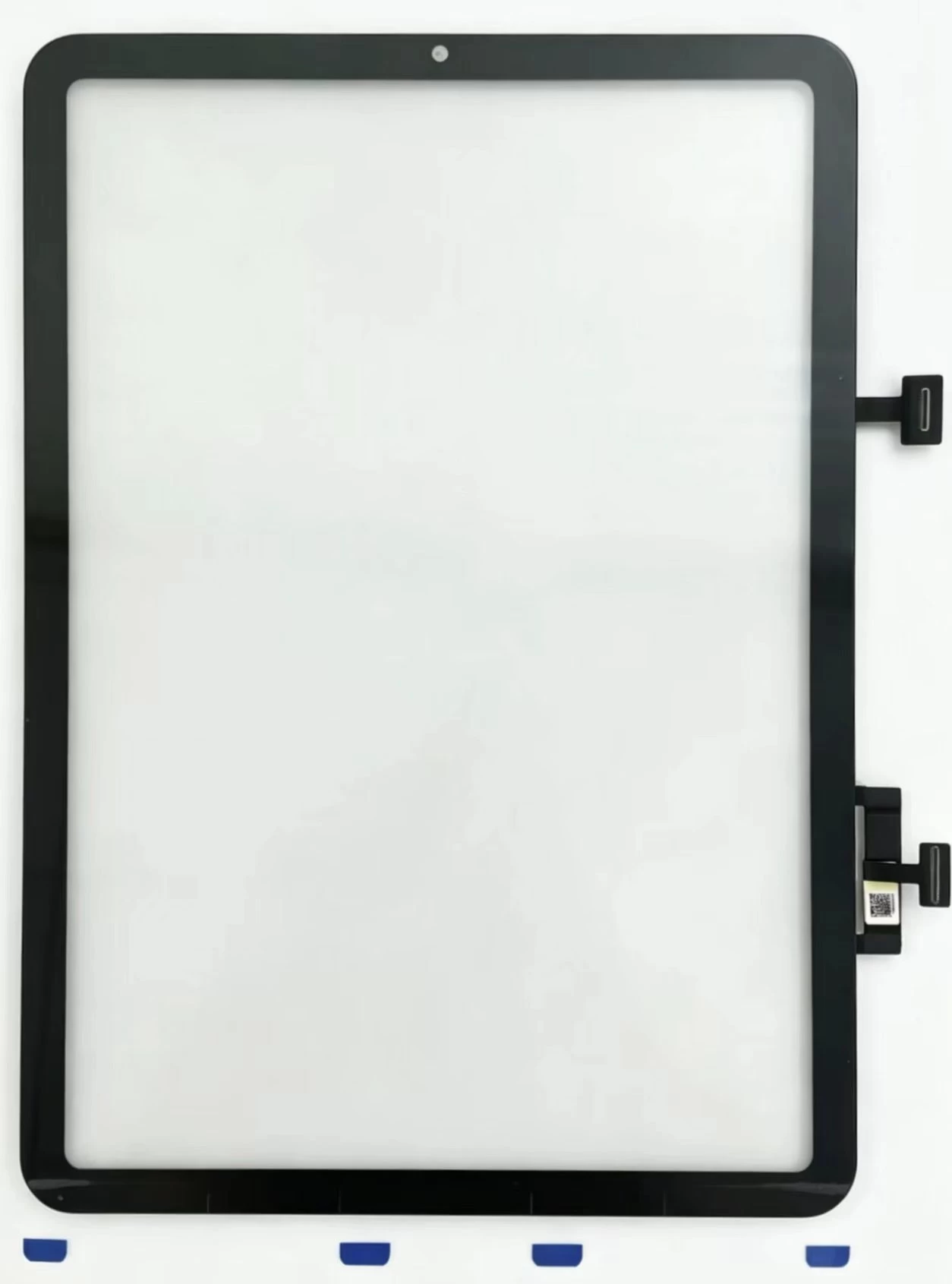
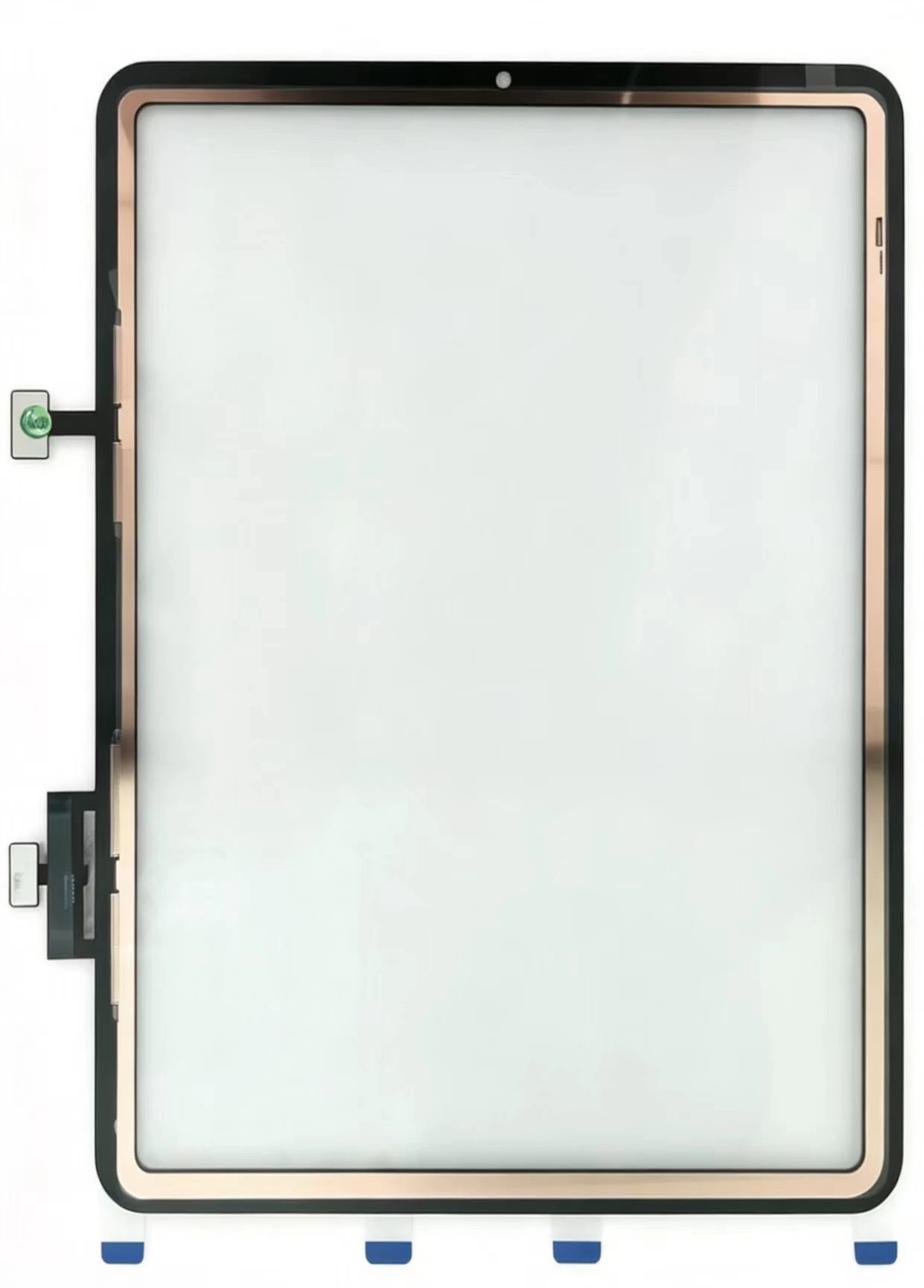
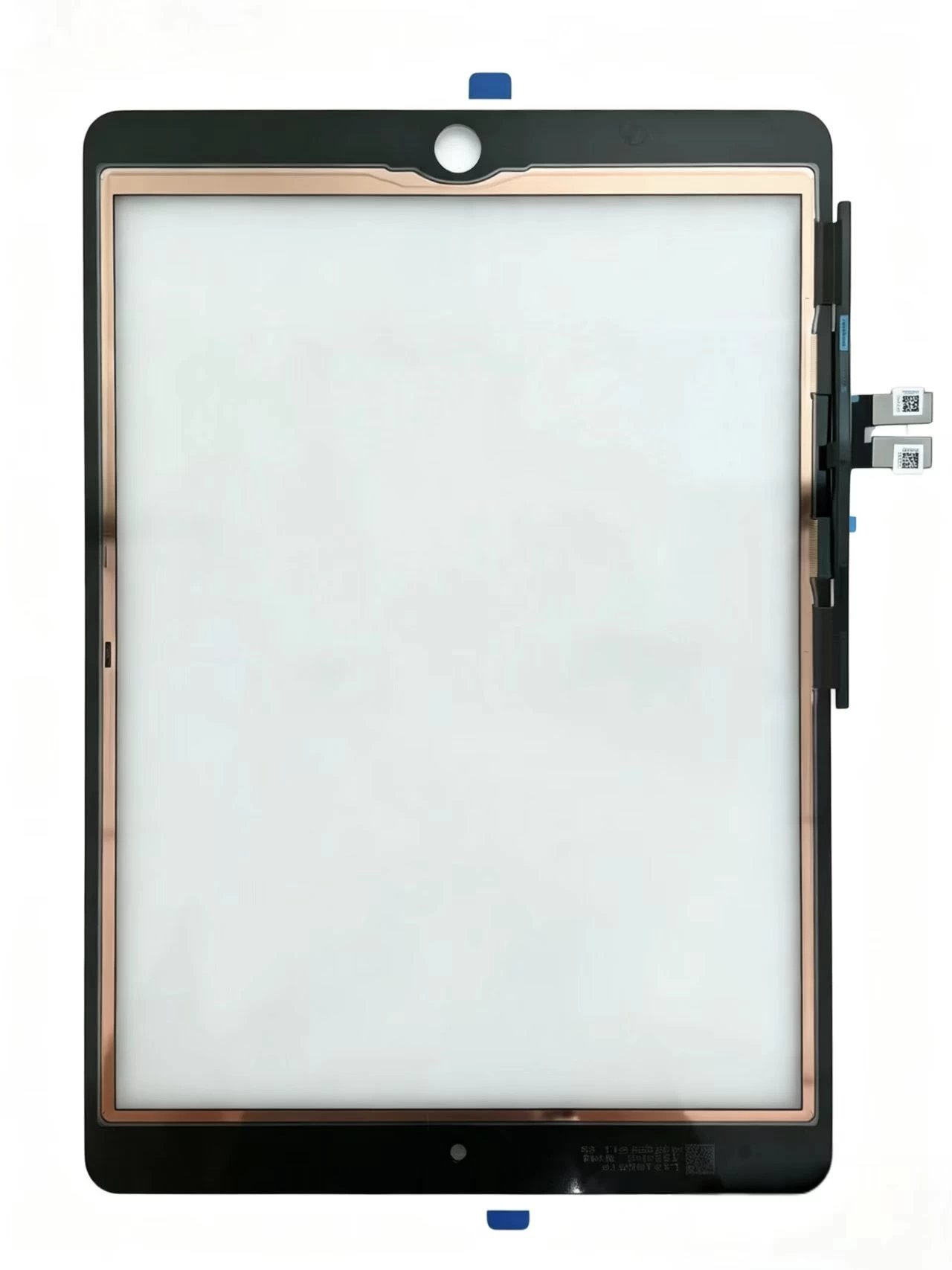
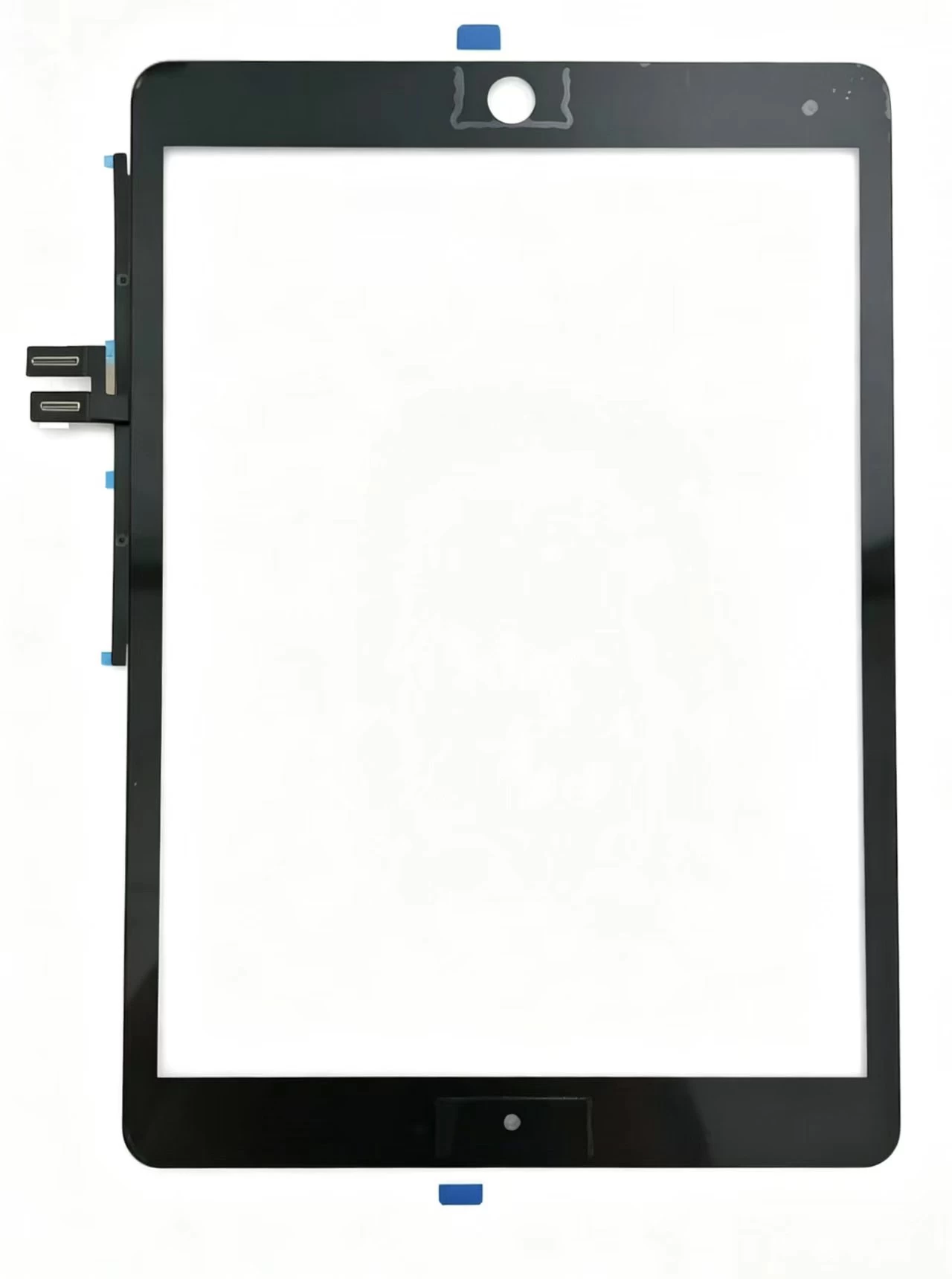
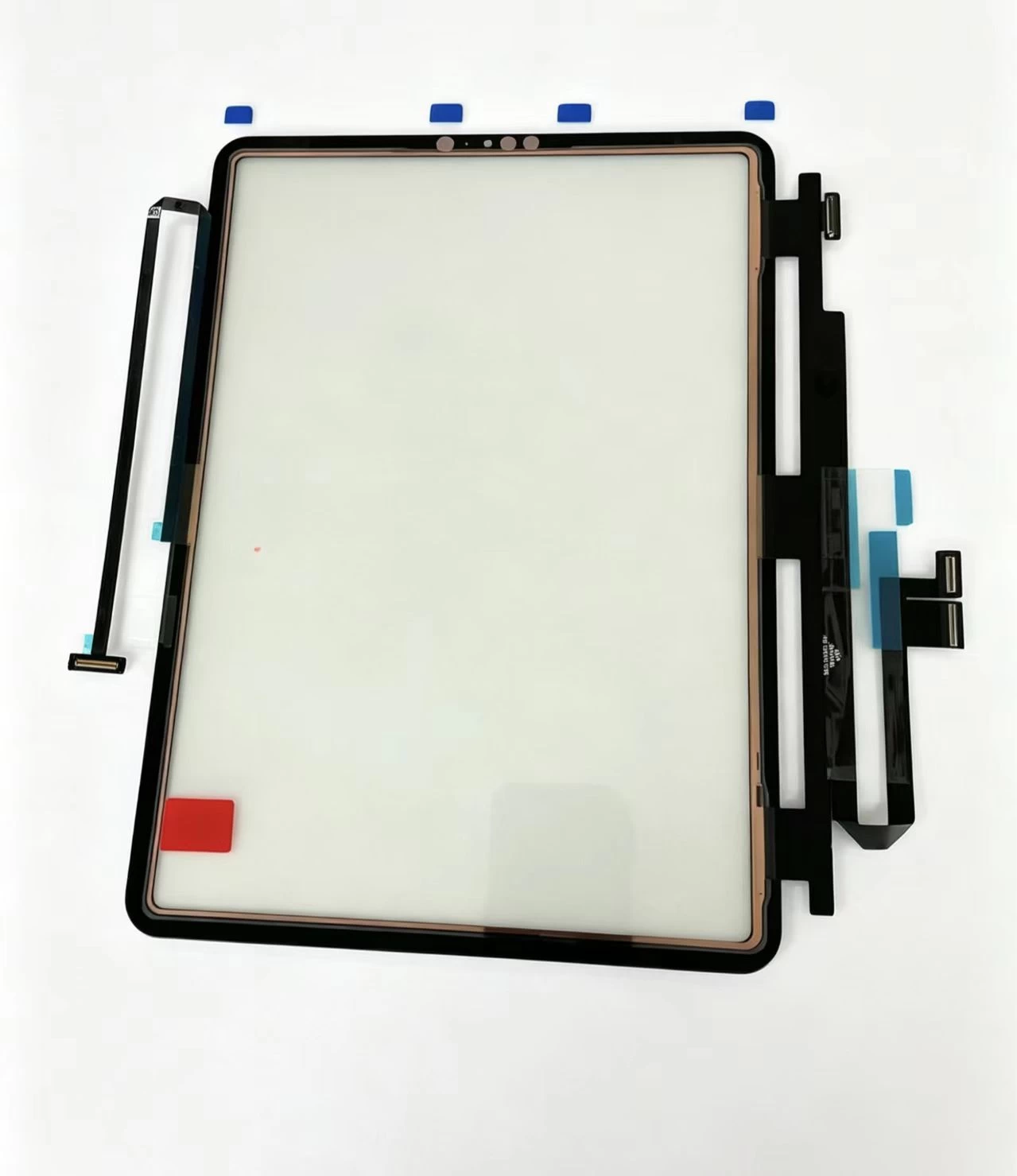
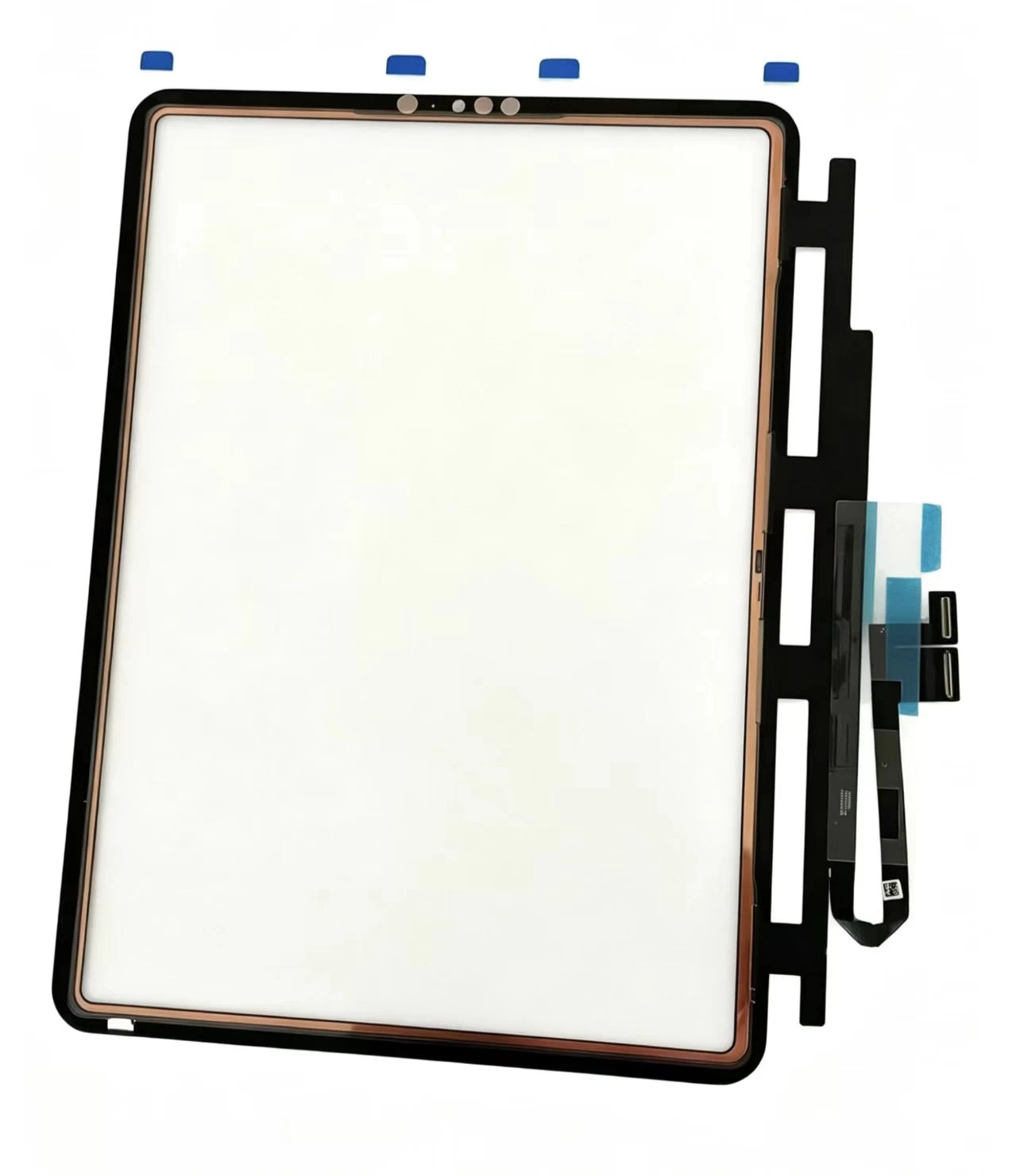
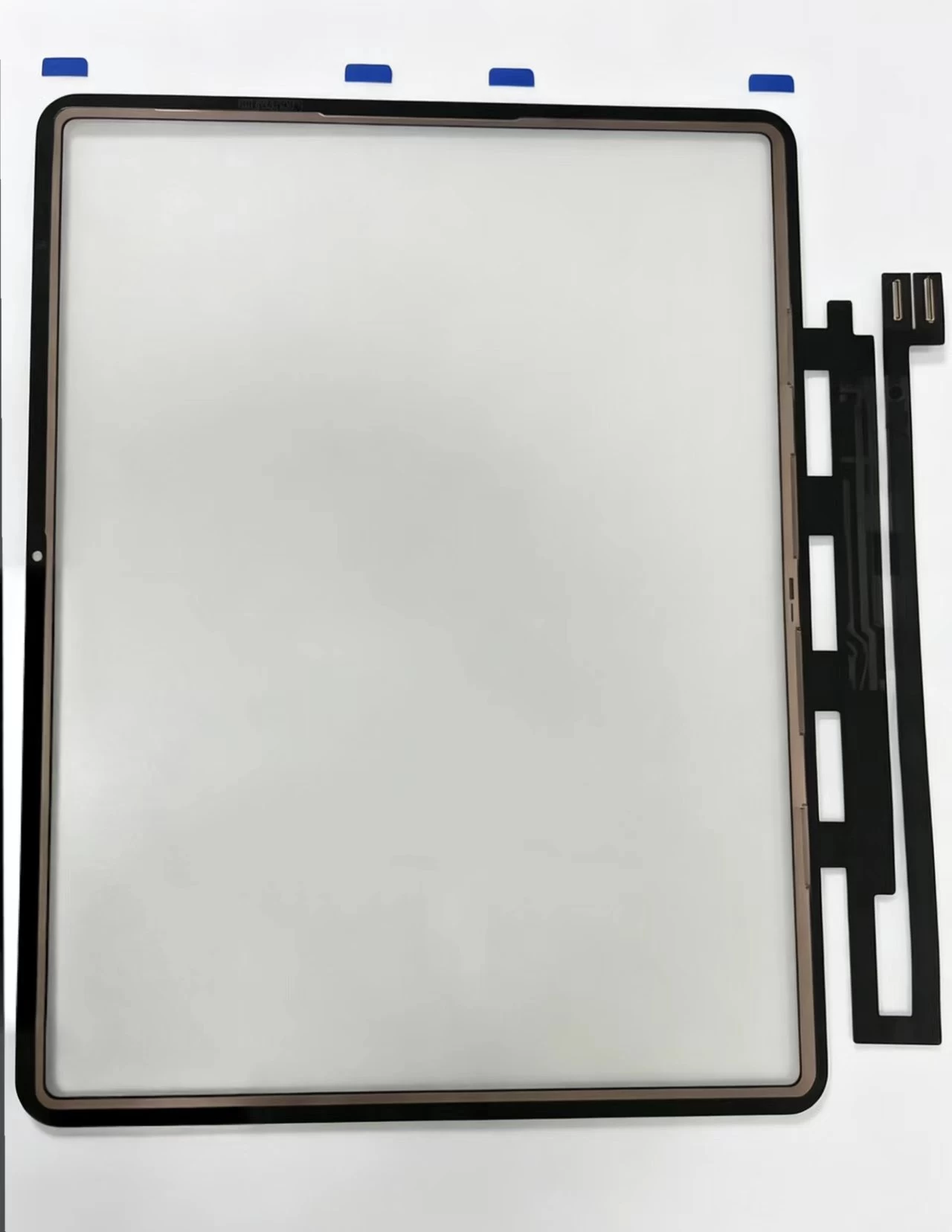
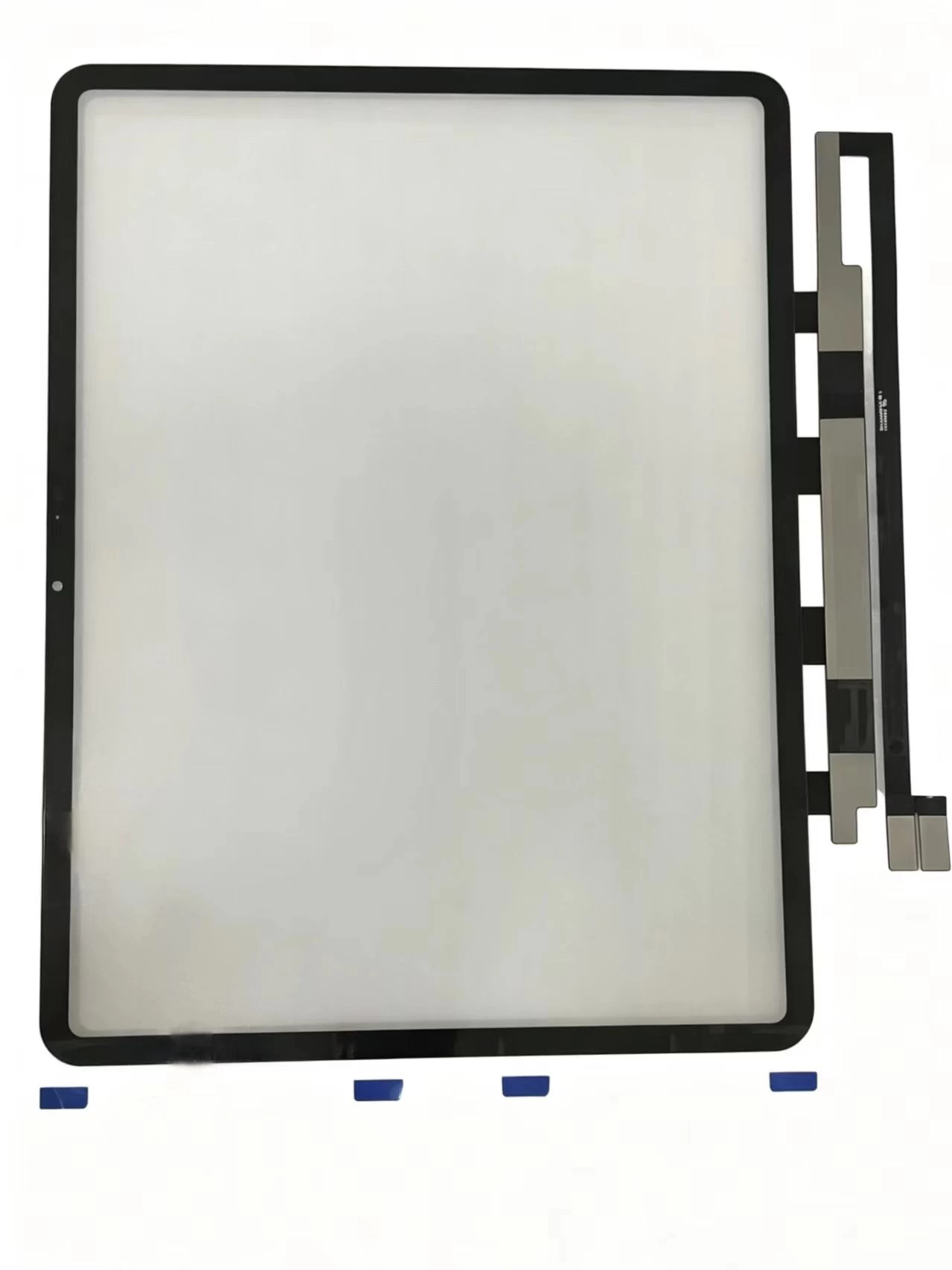
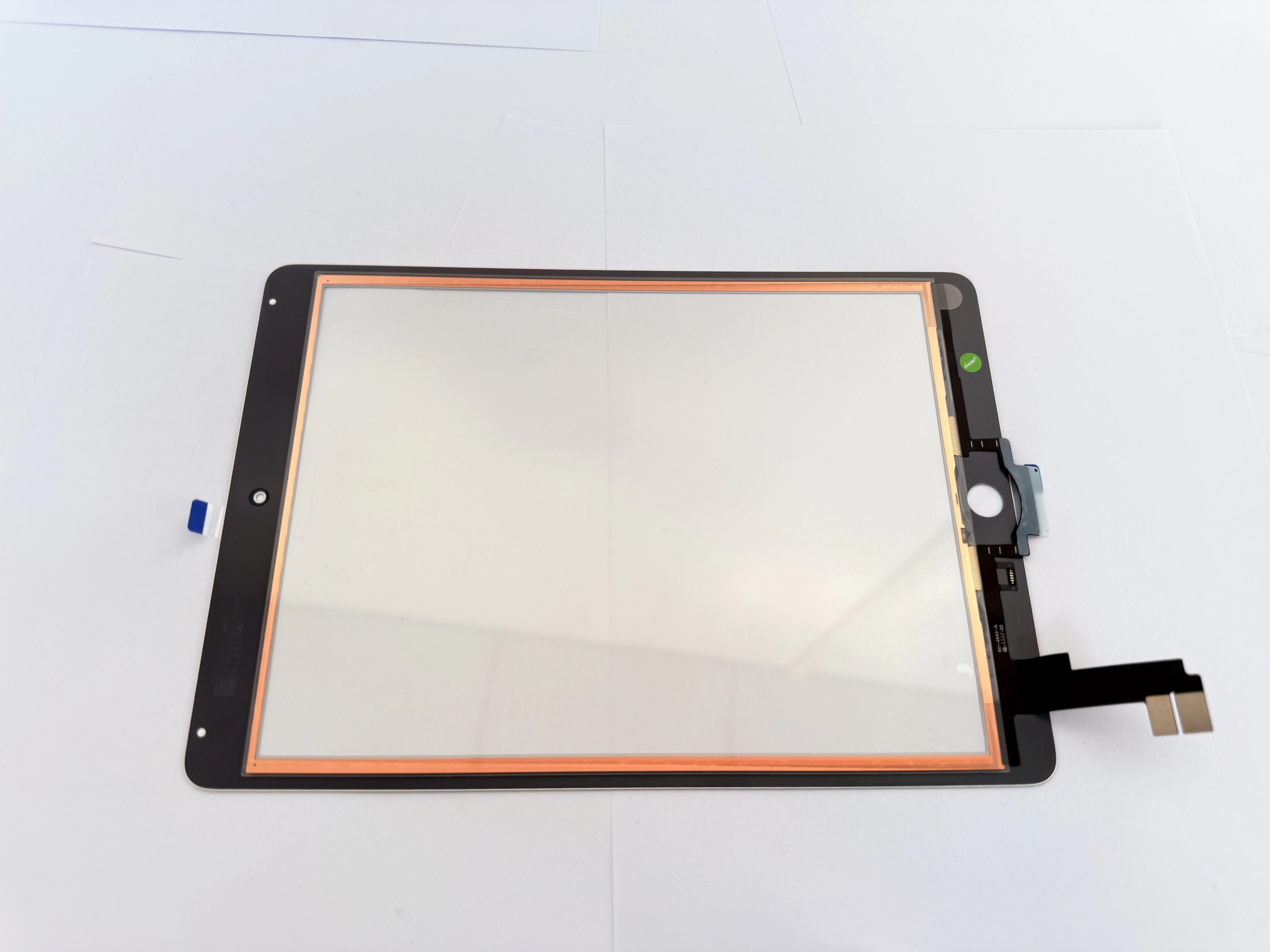
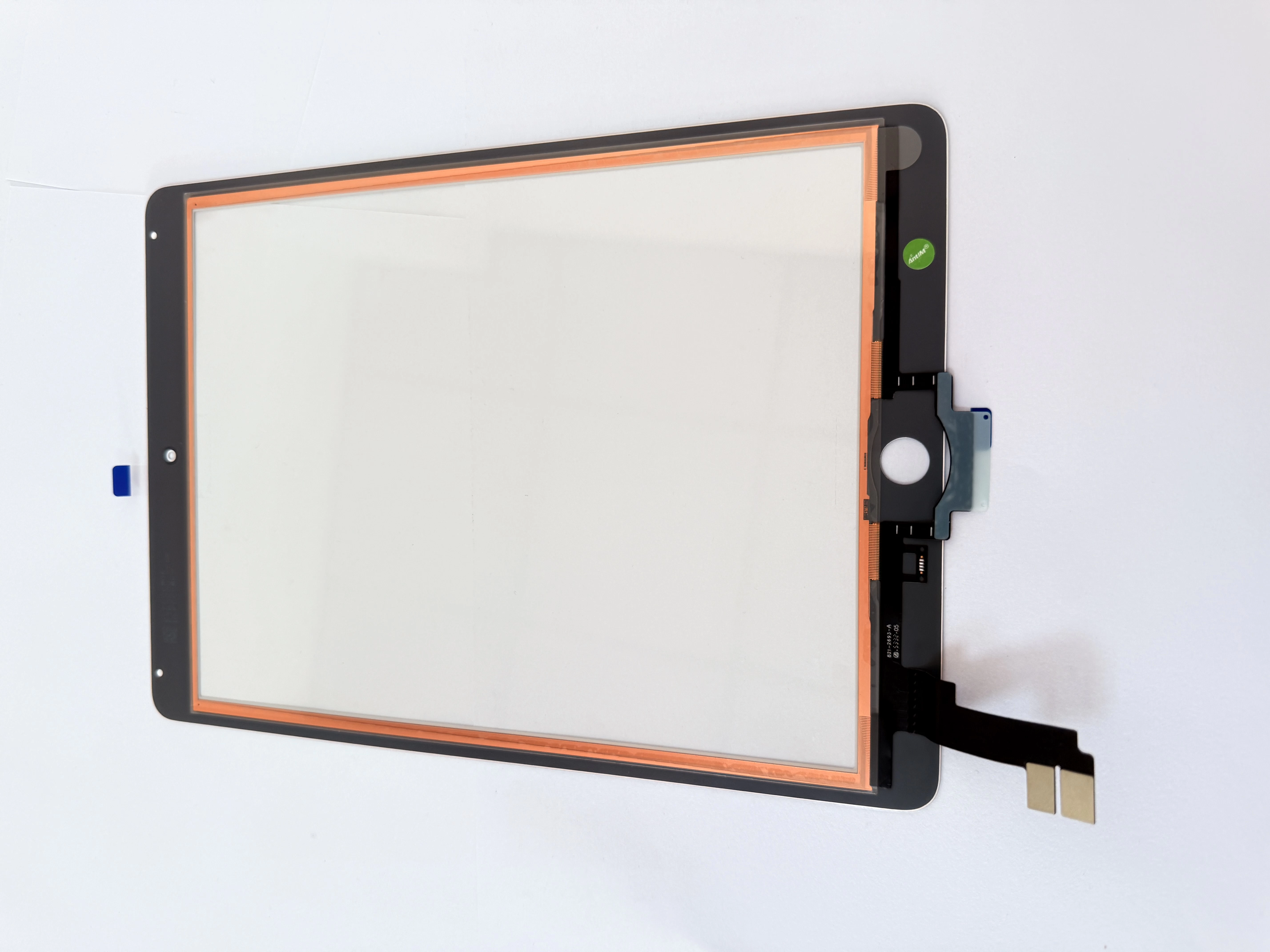
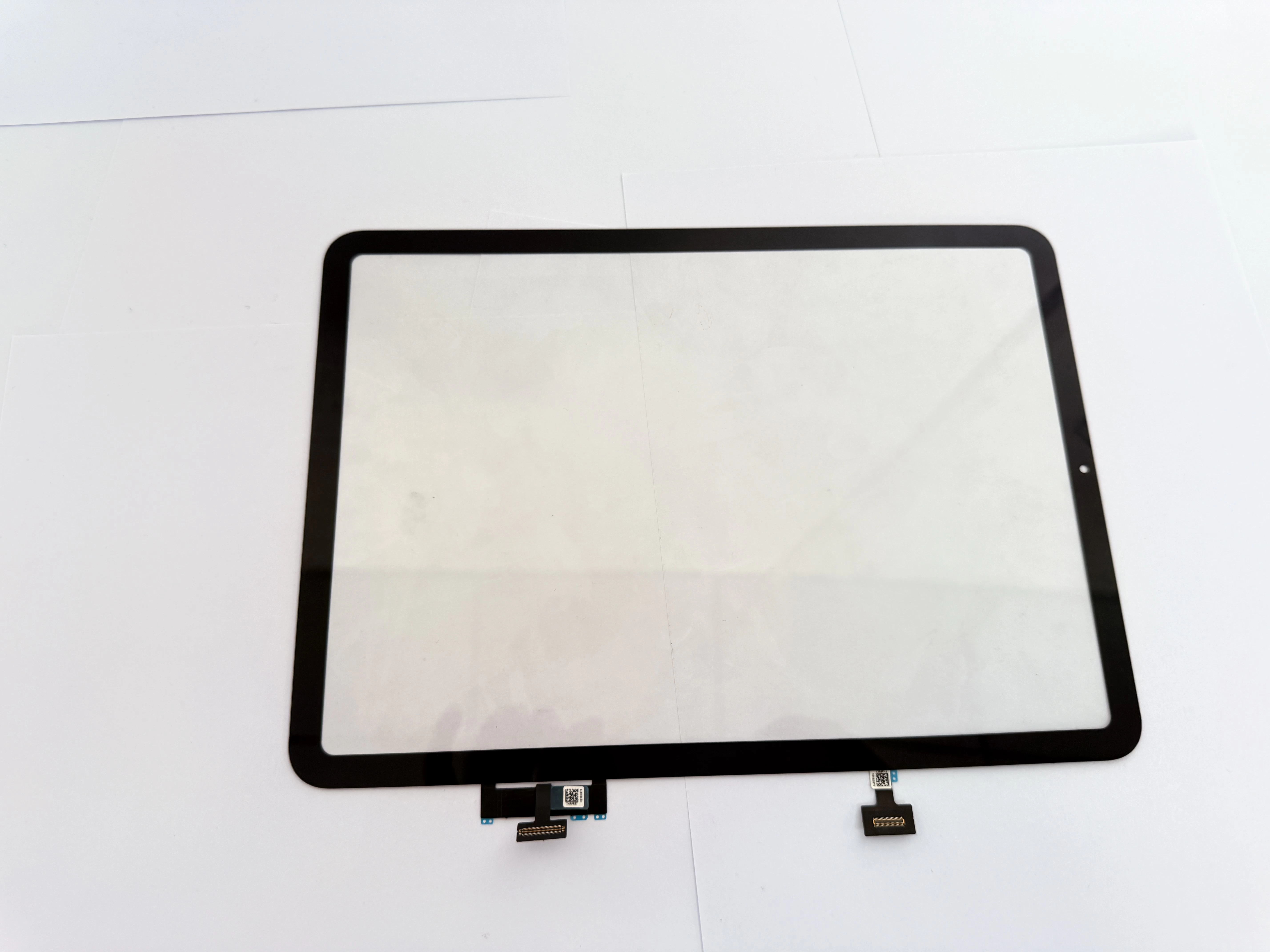
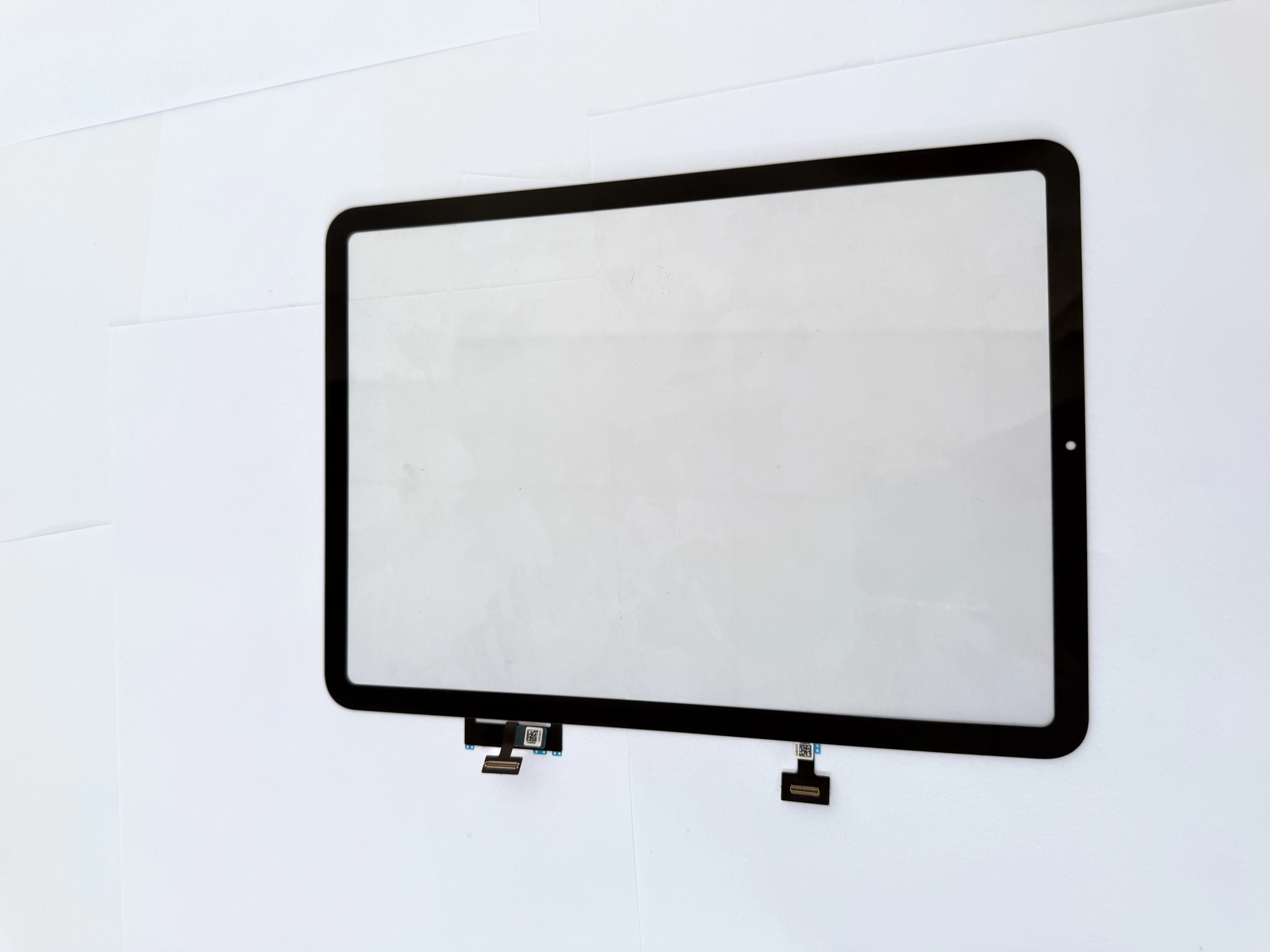
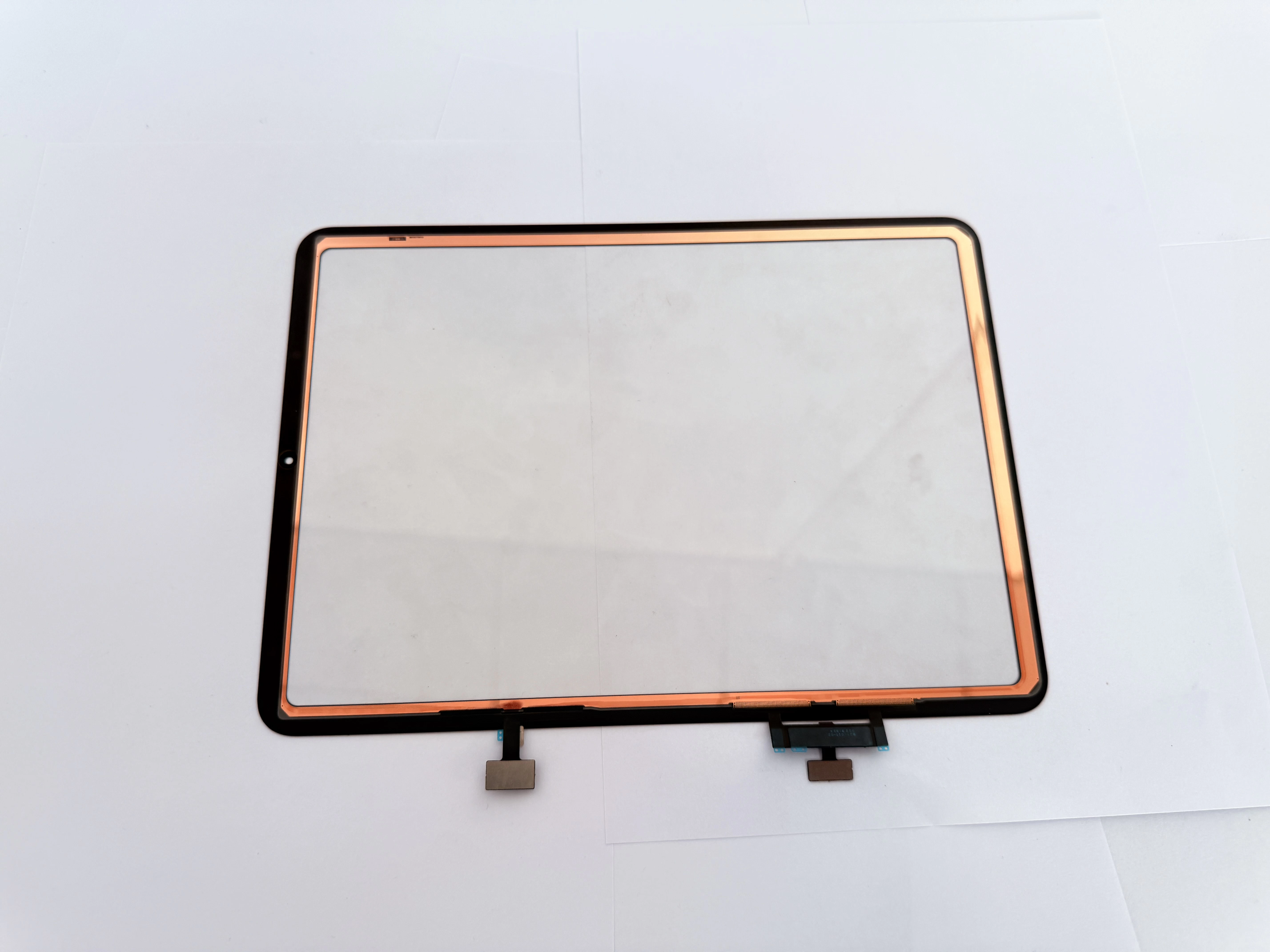
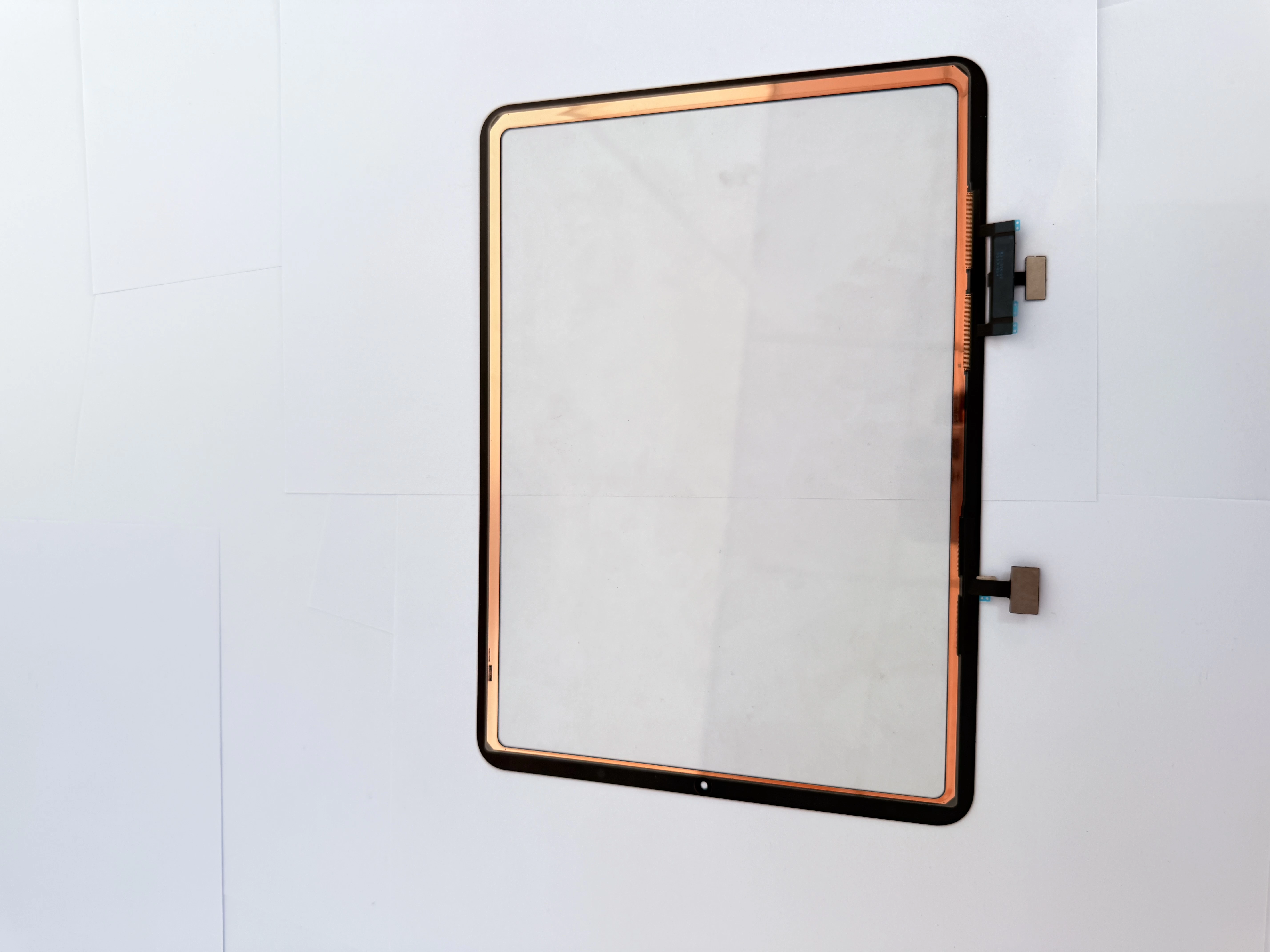
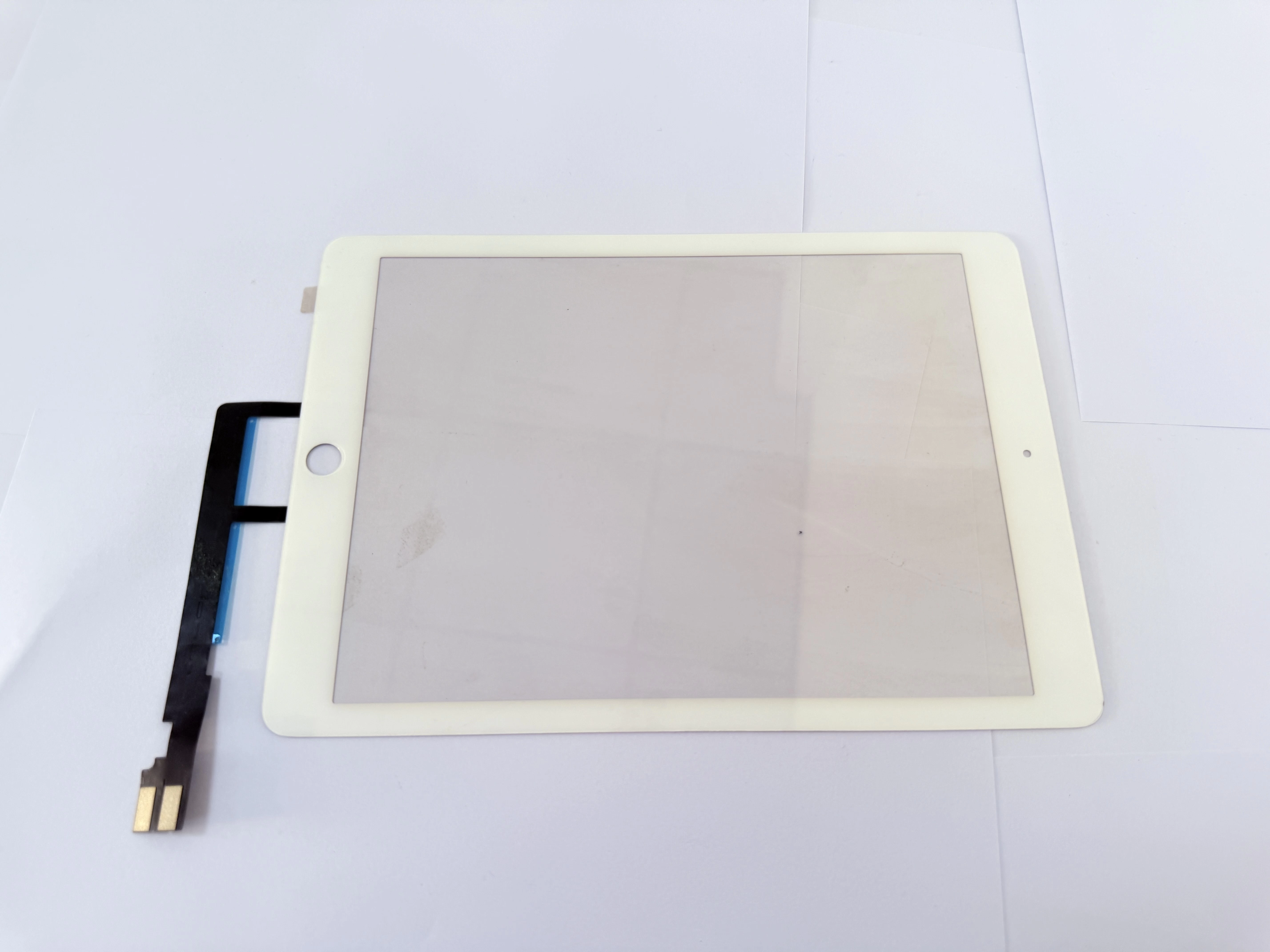
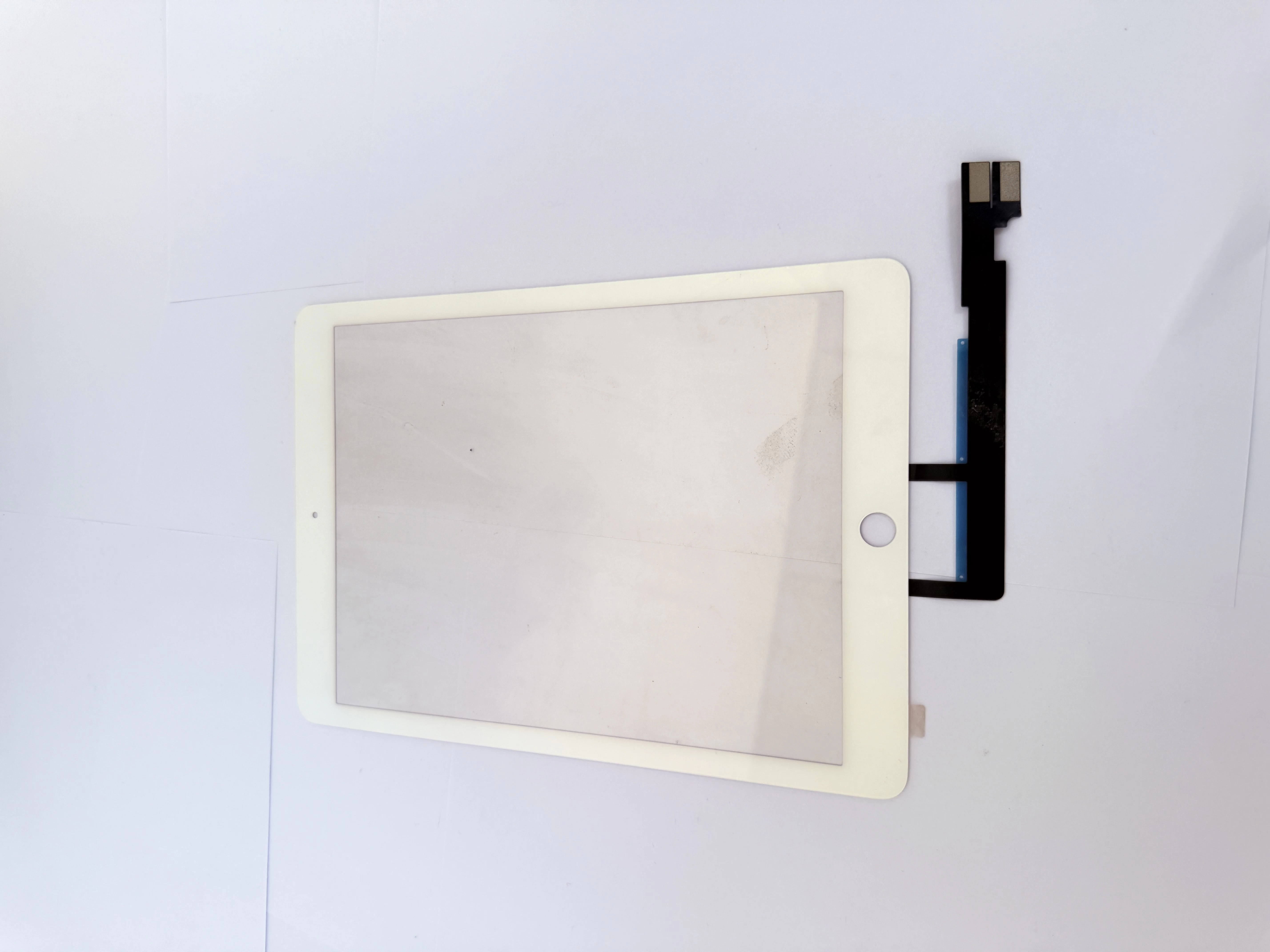
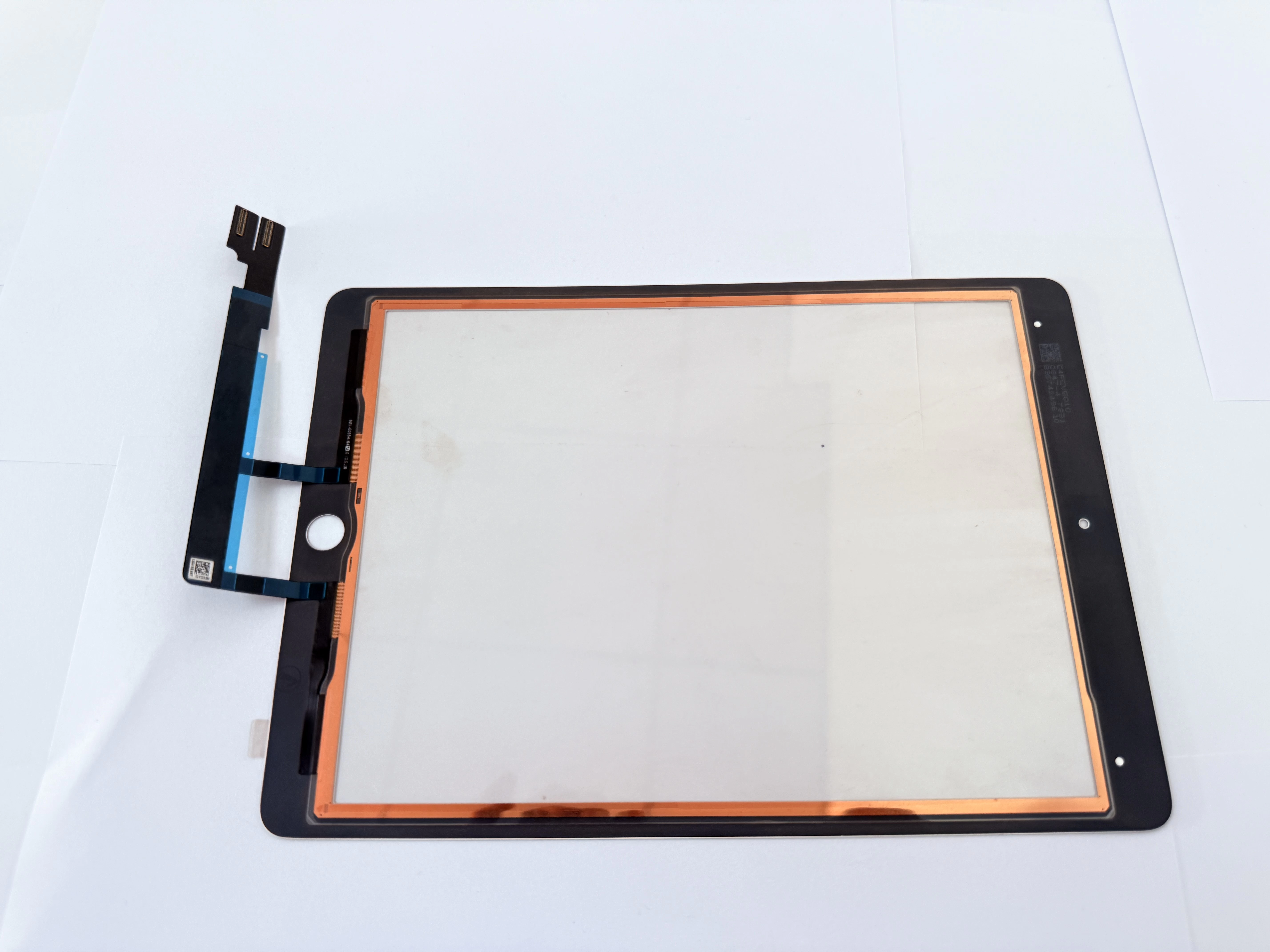
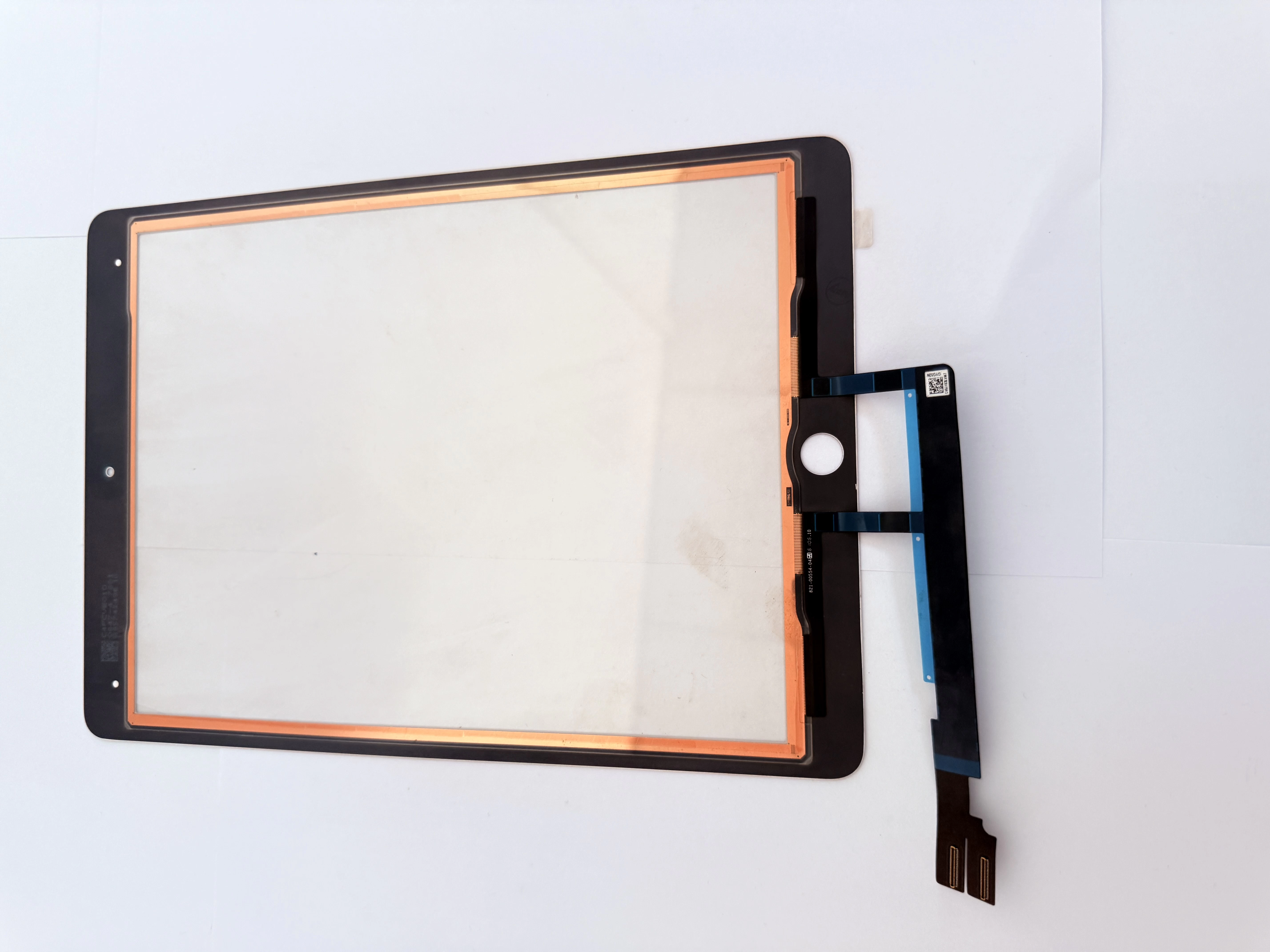
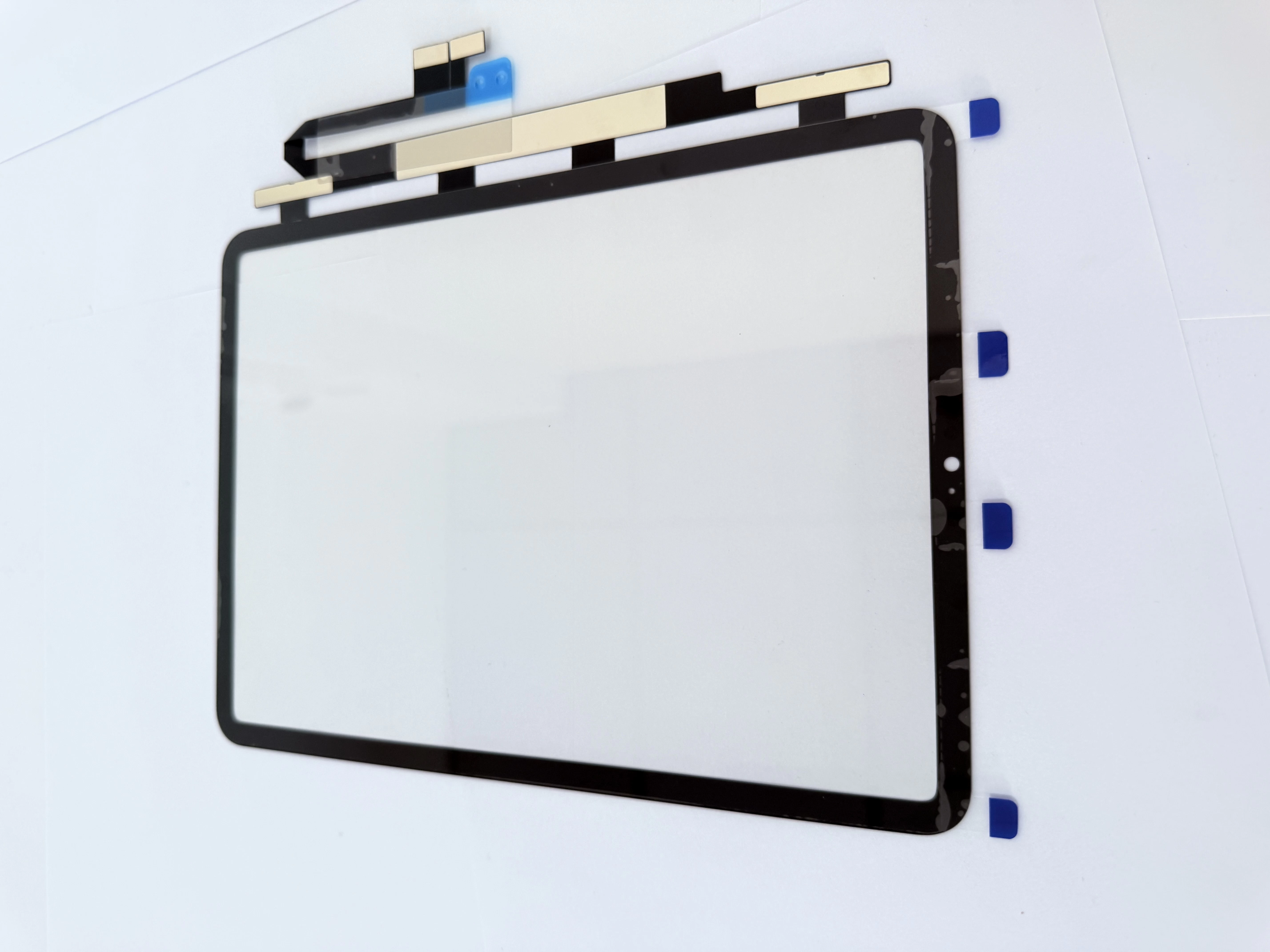
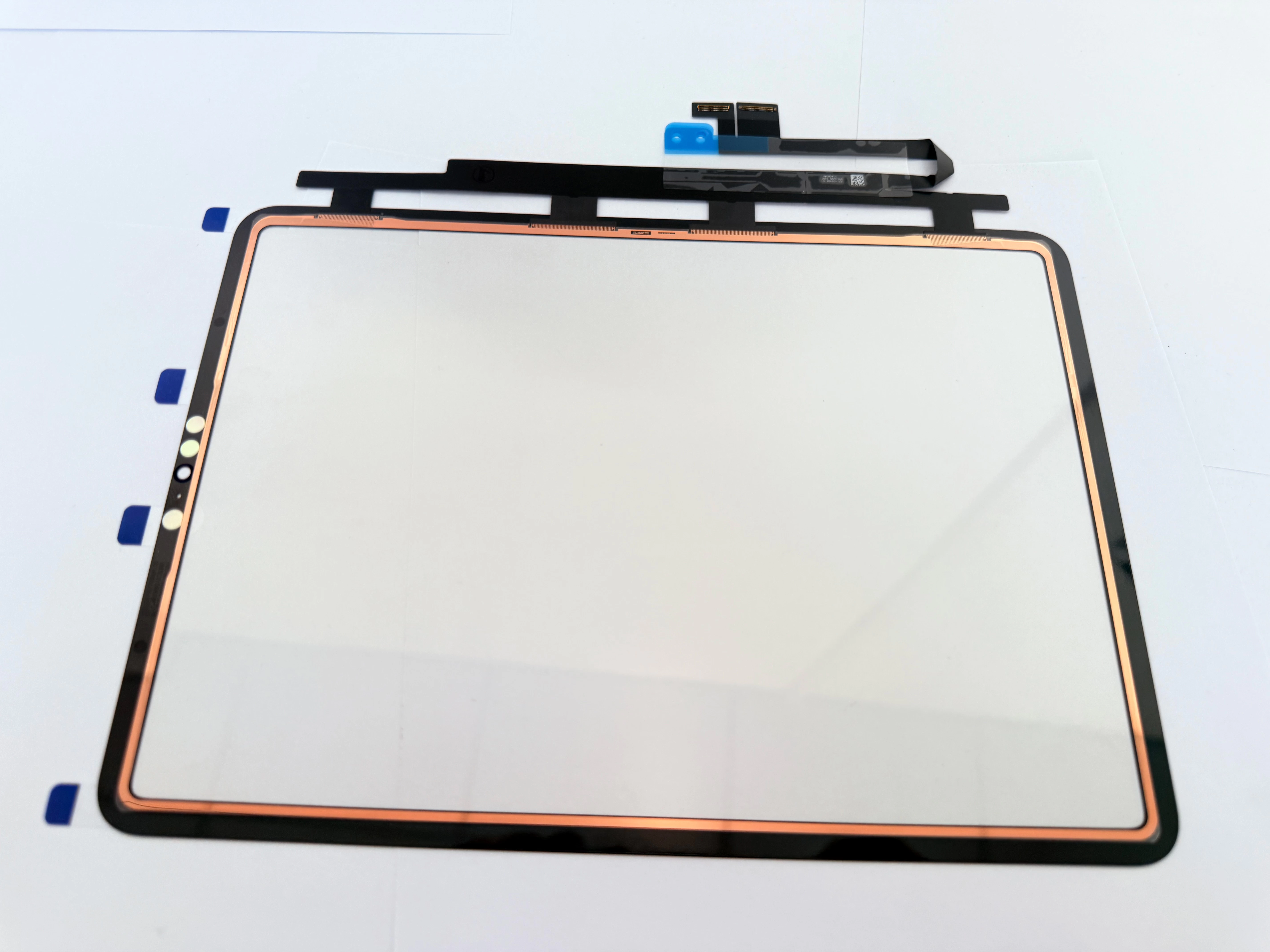
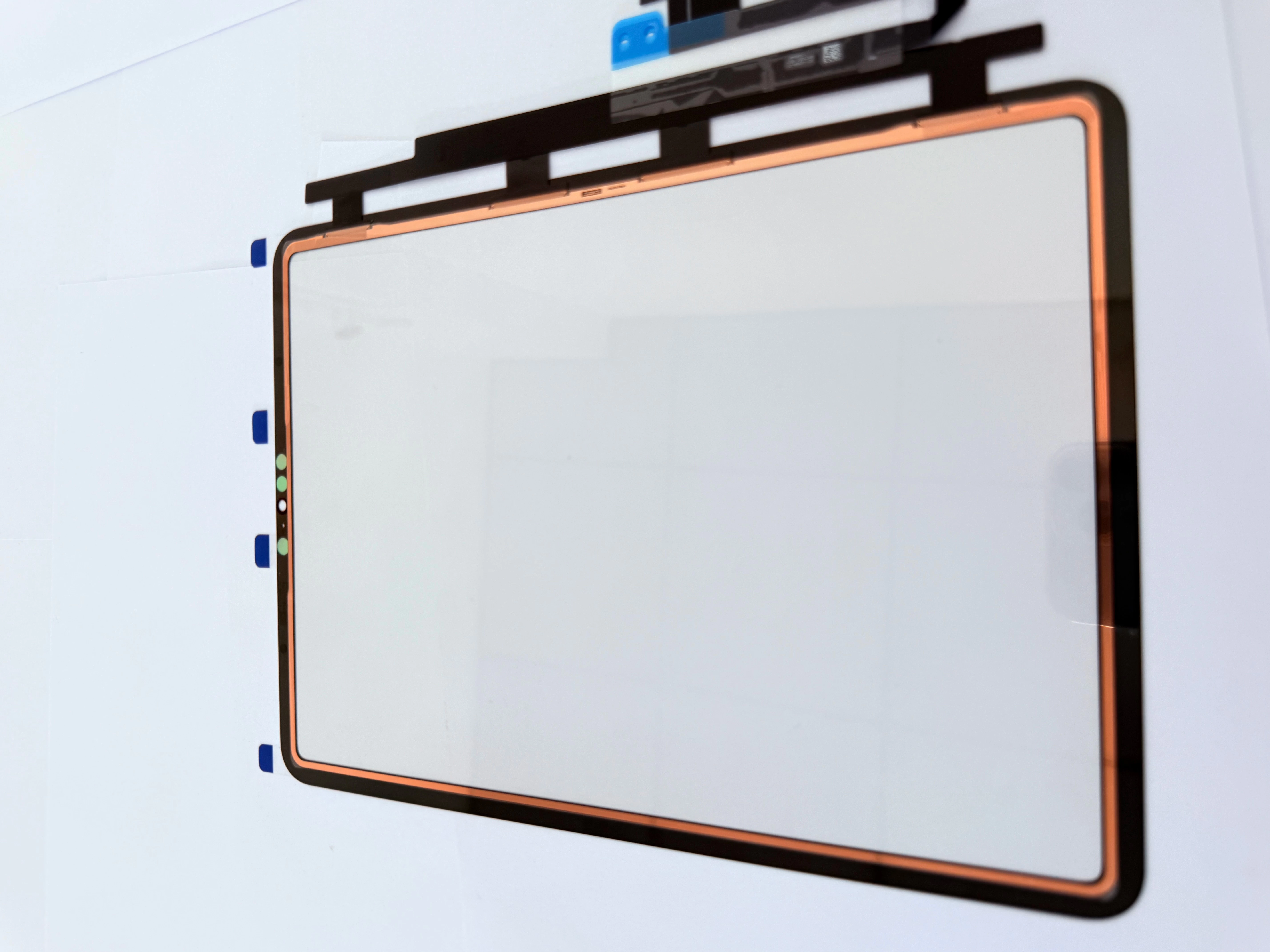
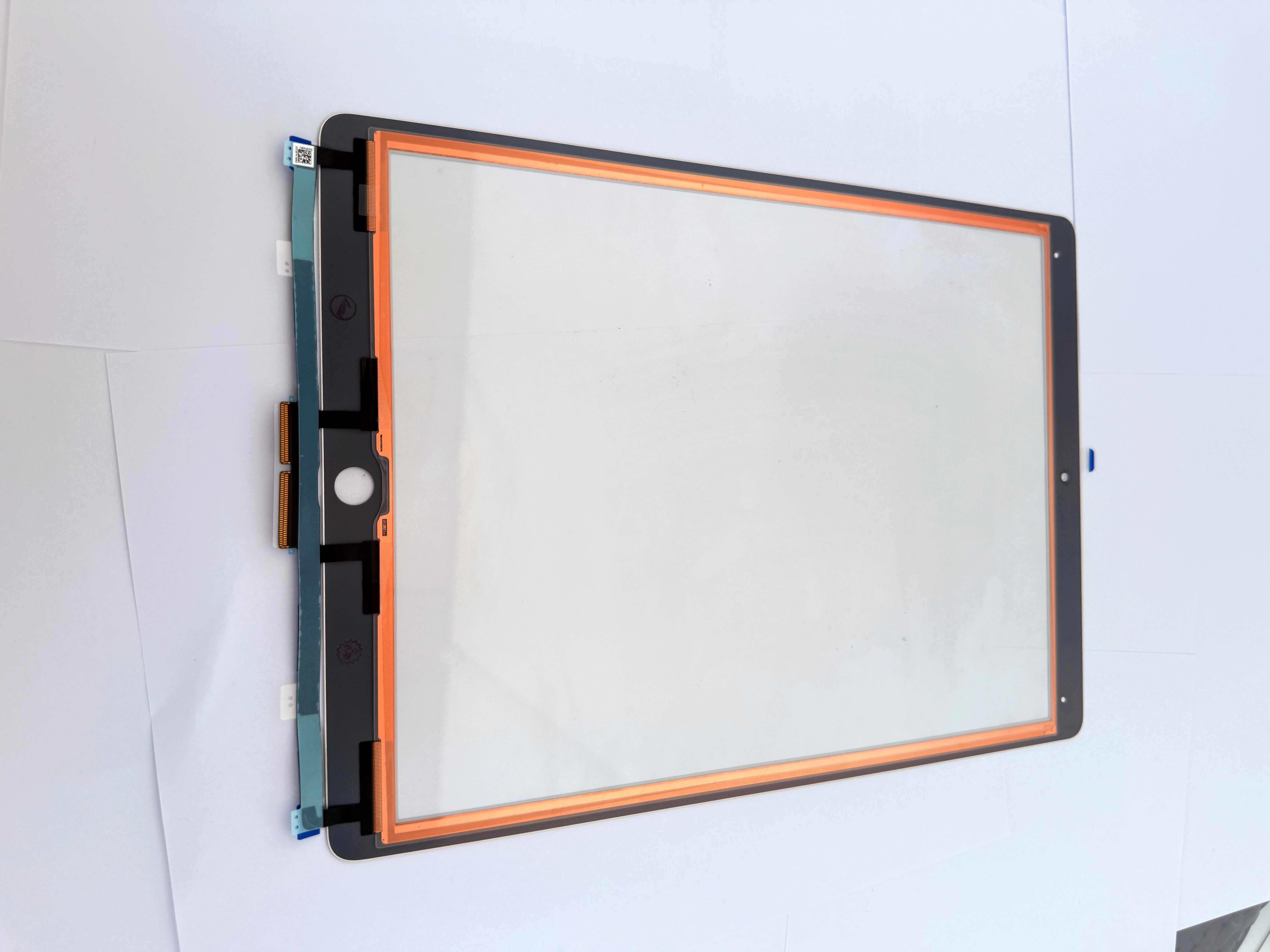
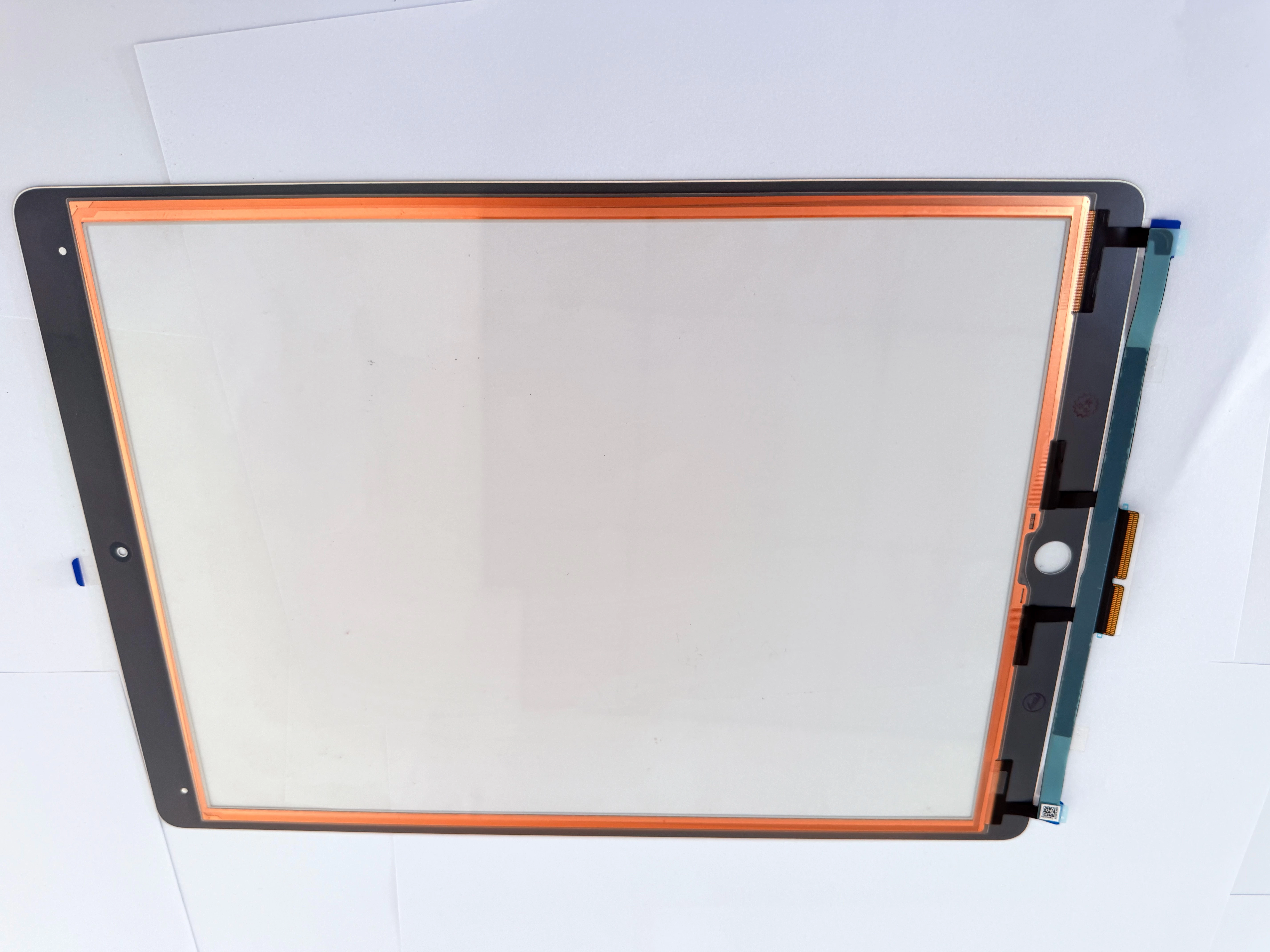
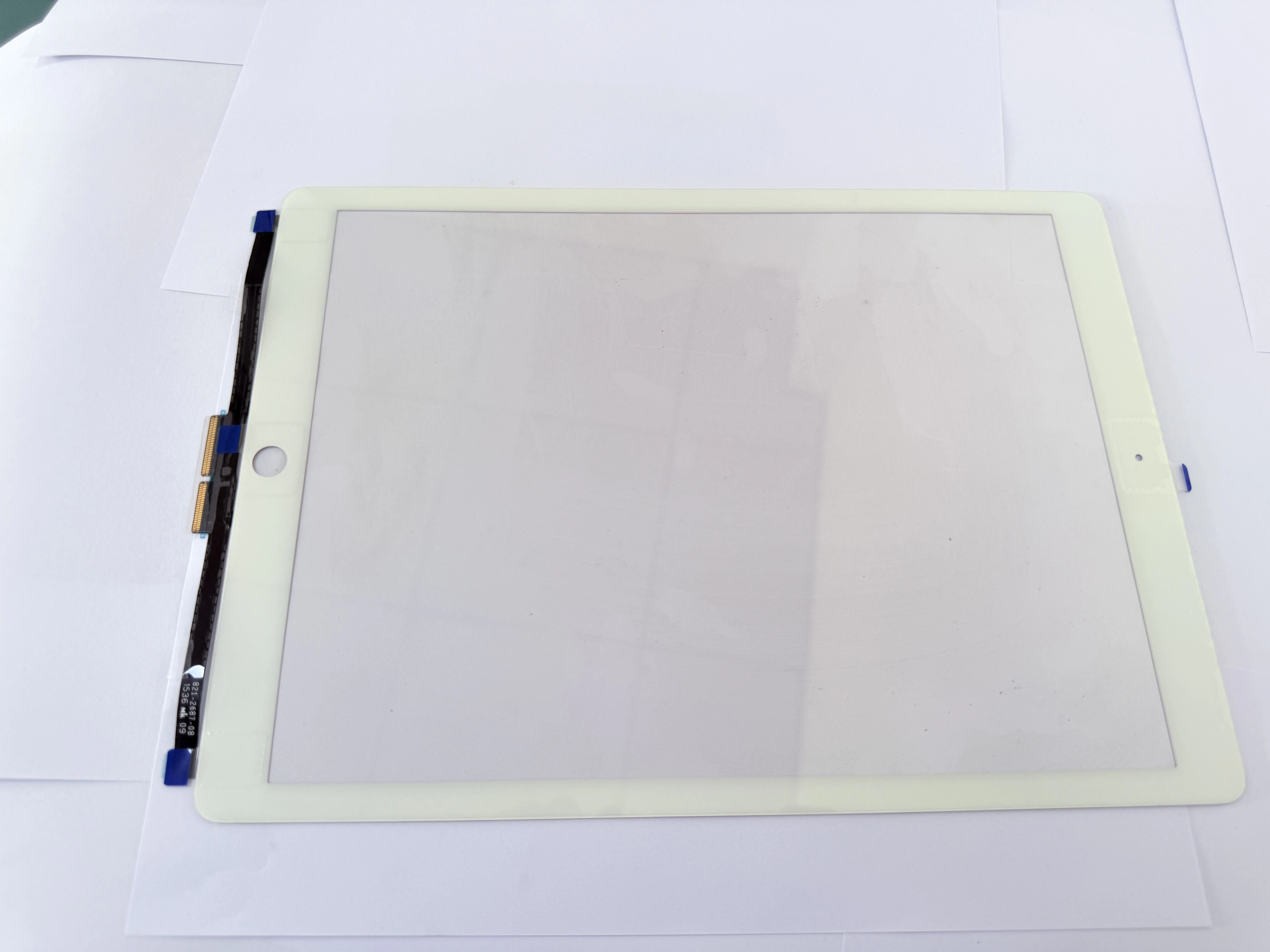
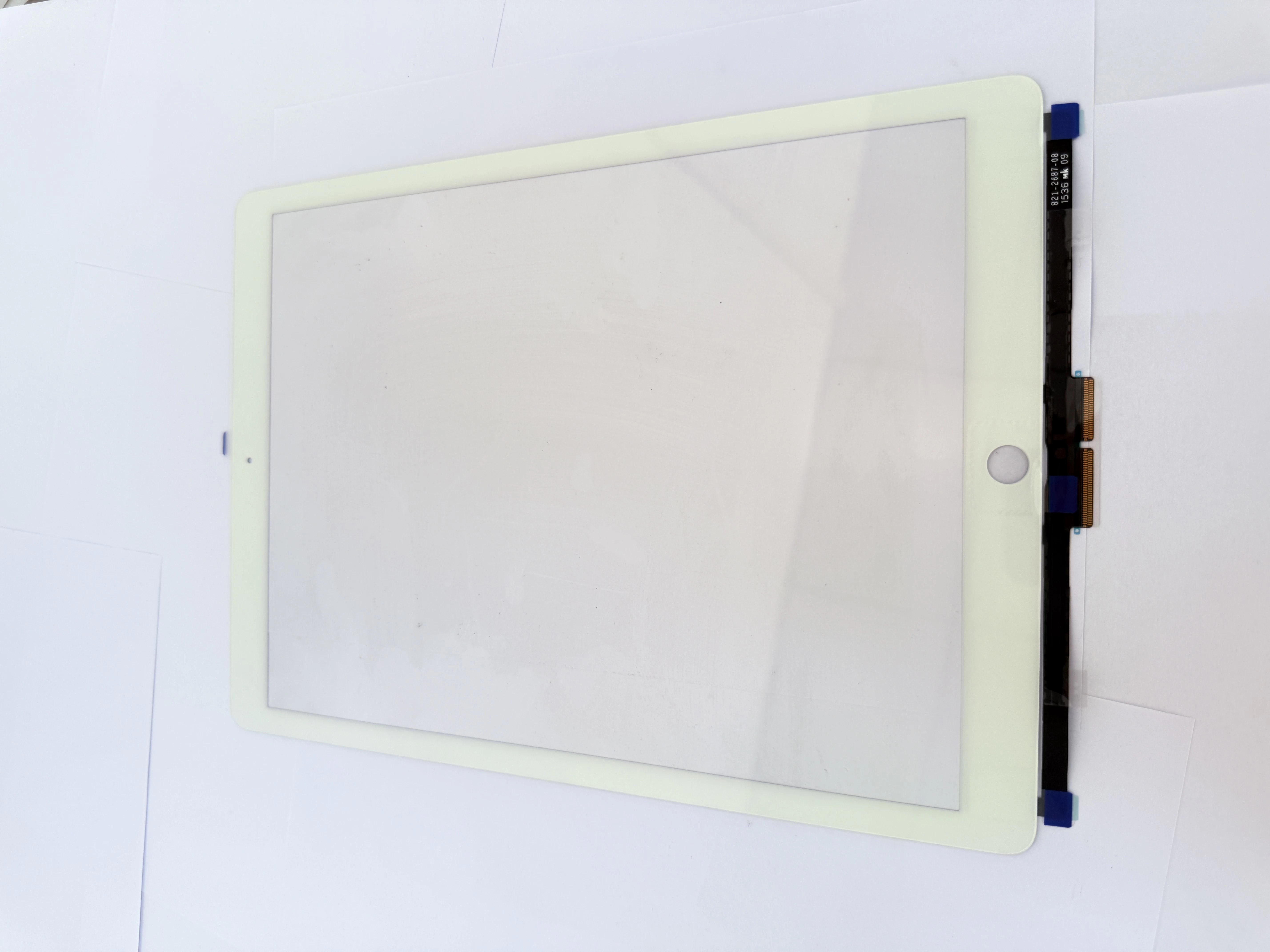
H2 1. Distinguish Digitizer Damage vs LCD Breakage (Core Repair Judgment)
H3 1.1 Only Replace Outer Touch Digitizer (No LCD Damage)
- Cracked front glass with intact, spot-free, line-free display, no liquid leakage
- Fixed dead touch zones, persistent ghost touch after factory reset, no screen discoloration
- Broken glass around Home button without internal panel damage
- H3 1.2 Must Replace Complete LCD Assembly

Black screen, flickering, vertical colored lines, black/white light spots, LCD liquid leakage, panel deformation from heavy impact.
H2 2. Standard 8-Step Safe Disassembly Operation
- Fully power off the iPad to eliminate motherboard short-circuit risk
- Evenly heat the frame at low temperature; avoid long-time heating near battery and Home flex
- Separate broken glass with thin plastic shims, limit insertion depth to protect bottom antenna
- Unplug touch flex connector gently; clean oxidized pins before reassembly
- Transplant original Home button flex to new digitizer to retain native Touch ID
- Complete full-screen touch test (four edges, multi-point, stylus compatibility) before applying adhesive
- Thoroughly scrape residual old glue and glass debris on the middle frame
- Align new digitizer evenly, cold press 20 mins and recheck all functions
H2 3. Bulk Wholesale Digitizer Selection Tips for Distributors
- Strictly separate A1893 Wi-Fi and A1954 cellular models to avoid mixed delivery
- Select pre-attached high-viscosity adhesive, reinforced flex cable, high-transmittance glass
- Prioritize batches with factory full touch inspection, shockproof neutral export carton packaging
- Stable mass stock supports mixed batch orders for repair chain and educational institution clients