случаи

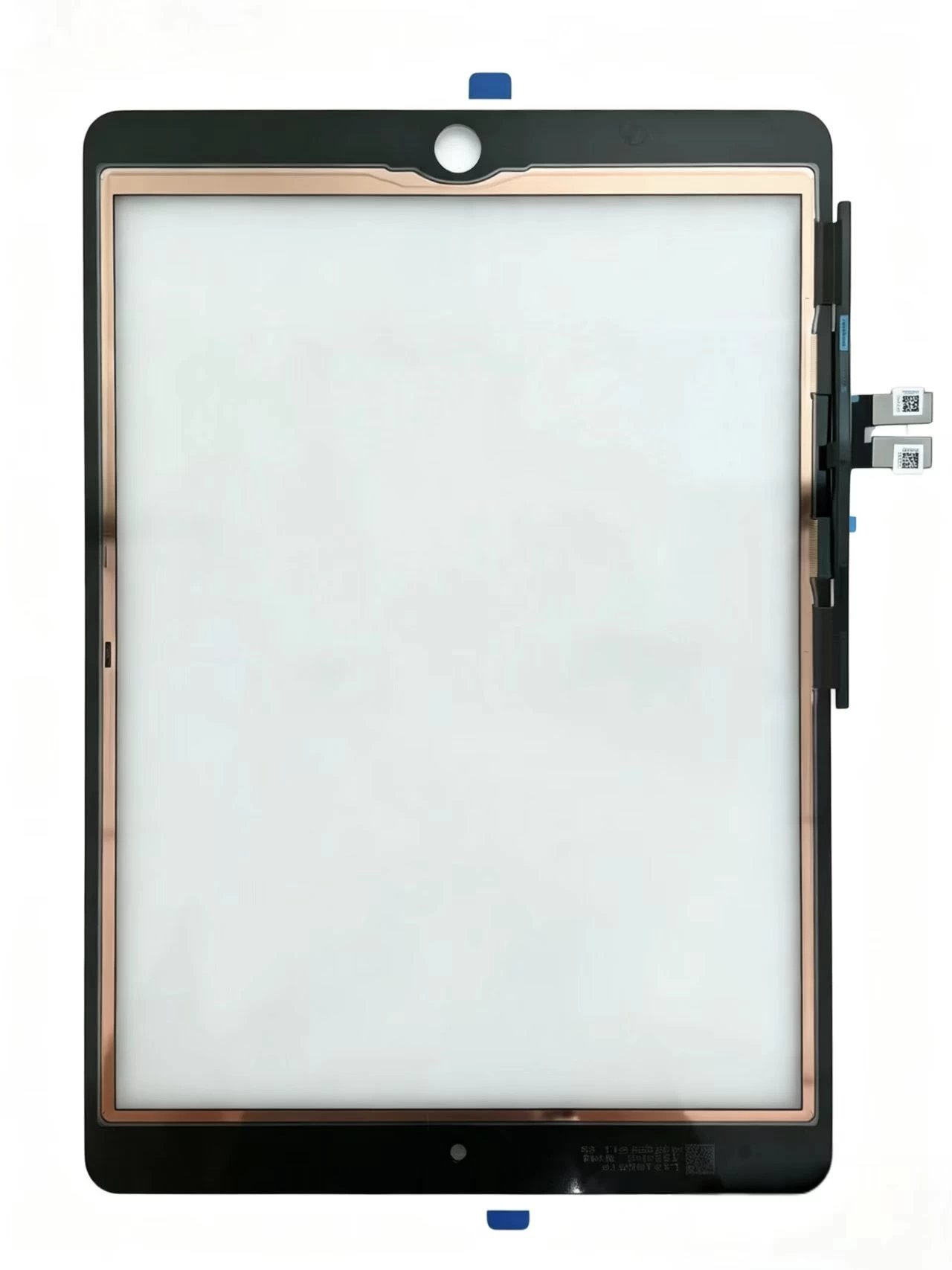
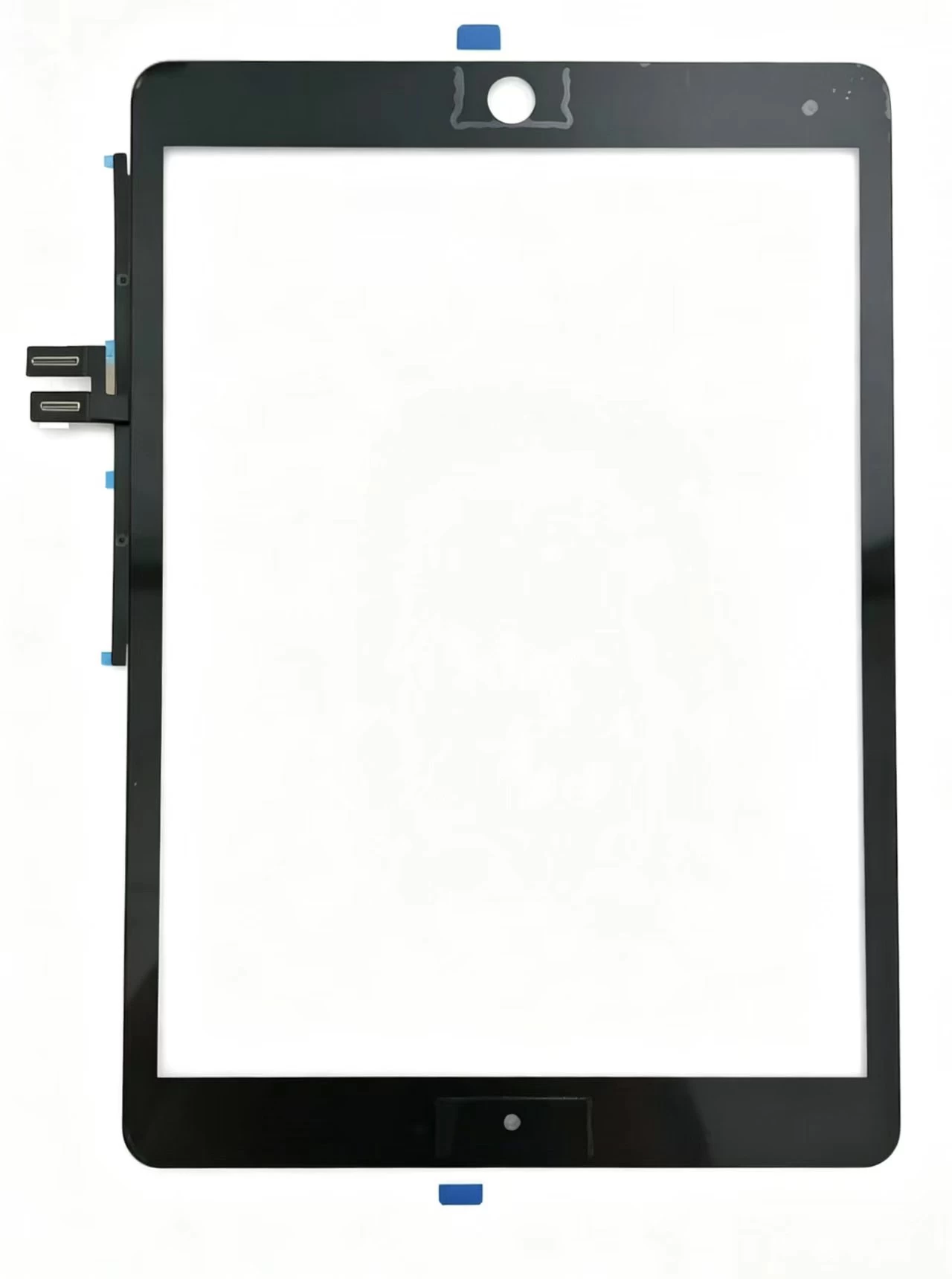
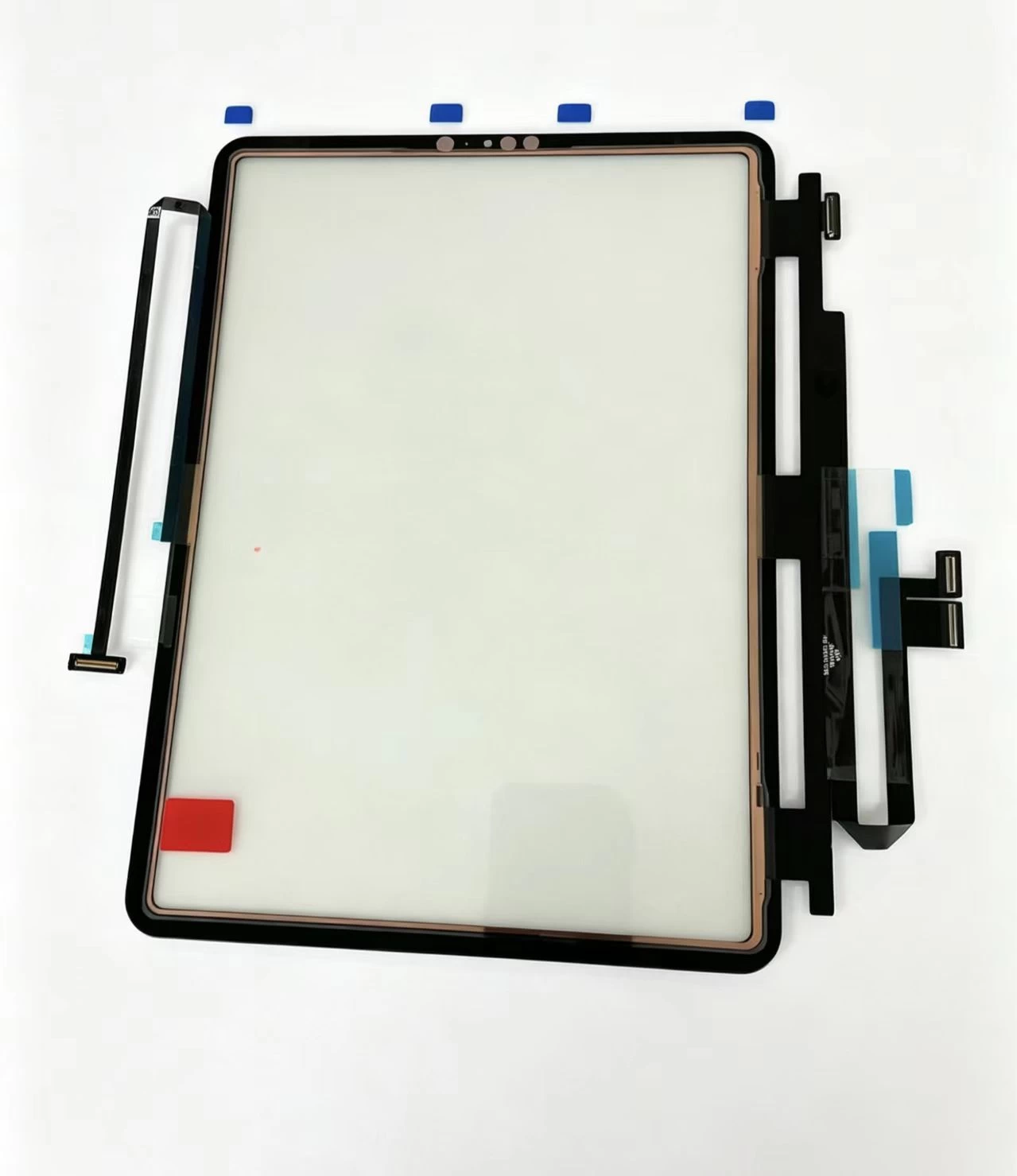
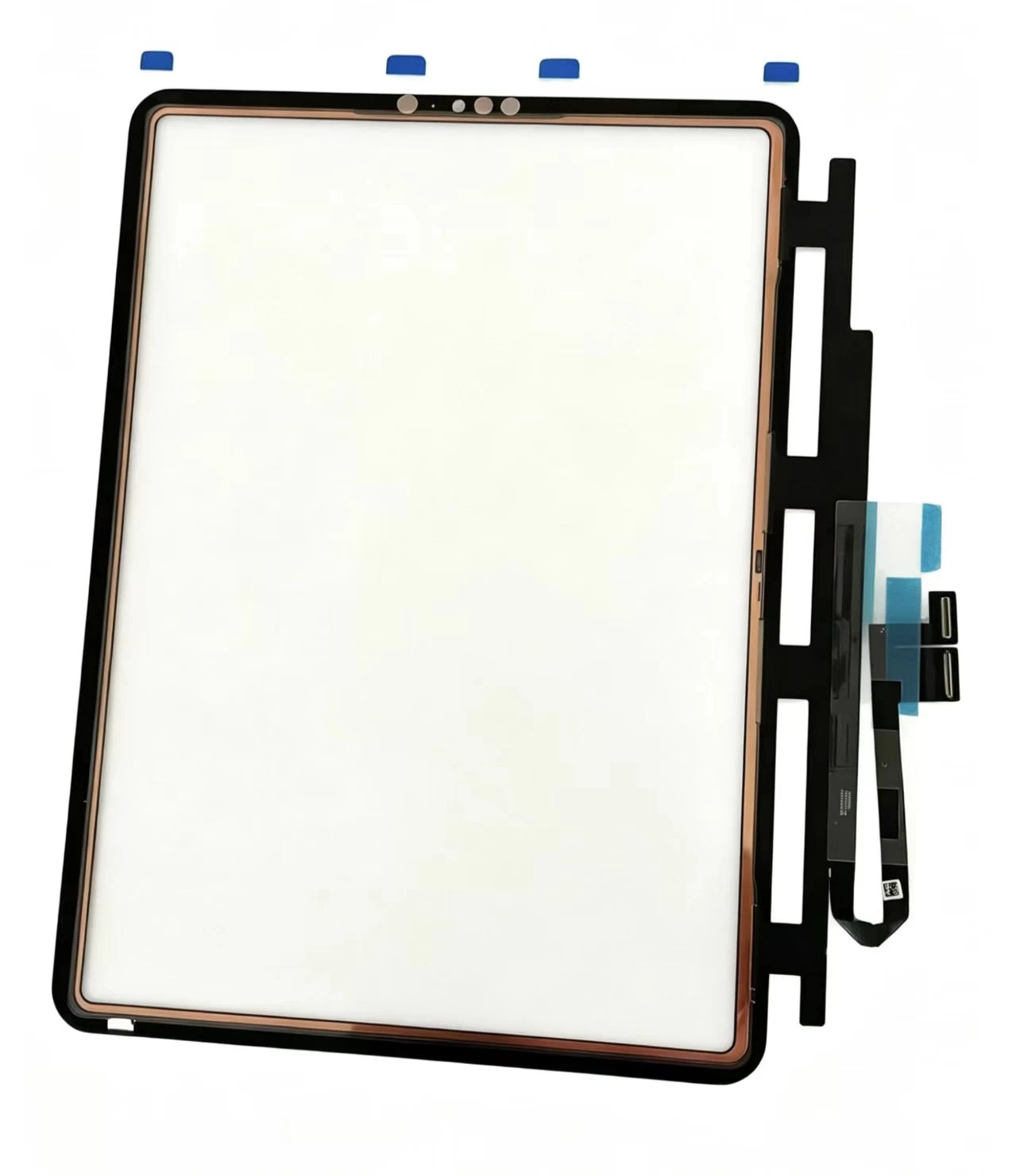
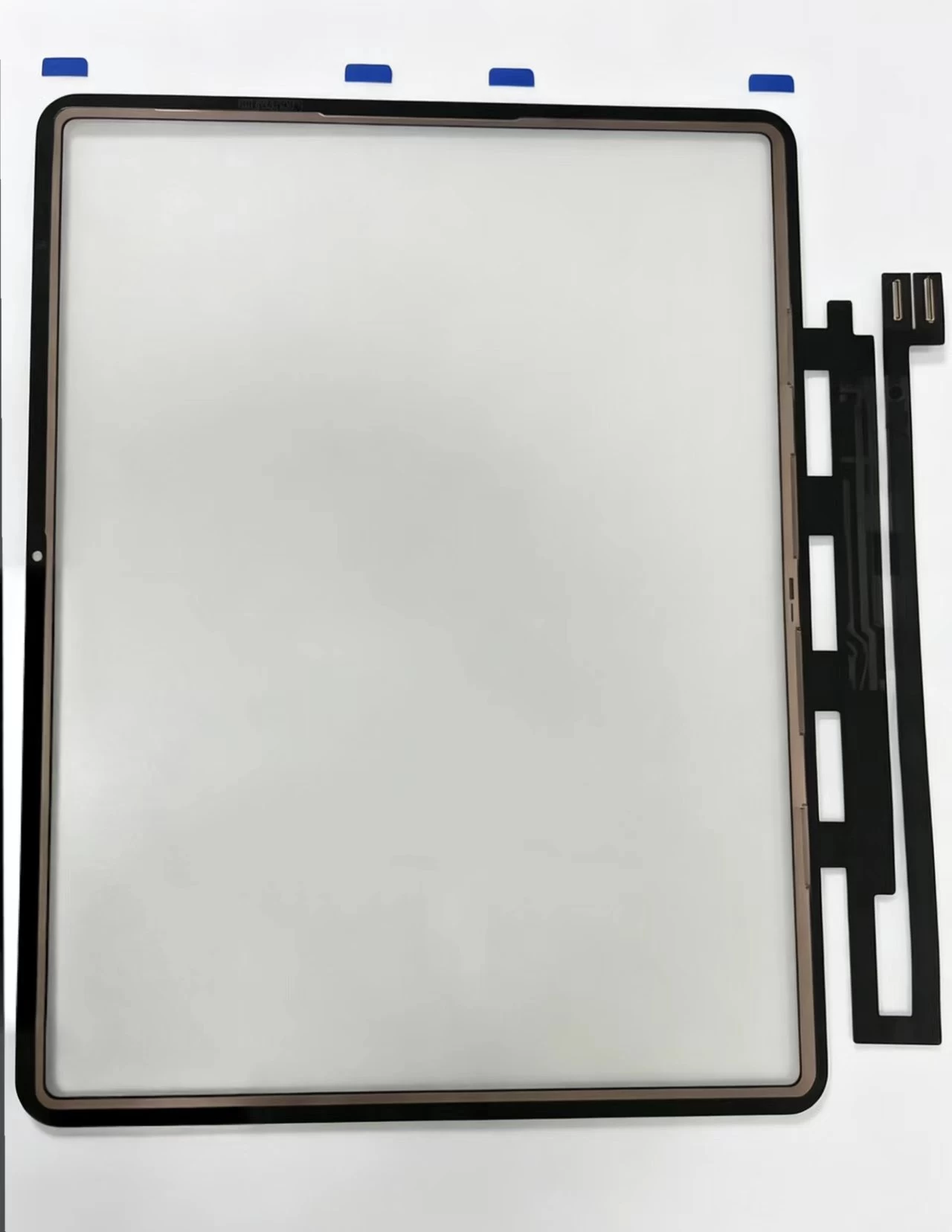
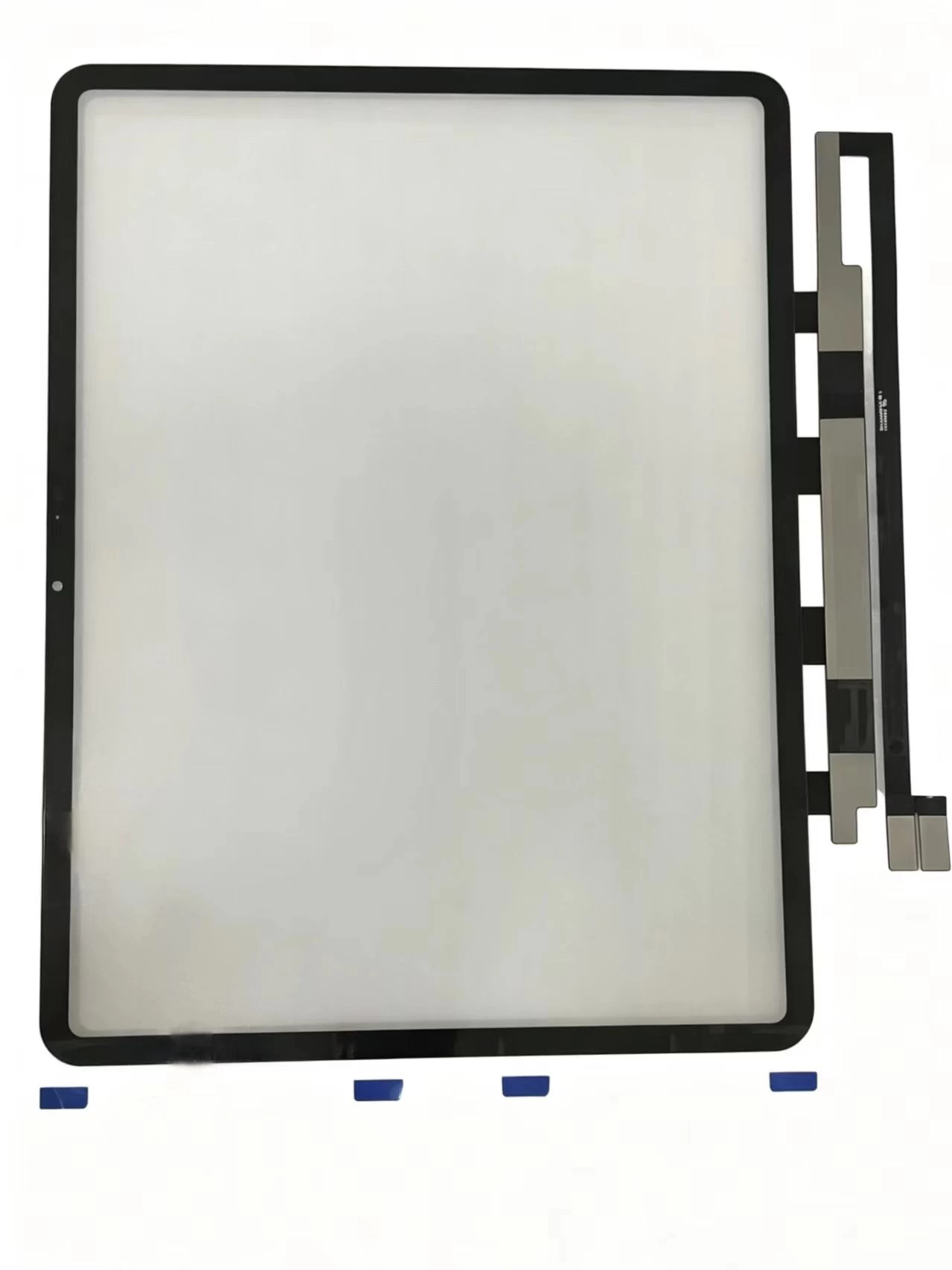
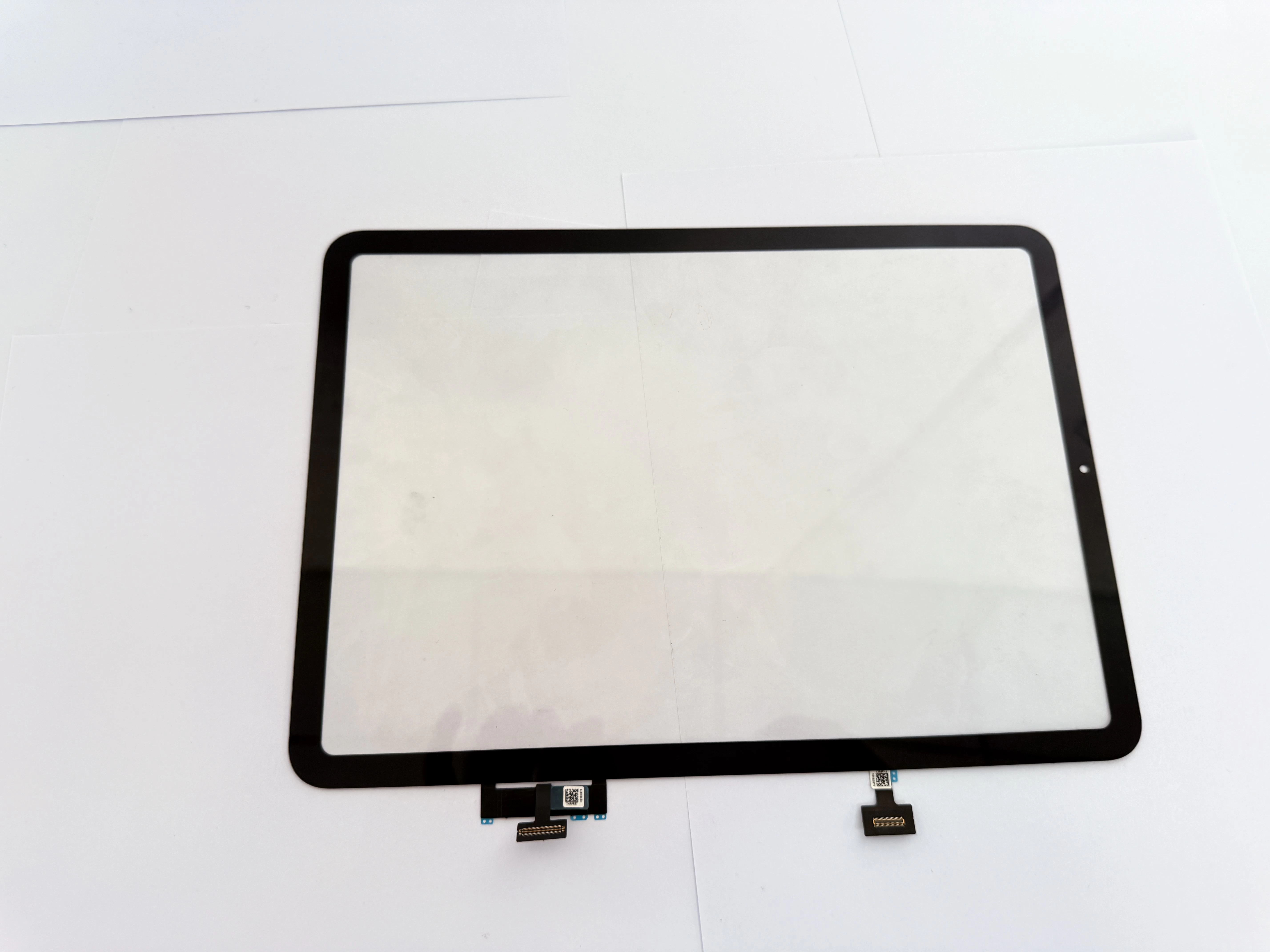
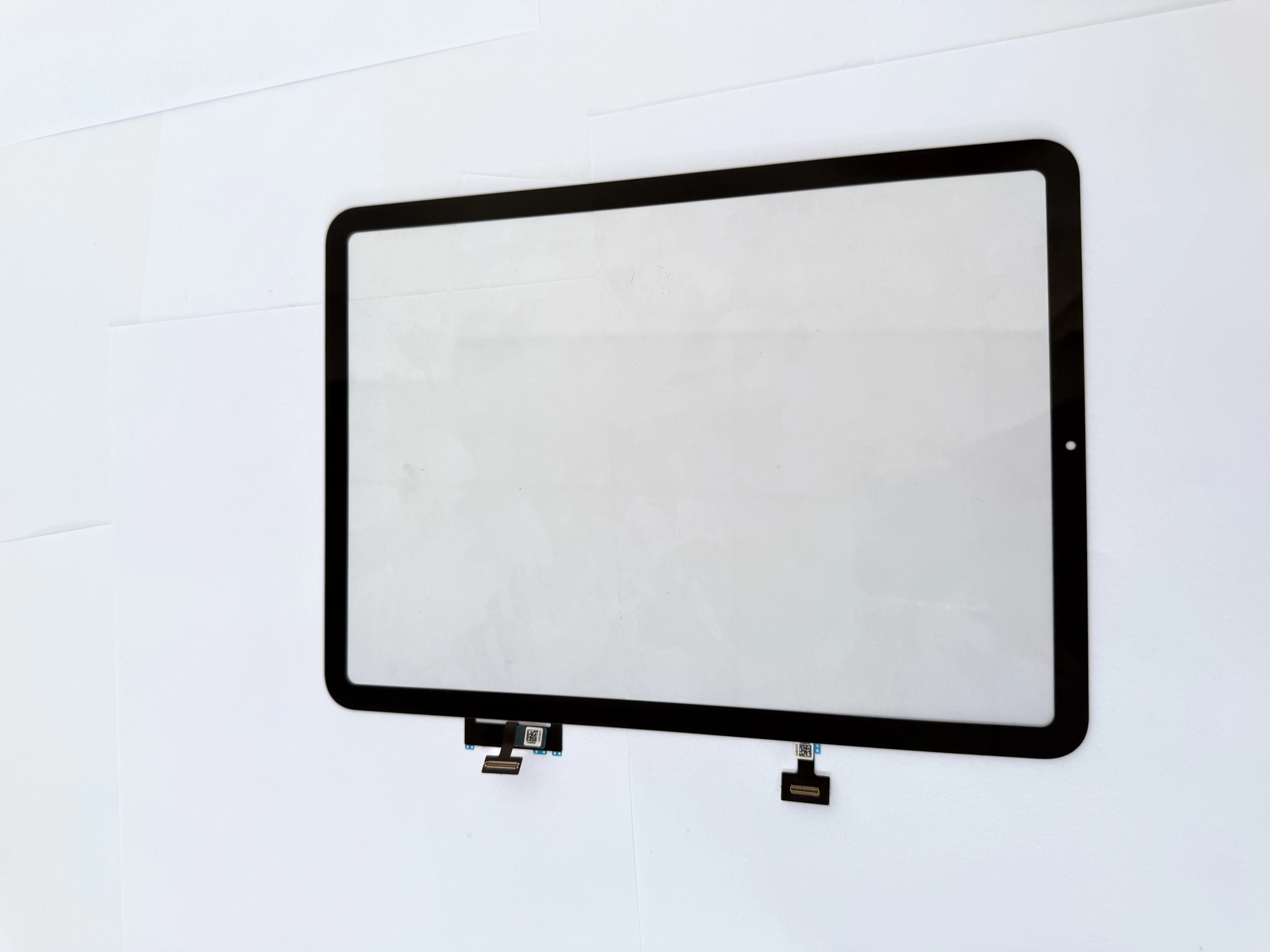
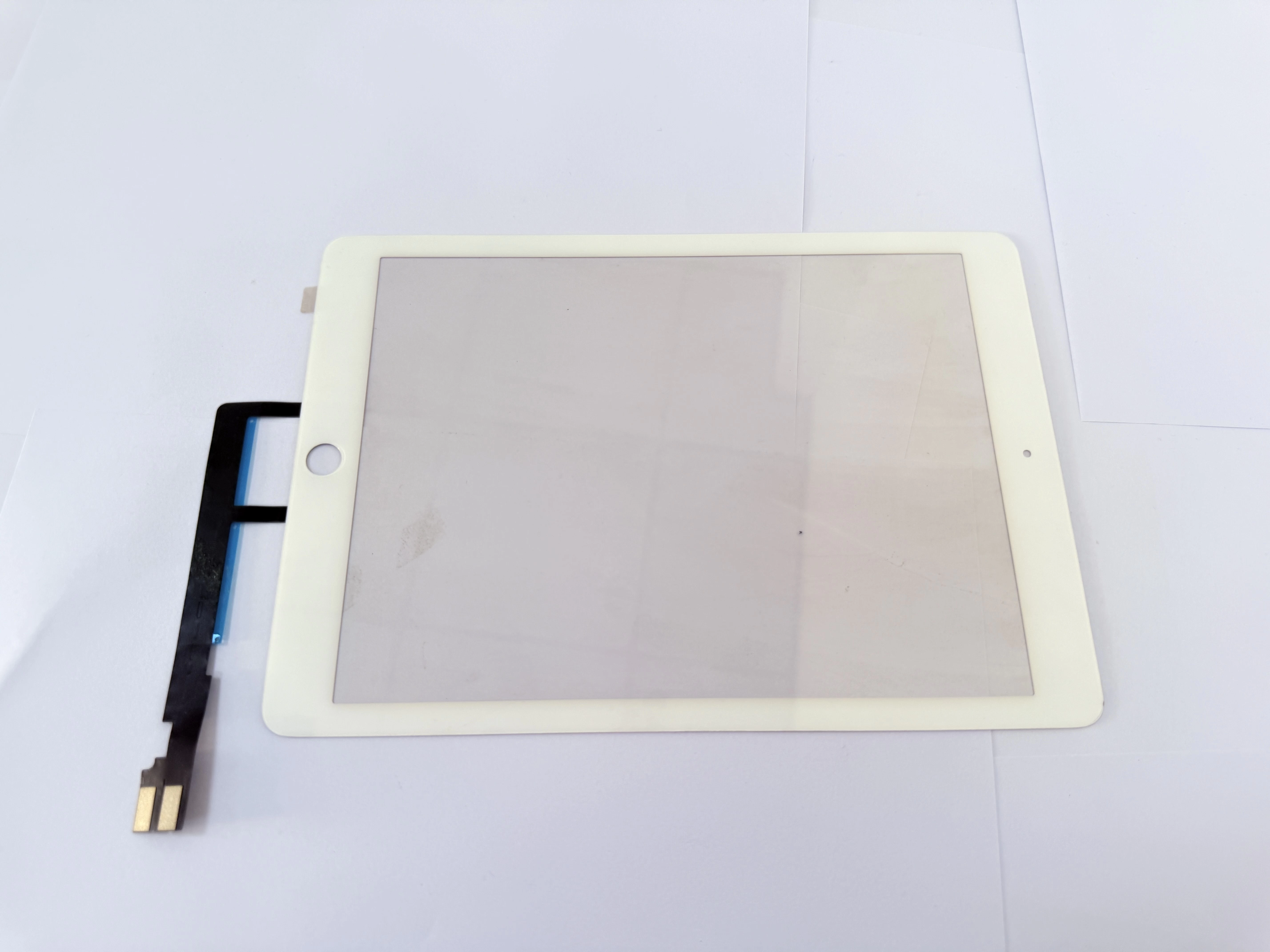
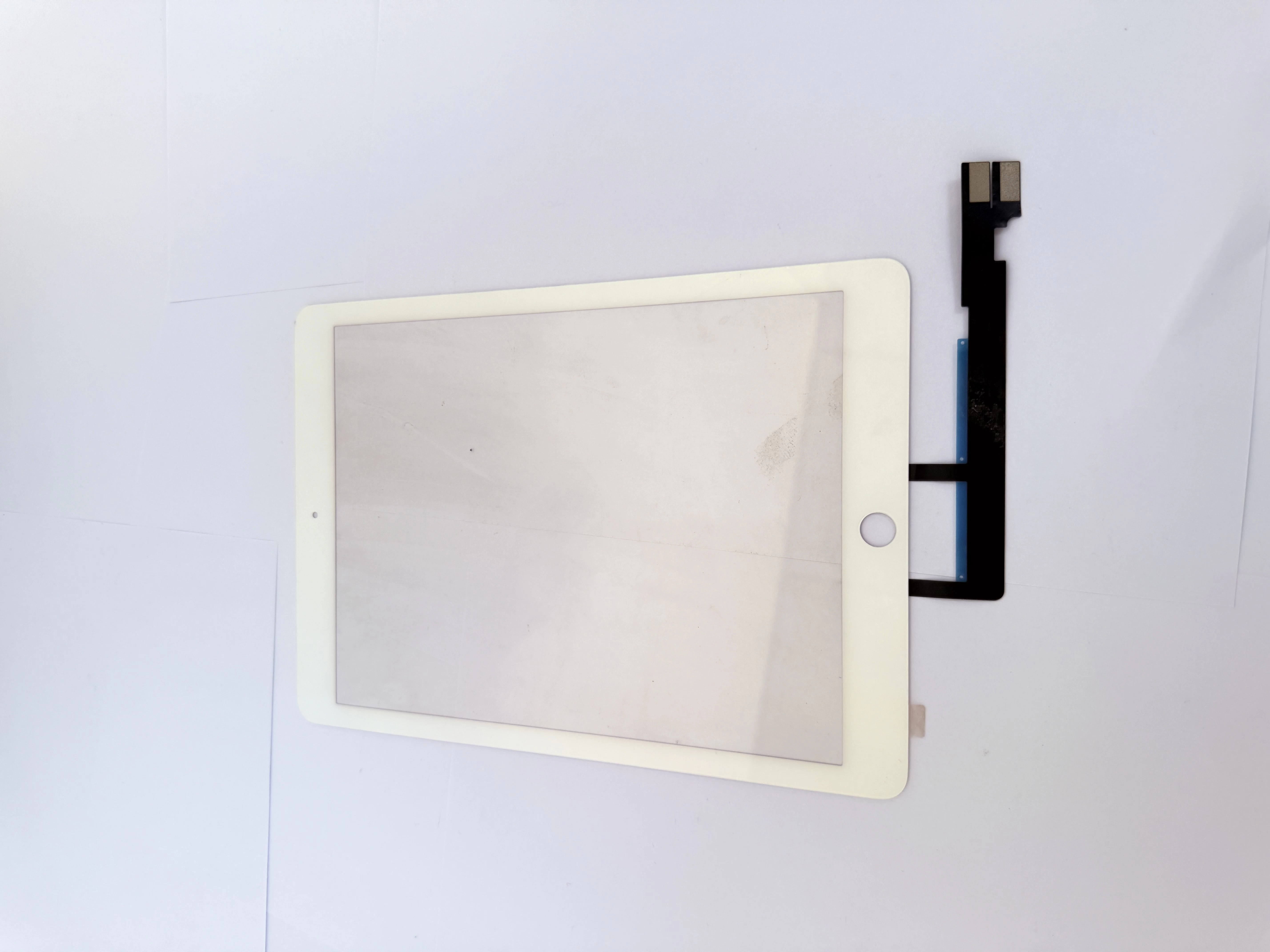
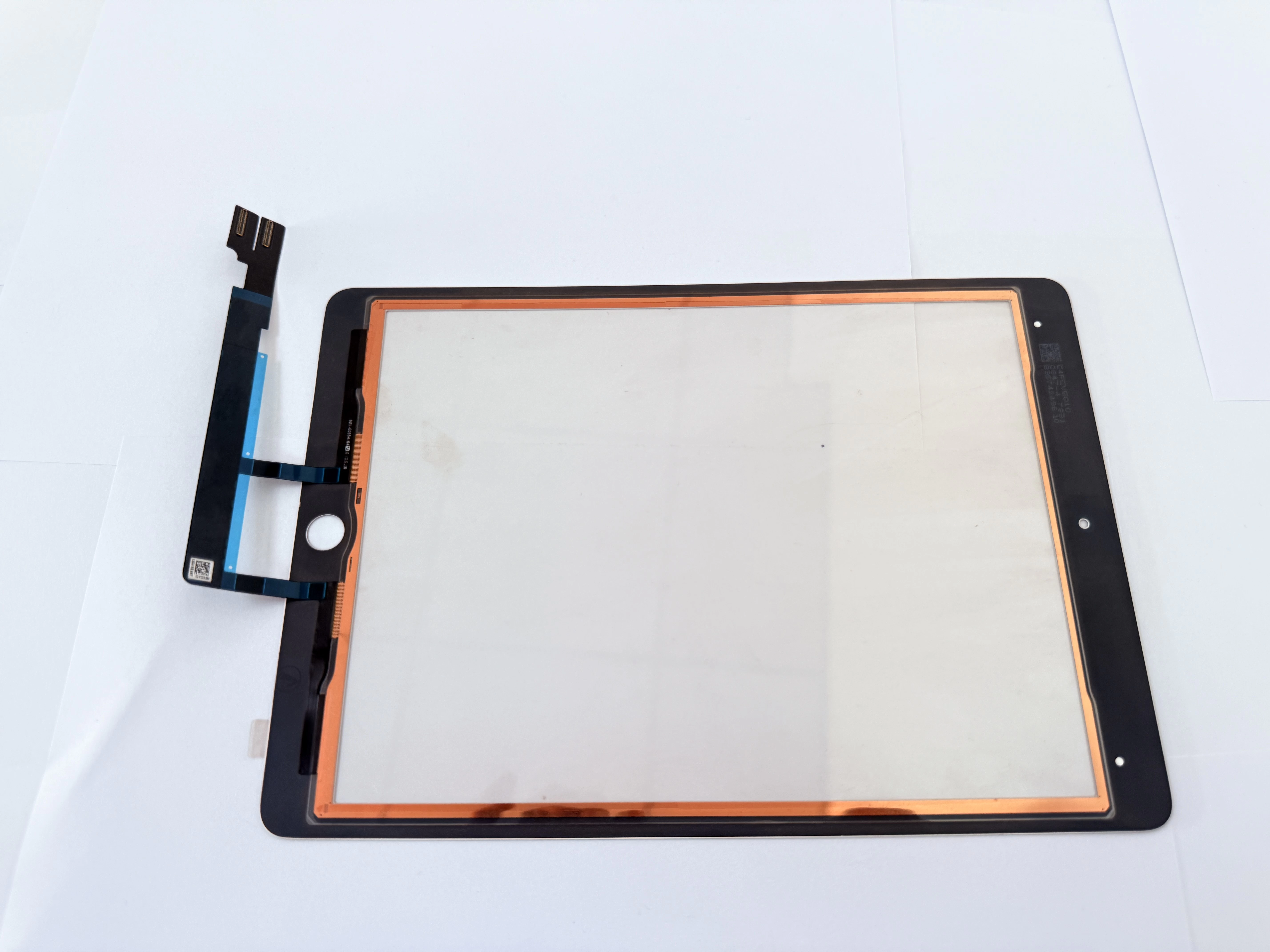
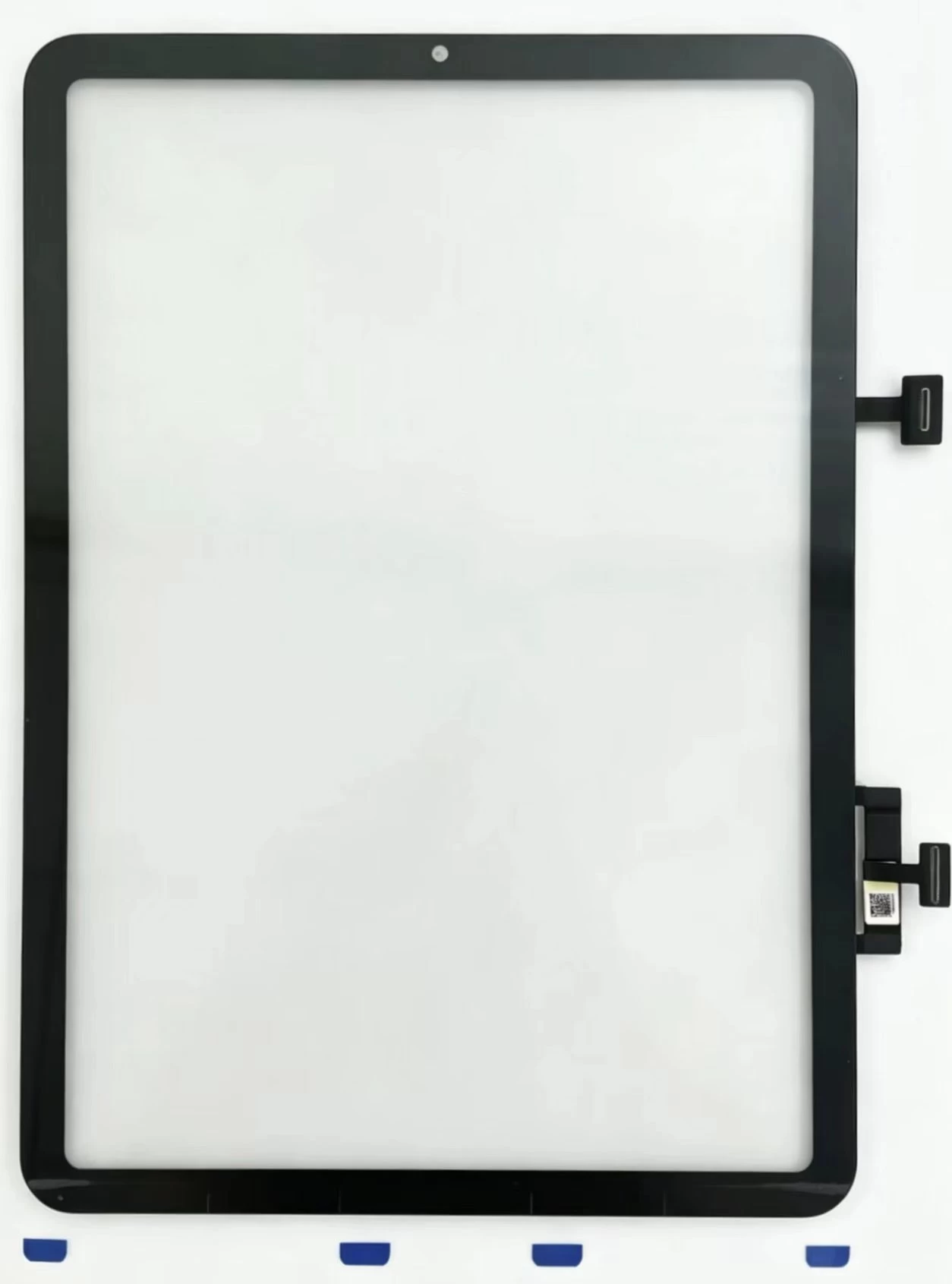
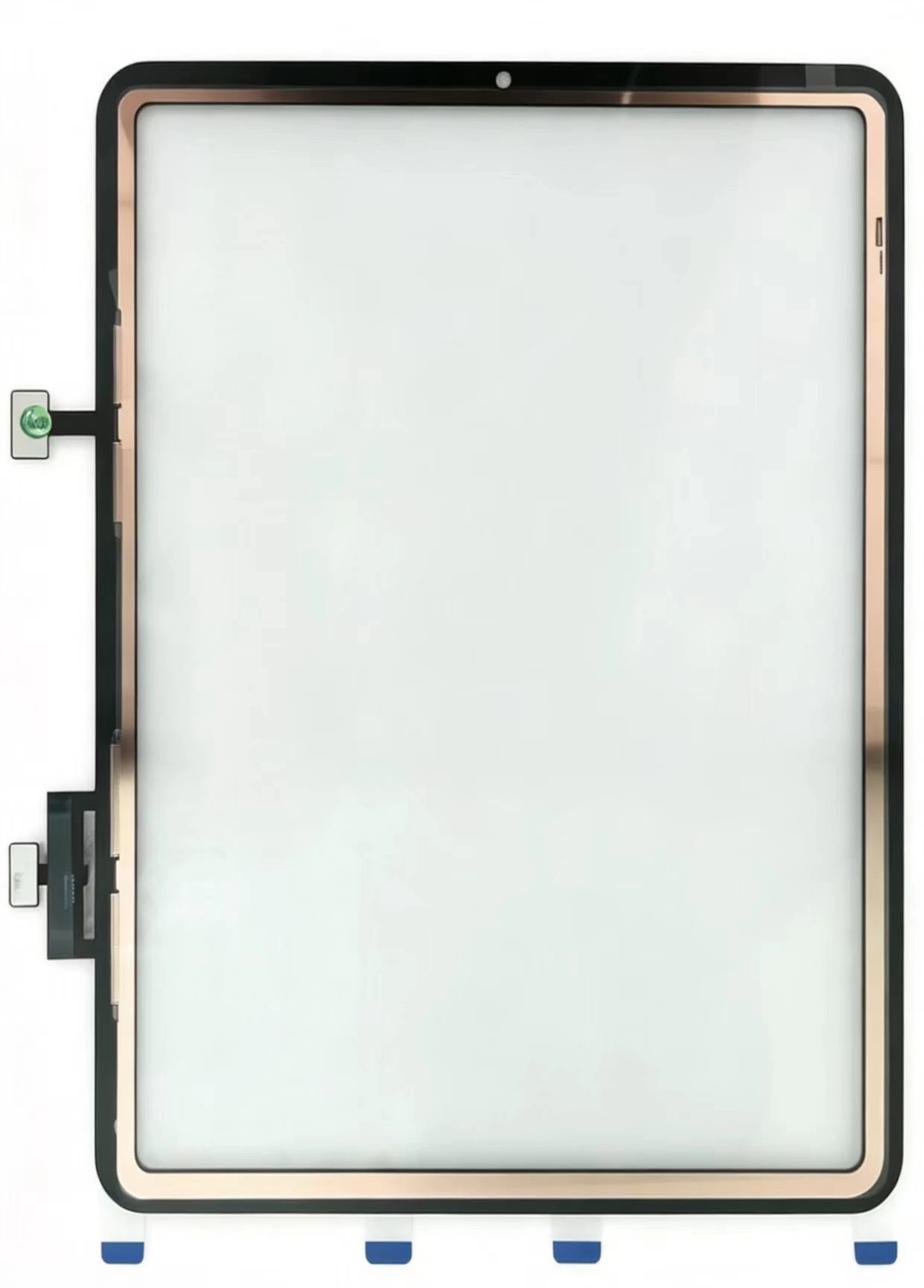
Complete Repair Guide for iPad Air 13 Inch 2024 G+OCA Touch Digitizer Cover Glass: Safe Screen Separation Steps, Post-Install Flickering Troubleshooting, Model Matching Standard and Bulk Sourcing Tips

  • Preparations Before Disassembling iPad Air 13 2024
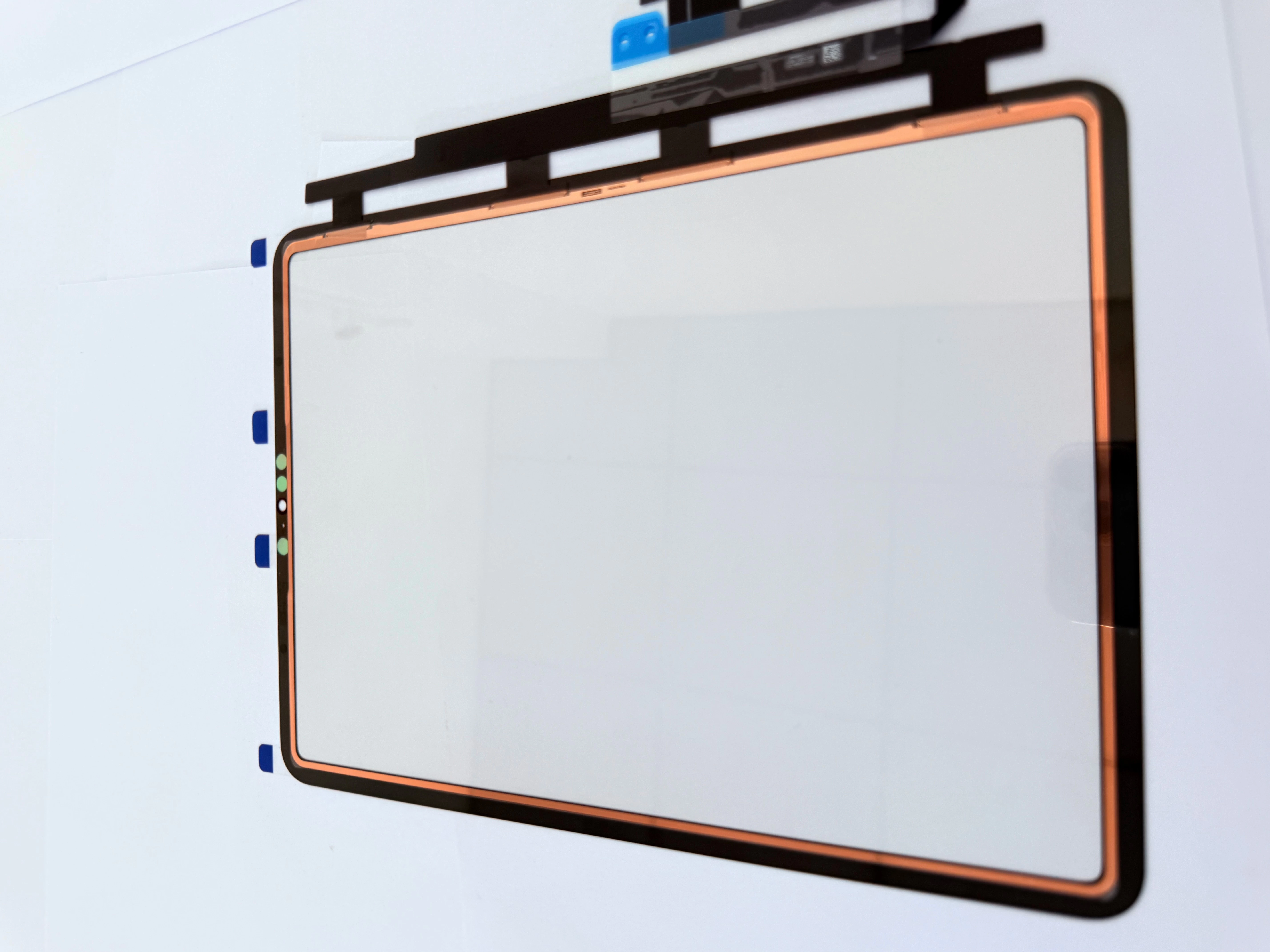
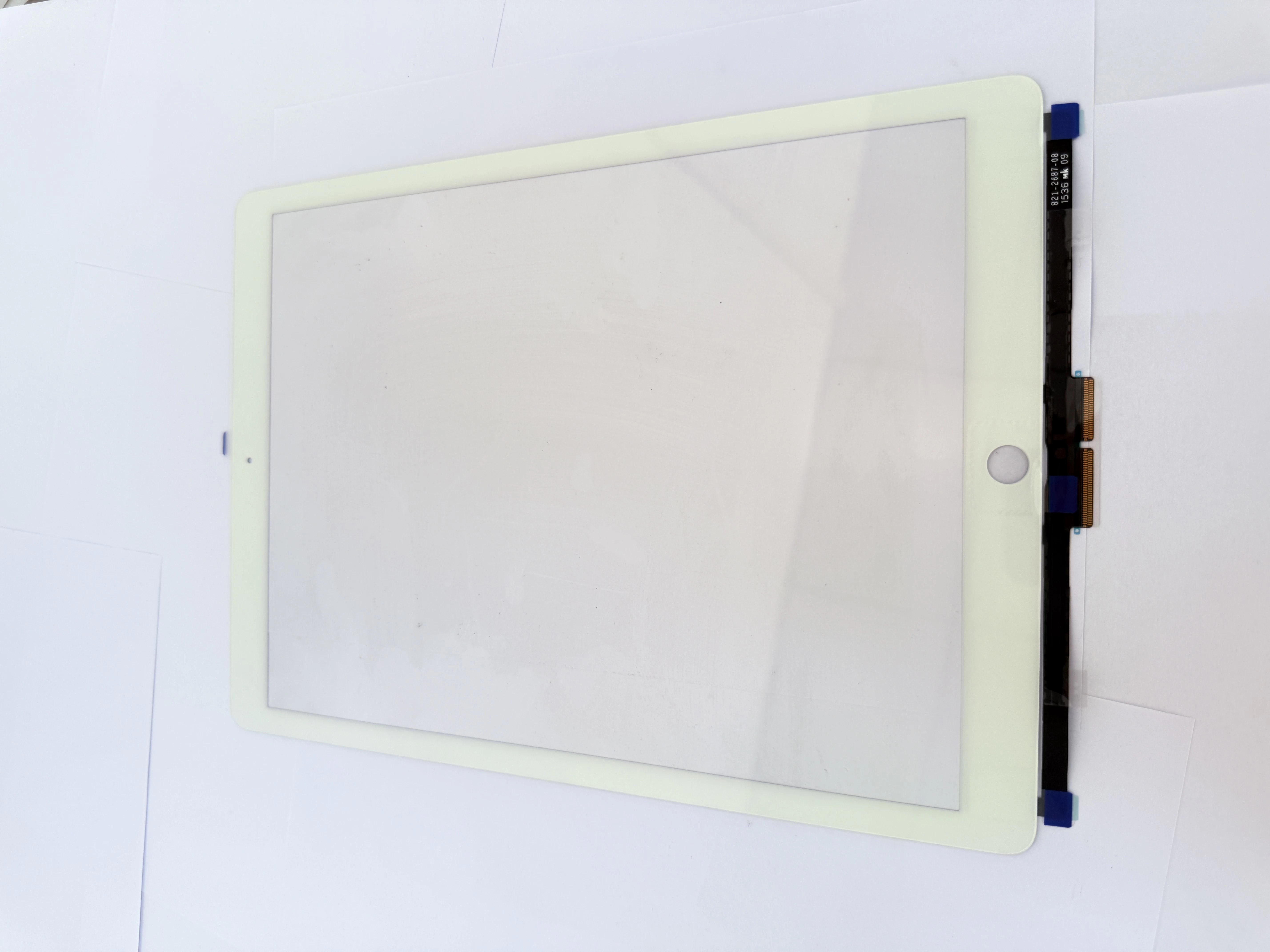
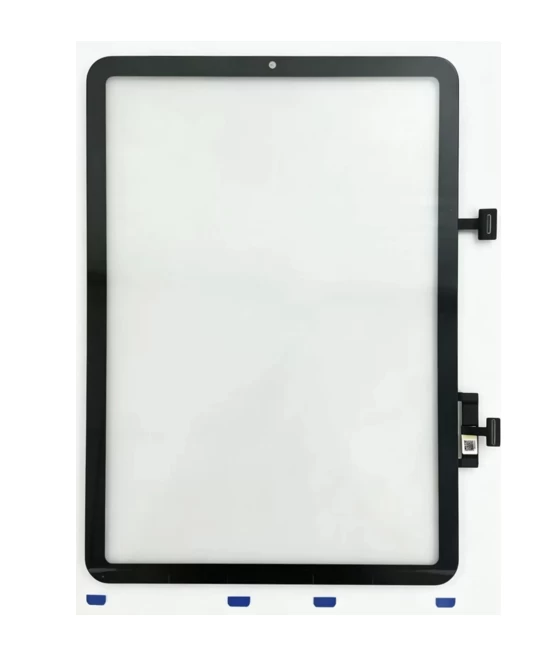
    The 13-inch full narrow frame design requires low-temperature cyclic heating to soften frame adhesive. Avoid long-time high-temperature baking on the top sensor area to prevent camera and proximity sensor damage. Prepare thin plastic shims and ESD tweezers to scratch the LCD inner screen. Confirm the device model number A2898 before purchasing replacement cover glass to avoid mismatching.
  • G+OCA Pre-Bonded Digitizer Core Advantages
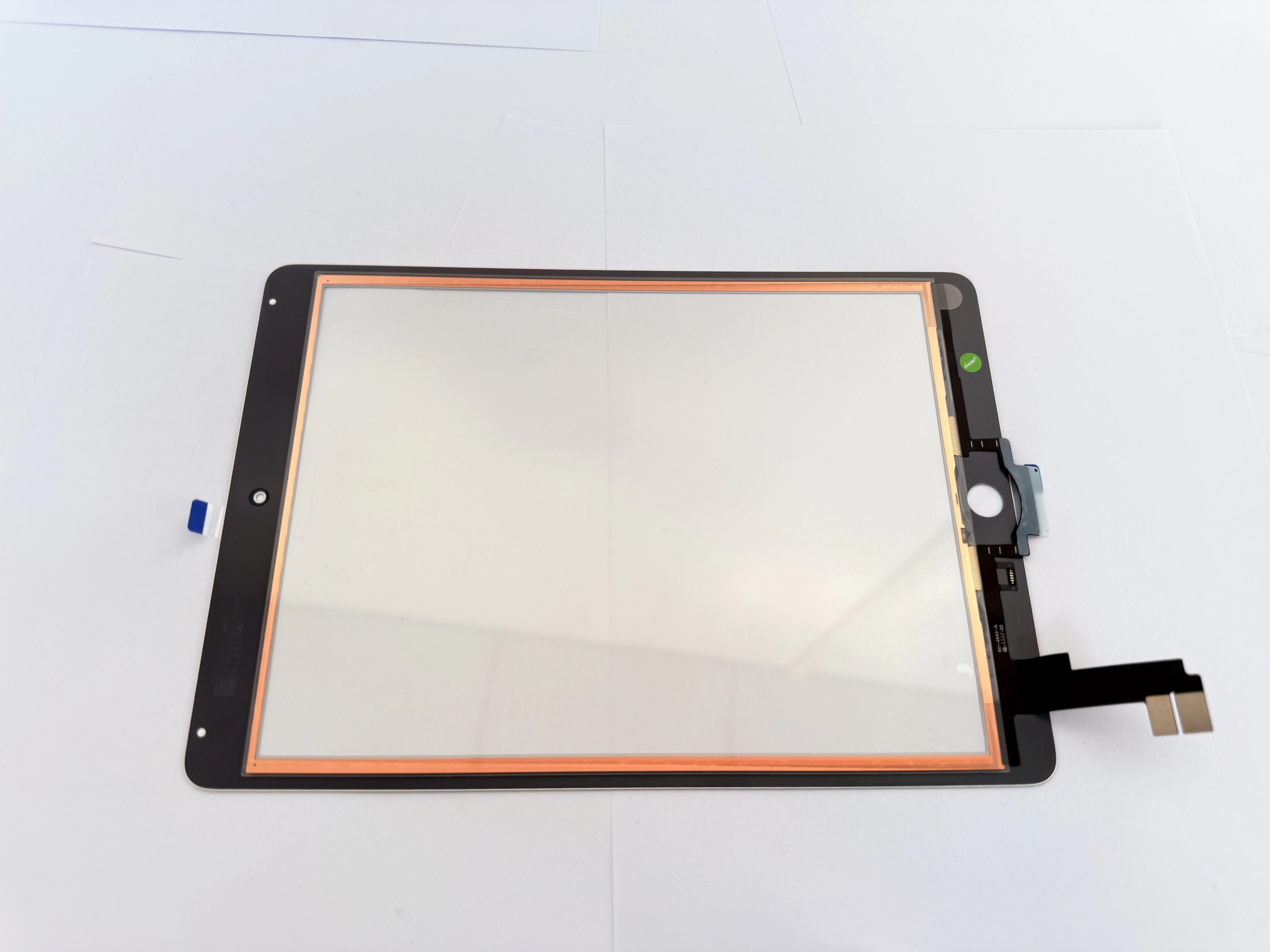
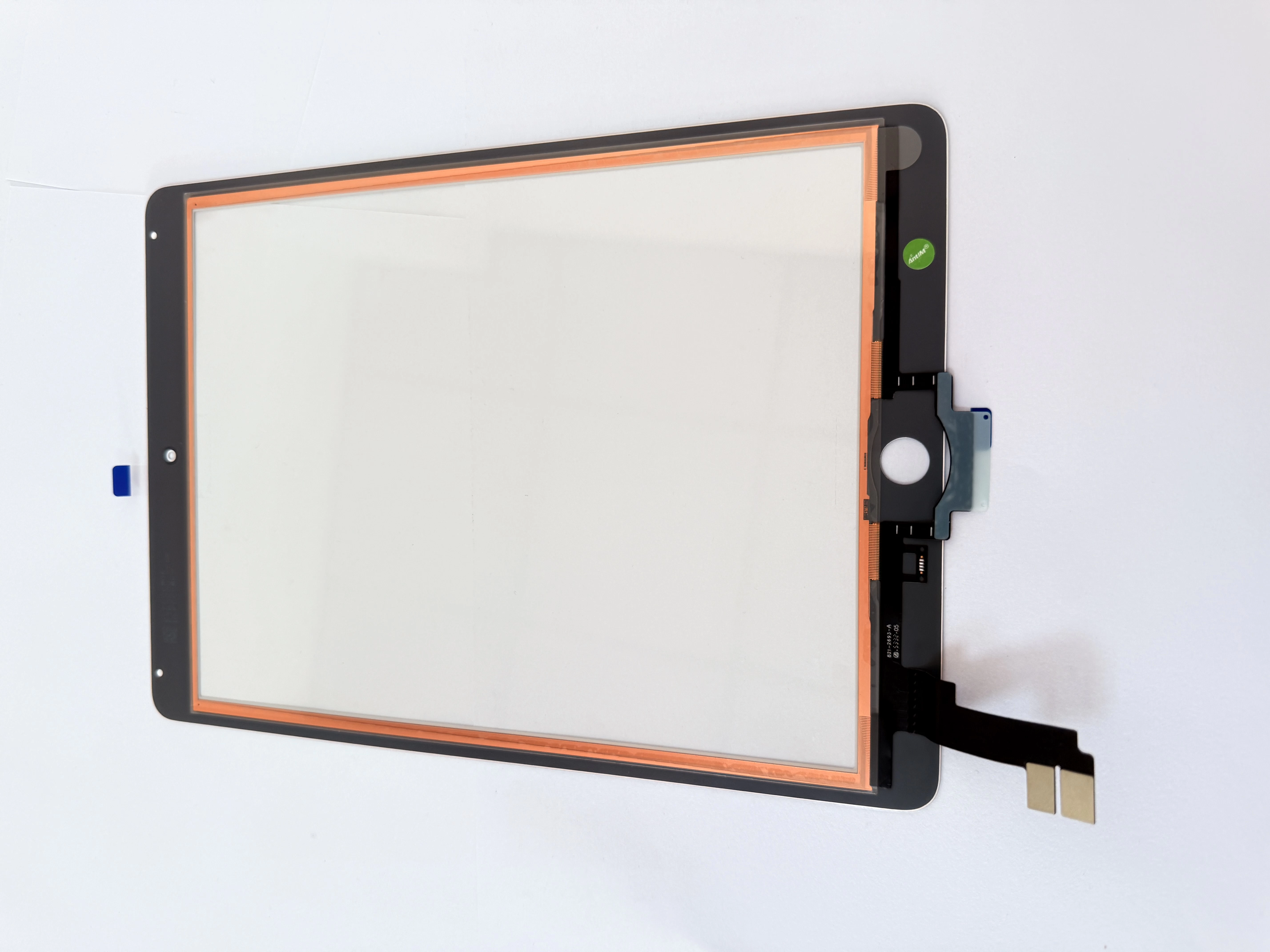
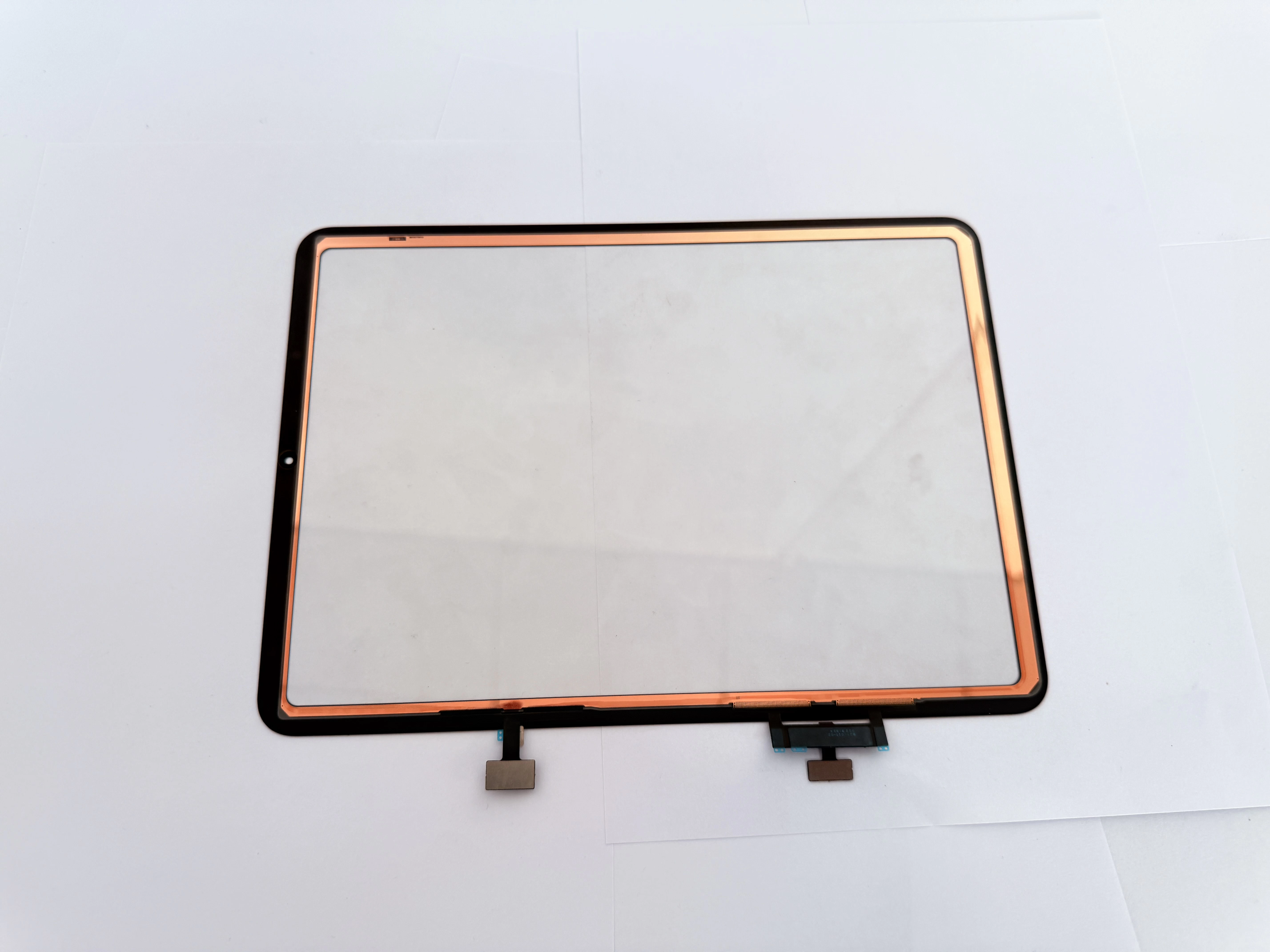
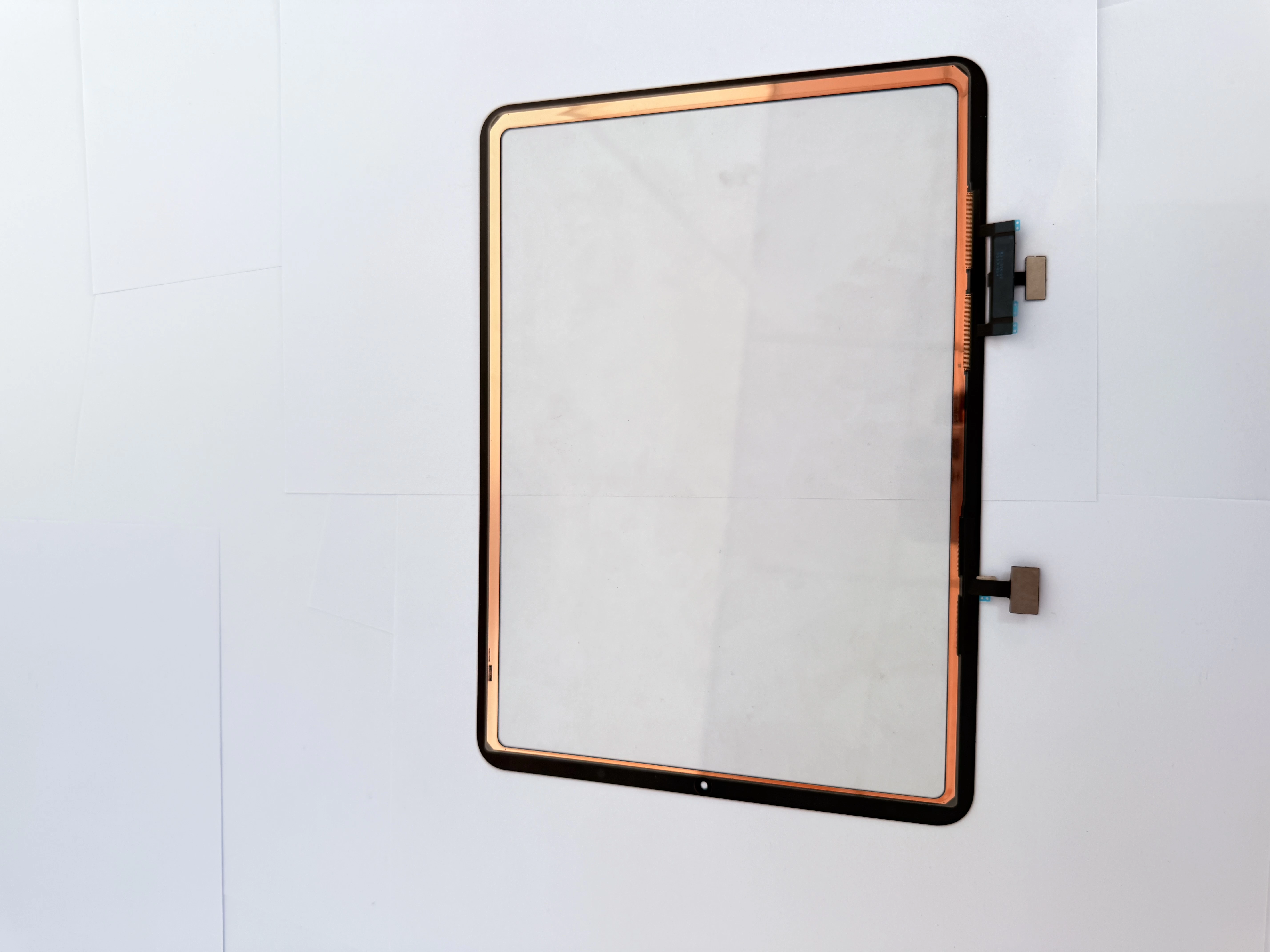
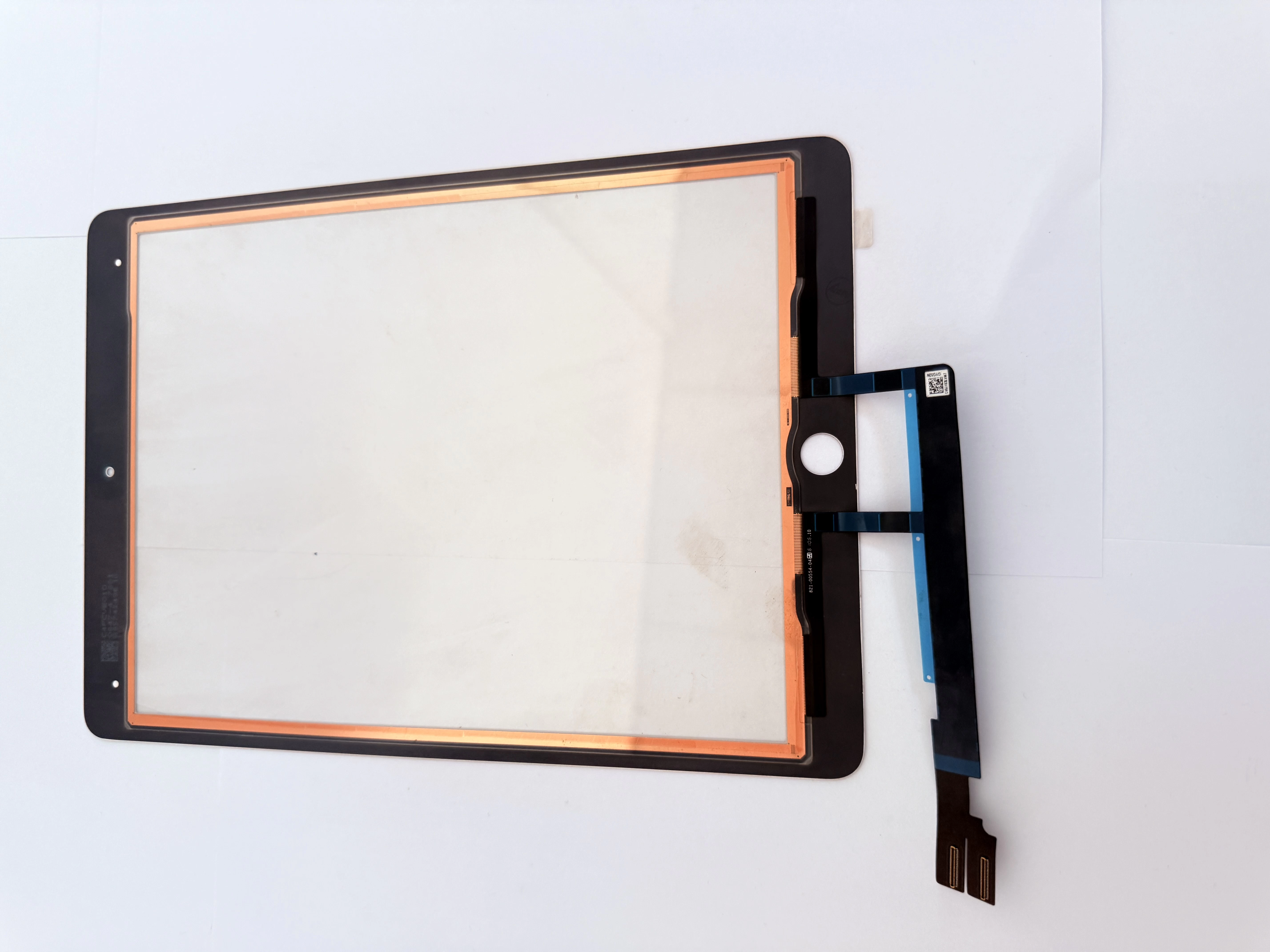
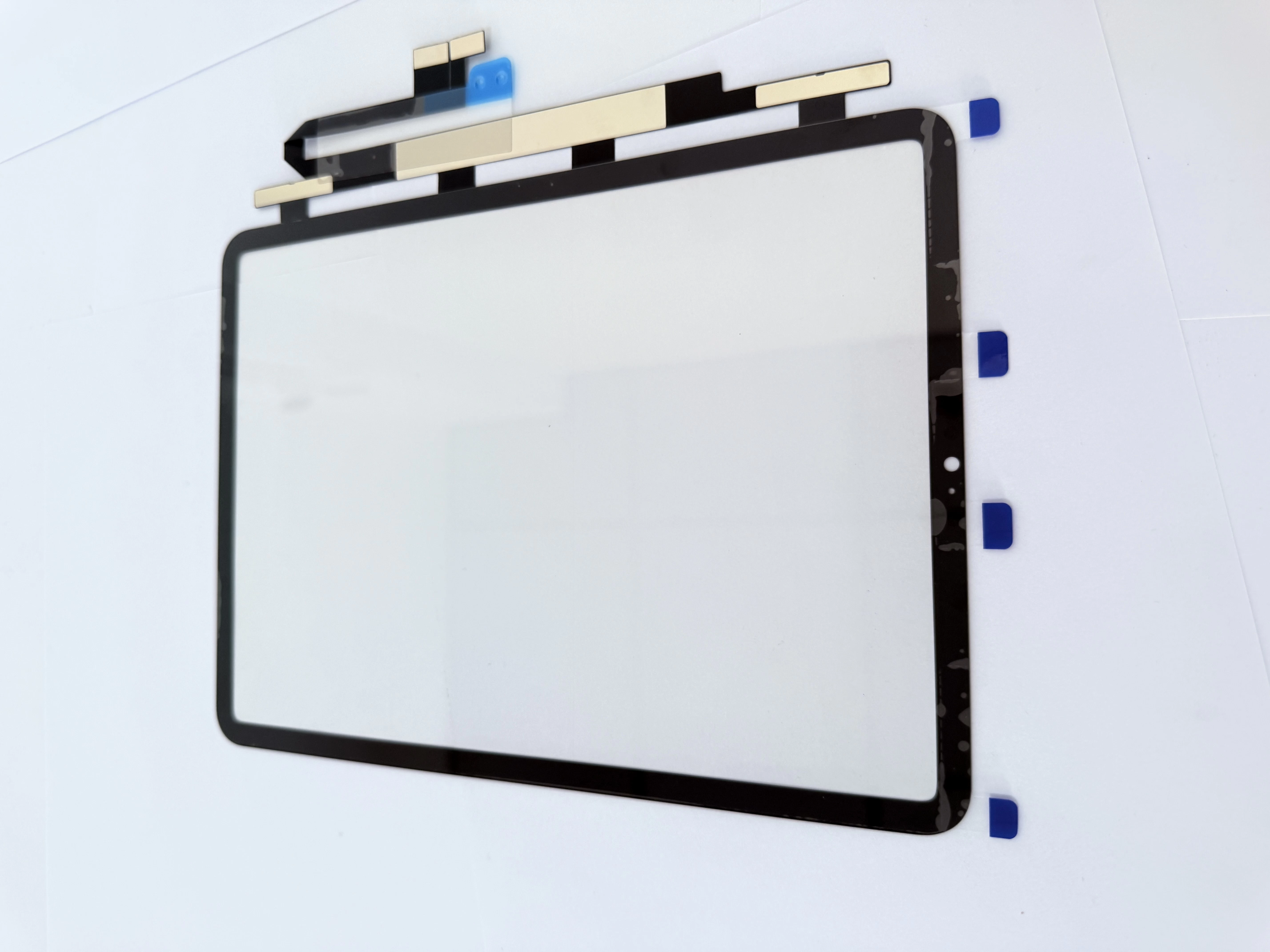
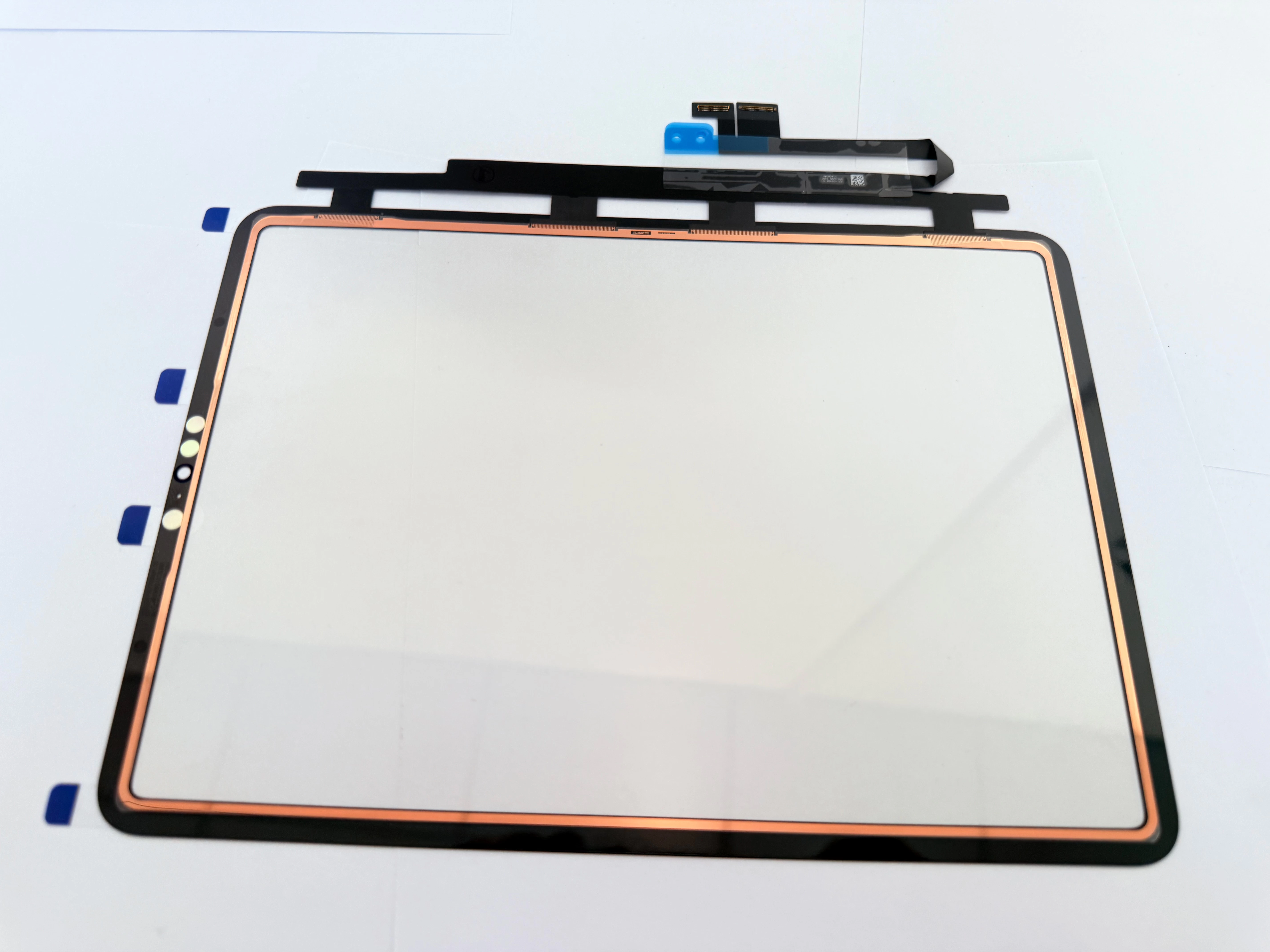
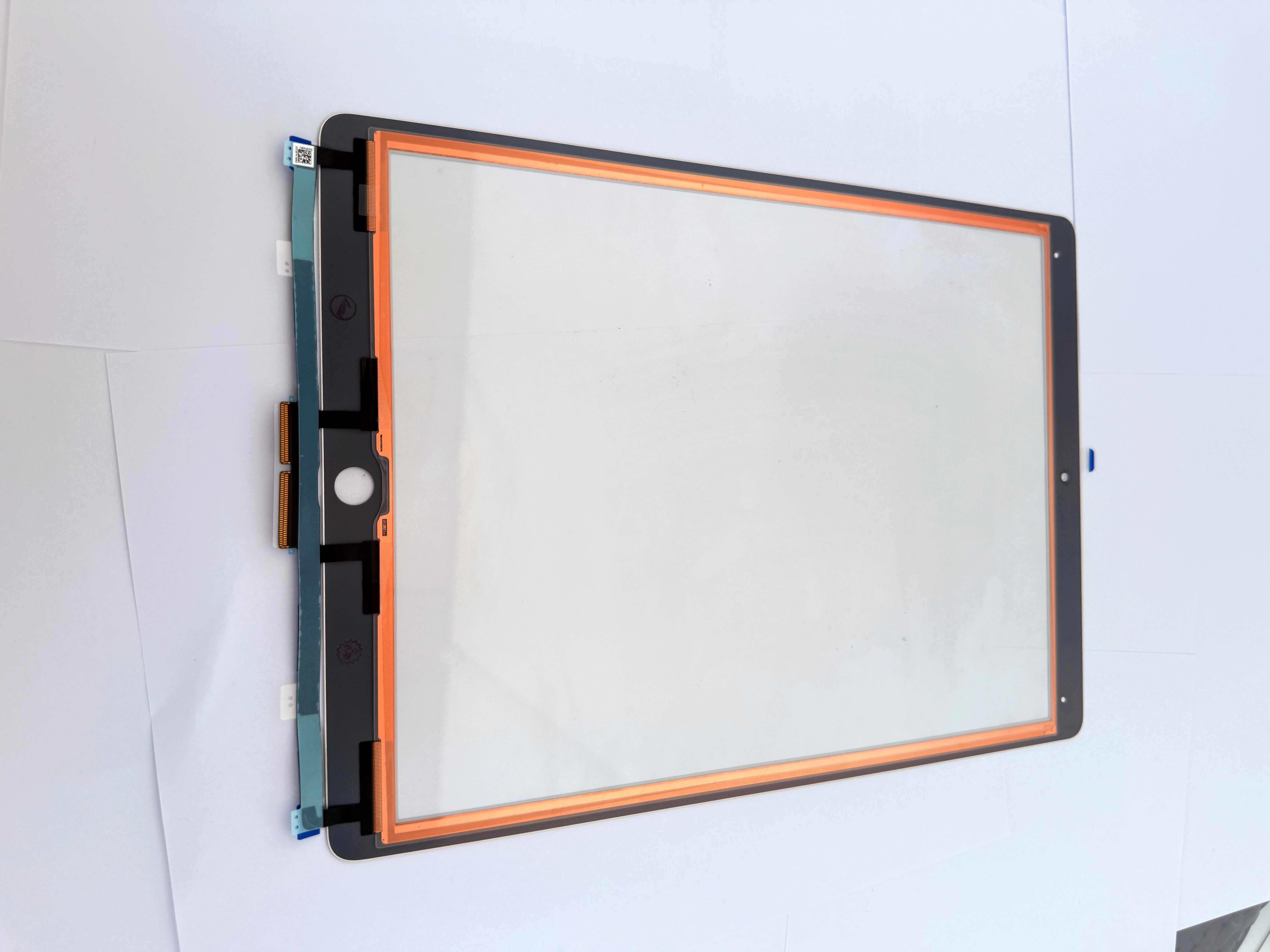
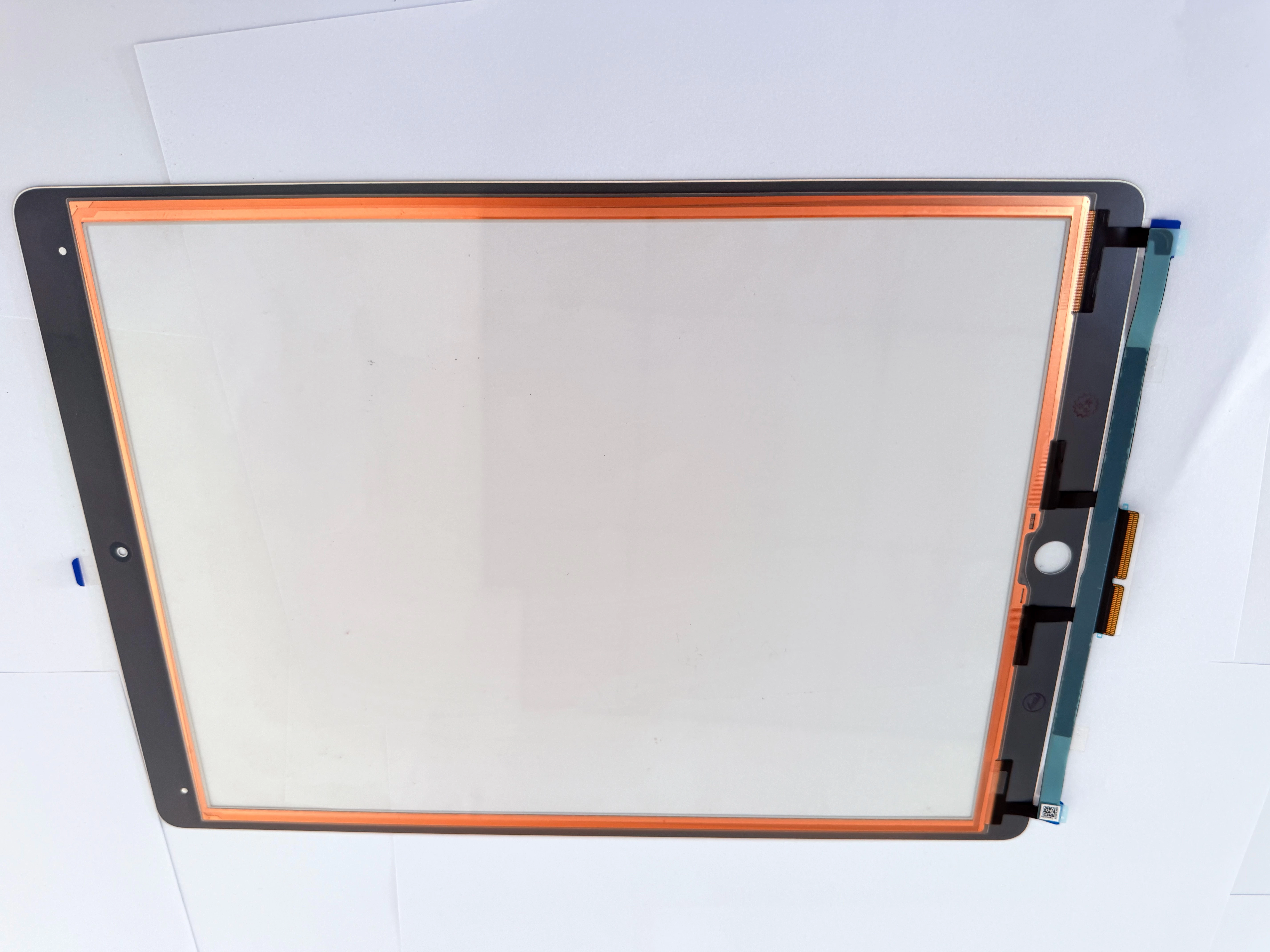
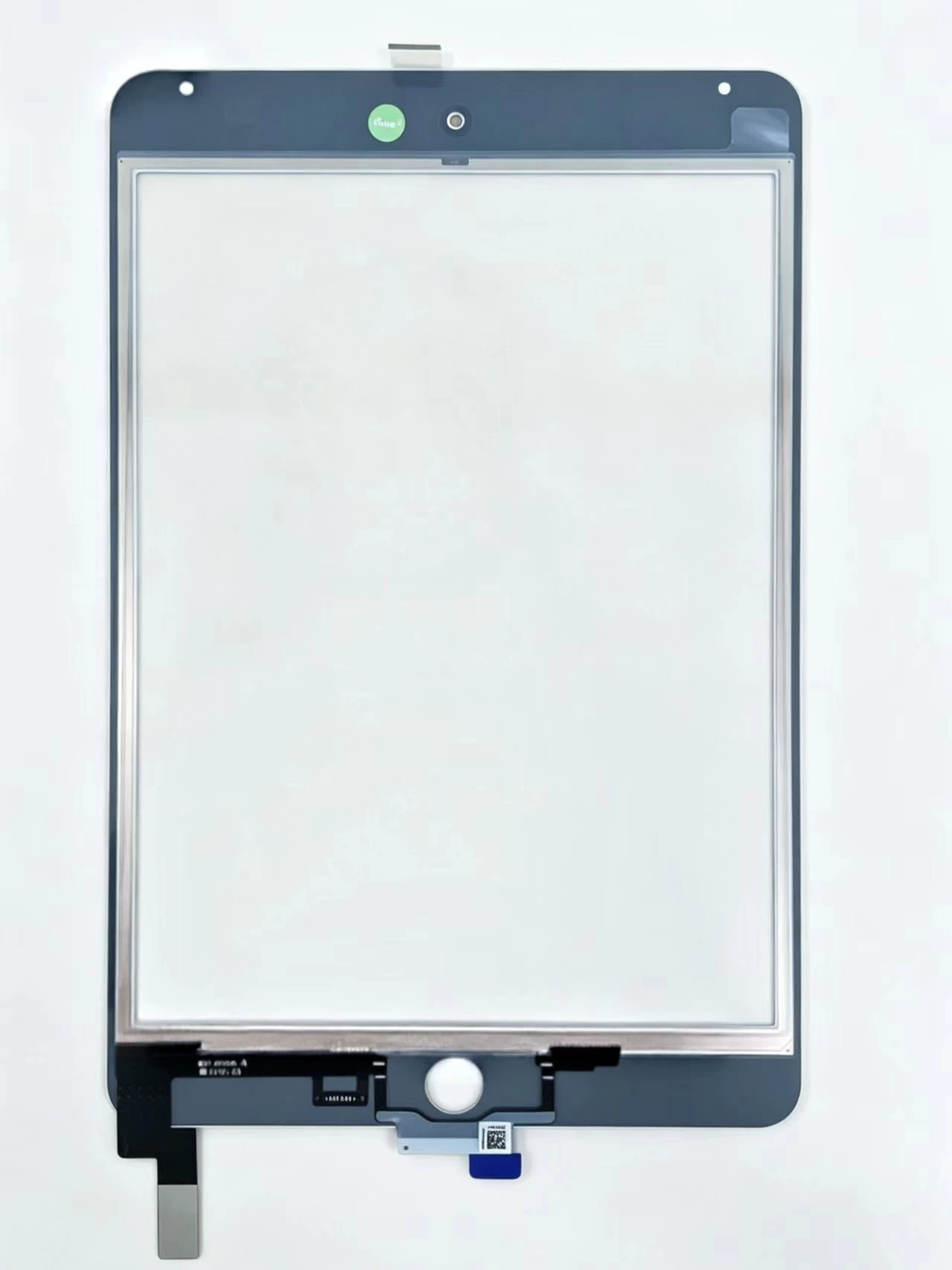
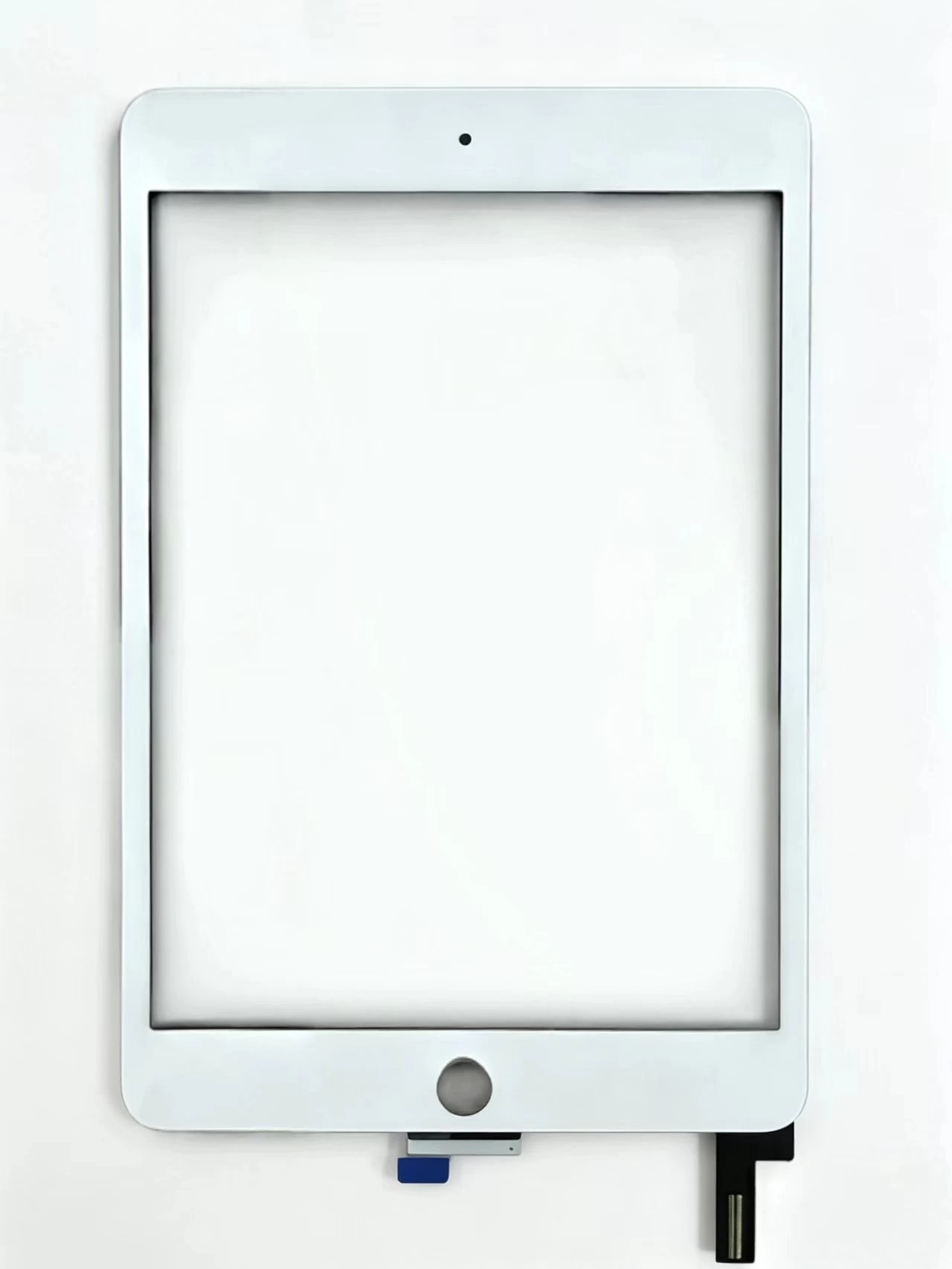
    Our factory pre-attaches high-transmittance OCA film on the touch glass surface. Repair technicians do not need manual glue coating, effectively reducing bubble, offset and light leakage defects. Optional copper foil shielding flex eliminates electromagnetic interference flicker caused by charging voltage fluctuation. Every panel undergoes full multi-touch test before delivery.
  • Common Post-Install Faults & Solutions
    Screen flickering after fitting mainly comes from residual old glue, bent touch flex and unshielded digitizer. Thoroughly polish the middle frame glue residue, reserve enough bending space for flex cables, and select copper foil version for devices with frequent charging flicker.
  • Wholesale Support for Repair Merchants
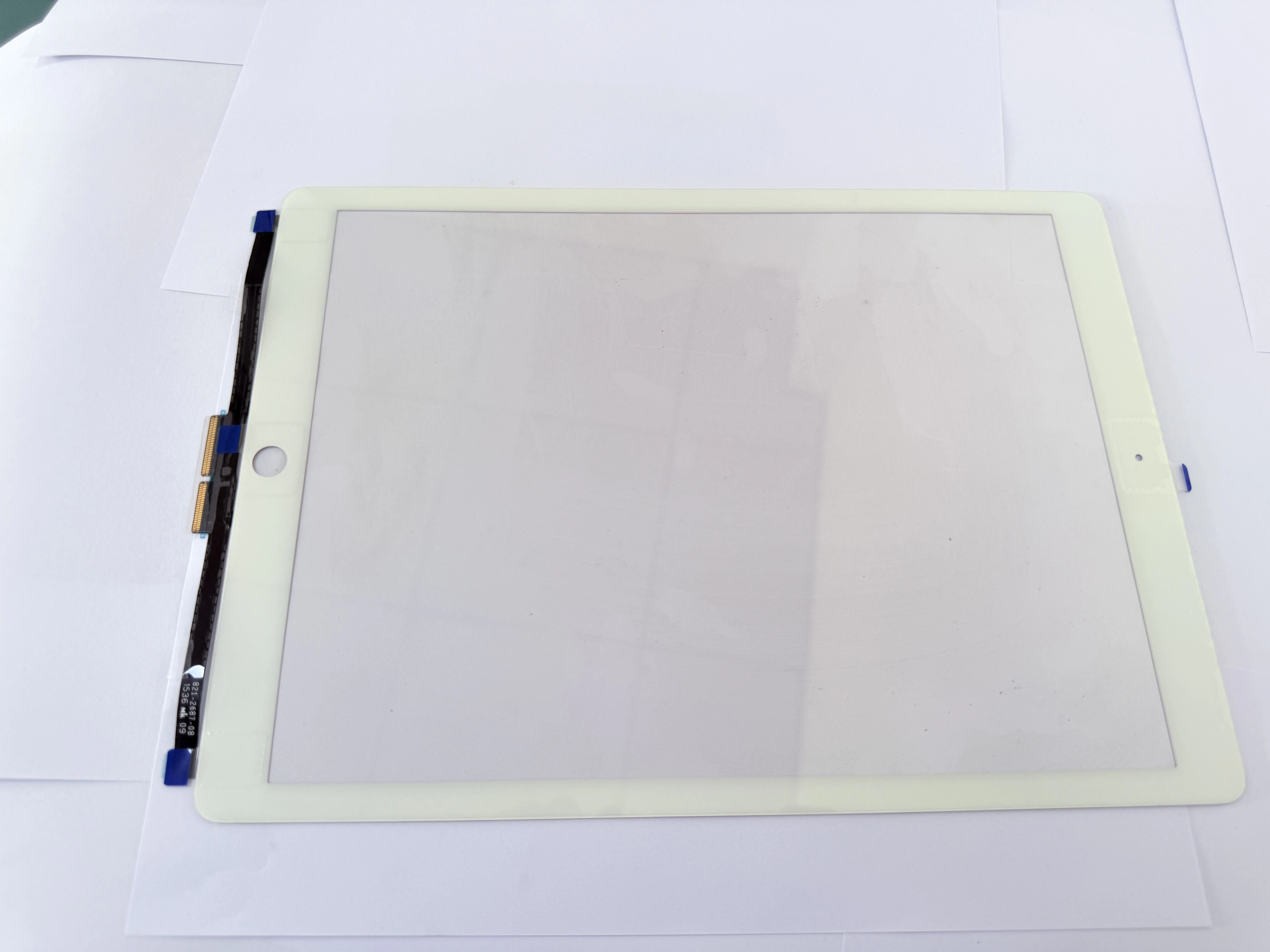
    We supply neutral shockproof export packaging for long-distance sea and air transport, support mixed batch orders of iPad Air full series touch glass, and provide tiered volume discounts for long-term cooperative repair chains.
  • Fault Diagnosis & Replacement Tutorial for iPad 10th Gen 10.9 Inch Touch Digitizer Cover Glass: Cross-Model Compatibility Check, Pre-Installed Frame Adhesive Benefits and Cost-Effective Bulk Procureme
    iPad Pro 11 2018 & 2020 Full Touch Failure Advanced Troubleshooting & Premium Digitizer Bulk Standard