
Replacing a broken iPad touch screen is not as difficult as most people think. With a high-quality replacement digitizer and a complete tool kit, anyone can finish a professional-level DIY iPad screen repair within 30 to 40 minutes.
First, power off your iPad completely to avoid short circuit damage. Remove all protective cases and screen protectors before disassembly. Use a suction cup to create a small gap on the bottom edge of the cracked screen, then gently pry open the frame with a plastic pry tool. Never use sharp metal tools to avoid scratching the internal LCD screen.
Slowly separate the old digitizer from the iPad frame and carefully disconnect the fragile touch flex cable. Clean up residual adhesive on the frame to ensure the new screen fits tightly without gaps or lifting issues.
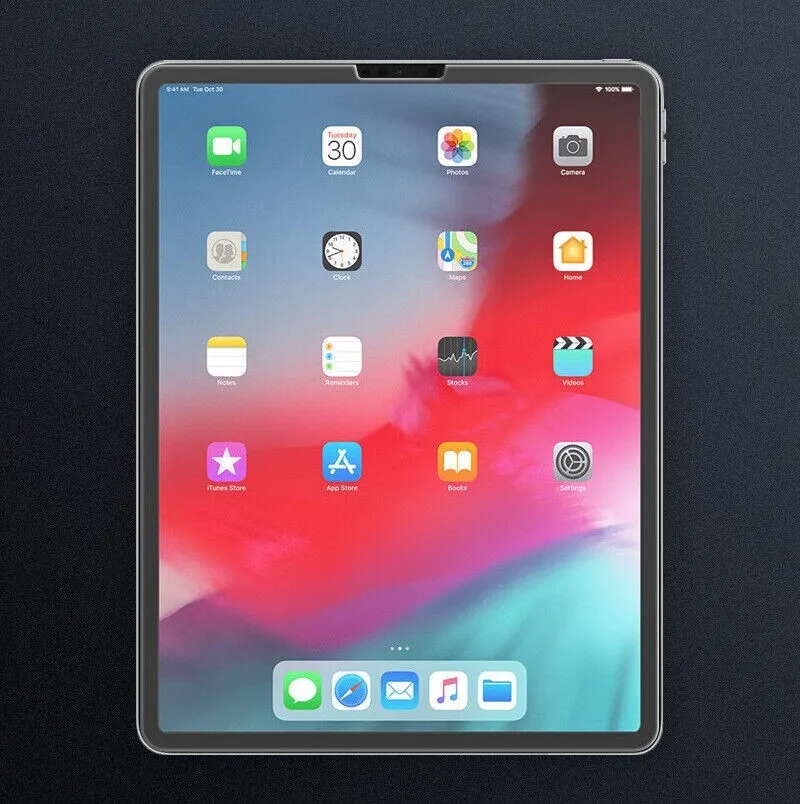
Align the new iPad digitizer with the frame, reconnect the flex cable accurately, and press the screen firmly for perfect adhesion. Finally, power on your iPad and test every touch area, sensor, and button function.
This DIY repair method works for all classic iPad models with home buttons and modern full-screen iPads. It is the best solution for users who want to save money on professional repair services.