
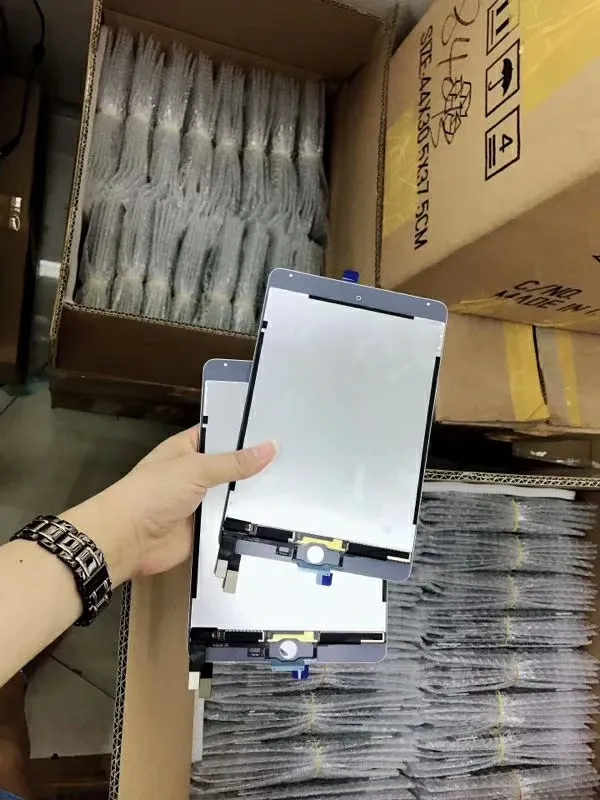
Title: Troubleshooting iPad Digitizer Touch Screen Issues Post-Repair: Ghost Touch Fixed
You just finished putting your device back together after following an iPad screen repair guide, you turn it on, and... things go wrong. Either the tablet isn't responding to your fingers, or worse, it is clicking items entirely on its own. This frustrating phenomenon is known as "ghost touch."
Before you panic and tear the iPad screen assembly back off the frame, let’s look at the most common reasons an iPad digitizer touch screen misbehaves after a repair, and how you can fix it.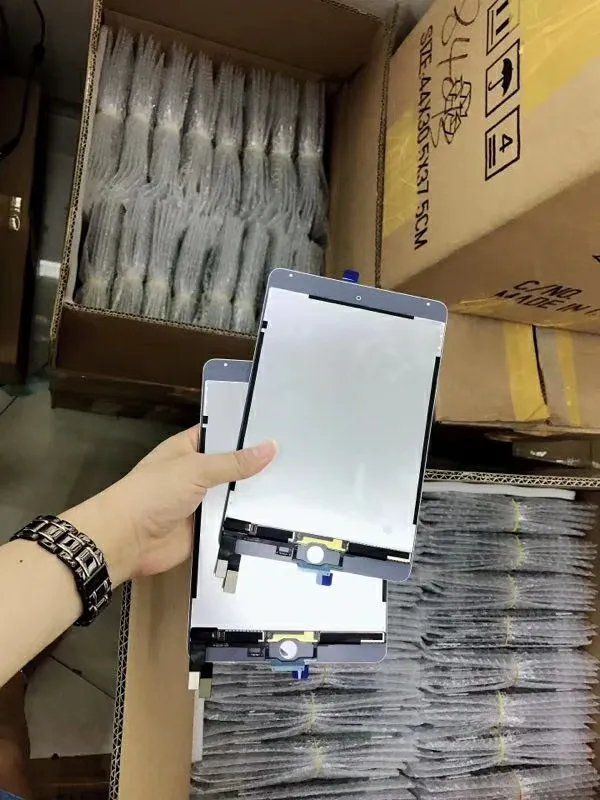
1. Improper Flex Cable Seating
The digital data connector on an iPad motherboard is incredibly precise. If the connector is misaligned by even half a millimeter when pressed down, certain data lines won't communicate. This causes intermittent touch failure or vertical dead zones.
The Fix: Re-open the iPad, disconnect the battery, pop the digitizer flex cable off, clean the contacts with 99% isopropyl alcohol, and snap it back into place firmly until you hear a distinct click.
2. Lack of Insulation Tape (Short Circuiting)
This is a highly common issue on aftermarket screens. The backside of the copper grids on an iPad screen assembly can sometimes touch the exposed metal of the iPad's internal aluminum housing. This causes static electricity to bridge, triggering false touch signals (ghost touch).
The Fix: Apply thin, yellow Kapton tape (polyimide insulating tape) over the exposed metallic components on the back of the digitizer frame to act as a barrier against electrical shorts.
3. Low-Quality Digitizer IC Chips
If you bought an incredibly cheap, unbranded display panel, the controller chip soldered onto the flex cable may simply be unable to handle Apple's fast refresh rates. If cleaning and insulating the cables does not fix your touch issues, you are likely dealing with a defective IC, and the entire assembly will need to be swapped out under warranty.