
Premium iPad LCD Screen Assemblies: Restore Your Device to Like-New Performance
Is your iPad suffering from a cracked screen, unresponsive touch, or display issues? A high-quality LCD screen assembly is the perfect solution to bring your device back to life. Whether you're a repair technician or a DIY enthusiast, choosing the right replacement part is crucial for optimal performance and longevity.
What is an iPad LCD Screen Assembly?
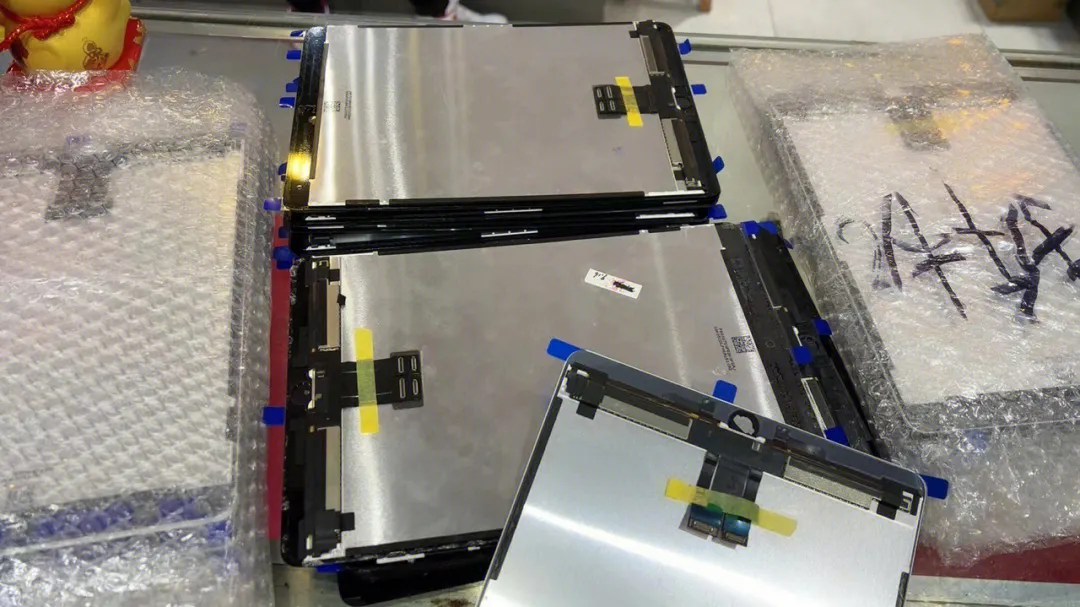
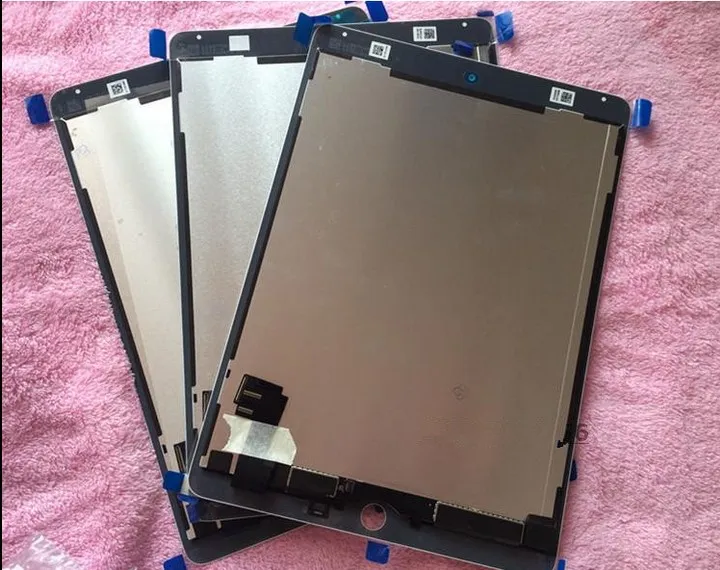
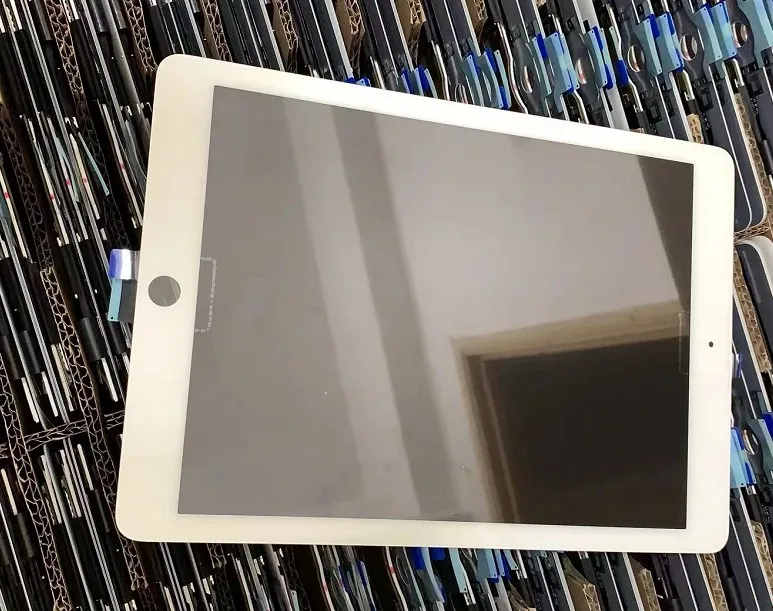
An iPad LCD screen assembly is a complete unit that integrates the display panel, touch digitizer, and often the front glass into a single component. This all-in-one design simplifies the repair process, ensuring perfect alignment and seamless functionality. Unlike replacing individual layers, a full assembly guarantees that your iPad's visual clarity, touch sensitivity, and overall user experience are restored to factory standards.
Why Choose a Complete Screen Assembly?
Opting for a complete screen assembly offers several advantages:
- Simplified Installation: No need to separate the digitizer from the LCD, reducing the risk of damage during repair.
- Guaranteed Compatibility: Pre-assembled units are tested for perfect fit and function with specific iPad models.
- Superior Quality: High-grade assemblies use original or premium-grade components for vibrant colors and accurate touch response.
- Time-Saving: Faster replacement means less downtime for your device.
Compatible Models
Our premium iPad screen assemblies are available for a wide range of models, including but not limited to:
- iPad Pro 10.5-inch / Air 3 10.5-inch
- iPad Pro 11-inch (1st to 4th generation)
- iPad Pro 12.9-inch (3rd and 4th generation)
- iPad Air 2 (A1566/A1567)
- iPad 10.2-inch (various generations)
- iPad mini 4 / mini 5 / mini 6
Quality You Can Trust
We understand that the quality of replacement parts directly impacts your device's performance. That's why our screen assemblies undergo rigorous testing for:
- Display Clarity: Ensuring sharp, vivid images with accurate color reproduction.
- Touch Sensitivity: Guaranteeing responsive and precise touch input across the entire screen.
- Durability: Built to withstand daily use and resist scratches and impacts.
Easy Installation Guide
While professional installation is recommended, experienced users can follow these general steps:
- Power Down: Completely turn off your iPad before starting.
- Remove Screws: Carefully unscrew the bottom screws and use a suction cup to gently lift the screen.
- Disconnect Cables: Use a spudger to disconnect the battery and display cables.
- Install New Assembly: Connect the new screen assembly and reattach the cables.
- Test Functionality: Power on the device to ensure the display and touch work correctly before fully reassembling.
- Reassemble: Once confirmed, secure the screen and screws.
Ready to Restore Your iPad?
Don't let a damaged screen hinder your productivity or entertainment. Upgrade to a premium iPad LCD screen assembly today and enjoy a flawless viewing and touch experience. Browse our selection and find the perfect match for your iPad model.
Note: Always handle electronic components with care and consider seeking professional help if you're unsure about the installation process.