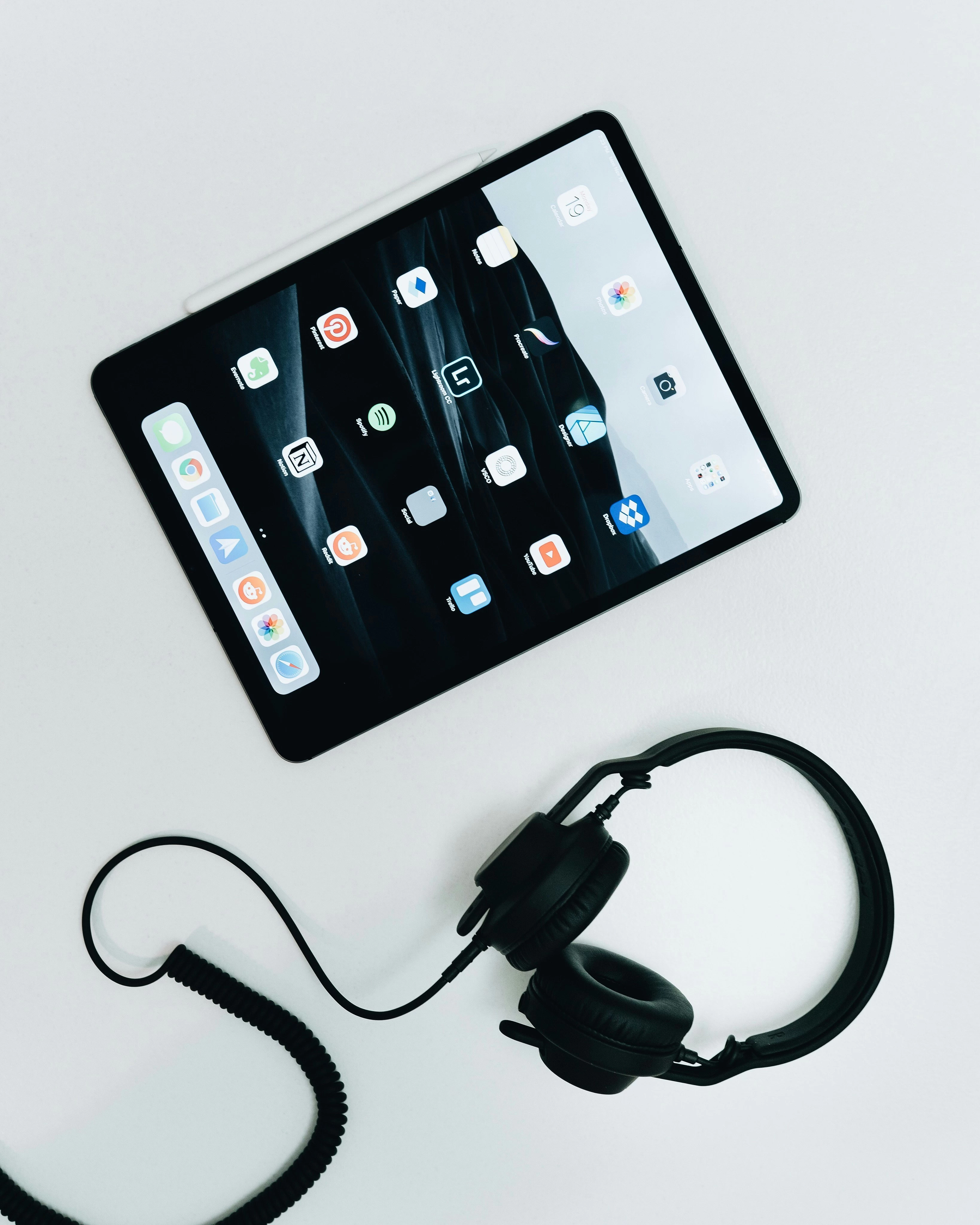
- Root Causes of Post-Repair Touch Deviation Most touch offset after replacement comes from minor installation misalignment, mismatched driver settings, incorrect system touch configuration or factory calibration differences — not hardware defects. Many repair shops skip calibration steps, leading to customer complaints and unnecessary rework that accounts for roughly 10% of total touch repair jobs.
- System-Specific Calibration Procedures For Windows laptops: run built-in touch calibration tool and adjust pointer precision in device manager. For iPads: reset touch settings and perform forced recalibration via diagnostic mode. For Android devices: use engineering mode touch calibration. Verify full-screen accuracy with multi-point touch test tools before delivery.
- ZSDScreen Pre-Calibrated Panel Advantage All ZSDScreen capacitive touch LCD units undergo factory-level hardware calibration before shipment, ensuring consistent touch sensitivity across the entire panel. After installation, only simple system-level calibration is needed to achieve optimal performance. We provide free calibration toolkits and step-by-step guides for all major device platforms.