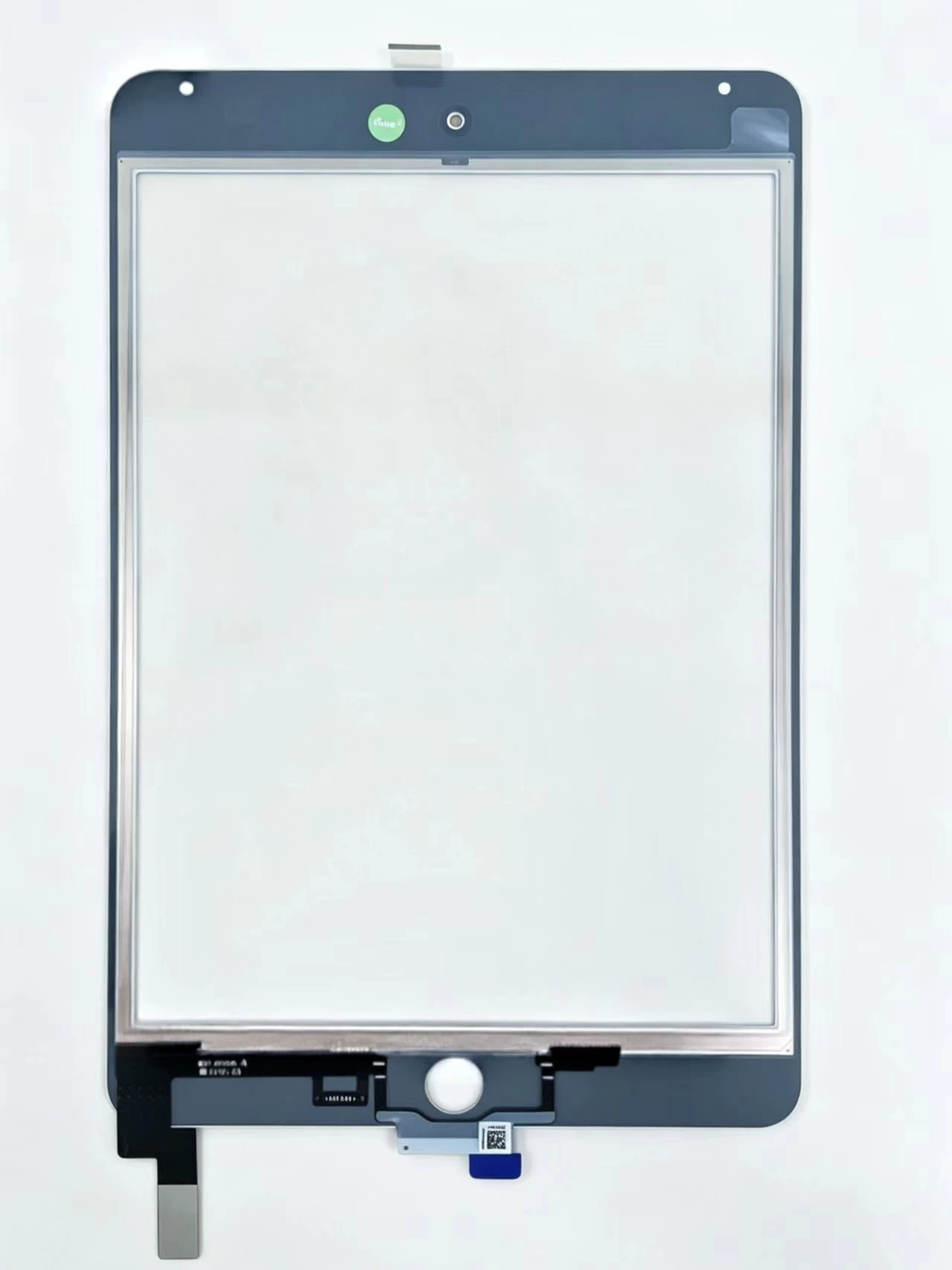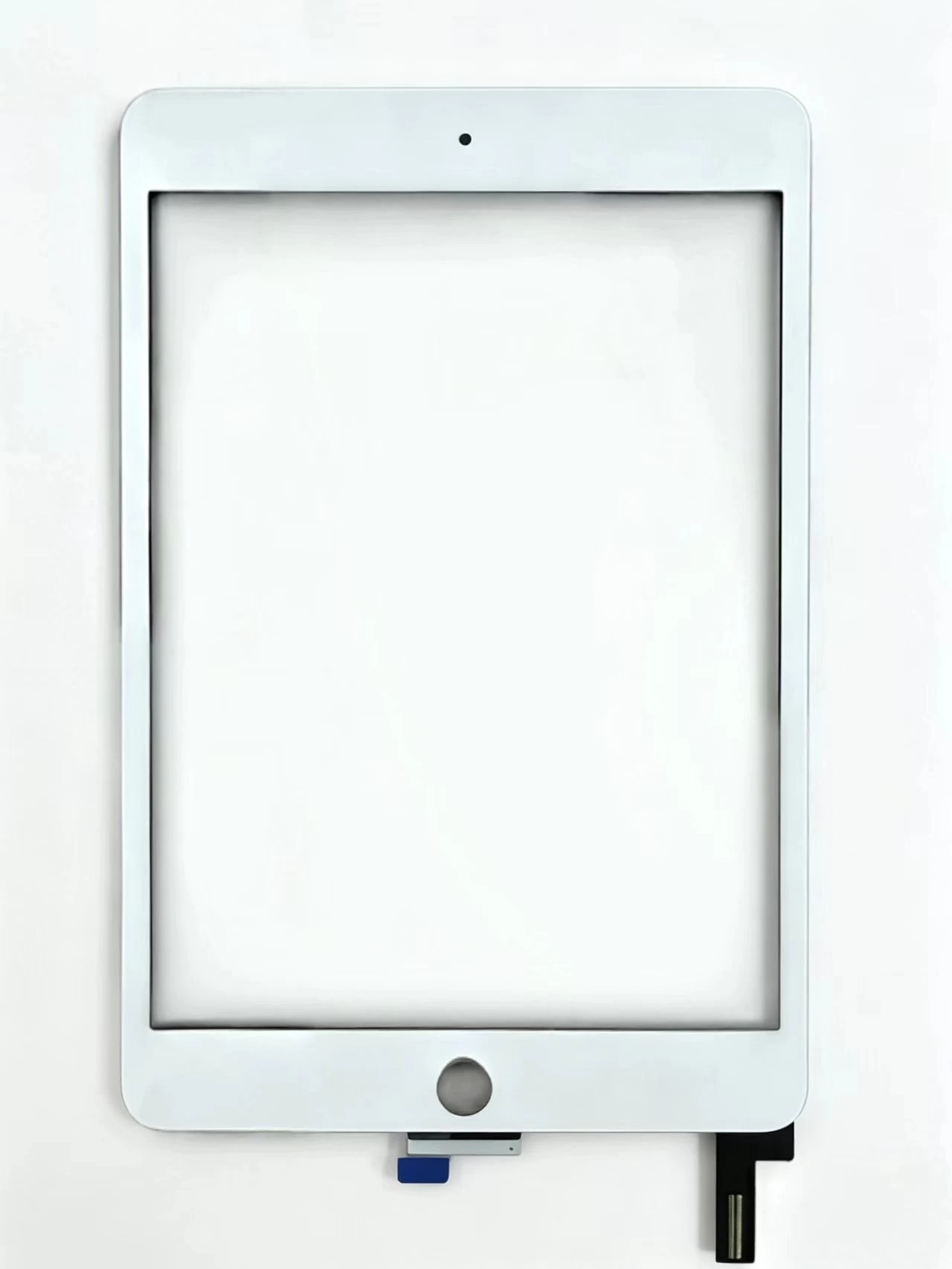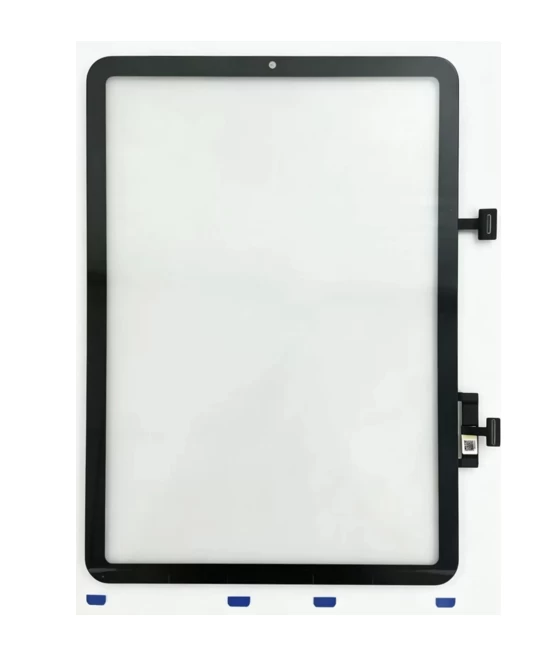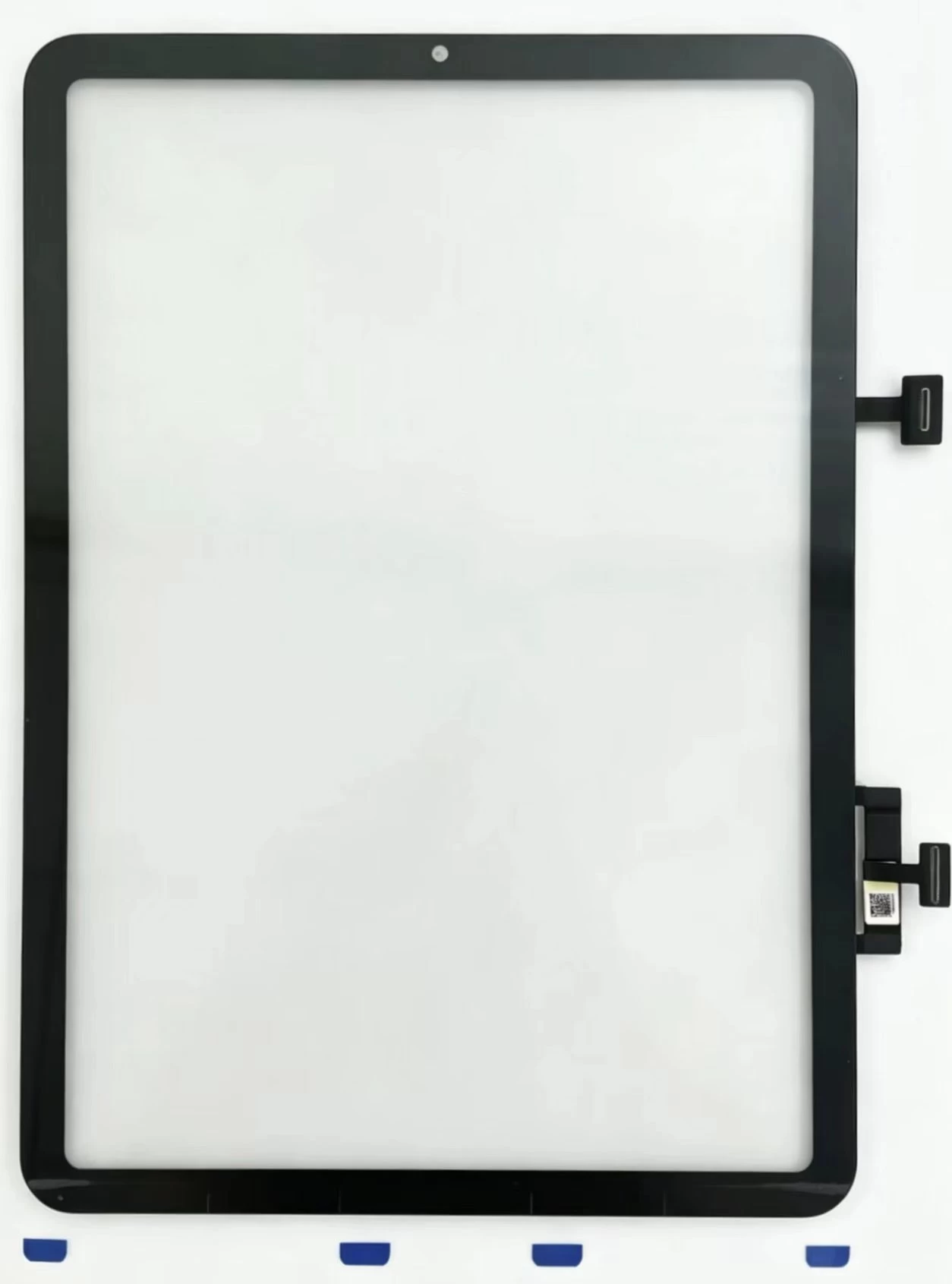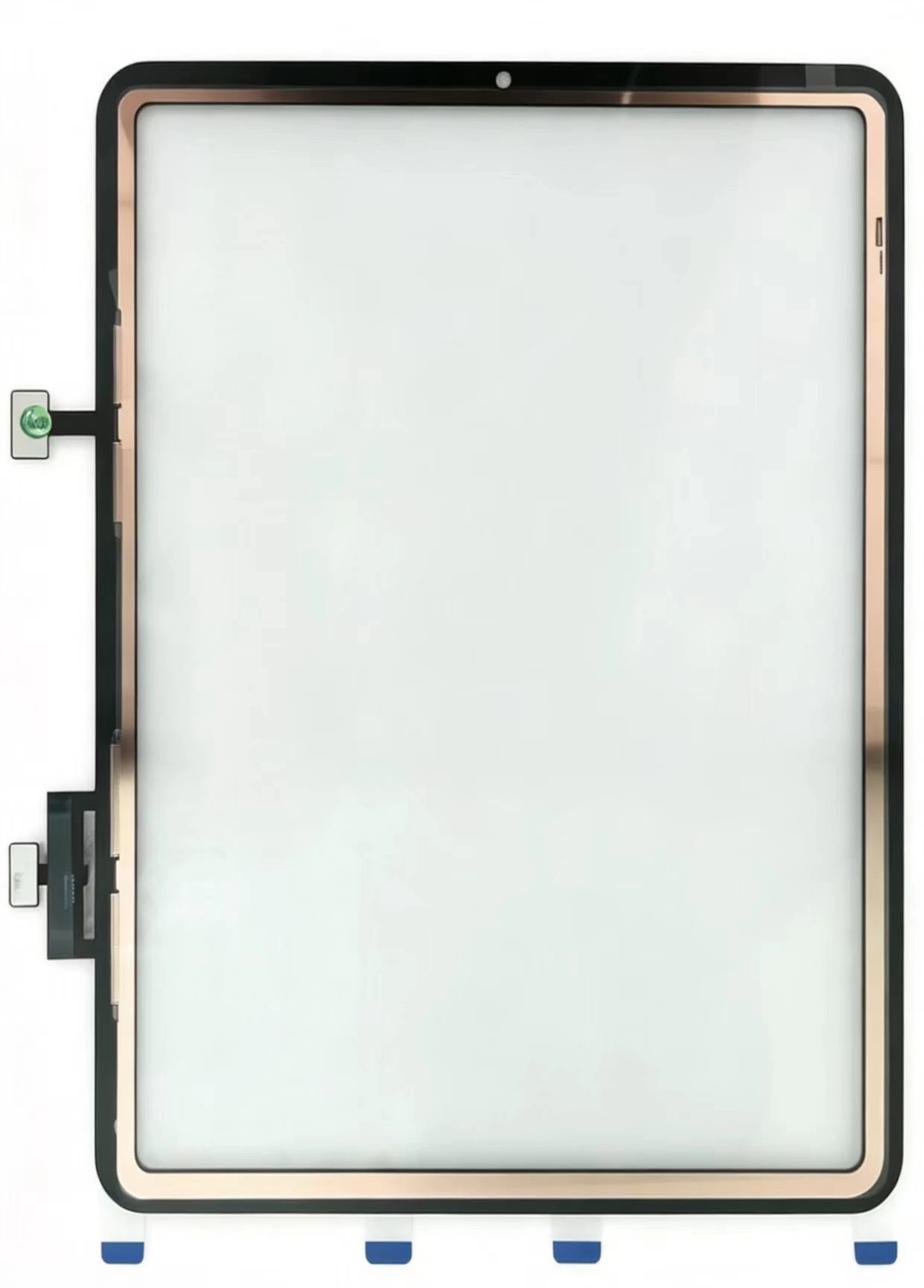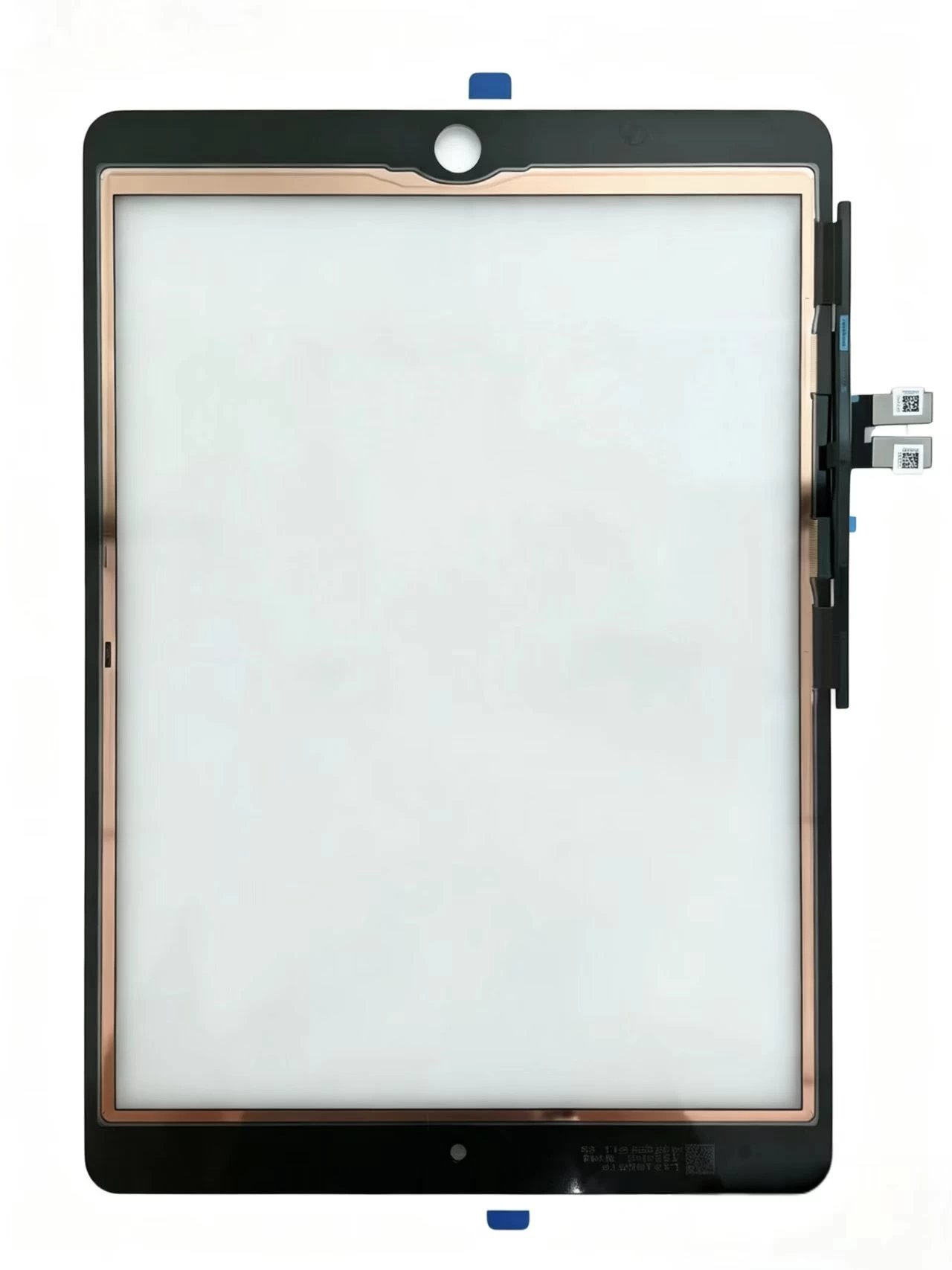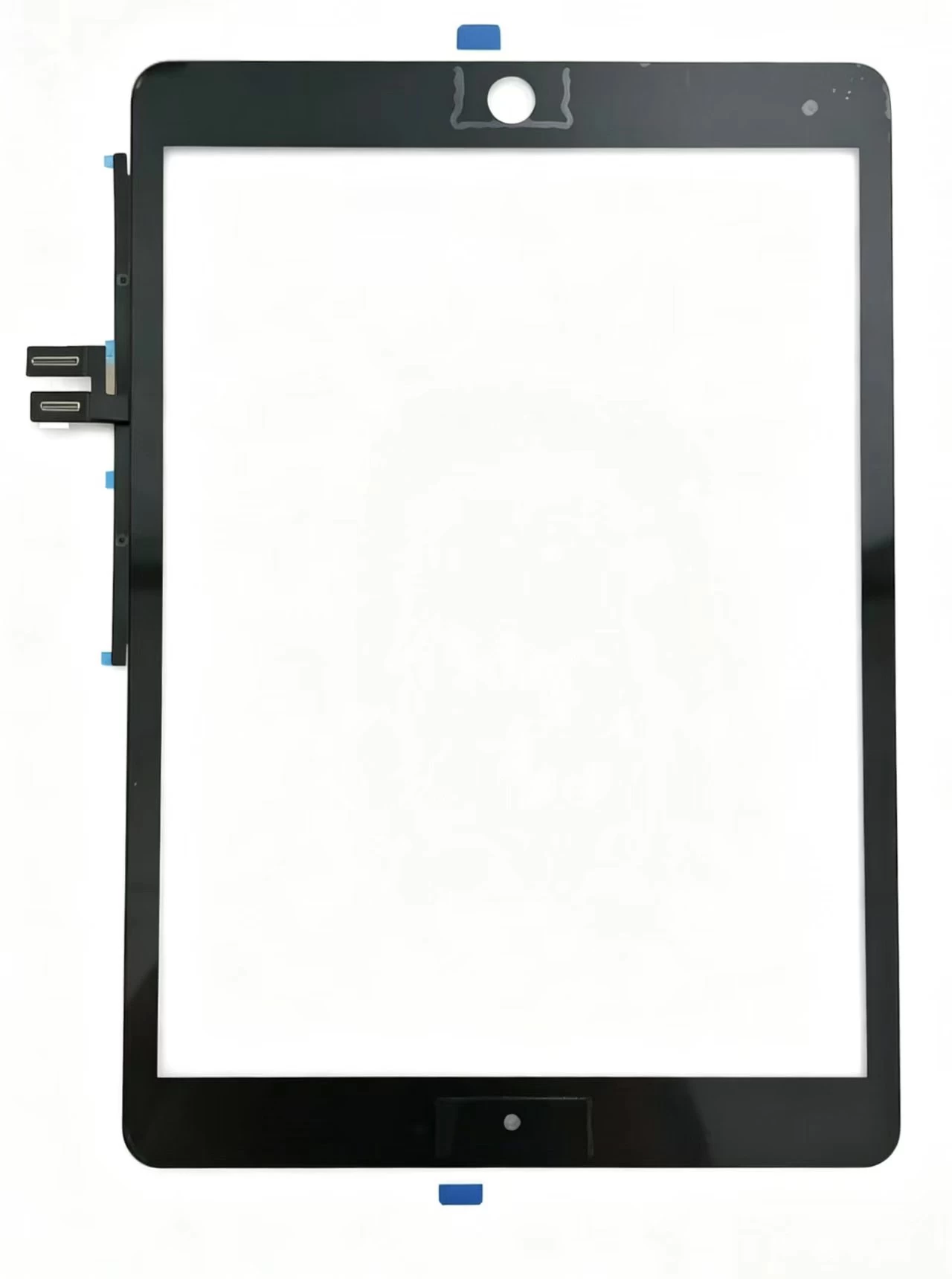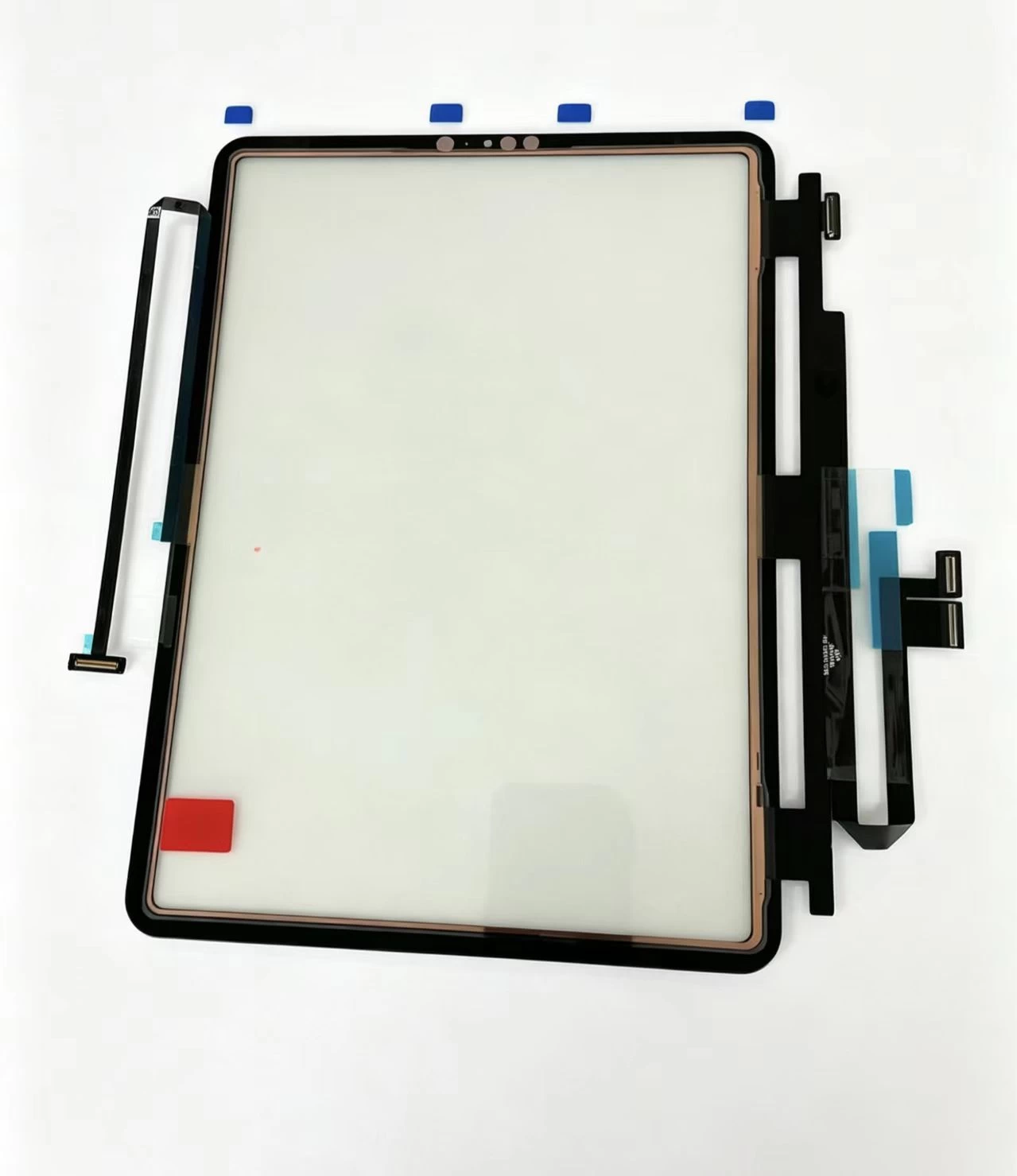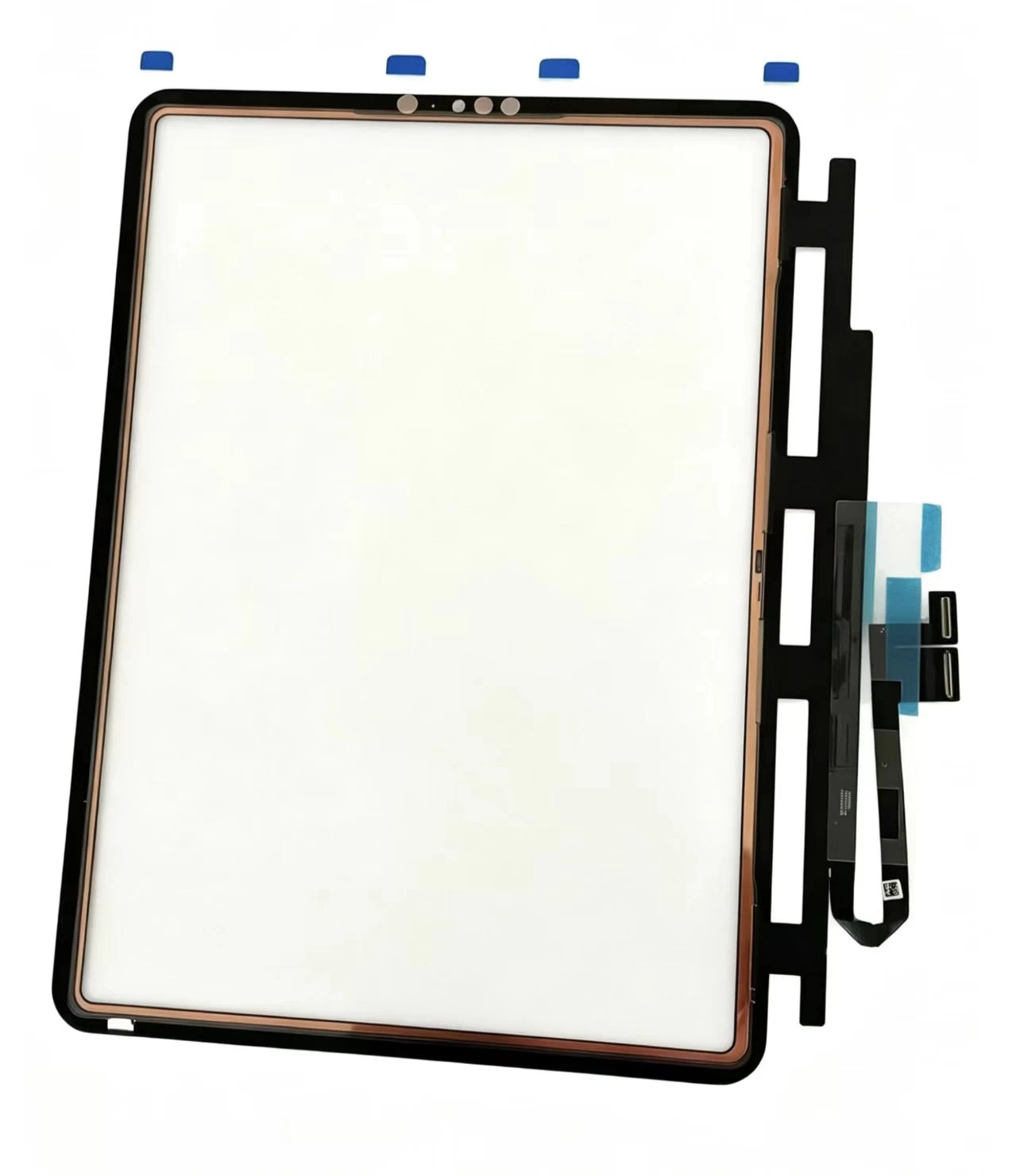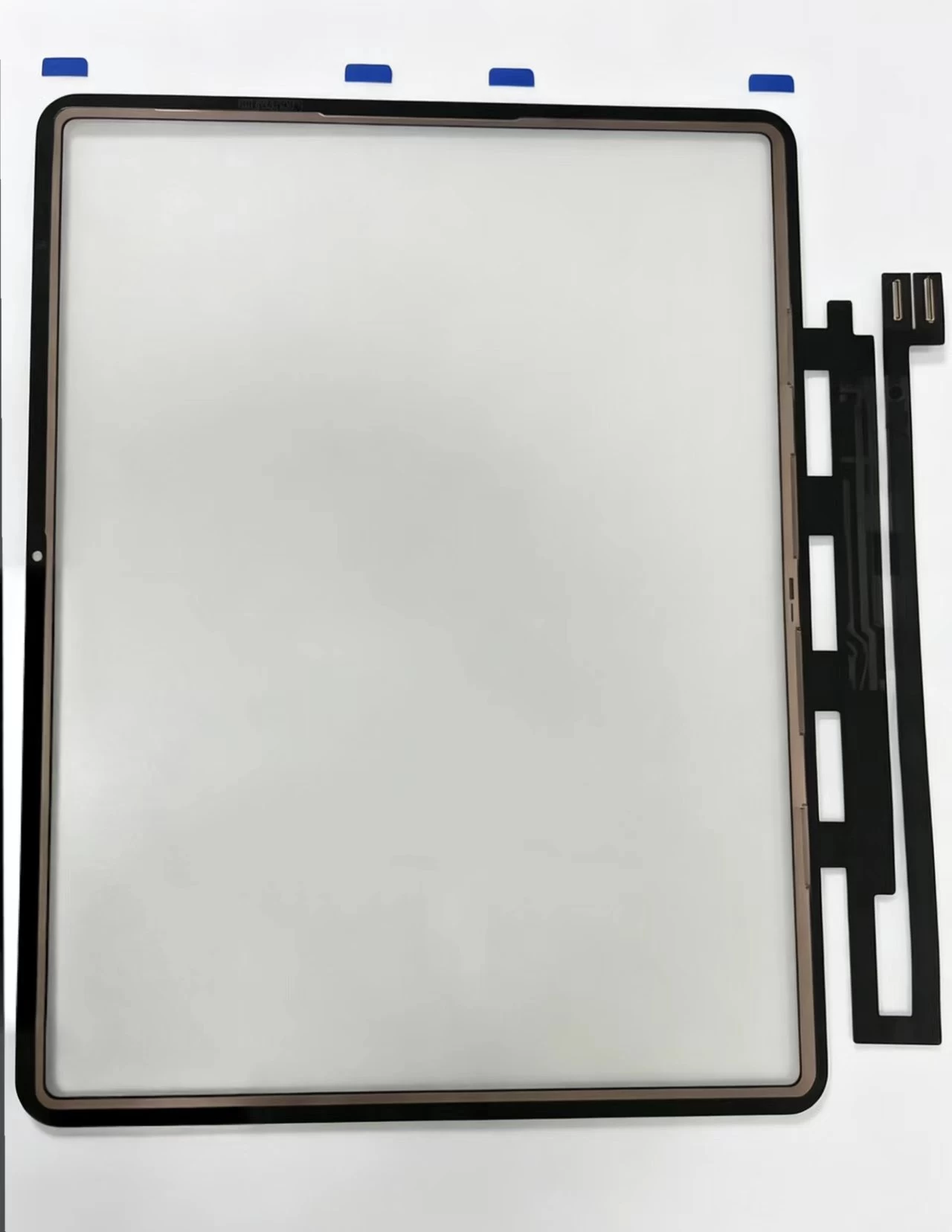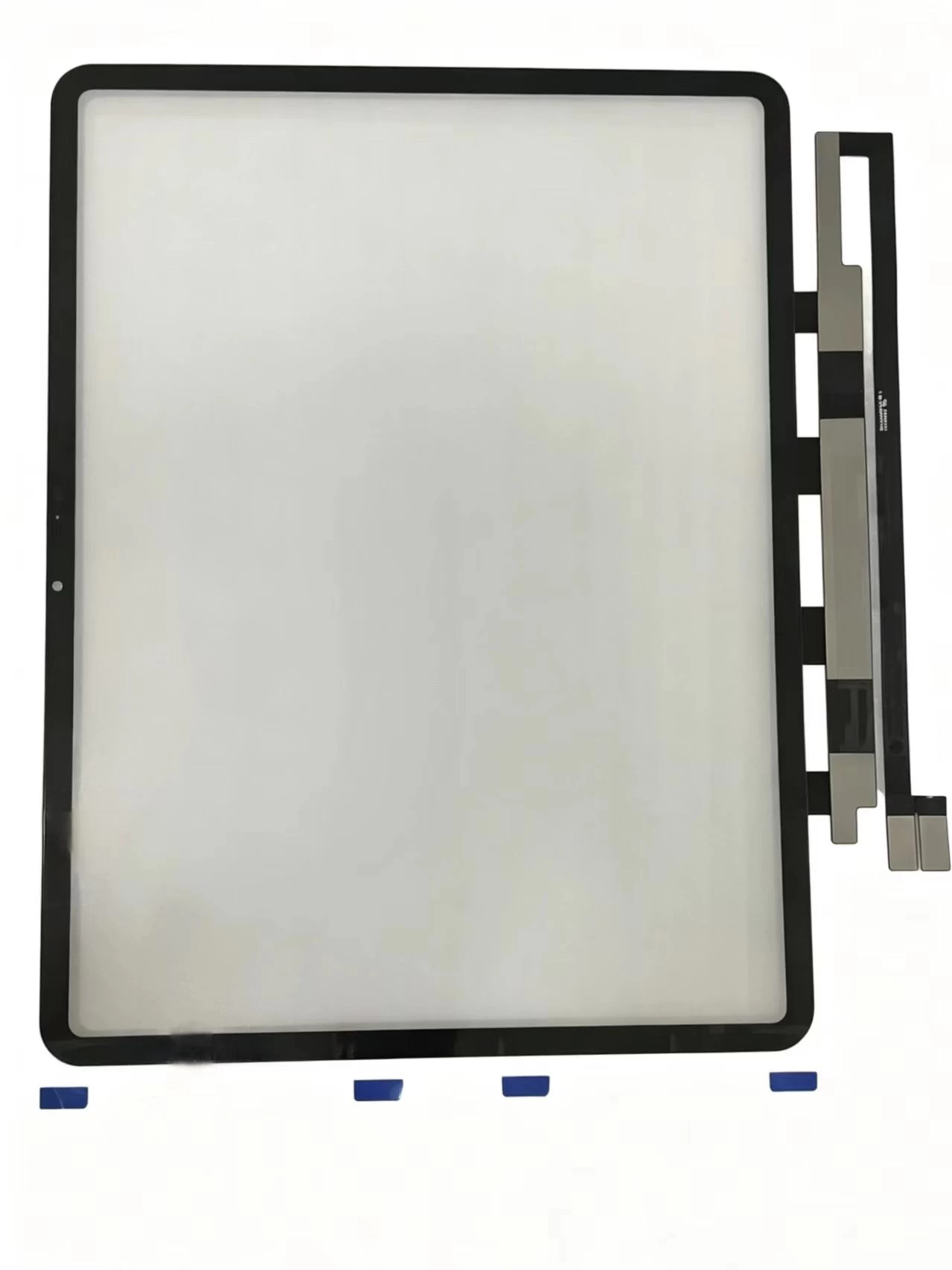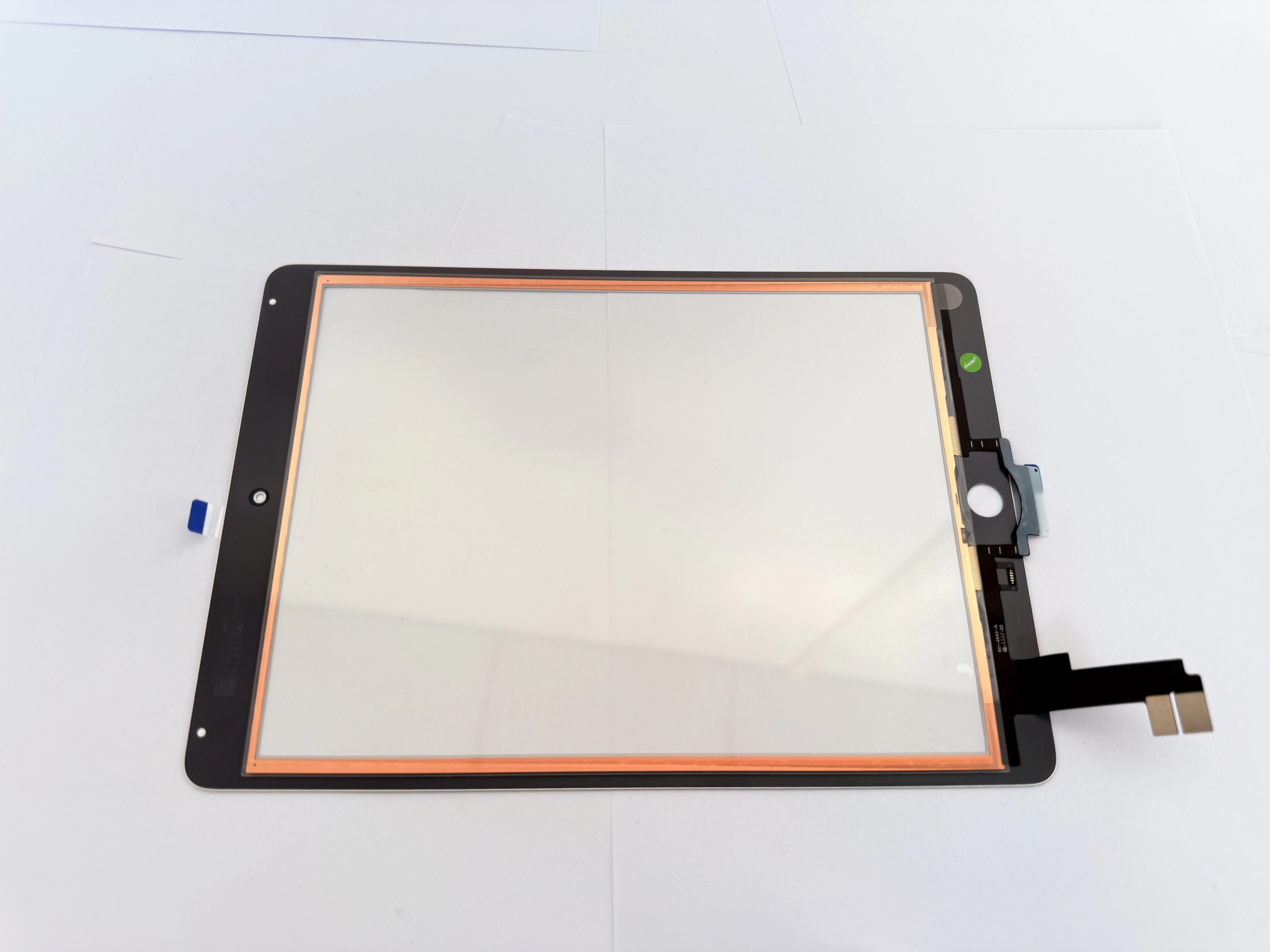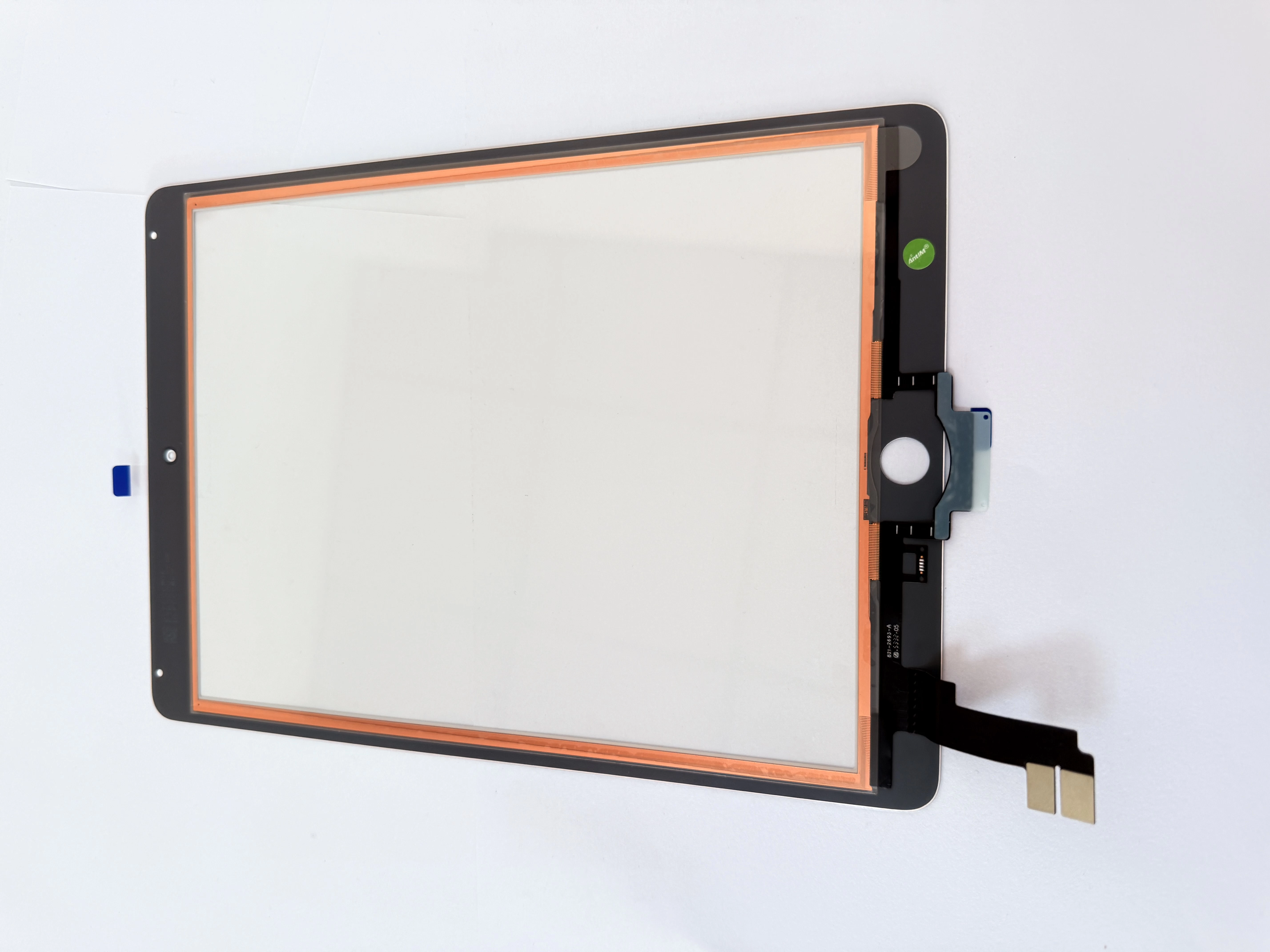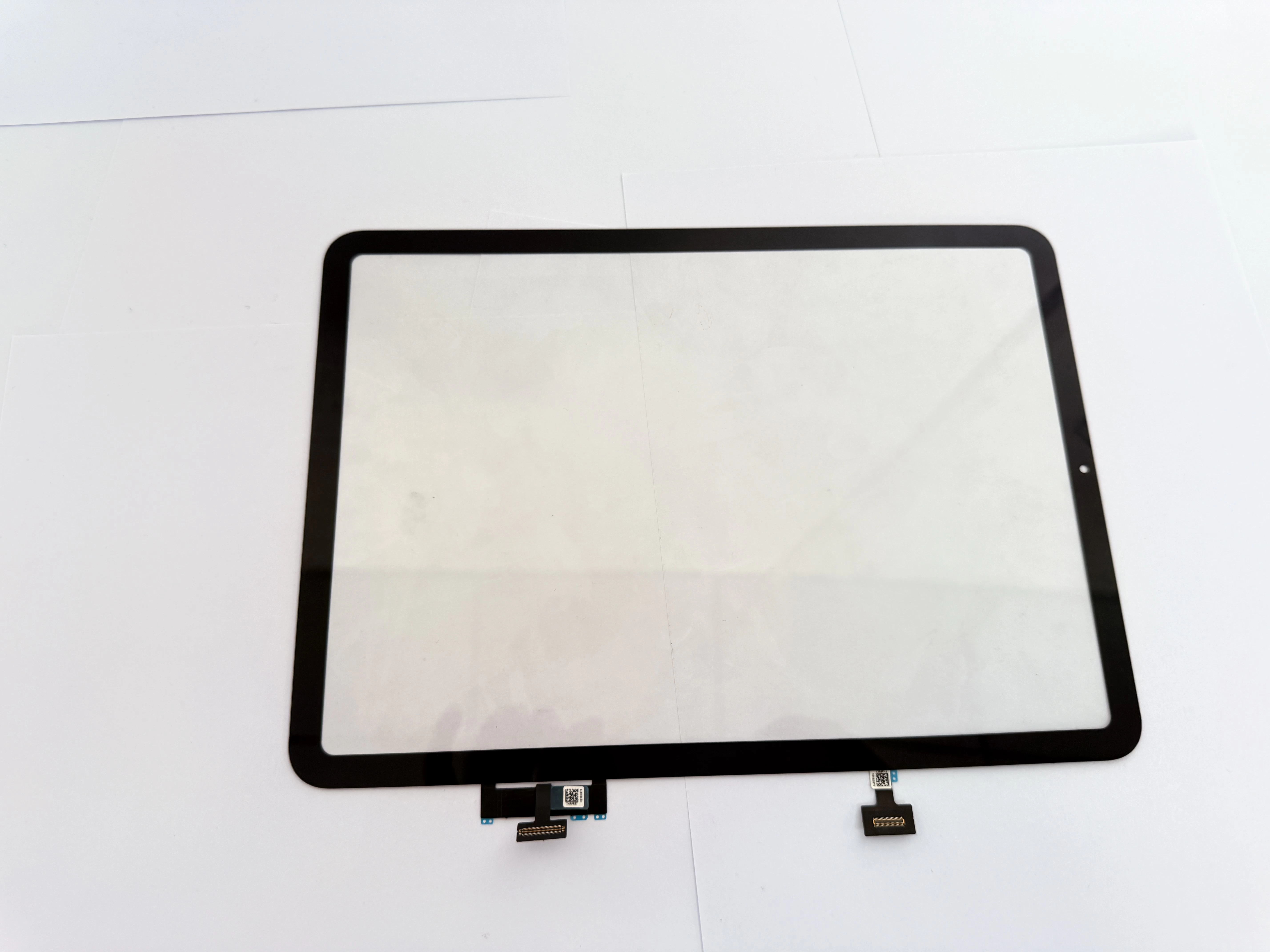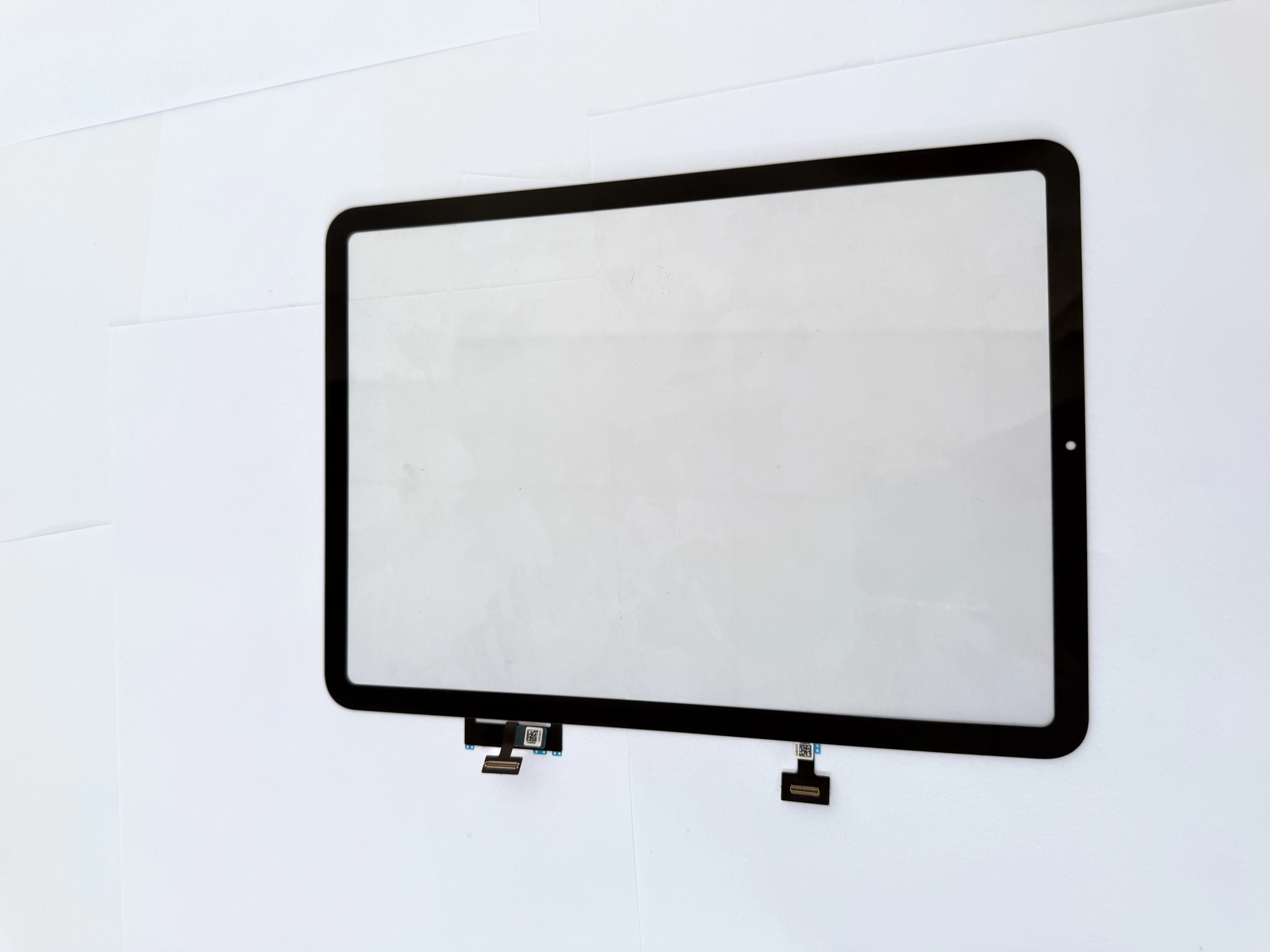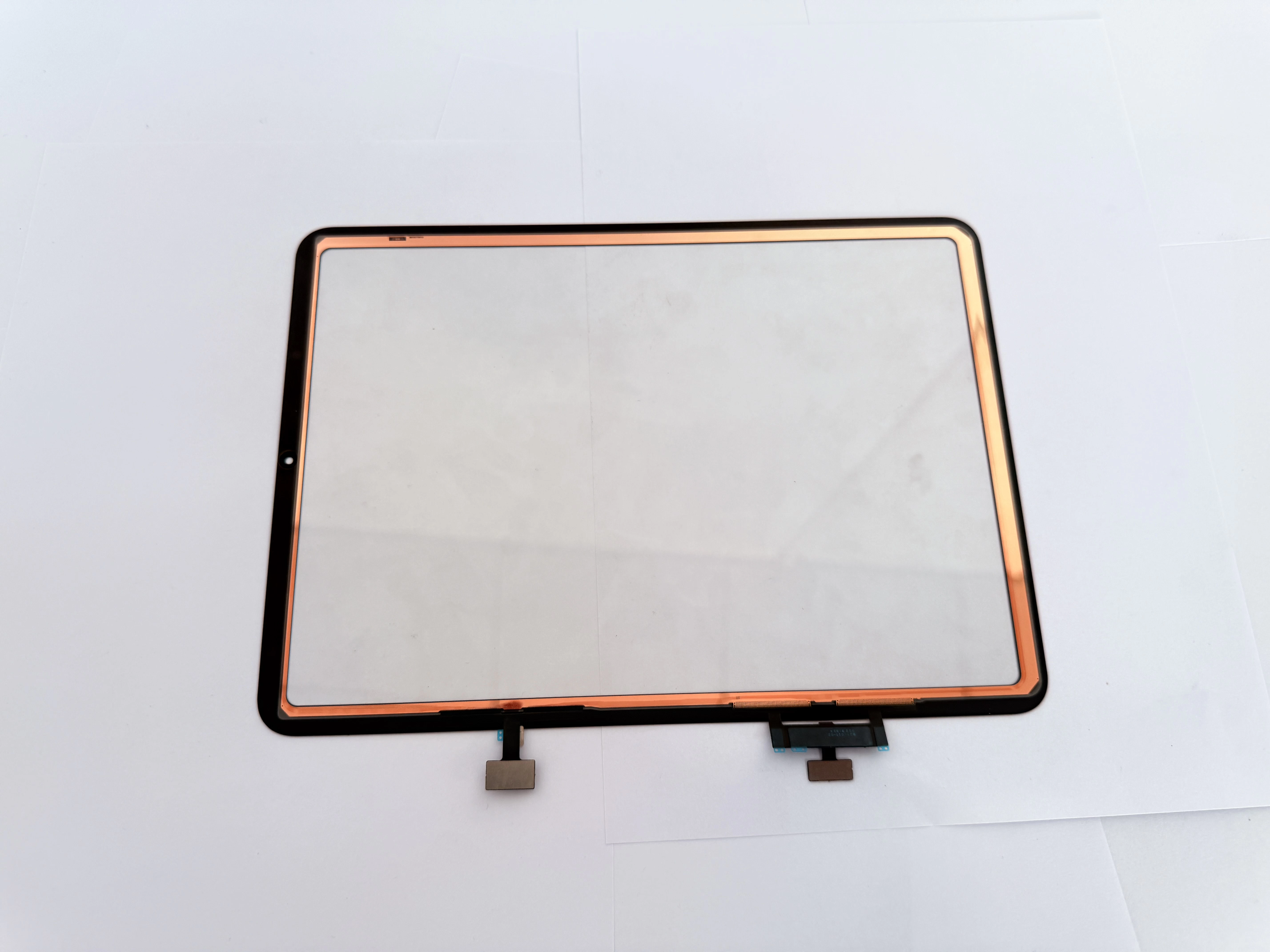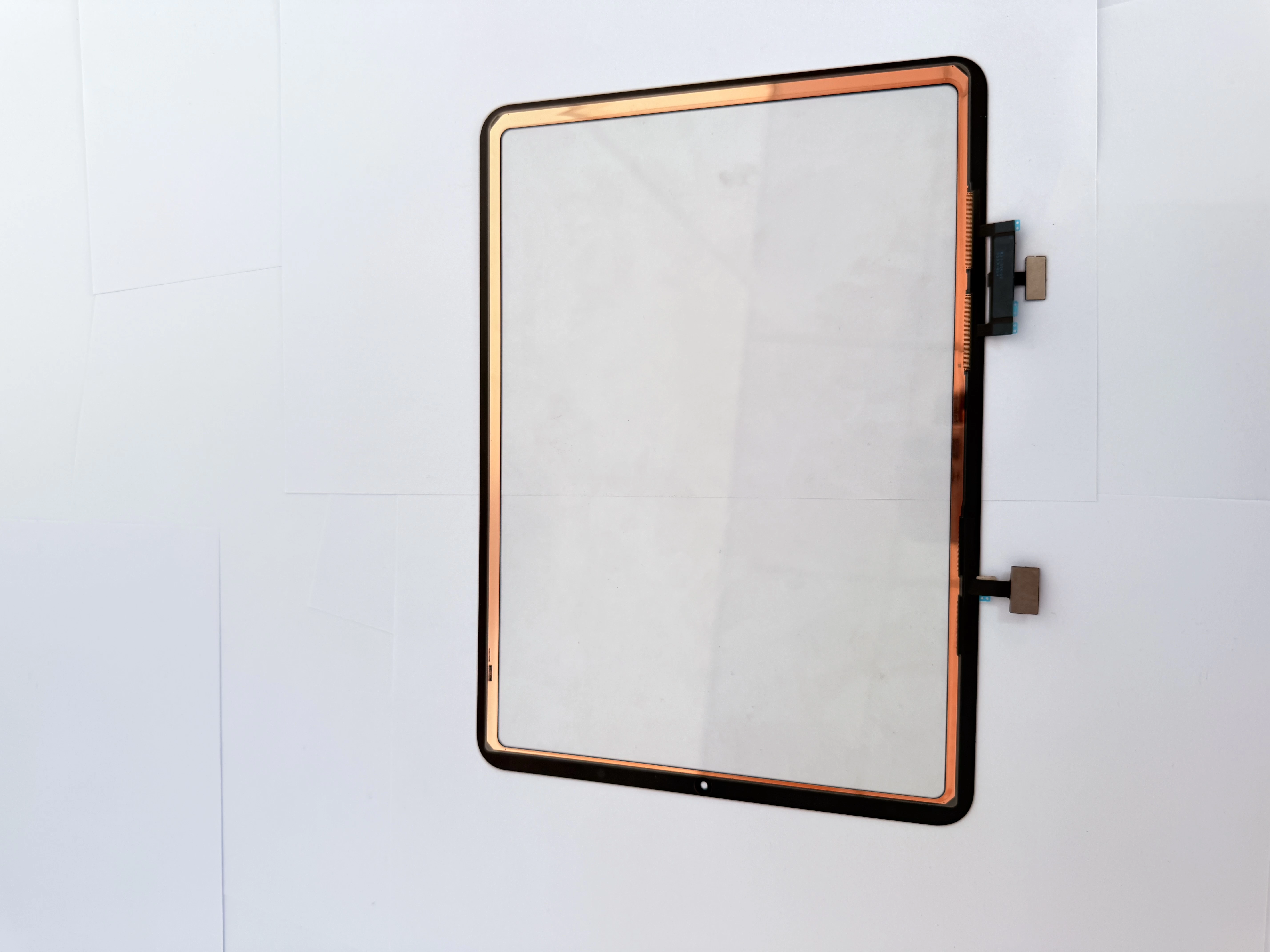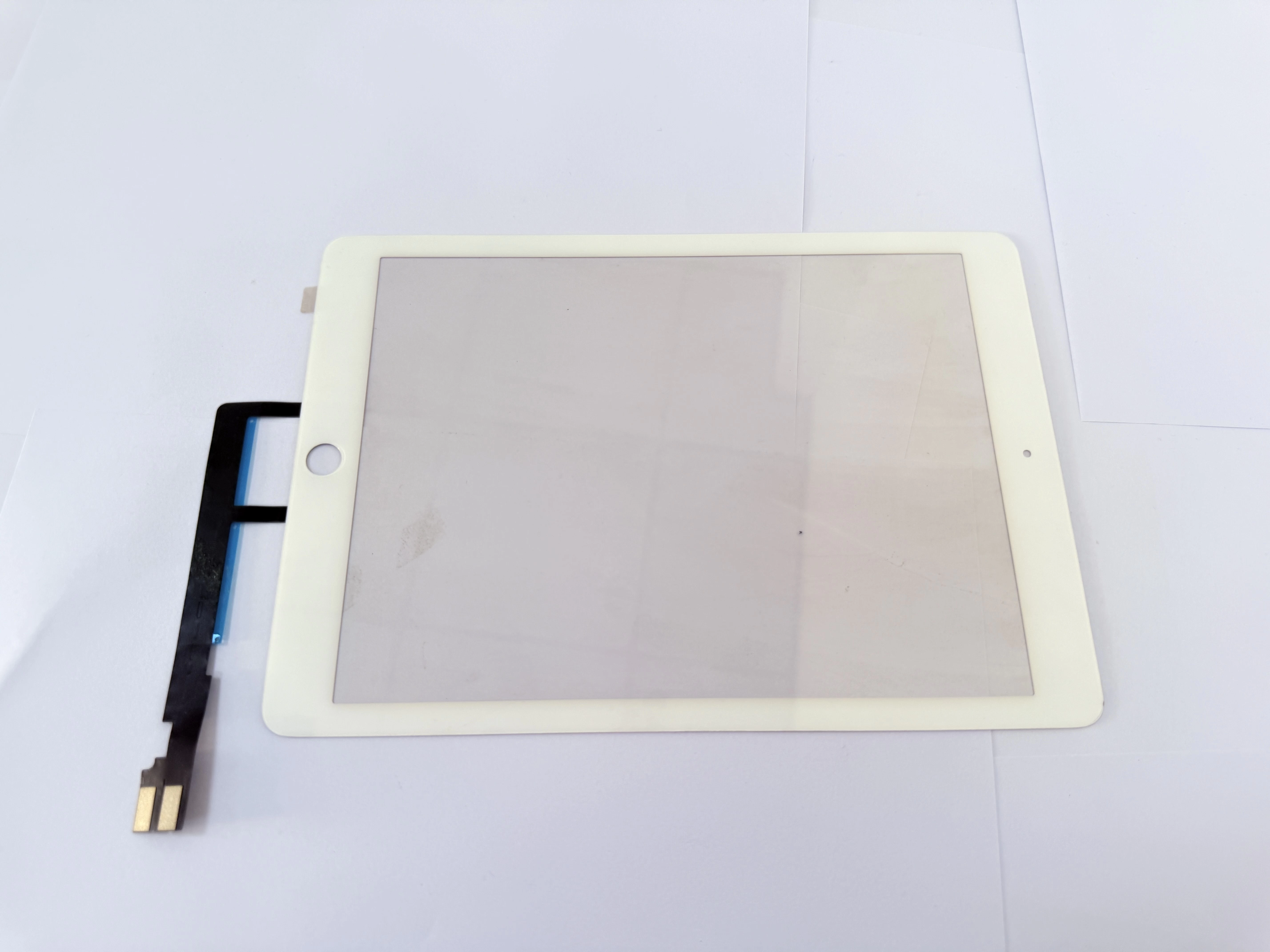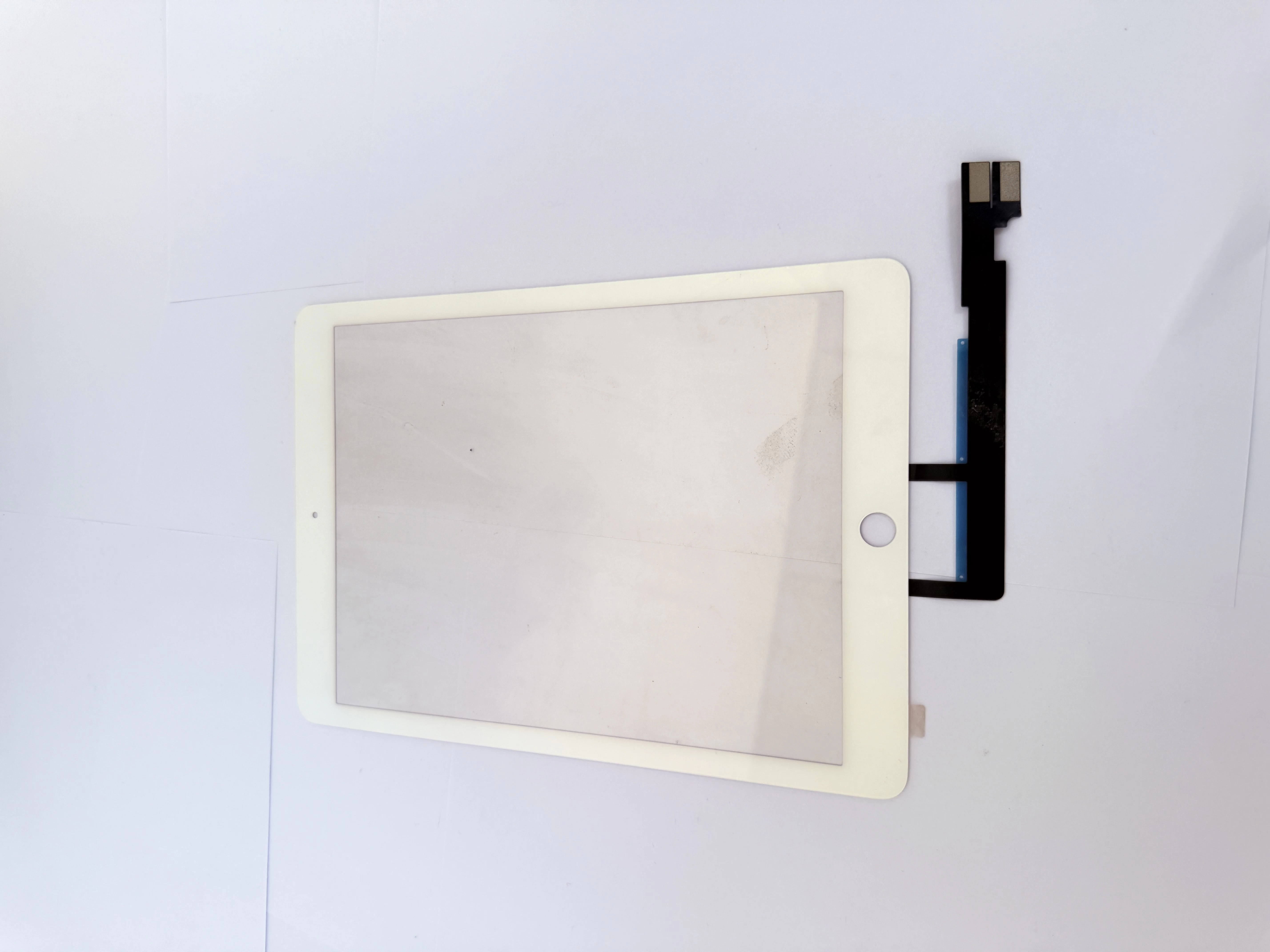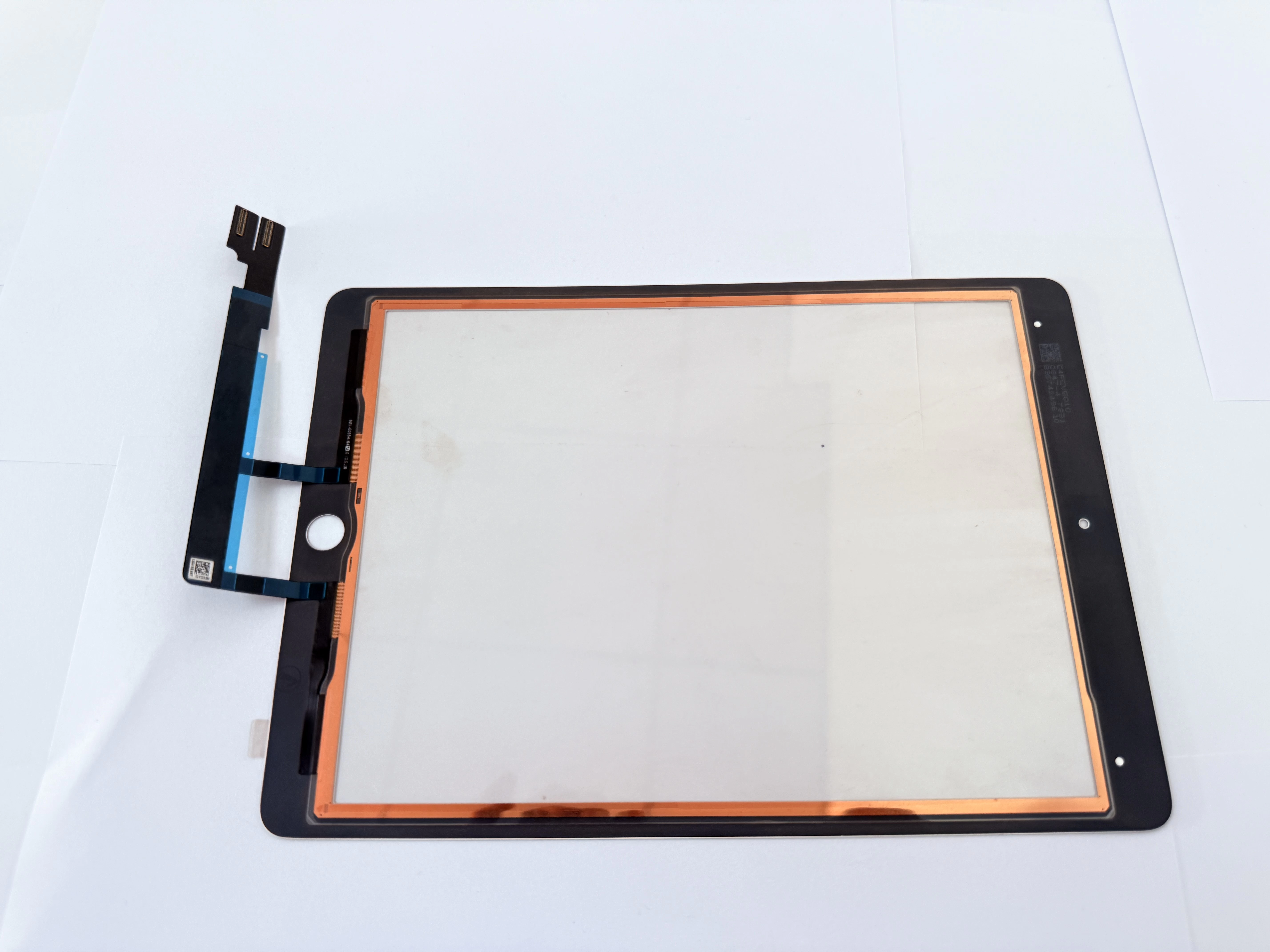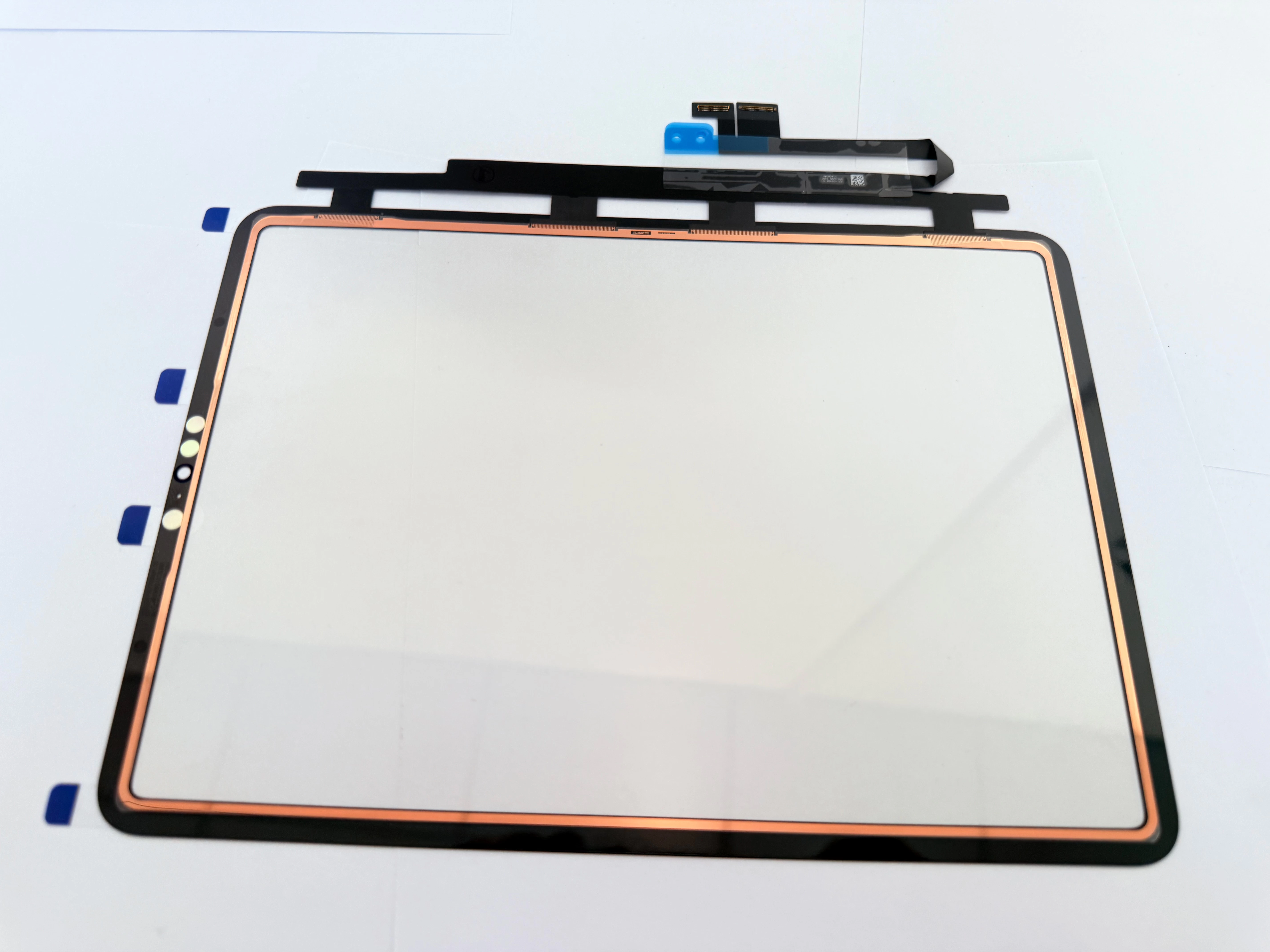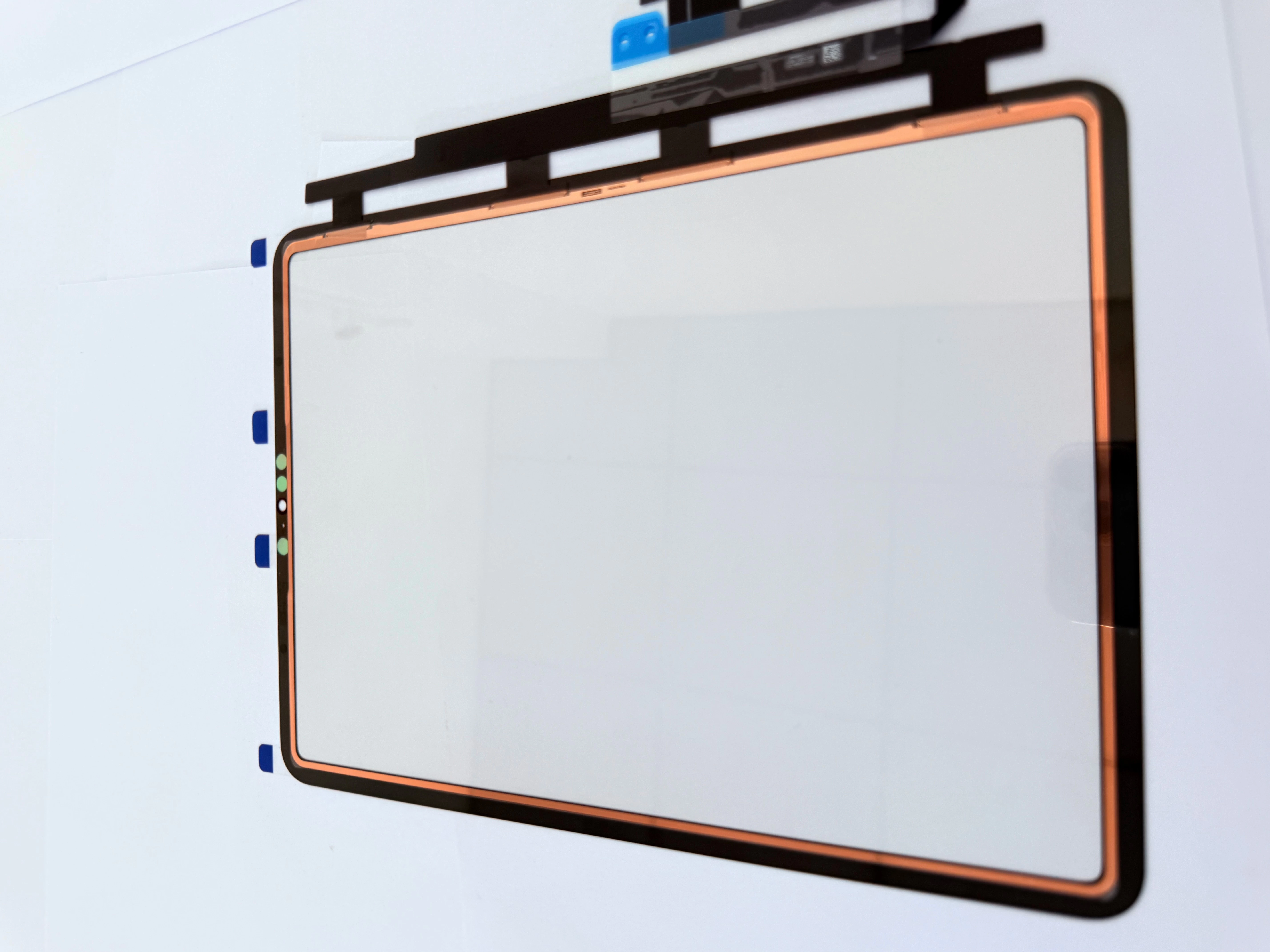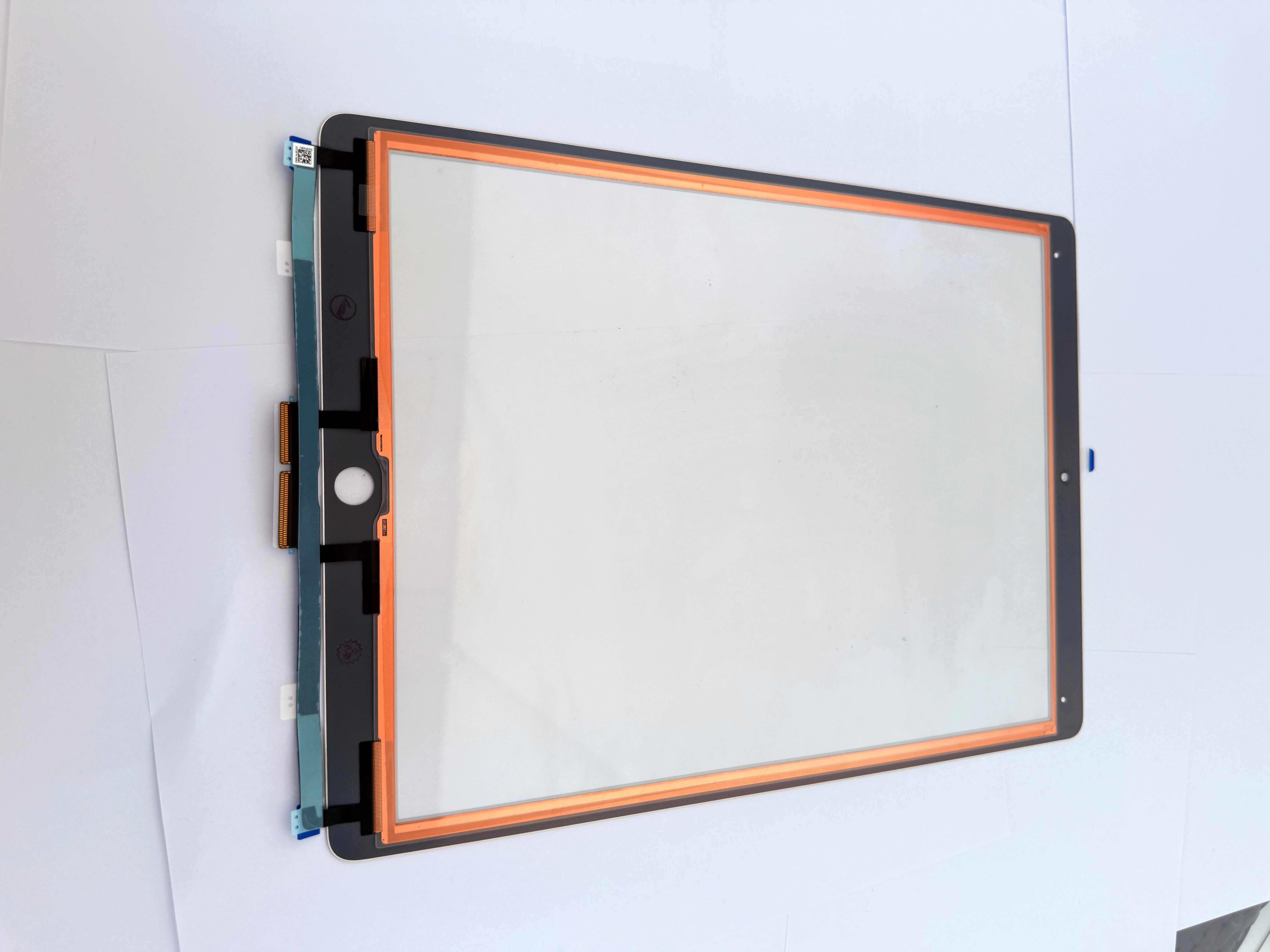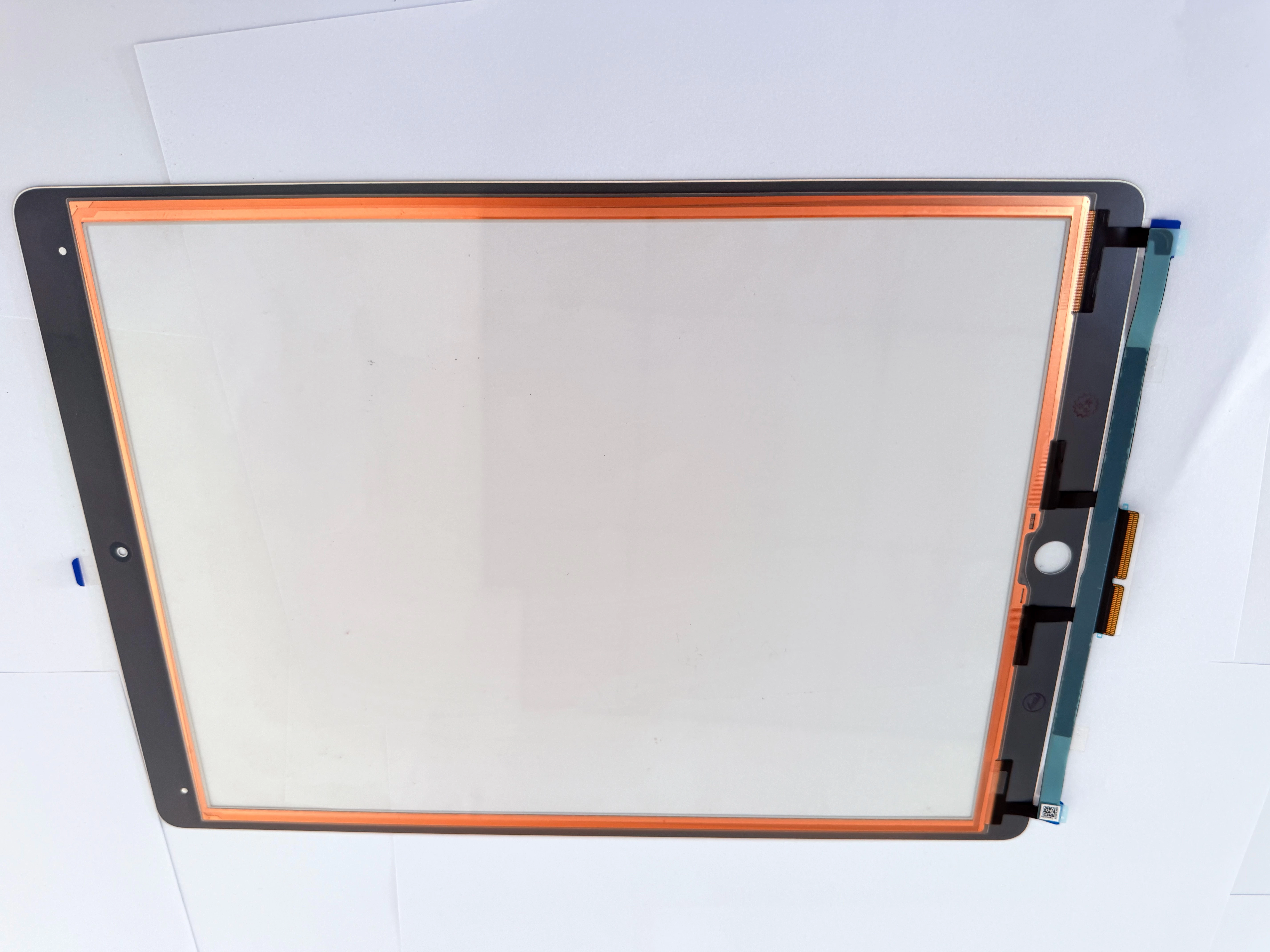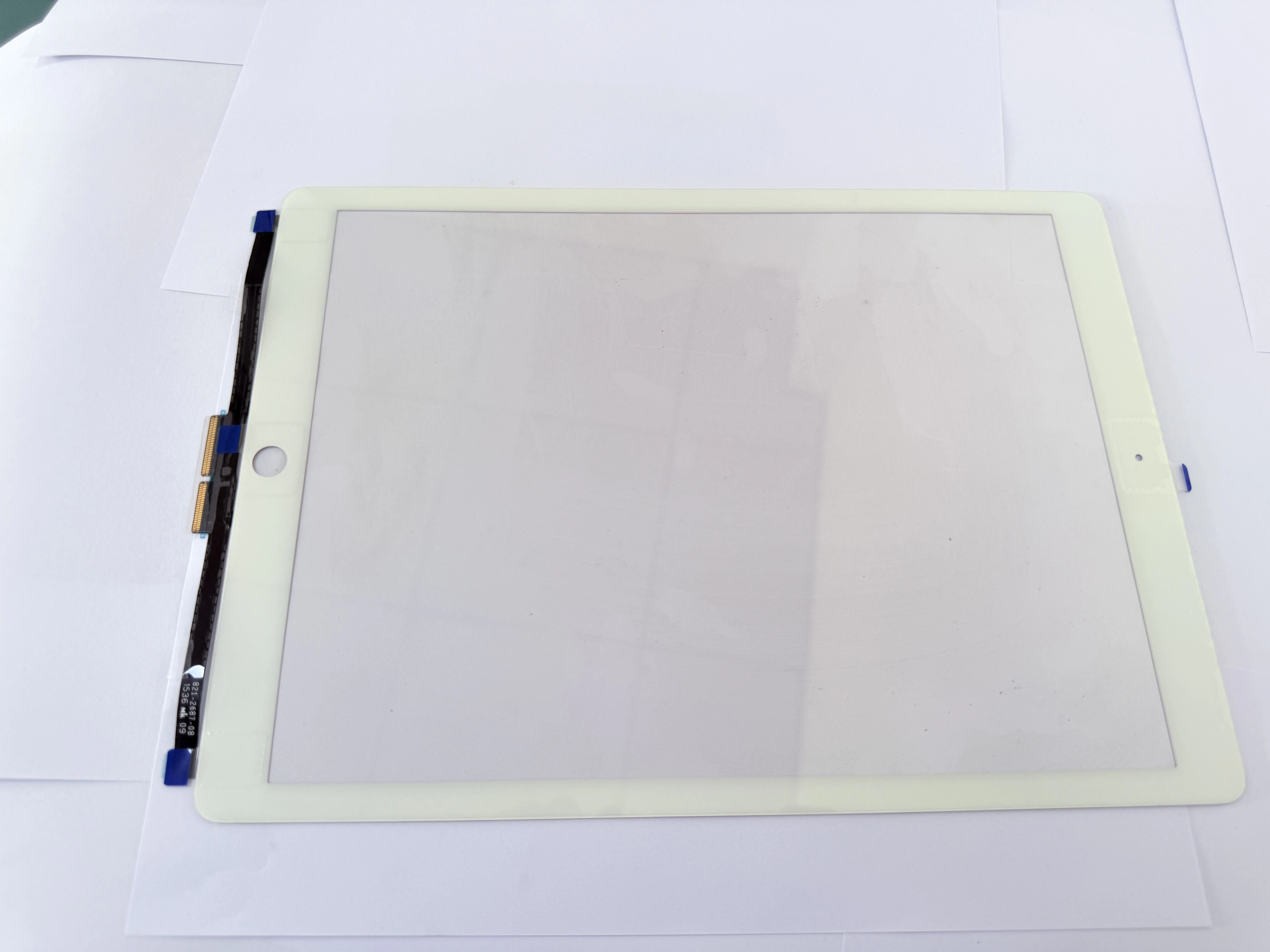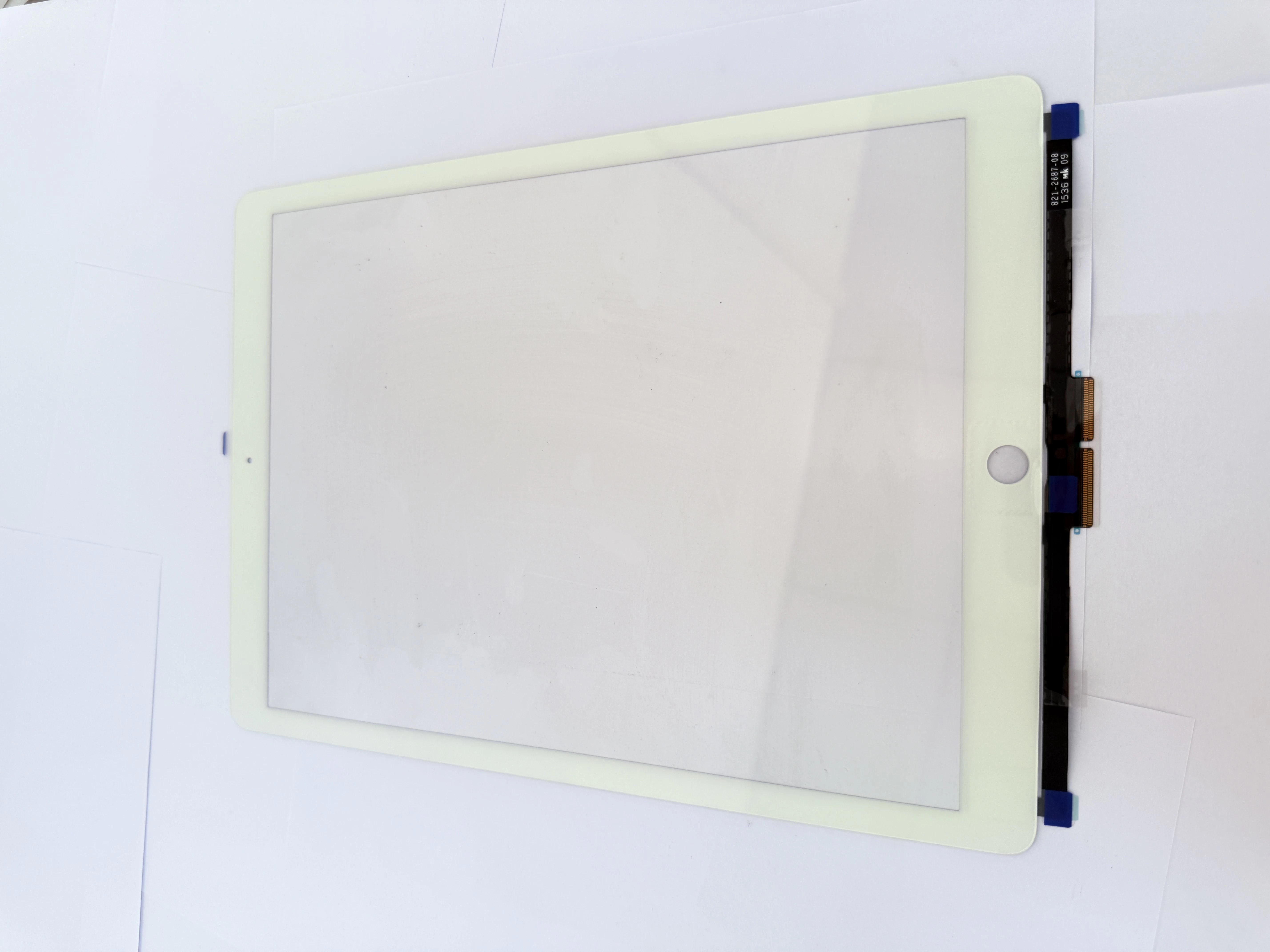
iPad 6 Screen Repair Guide: Touch Screen Replacement for A1893 and A1954
The iPad 6th generation is a 9.7-inch tablet released by Apple in 2018. It is still widely used in schools, offices, repair shops, and second-hand electronics markets. The common model numbers are A1893 for the Wi-Fi version and A1954 for the Wi-Fi + Cellular version.
Although the iPad 6 is durable, screen damage is still one of the most common repair issues. Many users may experience cracked glass, touch failure, ghost touch, or poor screen response after accidental drops, pressure damage, or long-term use.
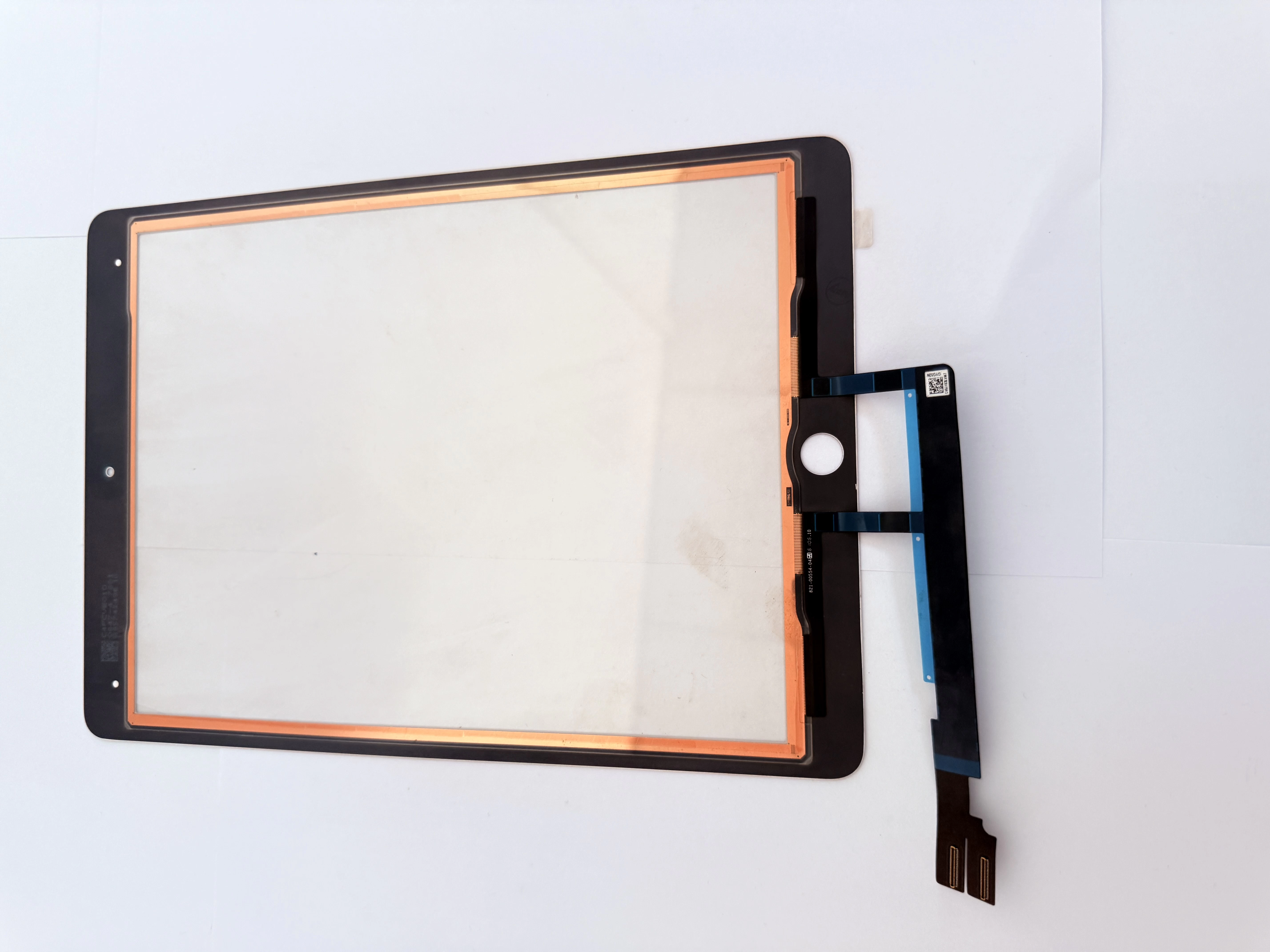
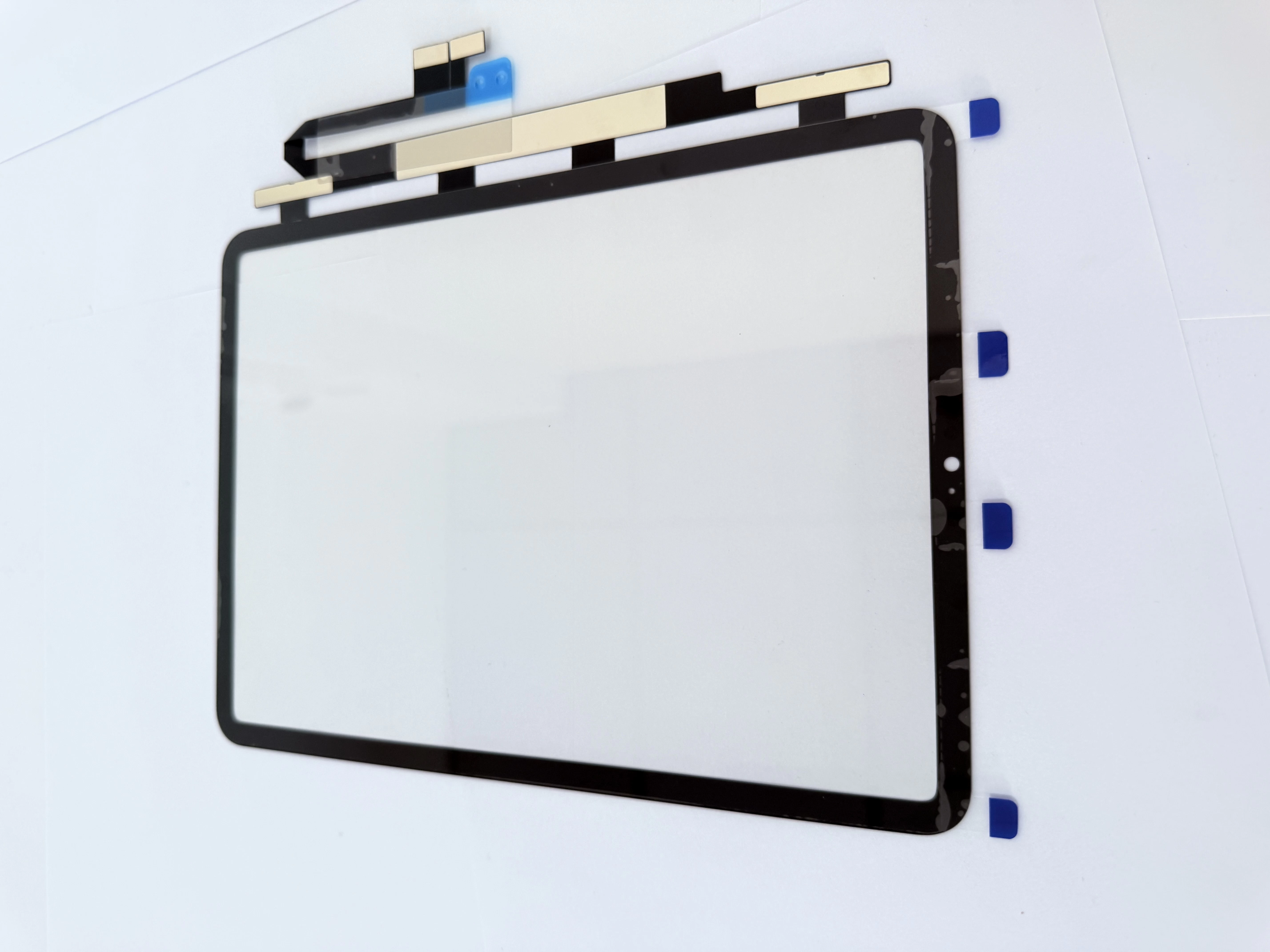
For repair shops and parts wholesalers, iPad 6 touch screen replacement remains a stable repair demand. In many cases, the LCD display still works normally, while only the front touch screen digitizer needs to be replaced.
Common iPad 6 Screen Problems
Before repairing an iPad 6, technicians should first identify the actual problem. Different symptoms may require different repair solutions.
Common iPad 6 screen problems include:
| Problem | Possible Cause | Repair Solution |
|---|---|---|
| Cracked front glass | Drop damage or pressure impact | Replace touch screen digitizer |
| Touch screen not working | Damaged digitizer or loose flex cable | Test and replace digitizer |
| Ghost touch | Poor-quality digitizer or connector issue | Reinstall or replace touch screen |
| Partial touch failure | Digitizer dead zone | Replace digitizer |
| Black screen | LCD, battery, or motherboard issue | Test LCD and power circuit |
| Display lines or white spots | LCD damage | Replace LCD |
| Home button not working | Home button flex cable damage | Inspect or transfer original home button carefully |
For iPad 6, the touch screen digitizer and LCD are separate parts. If the LCD displays normally, replacing only the touch screen digitizer is usually enough.
Confirm the Correct iPad 6 Model Before Repair
Before ordering replacement parts, always confirm the iPad model number. The iPad 6th generation mainly includes:
| iPad Version | Model Number |
|---|---|
| iPad 6 Wi-Fi | A1893 |
| iPad 6 Wi-Fi + Cellular | A1954 |
This step is very important because different iPad generations may look similar but use different screen parts. Using the wrong digitizer may cause poor fit, touch failure, connector mismatch, or installation problems.
For repair shops and wholesalers, accurate model confirmation can reduce wrong orders and improve repair efficiency.
When Does the iPad 6 Need a Touch Screen Replacement?
An iPad 6 usually needs a touch screen digitizer replacement when the following problems appear:
The front glass is cracked but the display still works normally.
The touch function does not respond after restart and testing.
Some areas of the screen cannot be touched.
The iPad shows ghost touch or random touch behavior.
The glass is broken near the home button or edge area.
The digitizer flex cable is damaged during previous repair.
If the LCD image is clear and stable, the problem is often related to the front touch screen digitizer rather than the LCD.
Basic iPad 6 Screen Repair Process
1. Power Off the Device
Before opening the iPad, power it off completely. Repairing the device while it is still powered on may increase the risk of short circuits or accidental damage.
2. Heat the Screen Edges
The iPad 6 front glass is fixed with strong adhesive. Heat the screen edges evenly to soften the adhesive. Avoid overheating one area for too long, especially near the battery, LCD, and home button area.
3. Open the Front Glass Carefully
Use proper opening tools to separate the front glass from the frame. Do not insert the tool too deeply, because the LCD, antenna, home button flex cable, or internal components may be damaged.
The home button area requires special attention. If the original home button flex cable is damaged, Touch ID may stop working.
4. Disconnect the Digitizer Flex Cable
After opening the front glass, disconnect the touch screen digitizer flex cable carefully. Do not pull the cable by force. Check whether the connector is clean, aligned, and free from damage.
5. Transfer the Original Home Button
The original home button should be removed from the broken screen and transferred to the new digitizer. This step must be done slowly and carefully.
When transferring the home button, avoid bending or tearing the flex cable. Damaging the original home button may affect Touch ID function.
6. Test the New Touch Screen Before Sealing
Before applying adhesive and sealing the iPad, connect the new digitizer and test the touch function.
Technicians should test:
Full-screen touch response.
Four-corner touch sensitivity.
Keyboard typing.
App icon dragging.
Multi-touch gestures.
Home button function.
No ghost touch.
No dead zones.
Only after the test is passed should the screen be sealed.
7. Clean the Frame and Apply Adhesive
Remove old adhesive, glass fragments, dust, and residue from the frame. A clean frame helps the new screen fit better and reduces the risk of screen lifting after repair.
Use suitable pre-cut adhesive tape for iPad 6. Make sure the adhesive does not cover the camera, speaker holes, sensors, or flex cable area.
8. Seal the Screen Properly
After testing and alignment, press the new touch screen into place carefully. Apply even pressure around the edges. Avoid pressing too hard on the LCD area.
After sealing, test the touch function again to confirm that the repair is successful.
Important Repair Tips for iPad 6
Keep the Original Home Button
The original home button is very important. If the home button flex cable is damaged during repair, Touch ID may no longer work. Always transfer the original home button carefully.
Test Before Final Installation
Never seal the screen before testing the new digitizer. If the part has a problem, testing before sealing can avoid unnecessary rework.
Check the Frame Condition
If the iPad frame is bent after a drop, the new screen may not fit properly. A bent frame can cause screen lifting, touch problems, or glass cracking after repair.
Use Good Adhesive
Poor adhesive may cause the screen to lift after several days. Strong and accurate adhesive helps improve repair quality.
Avoid Low-Quality Digitizers
Low-quality iPad 6 digitizers may cause ghost touch, poor sensitivity, delayed response, or early failure. For repair shops, this can increase customer complaints and after-sales costs.
How to Choose a Good iPad 6 Touch Screen Digitizer
For repair shops, wholesalers, and distributors, choosing a reliable iPad 6 touch screen digitizer is very important.
A good iPad 6 replacement digitizer should have:
Stable touch sensitivity.
Accurate model compatibility for A1893 and A1954.
Clean glass surface.
Reliable flex cable quality.
Good fitting with the iPad frame.
Support for original home button transfer.
Pre-shipment quality testing.
Safe packaging for bulk orders.
For wholesale buyers, product quality is more important than simply choosing the lowest price. A low-cost digitizer with a high defect rate may increase repair cost, return cost, and customer complaints.
Stable quality helps repair shops improve customer satisfaction and build long-term business trust.
When Should the LCD Be Replaced Too?
In many iPad 6 repairs, replacing the touch screen digitizer is enough. However, if the LCD is damaged, the LCD also needs to be replaced.
The LCD may need replacement if the iPad has:
Black screen.
No backlight.
Colored lines.
White spots.
Flickering display.
Ink-like marks.
Cracked LCD panel.
Display abnormality after impact.
If the display image is normal, only the touch screen digitizer may need replacement. If both touch and display are damaged, both parts should be checked and replaced if necessary.
Why Repair Shops Still Need iPad 6 Touch Screen Parts
Although the iPad 6 is not the newest model, it is still widely used in education, office, home entertainment, and second-hand markets. Many users prefer repairing the device instead of replacing it with a new tablet.
For repair businesses, this creates continuous demand for iPad 6 touch screen digitizers. Keeping stable stock of iPad 6 screen parts can help repair shops respond faster to customer needs.
For wholesalers, iPad 6 replacement parts are still suitable for bulk supply, especially for repair chains, school device repair projects, and second-hand refurbishment businesses.
Conclusion
iPad 6 screen repair is still a common service in the tablet repair market. If the front glass is cracked or the touch function fails while the LCD still works normally, replacing the iPad 6 touch screen digitizer is usually the most practical solution.
For a successful repair, technicians should confirm the correct model number, protect the original home button, test the new digitizer before sealing, clean the frame carefully, and use reliable replacement parts.
For repair shops and wholesalers, choosing a stable iPad 6 touch screen supplier can help reduce return rates, improve repair quality, and support long-term business growth.
Call to Action
Looking for reliable iPad 6 touch screen digitizer replacement parts for repair shops, wholesalers, or distributors?
Contact us today to get iPad 6 touch screen parts for A1893 and A1954, with stable quality, safe packaging, bulk order support, and OEM/ODM cooperation options.